I have been creating a design which has a included stl file in the model tab.
after changing the z scale/scale to height, the stl model is repositioned and resized.
Very difficult to iterate on designs with this interference.
I have been creating a design which has a included stl file in the model tab.
after changing the z scale/scale to height, the stl model is repositioned and resized.
Very difficult to iterate on designs with this interference.
Could you post the .stl, the .c2d file as first imported and a screen grab showing the settings used for initial import, a screen grab showing the changes which you wish to make, and a screen grab showing the shift?
Thanks for taking a look at this.
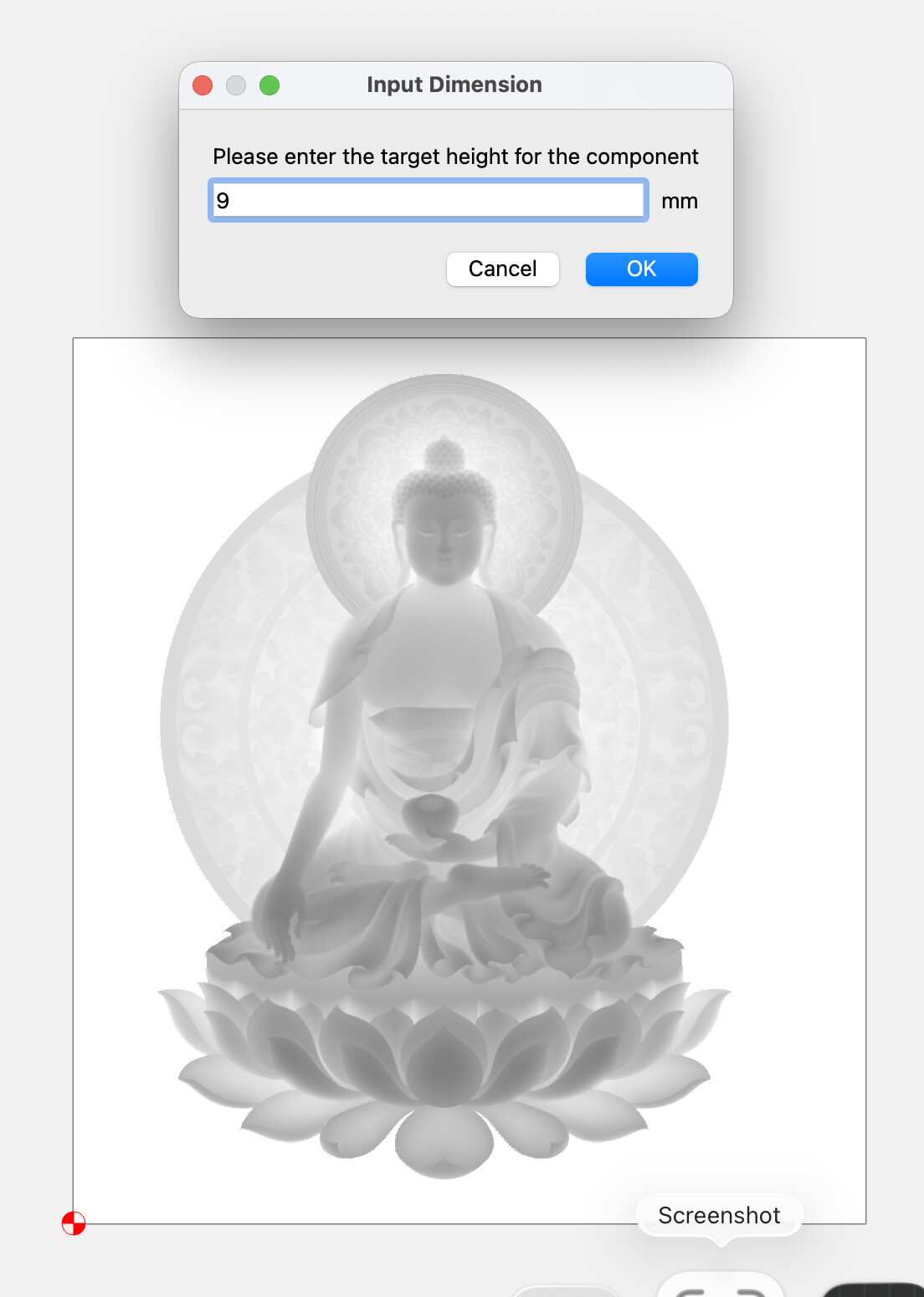
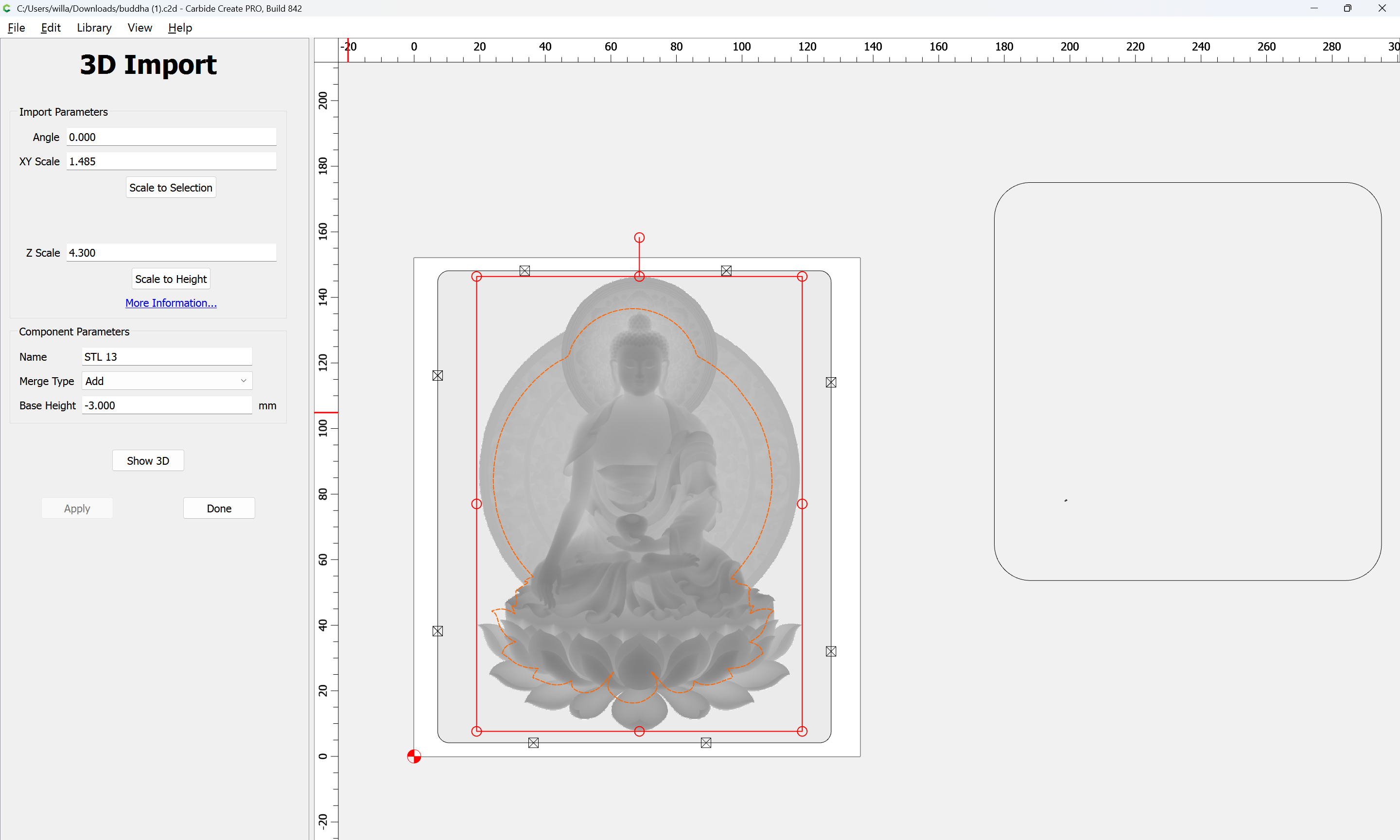
screen1 is starting
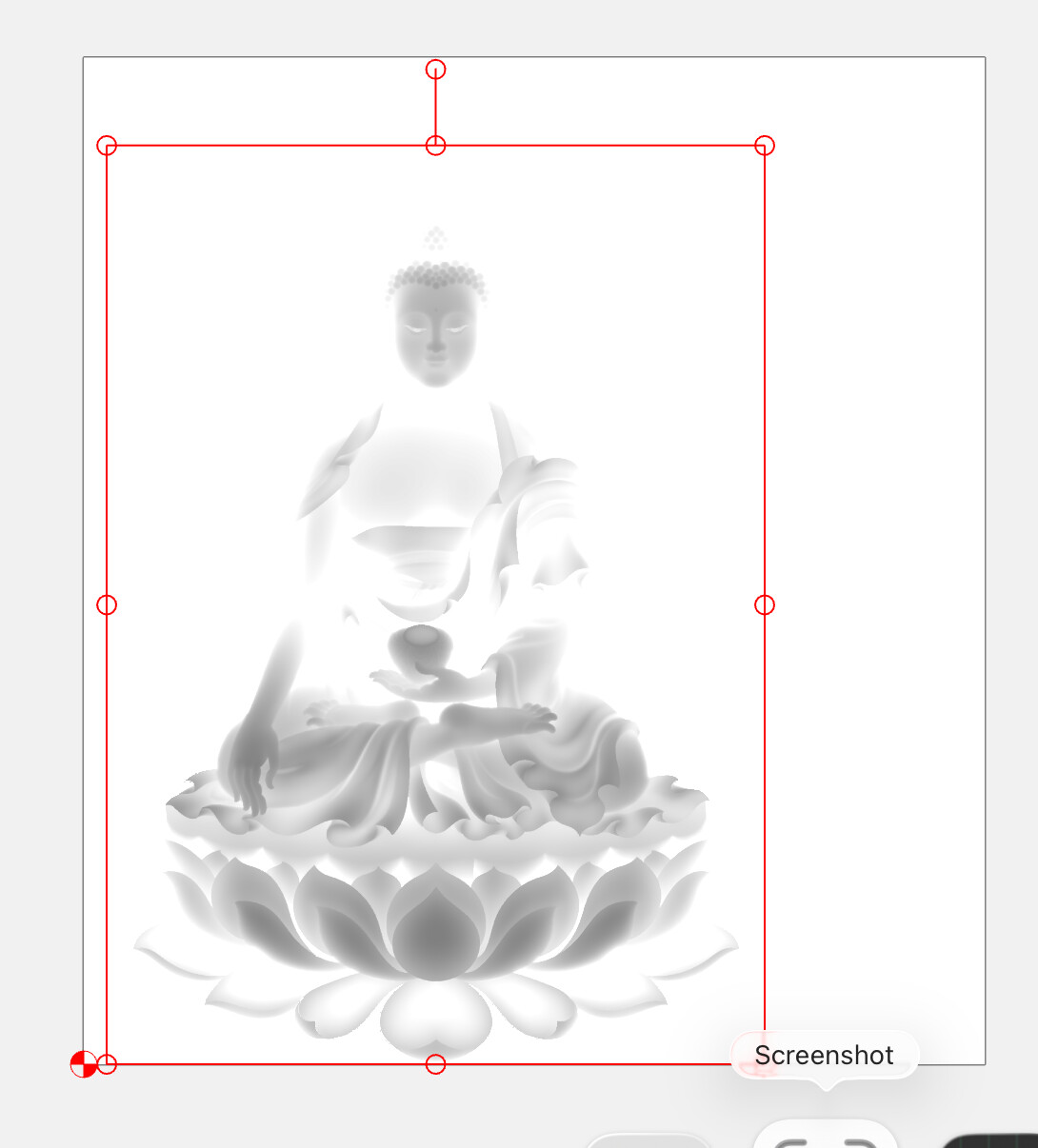
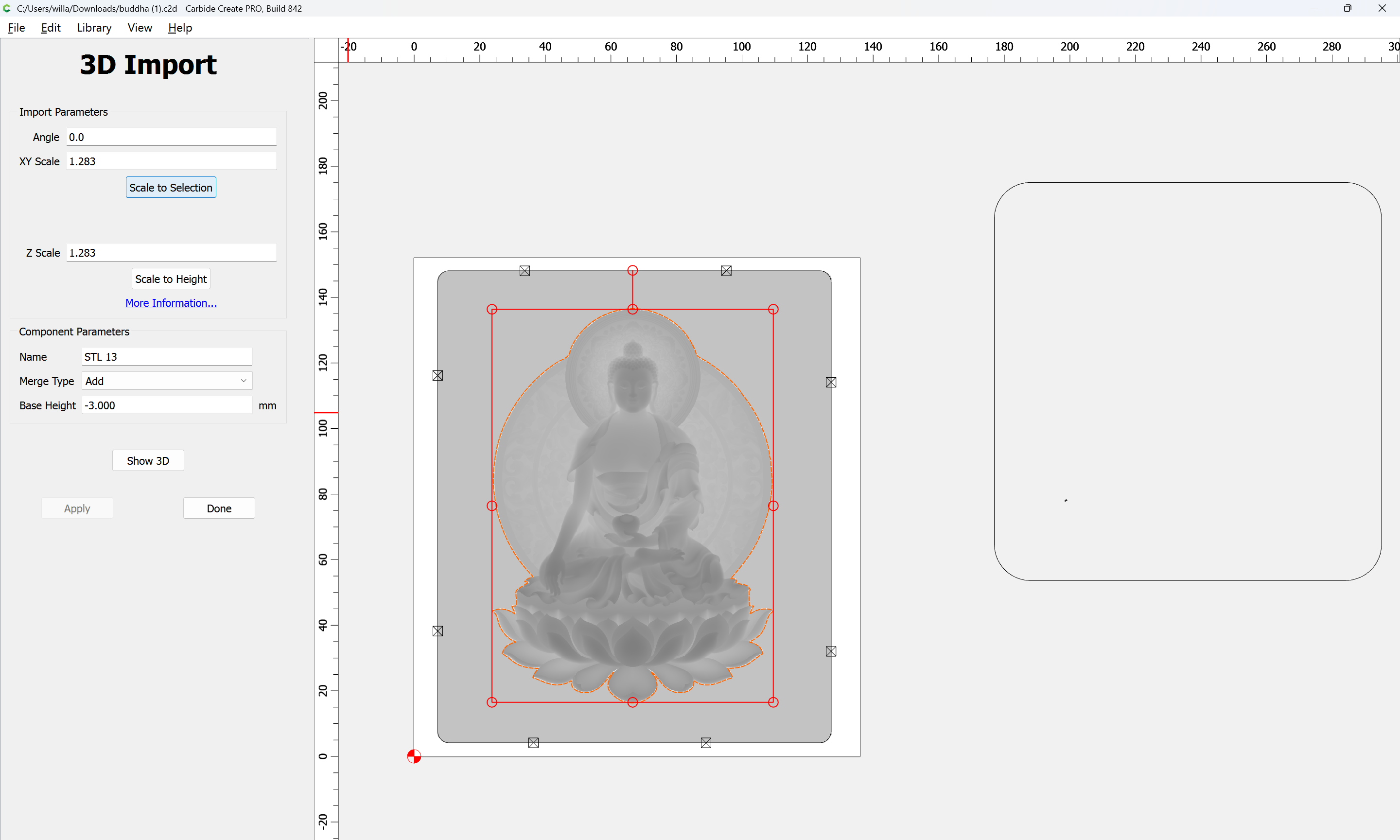
screen2 shows changing height
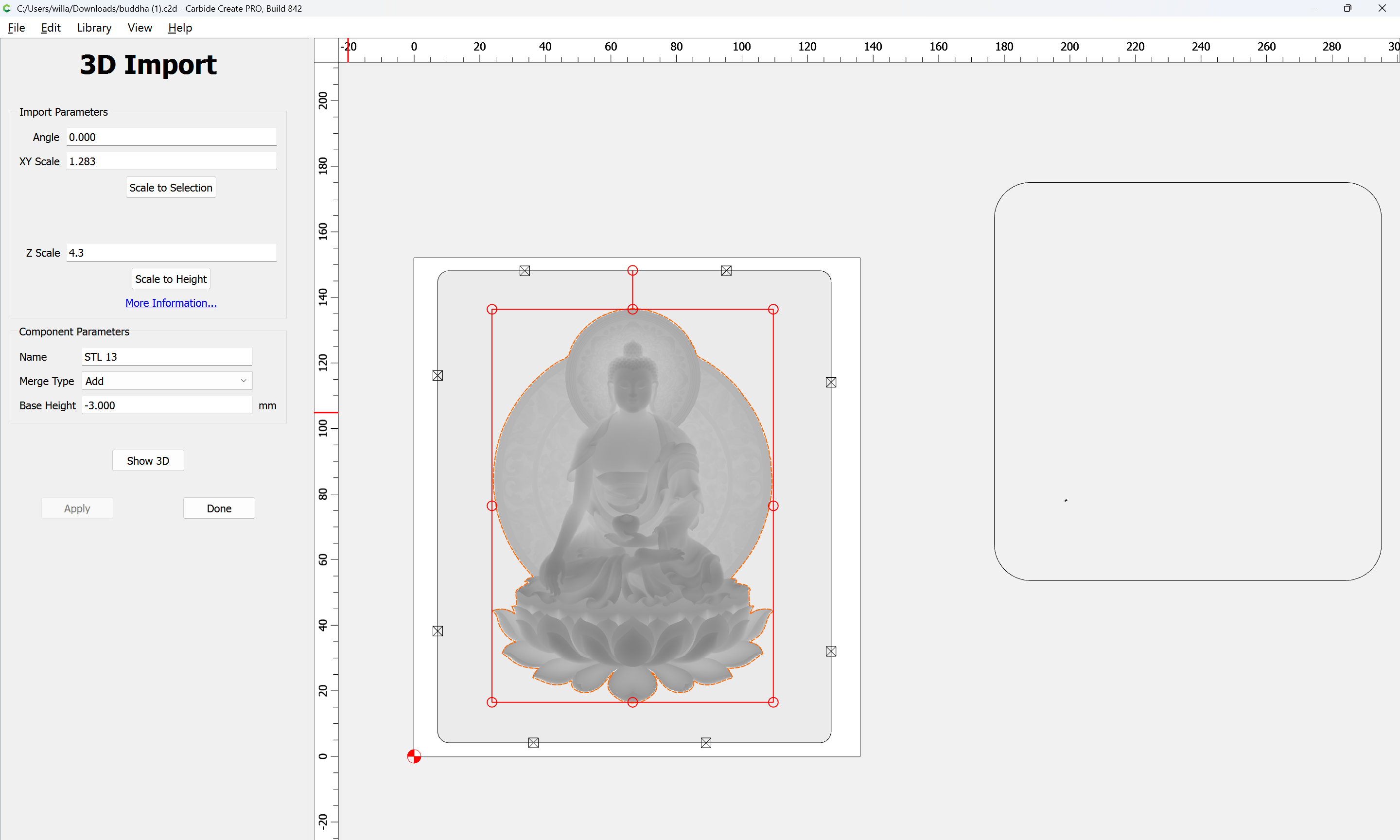
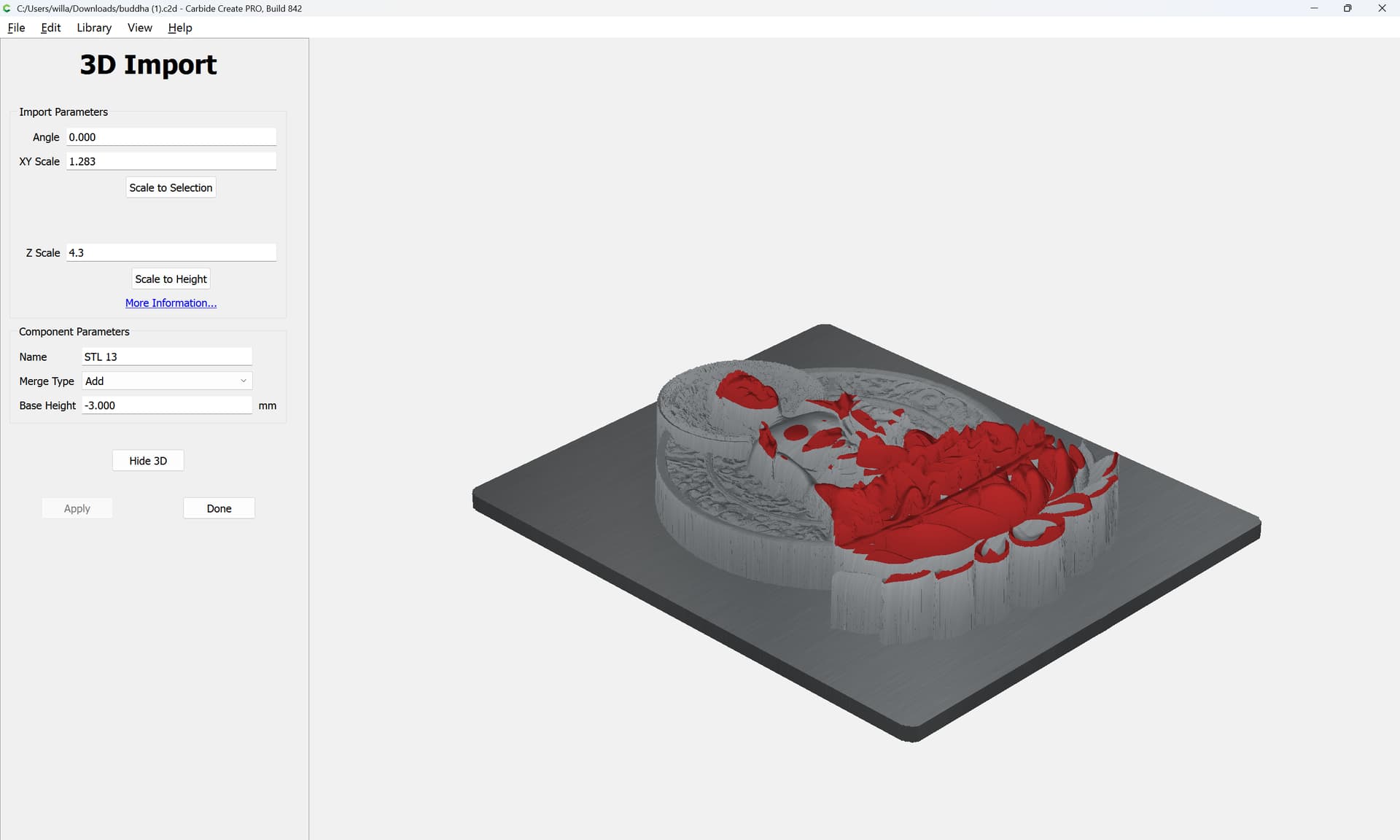
screen3 shows stl model moved to new location. Sometimes it is resized also.
I can share the files, but I need a personal email address. the files are 30MB & 90MB
Send things in to support@carbide3d.com (or post a link to there).
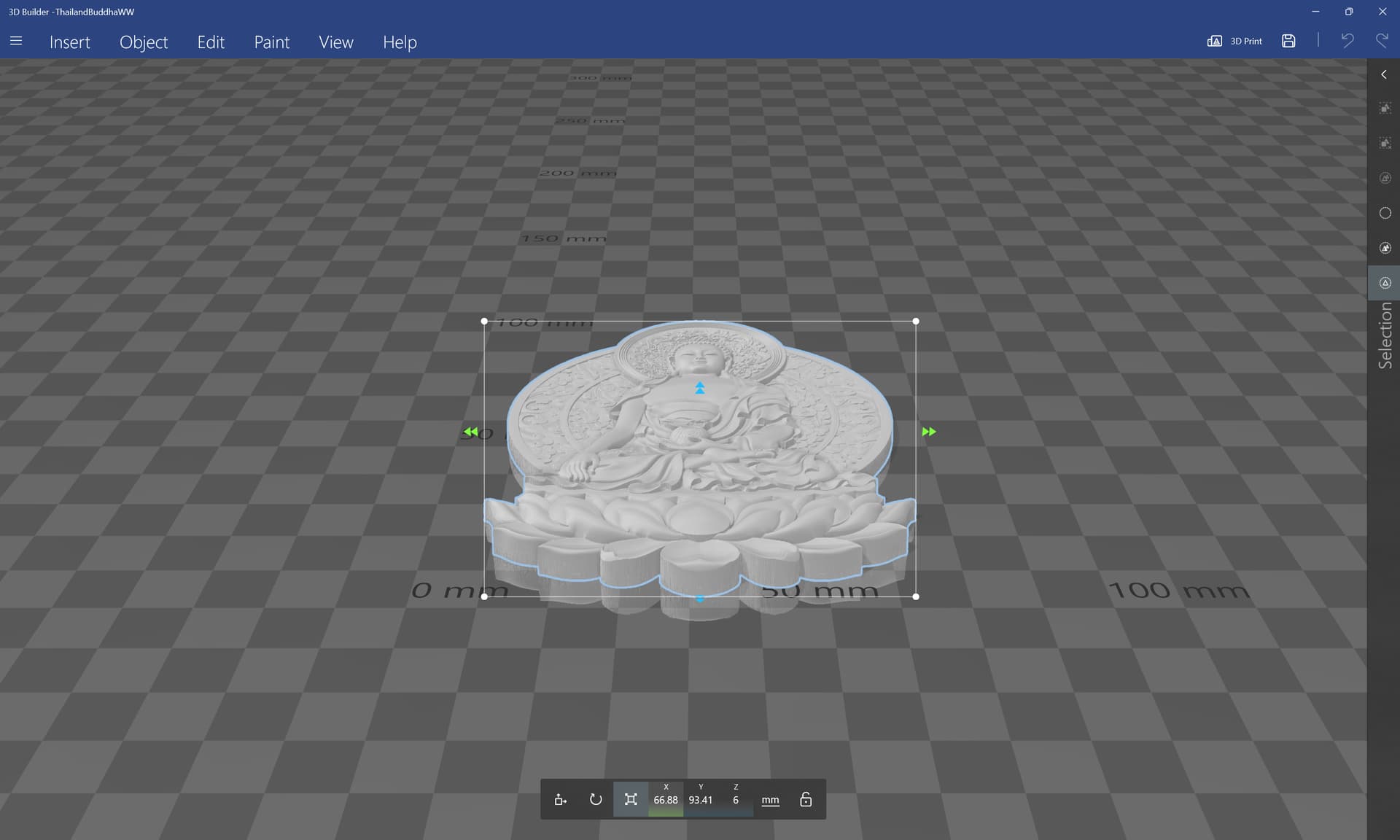
The STL seems fine:
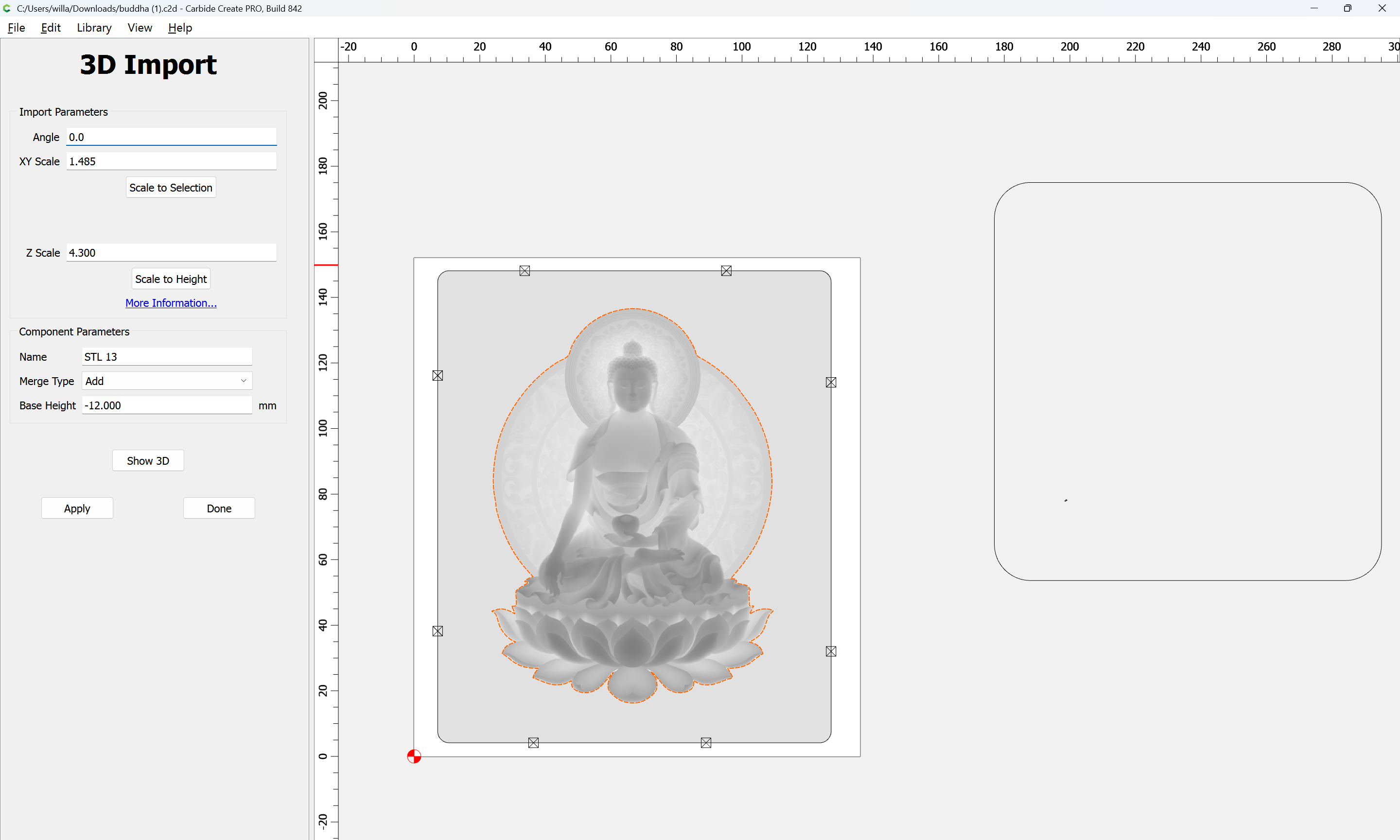
and the .c2d is as expected:
If I edit the component:
changing the Base Height to -3mm:
then things resize — Scale to Selection brings things back into alignment:
and one can then change the Z scale back:
but will need to be adjusted:
Do you know what dimensions were used for the original STL?
I’ve run into a similar problem with a stl that I cropped and resized in Meshmixer, then imported back to CC 842.
I put a sizing rectangle around the stl. It seems to reduce the problem significantly when the stl is sized to this rectangle.
Similar issue with height map. I gave the files to support along with the video. https://youtu.be/c1x3FVm8NRc