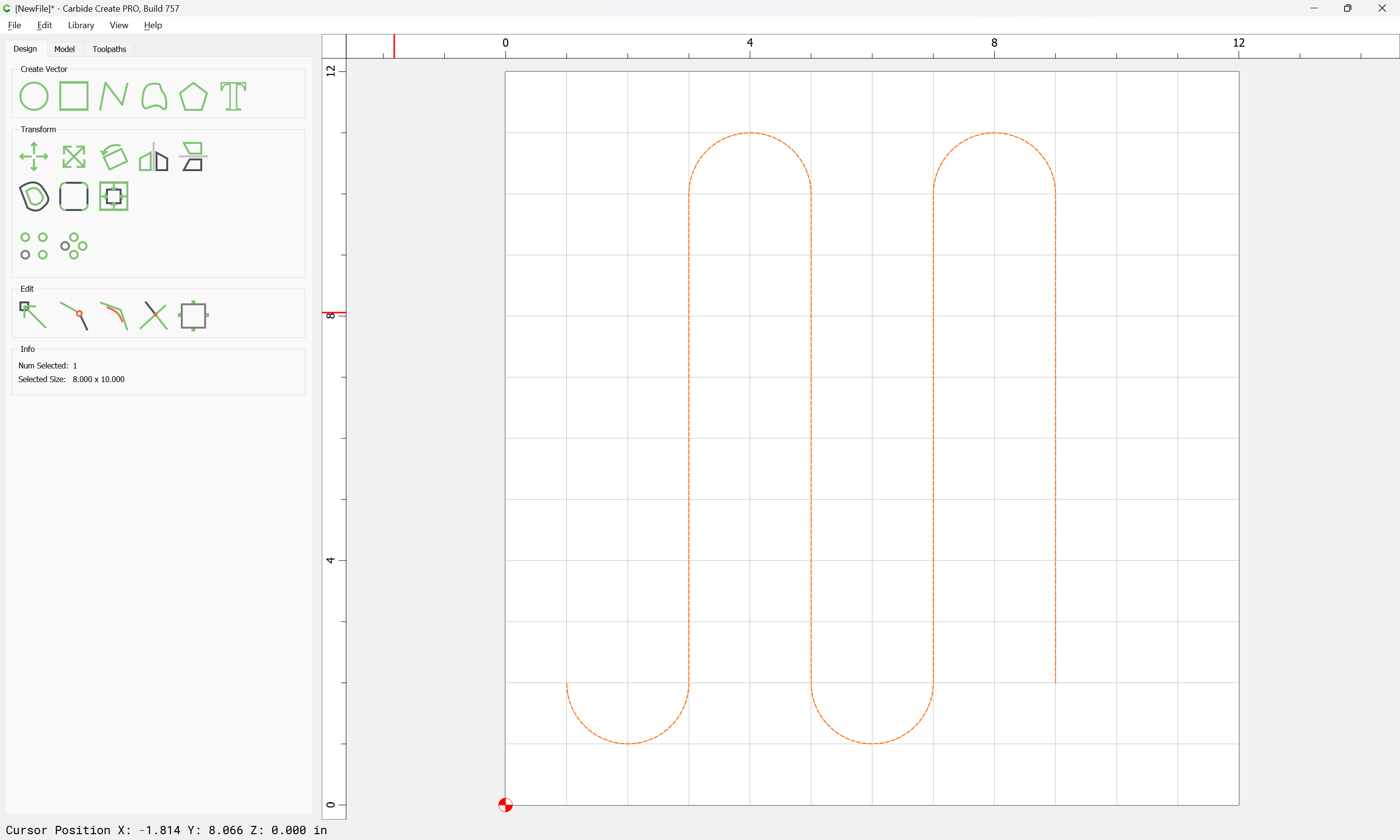
One way would be to draw the parts, edit as necessary, then stitch together:
First a circle, so one can get a semi-circle:
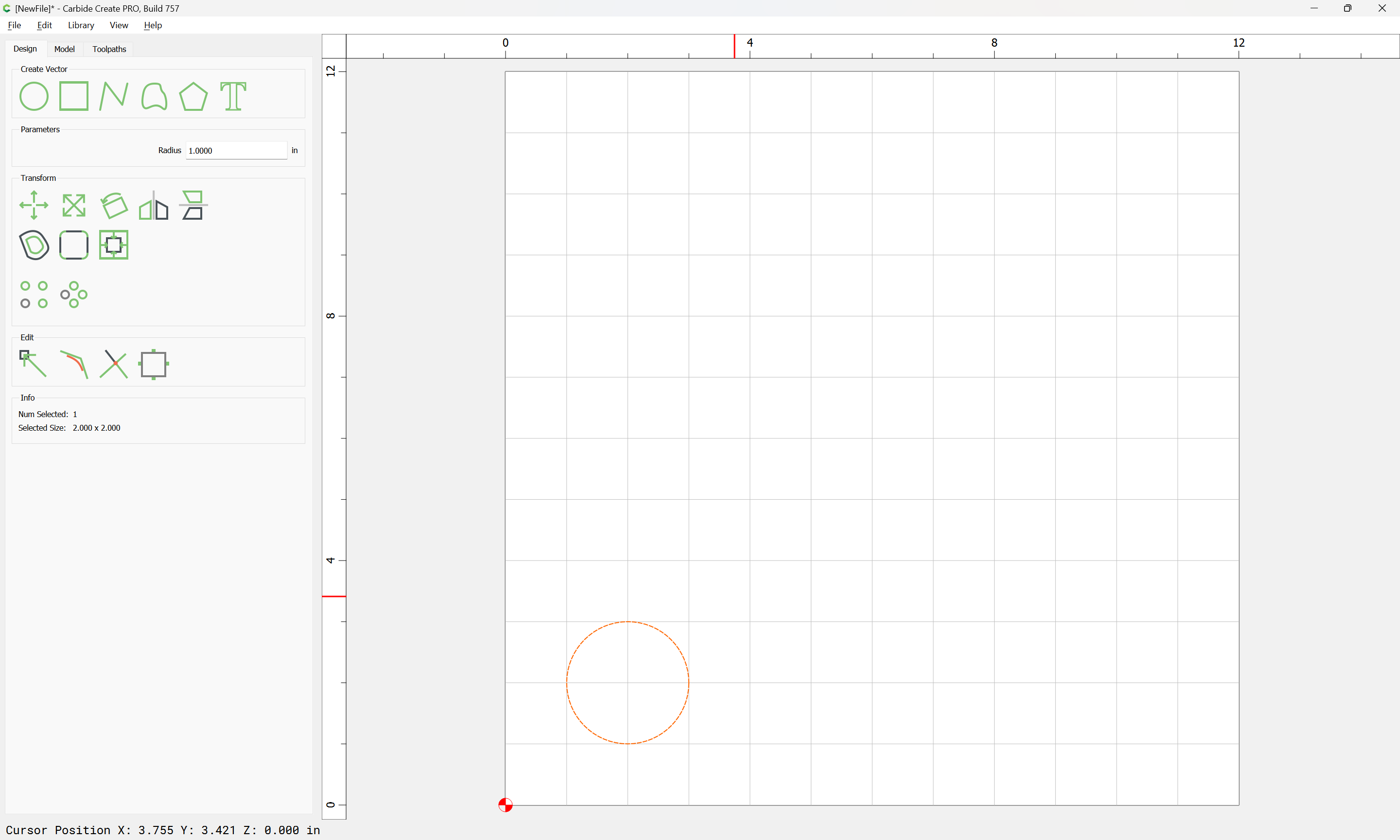
(it will help to have the grid set up so that things line up/snap nicely)
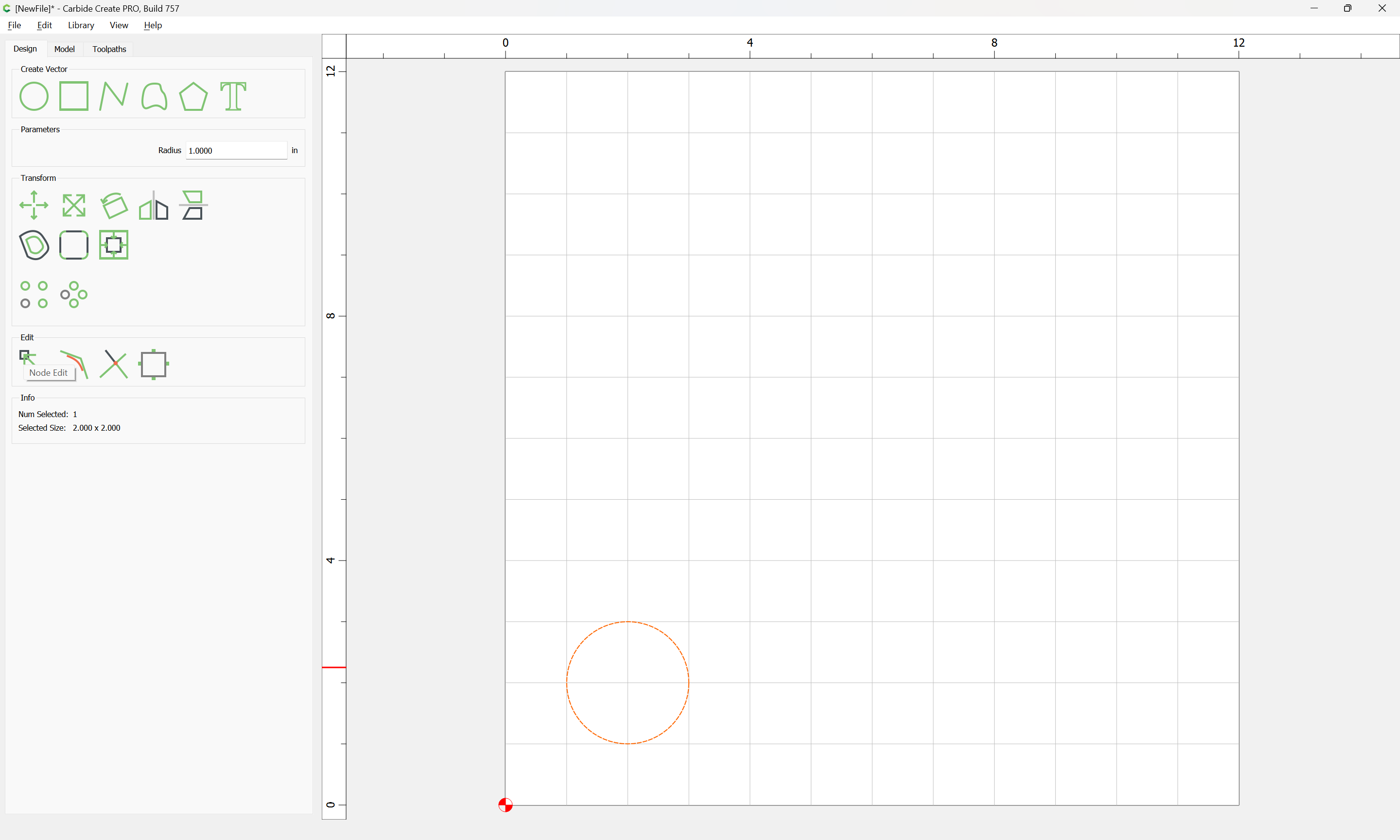
Node Edit:
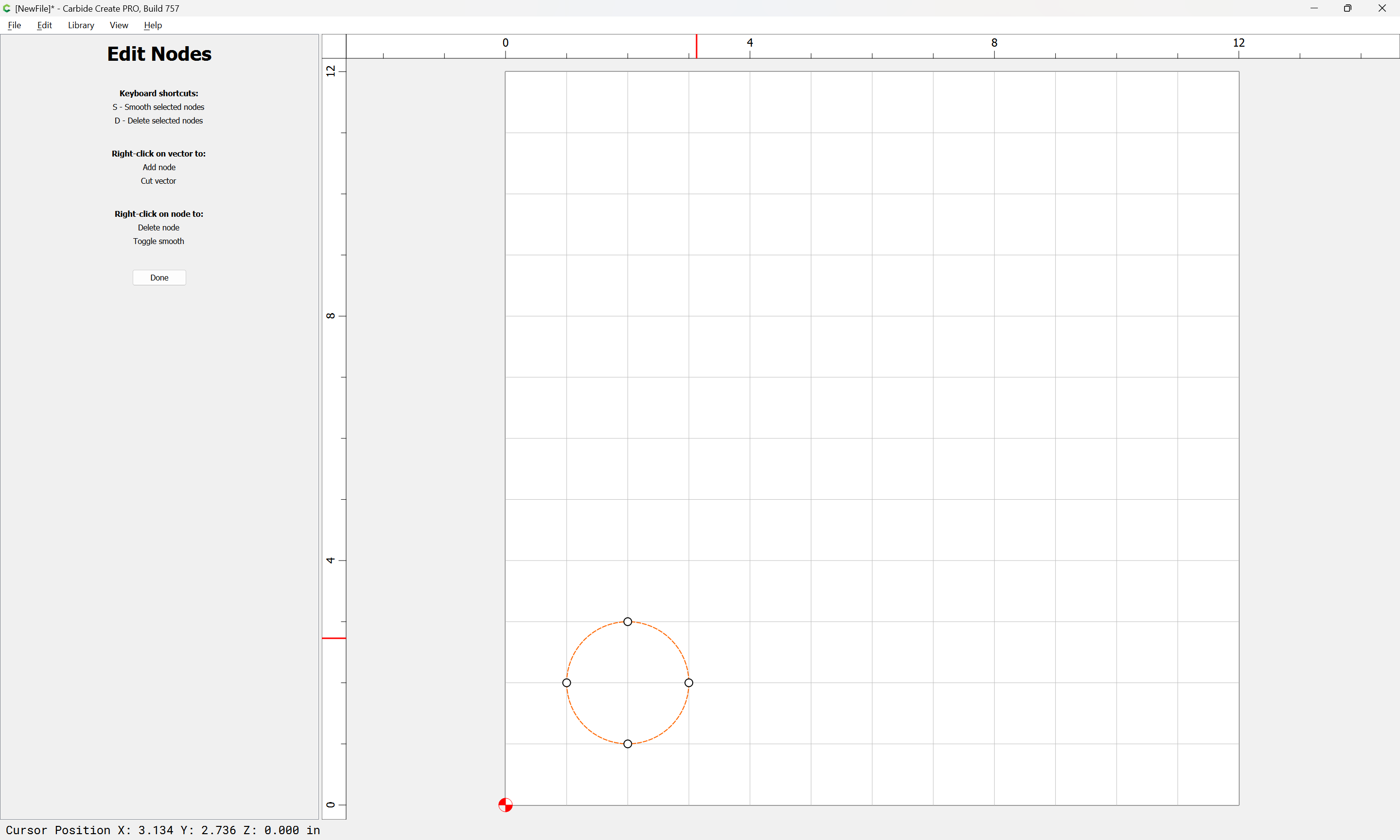
right-click:
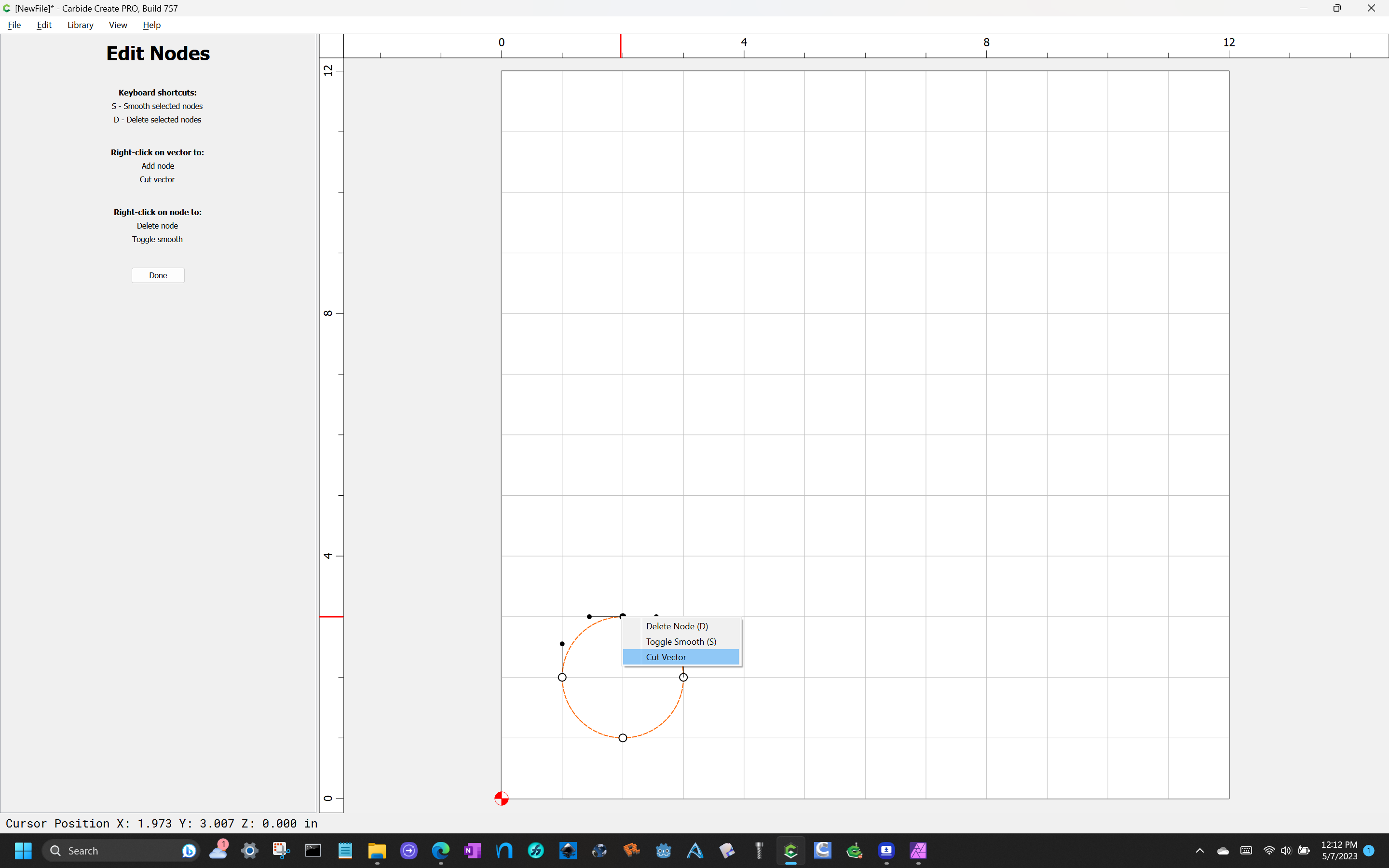
Cut Vector:
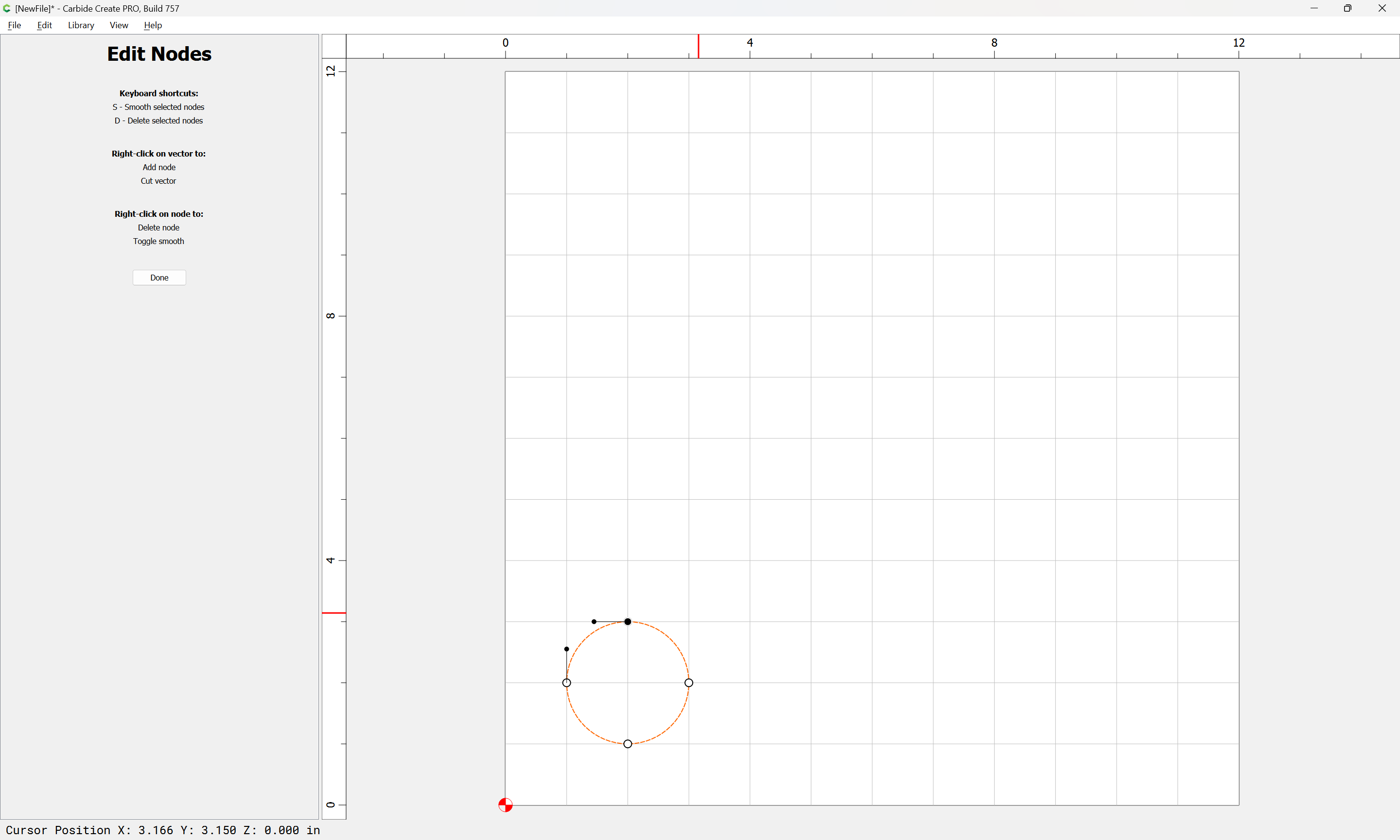
d to delete the current selection (or use the right-click menu):
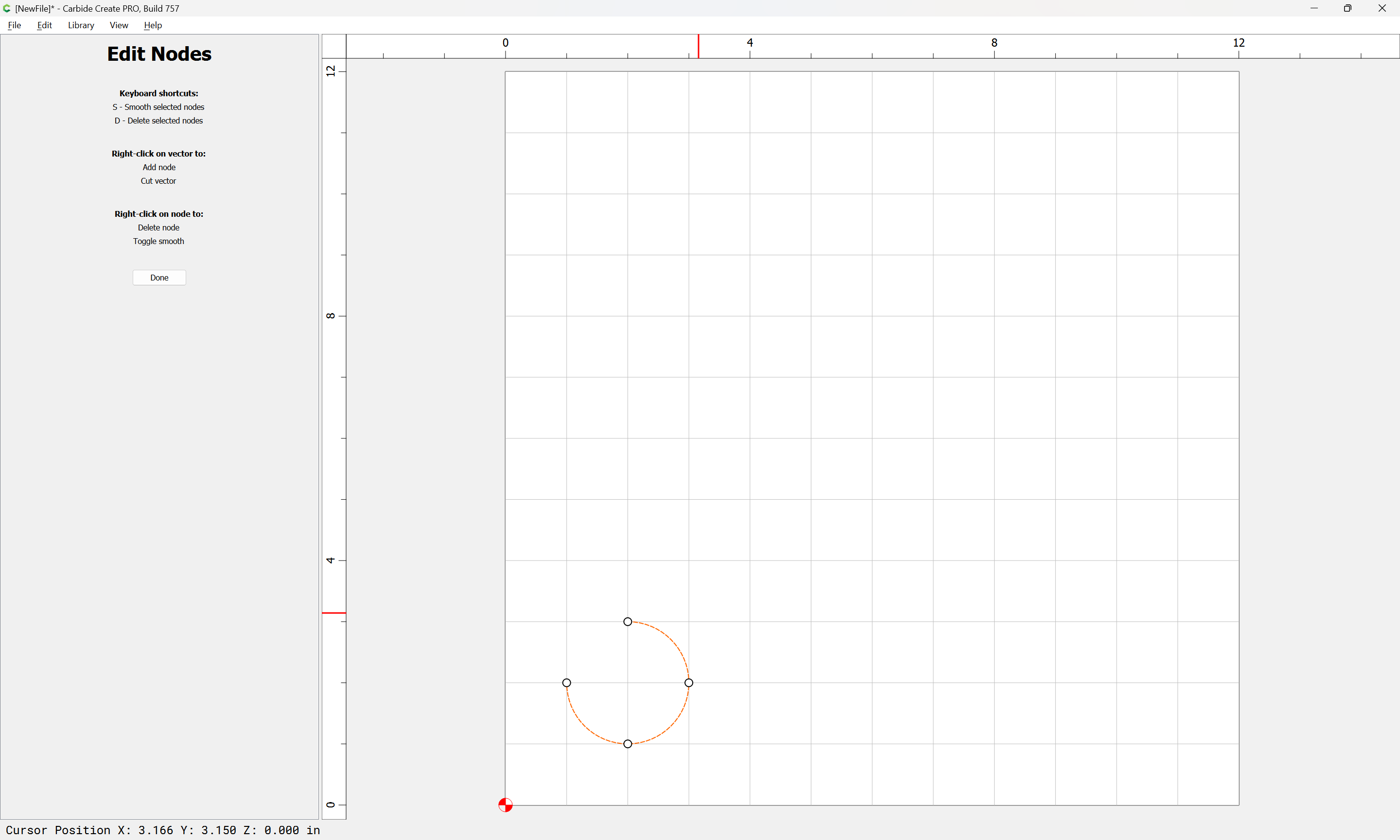
select the remaining node:
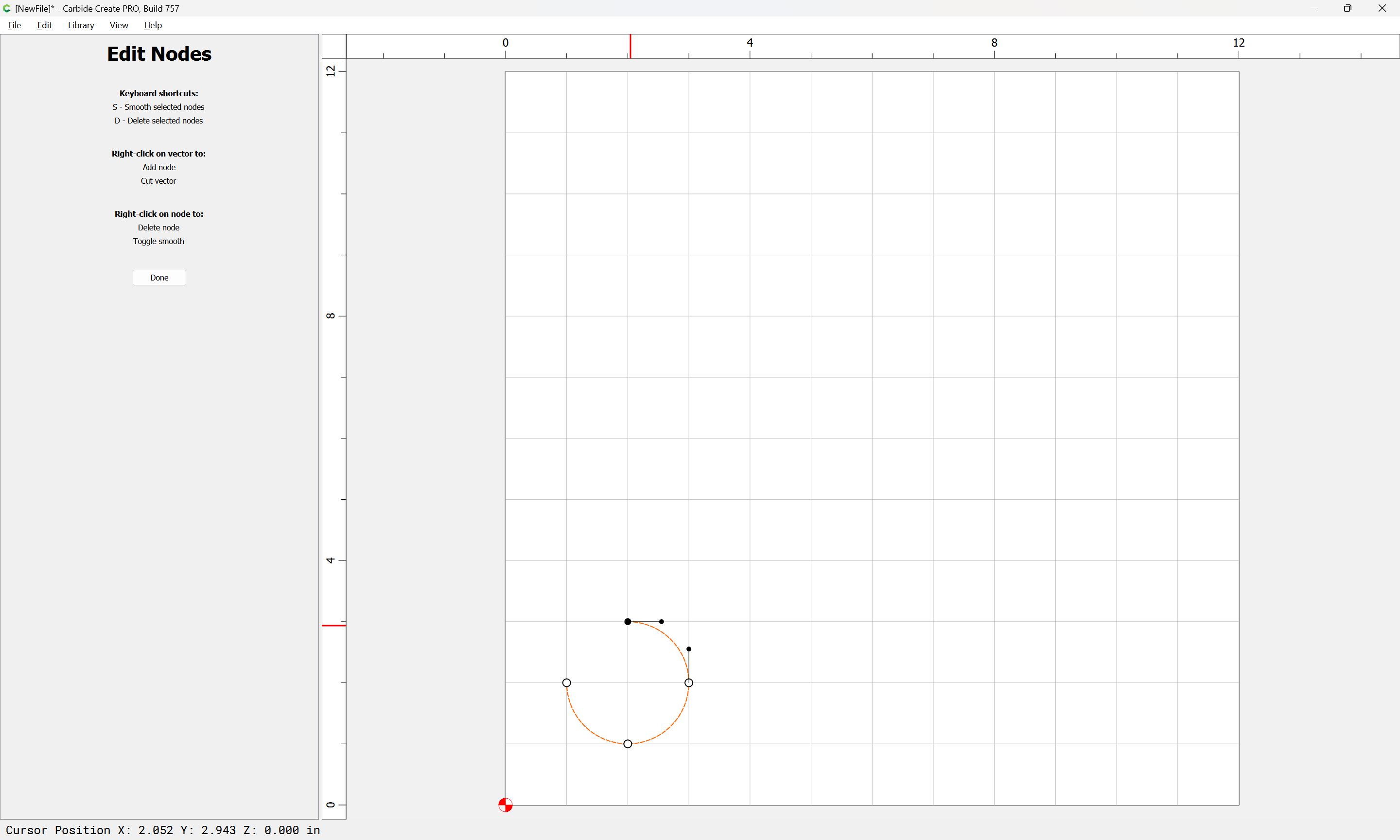
d

Done
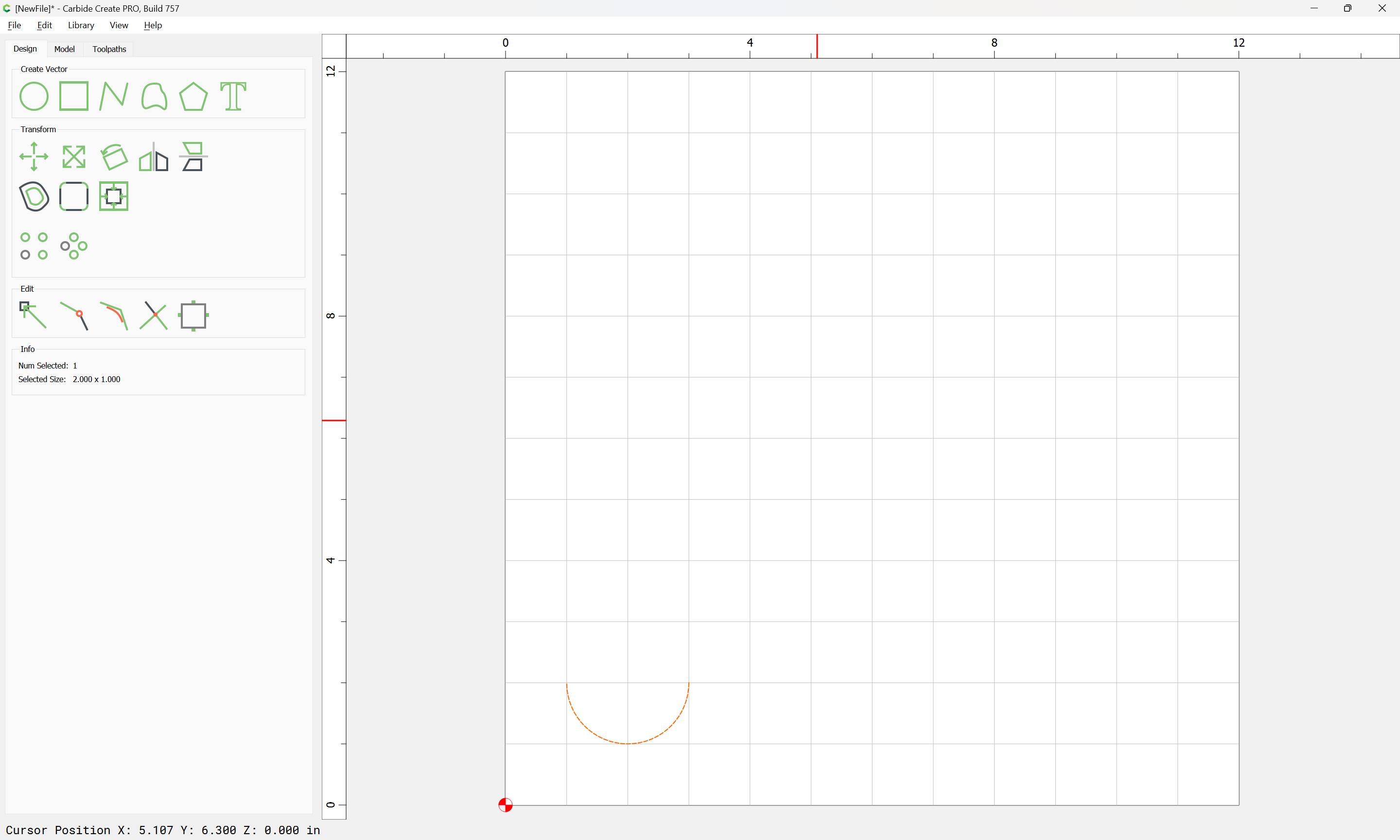
Draw in geometry as desired using the Polyline tool:
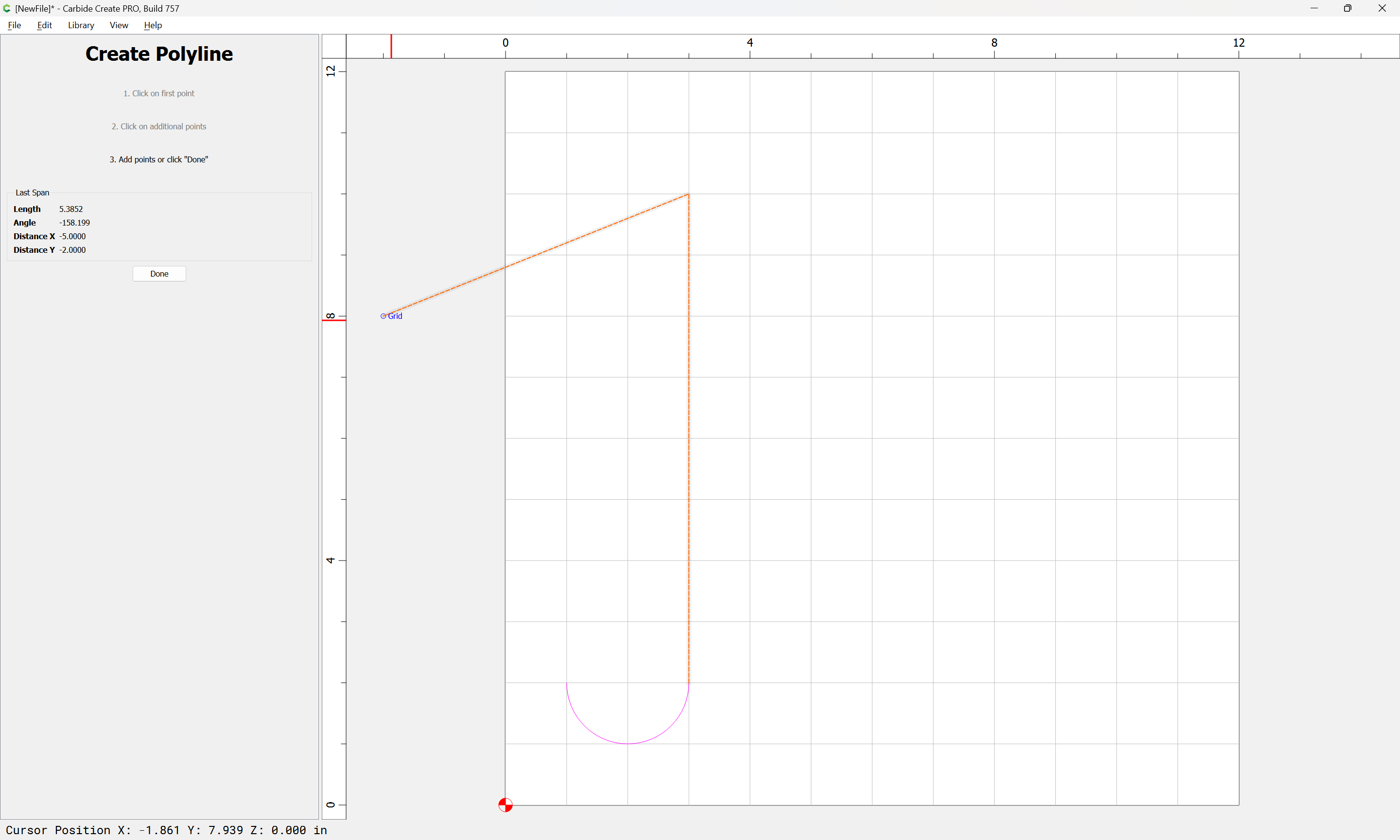
Done
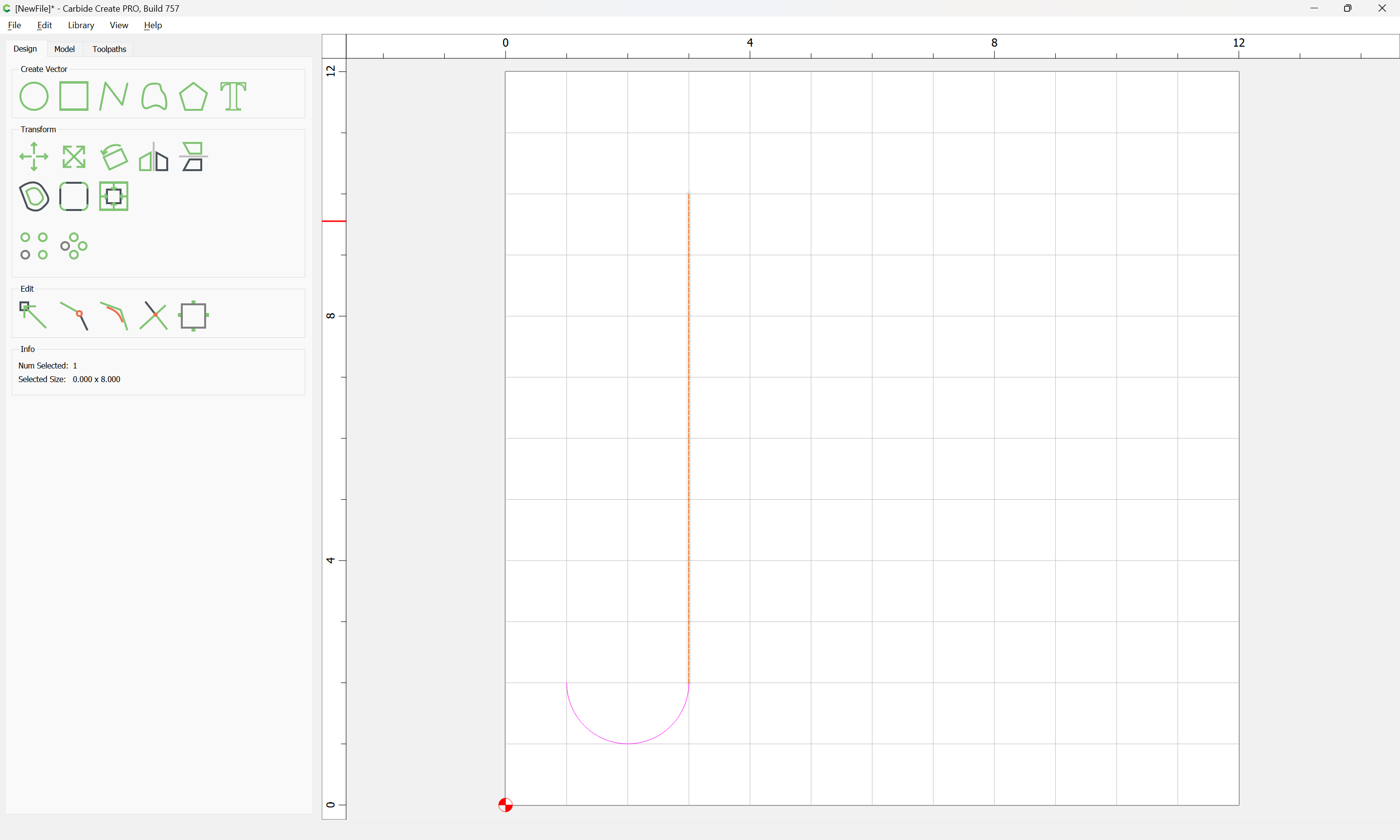
Select:
copy-paste or Duplicate:
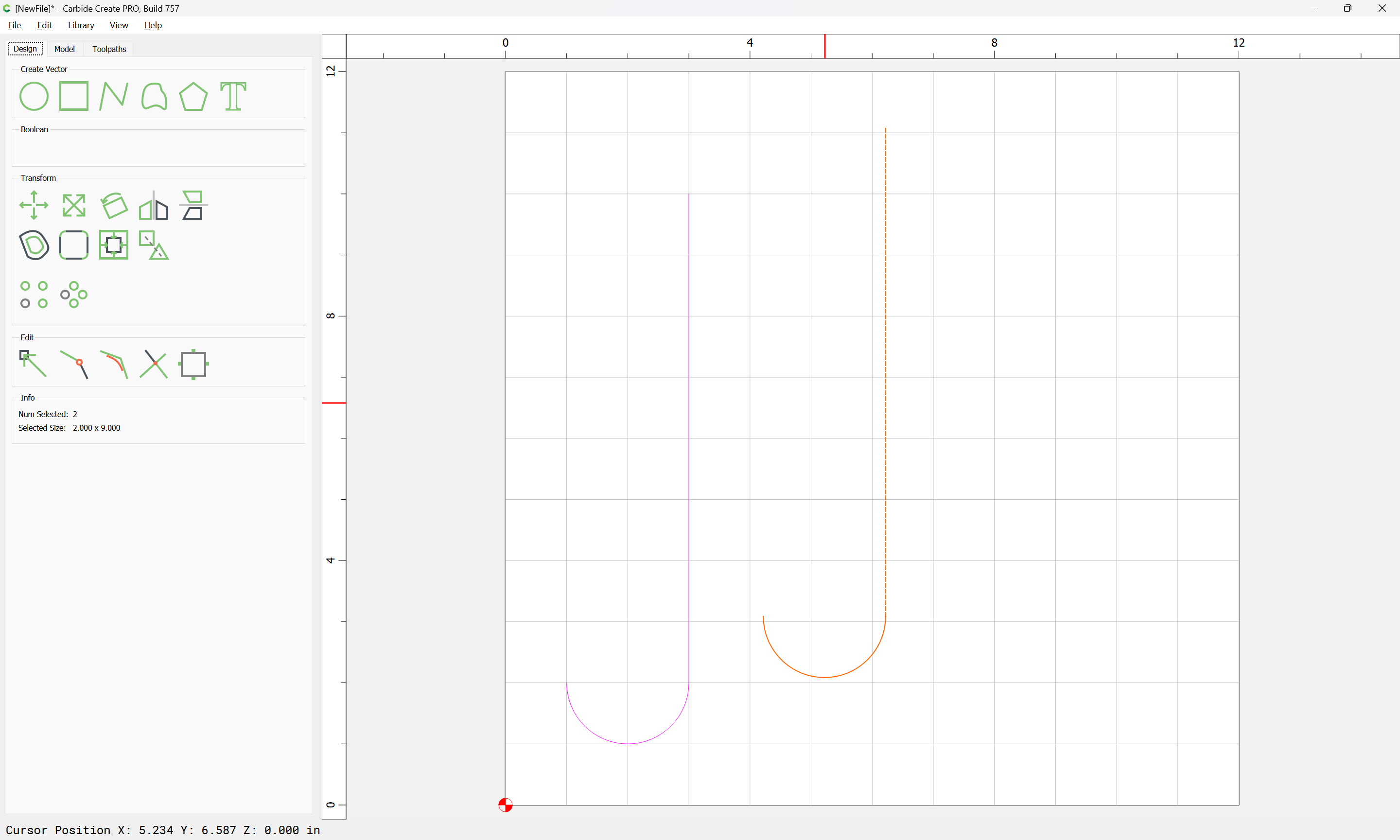
mirror along the vertical axis:

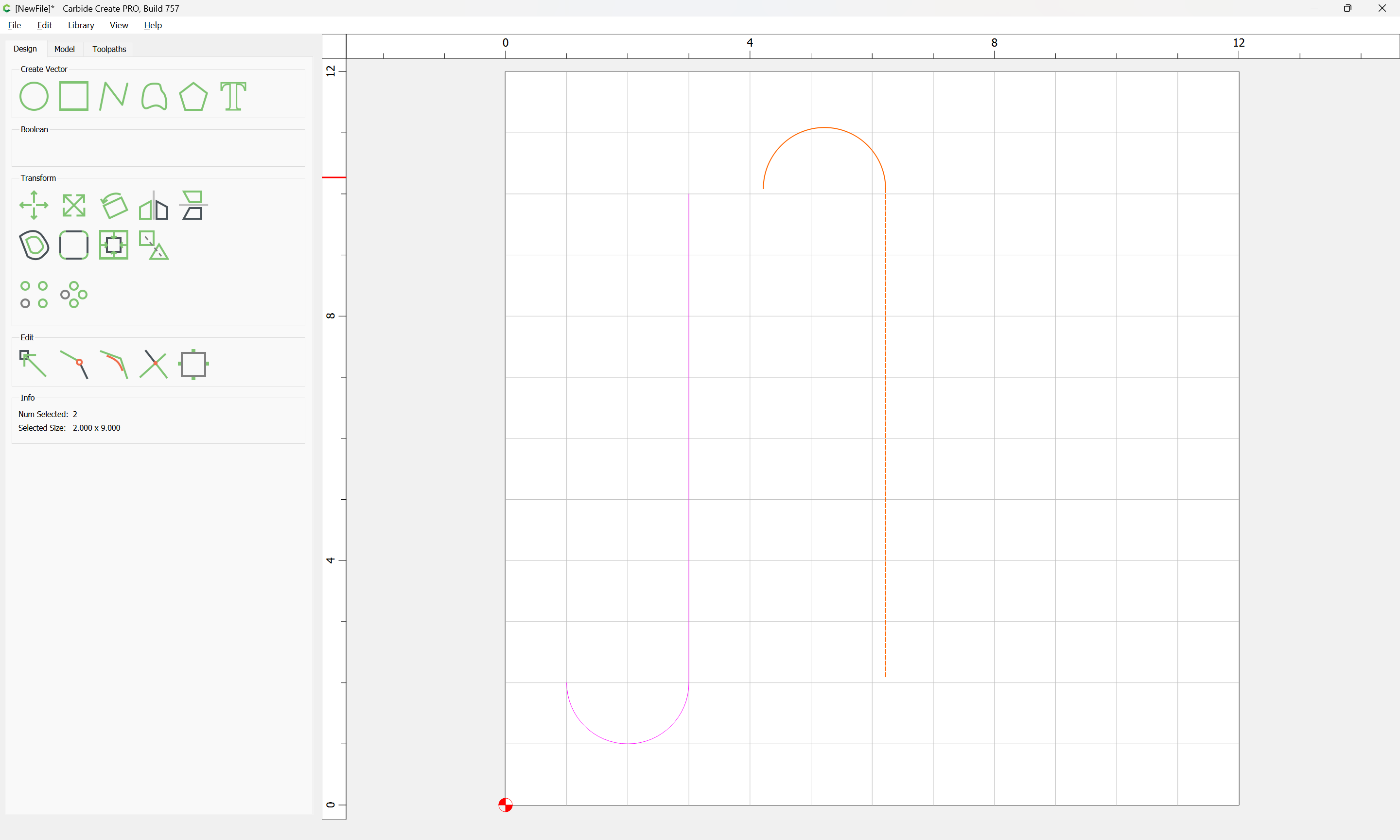
Drag into position:
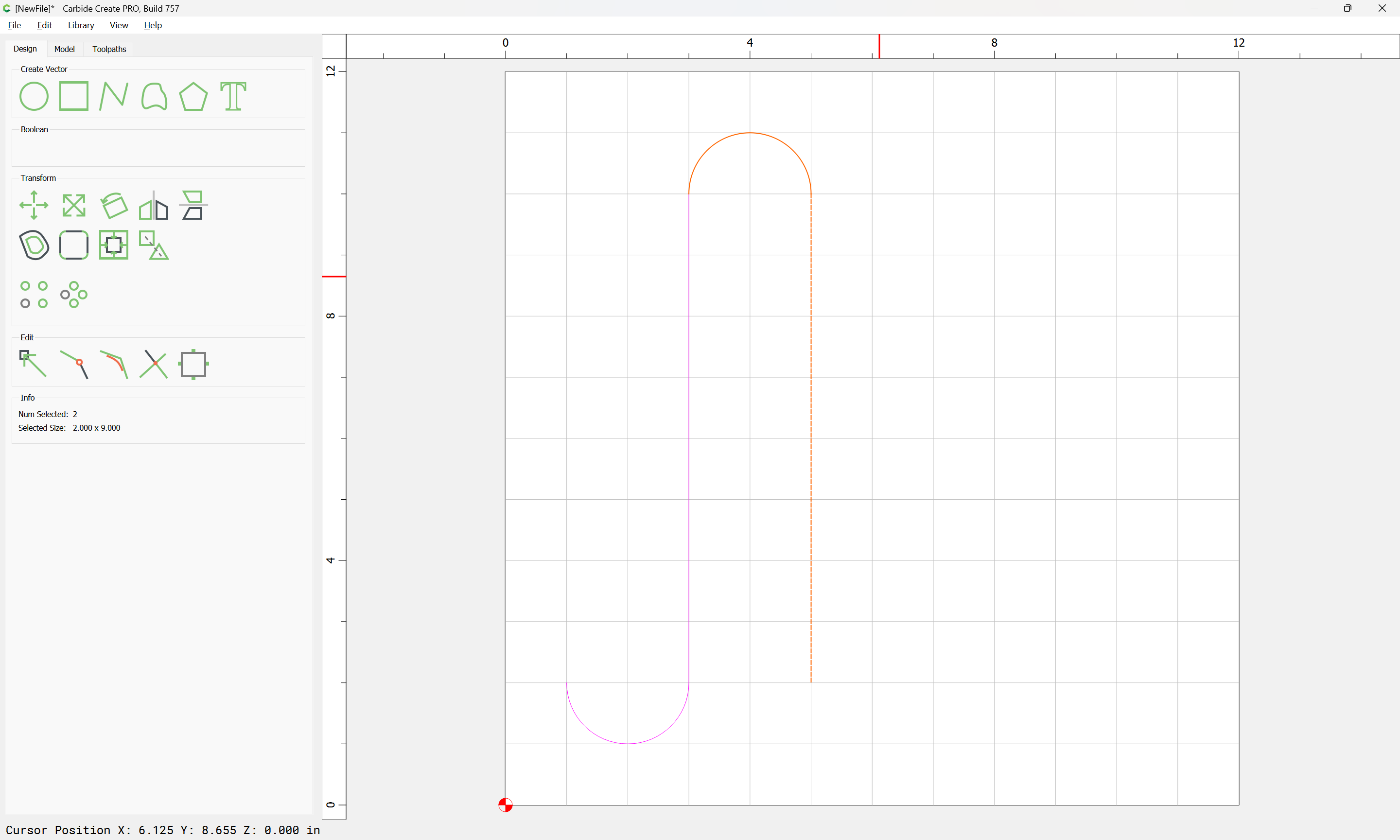
Select all and copy-paste:

Drag into position:

repeat as desired, then select all:
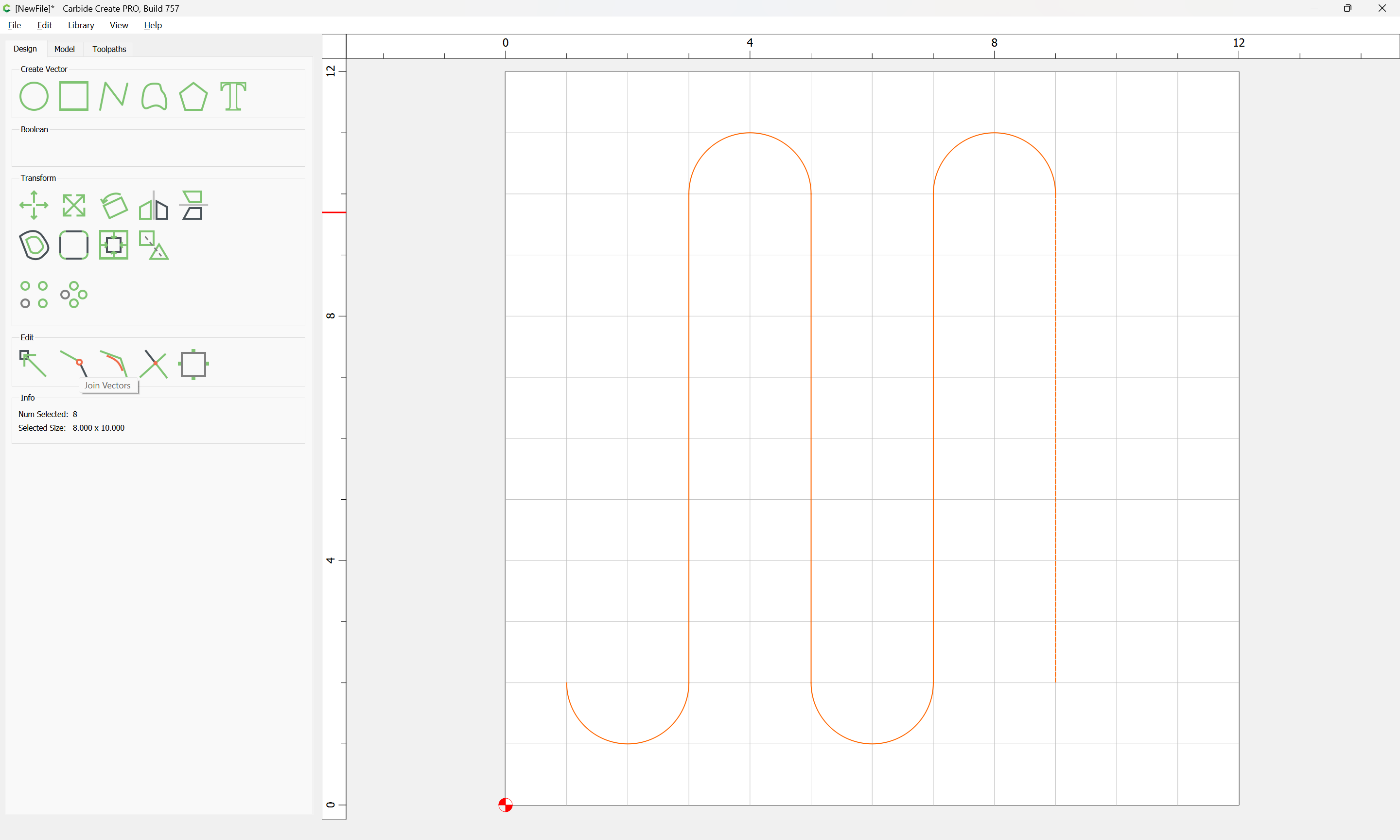
and Join Vectors to get a single object: