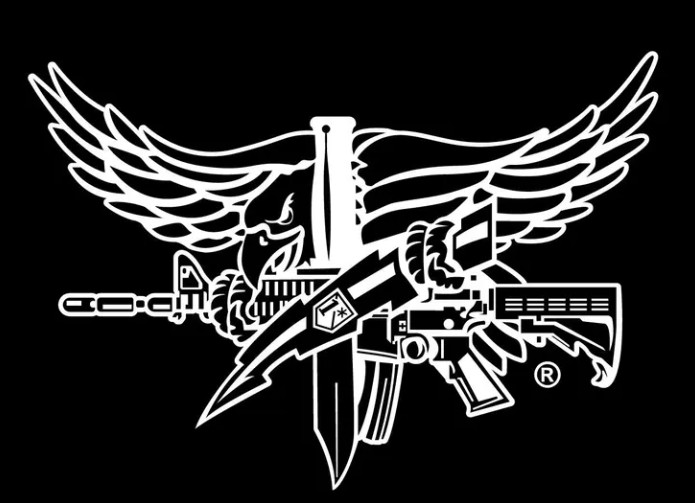
Hey guys, I am trying to trace this into a vector file that will be clean. CC 8 tracing doesn’t seem to keep the details. Any suggestions or help?
I used convertio.co to convert your jpeg to an SVG file and imported that into Carbide Create. Would this work for you?
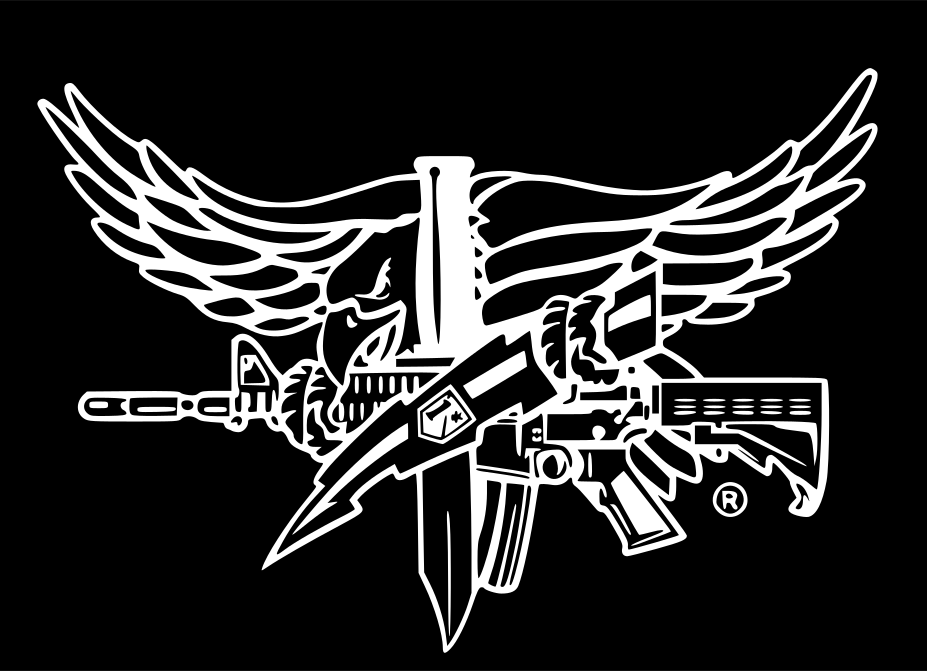
1 Like
SWAT Eagle 3d.c2d (260 KB)
Thank you so much! Looks much better. I would love to carve out a 3d version of this. Any tips or videos I can watch? I did a wavy flag which came out great, but this is a little more complex.
SWAT Eagle 3d.c2d (648 KB)
I just cant get the 3d file to work properly
The problem is you have modeled this to be thicker than the Stock Thickness in Job Setup:
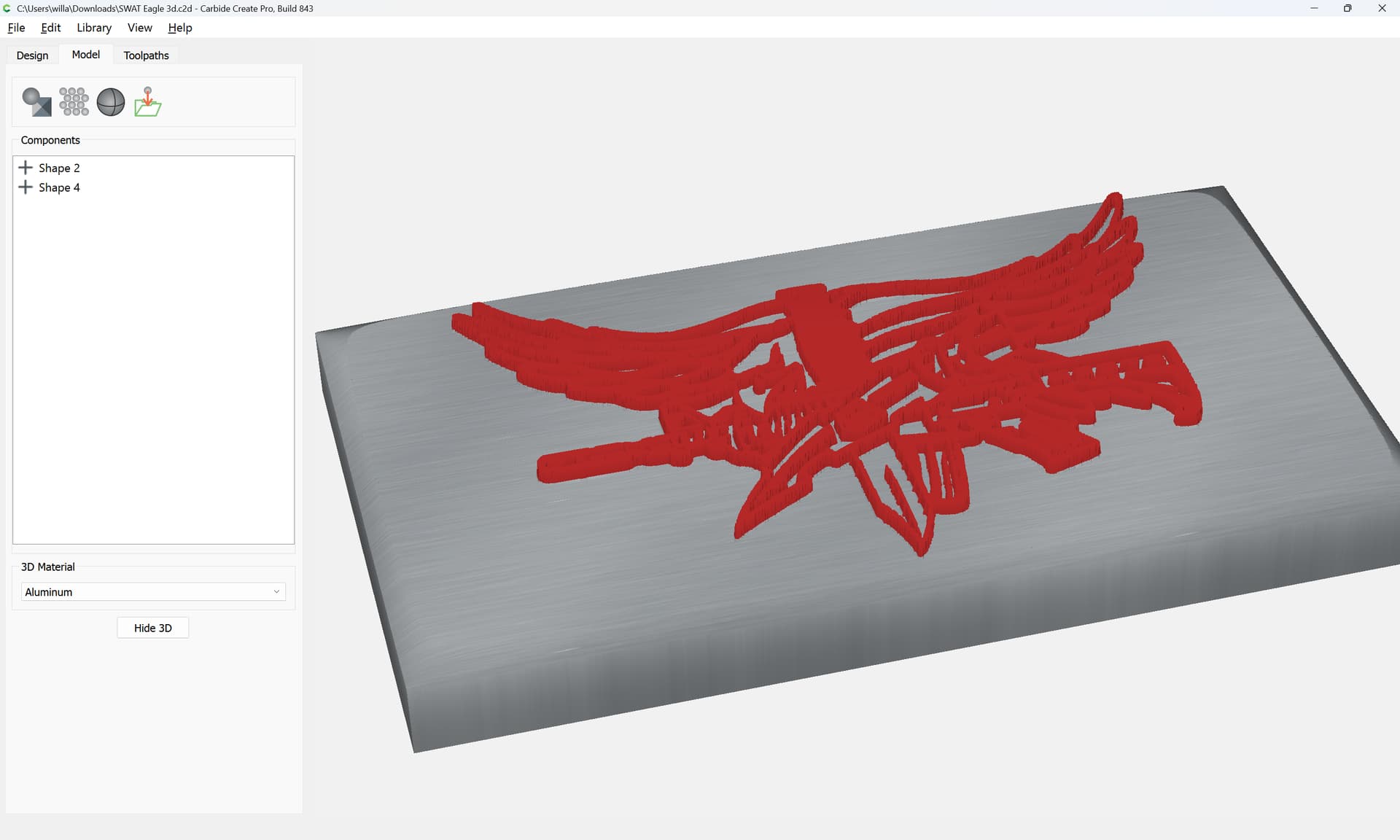
(the red regions are higher than then top of the Stock)
If you increase the Stock Thickness:
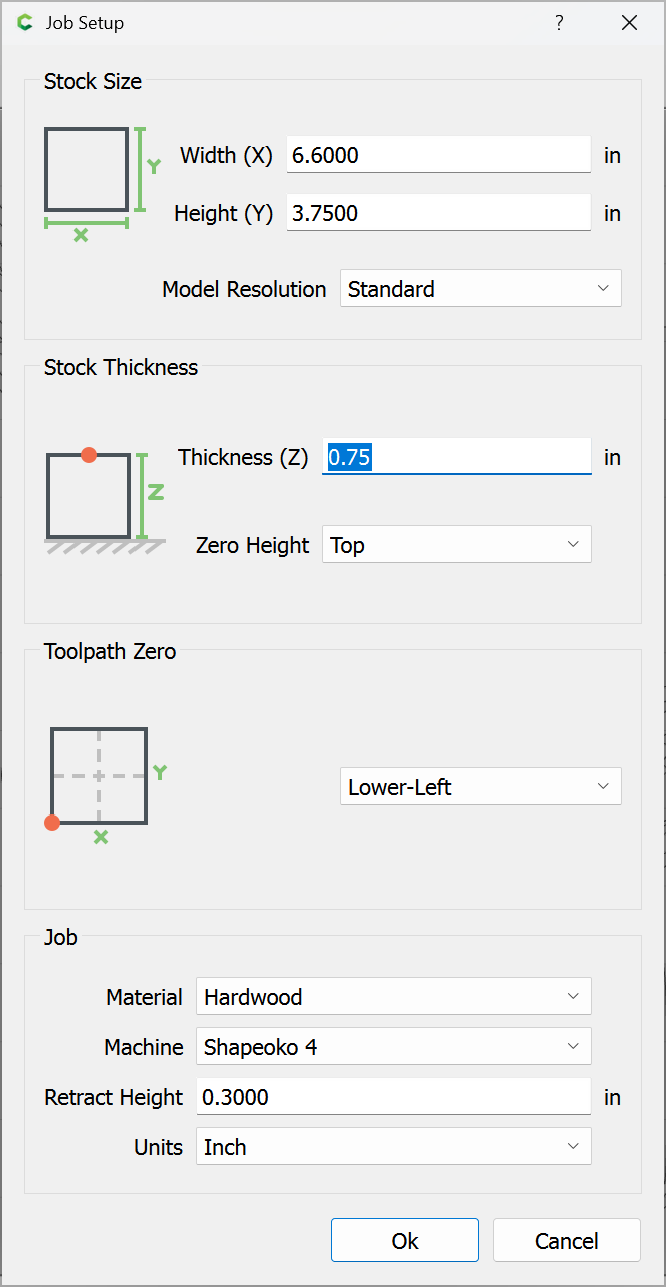
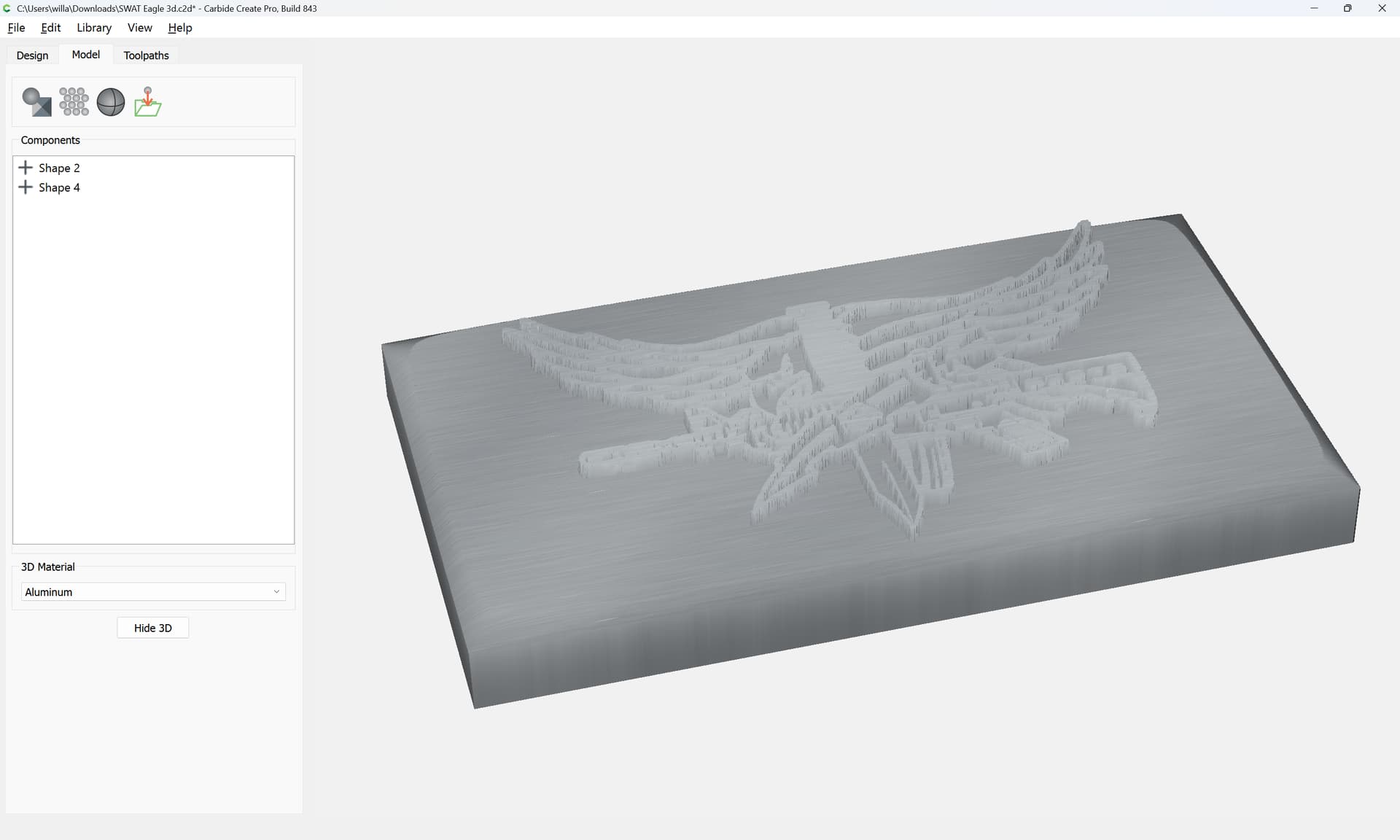
Then 3D toolpaths will work as expected:
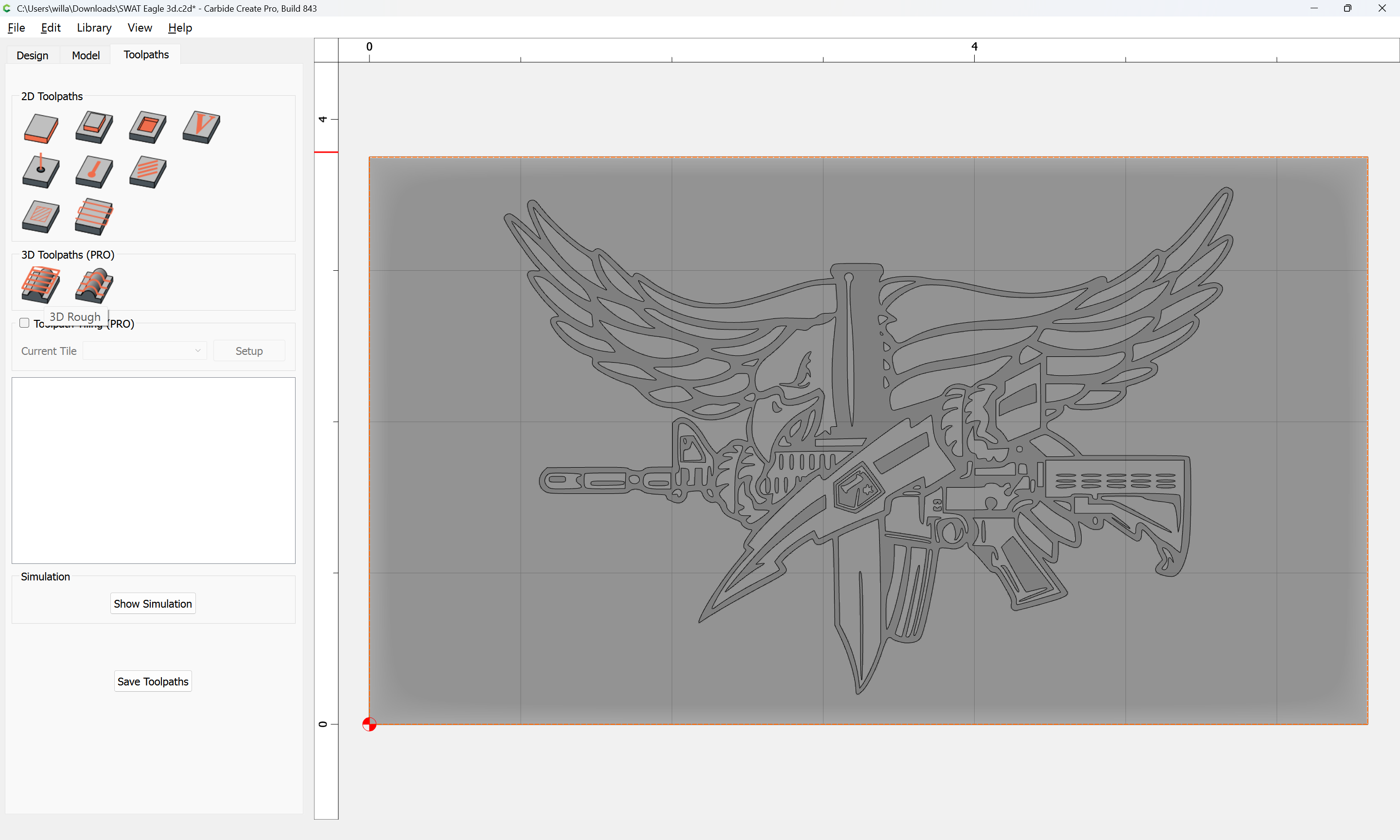
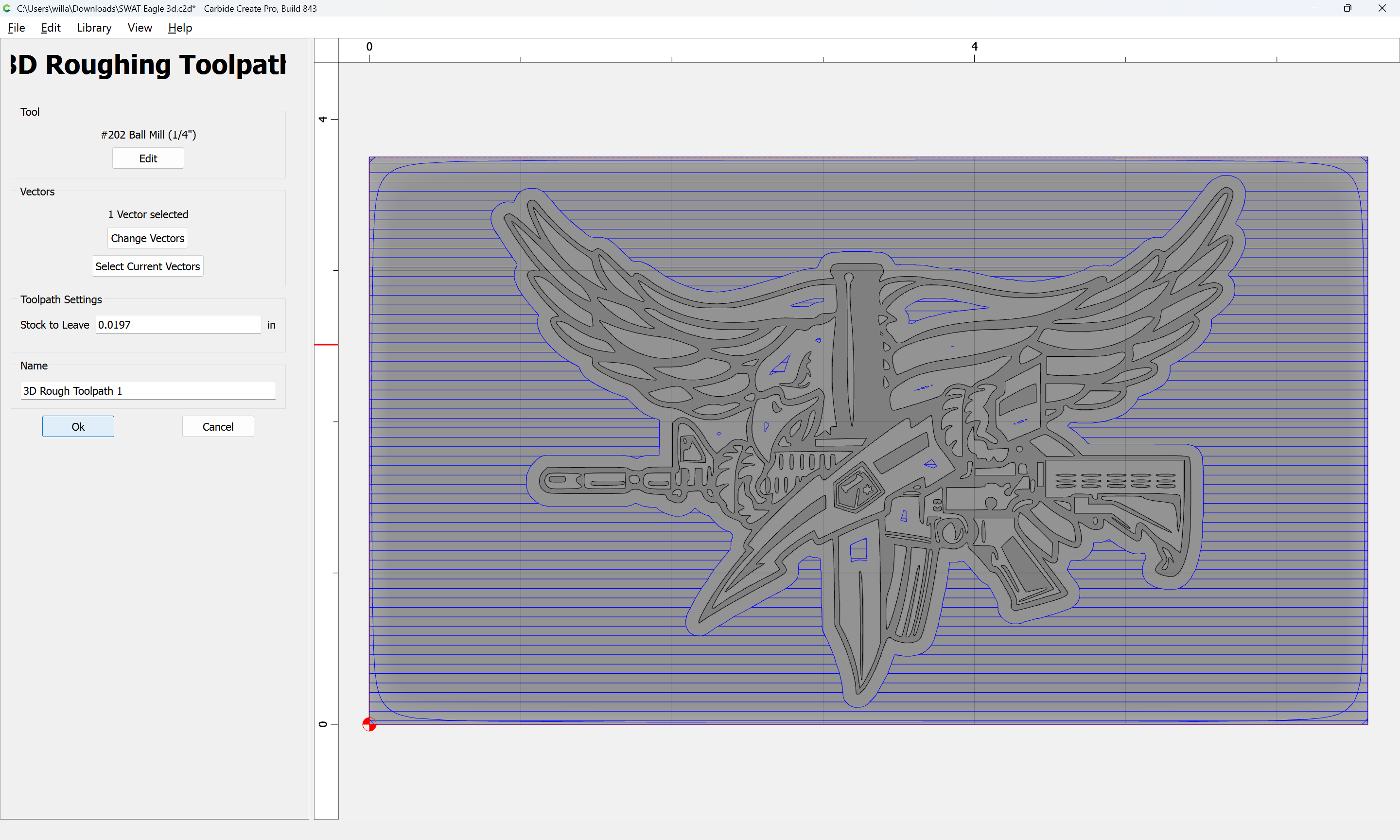
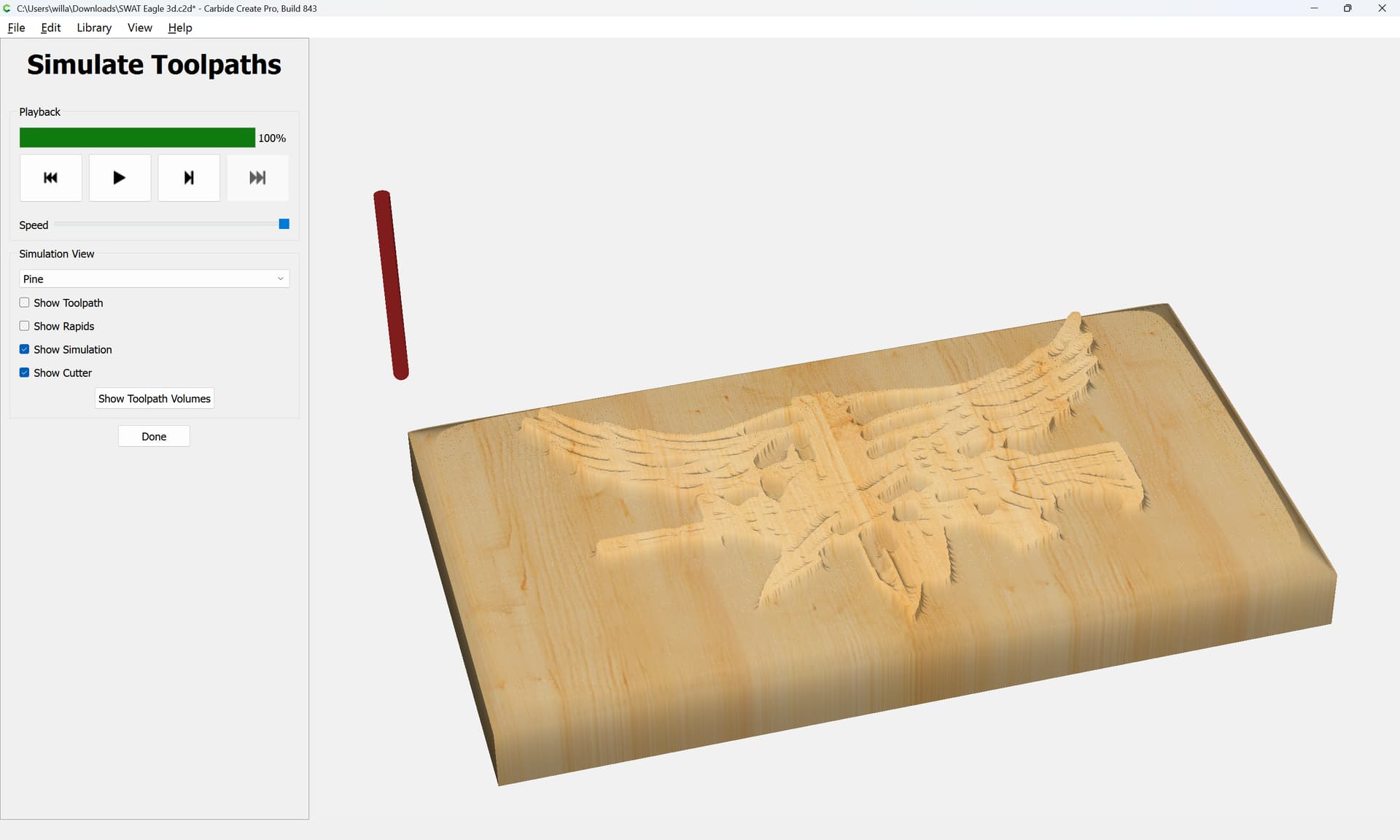
and one may adjust things to have a second Finishing pass:
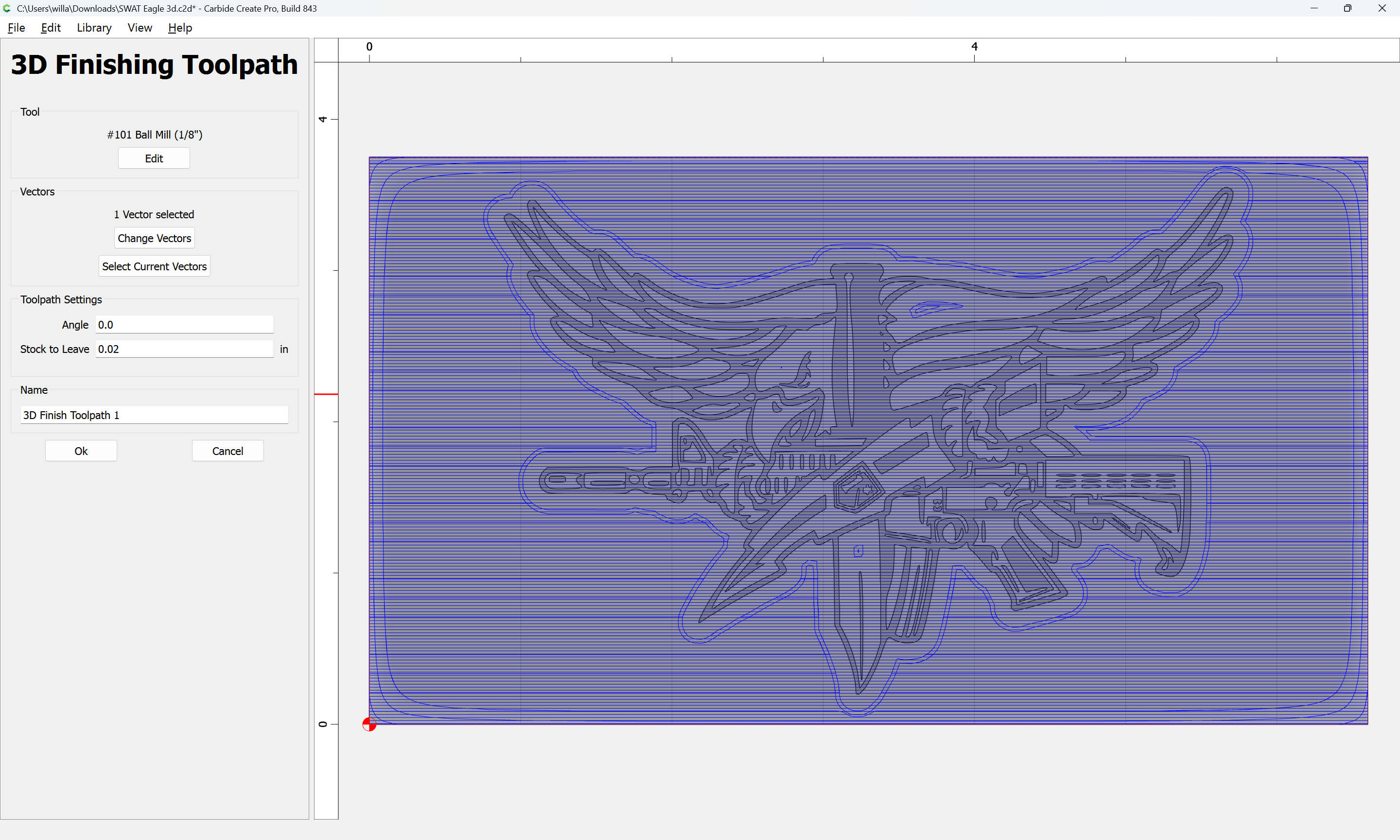
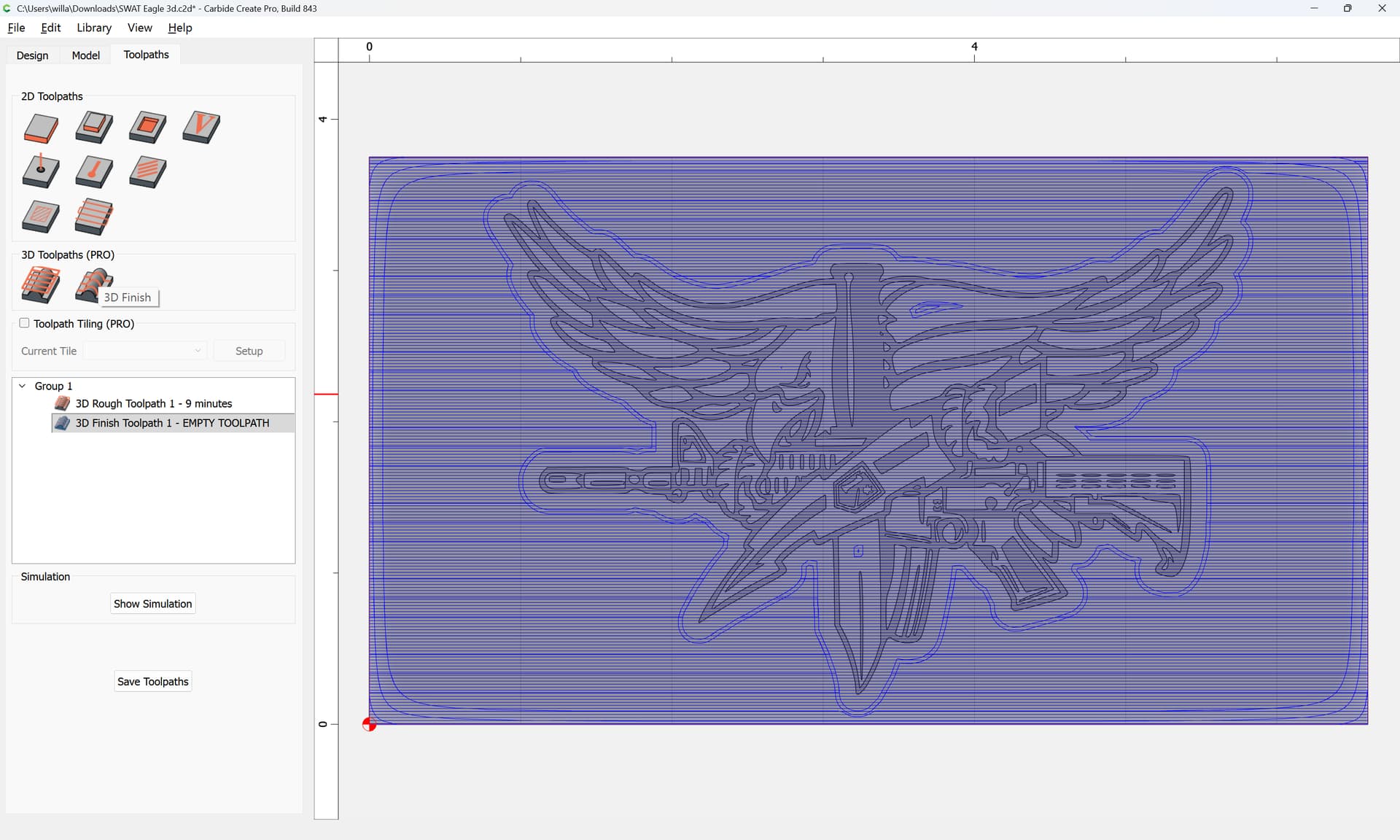
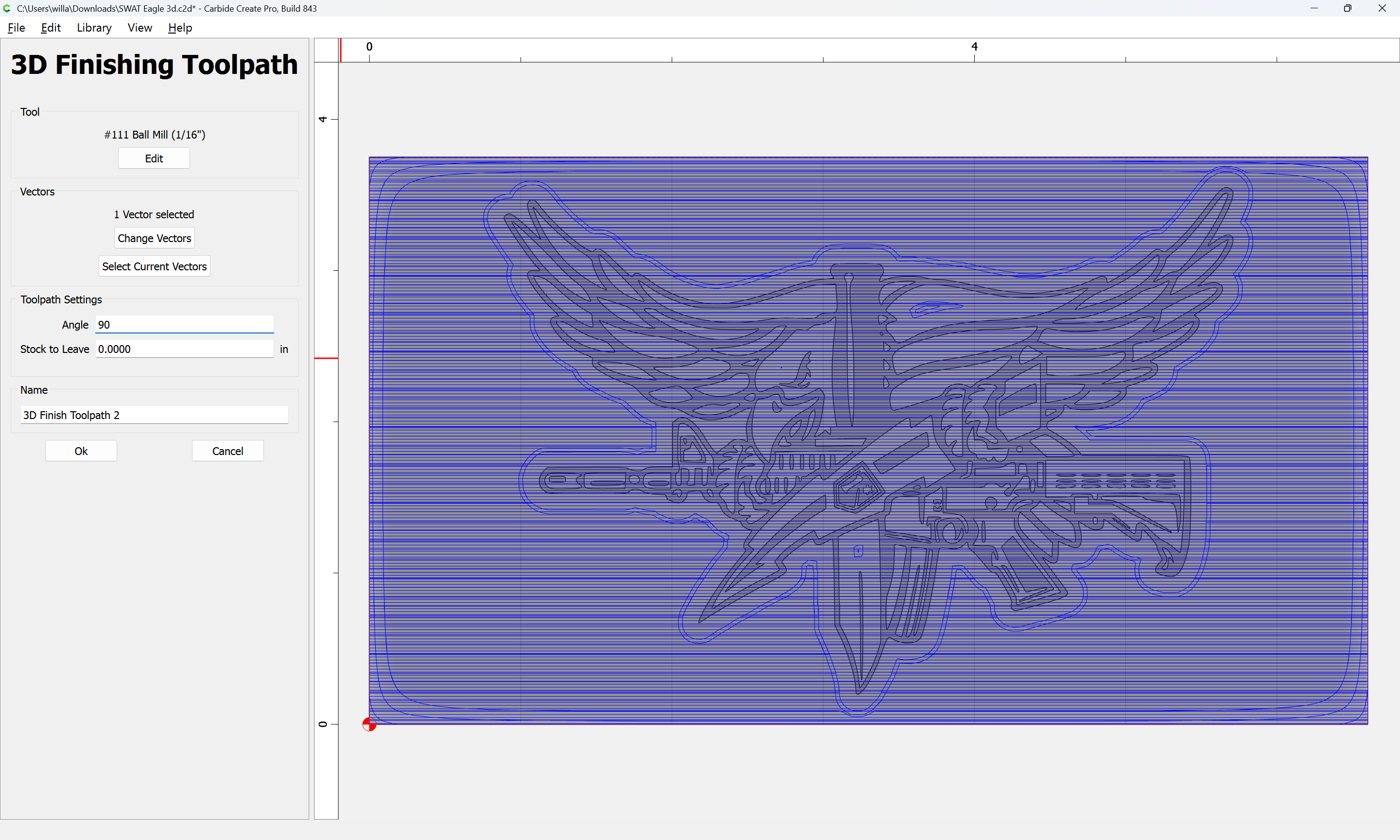
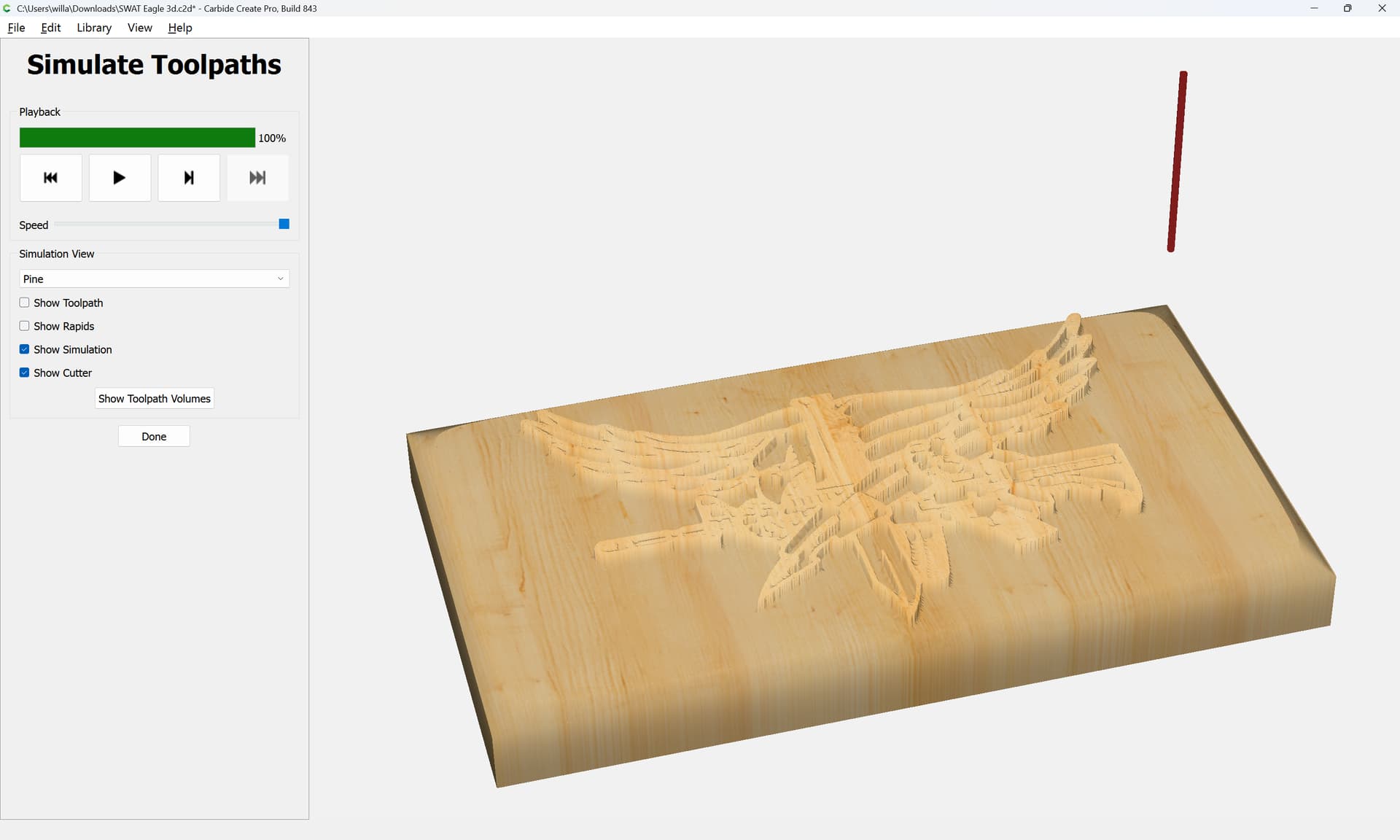
That said, you may want to try a V-carving or re-working the 3D model.
2 Likes
That makes sense. Thank you. I’m trying to make a 3d carve, but I guess I need to start by learning some simple 3d shapes first. I will practice some easy stuff and come back to this.
Thanks again!!!
Start with:
1 Like
Indeed! Curious why using 3D on the whole model when the only 3D feature is the bevel around the edge. You can 2D pocket around the logo, V-carve the inside of the logo, and then just 3D carve the bevel
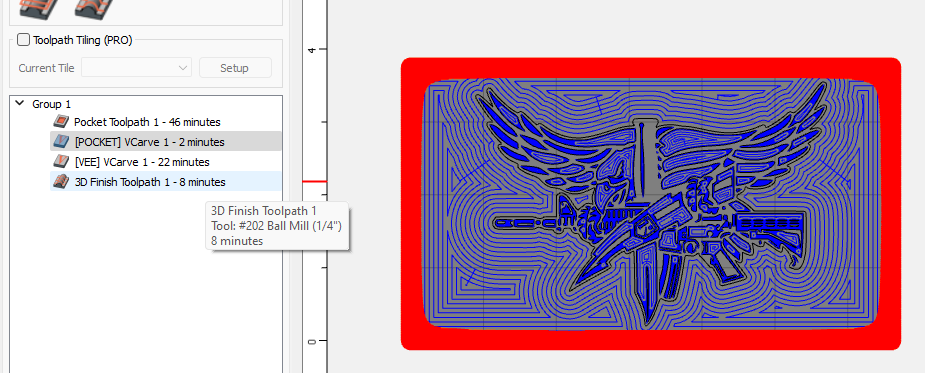
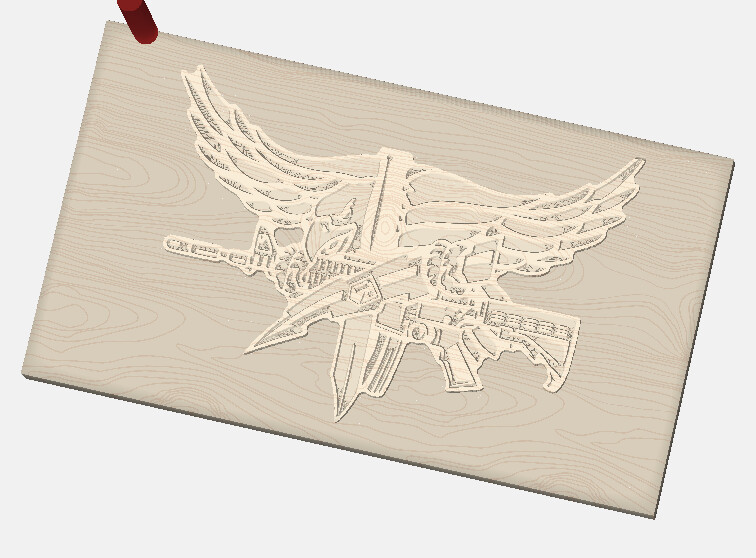
And you only have to model the bevel
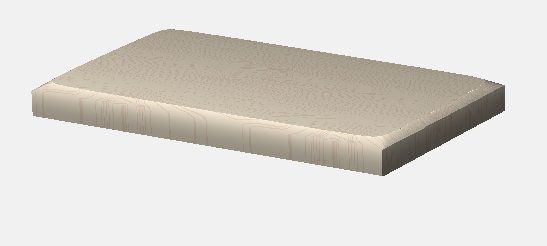
2 Likes
This topic was automatically closed 30 days after the last reply. New replies are no longer allowed.