Is there a way to enable tabs for 3D carving operations? Or in lieu of that, what’s the best known method of maintaining stock placement when doing the final 3D finishing operation on an object? I’m working on a small bowl to test out 2 sided machining and I’ve realized that the only option I have currently to hold the bowl in the final cuts is 2 sided tape on the thin rim.
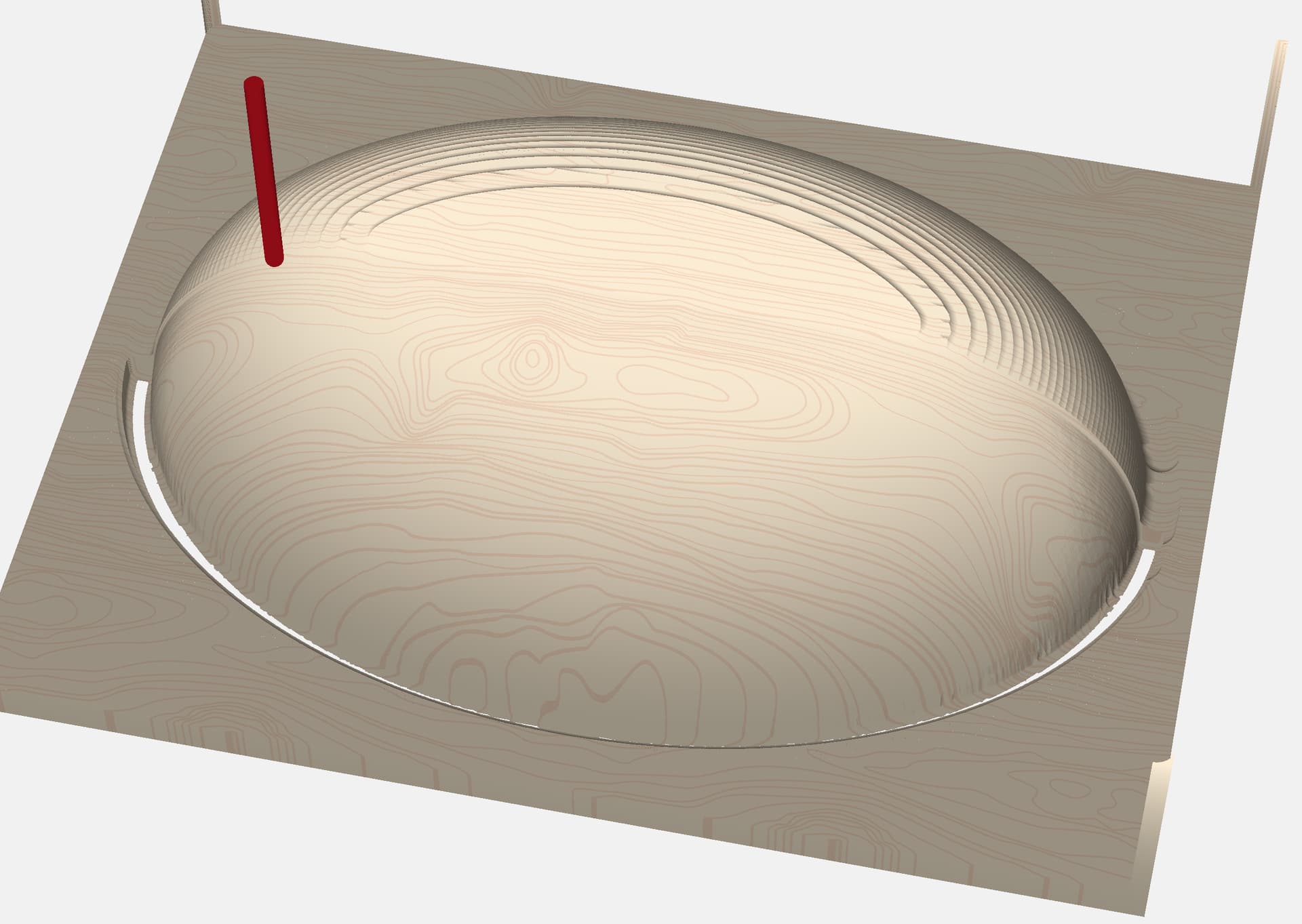
I found that to get the full carve I had to expand the vector around my STL shape to get it to carve all the way to the edge, but then it will go to the spoilboard. 3D carve doesn’t have a depth limiter as far as I can tell either. I’m just diving into the 3D carving aside from topographic maps, so any advice is appreciated!
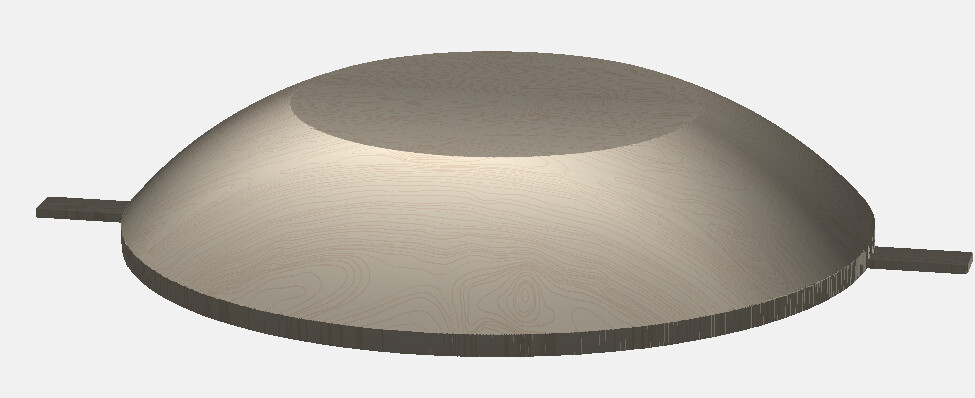
I just did a bowl for my daughter. I used a 0.100" flat component under the entire bowl & then bandsawed & disc sanded the edge after cutting.
I could just as easily built the tabs into the model Using a Flat, Merge Type: Max component.
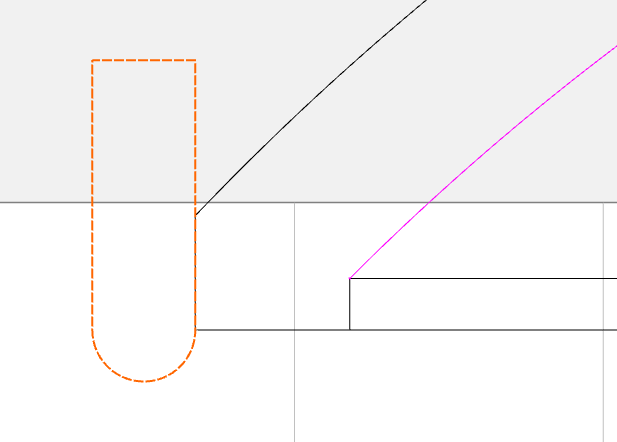
The tool will stop at the spoilboard / bottom of stock and leave a fillet around the edge when there is no solid model. If you want it to finish all the way to the bottom, make the model the tool radius taller and use a sacrificial layer under the workpiece so the tool can cut to the tangent point.
That makes so much more sense now that you point it out. I created the model in Shapr3D so I’ll experiment with some modeled in tabs, or adding a component in CC. Appreciate the assistance Tod.
No worries, we’re all here to learn from each other.
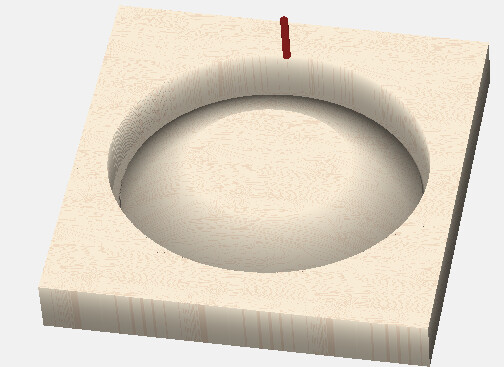
I cut the top / concave part first, then flipped it & left the outside of the stock there to clamp to…
So there was remaining material to hold it in place. I left a 0.100" flange all around & used a bandsaw & disk sander to finish it up. But tabs would work too.