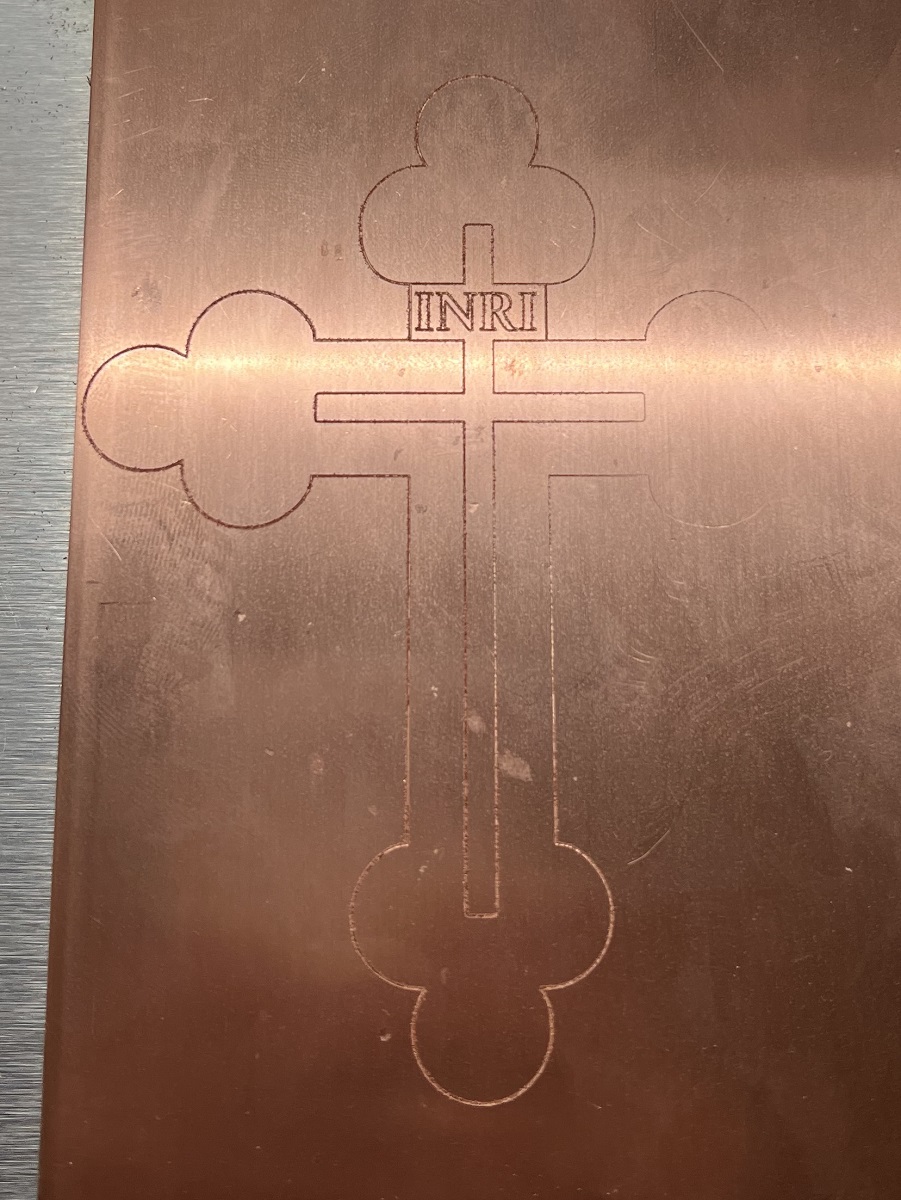
Recently, I’ve been engraving designs on copper crosses and Christmas ornaments, using the tape and superglue workholding shown in this video: https://www.youtube.com/watch?v=VLOkXeQR_CU . I’m very happy with the amazing things that my Nomad produces, but I’m having some trouble getting consistent results with this workholding when my design covers a full 4" x 6" x 0.05" sheet of copper.
After applying the tape and glue to the copper sheet, then pressing the sheet down, I still often have one side of the copper sheet being 0.003" or 0.004" higher than the other. Since my total Depth of Cut on the engraving is 0.005" and I use a conservative Z=0 setting to protect the cutter against high spots, I end up with a design that’s heavily engraved on one side and barely engraved or outright missing on the other.
I understand the workholding steps from the video, and I’ve seen some amazing things created with this kind of workholding, but there’s something I’m not getting quite right when I actually try it for myself. Can anyone suggest what I should try to get 4" x 6" or 8" x 8" copper sheets to lie flat with tape and superglue workholding?
The obvious question is what is the flatness of the surface beneath the workpiece. If you use a MDF sheet you can surface that easily. Otherwise you can adjust, shim, etc to bring that up to level.
I know you guys with automatic features (Bit Setter, Bit Zero, etc) don’t like to probe manually, but it is not a skill that should be lost. You can probe your baseplate in a grid of 9 points for instance and see if that is out of flat.
As already stated make sure you surface your build plate. Make sure you use something to press the tape down and get any bubbles out on both surfaces prior to applying glue. Don’t squirt the glue on in lines, use a brush to get it as evenly spread as possible and make sure you press down firmly until the glue sets up.
This is a pretty common problem when milling circuit boards - the most common solutions are to level your wasteboard carefully (as suggested by @Able earlier) or to compensate for the unevenness in your setup with some sort of auto-leveling arrangement.
Since I use cncjs to control my Nomad, I can use kreso-t’s autoleveler plugin - it works very well, but isn’t a standalone package. You have to use cncjs in order to take advantage of it.