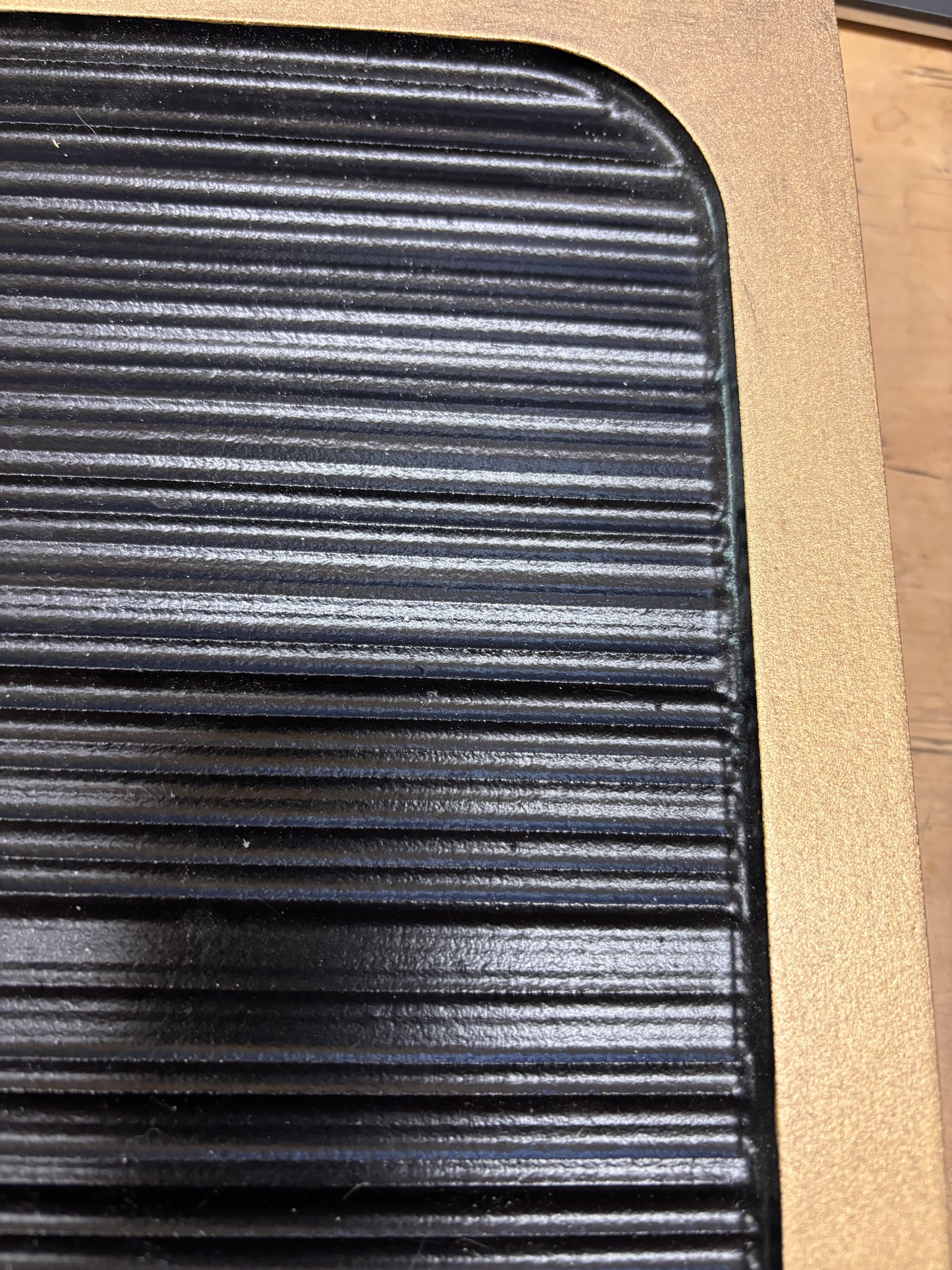
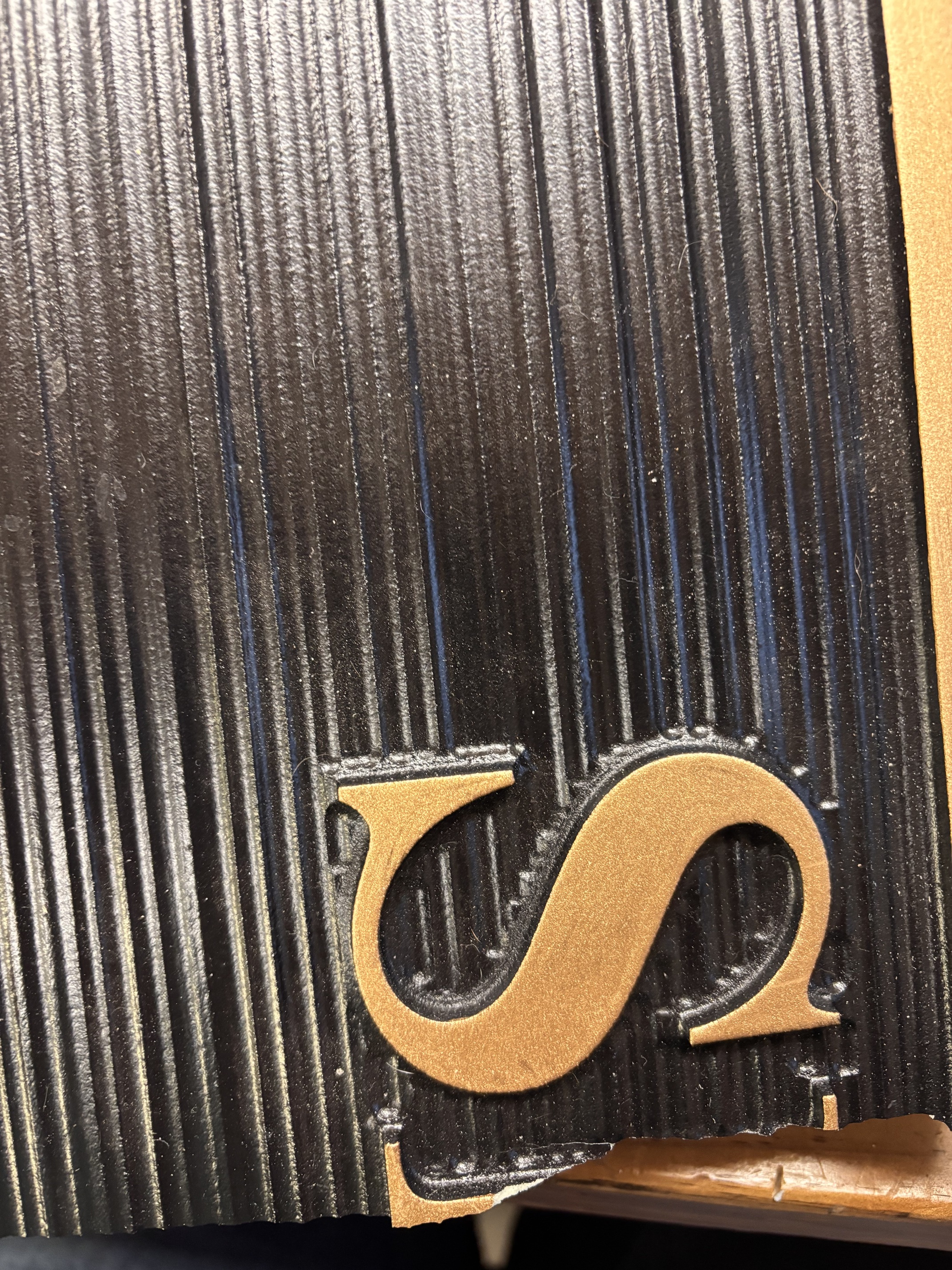
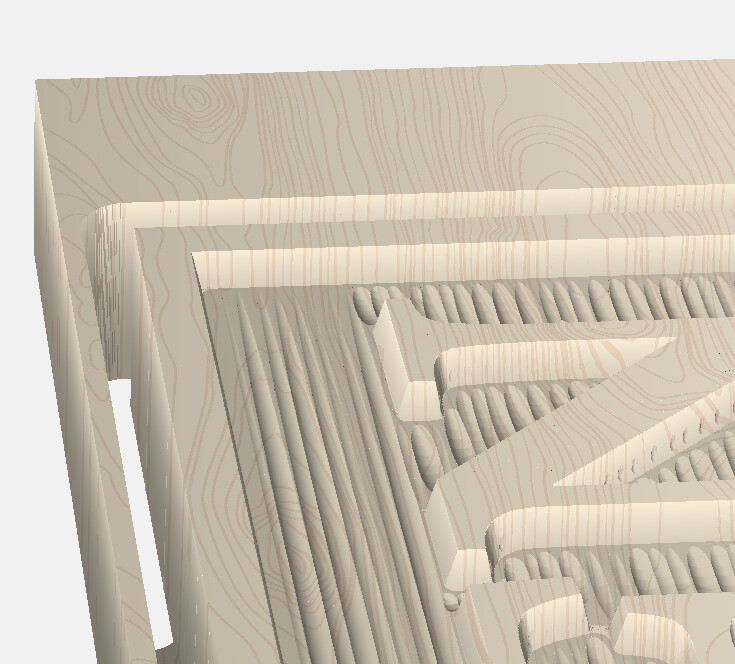
Well, I’m trying to expand to another community for doing homeowner name signs and they have a specific one I am trying to match. Problem is I can’t quite get Carbide Create to do exactly what I need. On the texture toolpath the bit seems to “dip” into the cut each time instead of going in at a 90 degree straight in, carving straight across and then coming straight back up. Am I missing something, or is this what it will do every time? I’ve thought of different solutions that would take a lot more time than utilizing the Texture Toolpath, but would rather have that work. Thoughts? Specifically looking at the Men sign.
26.13c MEN, LADIES, carve, 3-23-26.c2d (376 KB)
A good rendering of what I’m talking about:
And what I’m trying to mimic: