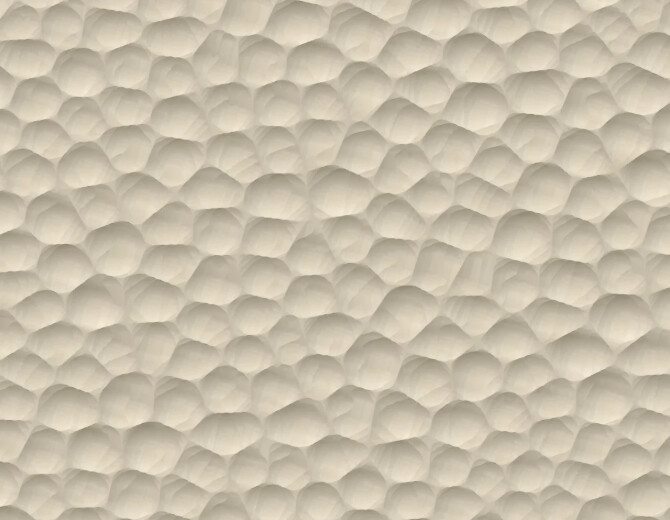
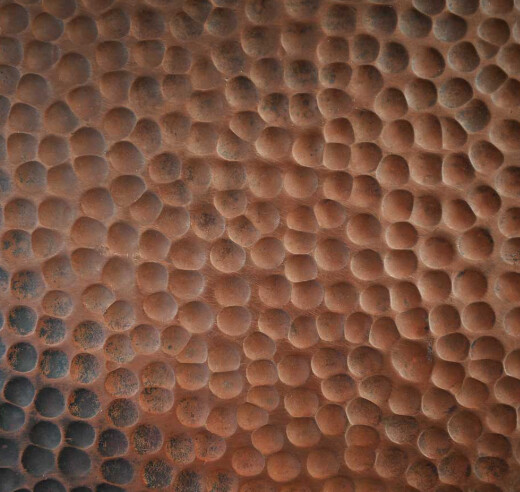
So, I’m trying to figure out if it is even possible to do something like this with CC basic in the Texture Toolpaths. Ultimately, I’m looking for a hammered metal look, but I found this on Etsy and like it.
A more regular look vs. the variableness of the texture is fine as well. Here is a pic of what I’m trying to accomplish with it. I’ll probably be going with more of a black base with some “rust” highlights to give it a slightly aged, almost cast iron look.
Oh yeah … I just slapped it together and didn’t even look at the tool size
Let me play with it some more tonight or tomorrow and I’ll see what I can come up with
So I messed around with it a bit more tonight. I don’t think the same kind of pattern is achievable in CC. I used a 201 endmill since I don’t have a 1/2 inch endmill in my tool list. If you watch the simulation the texture is cut in straight lines instead of random roaming around the material. Many of the cuts overlap each other. The random placement of cuts along a straight line doesn’t allow you to separate the individual divets.
To try another way I did a quick random placement of .5" circles, grouped them then did a circular array. I moved each group around to cover the material and ran a shallow cut with a full depth chamfer on each and it seemed to work better than the texture tool. Sorry I didn’t save that to this file.
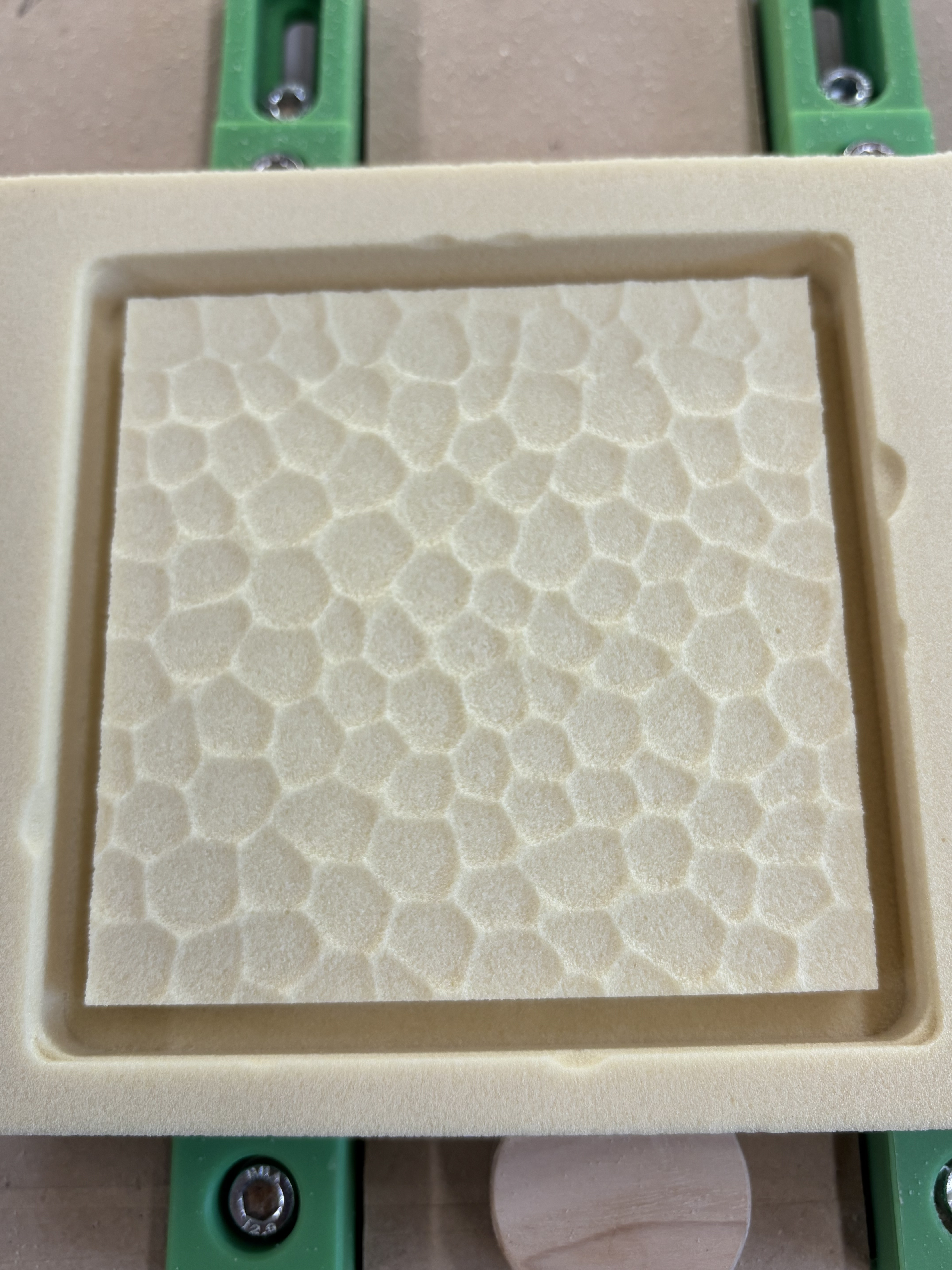
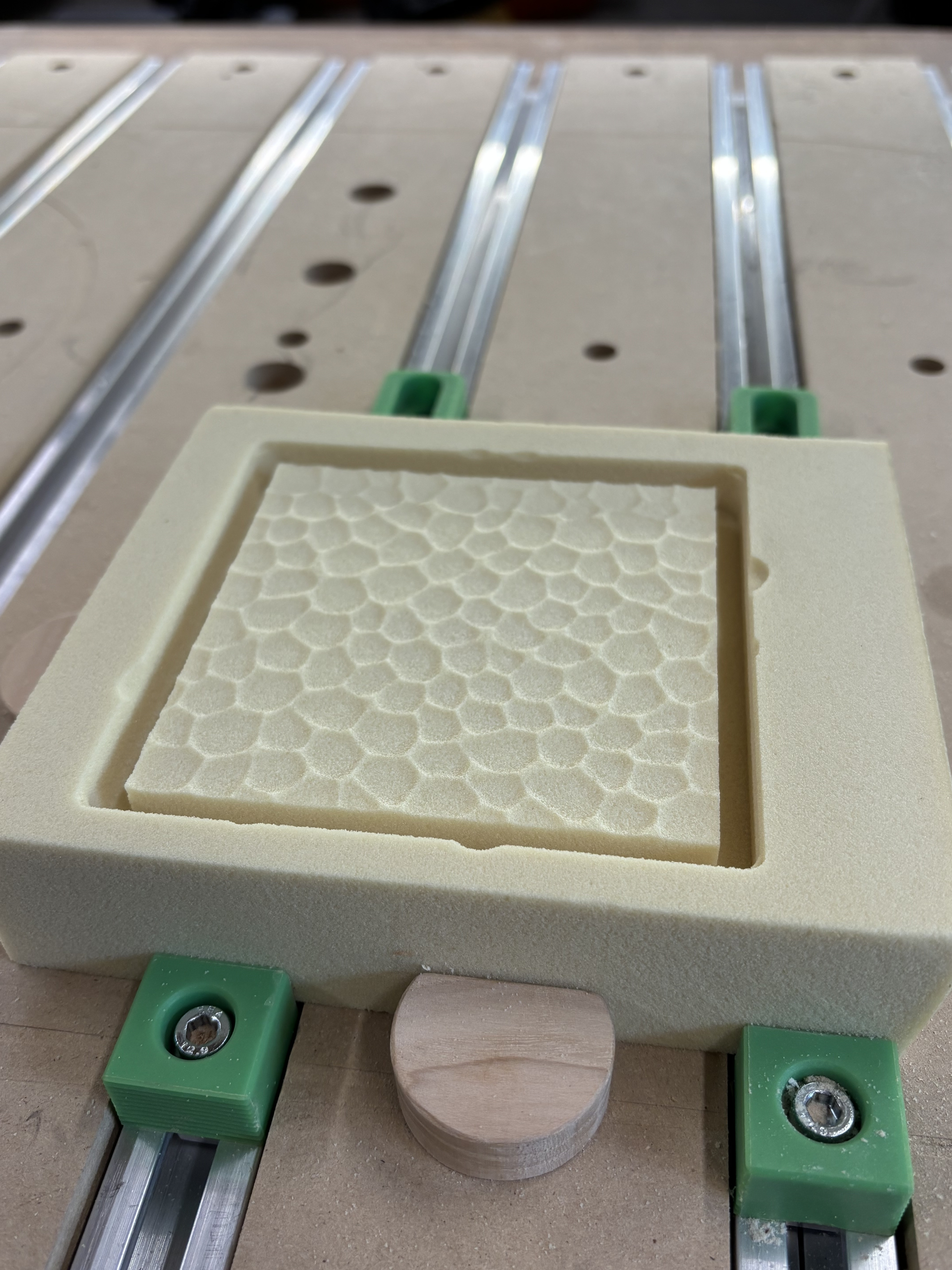
I’m building a sheet. Individually built bubbles at first, each warped. Spacing was a little too close and now I’m going to rebuild it deeper. I’m doing this fire a sample for my largest sign to date (38"x60")