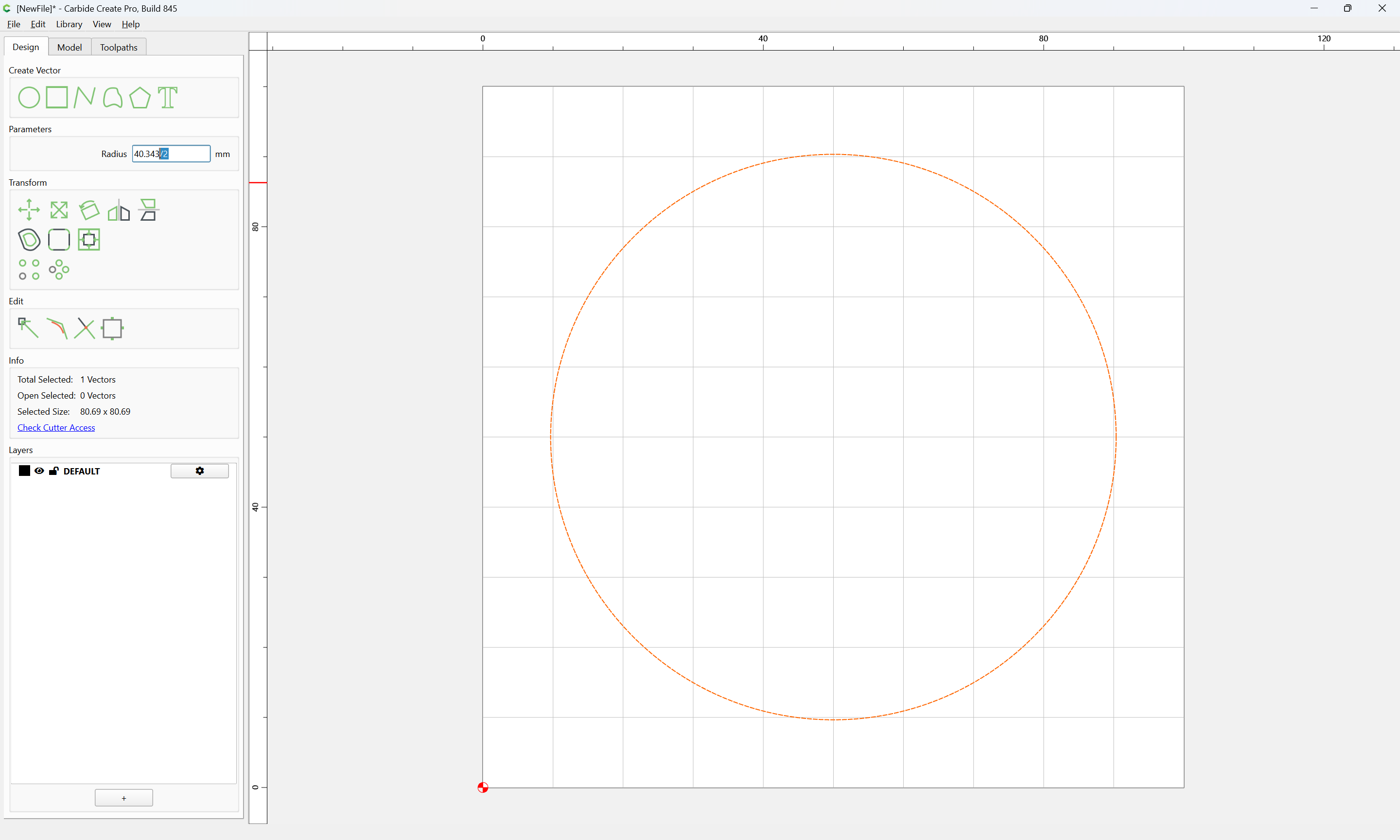
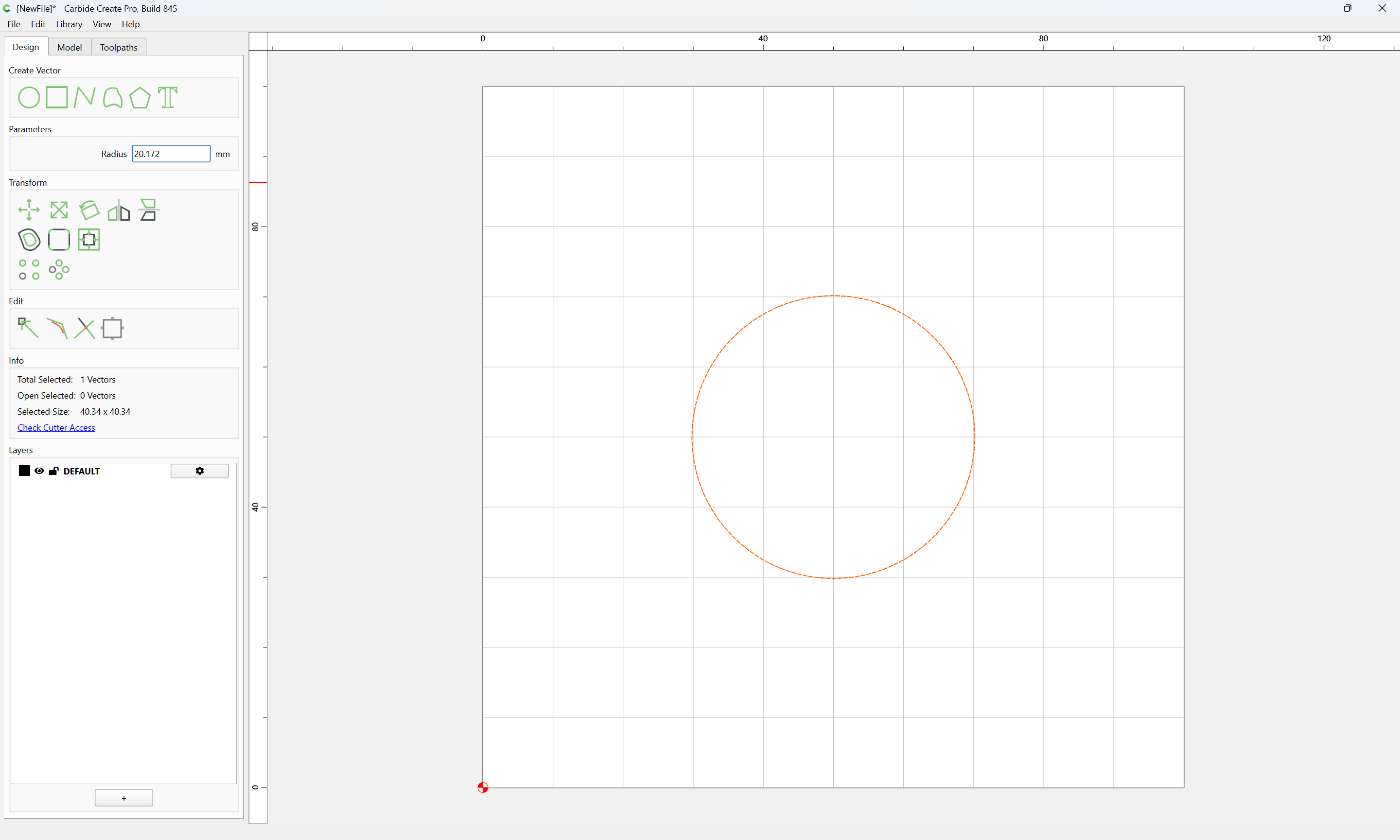
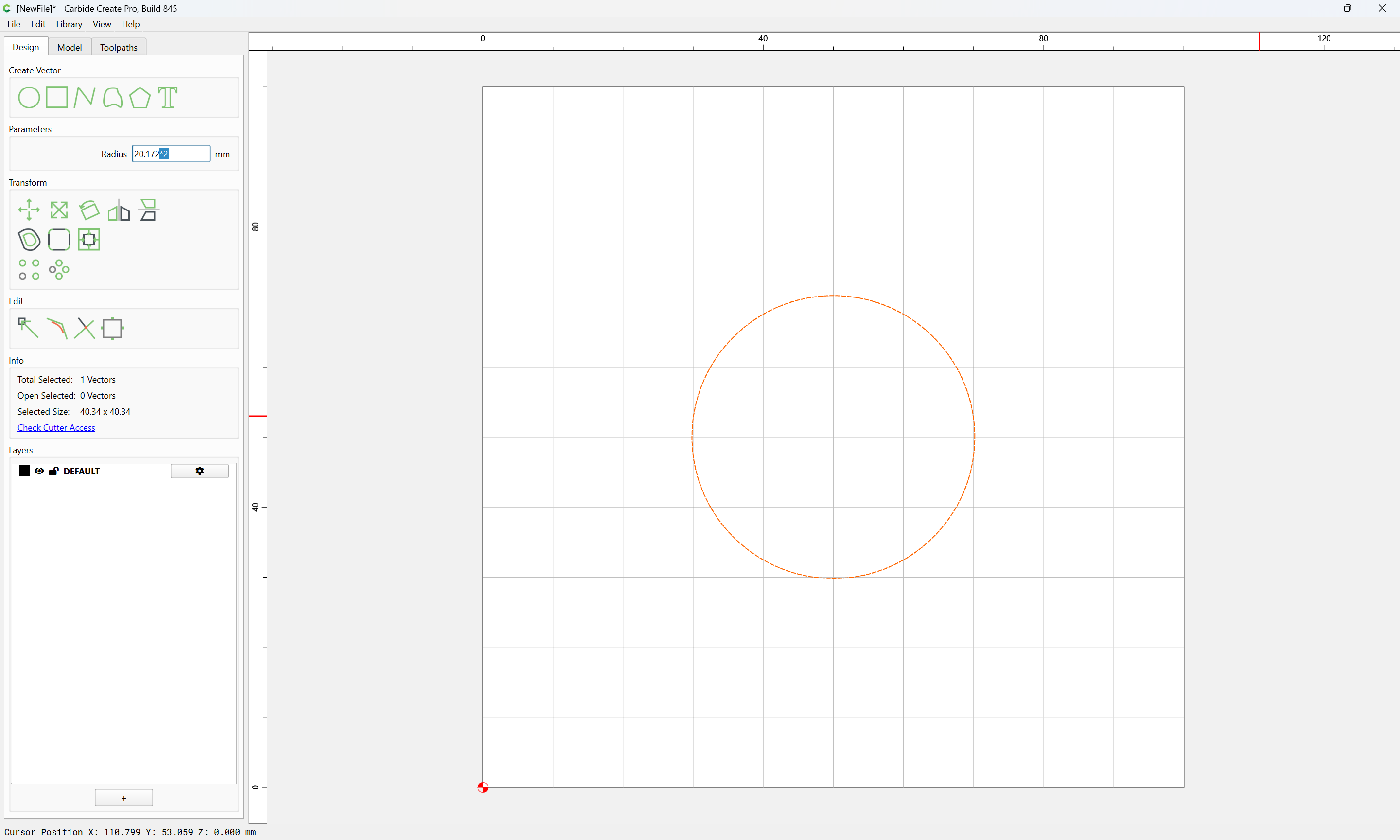
I’ve gotten used to designing parts using radius values, but it would be awesome to just use diameter instead. Seems I have to break out the calculator to divide by 2 more often than I would like to admit. Mistakes also have happened when I’m working on multiple jobs and I forget it’s radius and not diameter.
Would it be possible to add diameter value next to radius or have a toggle to switch between the two?
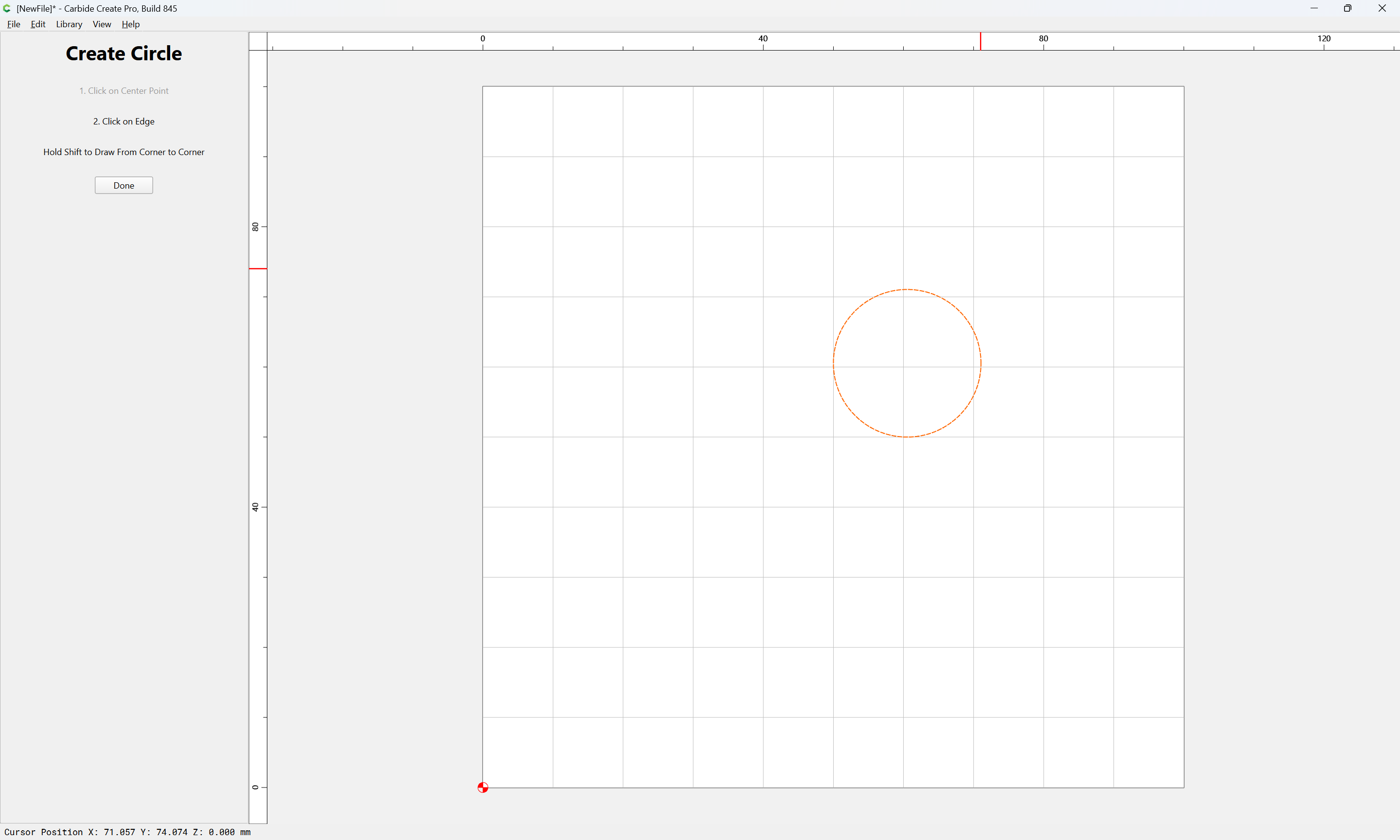
shift will allow drawing using the diameter (after a fashion, it’s the hypotenuse of a right triangle which when doubled makes the square which the circle would be inscribed in)