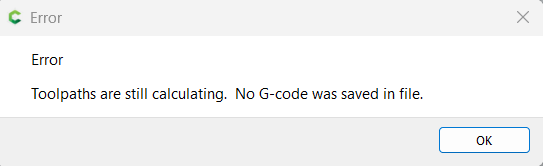
I have a toolpath which is stuck calculating. It’s been sitting for hours with no progress. Trying to delete it has no effect and saving the file just gives me an error.
How do I get rid of that toolpath without restarting the whole job?
I have a toolpath which is stuck calculating. It’s been sitting for hours with no progress. Trying to delete it has no effect and saving the file just gives me an error.
How do I get rid of that toolpath without restarting the whole job?
While characterized as an error, that is more informational than anything, and it should then allow opening the saved file.
If after saving the file still has a problem, send it in to support@carbide3d.com and we’ll do our best to look into it with you.
If you need to re-work a file, it’s pretty straight-forward to:
This topic was automatically closed after 30 days. New replies are no longer allowed.