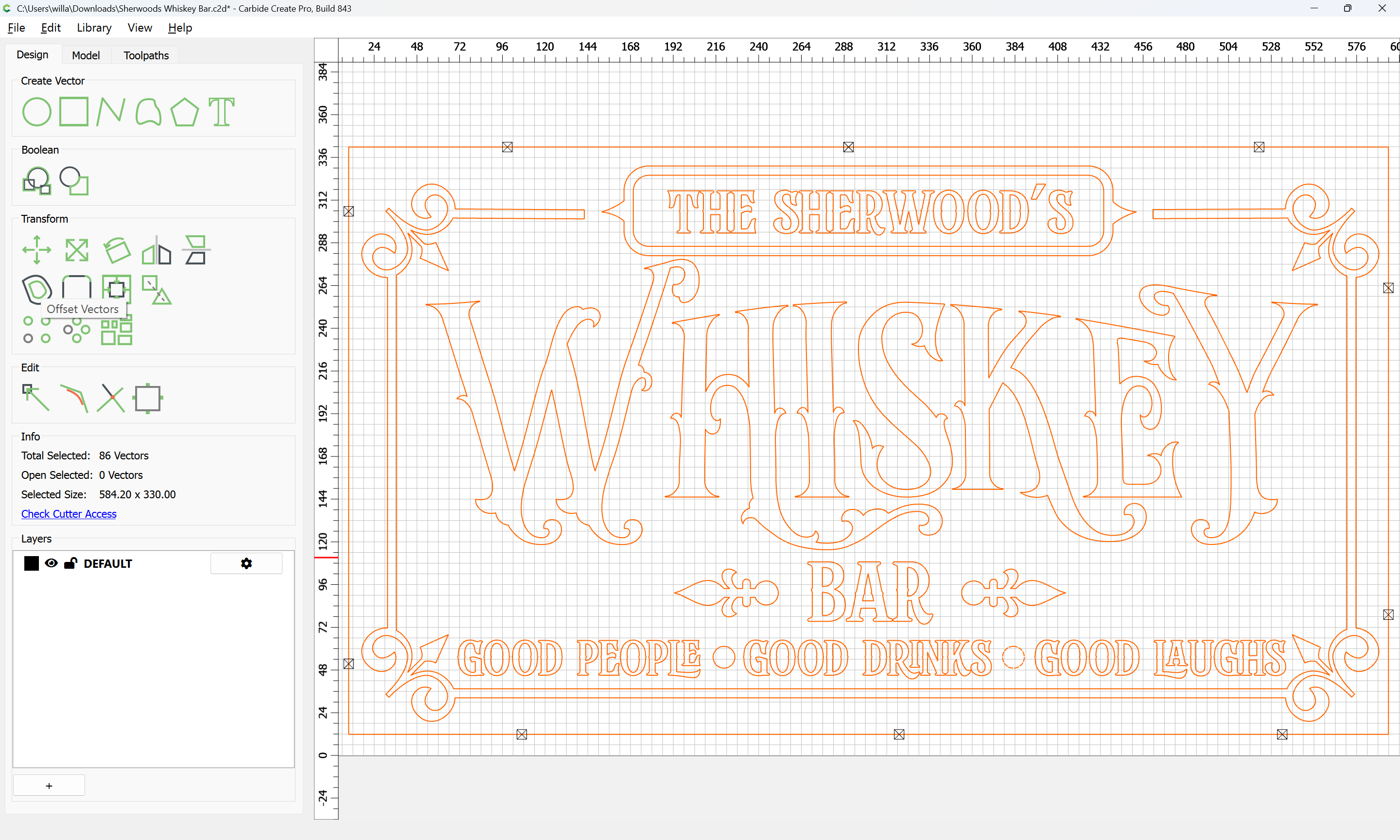
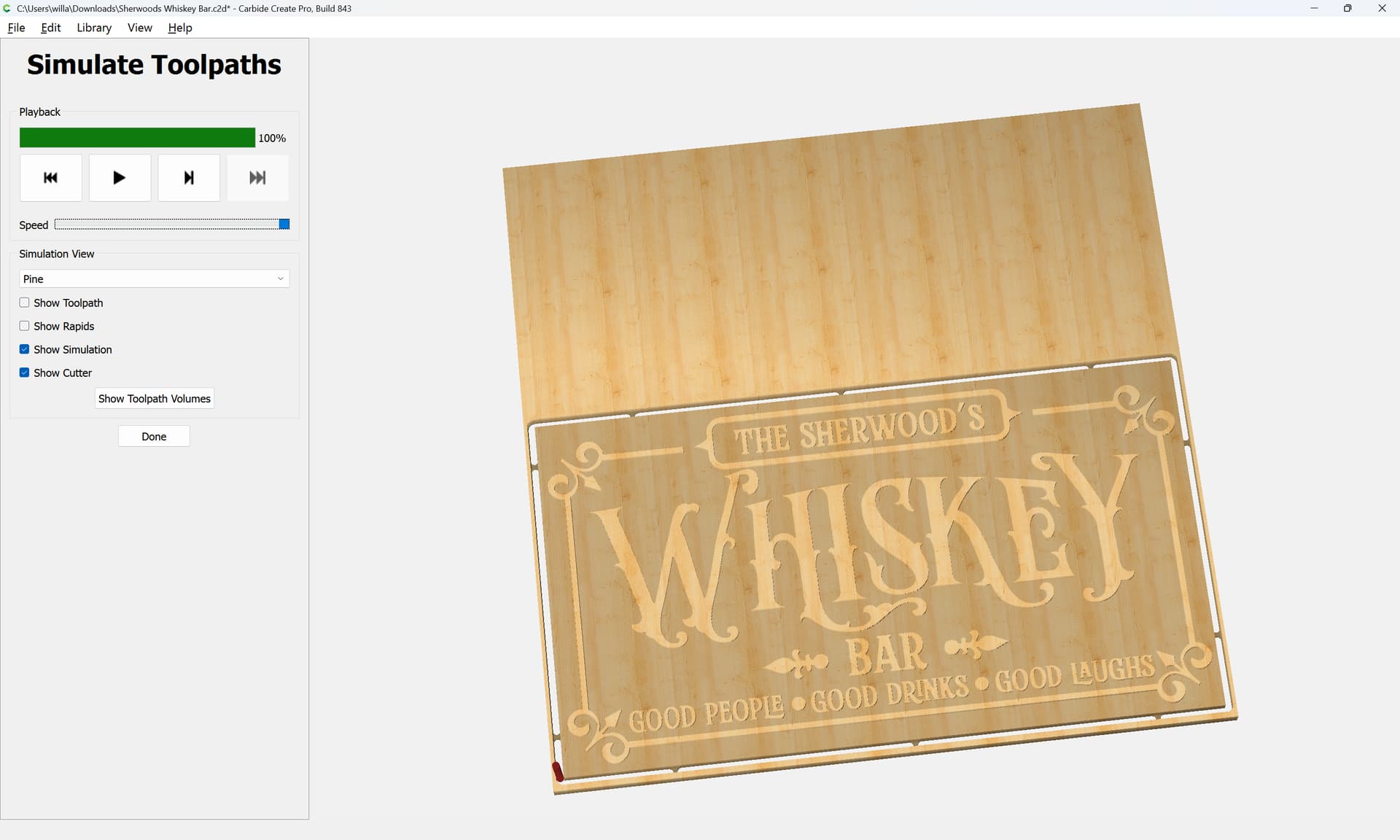
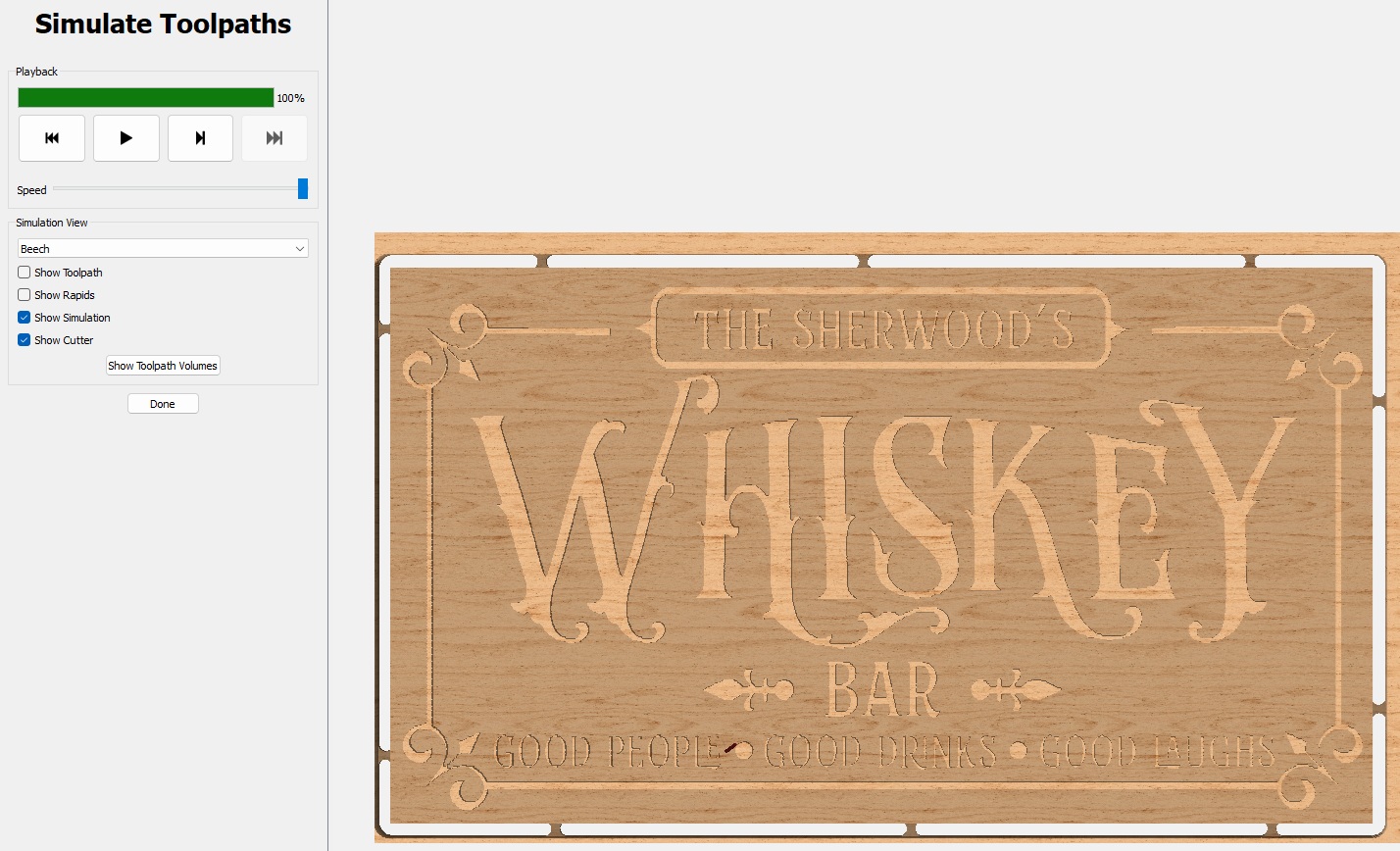
I tried this and the result is this, the problem being that the Vee bit portion of this process only cuts so deep and if I try to modify the depth, the bigger bit pocket just matches it.
I must not be explaining myself very well. I apologize.
I tried this and the result is this, the problem being that the Vee bit portion of this process only cuts so deep and if I try to modify the depth, the bigger bit pocket just matches it.
I must not be explaining myself very well. I apologize.
You are explaining yourself perfectly. Is the depth still 3mm? That’s happens to be the depth I also use in my signs.
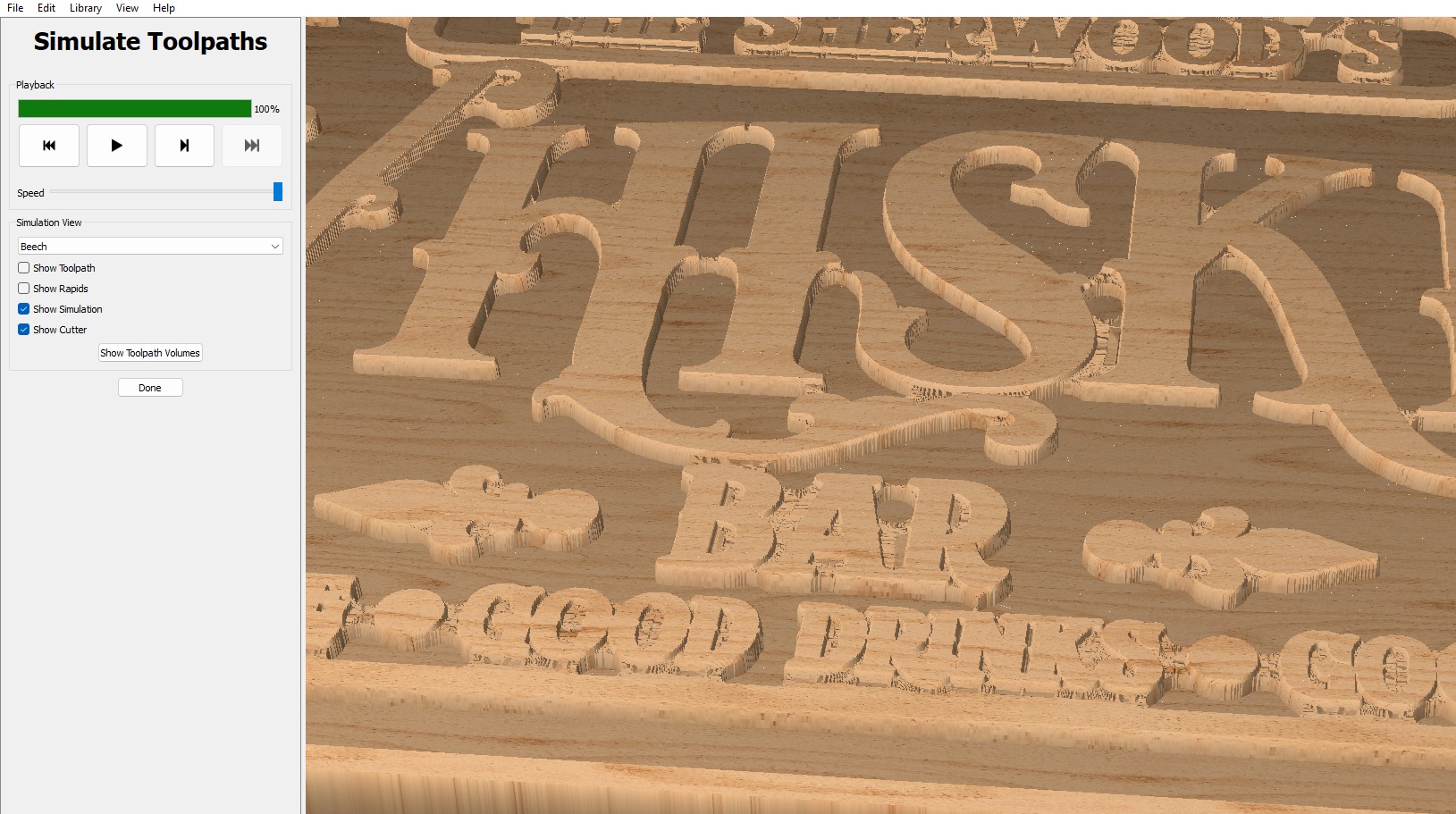
In the Adv vcarve option, you are only able to enter in one depth setting, so start at zero and end at 3mm in my case. I have tried the vcarve option to create designs just to understand how it works. The picture I have attached help me to understand that I set the carve depth to alot more than how deep I want it to go but depending on the Vee, the 90 degree will not go as deep as the 60 degree because the sides will hit on the tool path sooner etc. I feel like that is the situation with this adv vcarve option and it only giving one choice for all of the tools involved
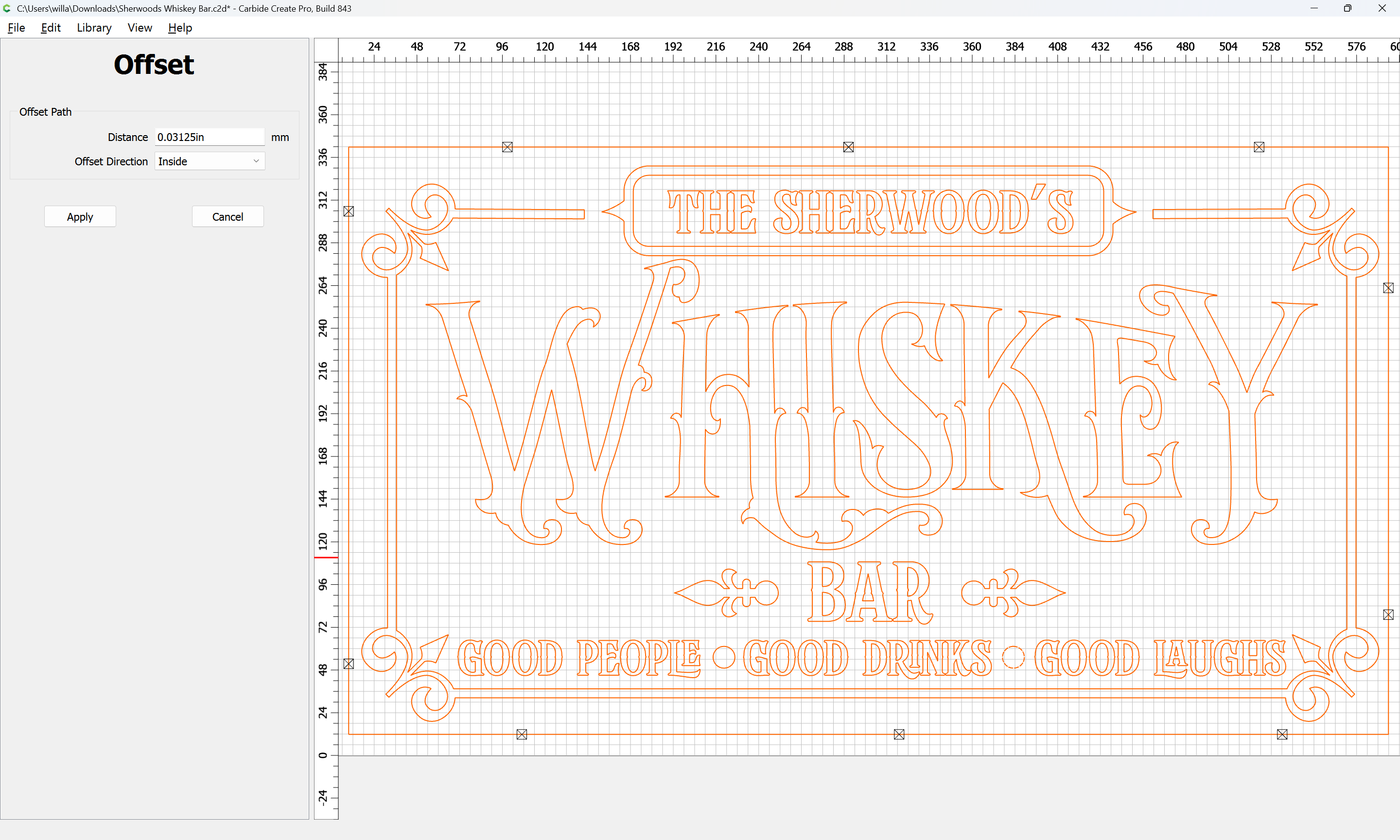
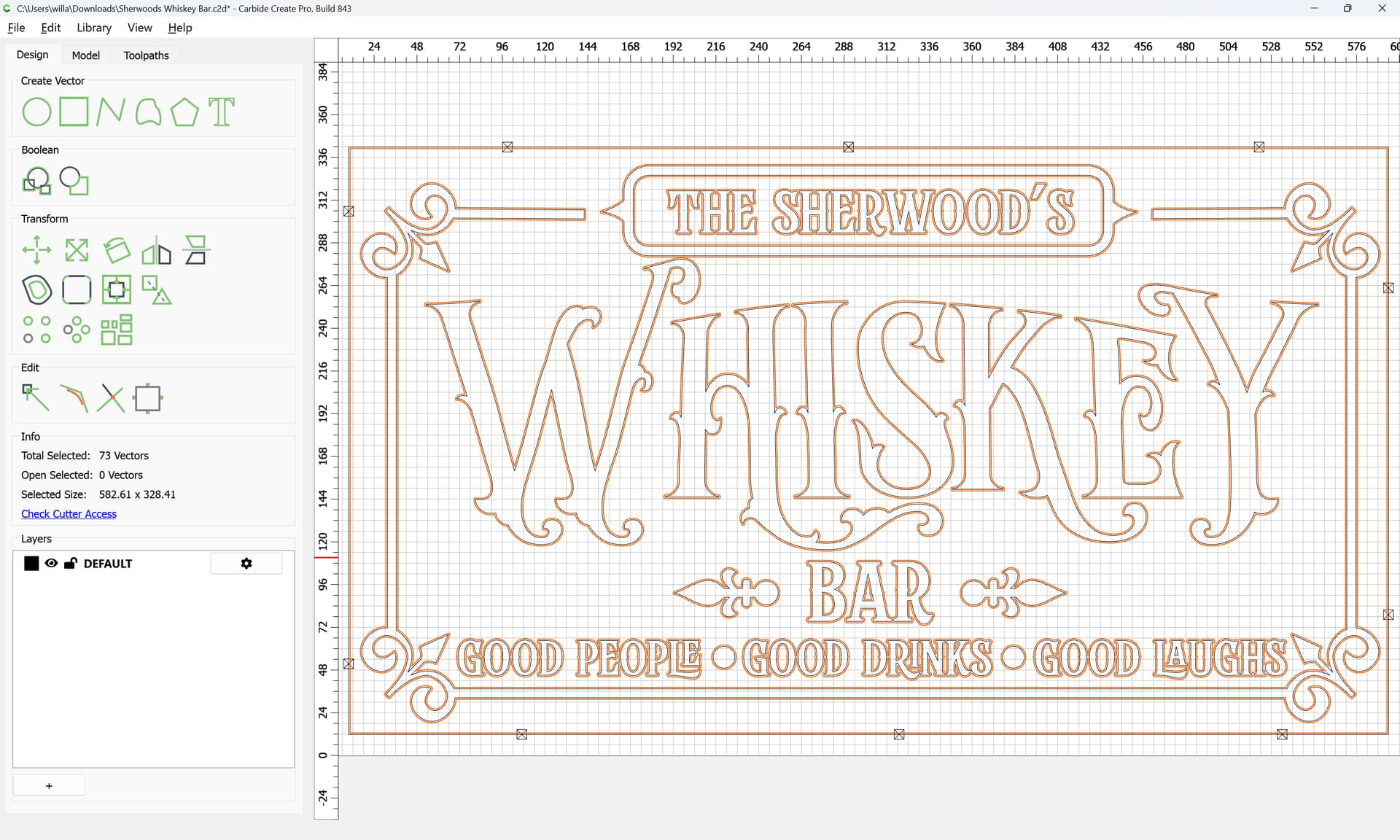
If you inset that by the radius of the tool you are using:
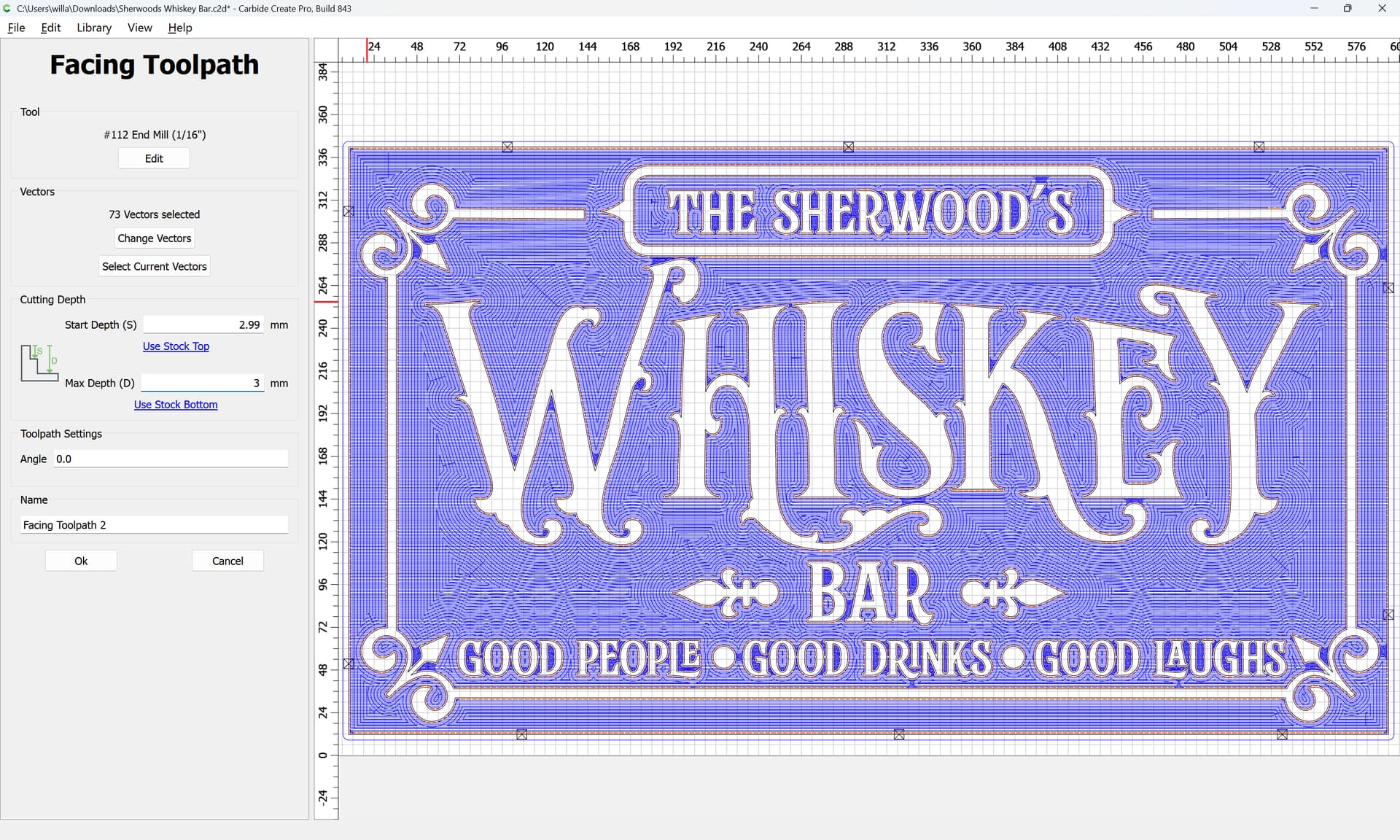
then apply a Facing toolpath:
It should yield a good result:
(and probably you can run that finishing pass quite fast)
And that’s fine if you are painting. You will see!!
Thank you thank you thank you, I really appreciate you doing that. Ok, I am leveling the board right now to make sure it’s flat, then I will run this. I will report back!
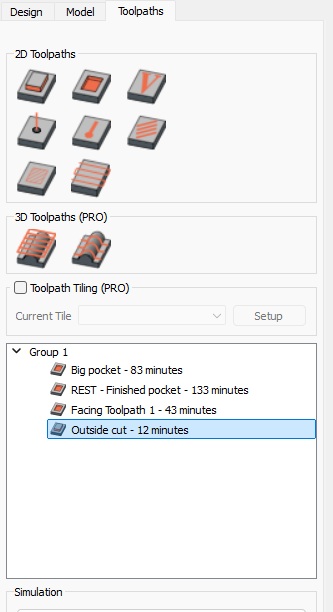
Can you show me the list of toolpaths you have setup in this?
I want to make sure I am duplicating it
Here is an example of one of my signs that has a 3mm depth of carve. Make sure to adjust the feeds and speeds appropriately for wood. These are maxed out for HDU which is like cutting butter. You will surely burn or break a bit on plywood or other wood if you use these speeds!
(If you enable the rest of the toolpaths, you will also see my “woodgrain” look in the sign as well. But that’s for a different topic).
Thank you so much for helping. I really appreciate it.
Any time. That’s what this community is truly all about.
This topic was automatically closed 30 days after the last reply. New replies are no longer allowed.