Not sure why this image in particular doesn’t want to trace correctly, any ideas?

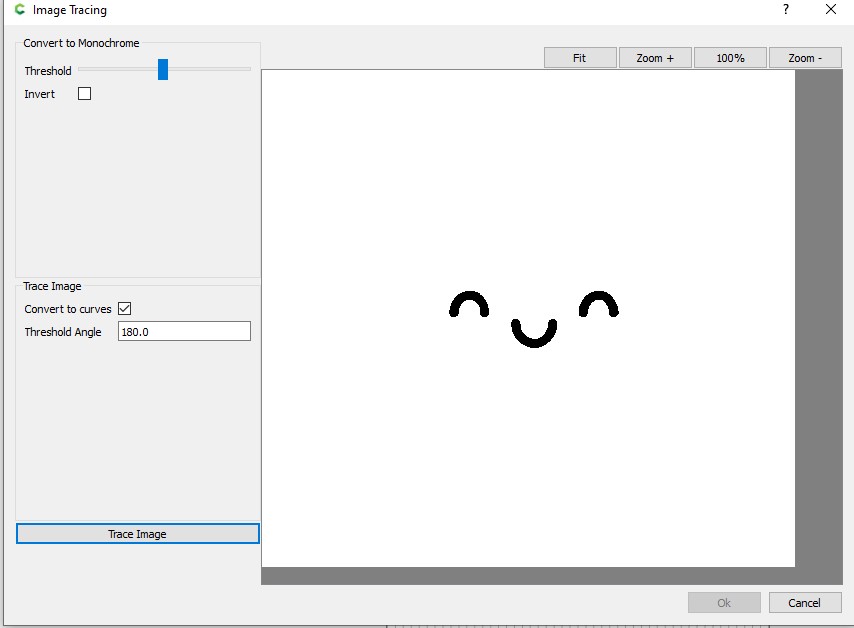
Adjust the threshold. You will likely have to trace several times with different thresholds to get all the parts. Adjust the threshold angle to get smoother curves.
1 Like
For an example of doing this see:
I believe the Trace option uses the grey scale as a way to find edges.
Here is your image converted to grey scale.

If the threshold adjustment does work, you could change the colors to produce a sharper edges.
I would probably work with the BW image to produce more contrast.
2 Likes
Carbide Create’s tracing expects a b/w (monochrome) image.
If you trace multiple times adjusting the threshold you get:
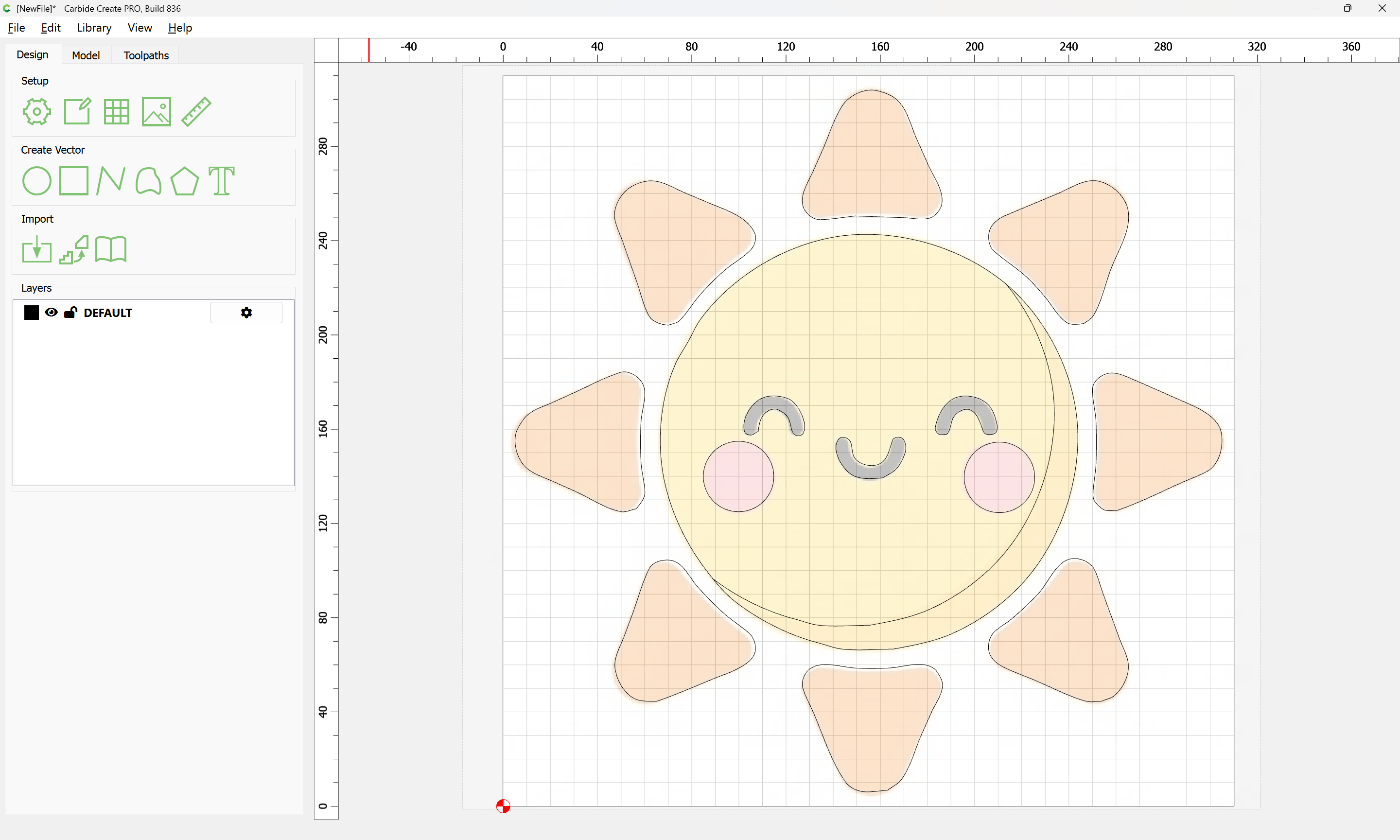
Attached as a v8 file:
sun_v8.c2d (224 KB)
which w/ a bit of adjustment should work well.
3 Likes
This topic was automatically closed 30 days after the last reply. New replies are no longer allowed.