Hey Folks, does anyone have any tricks or tips with tracing? When I set up my tracing and put in my settings it always comes out pretty screwed up. I’m getting tired of spending literally several hours fixing the image. If I could cut down my time even by half would be greatly helpful. Alright, have a good day.
Start with a high-quality, high-resolution original.
Realize that sometimes it’s better to just re-draw.
If you’ll upload an image you are having trouble with, we will look into this with you.
3 Likes
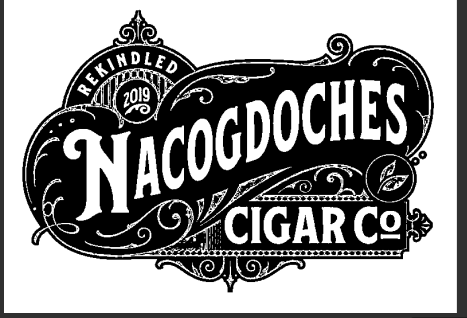
Today I was looking for a logo to put on some bottle openers. I had made a plaque for this company before and had their logo. I did not want all of the logo just the text. I converted the .jpg to .svg and it looked horrible. So I searched the internet for the company and found the same logo but of higher quality. After converting it I just deleted the parts I did not want. The logo was too complicated for the advance vcarve I did.
Here is the converted logo:
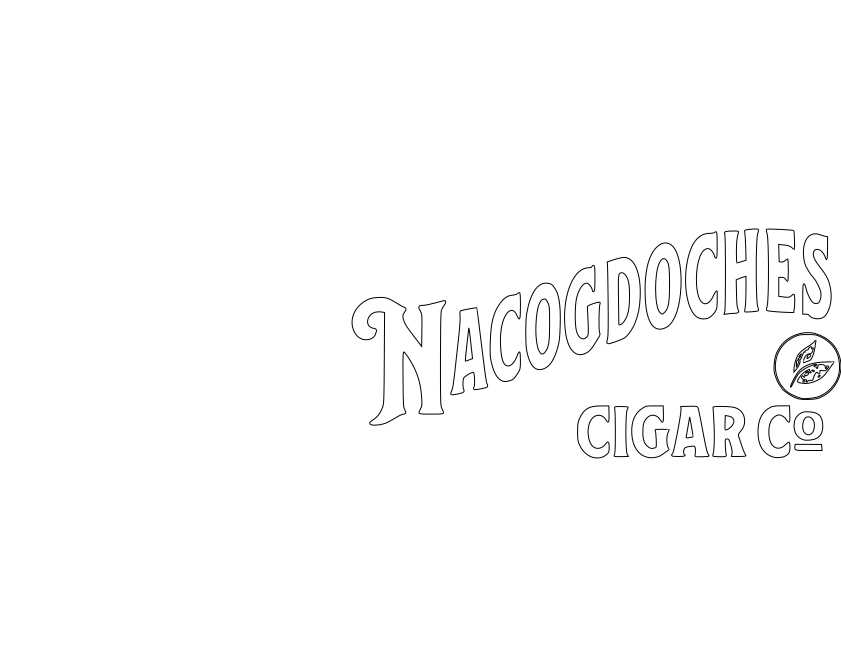
Here is the logo converted to svg with a different source.
The lettering is jagged and unusable without a lot of editing.
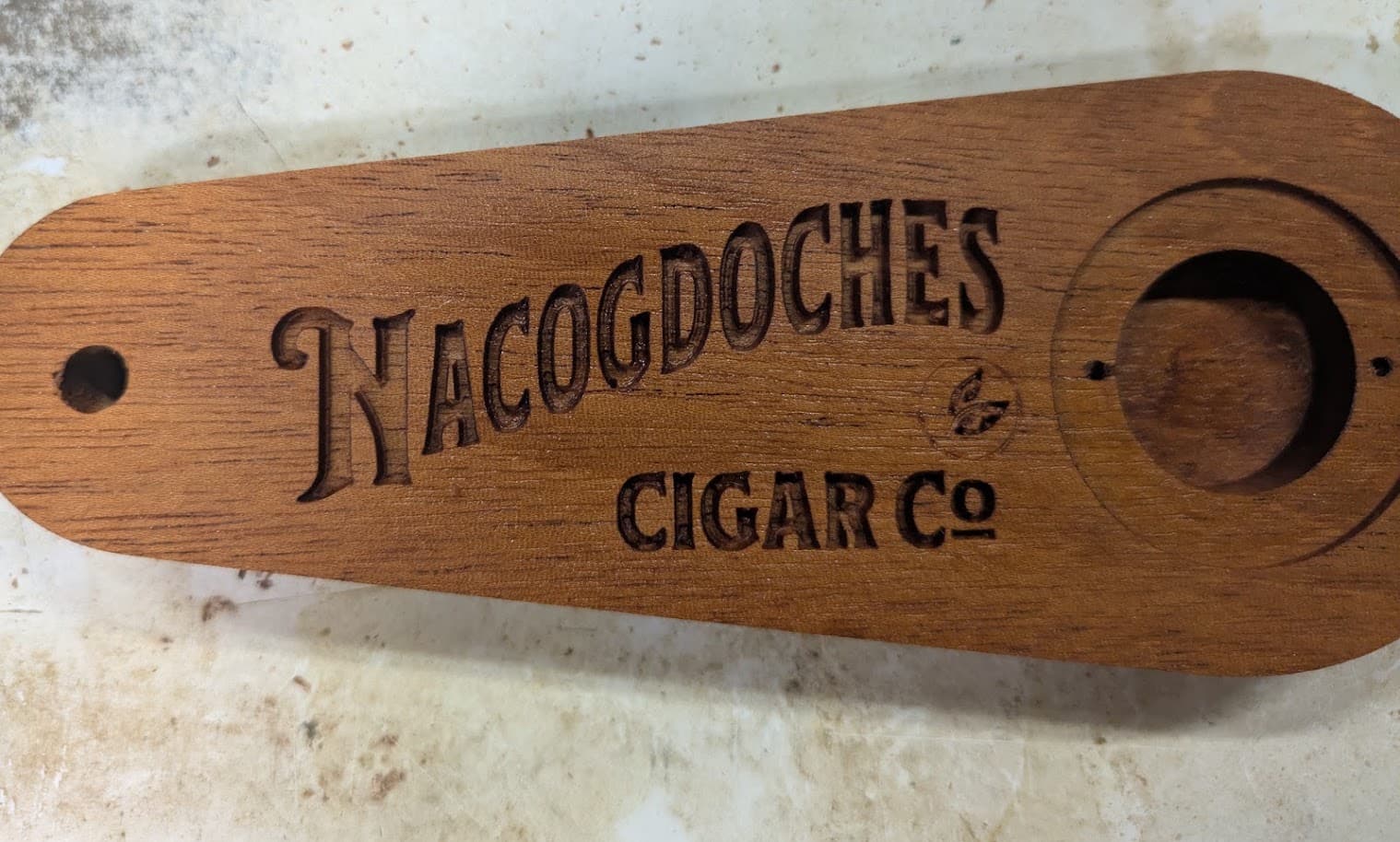
Here is the bottle opener with the partial logo…
3 Likes
This topic was automatically closed 30 days after the last reply. New replies are no longer allowed.