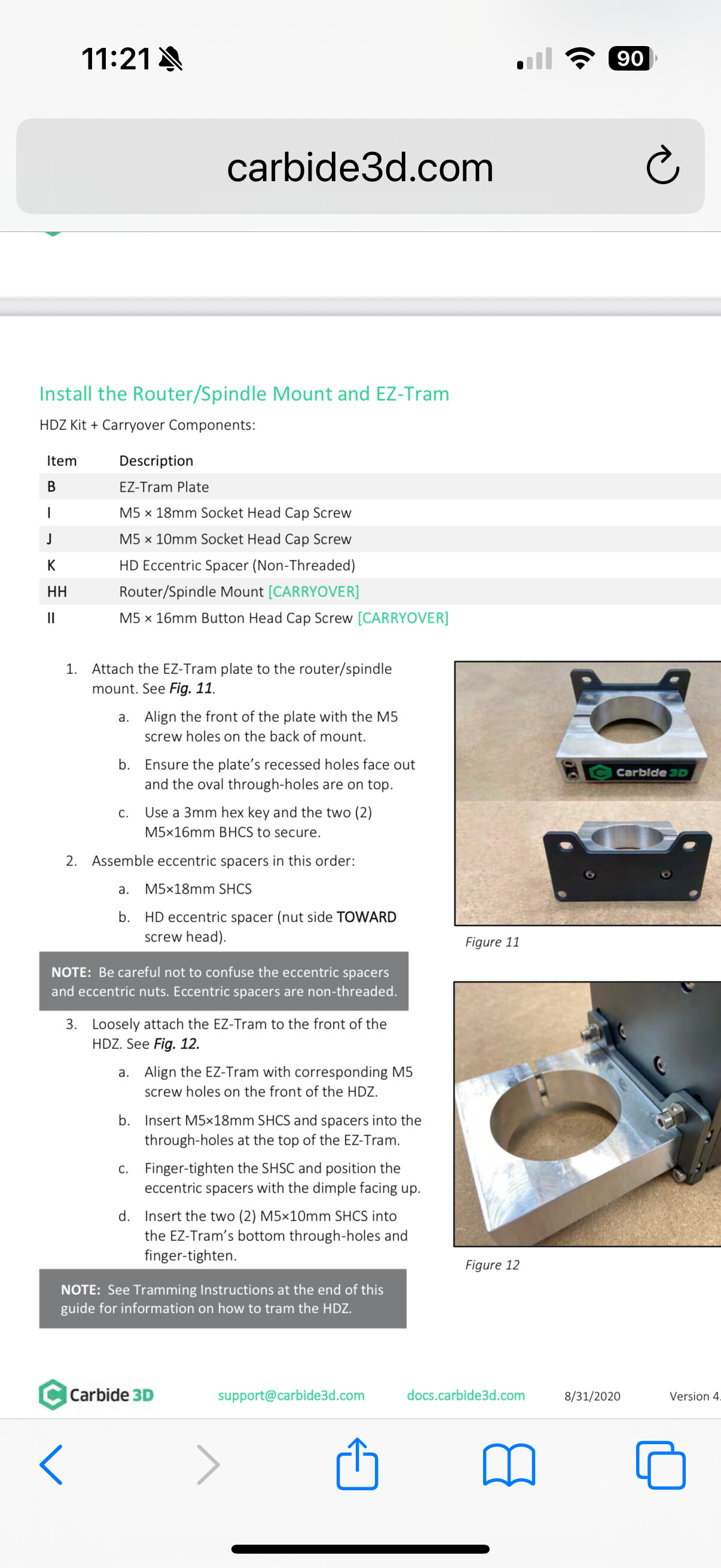
I was doing a multi layer epoxy carve and I realized that my shapeoko 3 xxl machine is seriously out of tram. I also realized that when I installed my z upgrade that I’m missing a few parts. I was very new to cnc and this was my first one. This is from the instruction manual.
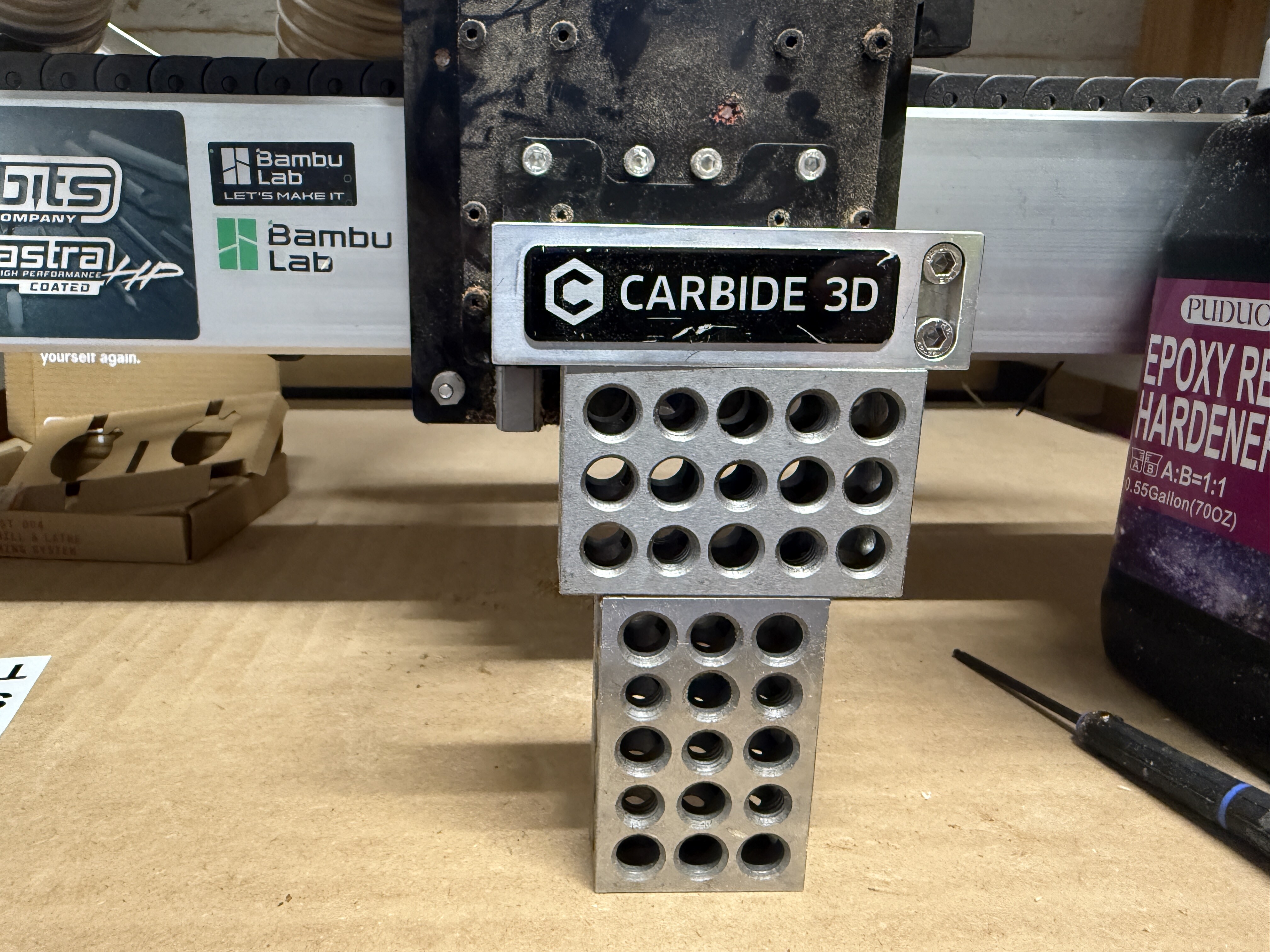
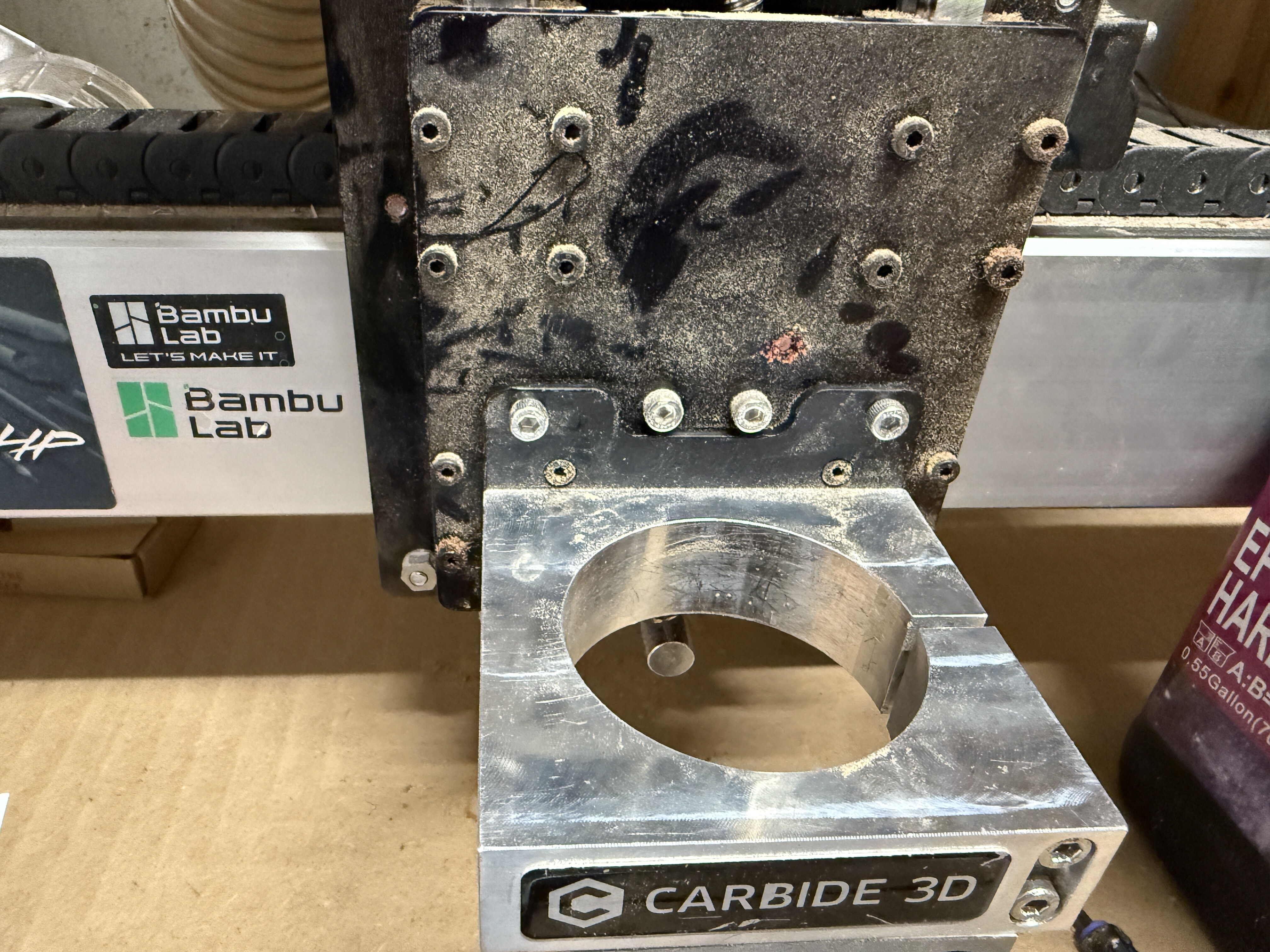
This is what my machine looks like. As you can see, I’m completely missing the essentric non threaded spacer so I can’t tram the x axis. The left side of the picture is lower than the right.
There are eccentric nuts that the v-wheel axles run through. You use those eccentric nuts to level the z-axis. You can see one of them on the bottom left corner of your z-axis assembly in your picture.
EDIT: I’m leaving my wrong comment suggestion because I was not fully awake before I responded.
You should have - and need - two of the eccentric nuts to properly tram your z-axis. You can pick them up from carbide3d if you contact support, or you can get them from other CNC parts sellers.
I have a few spares that I bought from somewhere because at the time I wanted the spares, carbide3d wasn’t selling them just for spares.