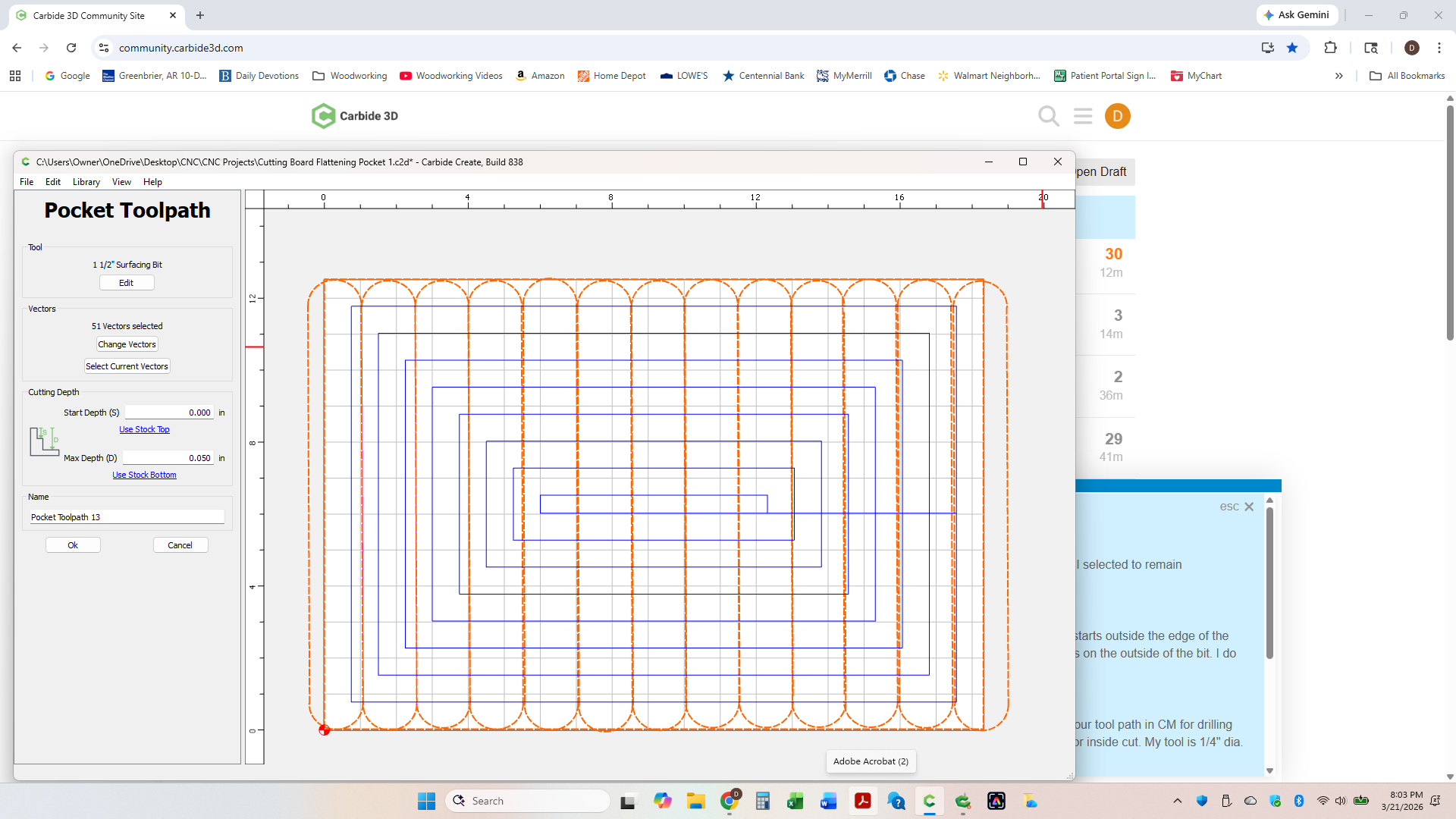
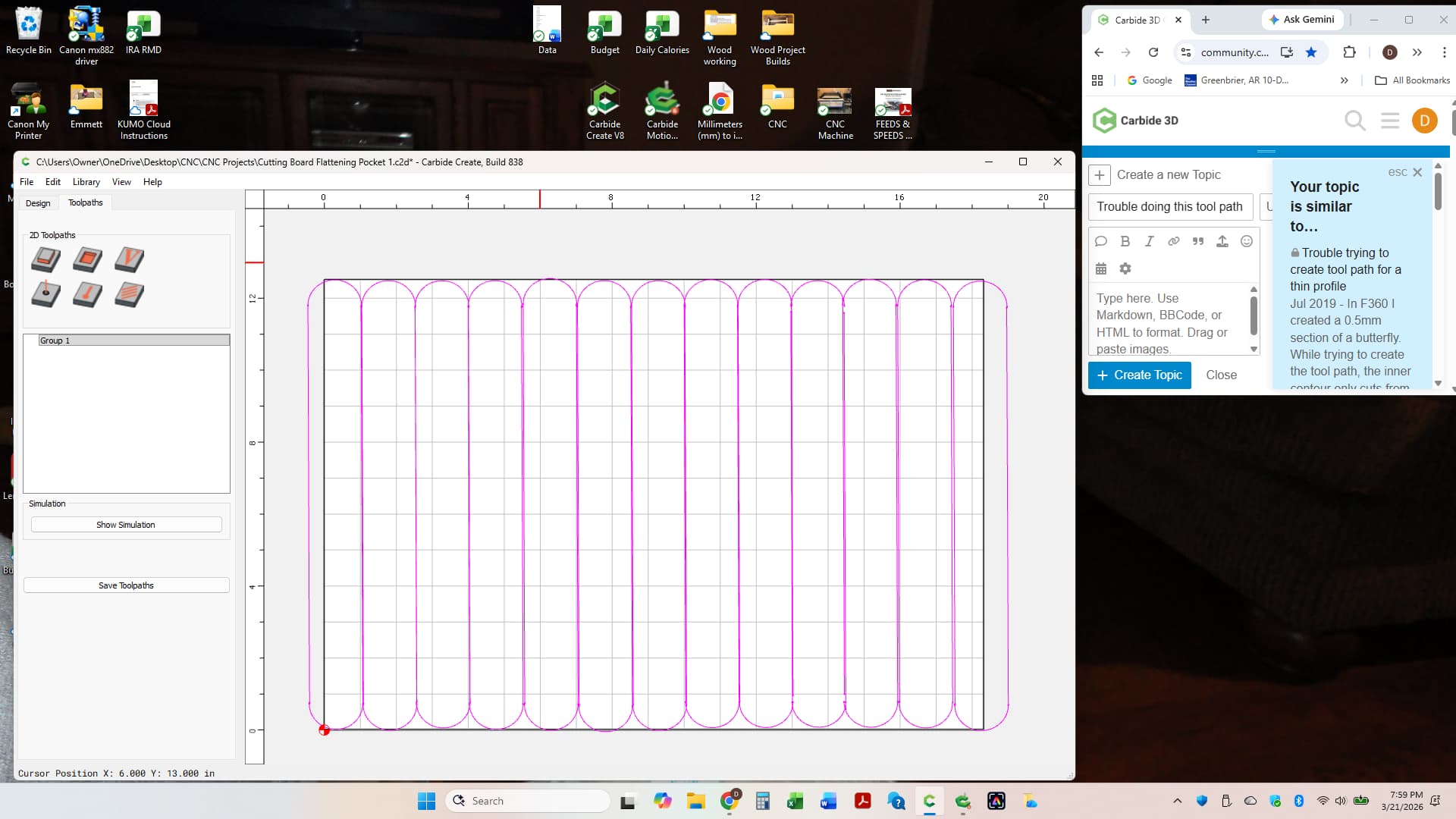
Thanks Will, I think I am figuring it out, I watched Kevin’s video on flattening a bunch of times. He goes so fast I have to stop it and rewind but my file is getting better. I am 3 weeks into my CNC journey and would value your opinion if you thought the Pro version of create would help me more at this time in designing my projects?
When you select a bunch of individual vectors that overlap for pocketing, it basically does a boolean unite to create the region to be machined. If you want to design your own path & have it follow it, clean up the vectors & join them into one vector, then use the contour with no offset path.
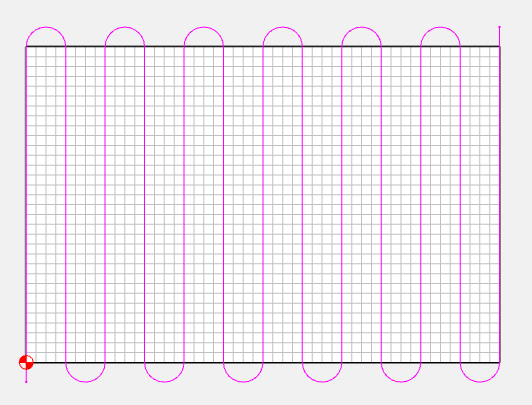
Thanks Tod, I finally watched Kevin enough on “how to flatten a board” had to pause and rewind a bunch, he goes fast !! I added width (2" both ends) to my actual board size to allow the 1 1/2" cutter to clear the board before starting the next cut, but didn’t clear the end where I zeroed. Should I decrease the X&Y axis setting on that end by the amount I want to over travel but keep my zero axes the same when I set zero. The cutter over travels the opposite end of the board looks like twice as much as the overtravel I set up (4")