Trouble importing svg and dxg files

Hello. I’m having issues importing a file to Carbide Create, that I created with RhinoCAD. It does the same thing with dxf and svg files. For some reason, it will only pocket the slot above the Christmas tree, and not the 25 slots in the Christmas tree.

I would appreciate any insight as to what I am doing wrong. Thank you.

Trying to attach an svg file. Shoot…I don’t know how to attach the file…Can someone help? Thanks.
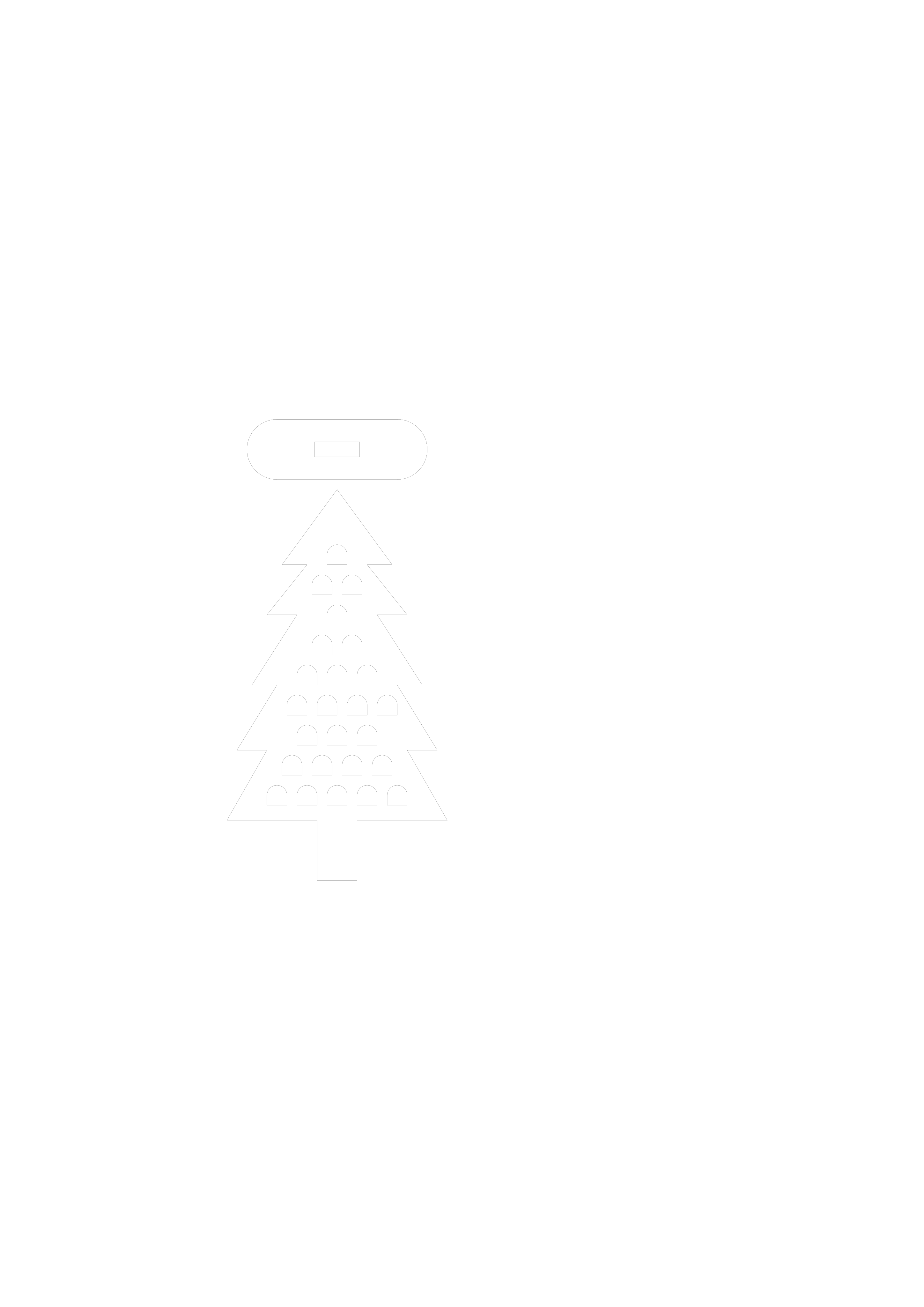
Maybe this worked?

Christmas Tree

Christmas Tree

click the upload button image
Or just drag & drop the file into your reply.

1 Like

How does the slot thickness relate to the tool used?

Note that the slot needs to be ~10% greater in width at its narrowest point than the diameter of the tool used to cut it.

Slot thickness shouldn’t be an issue.

I tried to drag and drop, but am not seeing it in my reply…

This topic was automatically closed after 30 days. New replies are no longer allowed.