All,
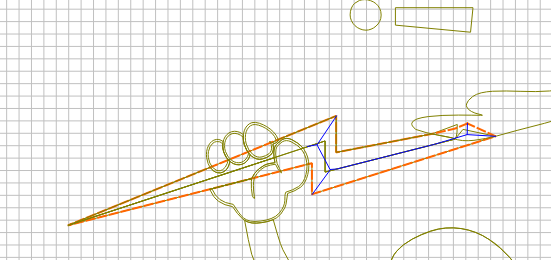
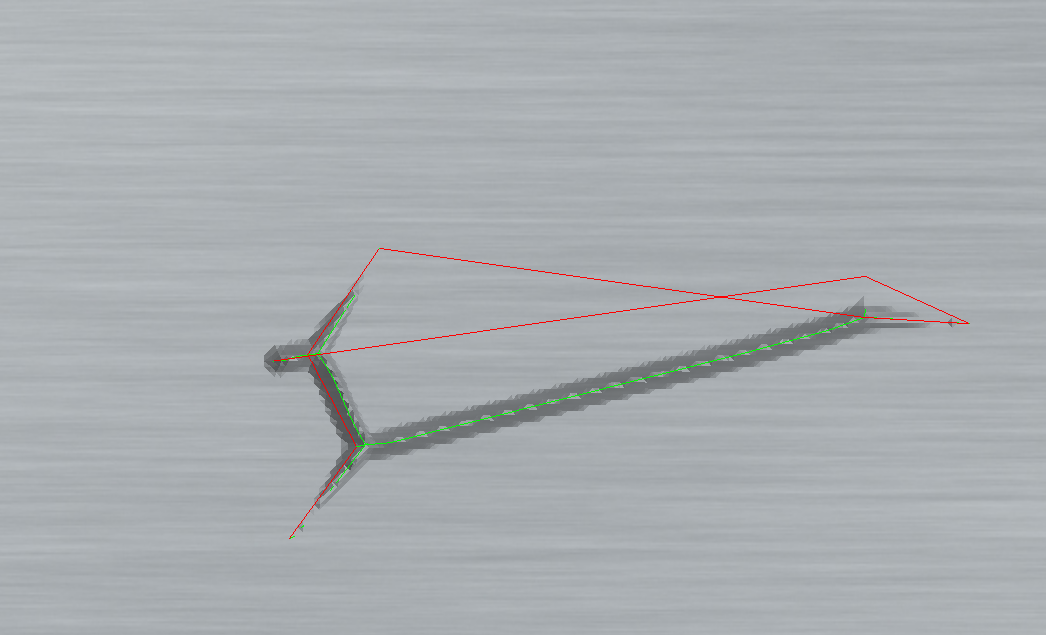
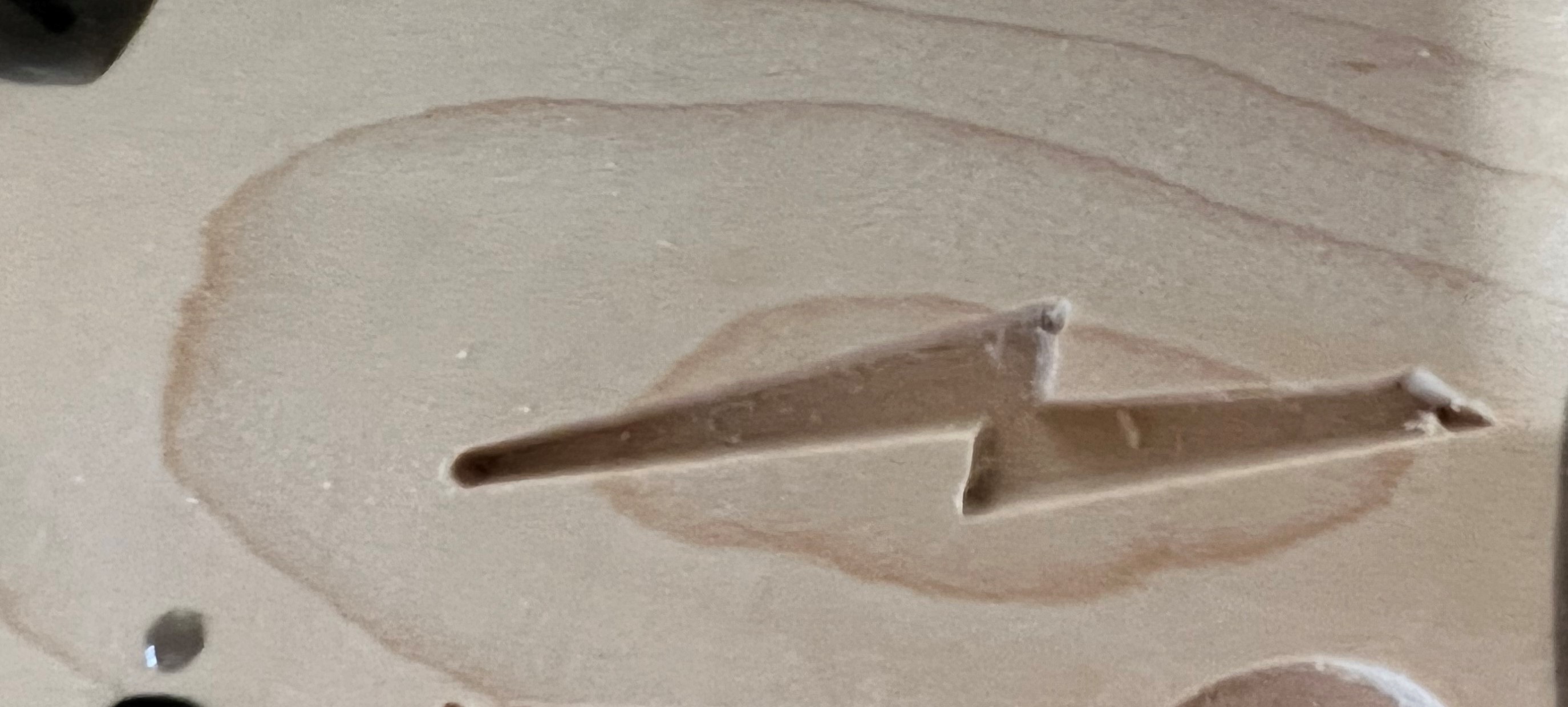
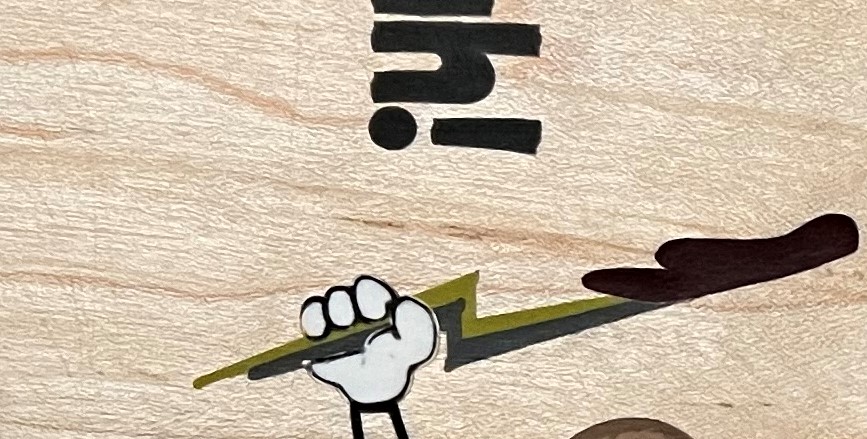
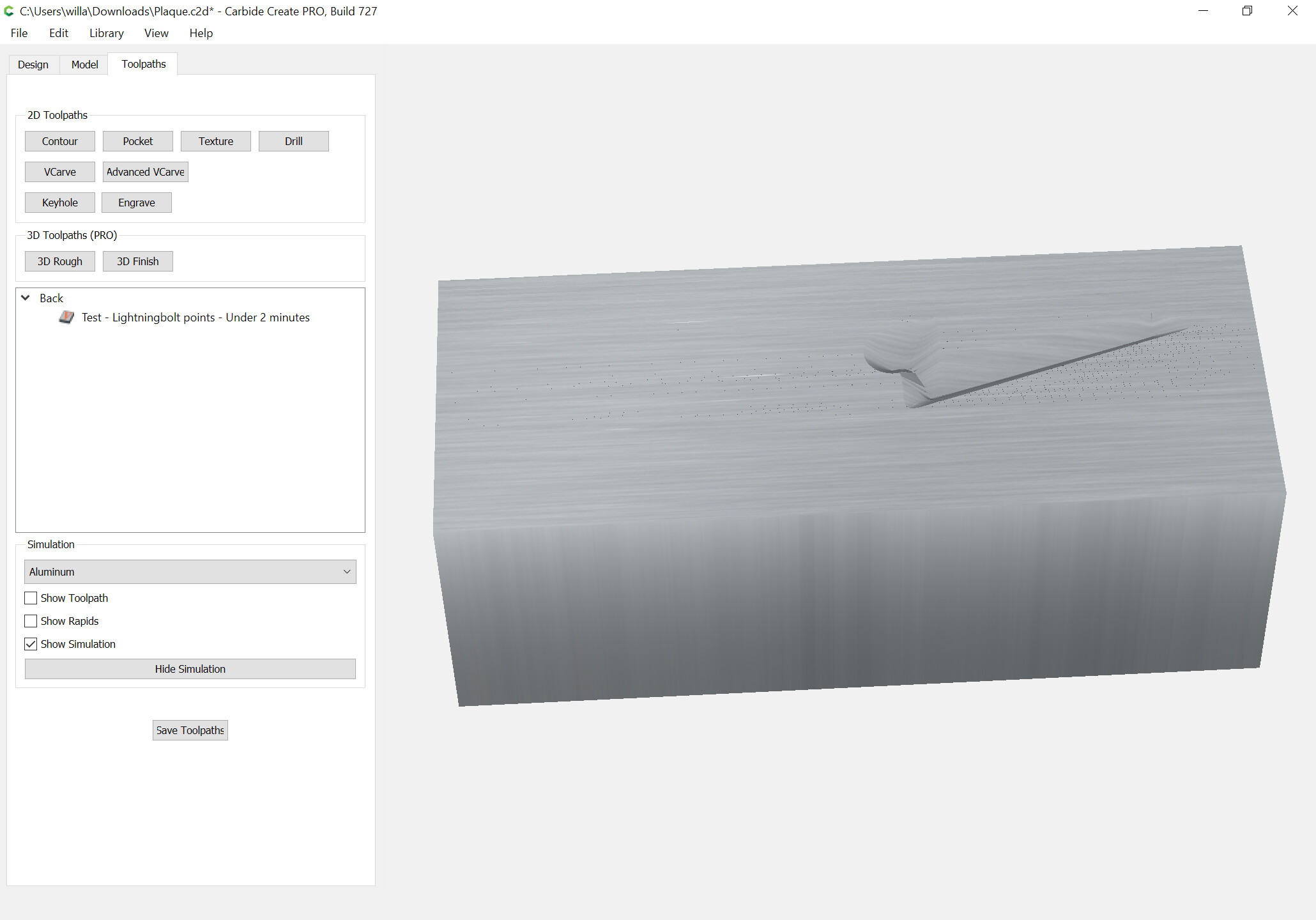
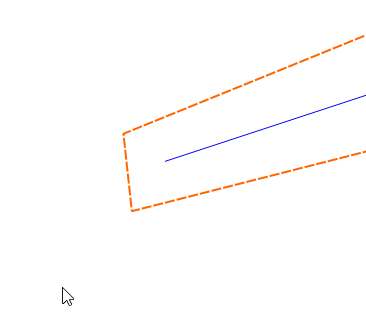
I’m back with another question/issue. I’m still making resin inlaid plaques for my unit. The problem is when trying to VCarve a lightning bolt CC won’t resolve the toolpath all the way to the bottom tip of the lightning bolt. It stops somewhere between 1/4 to 1/2 the way, leaving the lightning bolt blunt. I’ve tried changing Max Depth and DOC. I tried using larger and smaller v-bit angles, from 20°-90°. I even tried moving up to V7. It’s only when I scale the vector up ~150%, from ~2" to a little over ~3", does CC complete the toolpath as it should. Here are some pics to show what I’m talking about.
Here’s what it looks like in CC V6 (it looked the same in V7)
I guess my questions are 1) Why isn’t CC resolving this correctly? It does on much tighter angles in other parts of the design. and 2) Is there something I’m doing wrong or should do differently to fix this?
As always, I greatly appreciate y’all’s insight and guidance. Have a great day. Thanks.
It just really doesn’t like that sharp angle on the left end of the lightning bolt.
If you make the angle on the left end a little bigger it will cut.
Also if you edit the left end & insert another node (These are only 0.002" apart) it will work