I have an image of a cross that I would like to cut out. I can’t seem to get the correct file type. I created the image using fusion 360. But had a lot of trouble saving the image as dxf or svg. Now that I have the image in carbide create, I can’t figure how to make the toolpaths. I need an outline path. I would like the cross to be 1/8" thick. and the circle to be 1/4" thick
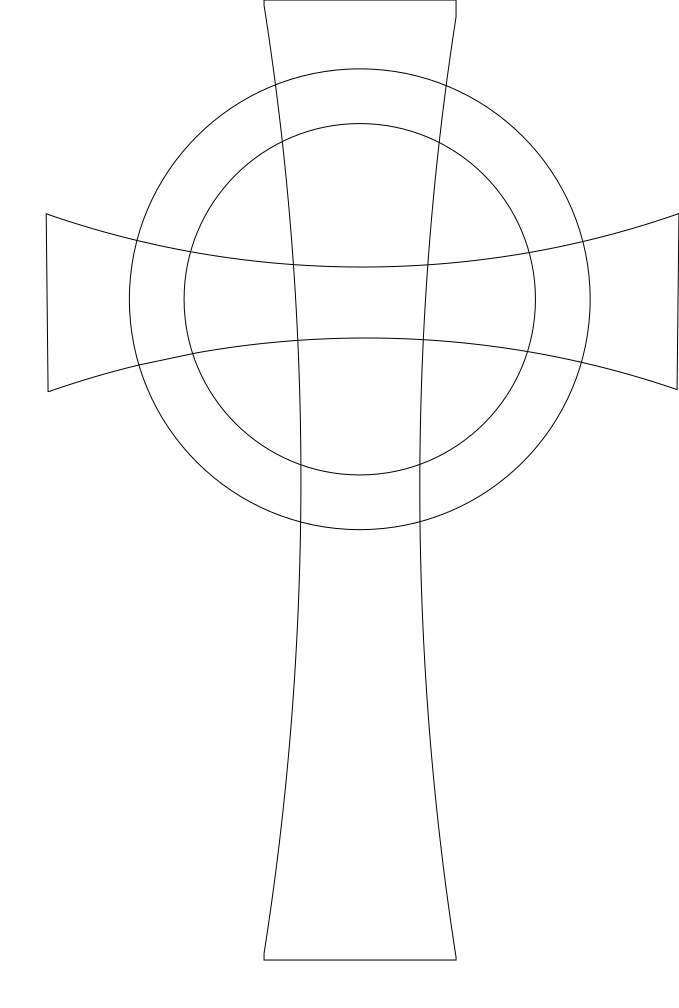
I can’t seem to trim the lines going thru the circle. Also how to connect all of the outside line into one tool path.
I’m not at my computer with CC/CM right. However, I have to ask about your dimensions.
You want the total thickness (Z axis) of the cross to be 1/8” and the circle to be 1/4”?
What is the overall height (Y axis) of the cross and width (X axis)?
You really need to upload the file here so we can see the dimensions you intend to machine.
1 Like
This looks like a job for Region Builder!
This looks to be perfectly suited for the new Region Builder feature.
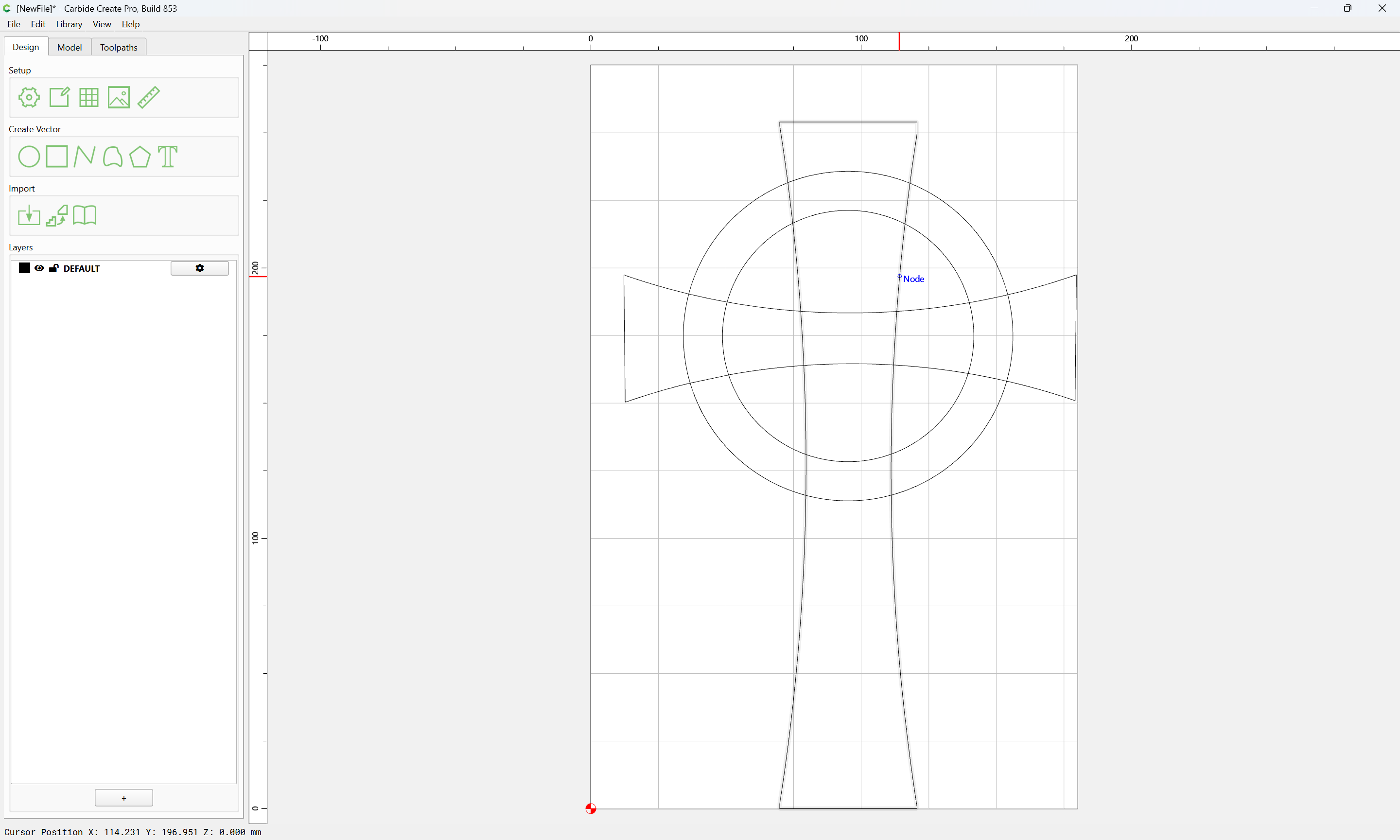
Import/open the file:
Select everything:
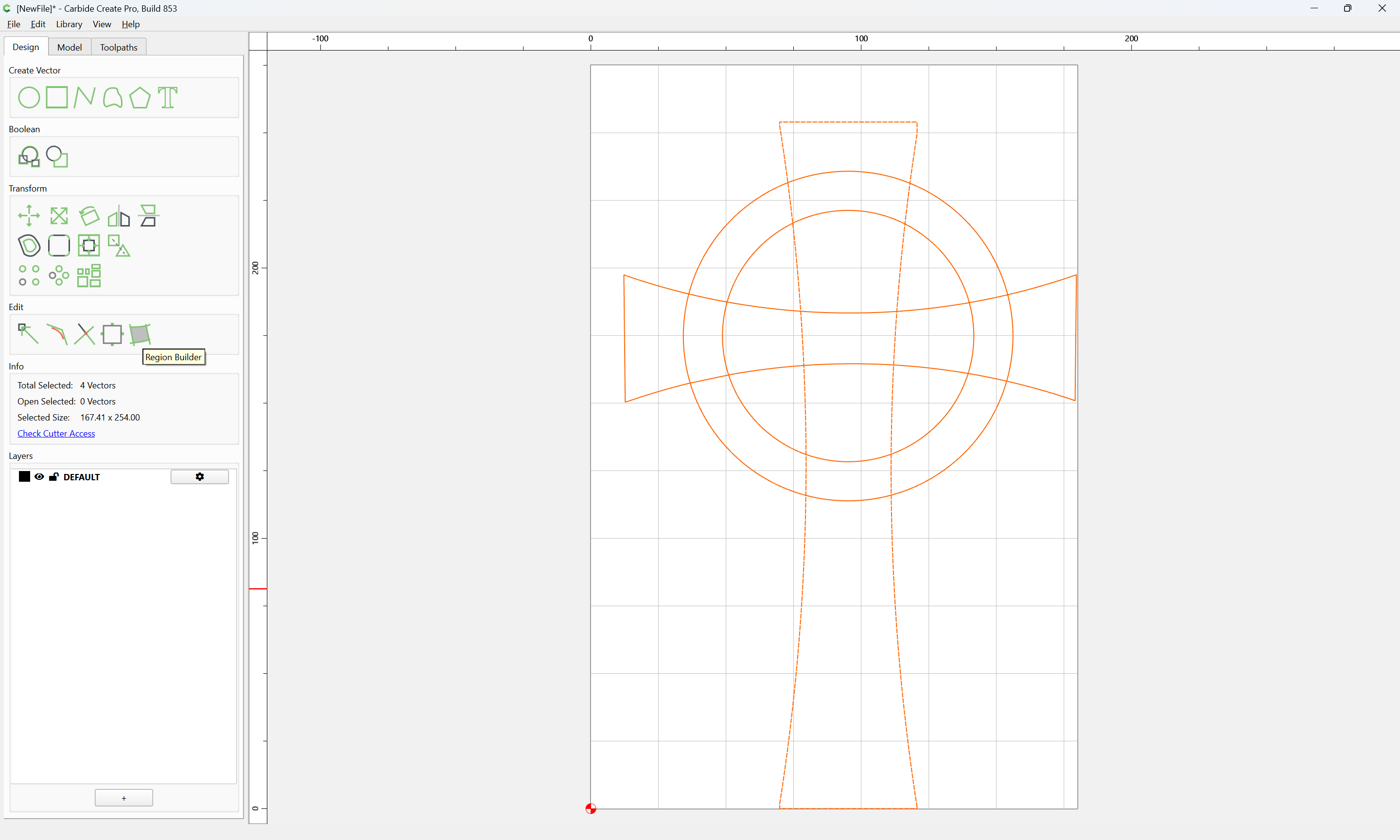
Use the new Region Builder tool to define the two sets of elements which you will want, assigning each to its own layer:
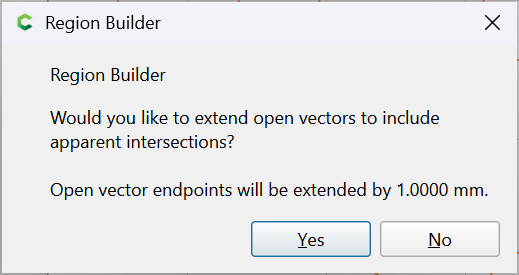
Yes
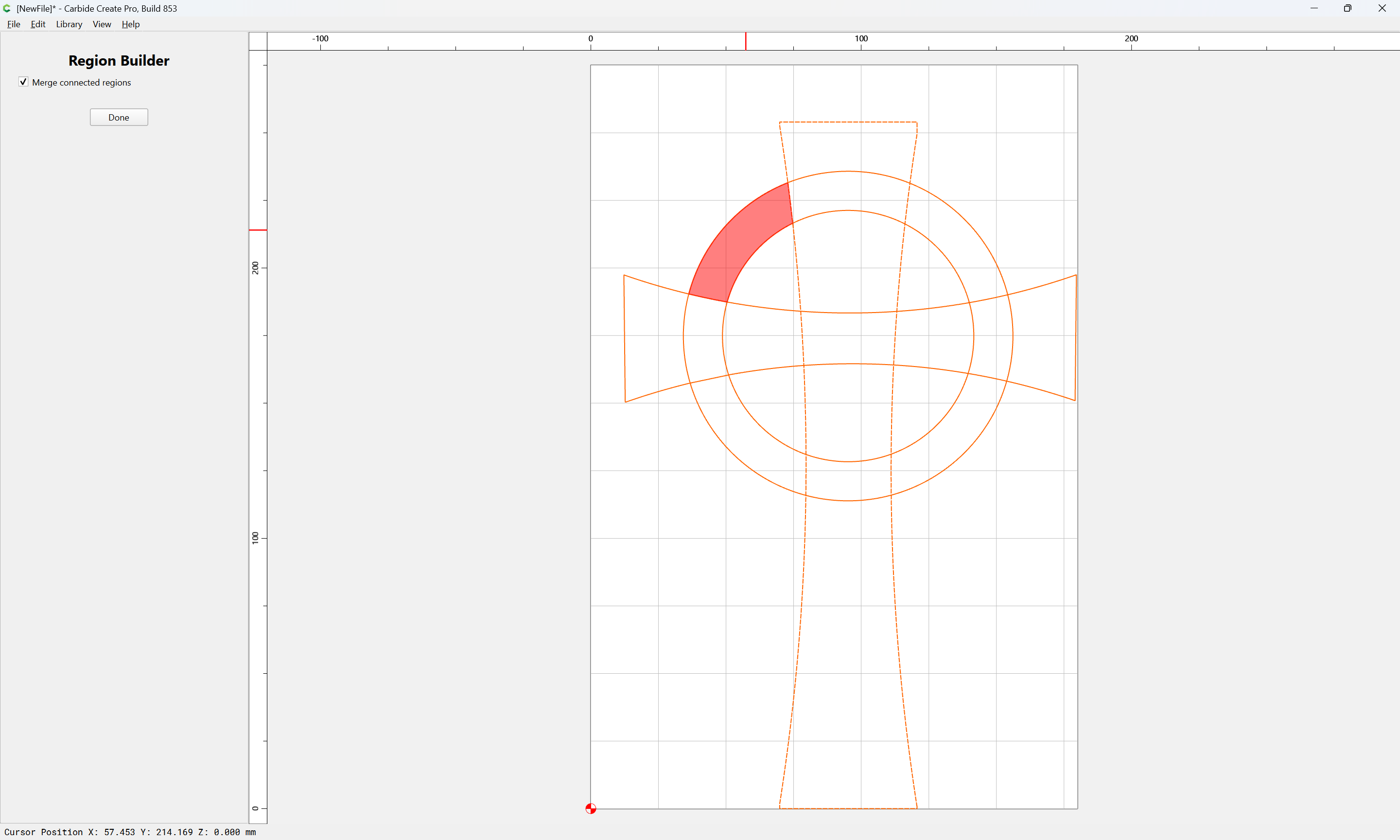
click on each region:
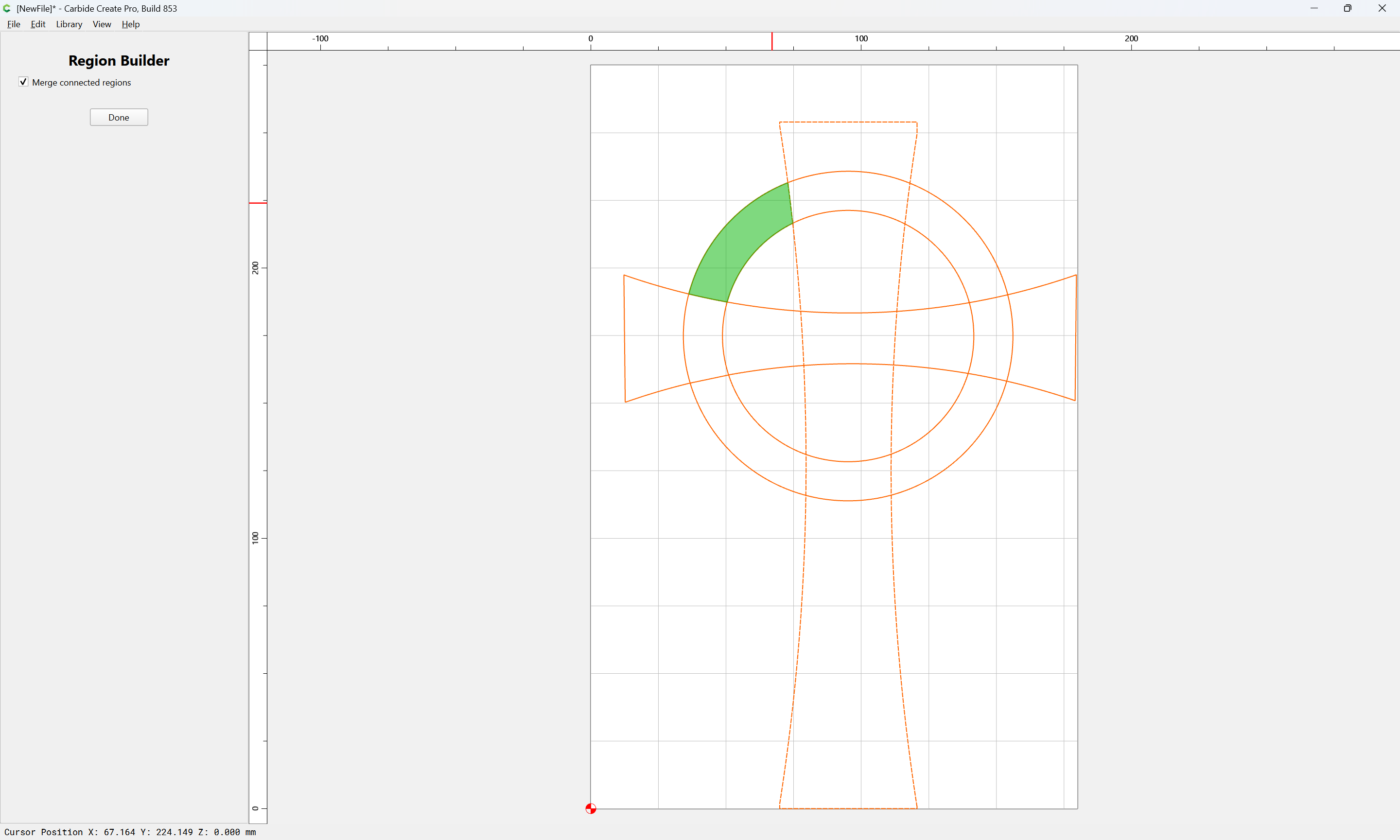
until one has defined what one wants:
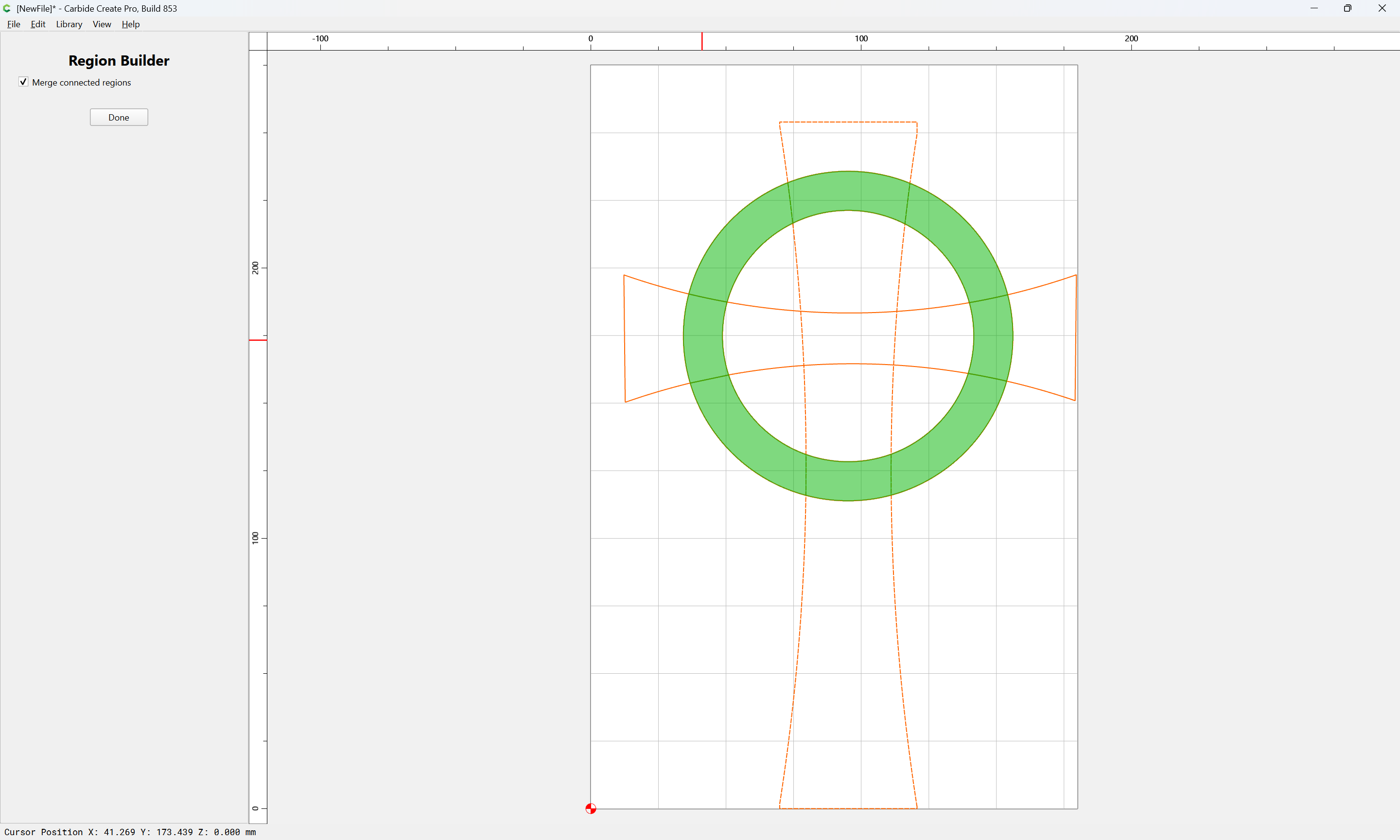
Done
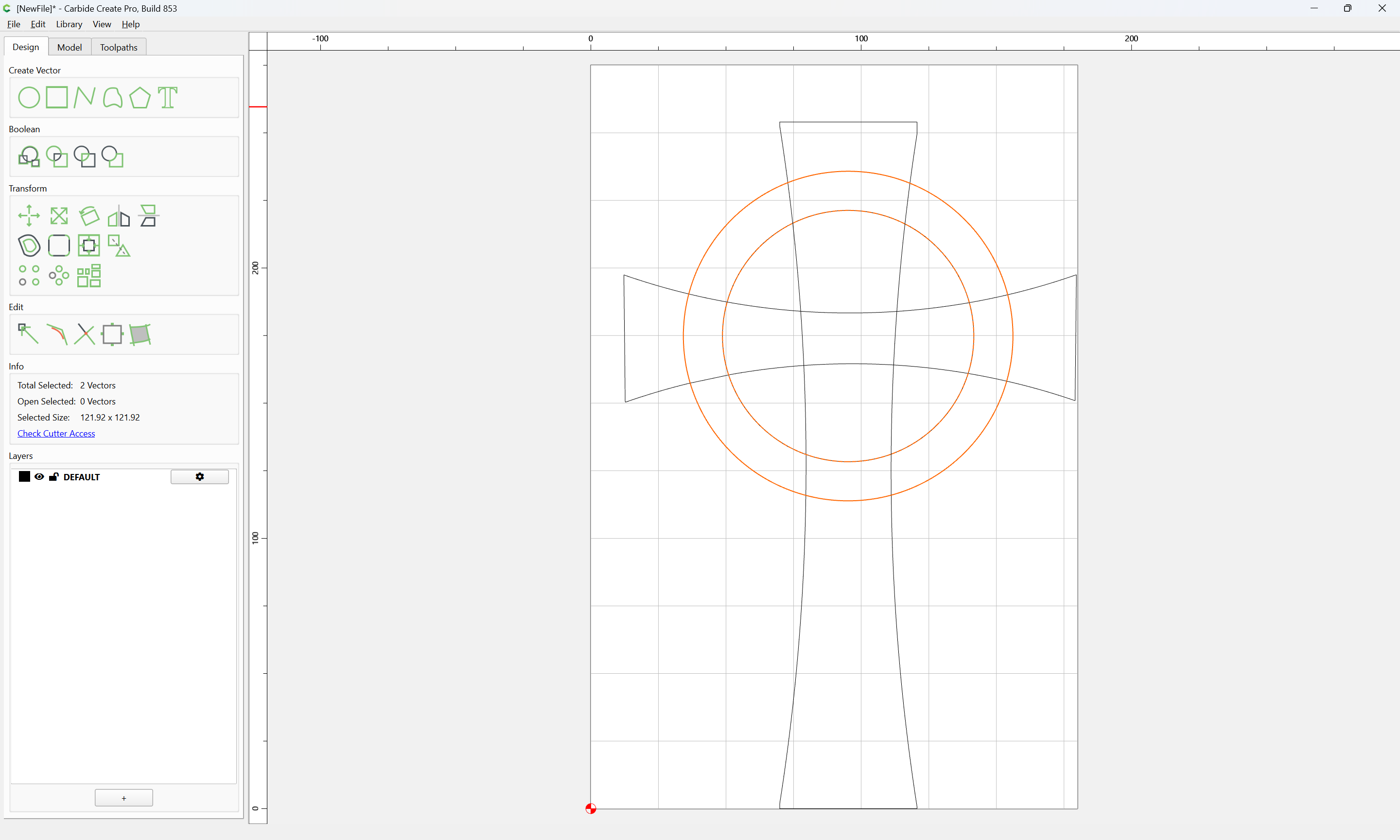
Create and name a layer:
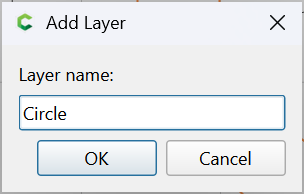
and move the selection to it:
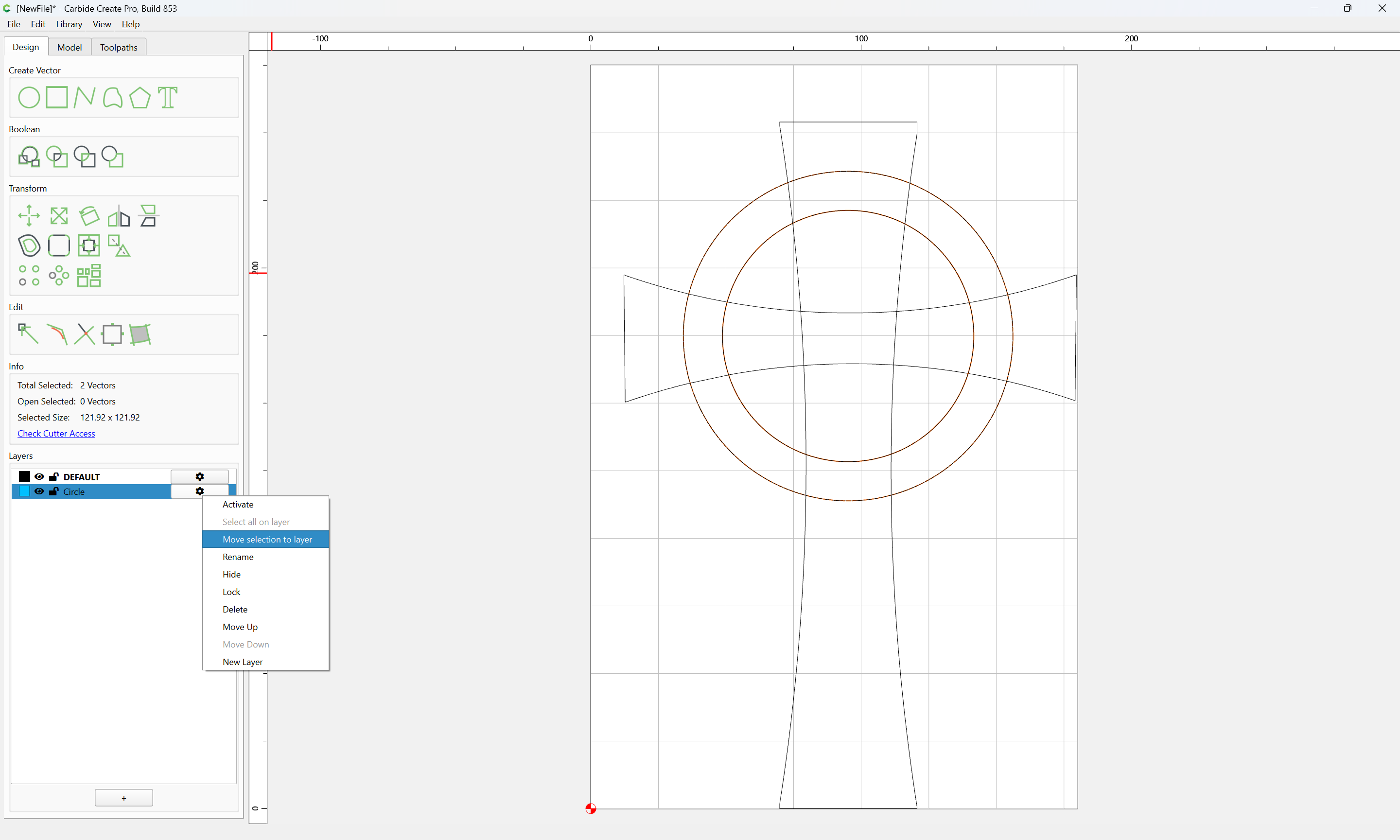
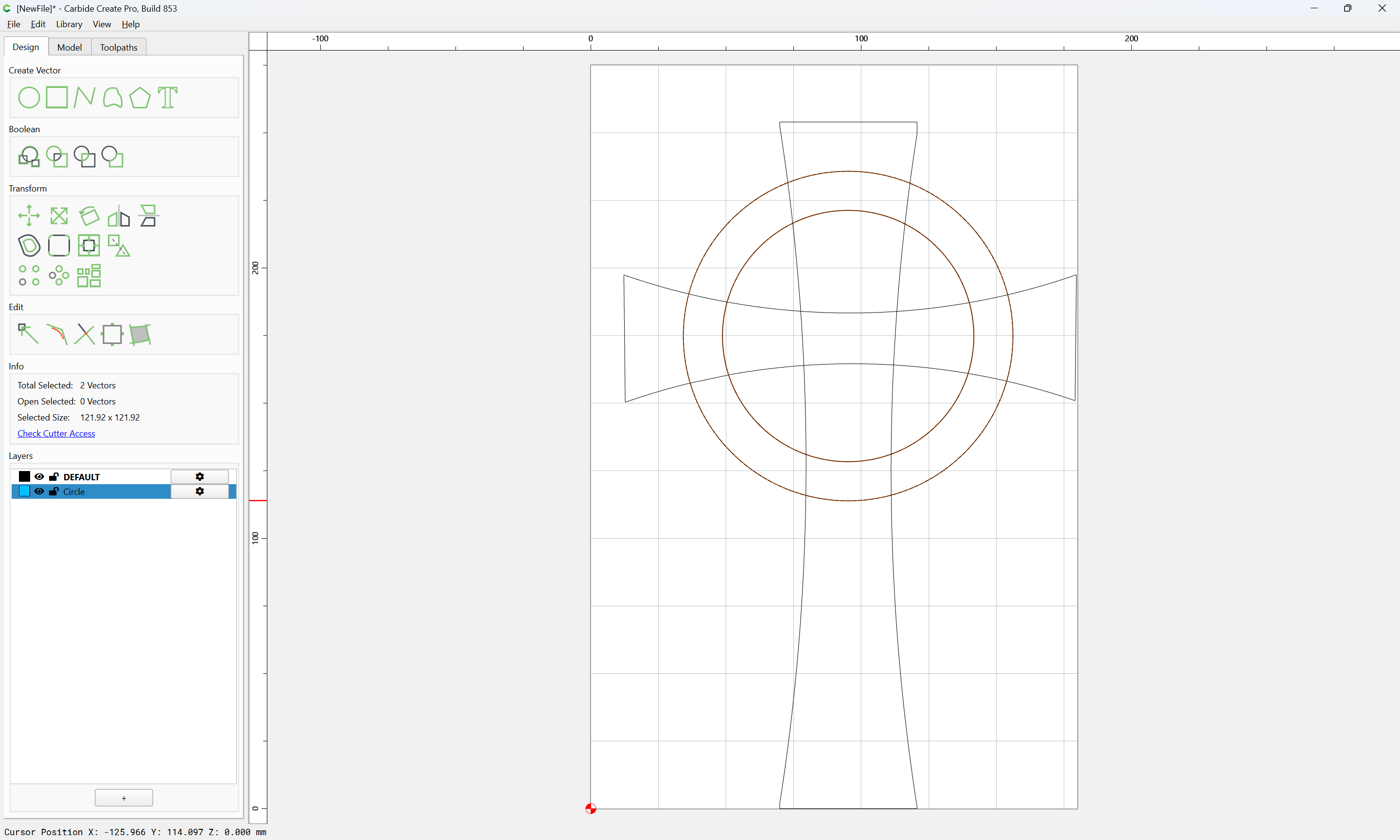
Hide that layer:
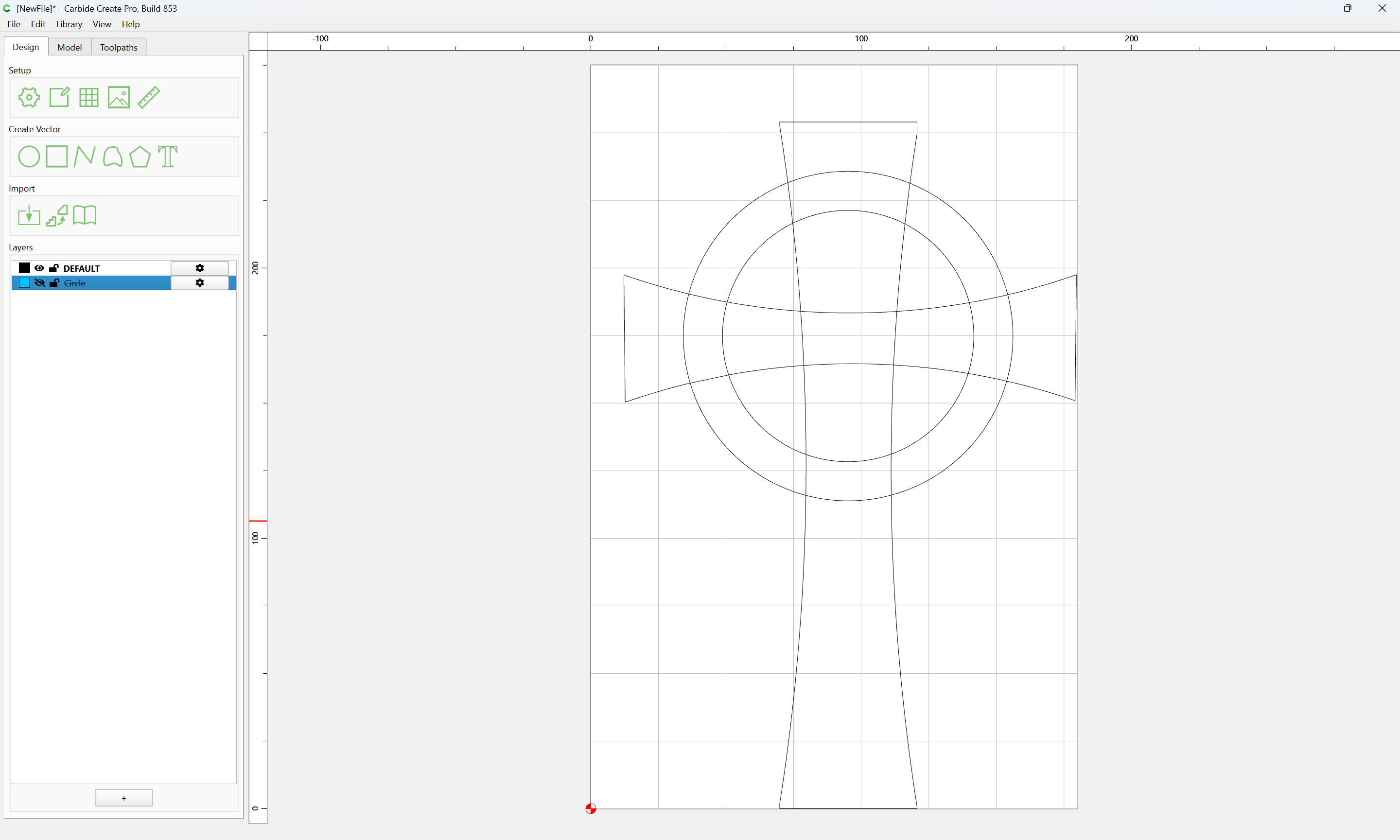
Repeat for the other element:
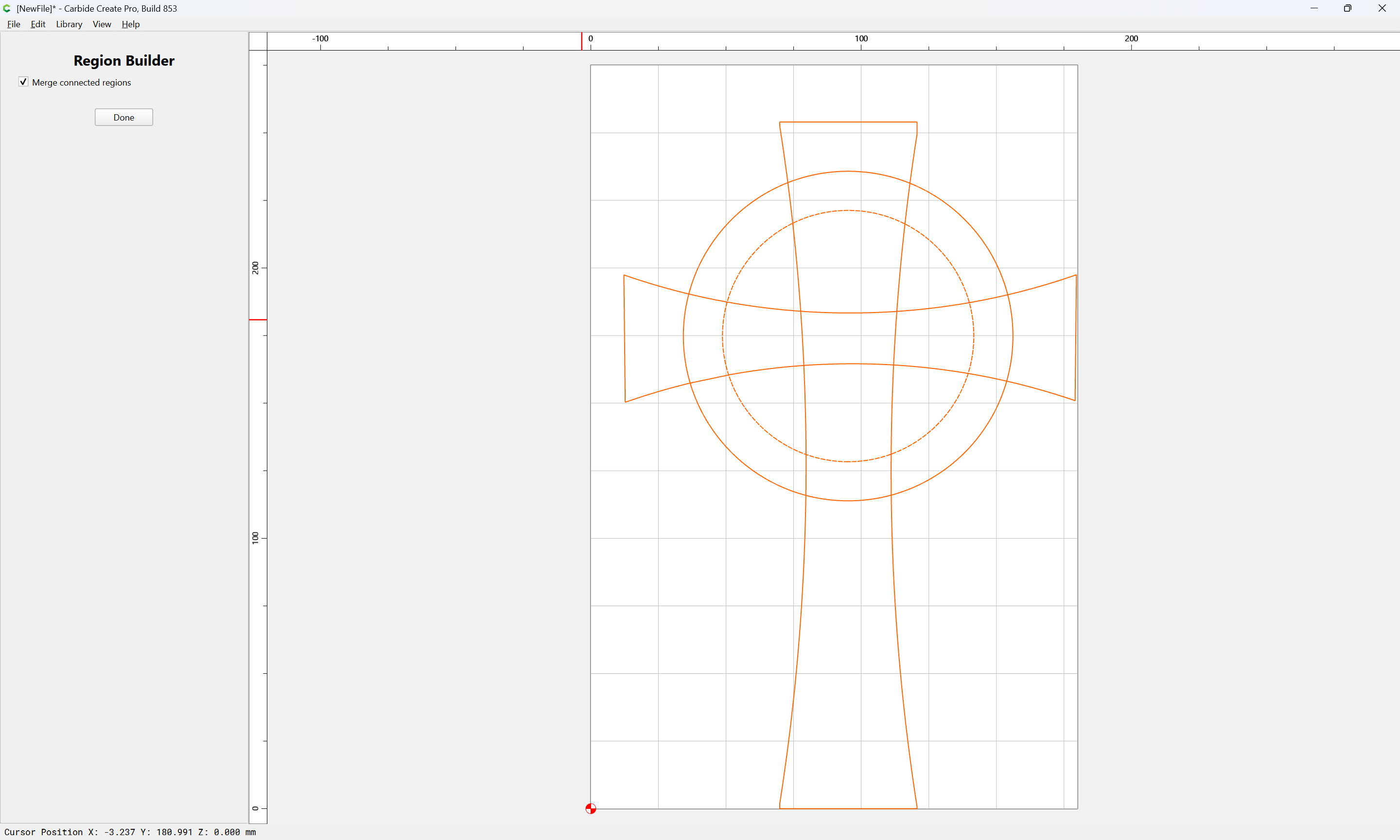
clicking to define the desired design:
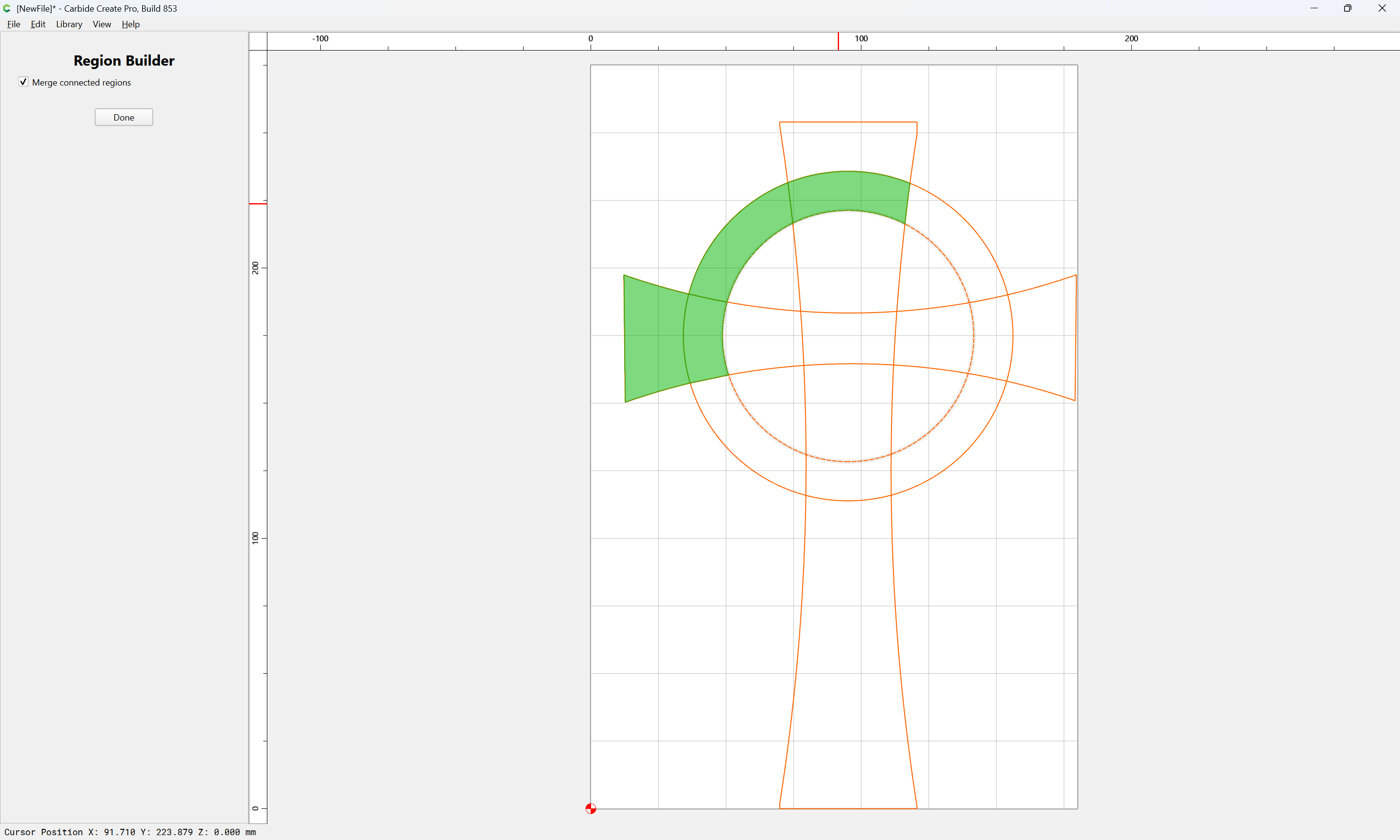
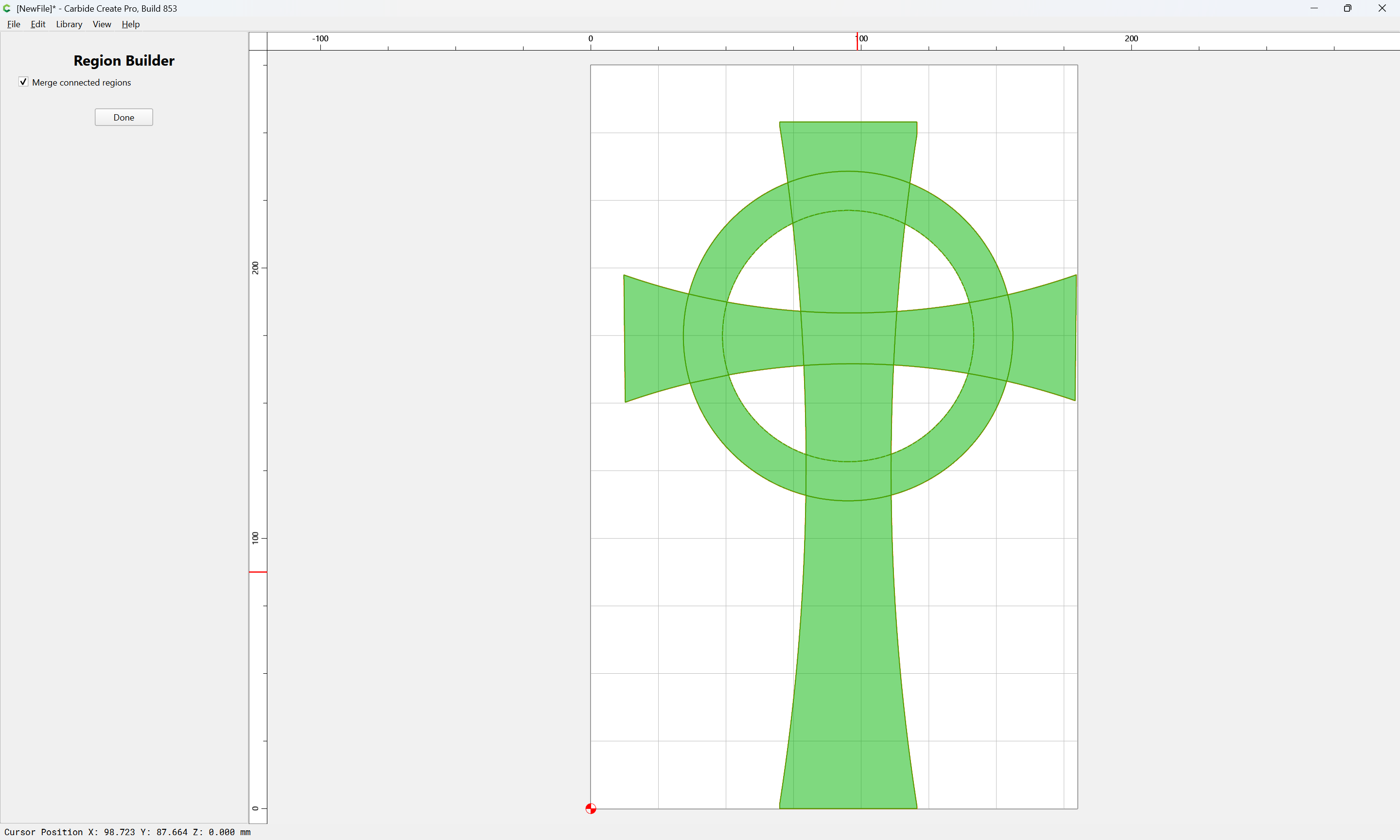
Done
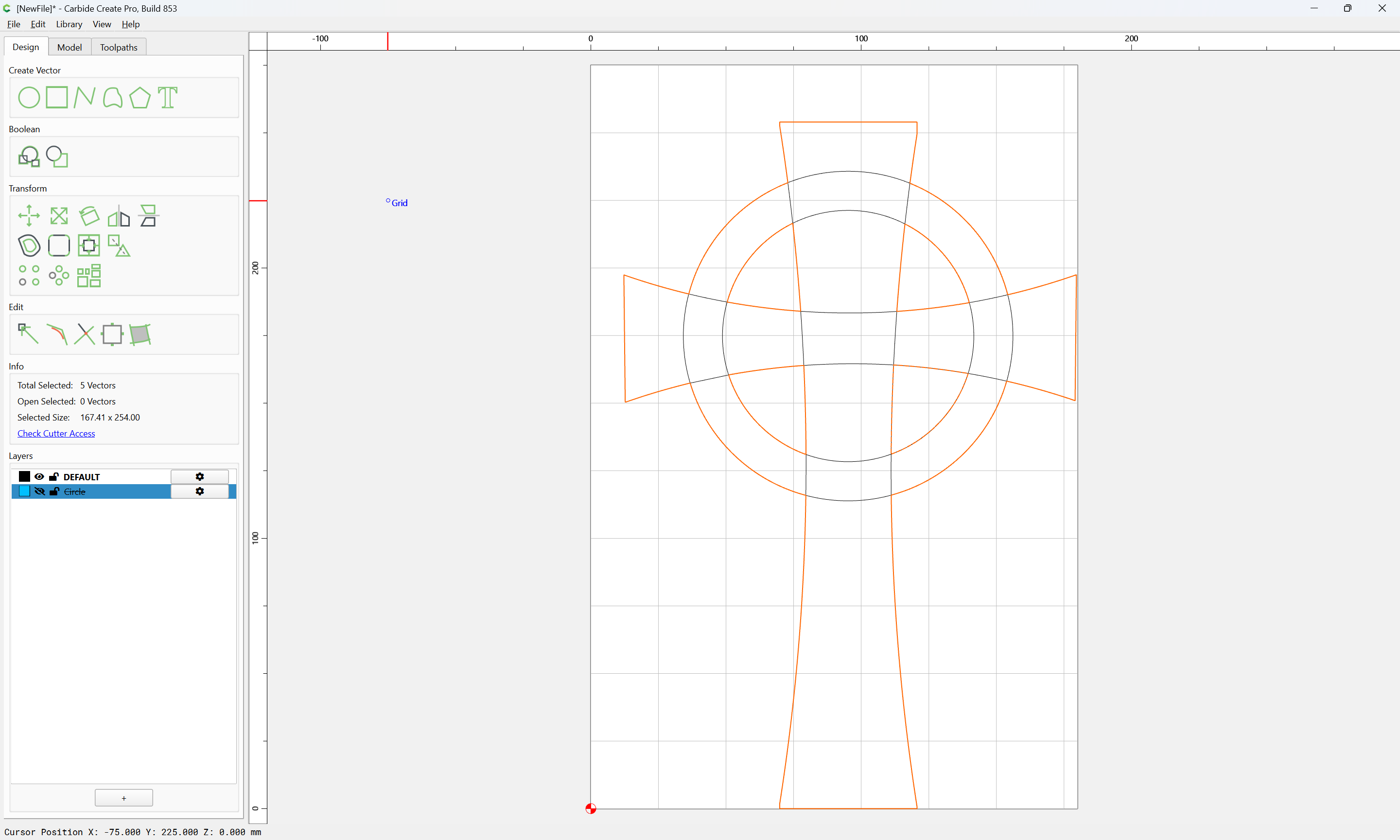
Repeat making a layer and moving to that layer.
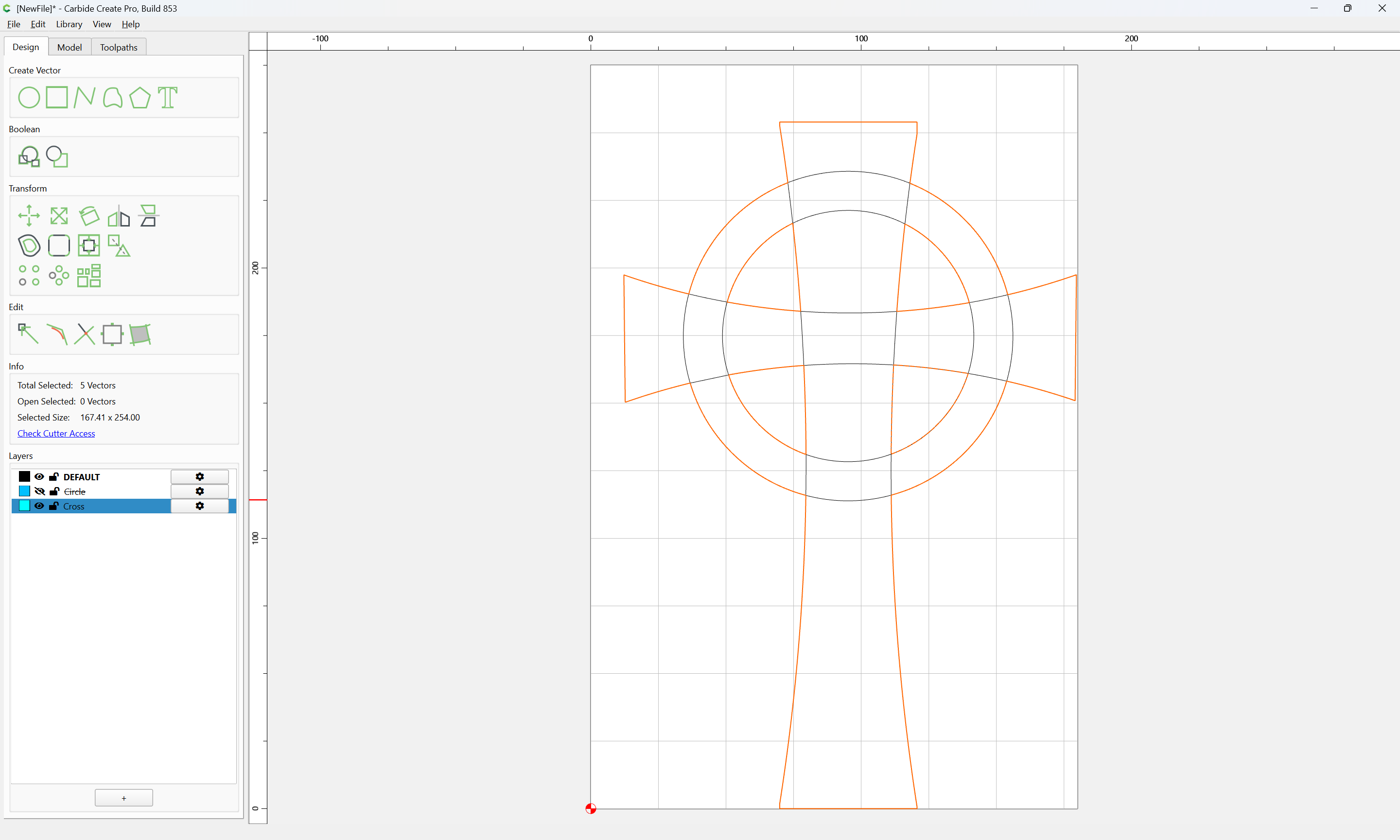
Next up is toolpaths.
2 Likes
If one wants the design to stand proud, then additional geometry will be needed to cut away the surrounding material, and it will probably be desirable to center it (more or less):
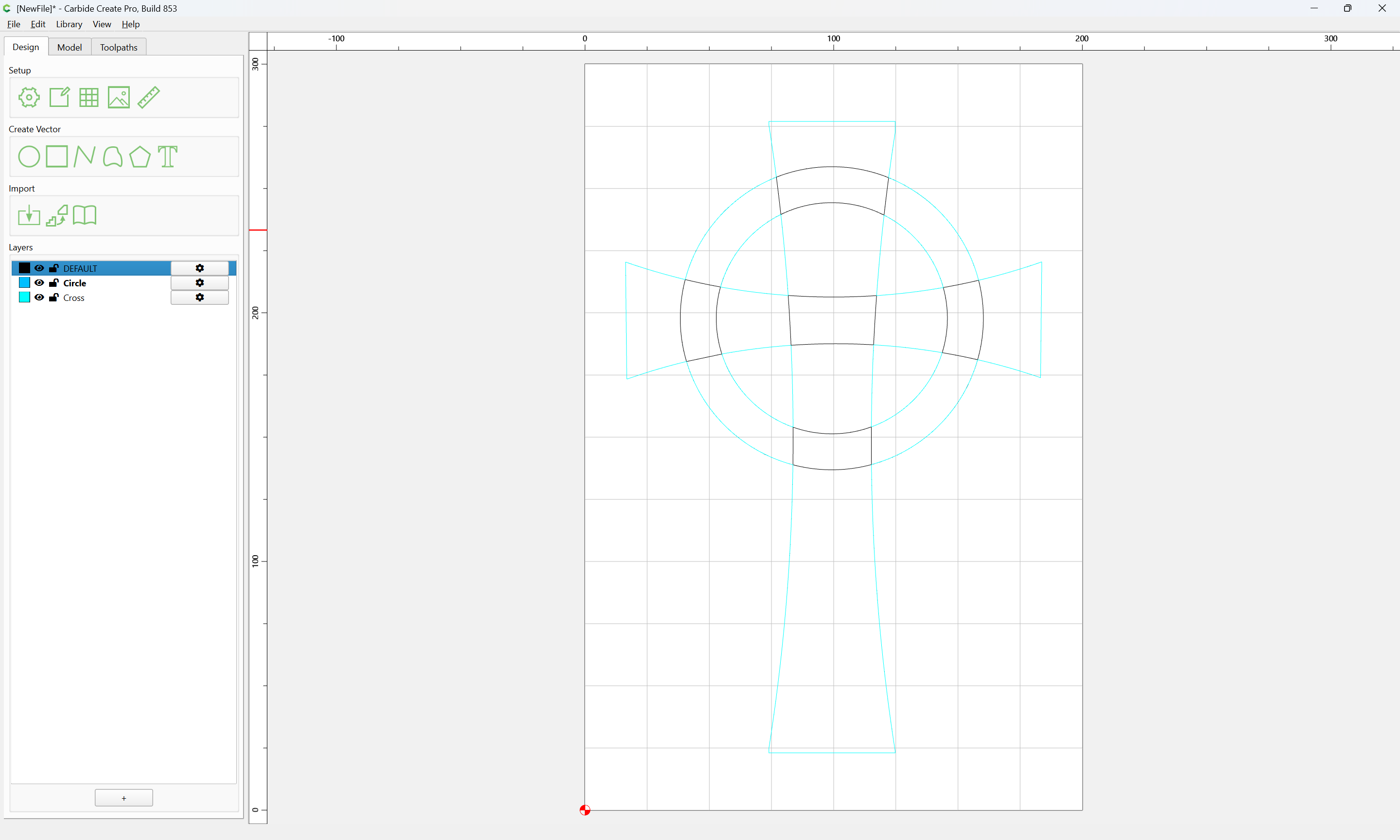
Draw a rectangle which is the desired size:
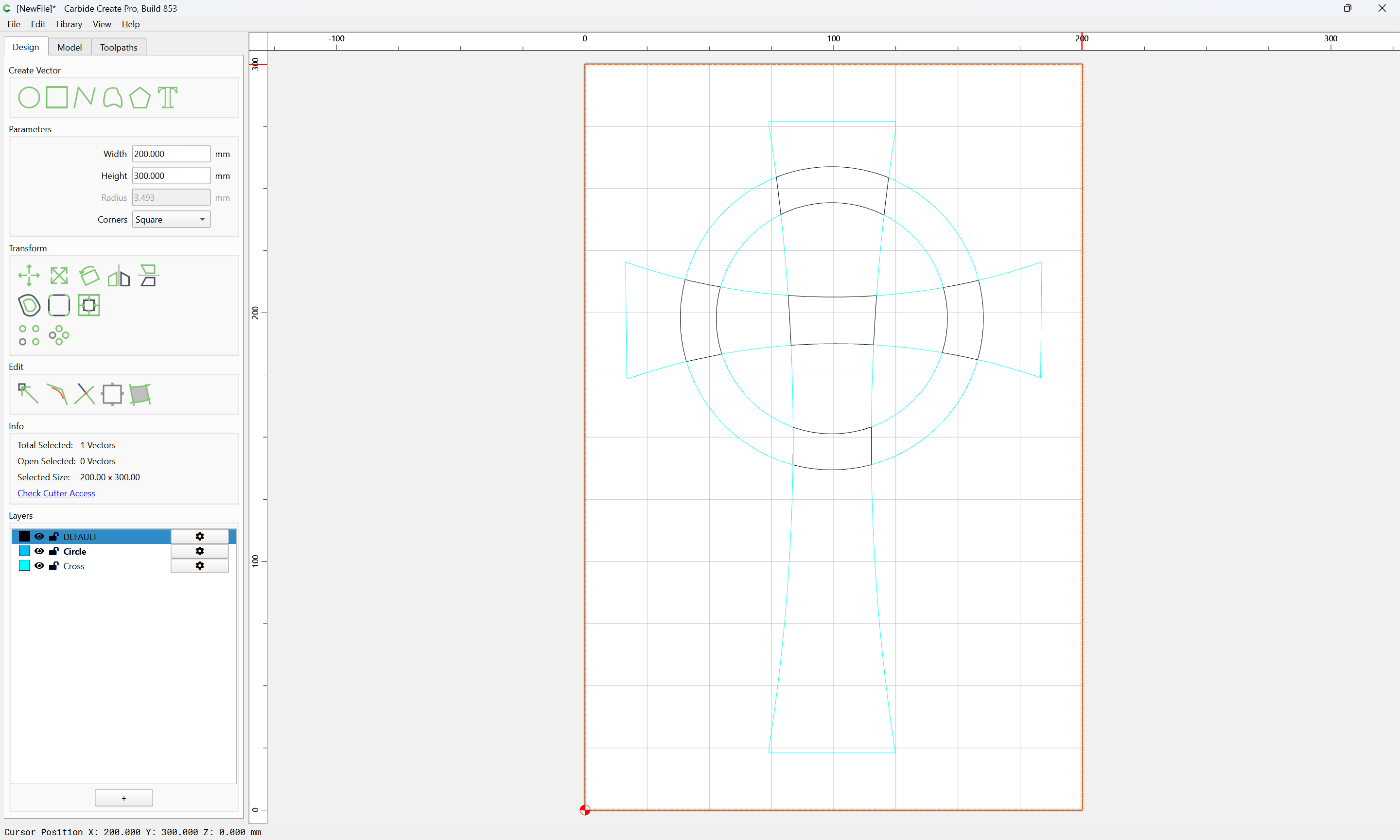
For appearance sake, we will add Dog bones.
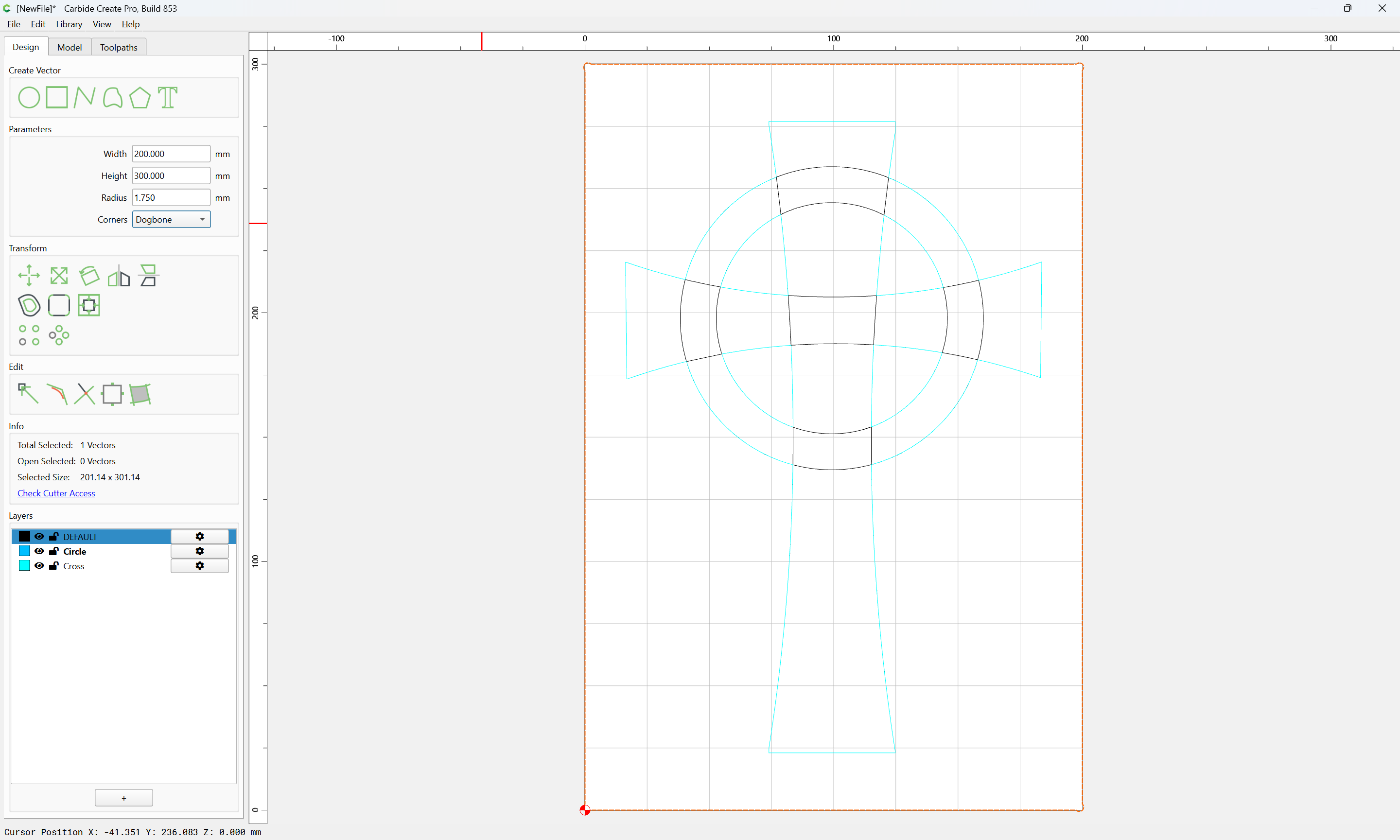
Select everything on the top layer (the circle)
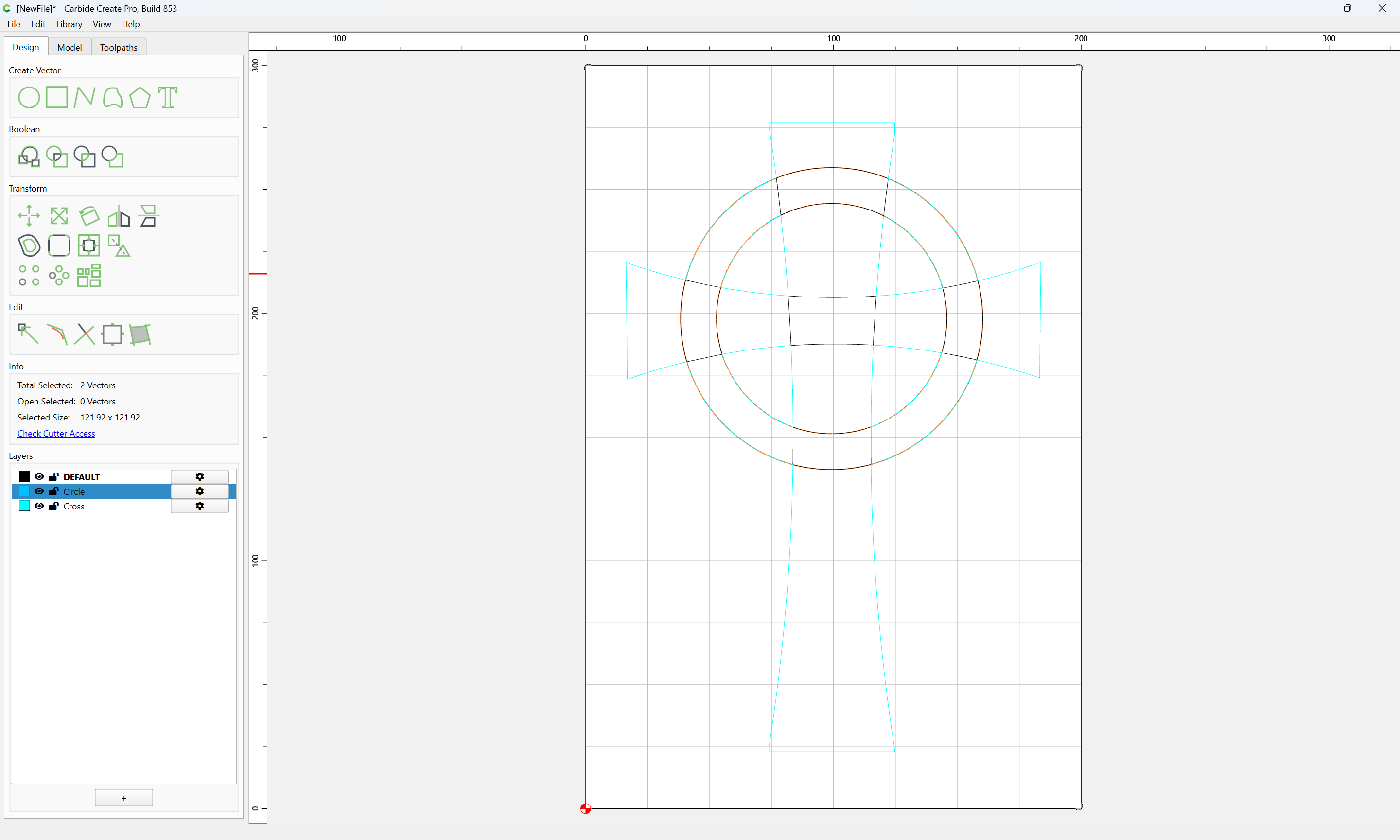
shift-click on the rectangle to add it to the selection:
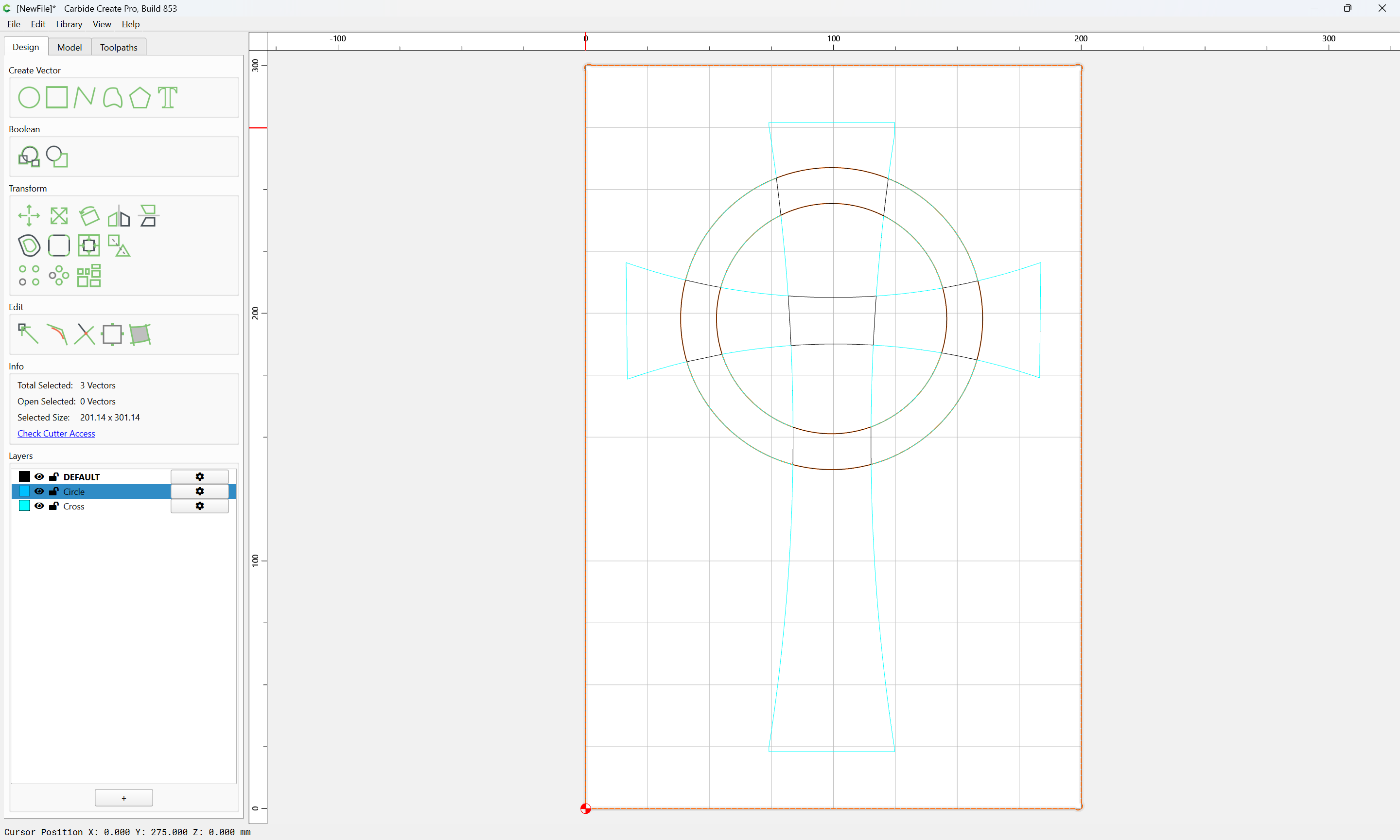
Assign a Pocket toolpath:
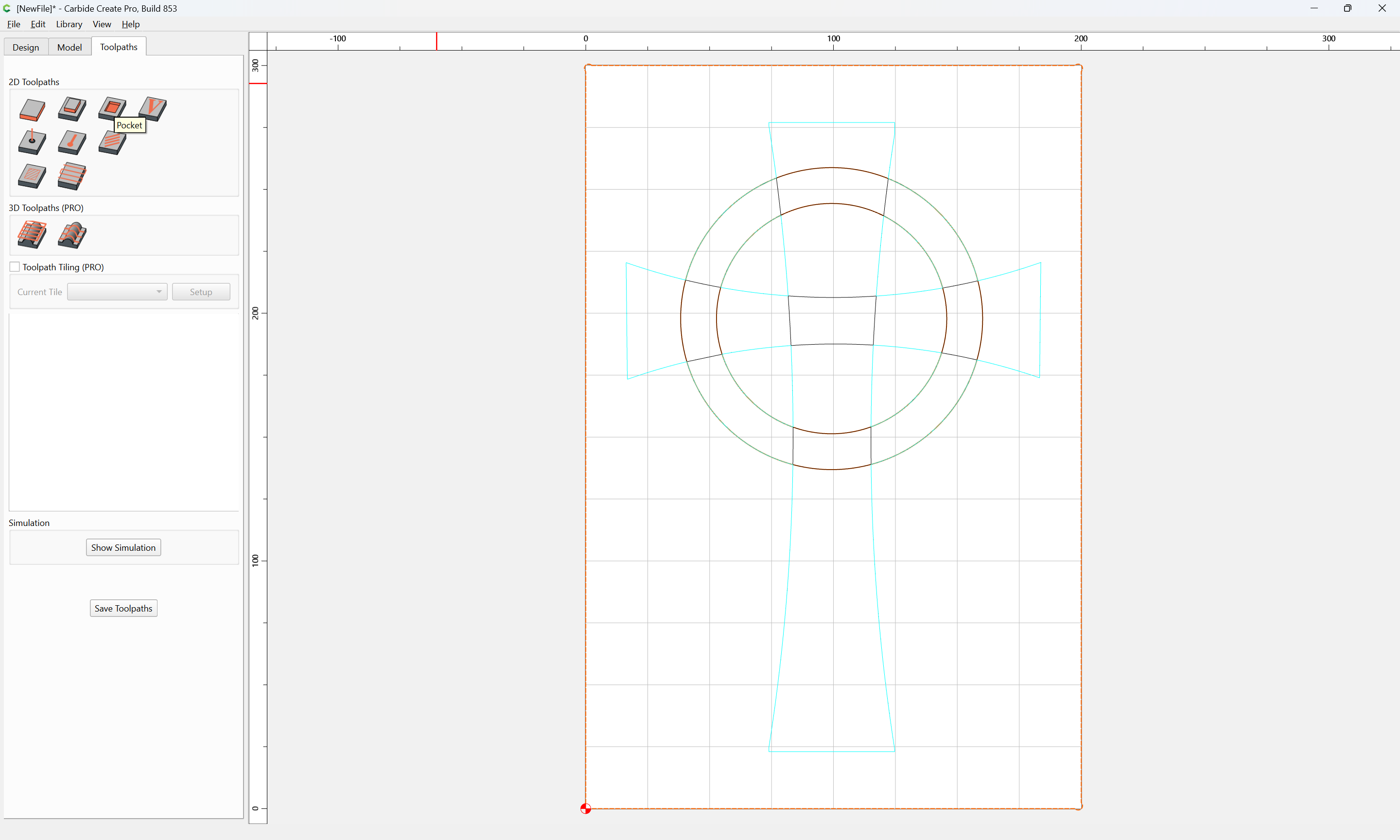
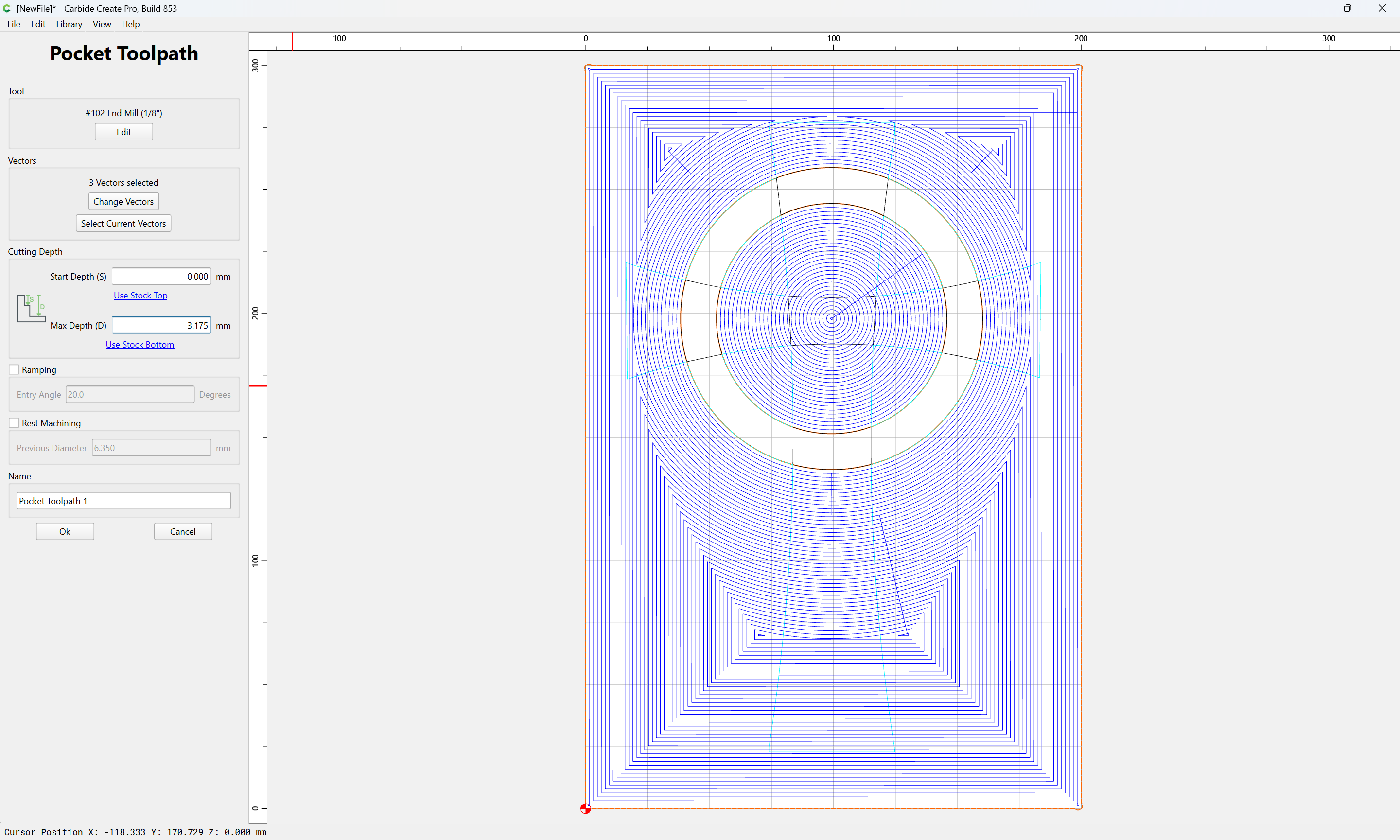
Repeat for the other element:
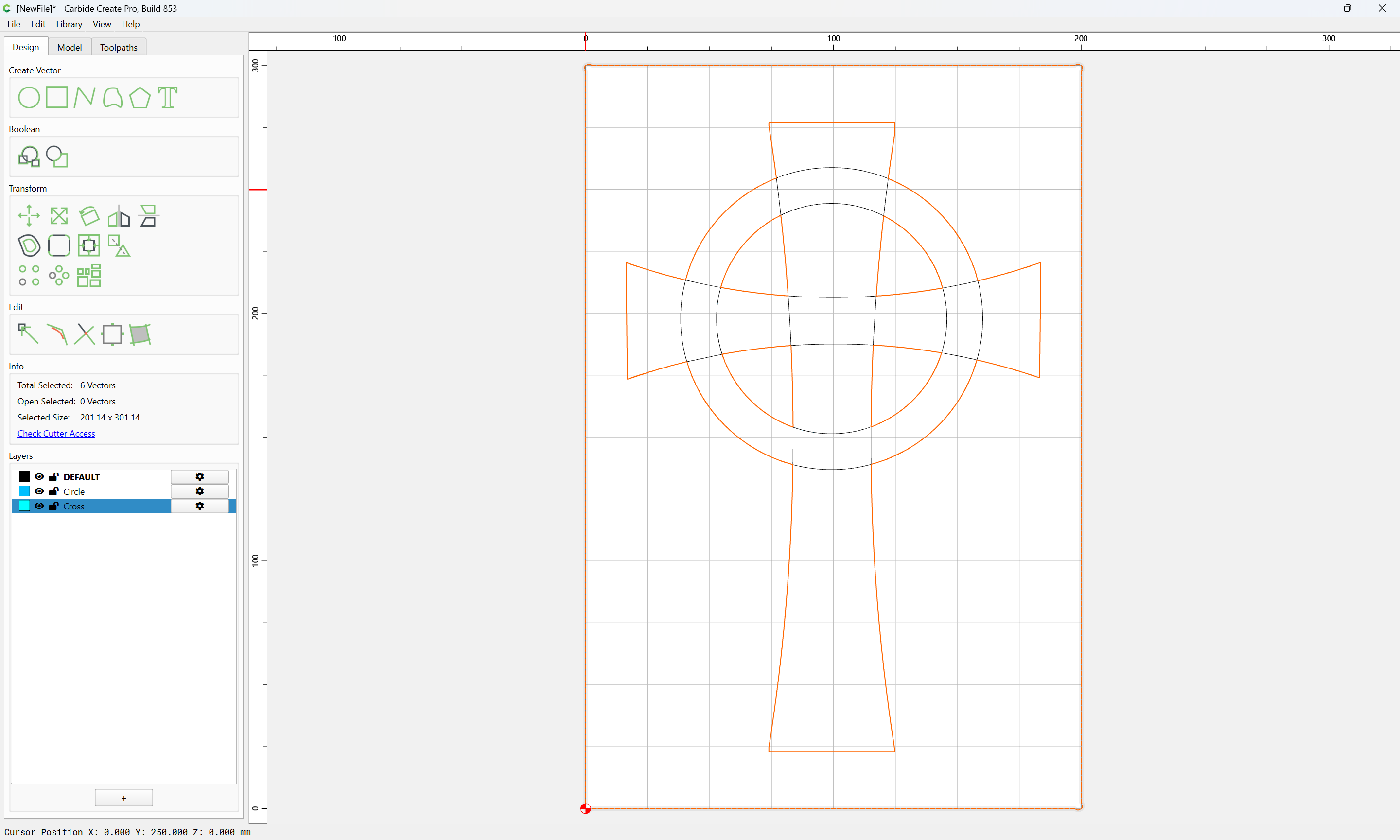
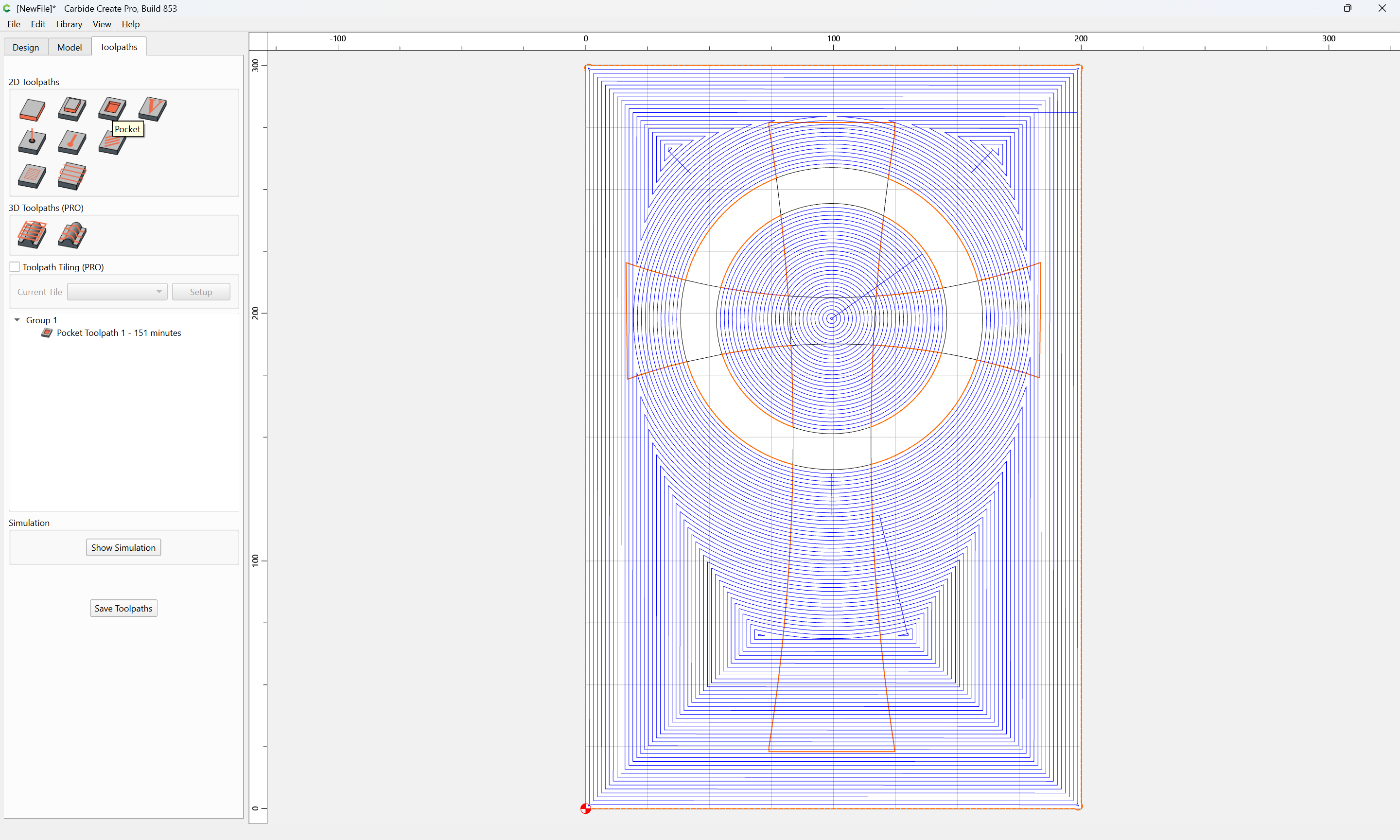
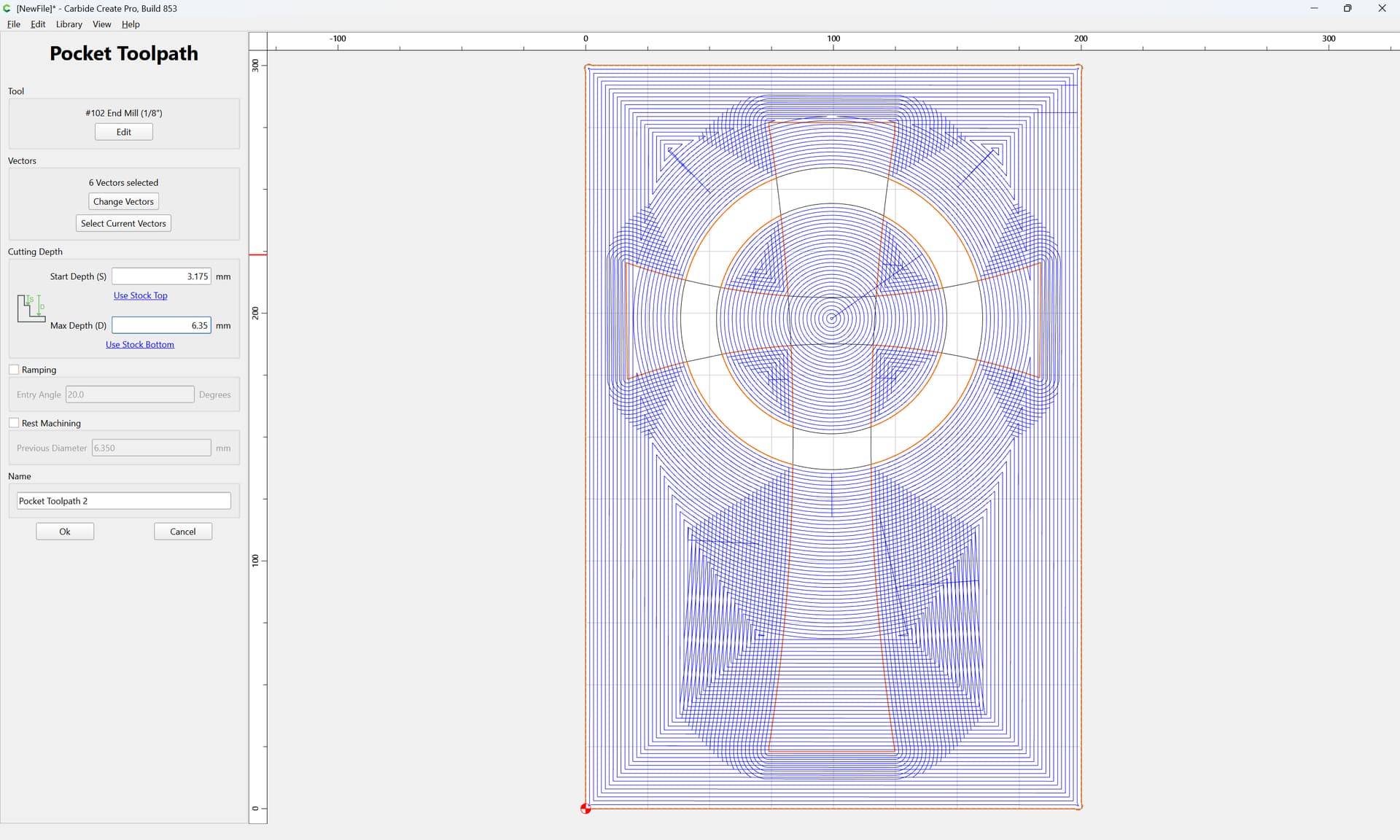
(note that this pocket starts at the bottom of the previous one)
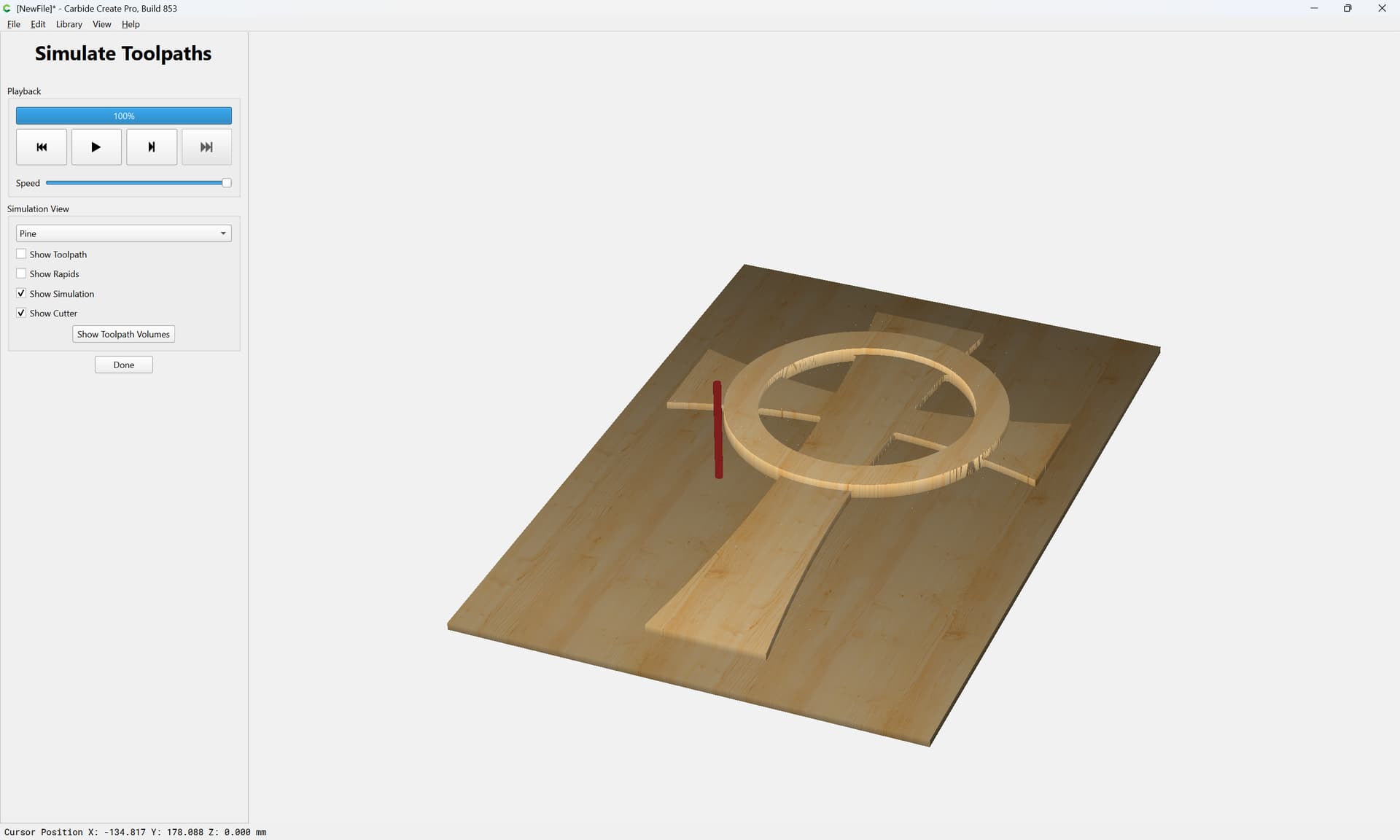
Attached as a v8 file.
celtic_cross_v8.c2d (972 KB)
7 Likes
You could play with the Shaper Plug-in for Fusion. It can help you kick out some SVG’s pretty easily.
Thank You. This is what I was looking for. With the exception that I was going to cut the cross out of the blank. So, I could put it on a box that is already made.
I really appreciate your help.