Carbide Motion 659
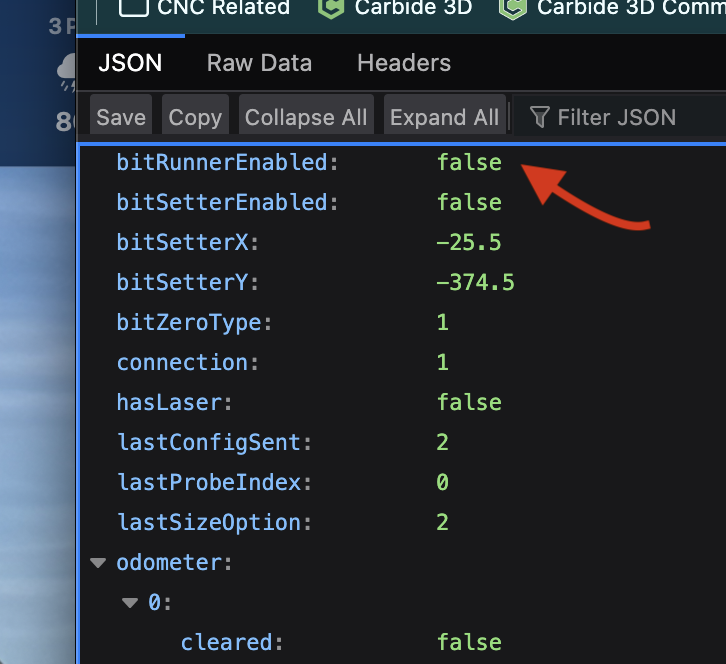
I need to turn off Bitrunner with my VFD, but it appears I can not. I feel like I could freely check and uncheck this in a previous CM version.
Instructions would be appreciated.
Thank you
Carbide Motion 659
I need to turn off Bitrunner with my VFD, but it appears I can not. I feel like I could freely check and uncheck this in a previous CM version.
Instructions would be appreciated.
Thank you
Sees like when I ran into that I checked the VFD button and saved. Then unchecked the BitRunner and saved. Maybe there was a restart of the program between, can’t remember.
This I did not venture into due to ignorance of changing that file.
Here is what I did and it has worked.
Anyone having this issue here are the steps I took:
I would think that’s the preferred way to make a change. Glad you got it.