Thanks to your manual link, I am able to work through the issues with this printer.
If you are using painters tape of something, you will need to reset that height.
I still make that mistake.
I am using painter’s tape but the height is still way too high. I was wondering why it was so high but I figured that was just part of the way these printers ran. I will figure this out.
Sorry, I didn’t even think to ask what the gap was for the hot end. I think you will have to manually level the bed and that’s should get you close on your required Z height.
I still have to read the manual to understand how to do a lot with this printer. I have no clue how to do anything with it right now. Manual leveling and anything else with adjustments and such will come later when I learn more about the machine.
Manual leveling may be the only way to adjust your print head to bed gap which is large at the moment. You have time, it’s exactly like learning the cnc…. but different!
1 Like
Getting the bed level will go a long way in helping to keep the filament to stick to the bed. Also, just because the filament was new and in the shrink wrap doesn’t mean it was dry. Having dry filament is a must.
If you are having problems with the filament balling up at the extruder even after drying it try upping the temp. It might say to set it at 210C but not actually achieve that throughout the whole extruder. So you can bump the temp up to get it to stay melted. Same goes for the bed as well.
As far as glue sticks go you can use the cheapest stuff out there. No need to go with expensive “for 3d printer” stuff.
1 Like
So, an update to the new 3D printer. I have been reading through the manual and finally downloaded the right programs that this machine says should work with it. I went through the setup of the machine and found that I had all kinds of wrong settings in this machine. I now have all of the settings right according to the manual, and also have my computer connected to the machine via USB A-B cable. I was wondering why the machine has a USB A-B port in the back if I wasn’t able to use it.
So, setup on this part so far has been done. I will return with a bit more updates as to where everything is with the machine and if I am finally printing.
3 Likes
I’m no IT specialist but there are setups for USB ports to only work with thumb drives and not always allow a connection with a computer. The first $99 3D printer that was given to me I actually never used was set up this way. The print files and any software update had to be completed by reading the file off a thumb drive or SD card slot. My son was able to get it printing in no time!
1 Like
I have figured out how to use and connect to my 3D printer through the USB A-B cable. I have been playing with moving things around by the controls on my computer. I have even been able to slice designs, save them into files, and import them into Repetier-Host. I then am able to start the print and watch the machine try to print the design. Problem now is the PLA filament will not all stick to the table and stay there.
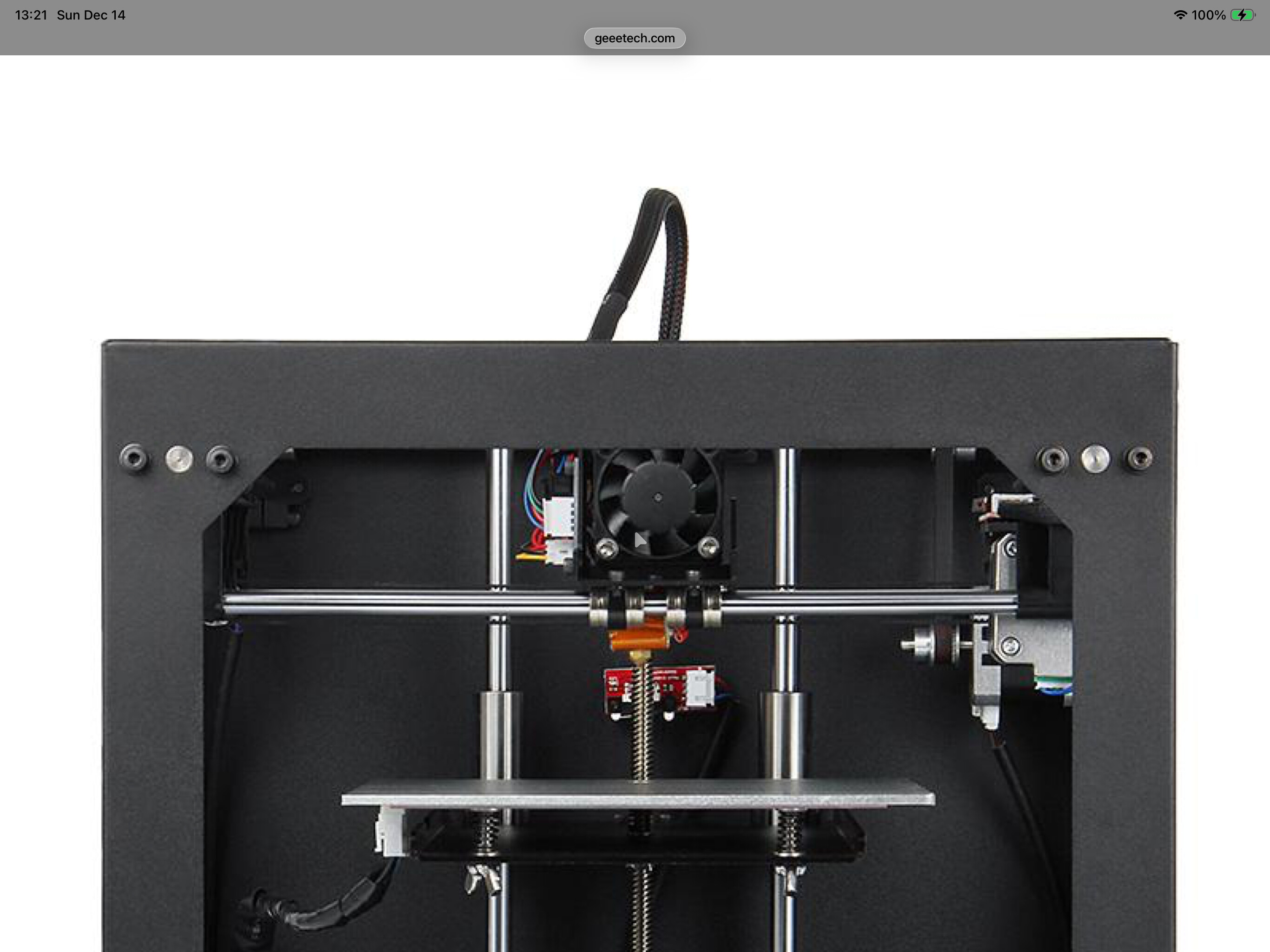
I have noticed something a bit odd with my printer though. There is this mounted box around the outside of the extruder. It looks like a printed piece unlike the other housing around the casing and circuit board up on the extruder head. The one side of this box comes super close to the printing surface as well and even grabs or drags some of the filament off the table. I looked even closer and realize there are four ports facing down towards the extruder that look like cooling vents. I am pretty sure this is not supposed to be a part of this machine from the factory.
When I was looking from beneath the machine up to the extruder head, I could see one of the cooling ports look like a printed port from maybe this machine. I can move strands of plastic like it has plastic hairs up around the opening. Plus, the box where it mounts is slightly bent to one side making the box come closer to the table on that side. Not having an actual picture of the machine on the closeup of the extruder head, I am not sure if it is even supposed to be a part of the machine head. There are screw holes with screws there, but the unit doesn’t fit into the side hole properly and it is crooked.
When I opened the manual @Jeffish linked here I took a screen shot. The fan is to cool the filament off when it comes out of the hot end (print head). It does not show an enclosure as you mention. There plenty of hacks on the net for a bunch of these machines and it could be causing a problem?
Here a few more closeups of the “extruder” (I should have used the correct terminology to begin with).
And a link to a forum they list in the manual as well, maybe some insight in that forum for you.
https://forum.geeetech.com/viewtopic.php?f=19&t=17097
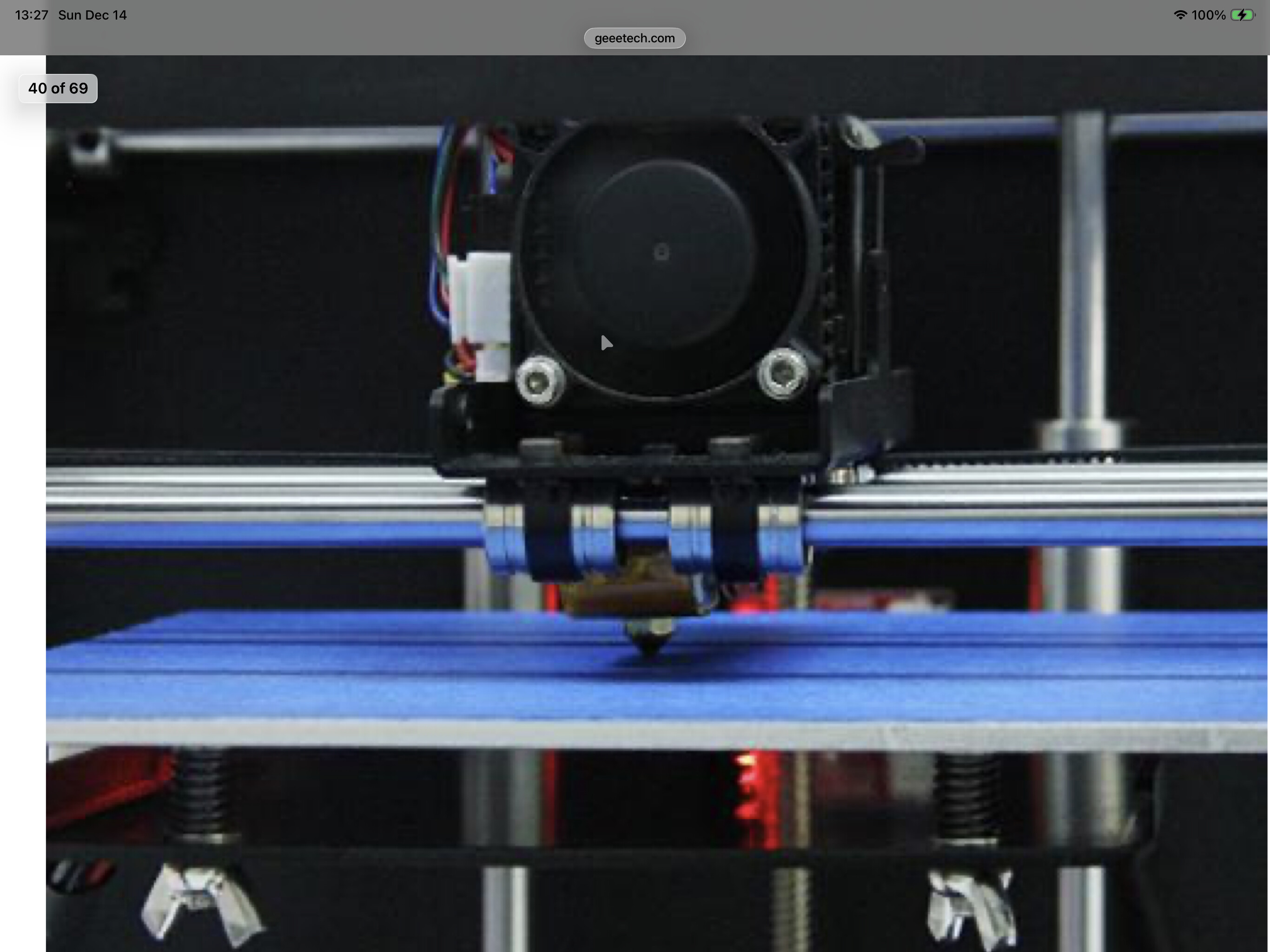
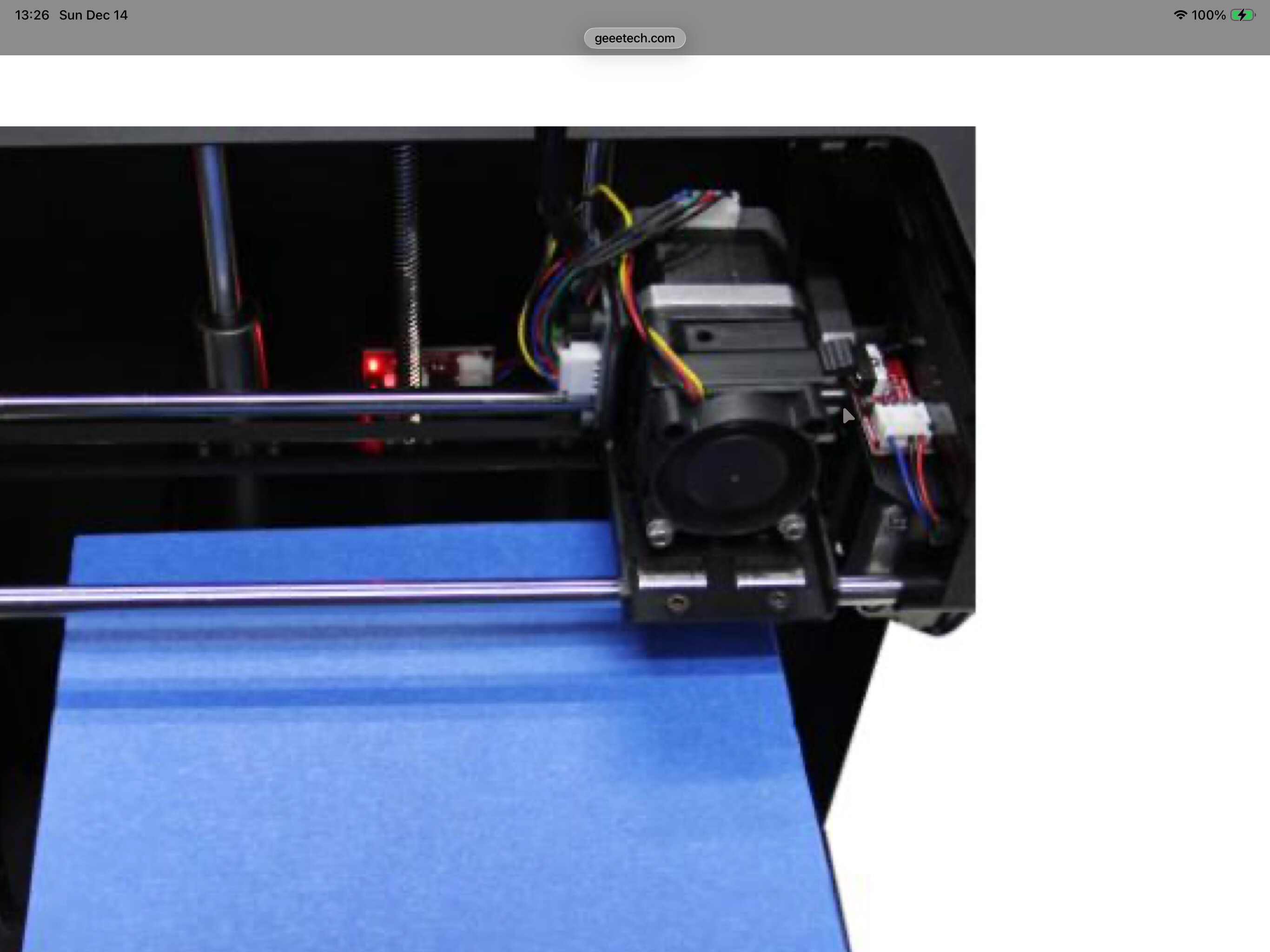
I saw the same pic you did. I removed this box around the extruder and it is clearly a 3D printed piece as an add-on, but it was completely poorly made. The Z height is off as well. I am working on checking table level and adjusting accordingly. I found the screws holding the Z homing switch were also loose. So, now I am going through checking all of the screws for tightness. The Z homing switch is up as high as it can go as well and now tight, and I will go check the clearance between the Z and table to see if it is at the right height now.
One of my other questions is on trying to print off the printables in PrusaSlicer app. I have pulled out a reindeer and sized it to my table. That is great and all, but my problem is there is a purge line that keeps coming up along the very edge of my bed and it is actually outside the parameters of my table. I have tried moving the design over on my table and that line continues to stay right where it is at when I slice the design. When I try to run the program, it overtravels in X and skips teeth on the belt. Of course it still prints the line, but the table will still not take it just yet. I may not be able to print today because it is only 5 degrees outside with a feel of -10 degrees. I dont want to even push my vehicle that hard just to go buy some cheap glue sticks.
I didn’t read the entire manual, you may have to go thru the entire assembly and calibration process. Sounds like the original owner might not have or it has been knocked out of alignment?
Another thought, nozzle size. Needs to be set correctly in the slicer, should be an easy check.
I have been checking my table flatness to the extruder head and it was so far off that I completely understand why it wasn’t even printing to the table. One part of the table was close to .055" off and the other side was .040" off. The back of the table only has one leveling screw and it was off by .030" as well. I grabbed a piece of paper and slid it between the extruder and the table and adjusted until each area just gives me a little resistance.
Nozzle size might be a different story to check. I will read more of the manual and see what I come up with.
Well done on leveling the bed, you’ll get there for sure!
I am finally printing and the table is taking the print so far. I had to increase the extruder temp to 217 degrees and the table up to 65 degrees and now the first print is underway. It is looking promising now. I couldn’t have gotten to this point without the help of everyone here. This has been a huge learning curve for me. I started to worry that maybe I wasted my money and my time on this but now I am seeing results. All of the filament is staying on the table now.
2 Likes
Awesome to hear!! Show us some pics when you’re done!
Listen for “popping” noise’s, this would be one indication of filament that is not completely dry. You have time to figure that out however.