Having issues with v Carve if anyone can help project due tomorrow.
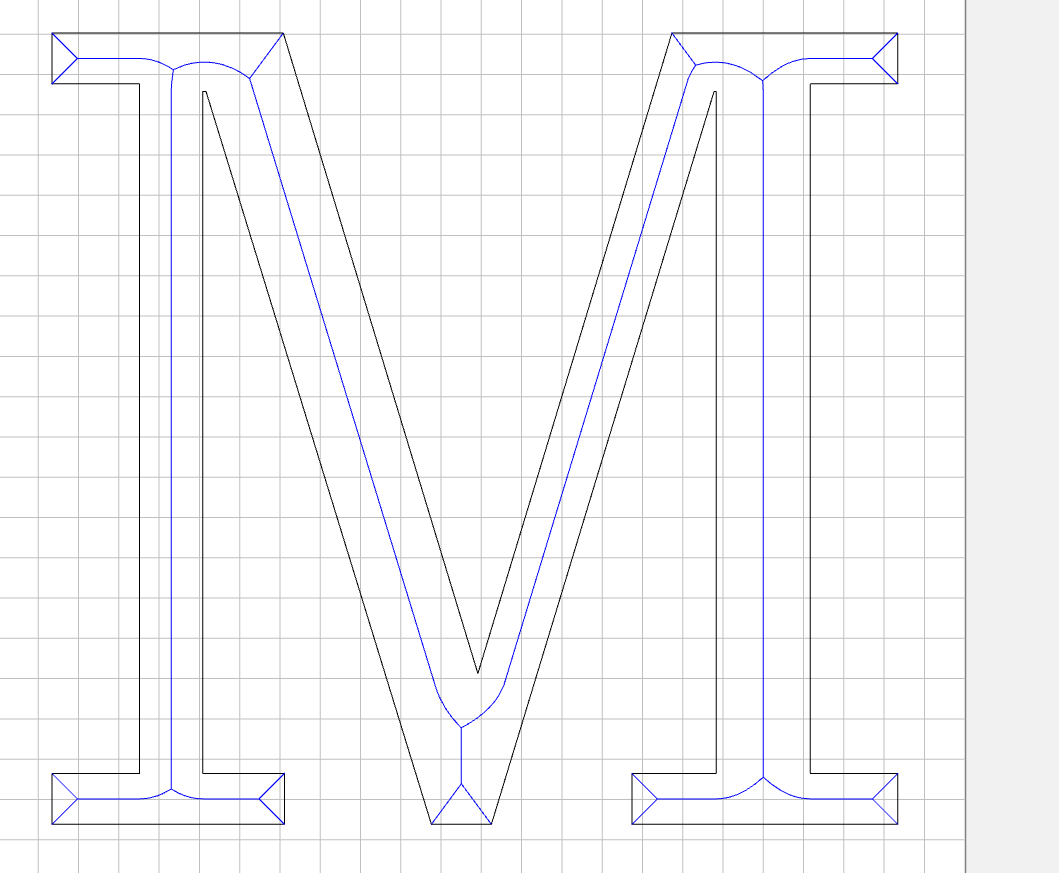
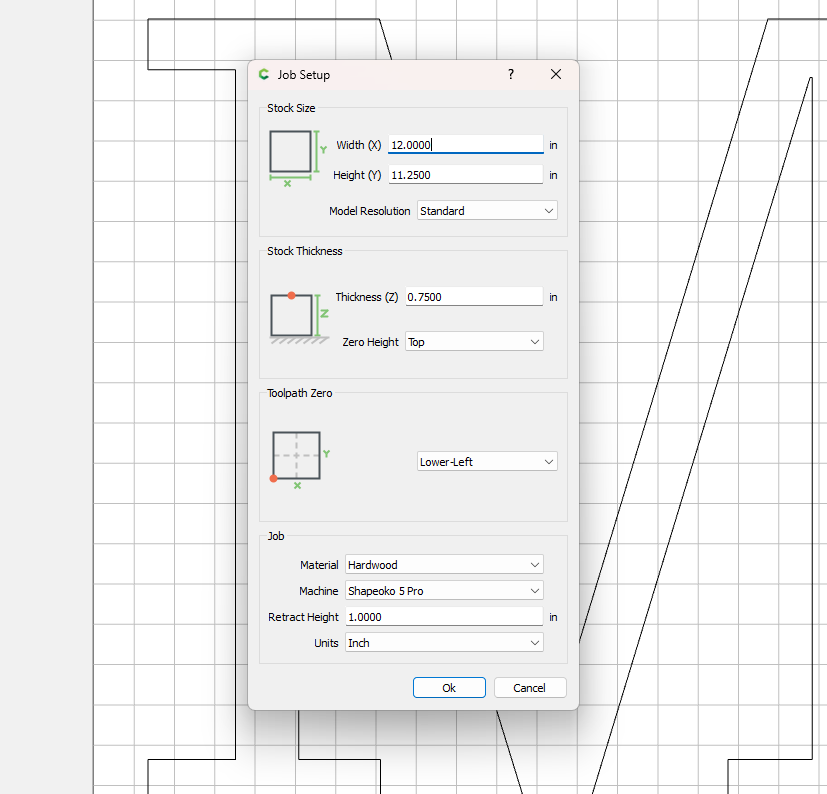
How thick is the stock, what are the part dimensions which determine how deep the cut must be?
Looks as if you have a depth which wants a larger tool than you are using — reduce?
the part is 3/4 inch thanks for the response
is there something I can do with advance v carve to fix it?
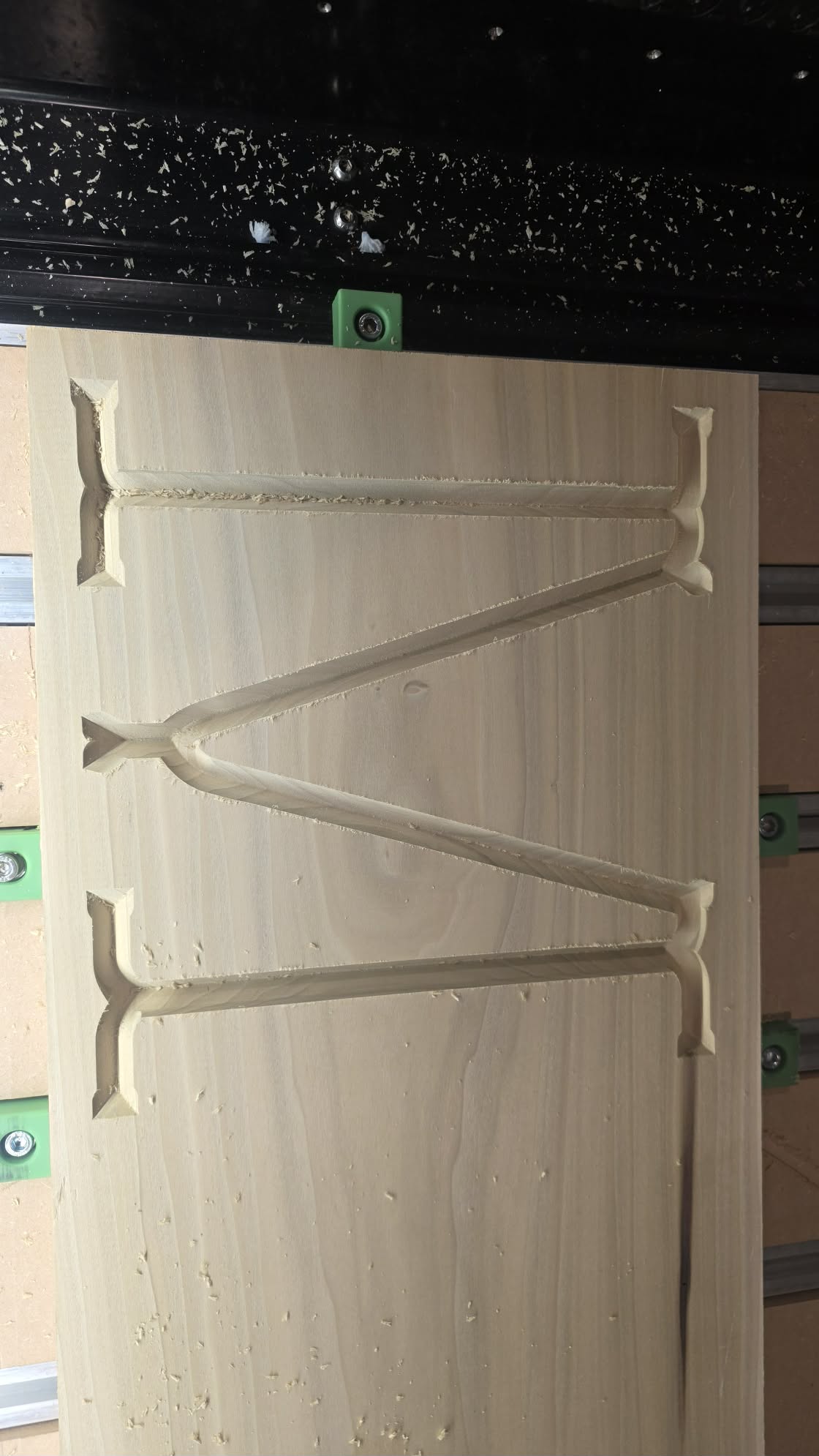
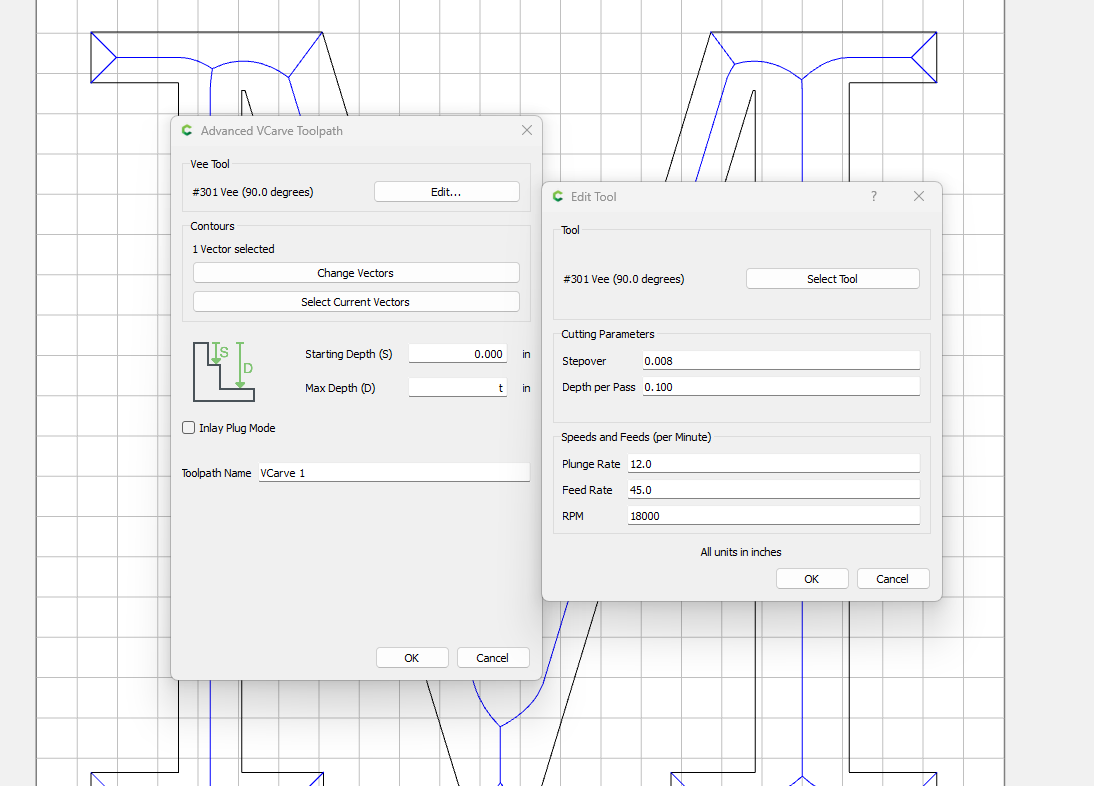
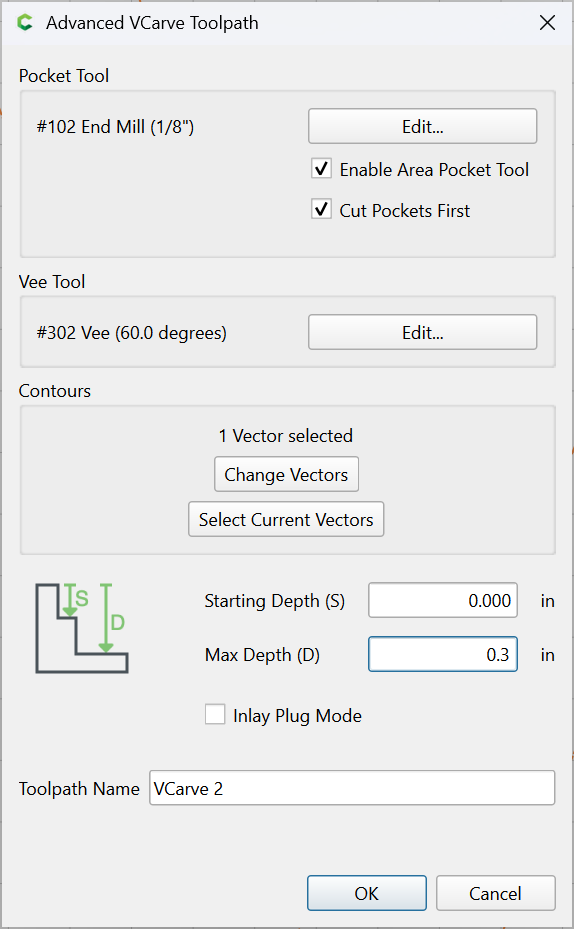
To me, it looks like the bit is not going deep enough. Make sure you zero off the top of the stock and your Max Depth is not set so shallow that it prohibits a full plunge. I usually set my Max Depth well below what I estimate the cuts will be. Like Will, I would recommend a wider bit but you are already using a 90°. Hope that helps.
Brian
If you reduce Max Depth to less than the cutting flute depth/length you should get a shallower pass atound the perimeter, or use a sufficiently large tool.
I have started over trying this will keep you updated. Thanks
This video might help -
1 Like
Are you absolutely sure you have the right bit installed? What I am seeing is not consistent with a bit that isn’t wide enough. In that case, I would expect to see vertical walls.
It looks to me like you programmed a 90 deg bit, but used something more acute, like a 60 deg.
1 Like
yes correct bit was used. I
Post your design file.
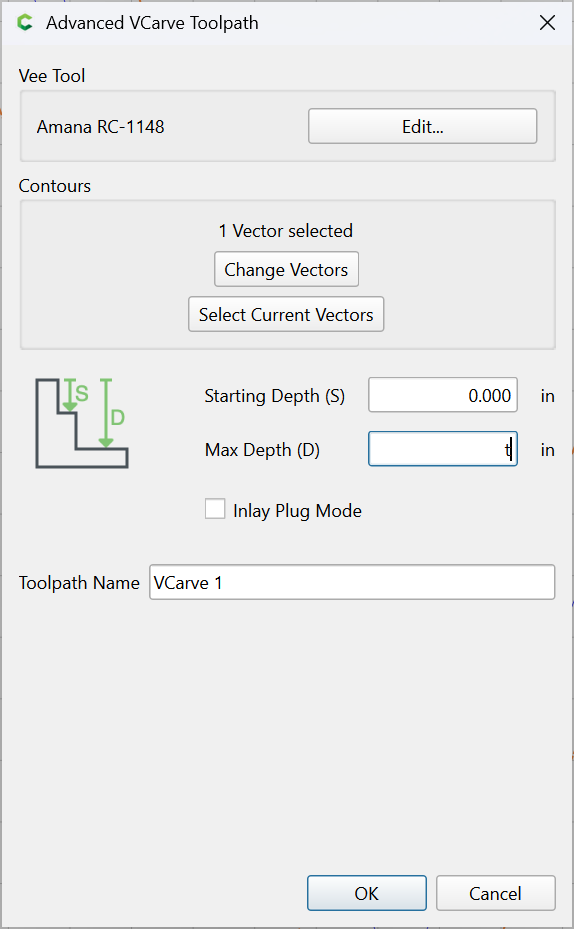
You need to define a pocket tool to clear the area the V cutter cannot get to, and I suspect that you do not want the depth set to “T”, which would be all the way through the stock.
There are 3 depth considerations for a V-carve:
- the depth specified as a parameter
- the depth which the width of a given region of geometry limits, or does not limit the V-tool reaching to
- the cut depth which the V-tool can cut to
It is the latter which is the limit in this sort of instance.
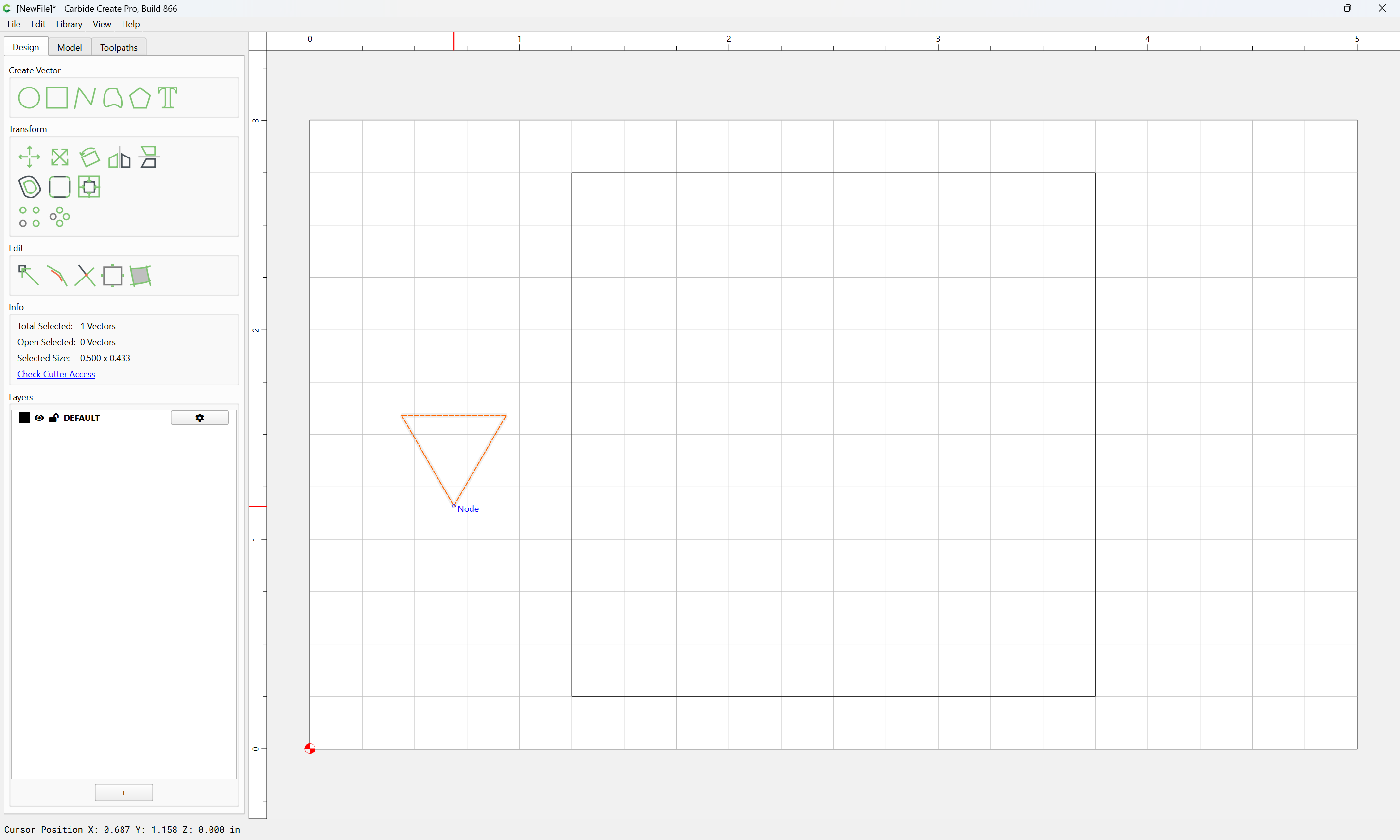
A 60 degree 1/2" wide V-tool such as the #302 can cut to a depth of 0.433 inches:
If one sets up a design which has elements which the V-tool cannot cut to the width of:
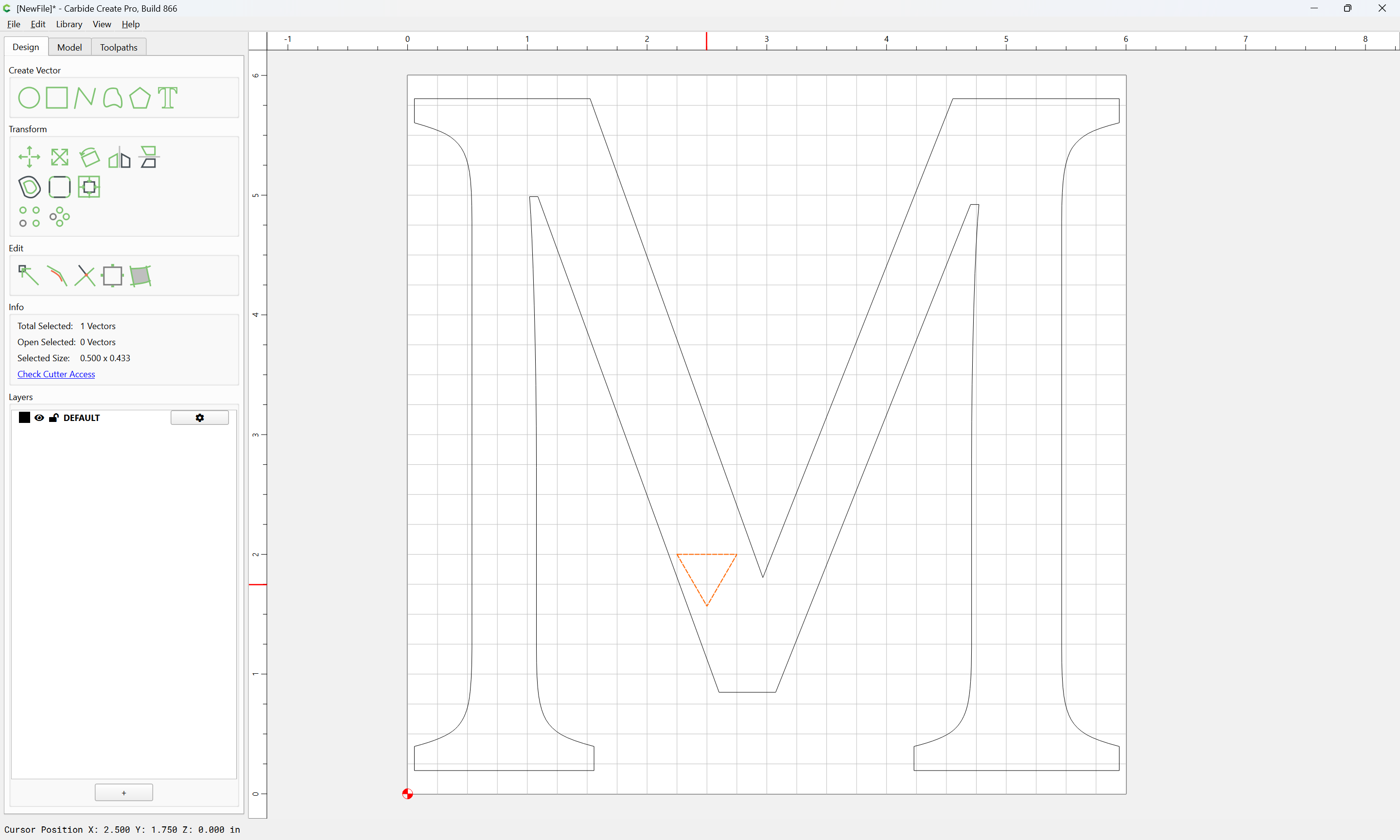
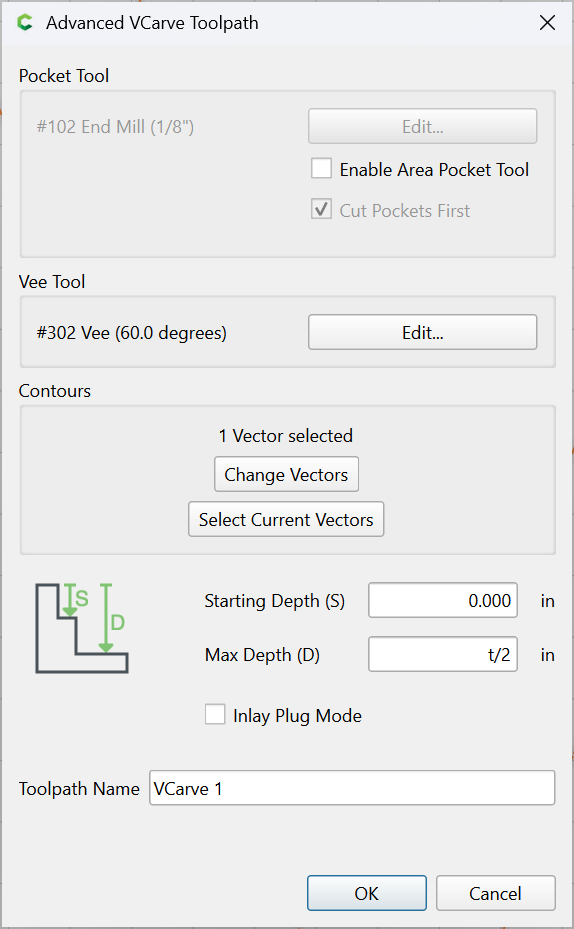
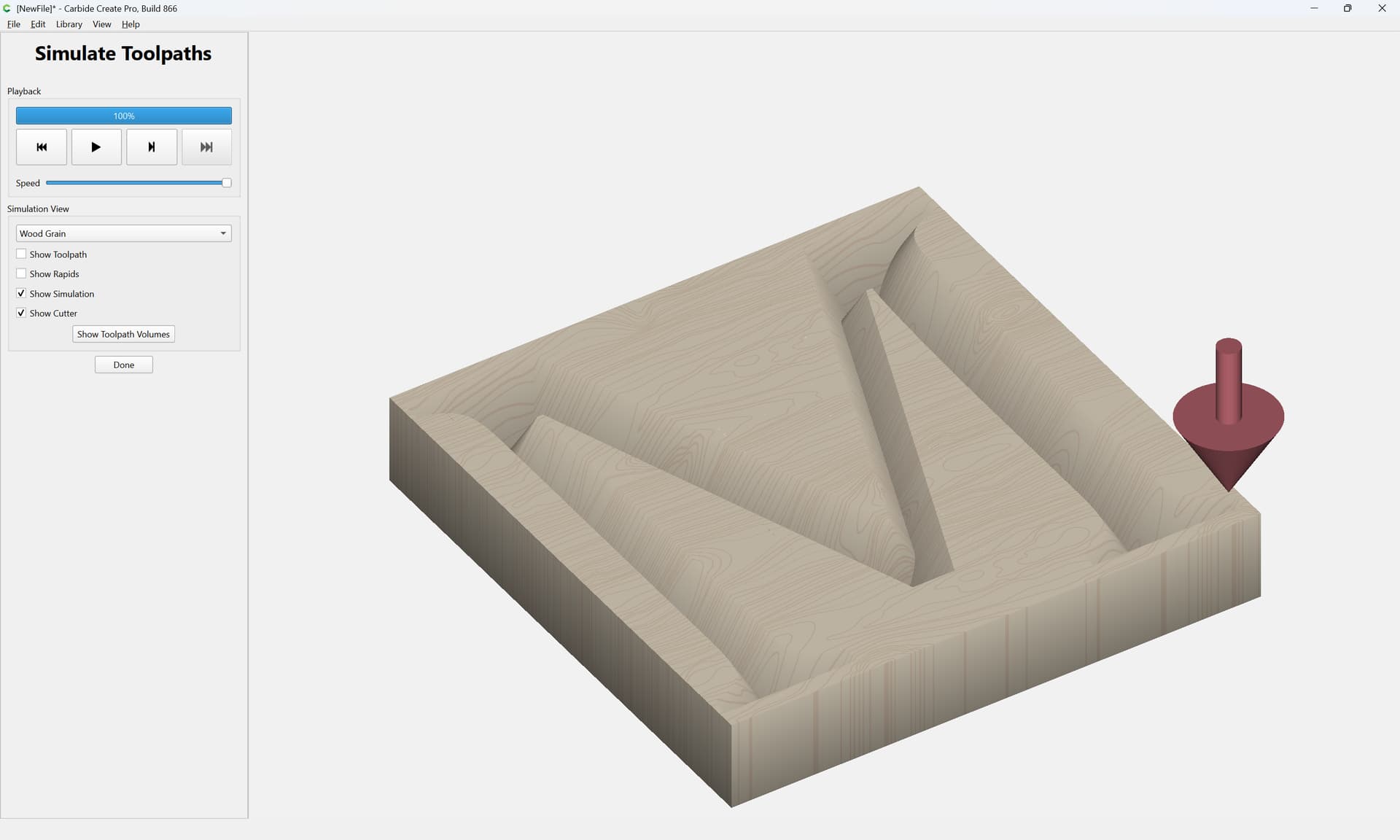
then there will be regions which are not cut properly because the tool when reaching to that depth does not cut to the matching width:
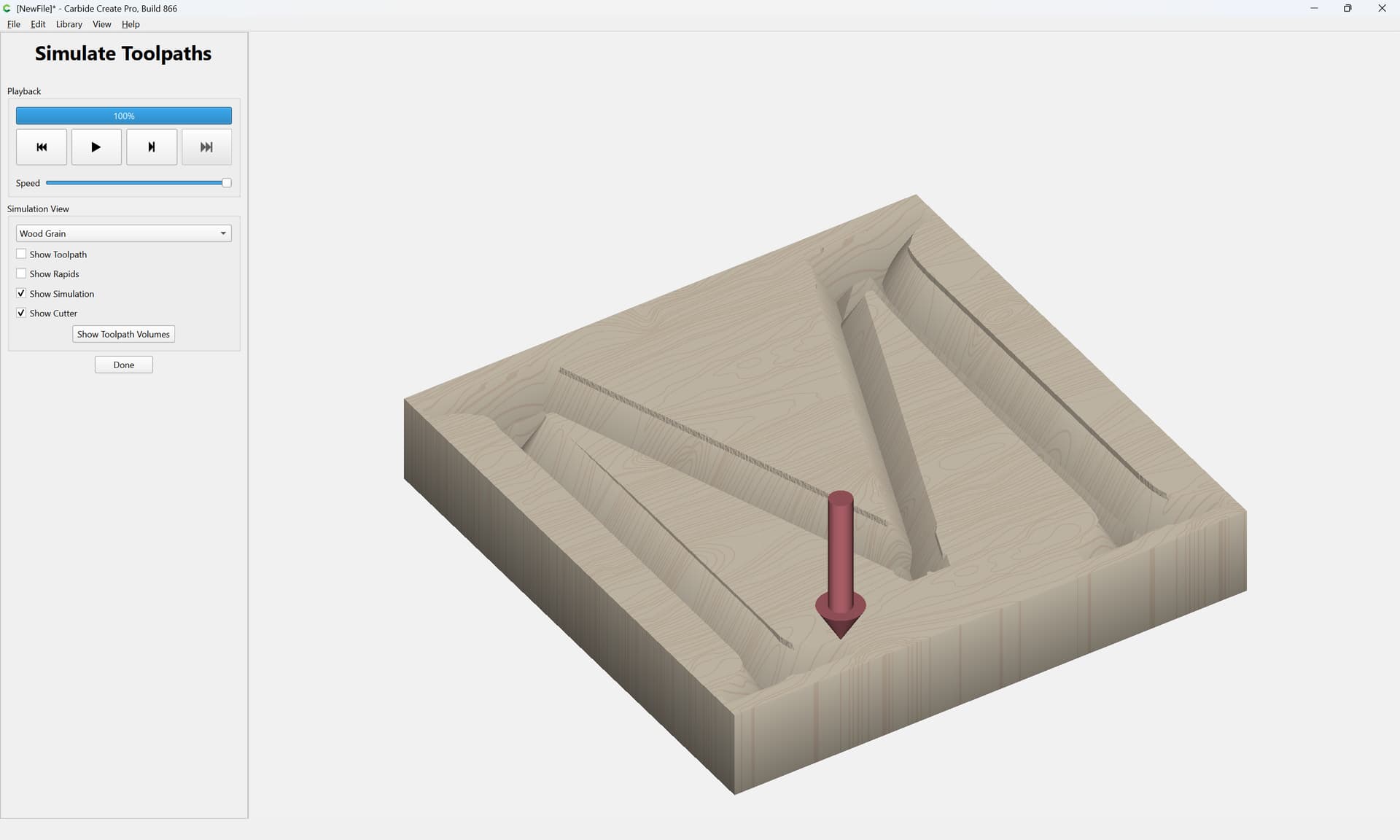
If one instead uses a larger tool:
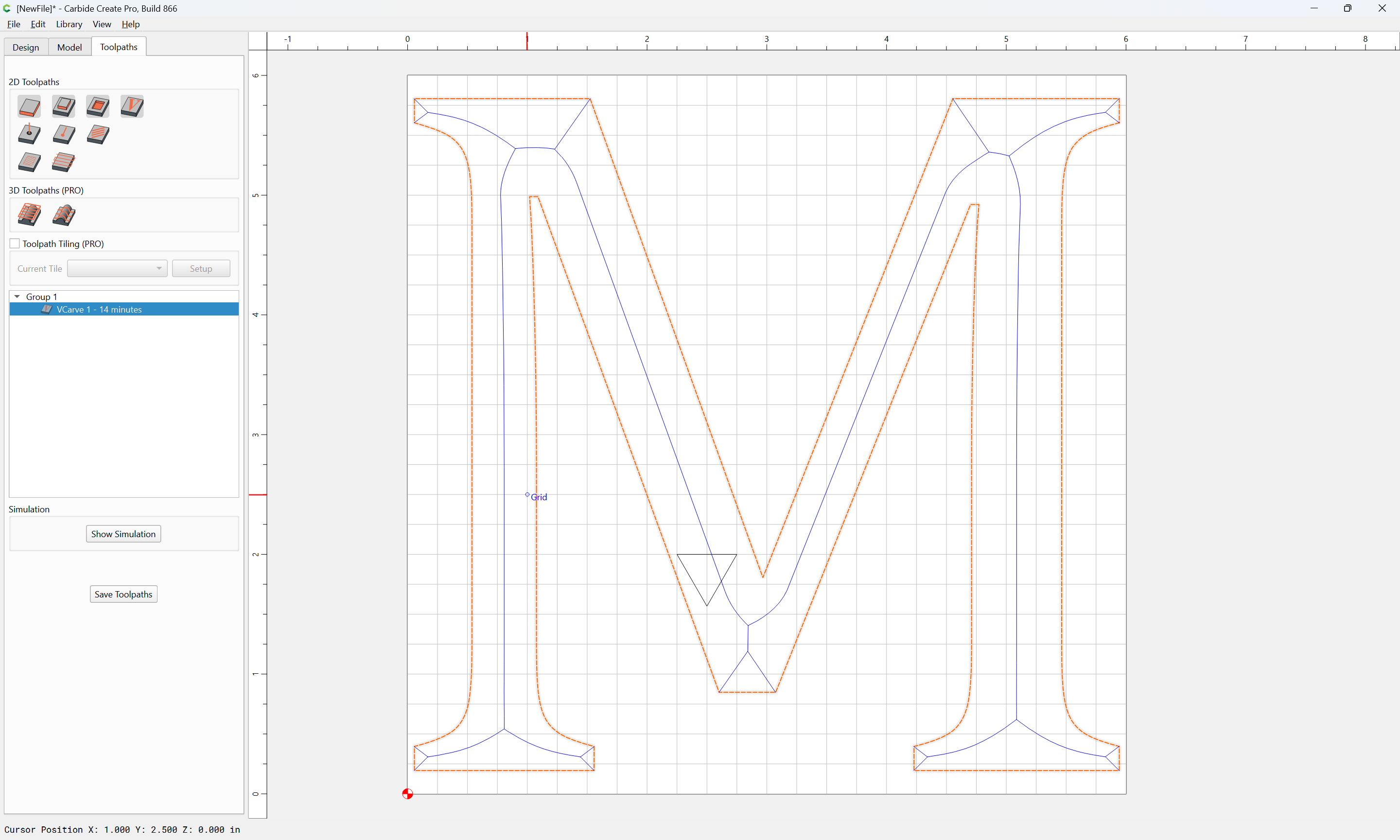
Then the file will cut as expected:
Or, if one depth-limits the cut with the smaller tool to w/in what it can reach depth-wise:
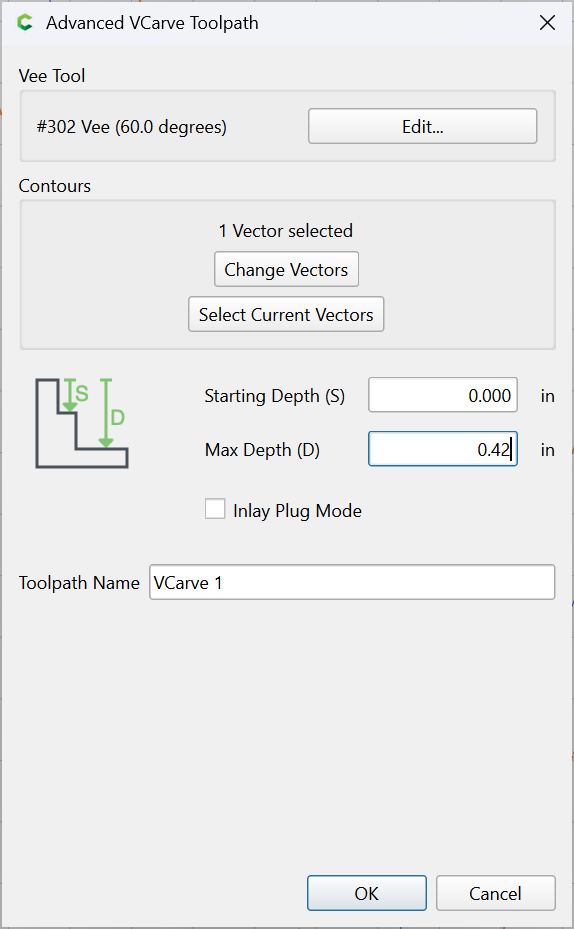
then it will cut neatly along the perimeter:
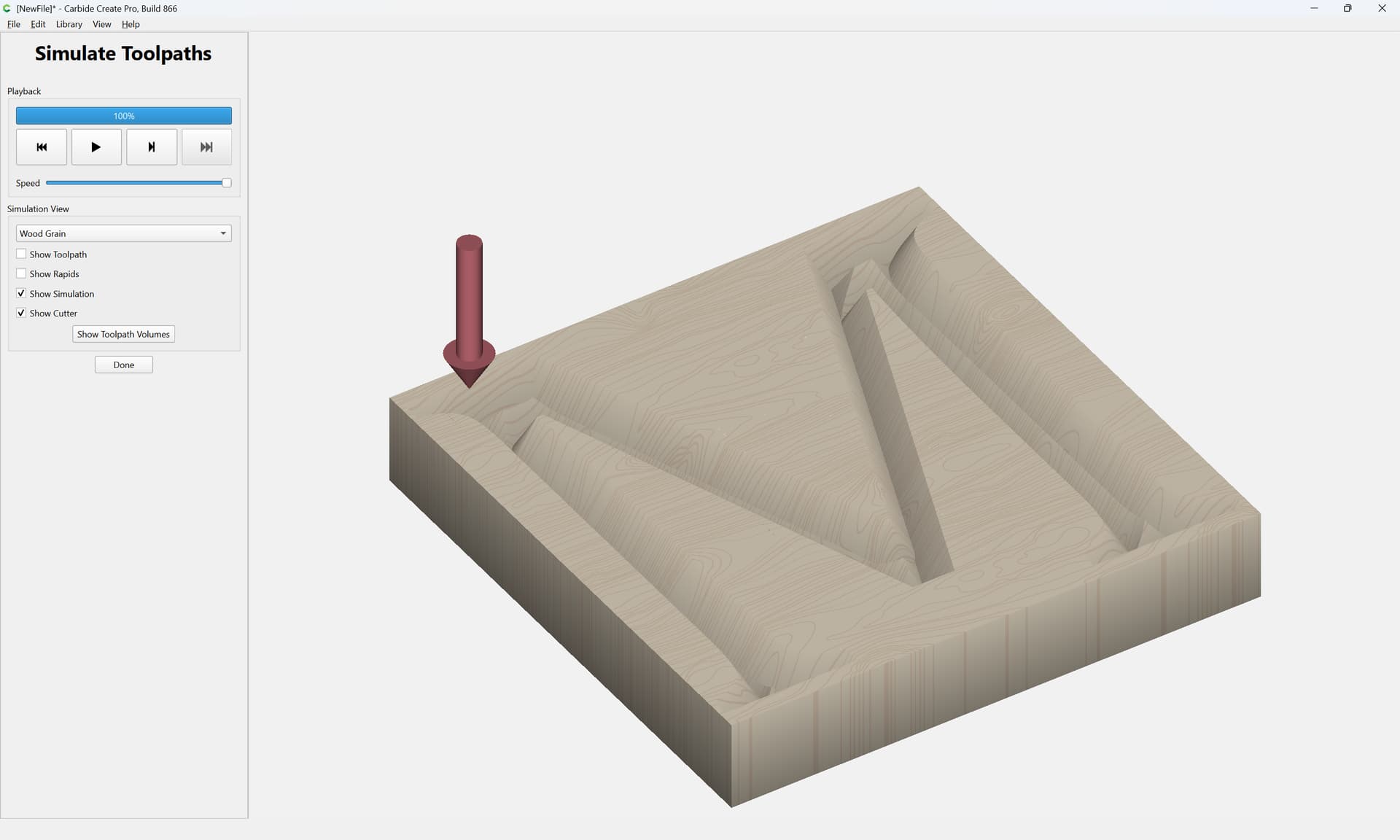
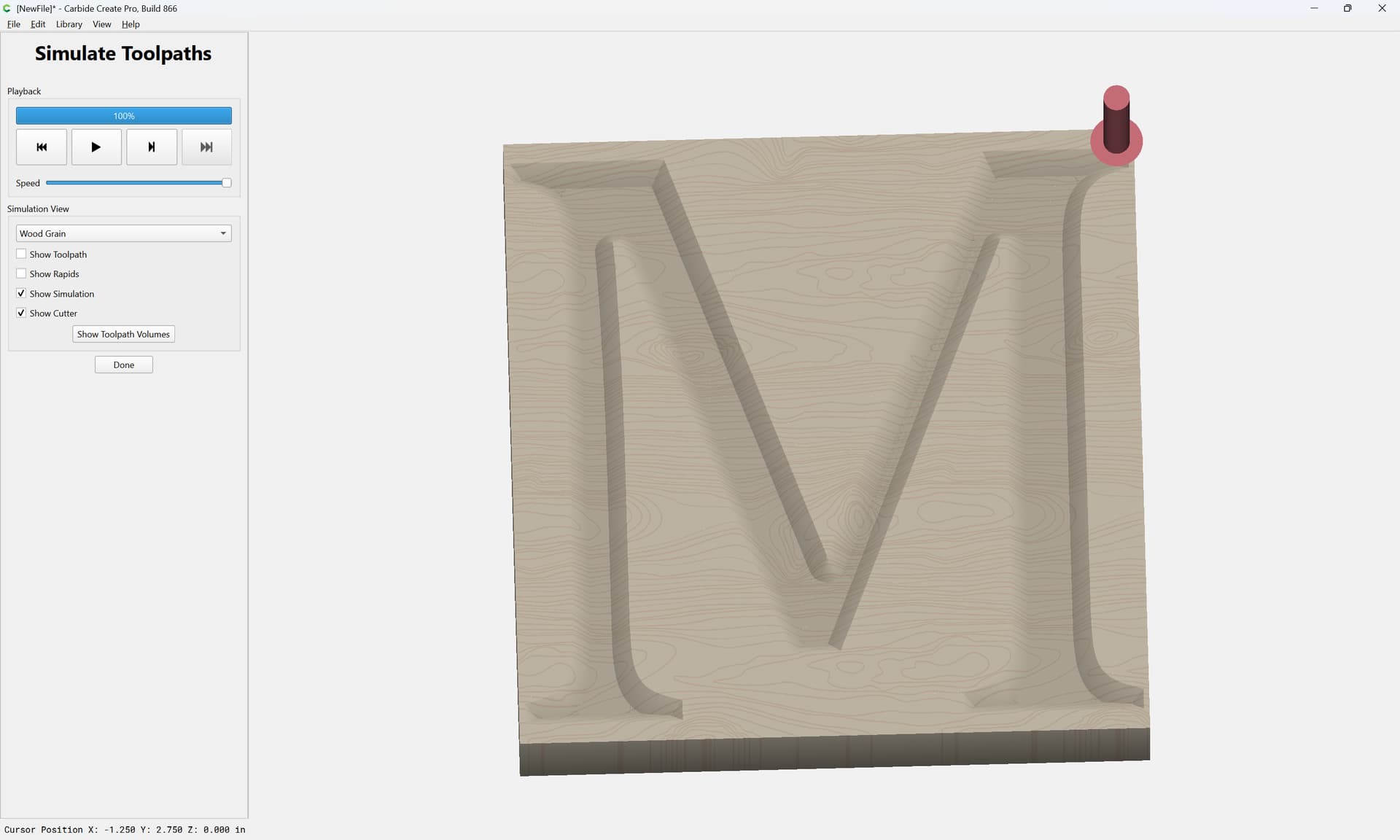
It certainly looks like there are short vertical walls, which means it’s cutting deeper than the 0.433 Will mentioned. If you cut 2 V-carve paths, one at about 0.400, and another at full depth (t) it should complete the letters.
1 Like
Yeah, the combining 2 toolpaths thing was something I wanted to examine, but ran out of time/energy to look into. Should have suggested it and noted, “This is left as an exercise for the reader”.
1 Like
This topic was automatically closed 30 days after the last reply. New replies are no longer allowed.