WillAdams
May 22, 2026, 2:18pm
1
as requested on support…
I have created a flat flag with stripes and the words We The People in Old English script. When I cut the stripes first them the letters its like it is ghosting from the design. I made the mistake of them cutting the letters then the stripes and Shazam! It did it again just on the letters.
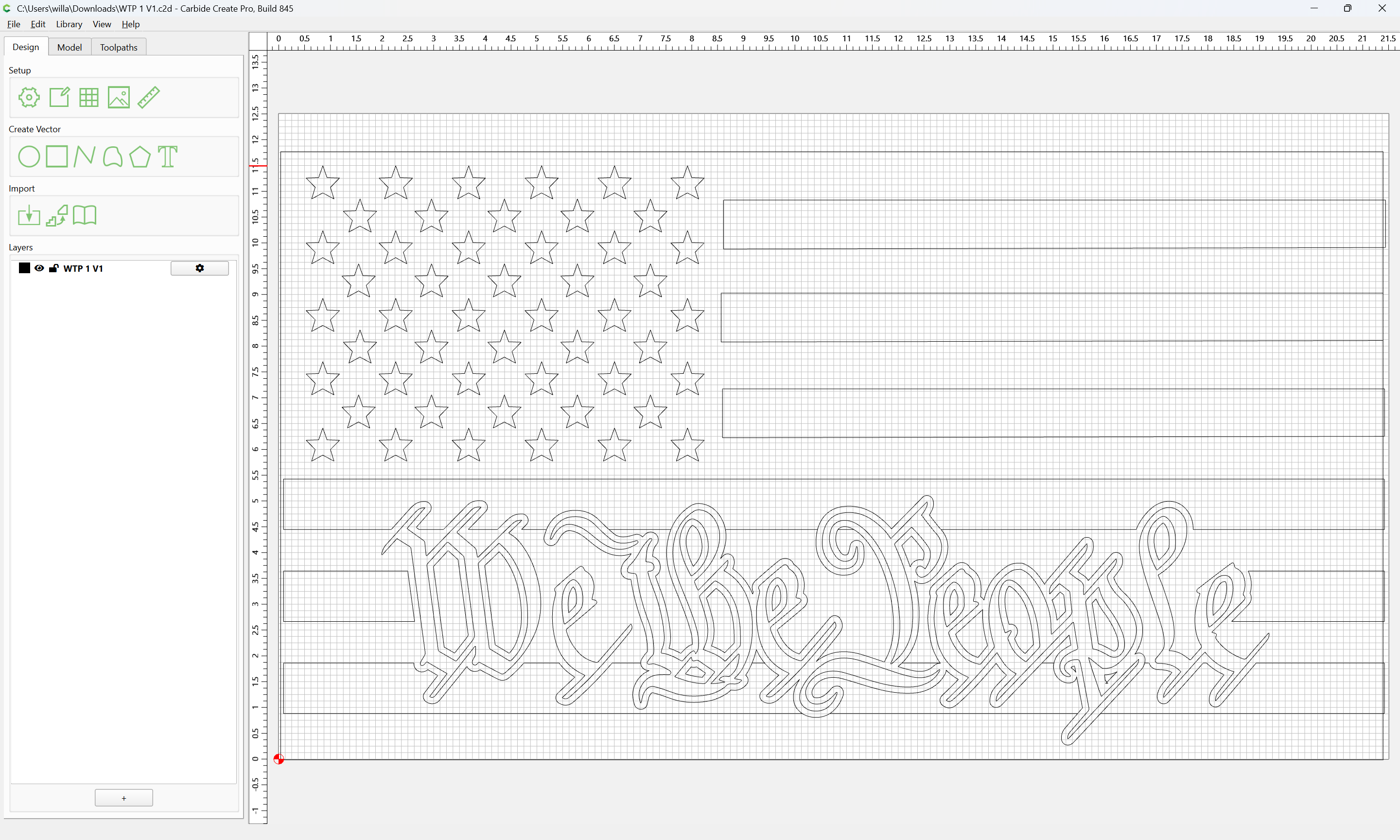
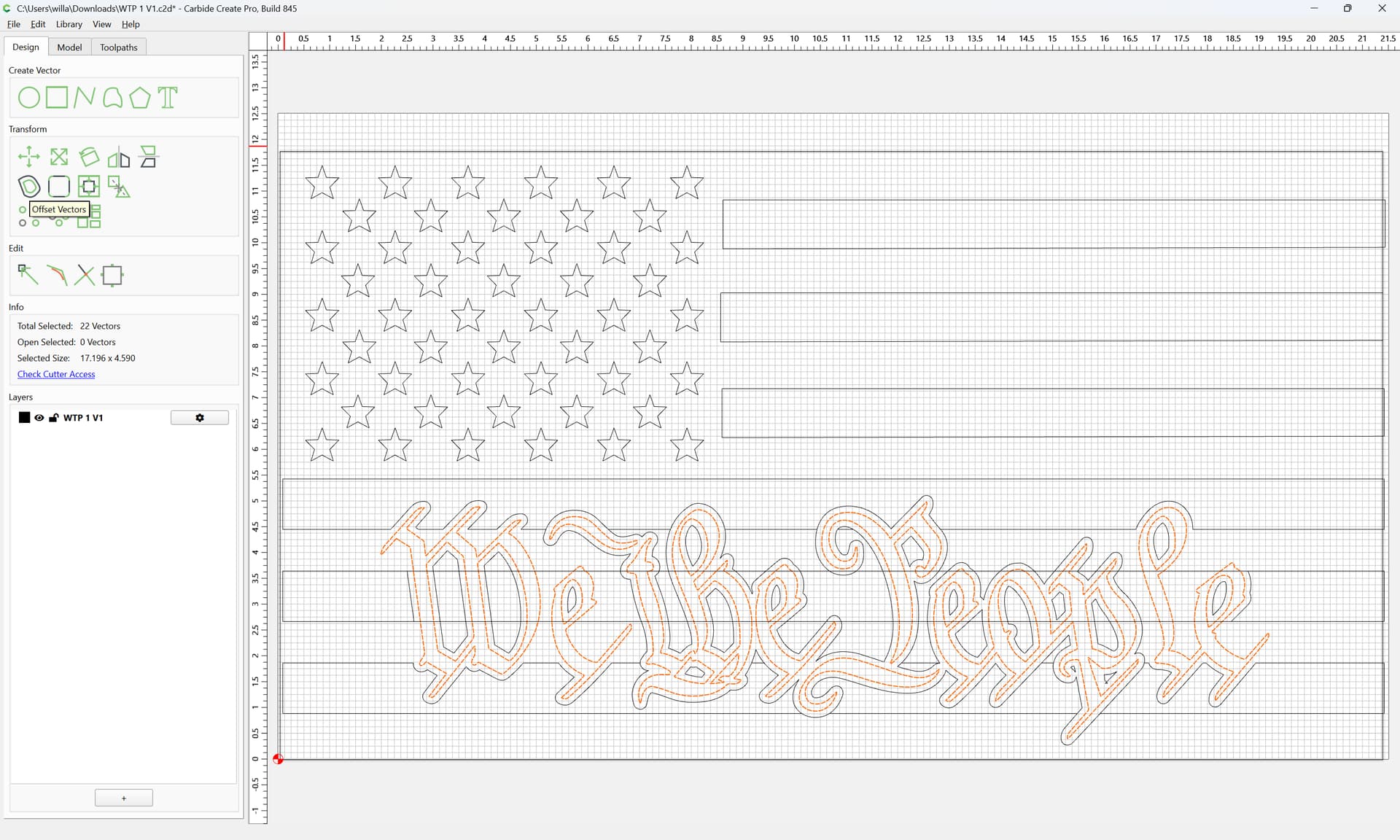
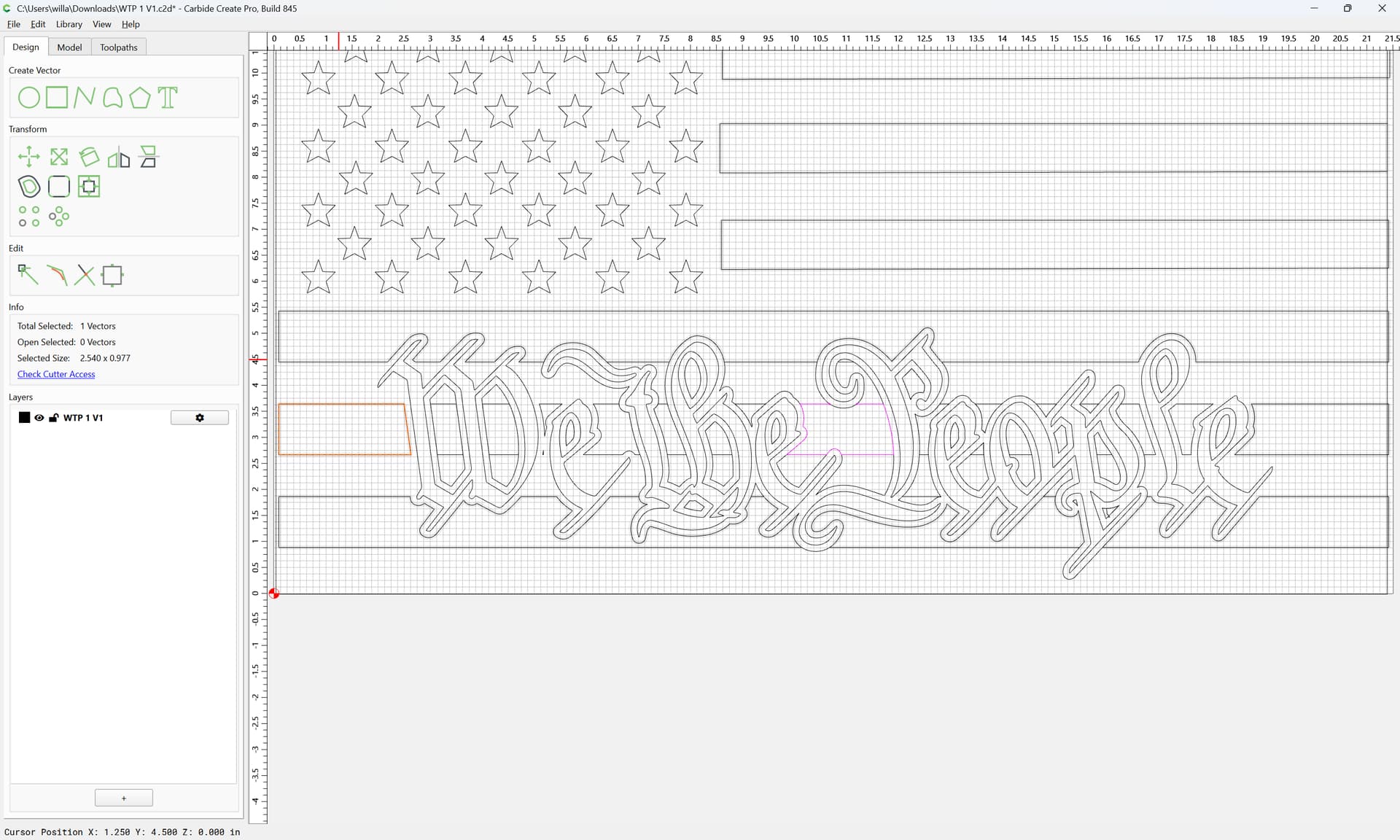
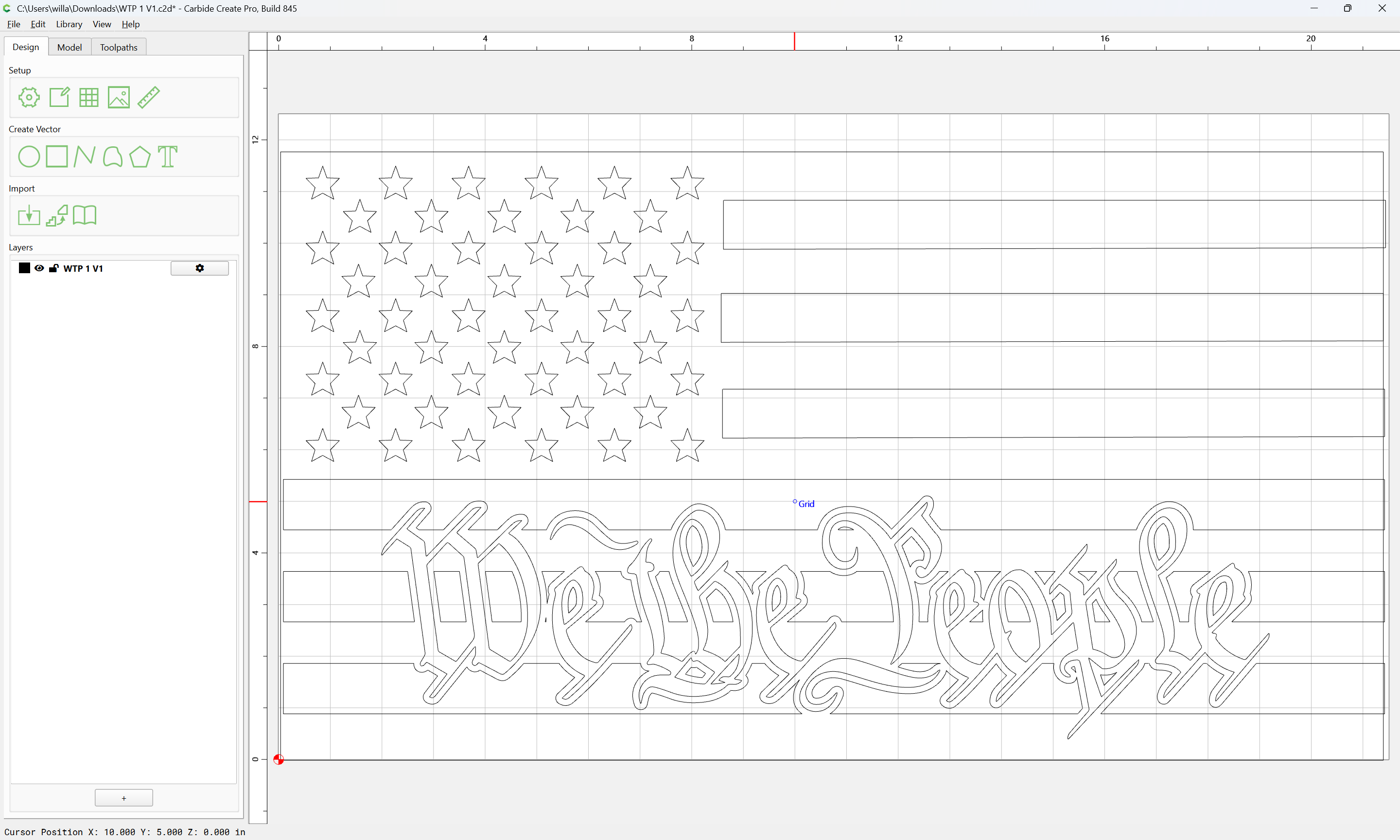
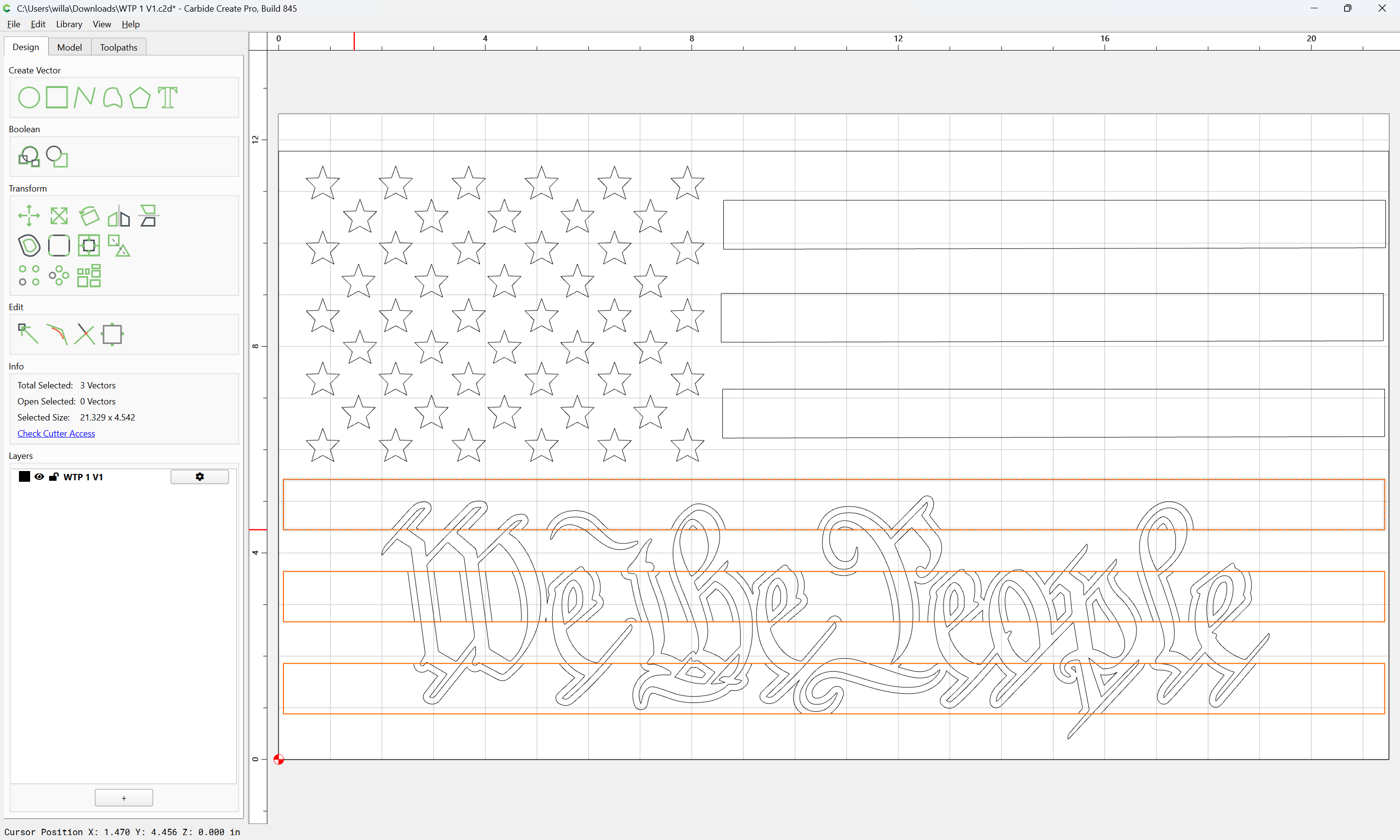
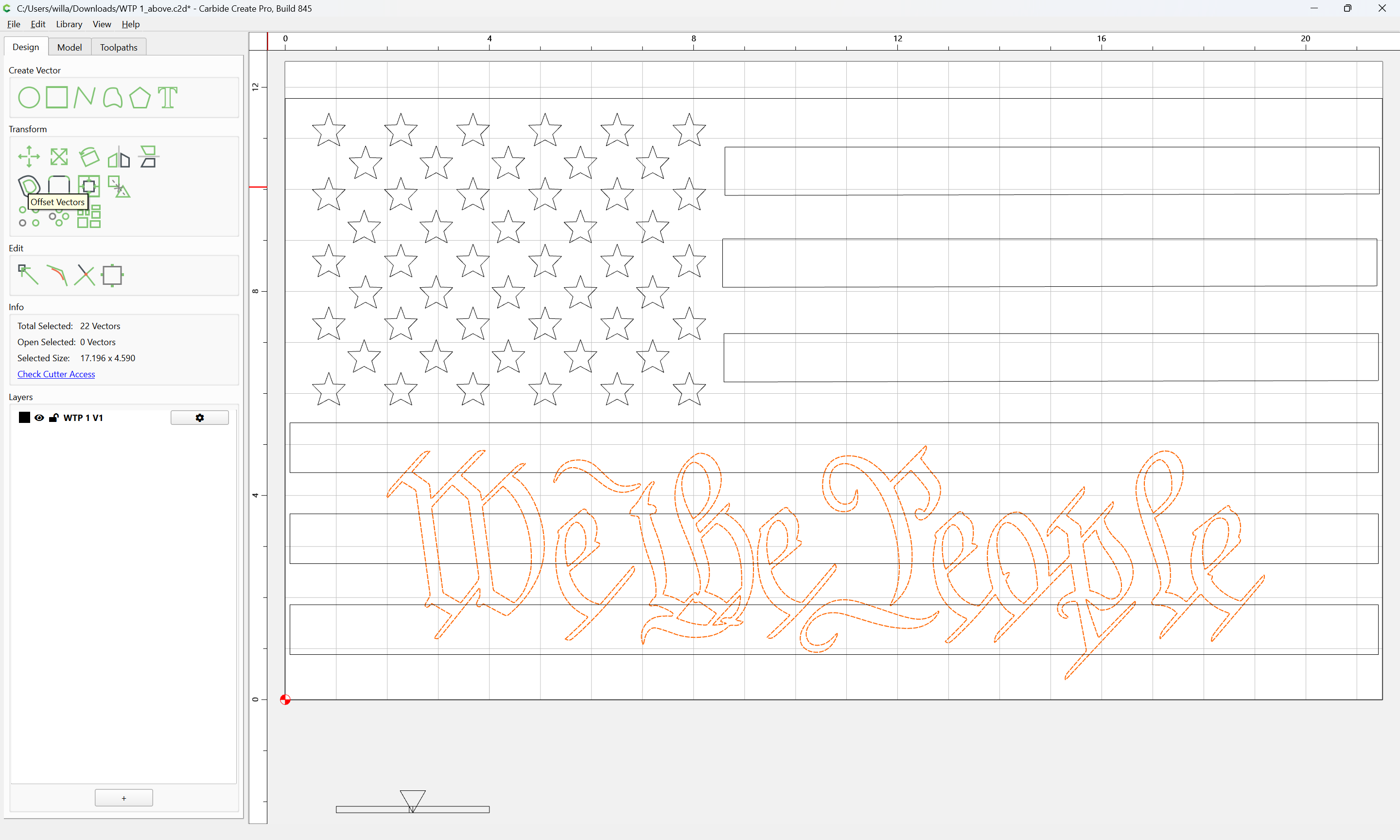
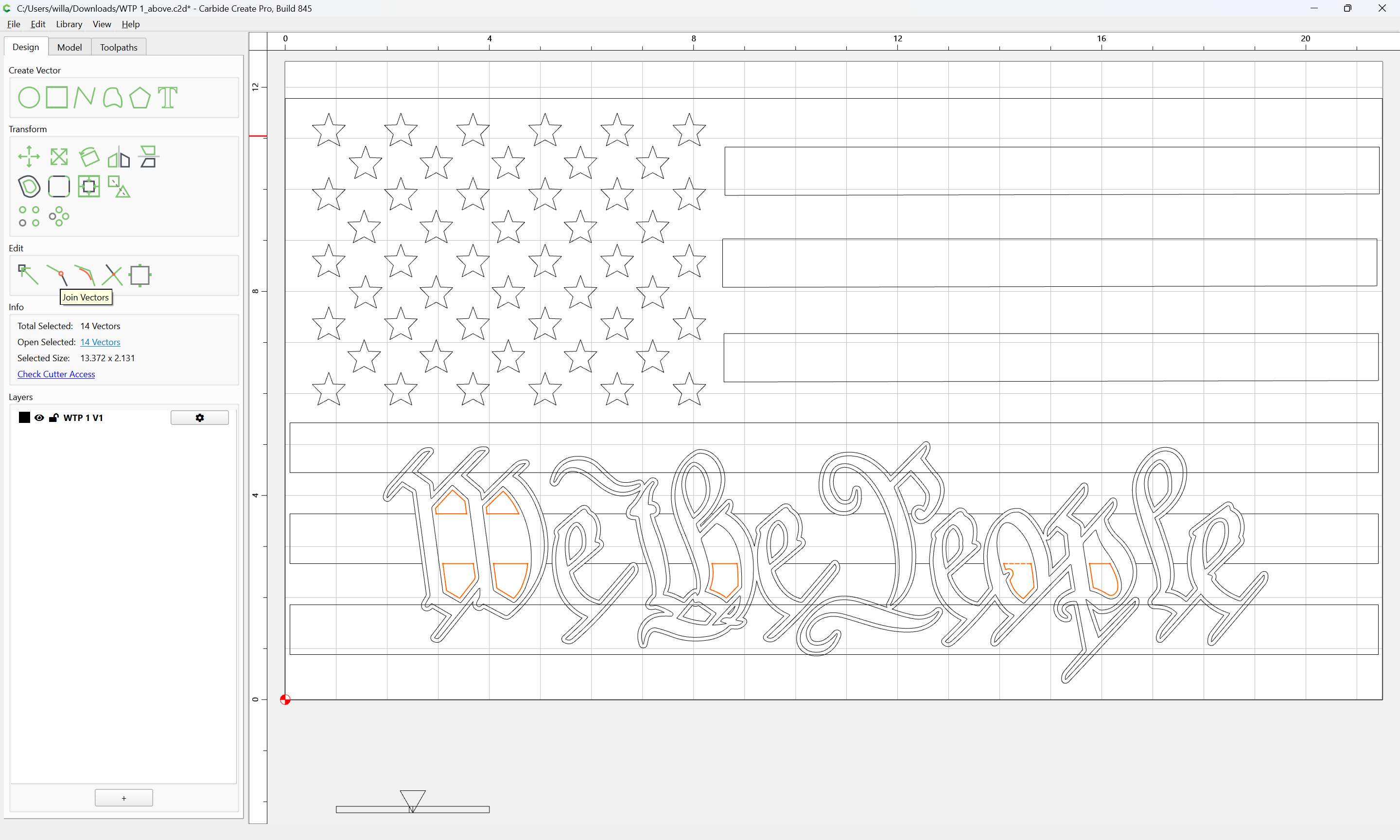
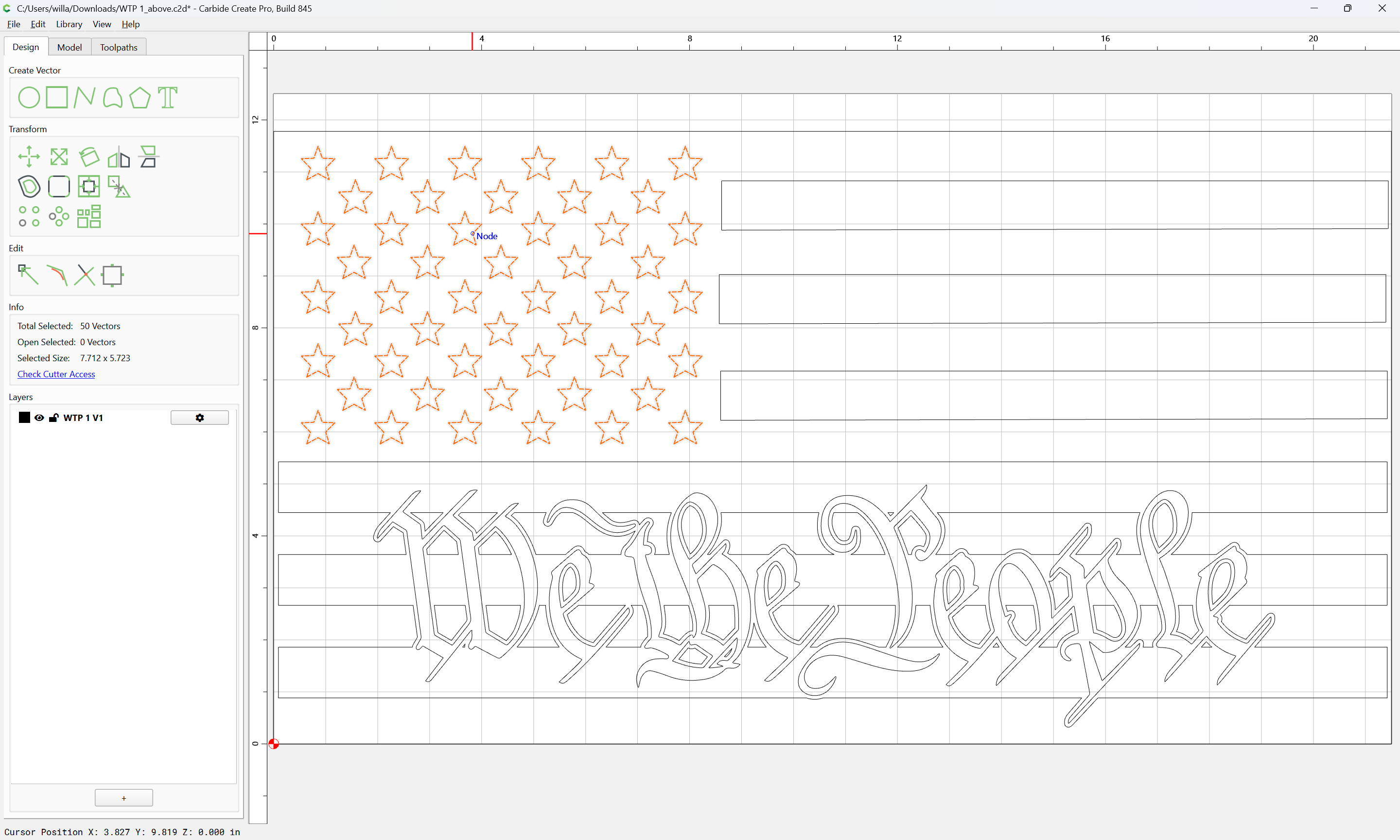
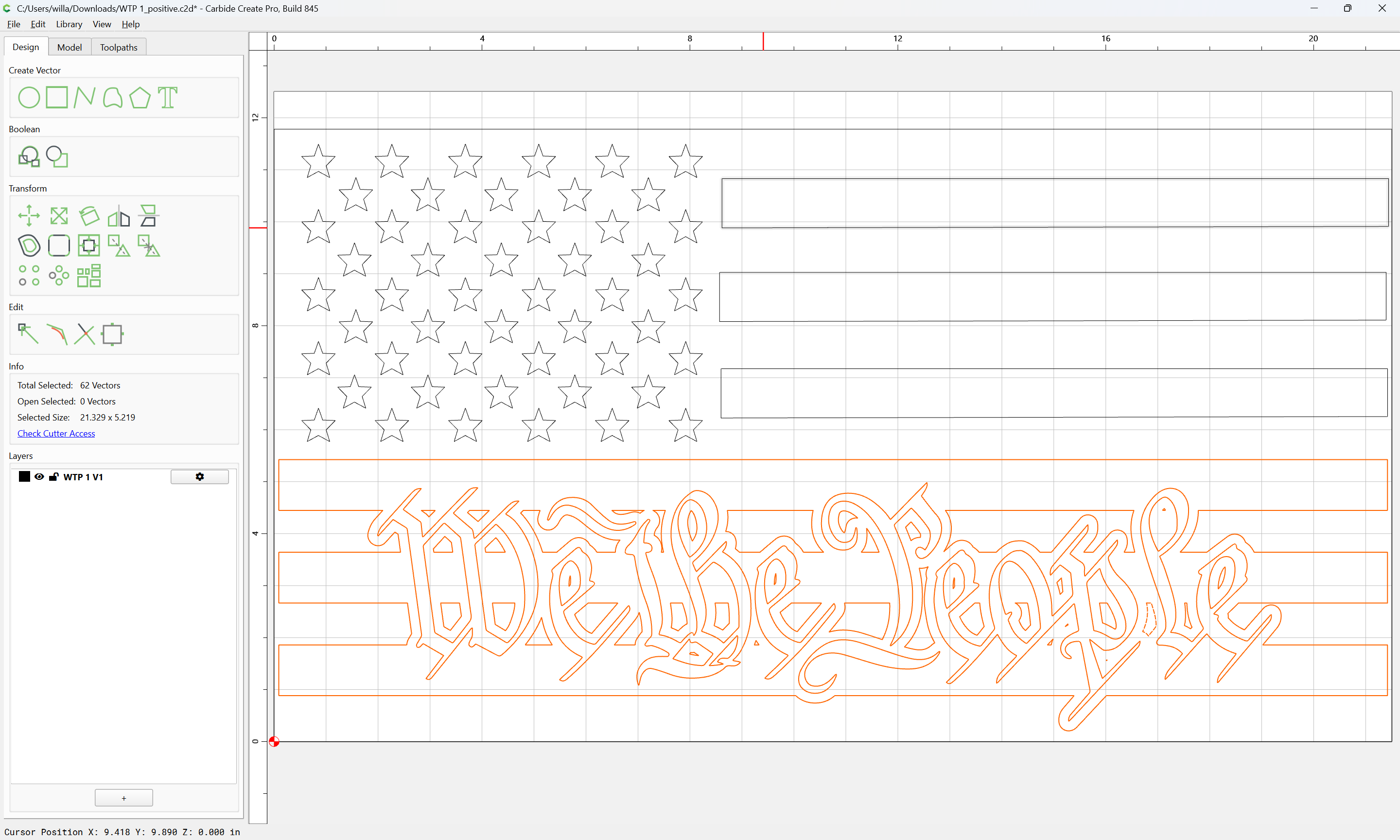
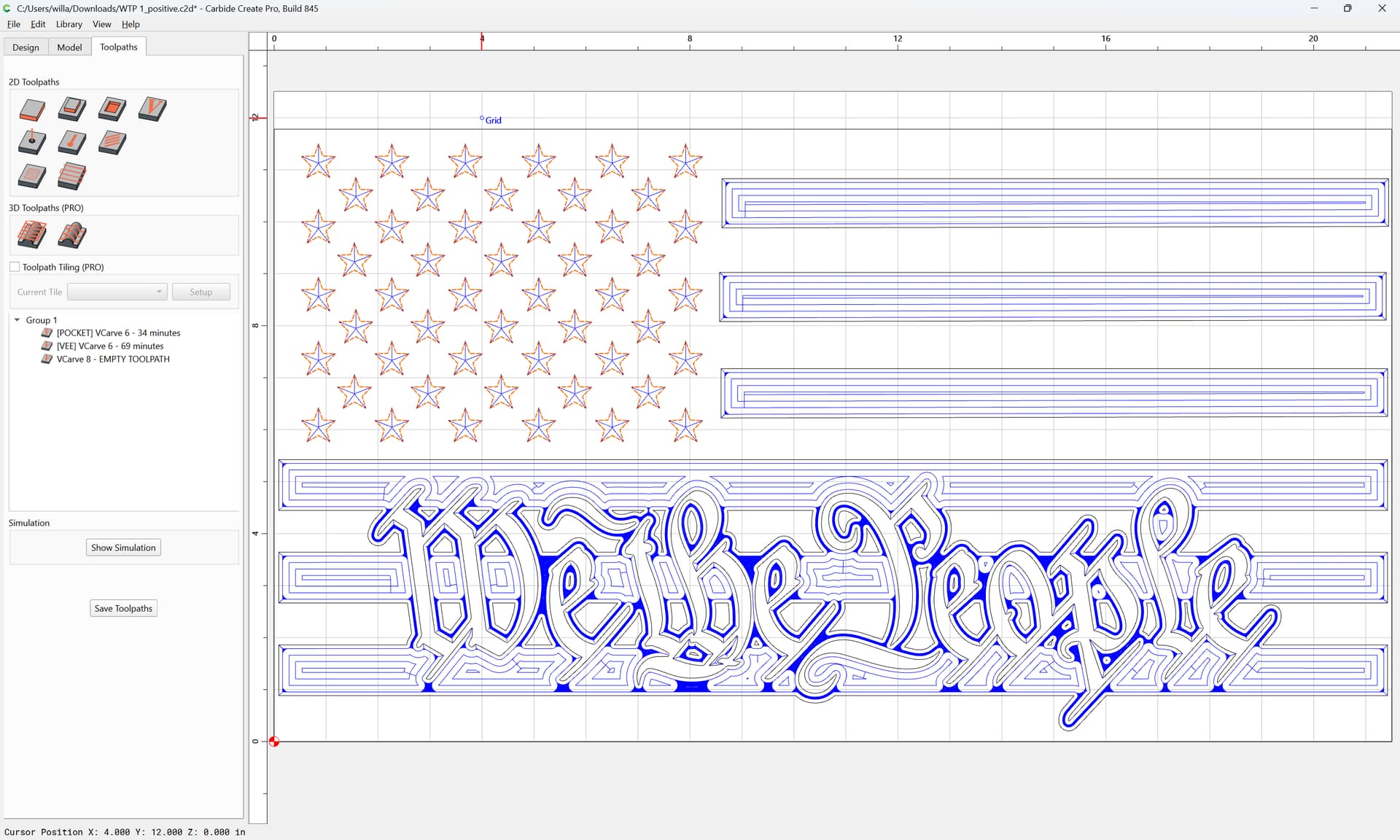
given the design:
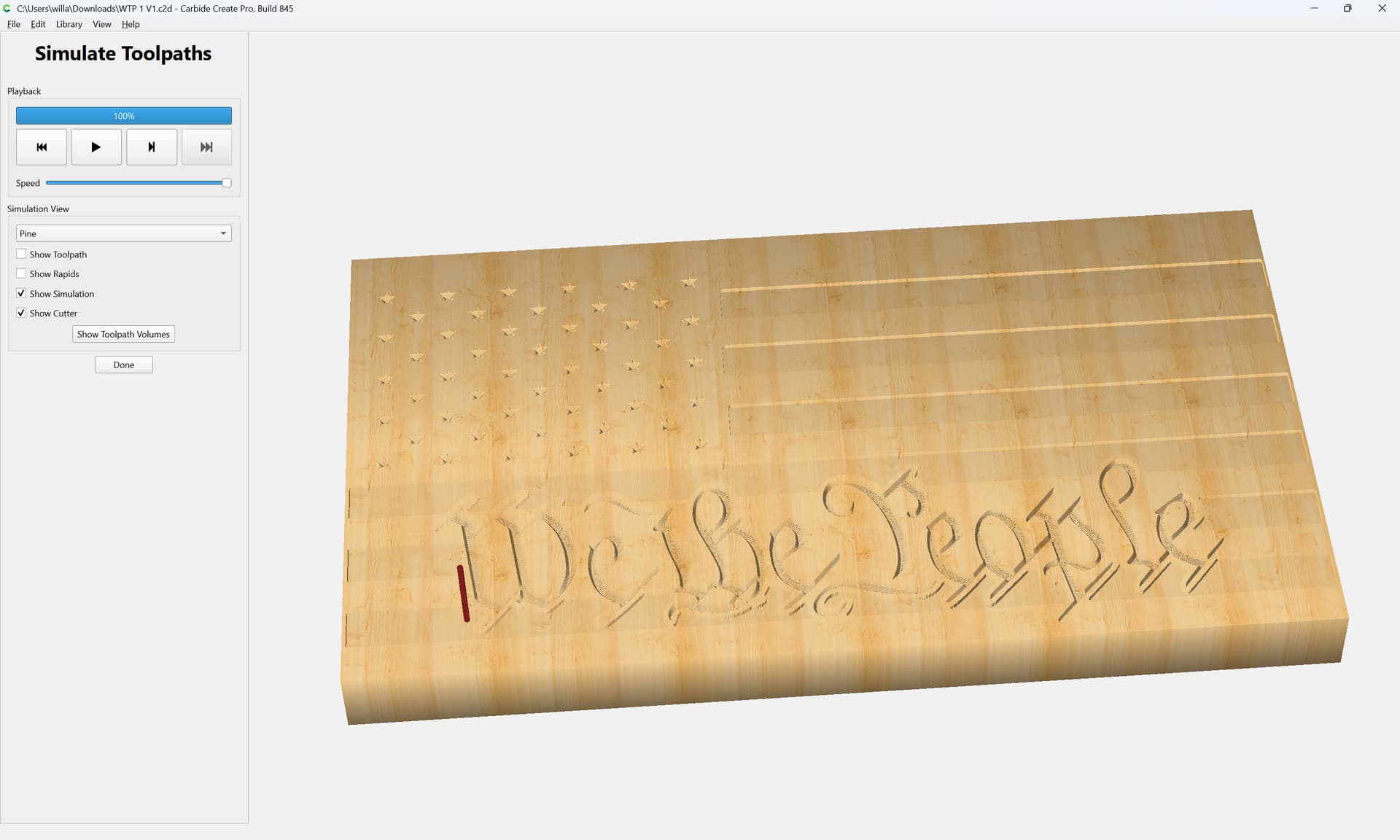
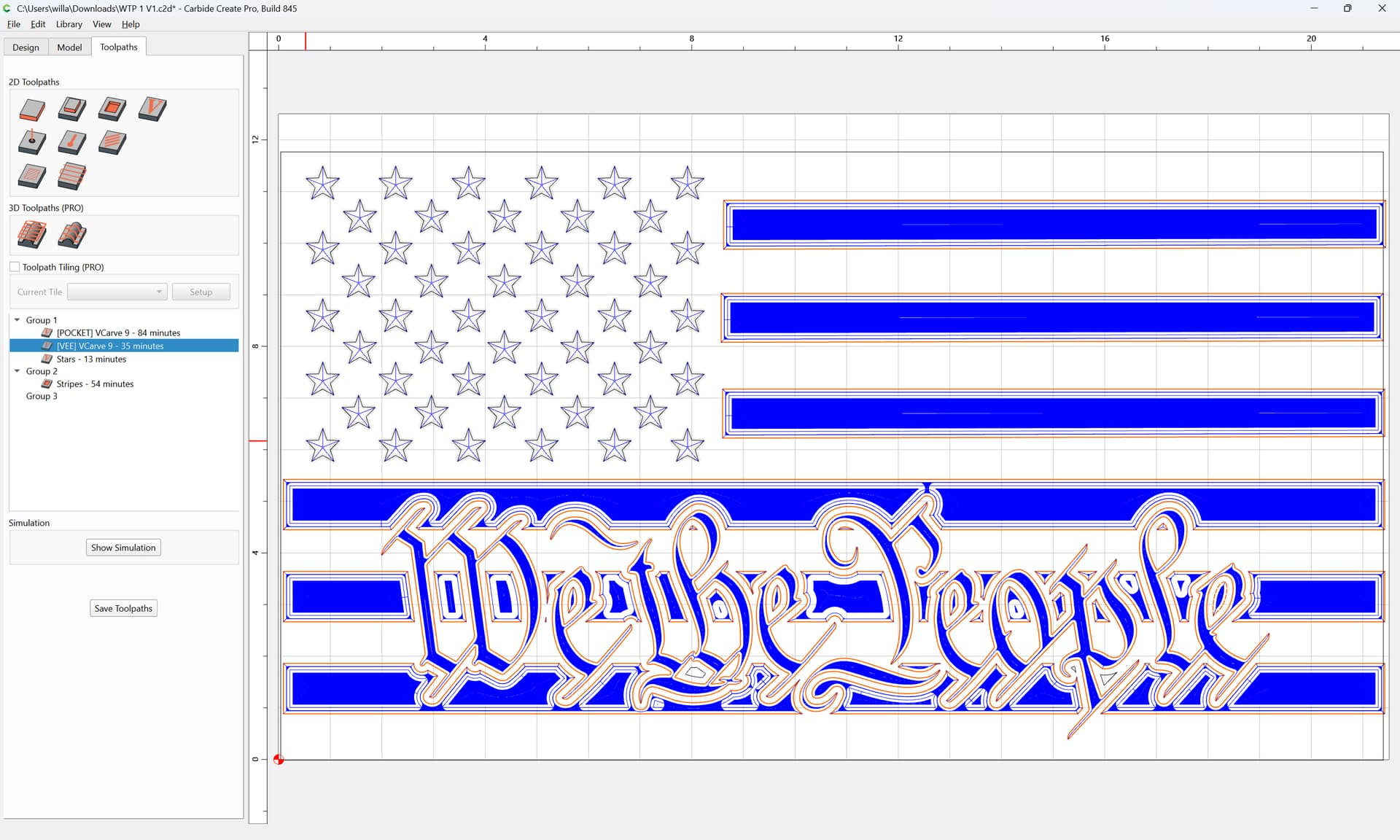
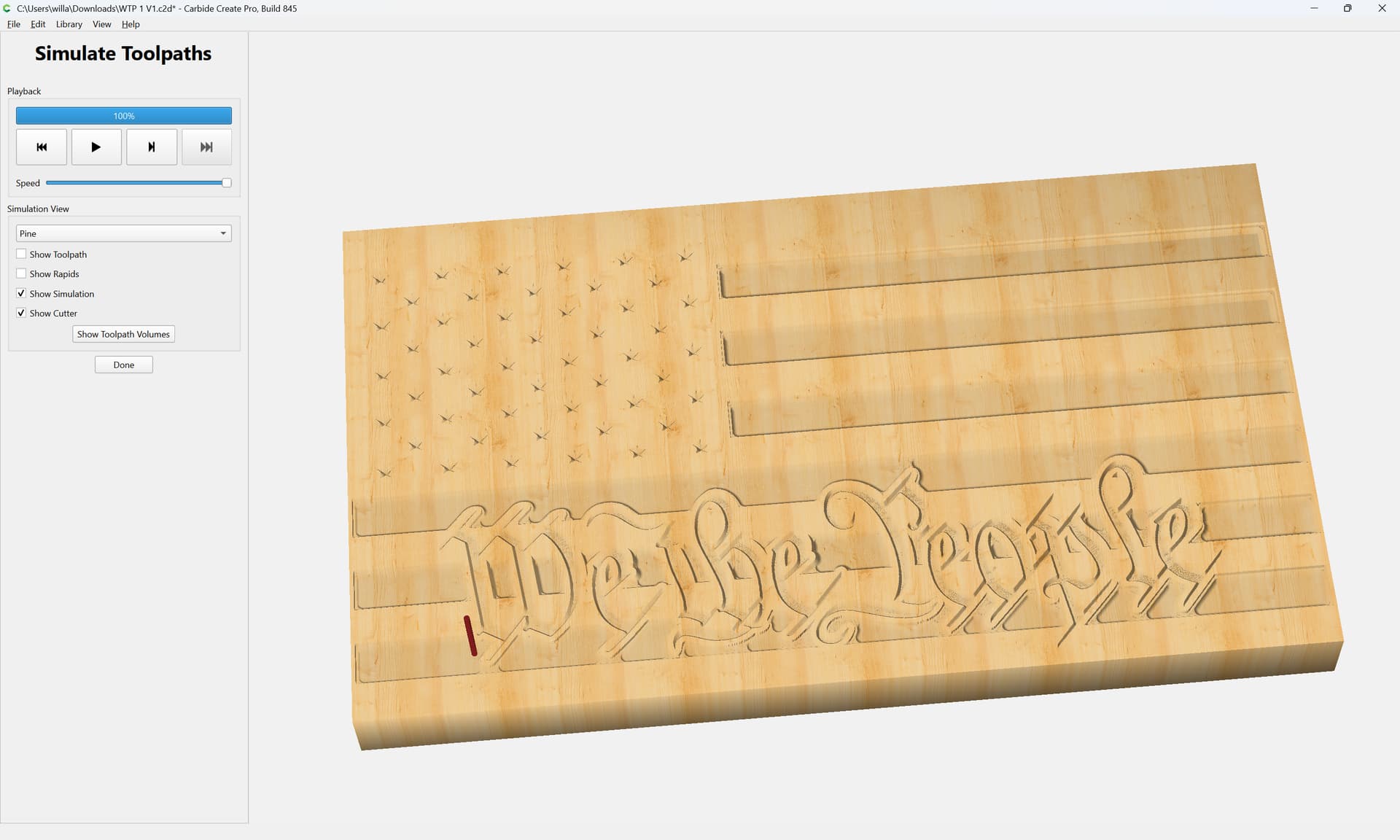
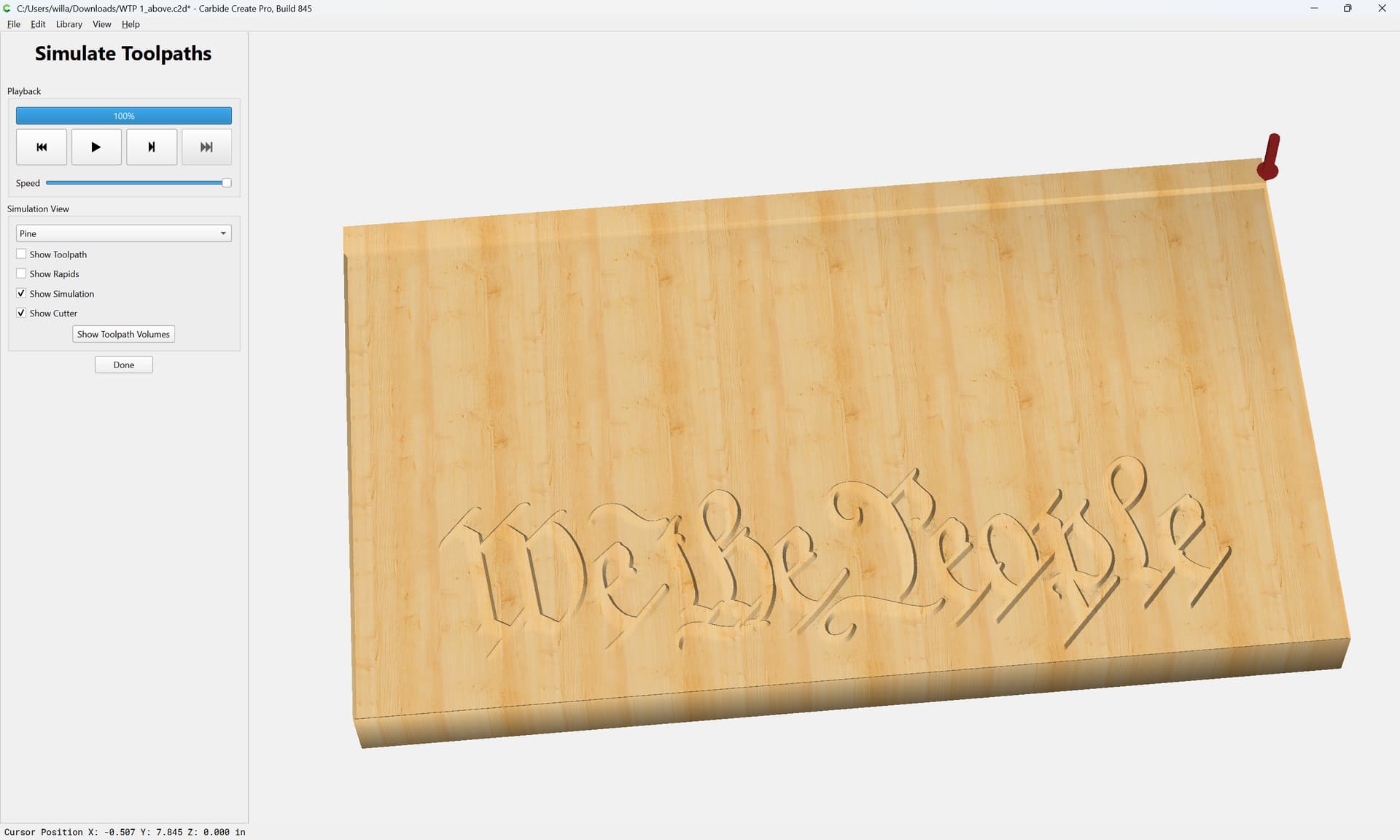
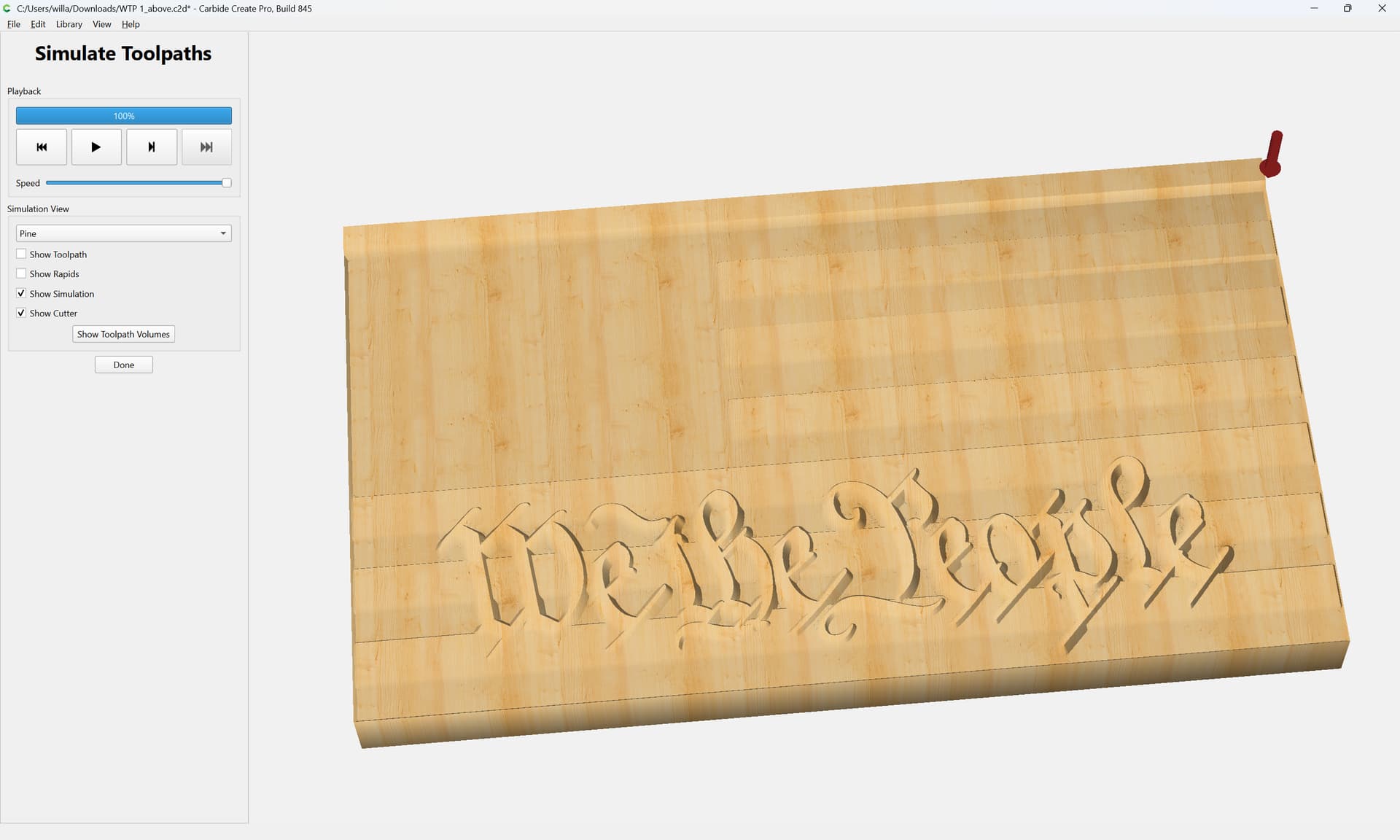
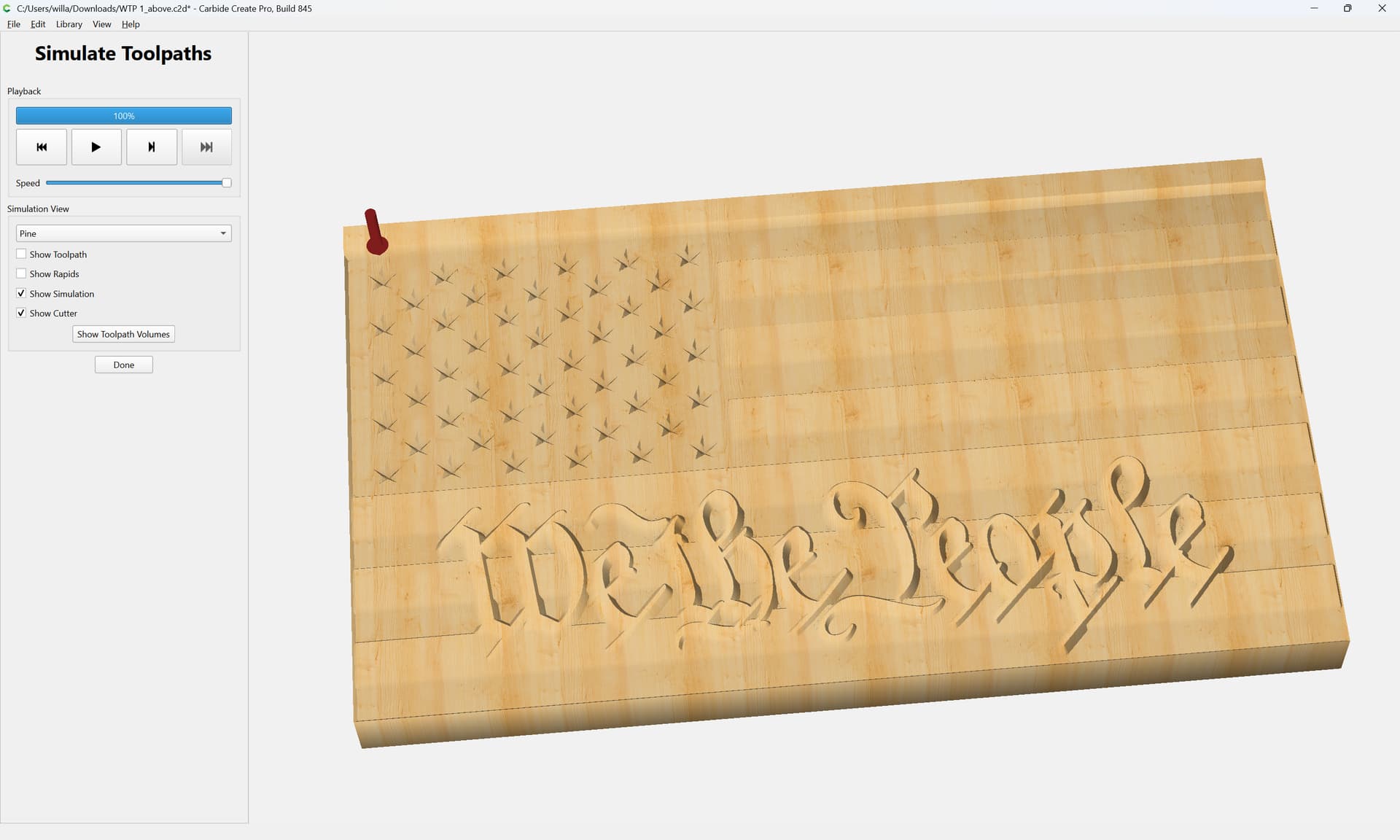
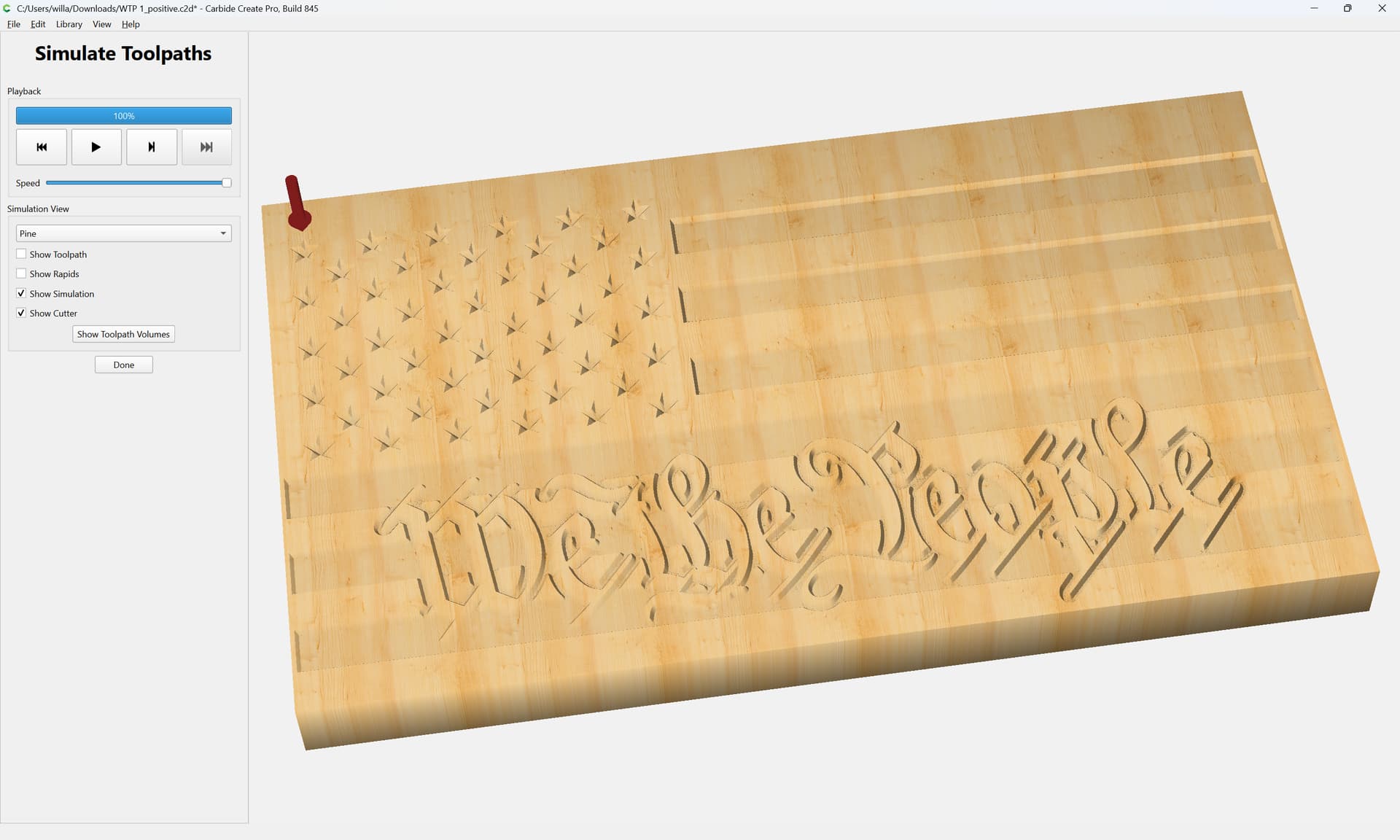
which currently previews as:
There are myriad ways to realize this design:
text positive, not incised/negative
cut negative, and to have the negative stripe continue through the letters
multi-layer V carve where the letters are at a different height
we will look at all of the options in this forum thread.
WillAdams
May 22, 2026, 4:30pm
2
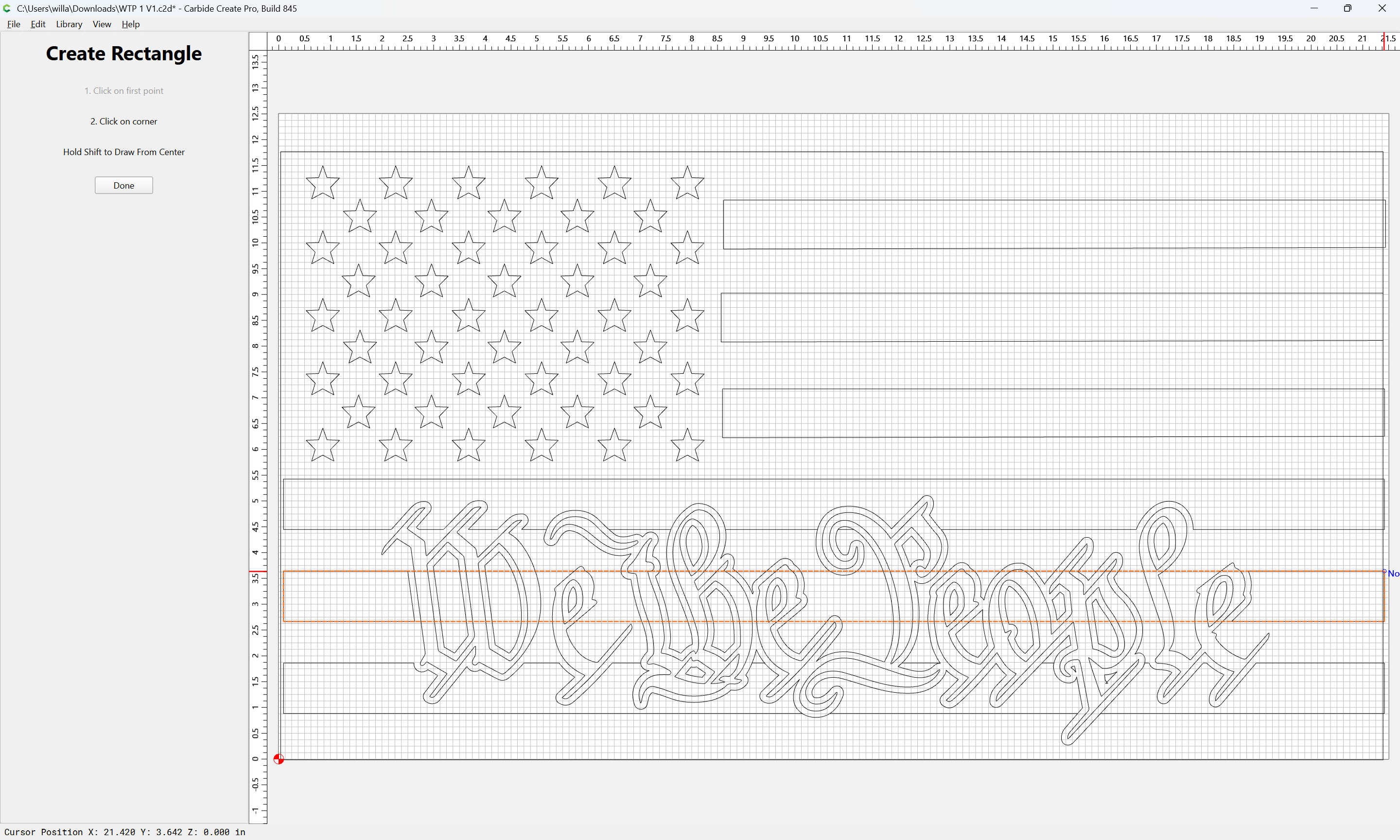
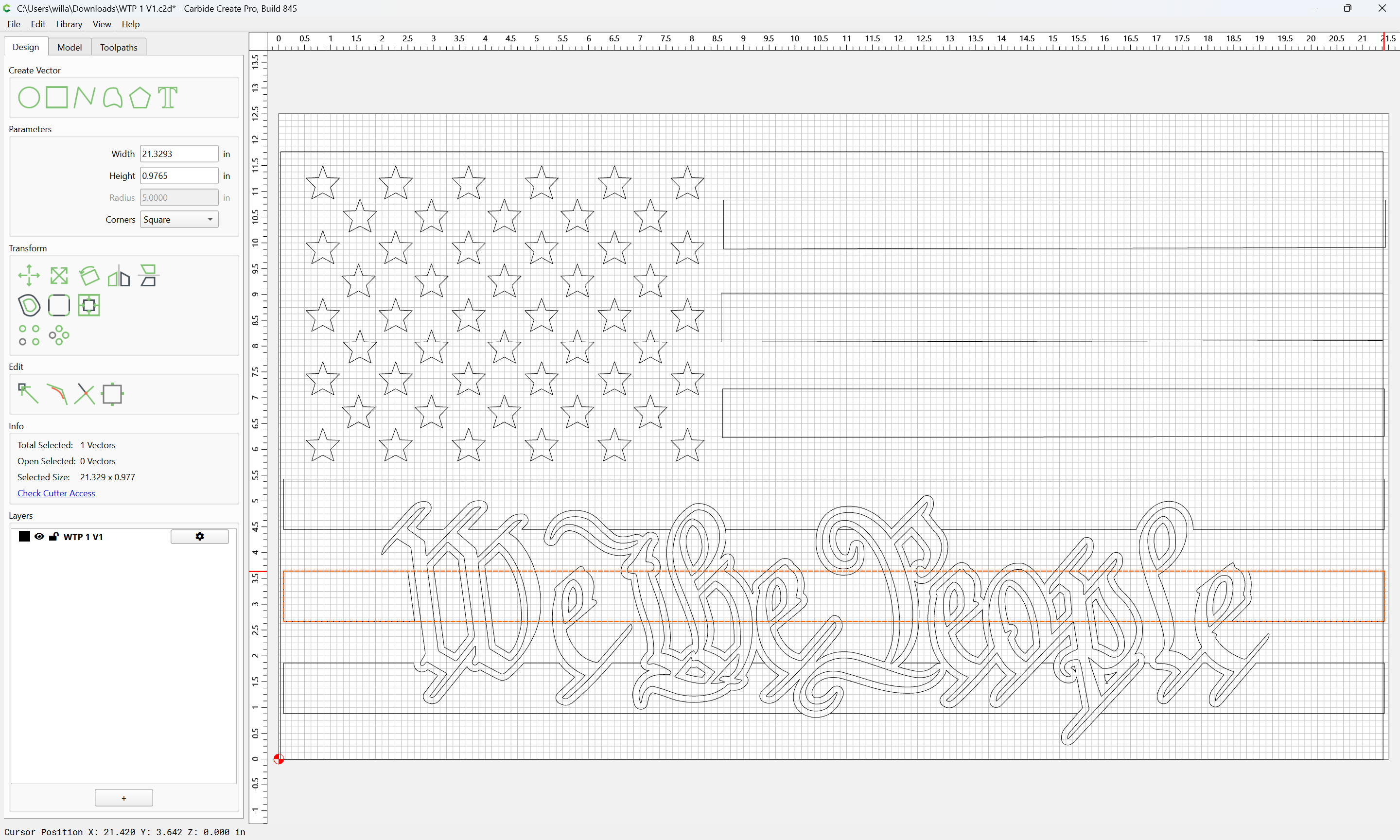
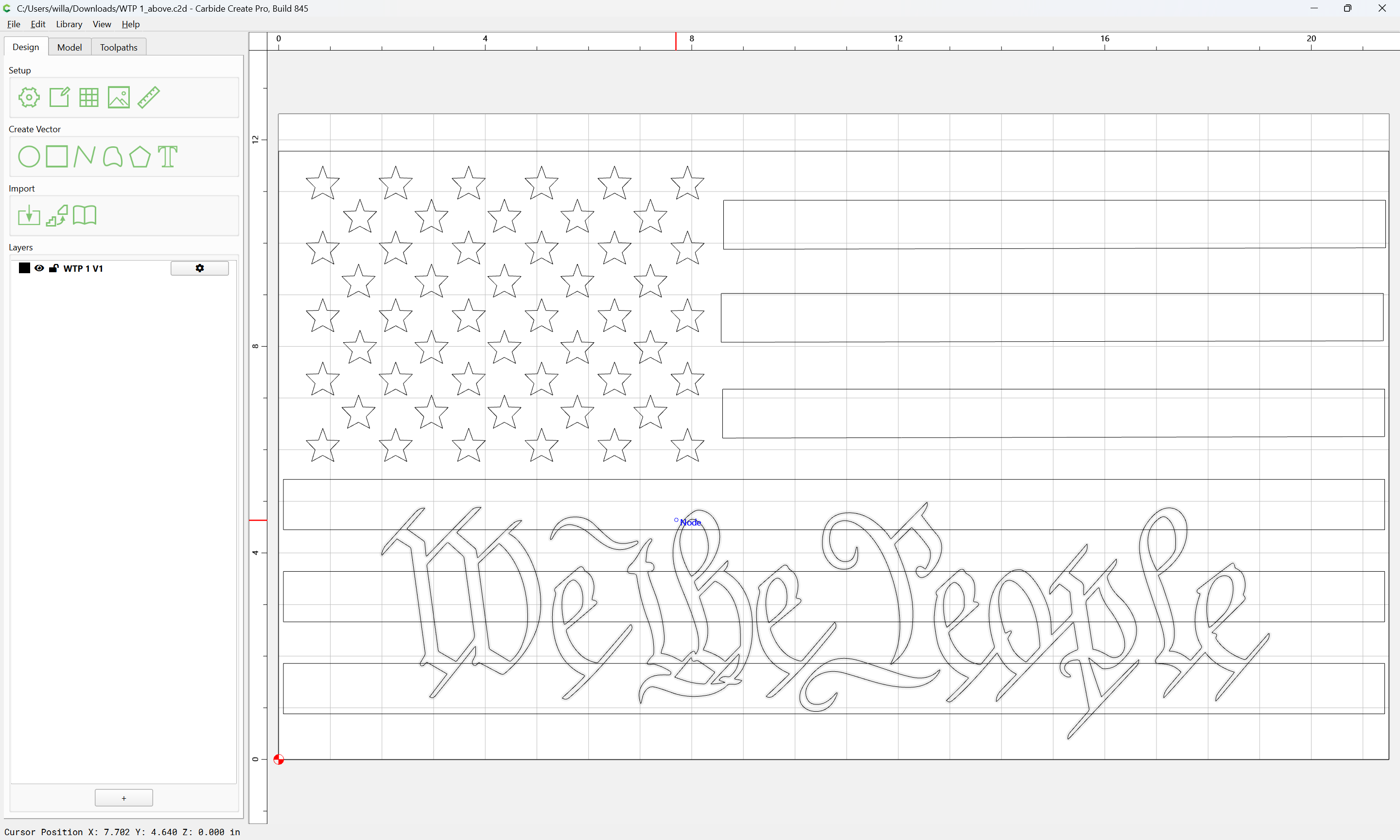
Adjusting the current design to add the negative stripe around the latter is quickly/easily done, simply restore the original stripe:
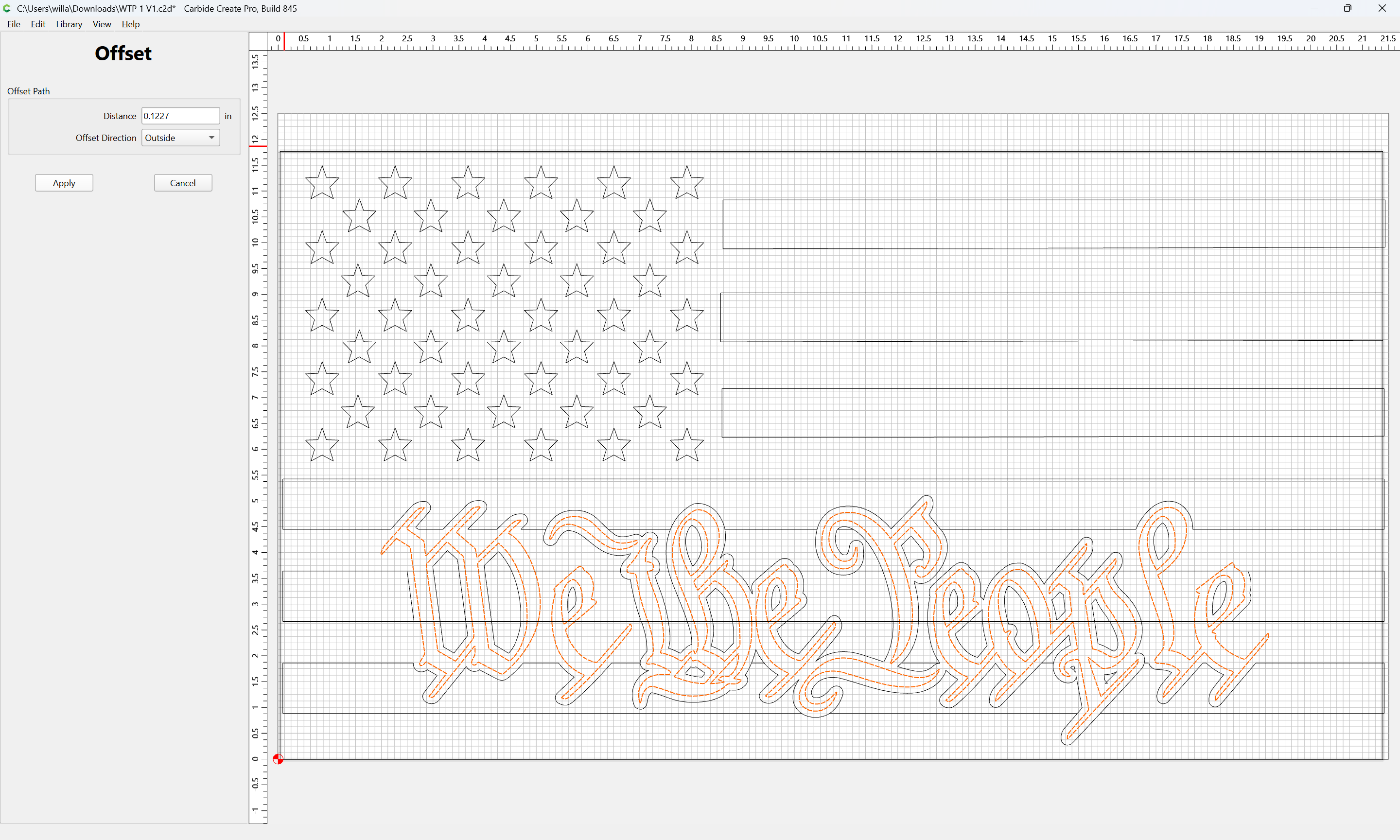
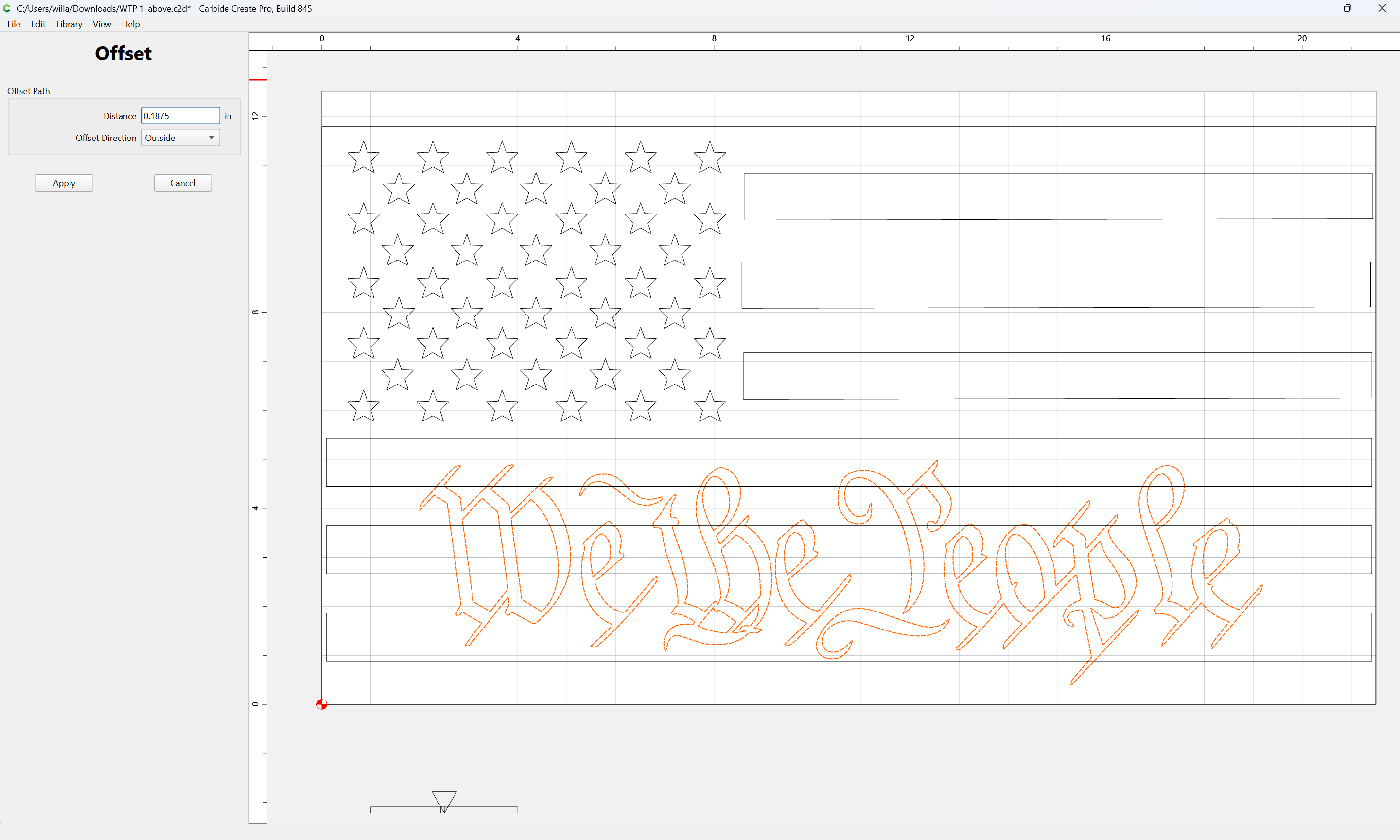
restore the original offset:
Apply
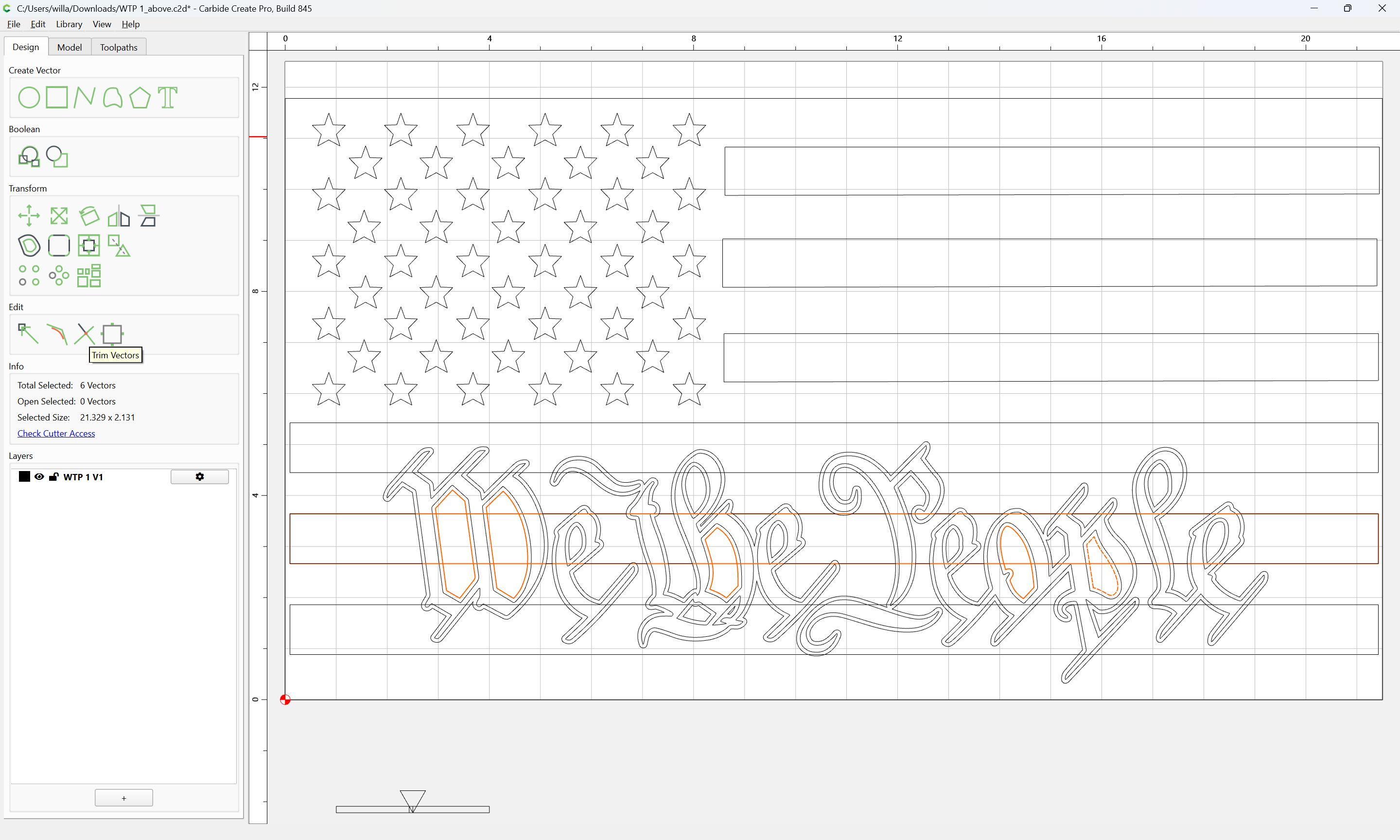
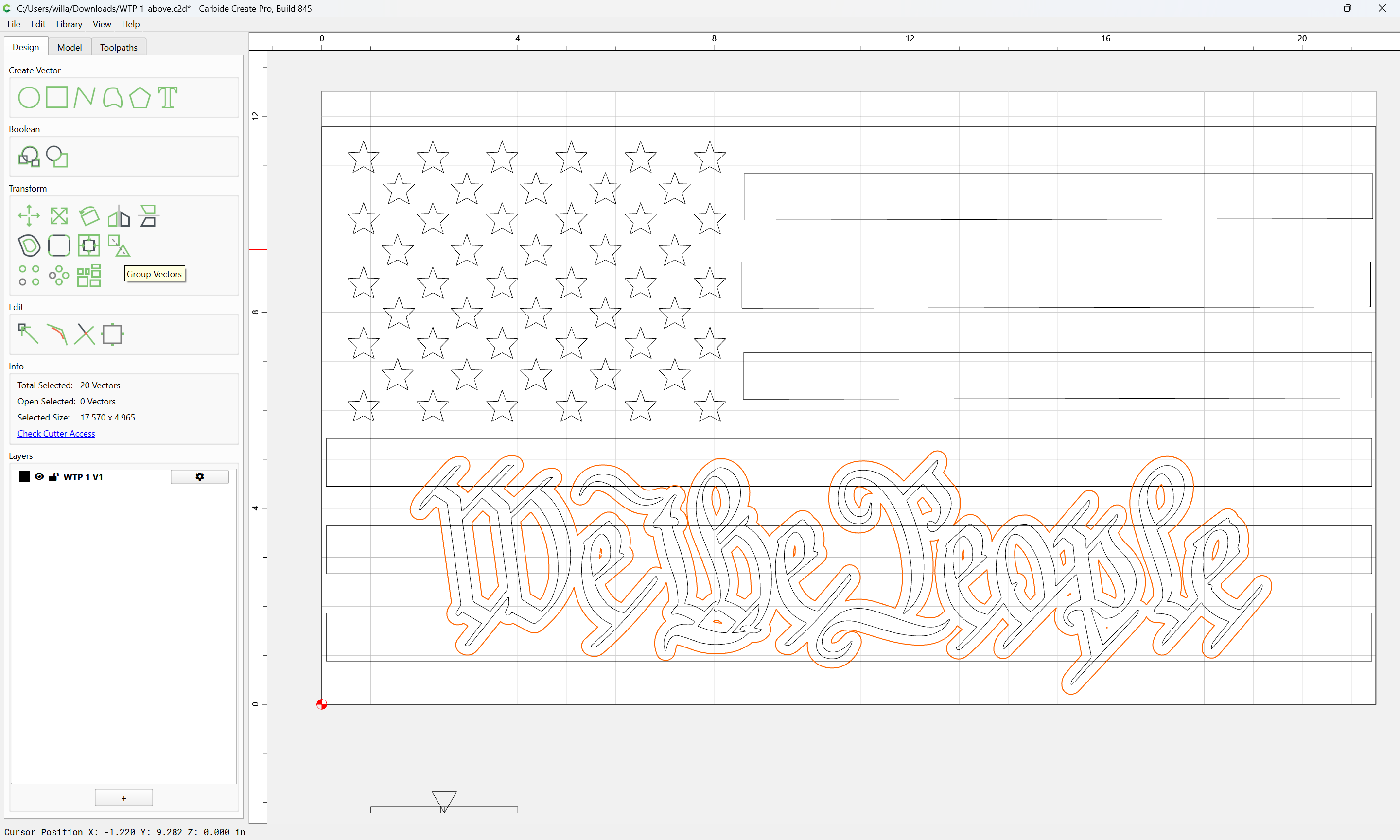
then select the offset and the stripe in question:
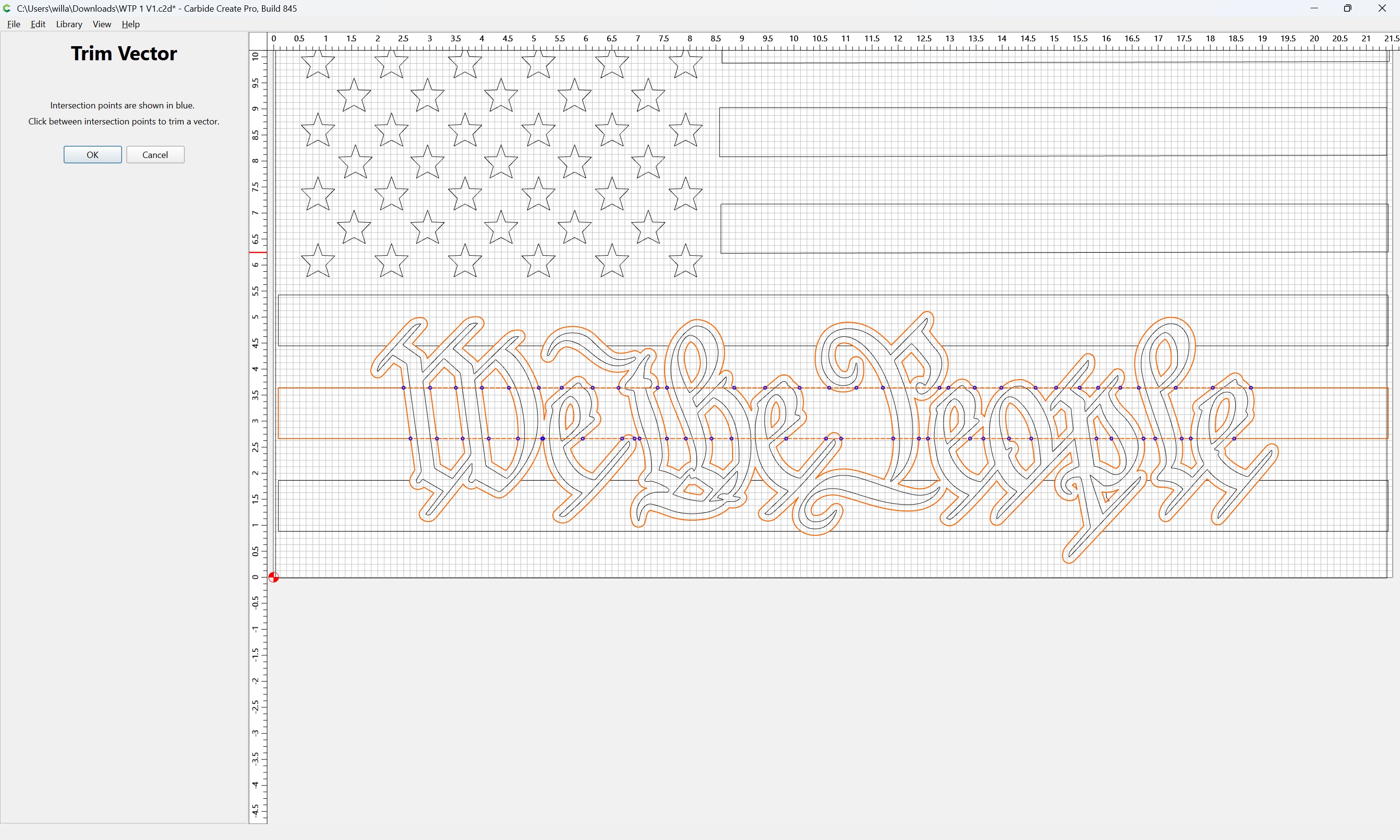
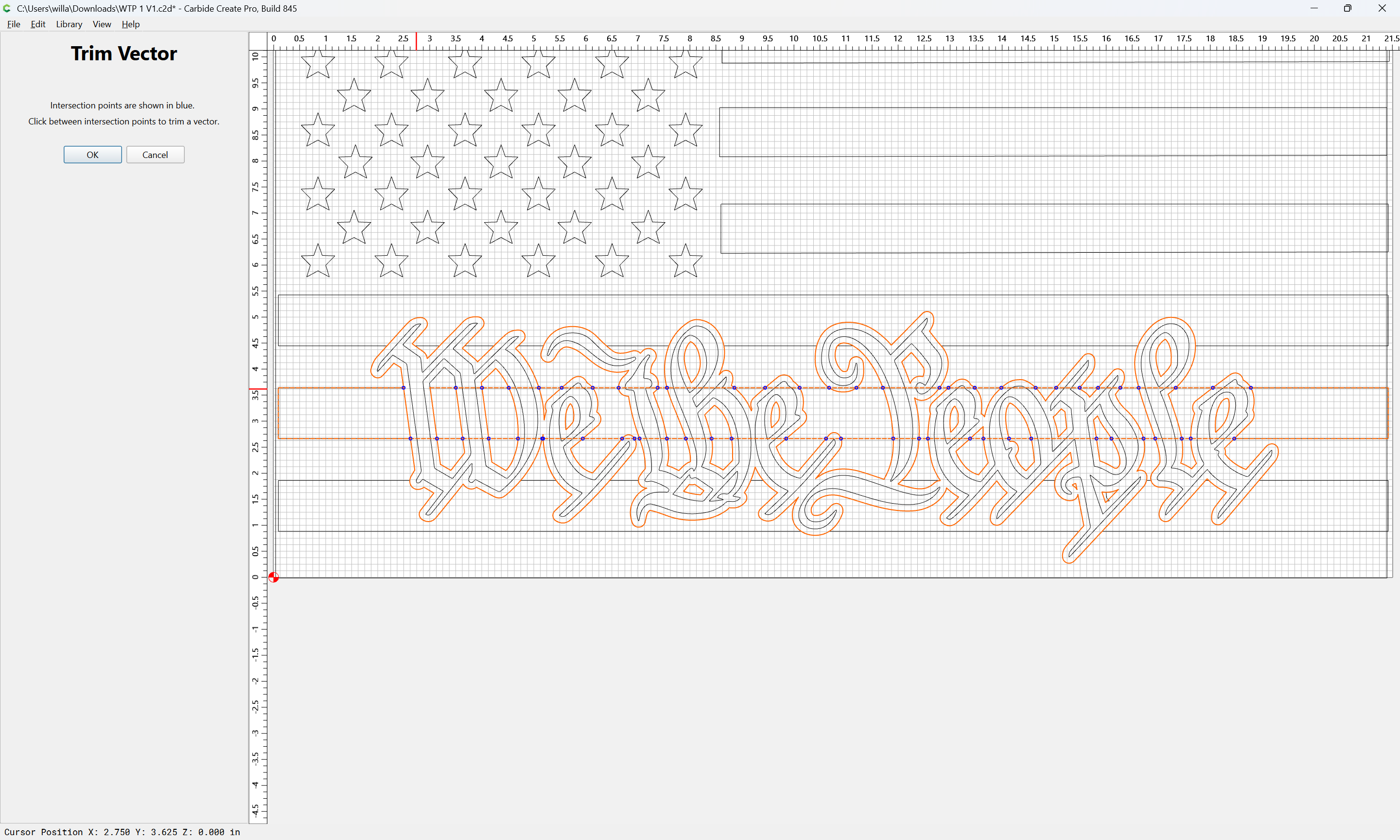
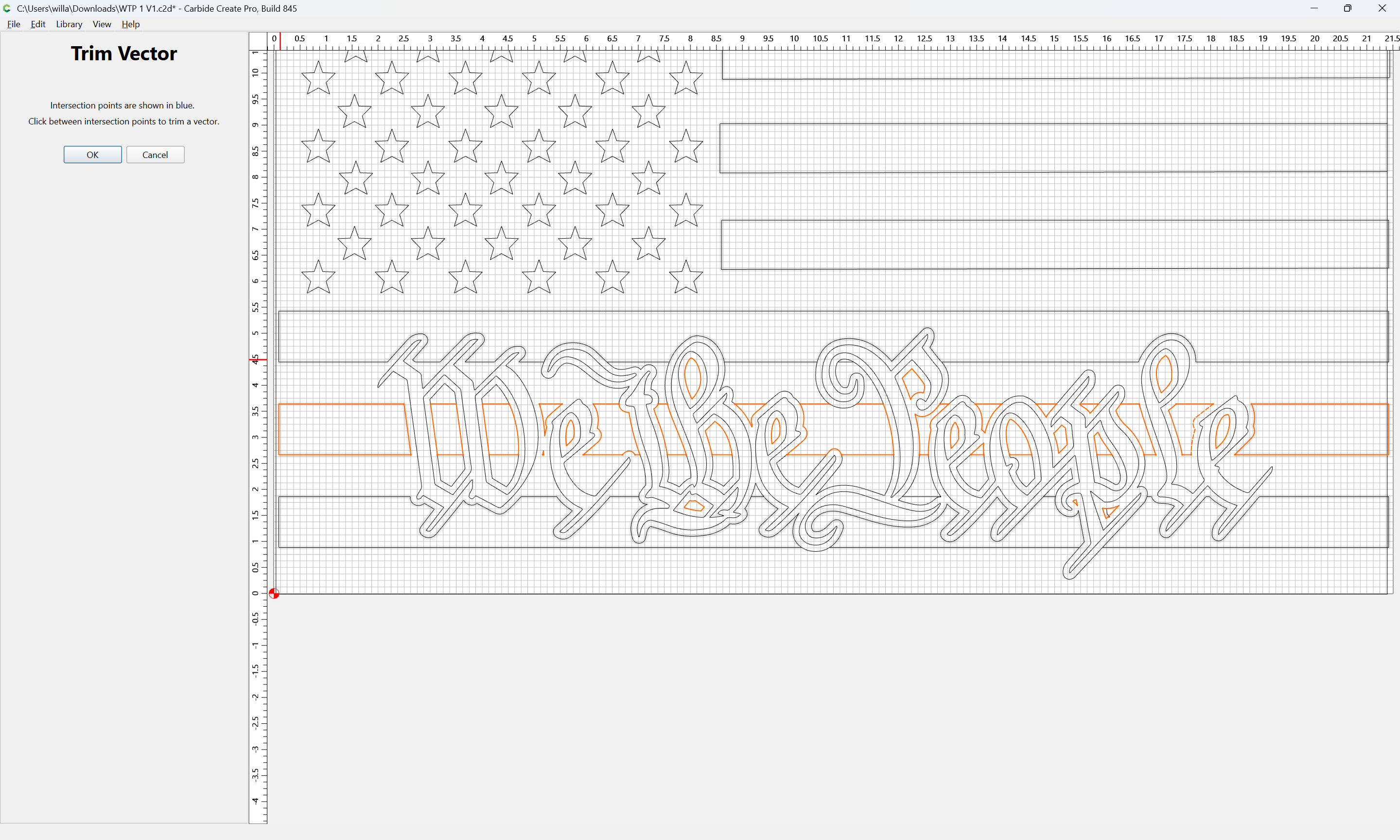
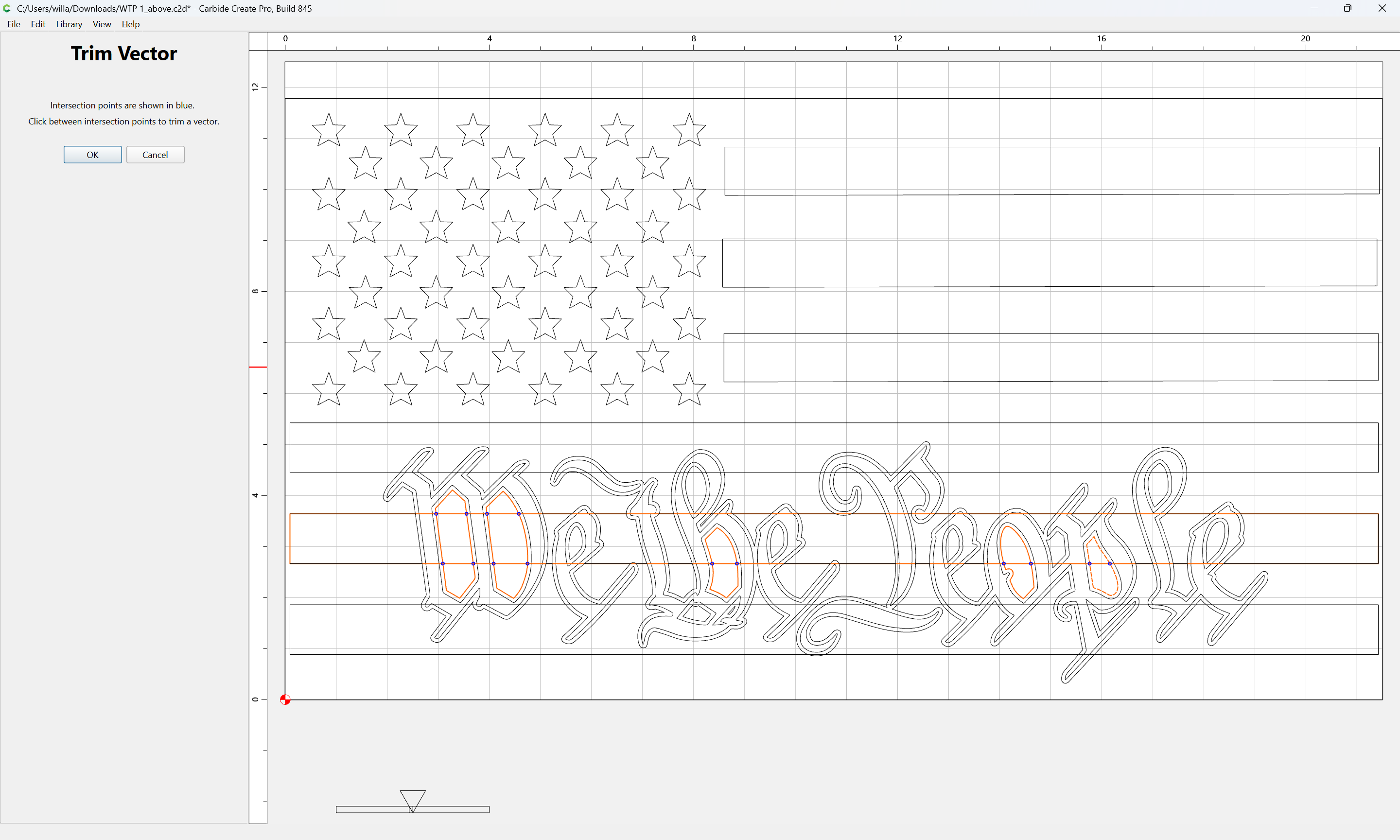
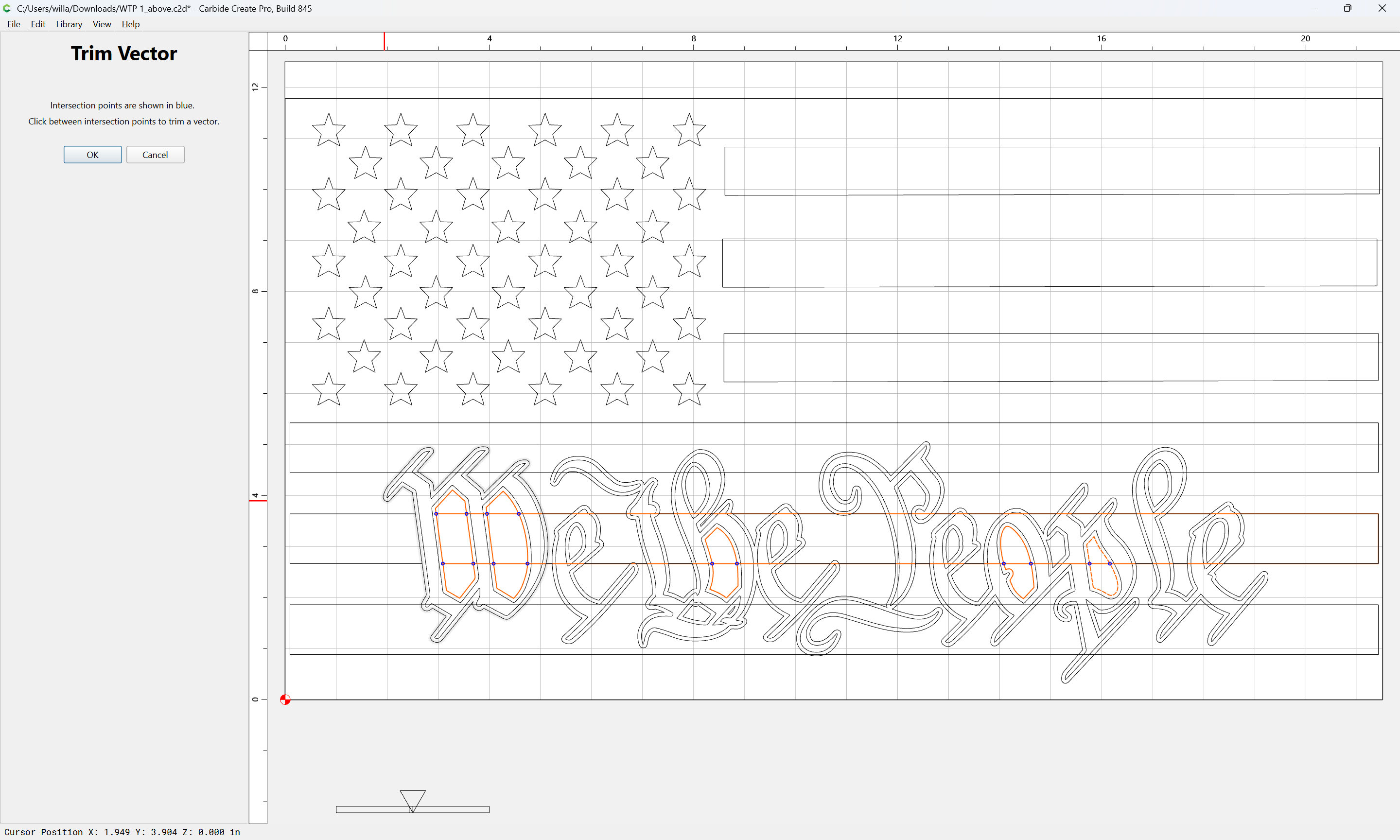
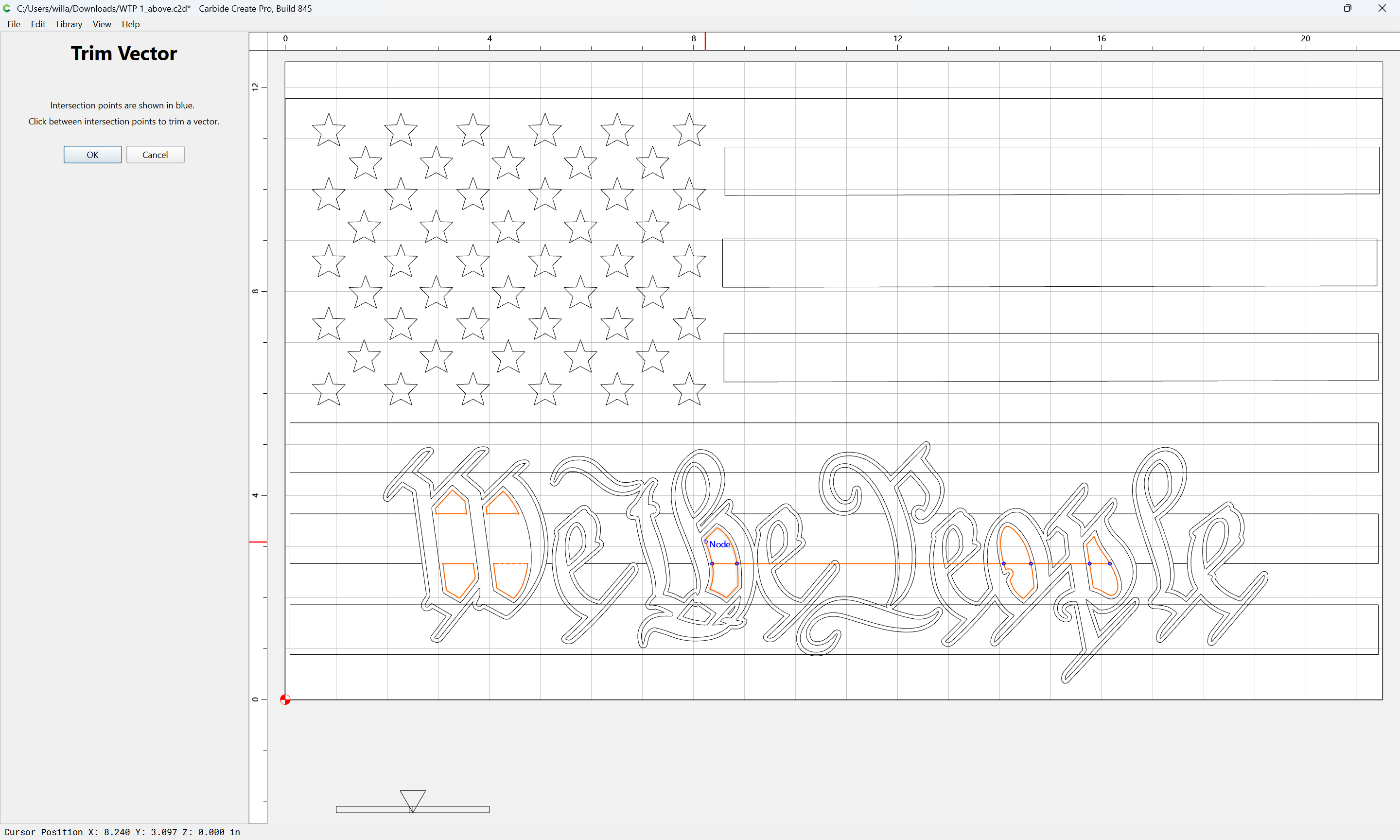
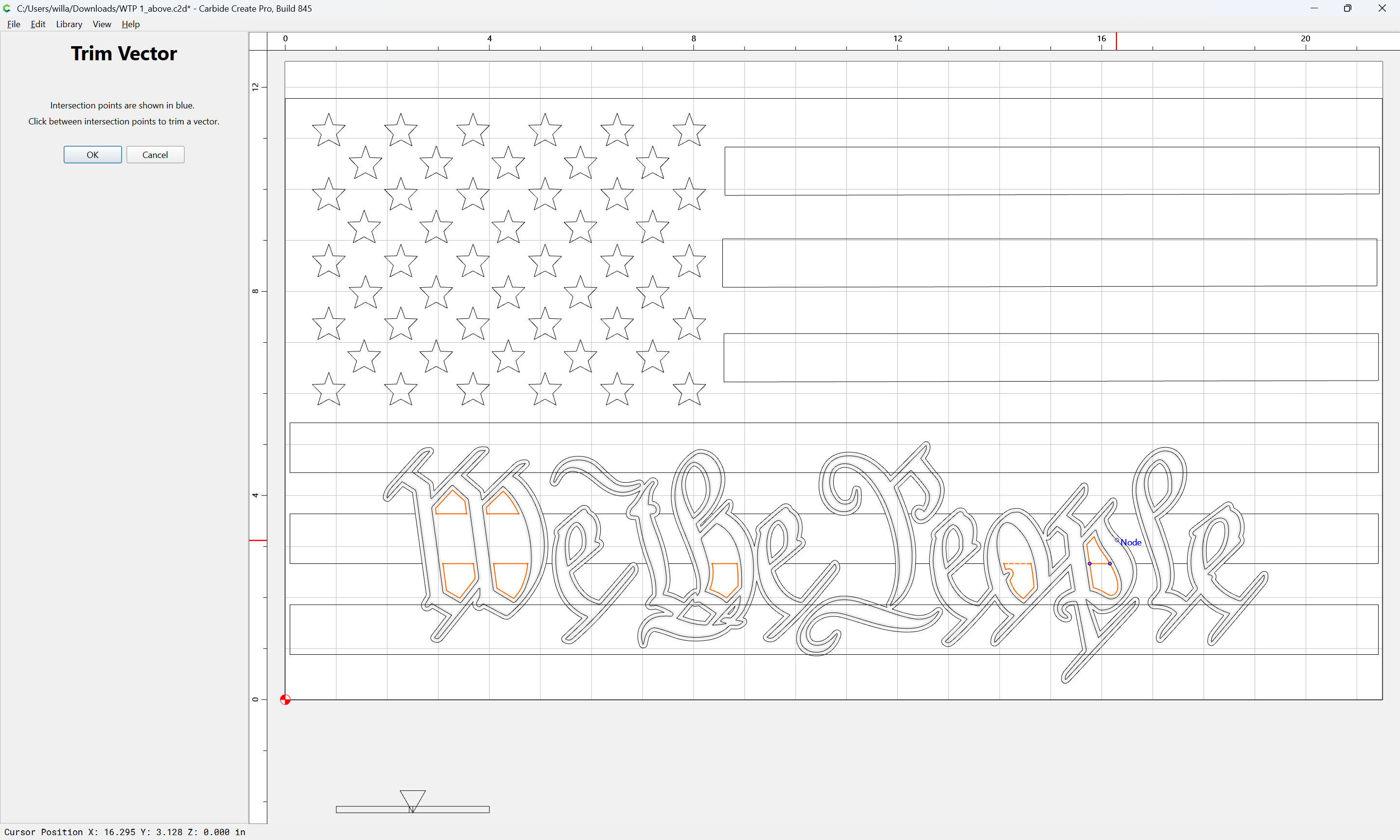
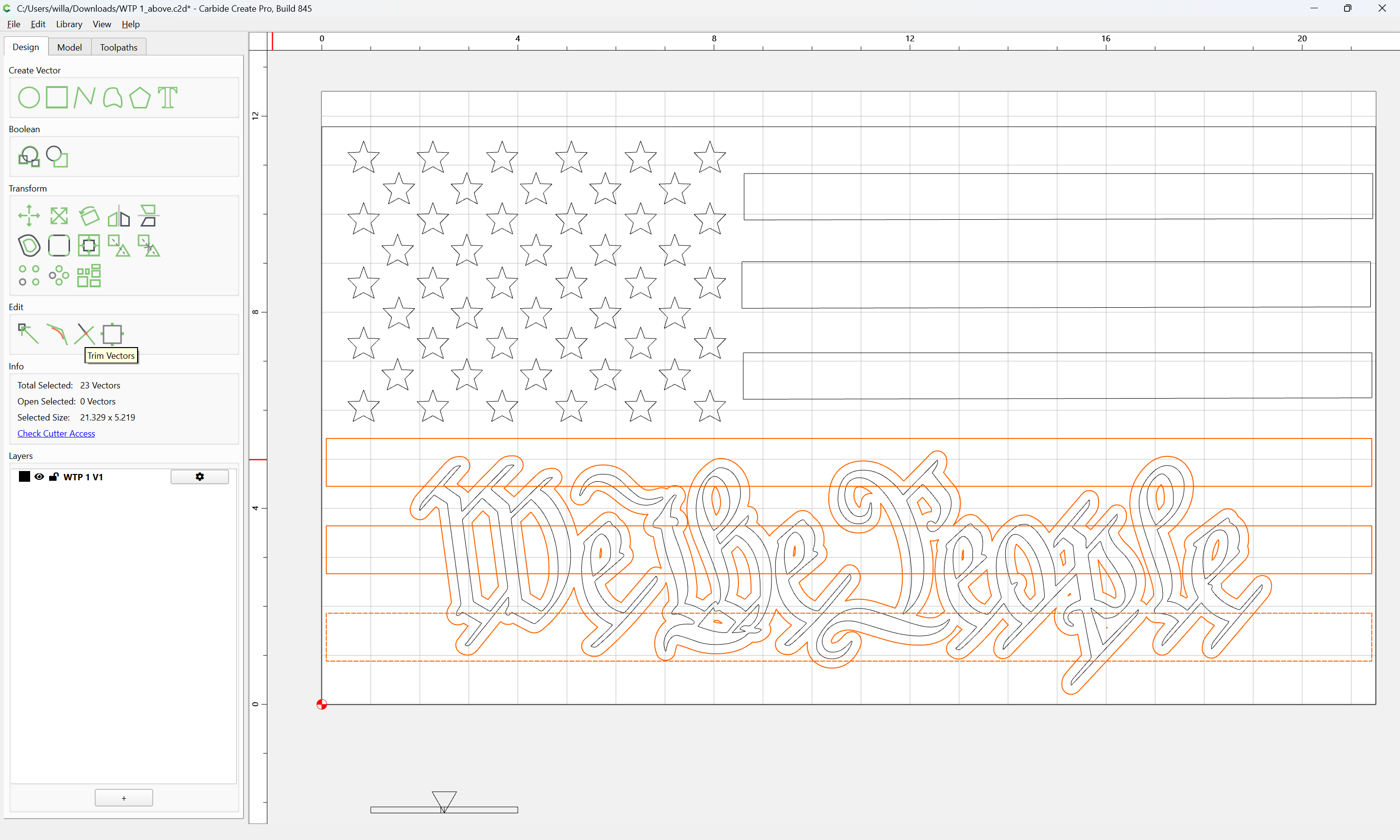
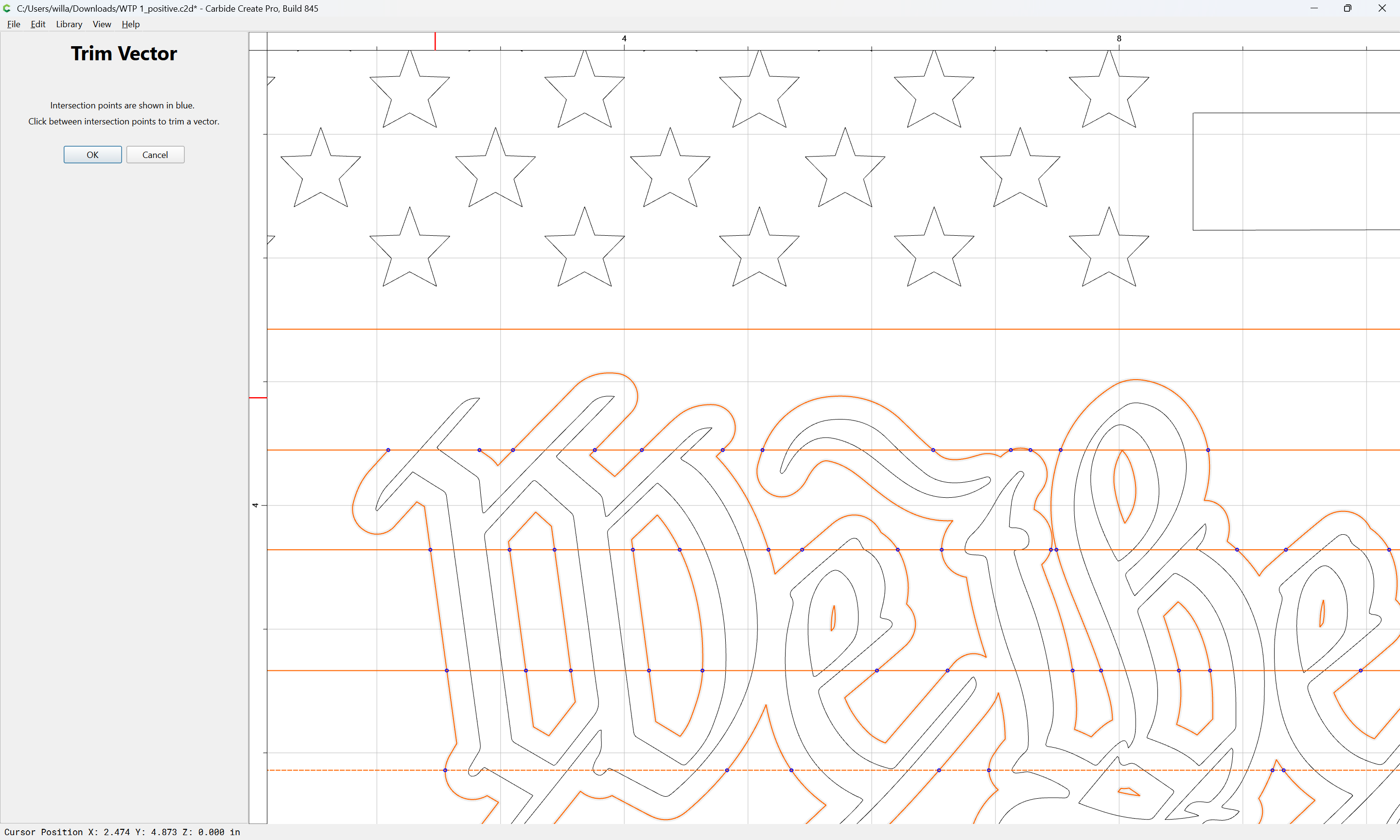
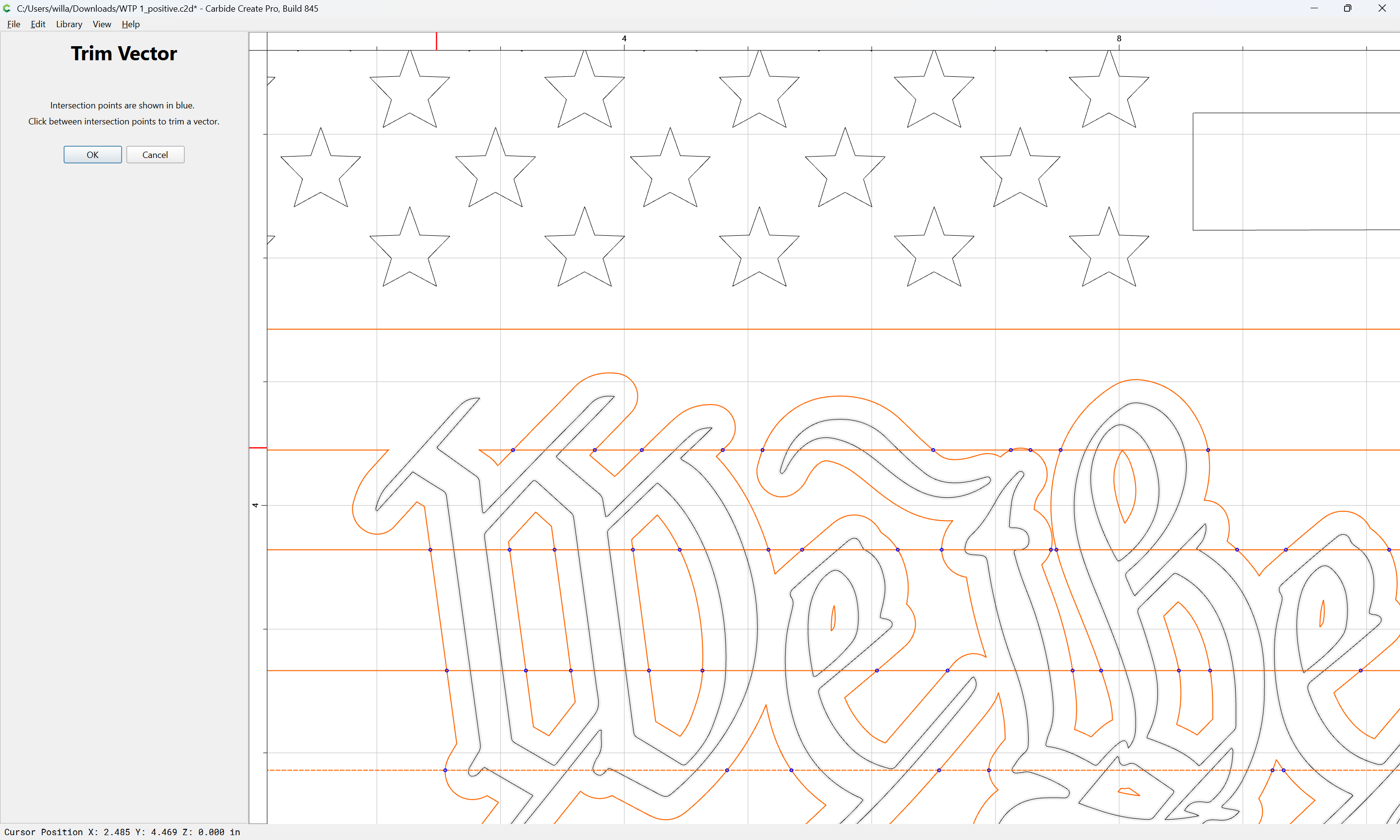
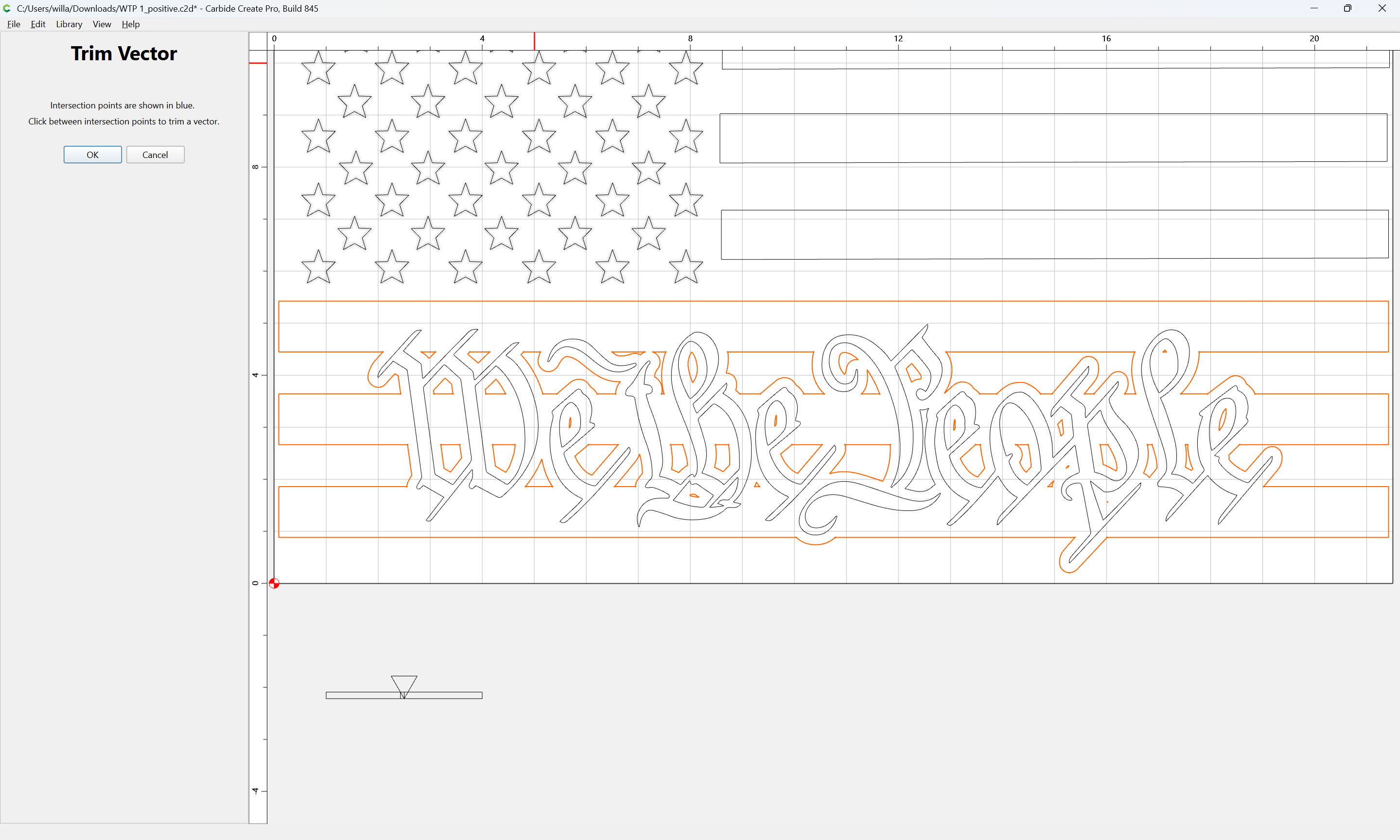
and use Trim Vectors:
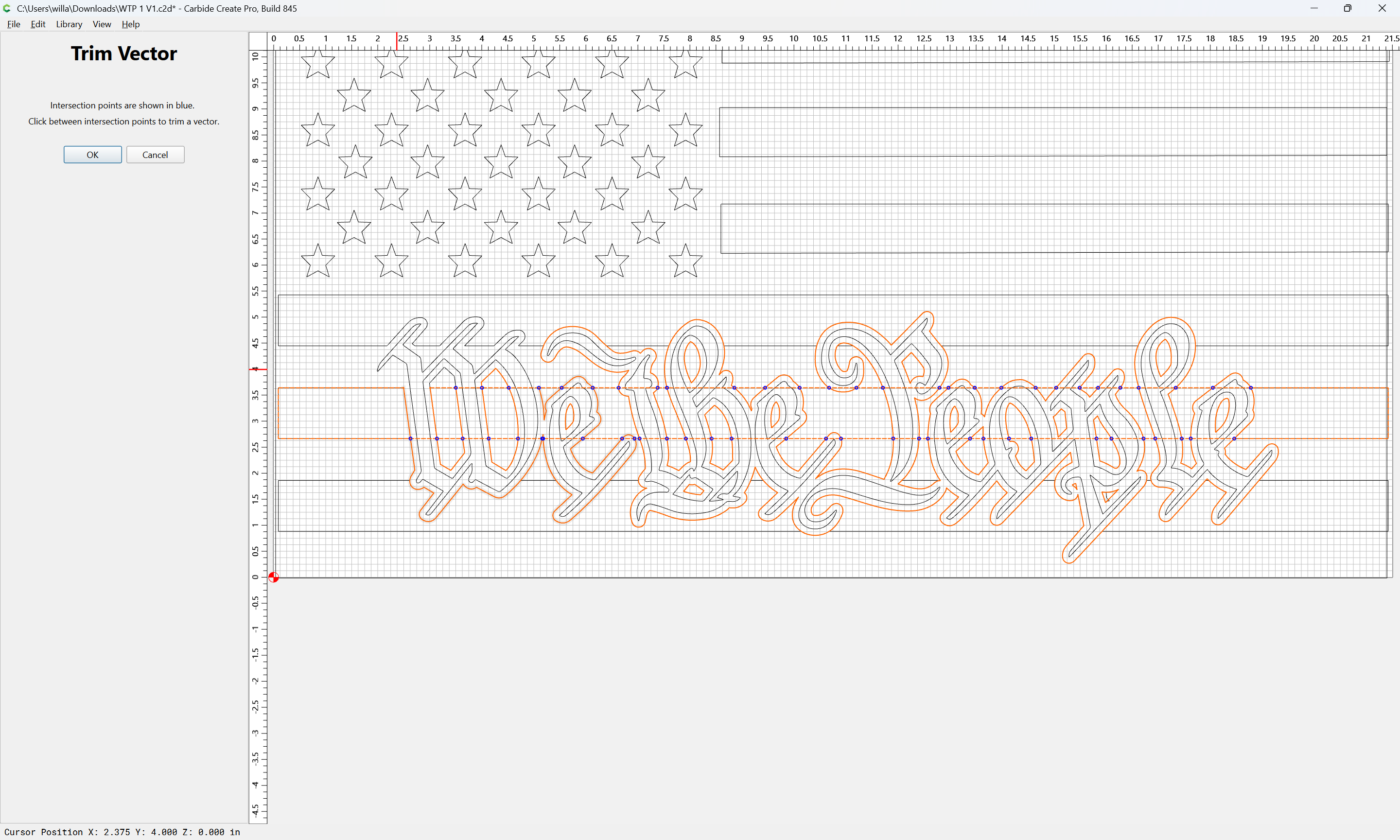
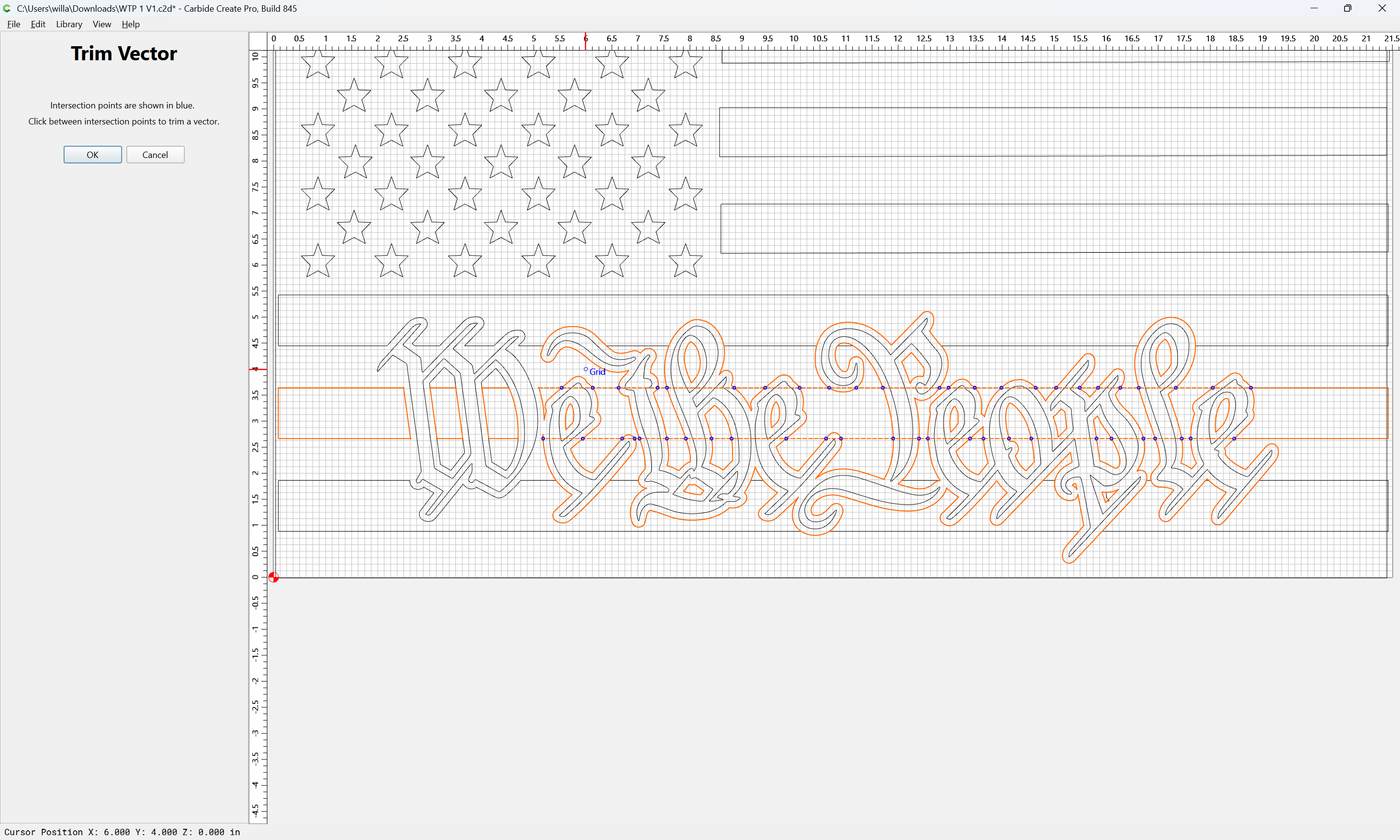
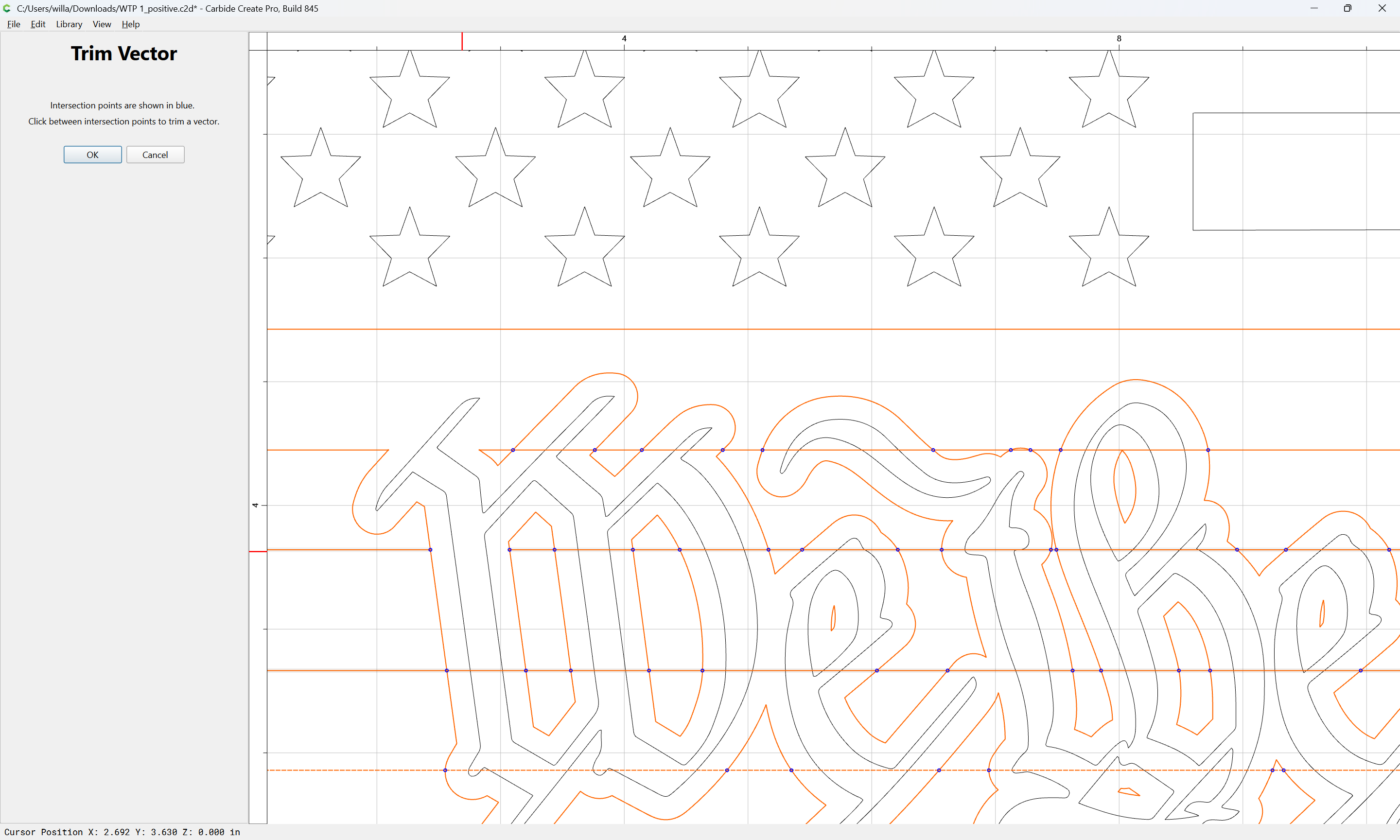
to remove what is not wanted:
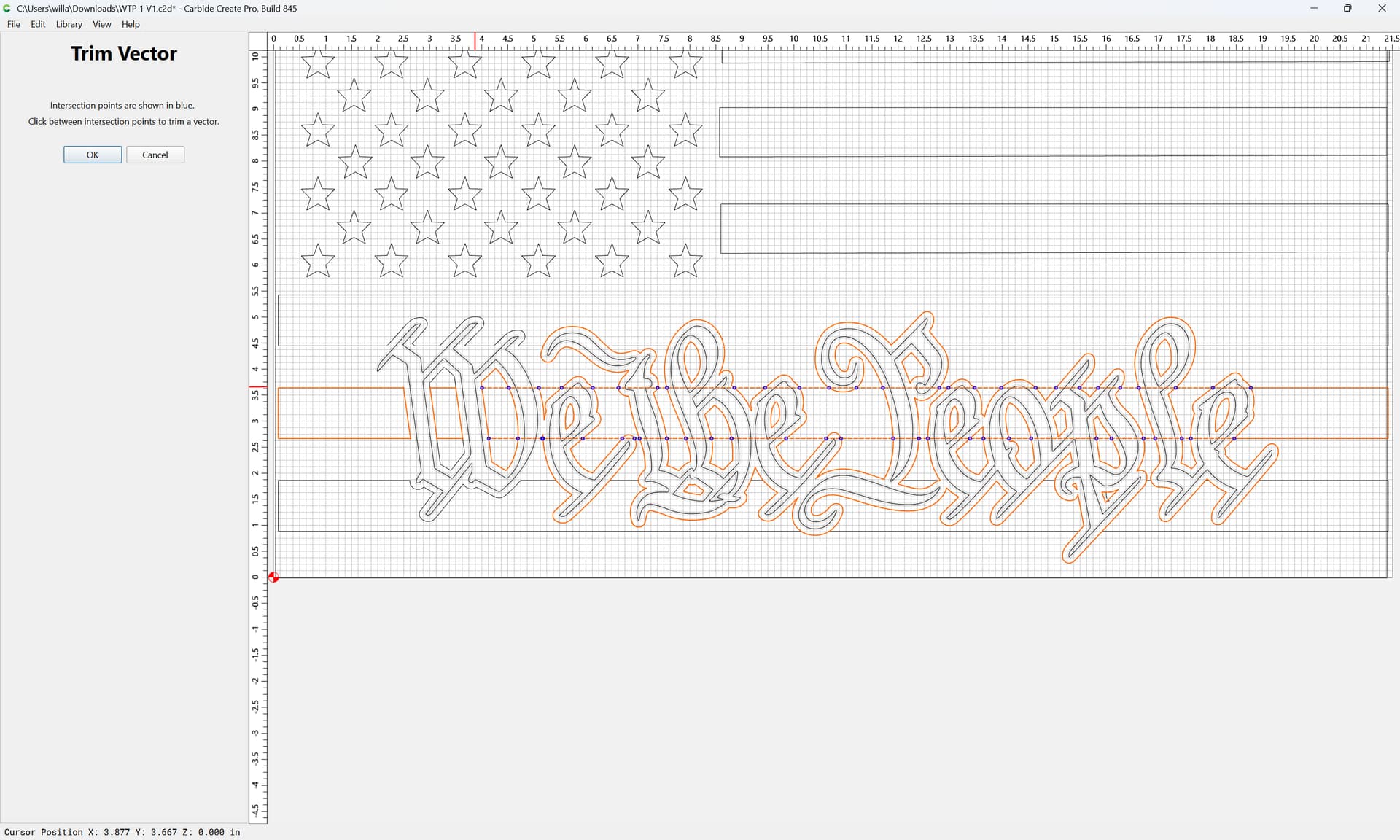
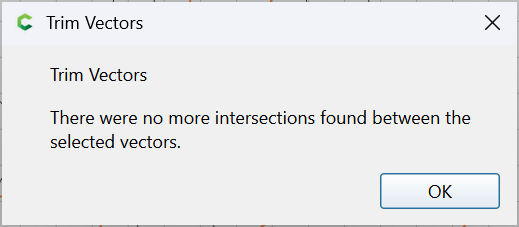
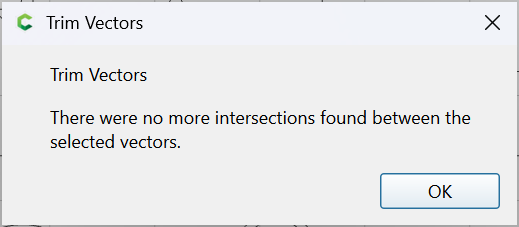
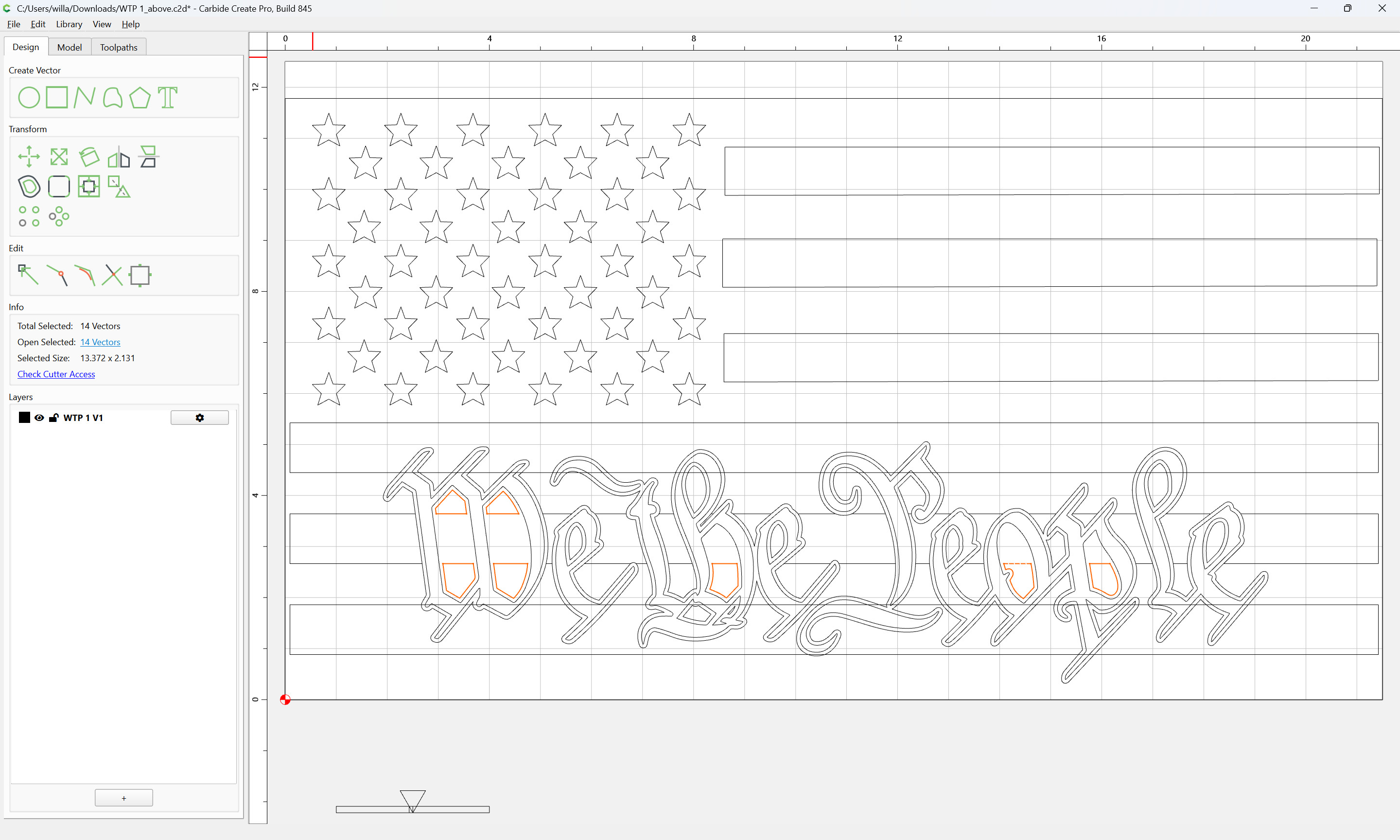
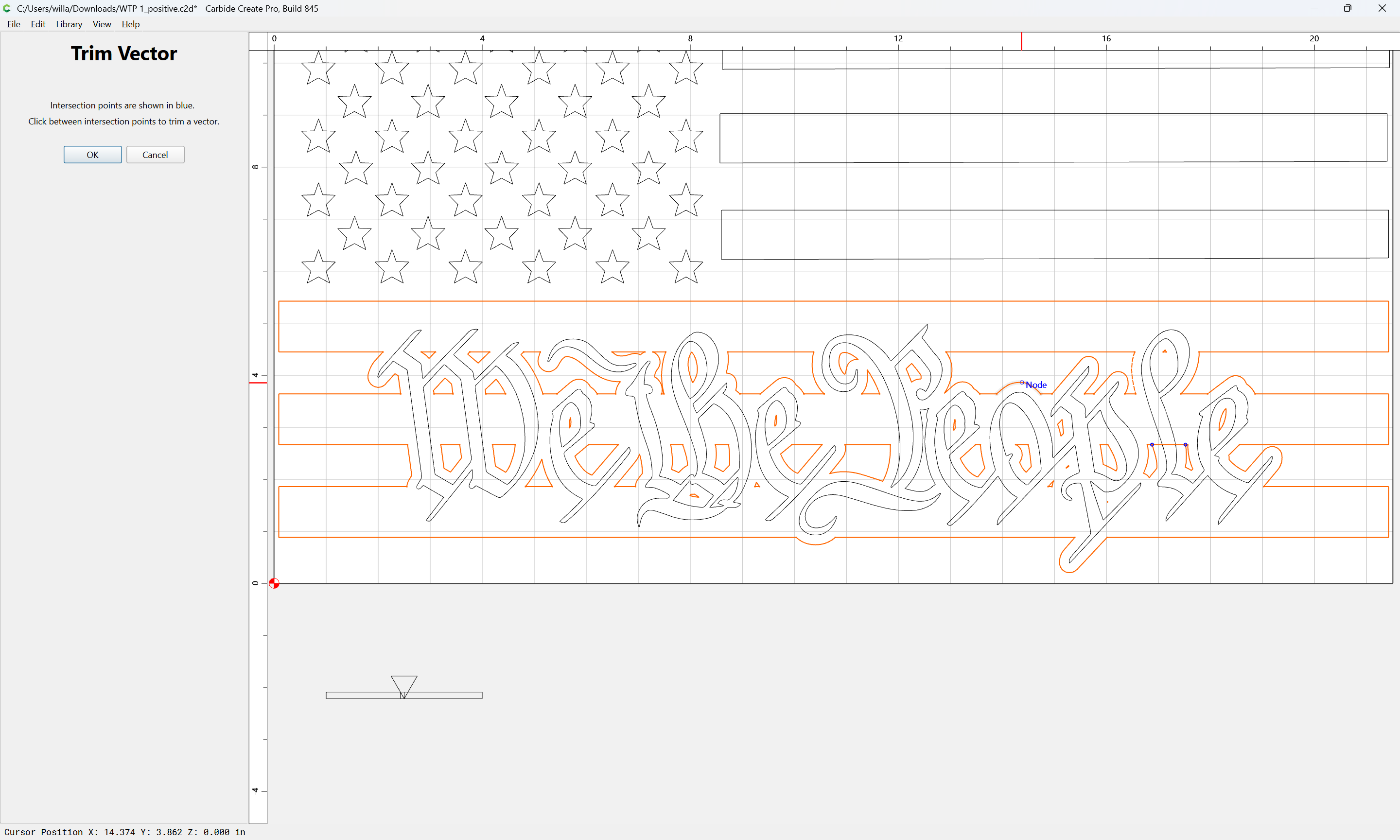
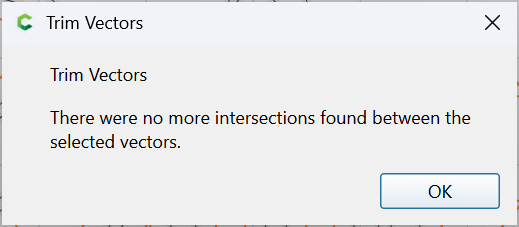
repeating until we arrive at:
OK
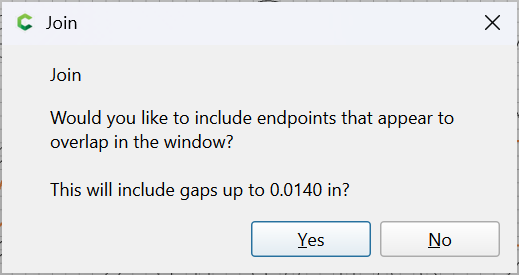
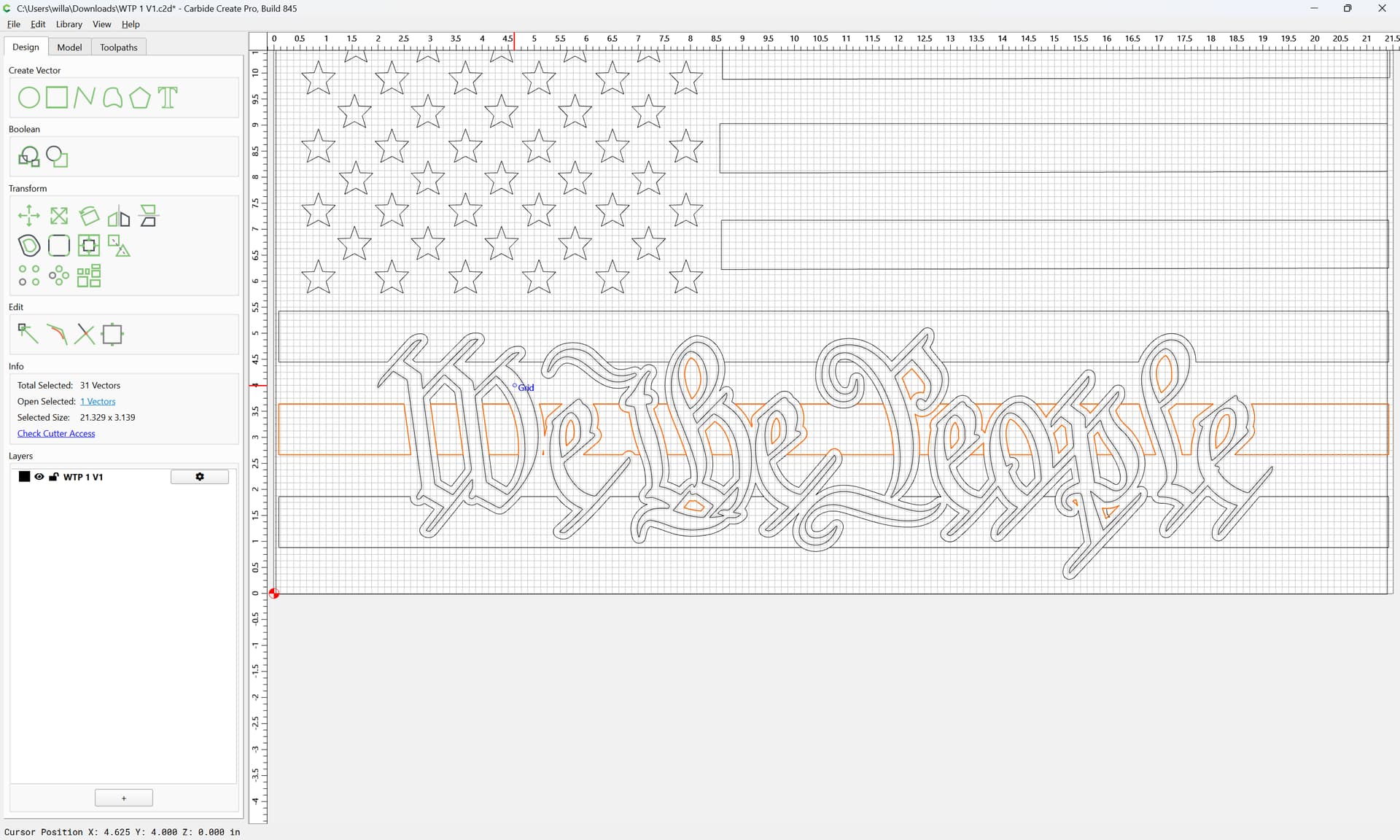
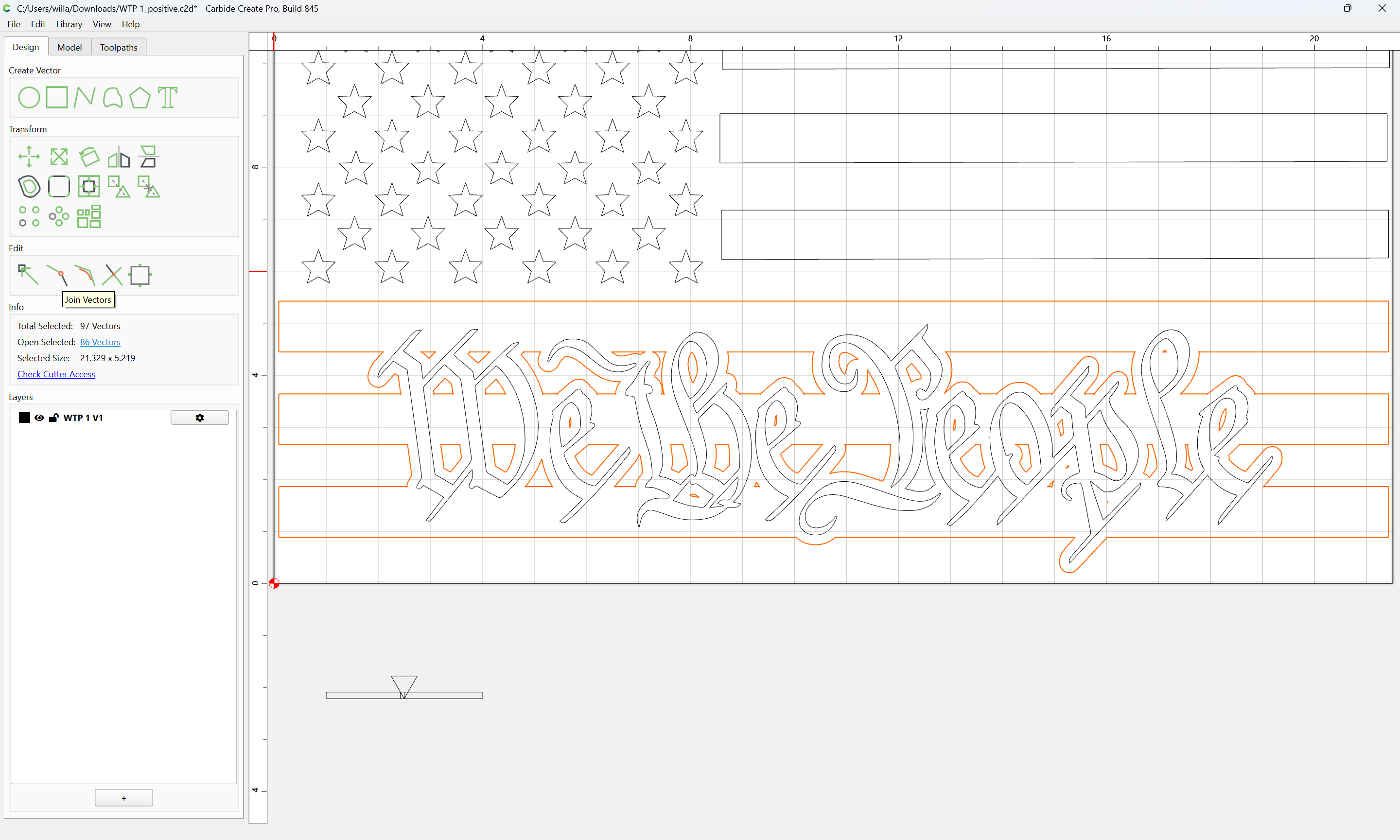
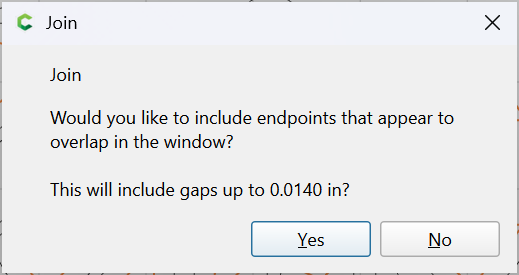
Then use Join Vectors:
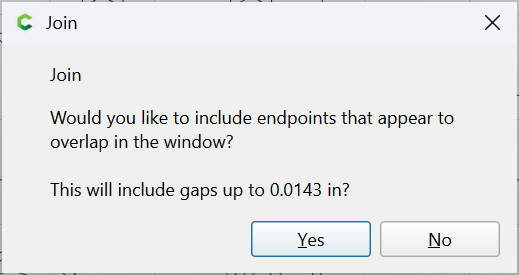
Yes
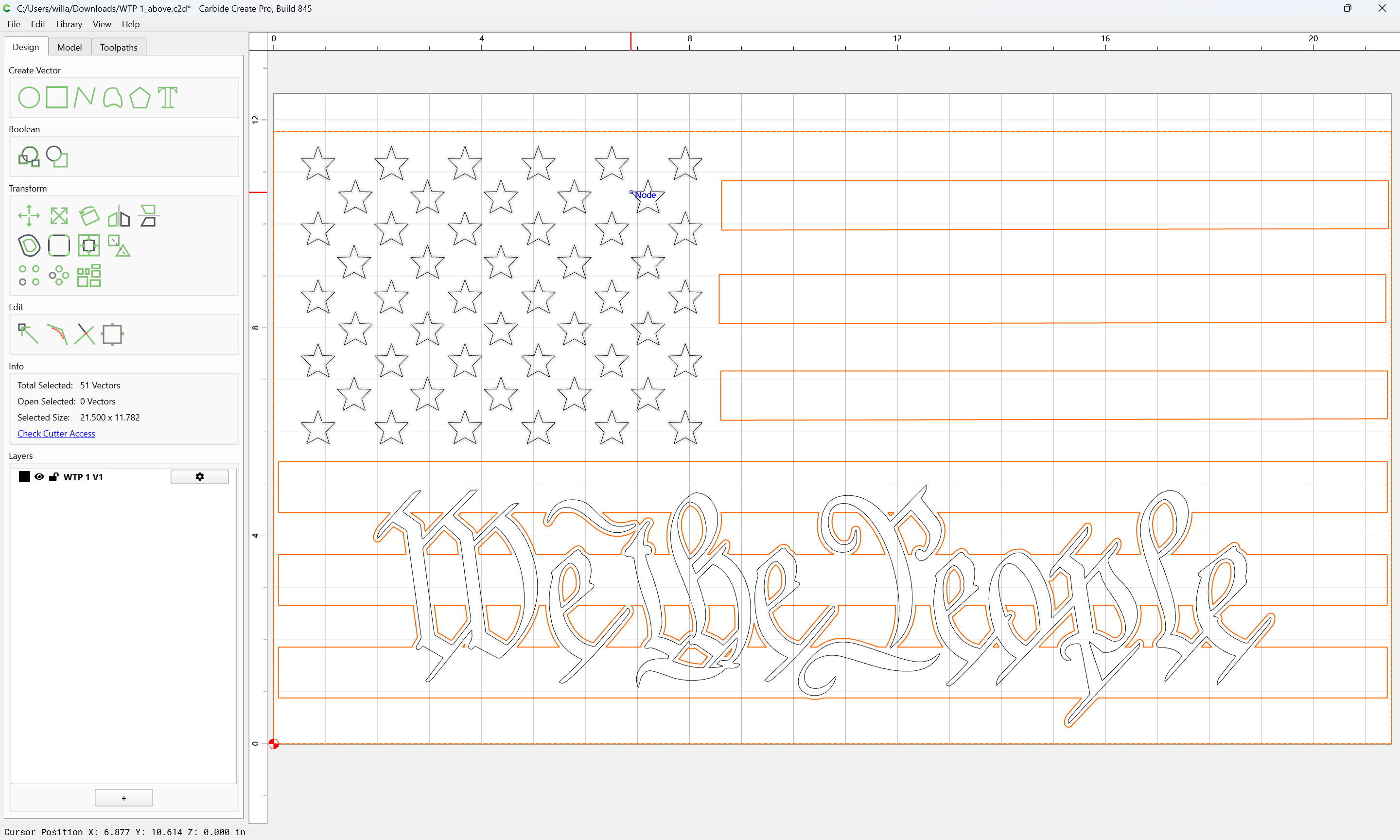
and remove any doubled-up geometry:
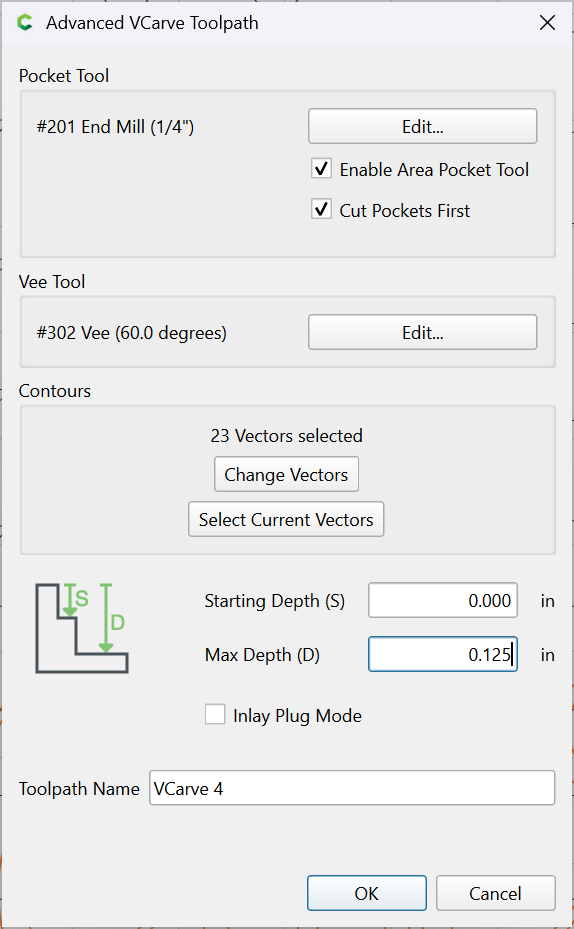
Then edit the toolpath:
to change the associated vectors:
which then previews as:
WillAdams
May 22, 2026, 6:06pm
3
To make the version with the text standing proud restore the original stripes:
and delete the offset geometry:
It will then work to select the text and the surrounding geometry:
and cut as a V-carving:
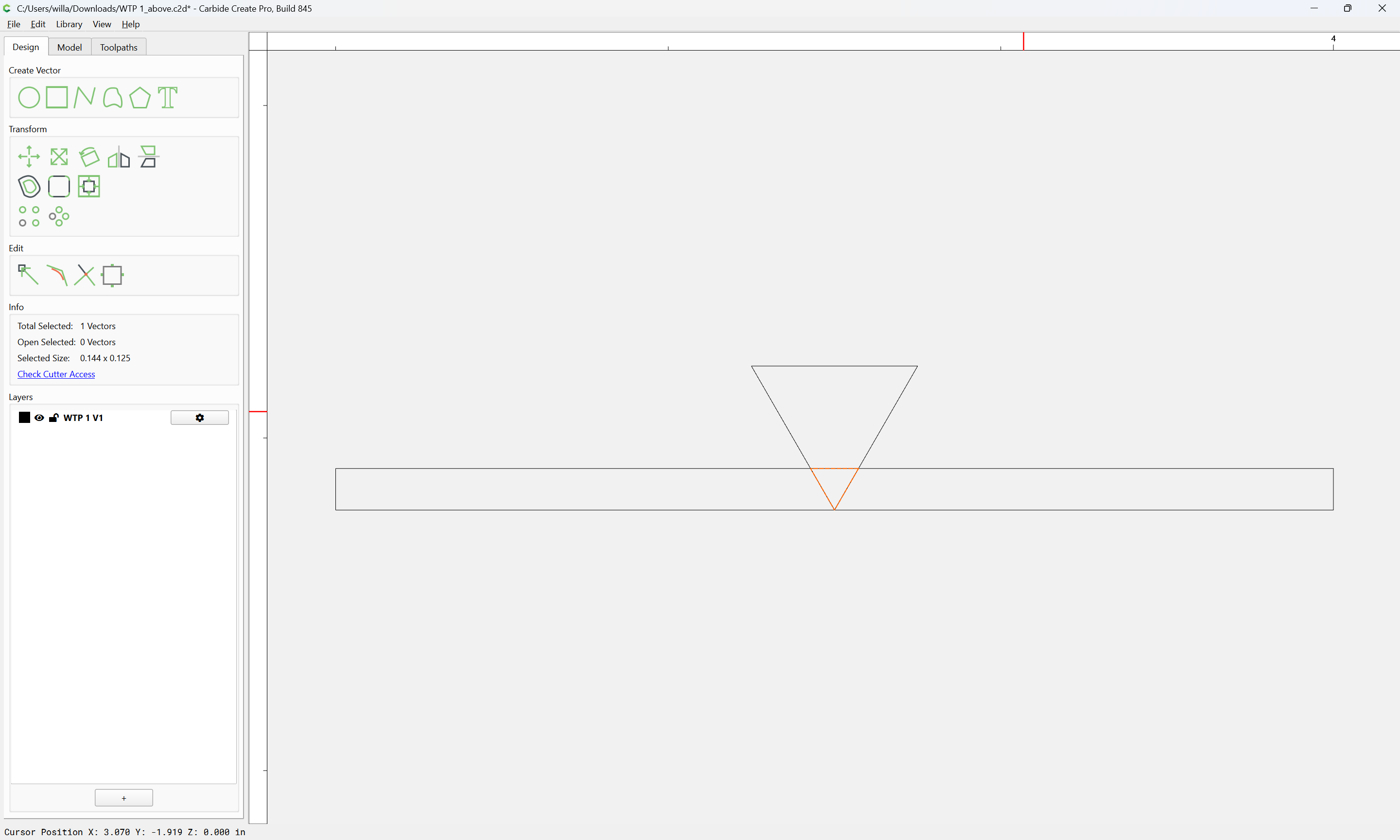
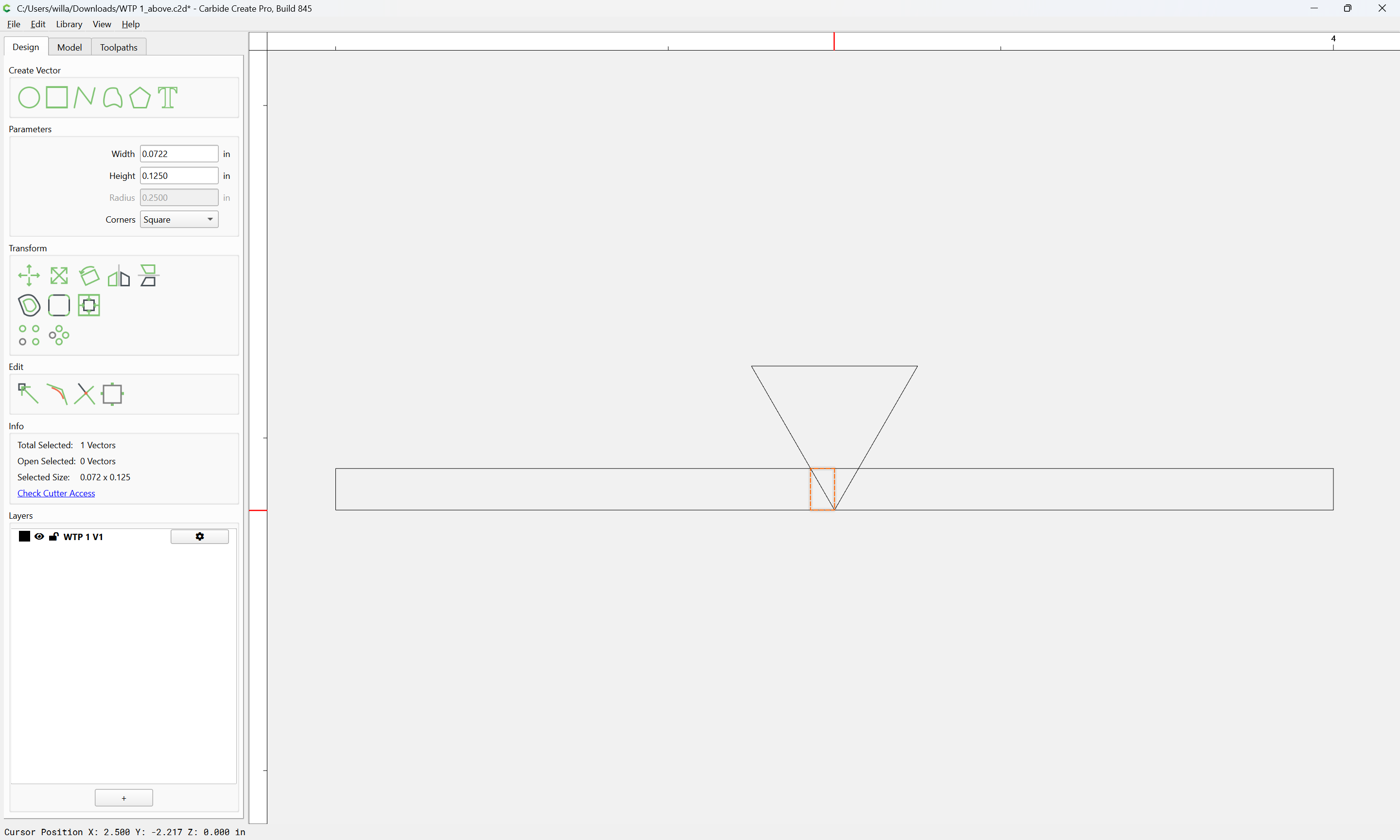
Then, draw the cut up in profile:
which gives us how much the offset needs to be:
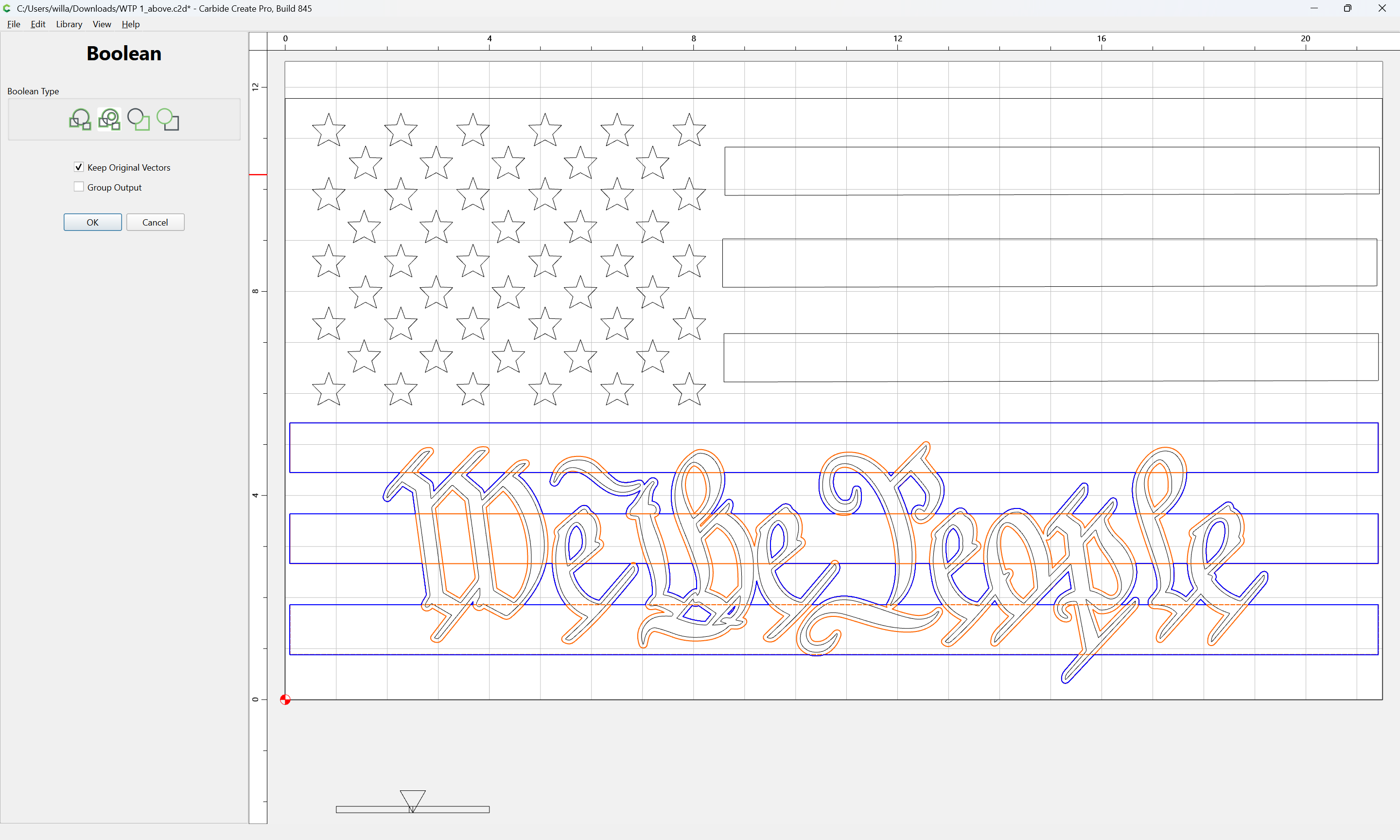
Then use Boolean Union:
Then use the original geometry to create the interior regions:
OK
OK
Join Vectors
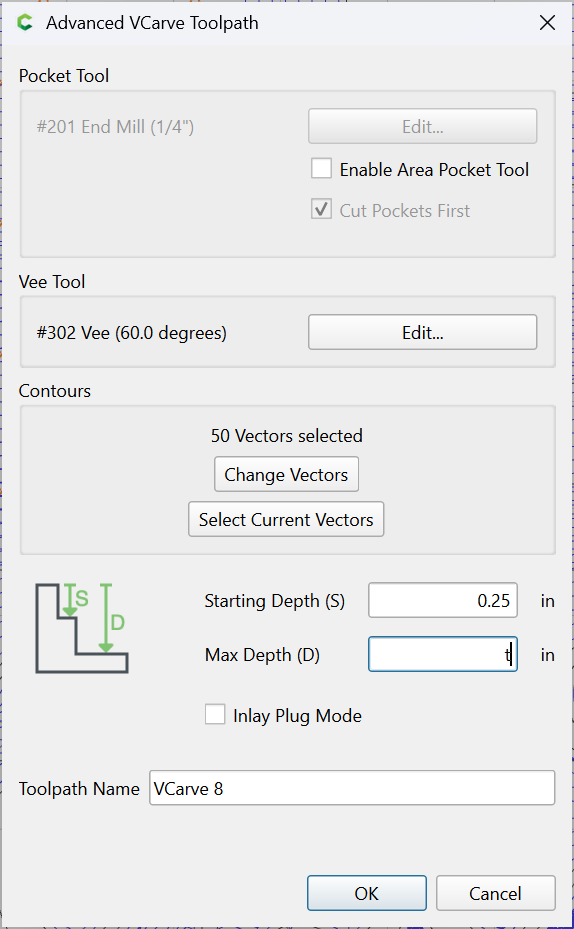
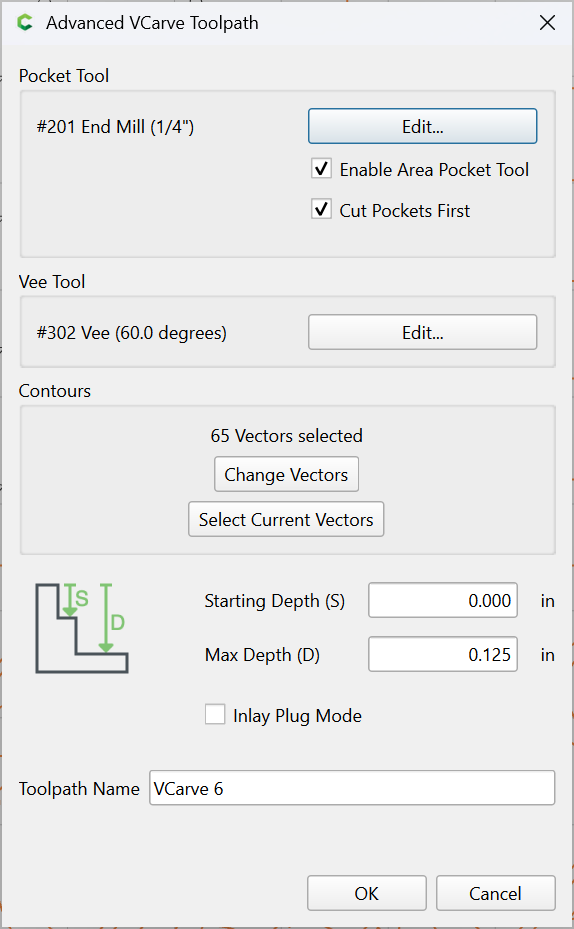
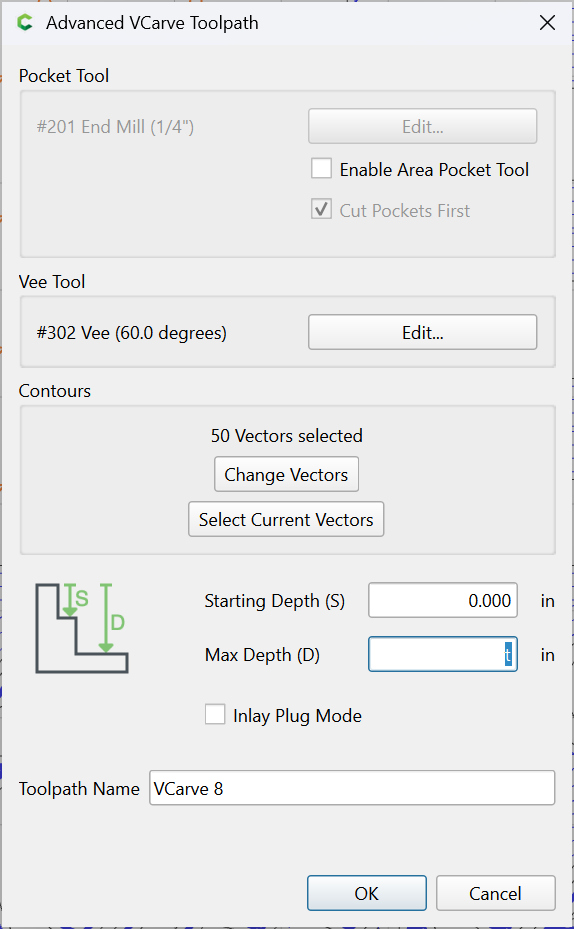
then make a V-carving starting at the bottom of the previous pocket:
Then cut the stars:
1 Like
WillAdams
May 22, 2026, 7:19pm
4
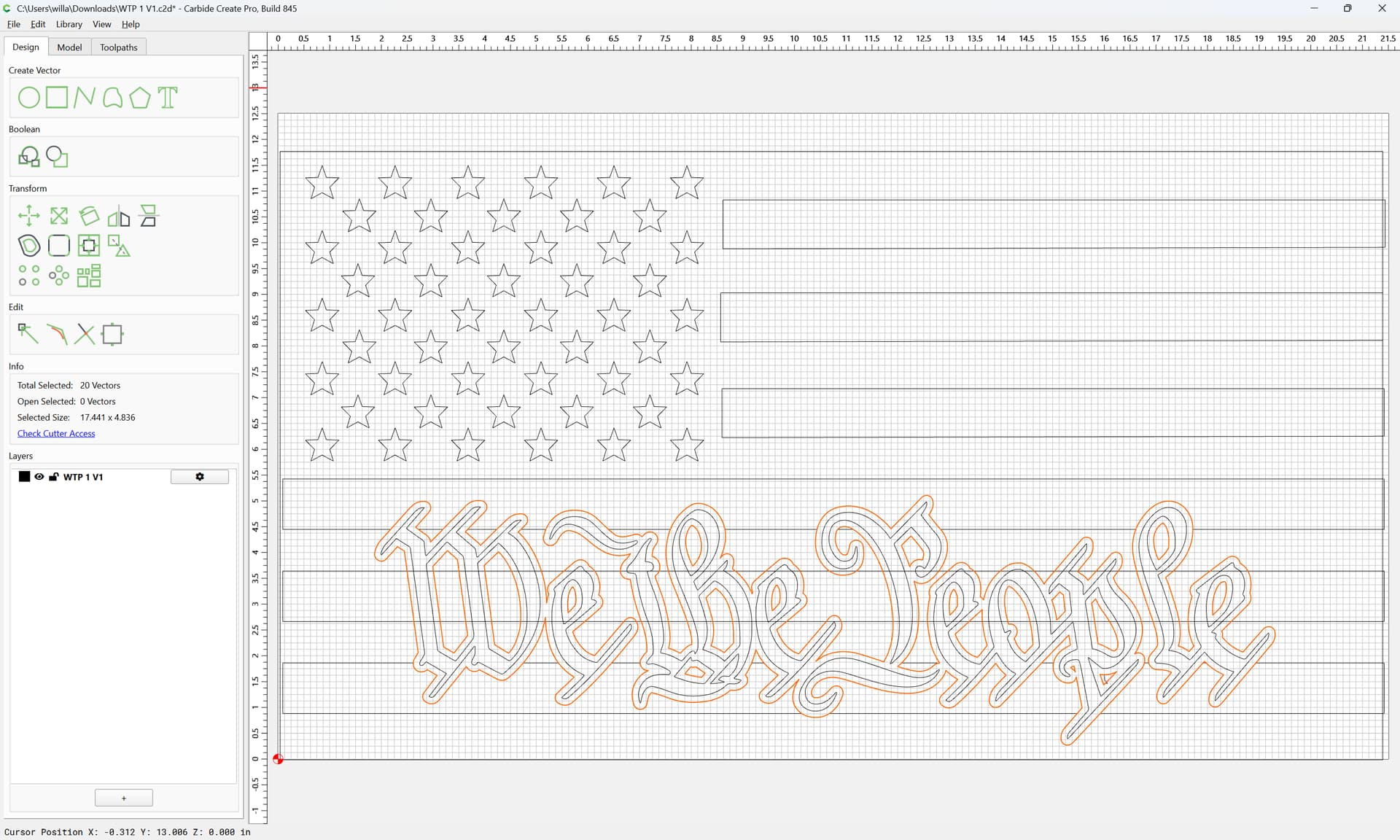
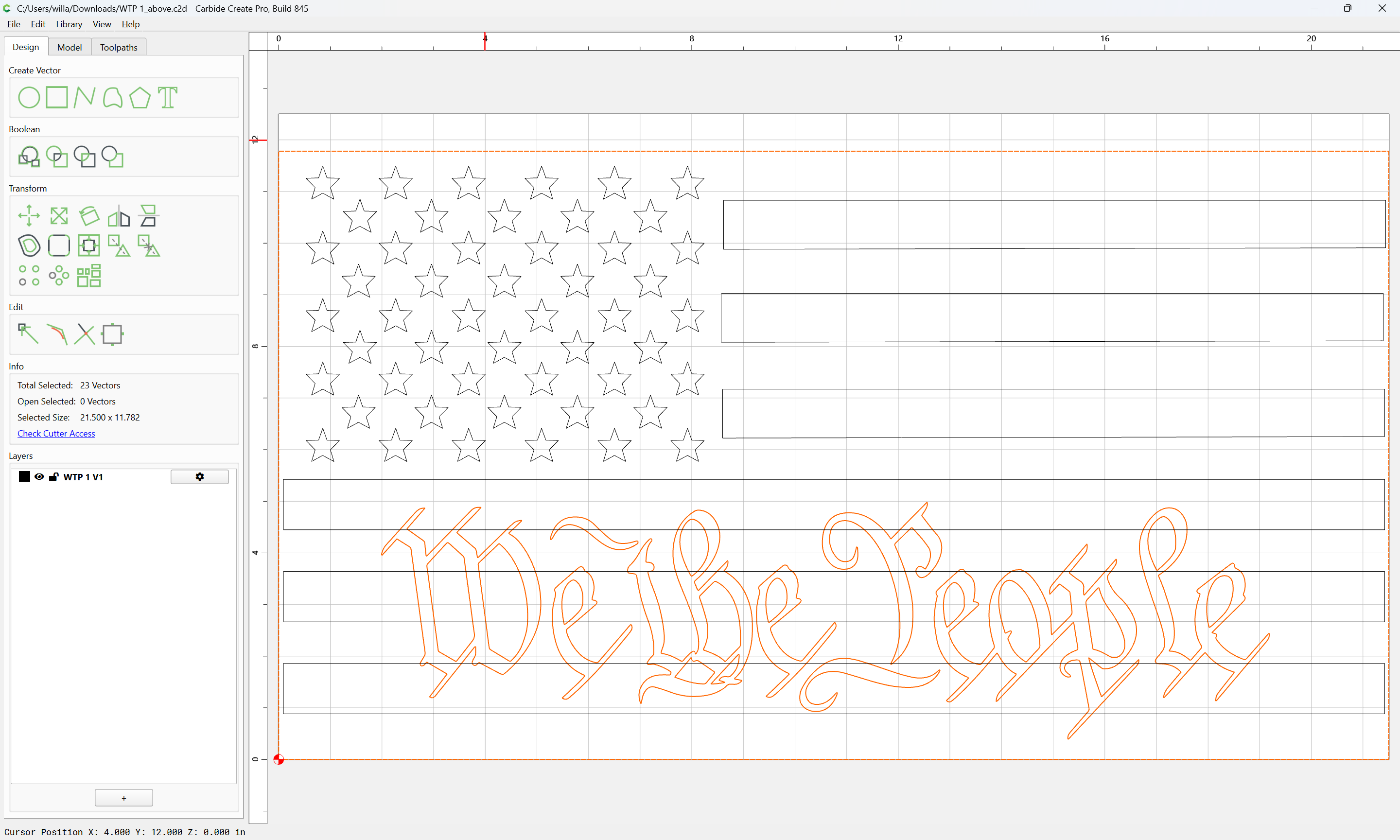
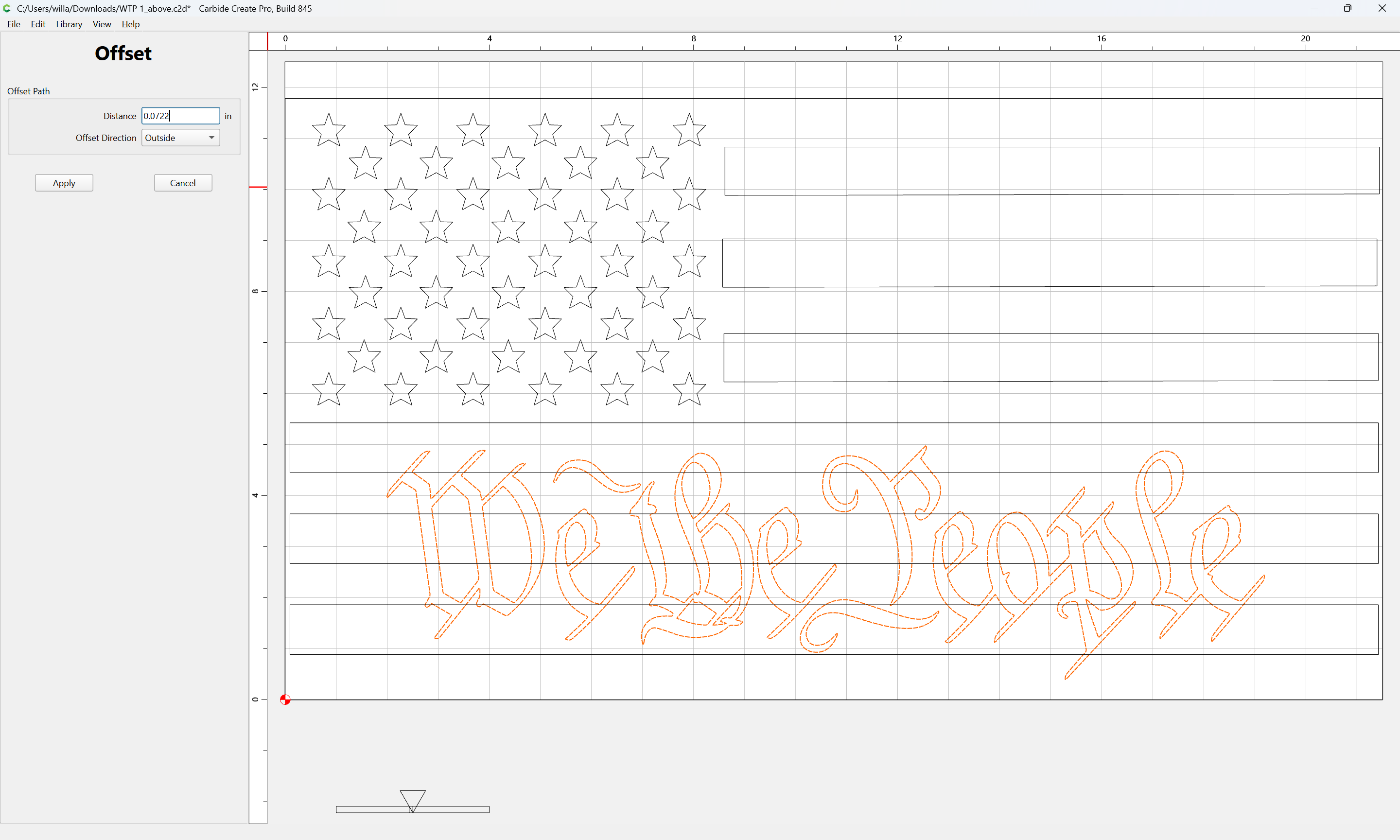
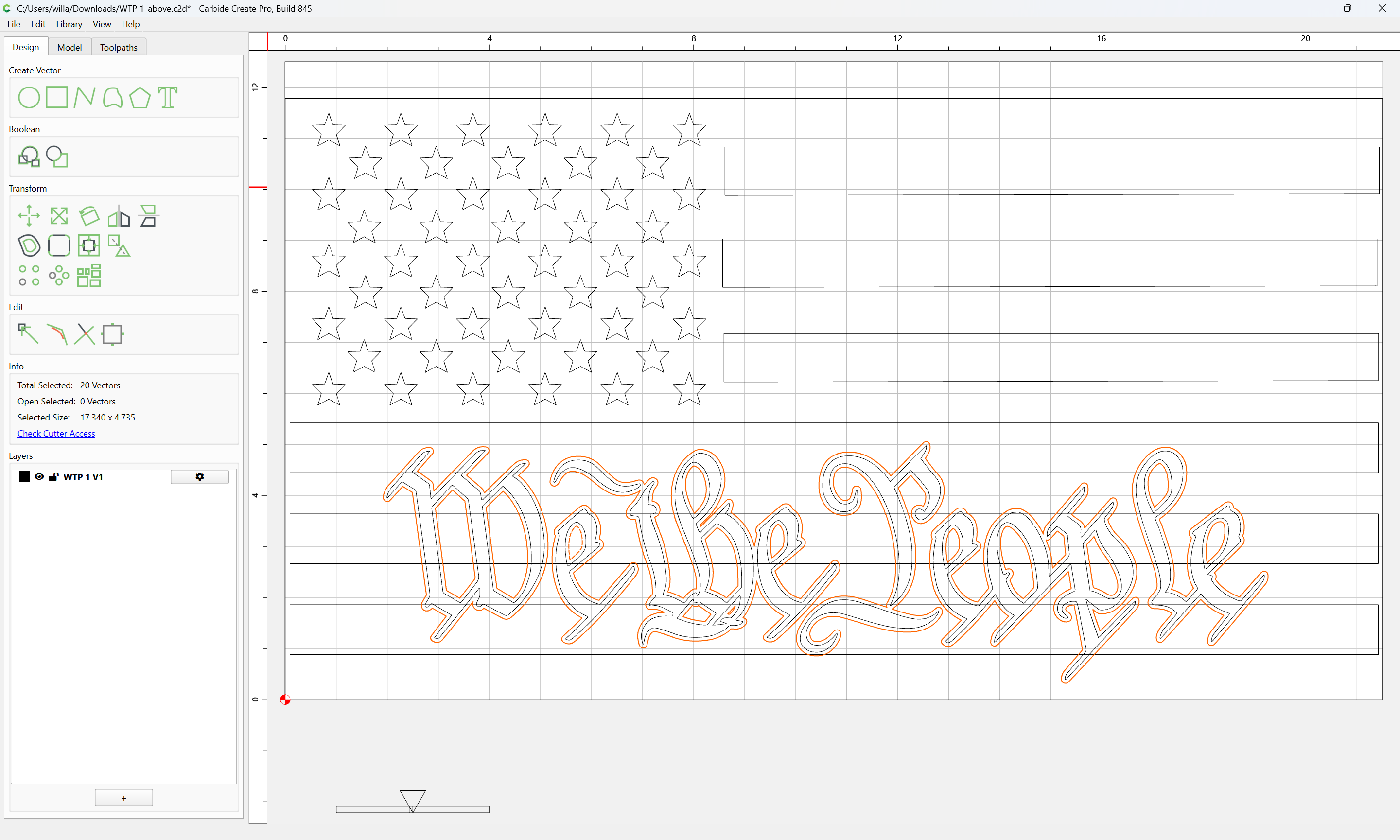
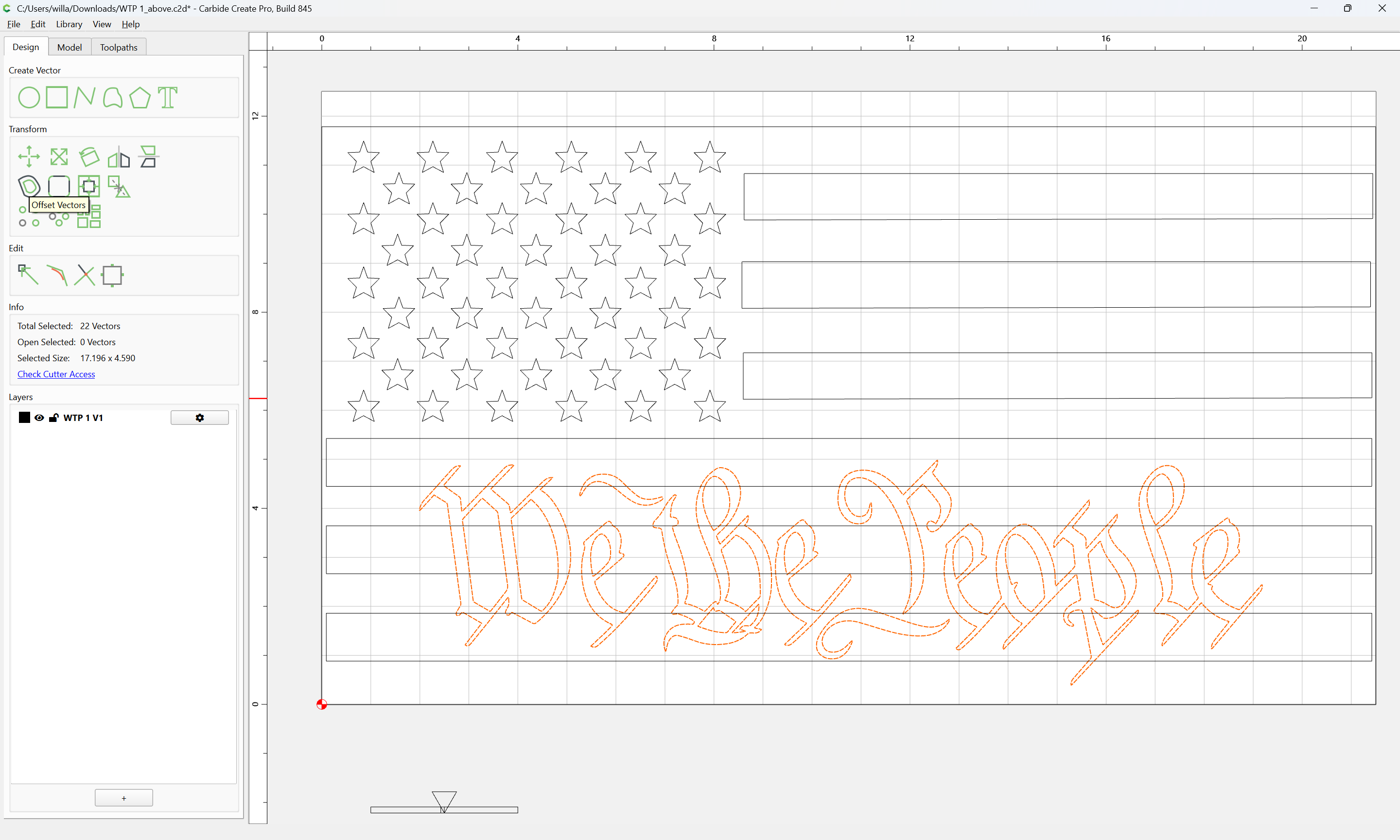
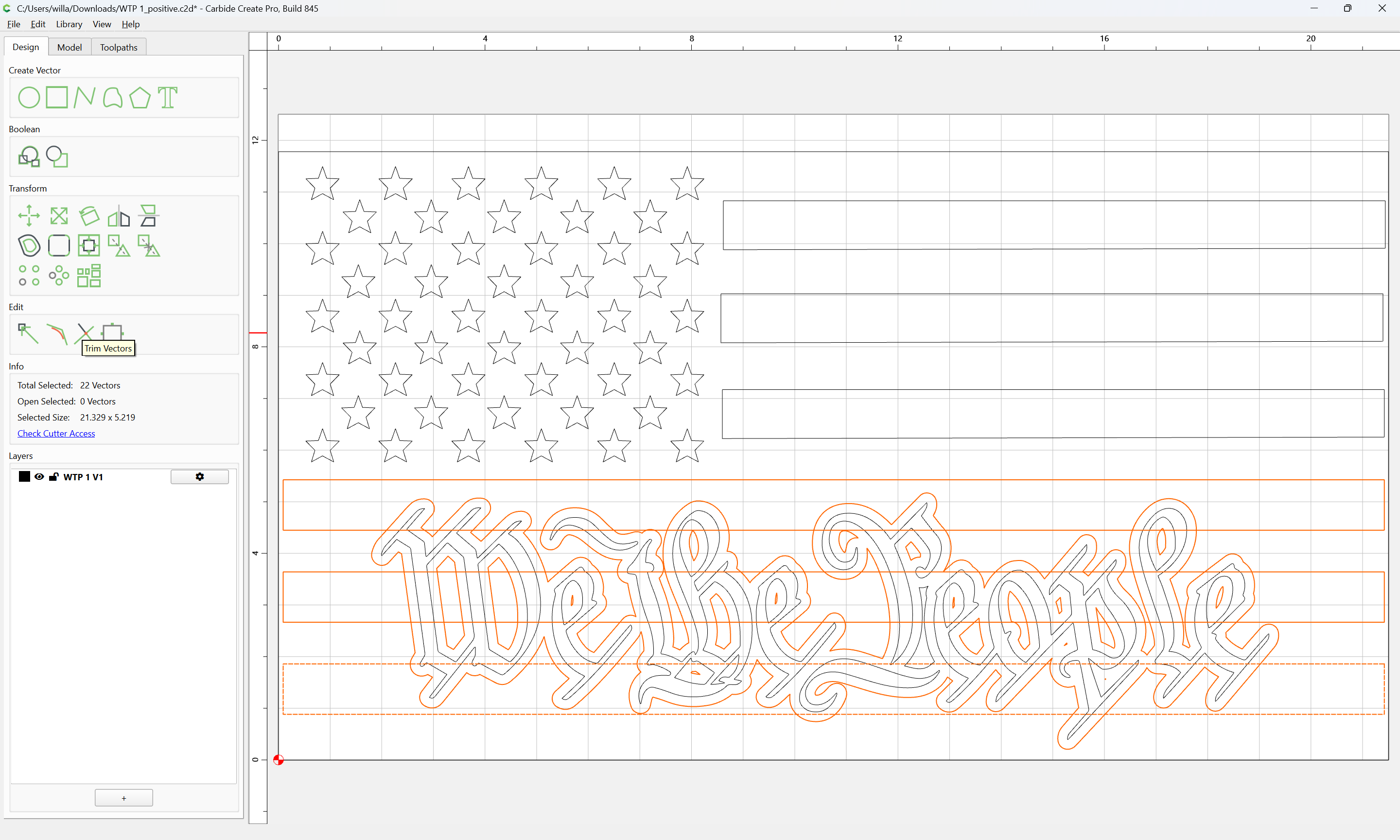
For the positive version, offset the text:
Apply
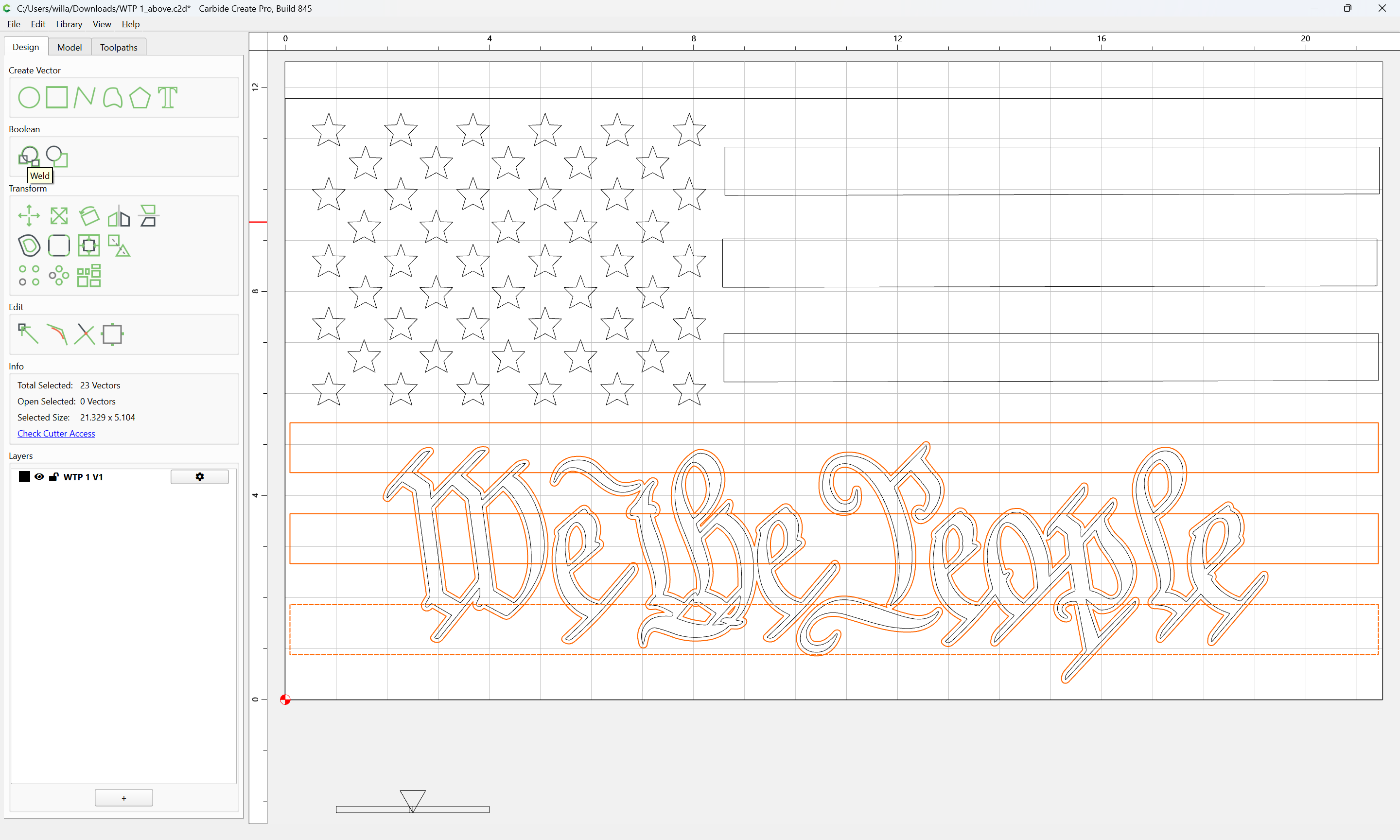
add the stripes to the selection:
and use Trim Vectors:
Until one arrives at:
OK
OK
Join Vectors
Yes
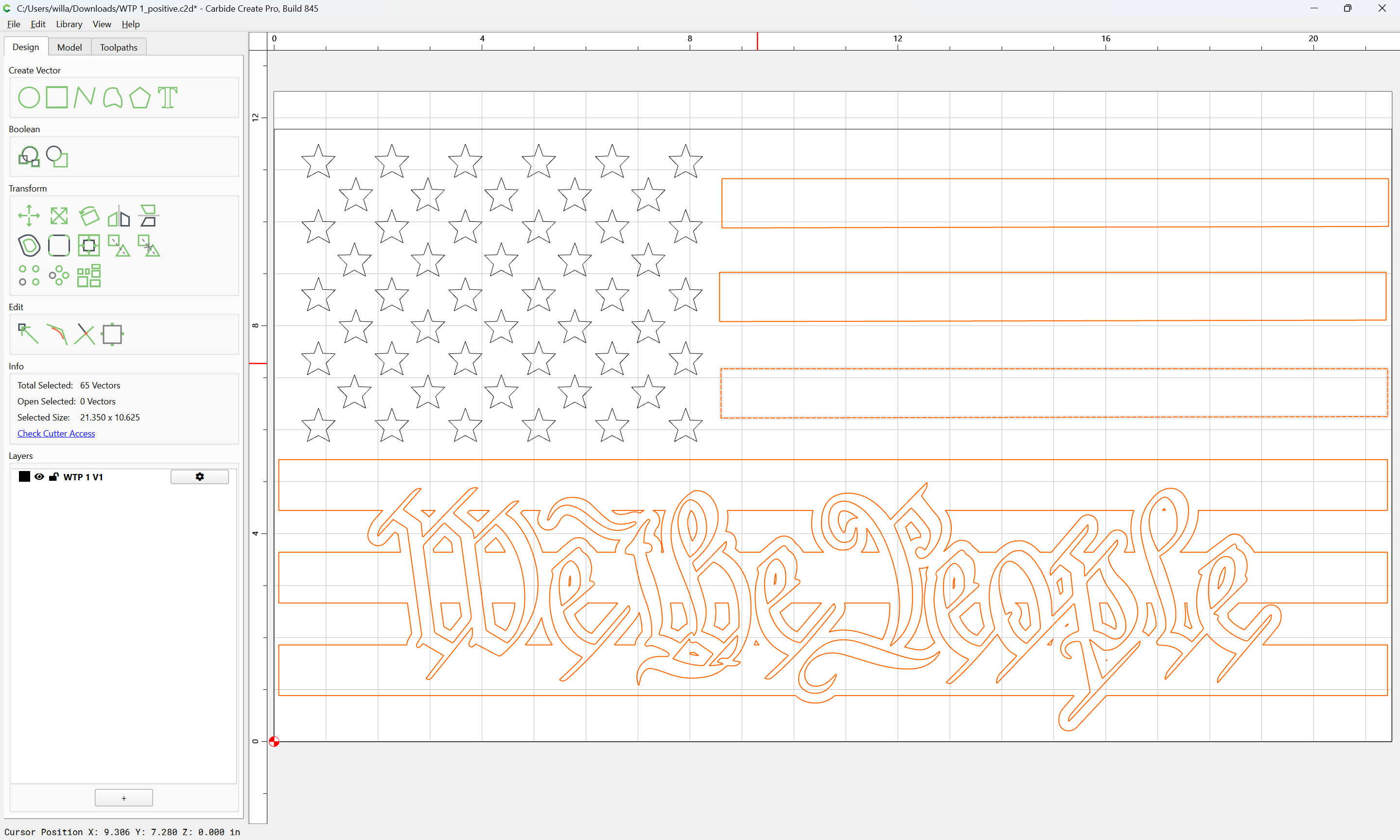
Select the balance of the stripes:
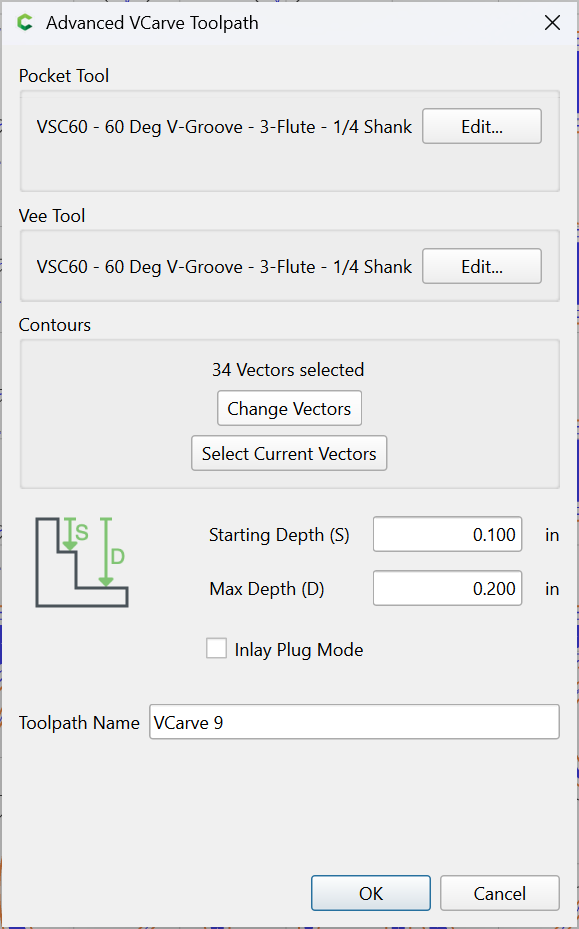
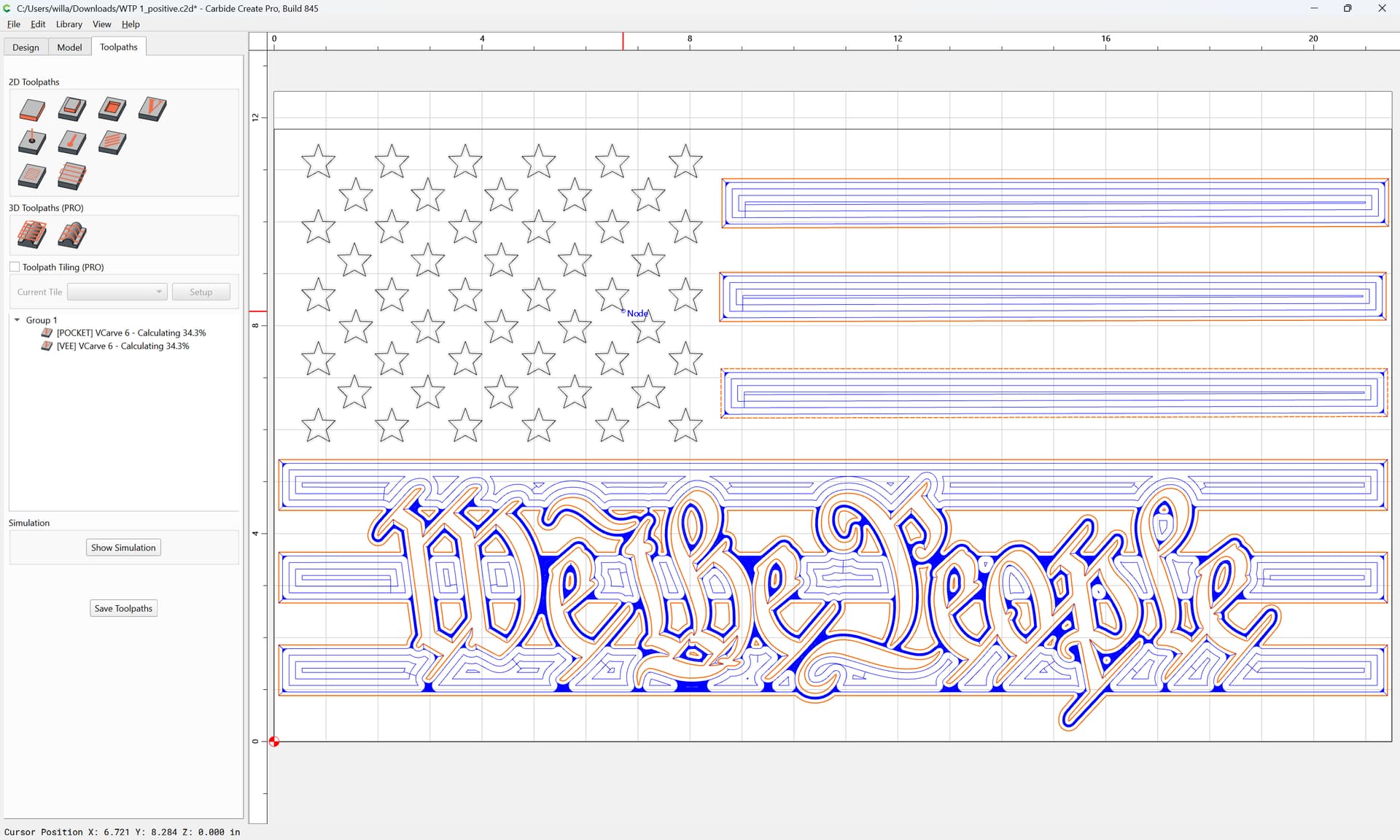
and apply a V-carving toolpath:
Select the stars and apply a V-carving toolpath:
2 Likes
system
June 21, 2026, 7:19pm
5
This topic was automatically closed 30 days after the last reply. New replies are no longer allowed.