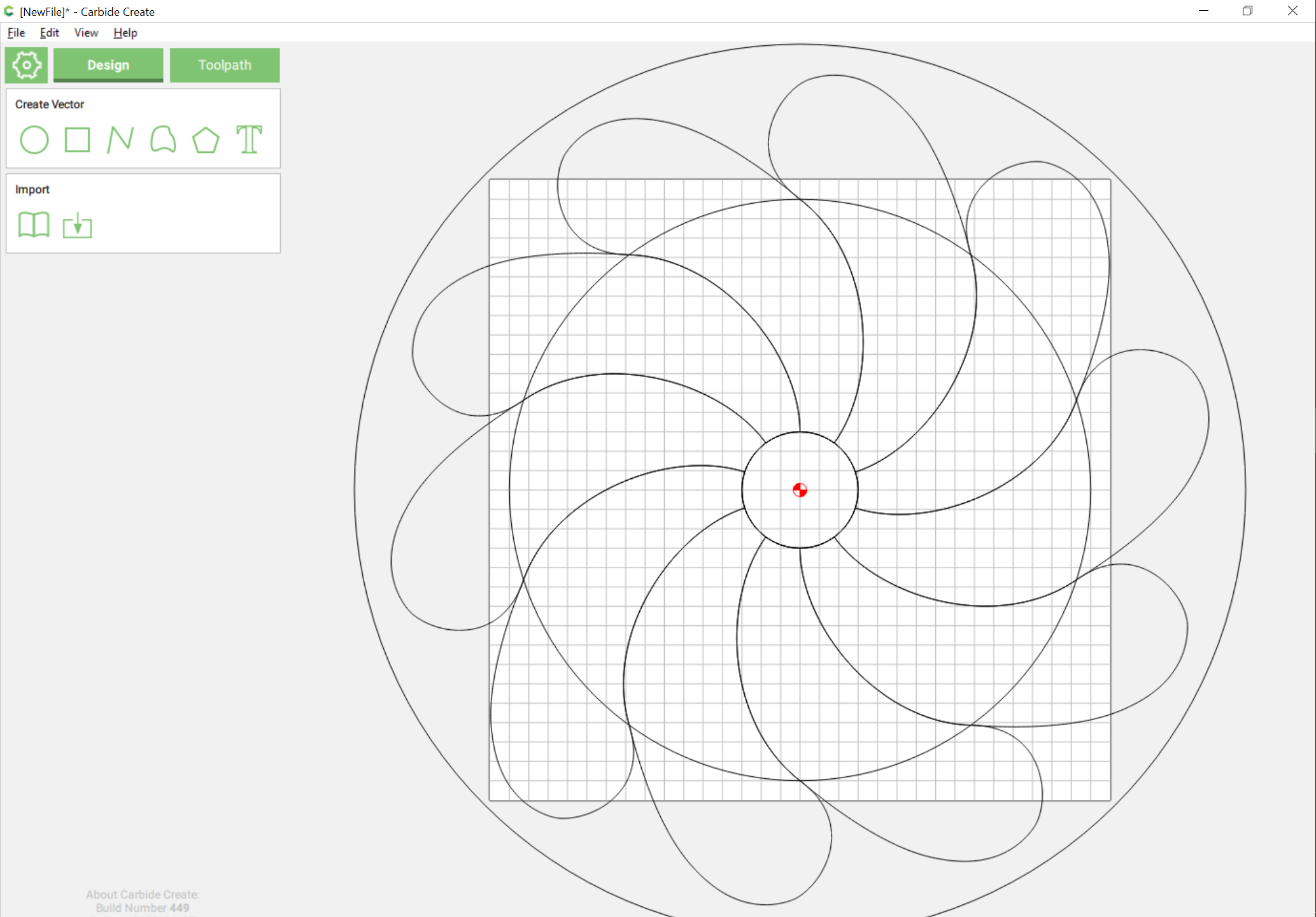
Backing up a bit to:
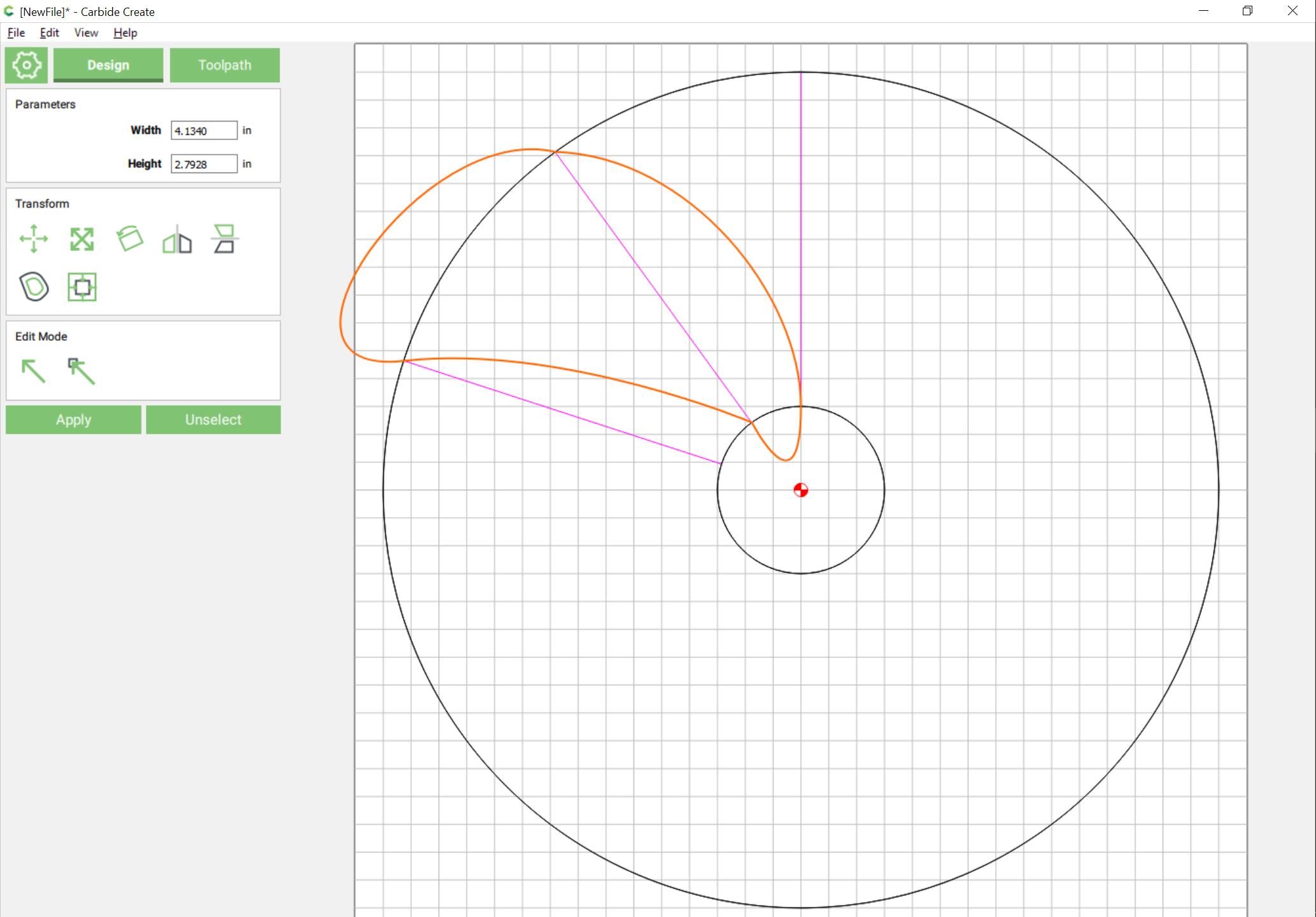
We adjust the curves to allow for making a shape which will overhang the area of the project:
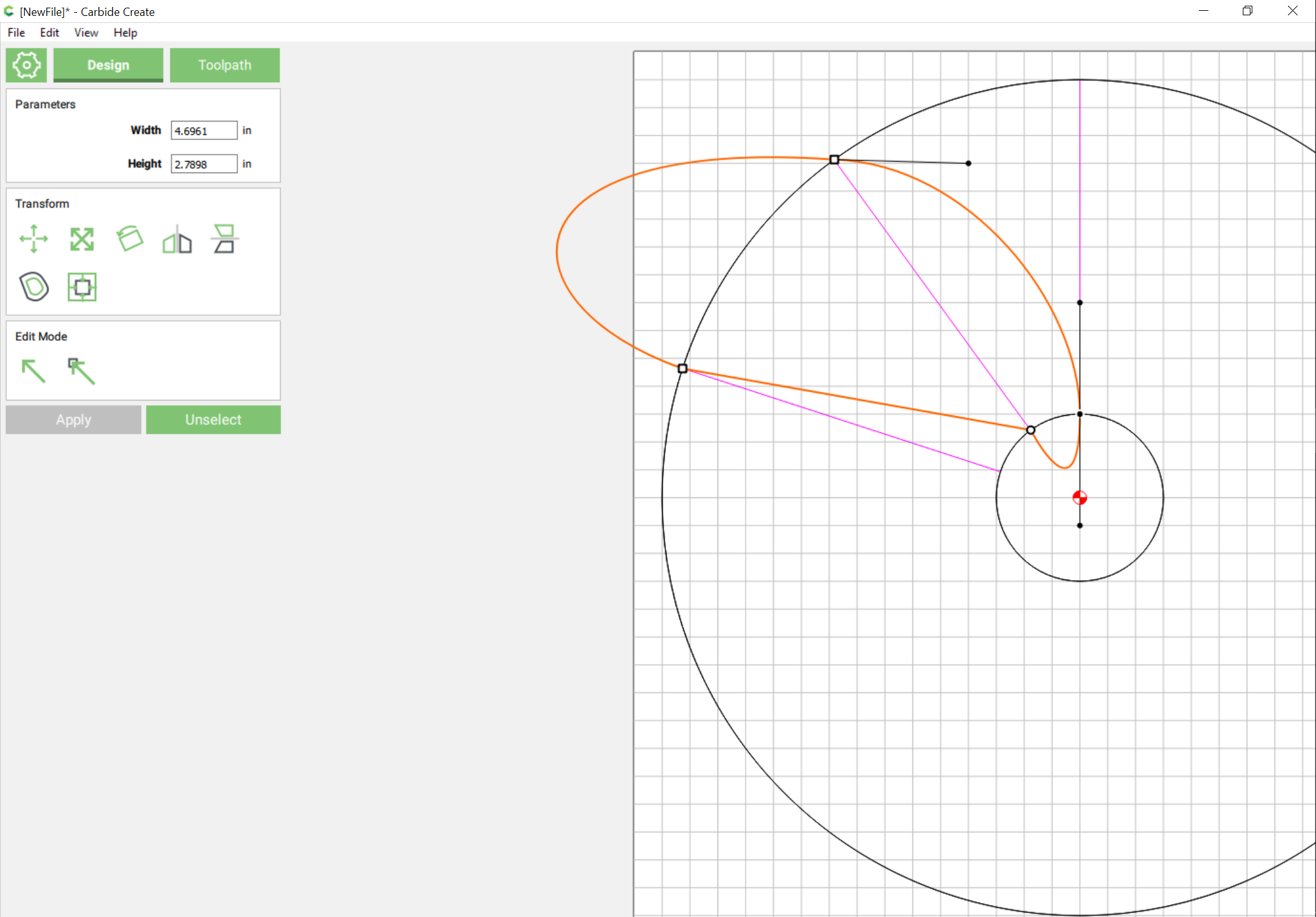
(note that for simplicity we have straightened the trailing edge, to ensure that the leading edge of the curve will overlap it)
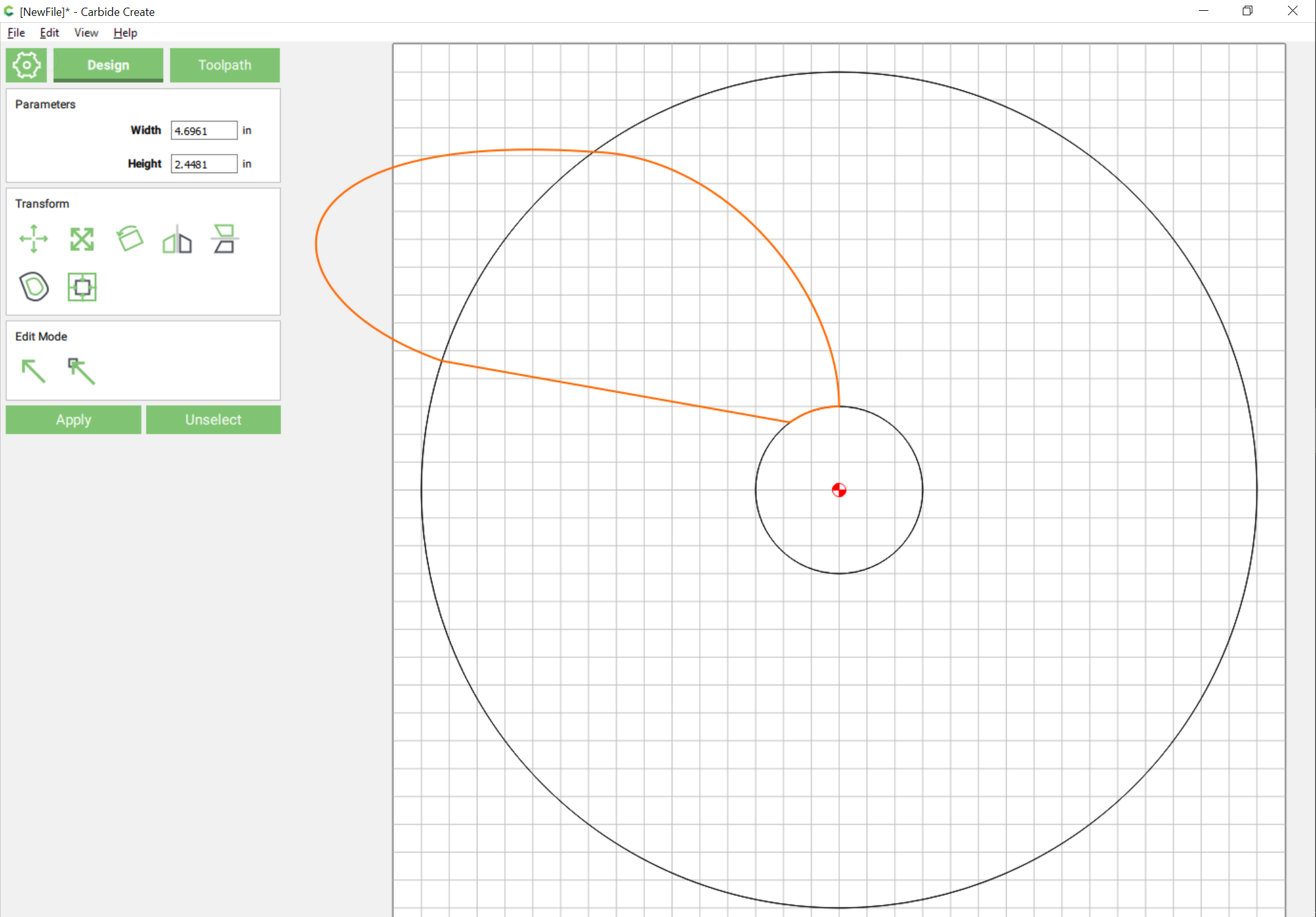
Delete the extraneous lines, dupe the inner circle, and subtract it from the outer as before:

Next, we want to rotate an aligned duplicate of the curve around the center of the circle. While this could be done by pluggin in the center of rotation, I find it expedient to just draw in a sufficiently large circle:
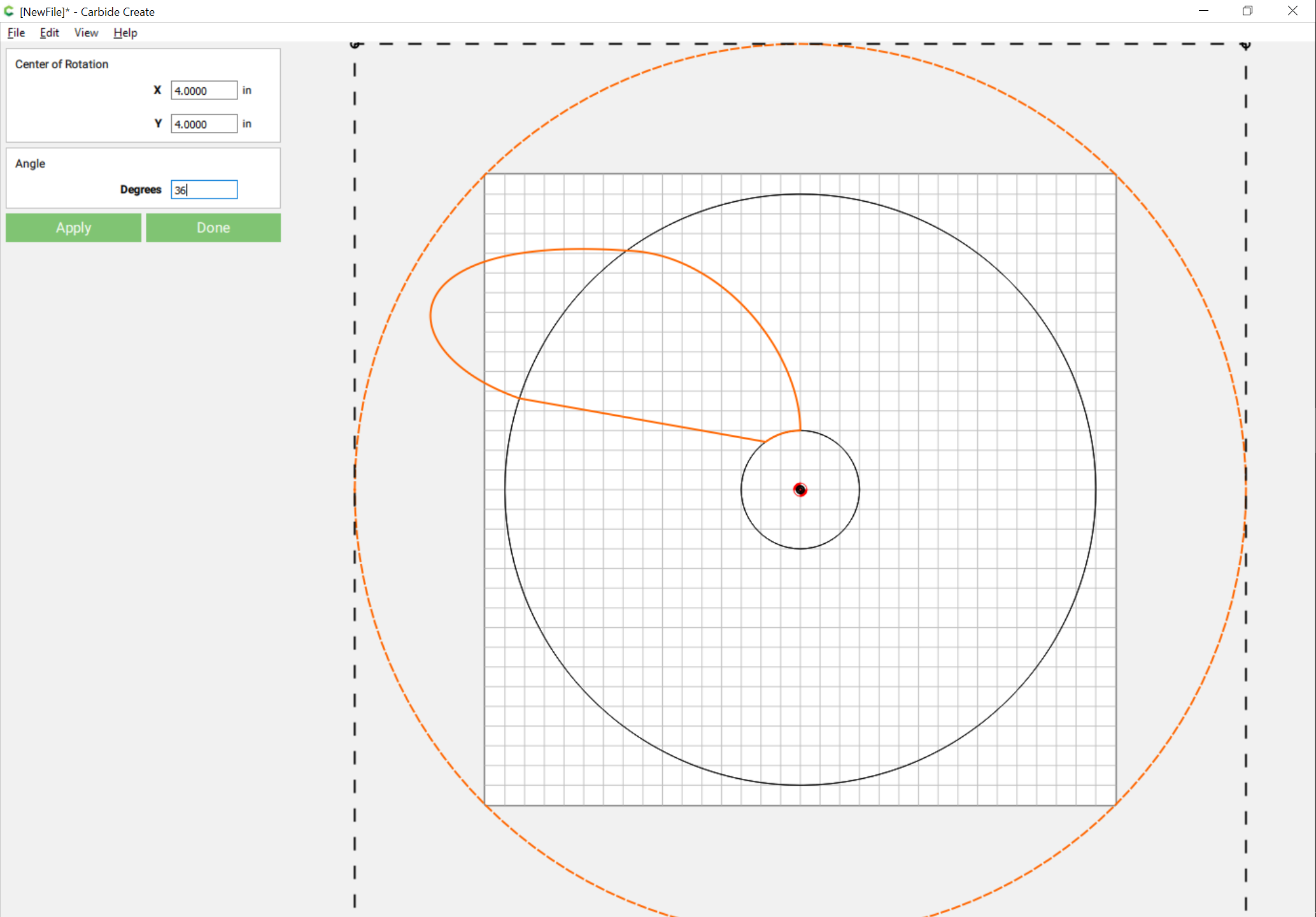
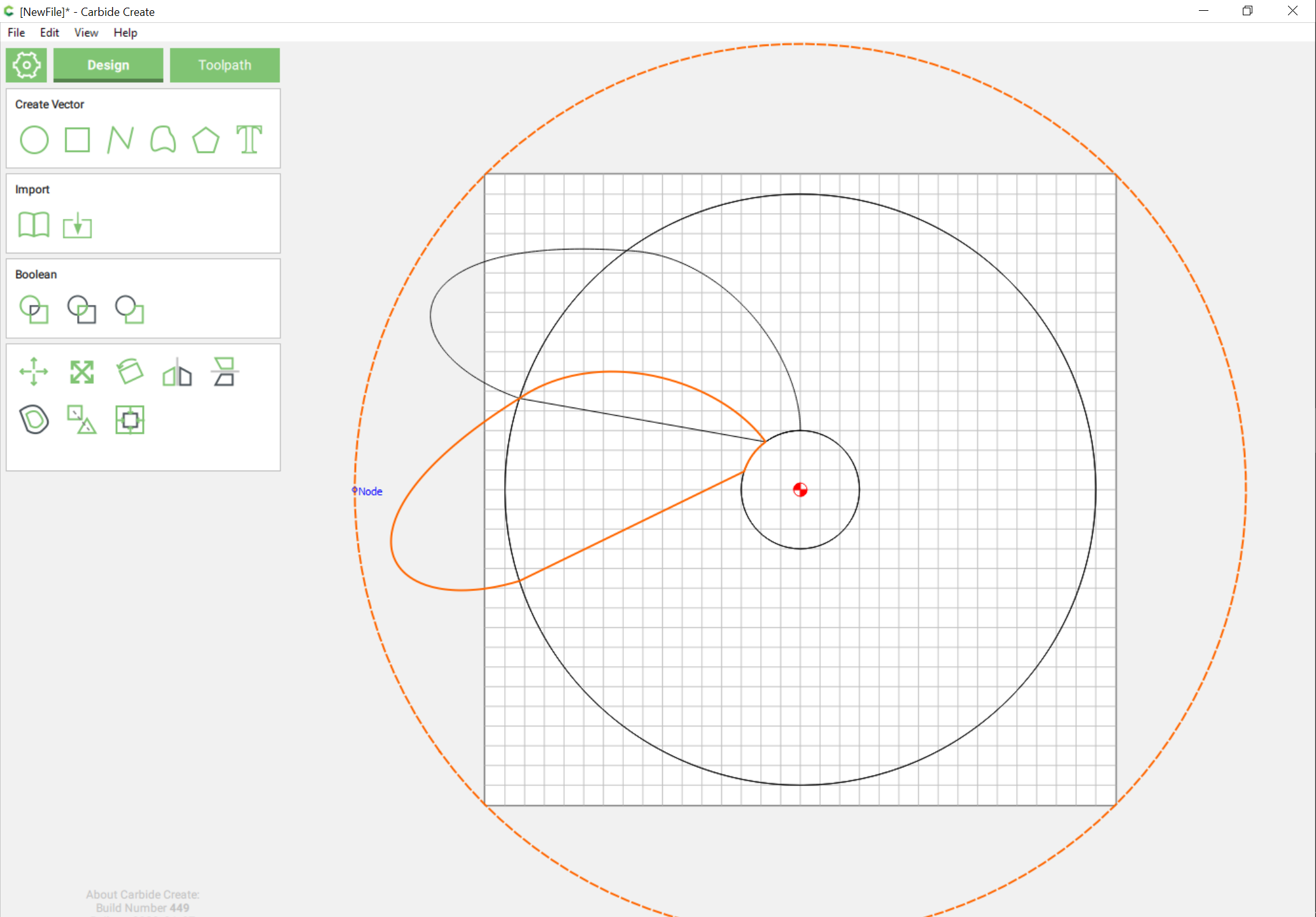
(note that it may be simpler to group a circle with the curve and align against the circle — the snapping is easier, since the curve is no longer a curve after the Boolean operation, but a polyline with many points, any one of which will snap)
Then we subtract the duplicate from the original:
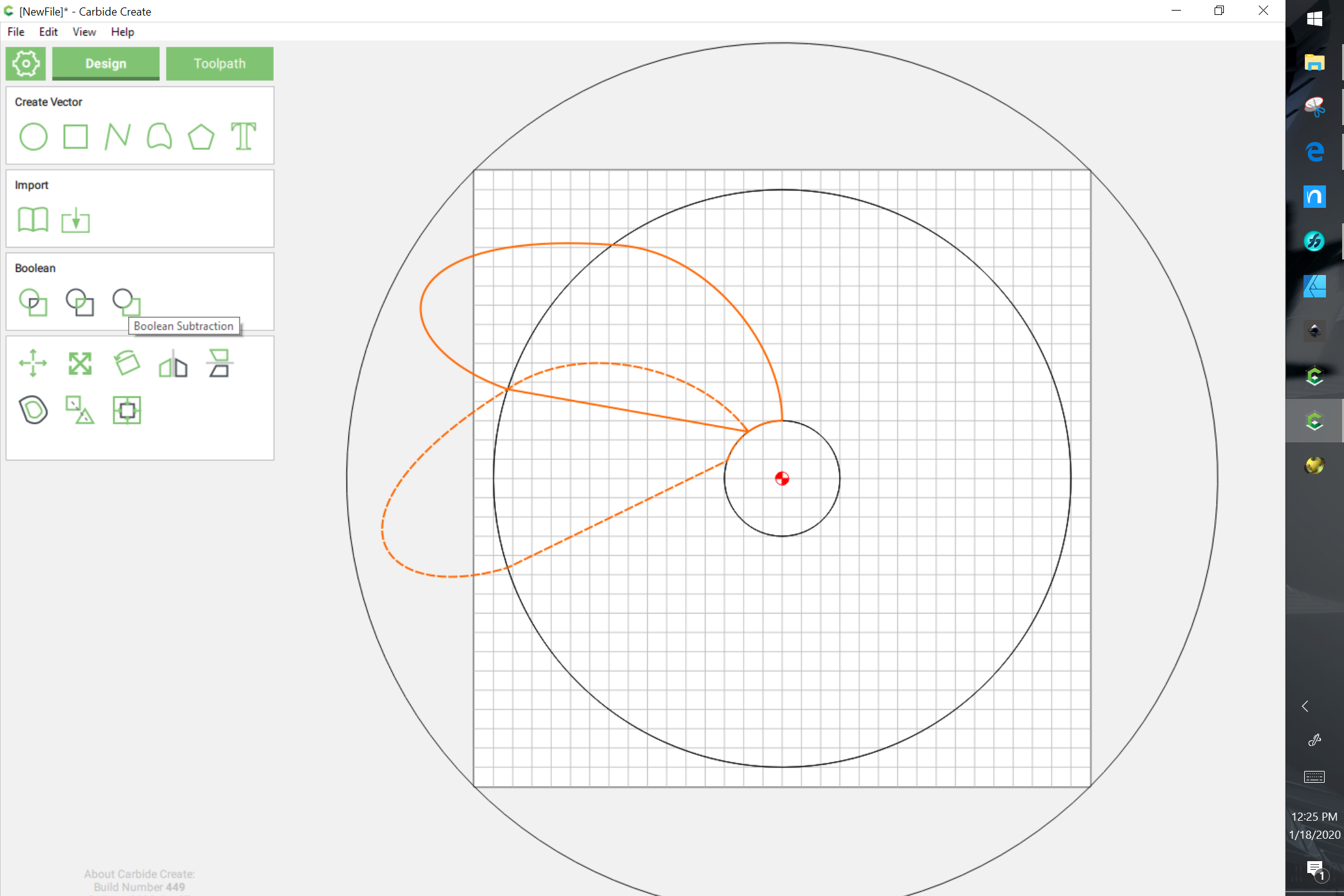
arriving at:
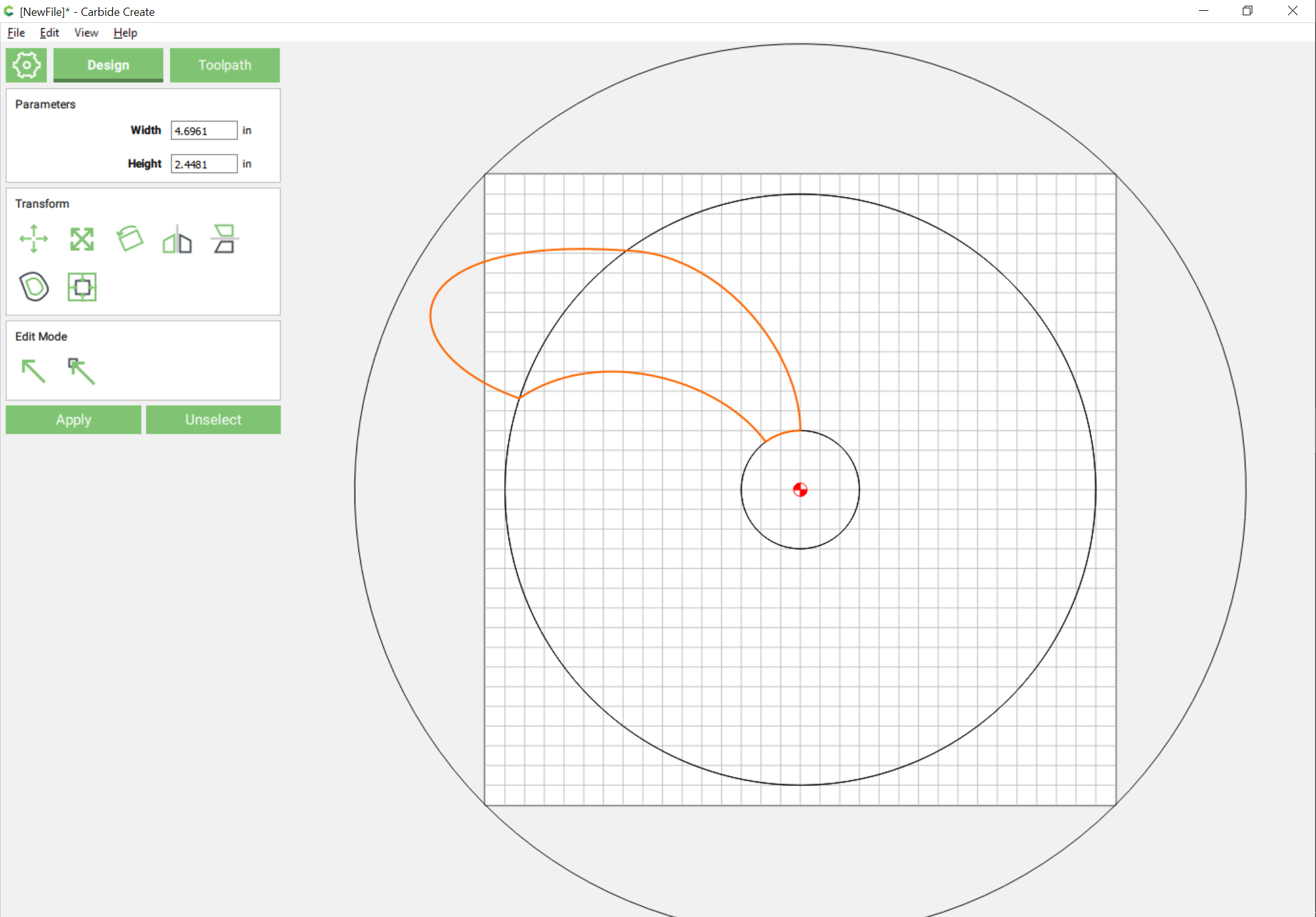
Note that this has created a sharp point which will probably interfere with the 3D modeling — we could either re-draw things, or just draw in a suitable curve:
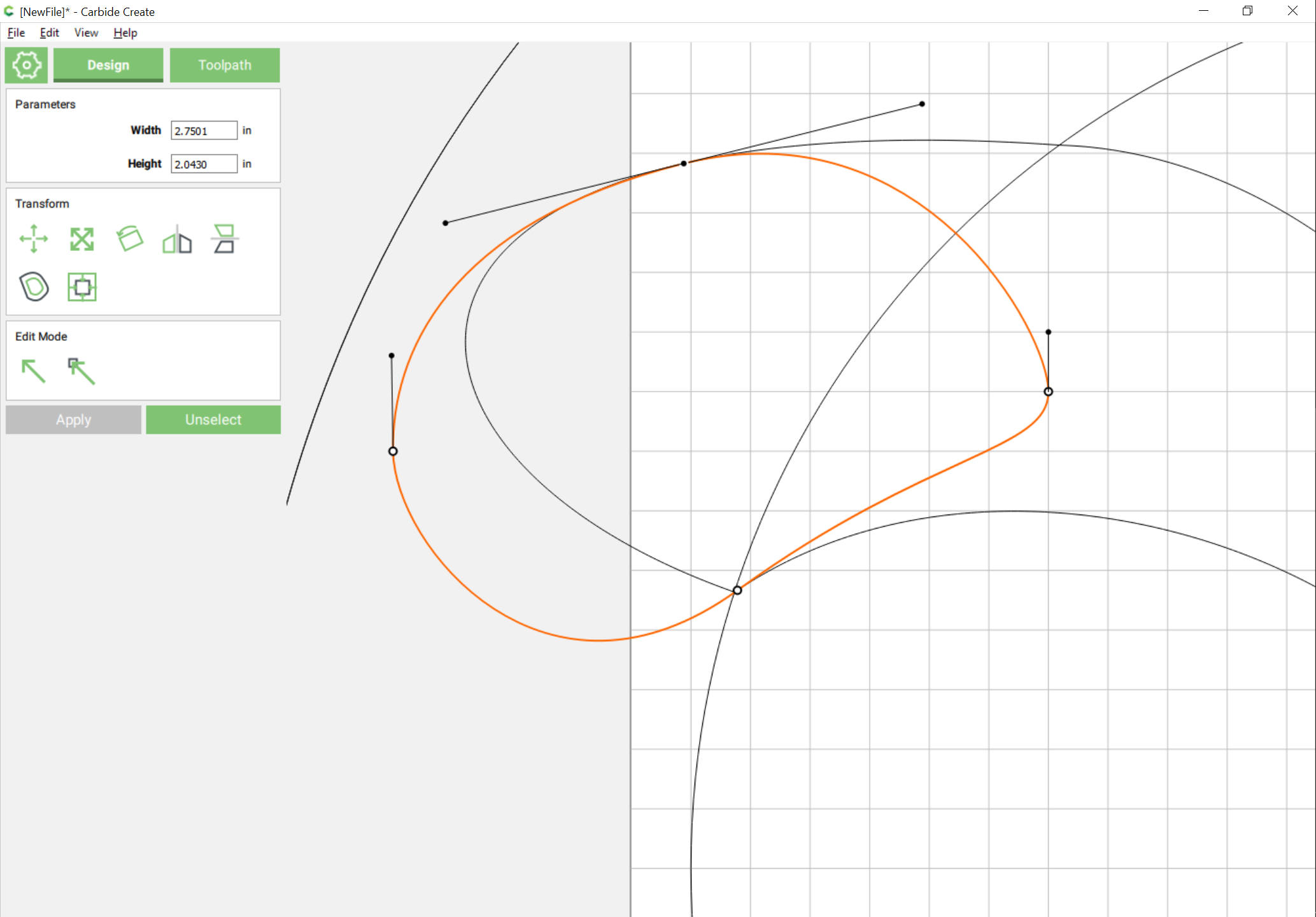
an Boolean union it:
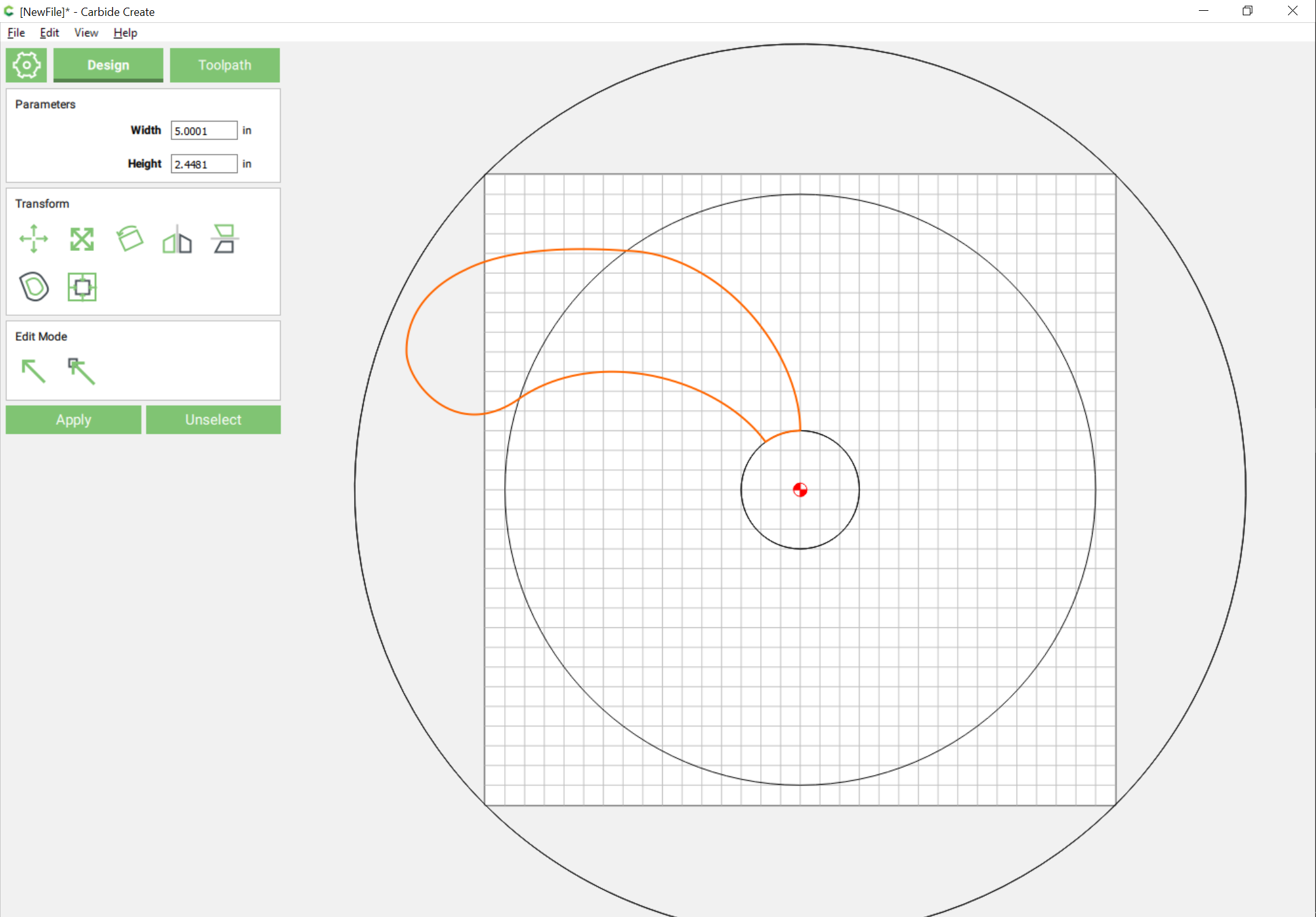
With the geometry drawn, it’s simply a matter of duplicating and aligning the curve and outer circle 9 times and dragging them into registration (easiest if one groups them), and rotating everything (shift clicking on the curve to deselect it and then deleting the superfluous outer circle will speed up and simplify the selection process) to arrive at: