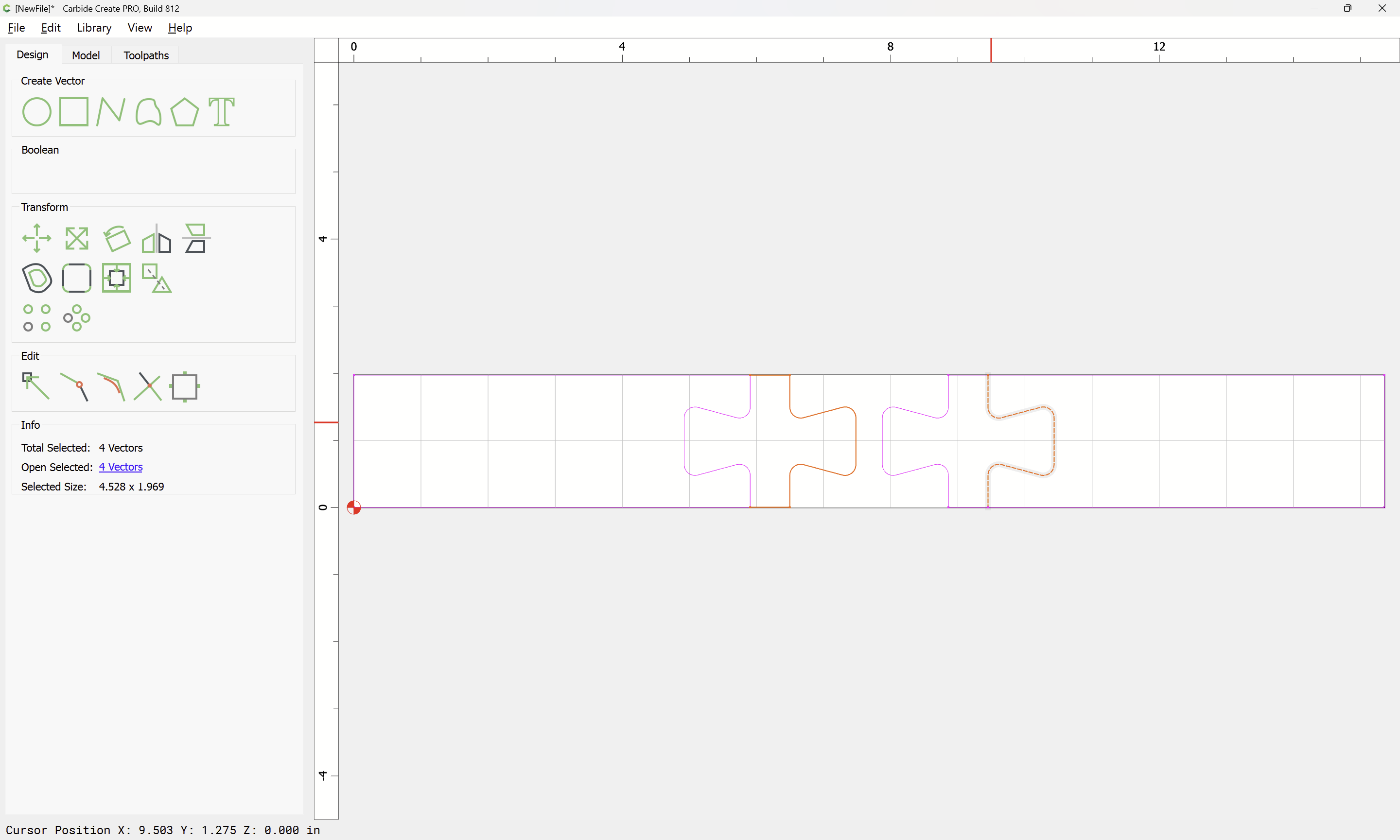
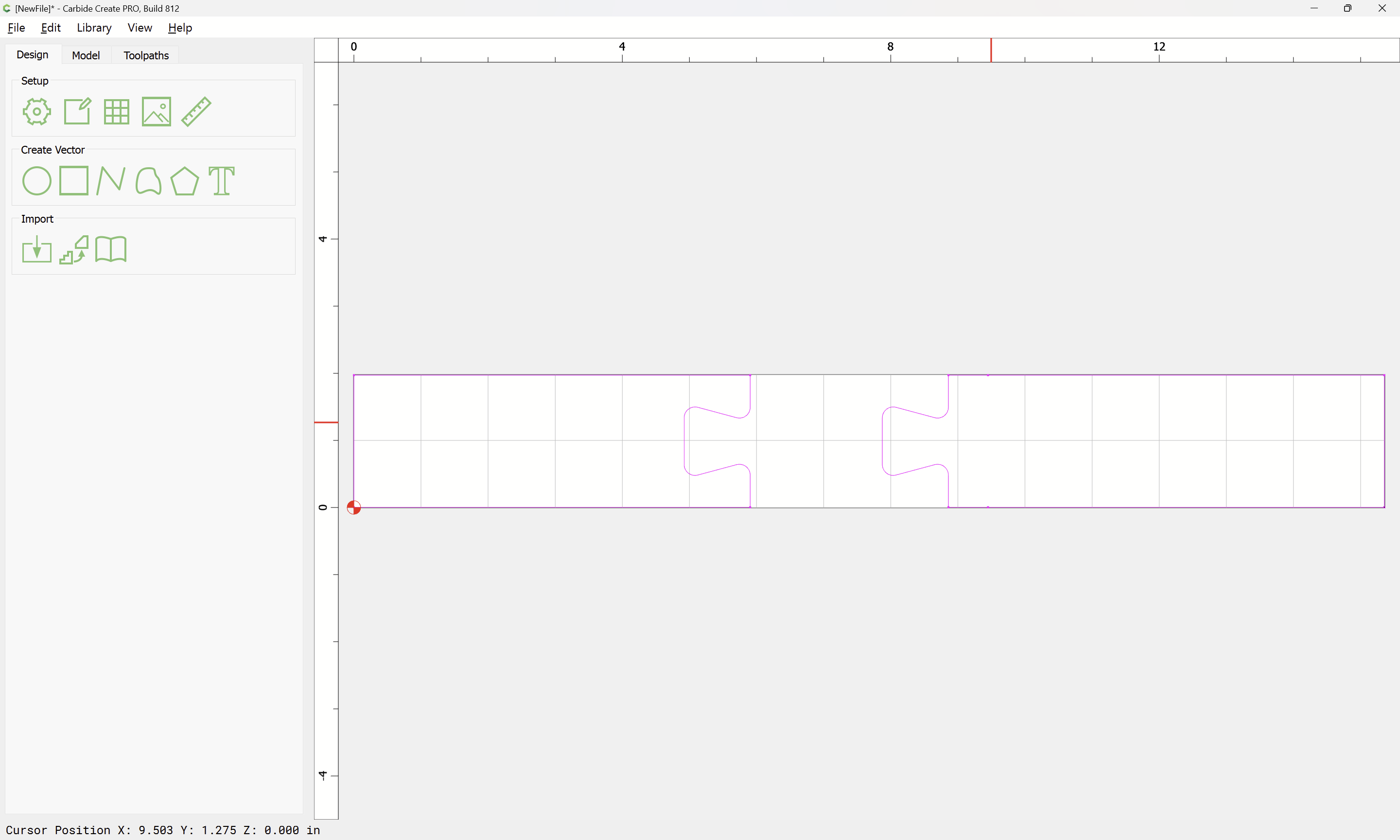
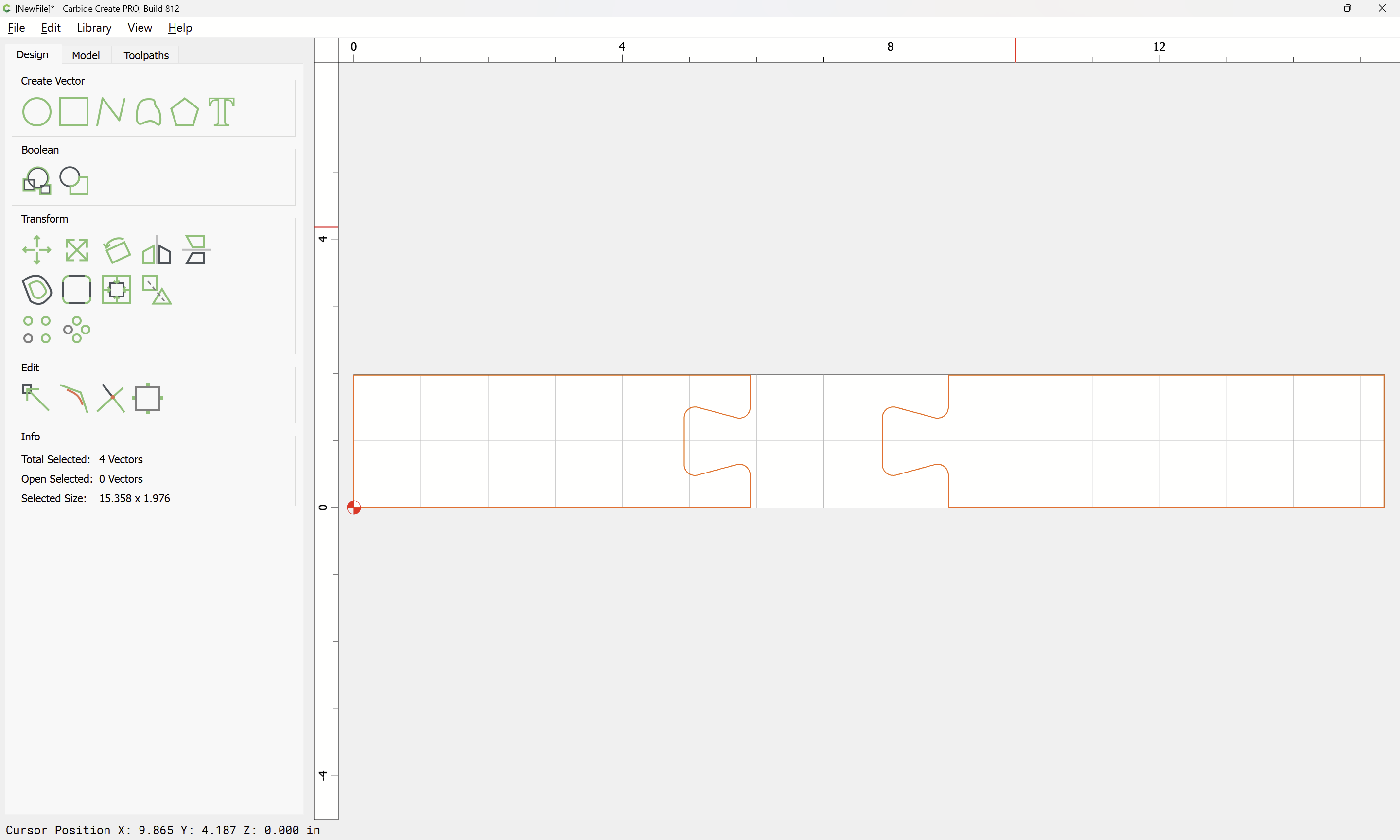
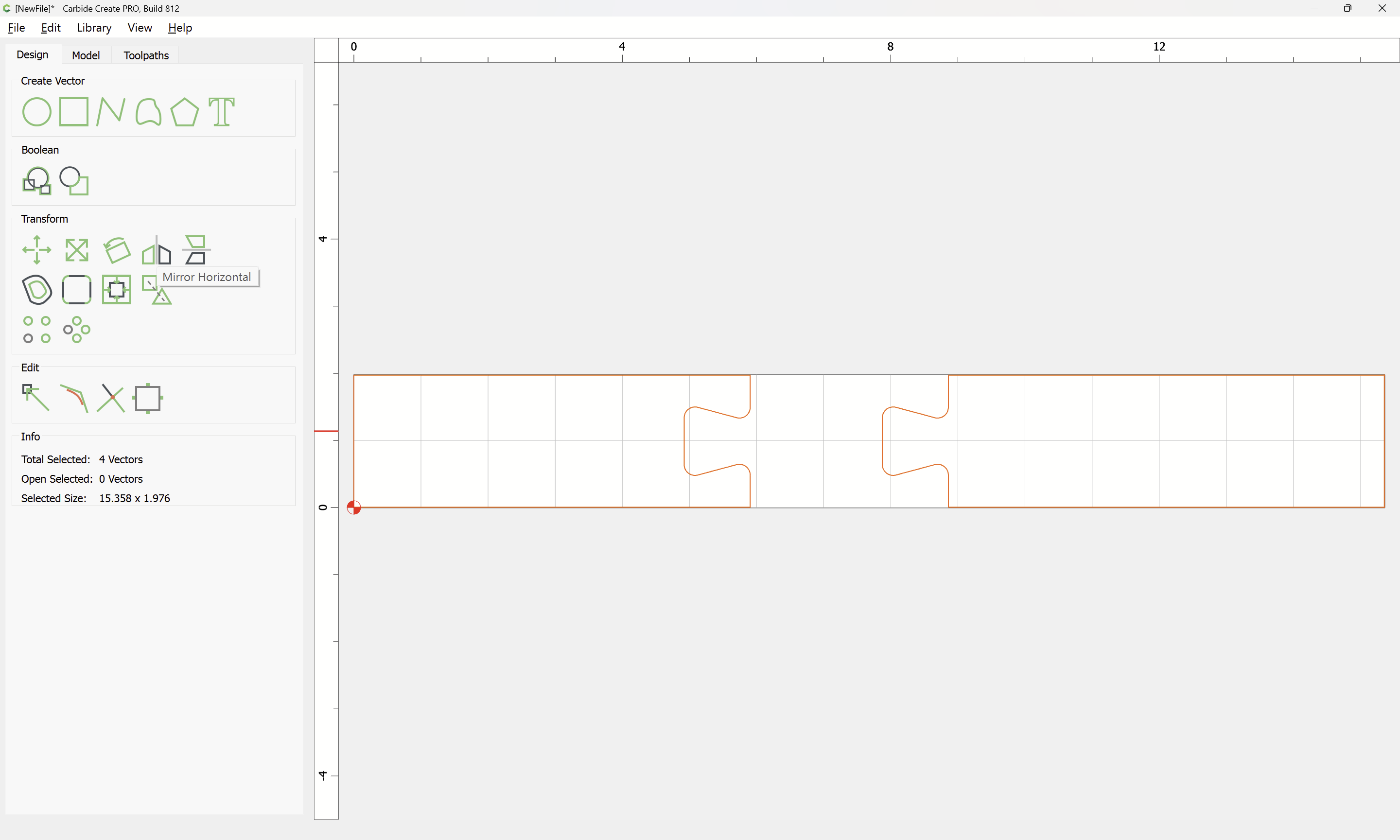
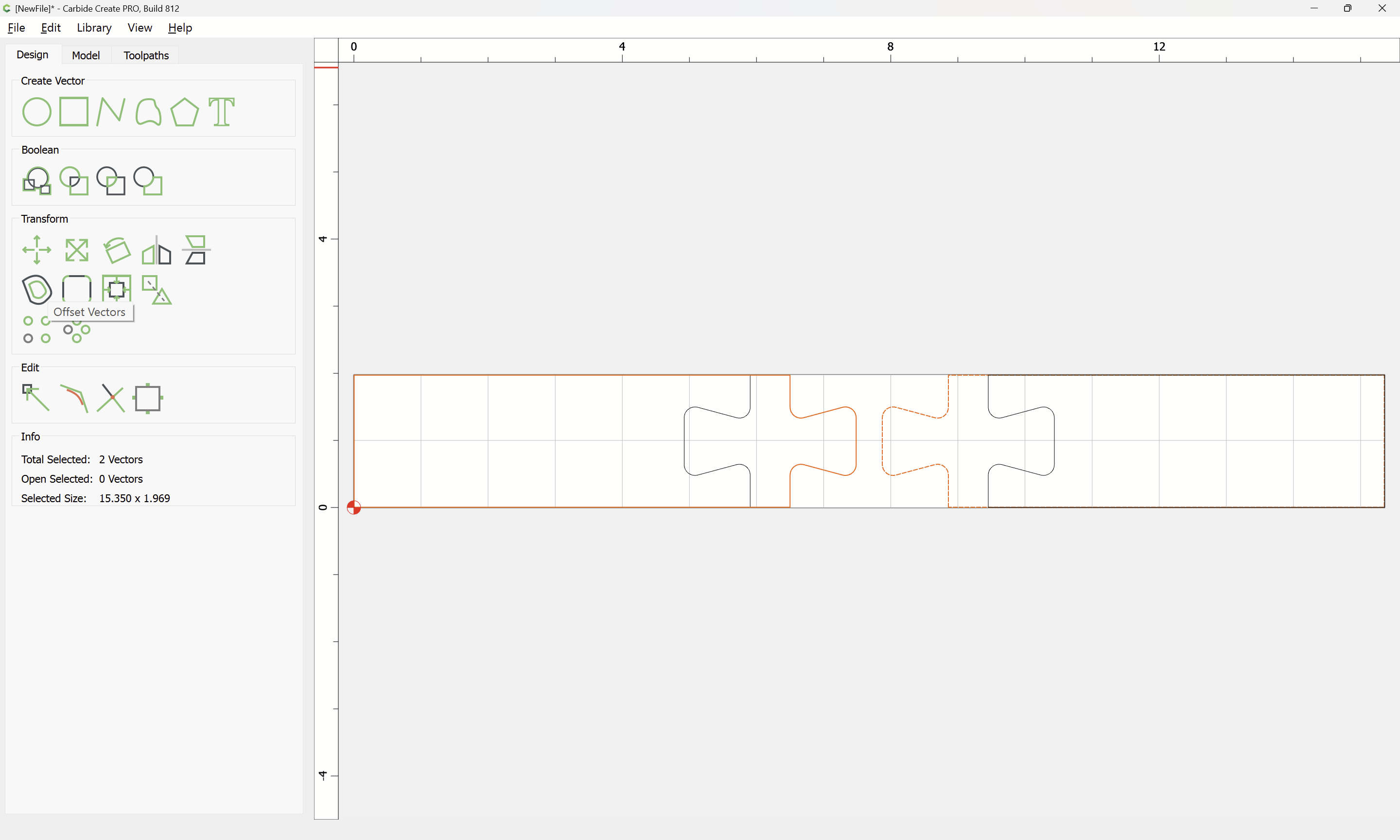
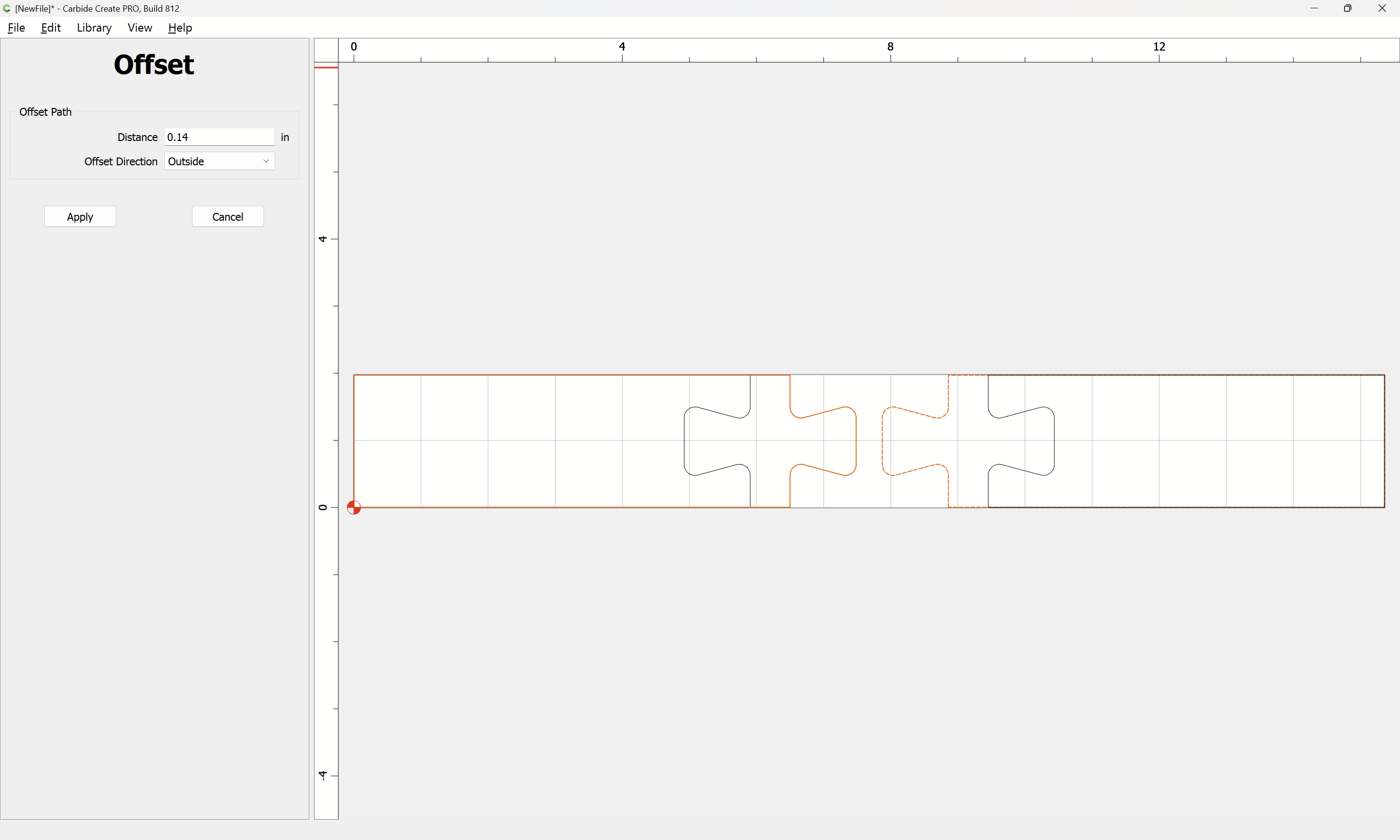
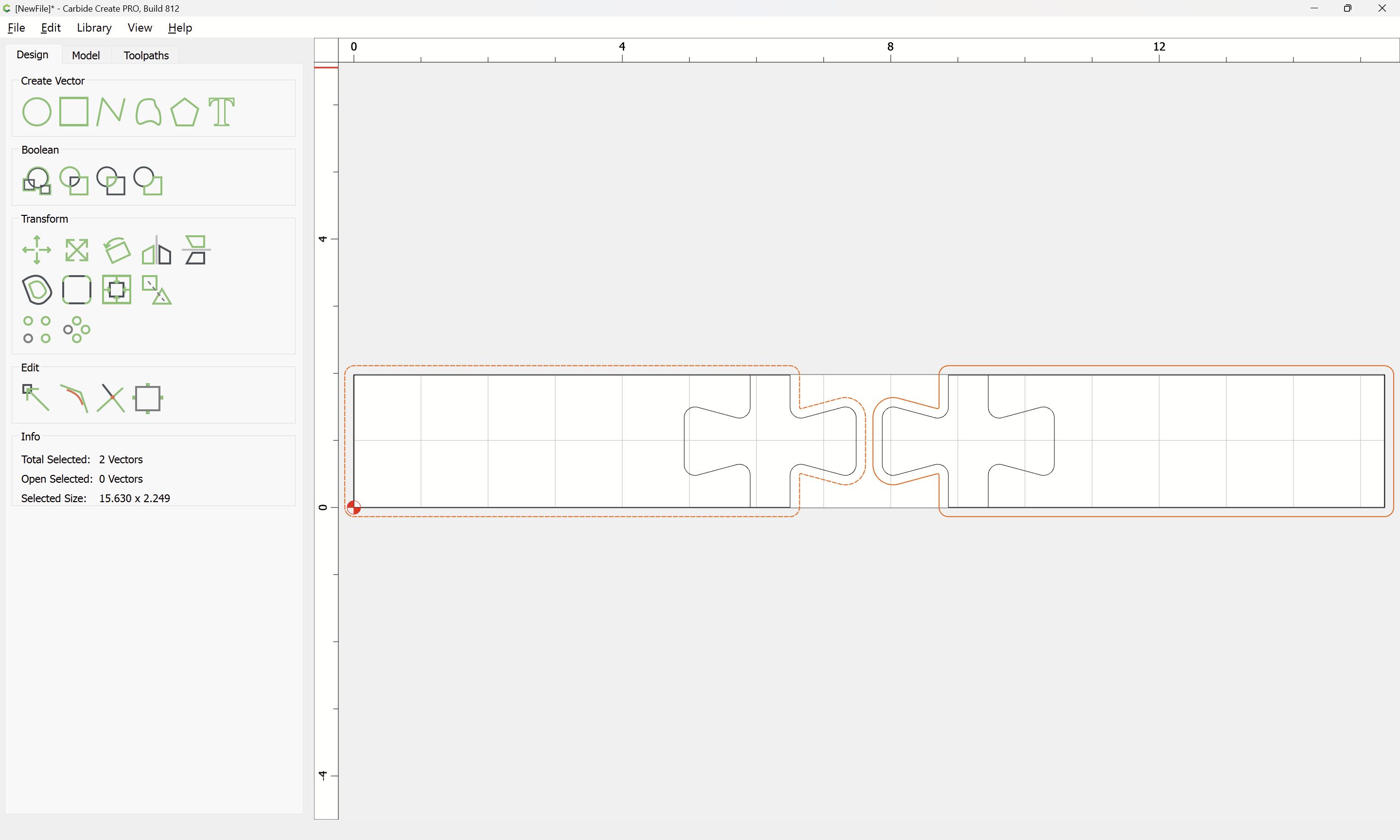
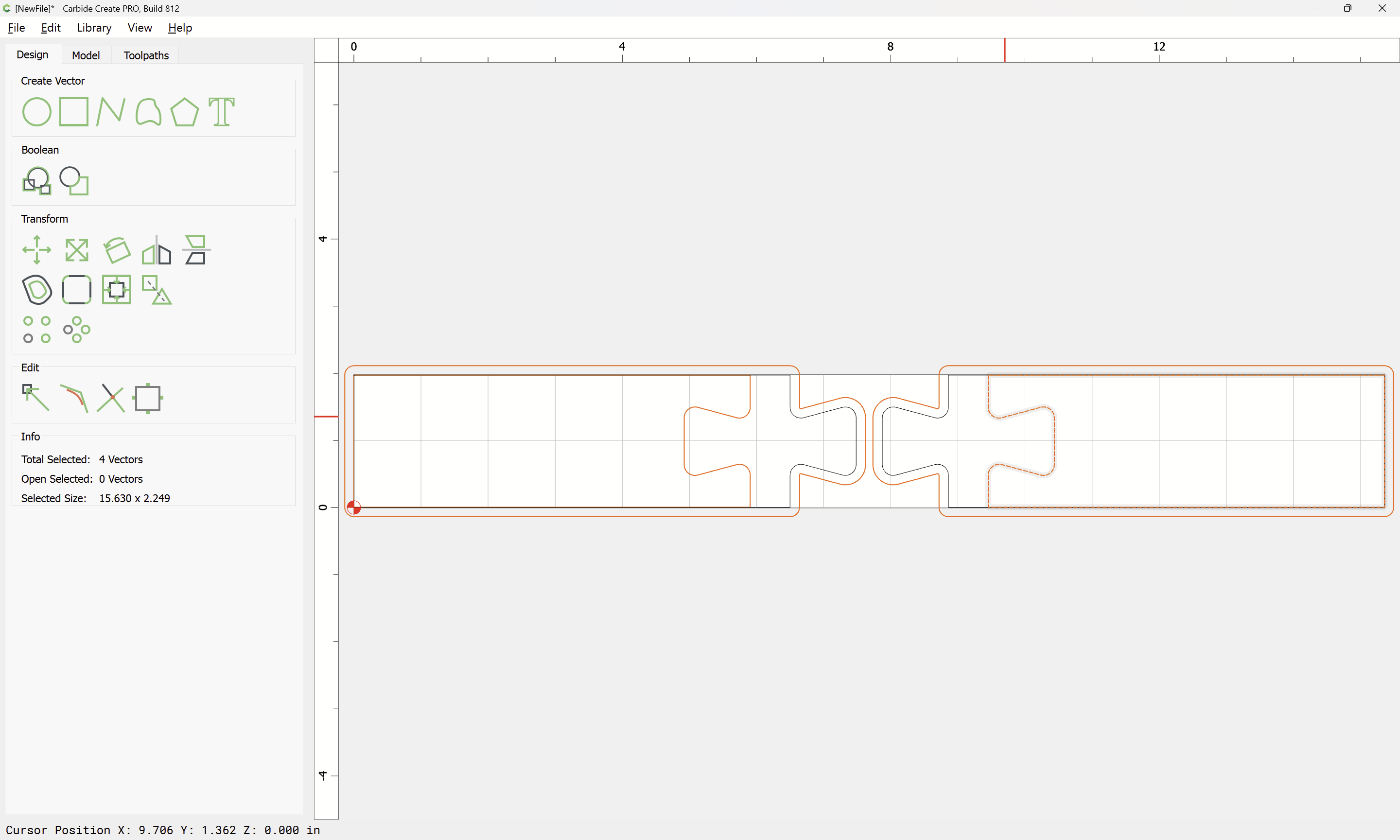
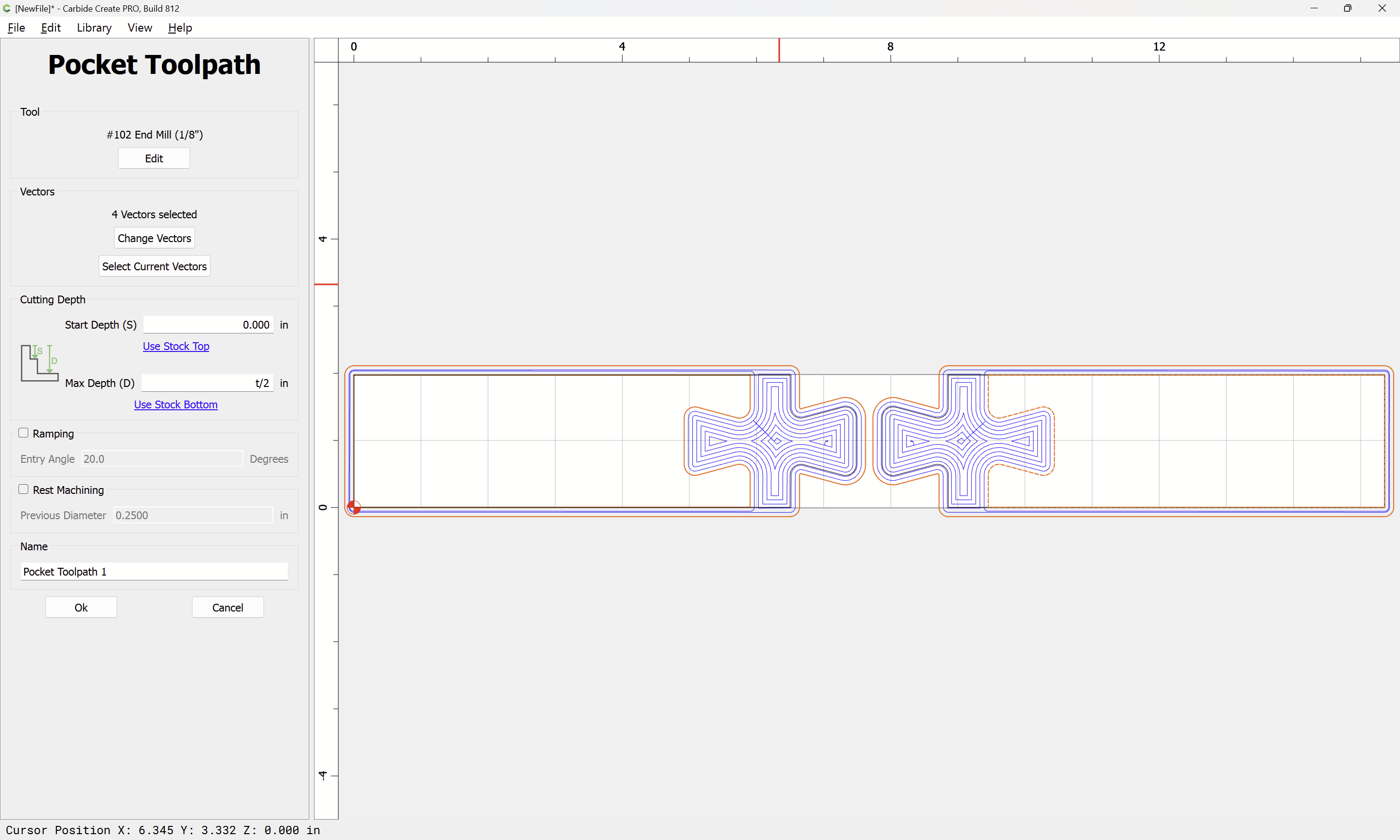
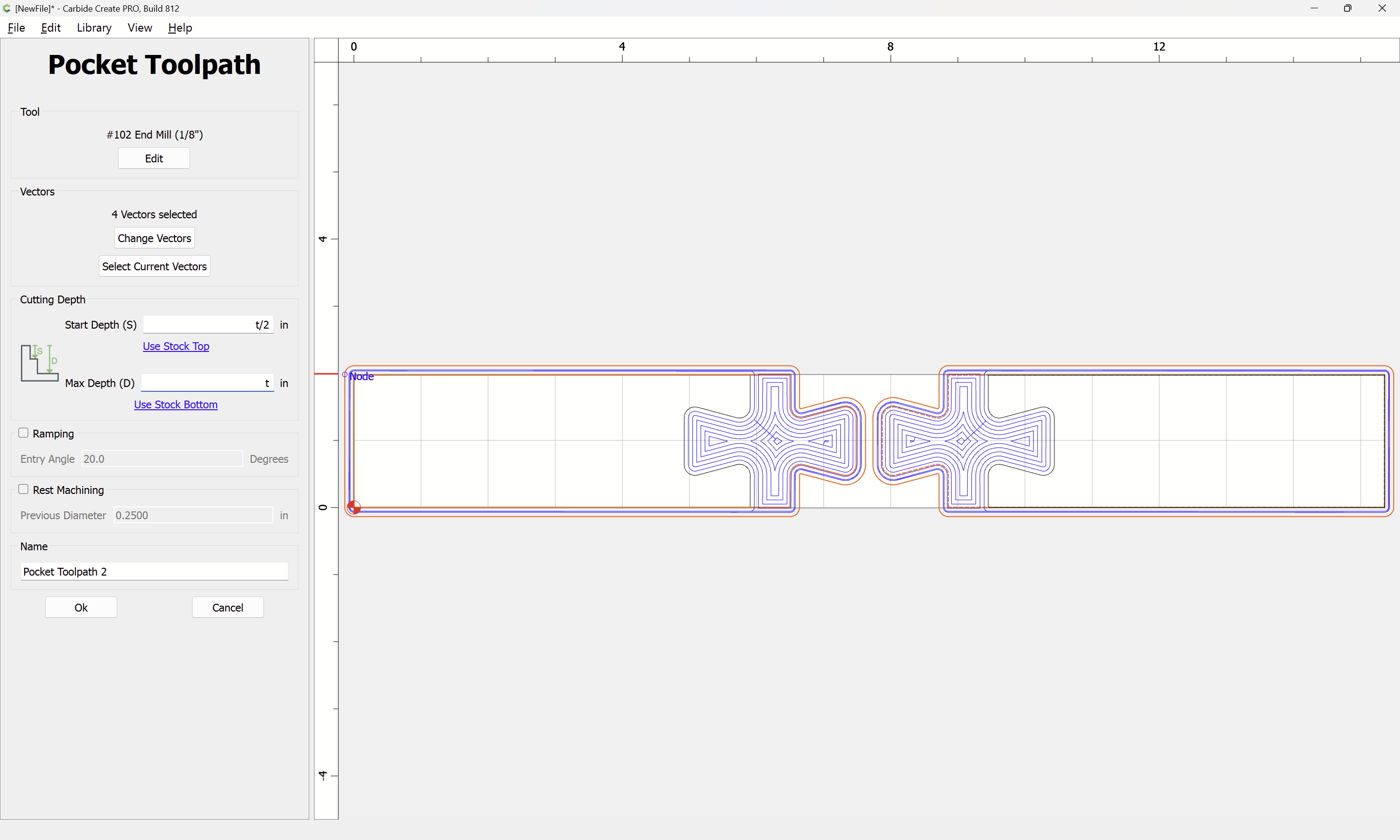
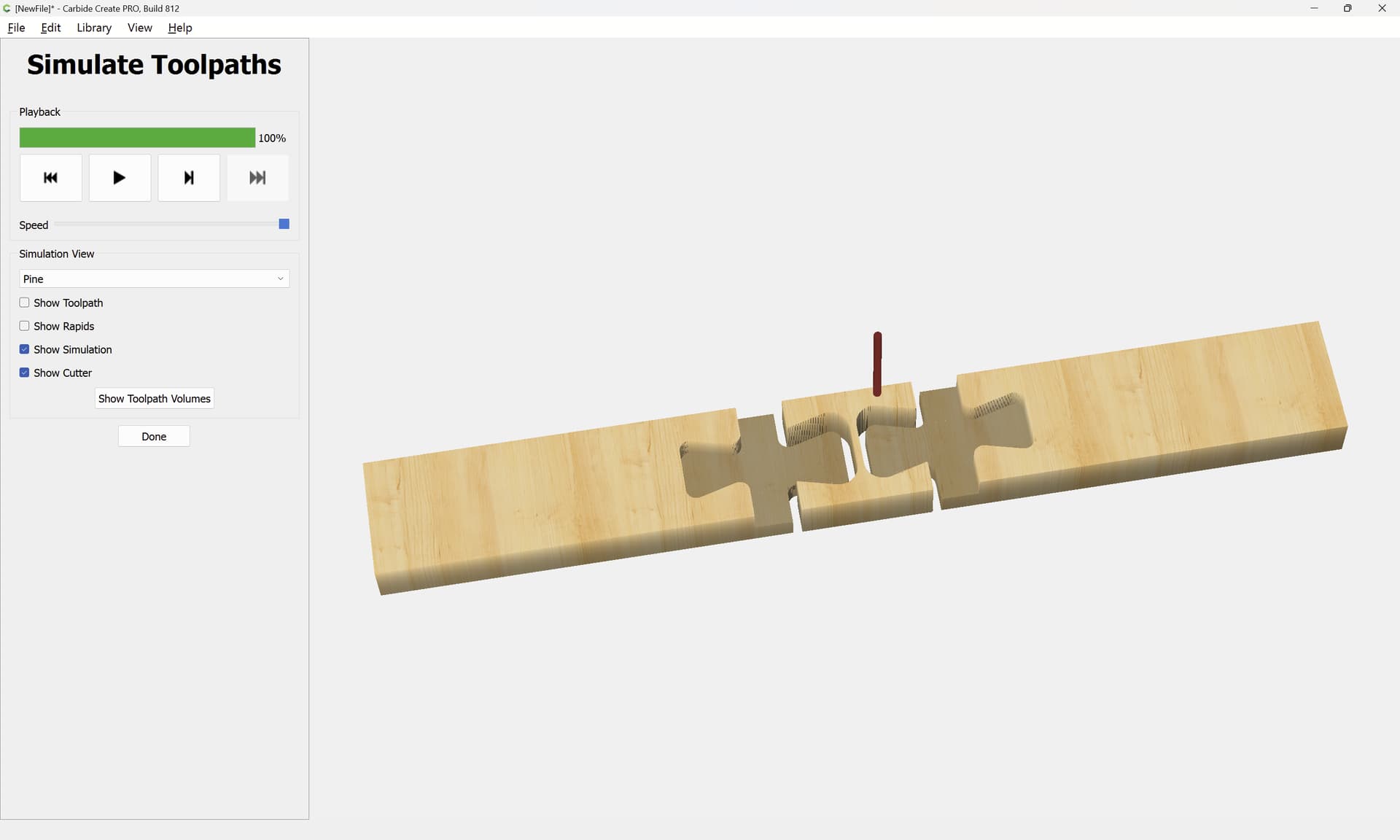
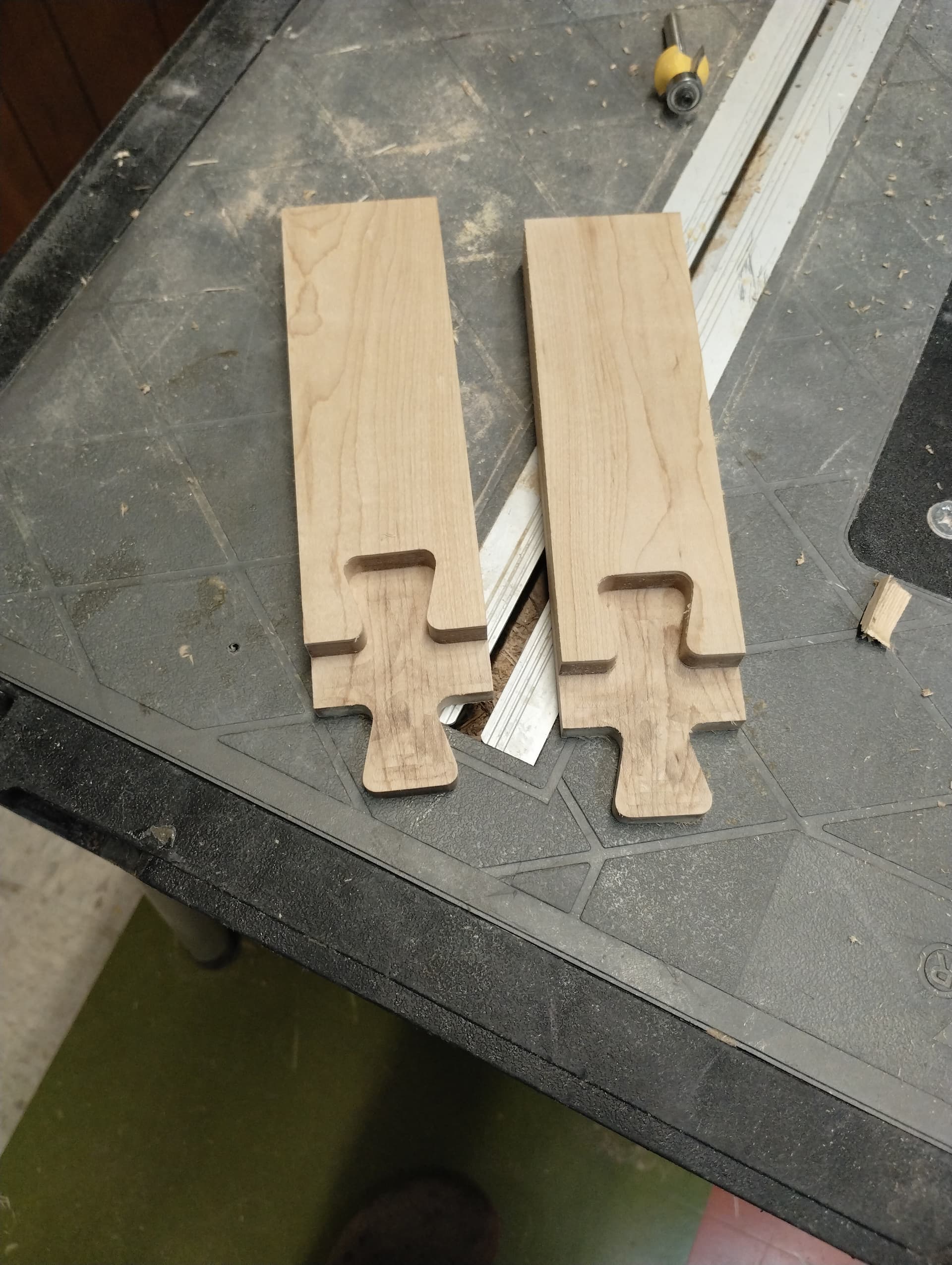
Presumably we want one negative and one positive on each side so that this can be cut to two levels — assuming that the lengths are symmetrical the easiest way to do this is to make one of each side:
William, thanks a lot! There is more in your comments than just showing a solution: I -at least- always learn another kind of thinking with your posts, and even more: to dare to come from another end to solve a question. (so whenever you or one of you people there happen to enjoy the racing season in Saratoga Springs, or the skiing season in Lake Placid/Lake George/Glens Falls: there is always a hot coffee and a piece of apple strudel waiting…)
Now the issue with cutting the first round to the whole depth in a pocket appears to be still the same, bit was stuck, CC V8.02. Updated to V8.12, same in simulation. Later I clicked “rest machining” (new in 8.12?), and now the bit in the simulation runs back and forth. Is this the reliable solution for that problem, or accidental?
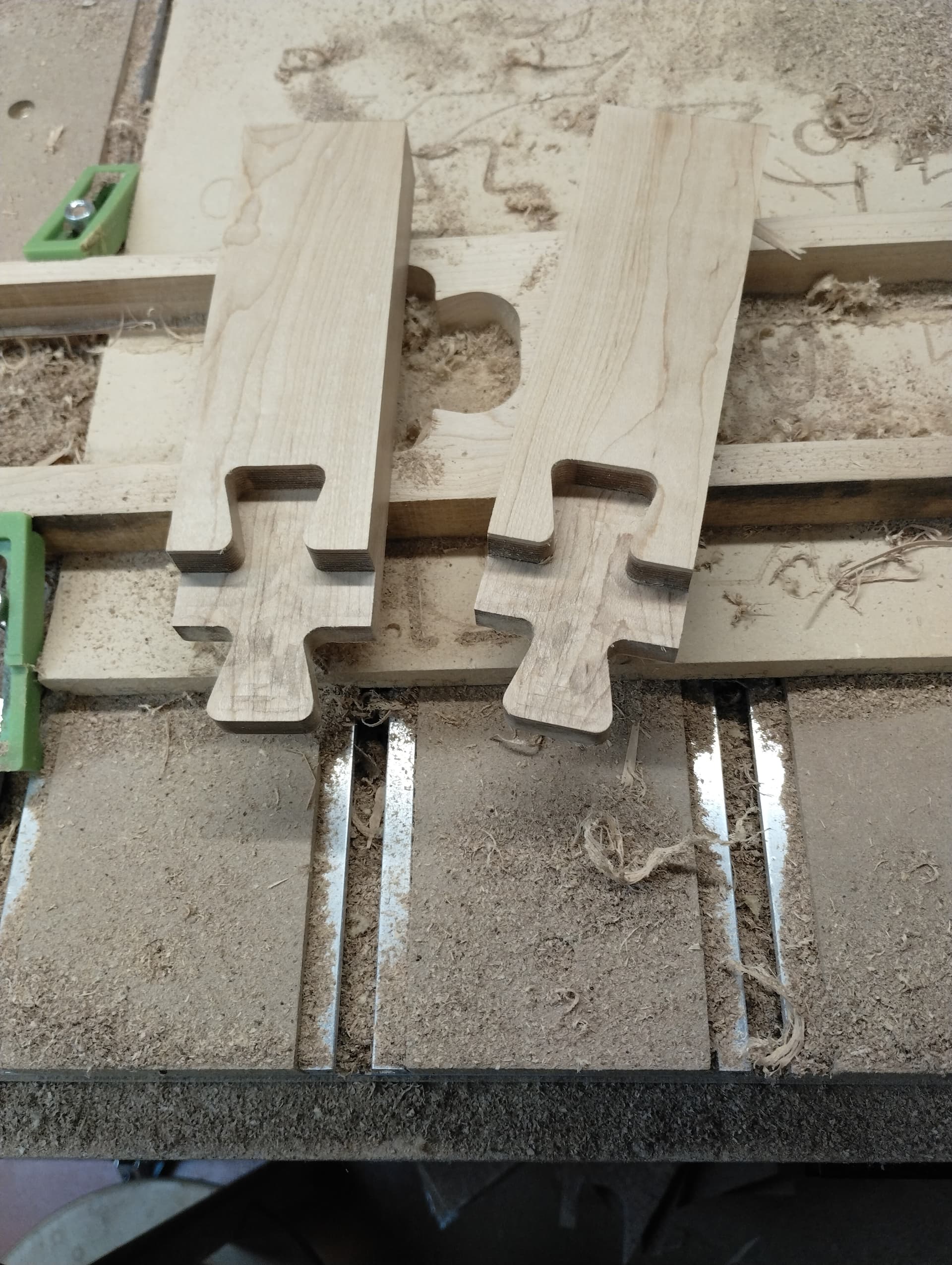
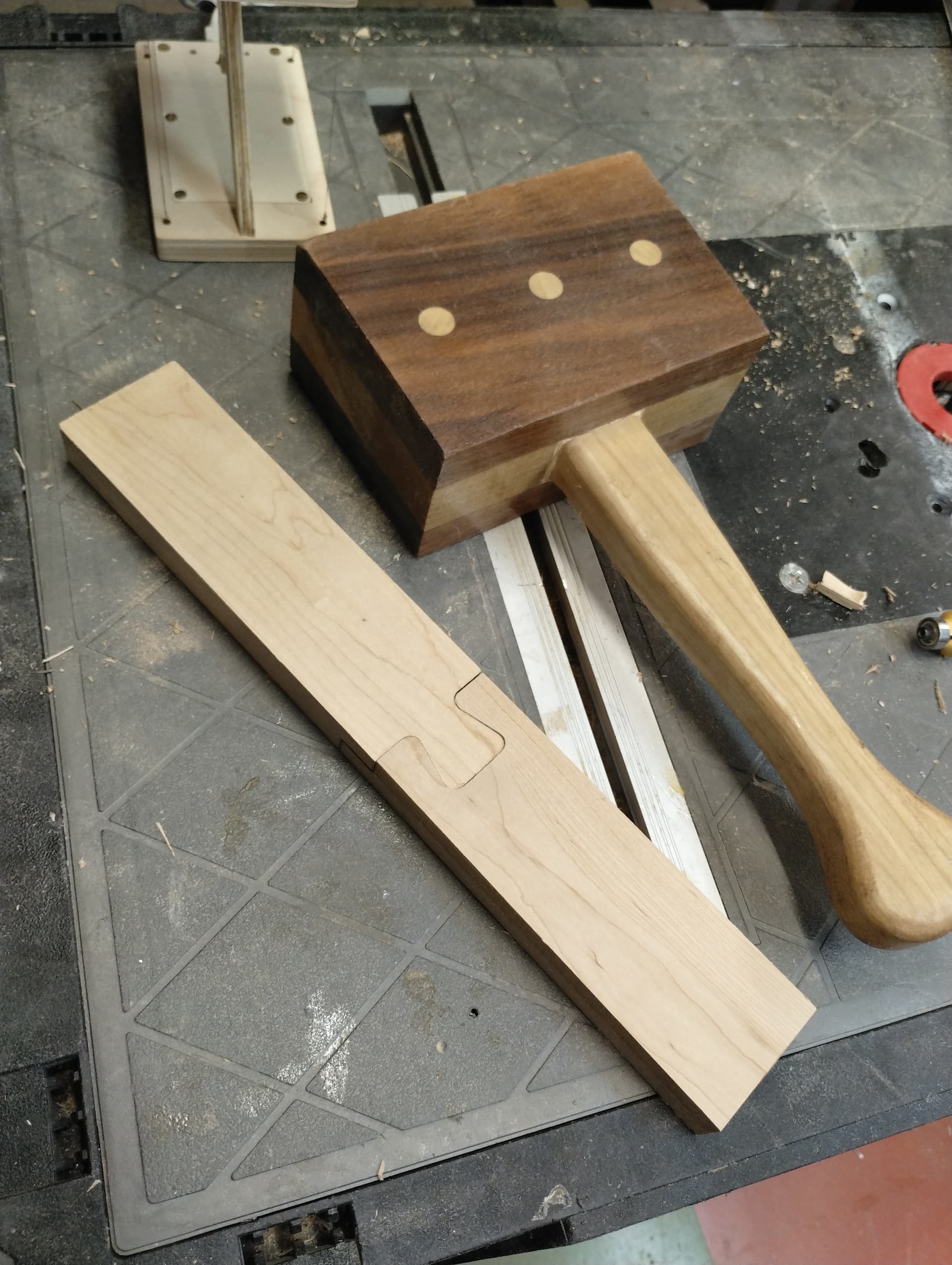
Result almost as expected. In the 3rd image there is still a gap what is functionally -the joint is sturdy without any glue- acceptable, but for fine furniture a no go.
It might be a flaw of the design I used from Winterdienst’s website (Michael Winter), so I will re-invent it, and we will see.
The setting defining the pocket as Rest Machining obviously is available in the CC Pro, I saw that on my desktop laptop, on the shop laptop I just have the free CC, also updated to V8.12, and the free one does not offer that setup, therefore the alternating cutting direction for pockets probably is available in the Pro version. However it -the Rest Machining- only gets the alternating directions in long narrow cuts, with larger areas it indeed cuts the rest, assuming, some was cut already, so that setting does not cut the whole area.