Weird "ghost" toolpath

So, I’m doing these little mini-signs for our dropbox at the beginning of our driveway that we have in place so the delivery drivers don’t have to be harassed by our Boxers.

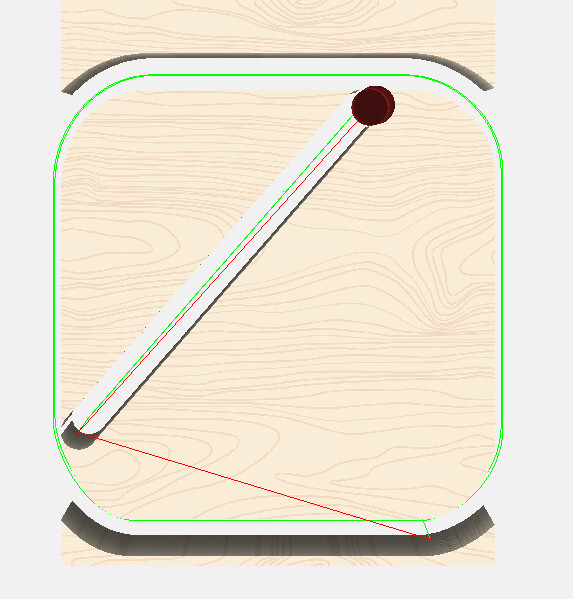
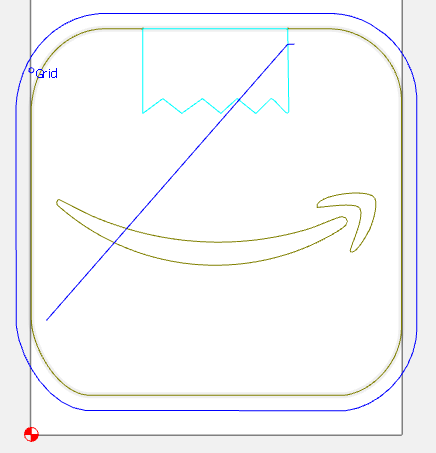
Below is the file for the Amazon one. For whatever reason CC (or more likely my incompetence) has decided that a big ol’ diagonal would be an appropriate addition to an otherwise basic contour path, which, btw, does not show up in the design (at least that I can see).

Thoughts?
Amazon.c2d (76 KB)

Very unattractive!

1 Like

LOL! I was replying “what file?”, when it magically appeared!

HA! I did the original post on my phone, saved it, then pulled the file off my computer.

1 Like

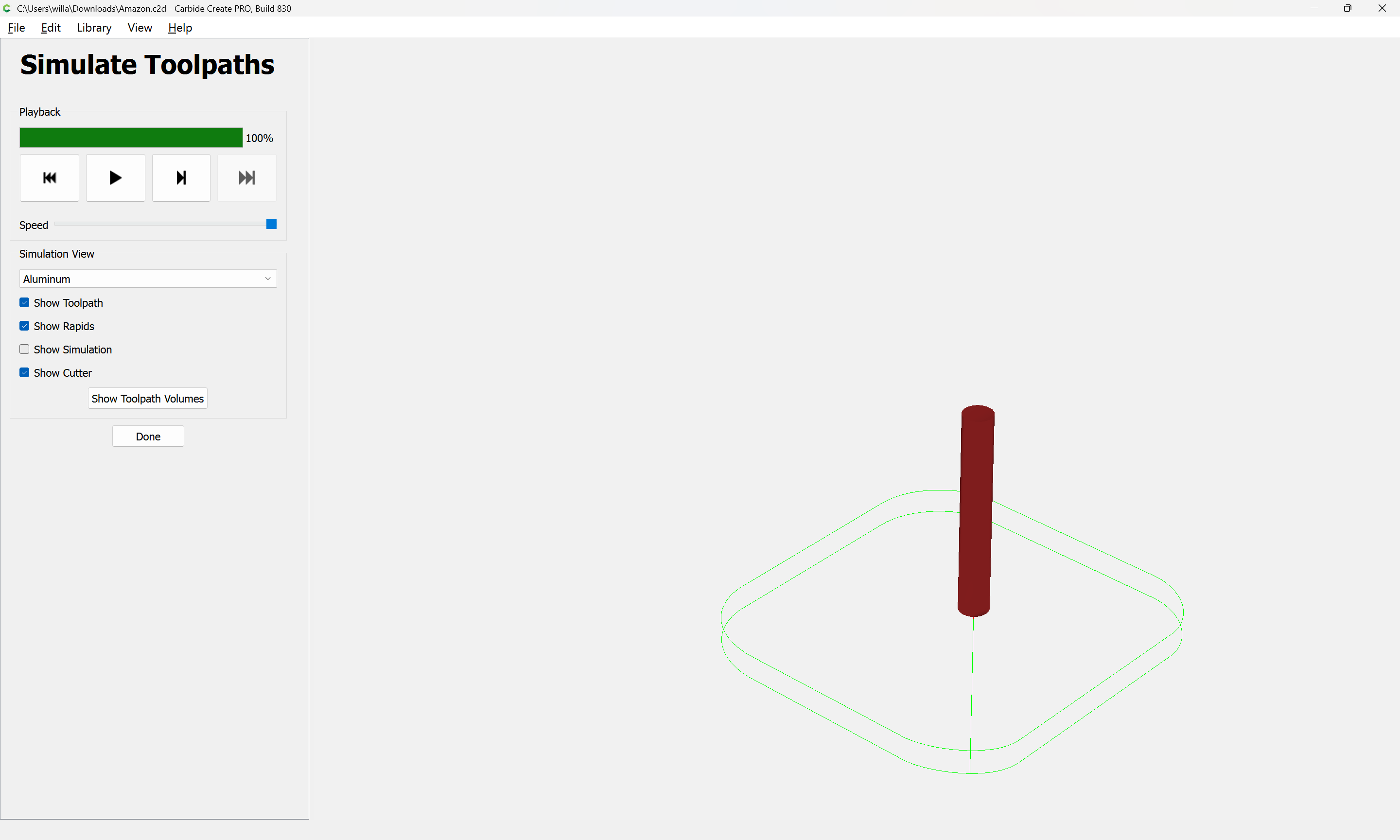
Not seeing that in the current beta:

The Starting Depth seems a bit extreme — I’d suggest offsetting and cutting as a pocket down to tab height.

Still doesn’t solve it (plus…Extreme is my middle name, especially with HDU). :sunglasses:

Just seemed to be a weird quirk. Probably the easiest thing is to start over fresh, but I love a good puzzle.

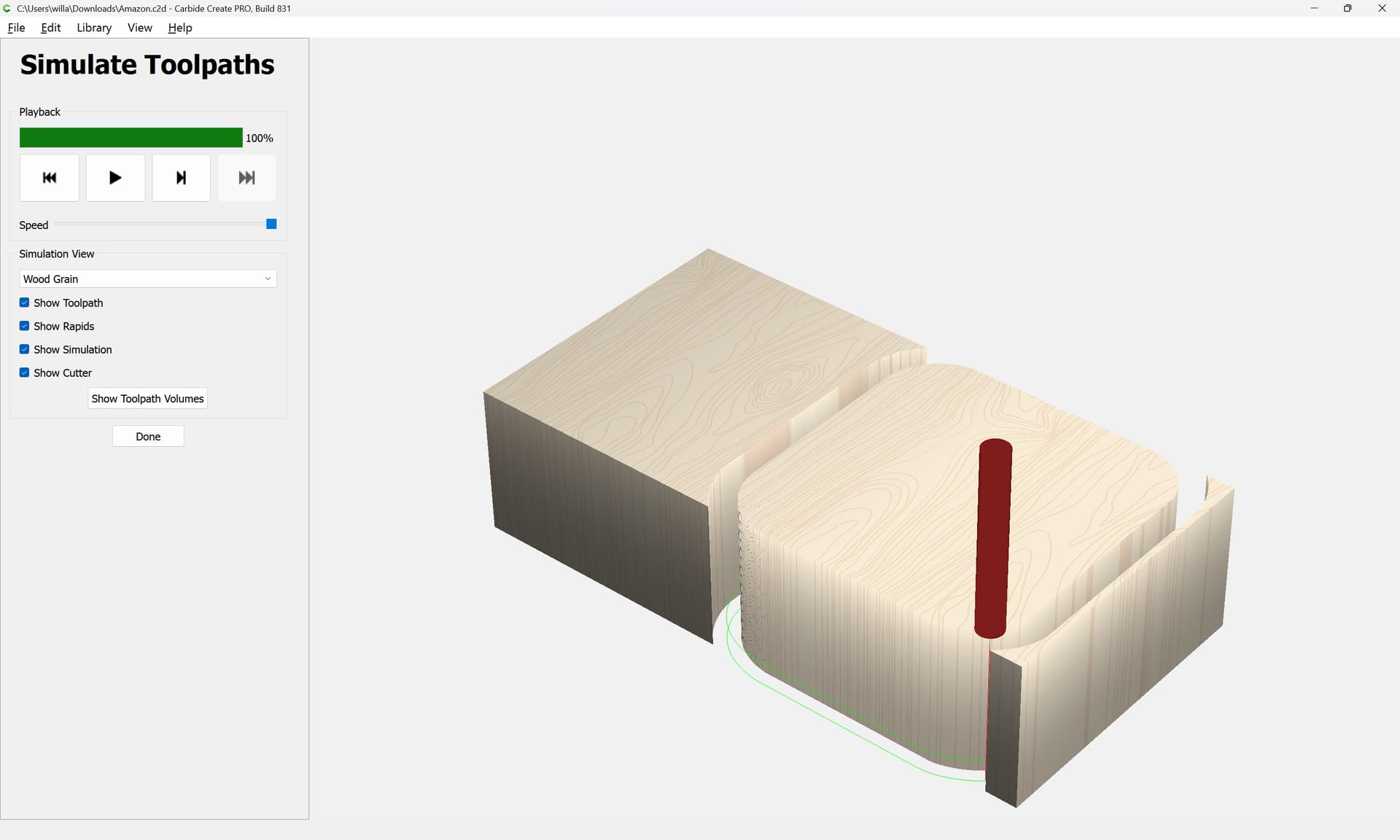
I do not get the extraneous toolpath when I open your file and preview in 3D in 831 on Windows:

1 Like

Guess it’s time to upgrade !

I don’t see the diagonal in CC Pro 815… I wouldn’t dare cutting 19-20 mm DOC on my S4 with a carbide router :rofl:

1 Like

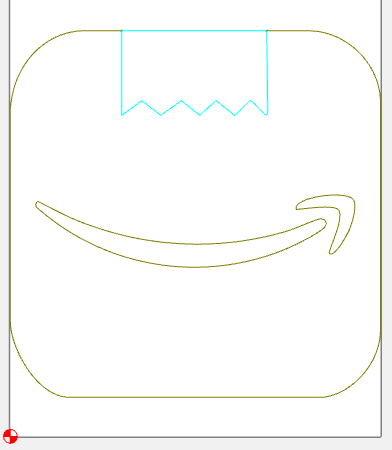
I’ve pushed my Pro5 to the max cutting HDU with the spindle. And still no adverse effects. HDU is pretty much like cutting, well, BUTTER (almost…a little more dusty).
2 Likes

Well…that’s ONE way to get me to upgrade. I upgraded to 831 and it is fine now…go figure! Today’s puzzle SOLVED. Thanks @WillAdams

3 Likes

This topic was automatically closed 30 days after the last reply. New replies are no longer allowed.