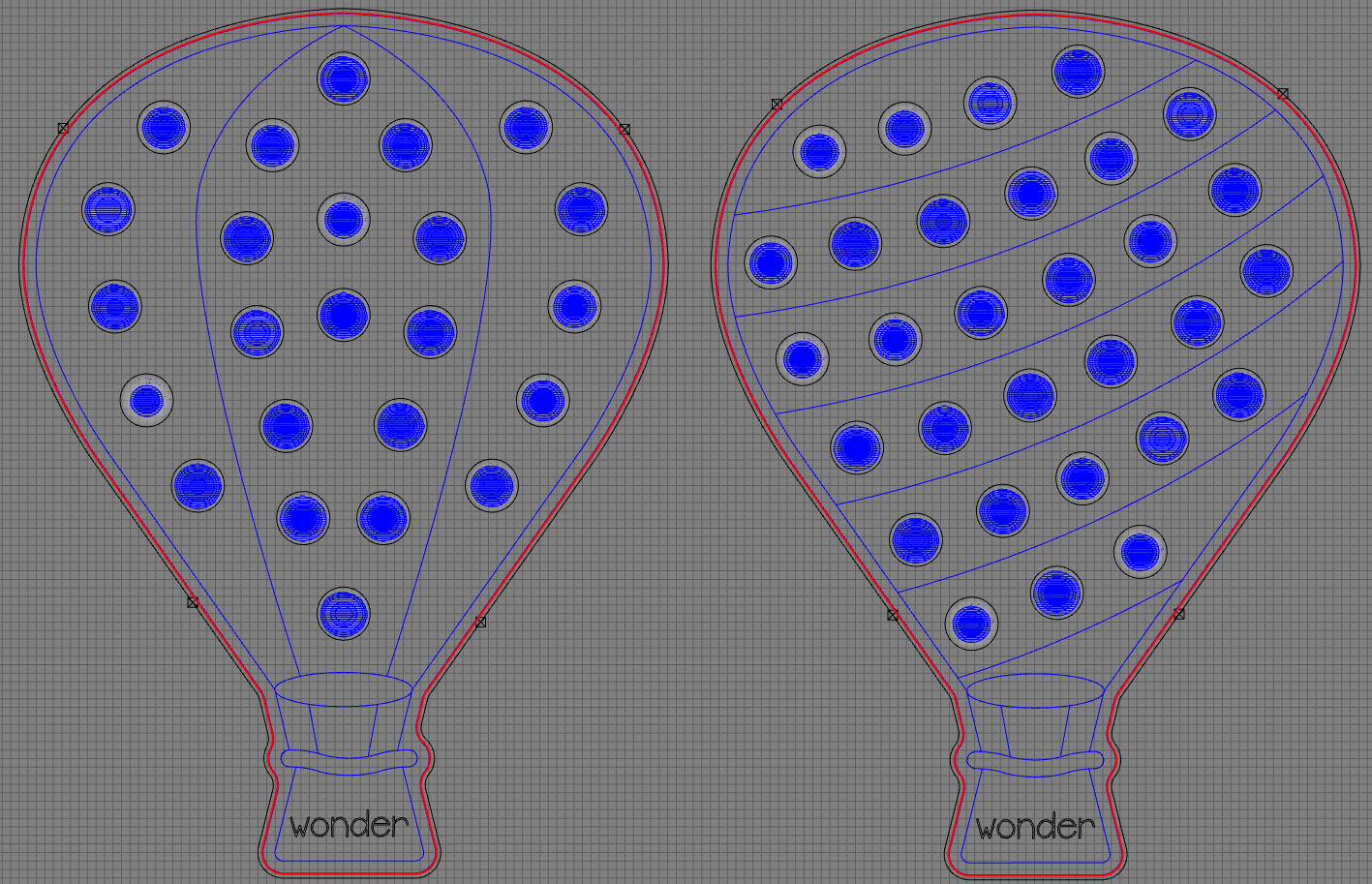
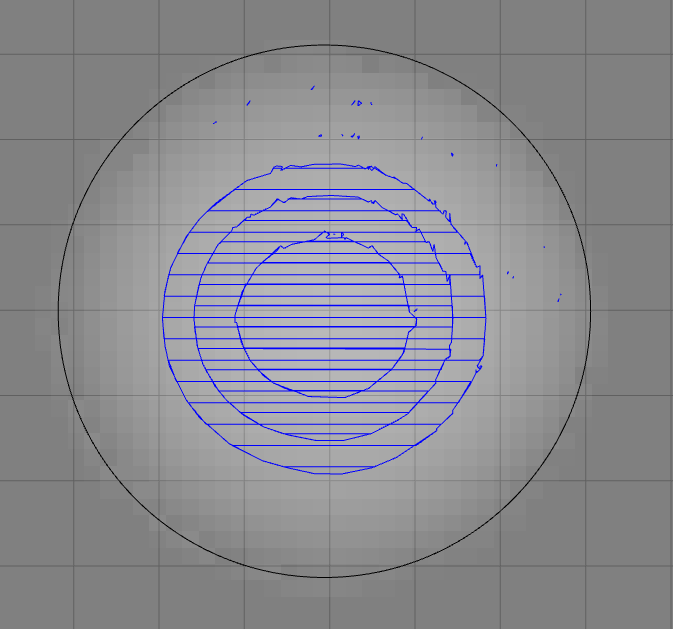
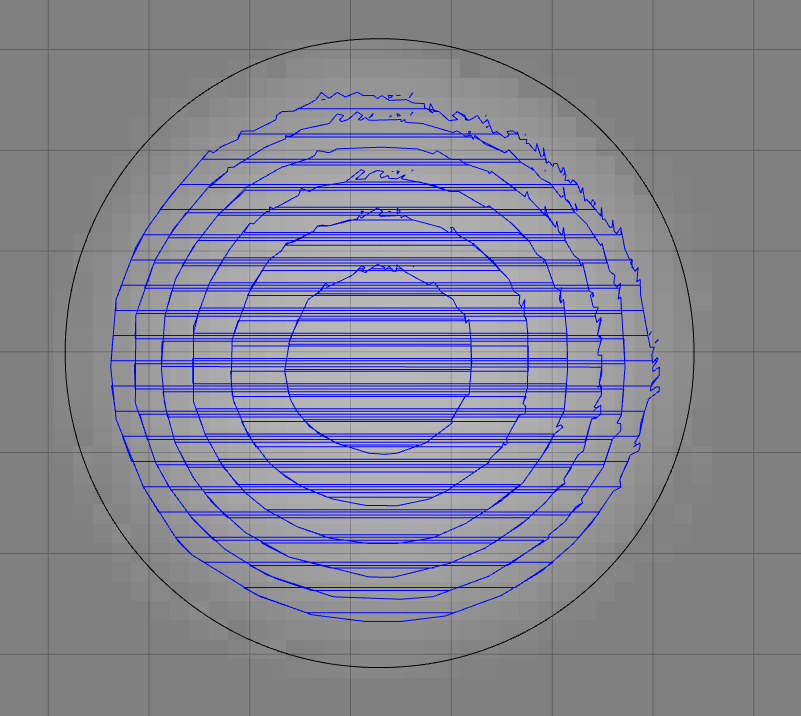
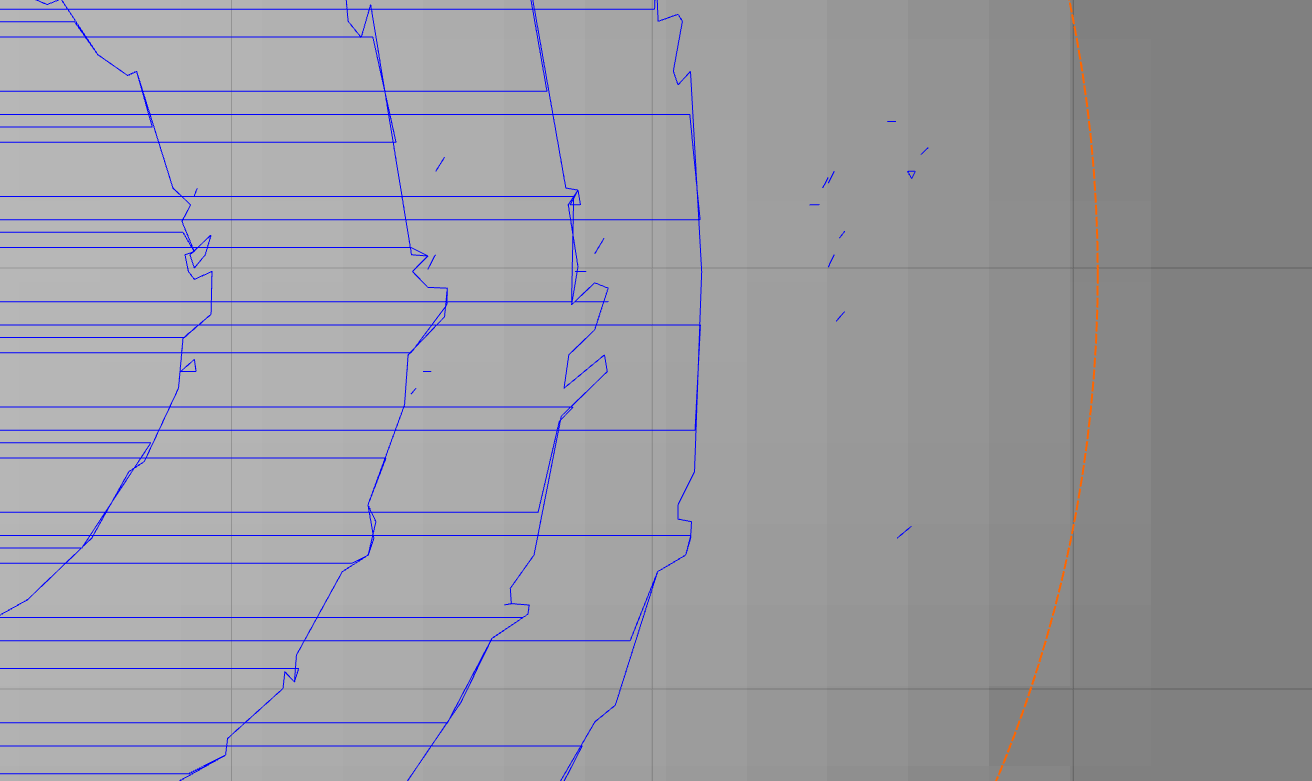
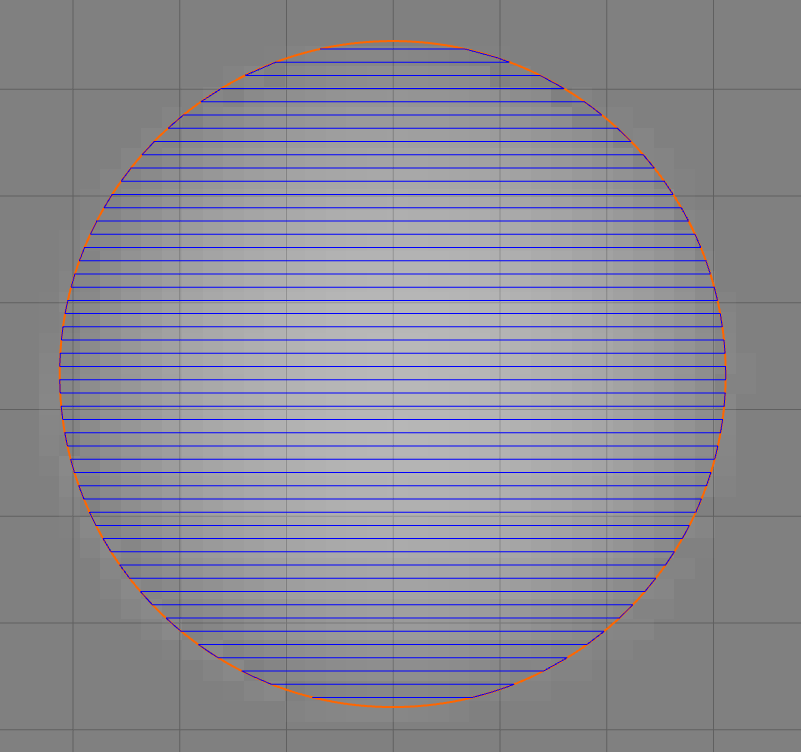
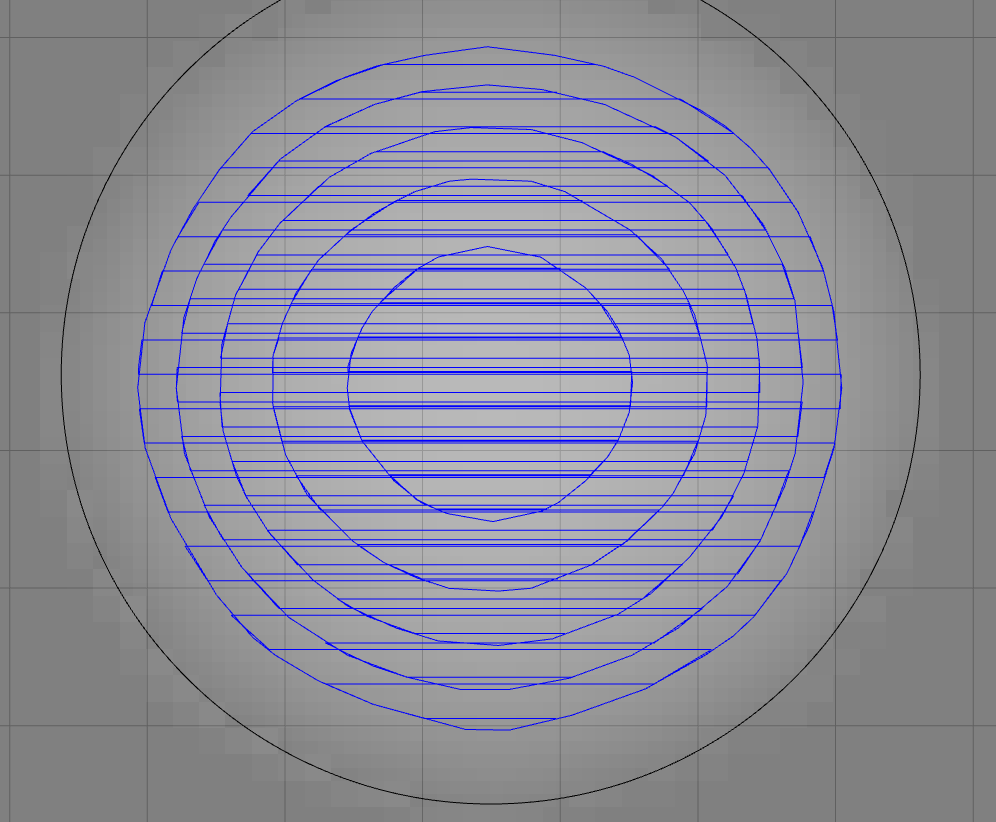
Basically, I need to make some round divots/dimples larger than I have a bowl cutting bit for so I plan on carving them out - pretty simple setup. I took the 3d modeling route in CC but I’m getting some really weird roughing tool paths - jagged and not filling the 2d shape in some places. What’s the reason for the inconsistency in the roughing tool path? I’m afraid the machine might just go haywire when I’m actually cutting it out and cut into places it should be based on some of the stray tool path calculations.
I raised the Stock to Leave to 0.04" from the default ~0.197" and it still has artifacts. Not sure what else I can change.
Model resolution helped out a lot - was set at Standard. The model still has some wavy toolpaths but I assume there is more fine-tuned curves in the G-code however I’m not familiar enough to check that out. This seems like it’ll work out though as designed. Thanks
If you’d like to see if the GCode is less wavy than the simulation, you could export the GCode (since CC Pro allows that), and then load it into ncviewer. You can zoom and pan around to look at the toolpaths.