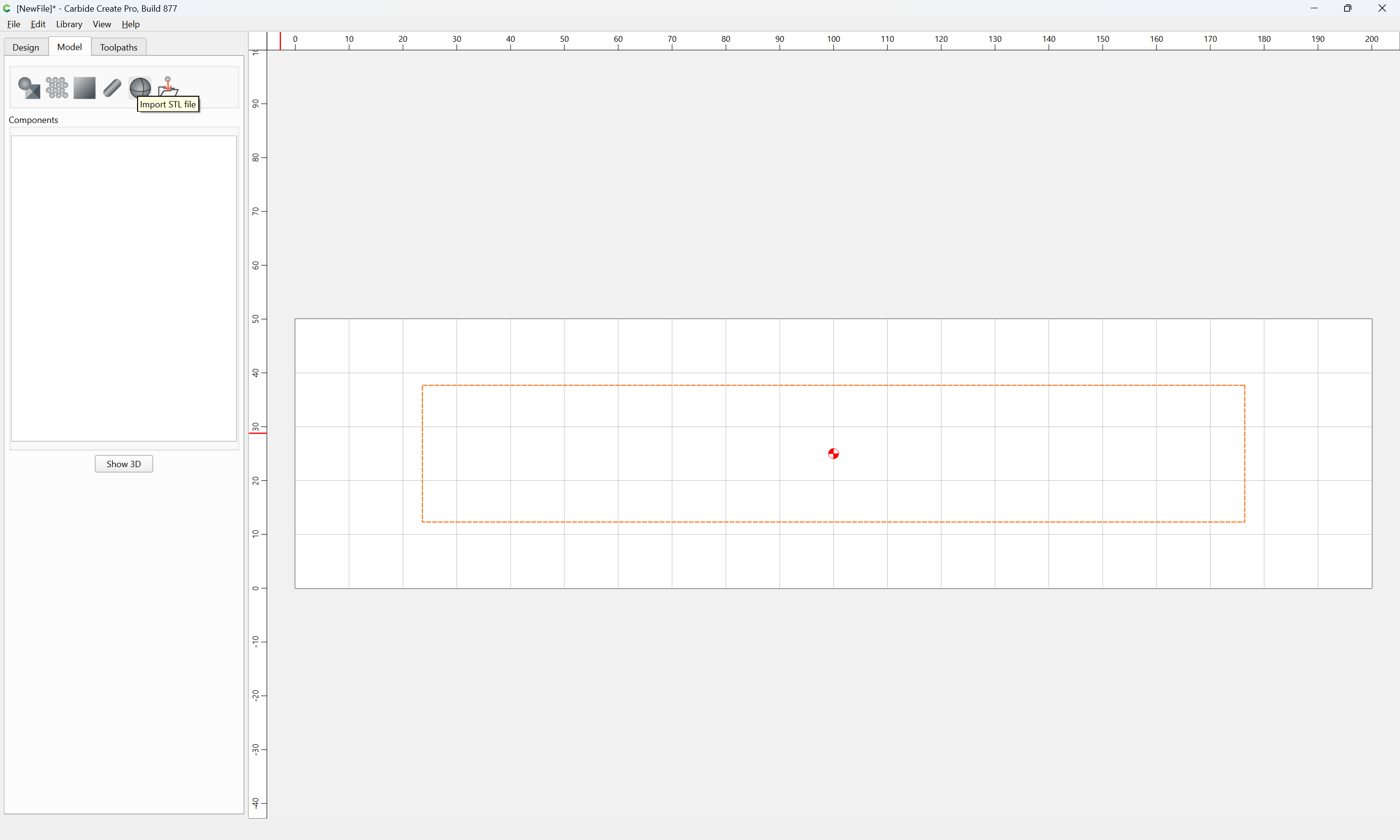
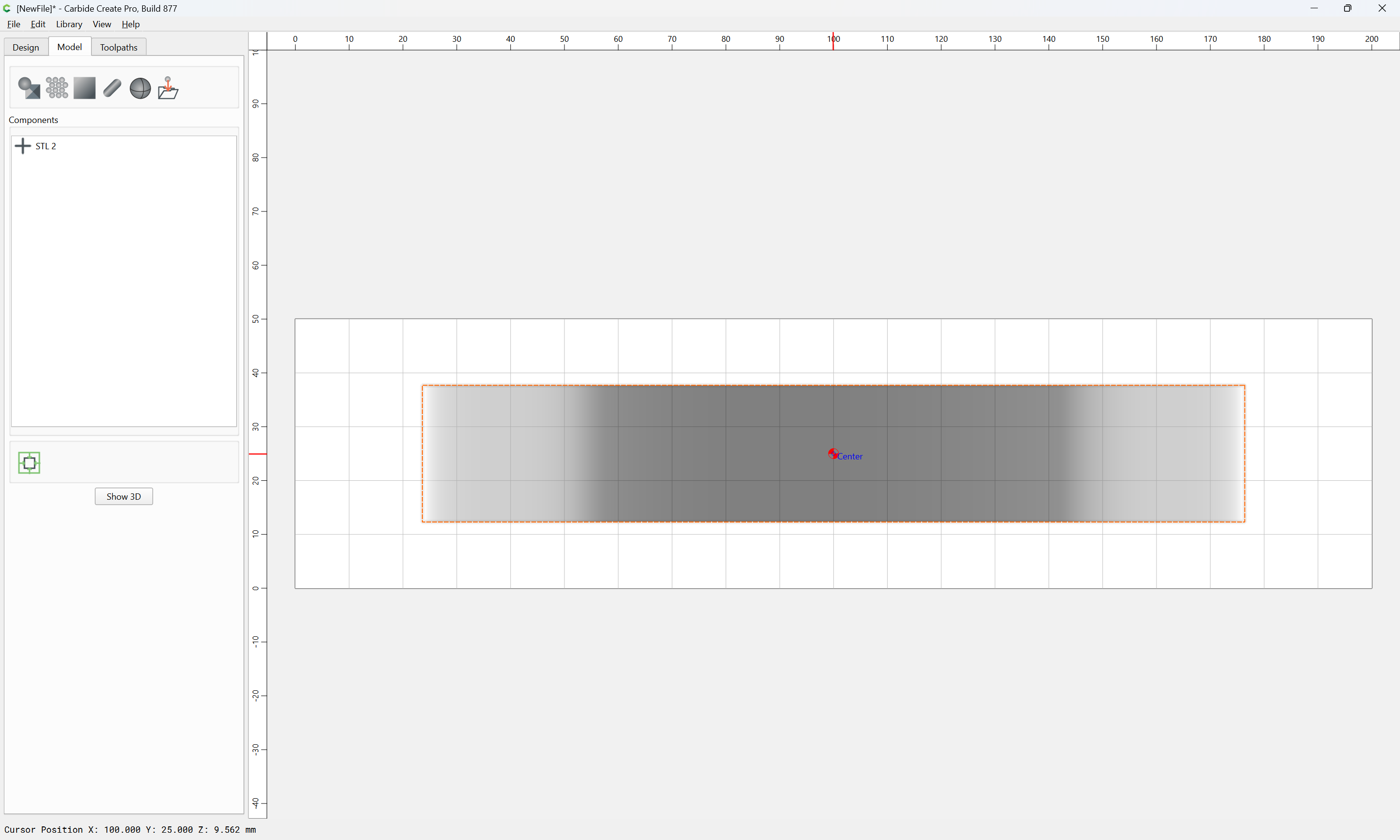
I’m a new CC user and the primary reason I bought CC is because it handles the reading of STL files, and subsequent toolpath generation, in a reasonably straightforward manner. However…
CC doesn’t provide any information about the actual or native X, Y and Z sizes found in the STL file. In my case, I’m importing an STL file for a mandolin top that I obtained from a vendor. Unfortunately, the vendor didn’t provide any specifications in a README file, etc, so I have to get the sizes by reading the STL file.
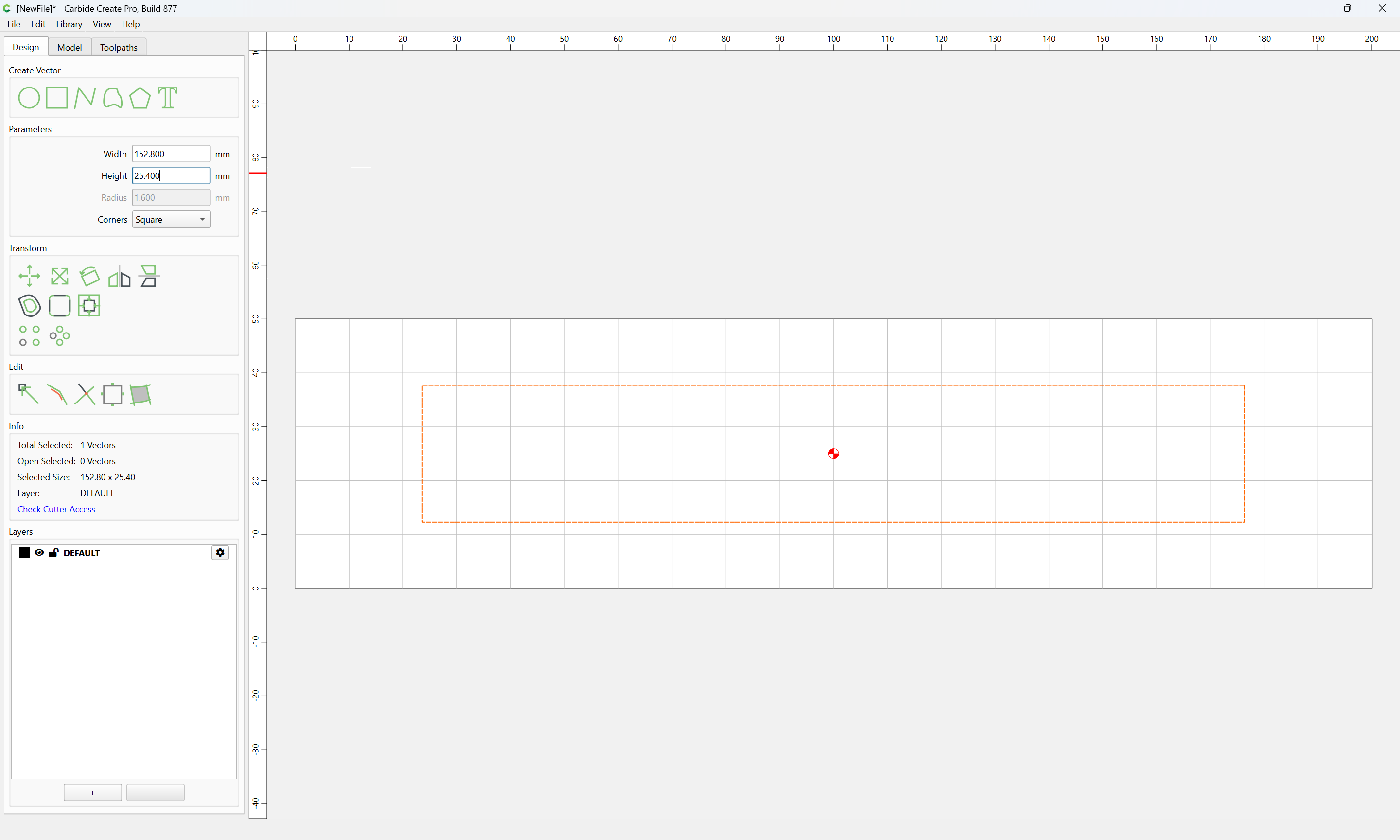
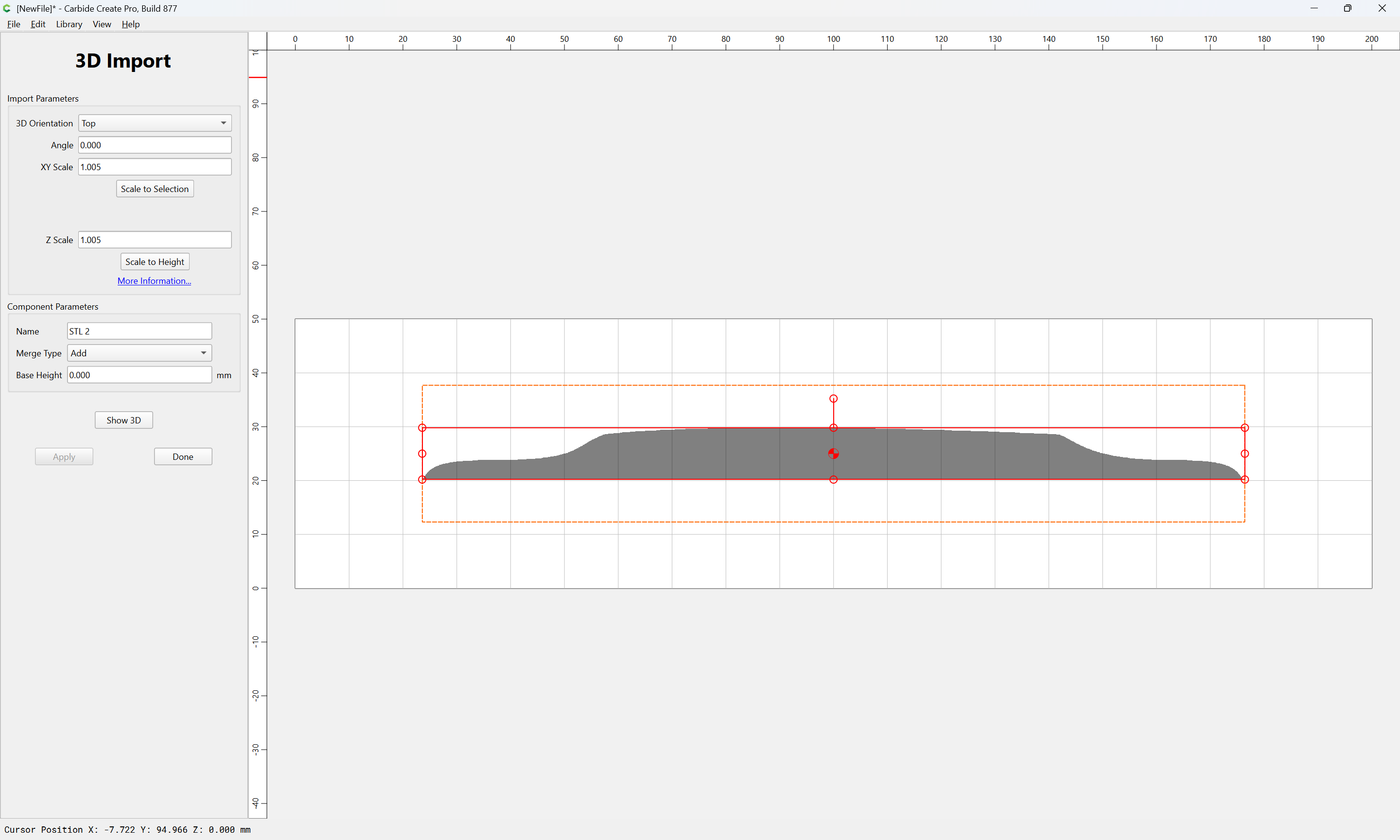
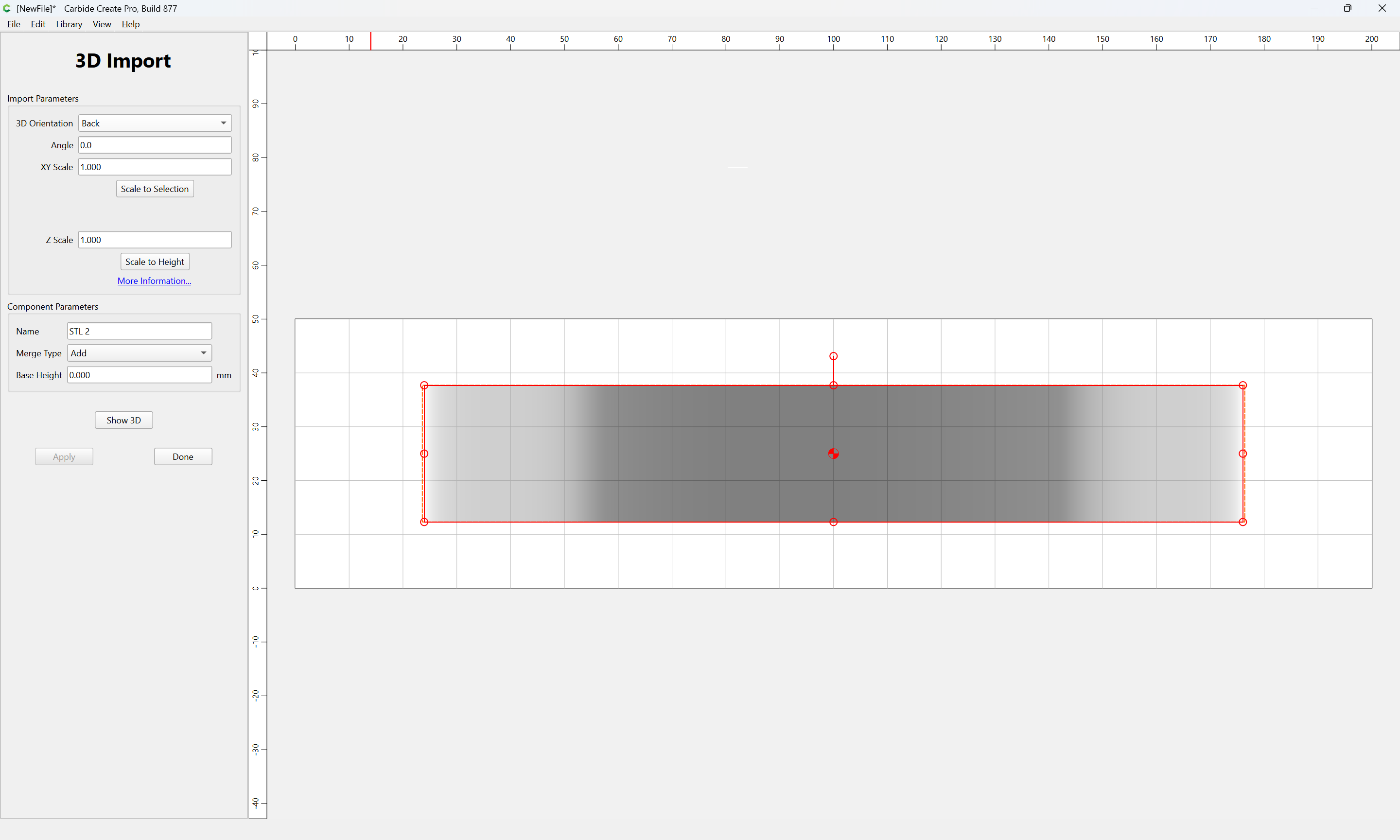
Since CC doesn’t provide any size info, I have to guess a size for the design, import the STL file and then provide scale factors of 1. If the size I guessed is too small, the design (mandolin top) is truncated on left/right and/or lower/upper. I have to increase thedesign size and try again.
It would be far easier if CC could read the STL file, report the sizes and then give me some way to set the size of the design appropriately… plus, maybe, some extra room around the perimeter to account for clamps, etc.
Or, maybe there’s a better way to tackle this problem? I did see some other topics that covered this issue and even had similar requests but these topics have been closed. I’d provide a link to the topics but I’m not sure how to do this with this forum software. (I’d be happy to get some schooling from expert users.)
To get a link from other topics, open the topic in question, scroll to the top if not already there, then at bottom of the the first post, look for the ‘link’ icon:
Hit that, then switch to the post you are creating, and hit ‘Paste’ to get the link into your post.
The forum software will automatically provide a preview of the link when you post your topic.
For example, here’s a link to this topic!
You can actually link to any post in a topic, each post has its own ‘Link’ icon.