hello all, I’m wrapping up my Shapeoko 3xxl build, and I’m getting ready top install a monitor arm on it. Where are you all putting your PCs? To the left where 0/0/0 is? or to the right to more naturally line up with mouse movement on the PC? Any tips or ideas appreciated!
I think for a right-handed person, on the right is a bit more natural, results in less wasted motion — that’s where mine is on a monitor arm.
Do you notice any issues when setting zeros in terms of work flow? Currently I’m still setting with paper, hoping to get a sensor soon.
For setting zeros, I use a miniature BlueTooth keyboard. Once CM is on the ‘Jog’ page, I can move the machine as much as I need to without needing to be at the computer.
This is the one I use, be warned though at the time it was difficult to pair it. Once I got it working, it has been no trouble.
https://www.amazon.ca/dp/B08LZF253L
1 Like
These days I mostly use:
1 Like
I have an SO3 XXL. It sits on a table with a torsion box on top of the table and then the SO3 with the leveling feet removed. I have about 10" in front of my SO3 where I can put things like calipers, flashlight, tray with bits etc. I have a folding table that I put my laptop on at the left corner of the machine. The USB cable is there and I have a magnetic power switch on the left corner to shut down in an emergency. This works well for me. Personally I dont use the lower left corner to zero X and Y I almost always use center of project. Additionally I almost always use bottom of material to zero Z.
Being right handed having the computer table and laptop on the left lets me sit my an office chair and control almost everything I need to setup.
This will be subjective to your setup and available space.
I agree with Will that right side makes more sense for a right-handed person. Mine’s on the left & I do frequently have to reach across my body or step to the left to access it.
I do have a programmable external keyboard (One Handed Macro Keyboard Mechanical, 12 Keys Programmable Keypad Gaming Keyboard, Multifunctional USB Macro Keypad with RGB LED & Mechanical Red Switch (Black) : Amazon.ca: Electronics) that makes zeroing & jogging much easier.
But I also have my heater, dust collection, compressors & control board on the right, so the laptop on that side would get frequently moved out of the way. But I also have very limited space in a small one car garage. Probably not ideal, but it works & I’m OK with it.
Best advice would be to go stand out there & imagine yourself setting up a job, jogging the machine, setting your zeroes, and running the job & get a feel for where you want everything.
1 Like
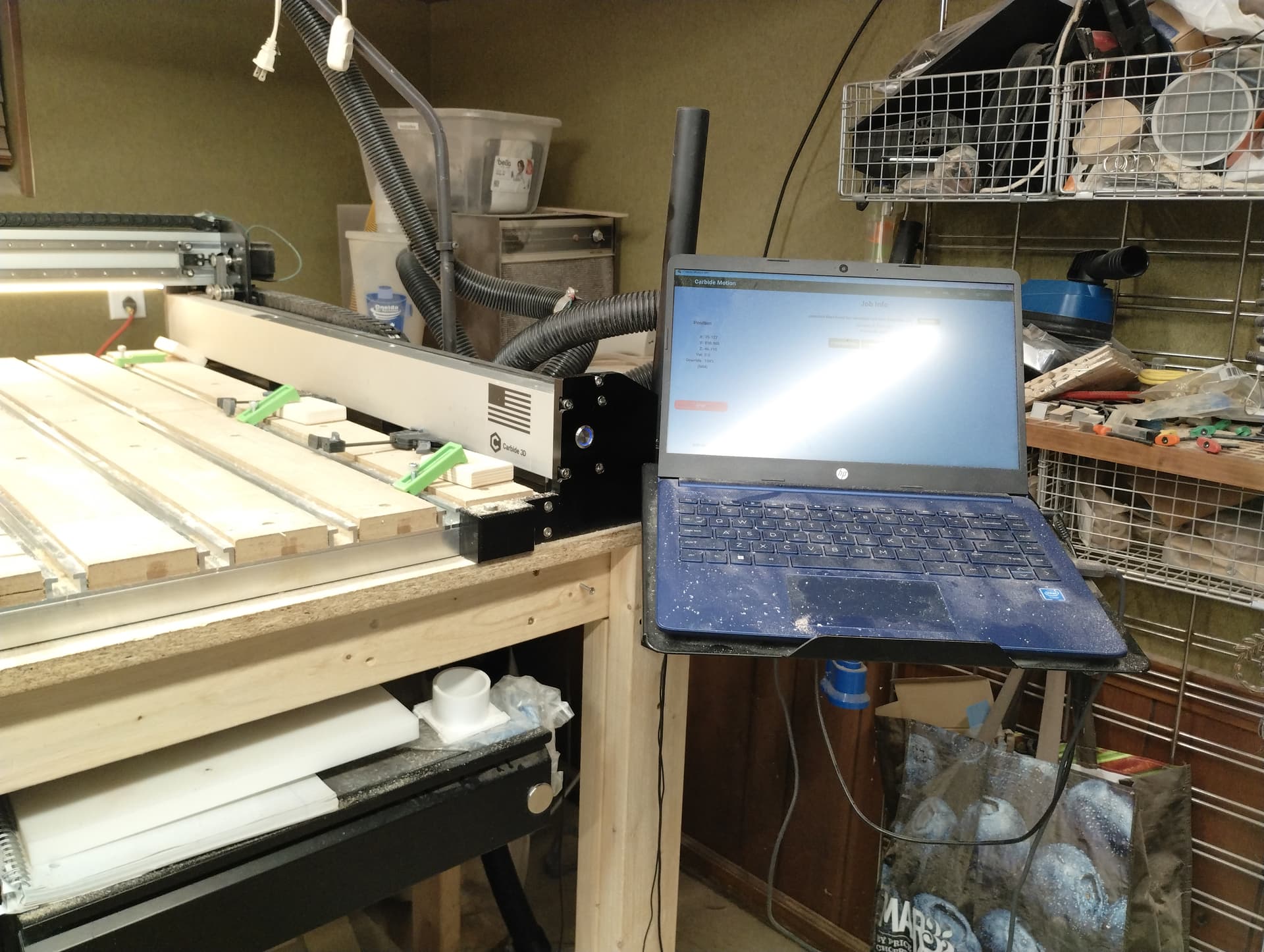
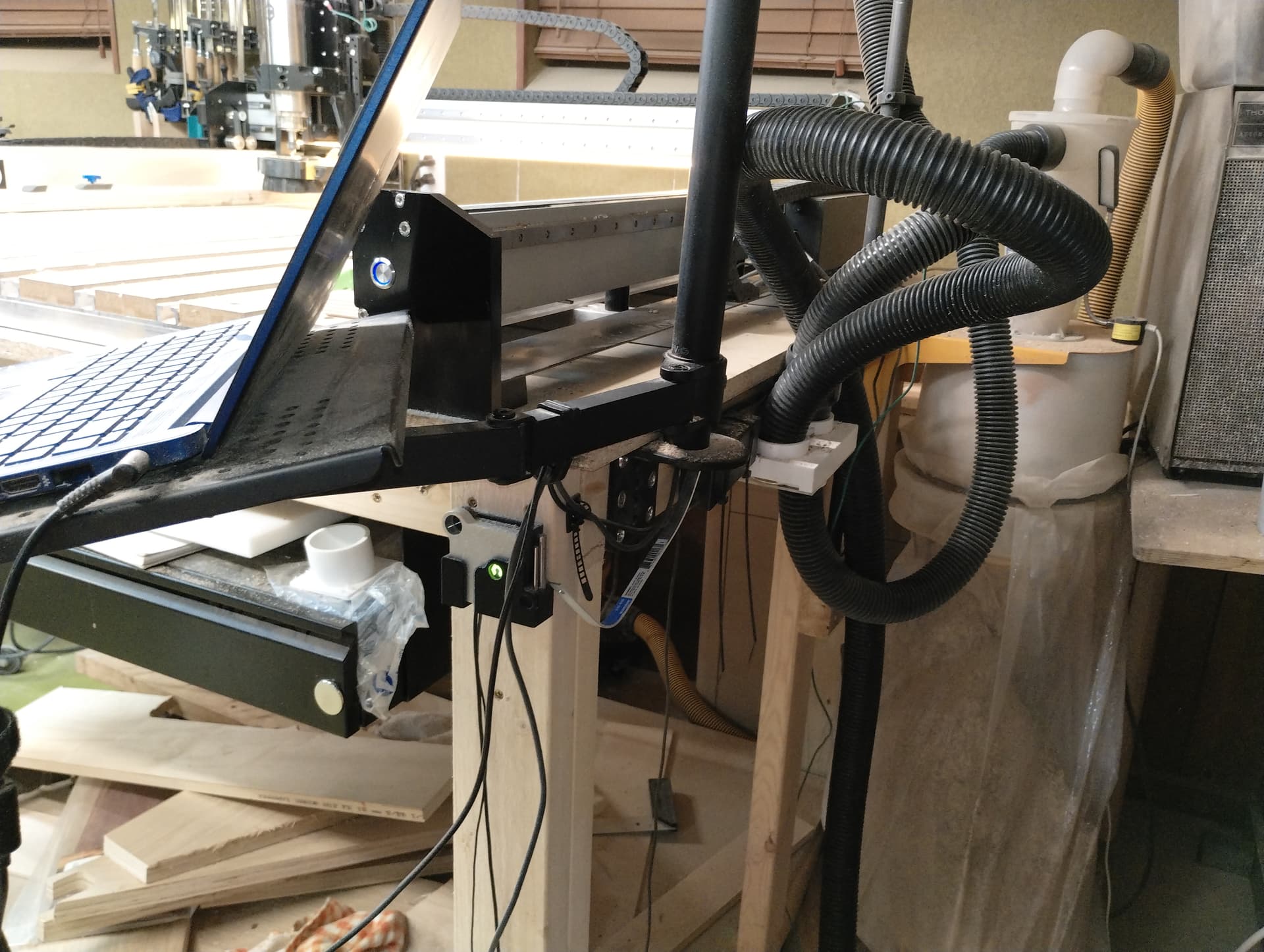
Ouch. That is a lot of dust on that poor laptop 
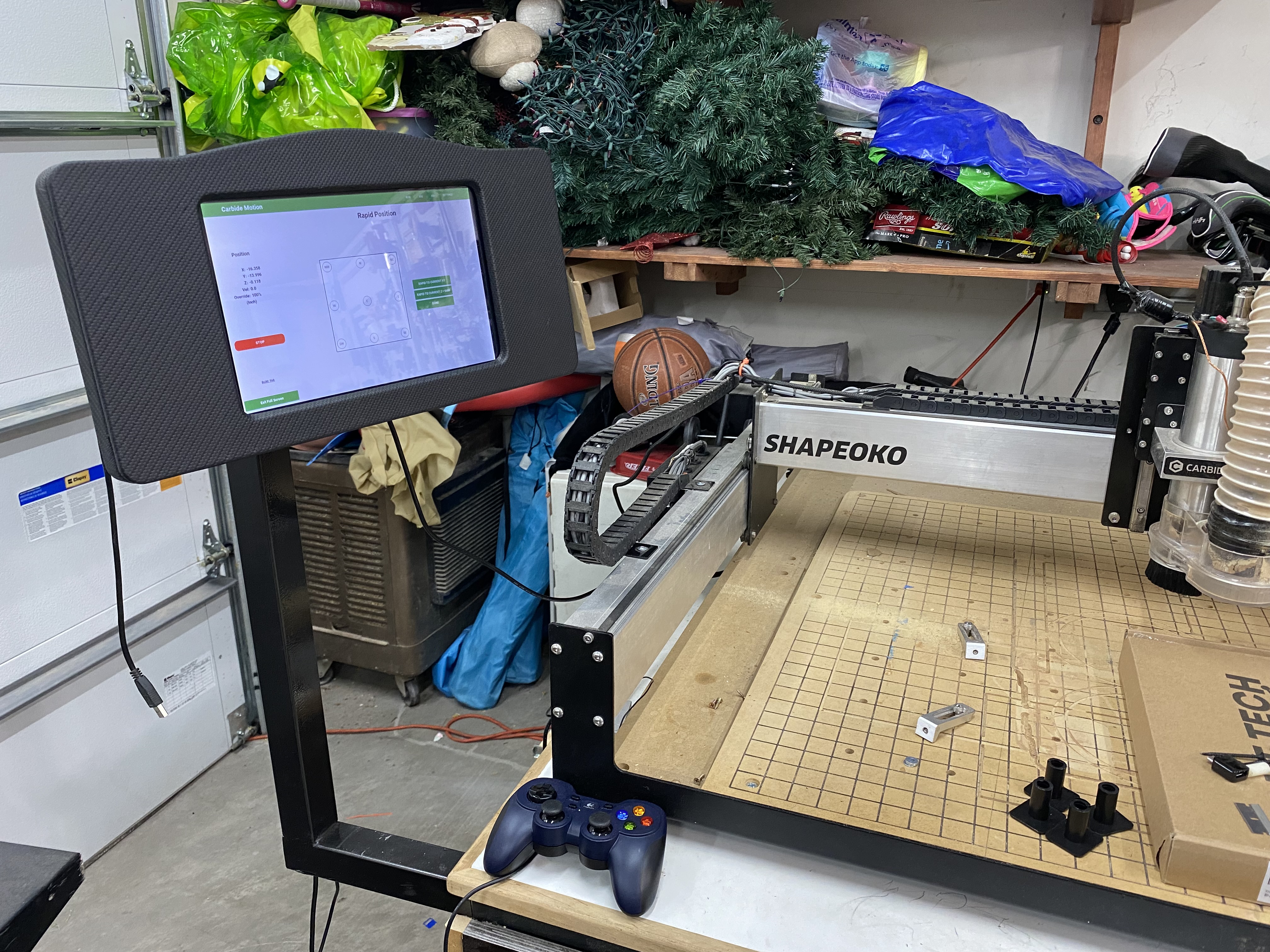
I personally prefer a fan less machine built in under the machine where it is nice and clean. With a monitor mounted above. ( hanging from the ceiling in my case, I stand at my machine or use a higher stool so it works great for me) I use one of those mini keyboards for $10, A cheap $10 mouse and a Logitech Gamepad F310 $20 as a pendant. If something gets ruined by the dust, it is a cheap replacement, the computer stays well protected.
I am right handed, I have a small self just under the right side of the machine where I operate the mouse from. I just reach in. It is fairly dust free under there. The dust and chips would have to do a 180 to get under there.
It is also where I stow the mini keyboard and game controller. I rarely use the keyboard ,it just sits under there incase I need it.
I have a bit zero, that also sits on the right side but I have trust issues with it ( it is me ) I love using the game controller as a pendant and use the paper method The pedant allows me to get nice and close to the work while still being able to control the jog.
I also extended a USB hub to under this corner so I require no access to the computer.
more details:
My machine sits back a bit ( 4") on the deck so I have room to layout the bits and wrenches that I am using on this job in front of it. My frame (plywood torsion box) is back “6 under the machine which leaves room for a self 6” deep and 4" down from the deck, covered shelf. The right side is where I work from. IE the mouse. The middle is the control switches, IE, power, lights, router, vacuum controls. The left side is where the bits and clamps are store.
Hope this helps, Happy carving
I have a laptop on my workbench counter to the right of my CNC. This makes most sense to me since at initialization the spindle lands there.
I whole heartedly agree with the mini Bluetooth keyboard. That with a BitZero are my two favorite accessories that I would hate to do without. This is the one I use and it works great. The Rii.
This topic was automatically closed 30 days after the last reply. New replies are no longer allowed.