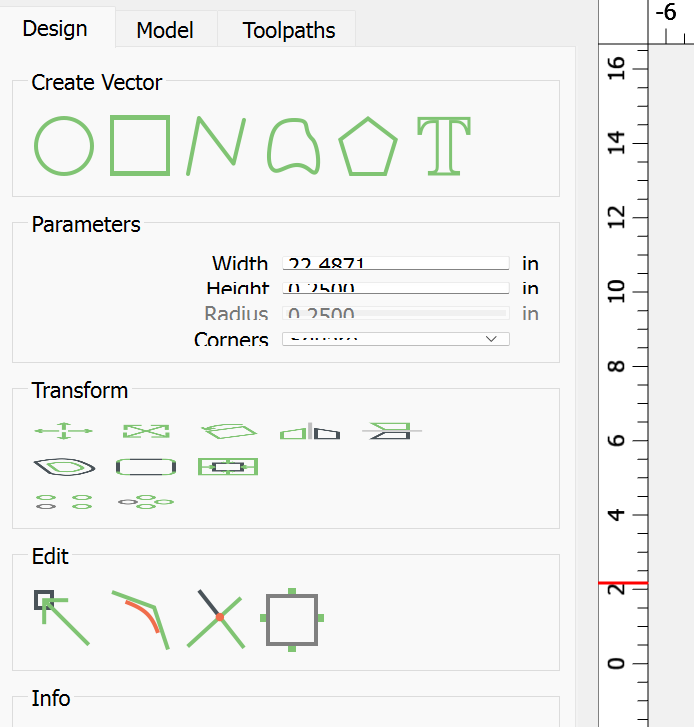
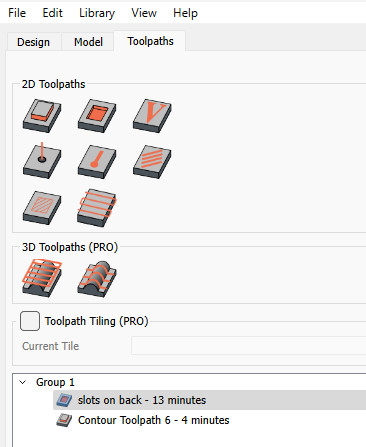
I keep getting some of the various parameter setting squeezed down to where they are hard to access/read. I’m using Win 11 on a 15" laptop but it does the same on my 17" laptop in the house.
The resoultion is set at 1920 x 1080. Sometimes to even get a “scroll” area in the parameter section, so I can get down to ok or cancel, I have to change from full screen to smaller and them back again to full screen for access.
This have been going on for a long time. Just getting very tiresome and would like to see if it can be reamended. Currently using CCPro 813, but this has been happing for a long way back.
No. Standard fonts for display, which uses an Intel HD graphic card. The interesting thing is that the display changes the size of these parameters simply by using the “full screen/not full screen” slection in the upper right corner of the window. Nothing else changes except to go out and come back to full screen and things “fix” themselves??
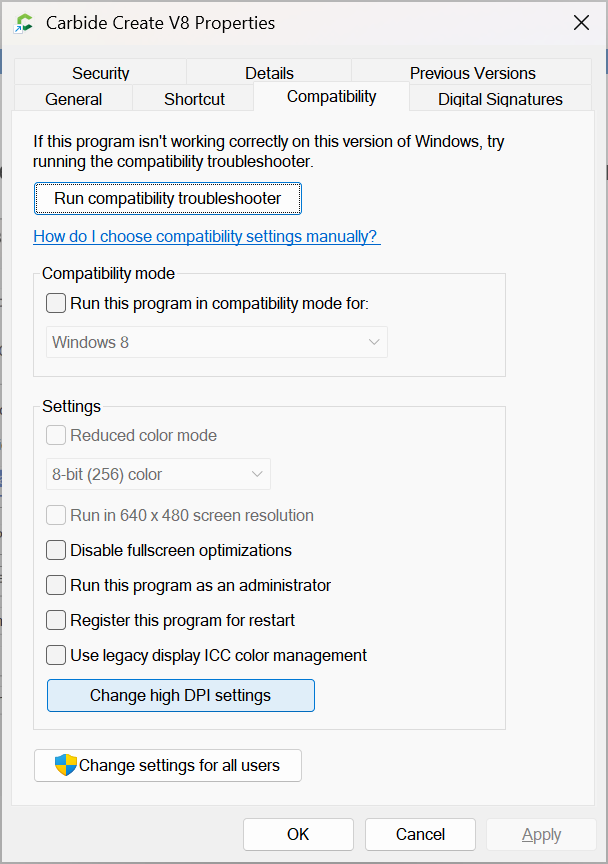
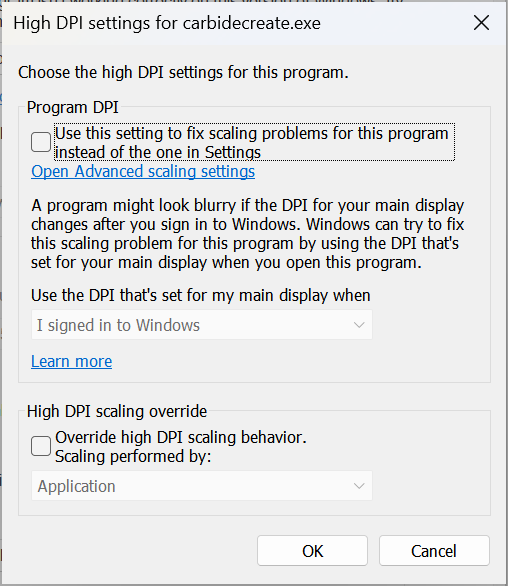
and make sure nothing is set there which overrides the Windows setting.
EDIT: Conversely, if that doesn’t work, experiment with the settings here and see if you can get a better result — if so, post about it here and make a note of it for the future.
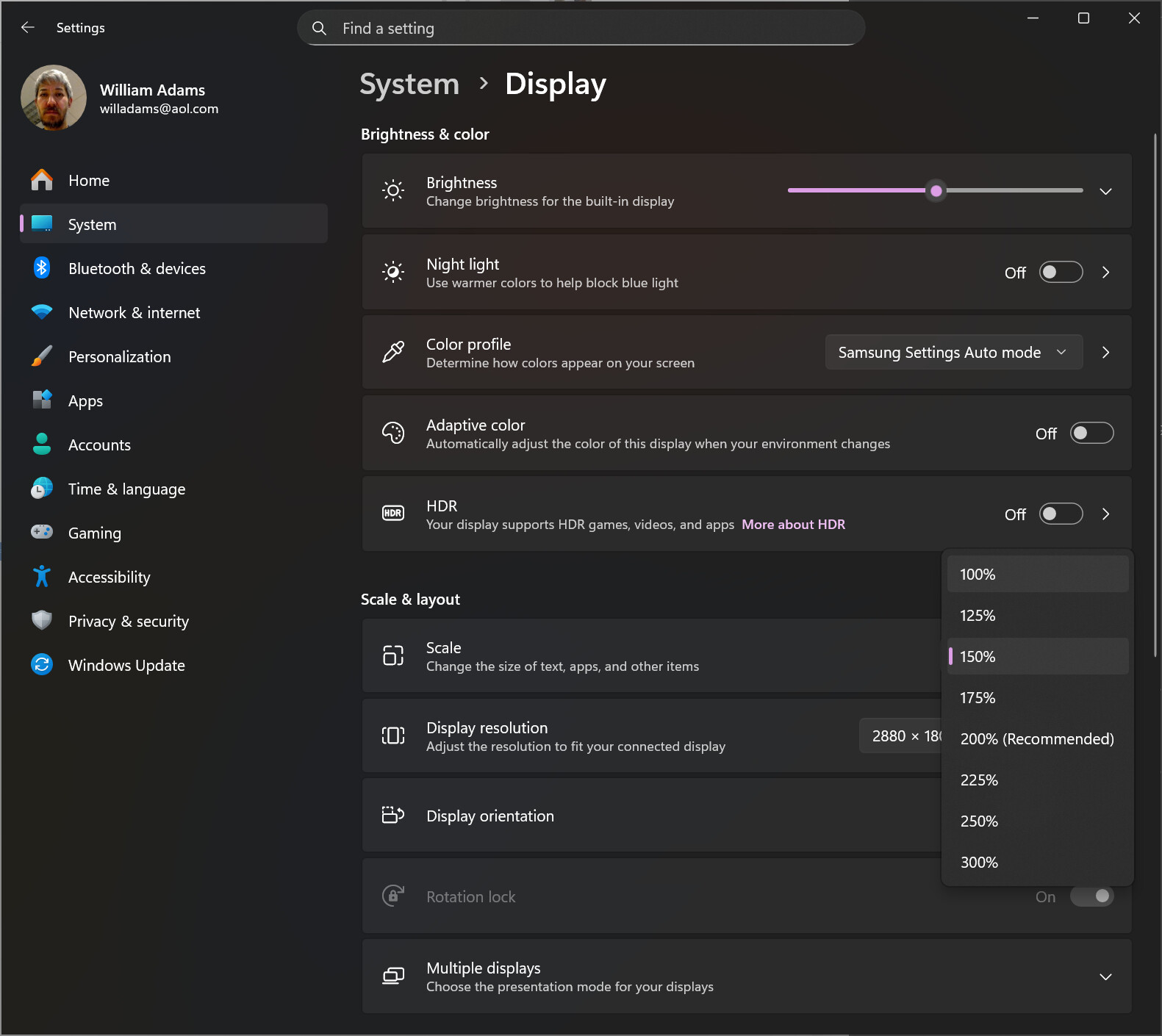
Well, we will see, if I can, what happens. My font size in system/display was set at 150% so I have now moved it back to 100%. Of course, now I may have to get a magnifying glass to read the screen, as it is about a 3-4pt. font size. Maybe it becomes just a trade off at some point.
I’ll let you know if the problem persists at this setting.
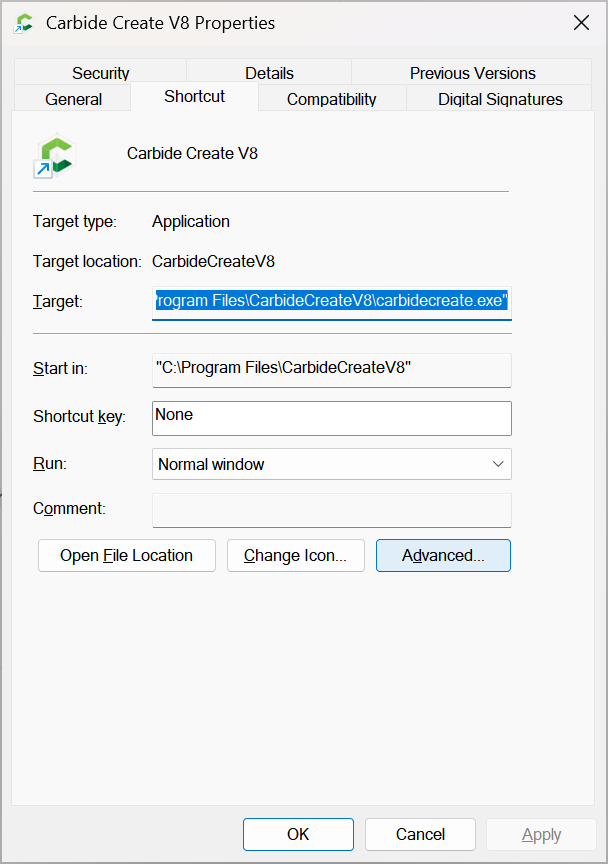
BTW, checked the properties from the icon/log and they are not checked for High DP{.
Like most things in life, it’s a tradeoff — my suggestion would be for a higher resolution and/or larger display (both if possible) — I posted screen grabs showing various settings for my Samsung Galaxy Book 3 Pro 360 at:
Appreciate the info. I am currently running at the 125% as a comprimize between size of display and not having to go back and forth as described above. Hopefully this may work for a while.
At least Christmas is coming and maybe Santa will bring a few larger displays.
I have the menu items so small I cannot read them at 15 feet on a 50 inch monitor. The next time I open the font on the menu is bigger. I did not change anything in my settings. Randomly it is good and randomly it is so small I cannot read the menu items. This is in CC. I seem to never have it happen in CM. The mysteries of life.
I did change my font scaling to 125% and while very small I can still somewhat read it when I am at the cnc and looking back at my computer screen. Not sure why this is the only program I have that does this change of display when going back and forth between full screen.
I now, have to change the font scale when I use CCPro and then change it back when I leave the program so that I can see the rest of the programs on my computer.
It may be associated with a “scrolling” code area in the program, as it seems that as an example, when specifically in the edit path window the scroll bar is not present unless you change from full window screen to partical and back…nothing else changes, but then the scroll bar will show up so that you cn get down to the ON or CANCLE.