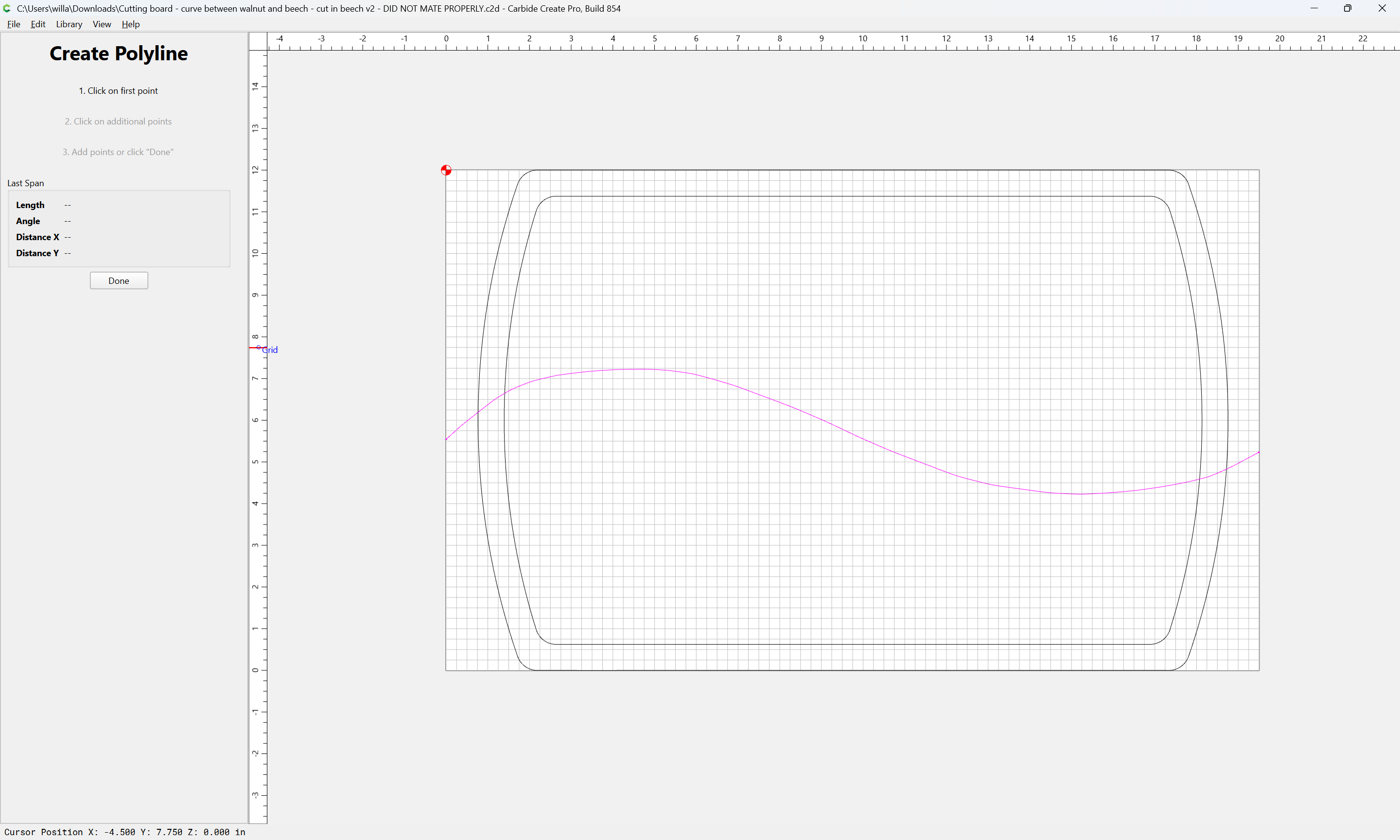
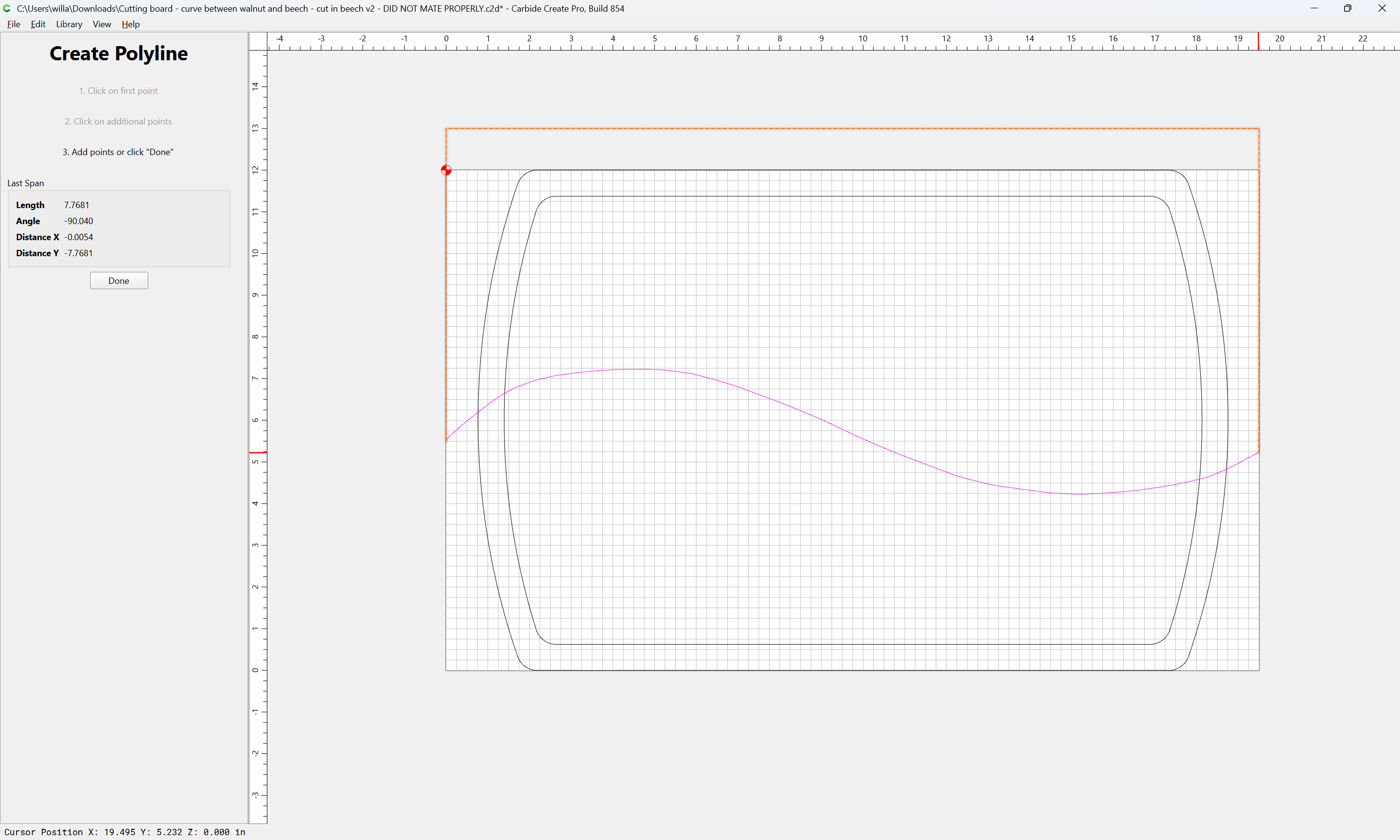
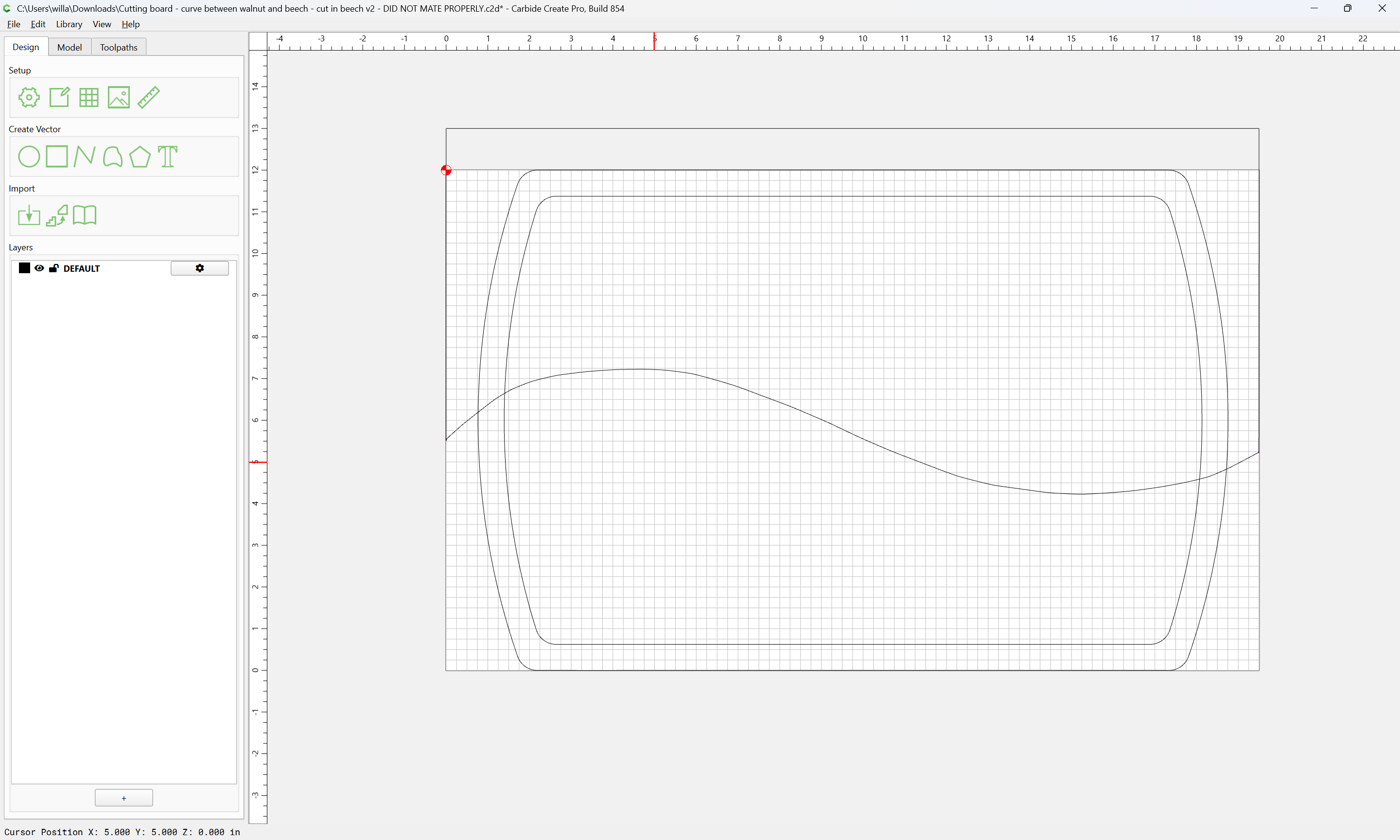
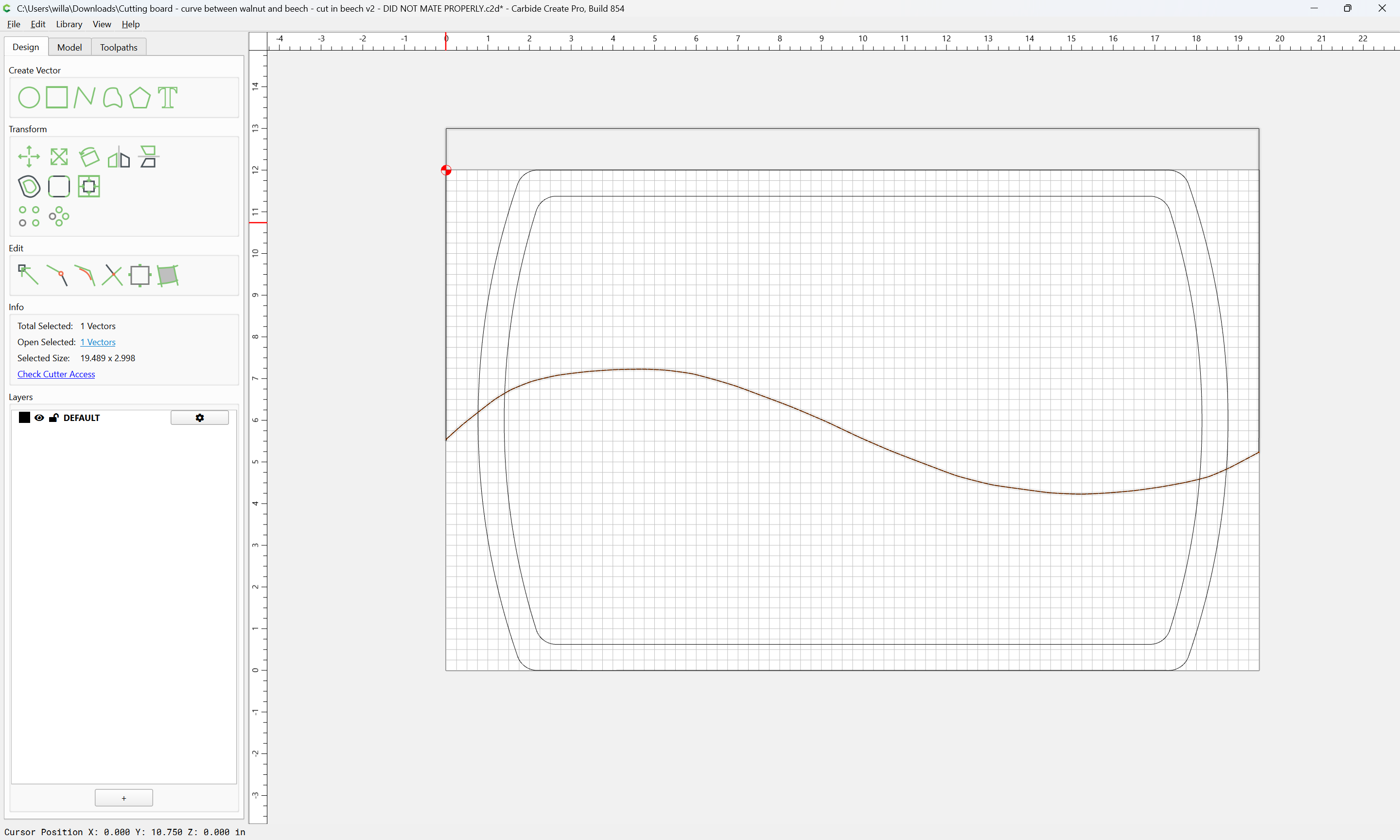
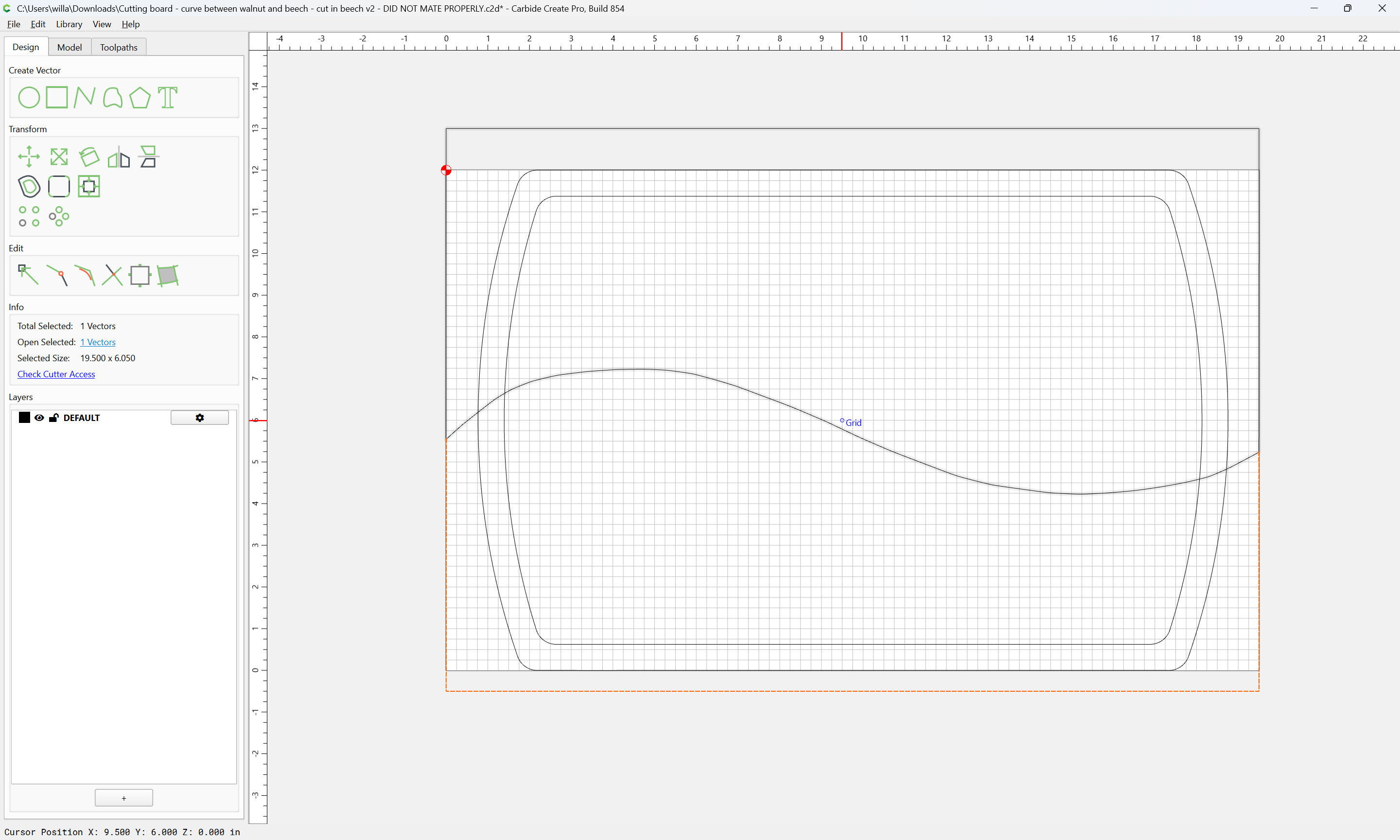
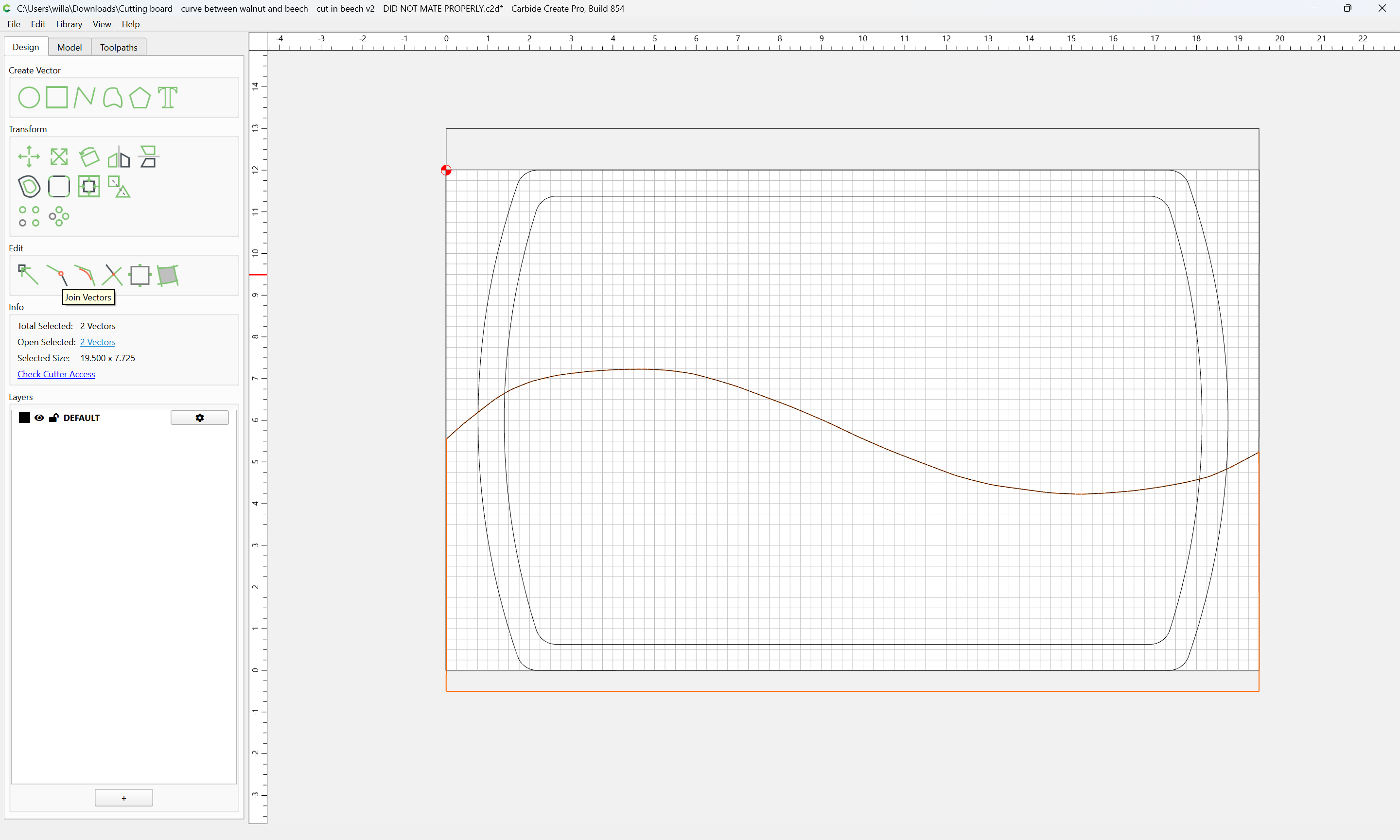
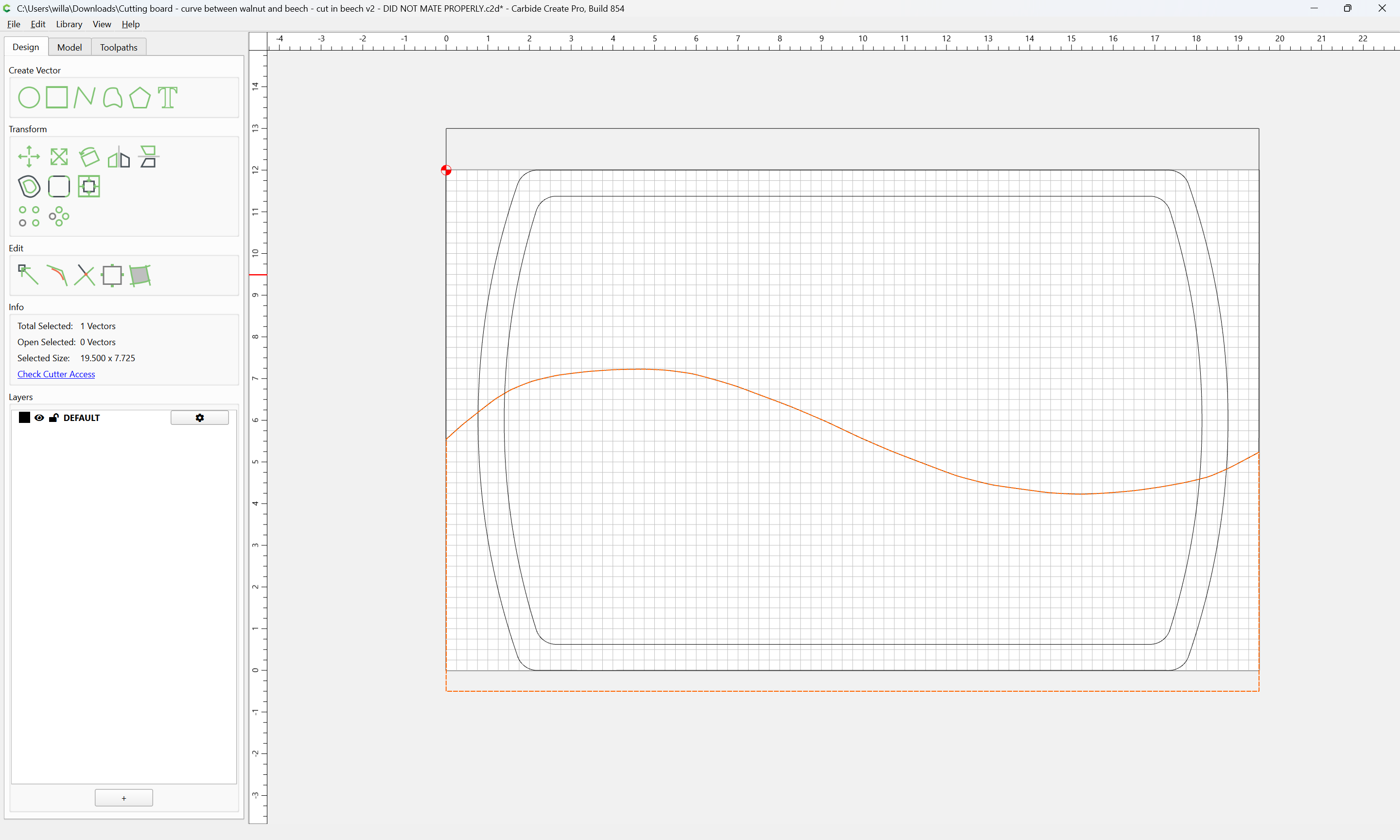
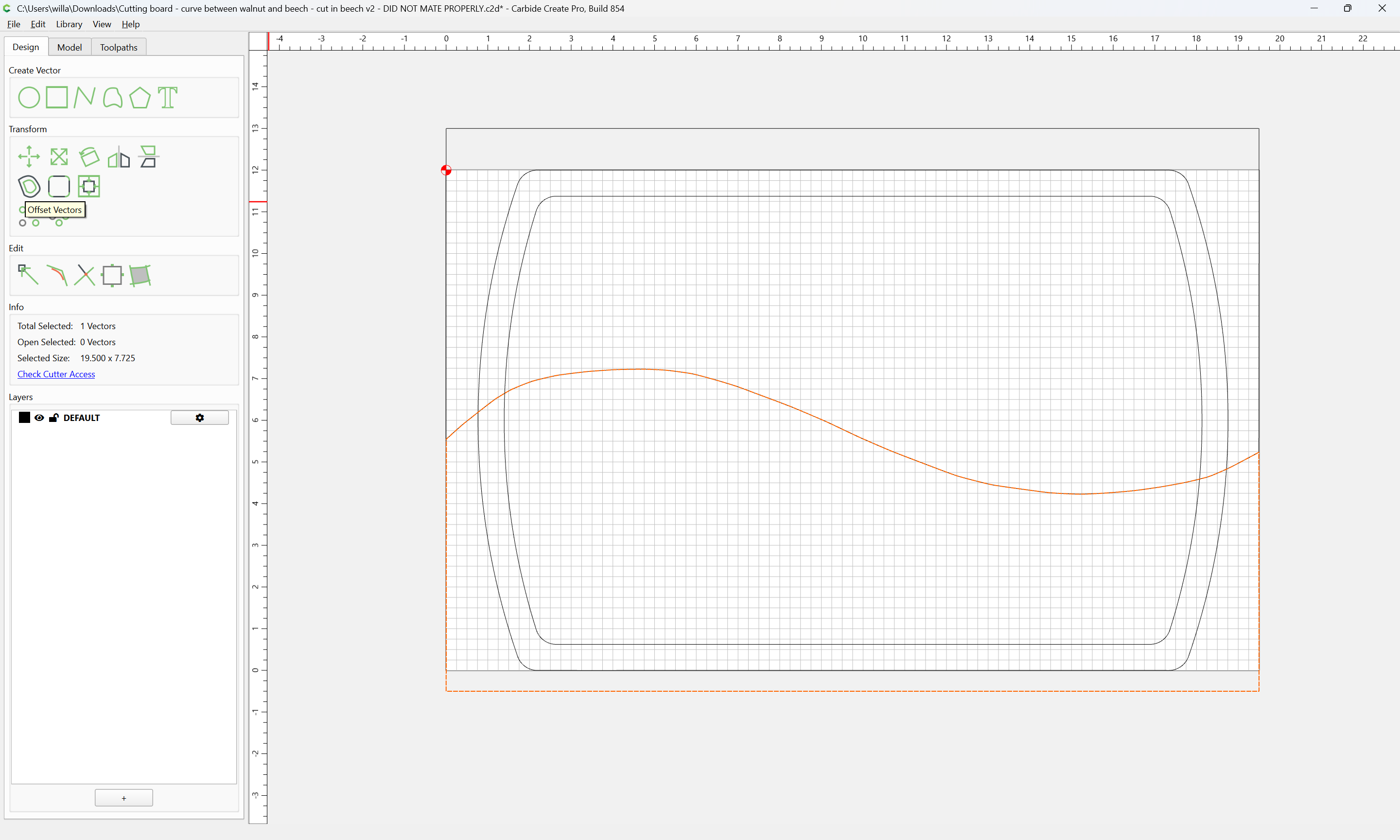
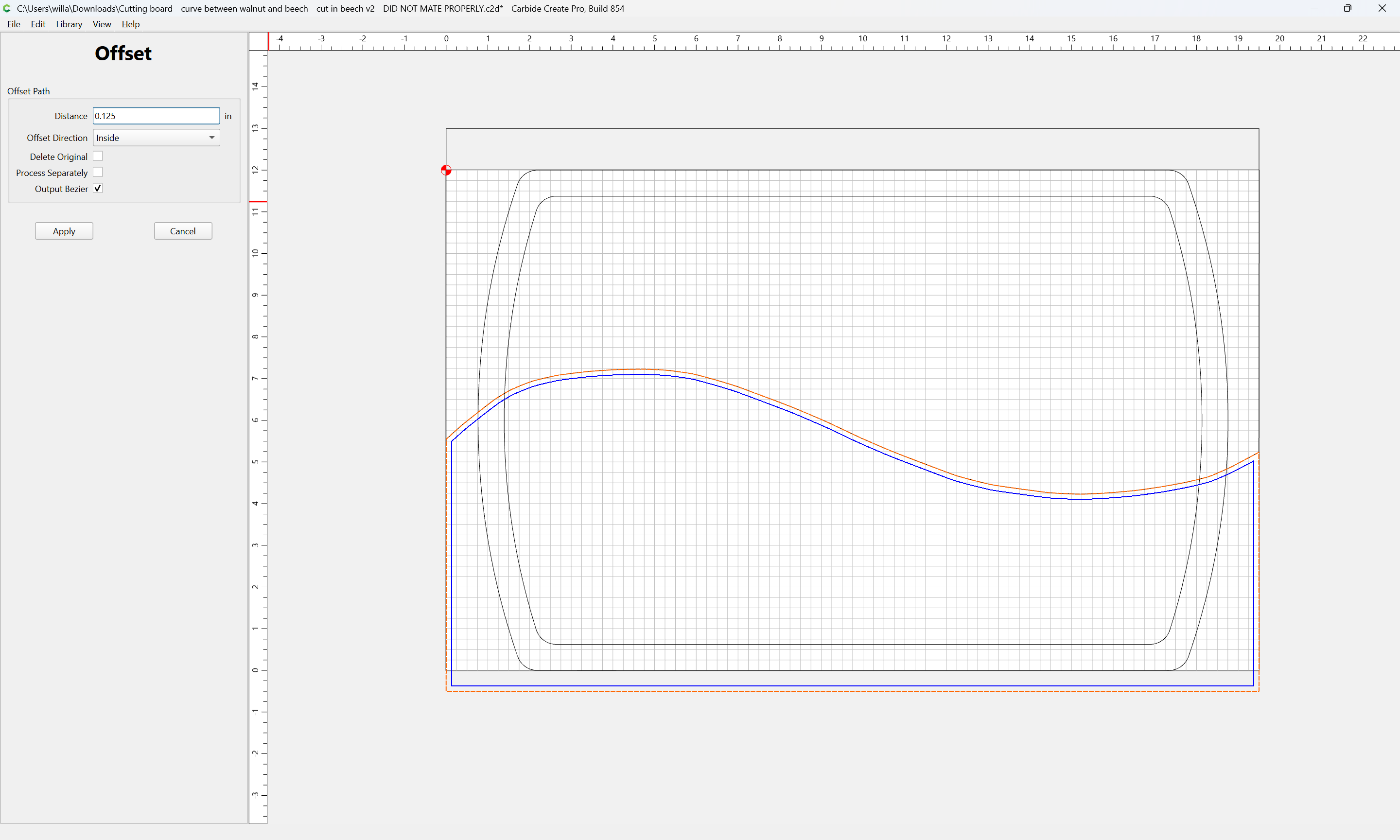
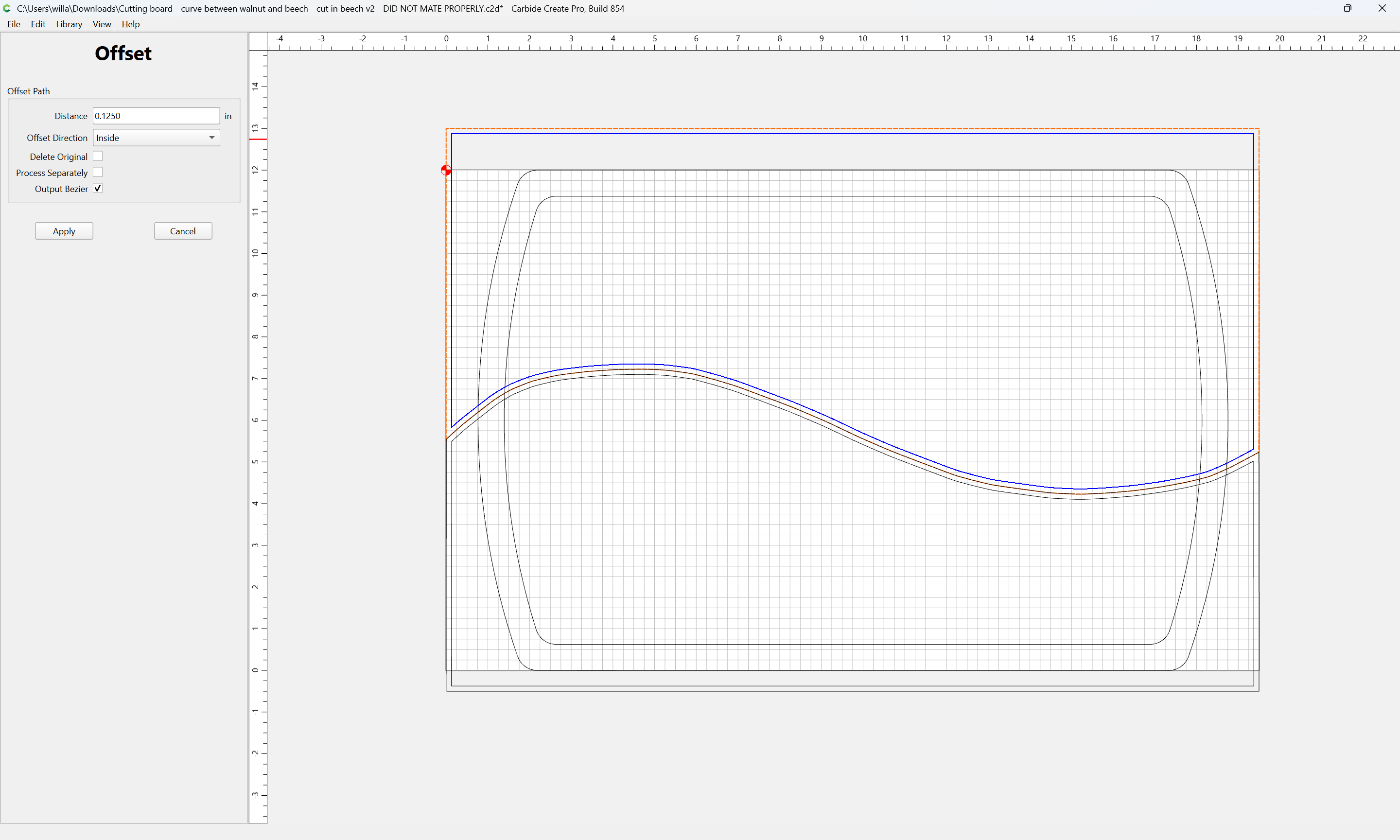
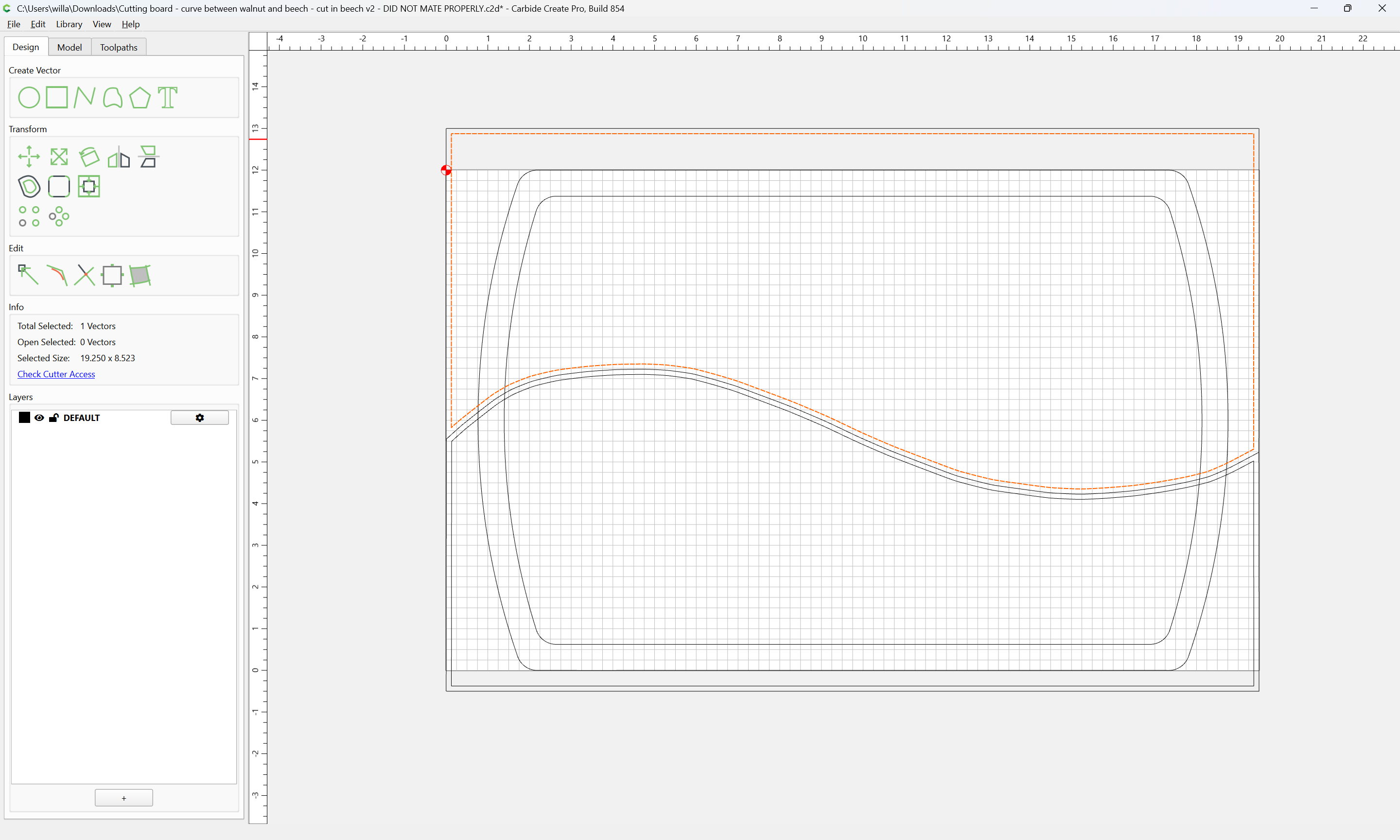
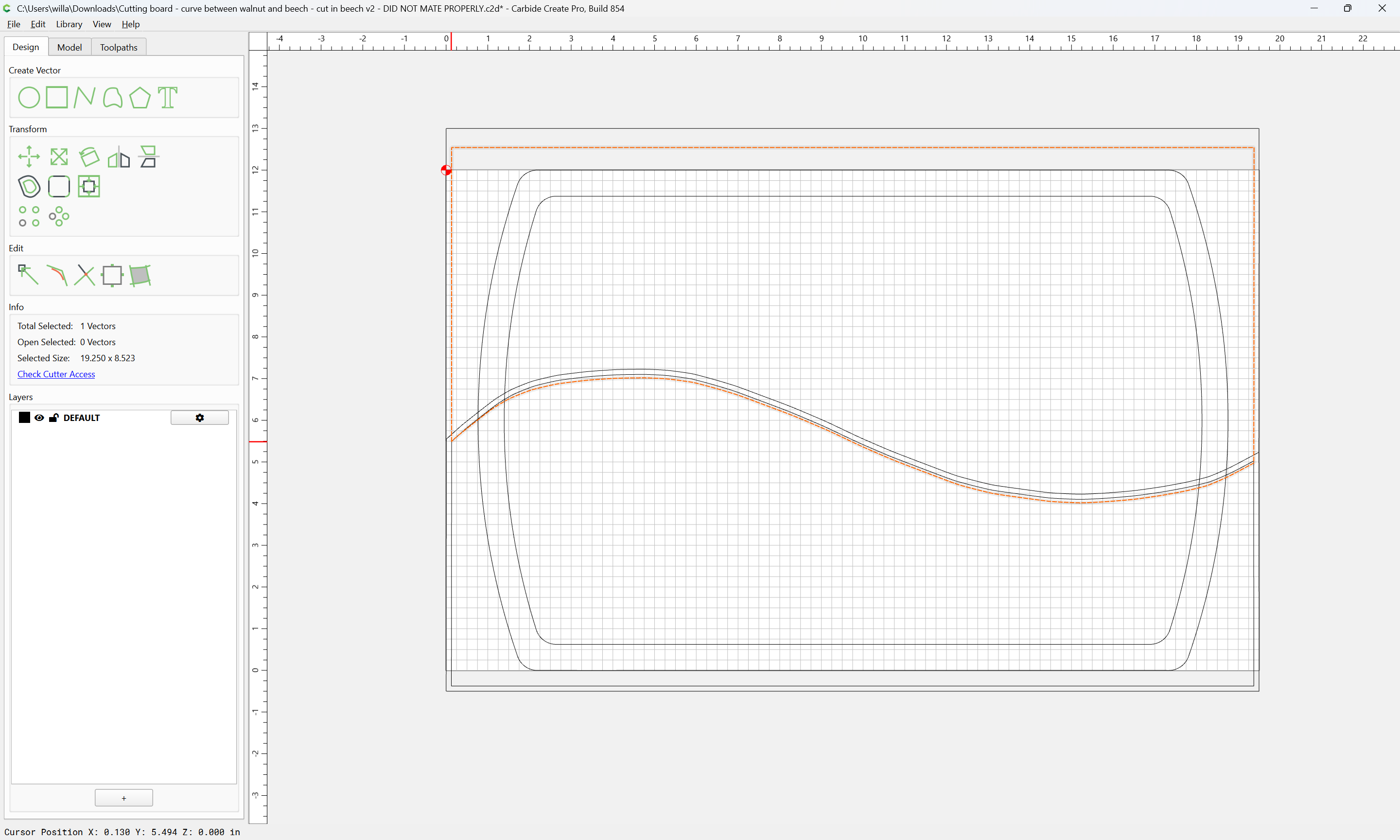
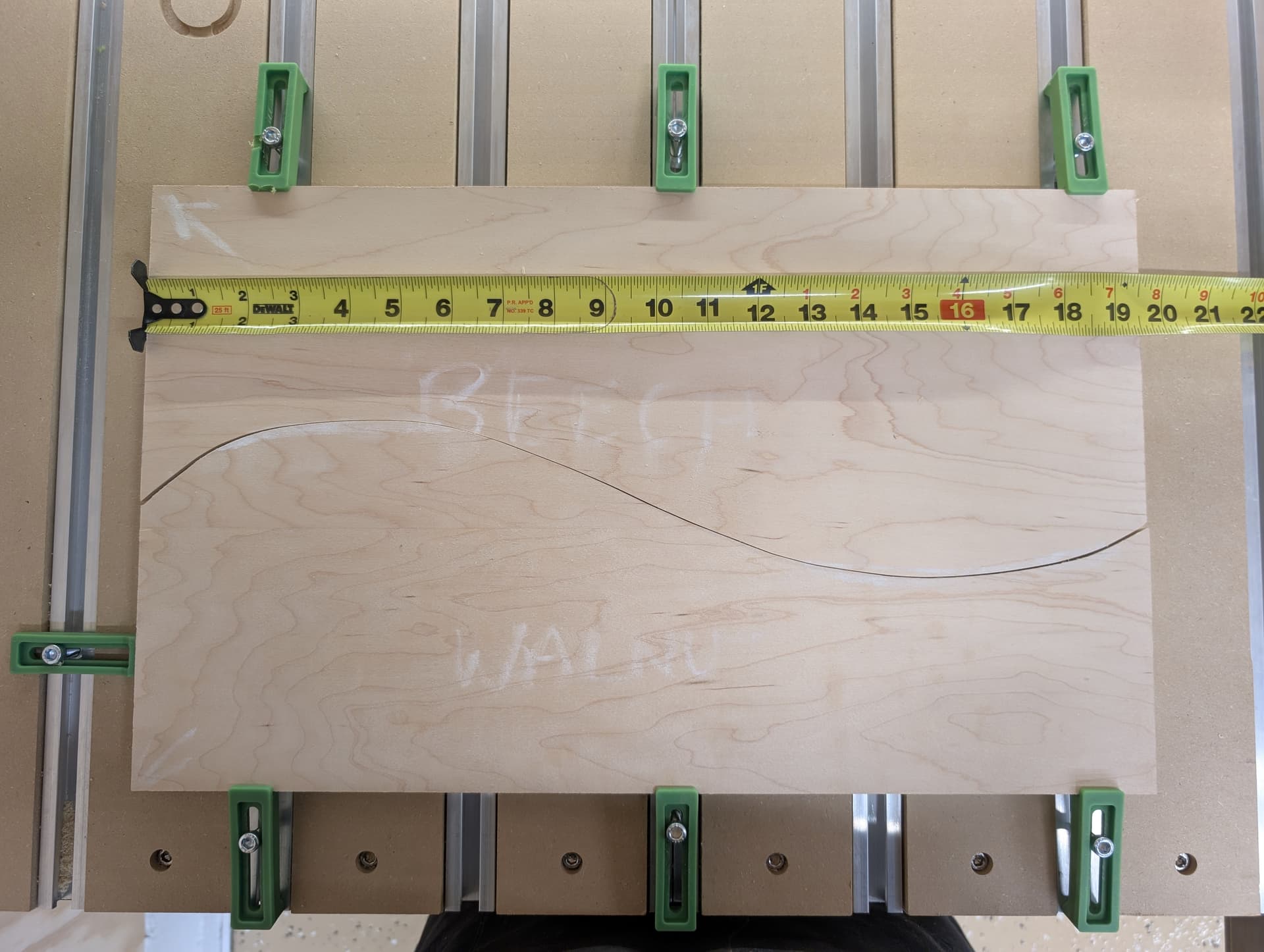
A two-tone inch-thick cutting board, top half beech, bottom half walnut, glued together along a sinuous curve: seemed like a job cutout for an S5P: cut identical curves in beech and walnut to a depth of 0.65 inches using a 1/4 inch #201 endmill, cut down the middle of the routed channels with a bandsaw, trim out the curves with a table-mounted flush trim router bit.
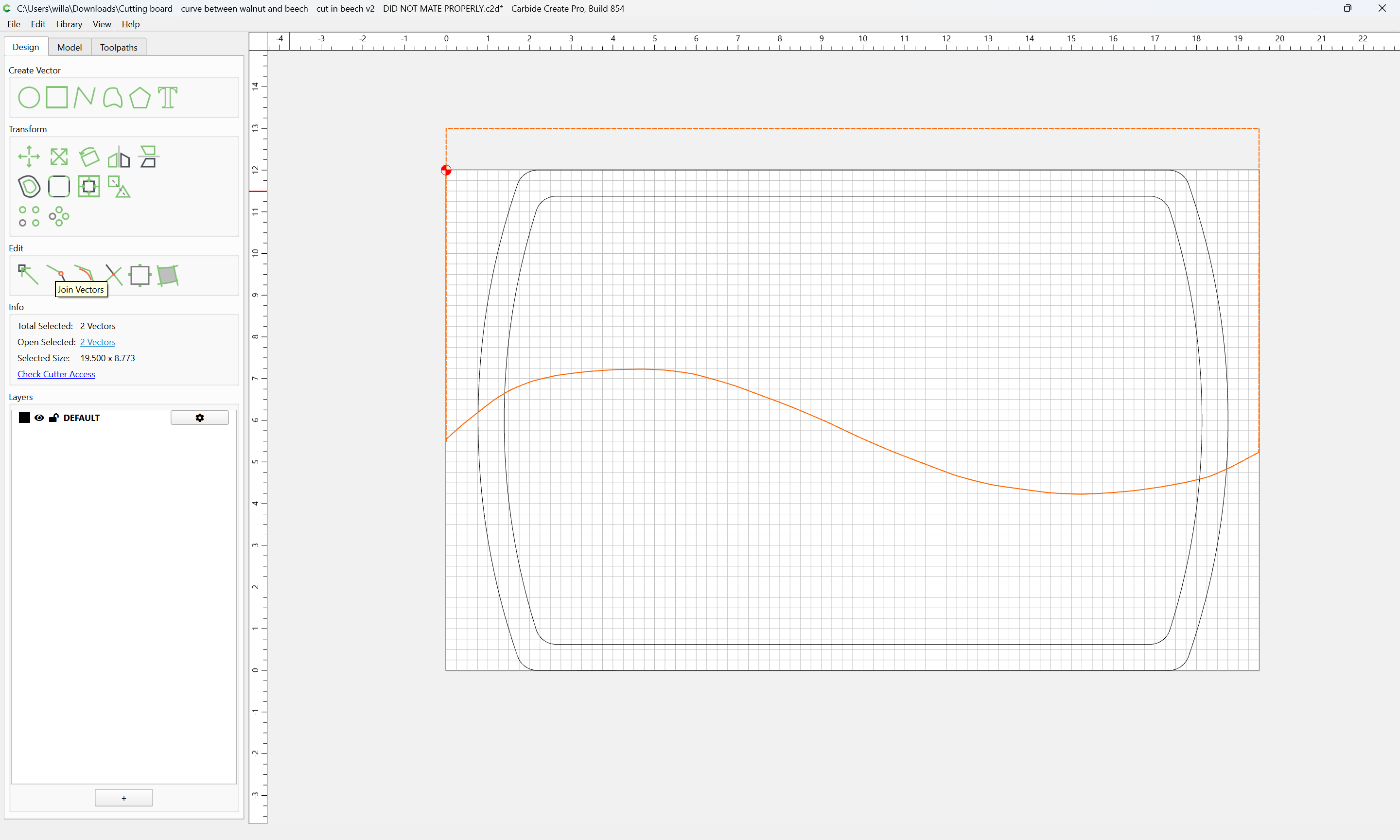
As often happens, practice belied theory: the two curves fit poorly, especially at the ends. I made two prototypes in 3/4 ply. One used a contour toolpath with no offset, the other had an inside cut on one board and an outside cut on the other - same poor fit in both cases. The pieces didn’t move during milling, the cuts were vertical. The curve, made in Carbide Create > Create Curve, is identical between the two cut files.
Any insight into why the curves don’t mate properly? I’m new to this CNC stuff.
Cutting board - curve between walnut and beech - cut in walnut v2 - DID NOT MATE PROPERLY.c2d (208 KB)
Cutting board - curve between walnut and beech - cut in beech v2 - DID NOT MATE PROPERLY.c2d (208 KB)