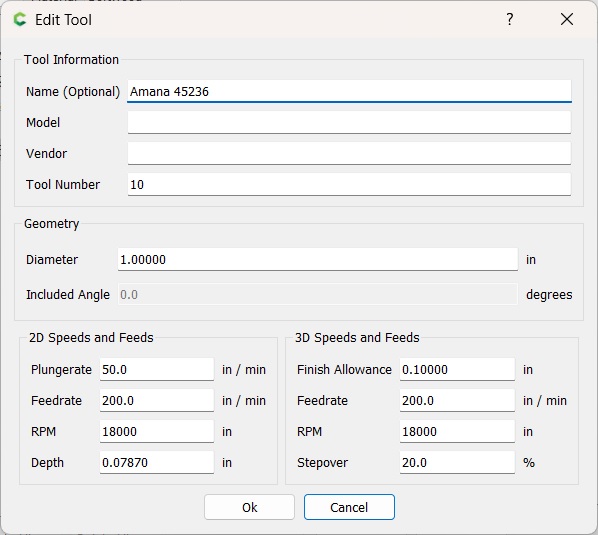
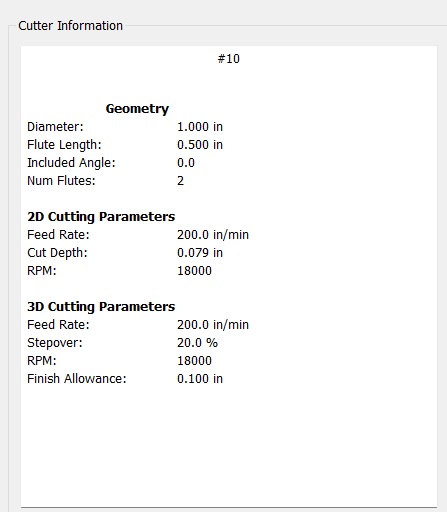
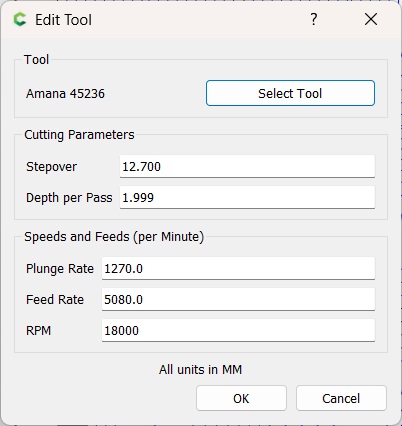
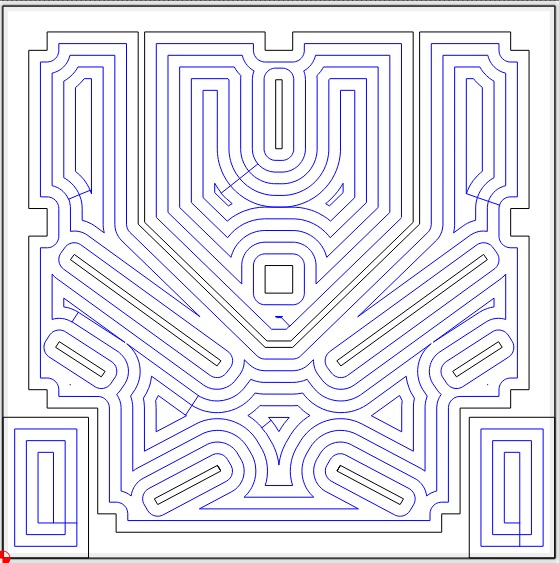
I have to do a lot of pocketing with a Shapeoke XXL and purchased an Amana 1" 2 flute to speed things up. I configured the 1" flute in CC Tool and the CC preview looked fine, but when then file was loaded to CM, it cut 1/4" too wide everywhere (almost like it though it was a 1/2" flute). I did configure the Diameter to 1" in CC Tool. I use CC V7 and CM 613.
OK, “1” Flute" makes it sound like the cutting height (flute length) is 1 inch.
It’s a 1" diameter tool. Which is really the only size parameter that CC cares about when calculating the toolpath. So you can enter as a generic 1" diameter end mill.
It would be helpful if you added some pictures, or included the .c2d file so we can understand what you mean by 1/4" too wide. Where exactly is it 1/4" too wide, and how did you measure it?
Also include a picture of the tool parameter page, since anyone that opens your file won’t have that tool.
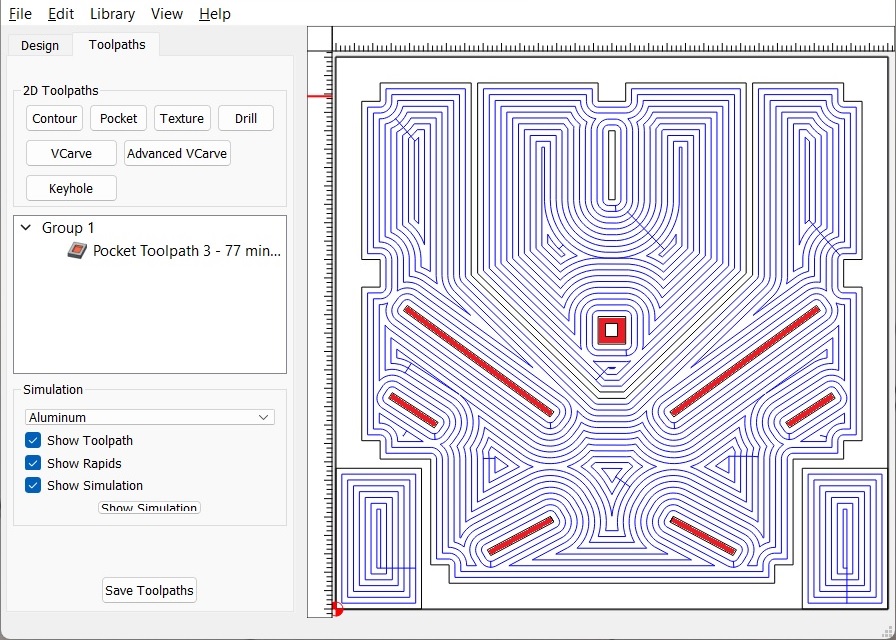
Here is the CC preview. Plate is 24x24x1". This is where I stopped. The red should be solid, and not removed. C2d file attached.
I have earlier made a version with a 1/2" 2 flute succesfully (maybe CM is somehow still using that with the 1" ?)