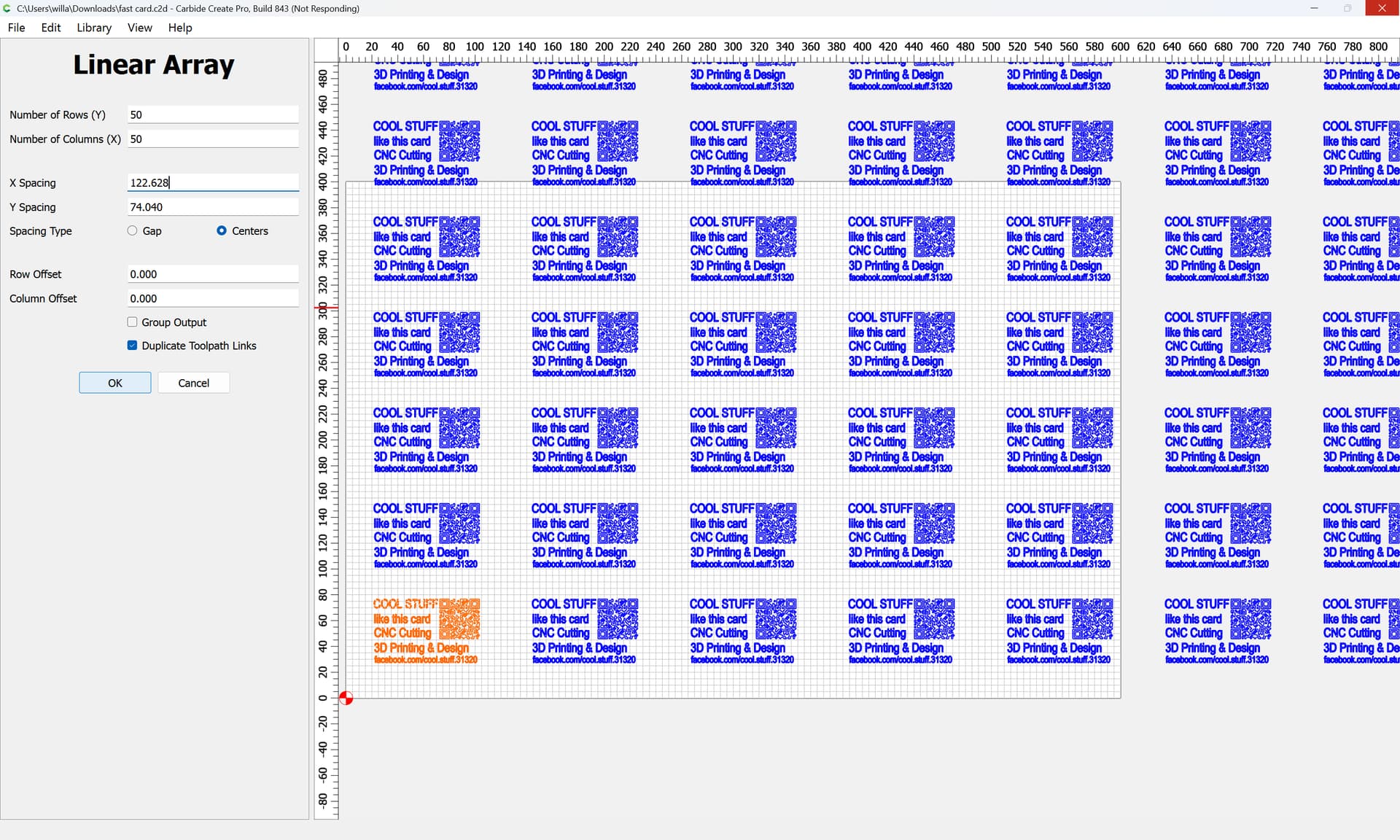
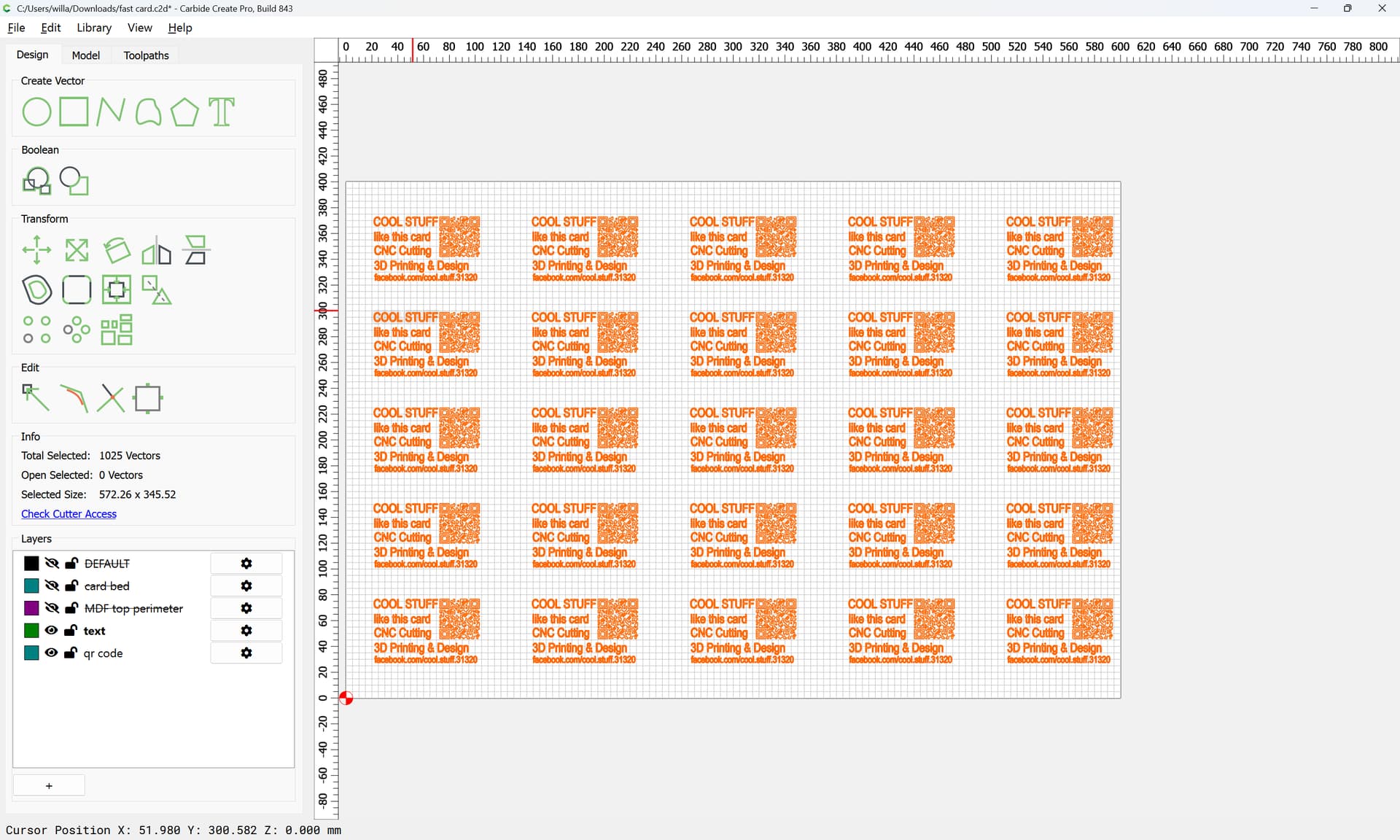
Im having a lagging issue when creating an array of business cards. I have 1 designed and placed, then create an array 4x6 to make a batch of 24 as pictured.
I will upload files and specs asap. Right now all 3 of my laptops are running a sample speed test so i can articulate better what I’m seeing here.
takes about 1 hour to “complete” before the program will resume. the computers all perform without lag even while CC is in stuck in its loop. all 3 laptops take about the same amount of time. none of the laptops are using a large percentage of memory or processor
the CC file is attached with a single card ready to array.
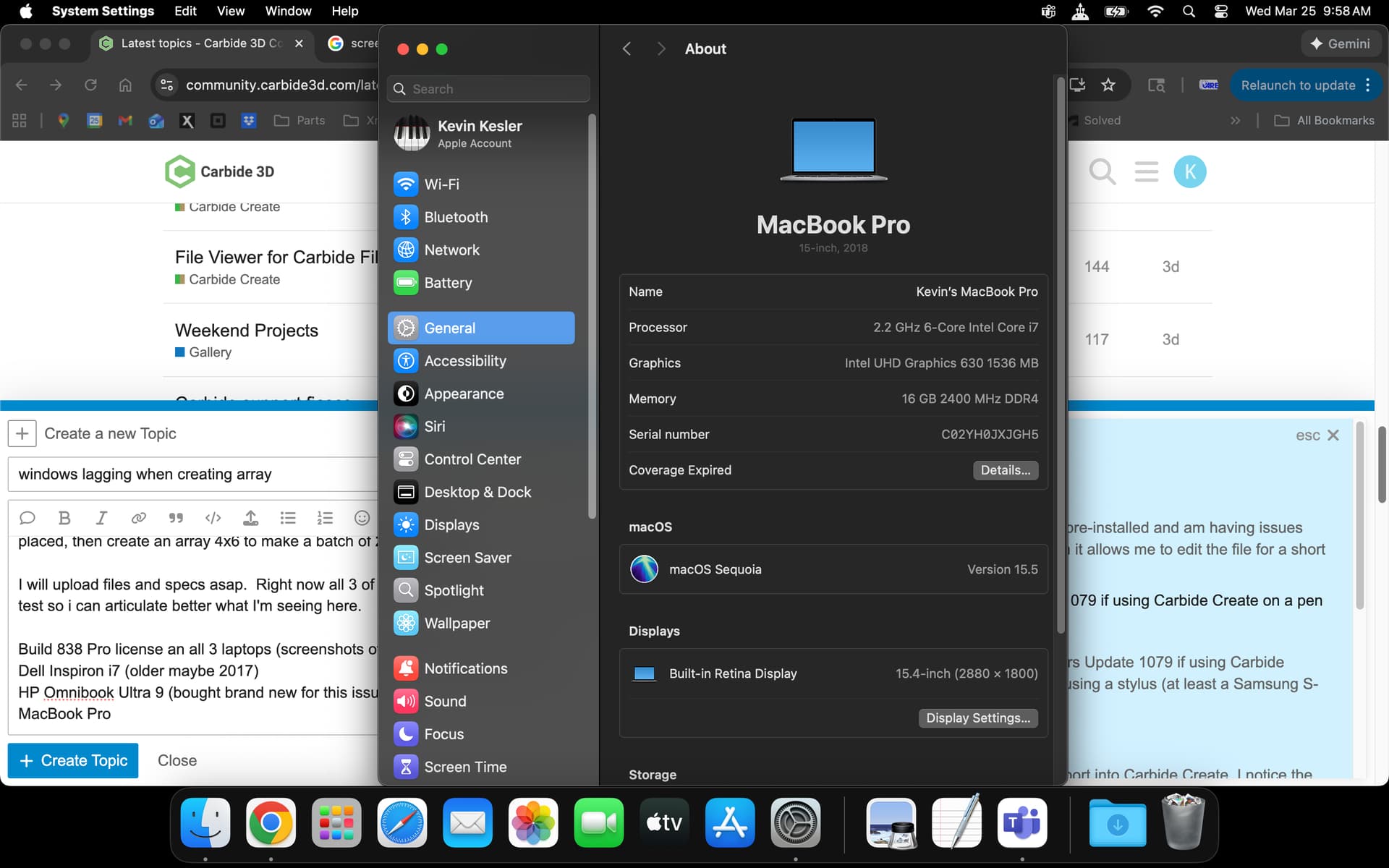
Build 838 Pro license an all 3 laptops (screenshots of system specs attached)
was getting the details from all 3 computers together. I set out to compare the processing time for each as a comparison. all 3 run about the same amount of time, even with the newest having WAY more power.
The text is just that. text made in CC.
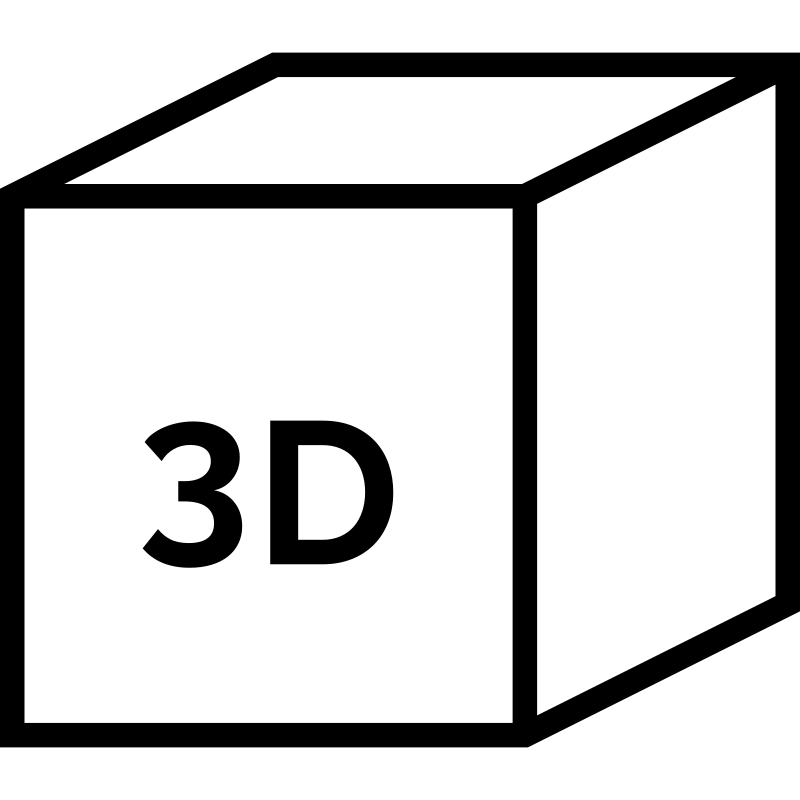
the cube is a separate svg imported from etsy or that’s how it came to be
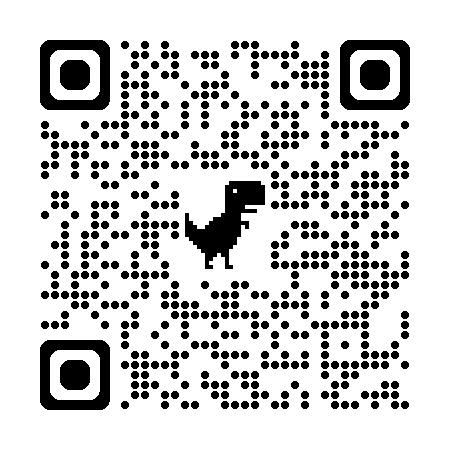
the qr code is google generated url for a facebook page. which is giving issues with readability
I think the observation that CC does not effect other apps while “stuck” is very interesting.
Running Process Explorer and/or Process monitor may show the bottleneck.
I can reproduce some lag with the cube alone ( no text), especially if I attempt to array with a tool path already assigned to the first cube. Lag is reduced a bit if the cube is arrayed without toolpaths, then apply tool paths to all (with some lag at that point). I am at nowhere near an hour ( just a few minutes) on a old laptop running Windows 7.
With the current design, I am not so sure the lag during and after toolpaths are assigned can be reduced much as the number of qr code elements becomes huge. Since you mention the qr code suffers from readability issues, it may be best to first resolve that problem then work on the toolpaths. Can you post the source file for the qr code/cube?
That qr code came from Google chrome (right click on the page and create qr code for this page)
I’m trying another on generated from Facebook
The cube is negligible.
I have removed the cube so the qr code is bigger.
Not that it will help here but 3rd party generators use their own short web domain names and forward tonyour url… But they always own the domain, and therefor own your qr code. That shortens the text string and subsequently makes a simpler qr code.
Ideally the qr code could be simplified in its svg points. But that’s a bit above my pay grade yet.
But to the point I will test again with each piece removed and narrow the field of possibilities
One more note is the qr code is not created directly. The qr code is a jpg and CC traces that making the image seen. There may be room to improve that translation
I understand the complexity of the qr code and the amount of detail that may be included, but it is 1 inch by 1 inch more or less in 2 dimension on a machine and software designed to work in VERY HIGH DETAIL 3 DIMENSION
even after toolpaths and arrays, we are talking about 24 square inches on a table of 528 square inches
after replacing the chrome generated qr and the cube, my process time for array (including toolpaths is a few seconds, followed by maybe 10 minutes of toolpath calculating, but definitely NOT getting STUCK in the array application.
How much of the available CPU power can be used depends on both the nature of the problem, and how the code is structured to solve the problem.
No matter how many women you have, a baby still takes nine months - you can’t split up the work. Many problems on computers are the same way, so you are limited by how powerful one CPU core is, rather than the power available in all of them.
Even if the problem could theoretically be split up (so you could use more than one CPU core to solve it), the programming to do so is almost always substantially more complicated than just doing the whole thing in one go, on one CPU.