- Whenever an input field is focused (numerical/text entry) in a field containing more than one field, I expect a tab key to move focus to the next field in the form, cycling around from one field to the next. That’s what happens in every other application with multiple fields I have ever used for the last 37 years.
Current behavior: when I am in the tool path settings in CC, pressing Tab “unfocuses” the current field, and does not move focus to another field (as far as I can see).
I am accustomed to entering a value in a field, pressing tab to move to the next field, typing in the next value, pressing tab again, and so on through the form. When tab moves focus into a field, it selects all the text/numerals within that field, so that the next valid text you enter replaces what was there. If tab is pressed again without any text entry, the existing value is preserved and the next field in the form is focused and selected.
-
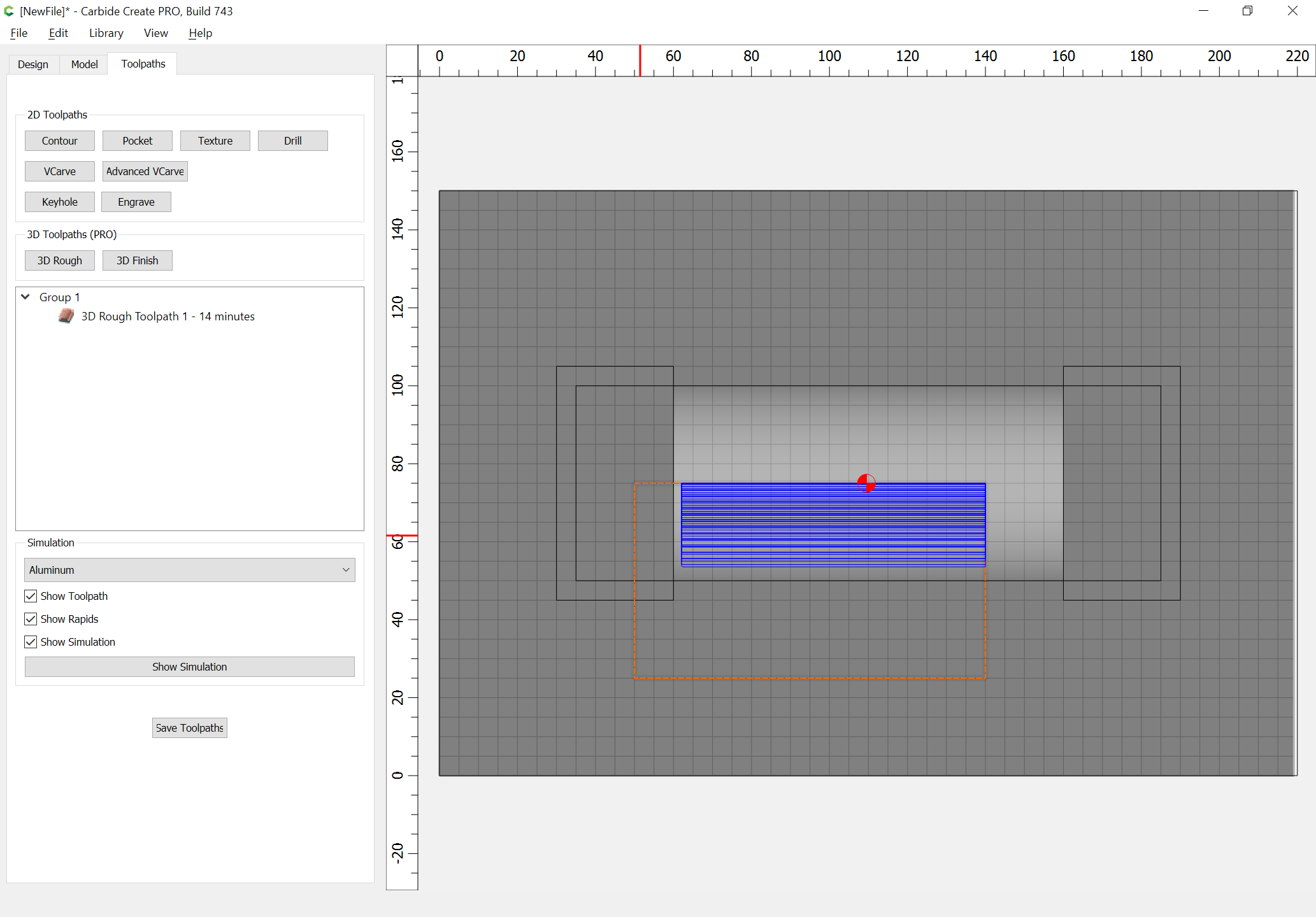
(Pro version) Basic 3D forms like cylinders and spheres, please. I tried unsuccessfully to create a half-cylinder recess in a flat shape, but could not make one with (nearly) square corners. It always ended up with oval ends (way beyond the diameter of the bit, so not that problem).
-
(Pro version) Some way to export a 3D roughing shape as a set of pockets, so I can clip them to compensate for large swaths of air where my stock is already gone.
-
(Pro version) Control over the major axis of cut in the 3D roughing pass, beyond what’s possible by physically rotating the stock.
-
(Pro version) When 3D roughing, one direction is always “climb-cut” and the other is “conventional”. Could we choose which one to favor, either by having less step-over (or no step-over) in one direction, or by changing the feed rate? When pushing the speed up, I notice that the climb cut is much noisier than the conventional when cutting white oak with the grain. (See above for another possible solution.)
I think that’s probably enough for now, but there’s one other I want to raise separately.
Walter