Work Holding Discussion

As I’ve been getting more comfortable and confident with my machine (Shapeoko 5.1 Pro, PwnCNC conversion, 2.2kW spindle) I’ve started running into situations where my current work holding isn’t doing the job.

(Yes, I’m posting this in more than one place.)

Current Work Holding

Currently, I flatten one side of the work piece either with a planer or with the CNC itself. Once one side is flattened, I double check for tram, hit it with a sander if needed, and then completely cover the flat side with XFasten Double Sided Tape. I then stick the work piece to the spoilboard and sit on it. Or put a big lump of lead on it.

The Problem

I make things for a living, so I’m usually trying to make the robot go a bit faster than the last time. This is probably a huge part of the issue.

When machining some cherry today at a 0.25" depth of cut, 0.3" step over, 12,000 RPM and 200 inches per minute with IDC Woodcraft’s Deep Ripper, I ended up with a huge amount of tear out in one or two places and then the part detached from the spoil board.

(Settings rationale: I would like to go slower, but to avoid other issues I should keep the chip load the same by adjusting other settings.)

Current Thinking

  1. This is my fault.
  2. Probably because I’m using a ridiculous up cut end mill that pulls the work piece off the bed.

Where Do I Go From Here?

Some thoughts I’ve had are:

  • Keep tuning the tool path by:
    • Decreasing step over,
    • Increasing feed rate,
    • Increasing RPM,
    • Sacrificing an end mill to some kind of deity.
  • Stop using aggressive tool paths without putting the work piece in a vise that is secured to the CNC.

Why am I Posting This?

I’d like to check in with other people, validate my own ideas, and understand what other folks do to keep work held down on the table.

So, my CNC pals, what are y’all doing to keep your robot working quickly?
Post some photos?

I mostly use the Crush-It Pro clamps for roughing/flattening and a downcut tool with default feeds and speeds.

2 Likes

But of course!

I don’t have anything secured to the board at the moment, but…


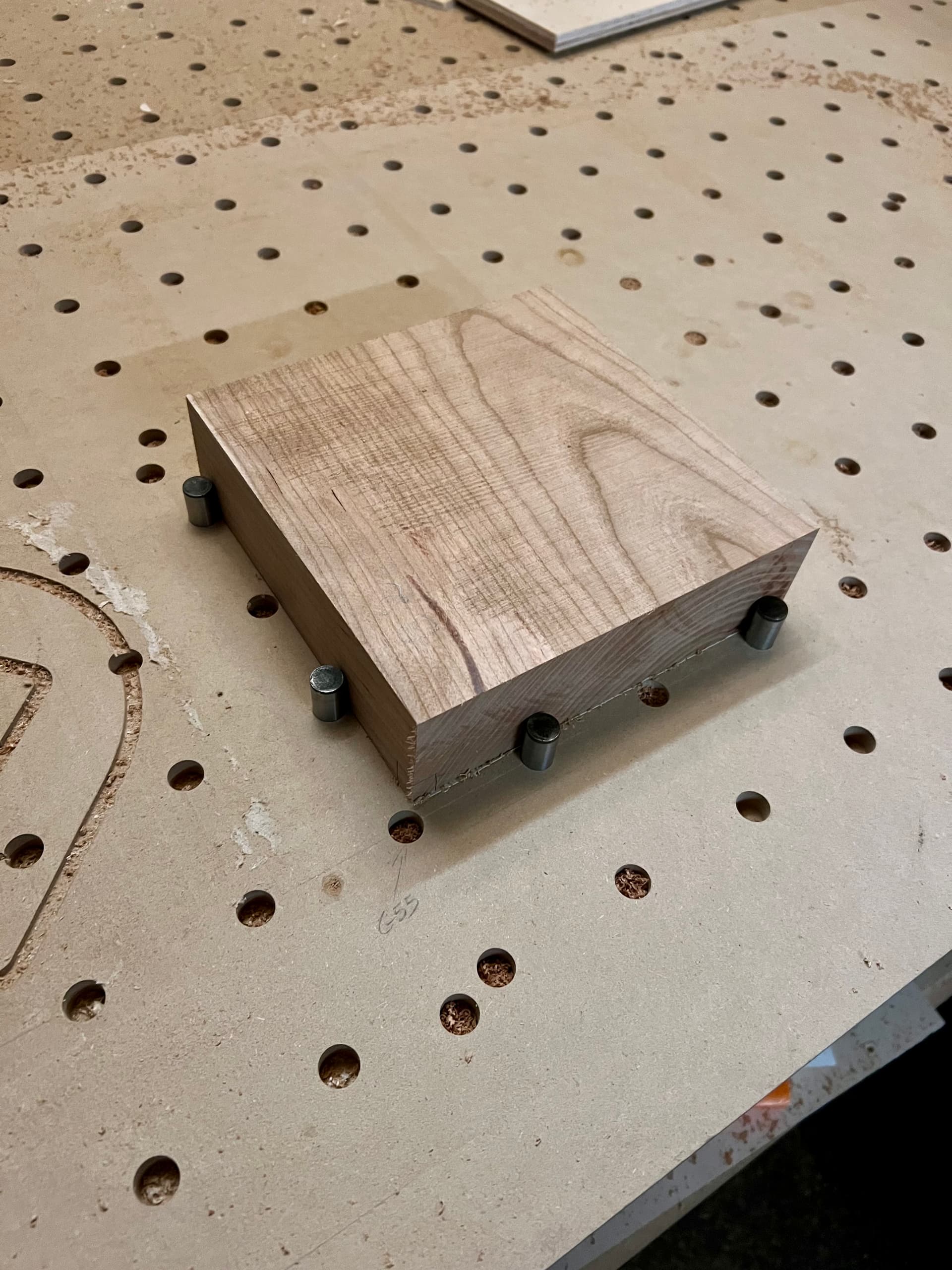
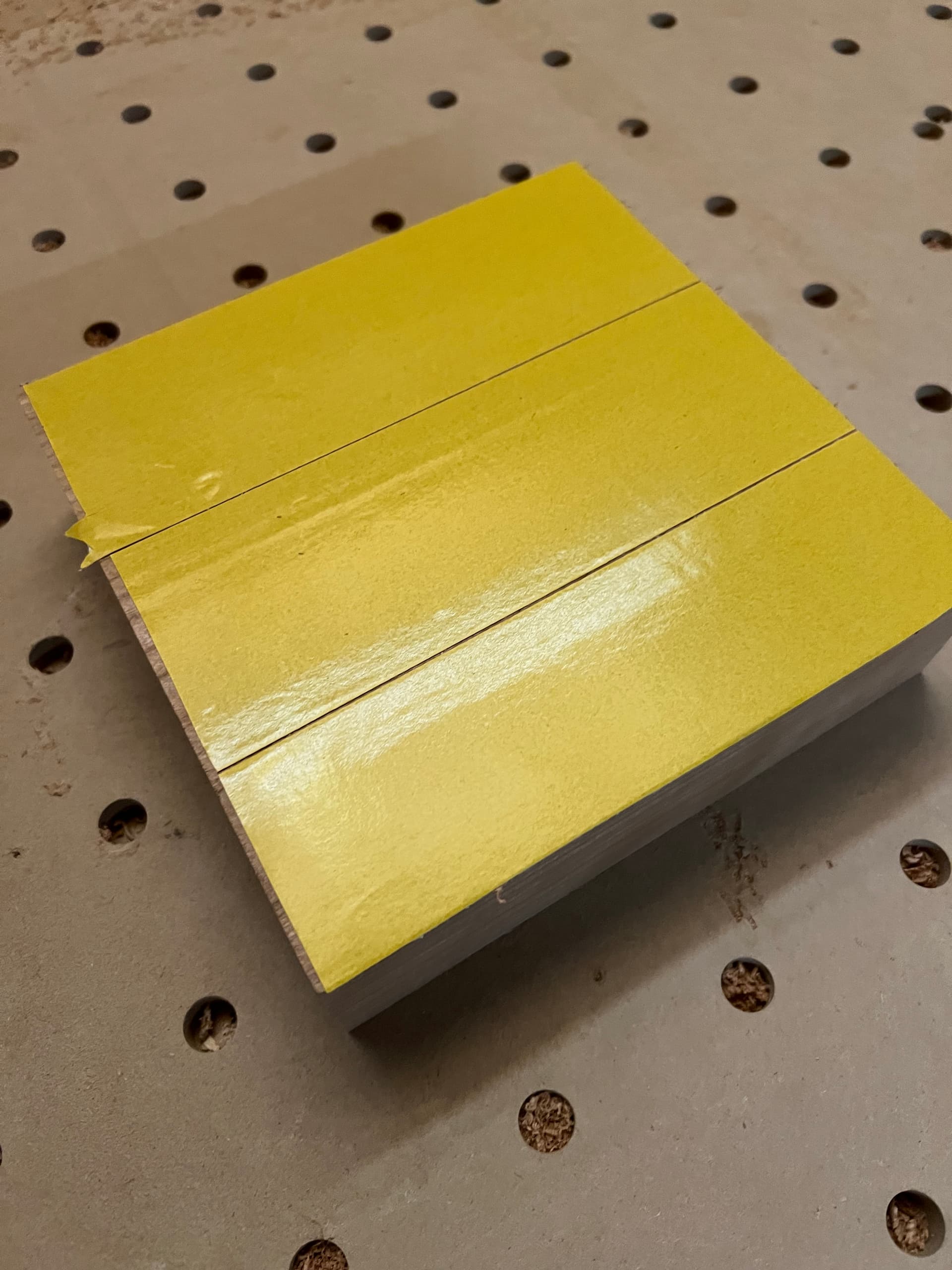
Here you can see the application of XFasten’s tape to a 181mm x 181mm chunk of cherry.


I locate the work piece on the spoilboard using some fixturing pins. When I’m actually ready to work (not at the moment), I will have stuck the tape down at this point. Usually I’ll put some weight on it or just sit on it and check my email (if it’s big enough) for a few minutes.


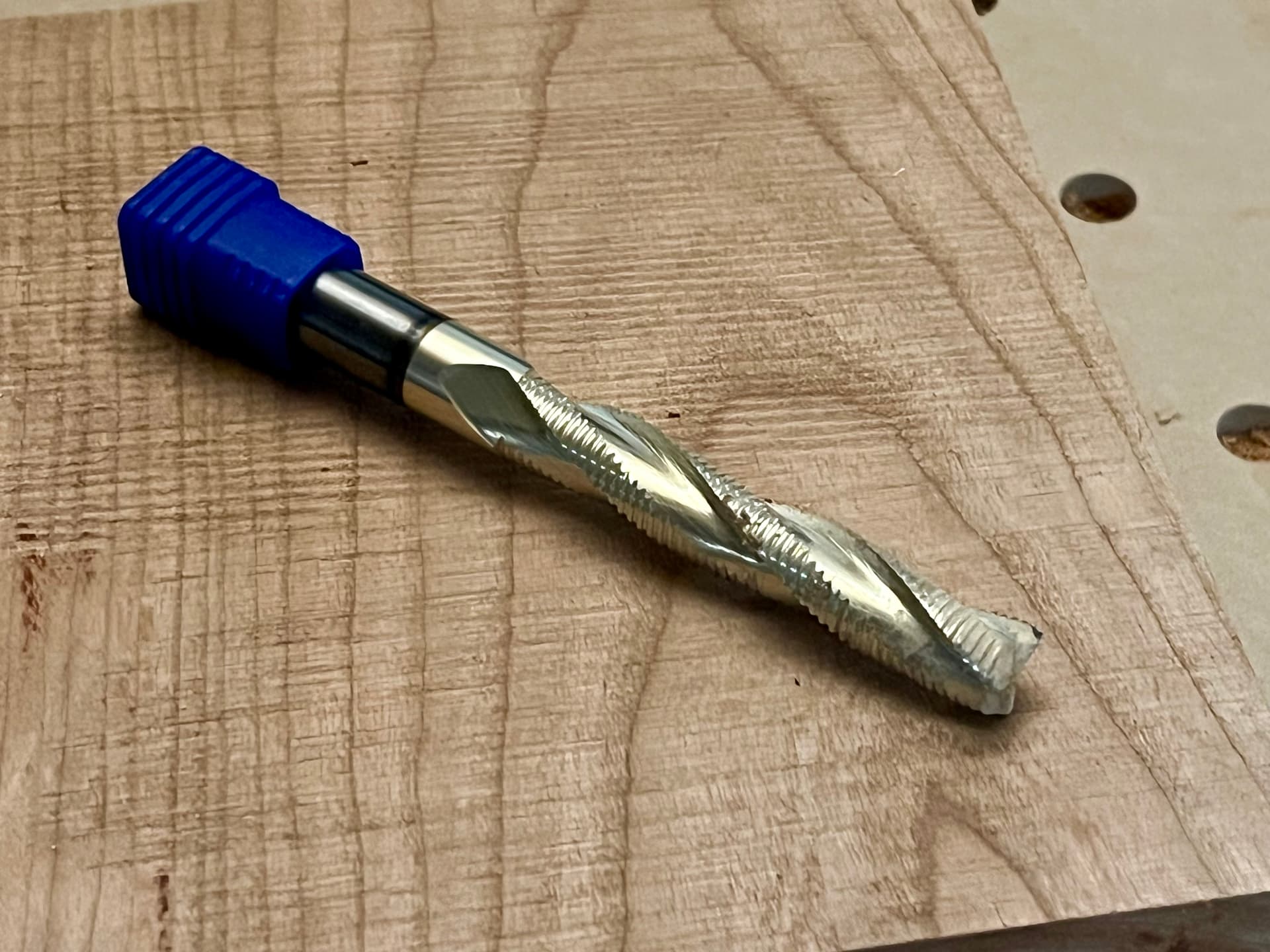
The tool in question. Recommended settings are as follows:

  • Spindle Speed: 18000 rpm
  • Feed Rate: 300 in/min
  • Plunge Rate: 200 in/min
  • Stepdown: 0.5 in
  • Stepover: 0.3 in
  • Chipload: 0.0056 in

I’ve kept the chipload at approximate 0.0056, but I’ve lowered other settings to get there.

Thanks for the question, Will. Let me know what other info helps and I’ll do my best to provide it.

I second @WillAdams advice. I solely use crush-it clamps, down cut bits and for roughing I use default speeds.

2 Likes

Technically, I’m using less than default speeds. :grimacing:

To the clamping question… (Both for @Jmcwoodworking and @WillAdams) What does your process look like?

Is it something like this?

  1. Use fixturing holes to locate work piece square to bed
  2. Attach clamps to spoilboard
  3. Magic

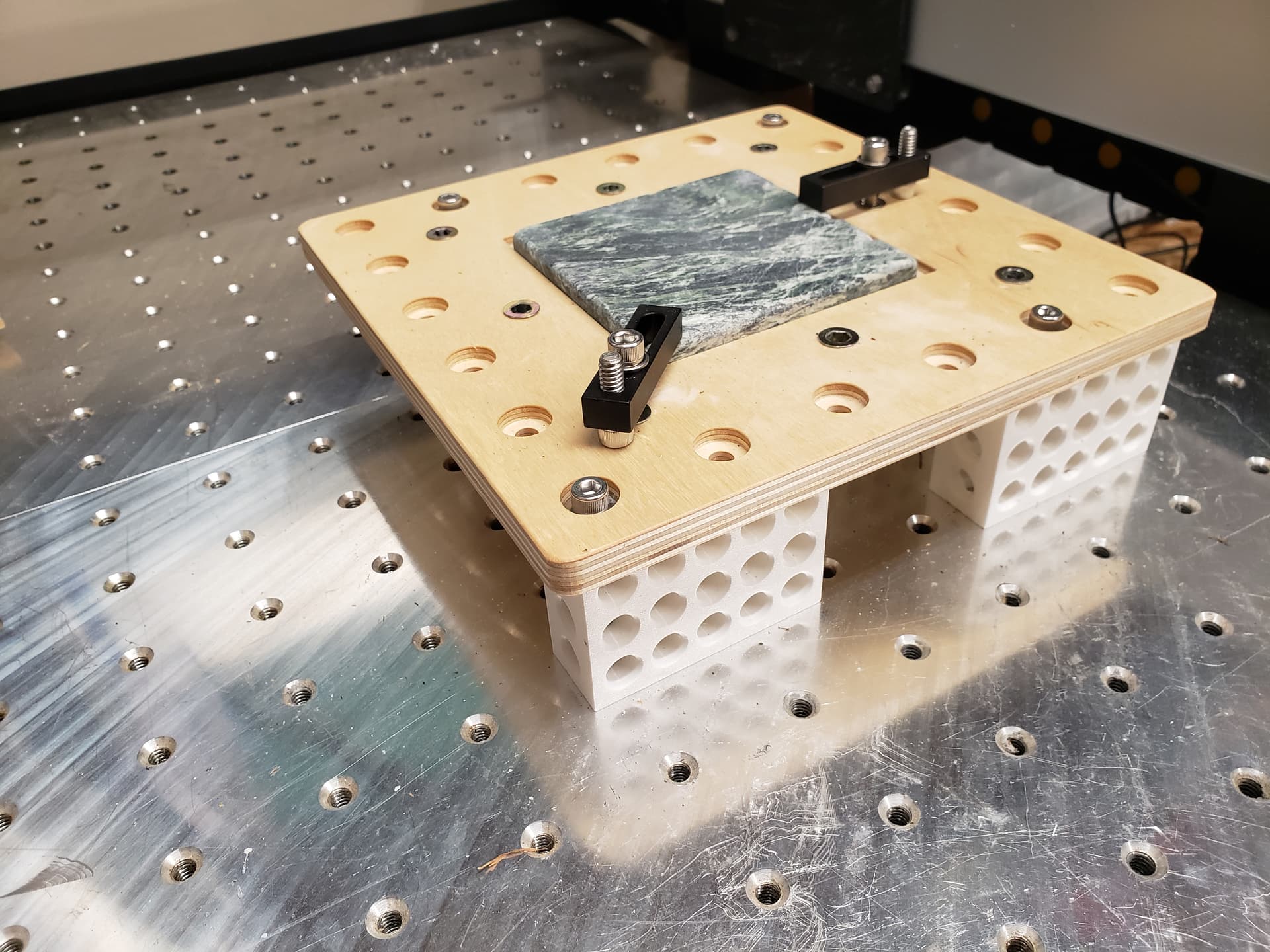
I started my work holding journey before Carbide got into the game, so I use - depending on the size of the stock and how much edge margin I have to play with - the following:

Note: I am using 1/4-20 SHCS and an aluminum spoilboard with threaded holes every 1.5"

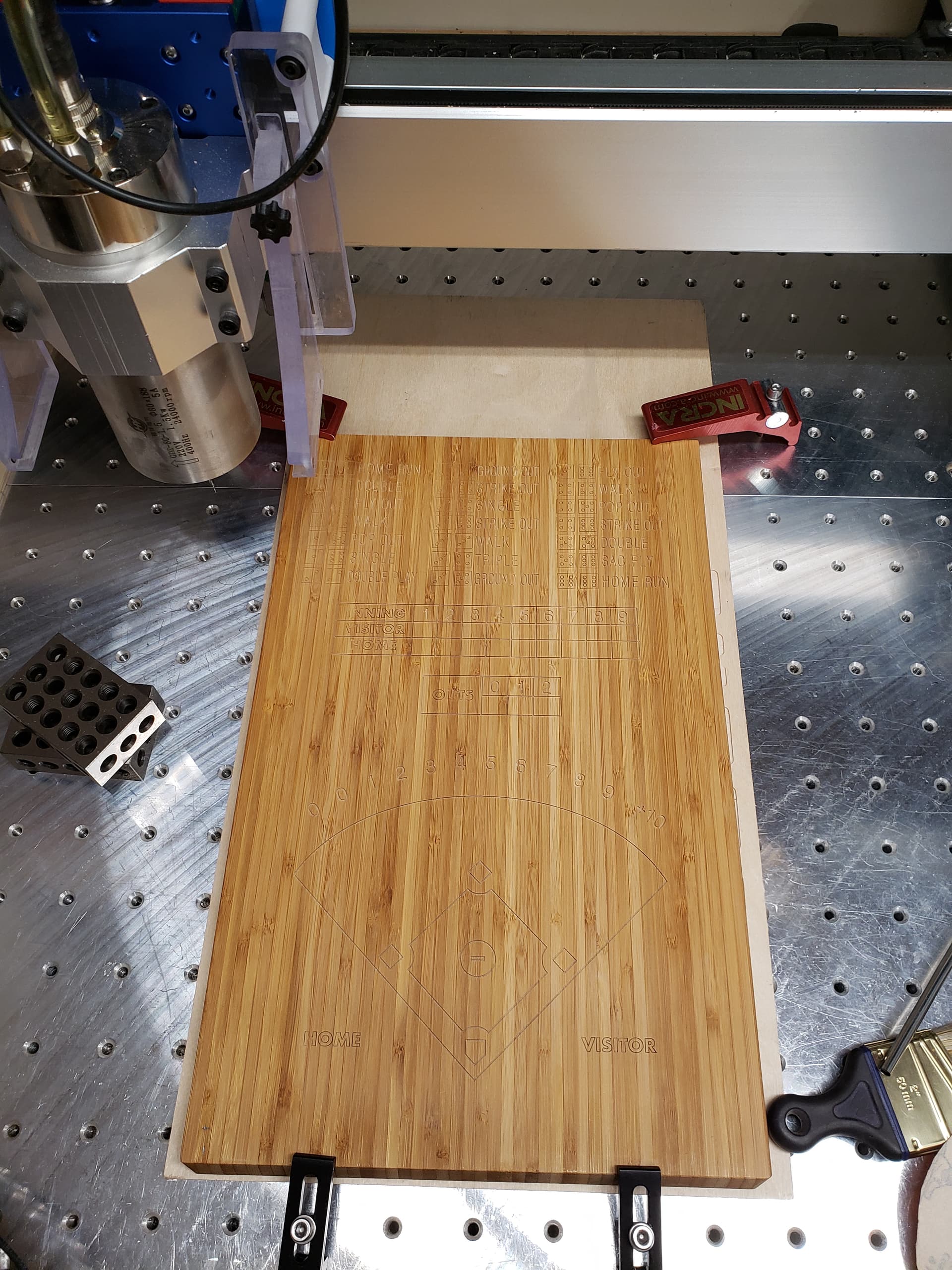
Incra Build-It clamps for larger stuff.

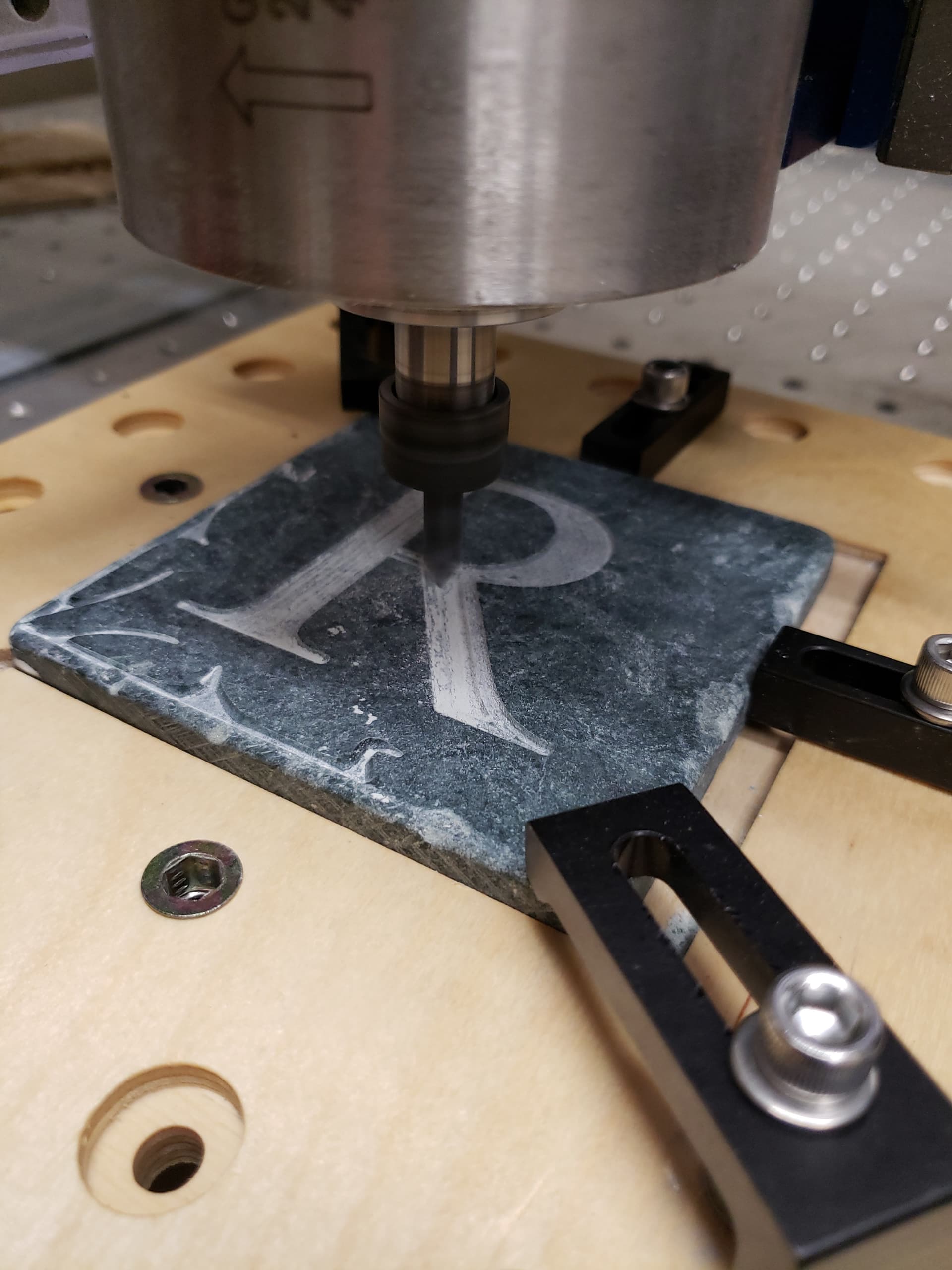
Thorlabs CL2 clamps, CL3 clamps and CL5A clamps. The Thorlabs clamps come in both 1/4-20 and M6, so if you are metric, you can stay metric with these clamps.

This is the CL5A clamp in the foreground and CL3 clamps in the background.

One of the things I like about the Thorlabs CL2 and CL3 clamps is the threaded hole allows me to clamp parallel to the stock surface no matter how thick it is, because I can put in whatever length SHCS to compensate.

3.75" high.

Maybe 0.25" high.

2 Likes

Are 300 and 200 default settings ?

I have a beefy L bracket for the front left corner for repeatability that I made with the CNC. I use the clamps in T tracks that came with the machine. I’ve never had any issue (other than cutting a few clamps). These clamps have good holding power for my type of work.

2 Likes

Wildly, yes. I will say that with the 5.1 upgrade kit and the legs, 250ipm is doable with the right tooling and milling strategy. And not using my double-sided tape work holding.

1 Like

These look like some pretty extreme numbers for these machines.
I have an HDM, similar in rigidity & power to the S5, and would start with something like

  • Spindle Speed: 15000 rpm
  • Feed Rate: 120 in/min (possibly bump up to 160ish)
  • Plunge Rate: 60 in/min
  • Stepdown: 0.25 in
  • Stepover: 0.25 in
  • Chipload: 0.004 in

And add the Crush-It type clamps.
I frequently use both clamps & tape. The tape gives me a 0.010" gap between the stock & table for profile cuts.

3 Likes

Just curious how you are getting 300 IPM feed rate. Are you using stock C3D controller, or do you have something custom installed on your 5.1 pro?

There will be a lot of “lifting” forces using your numbers.
I would be nervous with @Tod1d numbers as well.

Even though a bit says it can do something it can cause issues with other aspects.

I use .1 DOC and .1 stepover at 100 ipm with that bit to clear material.
I leave .010 to .020 of stock to leave.

Not fast, but the hold down requirements and smaller/taller detail survive to machining.
I have snapped off small details in the past while clearing material.

1 Like

I have replaced both the controller and steppers. I’ve also added a 4th-axis that I use from time to time to make mistakes in a different orientation :slight_smile:

1 Like

Here’s what I have learned over the course of experimentation today.

TL;DR - if you are using double stick tape, go slow, be careful. Remove less material at once.

Tool paths

My tool paths are too aggressive for my work holding technique (double-stick tape and hope).

What I did

I reduced depth of cut and feed rate and stopped having the machine yeet the work piece into next year.

  • Feed rate was reduced to 120 inches / minute.
  • RPM reduced to 12,000
  • Depth of cut reduced to 1/4"
  • Step over remained the same.

End result

  • Better cut quality.
    • Minimal chatter.
    • Minimal swirly marks that will need sanded off.
  • Work pieces stayed on the spoil board.

Tramming

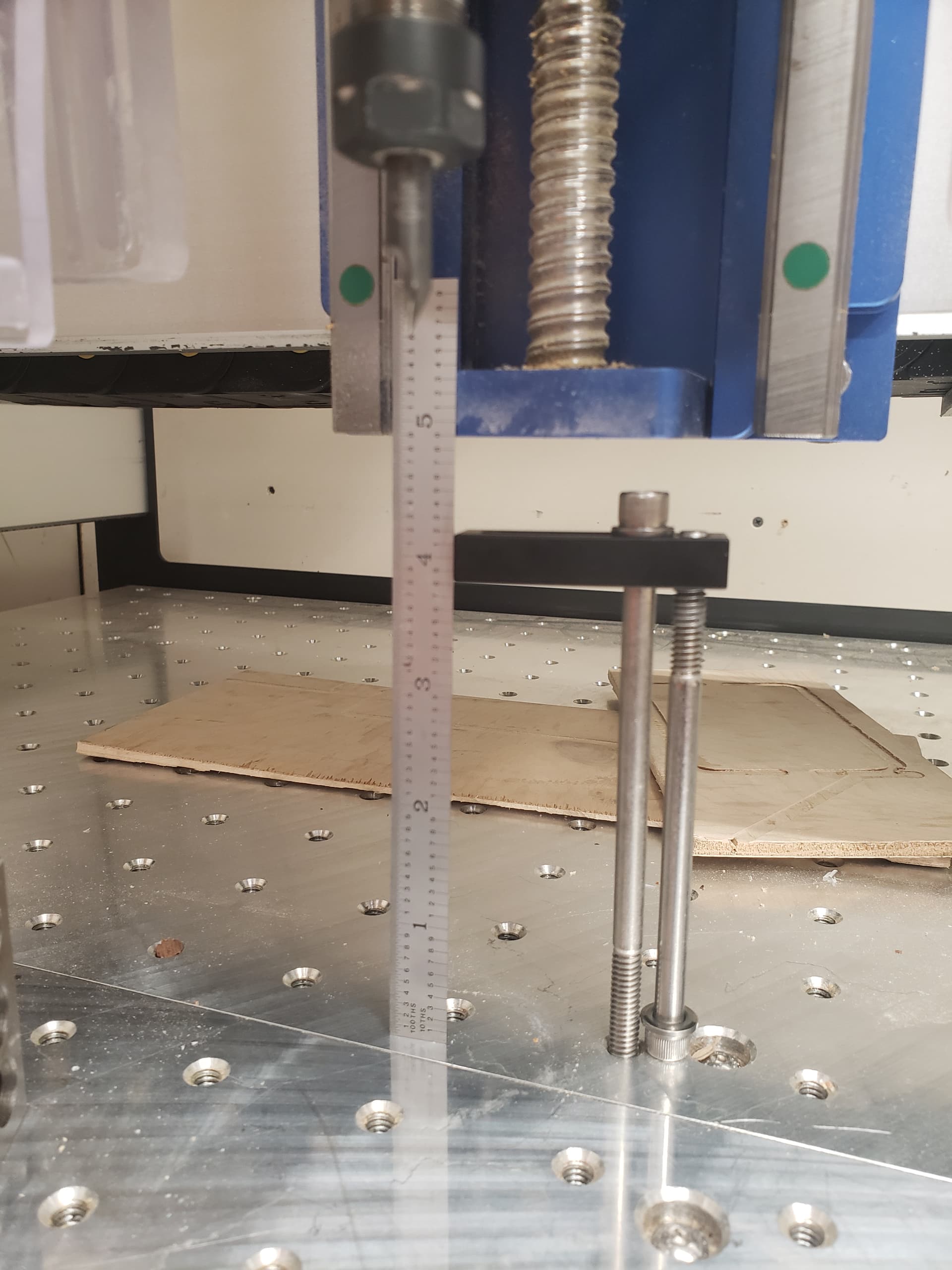
I thought that the machine was in tram, but I decided to check after observing tooling marks that should have been removed. Tram was mildly out according to both of my tramming tools.

However, both tools have about half the stick out of the end mill in question. By virtue of accidentally remembering the Pythagorean theorem…

I had a suspicion that the tram was JUST enough off that the combination of an aggressive tool path, an aggressive up cut end mill, AND slightly poor tram meant I was going to have trouble keeping the work piece in place.

What I did

  • Trammed the machine.
  • Verified tram using a second tramming tool (this is not normal behavior) and a machinist’s square.

End result

  • I am no longer seeing tool marks where I did not expect them.
  • The work piece has yet to visit Jupiter to get more stupider.

Order of Operations

As we all know, order of operations is important. After the previous two fixes, I revisited the order of operations in CAM. After all: keeping a solid piece of material engaged with the work holding for as long as possible provides better work holding.

What I did

  • I updated all tool paths to leave 2mm of stock between the cutter and the bed until the last possible moment.
  • Additionally, when the tool path was removing a lot of material or was particularly deep, I added significant stock to leave on tool paths involving aggressive stock removal. This has the side effect of helping if the machine is out of tram.

What I saw

Would you believe it, the same thing as the other steps:

  • Fewer work pieces in orbit
  • Fewer tool marks on work pieces.

What’s Next

As much as y’all love clamps, I’m not working with square parts and I am loathe to leave a lot of material around that isn’t useful to me. People who are working with rectangular stock should absolutely clamp everything they can.

For now, I’ll be setting up different tool path profiles in Fusion and changing them based on the material and, potentially, based on stock dimensions.

Longer term I will be investigating vacuum workholding as a way of adding additional holding force. I’ll also be investigating other hold down mechanisms (clamps, t-tracks, hiring people with VERY fast hands).

Disclaimer

Yes, this is copied and pasted on at least one other site.
Yes, I work in metric. All SAE values are approximate. No imperial values have been used since nobody in the US believes in a 20oz pint of beer.

3 Likes

I recently purchased a vacuum hold dowm system. I’m still installing it. I sure hope it solves my hold down problems.
https://airweights.com/

1 Like

Double Stick Tape; Love it. I use Nitro Tape, works great.

I clean my spoil board with a bit of alchol on a rag. Tape on Spoil Board, part squared as I place it down. I first used a 20 pound sand bag to apply force on my part, then parts got bigger. Now I just firmly push, rub, or smack my part several times,

Never ever had a failure, and I push it with 100 ipm or more.

Only issue I have ever had is with soft wood breaking when I pull the part off the tape. Solved that with string to cut the tape loose.

My 2 plus cents

Good luck

4 Likes