Shapeoko pro xxl (lots of room on spoil board)
I have gotten into the habit of anchoring work piece, establish x-y 0, then quick action to NE. I record the x-y travel. I then anchor 2nd work piece, establish x-y 0, go to NE and record. (I realize CC remembers last x-y 0) . This allows me to MDI to any work piece.
What if CC , had a remember location button, pop up window for name. A button to recall location, pop up to select name , Then set that location as x-y 0. I think this could be done without moving the cutter.
For instance say I wanted to make an inlay sign with 4" high letters, about 10 letters and did not have a work piece large enough to carve the male letters from. I could anchor 10 smaller pieces, establish x-y 0 for each. If there were 3 tool changes per letter, this would save about 30 tool changes.
This seems pretty simple for CC to do, It must have been discussed before.
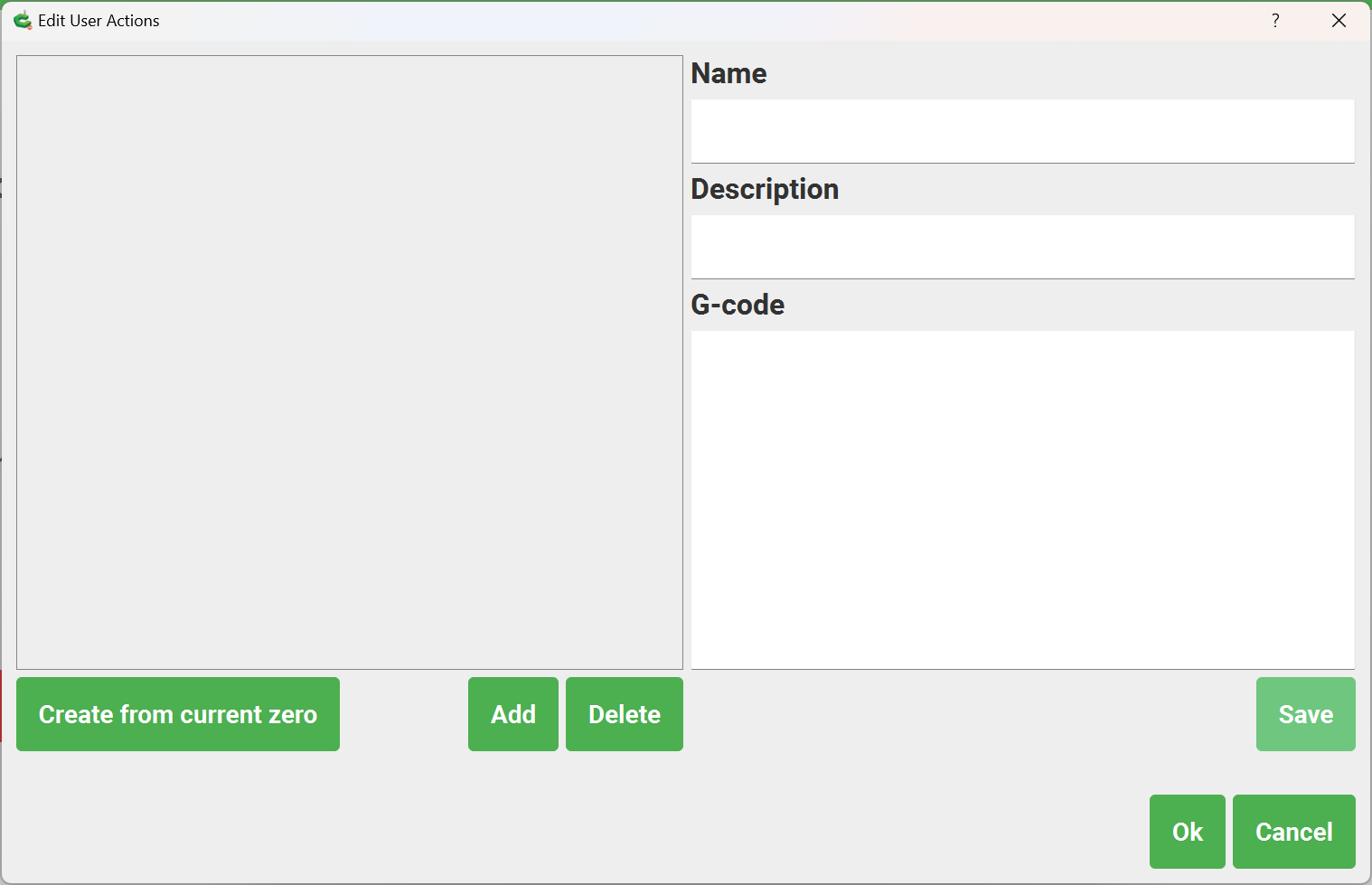
Is this not what “Create from current zero” when editing a Quick Action does?
There has been some discussion about a “batch mode” of operation where tool changes are skipped, but for now, temporarily disabling the BitSetter, re-setting Z-axis zero, and then running multiple files w/ the same tool seems to work well.
3 Likes
Thanks, I did not realize the user quick actions was there.
I just started playing with it, probably more questions later.
Hope I don’t break anything.
1 Like
This topic was automatically closed after 30 days. New replies are no longer allowed.