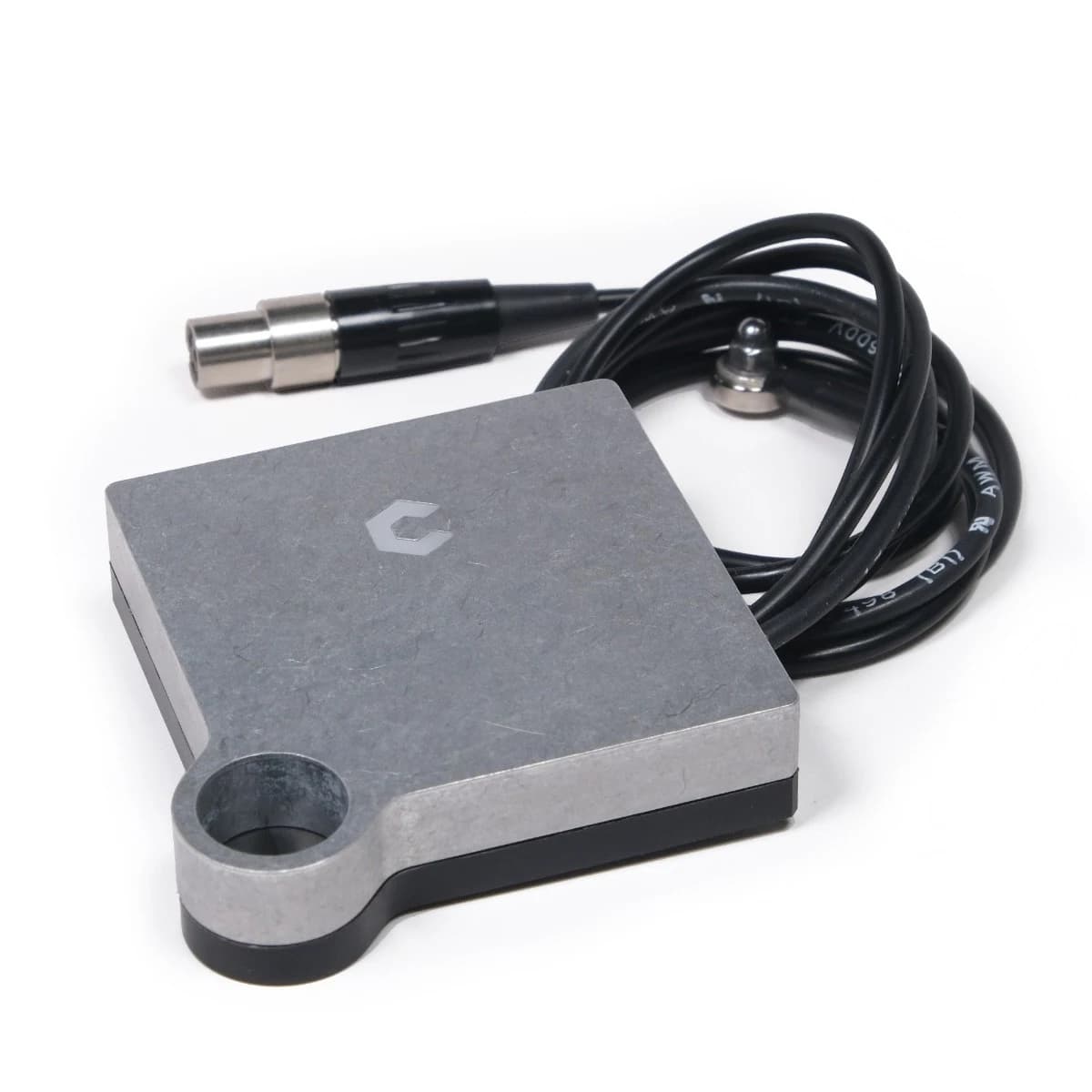
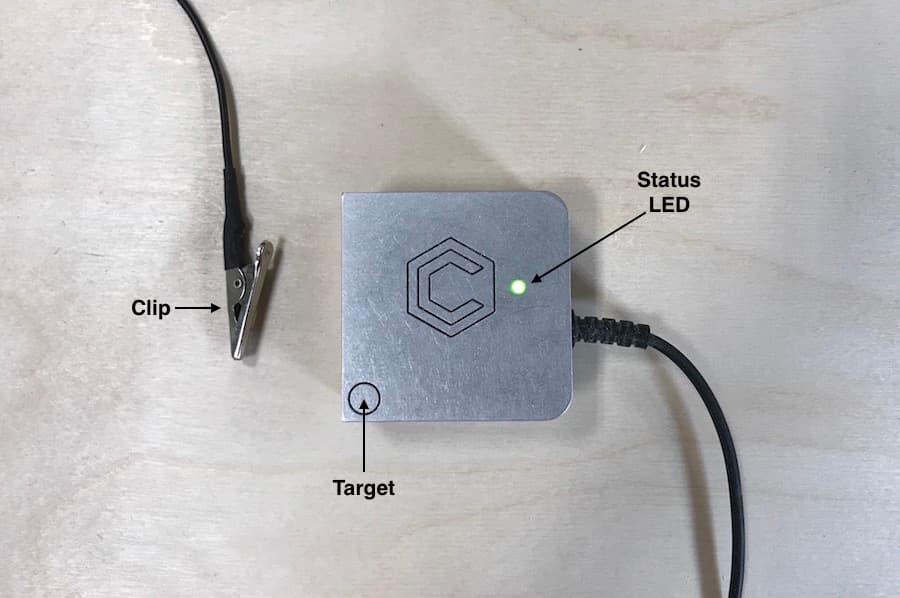
Hi. I have an issue when using my BitZero probe to Zero the X axis for my Shapeoko 3 XL.
My X Axis stops cutting short a distance that directly relates to the width of the over hang when placing my Bit Zero probe at the bottom left corner the wood I am working on.
So when the CNC is cutting from left to right across the X axis, it will stop short the width of the BitZero overhang, about 7 mm. The cut starts at the exact correct position.
The Y Axis and the Z axis calibrate perfectly only the X axis is having this issue.
This has been going on since I first started using the BitZero V1 probe.
So if you are doing an X Y and Z make sure the overhang is overhanging on both sides. If only doing a Z then the BitZero sits on top with the overhang on top and not overhanging the sides.
During the probe does the green light turn red on each of the 3 passes for the X Y and Z procedure.
Not likely but in CM you pick which version of BitZero you have. Make sure you are choosing the correct version.
Hi. Yes I let the Bit Zero overhang on both edges.
Yes the Green light comes on with all passes.
I am doing an X and Y zeroing with the probe only and then I remove the Bit Zero V1 and I zero the Z manually. It is as if the Bit Zero does not realize that the overhang should not be included.
That’s your issue then. On the V1, when doing only X/Y you should be setting the BitZero on top with the edges aligned…not sitting in the recessed area.
Thanks Josh. I will try it that way next time I use the CNC in a couple days.
I do the Z manually because if I want it to cut a little deeper I can just manually push the Z down a millimeter more manually.