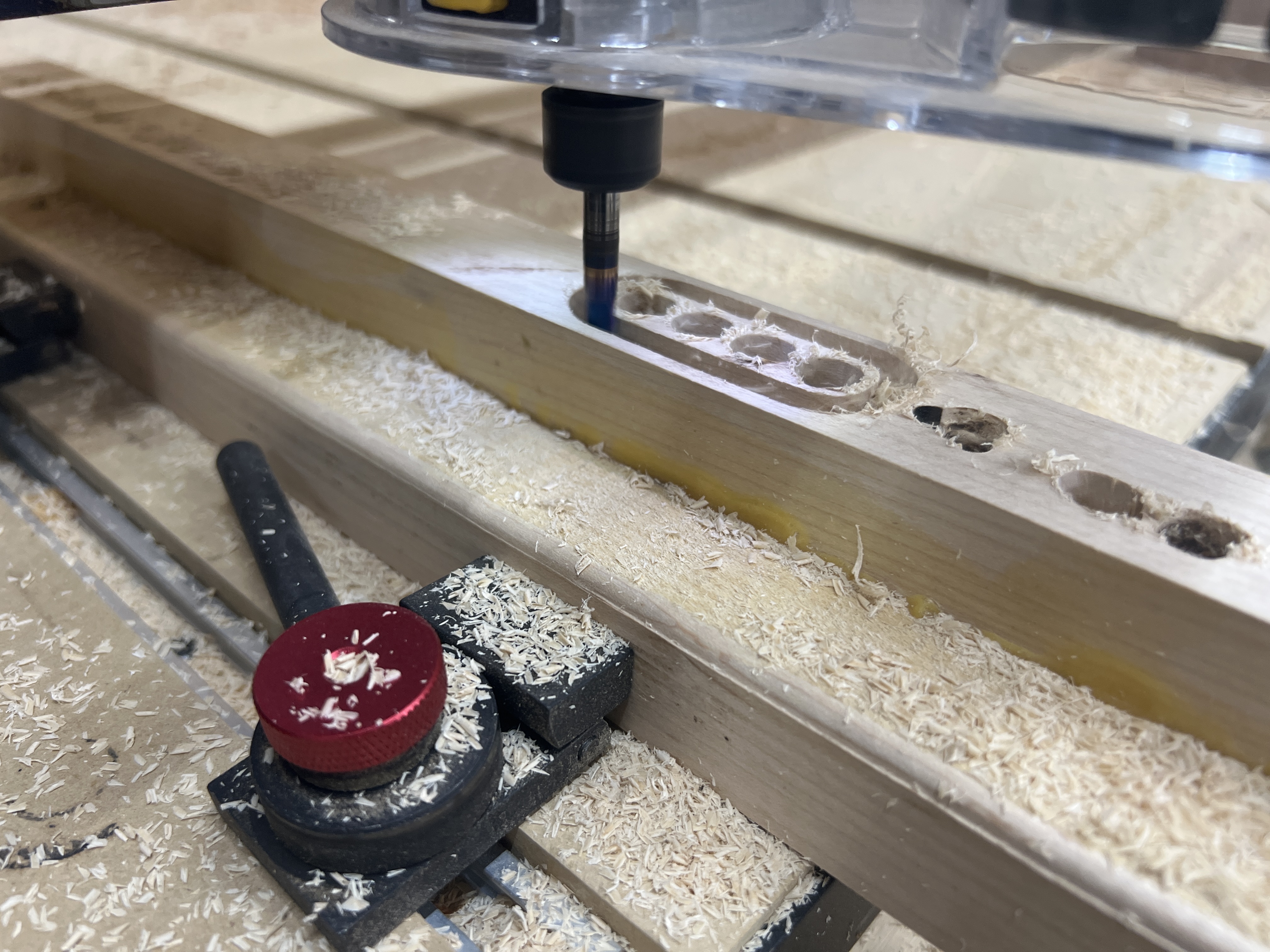
Hey team, I am stumped on this one. I have had my shapeoko3 for years and it’s been great. But recently it starts to lose its zero right after I start a project.
I zero it, start the program it raises the z and tops out with a grinding noise (like z limit didn’t catch it) then asks me to change spindle speed, and runs the program fin but about 7mm off.
If I start the program with my z set about 7mm above it runs ok ish.
So I think it’s my z limit but when I initialize the machine it works fine???
What is safety/retract height set to in your file?
To verify, if you set the origin at the surface of the MDF and Jog up 1 inch in Carbide Motion the machine moves 1 inch?
Upload your .c2d file, step-by-step notes on how you are securing your stock and setting zero relative to it, and a photo showing the machine at the zero position (or a specified offset from that position), and screen grabs showing what Carbide Motion shows for Position and Machine Position (click on one to toggle to the other).
HD Z axis, Carbide motion 613? Where do I get the .c2d file? My tool chain is Vetric VCarve3d then carbide motion.
Did not realize that after initialization the limit sensors aren’t needed. That makes sense just didn’t think about it. So then maybe it’s just my gcode? I have used this code before but maybe I got lucky in the past?
Which lines are telling carbide motion to raise the Z and prompt to adjust spindle speed? I need it to stop asking for that if it would just start when I hit run it would work fine.
As it’s sounds like your machine is lifting too high for a toolchange, then it’s the T1 command initiating this - which is then handled by the CNC controller. Which comes back to the Z-axis configuration is likely not set right in the controller.