1 hole or pocket off out of a set

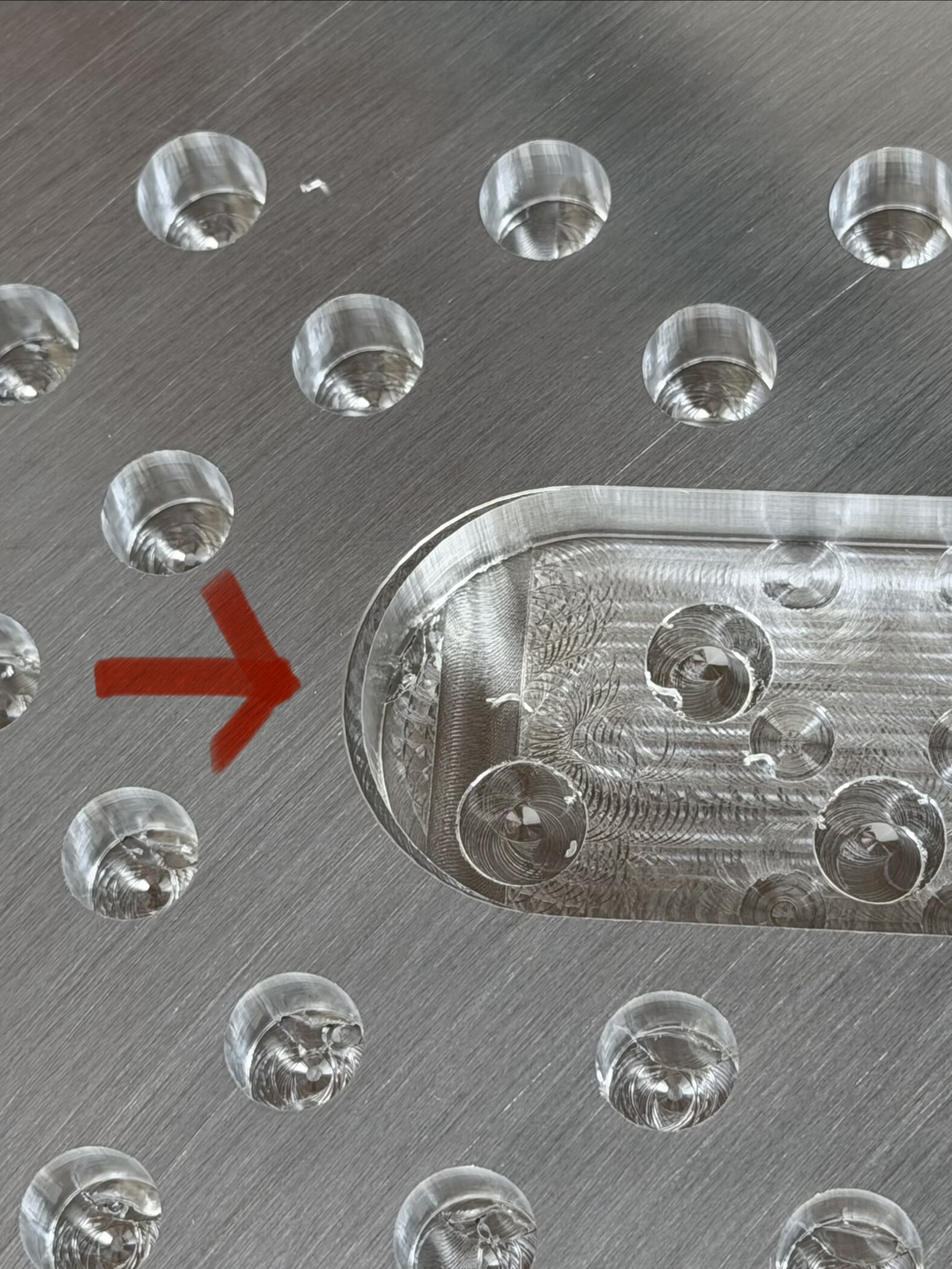
Hey, Shapeoko 5.1 Pro/Carbide Motion/Vcarve user here. A lot of my work involves many pockets or sets of holes and something that I keep noticing is that, what appears at random, a hole or pocket towards the beginning of the set will be ever slightly off. Doesn’t matter what speeds and feeds, the rest will be exactly where they should be but one aspect of the file will be off. Anyone run into this? Attached an image where this small oblong circle (this shape is correct) is not centered in the pocket.

Looking at the vcarve file where everything is perfectly symmetrical tells me that this pocket in this instance (of 10 total) is slightly off.

Upload at least the G-code?

Possible to upload the source file?

What tooling and feeds and speeds are you using?

Material is aluminum?

When I get back to the machine next weekend I’ll grab the g-code.

Tooling doesn’t seem to matter for this issue as it shows up randomly when I’m using 1/16, 1/8, 1/4, single flute, 2-flute, etc.

Yes, material is 6061 Aluminum

Here is the gcode
A_Al_AppleBoxes_TOP_and_BOTTOM_V2_PT1_0.125_1FL_SQ.gcode.nc (689.9 KB)

The file seems to plot okay:

So check for mechanical interference, verify feeds and speeds and that they match the tooling — we have some videos on the latter at:

Thanks for taking a look at it!

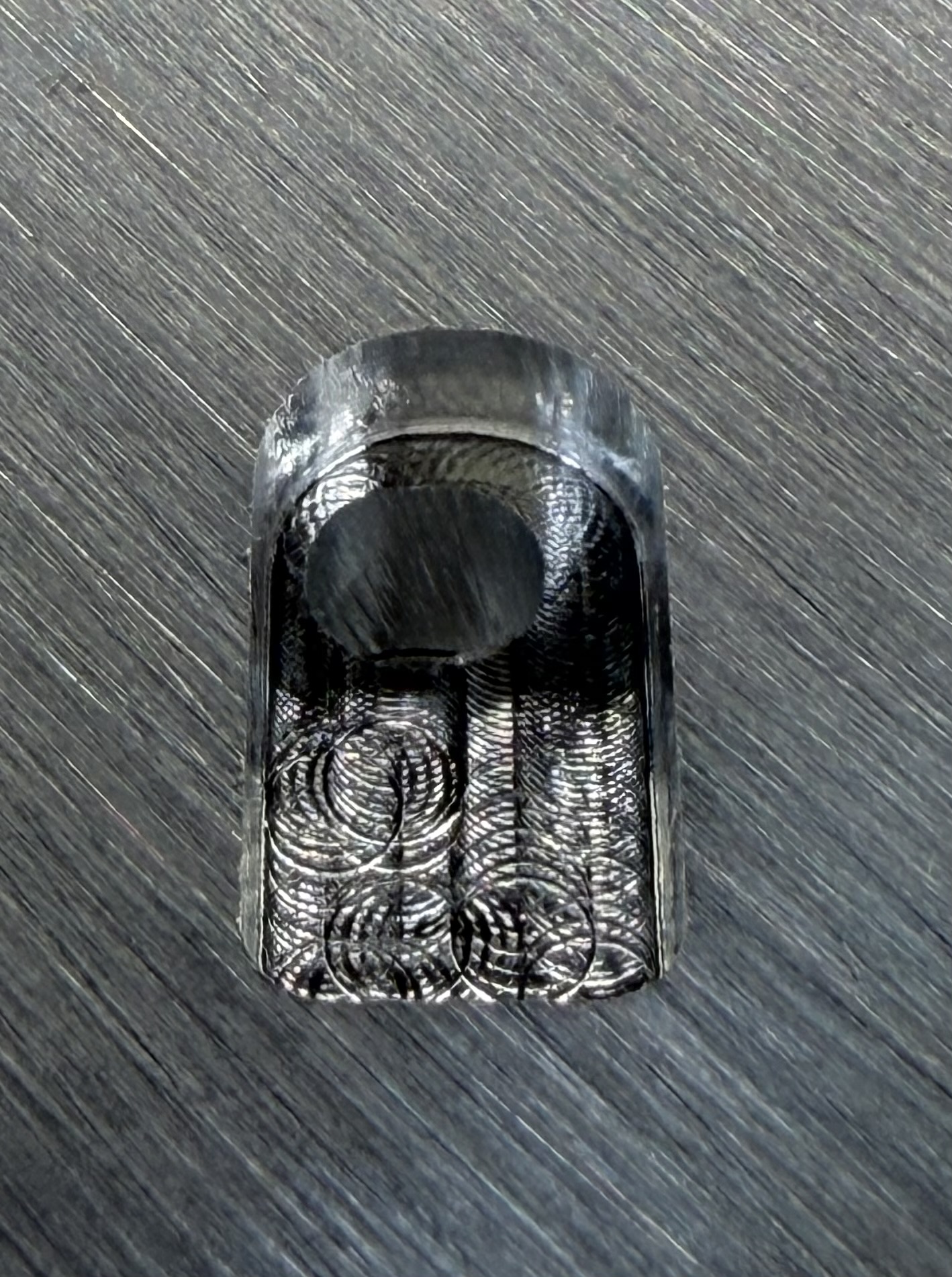
Ran into another one today. It looks like it’s only only shifting left to right and its about 0.08in.

Checked to see that everything was tight all over and was able to move the lead screw coupler by hand pretty easily, the bolts were tightened but if I shifted it just a bit up or down I could get it to turn. Is this normal behavior? Wondering if something is loose in this axis since the files appear ok.
It’s not normal, the issue is to determine what the problem is.

The folks at support@carbide3d.com should be able to assist with verifying the hardware and so forth.

I’ll reach out, thanks!