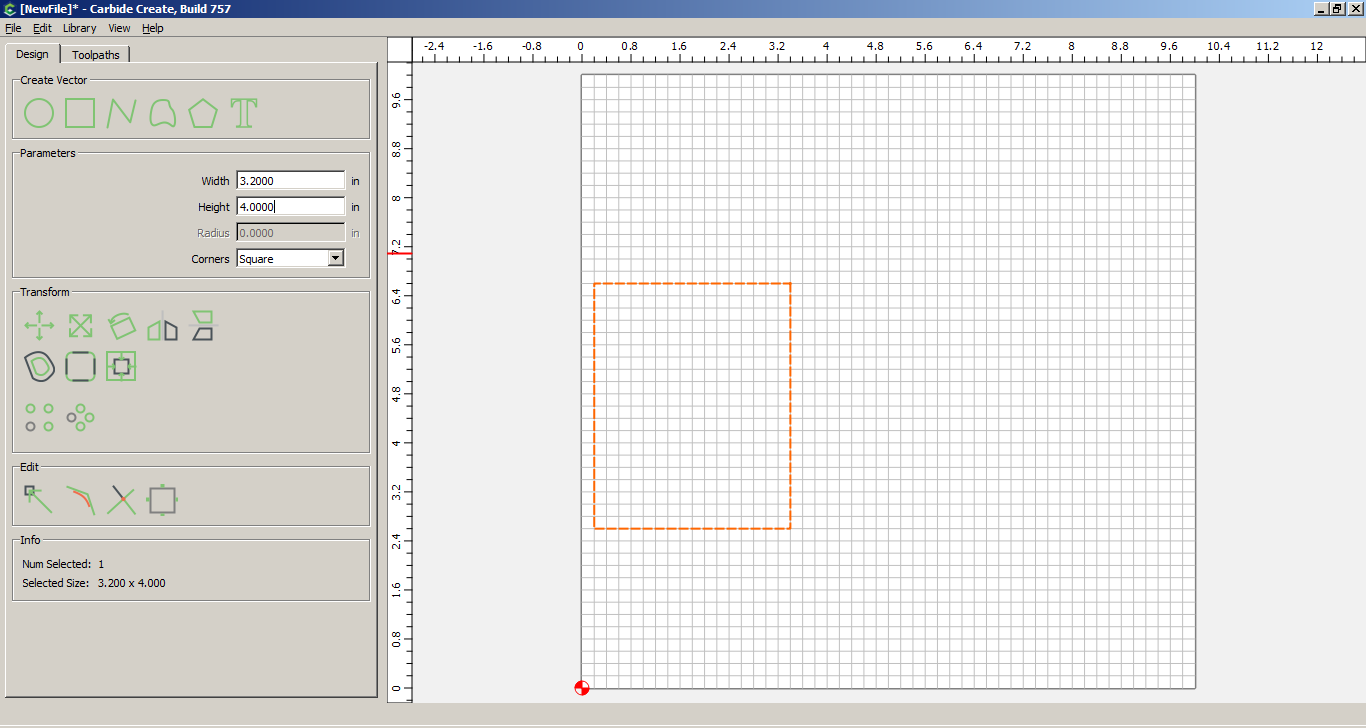
Neither of these cause errors or prevent use but might be changed in the next release:
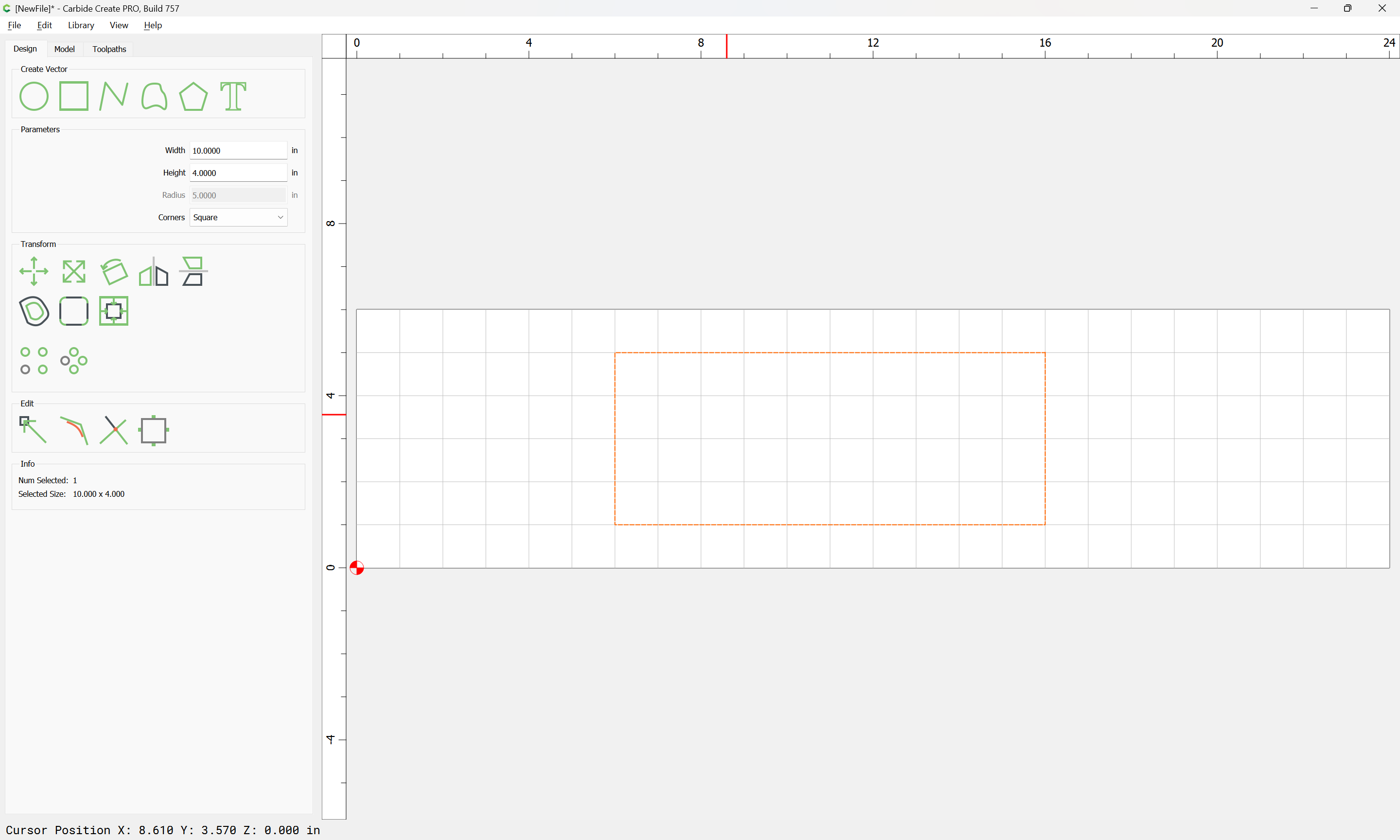
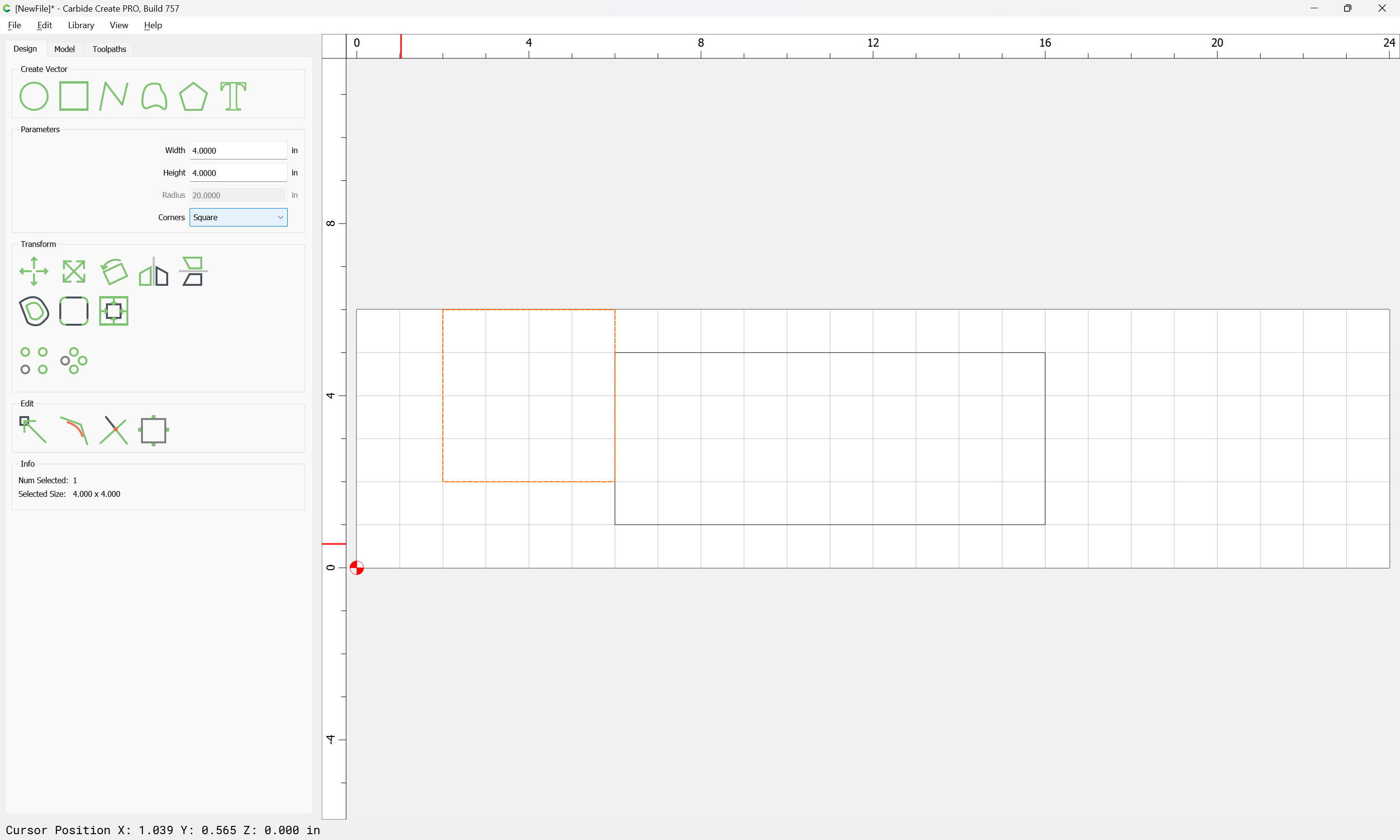
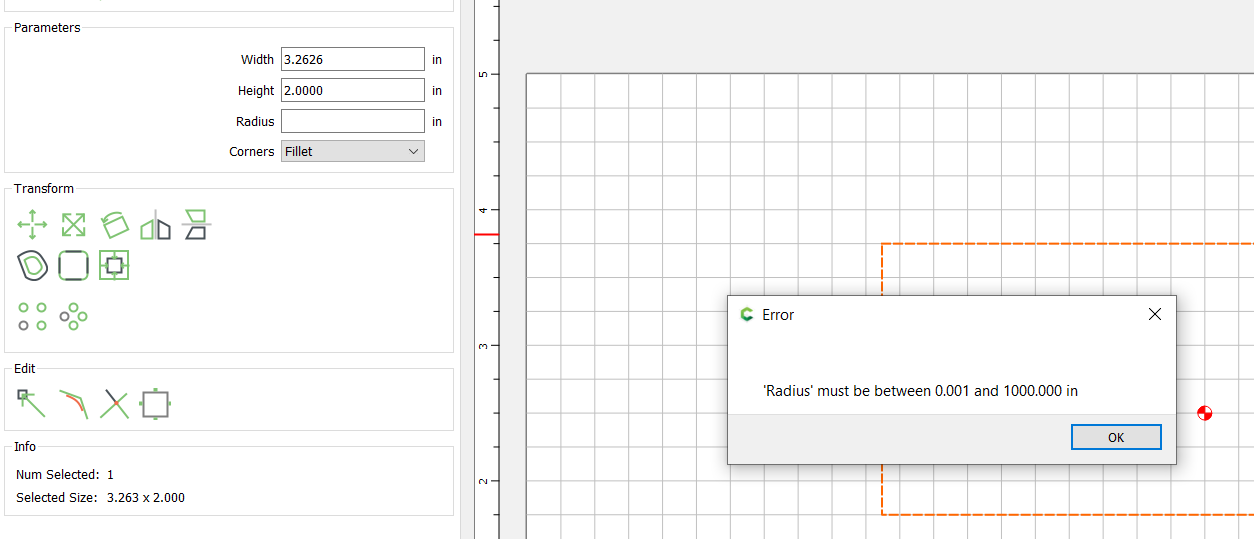
Make a rectangle. Select, and change height. I get a message indicating the radius must be within a range even though the rectangle has square corners. Clicking around eventually removes the message.
With a file open in CC, open another which has notes showing at open, the new design merges/overlays and coexists with the original file until notes are closed. Then the original design is removed. This only happens when opening a file with notes set to show at open.
Very nice software. The revised boolean a few releases back is fantastic. Thank you again.
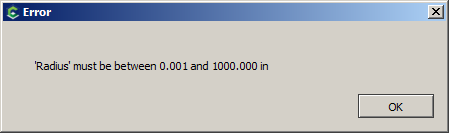
Click OK, then click off of the rectangle to deselect it:
From this point on, if you select that rectangle (or attempt to create a new one), the radius value is 0 - and if you attempt to change anything about the rectangle (h/w) or attempt to create a new one, you will receive the error message.
The way around it is to click until you can get the drop down for “corners” to open and select something other than square and the change the radius value to a valid amount.
I think the right behavior will be for CC to Remember the last VALID value of the radius field, rather than the last one typed. If an error occurs, CC should not remember the invalid value.
Gary
[EDIT] It seems that the code is putting a 0 into the radius field upon error…regardless of the invalid value entered. Therefore, there is SOME code that’s already managing the field upon error…it would make sense to just put the original value back instead of 0.
I do see that if I add a fillet with a radius and then start over with square corners, design retains the old radius (greyed out) and the message does not appear.
Yes…See my reply above. Once you get the error and get out without correcting that field value, CC puts a 0 in - and you’re out of luck until you change it again.
A corner radius of 0 is correct for square corners. This is a minor issue in the software’s flow. The remedy is when square is selected to skip the code which verifies a valid radius has been entered. .