Hello group,
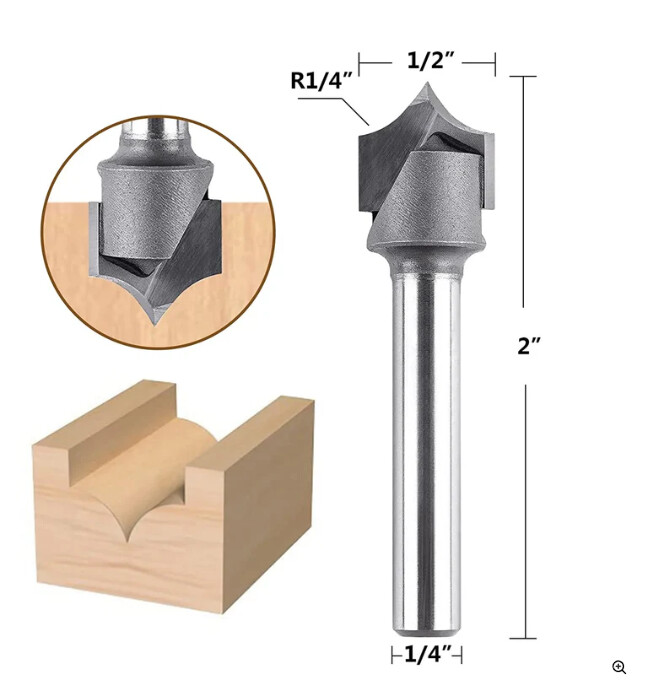
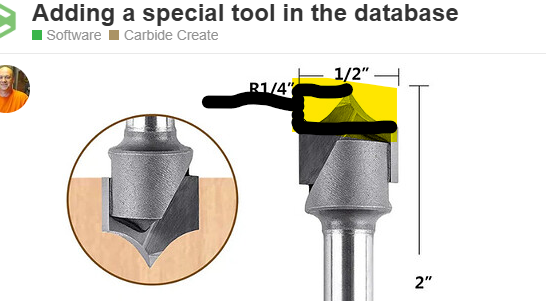
Anybody know how to add this tool in the database? This is a SpeTool CA W09001 Carbide Tipped Round Over 1/4" Radius x 1/2" Cutting Diameter x 1/4" Shank x 2" Overall Length 2 Flute Router Bit
Hello group,
Anybody know how to add this tool in the database? This is a SpeTool CA W09001 Carbide Tipped Round Over 1/4" Radius x 1/2" Cutting Diameter x 1/4" Shank x 2" Overall Length 2 Flute Router Bit
See:
Ouch, really complicated.
I wish CC would add features for bit that other software support like this one or the VBits for inlay.
MillMage that is a new software support the roundover bit I asked you. 
You can add the tool to your tool database pretty easily, the issue will be that it will not render in the model properly.
You’ll have to remember the tool number and its parameter, ie DOC.
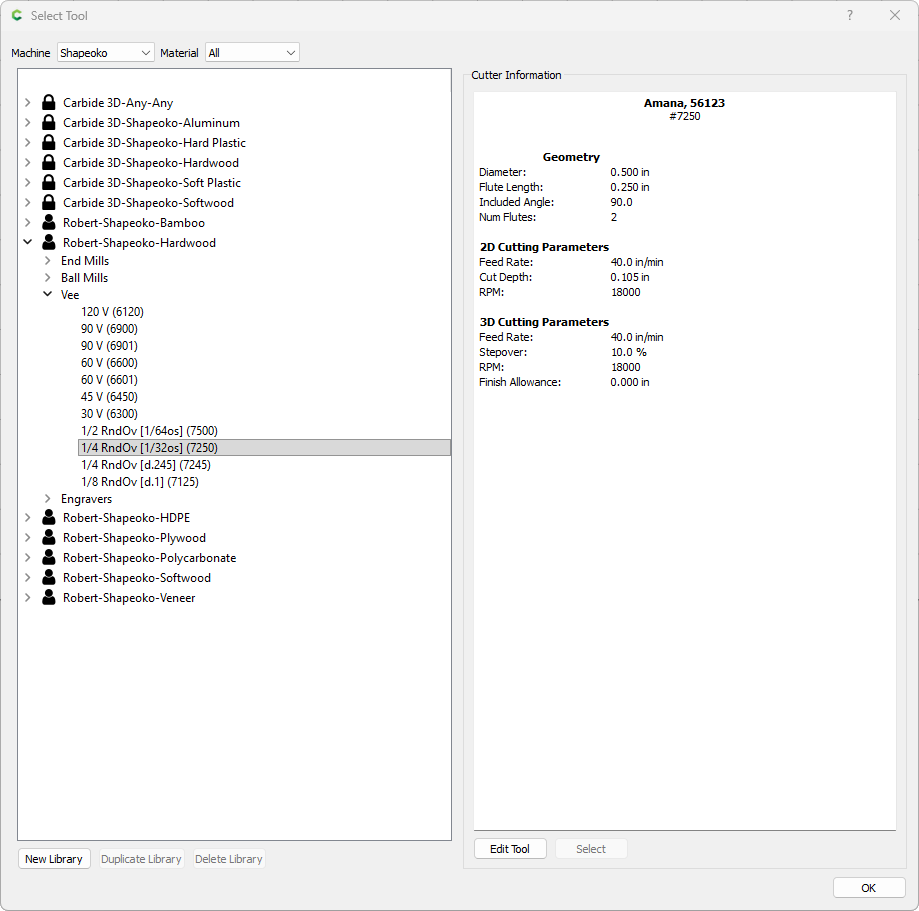
I would add this tool a V-bit and in the notes keep the DOC max so you don’t go too deep with it. Measure the distance from the point to the shoulder and thats you max DOC.
I have that exact same bit and have not created the tool thing-a-muh-jig in CC yet. Being the lazy person I am, I’m hoping someone screen shots there’s directly from CC so I can copy it 
@SirGariff Thats what us Canadians call the Easy Button 
Yup… and since I lived about 6 miles from the Canadian border for half my life, I’ll take it, eh?
I picked one like that up at CIC Workshop, I also downloaded the tool database for it. I’ll check to see what they have for CC when I get home, unless someone does it before me.
BTW here is the link to the CIC bit and the tooling databases.
PT25 Bit
After downloading the Carbide Create database for the round over bit I found the following setup.
Name: Point Cutter Roundover - 1/2"" x 1/4"" - 1/4"" Radius - 1/4 Shank
Type: Endmill
Diameter: 0.5
Flute Length: 0.5
Number of flutes: 2
Stickout: 2
Plunge Rate: 25
Feedrate: 50
RPM: 18000
Depth: 0.175
3D Stepover: 40
3D Feedrate: 50
3D RPM: 18000
Thanks!! As apparently our friends north of the border say “that’s the easy button” I’ll take that any day of the week!
After watching the video from CIC Workshop, not all round over bits are made the same. The difference is the depth of the cut, some flatten the point a little due to the high chance of breakage. The recommendation was to use your calipers and measure the depth. The CIC one I linked above is ground to a depth of .177 which is why the DOC in the spread sheet from them was set for .175.
Here is the video of its use and reasons behind the dimensions.
Spetool has a database you can download. As others noted I would watch the CIC video on the round-over bits
I decided to define round-over bits in CC as a V-Bits, which enables the preview to show me as realistic as possible.
Wacky Friday lunchtime thought… A roundover bit is basically a bullnose bit with a negative corner radius. It would be awesome if CC worked that way…
This topic was automatically closed 30 days after the last reply. New replies are no longer allowed.