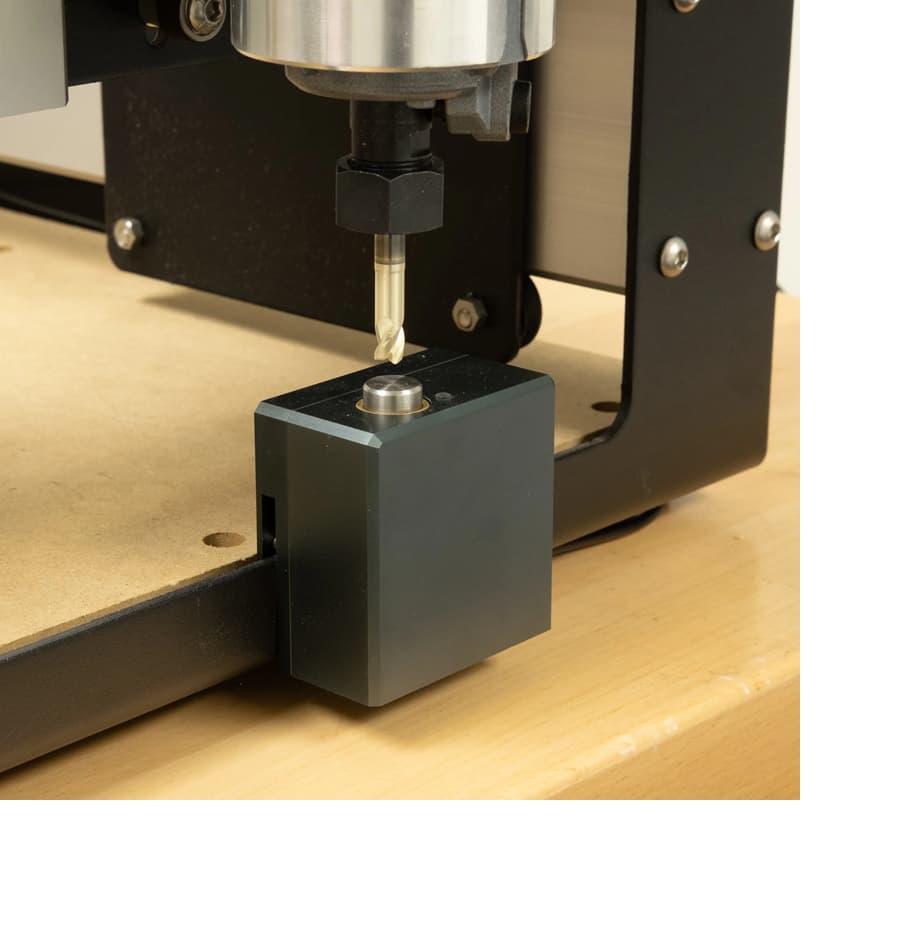
When I hit “probe” in CC the bit slowly lowers until it hit the top of the bit setter and the led shines red but instead of going up it keeps trying to go down and drives itself into the bit setter.
Is this a bit setter problem or something to do with the Z axis???
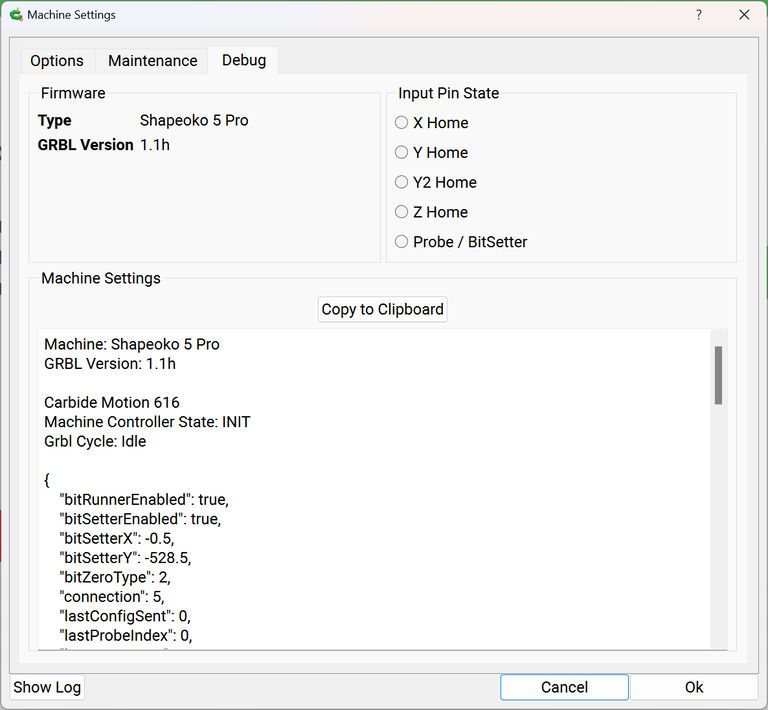
Still do what @WillAdams suggested. Open CM and connect but do not initialize. Under the debug you can see if any sensors are tripped. On the BitSetter simply push the button down and see if the input changes.
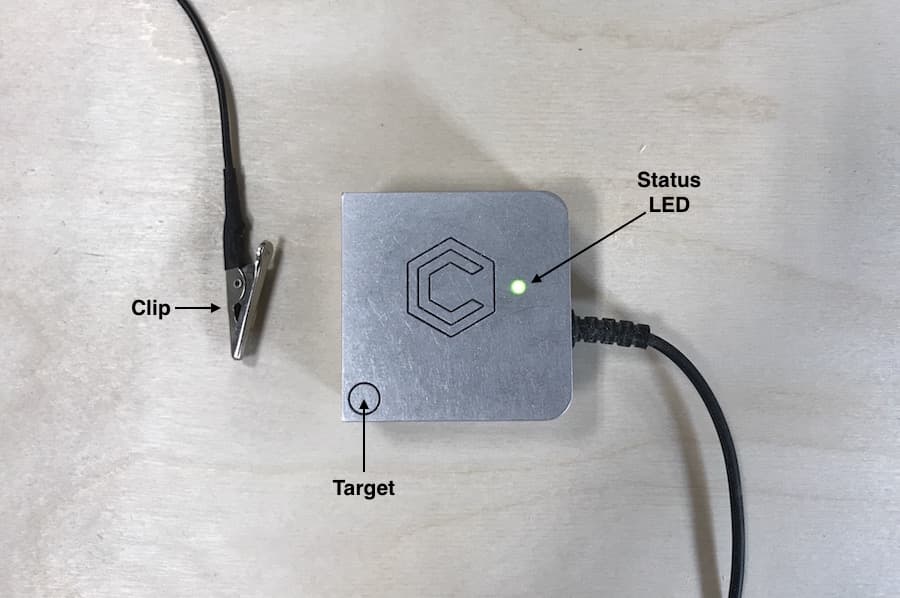
If the input changes the BitSetter is working. If the input does not change then you likely have a wiring problem. Carefully inspect the cable and where it hooks up on both ends. The same is true for the BitZero take the magnet/clip and touch the BitZero and observe the input change.
If it changes then the BitZero is working. If the BitZero does not change then check your wiring. Since the magnet/clip gets manipulated a lot check that first. If that connections seems good check both ends of the BitZero cable.
Both the BitZero and the BitSetter will eventually time out if their input does not change. In the mean time the Z keeps going down but eventually times out and quits. When a probe is iniated on the BitZero you should be within .5" of the BitZero or a time out will likely occur.
One last bit of trivia about an SO3 is if the BitZero magnet/clip is grounded the BitSetter wont function properly. The two devices are tied together. Check that you clip/magnet is not grounded.
William;
The only buttons I have under settings are “OPTIONS”, “MAINTENANCE” and “DEBUG”. I checked in all three of those options and could not find Active Inputs. I did see that the BitZero was option was on.
is the ground lead electrically connected to the tool
does it test as working before probing (showing both a light on the unit and an active input in Carbide Motion)
is the correct unit selected
are you using an up-to-date version of Carbide Motion
I wrote up a bit on this at:
if you’re still having difficulty, post the specifics of what you are doing at each step with screen grabs and so forth and we can try to look into this with you.
Firstly, I have a piece of acrylic on the waste board that is partially cut (because the machine stopped and has been stopping at random places in the code.
Secondly, all my data is in inches.
Thirdly, I don’t have a measuring tool that will fit under the router but the closest I can come to a measurement is 1" (no where near 6mm).
I hope this helps William and thanks for your patience
The BitZero and the BitSetter are 2 different things that share the same wiring back to the controller.
You said nothing happens when you touch the ground wire to the BitZero plate. If that’s true then there is something wrong in the cabling or maybe the machine is not configured for the model of BitZero that you have.
As Will said you should be able to see an indication in that debug screen when the ground wire (clip or magnet depending on model) is touched to the plate.
While on the topic, I found my BitSetter failed because the vibration had the “top contact piece” unscrewed from the base unit but was still sitting loose in the well.
The system was confused until I screwed it back in. Now I make sure it is in tight by turning the exposed top section occasionally.