Is there any way to display the x or y coords when probing? I would really like to use a touch probe to determine specific features in my material, but those aren’t supported by carbide motion. I might be able to do it with the bitzero if I were able to see the xy value where the bitzero stopped. Is this possible?
(Or side note- I’ve seen some threads with people implementing touch probes but haven’t seen a tutorial or any instructions. - yes I’m aware it’s not officially supported. )
I managed to do this on a DIY macro pad pendant. I had made the pendant a year or so and wasn’t sure what to do with it until I saw this project.
This may not help you as it’s specific to my needs. CNCjs can send out position information through its API. There is a small OLED screen on my macro pad and I had to rotate the text in a way that it could be read.
I have my Shapeoko connected to a Raspberry Pi 4 and I almost always use CNCjs to control the machine. You are not limited to a Pi – an old PC would also work.
You could do exactly what I did and build a MurphPad, but mind you, it’s a project in and of itself. It involves a bit of soldering and a lot of troubleshooting but I am very pleased with the result. You also have to work with the QMK software and sending data TO the MurphPad is not well documented. I had to seek help on the QMK discord.
You could also come up with some other way to display the position data. Perhaps an ESP32 using WiFi with an OLED screen. You could do that in Arduino code or MicroPython and figure out a way to mount it where you need it.
If you’re looking for a project, it would definitely take some of your time.
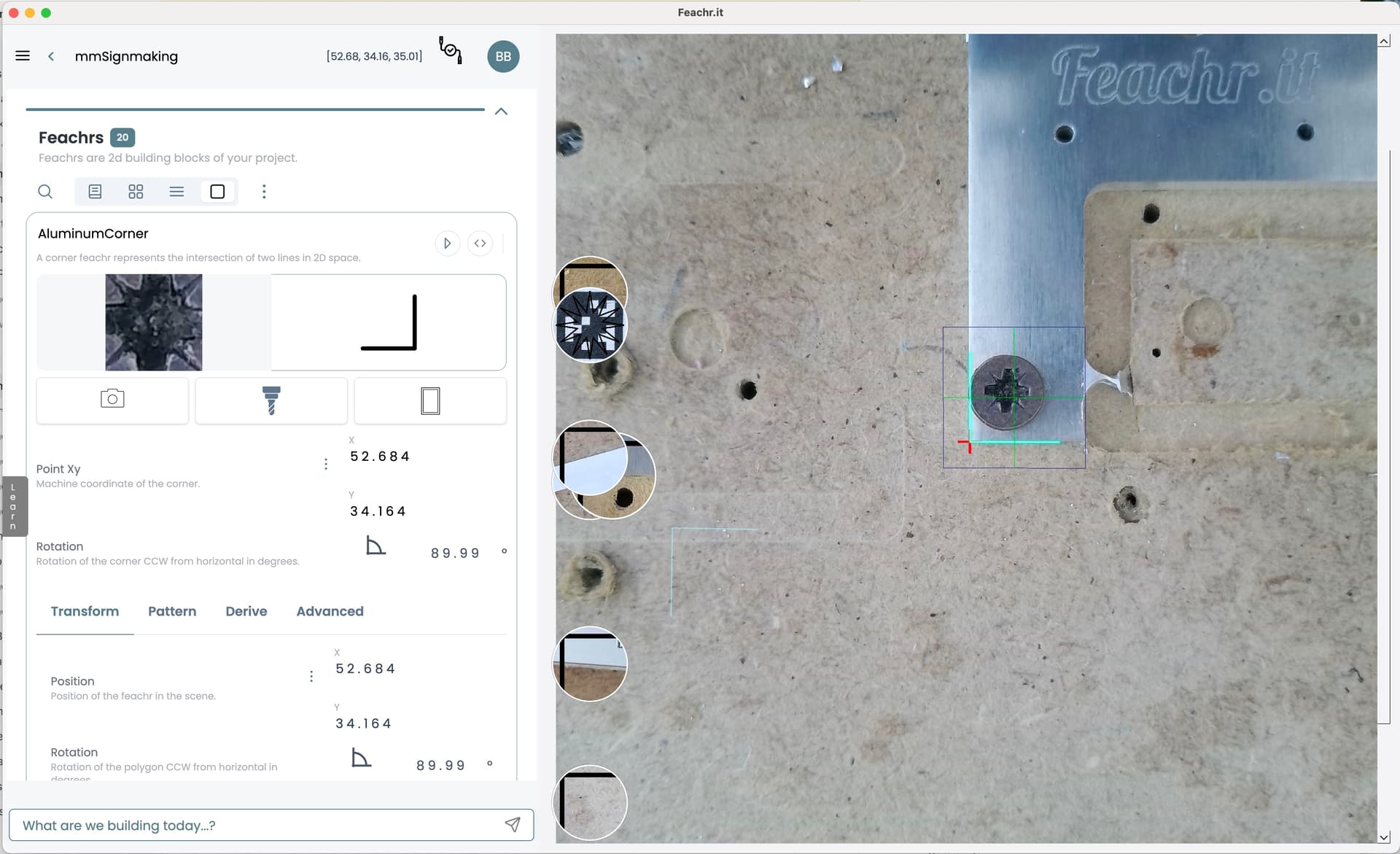
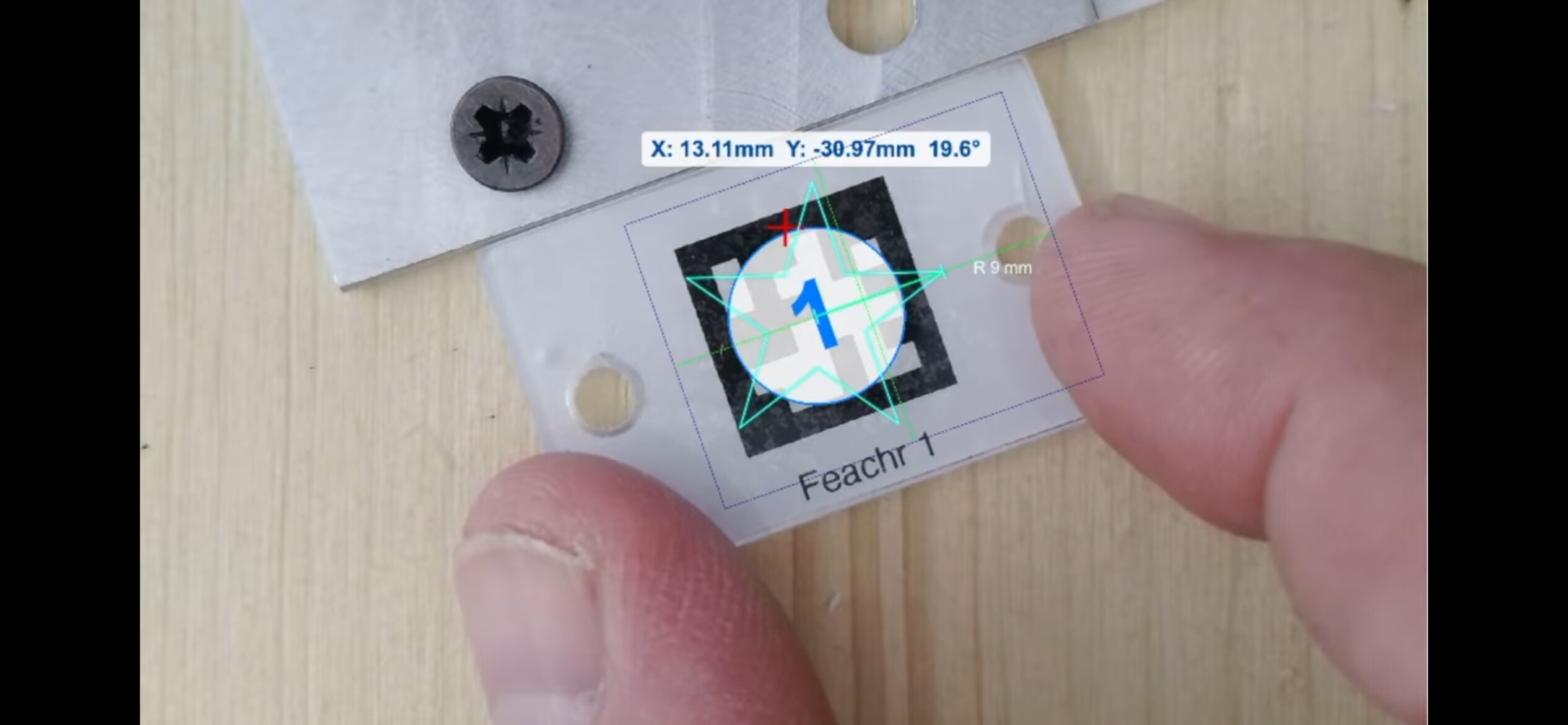
You can do it visually with Feachr.it no need to touch your material and you get X/Y coords. If you’re just finding corners, edges or holes it traces those for you and gives dimensions.
Thanks, I’ve been trying to you know put the word out. So I opened a video studio here in Italy. I thought I’d do a live demo showing how I use the video camera to make the video camera itself. Well, let’s just say it didn’t go perfectly smoothly!
I don’t think you can post links to videos here, but if you’re curious you can search YouTube for “Live from Italy: Using a video camera to make a video camera”