The way this should work is:
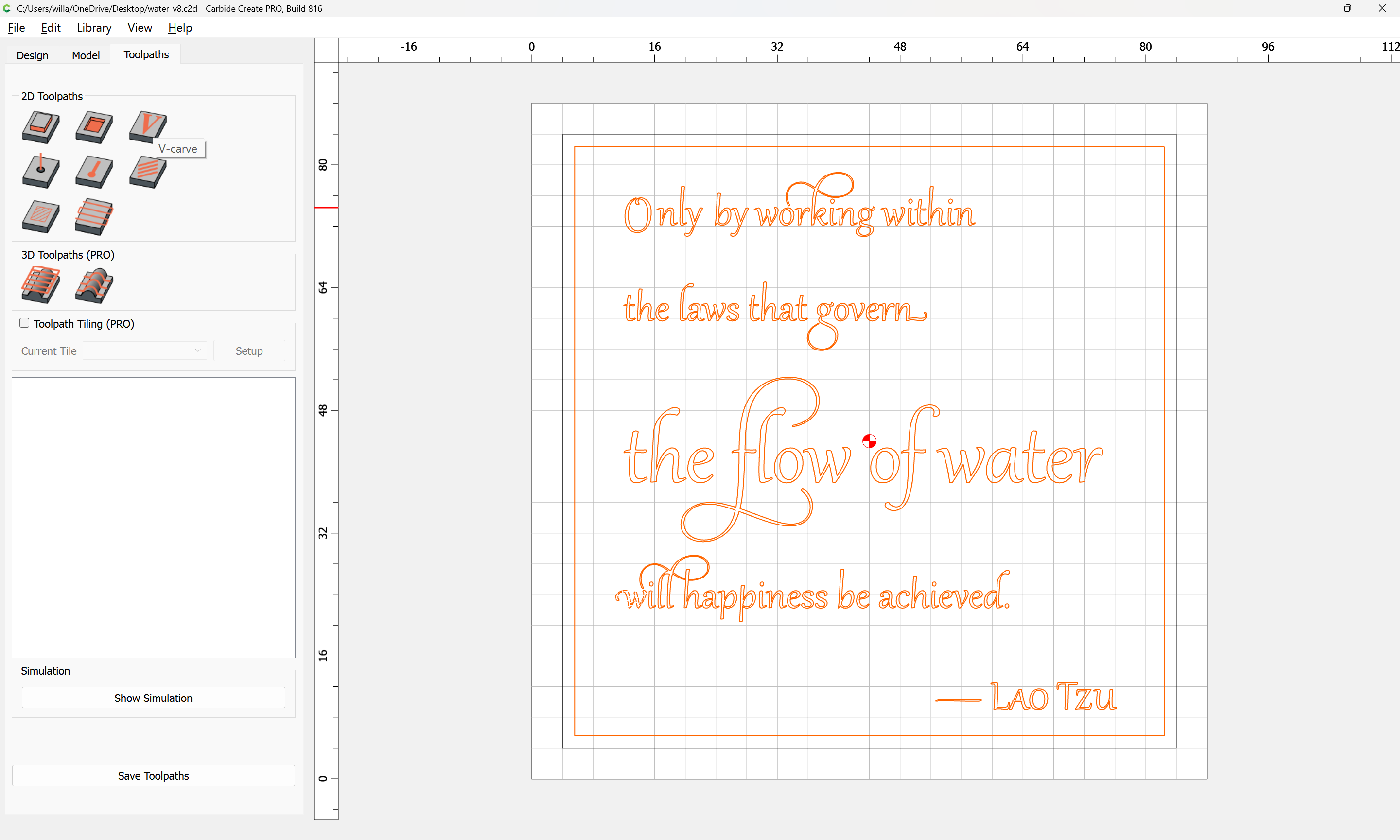
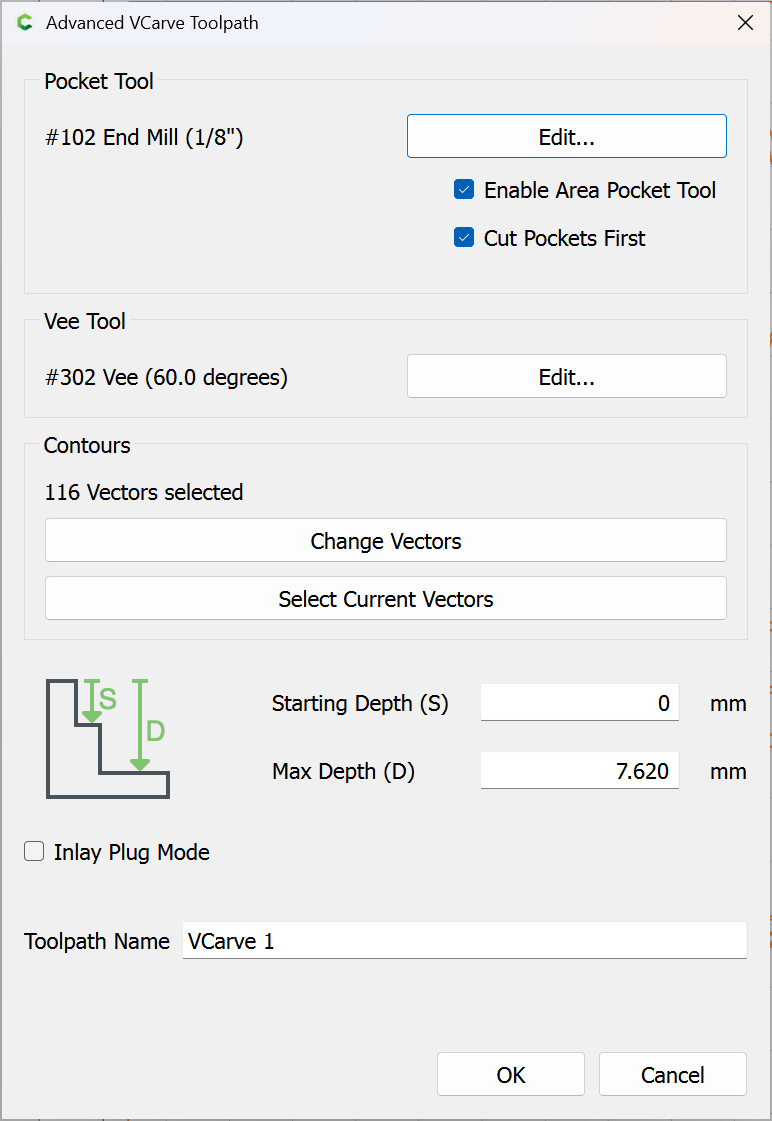
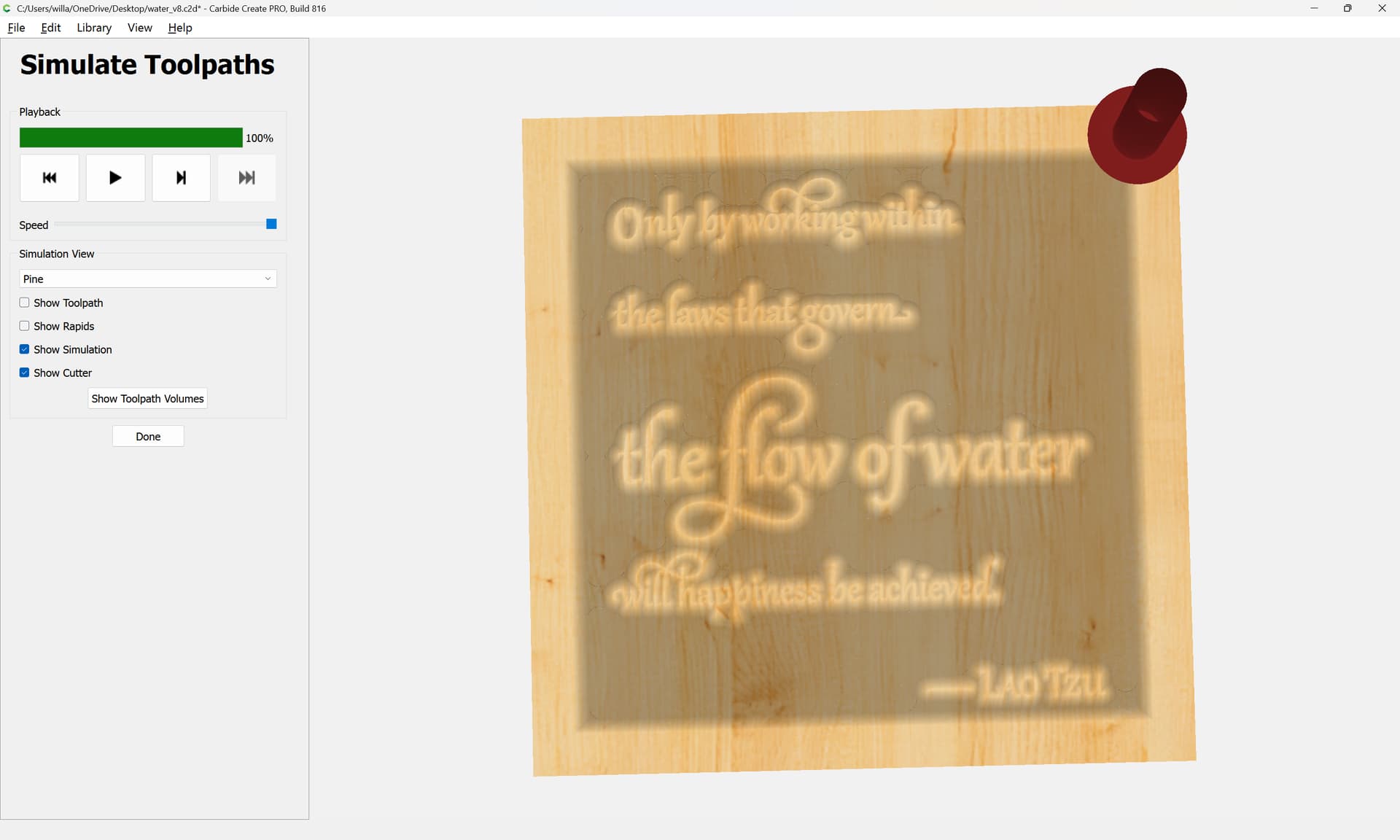
- set up the file in Carbide Create so that it uses two separate tools:
- configure the BitSetter using the Setup Wizard:
https://carbide3d.com/hub/docs/shapeoko-setup/
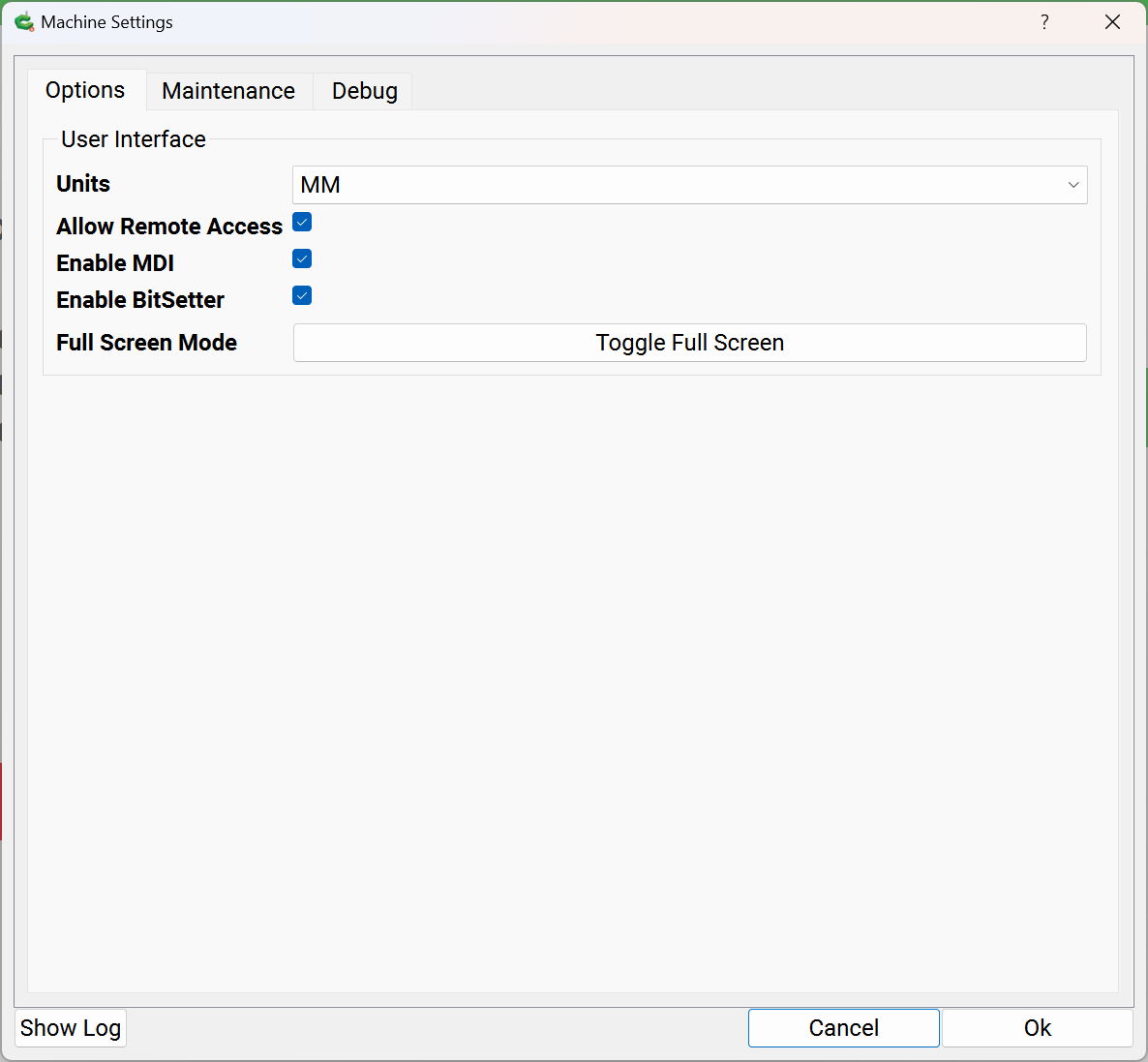
ensuring that it is enabled:
- set the zero relative to the stock as normal and run the file
- when prompted, change the tool, allowing the machine to measure it, see:
If things don’t work, please post photos and screen grabs and we will do our best to look into this with you.