About time to try something new…where do you find the 3D images to bring into Carbide?
3 Likes
For topographic work, I use Touch Terrain. It creates STL files rather than images, but CC Pro handles that as well.
4 Likes
I get an email from this site and they are relatively cheap.
1 Like
I always get an error message when I try to open this site saying it can’t connect with Google maps. A lot of the areas are greyed out and not selectable.
Maybe I’m not set up correctly?
1 Like
I get the google message, I think it’s harmless. It’s a problem for the web owners.
If an area is not selectable, try a different data source (upper right). The default source is US only.
2 Likes
As long as Guy mentioned a source, I also create 3d files. I make Cemetery Monuments files for a stonecutter. I do lots of animals as well. I also sell them… I have a couple of sites where I sell my stock images inexpensively, but I mostly do commissions. I am pretty cheap because it’s just a passion.
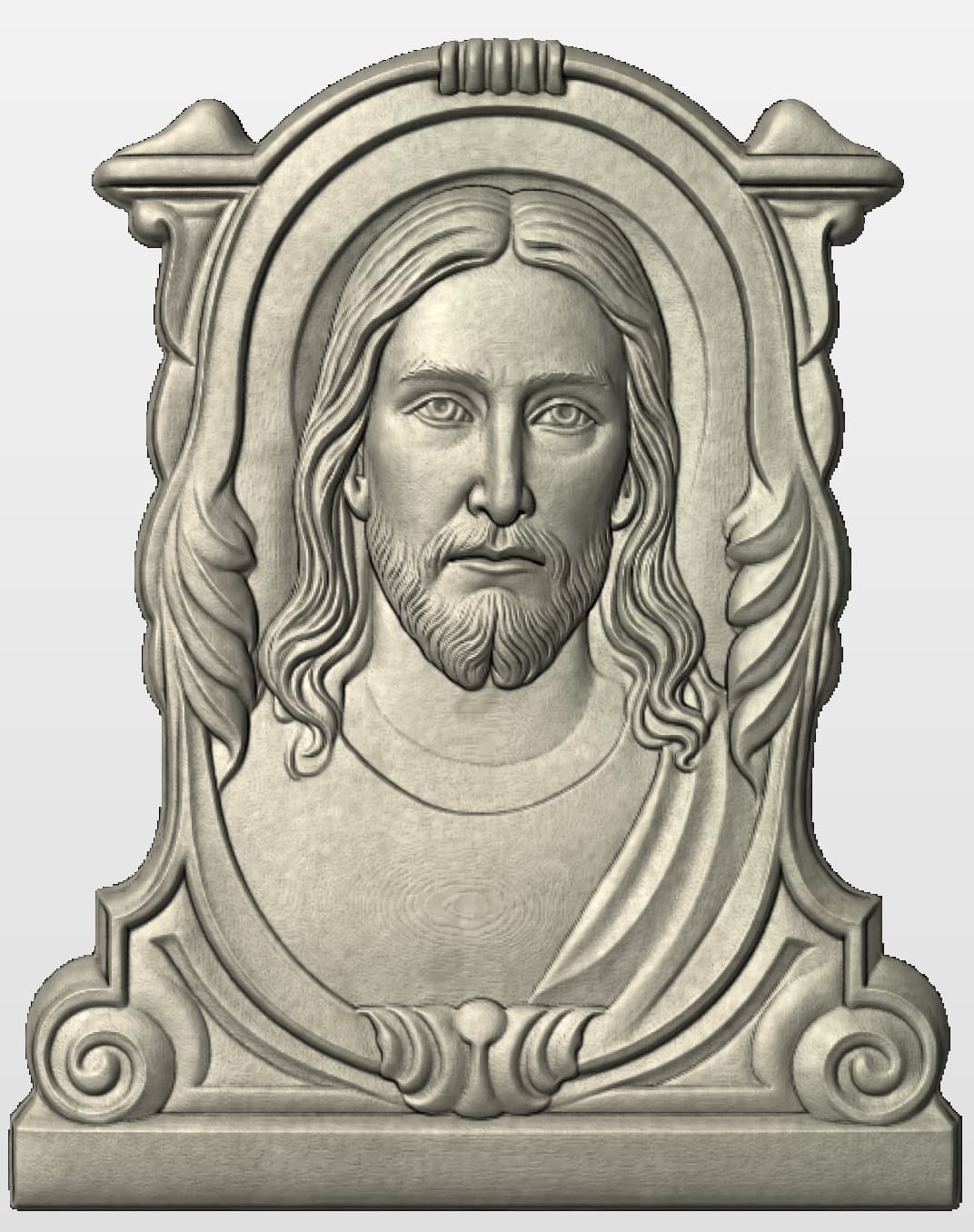
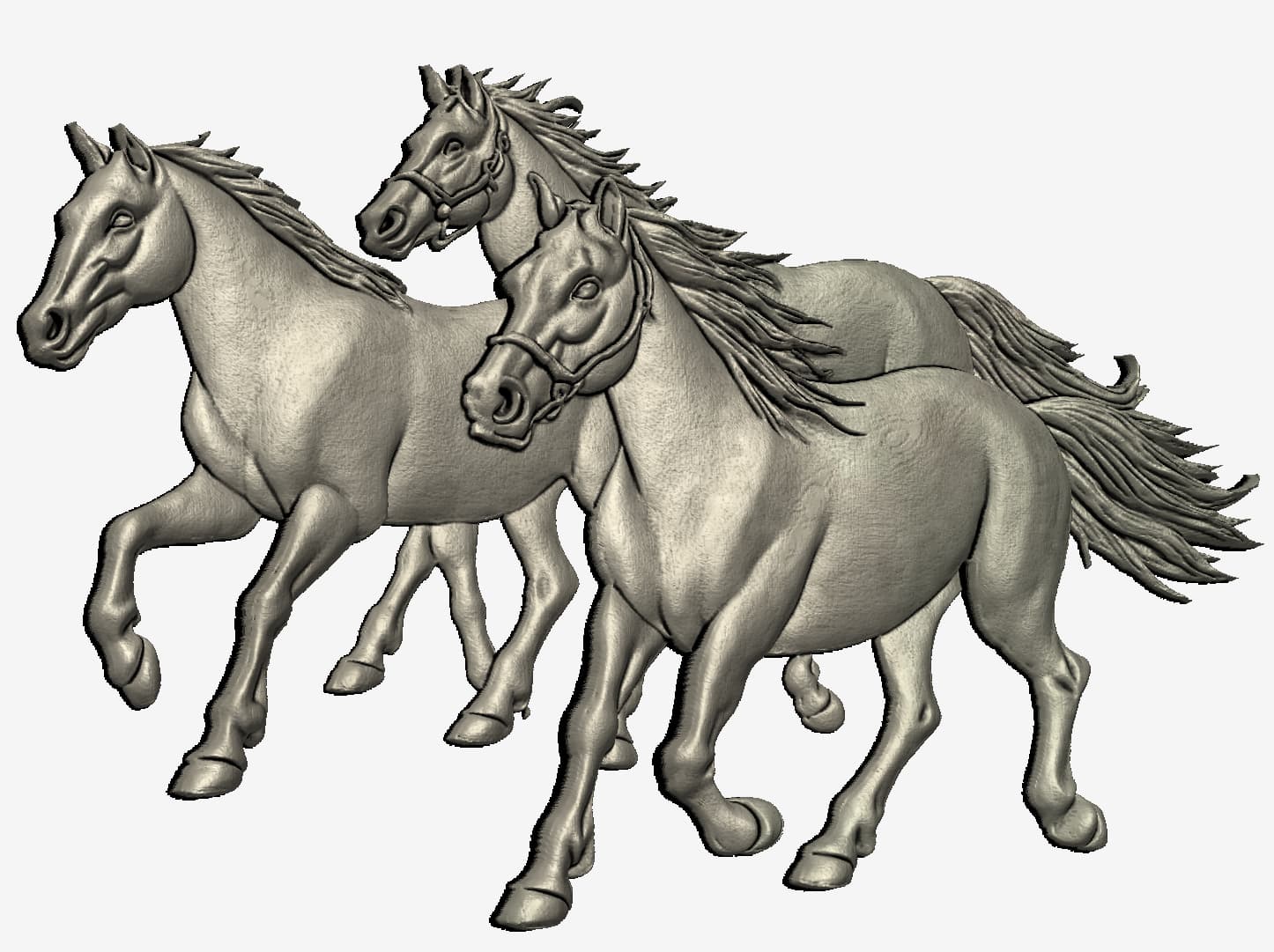
7 Likes
Knowing someone with the skillset to do:
- Sculpting
- Digital art
- CNC
Is rare enough…throw in the ability to combine those skills and post on public forums really inspires confidence.
Working with folks who have no CNC experience leads to all sorts of beautiful art that’s unfortunately impossible to machine on a 3 axis
Point being, expect a message from me in the future 
3 Likes
I have bought quite a few 3D image files on Etsy all for pretty cheap. It has seemed like a safe and reliable place to buy files compared to some of the other unknown websites.
1 Like
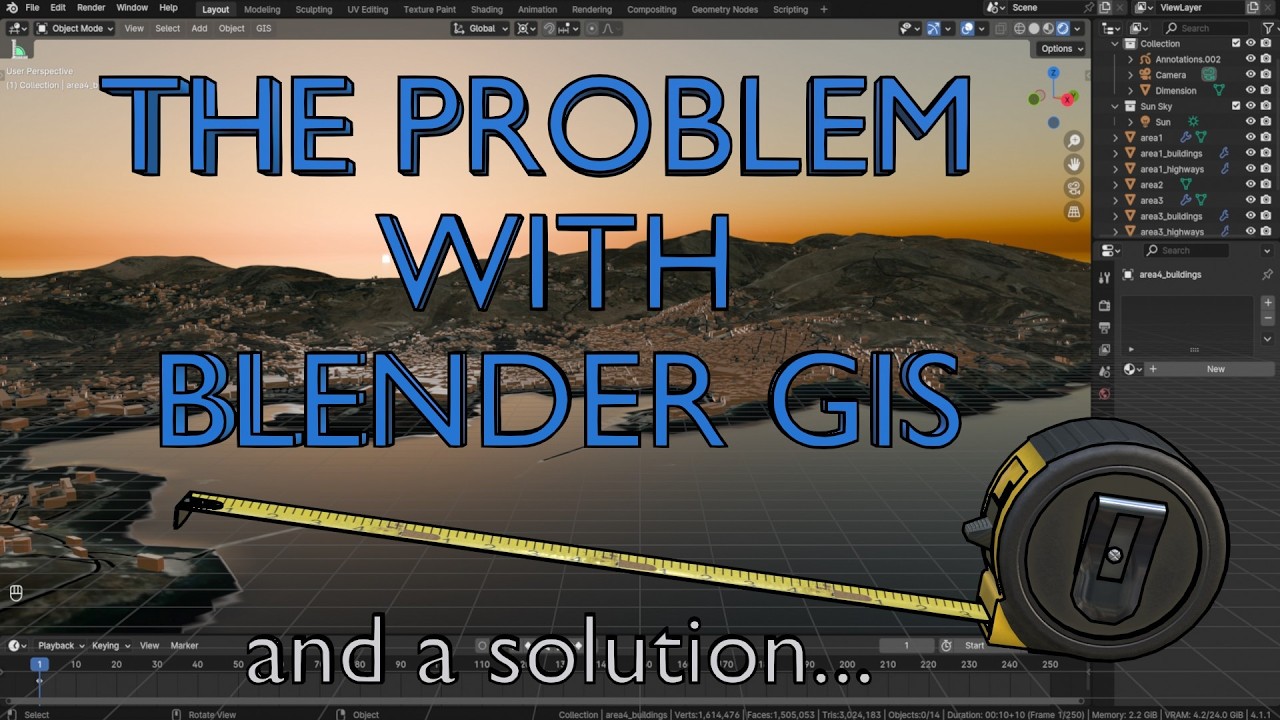
I like blender and the GIS addon. There a number of blenderGIS tutorial. Export the chosen terrain to stl or obj.
QGIS is also good a creating 3d maps and if you’re in the UK you can get 50cm resolution lidars from the DEFRA website.
Create you’re own 3d models with blender3d and sculpt mode. Or download 3d print models and adjust in blender or other software depending your needs. Loads of modelling videos online.
1 Like
I second using Etsy for STL files.
• large selection, reasonable search engine
• inexpensive
• unlike most other sources most of these can be used commercially.
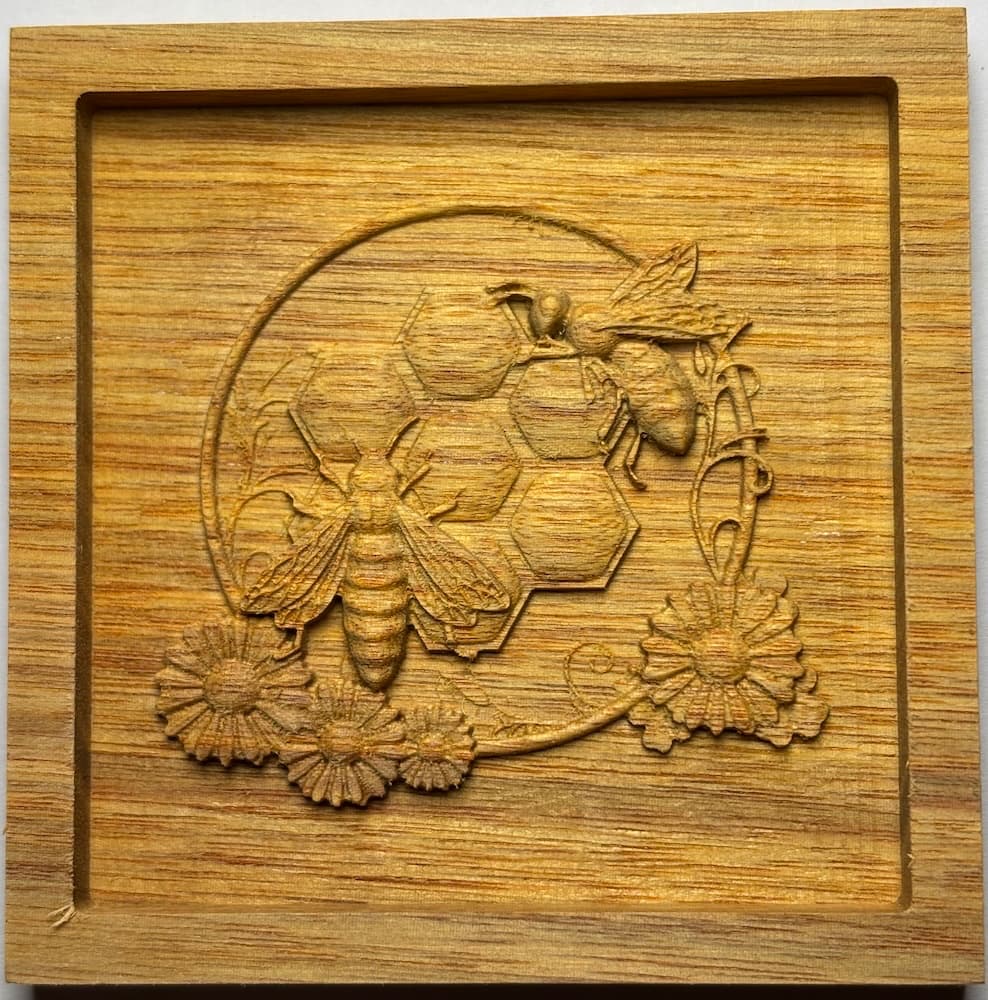
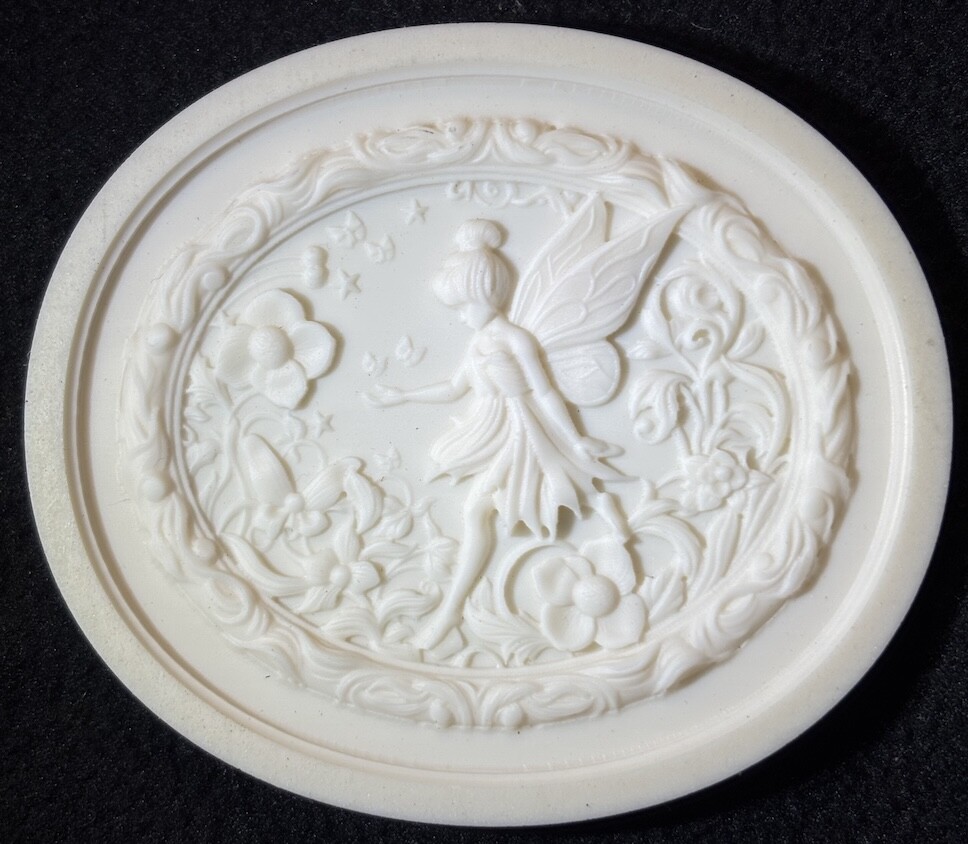
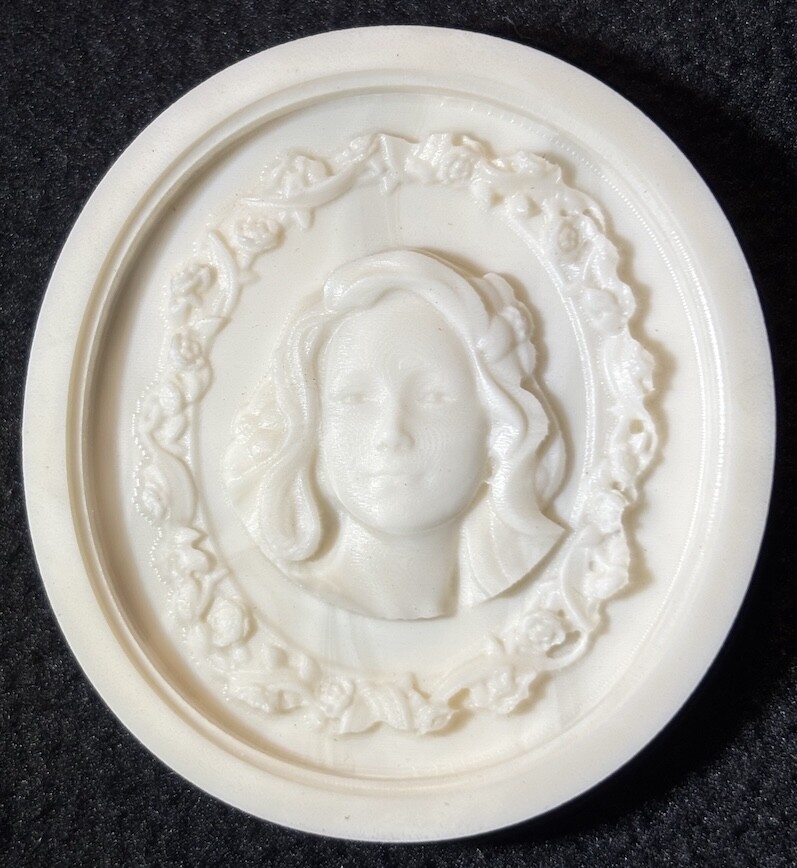
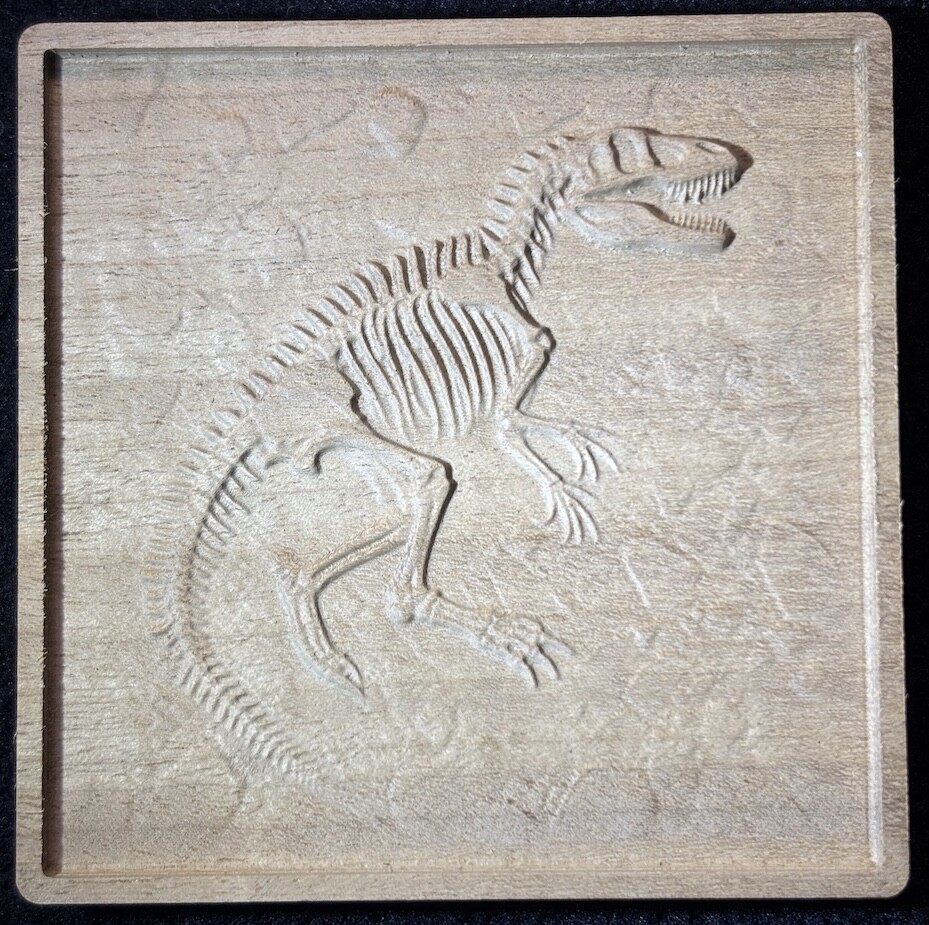
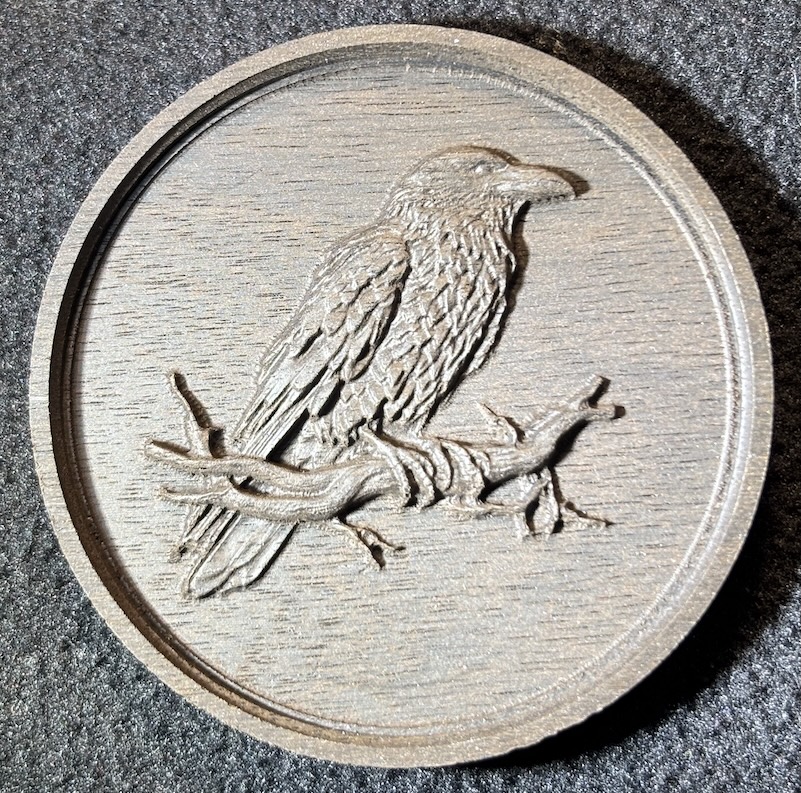
While a flat image file is quicker to set up in CC, most STL files are more versatile since they can be rotated to select different angles. (Some are bas-relief designs in which case they act like the flat image files.) However, CC will only allow you to rotate the stock STL in 90° increments; to achieve other angles you will need something like MeshLab, free and relatively easy to use.
Some examples:

2 Likes
Those images are very detailed look great,what other animals do you do?
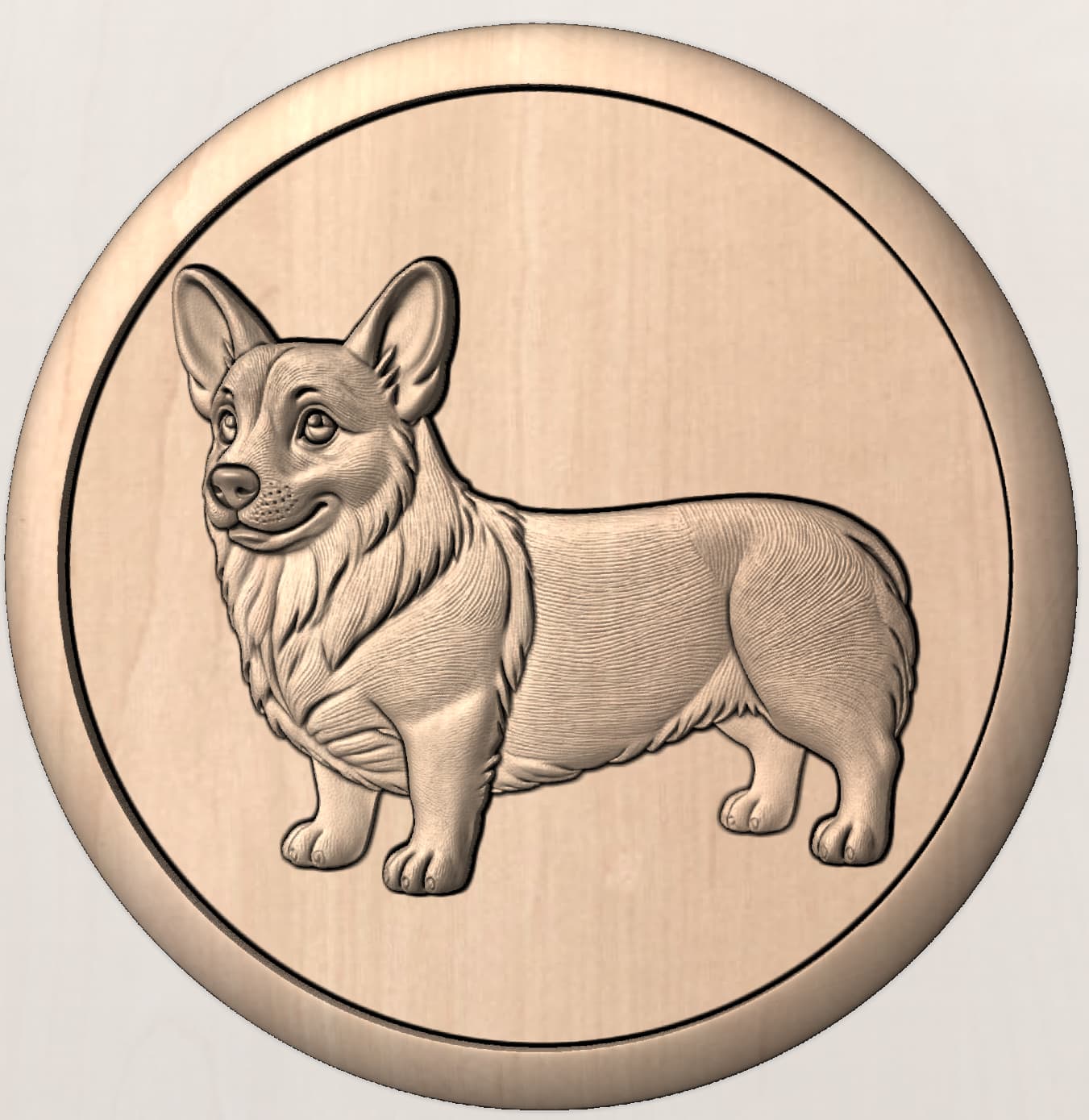
I have been working mostly on dogs. I am through the first 25 of the AKC’s most popular breeds. But I can do most any animal. If you ever get to facebook I am CNCfileDesigns my website is the same: https://cncfiledesigns.com, which is actually a store like Etsy called Payhip. This Corgi comes with or without the frame. I am pretty active in support of my files as well. I use WhatsApp or Facebook Messenger… or just plain old email. If there’s something that needs tweaking, I tweak.
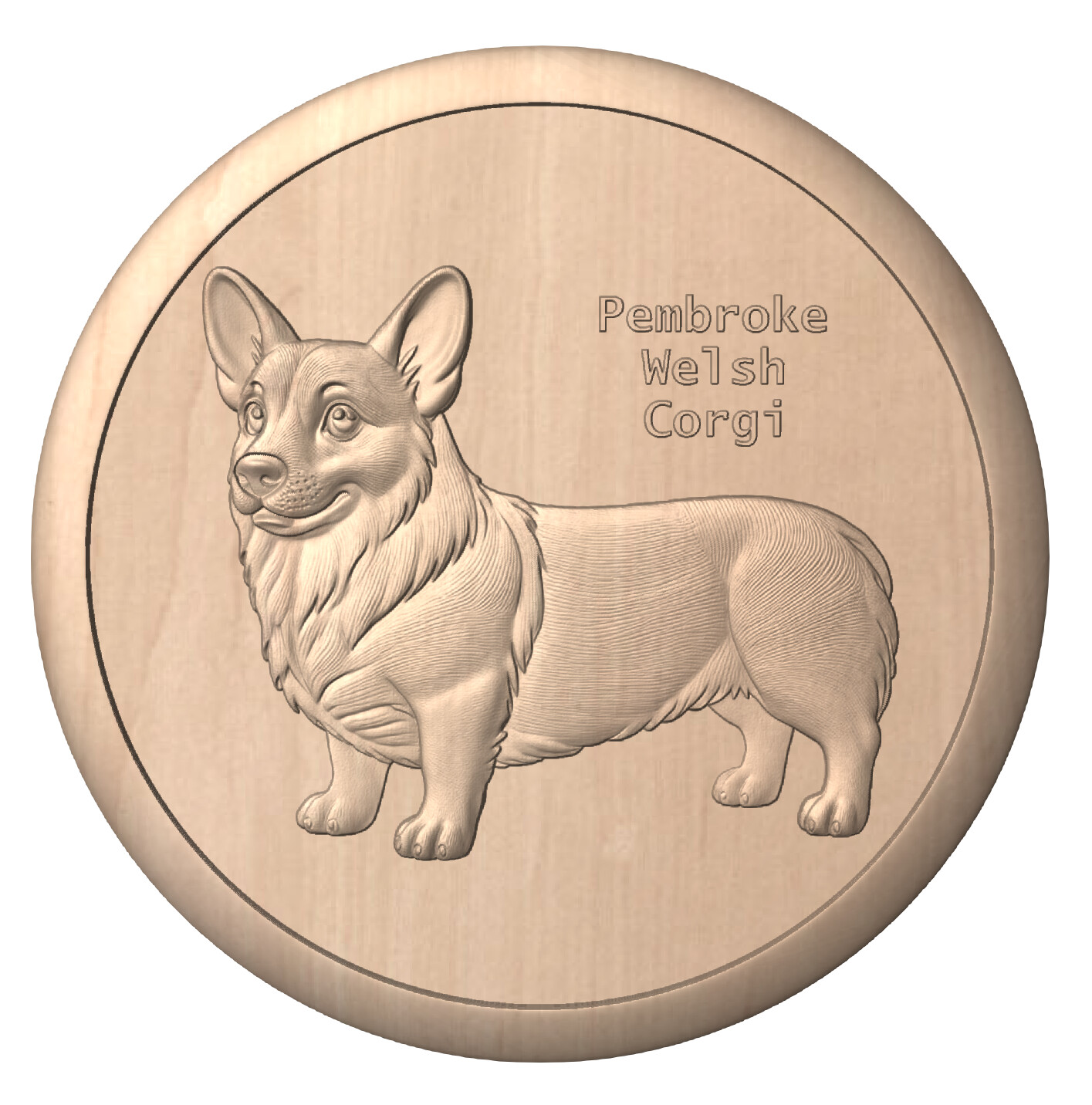
This is where I tweaked the relief from 3/8" to 1/2"…
4 Likes
Charles you have the wife hooked on a couple of dogs and we will get them,I will be using Carbide create Pro.
We have Llamas any image in the pipe line?
1 Like
No…but if you want one I could do that. 
1 Like
I would be up for that,I will get the dogs tonight.
1 Like

Less than two hours is absurd for this progress 
2 Likes
Ebay has a ton of STL files for about $3.00
Here are some other sources:
I will remember that
I like the honeybees. Do you remember the sellers name on Etsy?