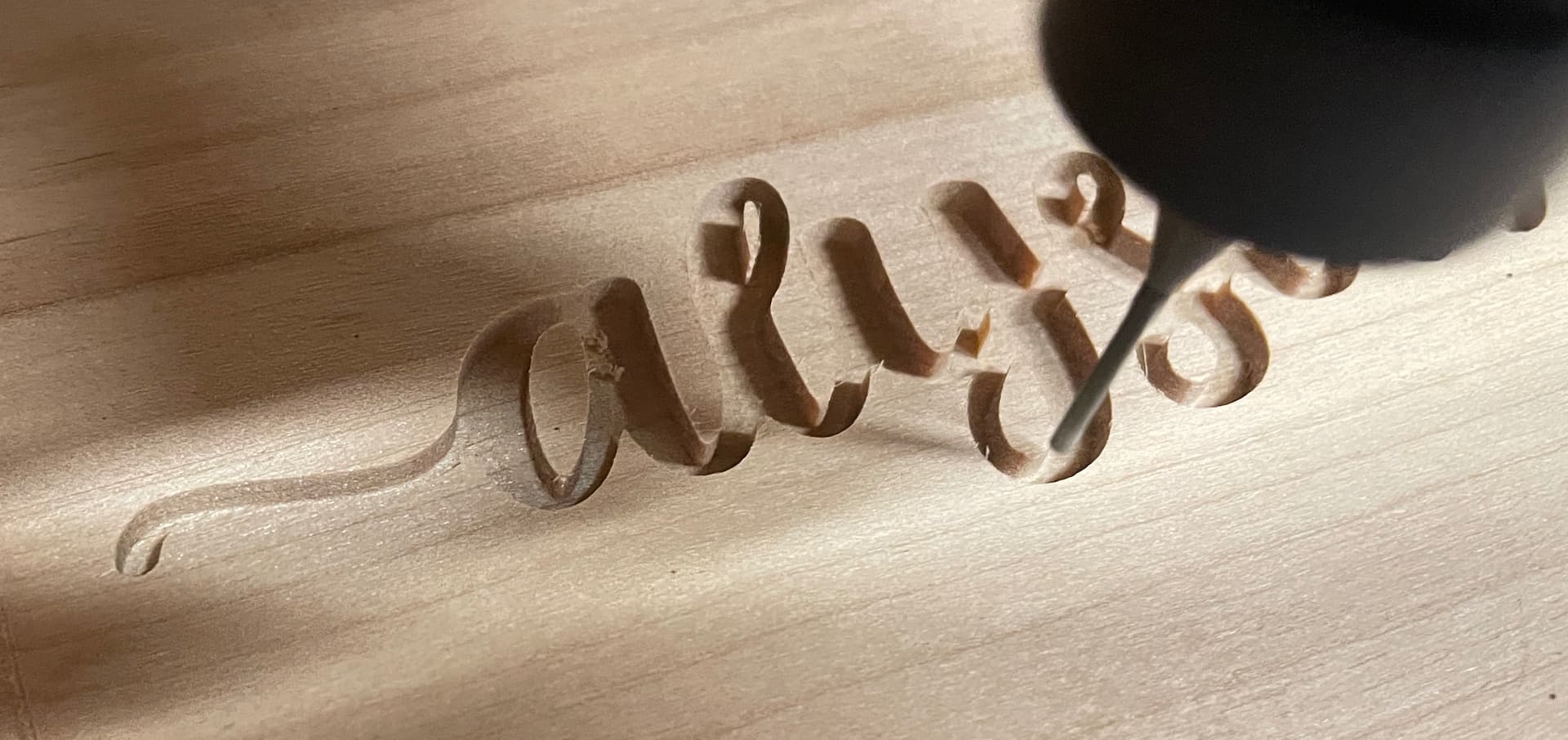
This has happened a couple of times now and is super annoying. I am doing some epoxy inlays and have been cutting coutours for the epoxy. A few times now the cut seems to “shift” - sometimes more than once - during the cut. Any thoughts?
I have the latest software andn I a running Shapeoko 3 Pro.
Check that nothing is mechanically interfering (wires and cables are a frequent culprit)
Check the machine mechanically:
(for belt drive machines) Pulley set screws — verify that these are in-place and secure — be sure to check all axes/pulleys (including Z on machines w/ belt-drive Z-axis, for an HDZ, check both coupler screws).
(for the SO3/4, X- and Y-axes, and the belt-drive Z-axis on Launch and summer 2016 SO3s) V wheels / eccentric nuts (per assembly instructions)
(for belt drive machines) Belt tension (see the relevant step in your instruction manual, Note that the X-axis motor is held in place on standoffs and if those bolts are loose this can cause belt tension issues. Also, belt tension for the Y-axis stepper motors needs to be even/equivalent on each side — a significant difference can cause skipping on one side eventually resulting in lost steps on both.
A Maintenance Kit will allow rebuilding to like new:
(be sure to select the right sort of machine from the drop-down)
Some folks have gone to the added expense of purchasing genuine Gates GT2 branded belts (9mm wide, GT2 profile 2mm pitch for X/Y) from specialty shops such as SDP/SI or BB Man.
You can inspect your belts and if there are no missing teeth you dont really need to replace them. Over the years C3D has had 2 different types of belts. The first was the nylon reinforced belts and later they had steel belted belts. The steel belts seem to fail quickly due to the fraying of the steel belts. C3D went back to the fiberglass/nylon belts.
Check your pulleys. The pulley has 2 set screws and one of them need to be over the flat on the stepper motor. Most people get them positioned and put a black magic marker across the pulley and shaft for a quick visual reference if the pulley gets loose and slips out of position. Also check your v-wheels. There are 6 adjustable v-wheels located at the bottom of the gantry and Z axis. Simply lift up on each side of the gantry and if it moves you need to adjust your v-wheels. Same for the Z. To adjust loosen the allen bolt and use a wrench to adjust the v-wheel until it is snug. Do not over tighten and deform the v-wheel. Then hold the wrench in place on the eccentric as you tighten the bolt. If you do not hold the eccentric in place torque of tightening the bolt will cause you to miss adjust the v-wheel. Clean the rails with a 3m finishing pad to remove any imbeded dust/dirt.
My machine is a XXL I bought in 2020 and haven’t done anything to it shince I initially set it up. Just looking at the belts I can see where they might be a bit loose - and “dry”. I checked all the v-wheels and all seems ok. Ii can’t get to the pully to put a mark on it as it is blocked by the router plate. I tightened up the blets. Good idea aboutthe 3M finishing pad. I did have some “stuck on” sawdust. I think I’m going to go ahead and pull the plug on the maintenance kit. I mean, it HAS been 5 years…