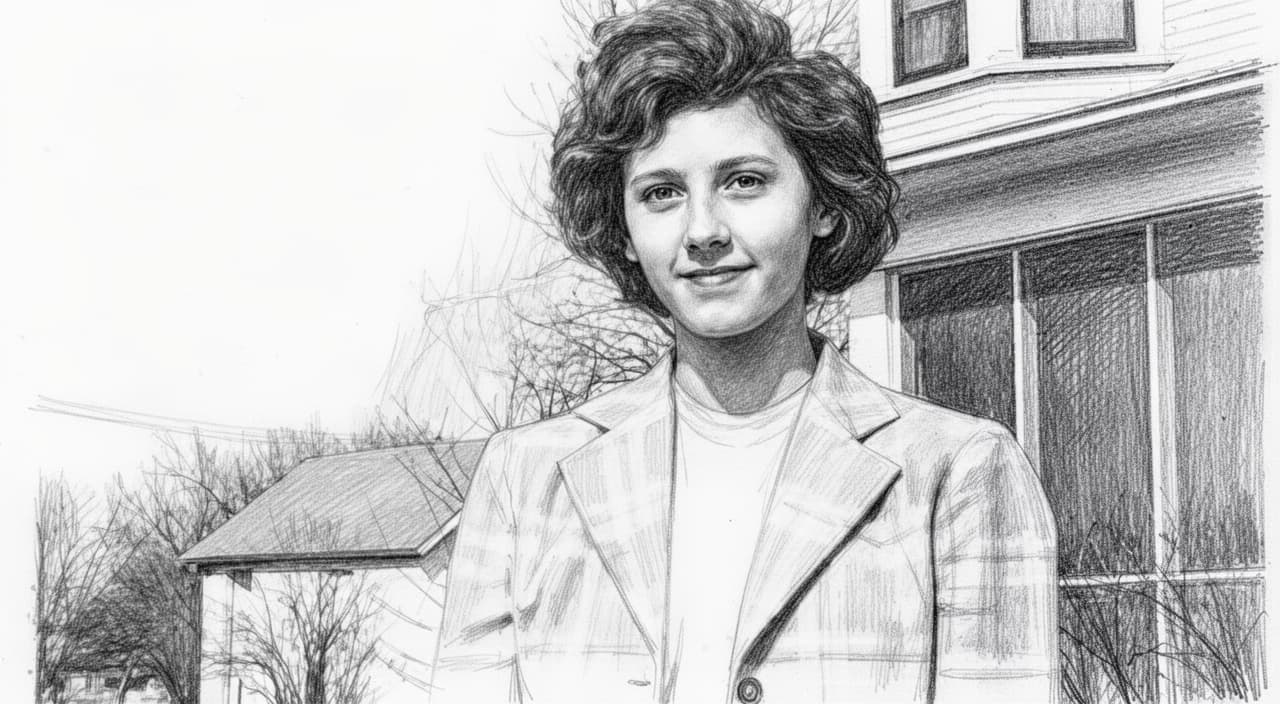
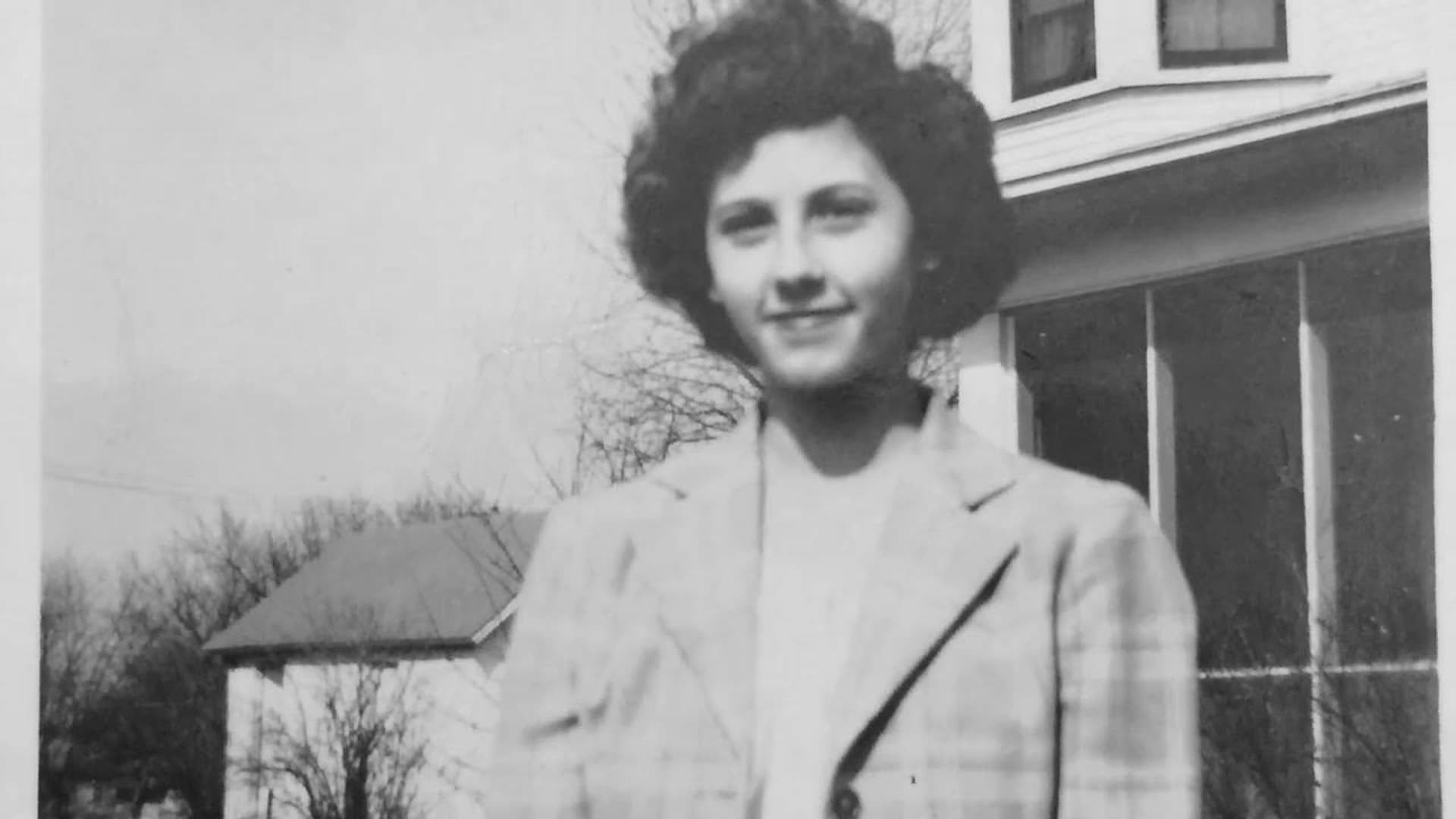
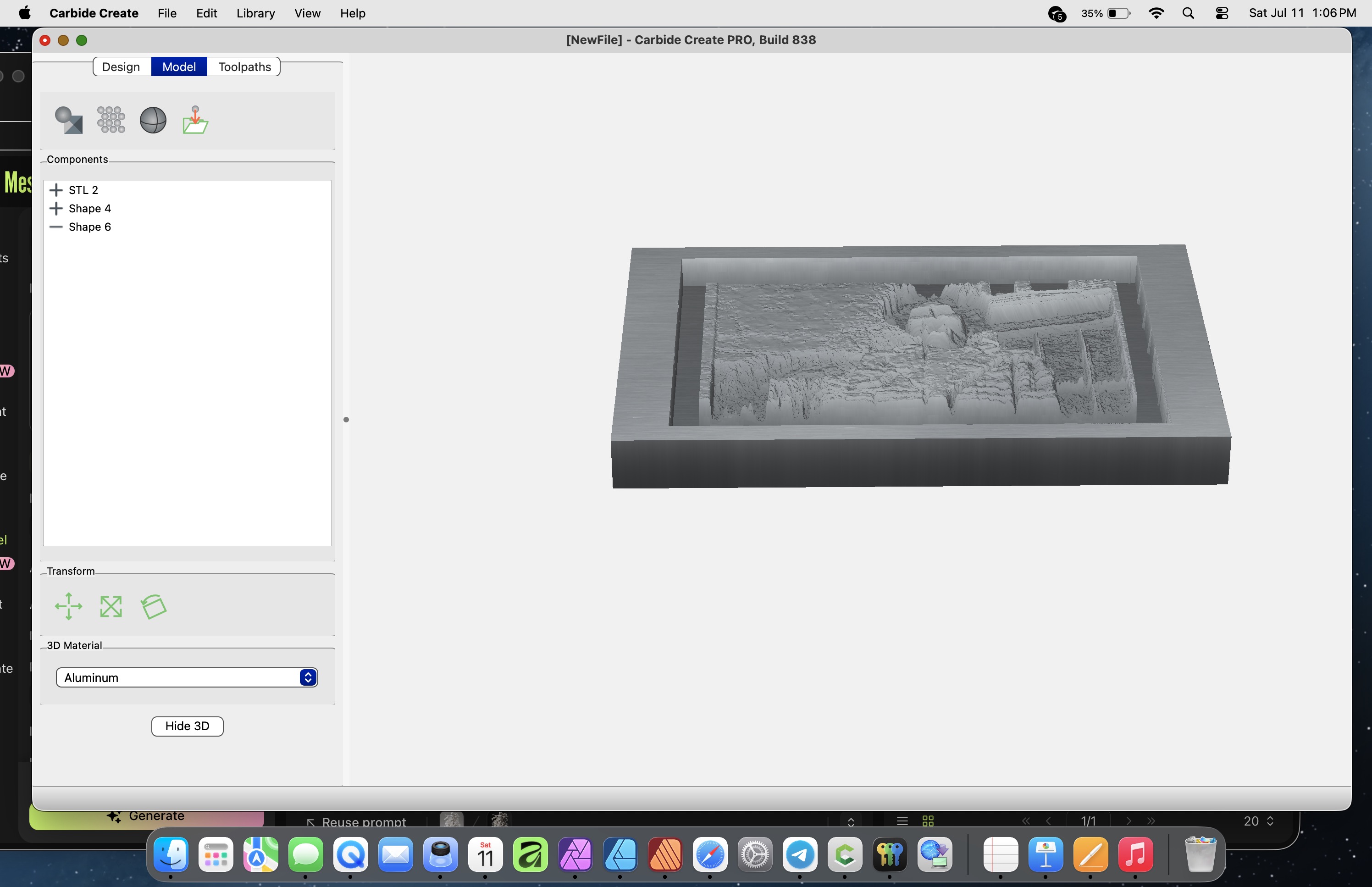
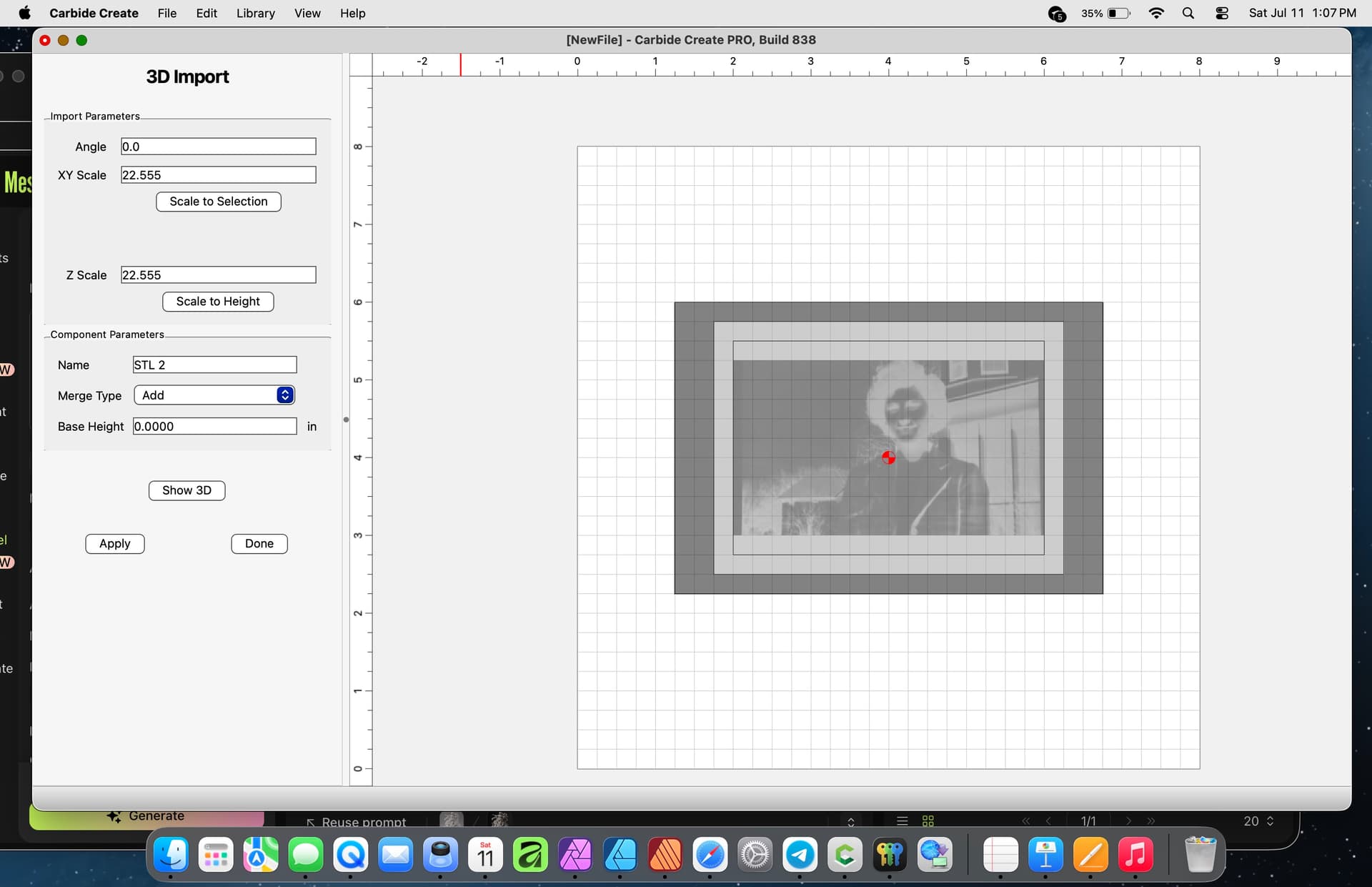
I am having problems converting a PNG grayscale file to a 3D STL file. You can see in the image the 3D is going in and not up. So the mapping is in the wrong direction. Here are some images of the PNG and then CCpro as an stl. I need to make a relief ? I am not sure what I am missing in the process?
1 Like
Can’t see the image?
Edit: Now I can!
That pixel image is a monochrome where the pixels for light and dark map to light and dark.
It will work for a lithophane:
but you need a different sort of image where light/dark are mapped to height/depth to get 3D.
1 Like
The invert does not turn carve the opposite direction
See my edited reply above.
You need a different image.
How do I create a depth map or relief map that has it in the correct direction?
You need to re-work this image so that light/dark correspond to height/depth, see:
This might be helpful
2 Likes
This topic was automatically closed after 30 days. New replies are no longer allowed.