I have a photo of a clock. How do I convert the image to an SVG…? and then convert the SVG to make it 3D. I want to convert from a photo… to an SVG then to carve a clock face in 3D.
Please upload the photo in question.
See:
I want to carve the leaves and acorns below the bird and excluding the dial itself… The entire face without the bird or dial.
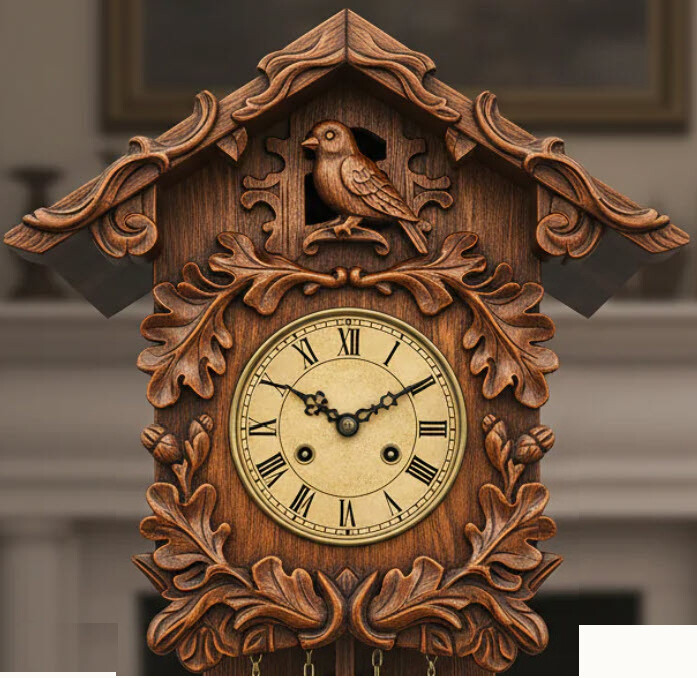
There are multiple way to convert a jpg (gif etc) to svg. I use the free Affinity and I also use Inkscape (free). In Inkscape you open the picture. Select it and then go to Path menu and Trace Bitmap There are slide adjusters to change the sensitivity and other options, Then hit apply and then Save As svg. There are two SVG options, Inkscape SVG and plain SVG. Inkscape SVG used to use different resolution than what CC uses. They fixed that. The plain SVG also works.
Affinity is now free and a very powerful tool. You open your picture and adjust it as necessary and export as an SVG
The quality of the SVG depends on the source file. Really busy pictures dont work well, However once you import into CC you can delete parts you dont want. Sometimes CC asks if you want your image import traced. I would recommend that and if you dont like it delete it and then import the original SVG again
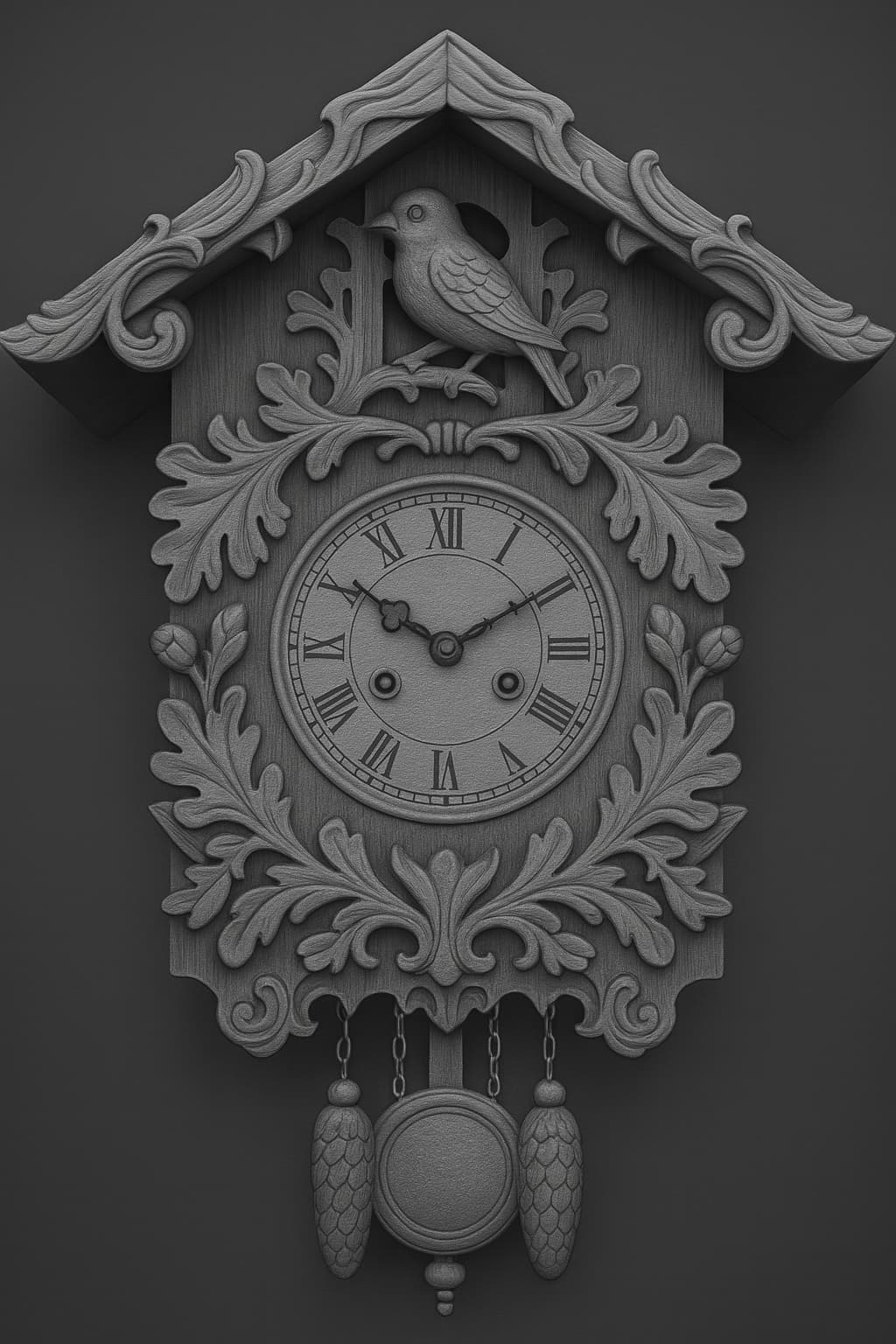
If you’re starting with an AI-generated image, why not have AI make a depth model of it?
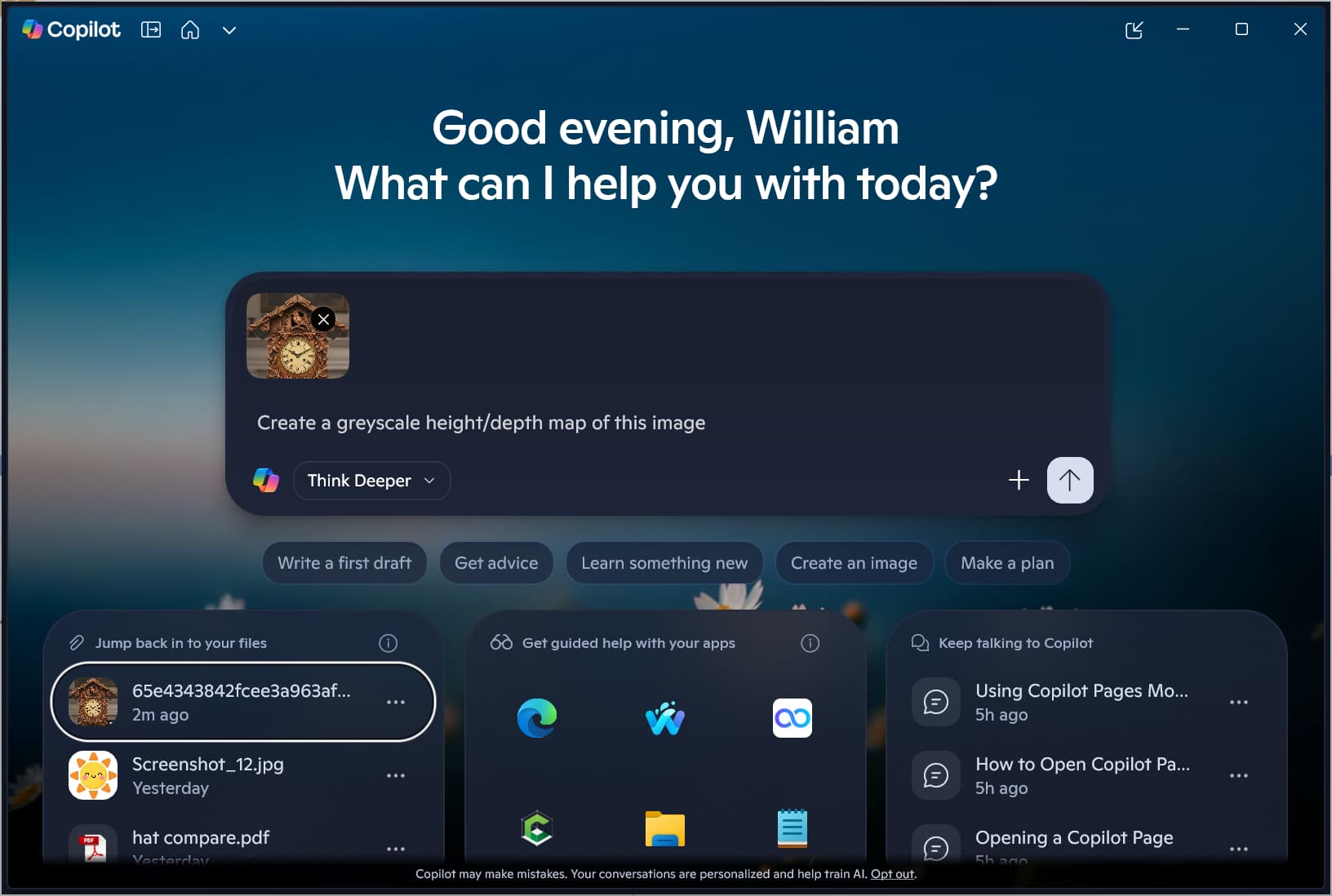
Here is what Copilot arrived at:
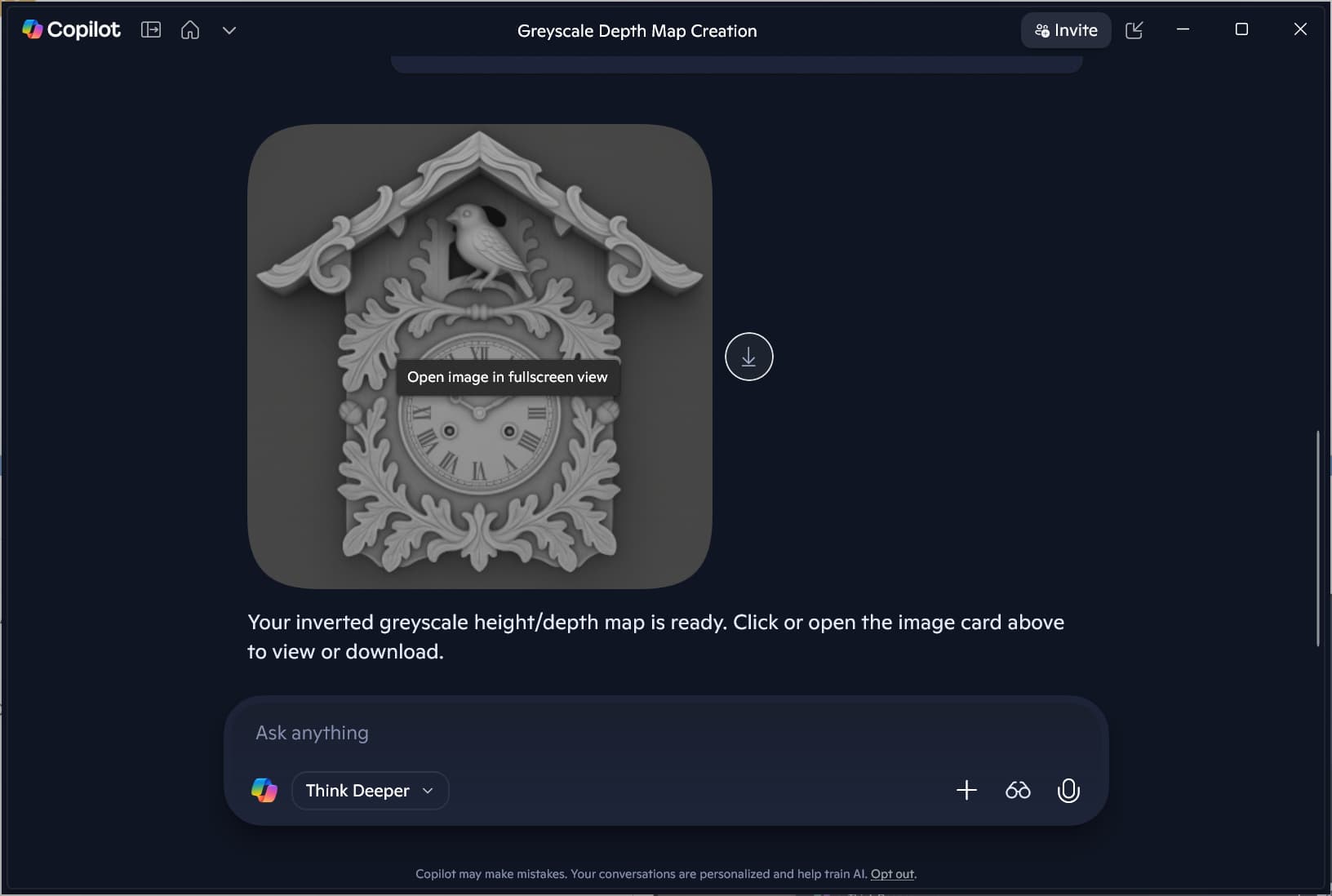

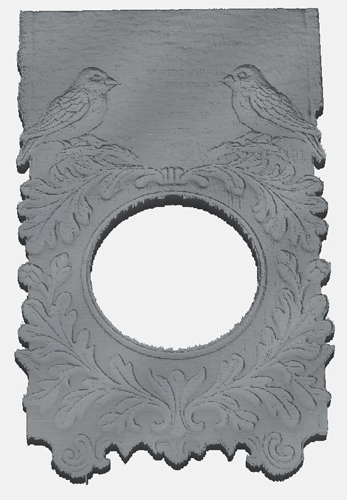
which imports as:
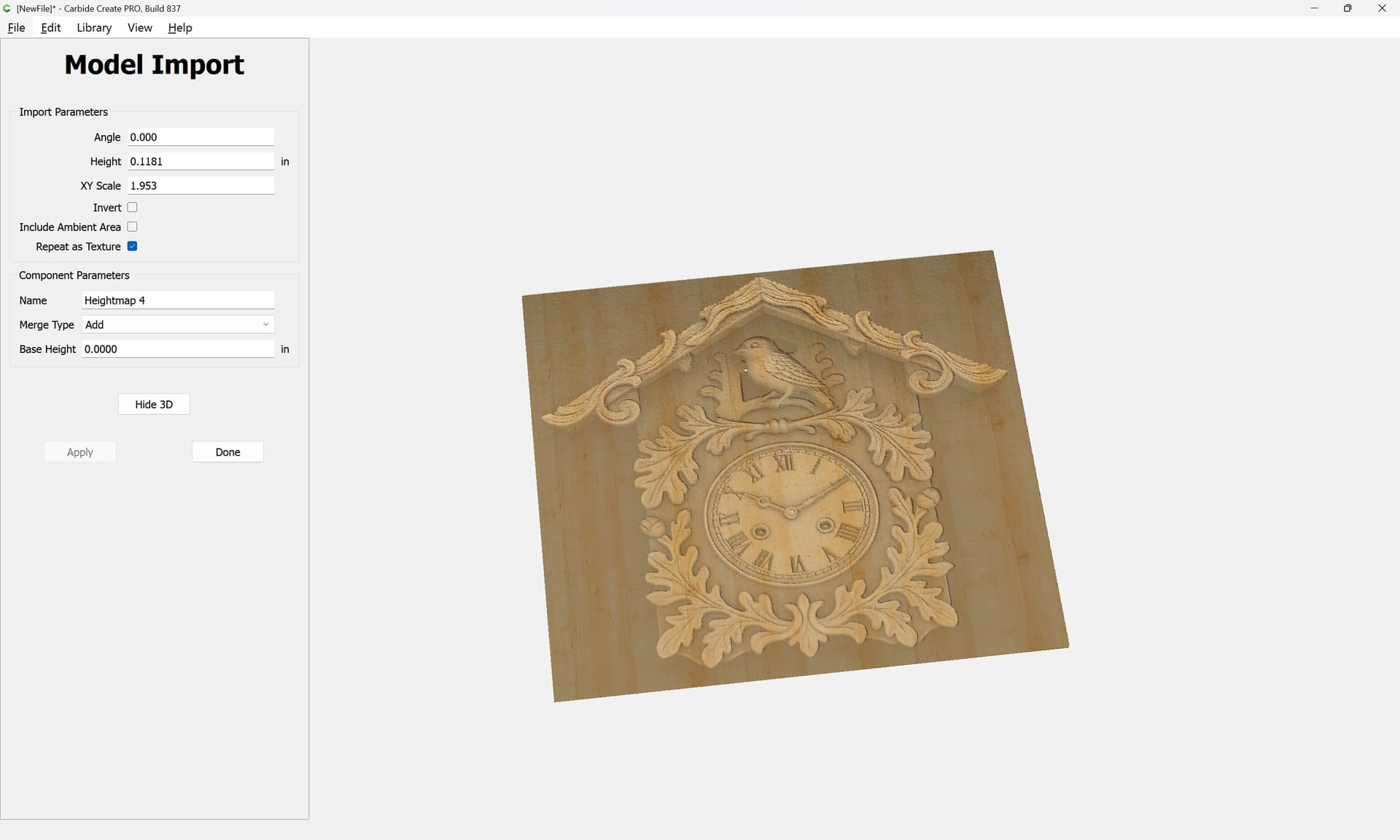
1 Like
Looks great. Thank you William…
Note that there was a further prompt:
Make a greyscale height/depth map where dark corresponds to height and light corresponds to lower areas.
and an intermediate image:
1 Like
I am close to what I want to achieve. I have moved some things around and I have an STL… In carbide create I can see the 3D image but when I attempt to create the vectors; I see no layers.
Upload the .c2d file you are working on?
This topic was automatically closed 30 days after the last reply. New replies are no longer allowed.