This build includes the same updates to the new version of Qt that we just did for Motion. This required deeper changes than Motion, but so far, so good. The UI got a bunch of spacing/sizing changes due to the changes in Qt, but we haven’t seen anything that’s a real negative, just a little different.
If you want to try it out, let us know how it works for you.
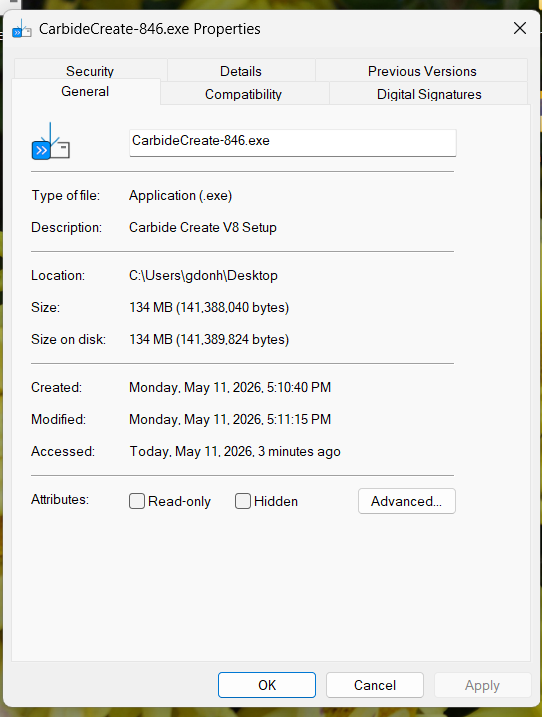
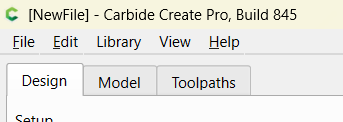
I installed v846. I opened a file created in 845 with cutout tool path. The simulation was good. the v845 had weird white squares and some of the cutouts had gray lines indicating it would not cut through. I will cut the file out tomorrow to see if it works.
3 observations:
1 - There is no provision for ramping.
2 - When positioning to start cutting it rapid positions to the retract height, then rapids into the workpiece to 0.010" above the cutting depth, the continues to the cutting depth at the user specified plunge rate.
3 - As noted above, the simulation is much better.
I have the pro version but do not see ramping available for the new cutout toolpath.
Here is a snippet of the G-Code:
(Move to safe Z to avoid workholding)
G53G0Z-0.197
(TOOL 205: .205 End Mill .1.4…)
(Toolpath: CO with tabs)
(CO with tabs)
M05
(TOOL/MILL,0.250, 0.000, 1.000, 0.00)
M6T205
M03S18000
(PREPOSITION FOR RAPID PLUNGE)
G0X0.0006Y-1.8749
Z0.0600
Z-0.0777
G1Z-0.0875F24.0
X-0.0555F72.0
Note that the line following Z0.0600 (which is the specified retract height) is Z-0.0777
I am assuming that it is still a rapid travel command down into the workpiece.
Then the next line finishes the plunge on Z at the F24.0 rate
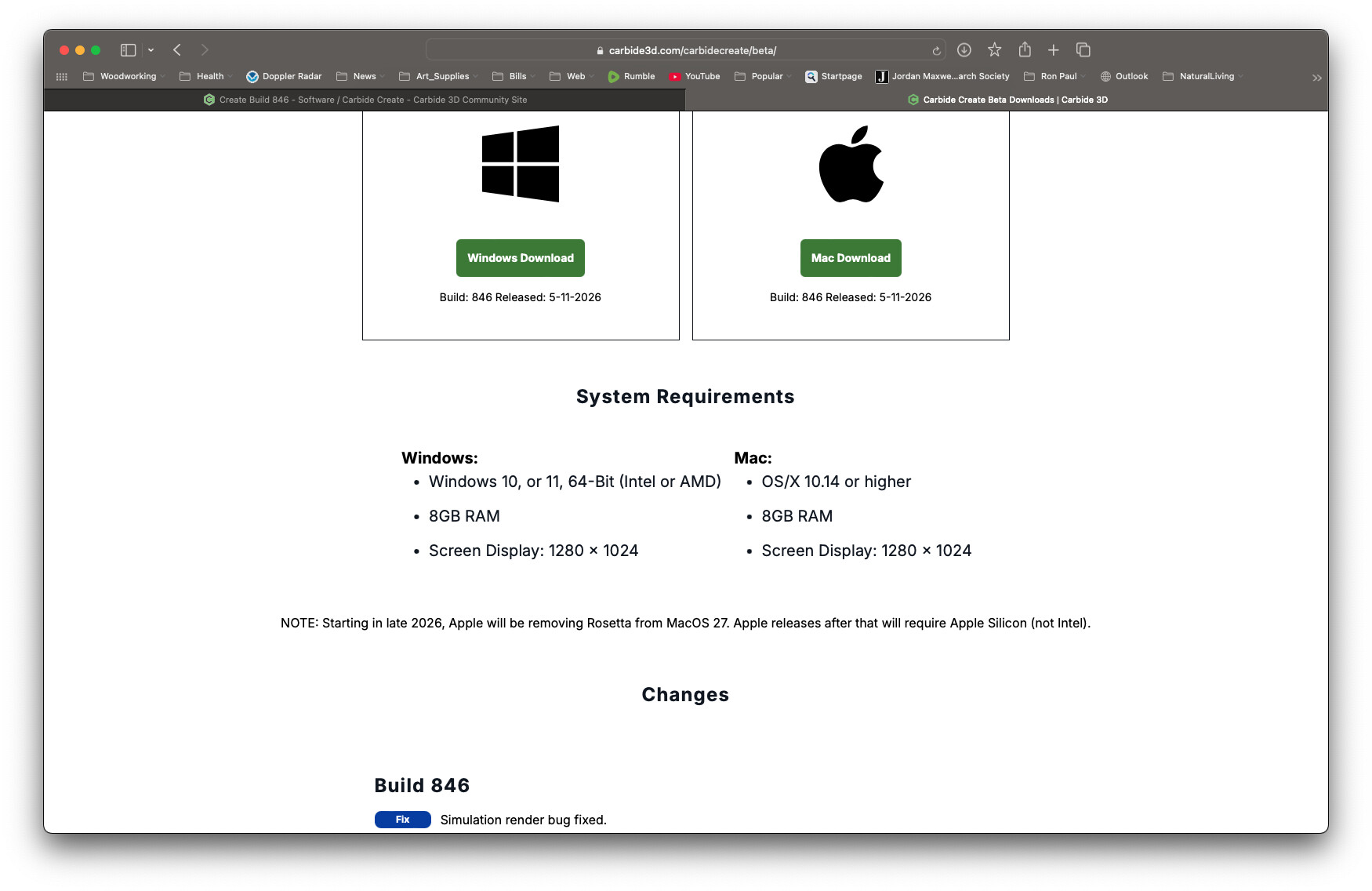
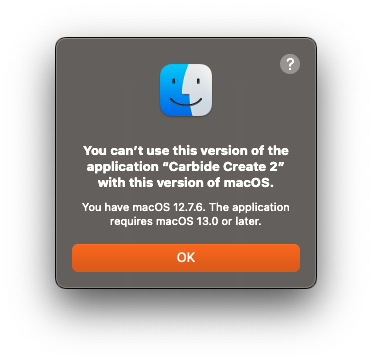
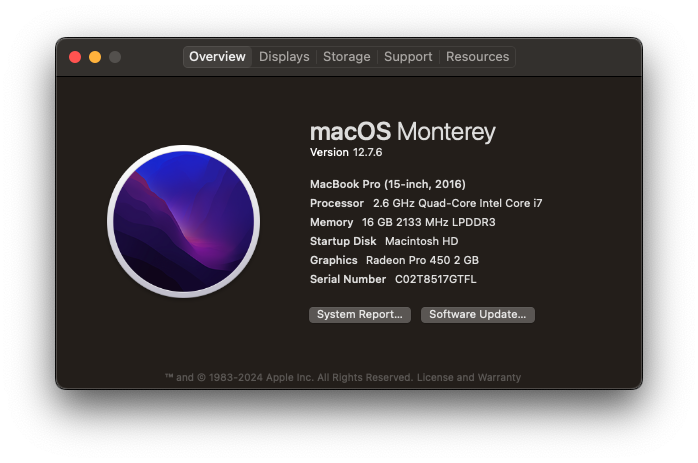
Hello Rob and thank you for the update. I downloaded the latest beta and it says I need MAC OS-X 13 however the beta download page says Mac OS-X 10.14 or higher. Any help is appreciated. Thank you!
Yep, the latest Qt libs require macOS 13. We’ll see if we can drop back to a revision that’ll support macOS 12. Unfortunately, this is a short-term fix for you.
Since Apple is dropping Rosetta later in the year, we’ll have to change from compiling for Intel to compiling for Apple Silicon, which means those builds will no longer work on your Intel Mac. (But, everything will get incrementally faster on all of the Apple Silicon machines)
If you really like the way your mac runs & feels but are possibly “barred” from future OS
upgrade path (same boat I was in), I bought a relatively inexpensive USB attached Seagate drive and installed a copy of Kubuntu (any version of Linux probably would work the same way), then installed WineTricks (lots of internet info on this) which allowed me to then run a Windows version of CC Free within Winetricks while booted in Linux. So far everything works just fine, and I still have the rock-solid Mac hardware running it. By using and booting into Linux on the Seagate drive, the MacOS remains intact and bootable and usable if you have things that work better for you on the Mac (other than CC). Hope this provides another “avenue” to get where you want to be.
Thank you for the info David. The way these computer companies force you into newer equipment burns me up. In 2008 I bought a new MacBook Pro for $2600. By 2016 I was forced into a new MacBook Pro for $2400. Well, I suppose I could have stopped working but that doesn’t pay much. I suppose I should be glad it took 10 years to upgrade instead of 8. Yay! Anyhow, thanks again for the work around.