And, after cogitating for a day, I believe this will be easiest if:
- everything is at the same level/height
- the geometry used for the seal/ornament/design is closed
- the flag is a bit more consistent…
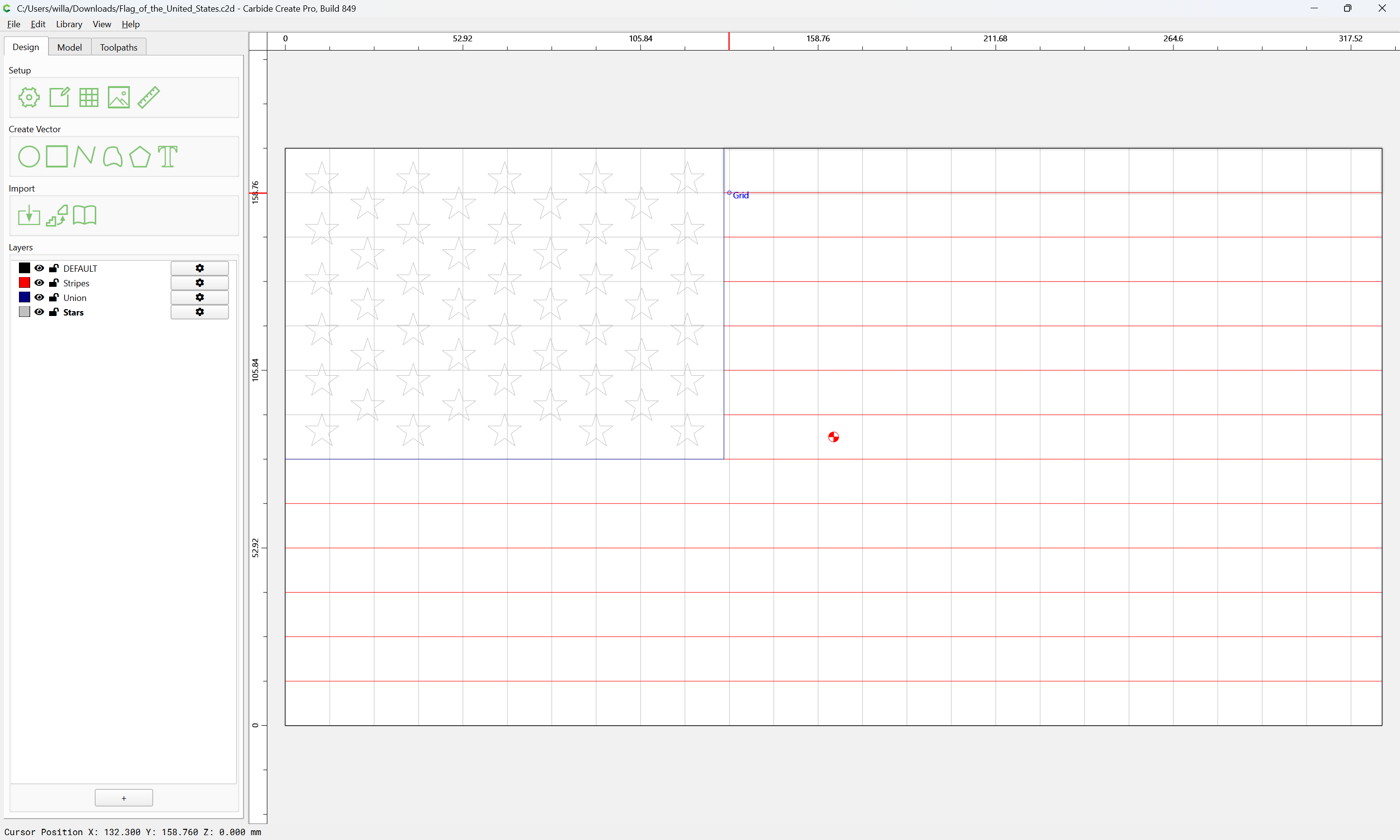
Starting with that latter, we begin with the flag file from:
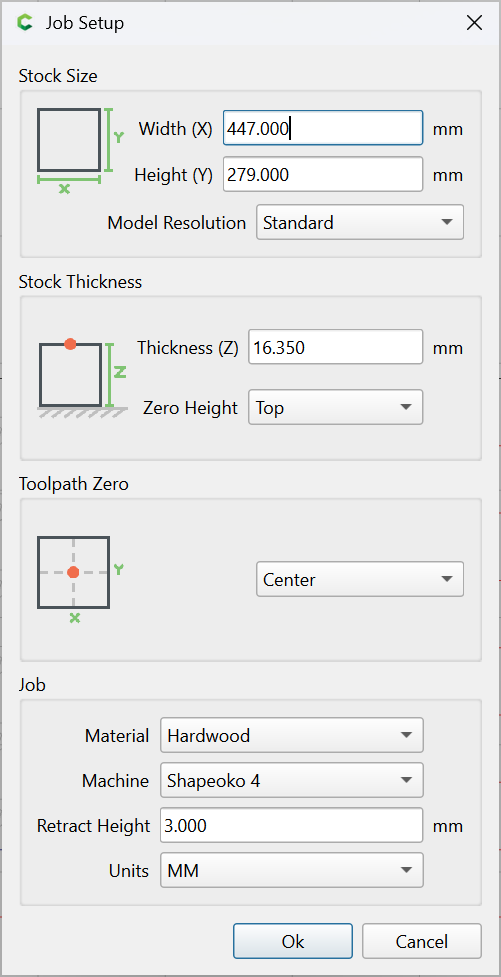
The next consideration is Job Setup — I will be using an Ikea APTITLIG
Cutting board, bamboo, 17 ¾x11 ":
https://www.ikea.com/us/en/p/aptitlig-cutting-board-bamboo-80233430
so we measure one in metric and adjust Job Setup to match — note that the top/bottom dimensions are different due to the angled sides — we will use the “bottom” dimensions which is the side where when landscape it is taller top–bottom and narrower left–right. Using center for Origin, so it will be necessary to non-destructively mark the measured center and set zero at that position relative to the board when clamped:
Ok
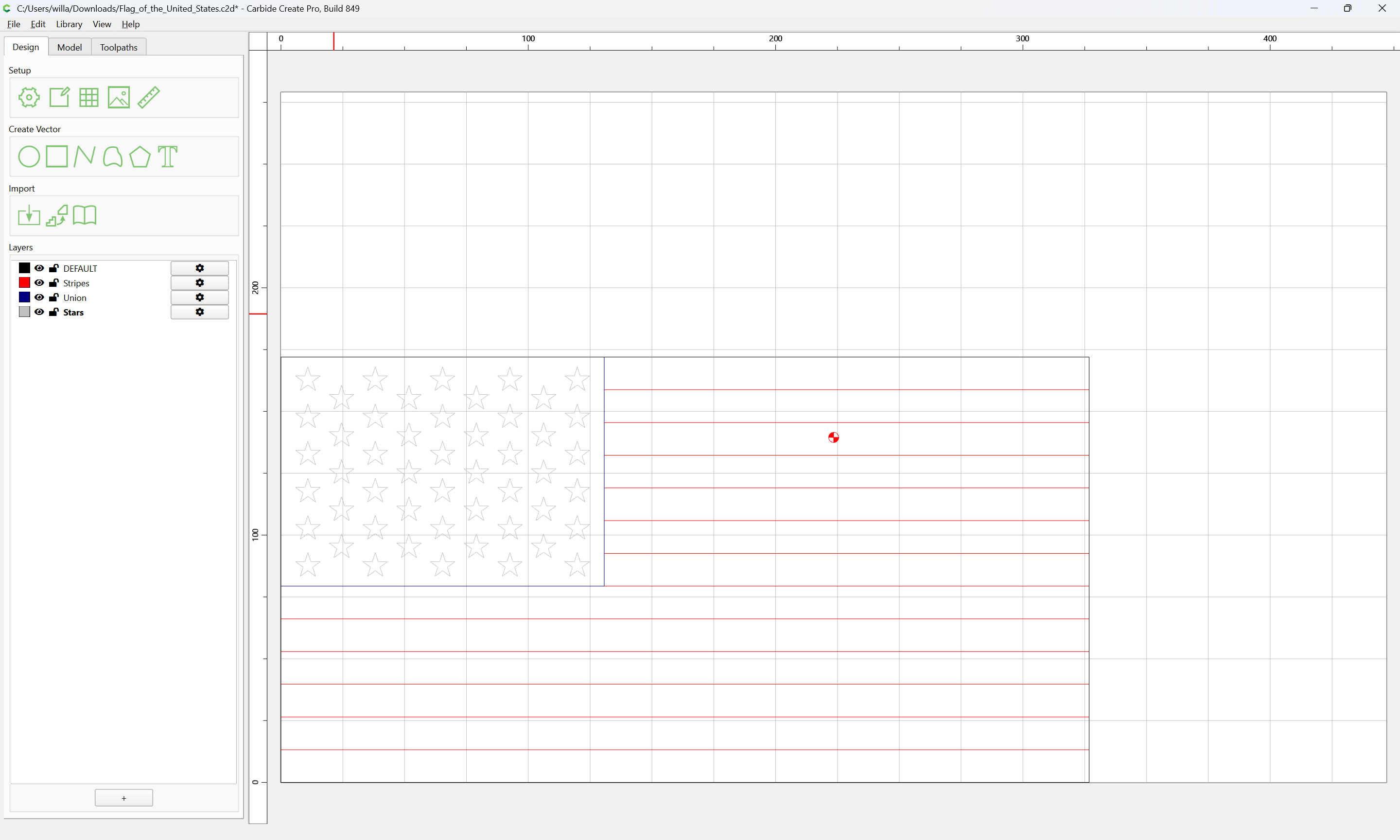
Select the outer geometry:
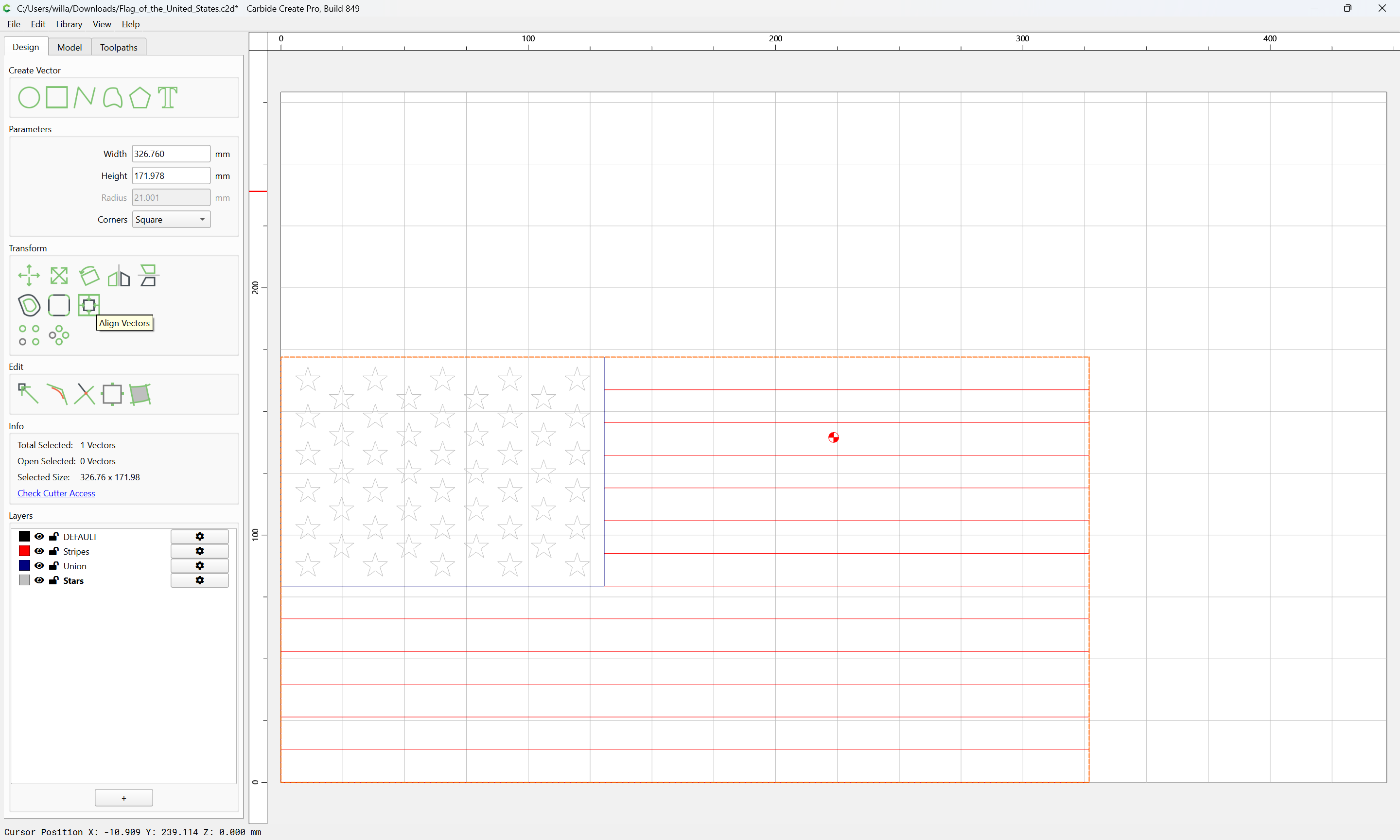
and align it to the center of the stock:
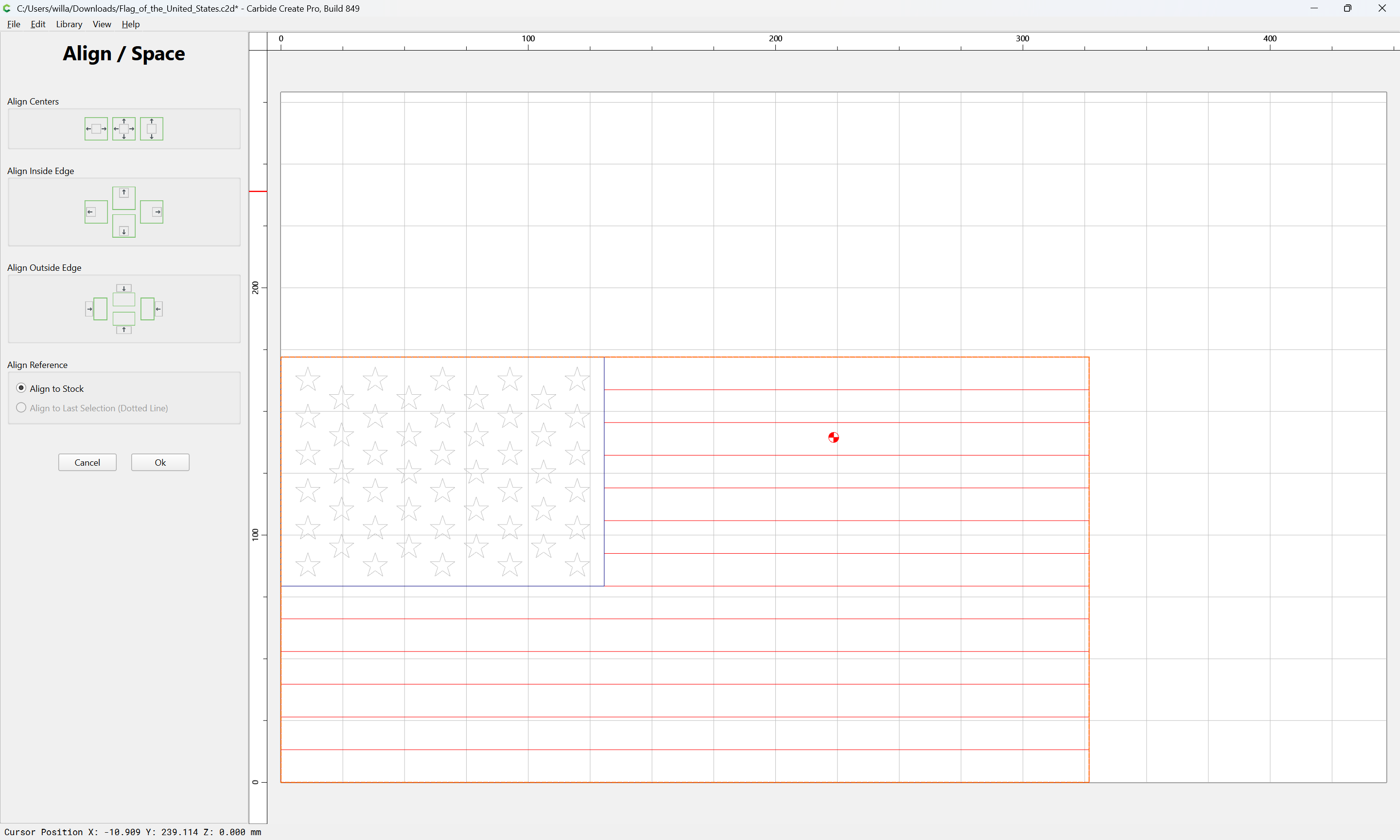
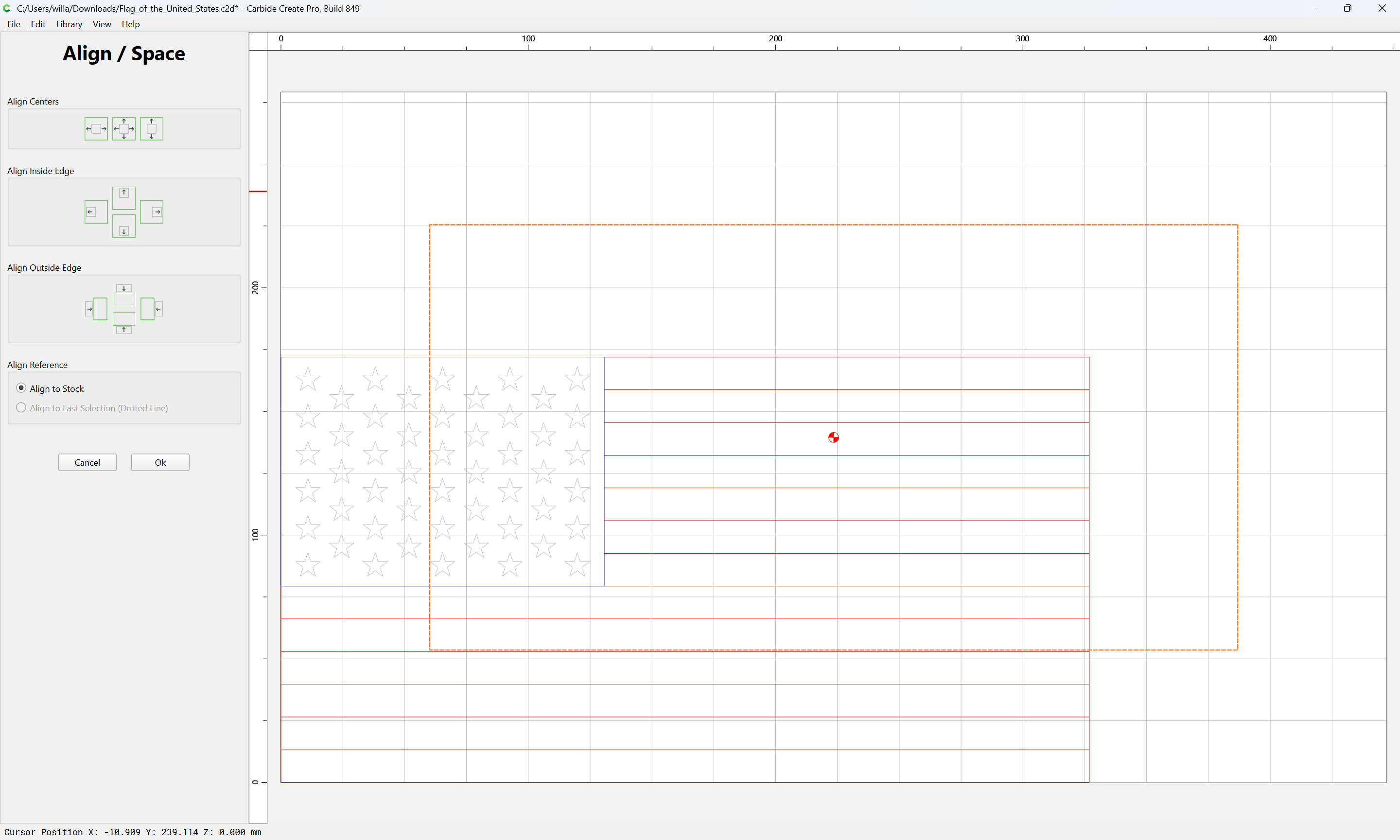
OK
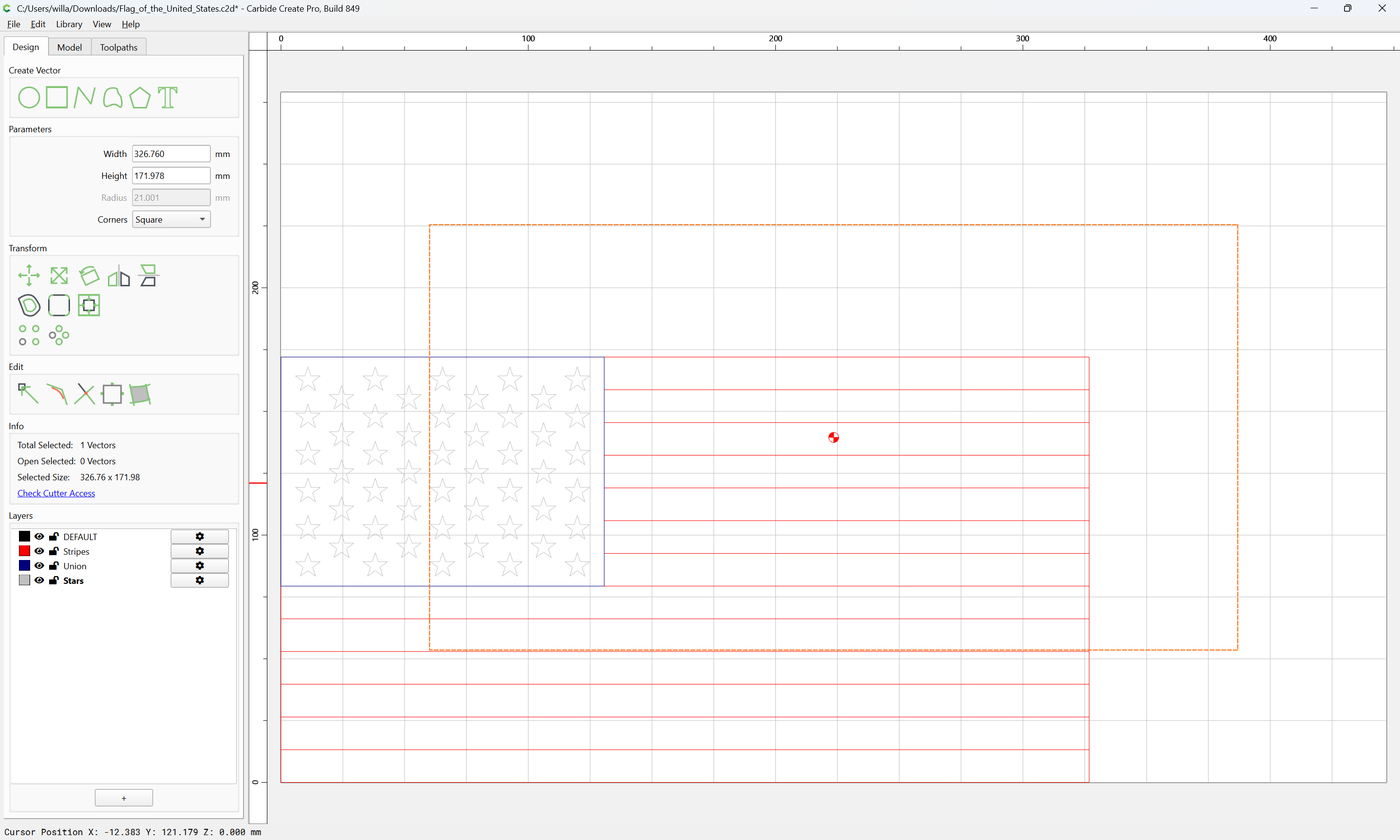
then select everything else:
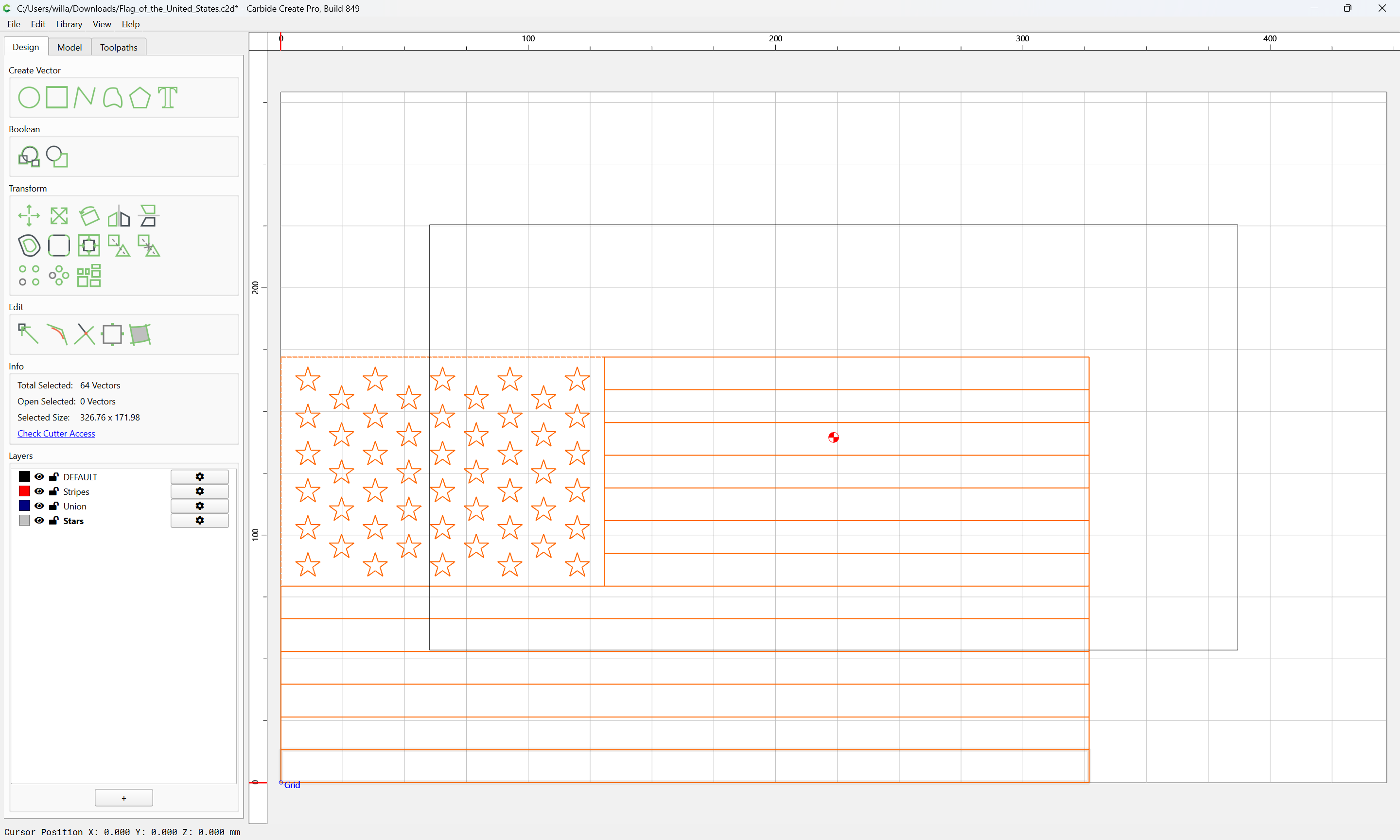
and move it into register at the center:
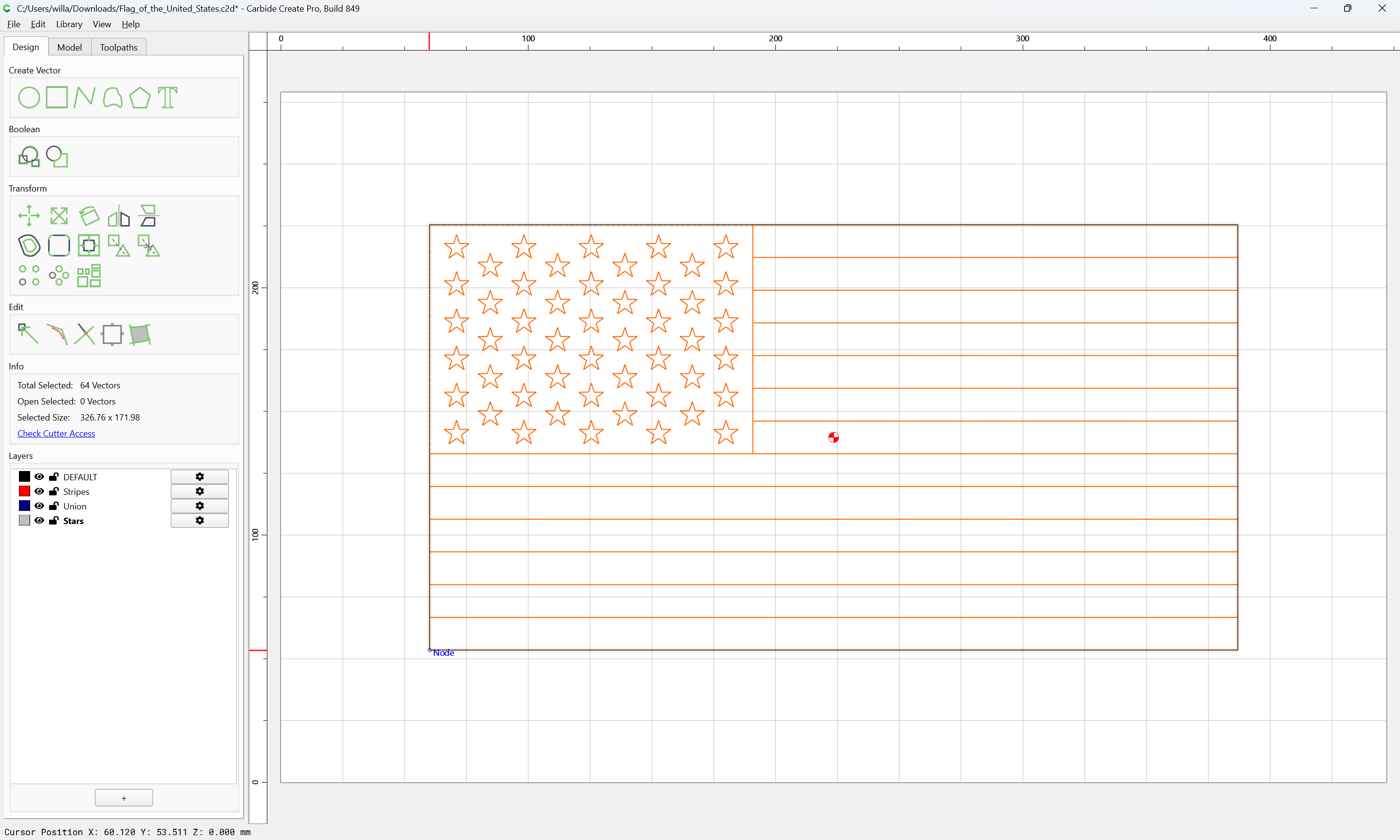
(this avoids grouping and disturbing layer assignments)
Select everything:
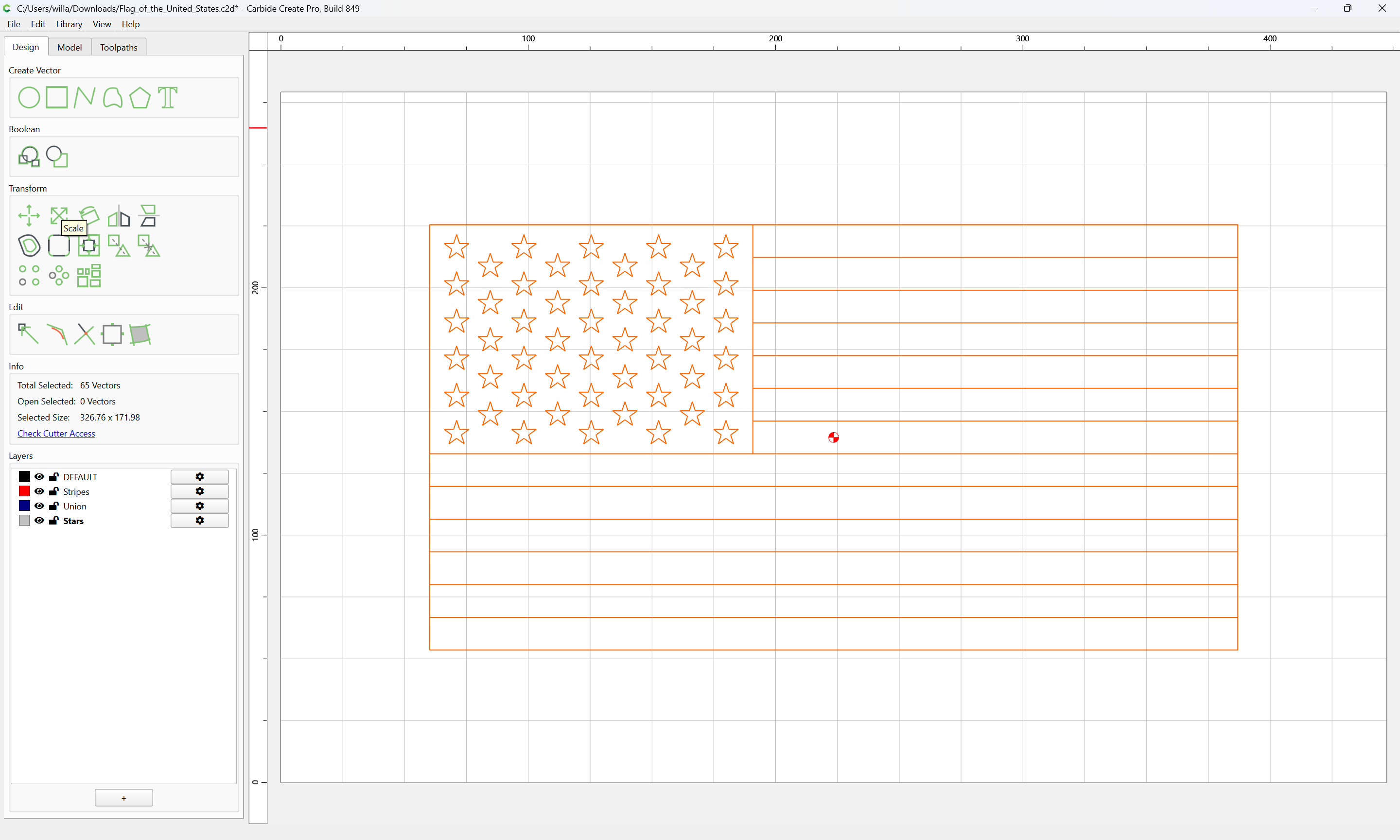
and Scale to suitable dimensions:
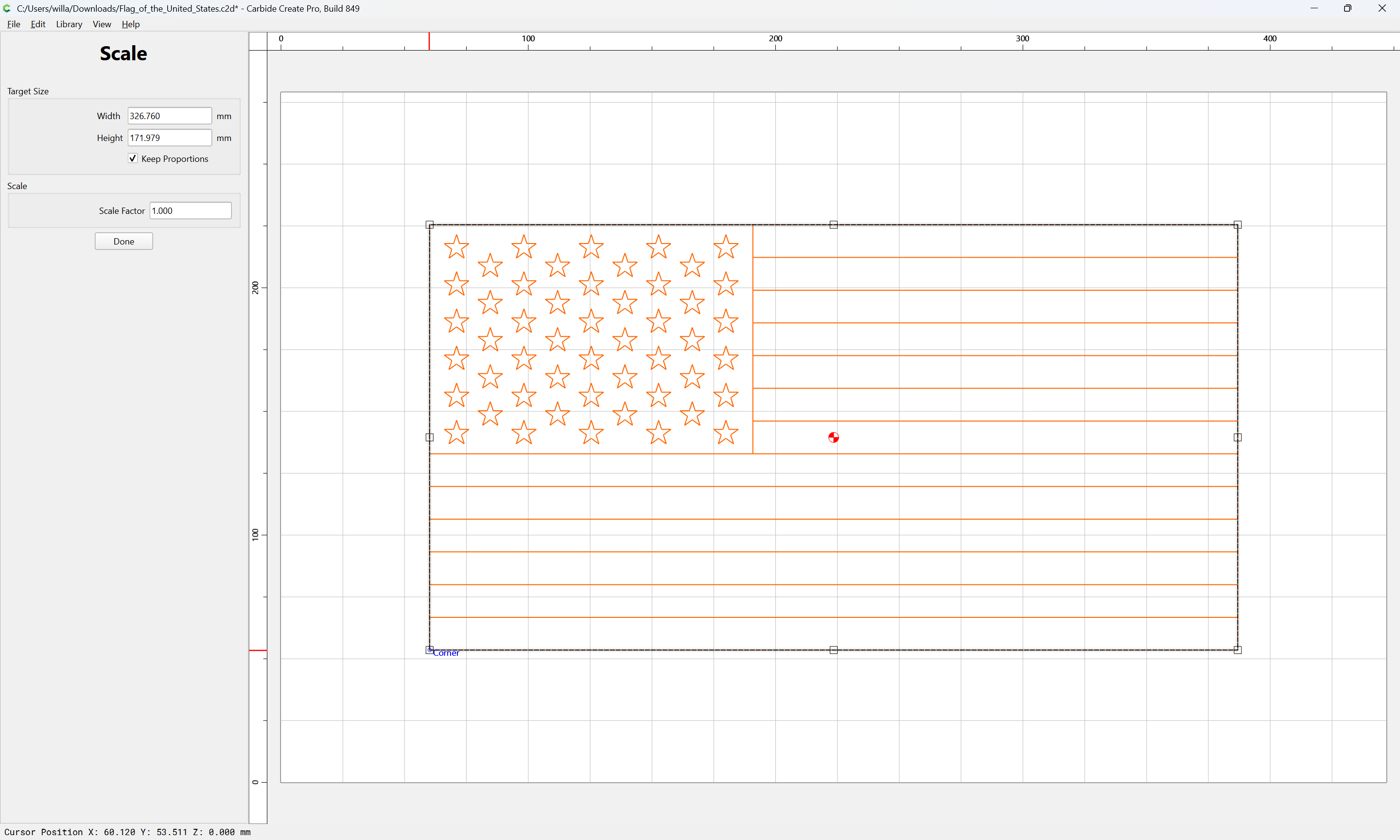
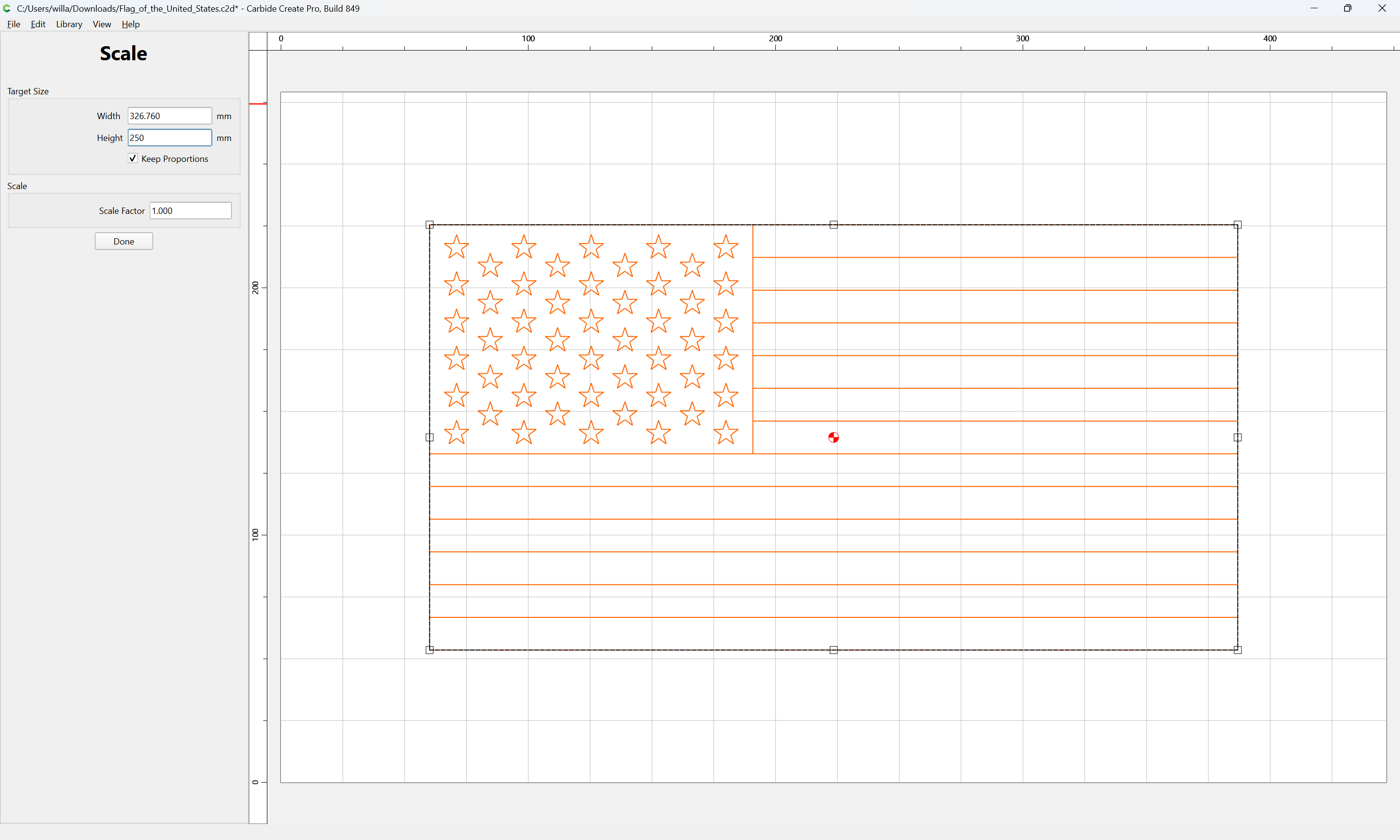
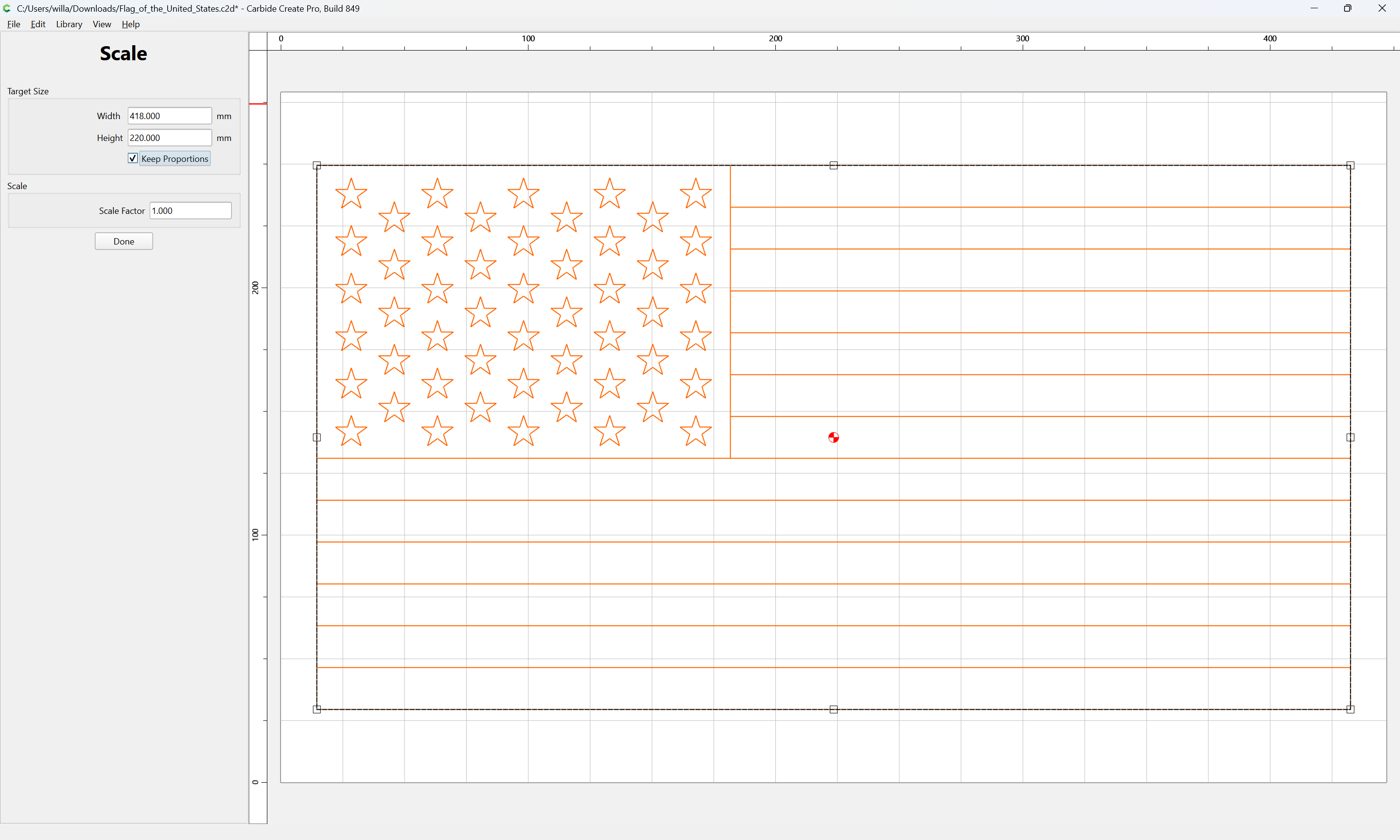
(perhaps the “top” would be better?)
Done
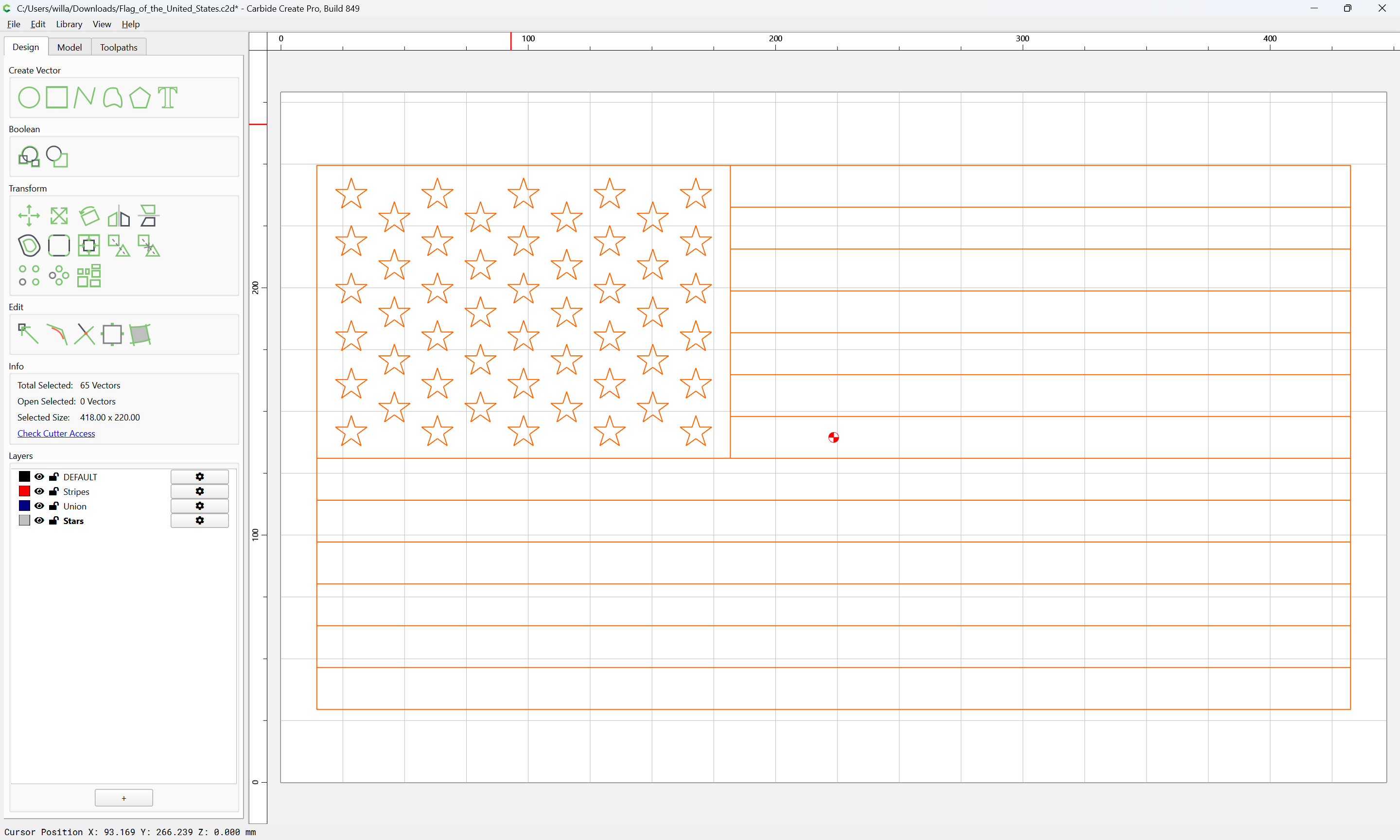
Download the USMC Seal from:
https://upload.wikimedia.org/wikipedia/commons/b/b3/Seal_of_the_United_States_Marine_Corps.svg
and import that as an external file:
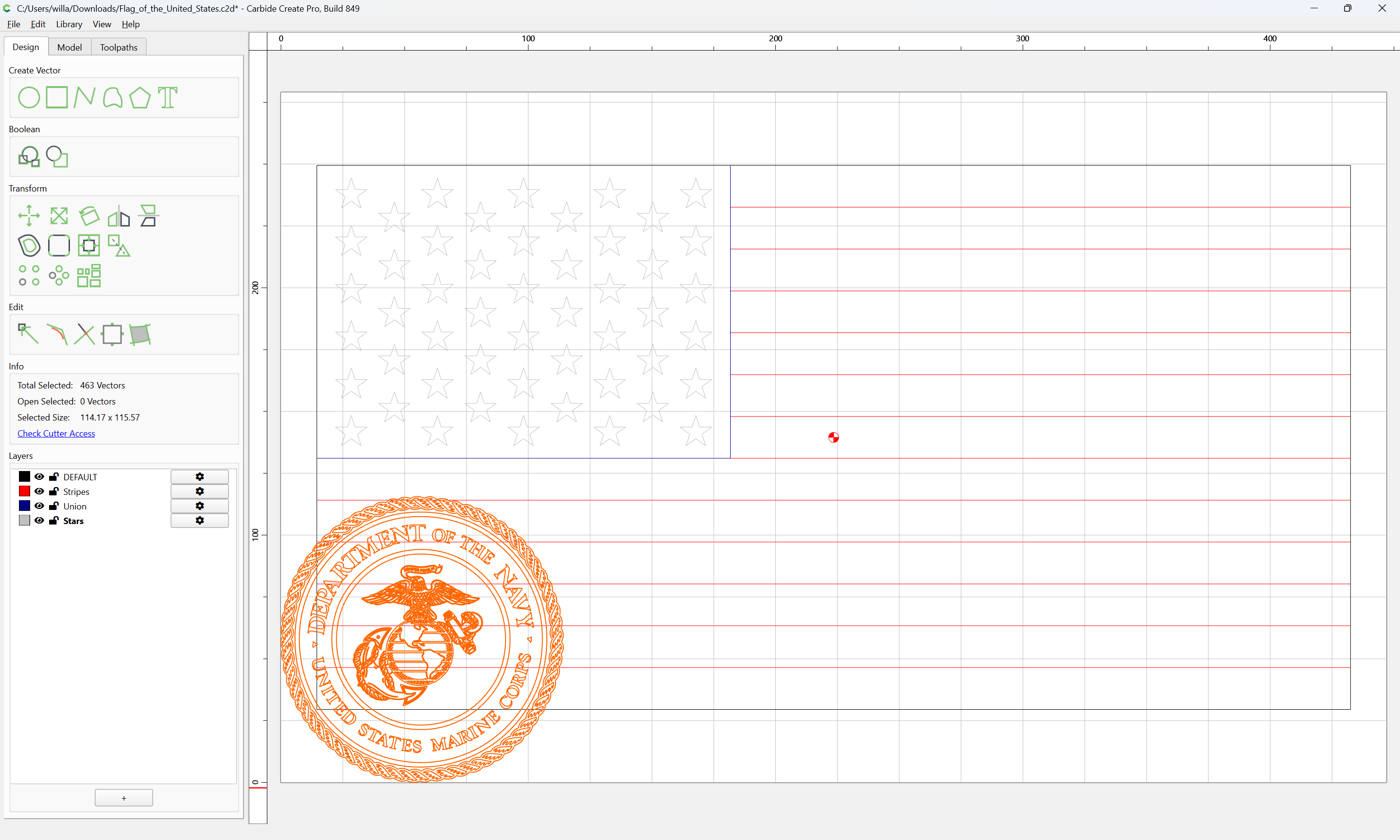
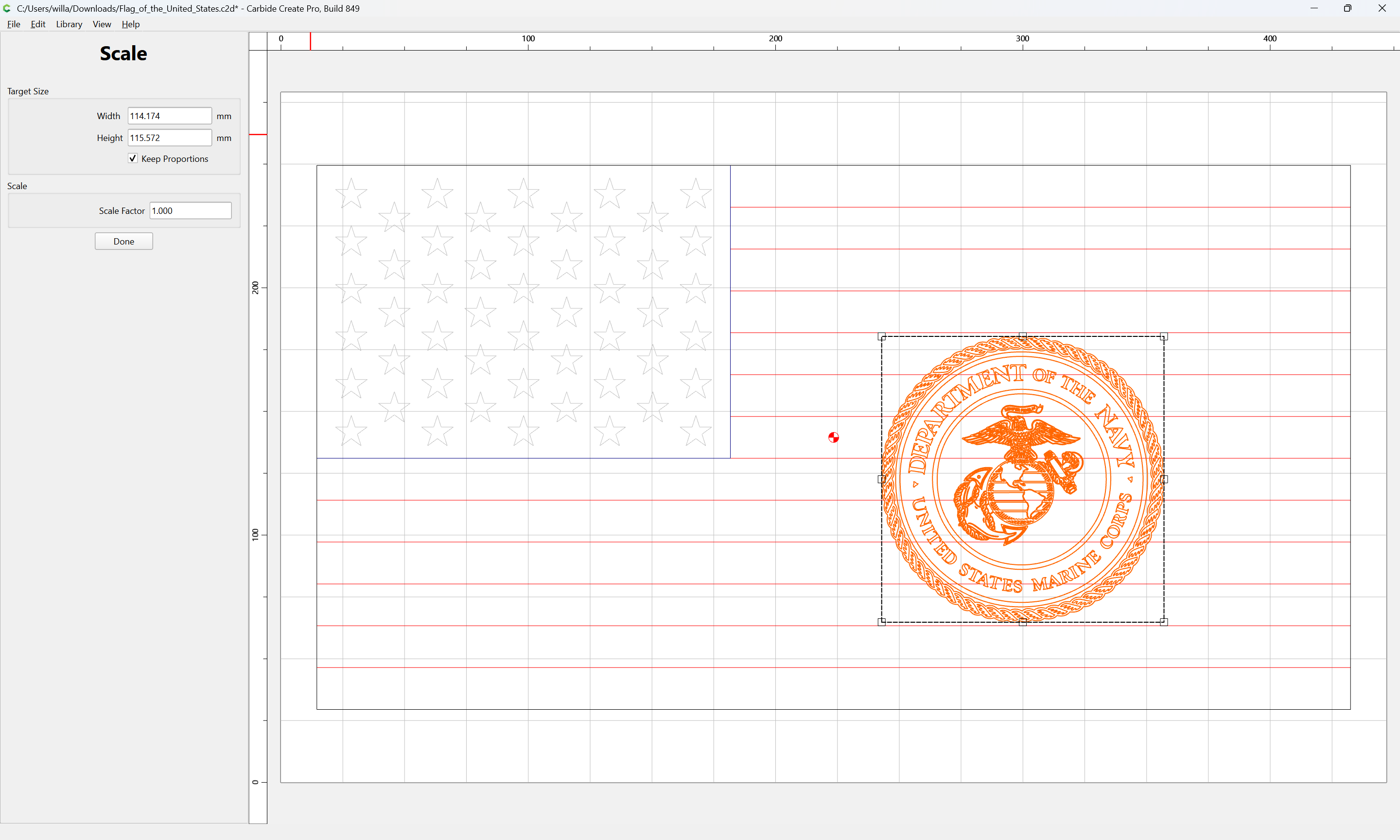
Adjust position and dimensions as desired:
Select the white stripes:
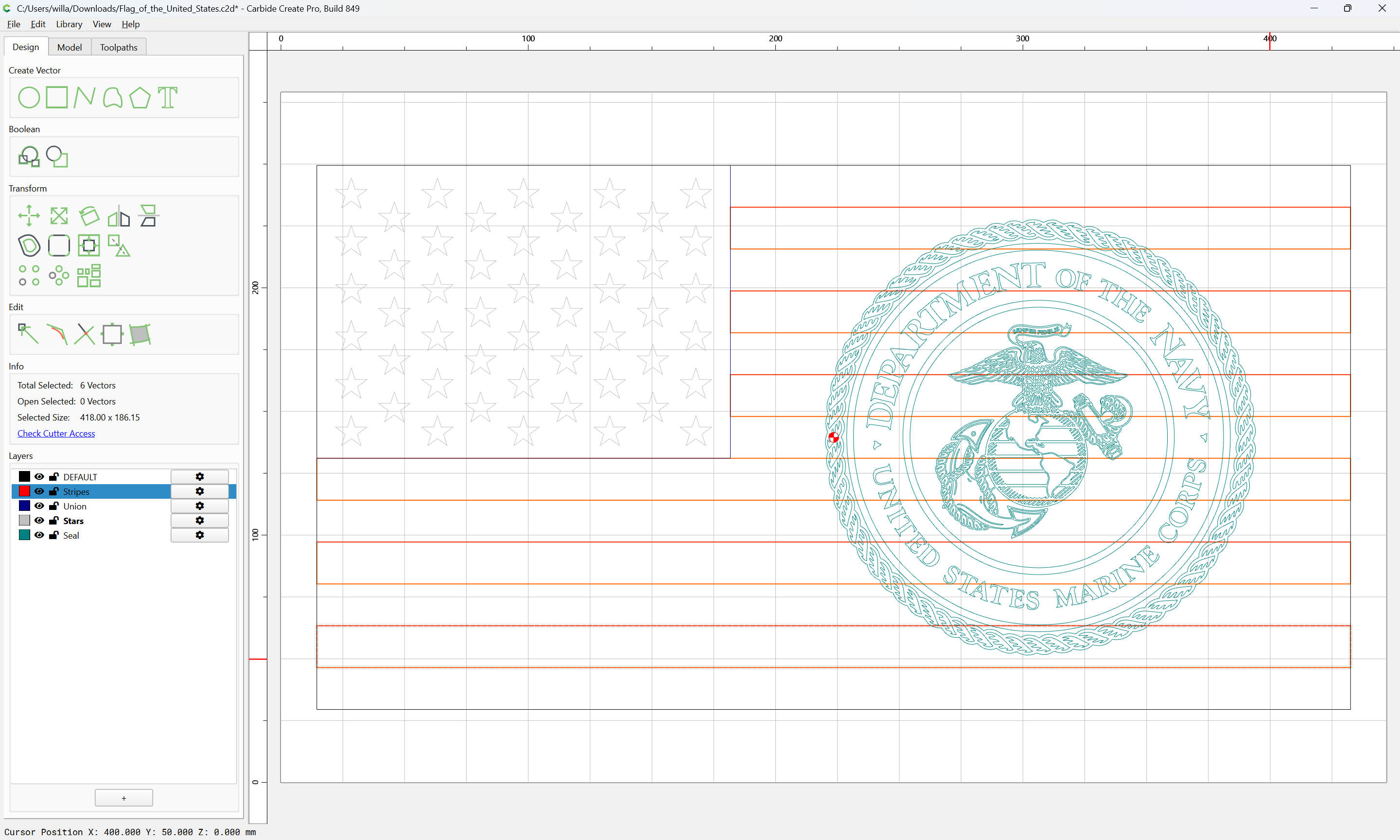
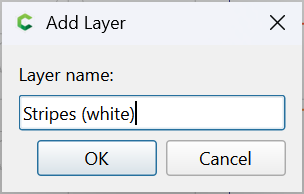
and move them to their own layer:
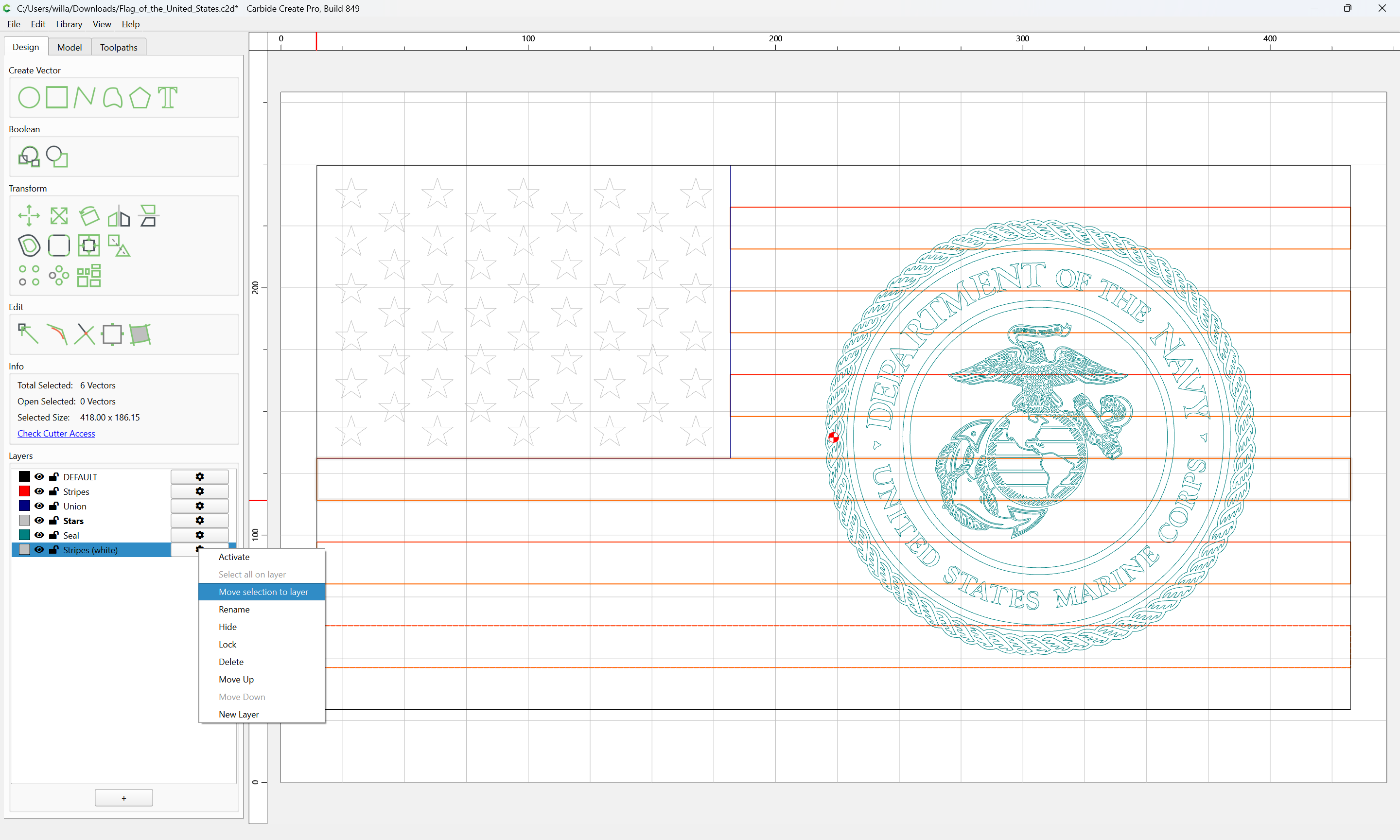
Inset each set of stripes by some suitably small distance:
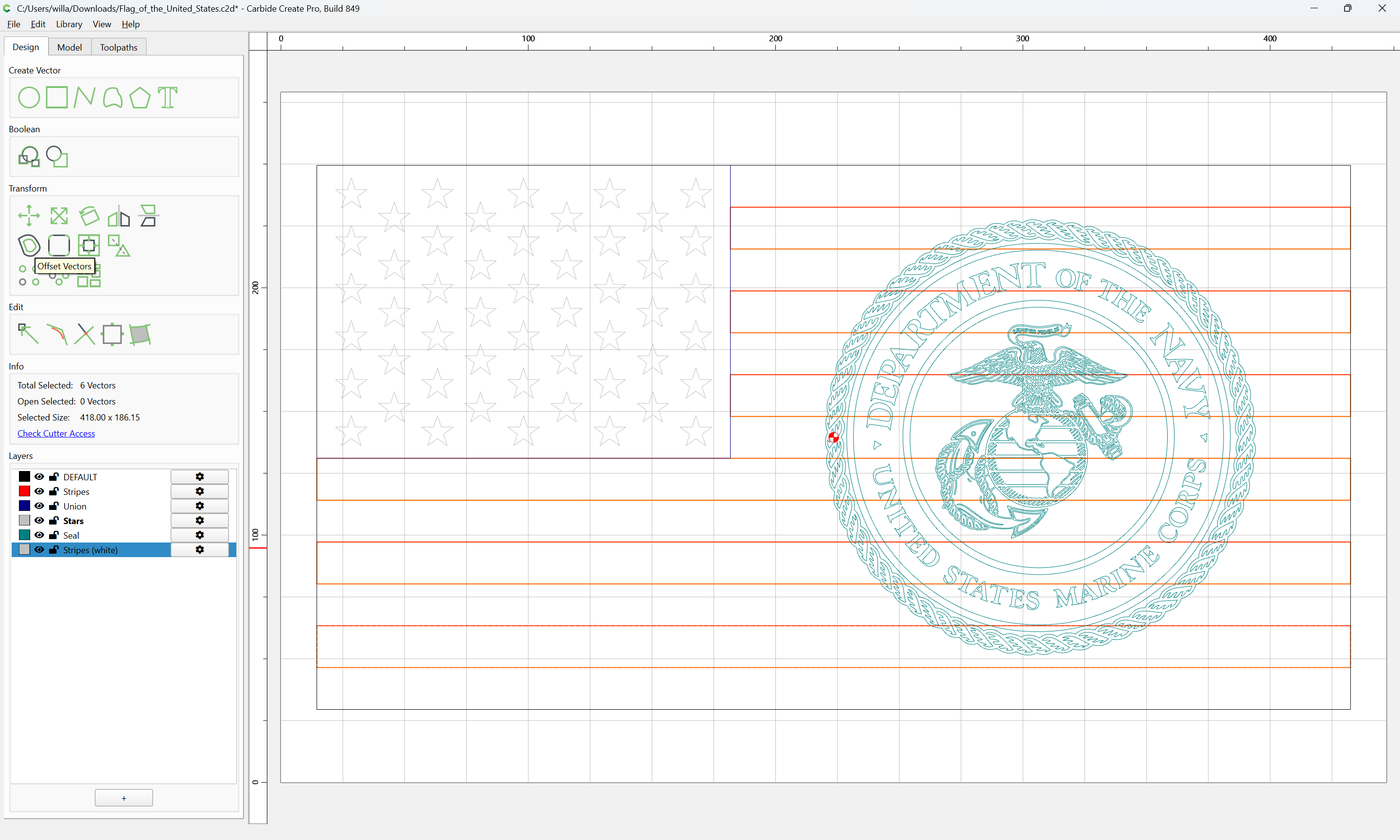
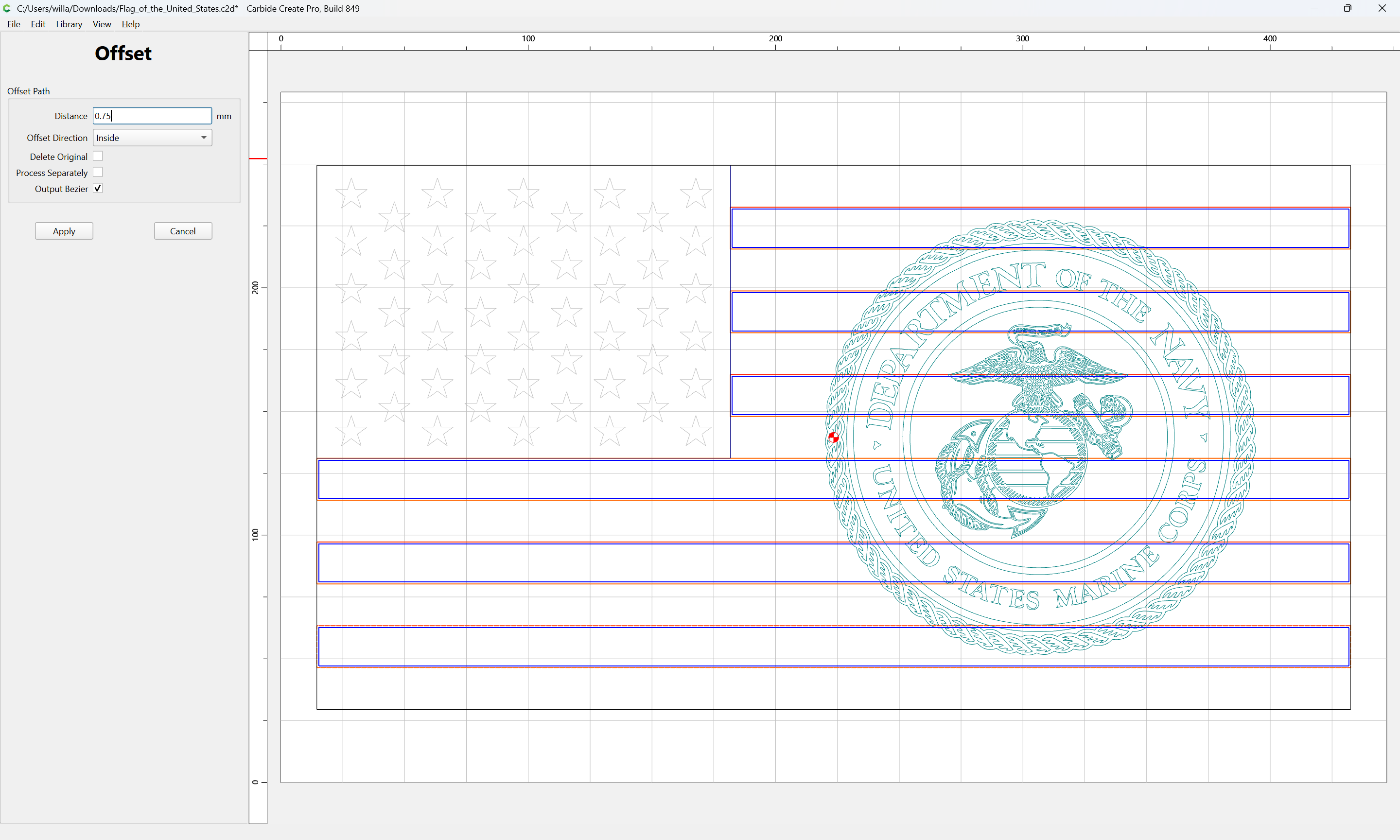
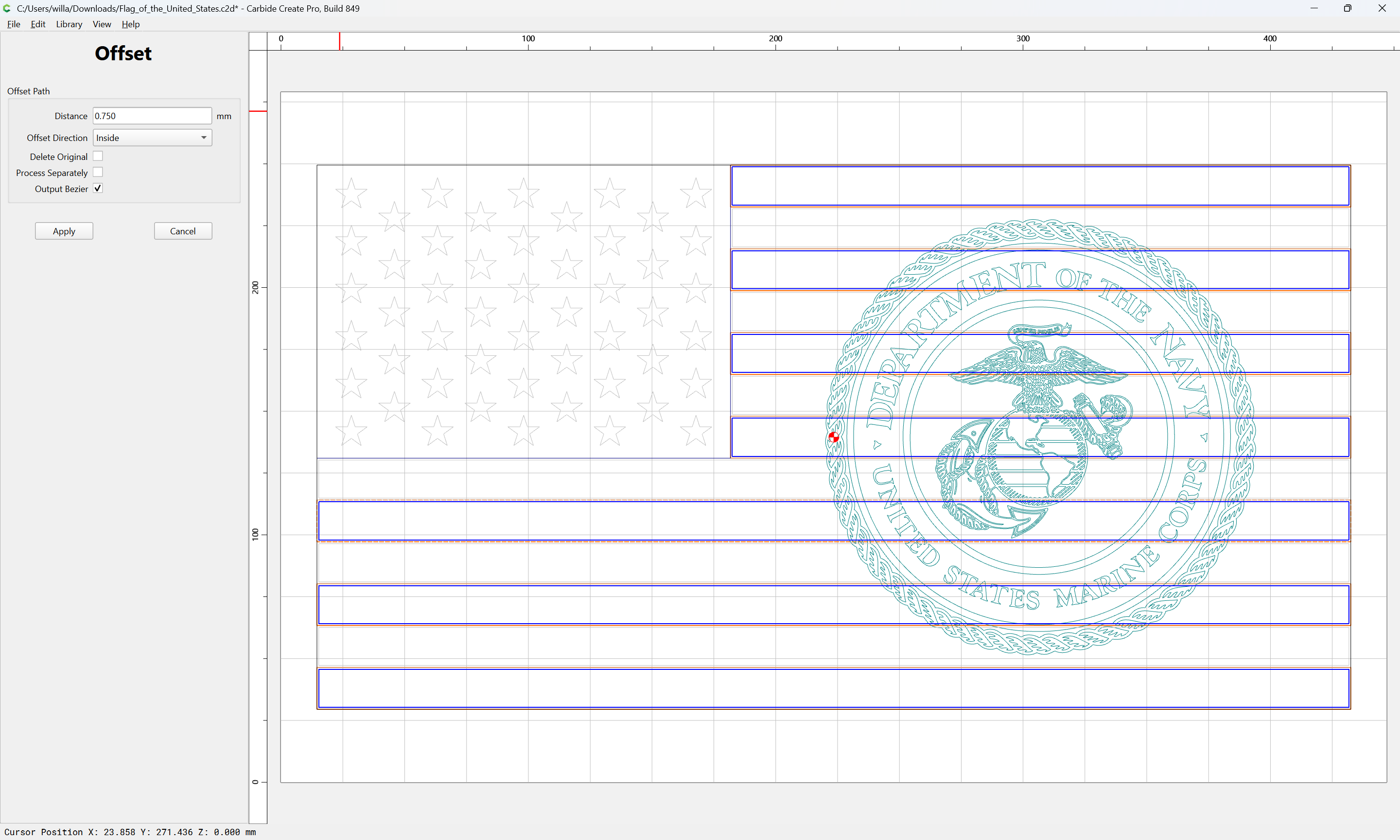
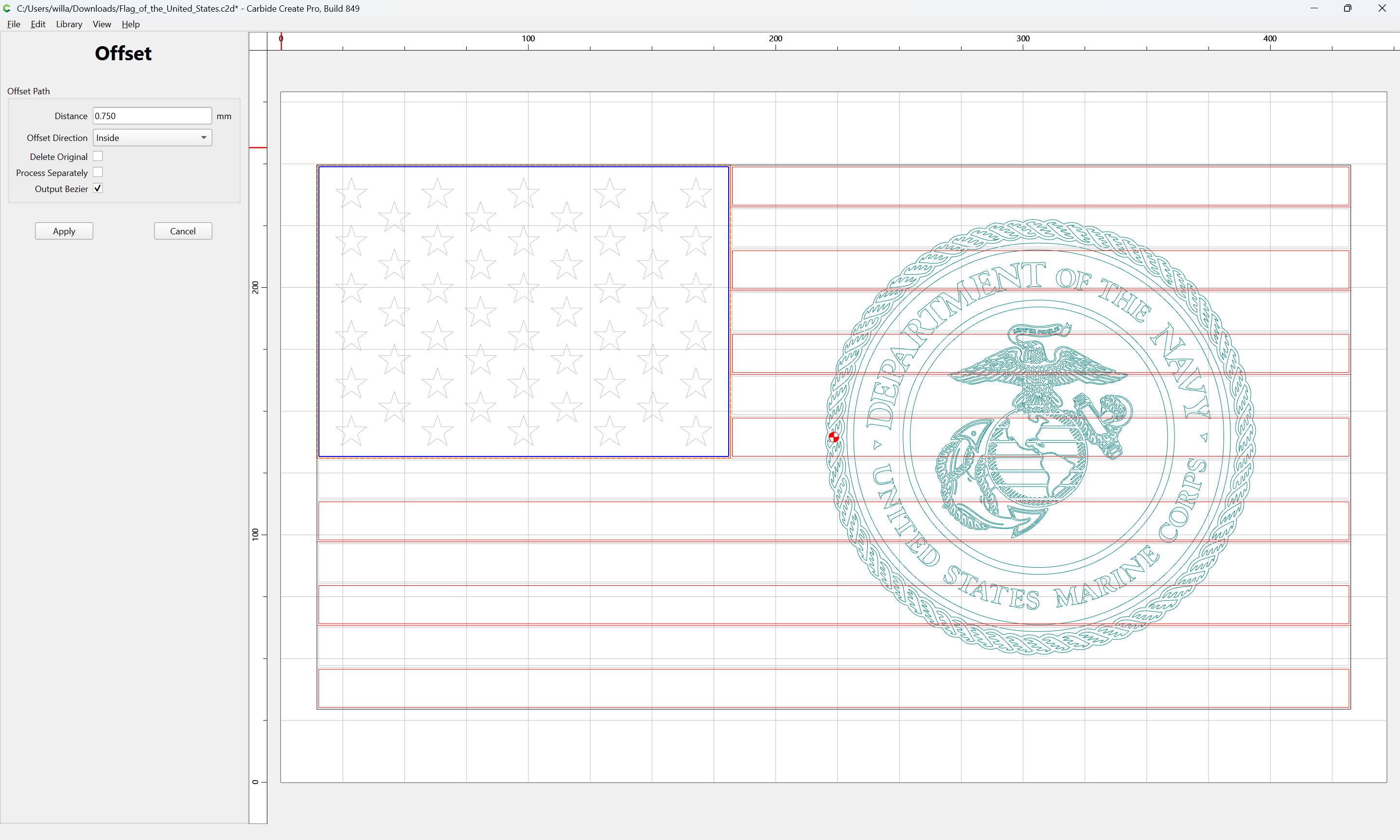
Repeat this for the Union as well:
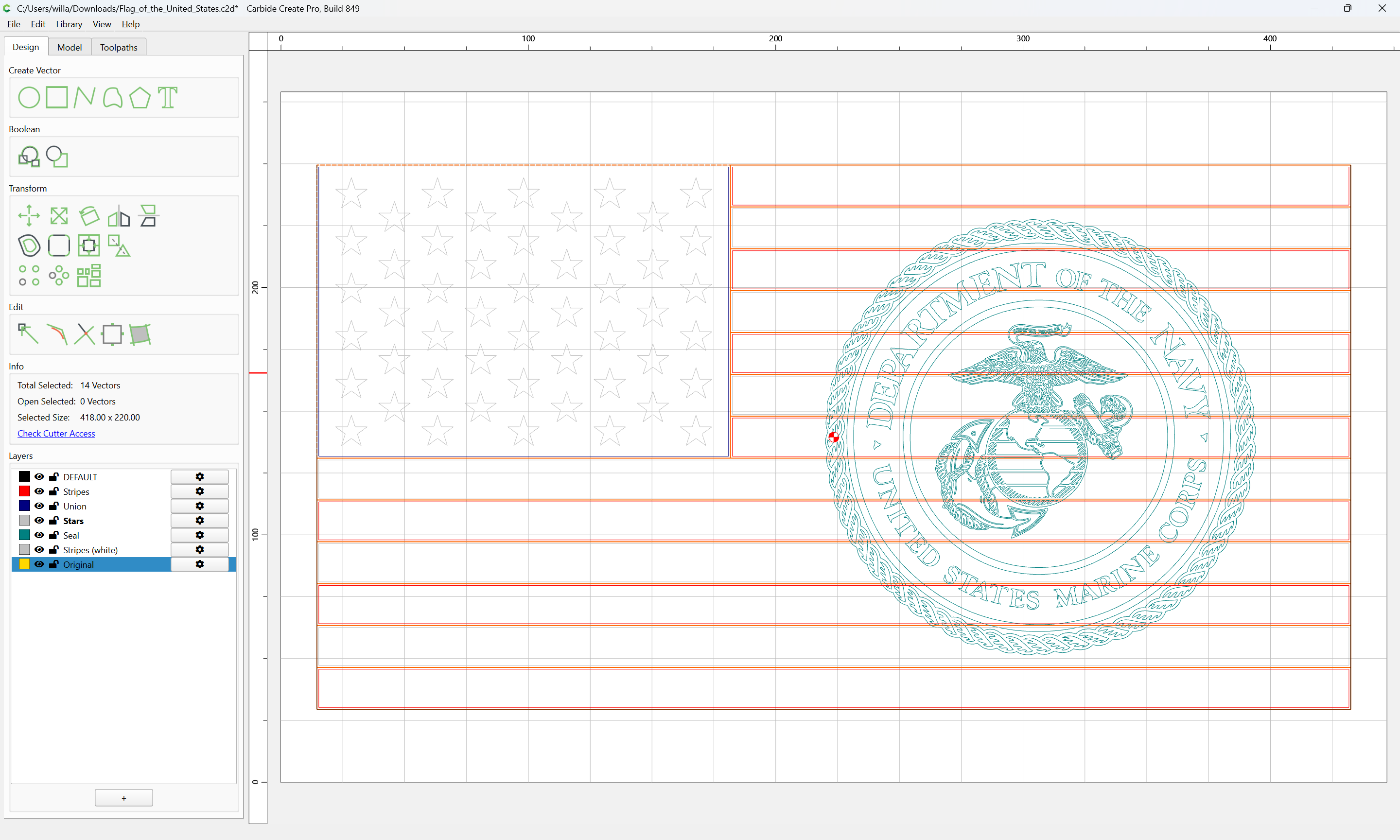
Moving all the inset geometries to the appropriate layers and selecting the original geometry and moving it to a separate layer:
Then select the perimeter of the seal:
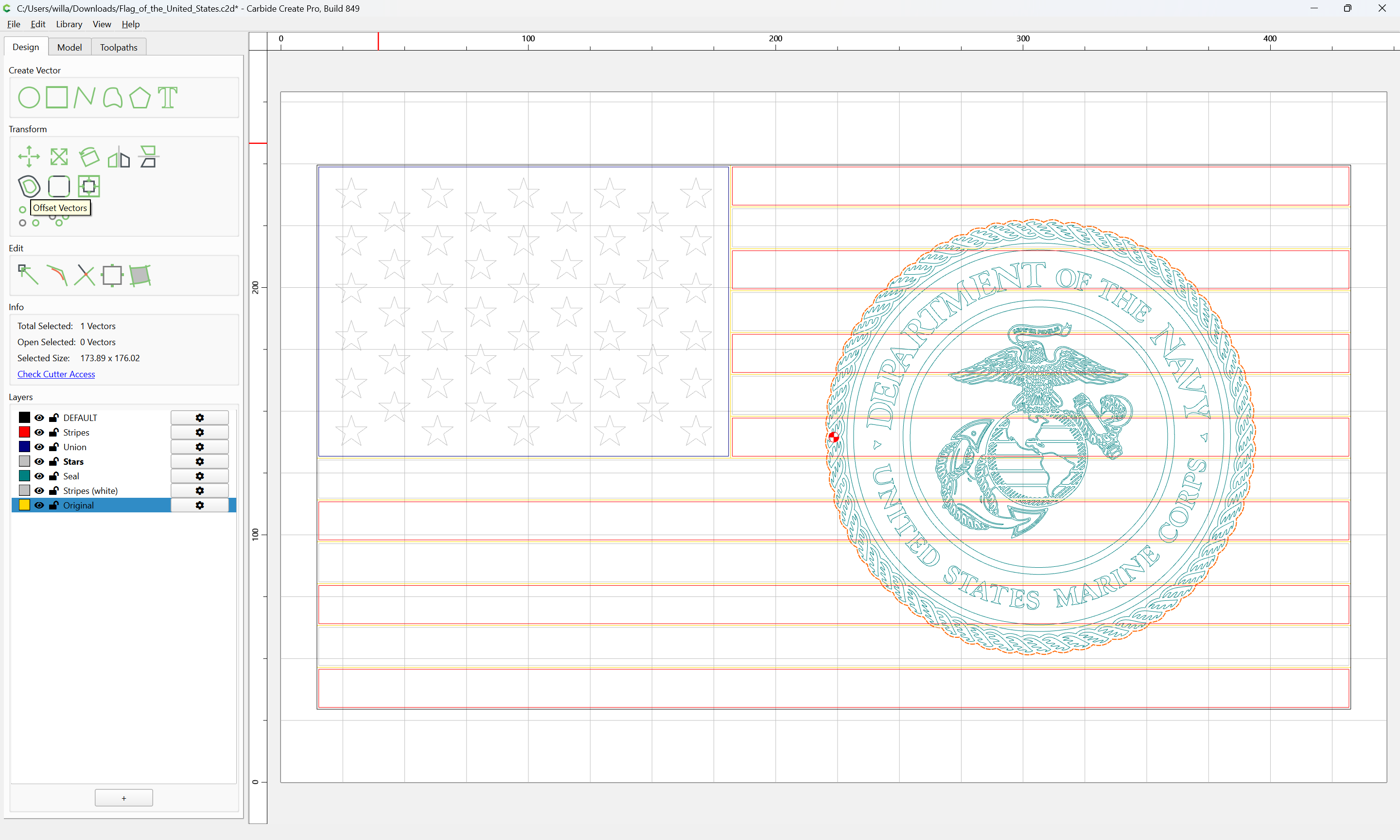
and offset twice:
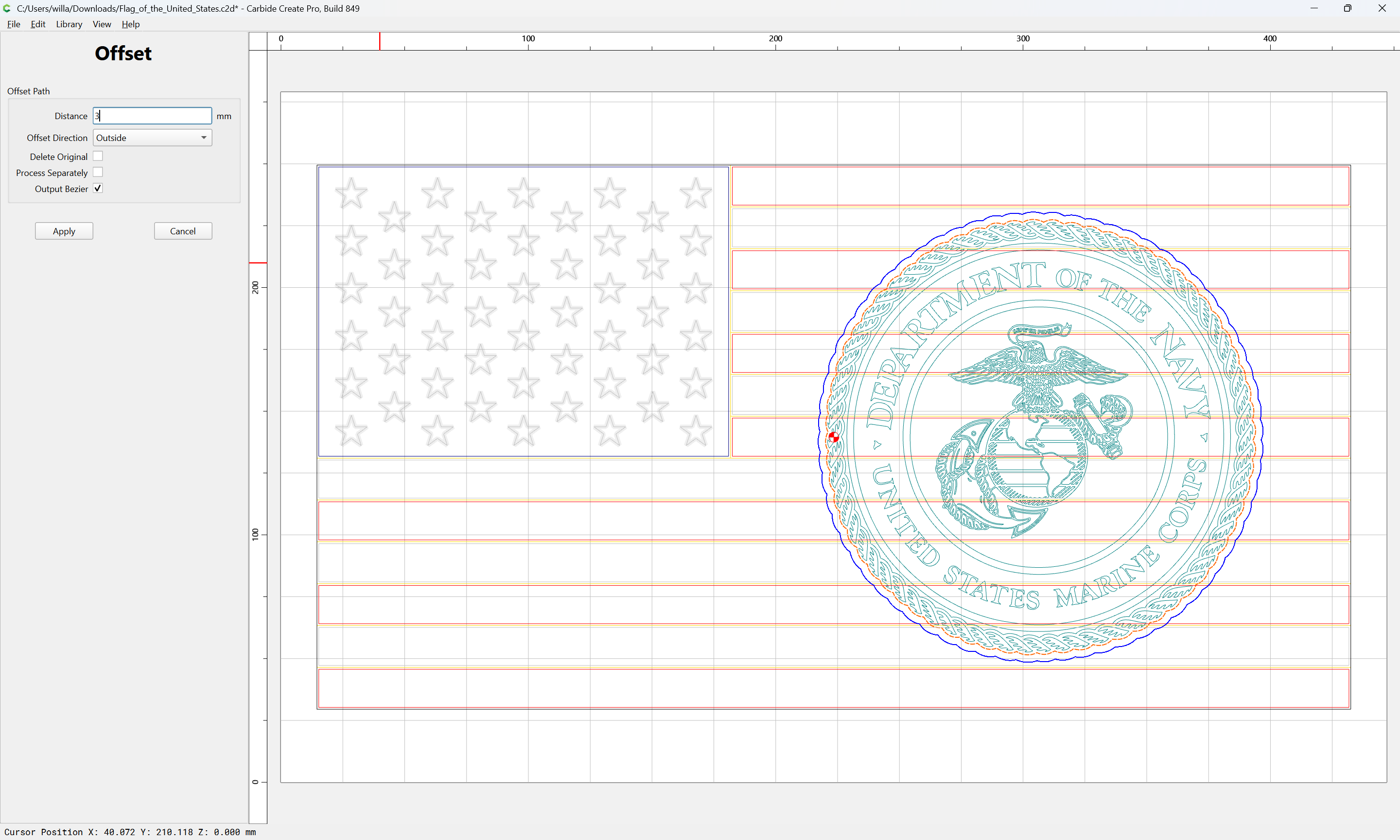
Apply
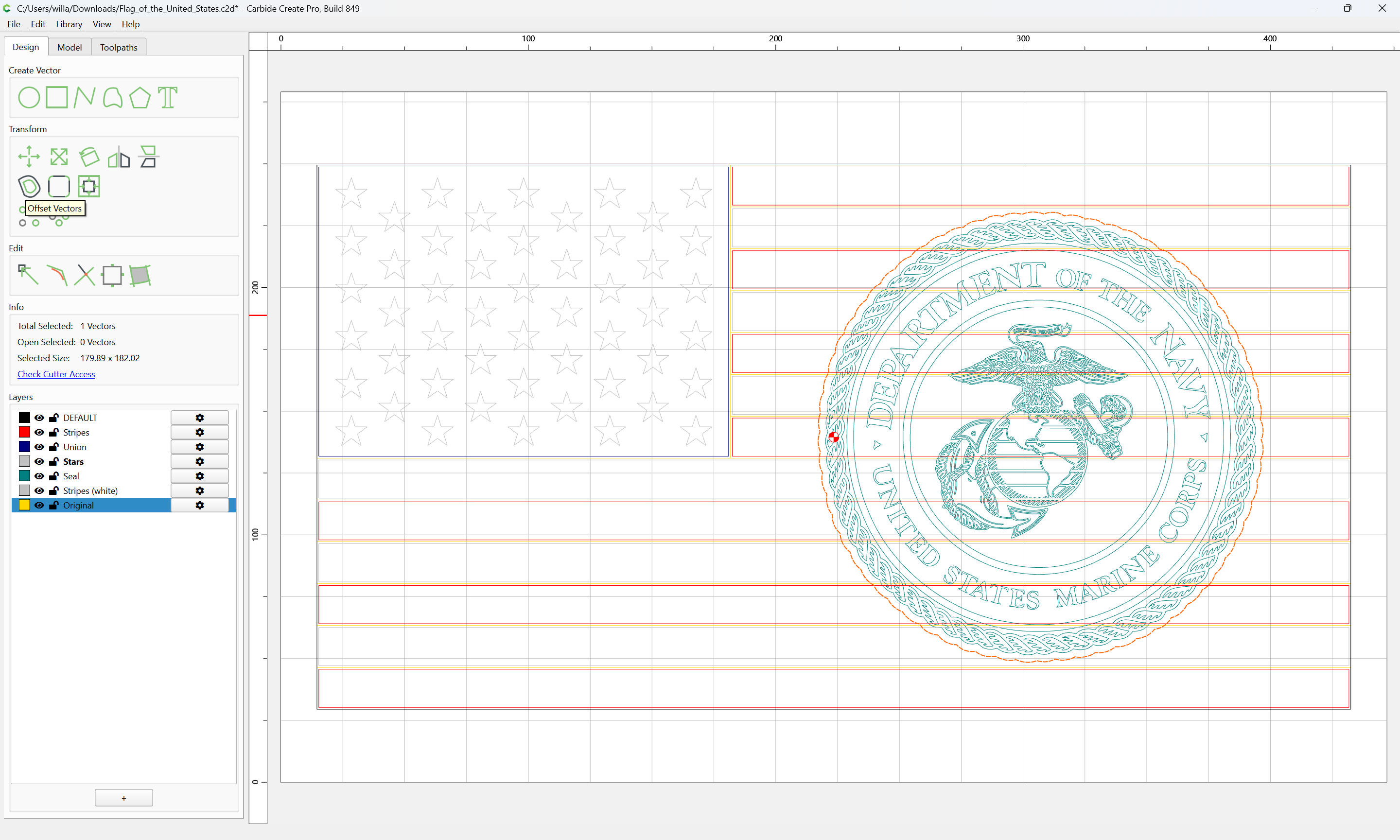
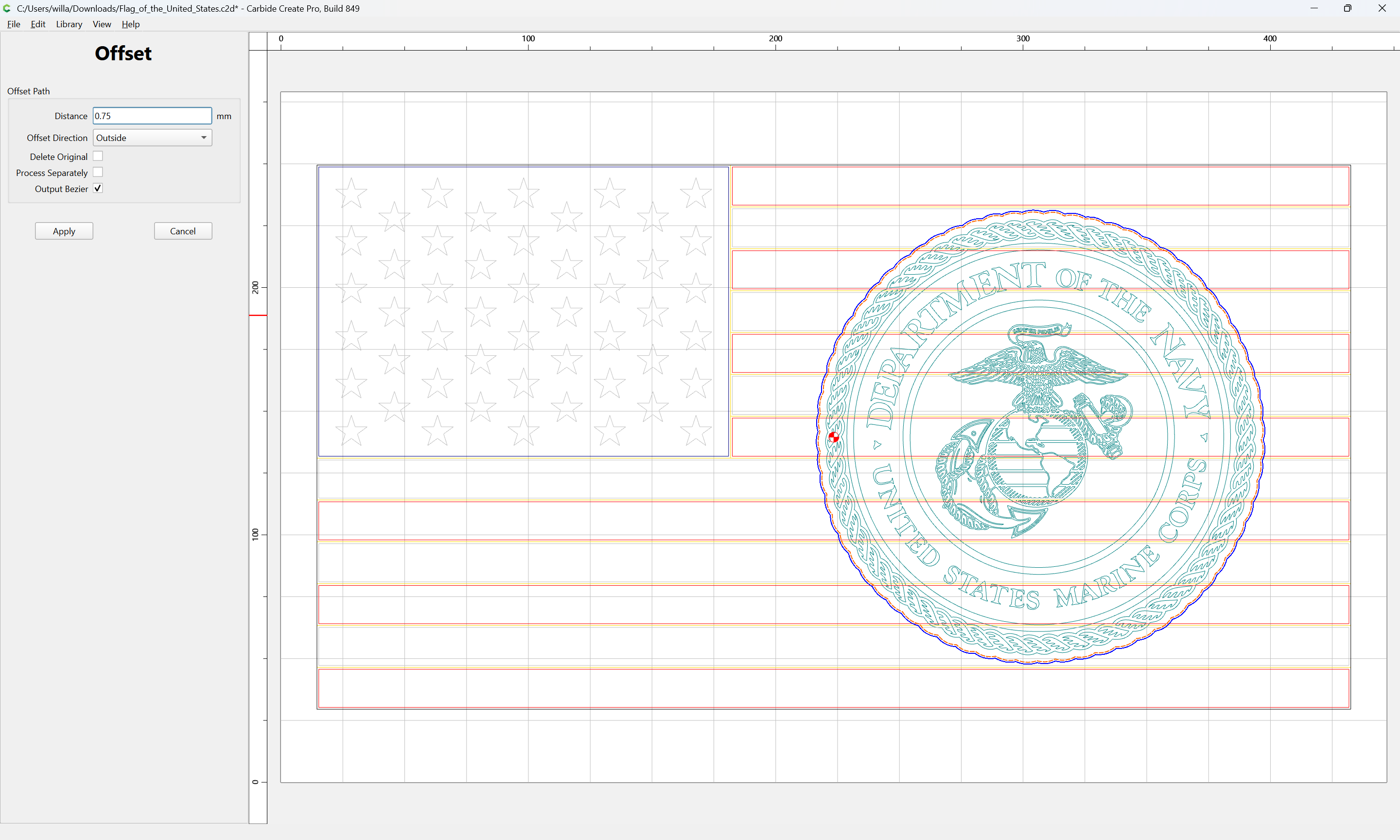
Apply
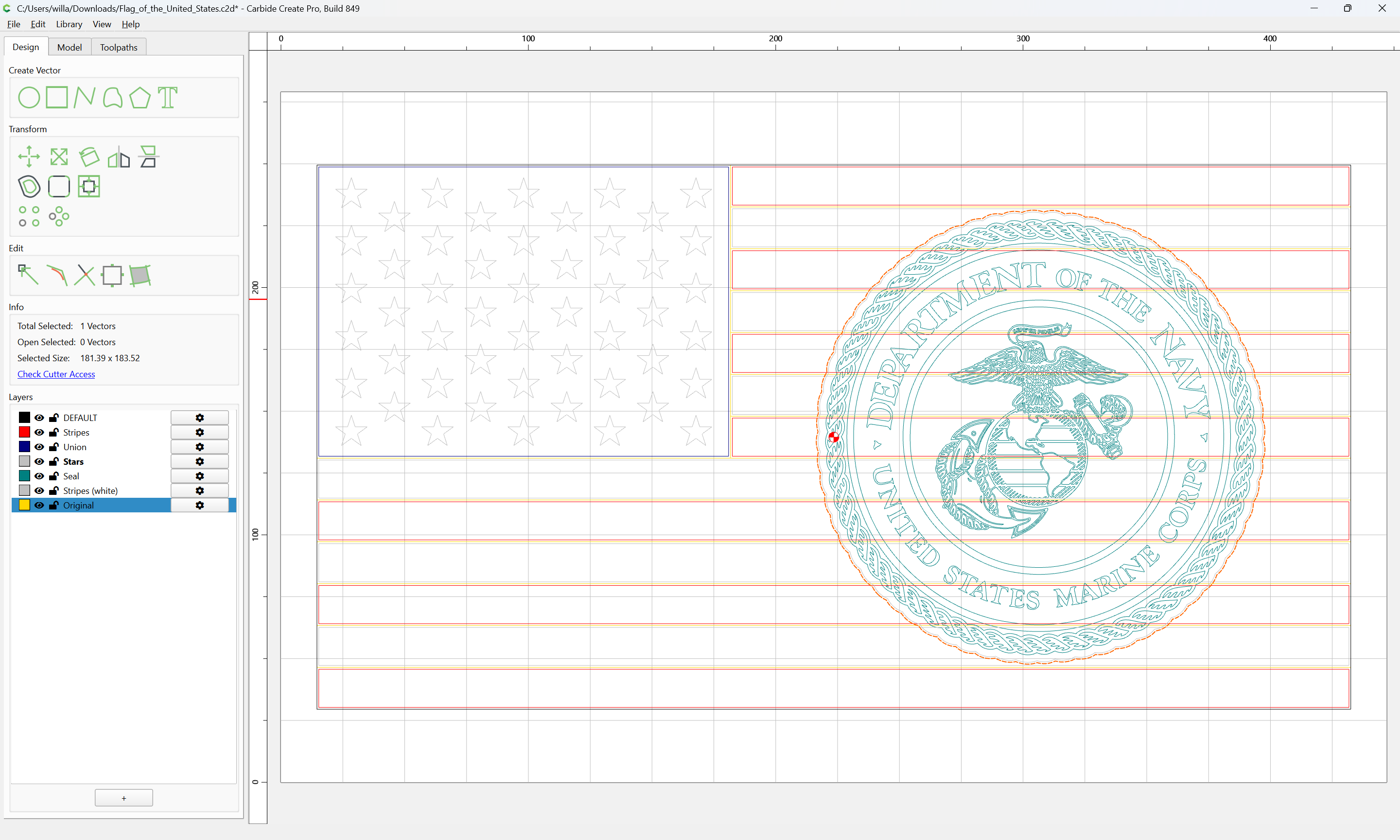
Then use the outer offset to remove from the inset stripes:
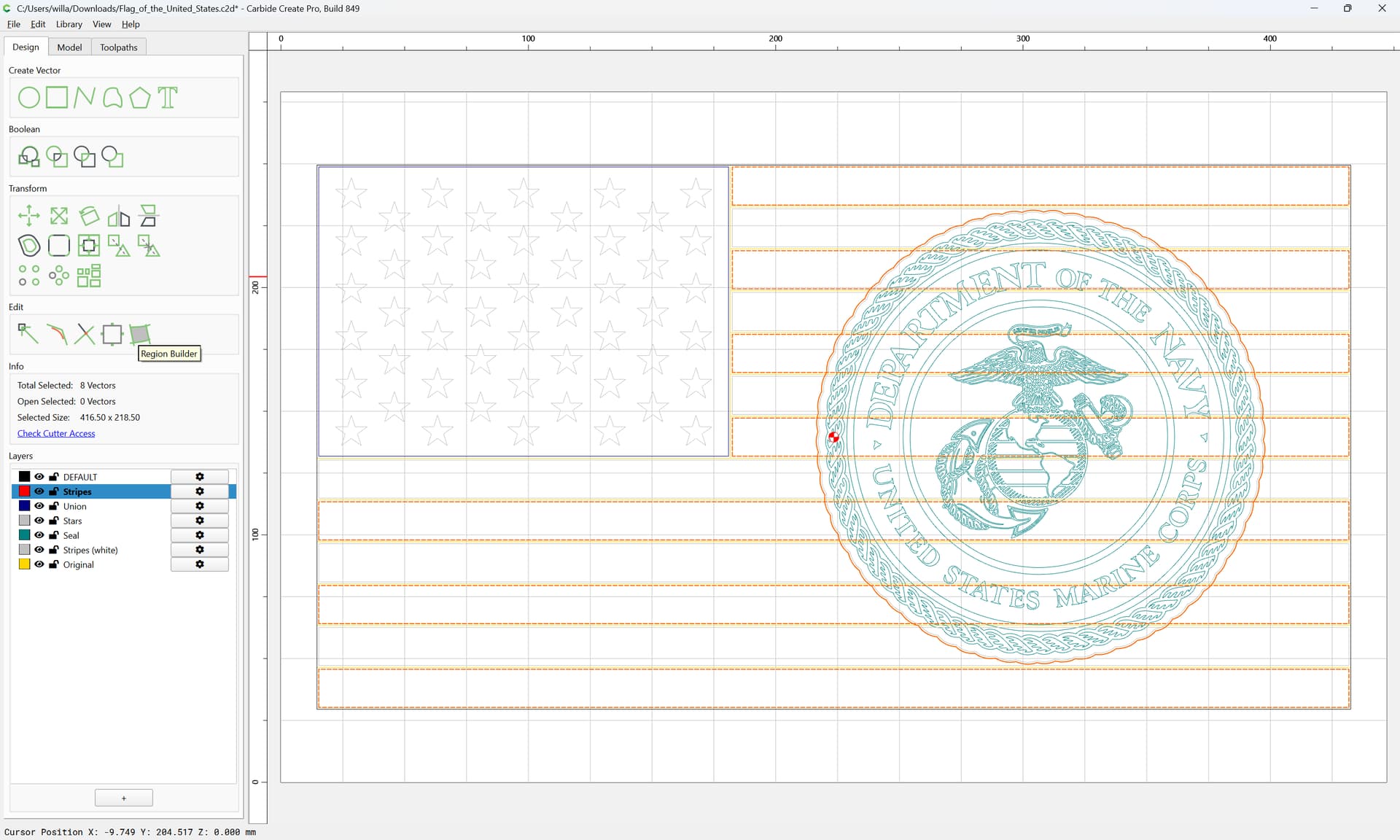
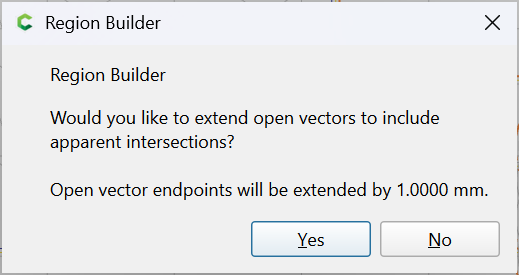
Yes
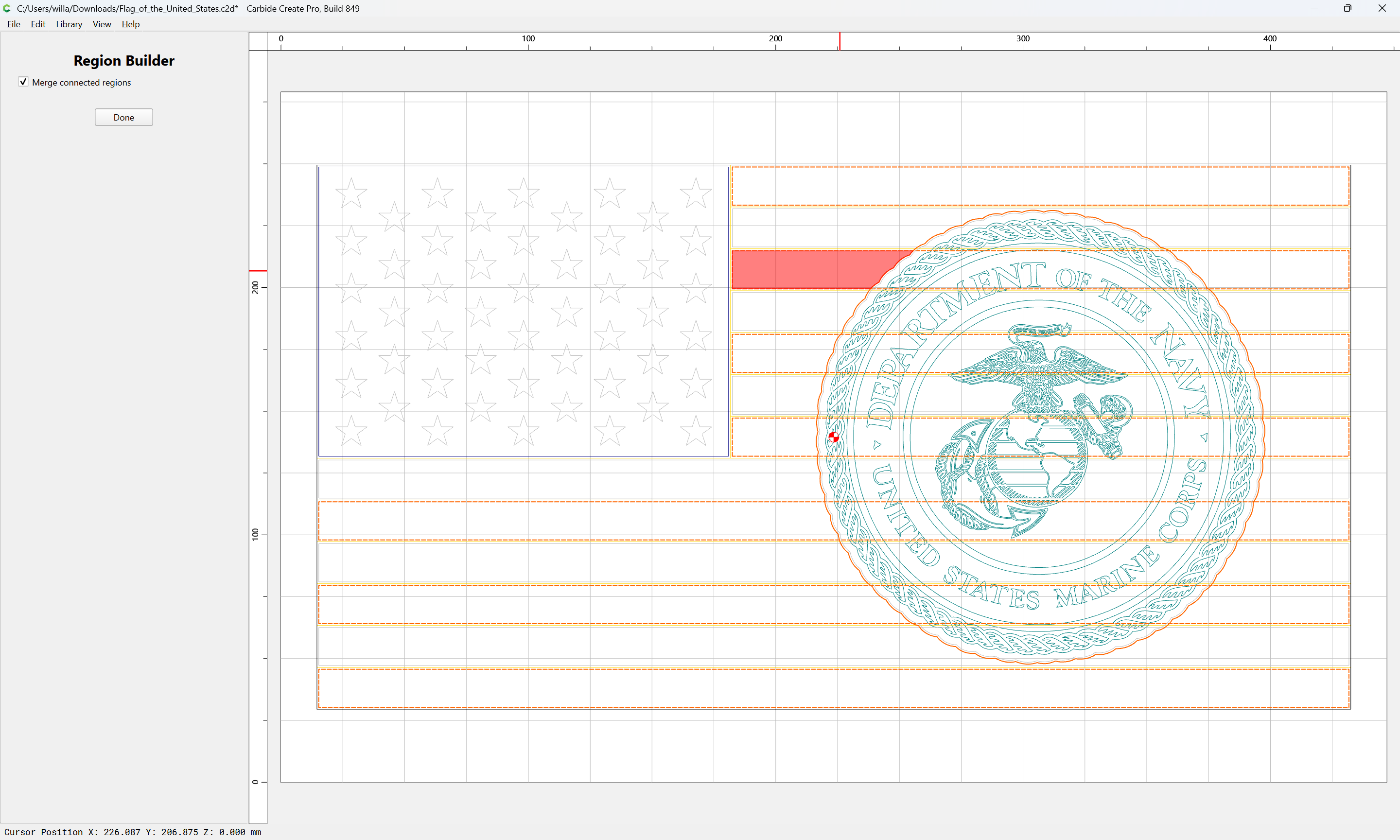
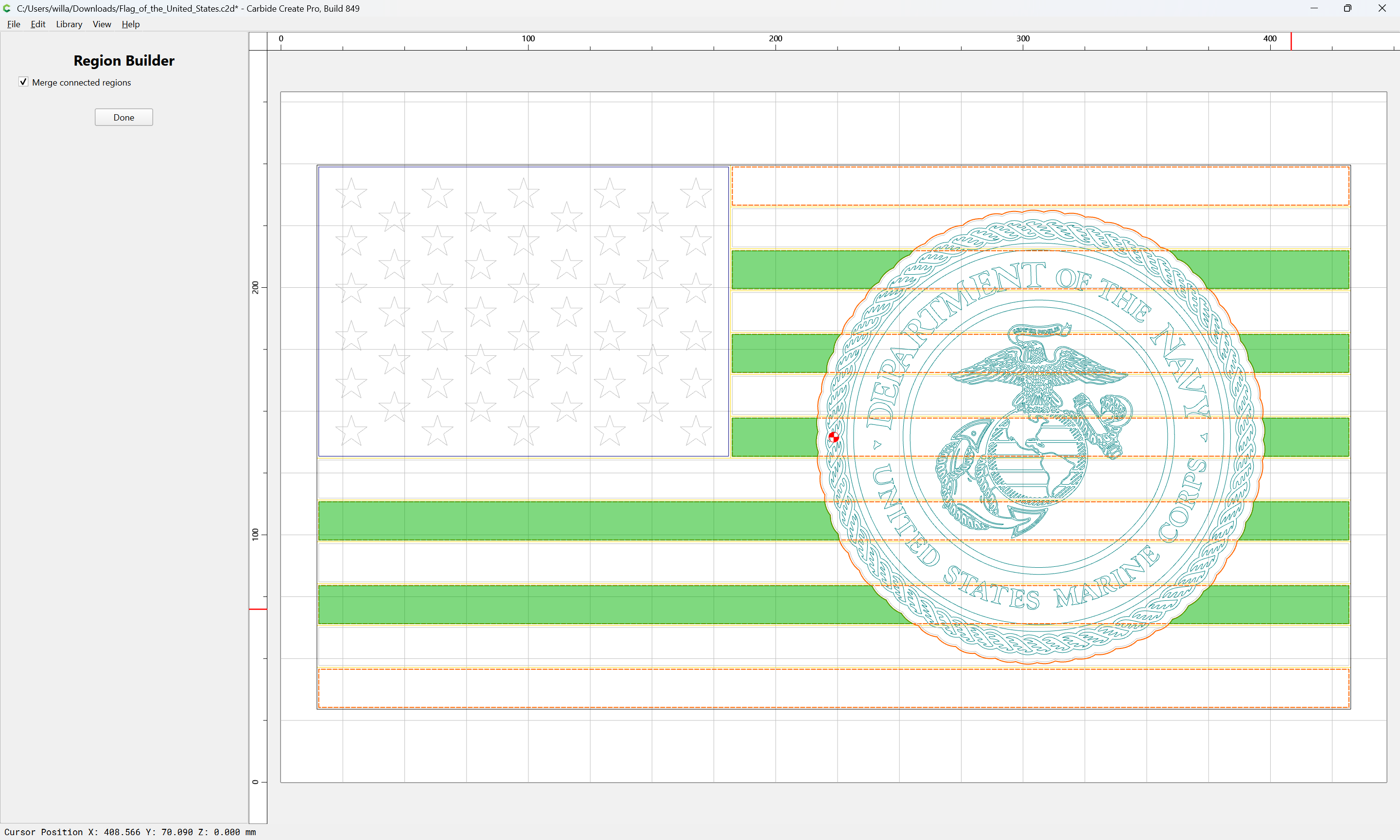
Done
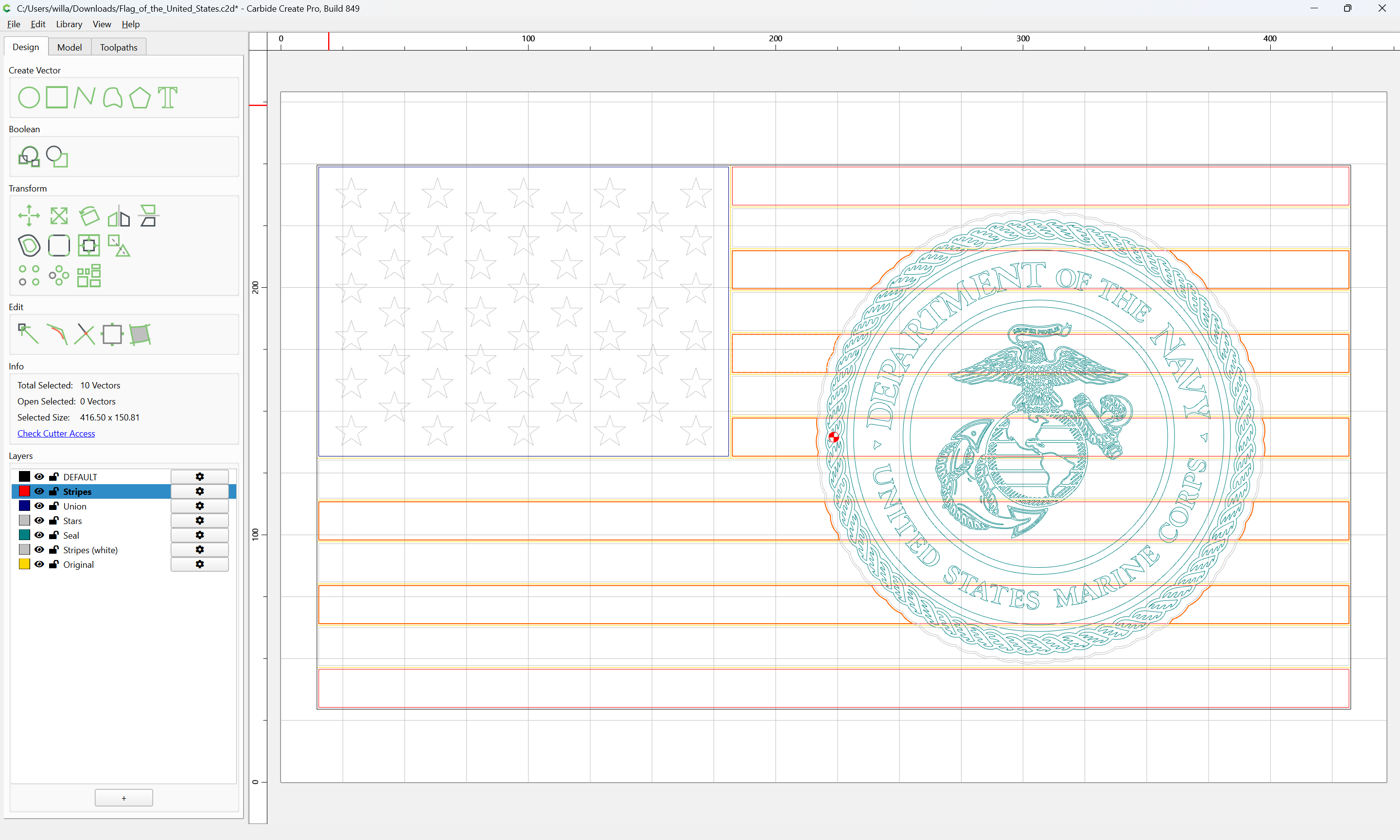
Repeat for the other set of stripes when that layer is active:
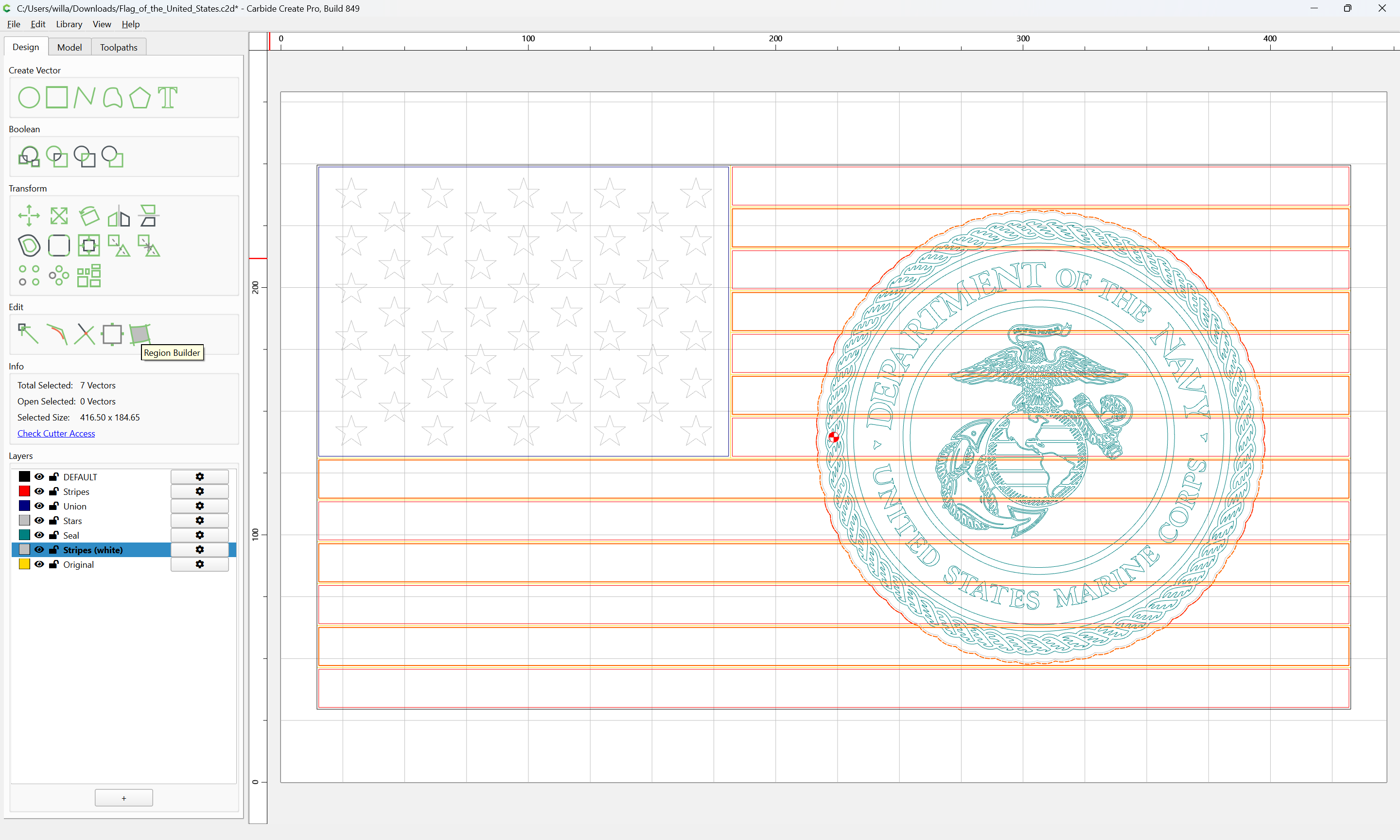
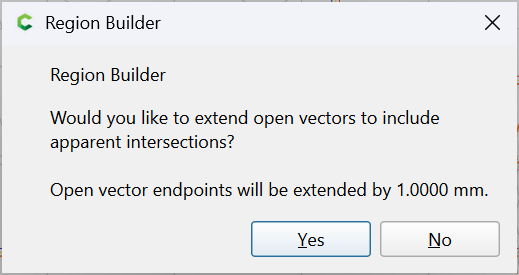
Yes

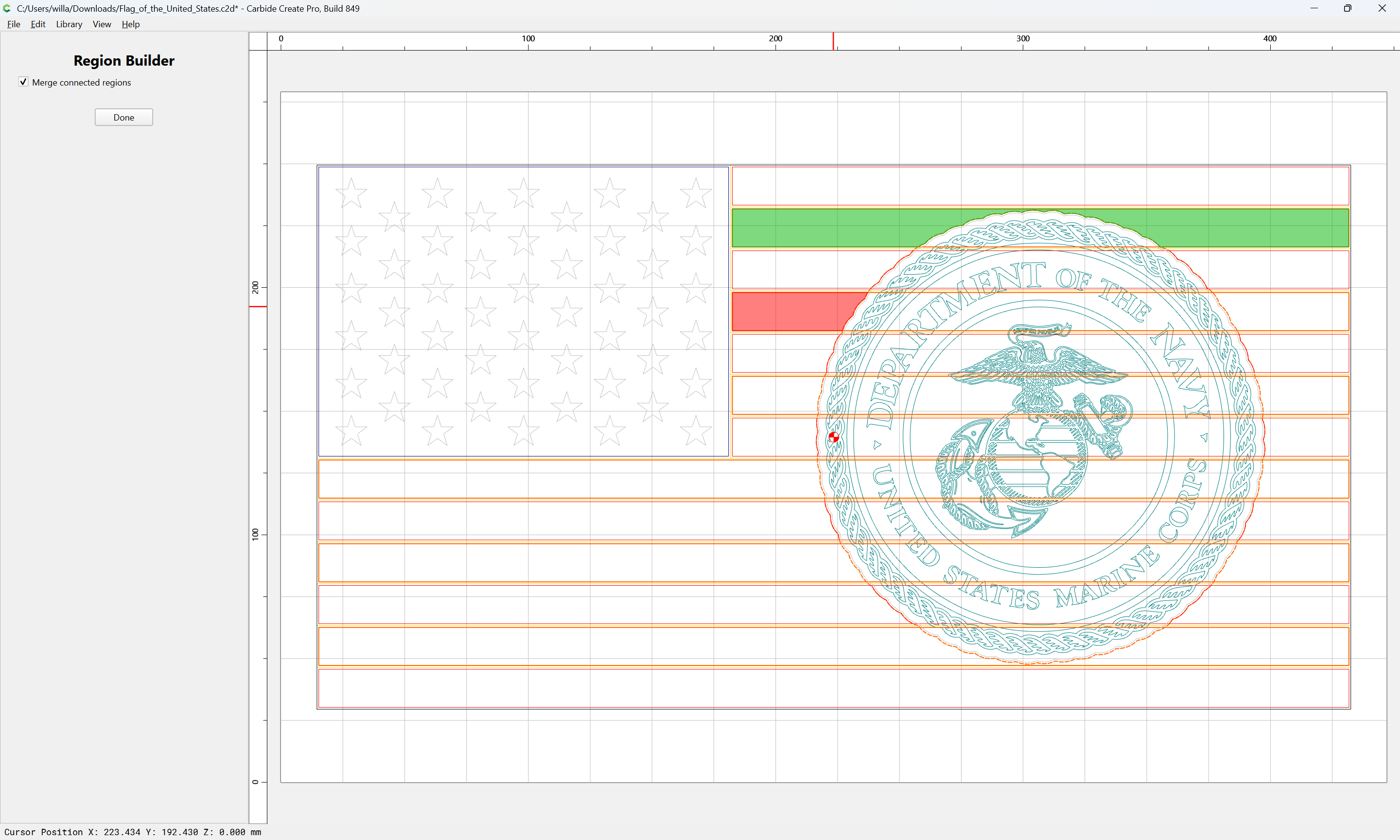
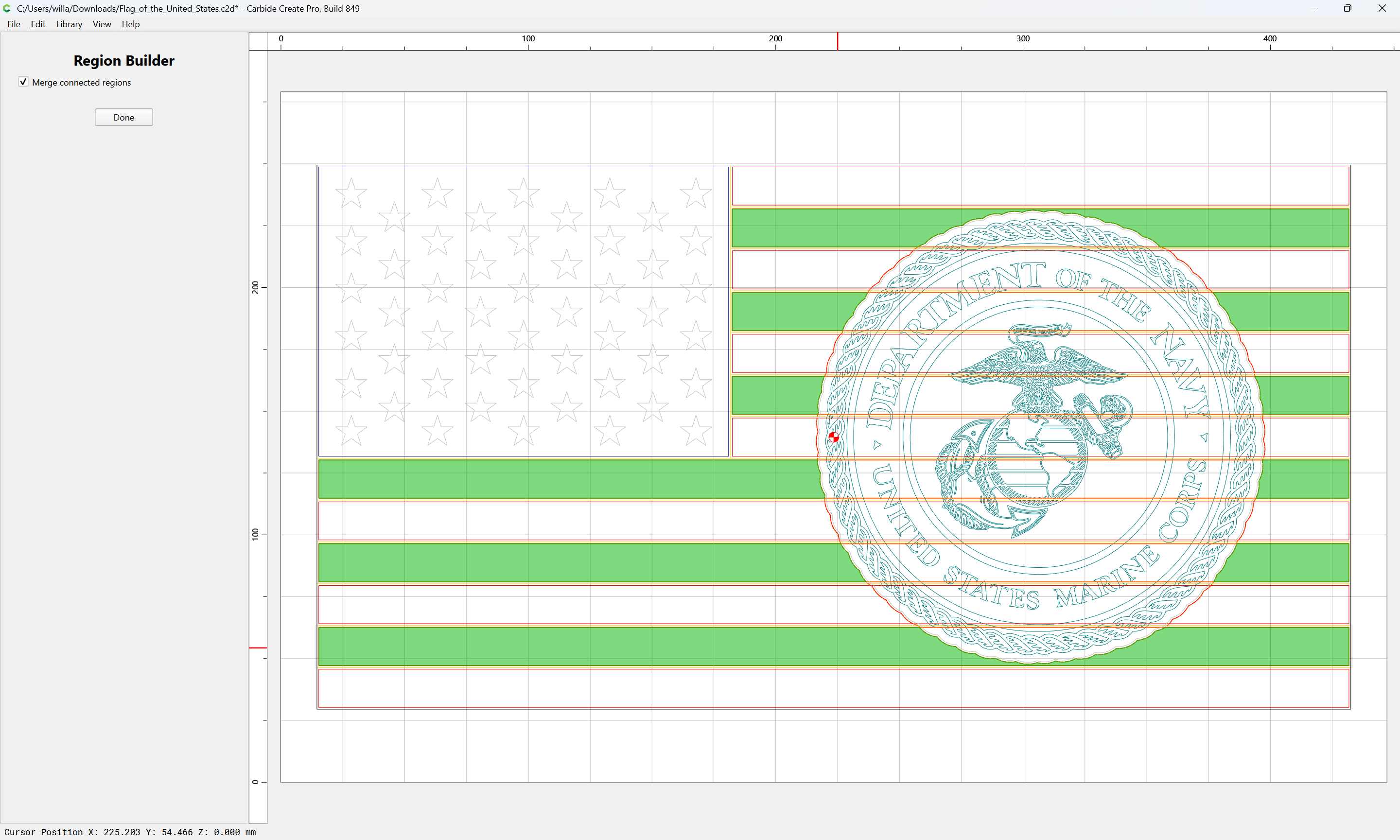
Done
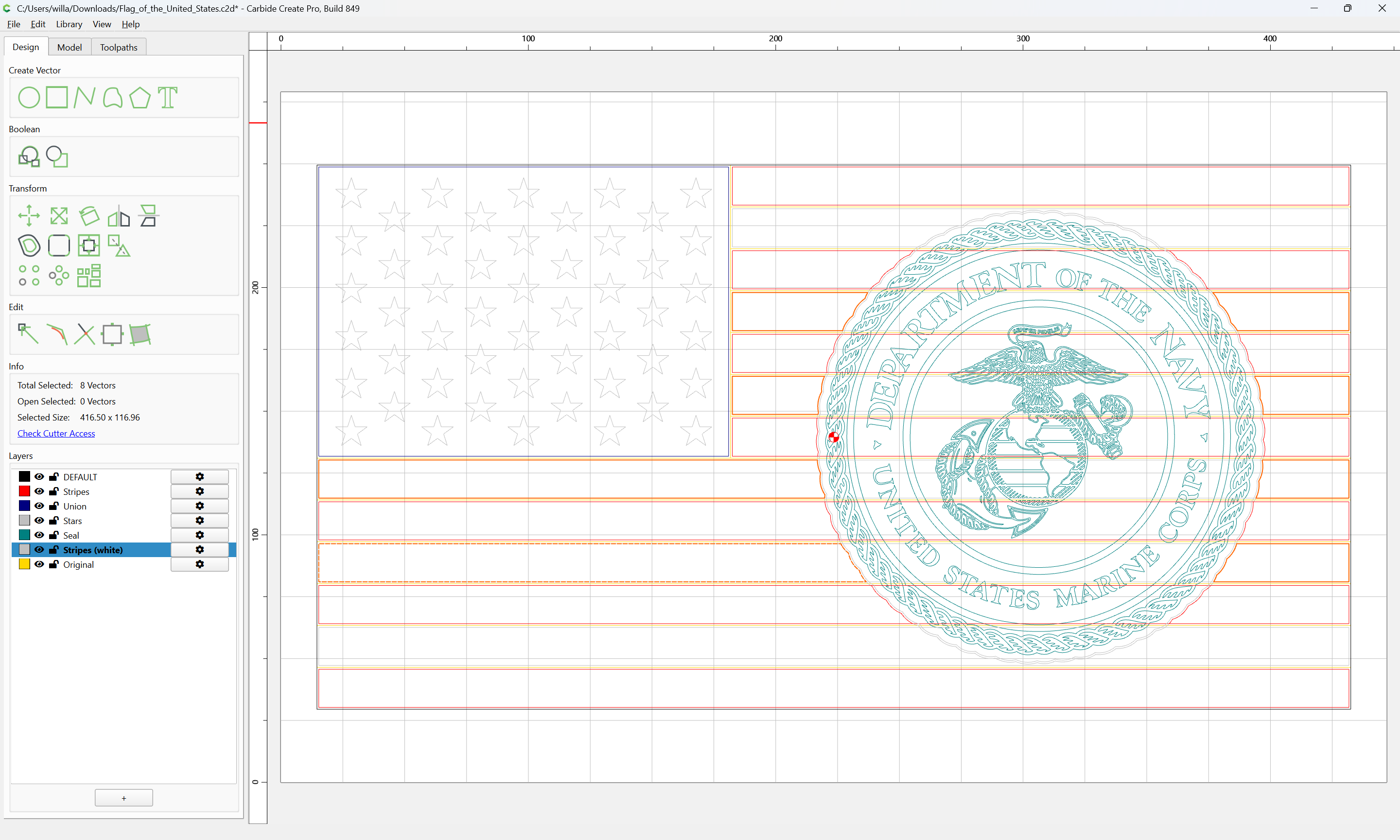
Hide the Seal layer, select everything except for the Stars:
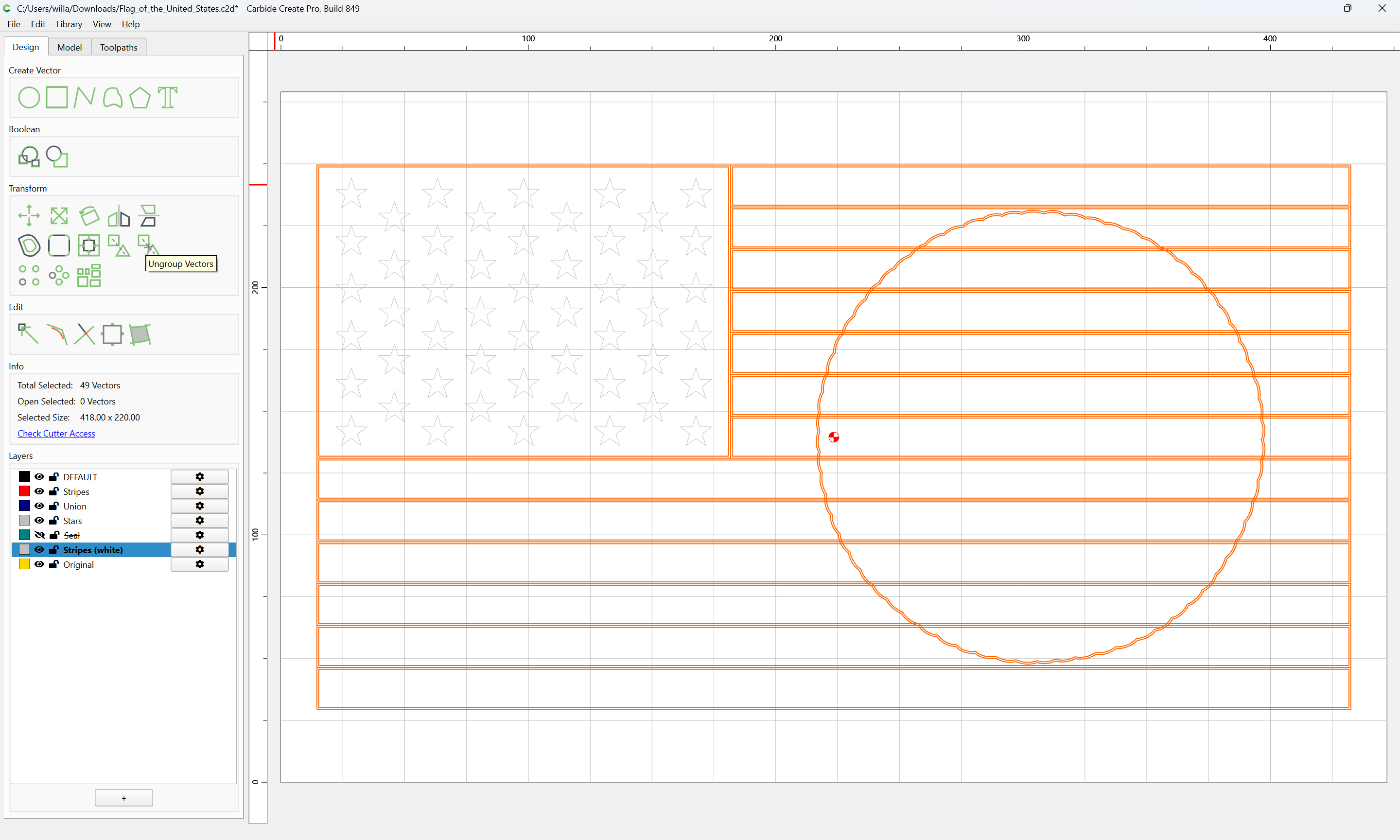
and Ungroup Vectors:
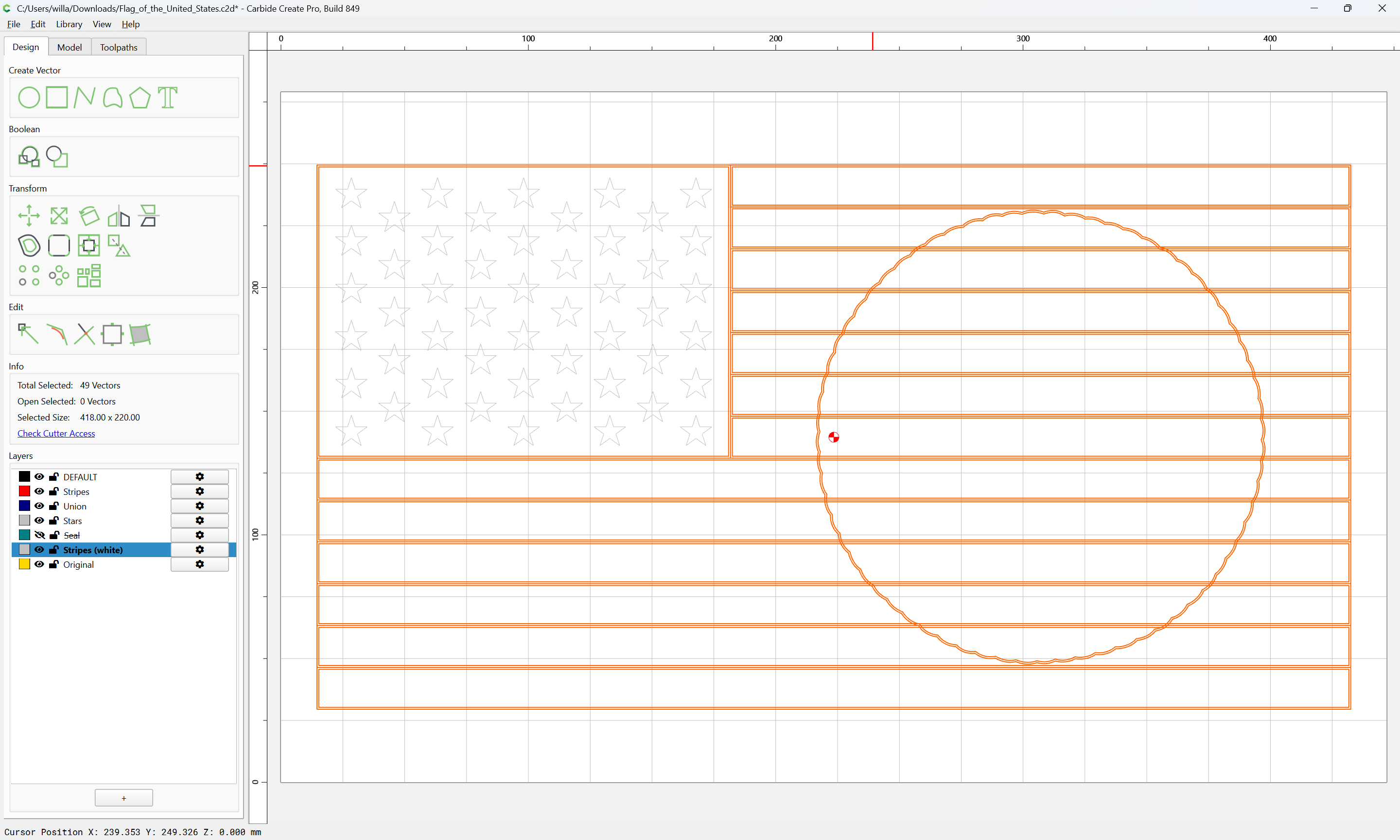
and hide the Original layer:
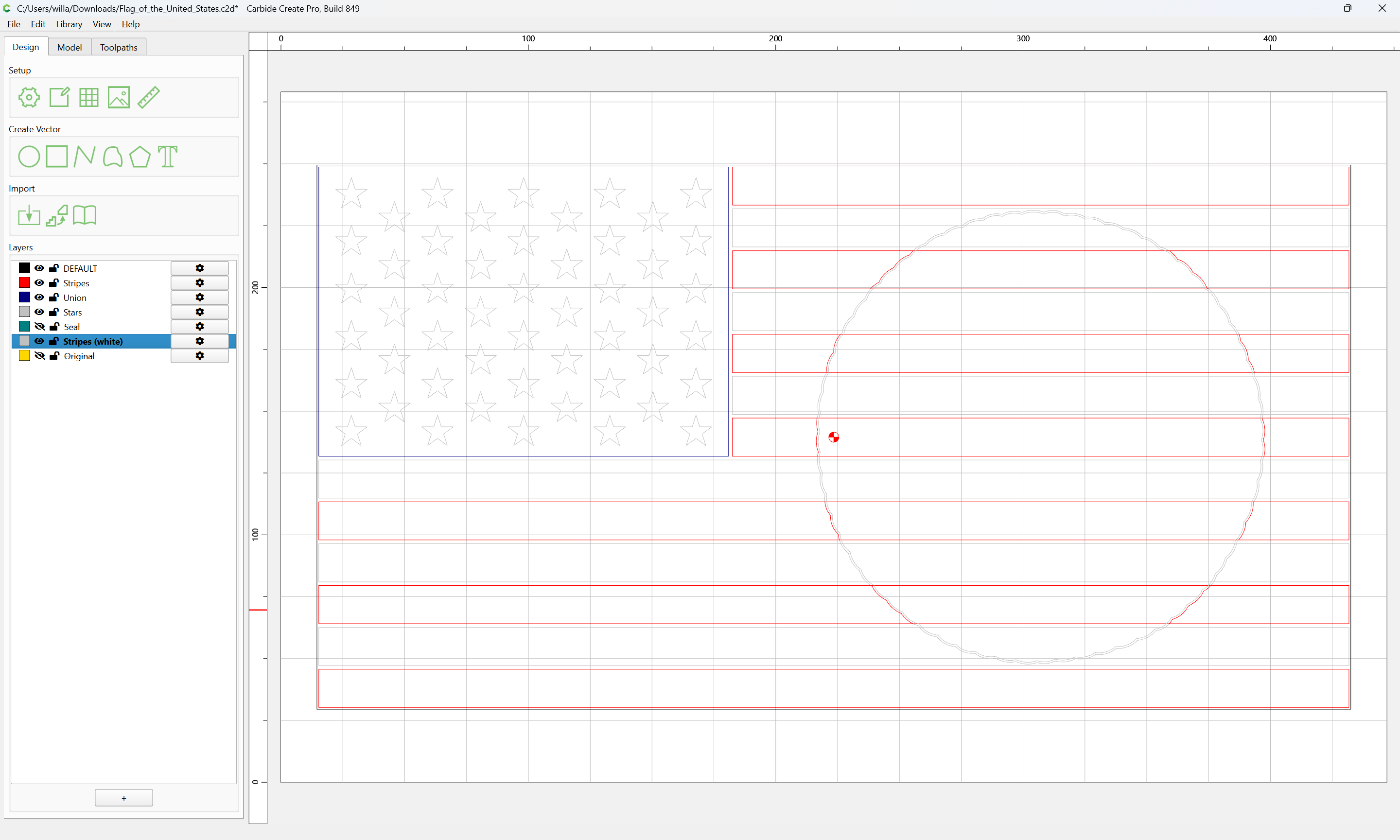
Then select only the original stripes:
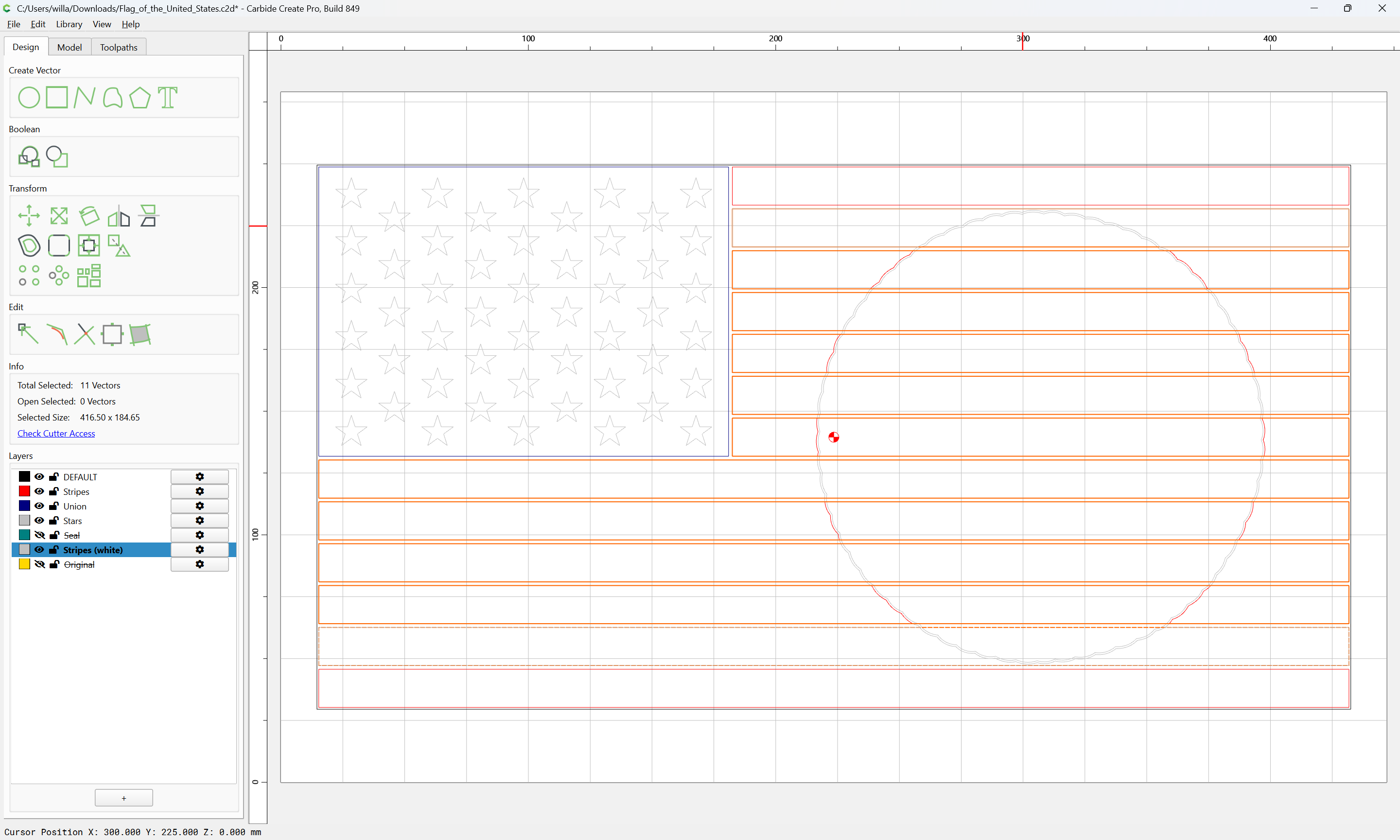
and delete them:

Then select the inner offset:
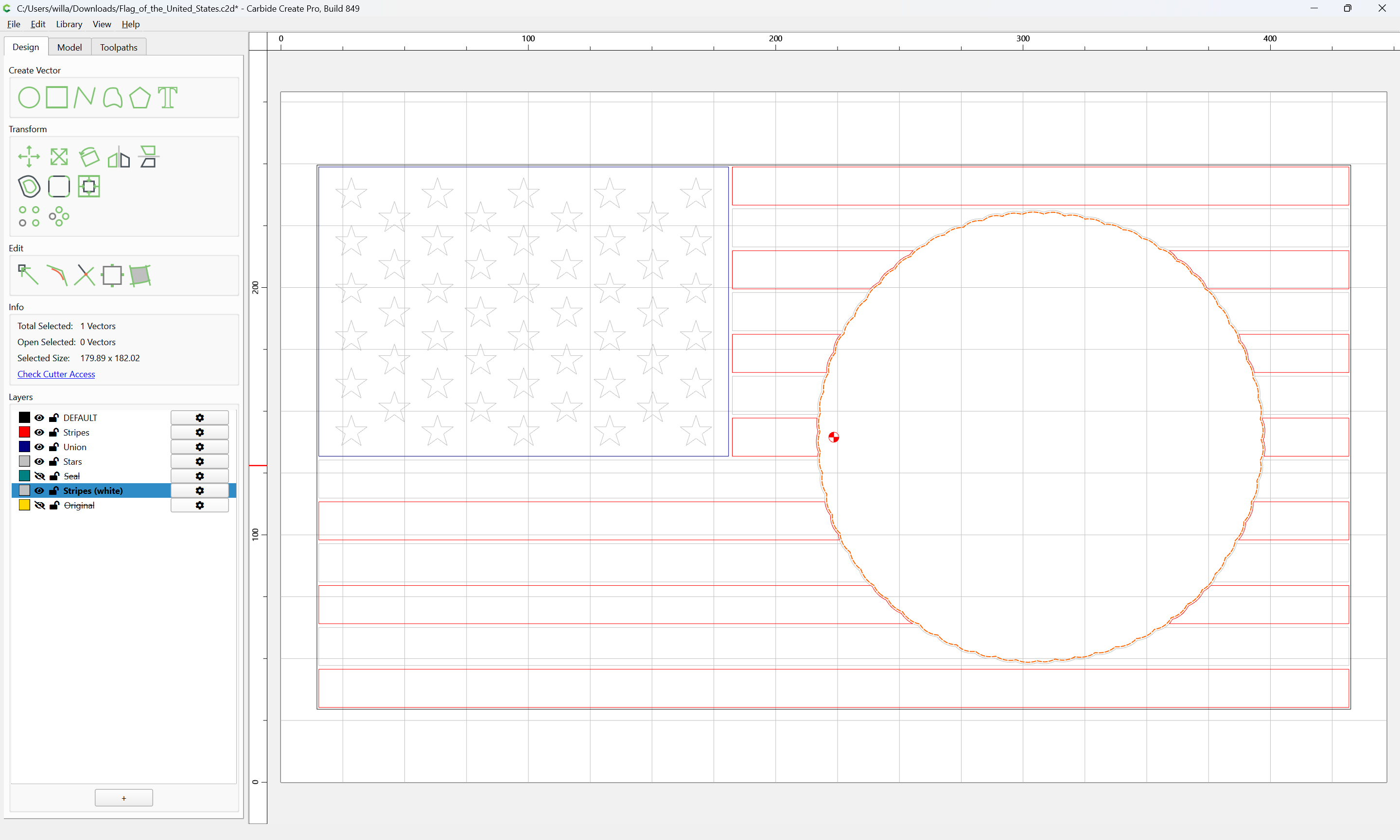
and move it to the Seal layer:
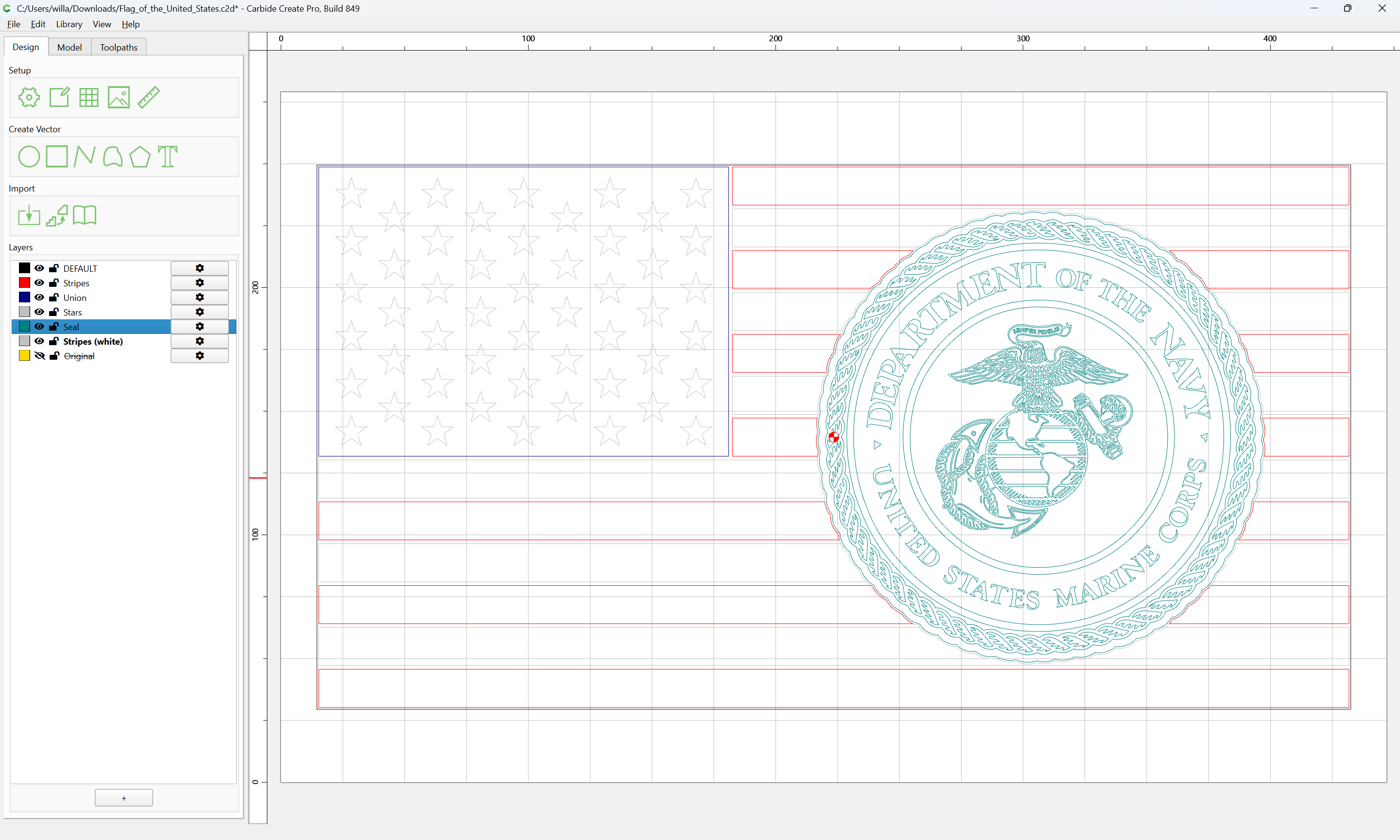
and delete the second offset:
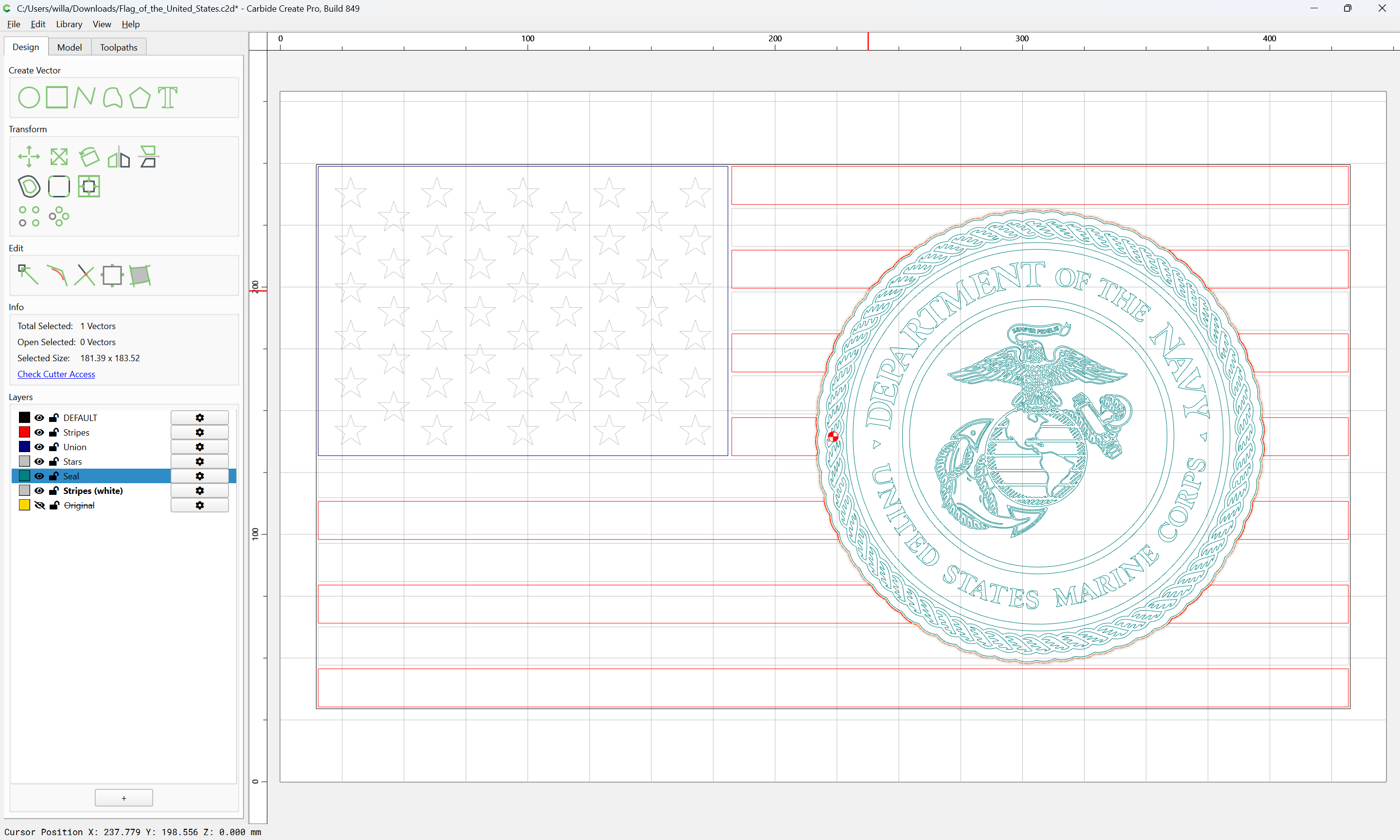
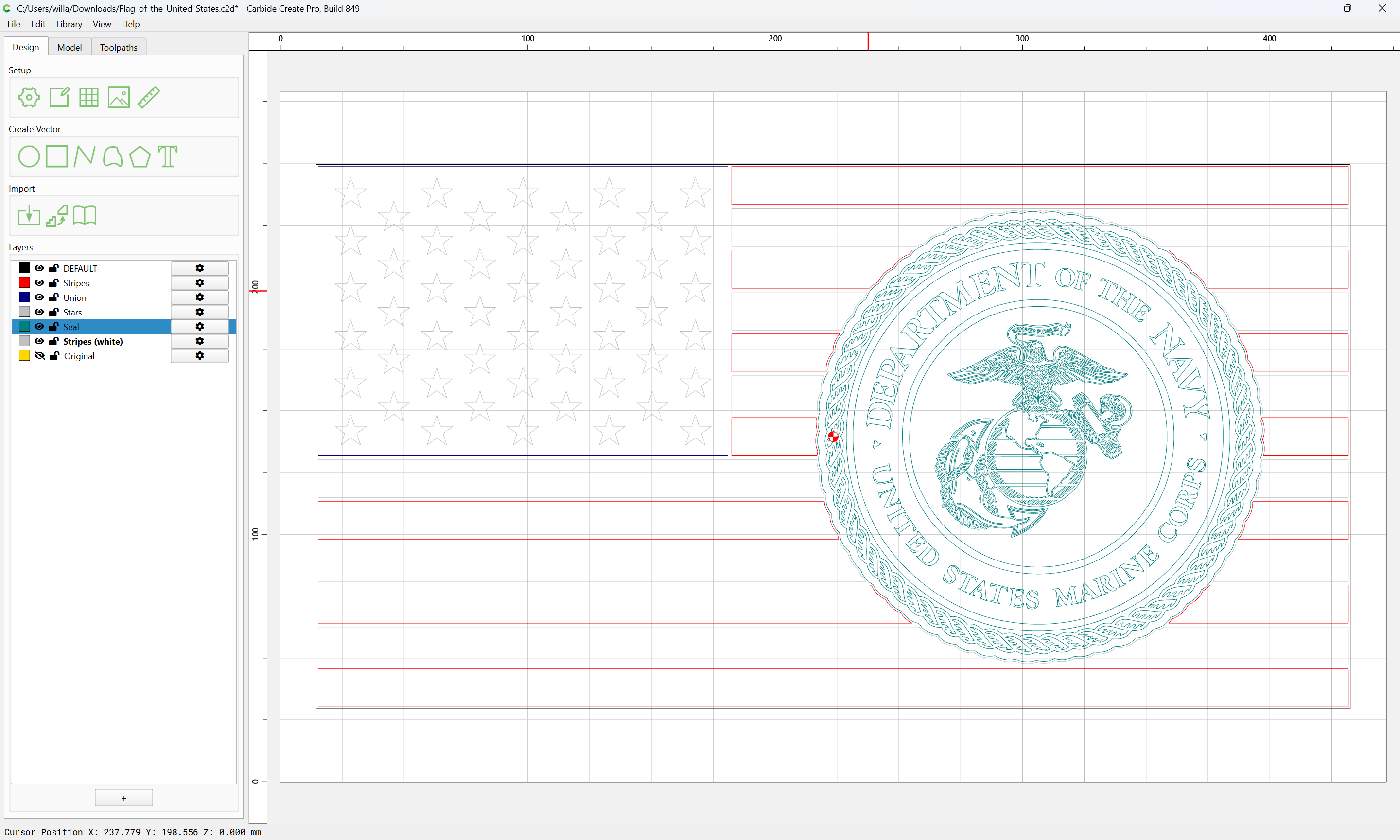
Also offset the offset geometry to the inside:
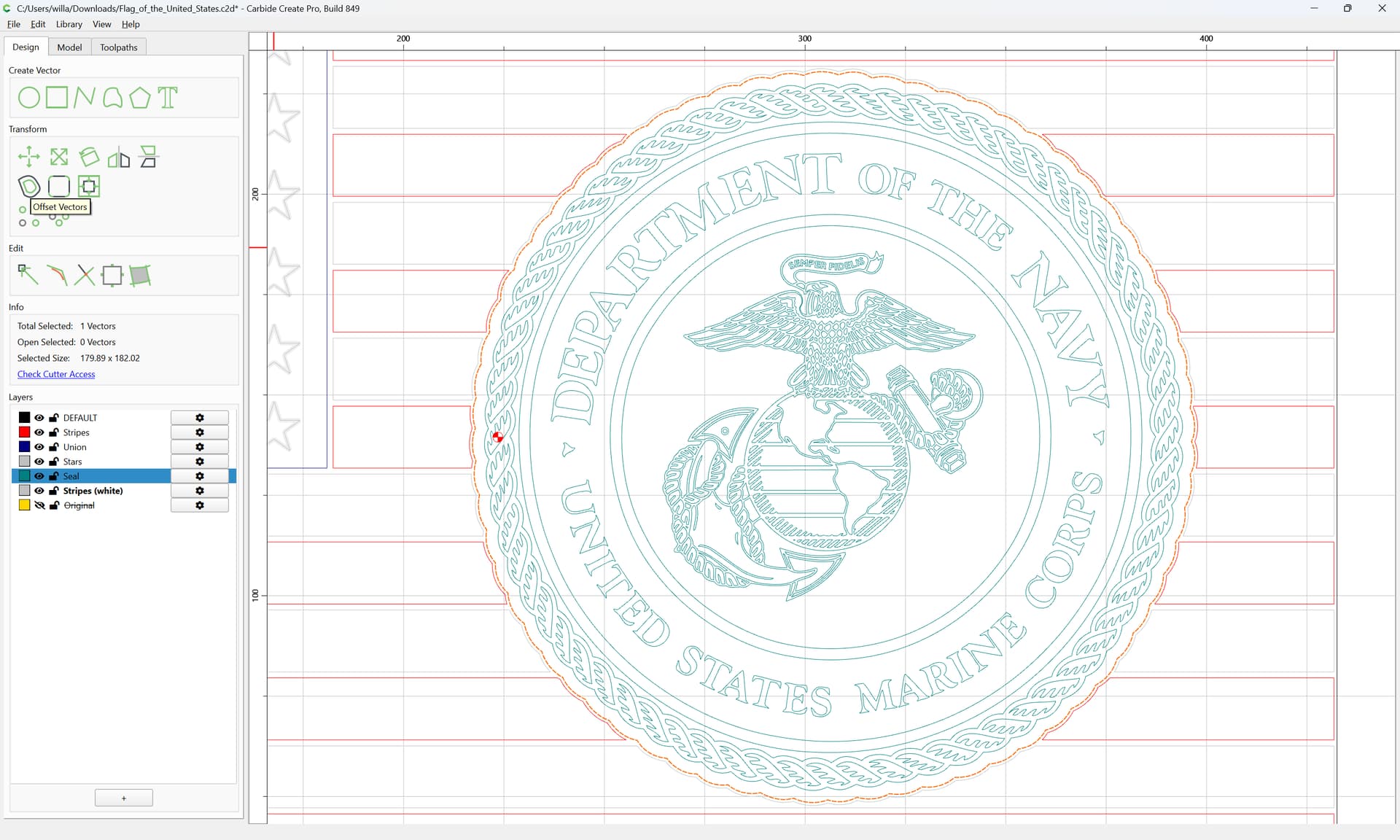
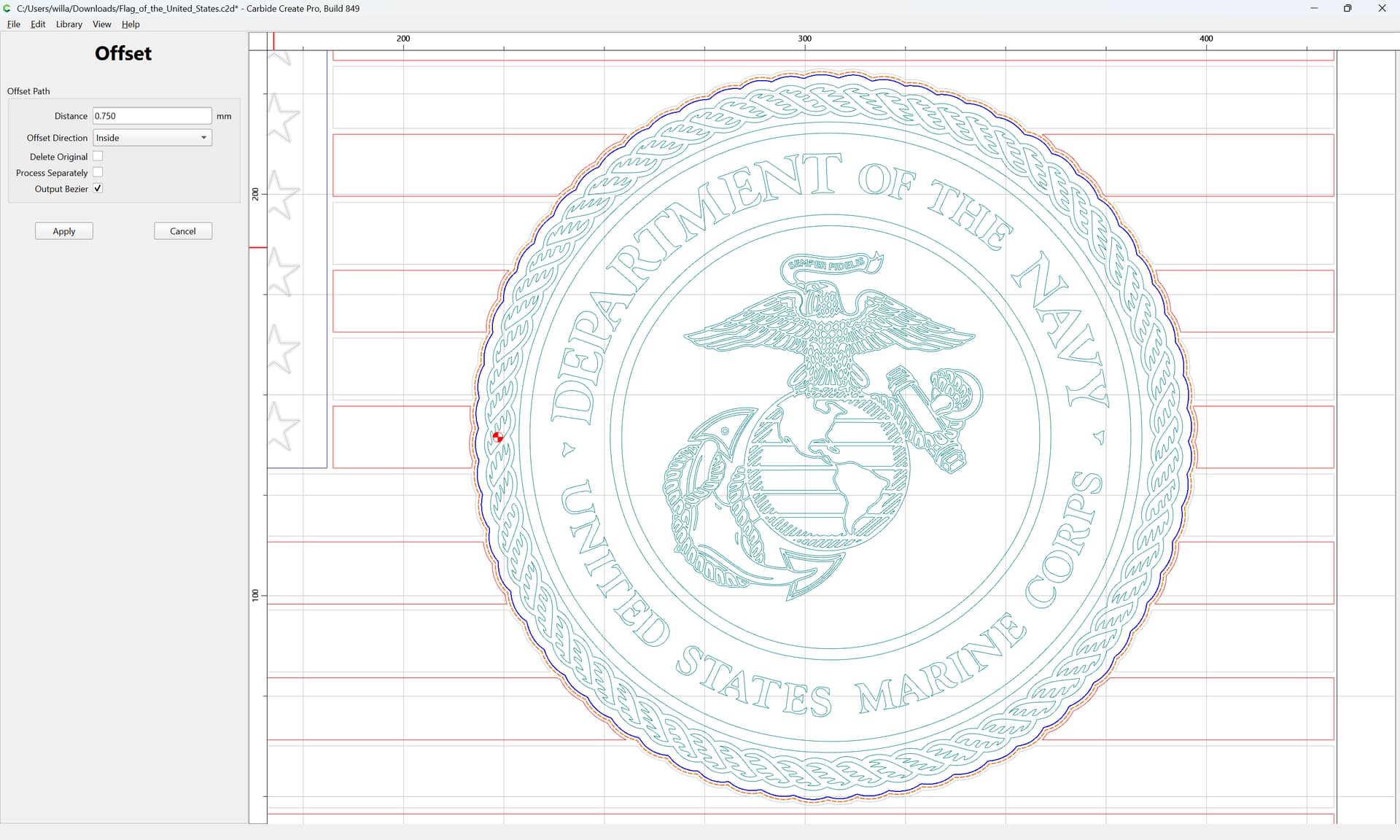
and move the previous geometry to the Original layer.
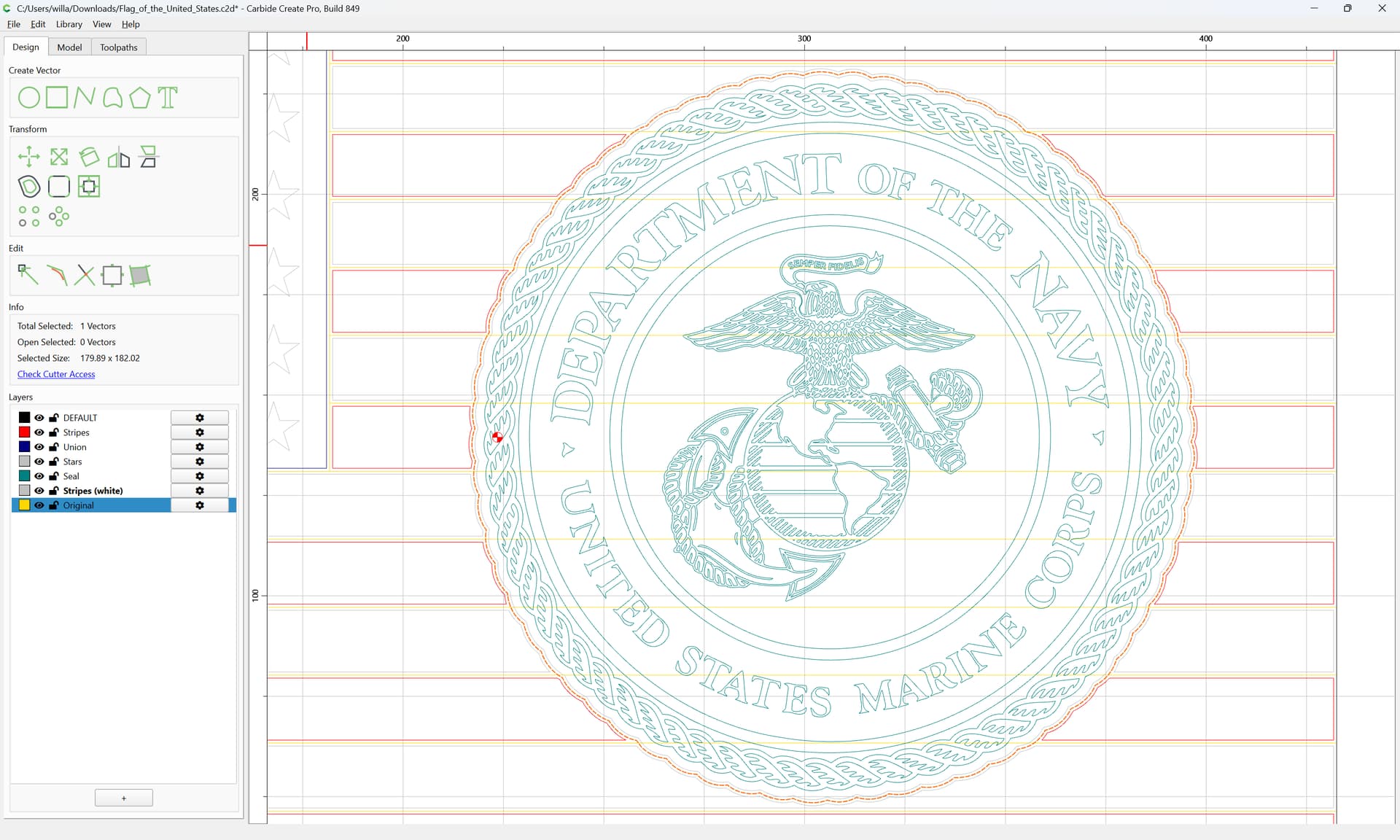
It should now be possible to assign suitable toolpaths.