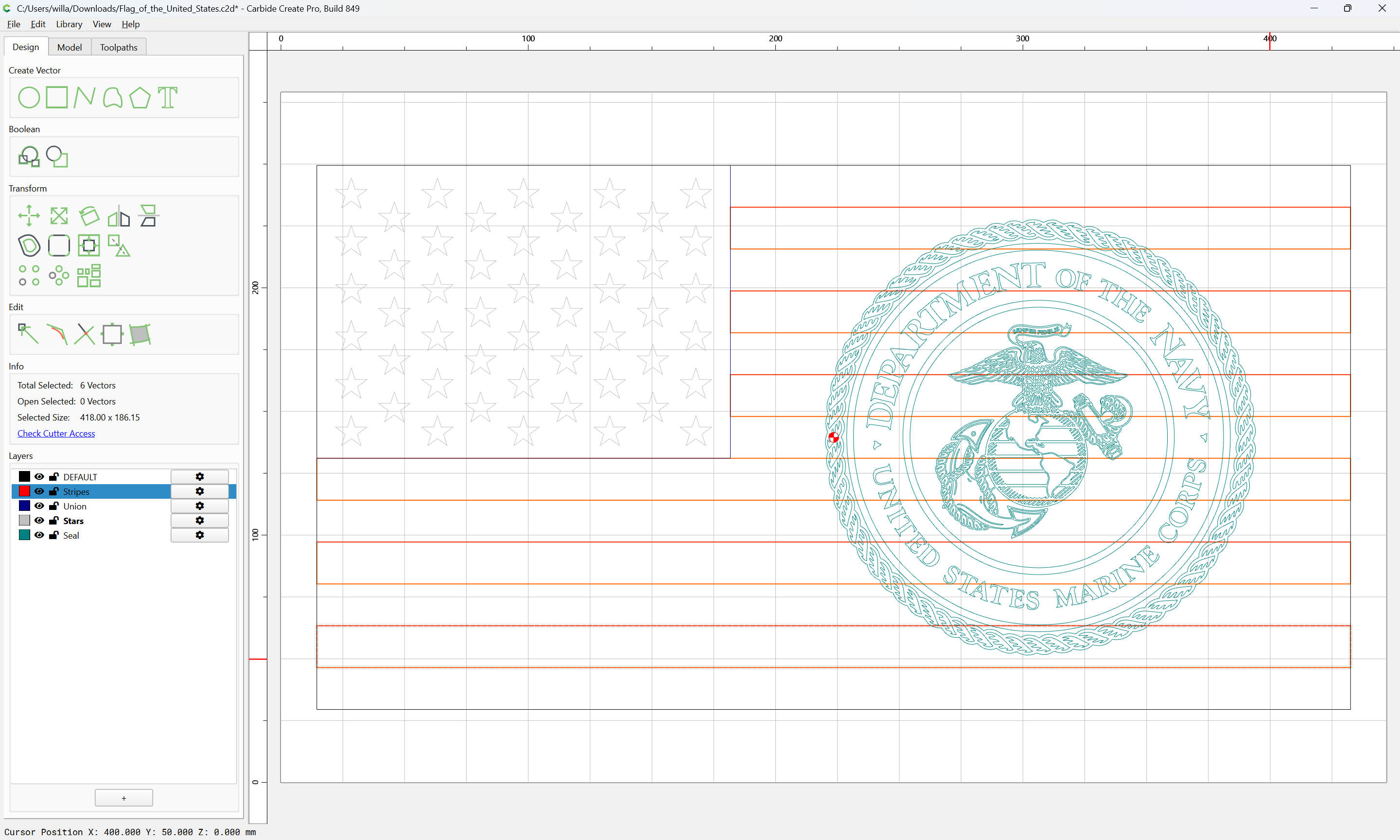
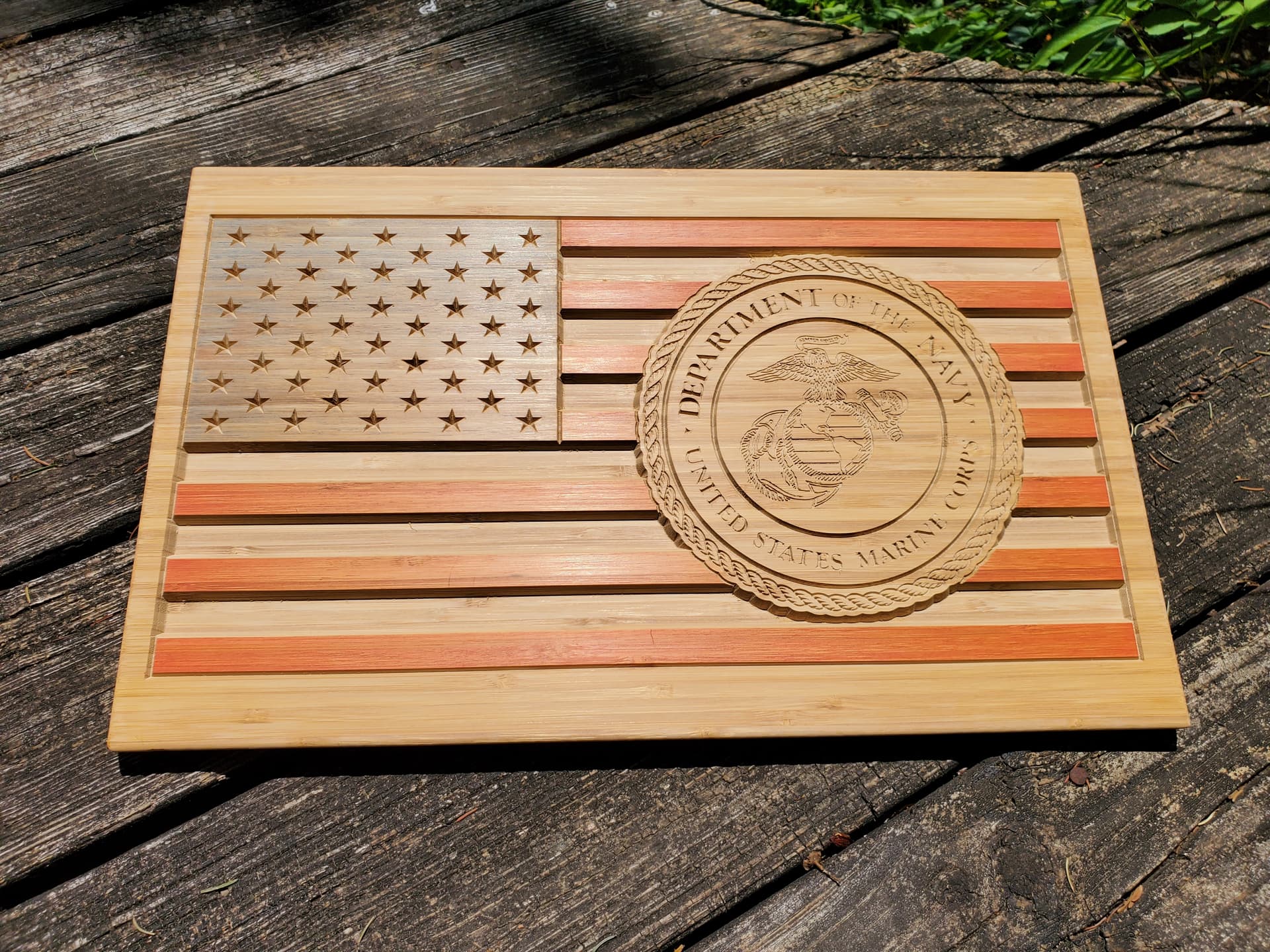
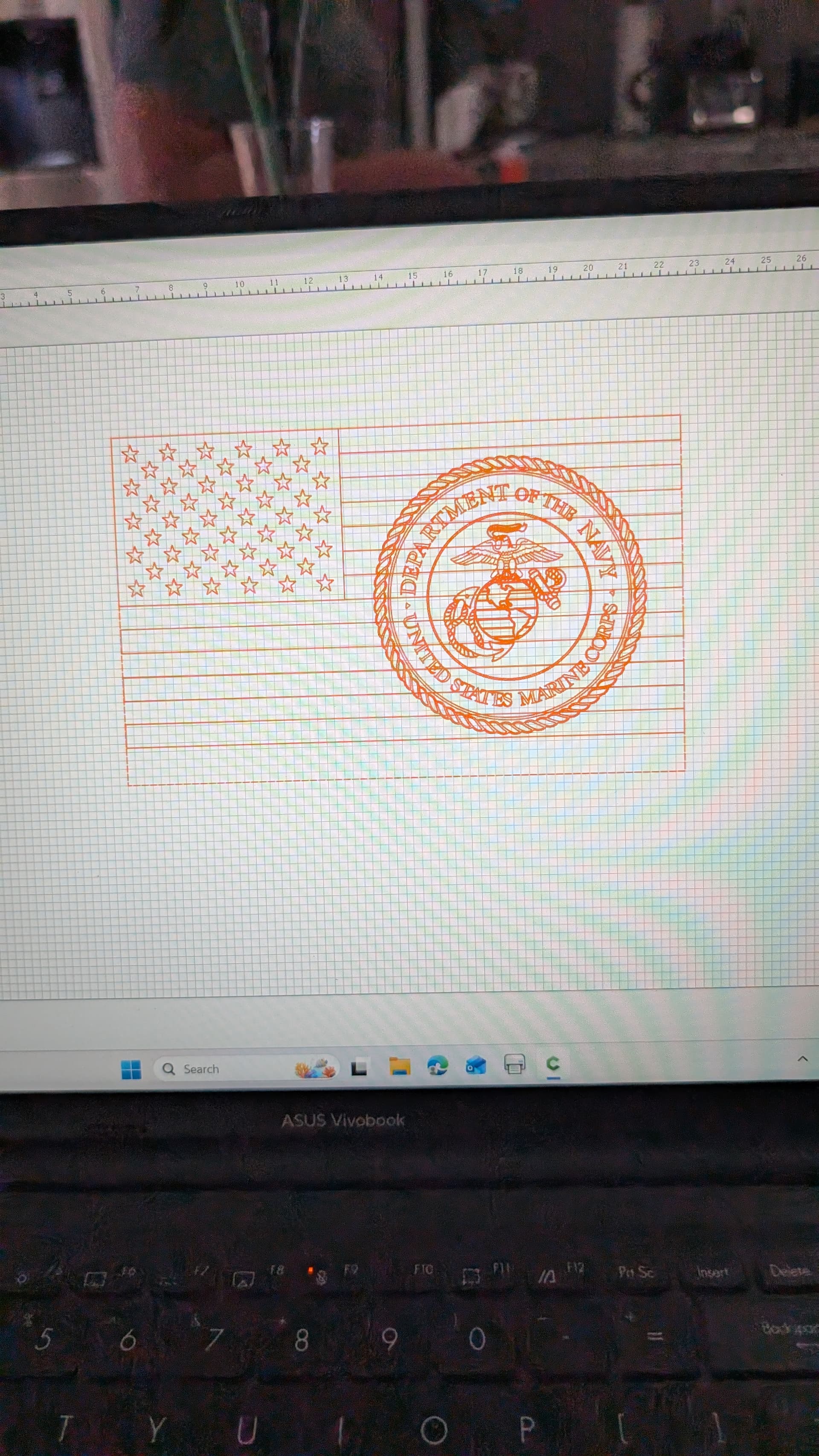
Creating a flag with superimposed design over stripes using Region Builder

as requested on support…
We will use the current beta:

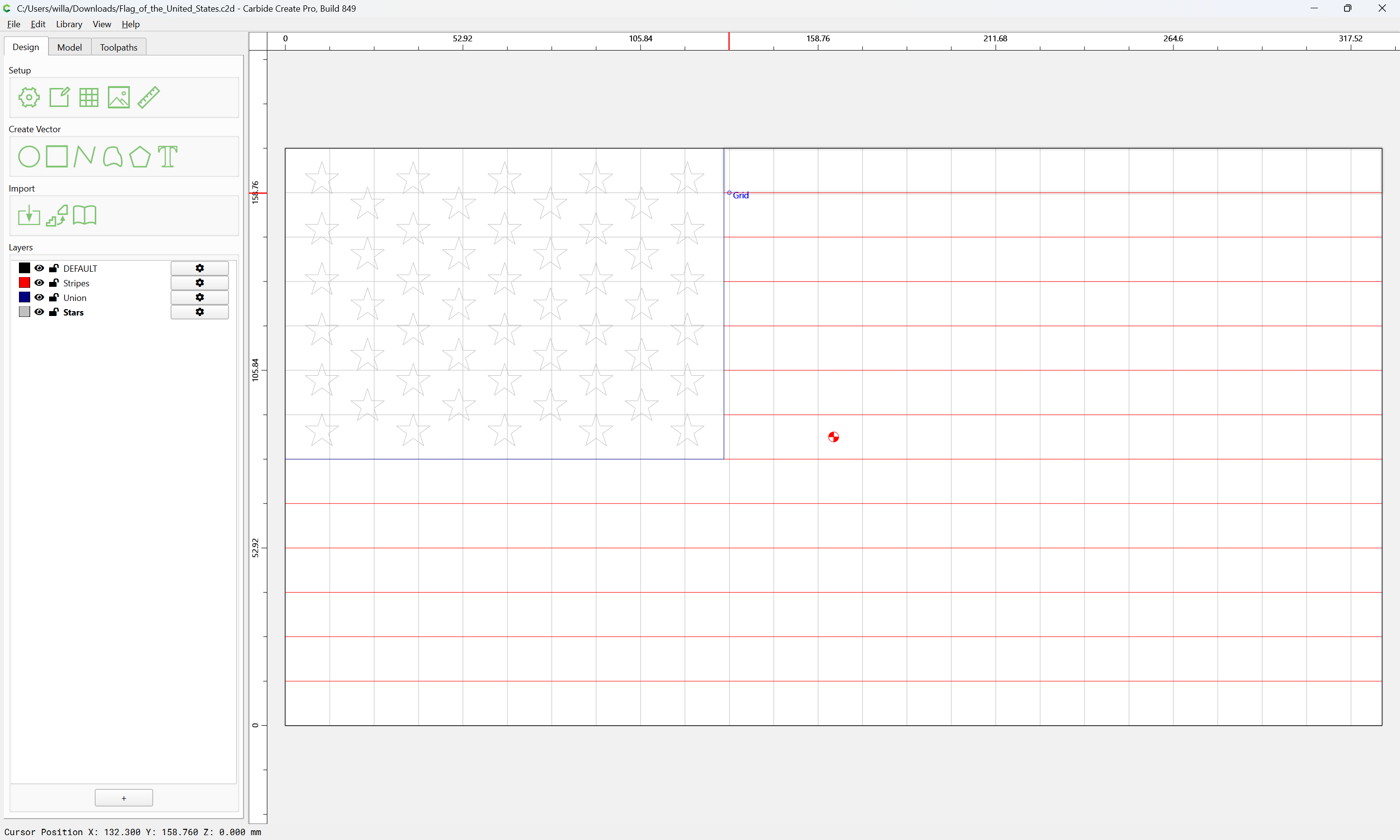
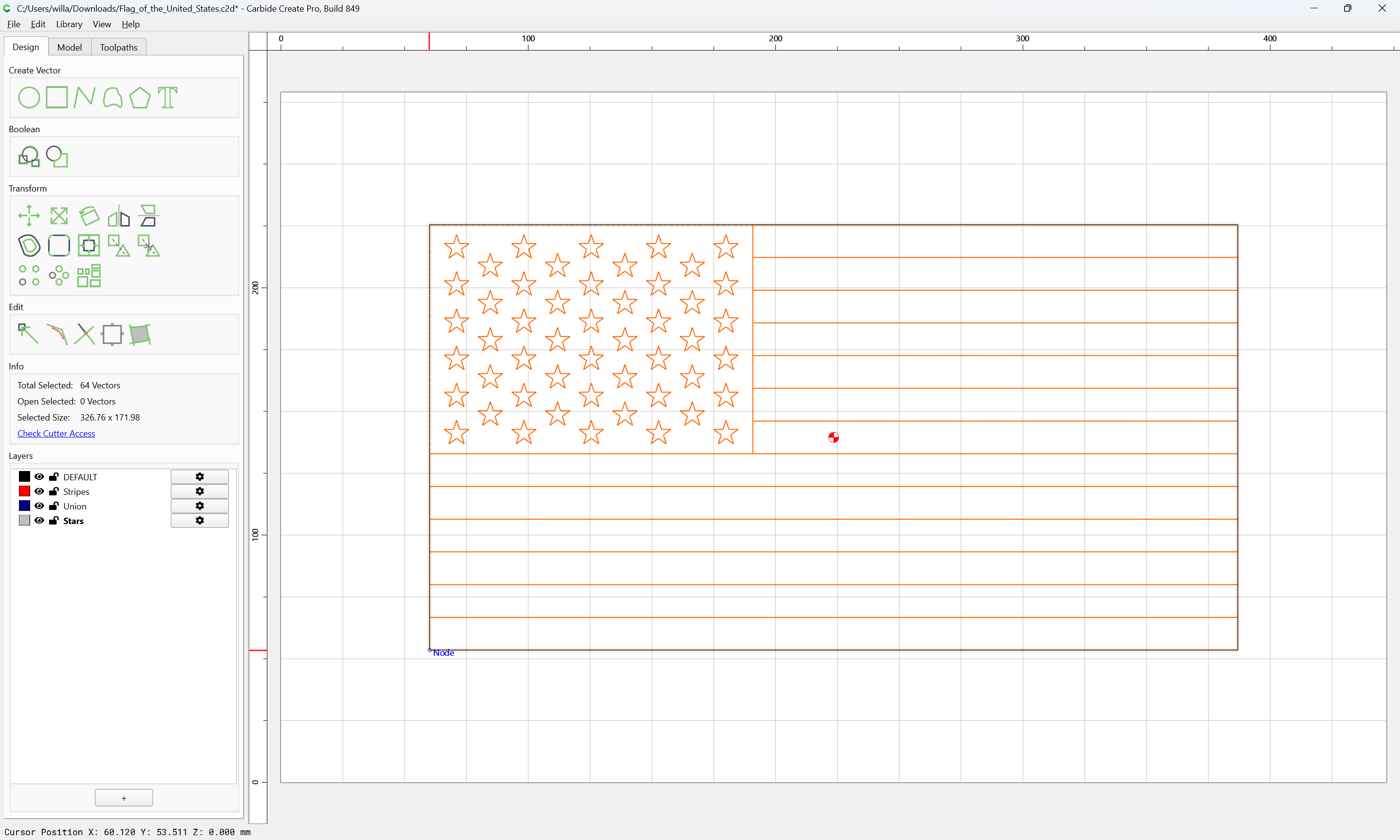
First, we import/open a flag:

https://cutrocket.com/elements/us_flags/united_states-flag
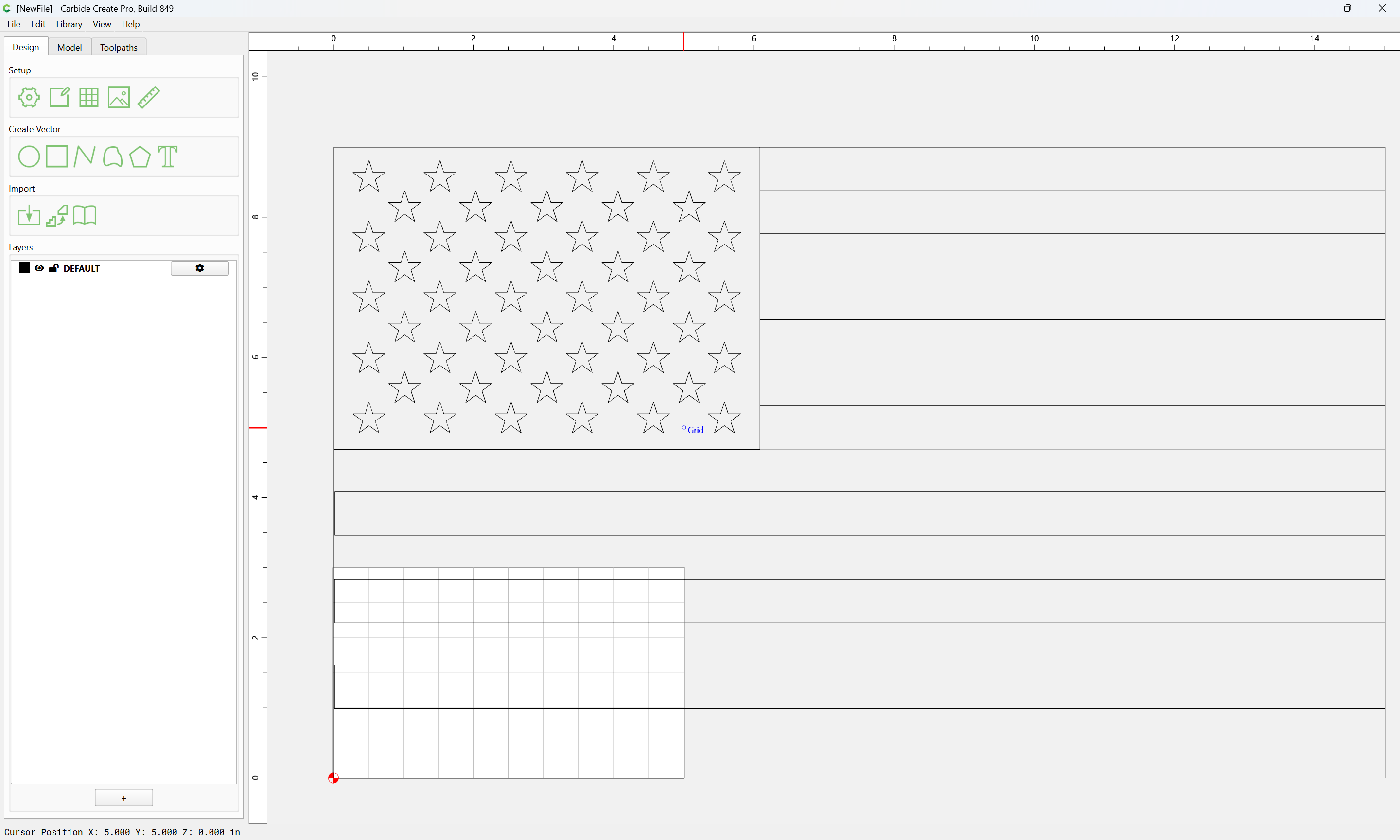
which raises the question of size, since this was unspecified, we will accept the imported dimensions after deleting the surrounding rectangle:
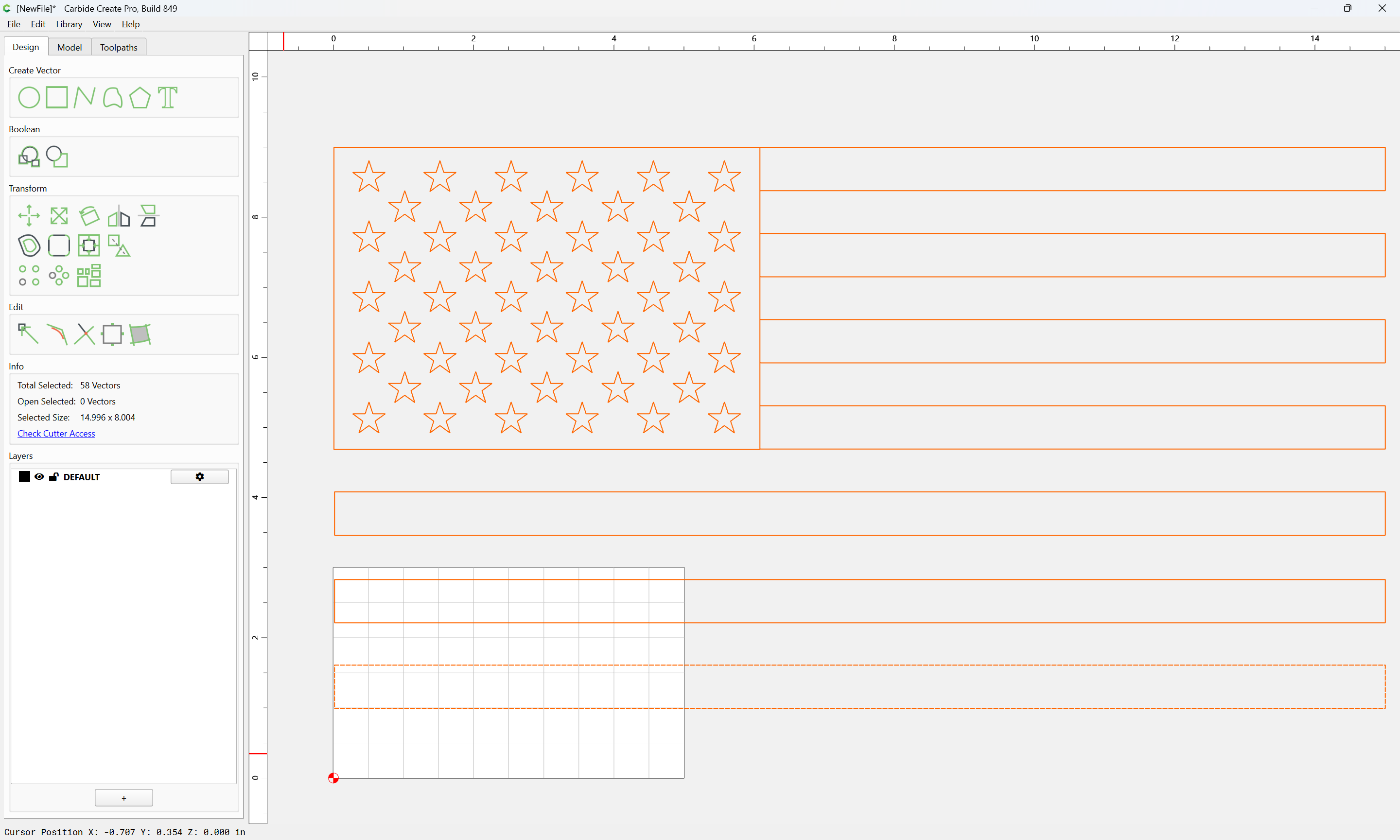
(the white strips will be drawn in presently)
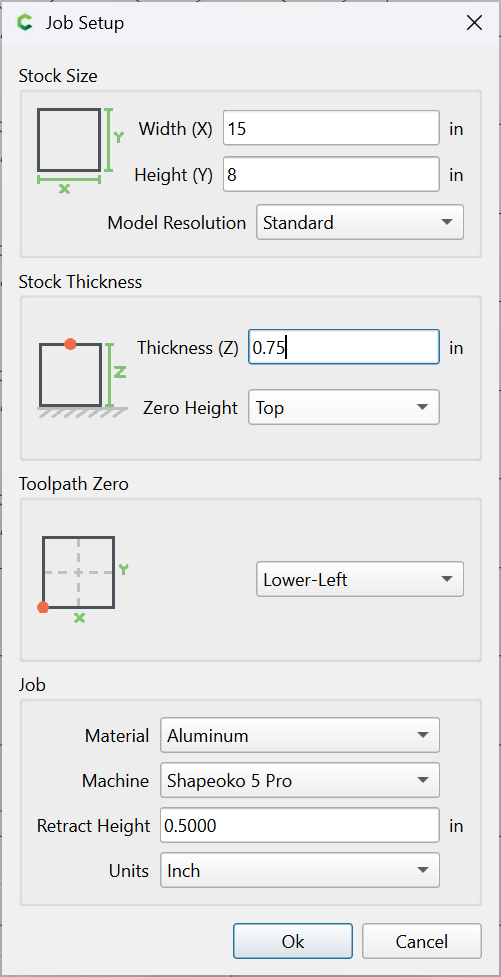
If the flag is grouped:
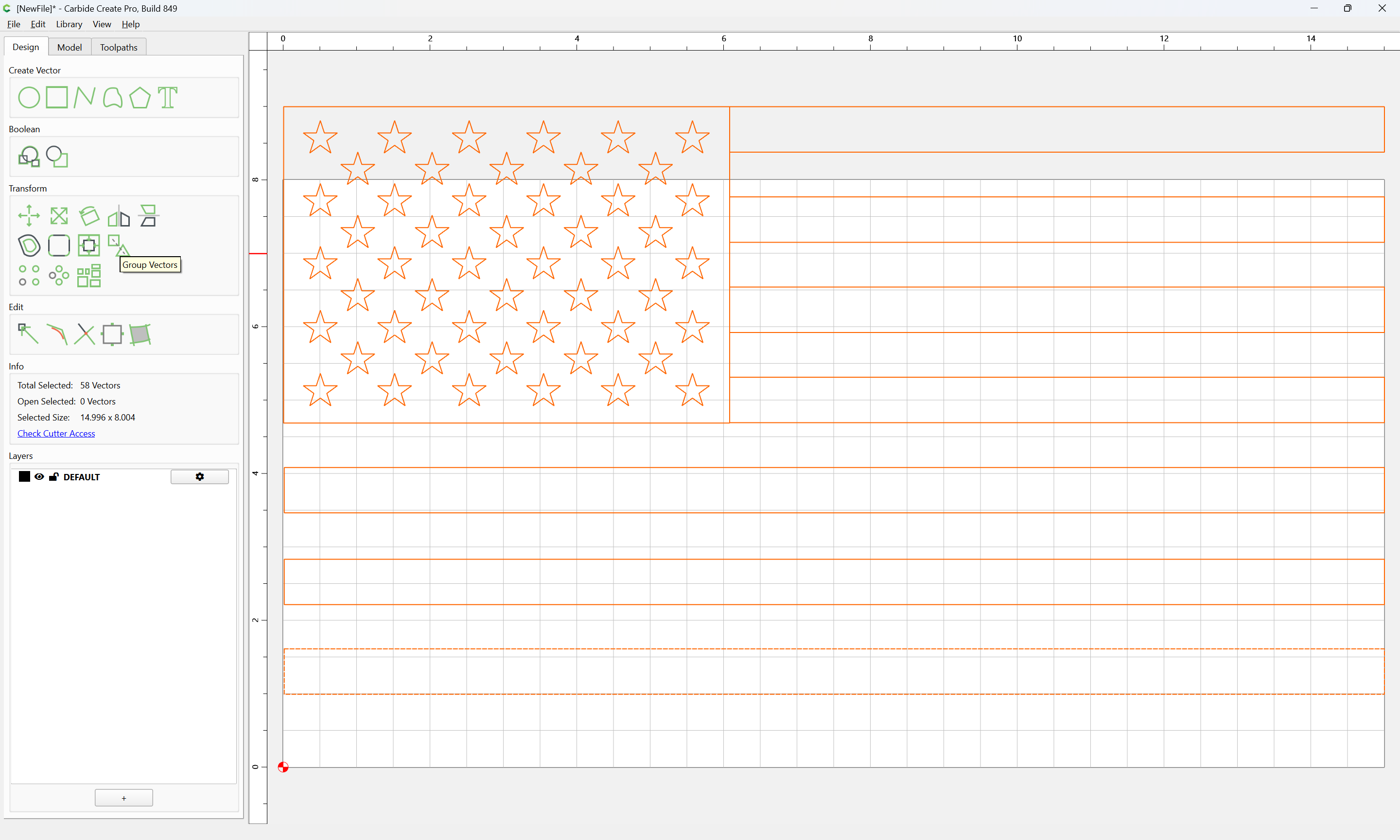
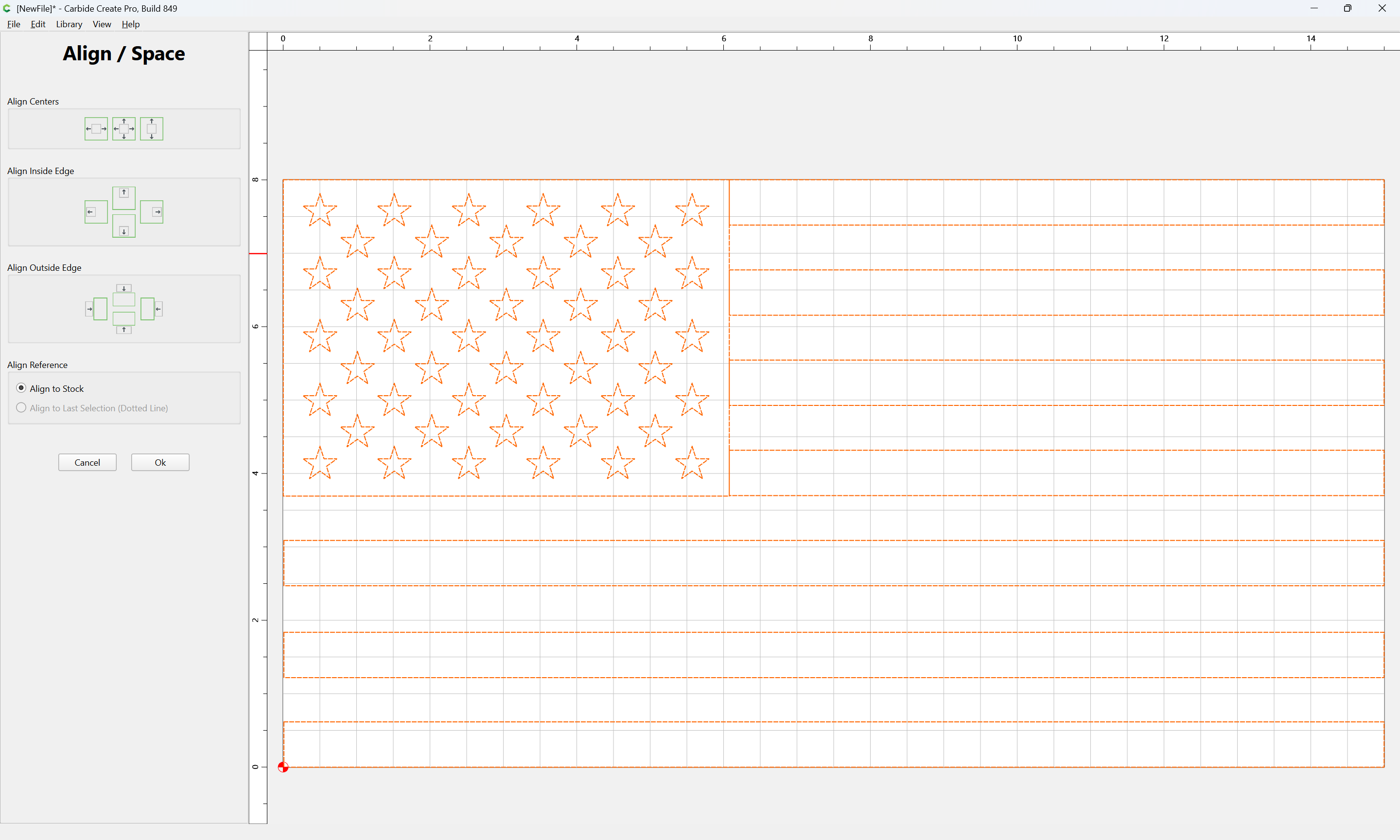
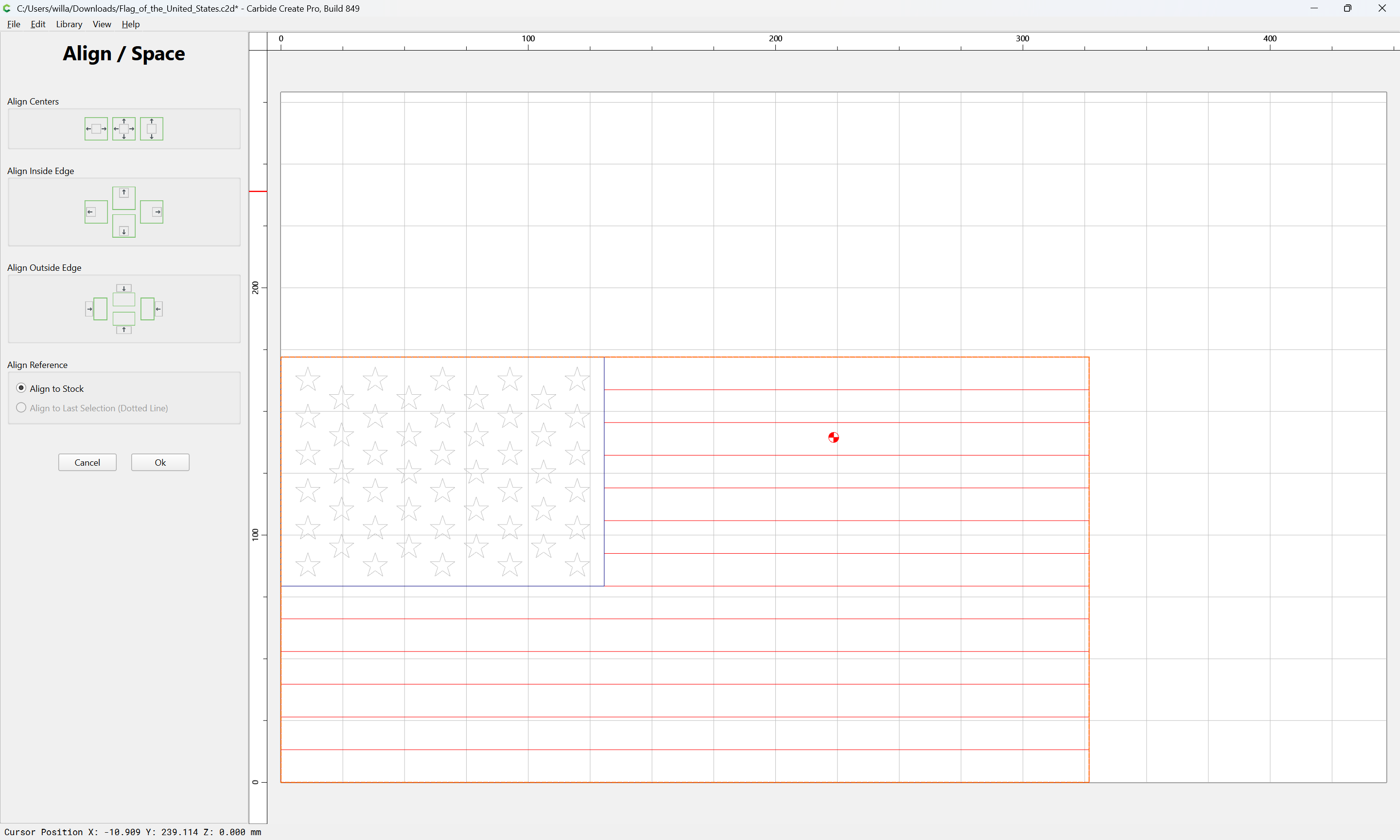
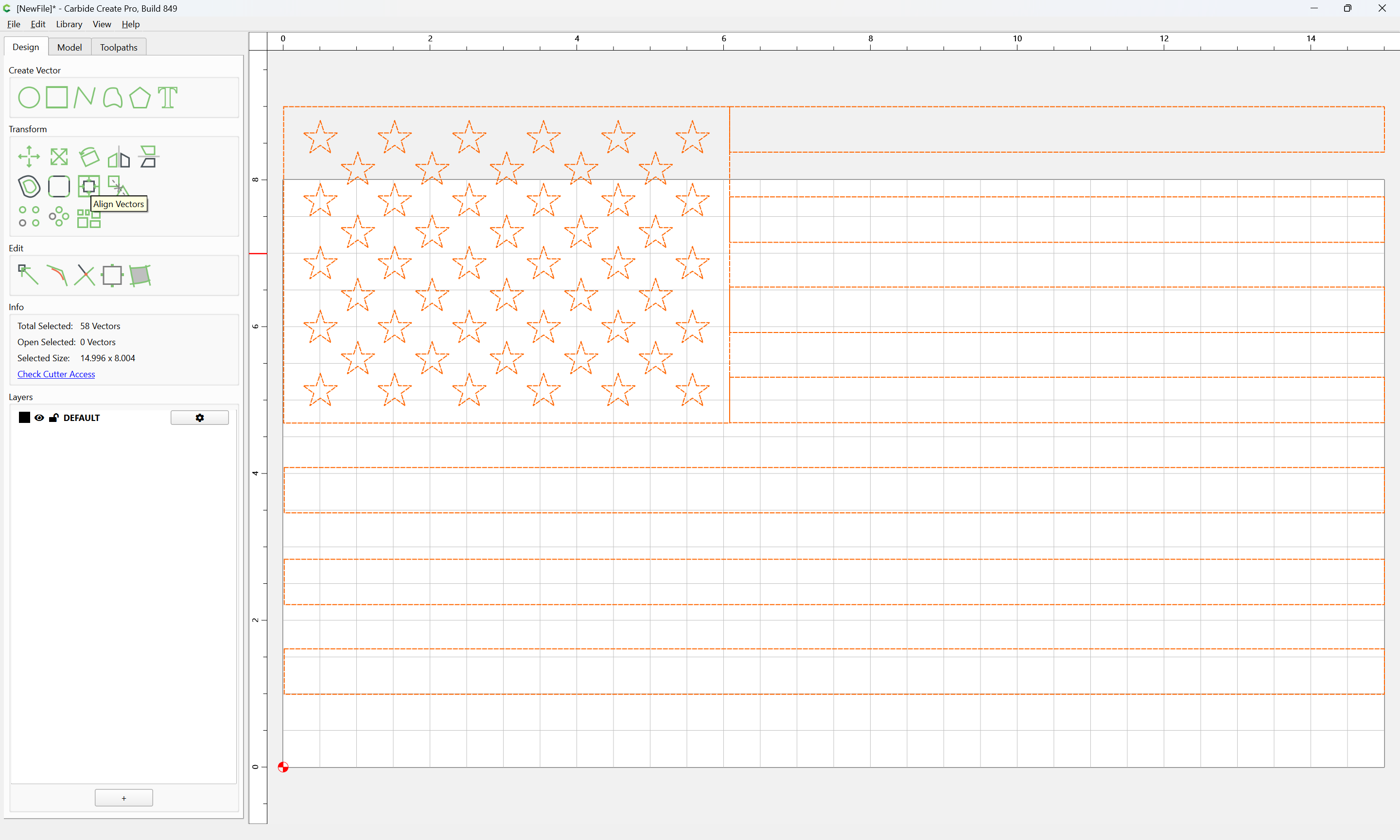
it may then be aligned to the Stock Area:
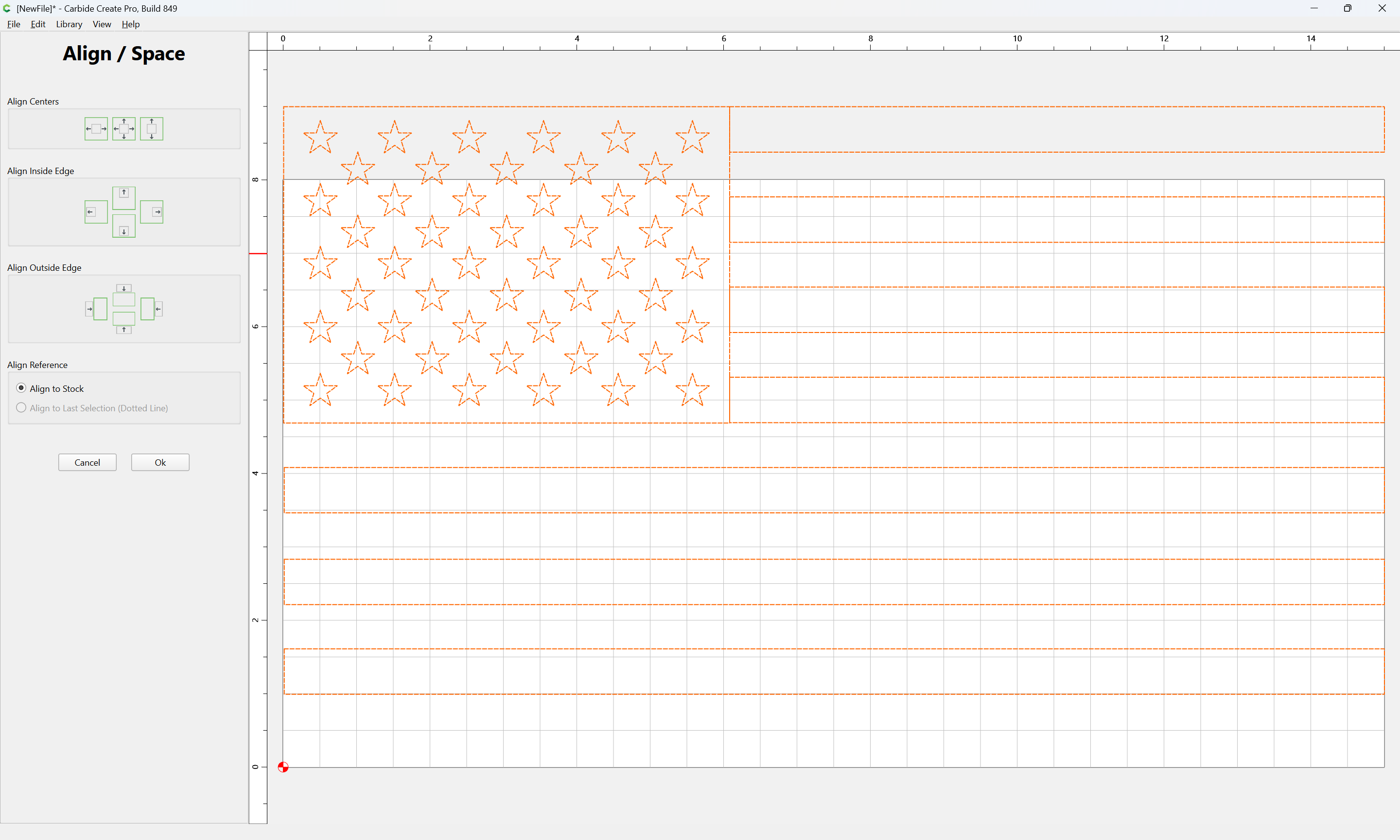
Ok
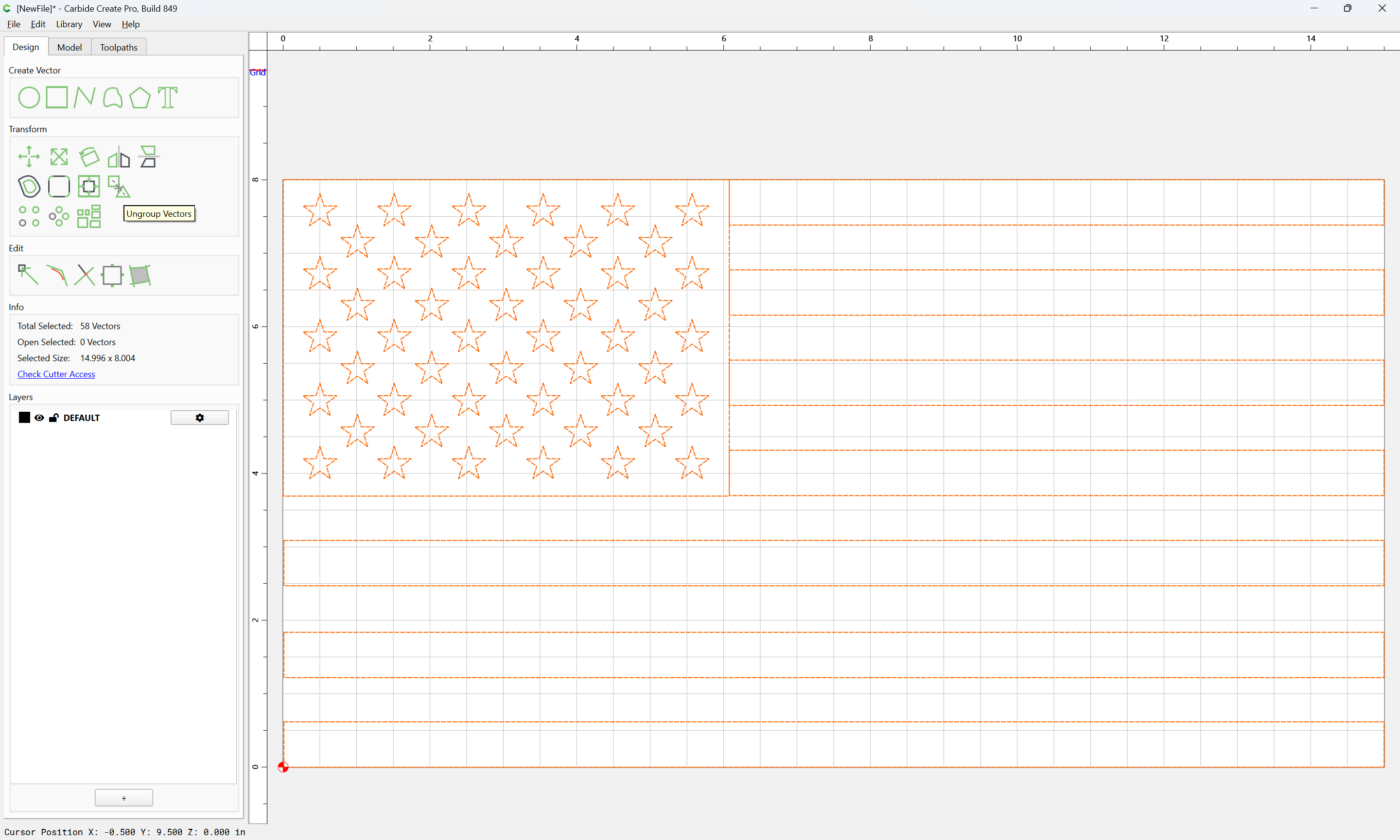
Ungroup
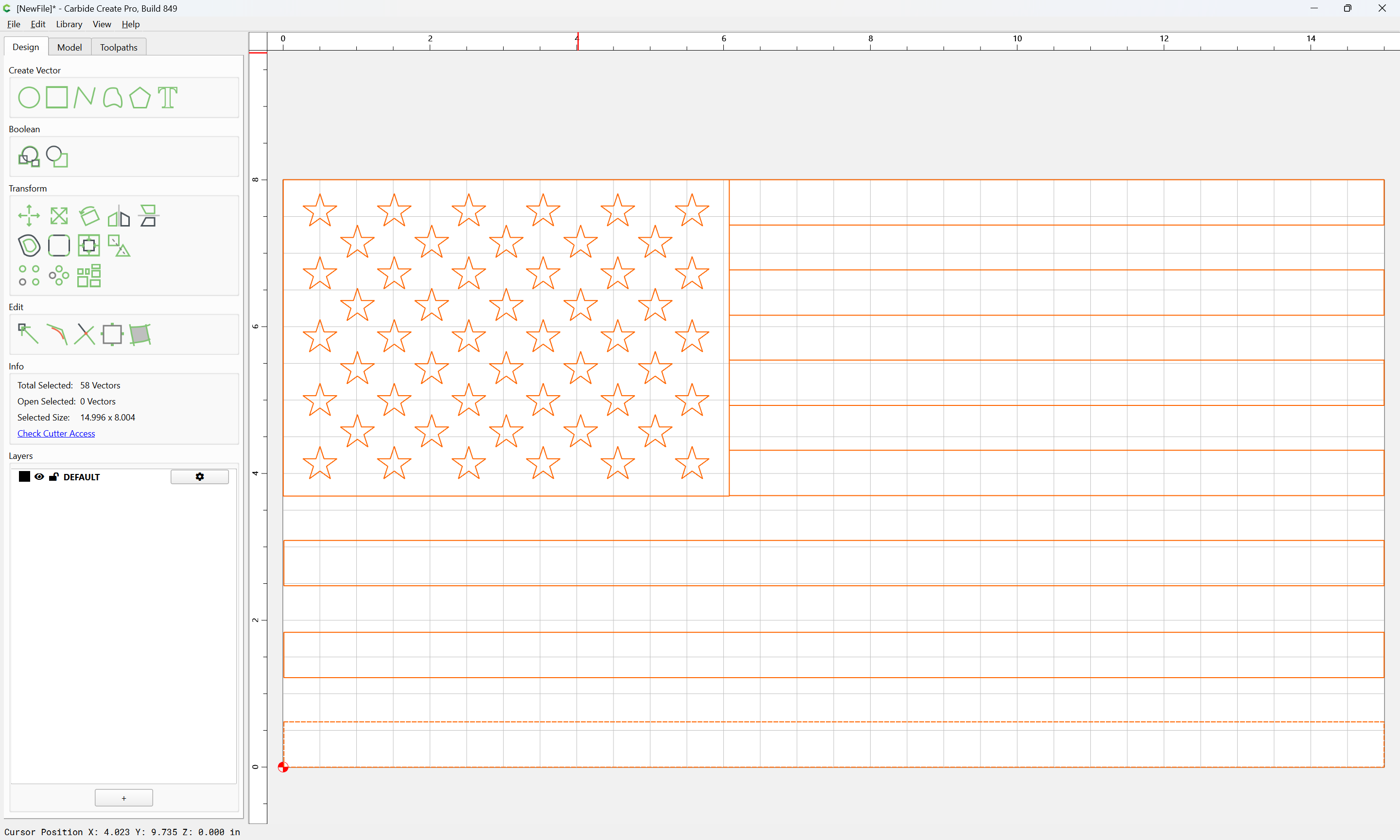
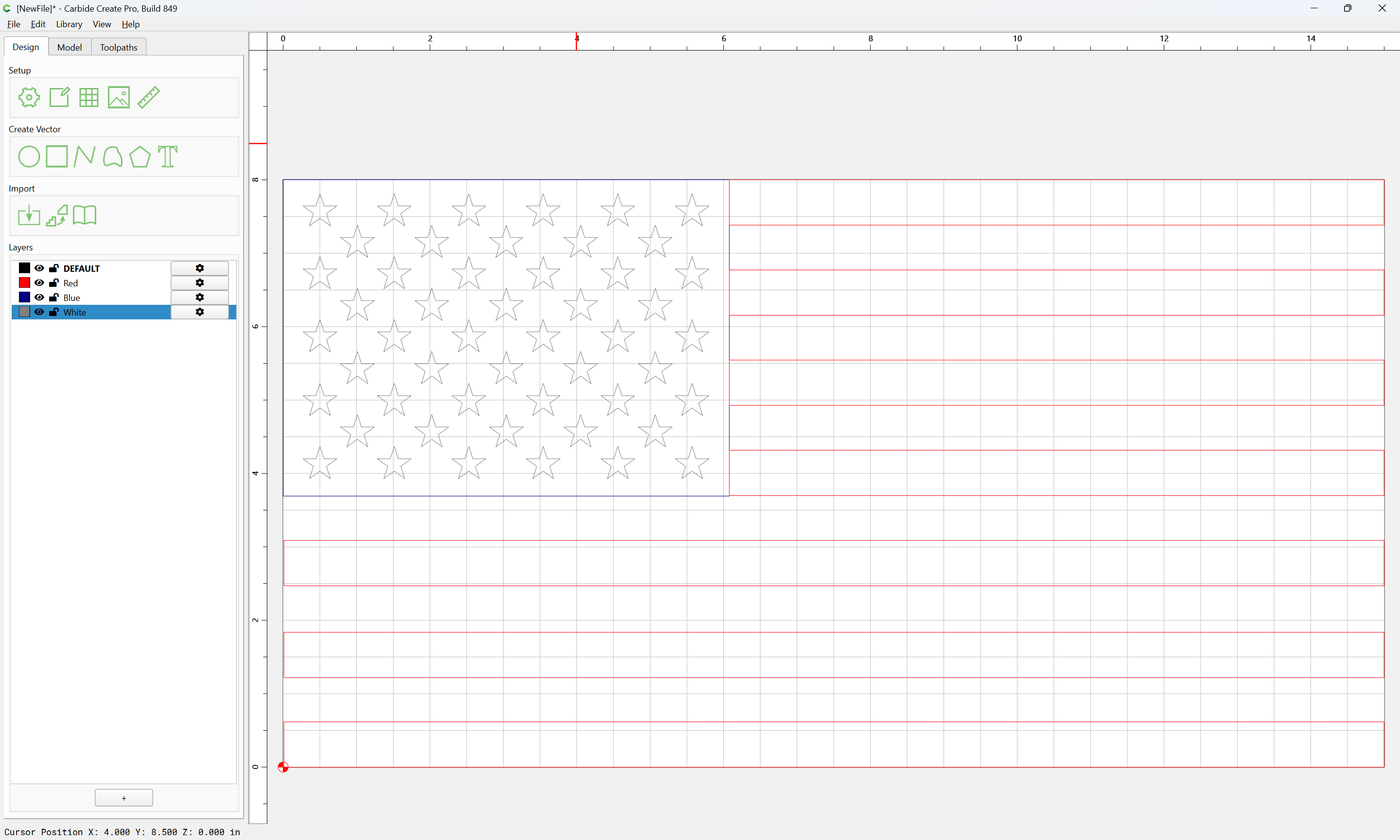
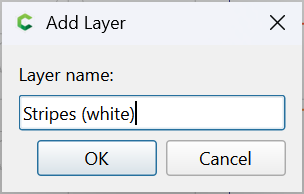
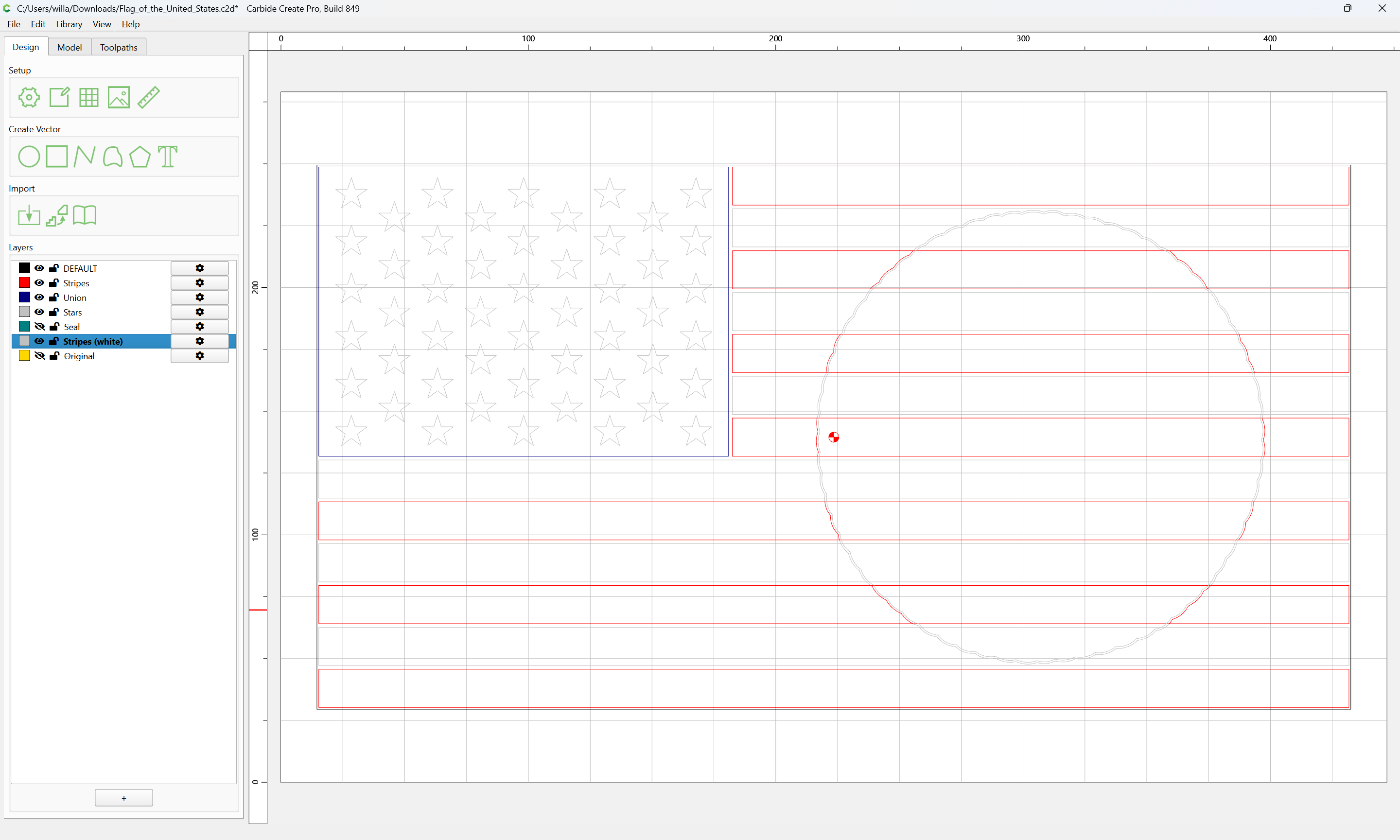
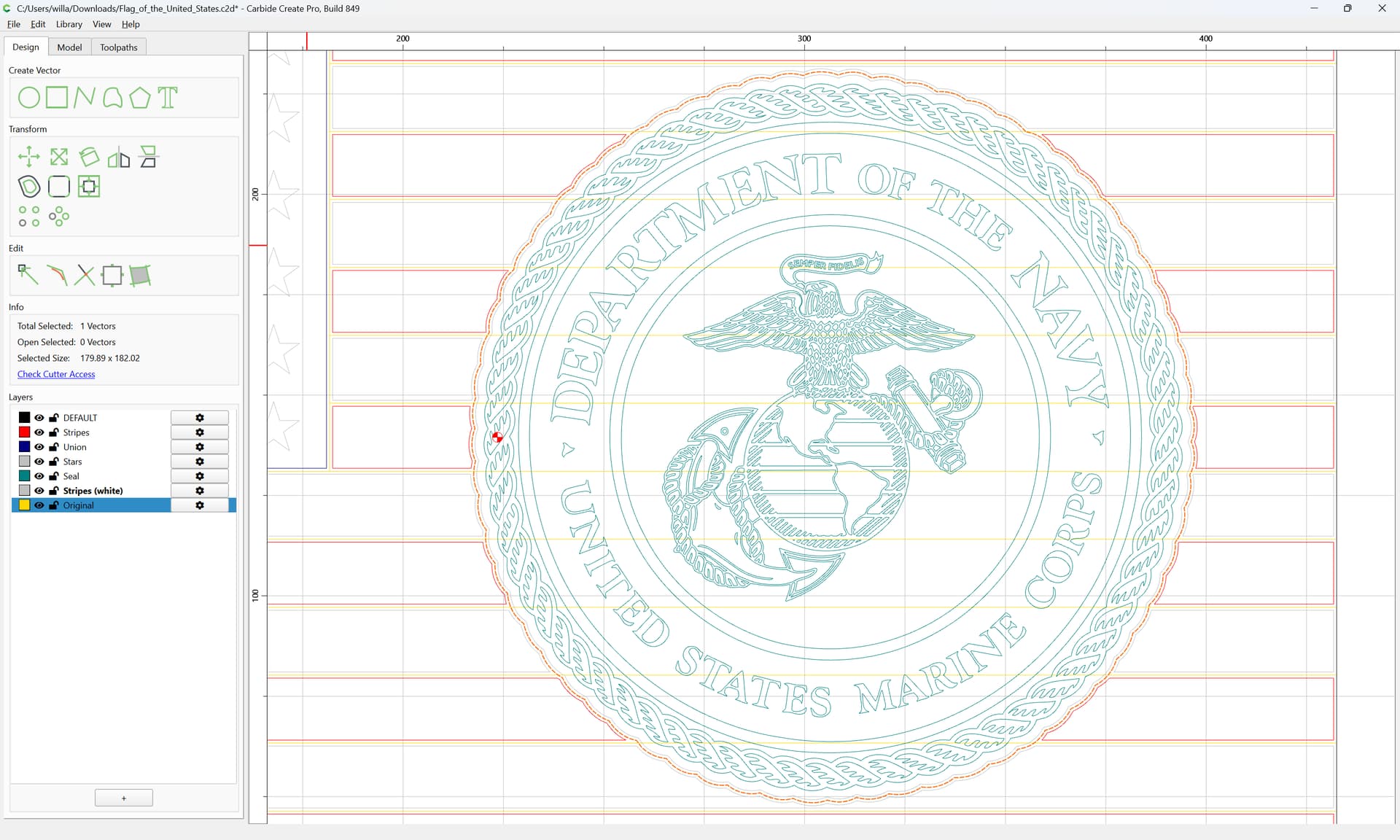
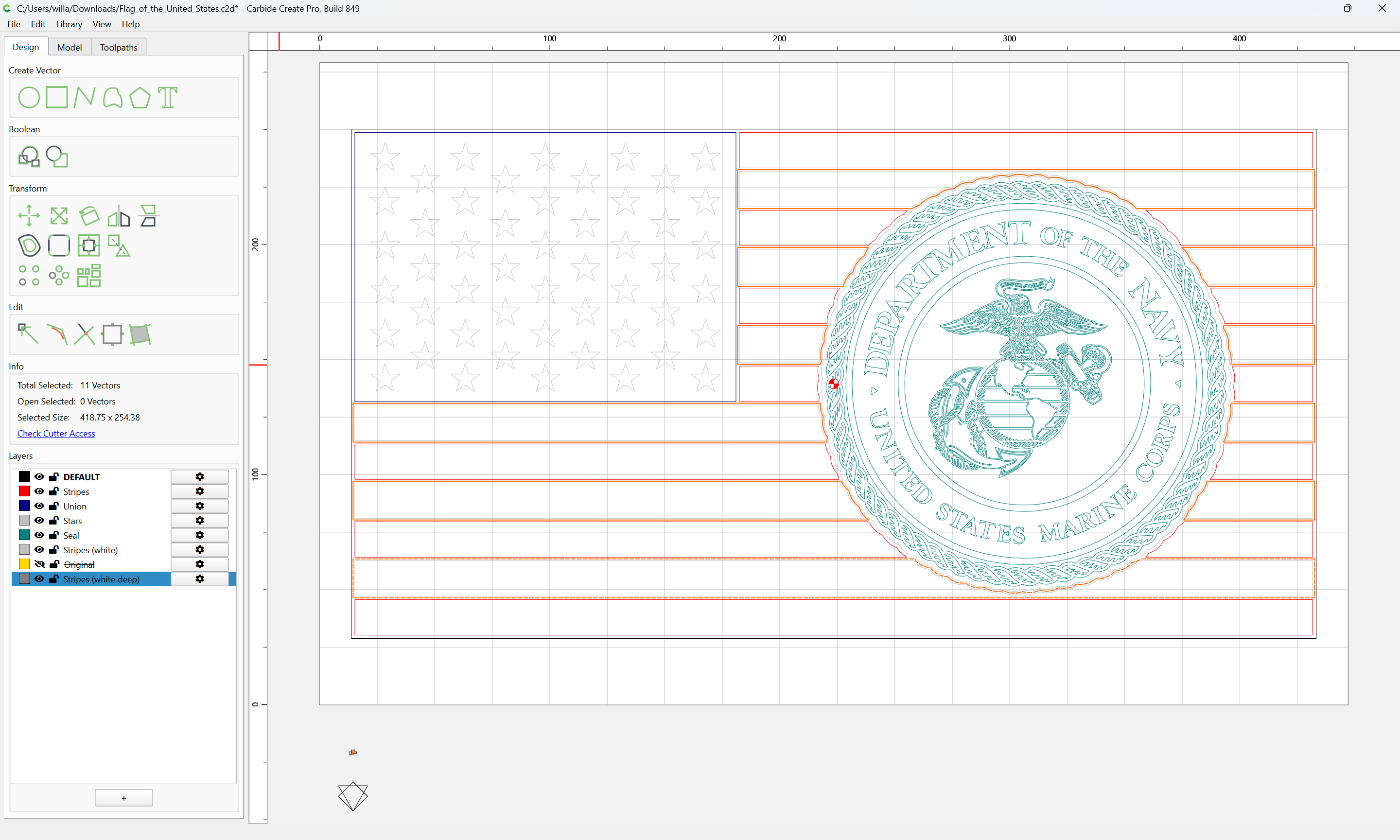
Create layers for each colour:
then select the elements for each layer:
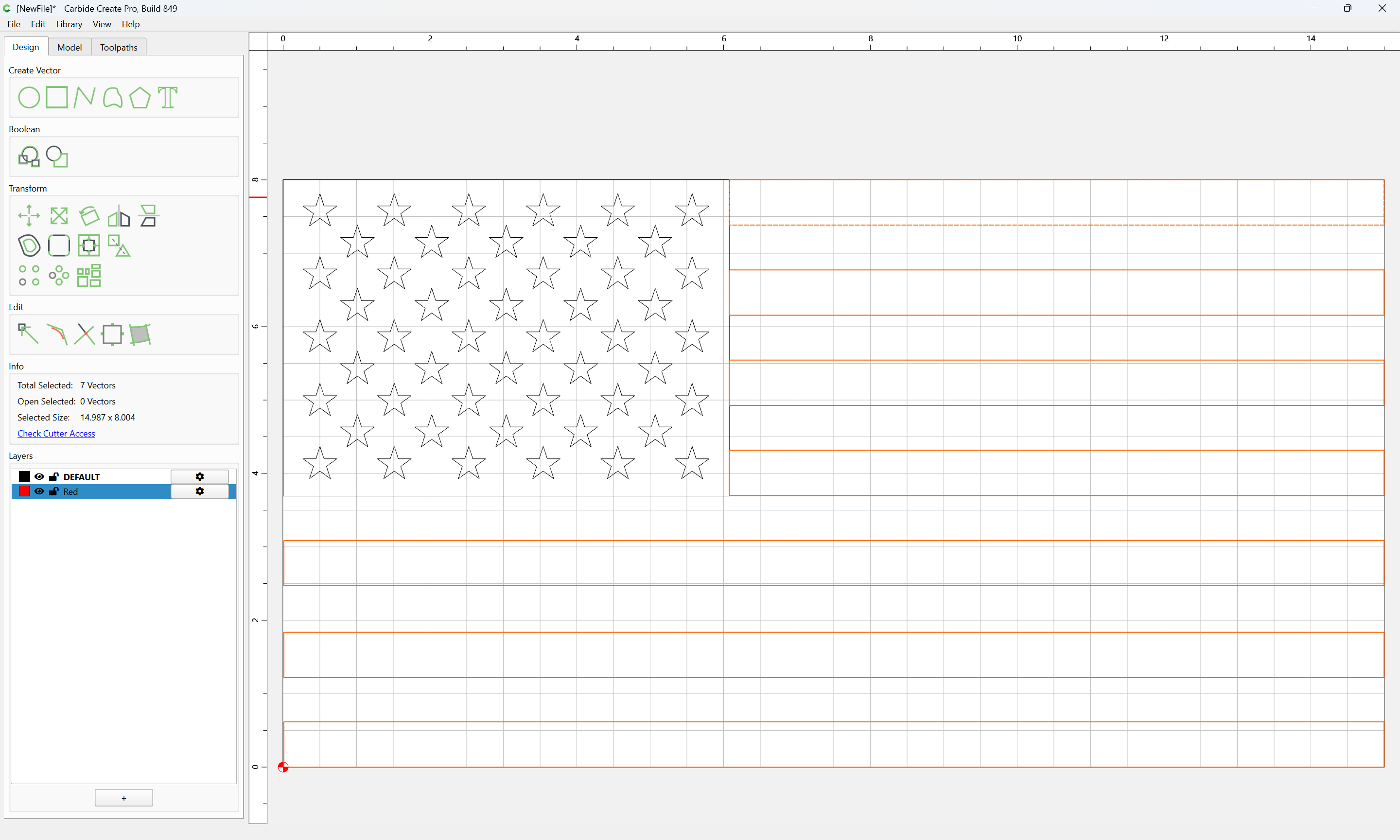
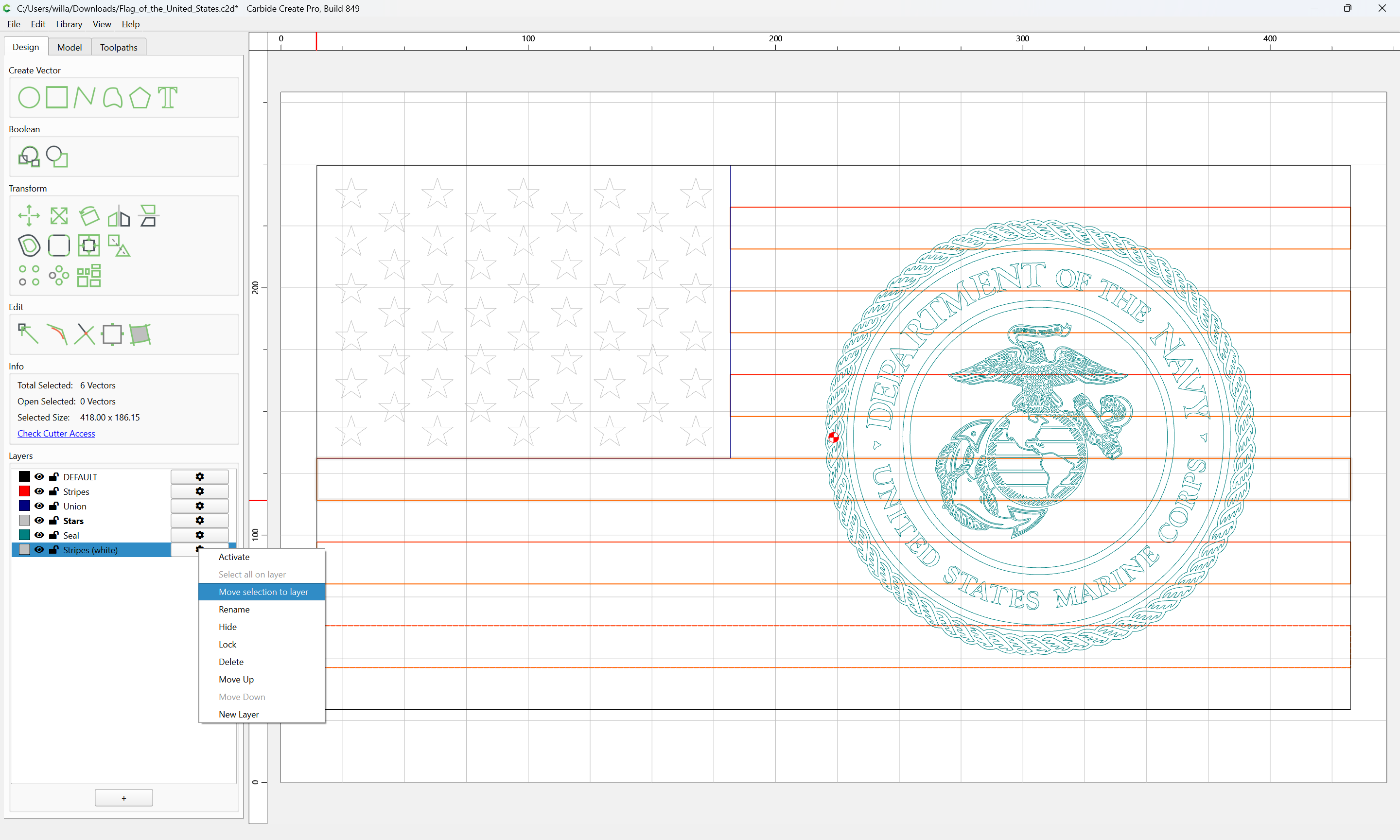
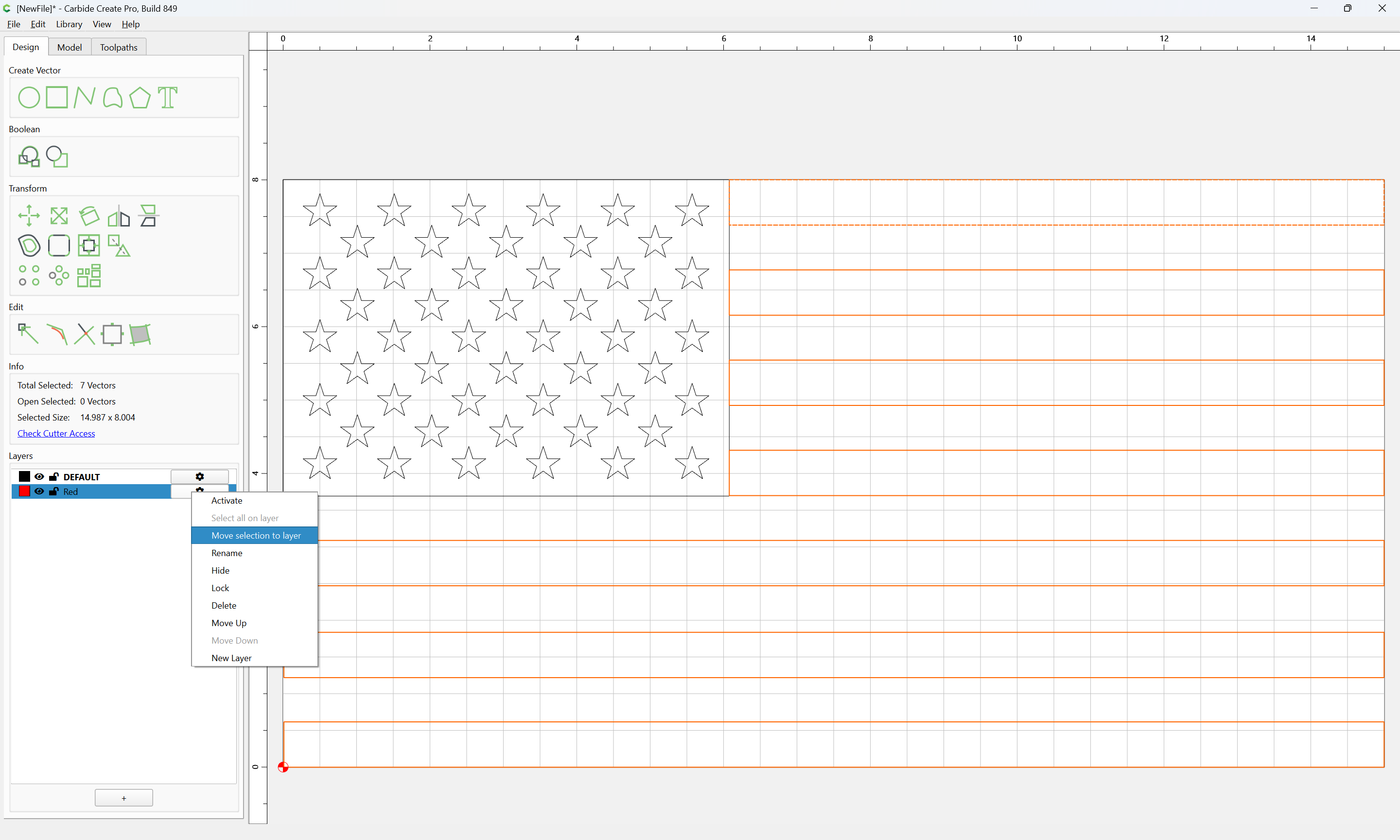
and move them to that layer:
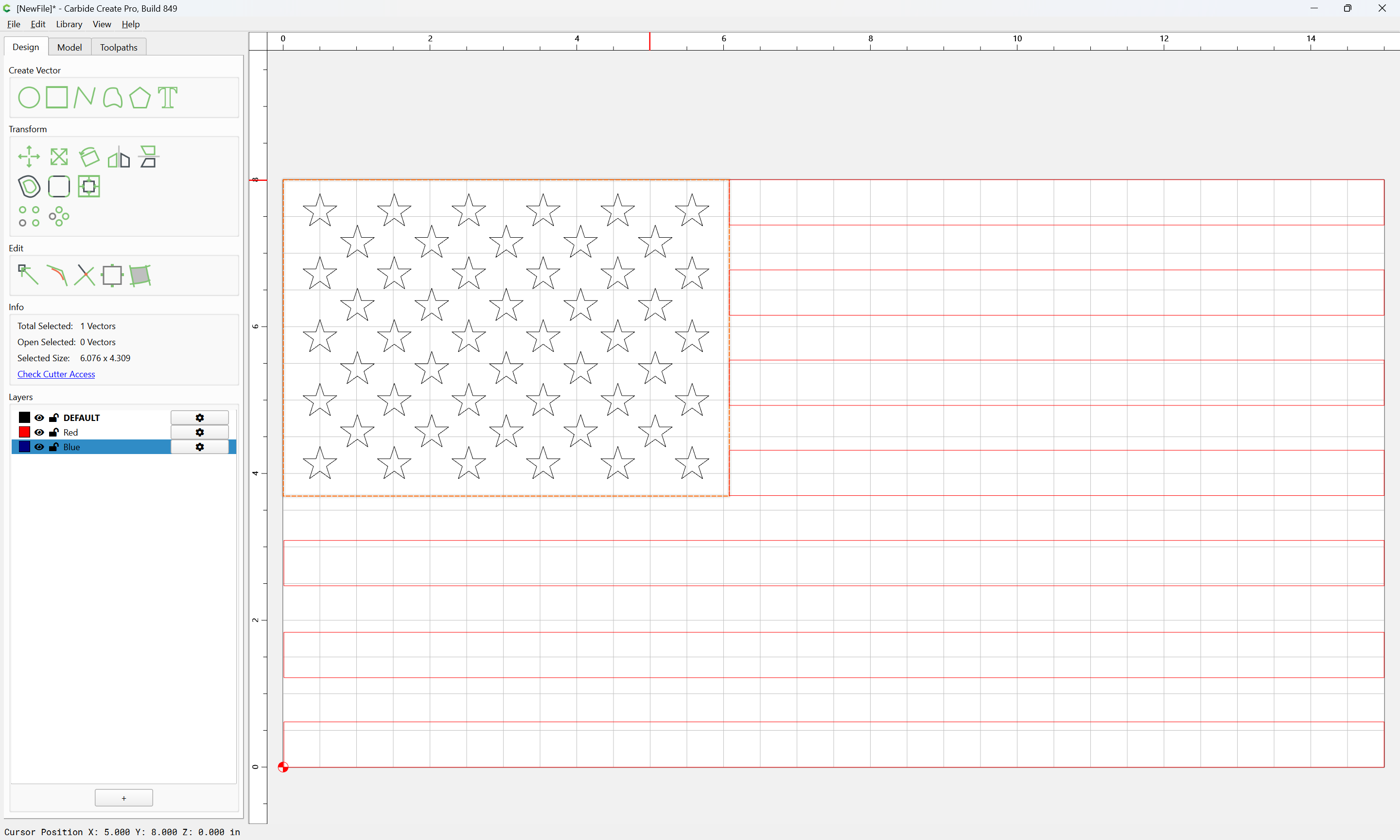
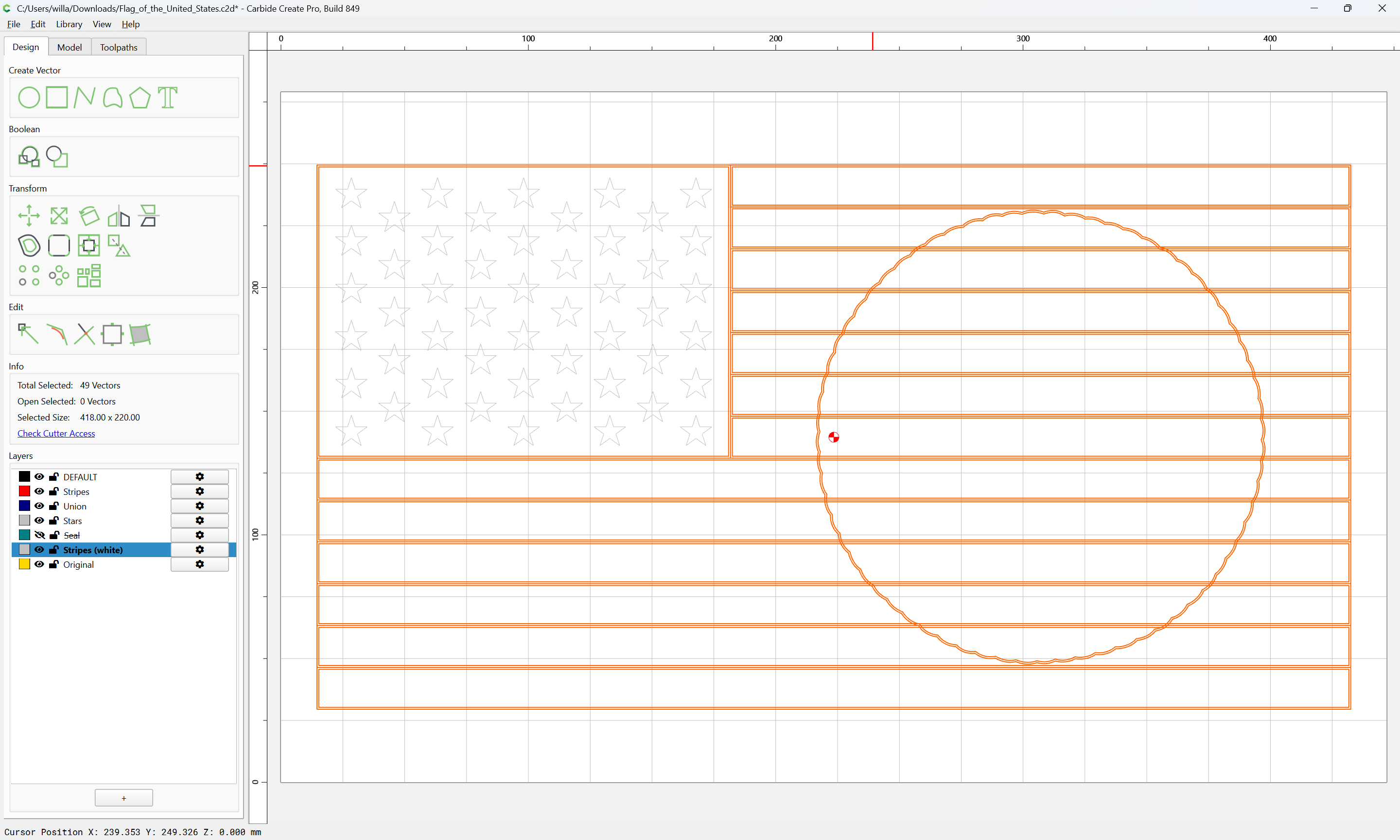
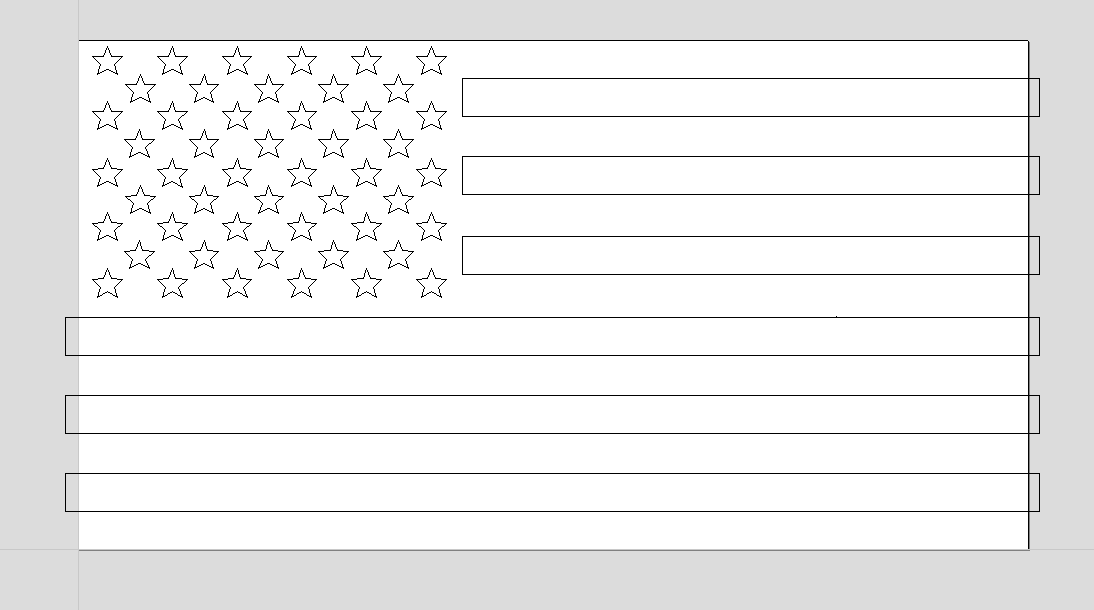
For the missing white stripes, draw them in using the rectangle tool:
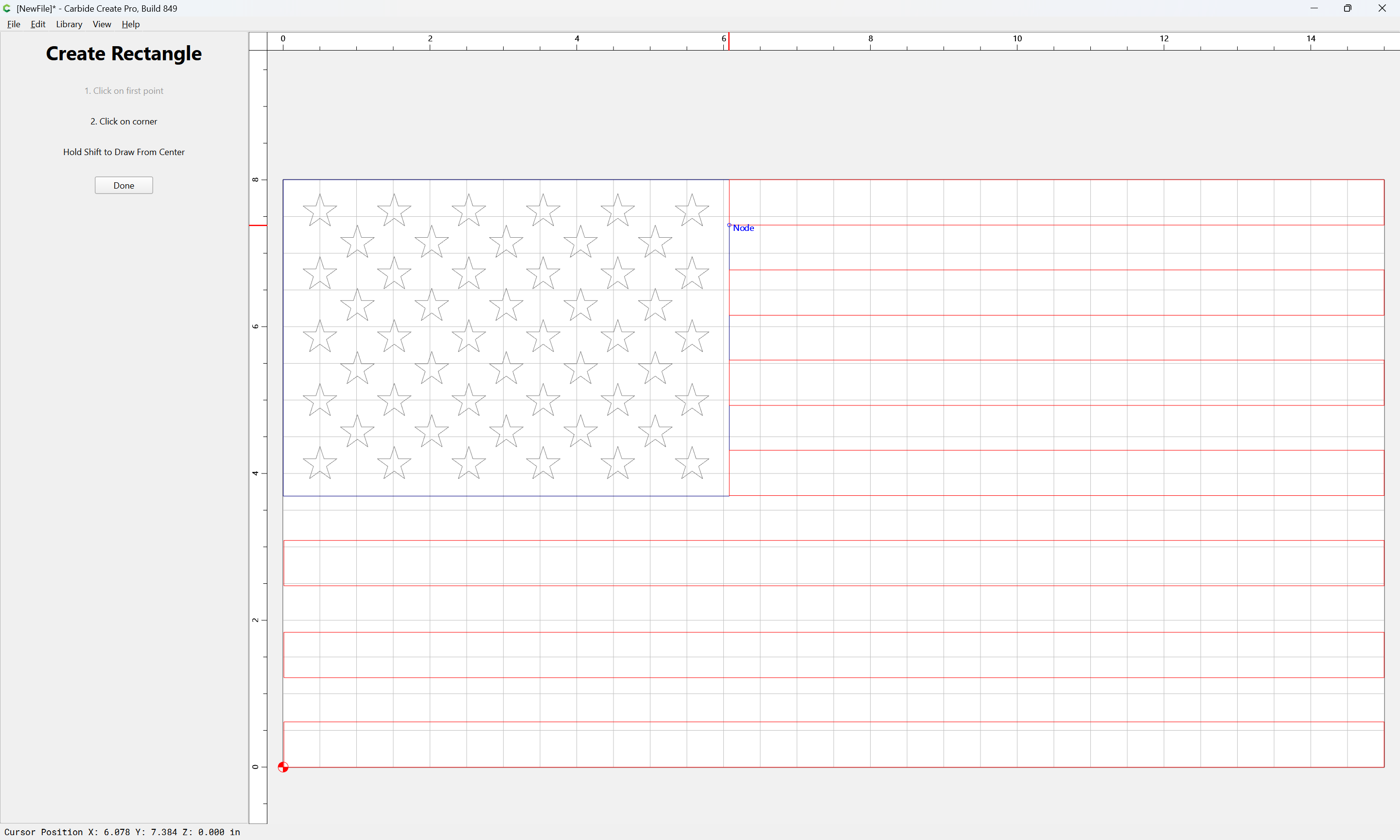
(after double-clicking on the White layer to make it Active)

repeat for all other stripes:
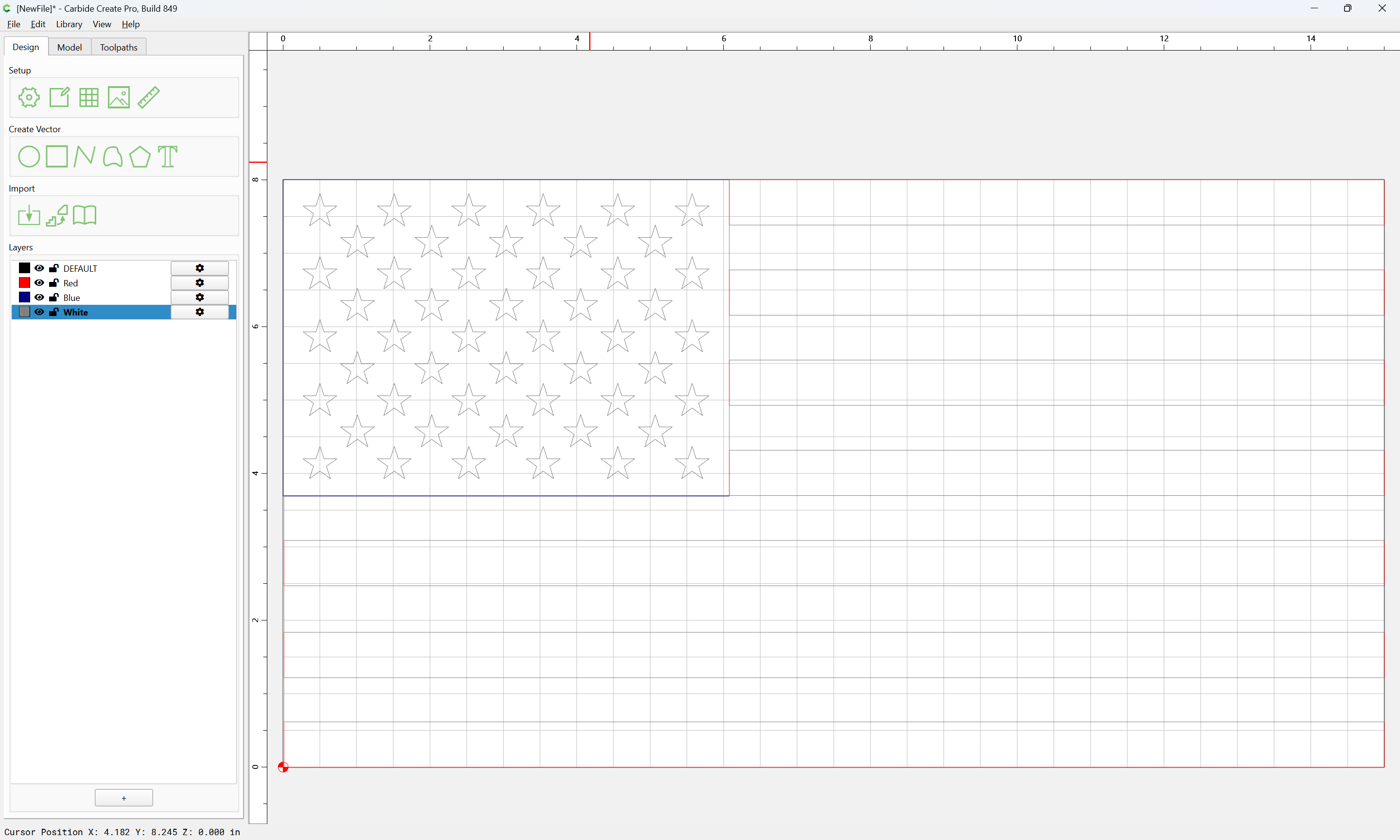
Alternately, use the technique or file from:

(the balance of that thread may be of interest)

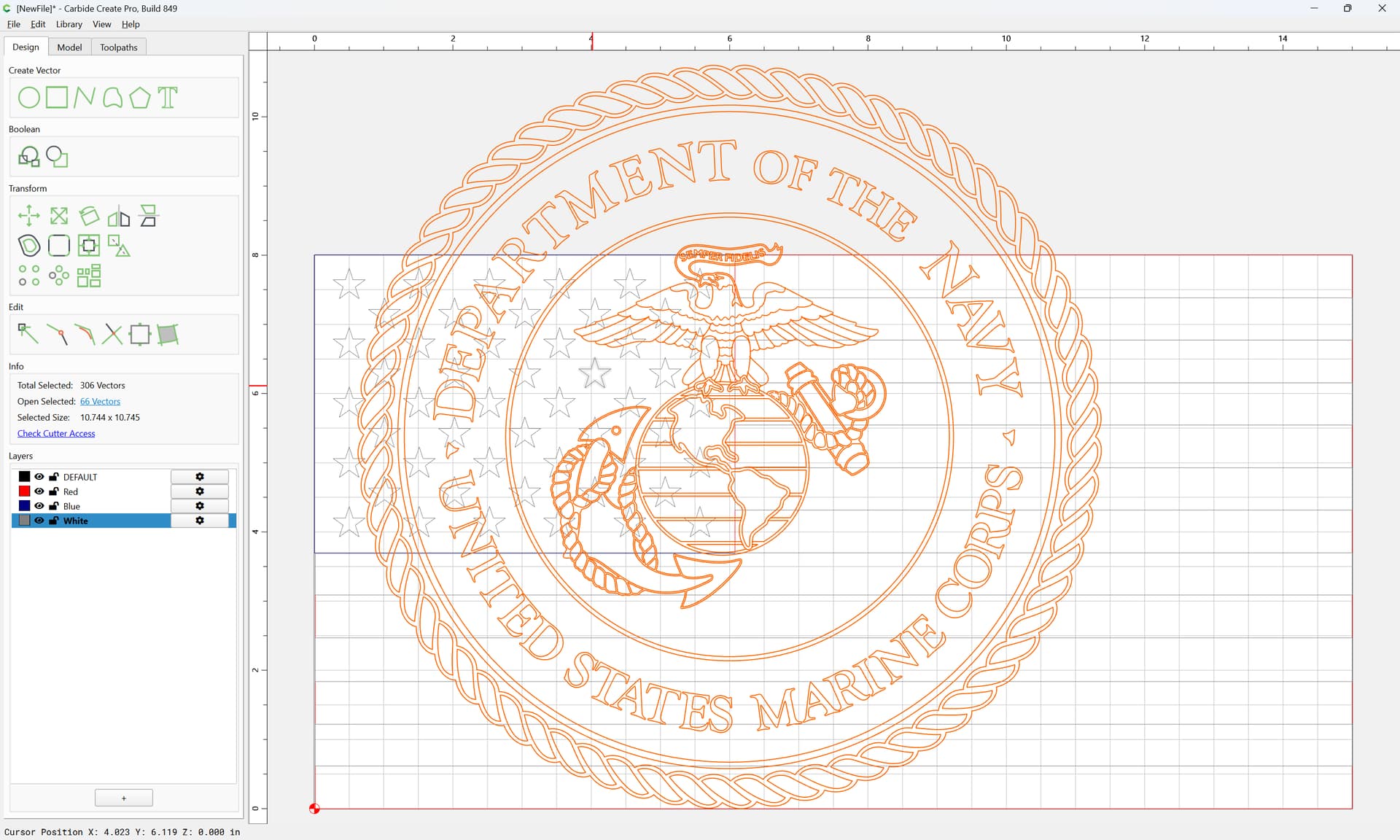
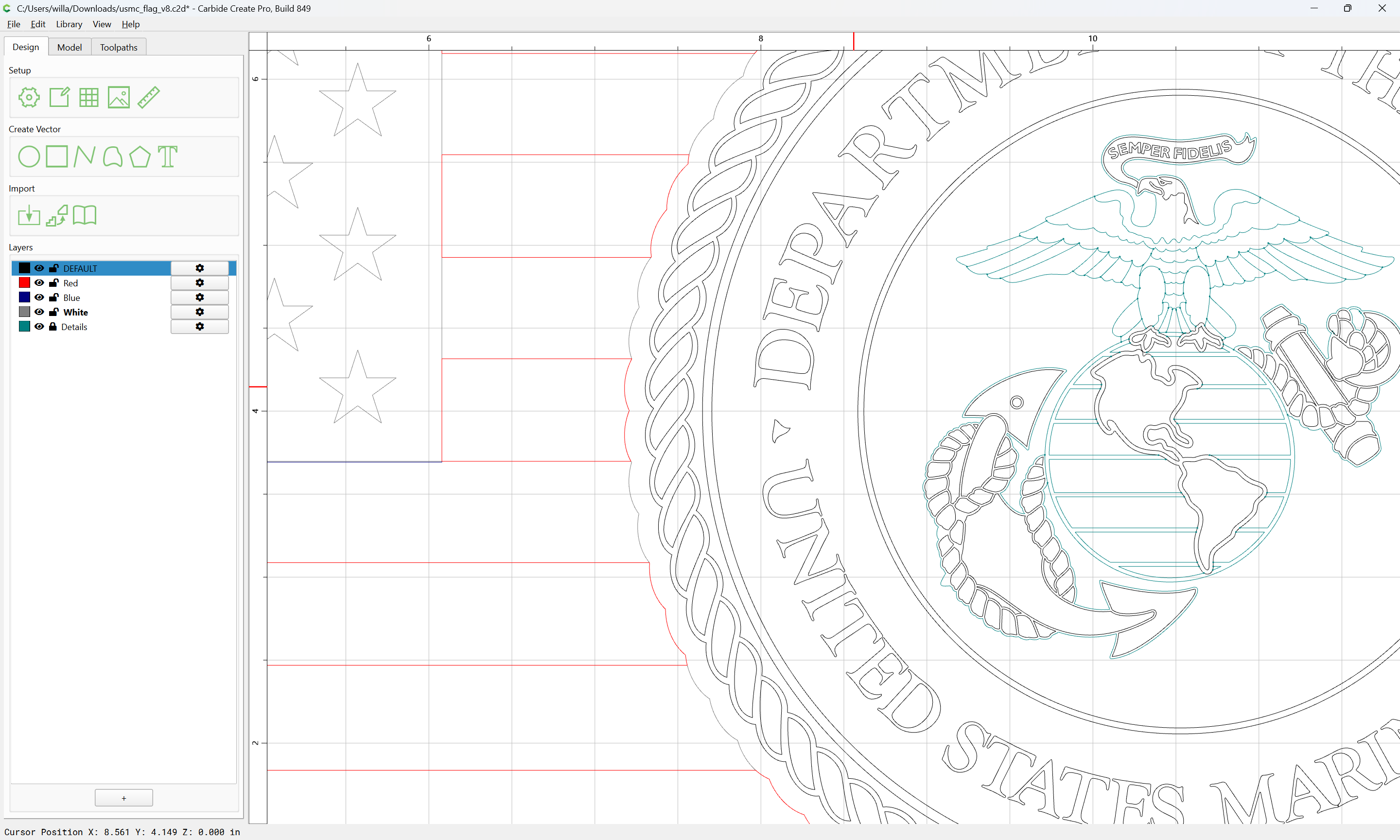
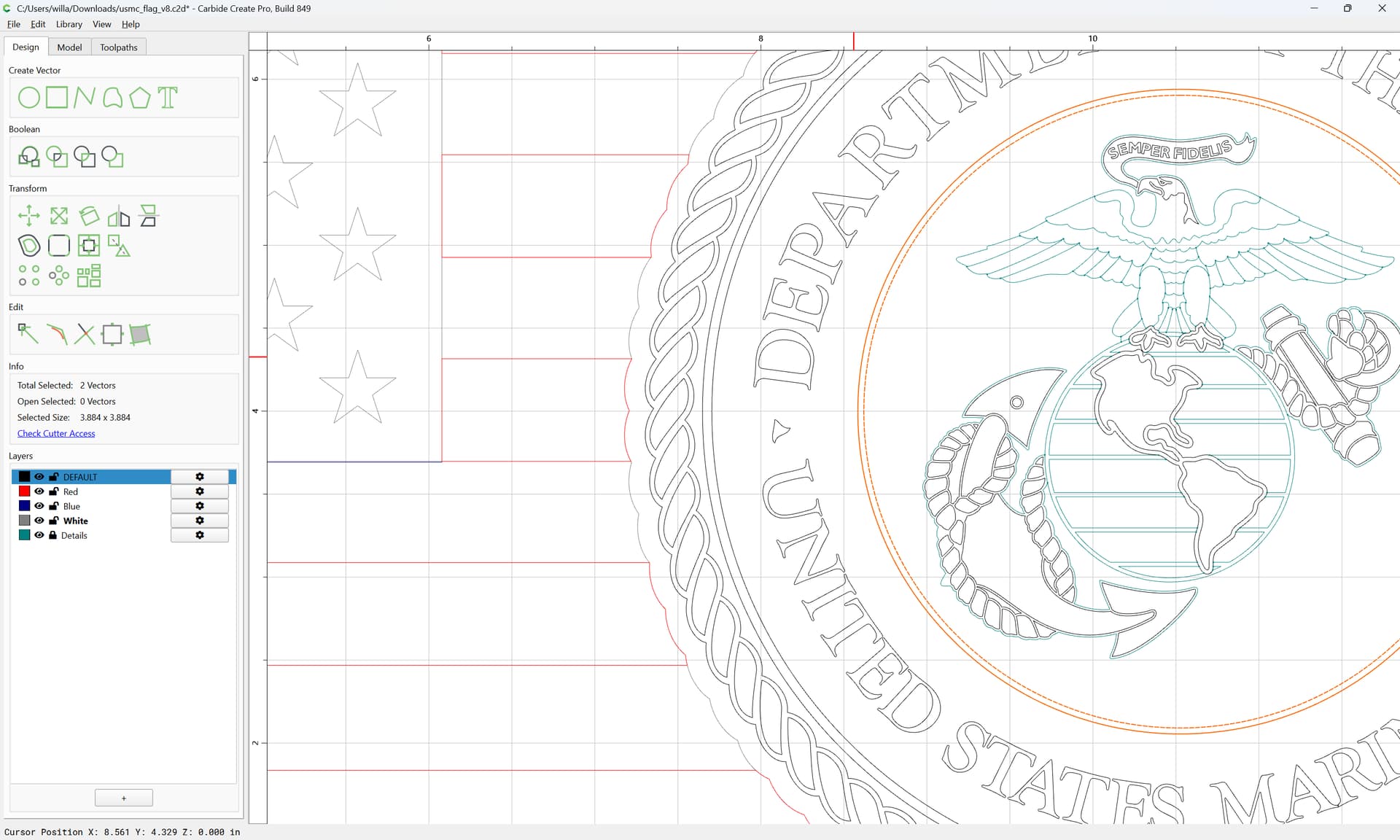
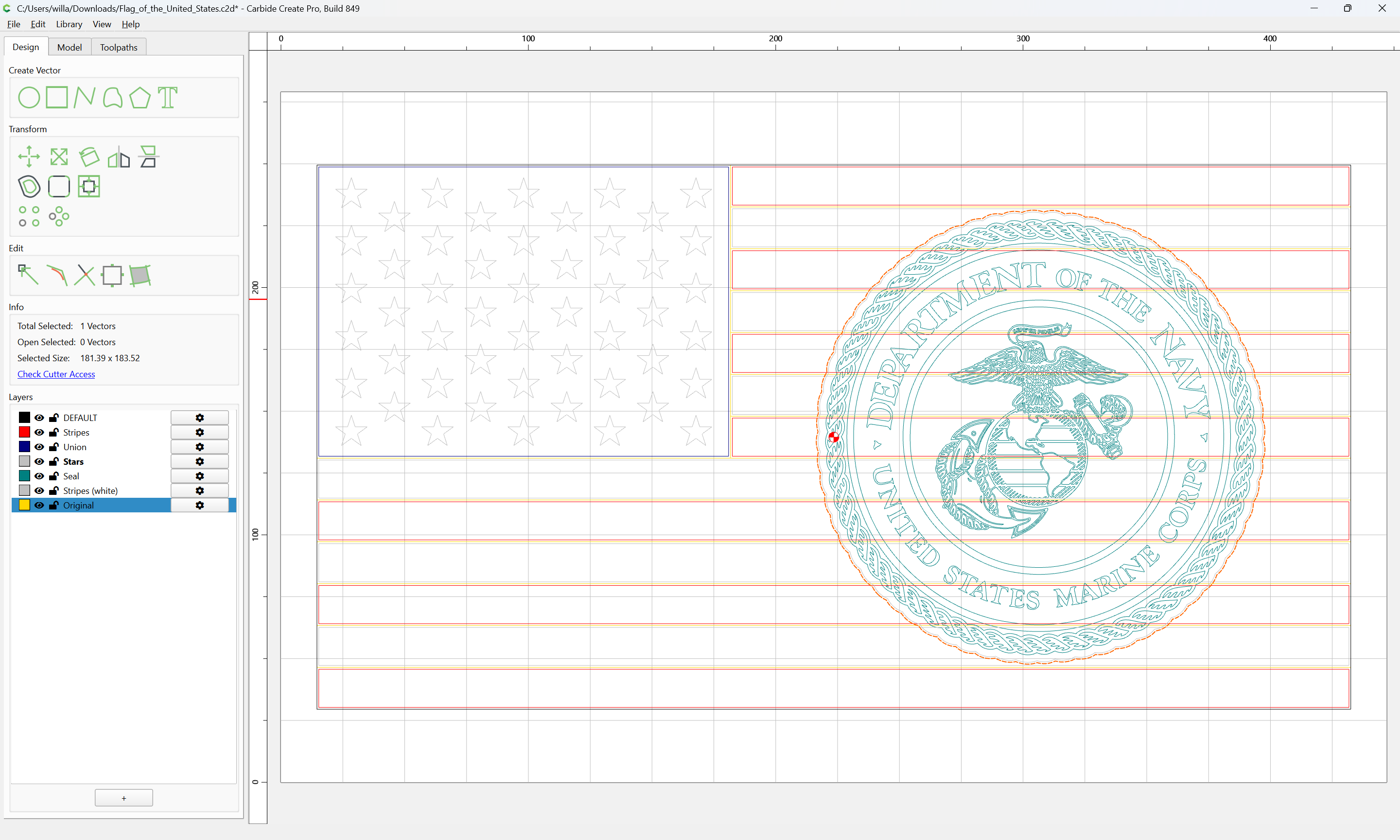
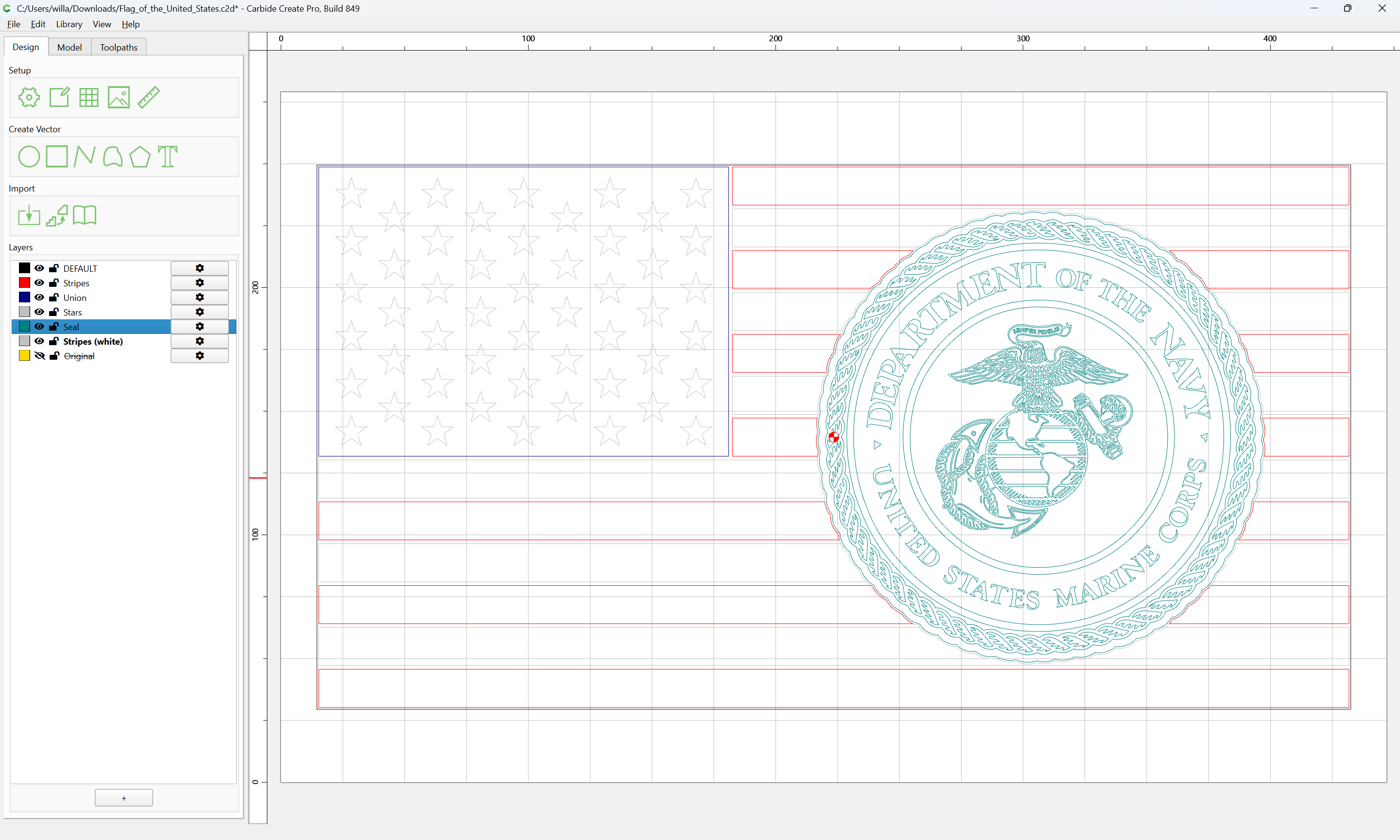
Import the USMC seal (after double-clicking on “Default” to make it the Active layer):
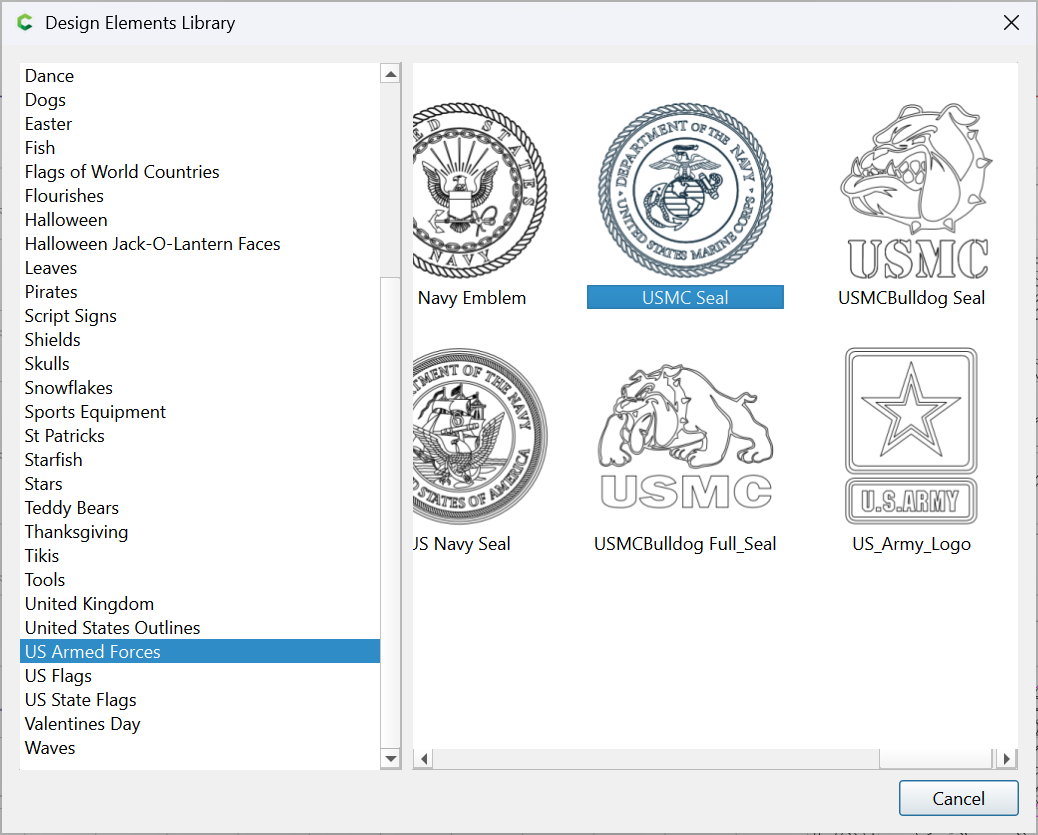
c.f.,

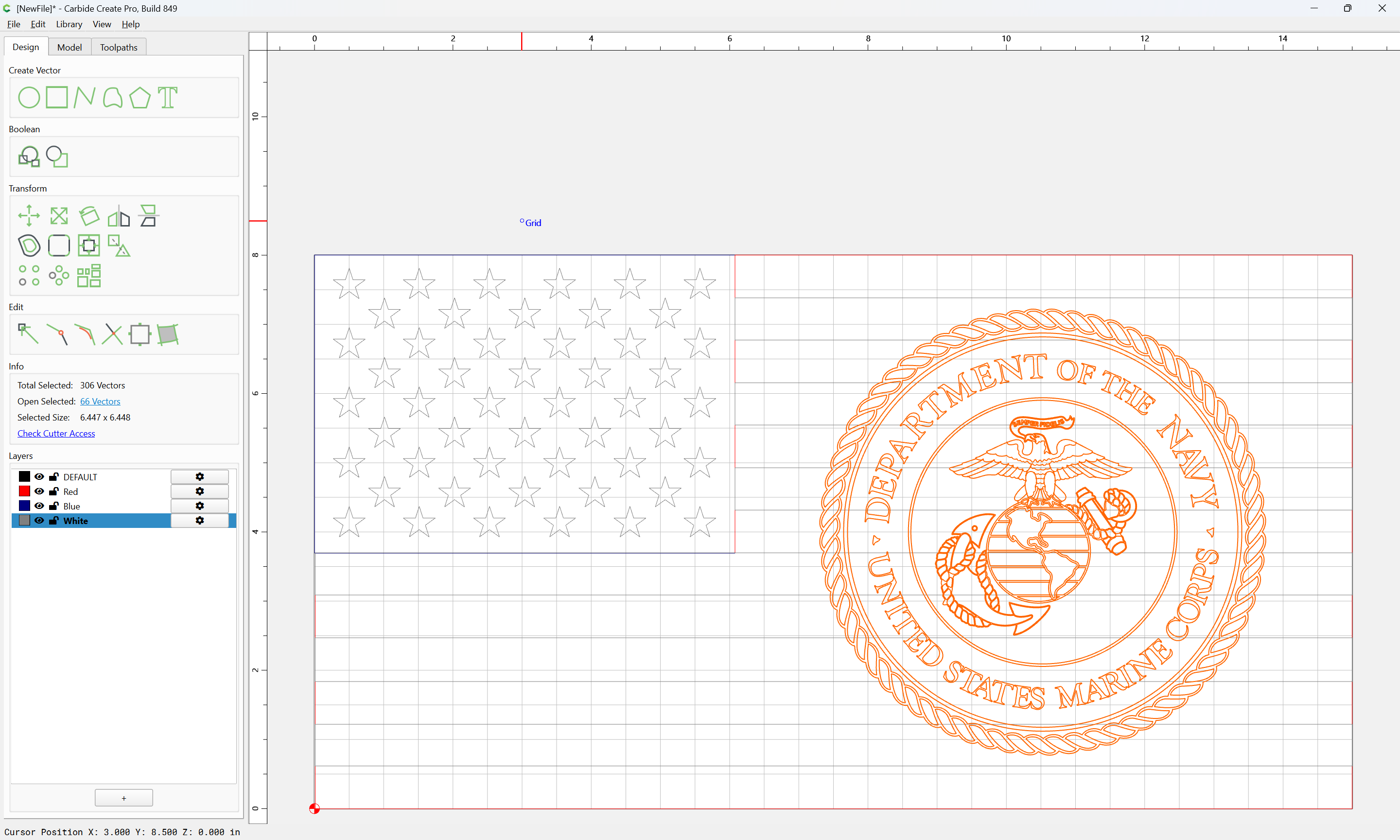
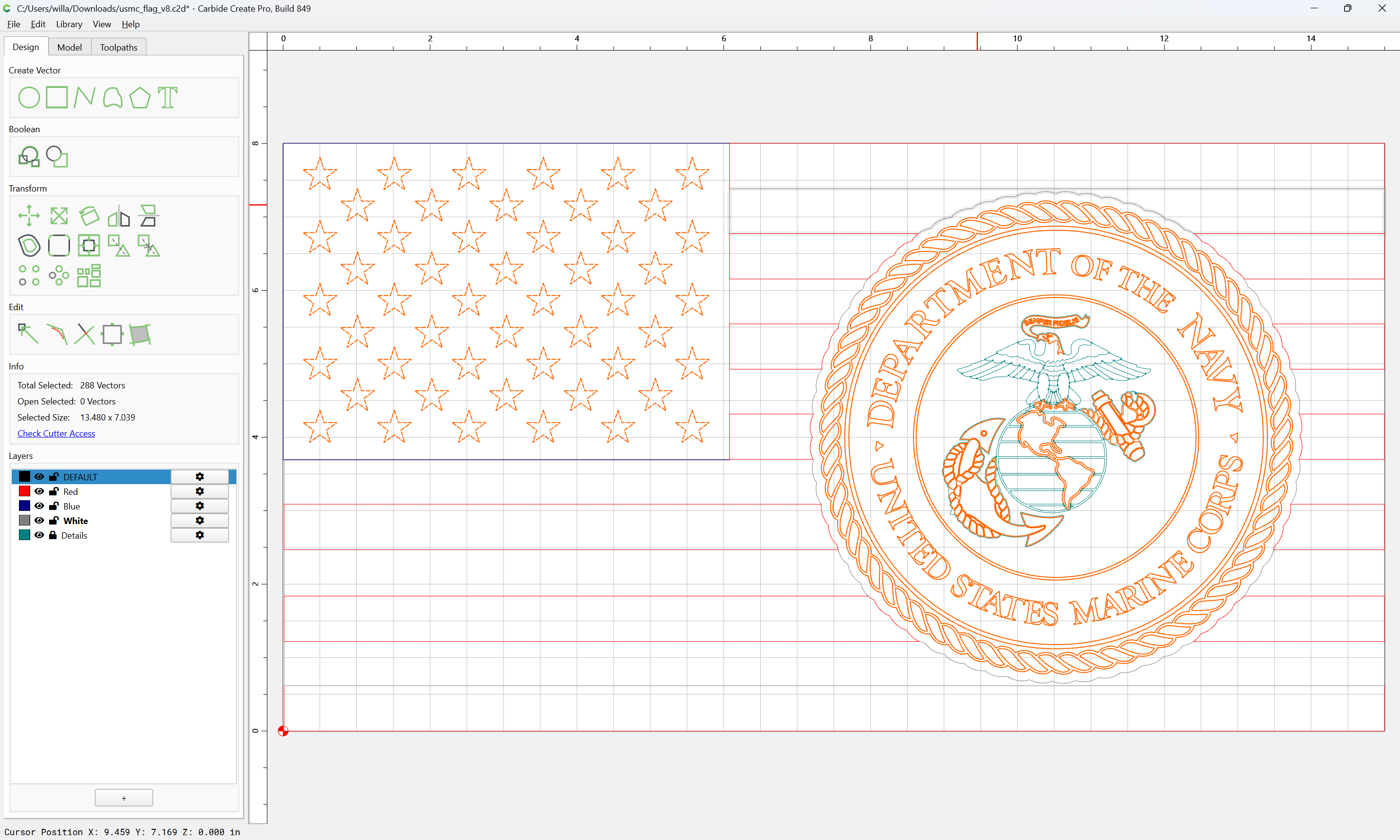
and adjust its size and placement as desired:

Done
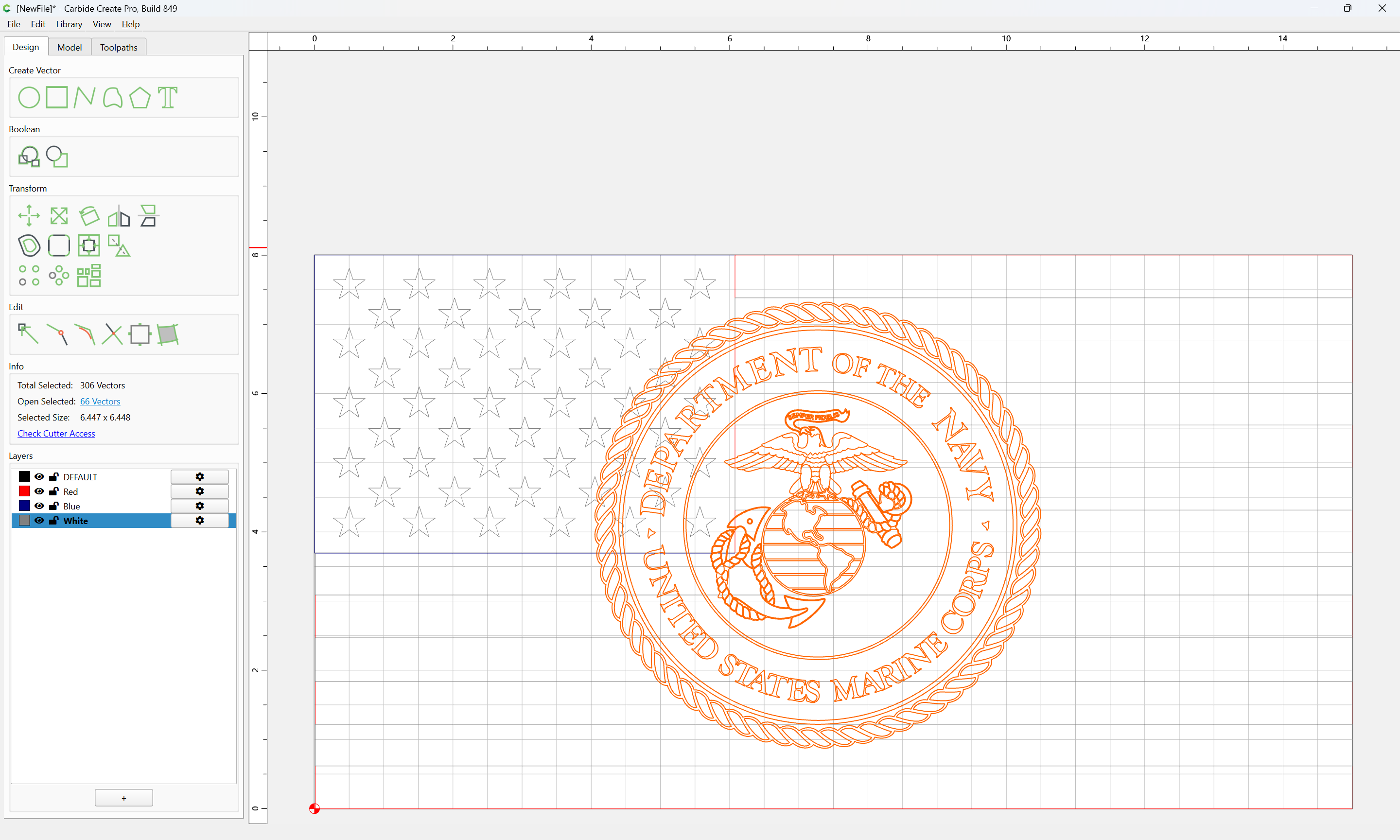
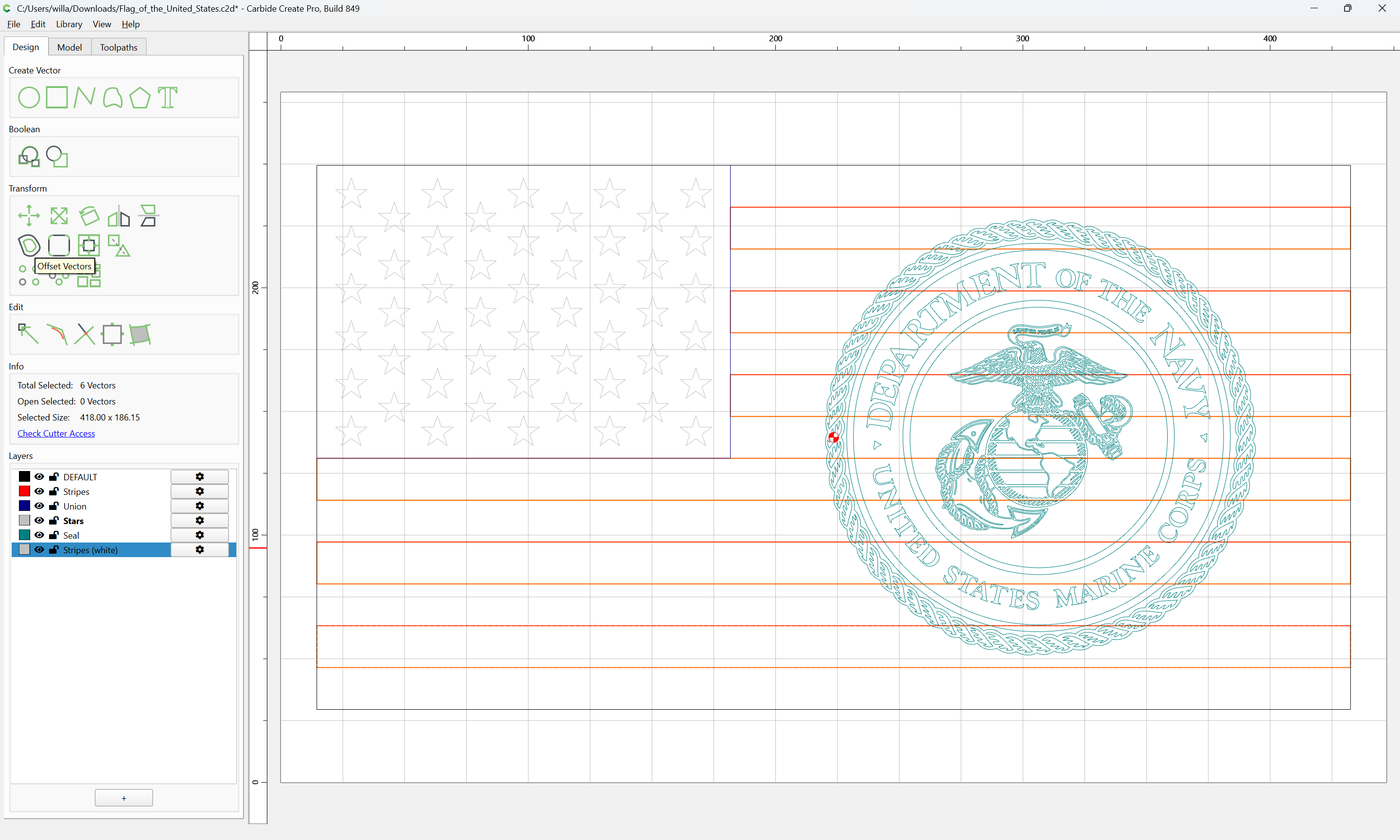
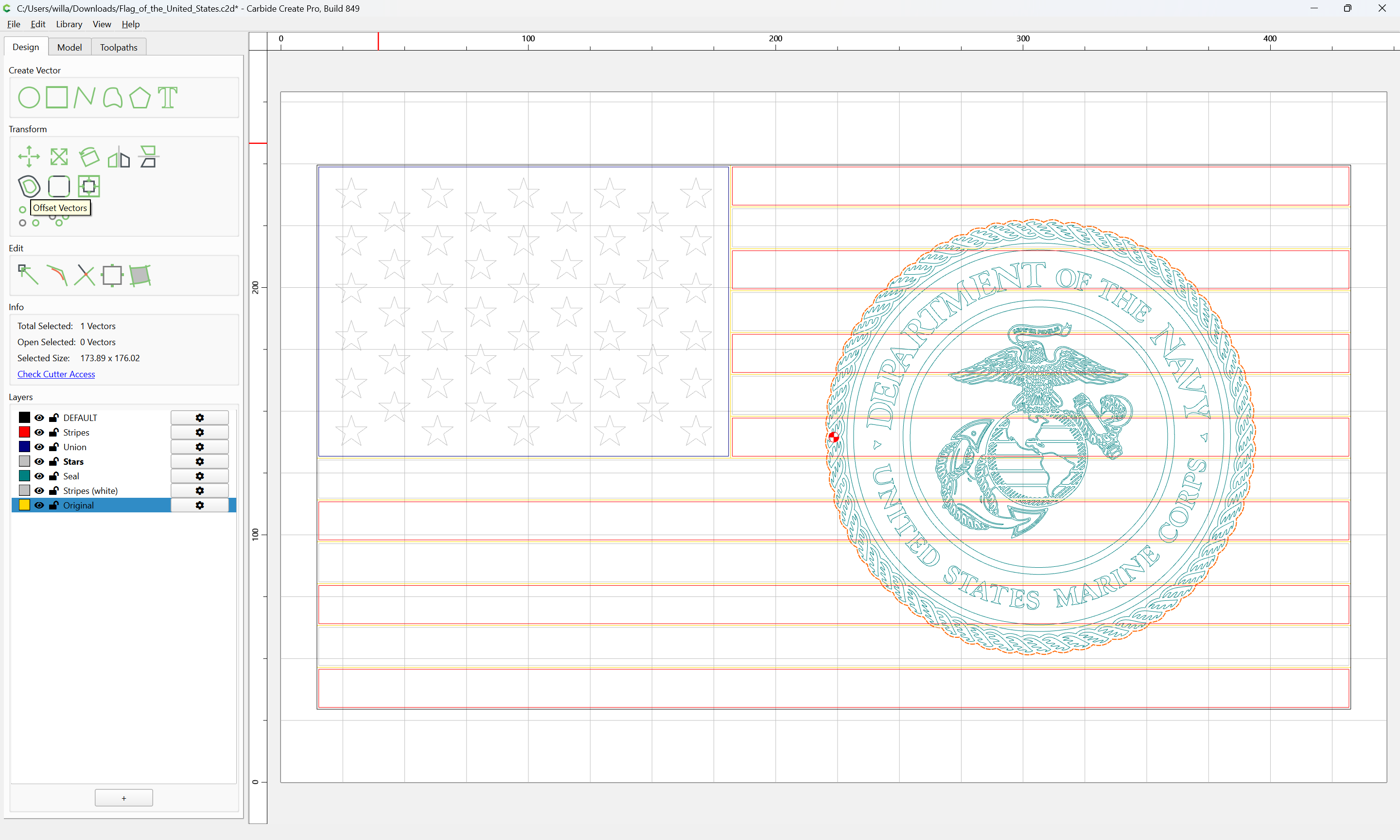
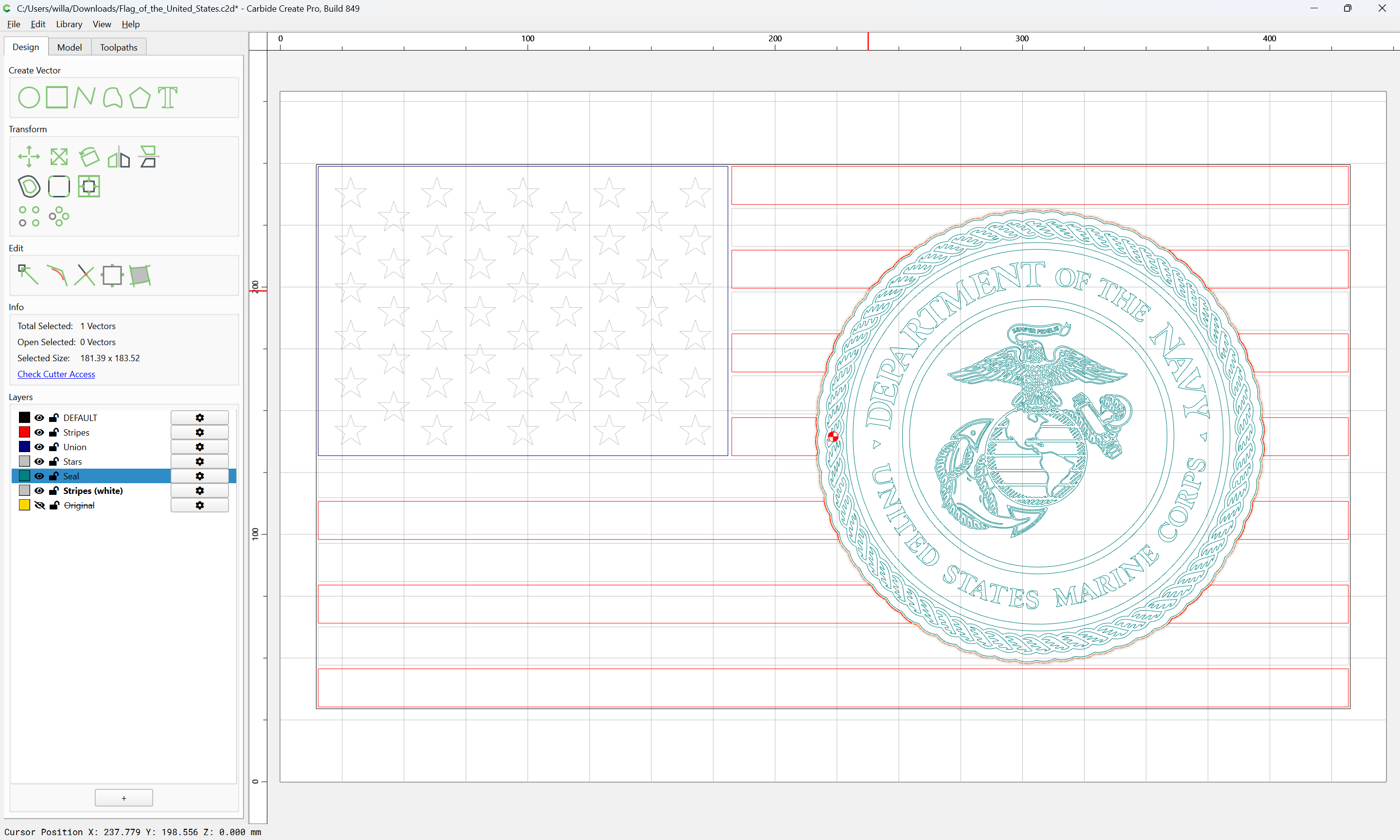
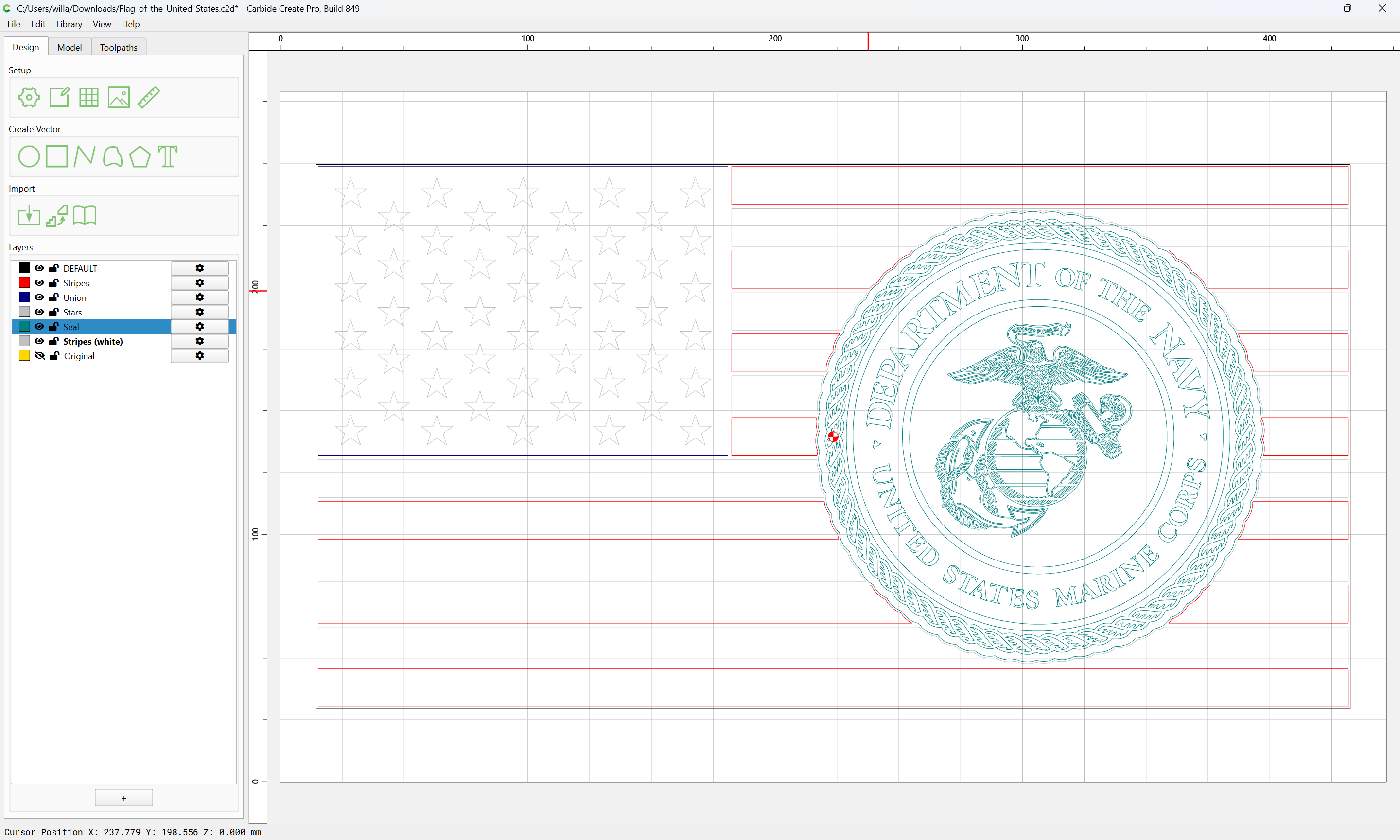
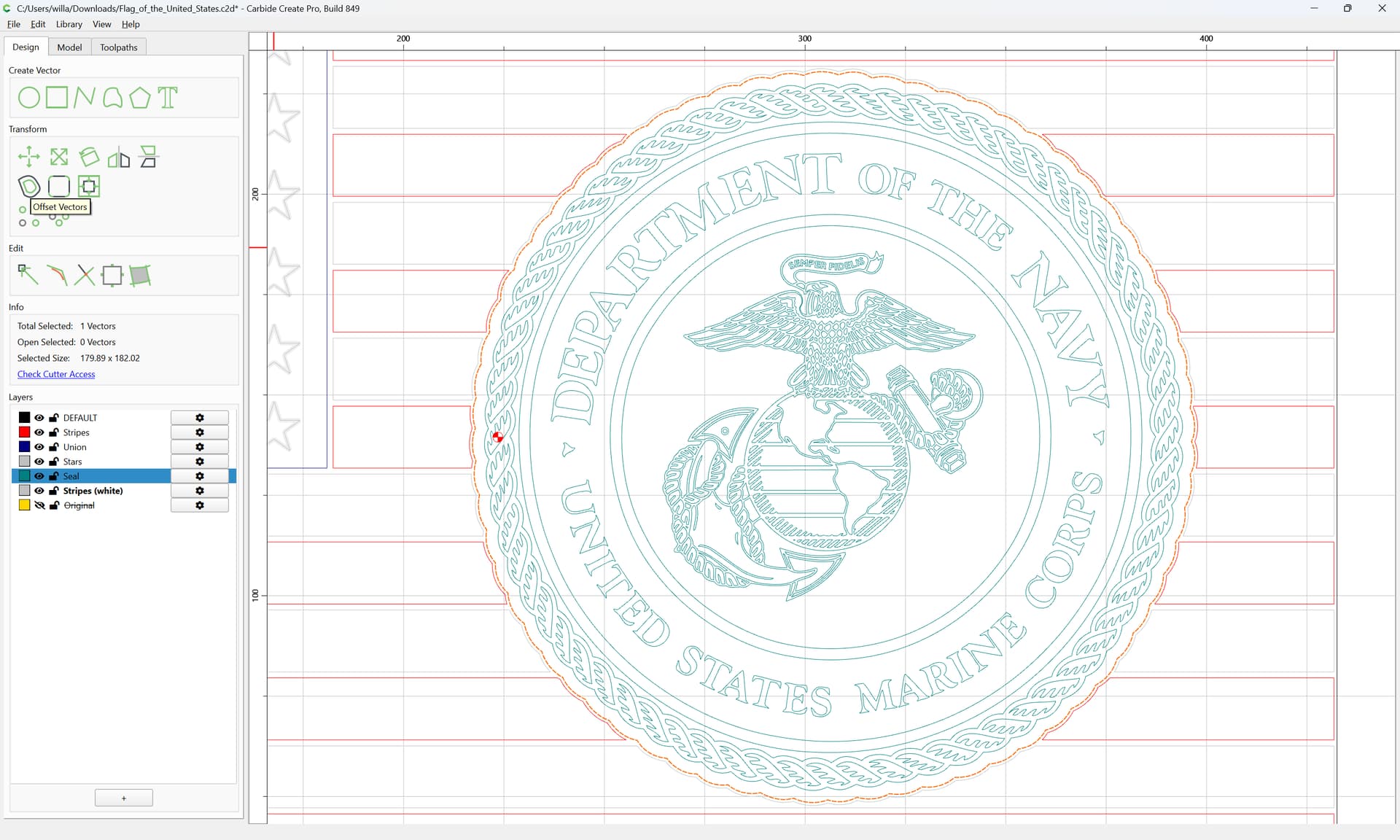
Next, it will be necessary to create geometry around the emblem for a separation:
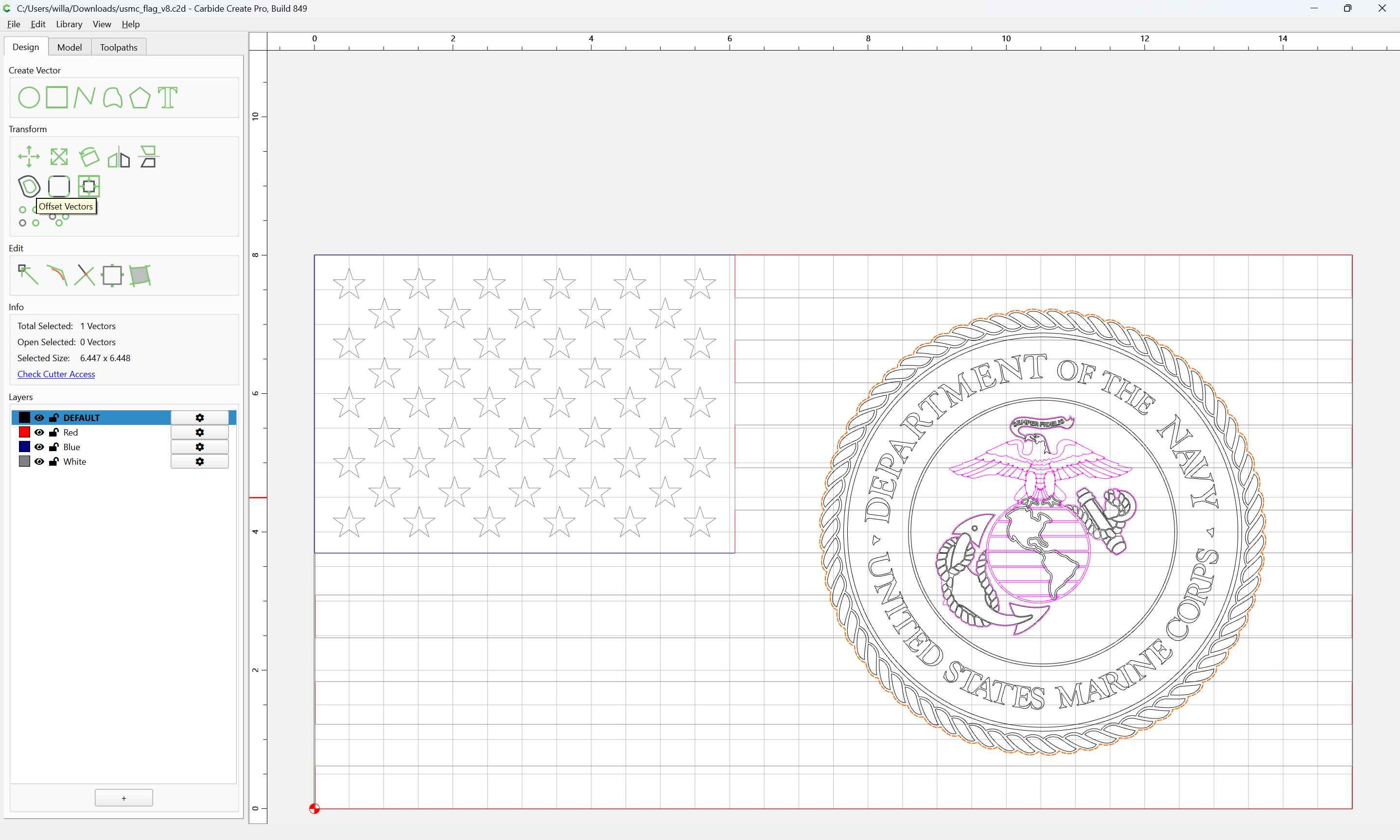
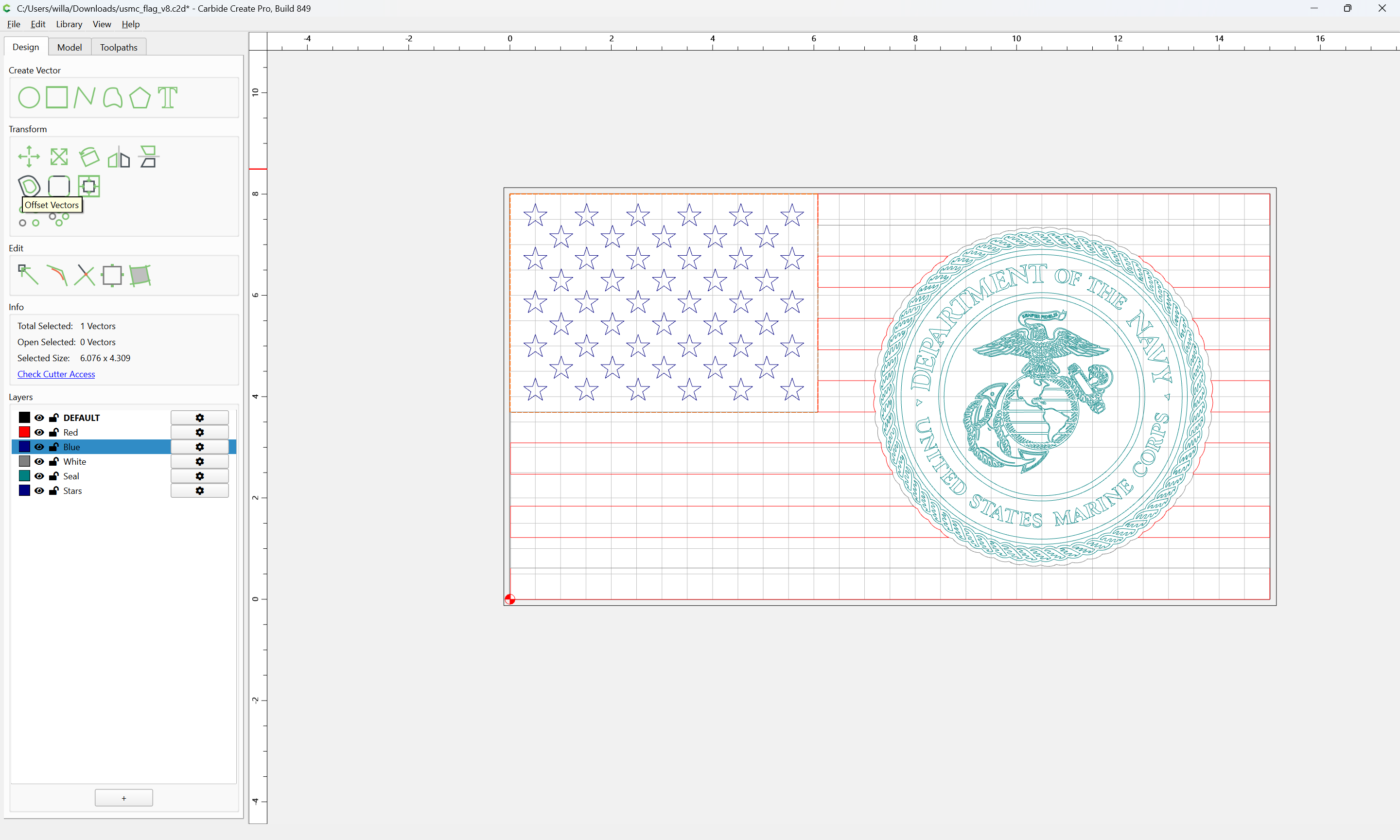
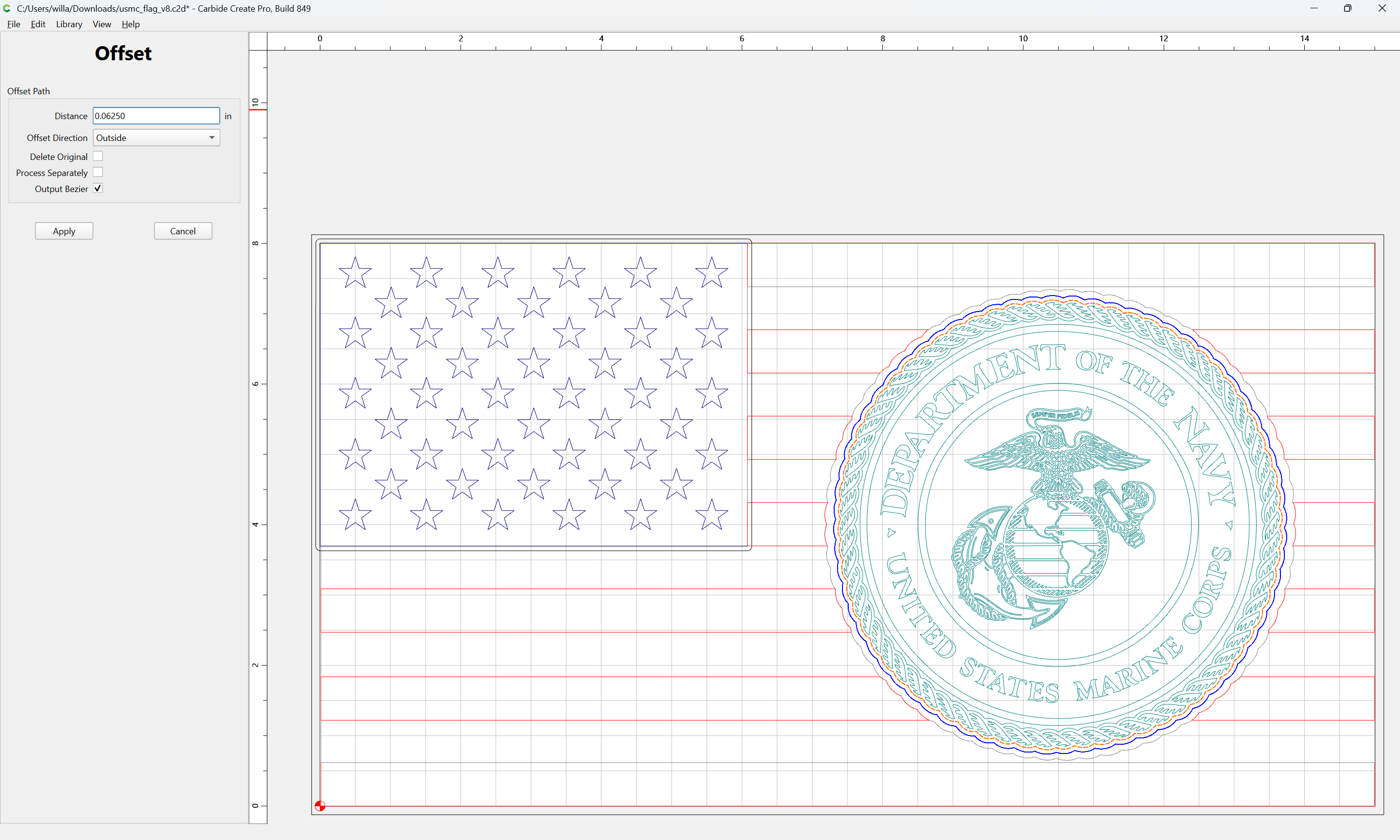
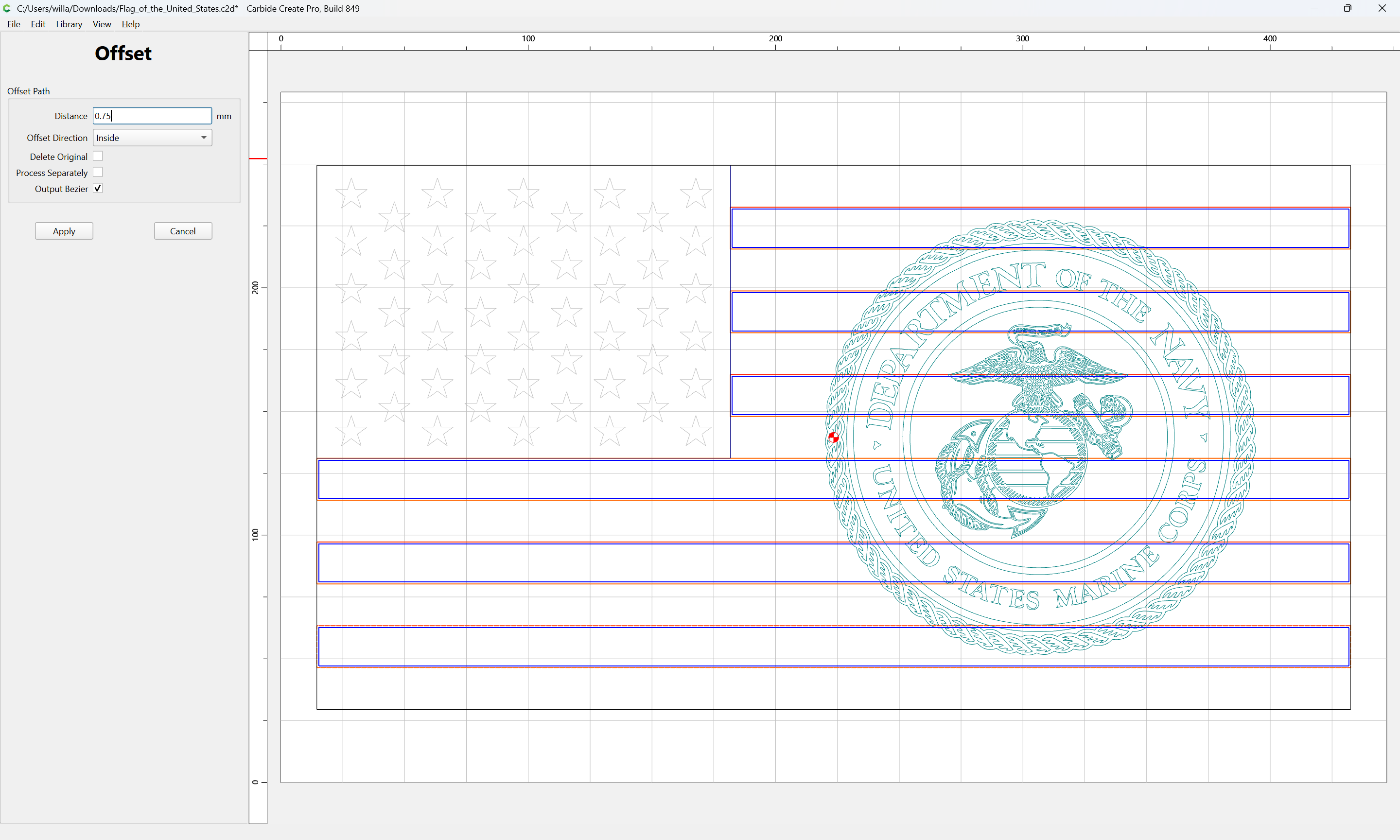
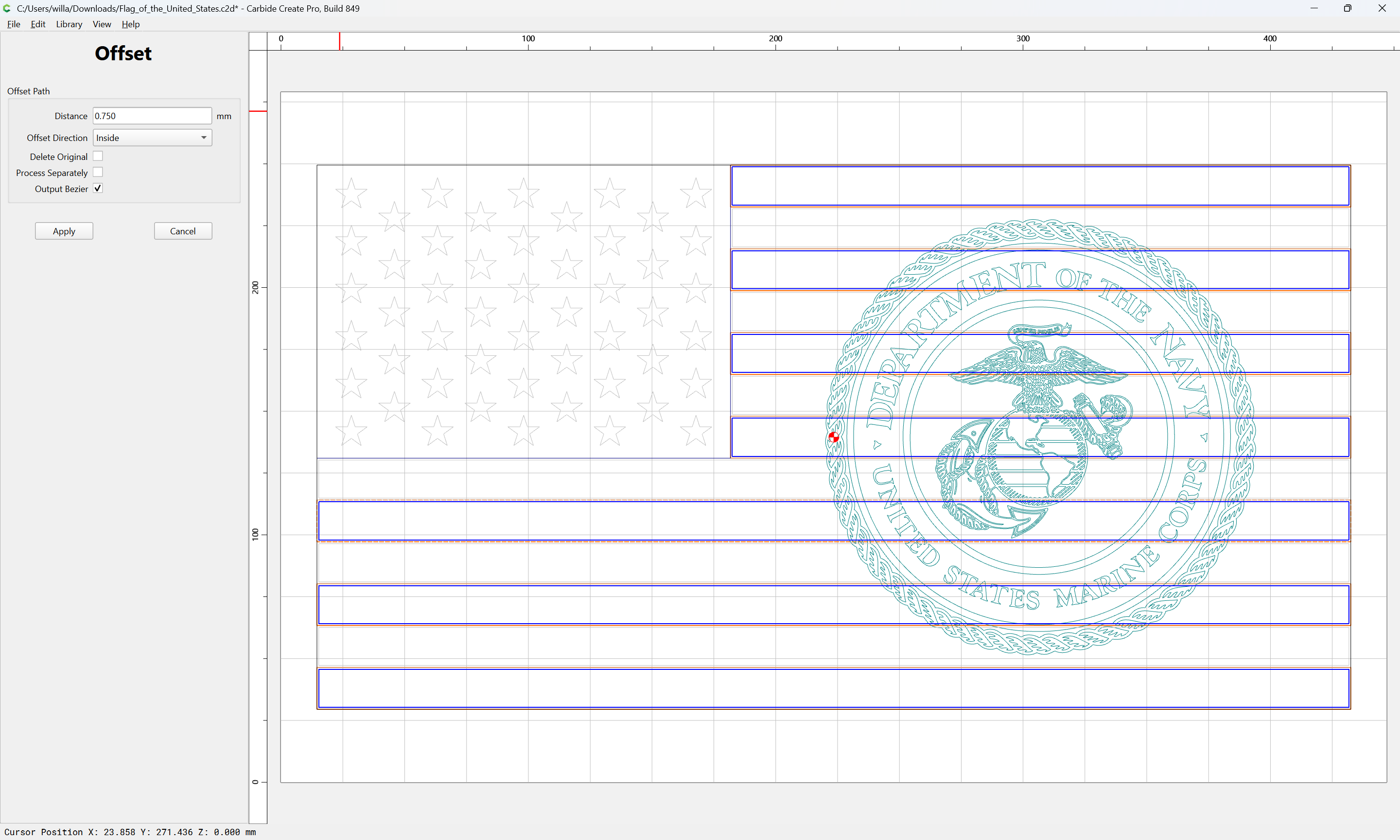
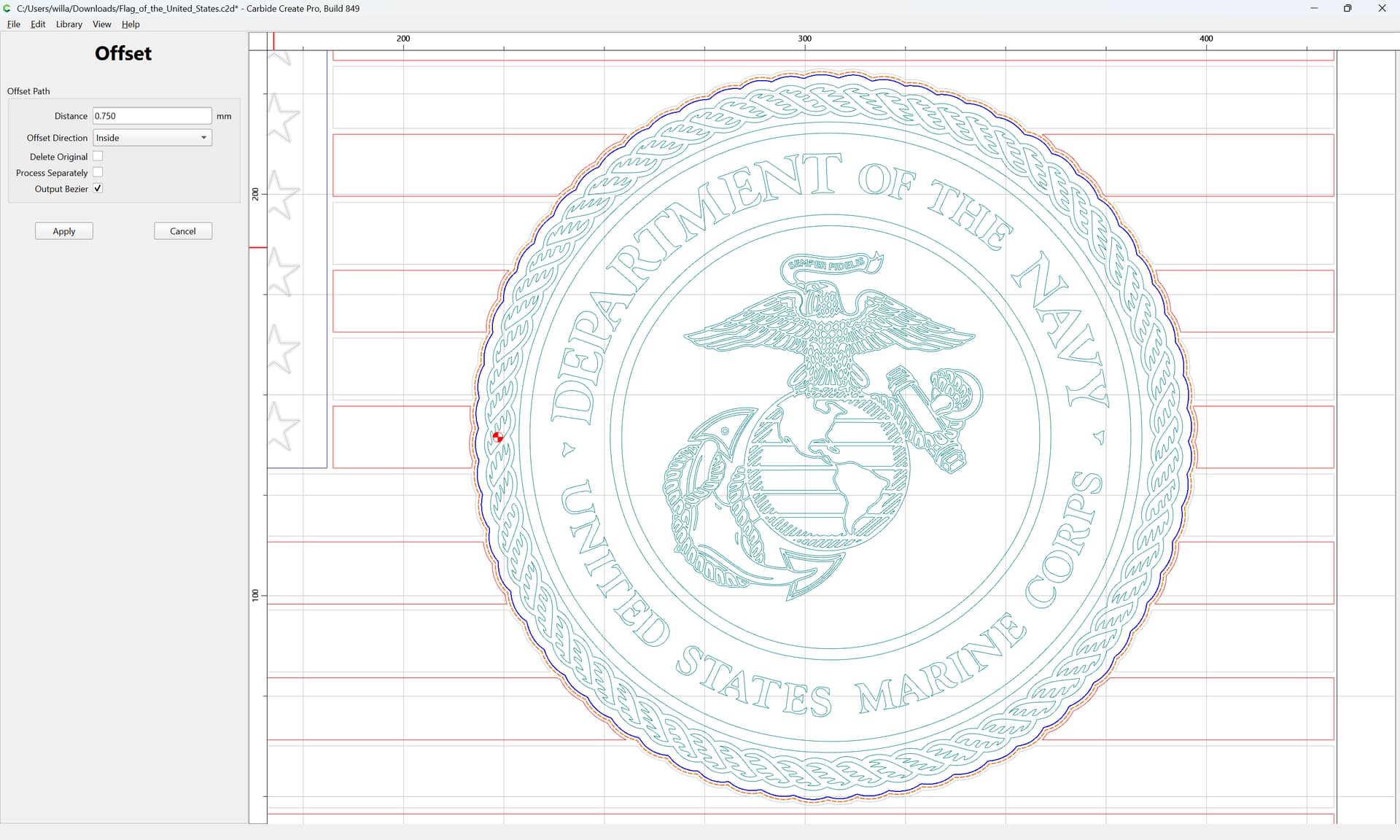
Offset Vectors
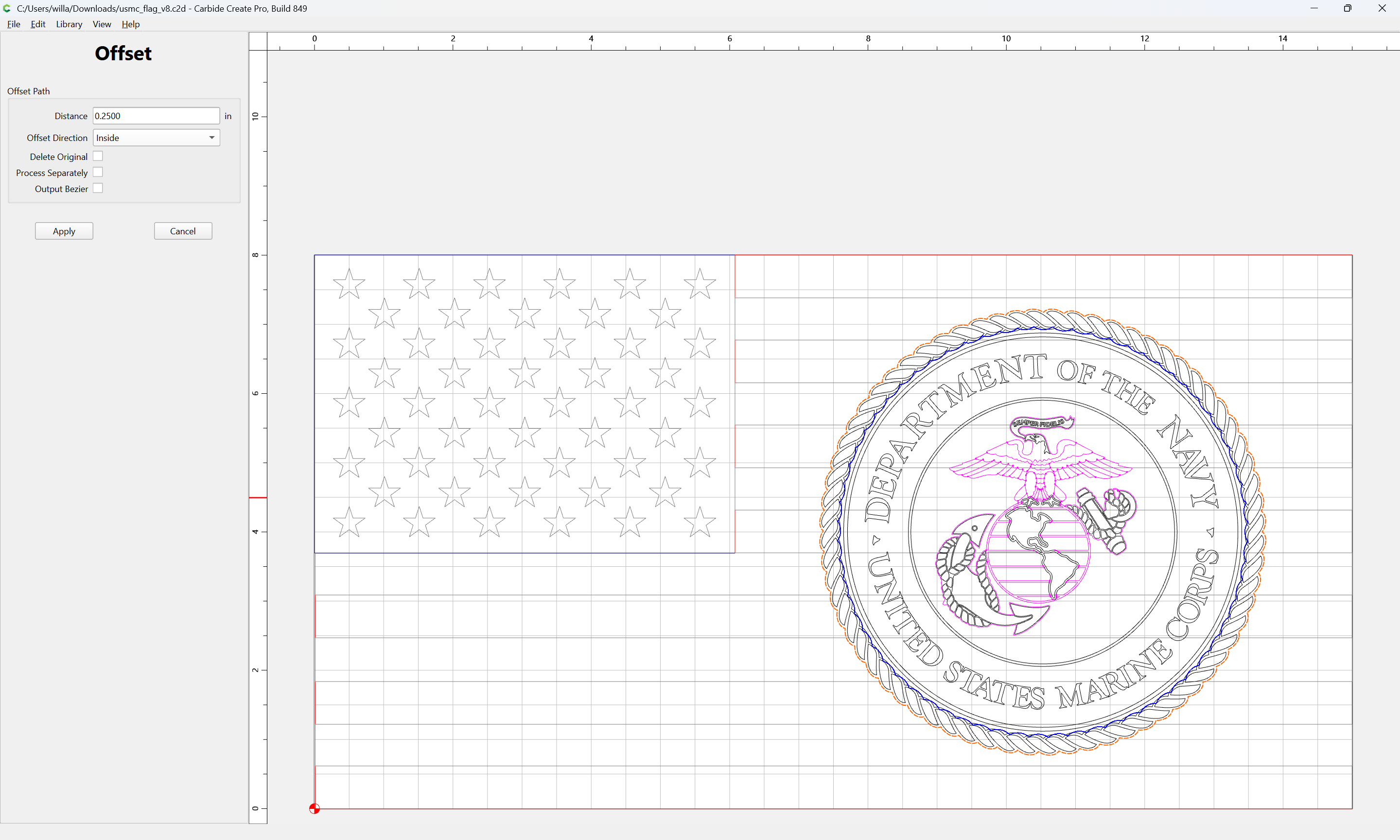
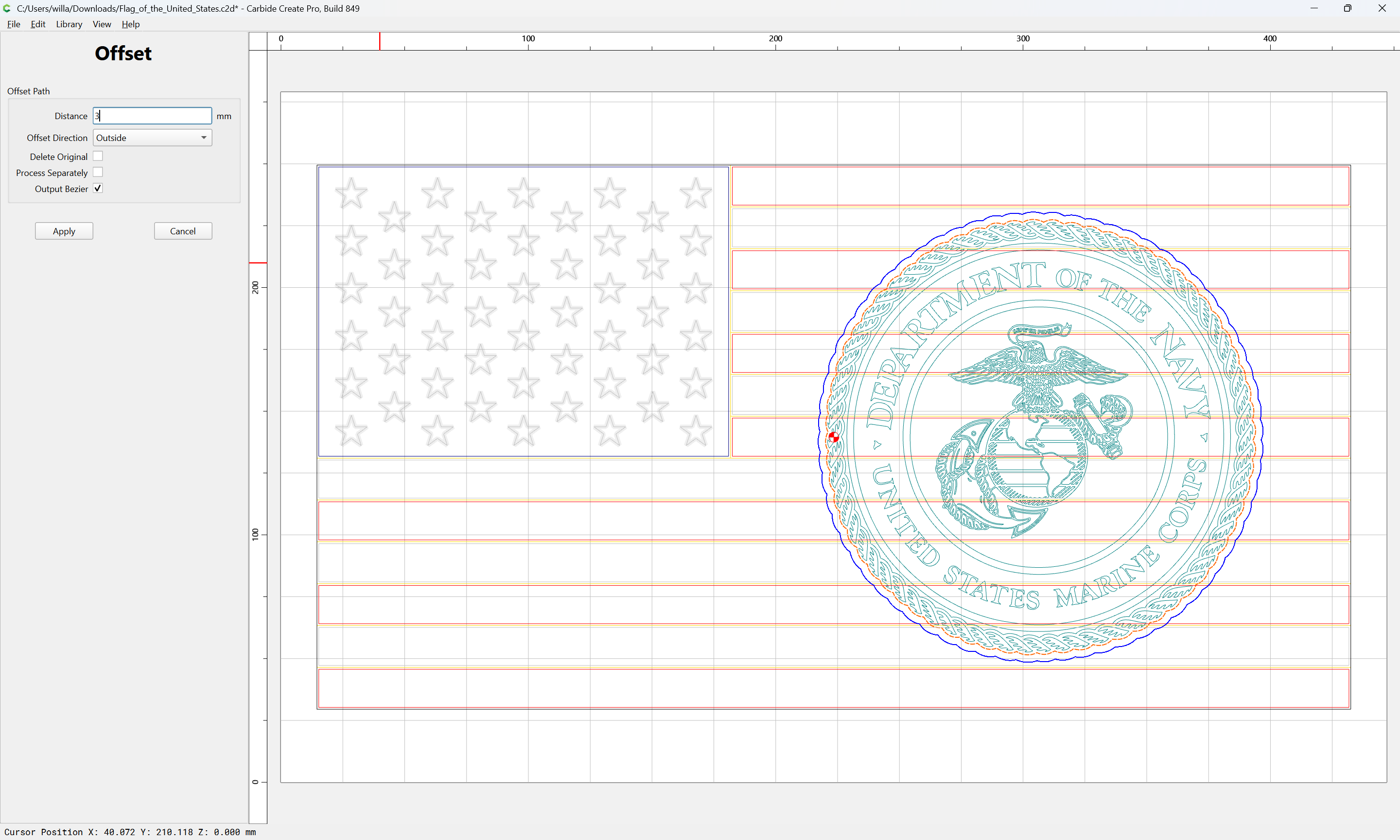
adjust the settings
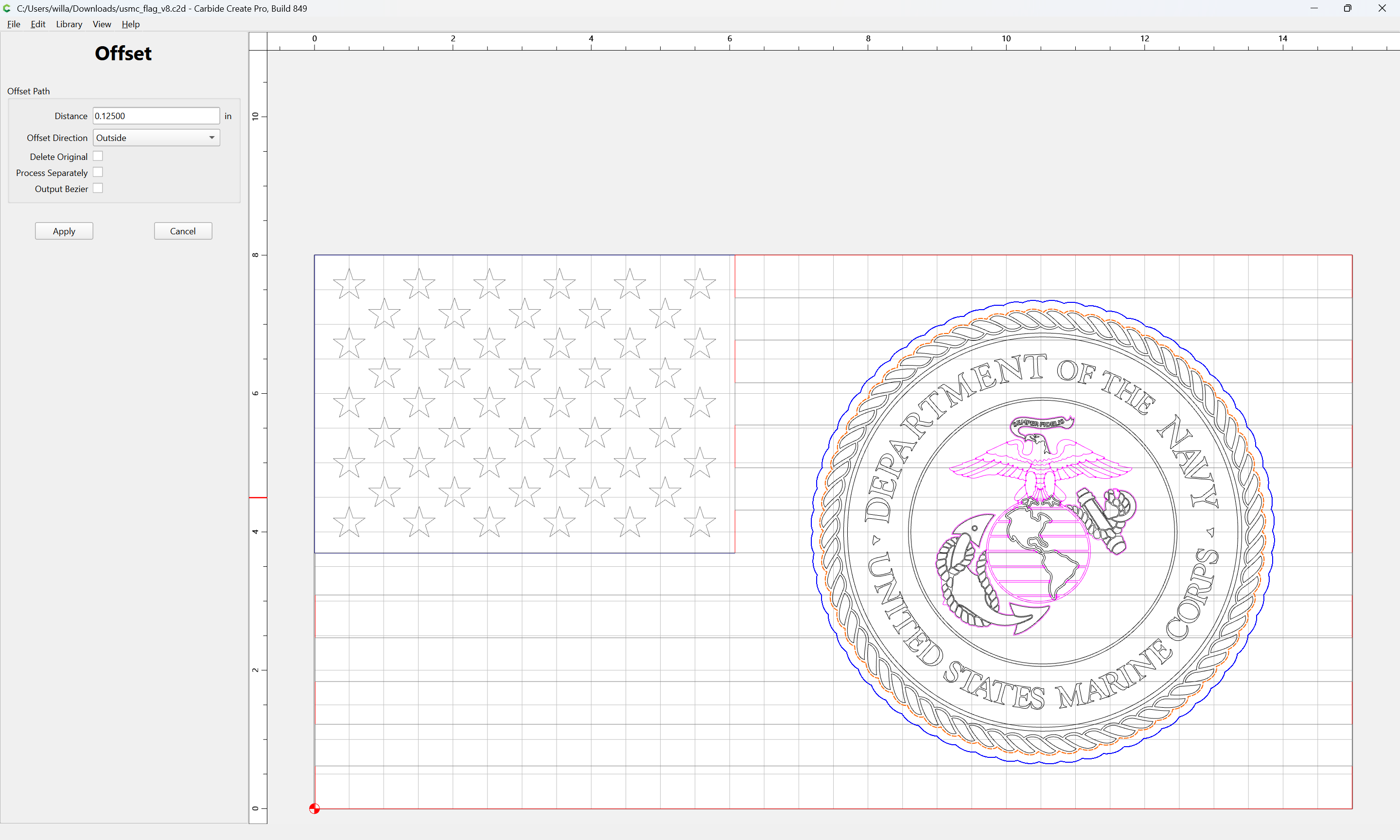
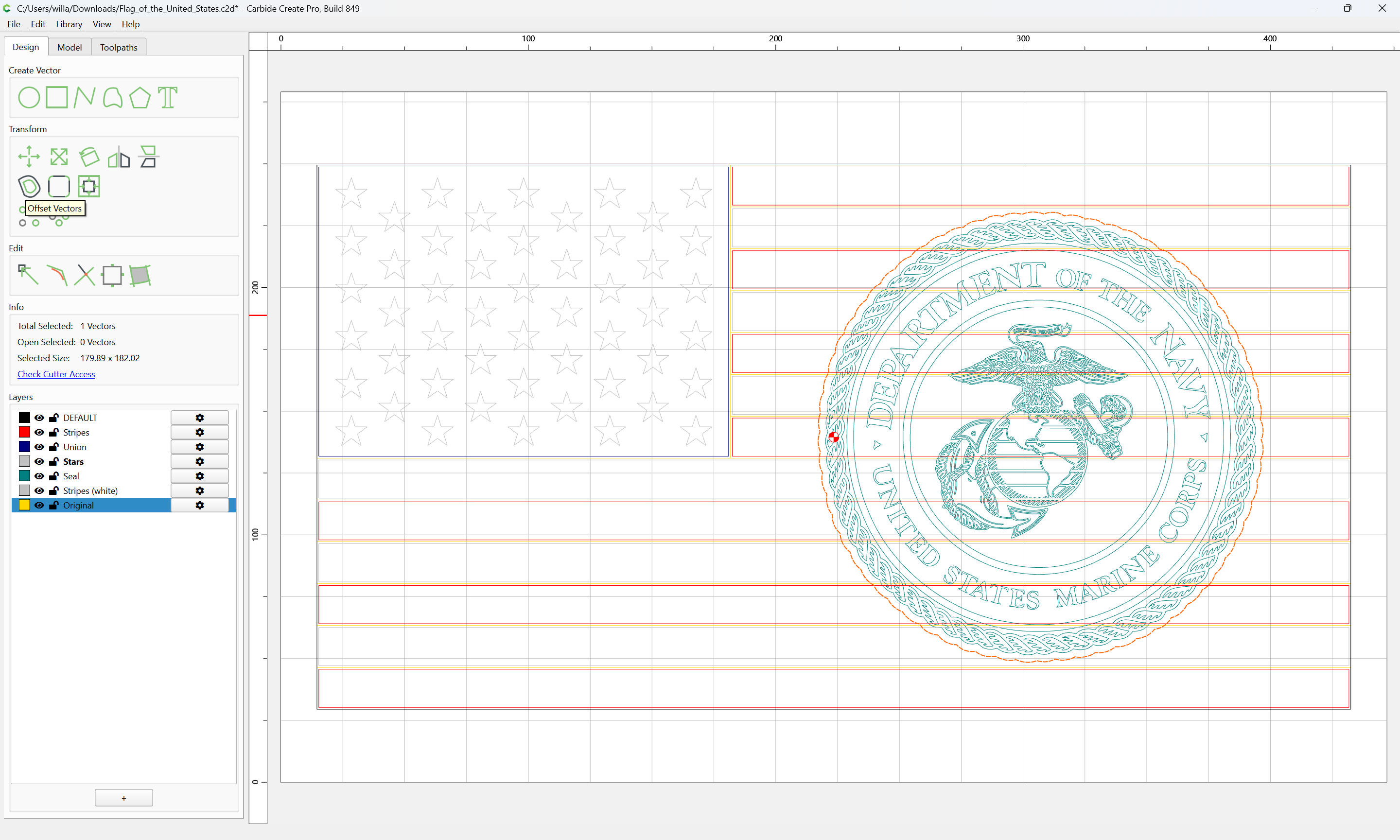
Apply
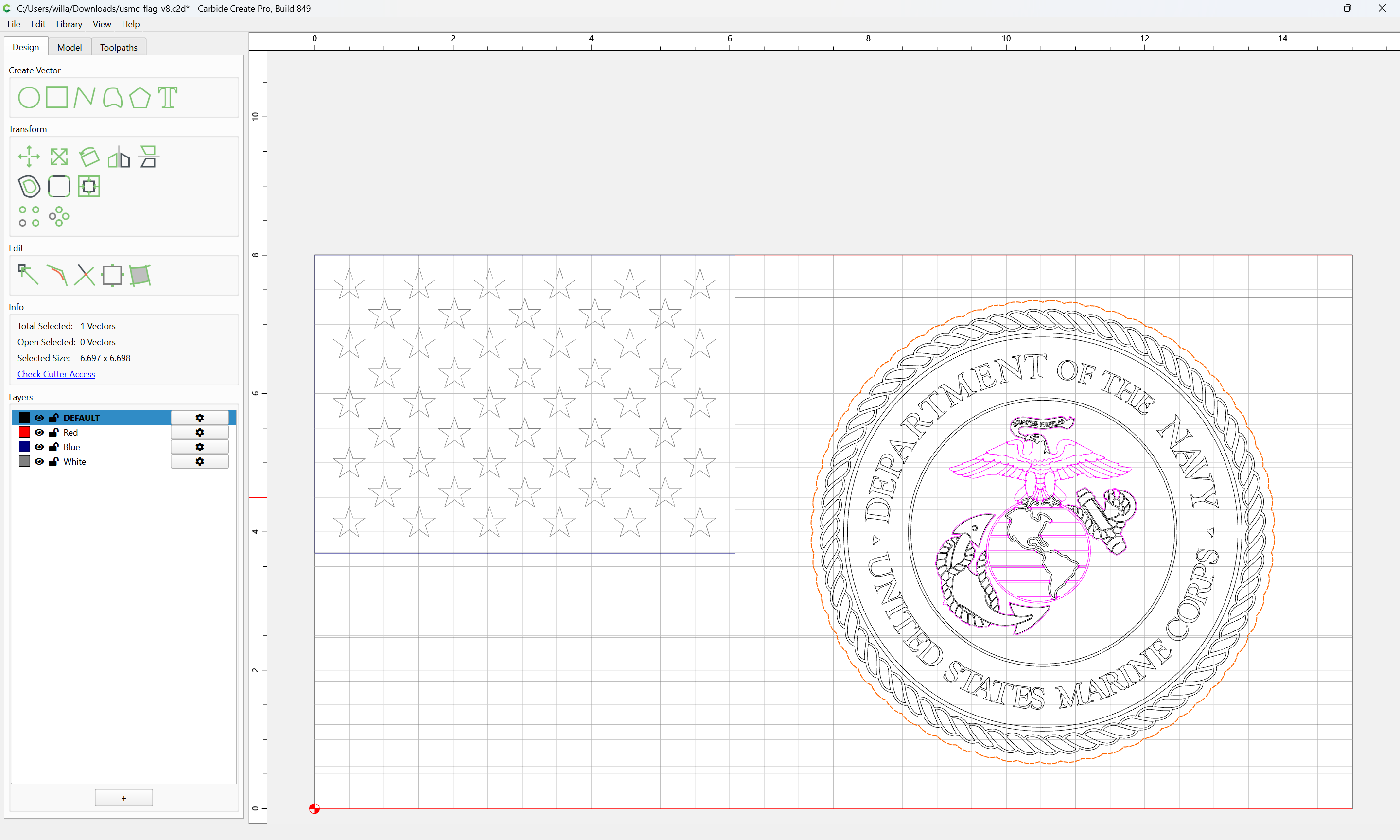
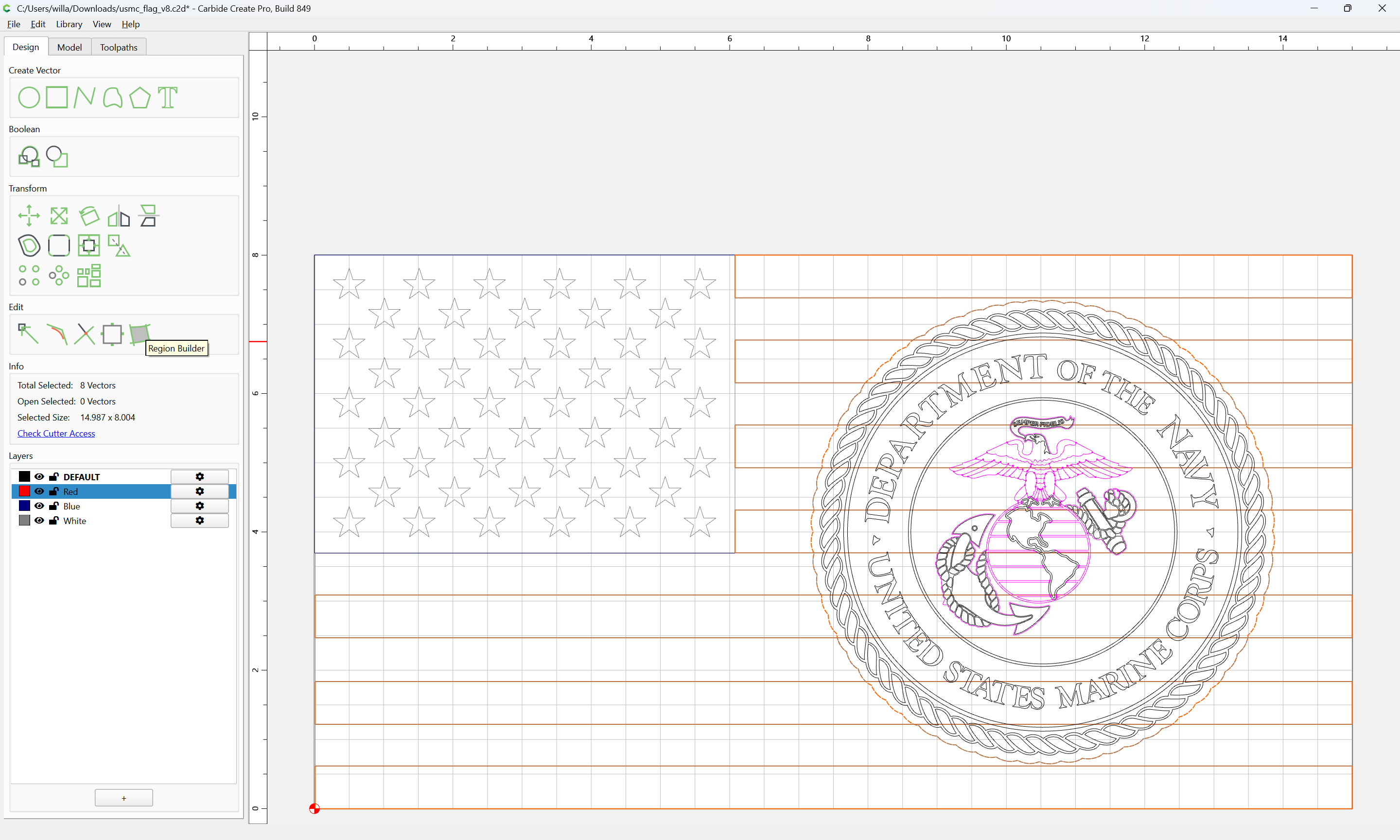
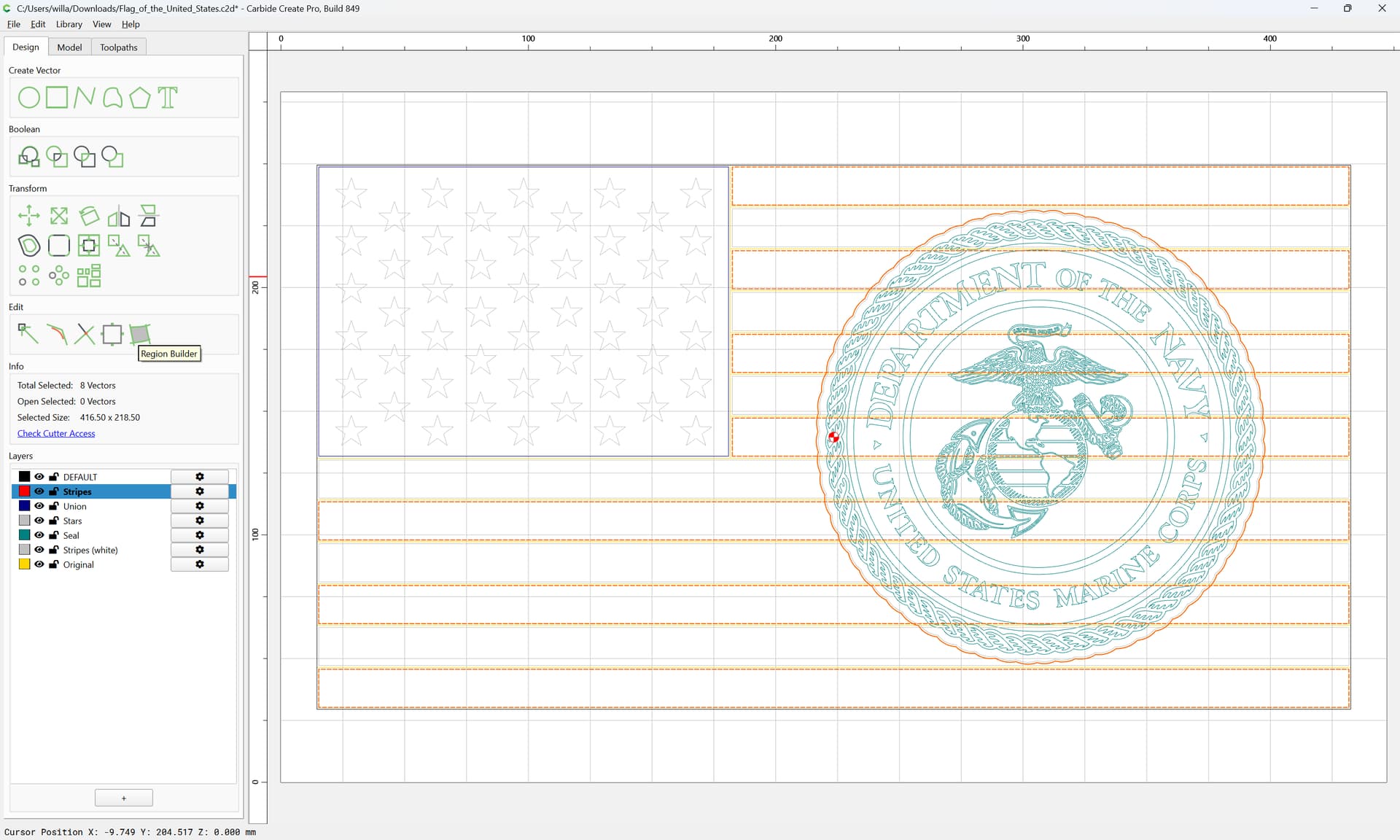
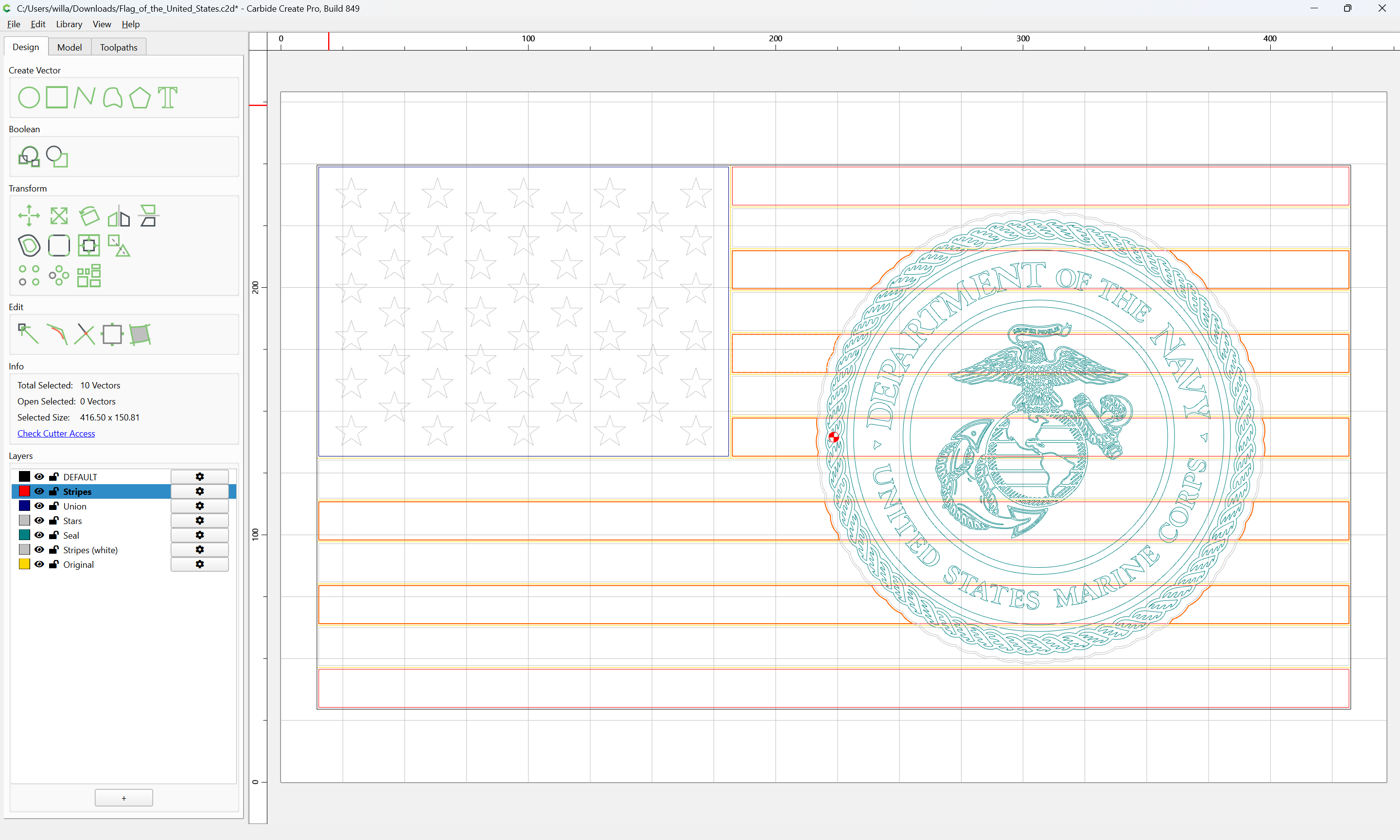
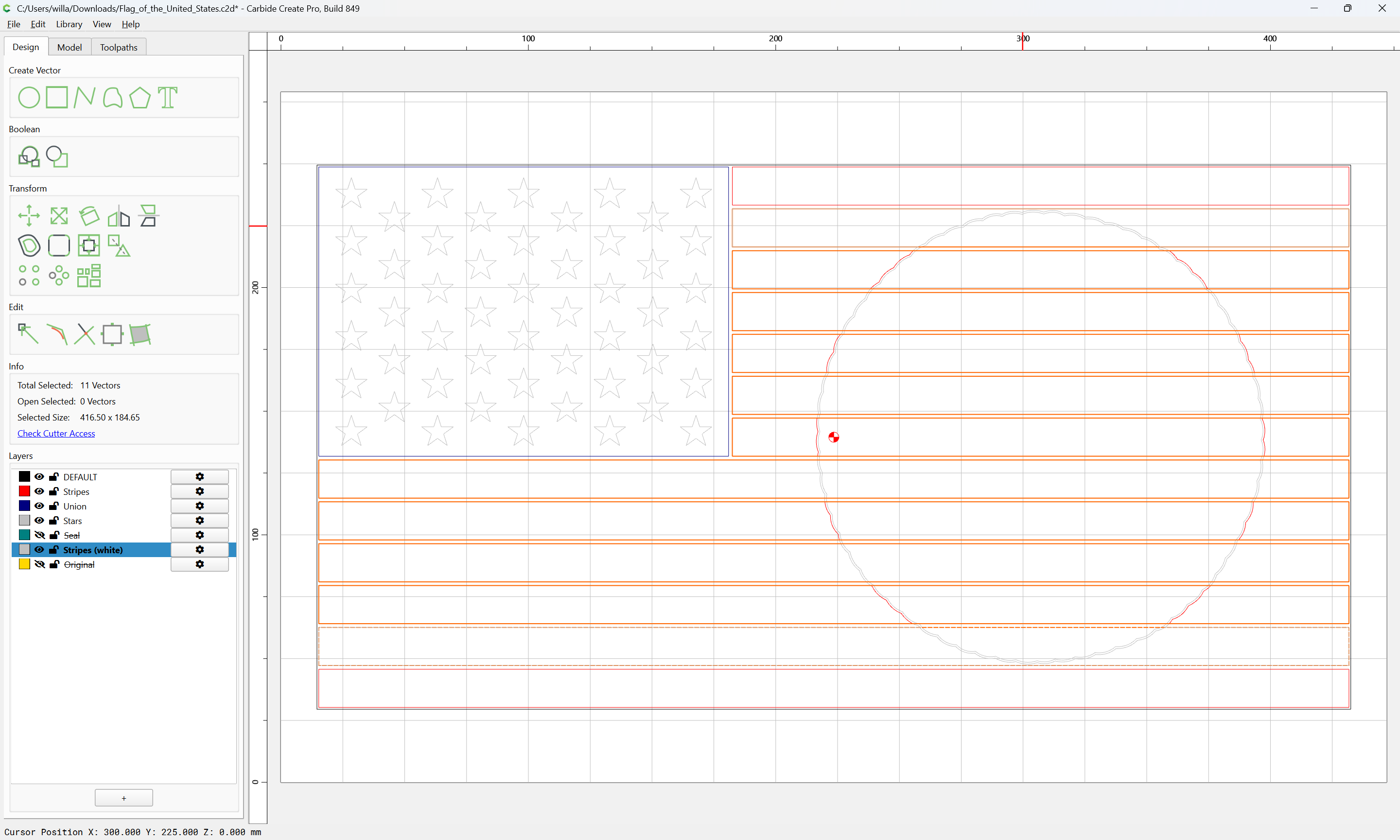
For each set of stripes, select them:
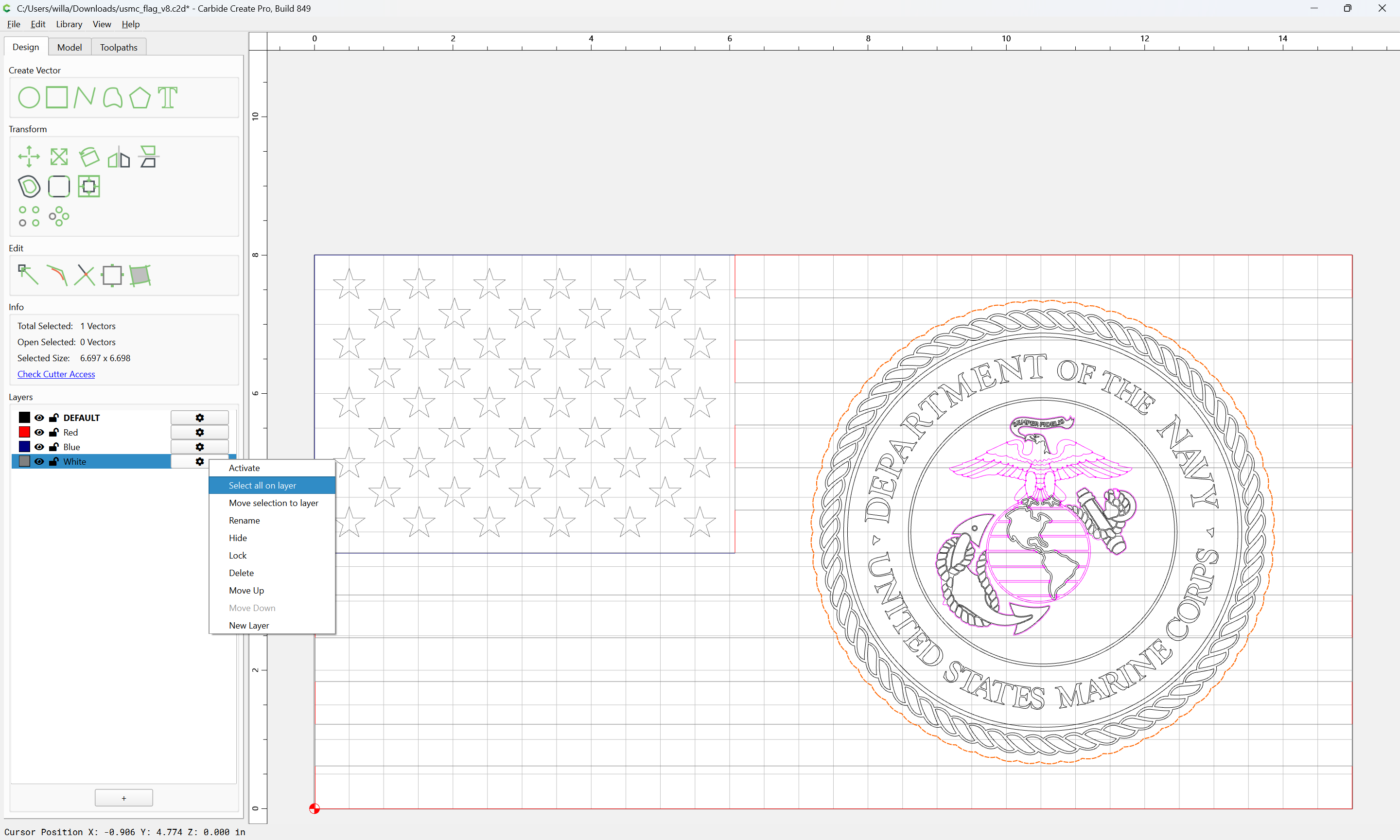
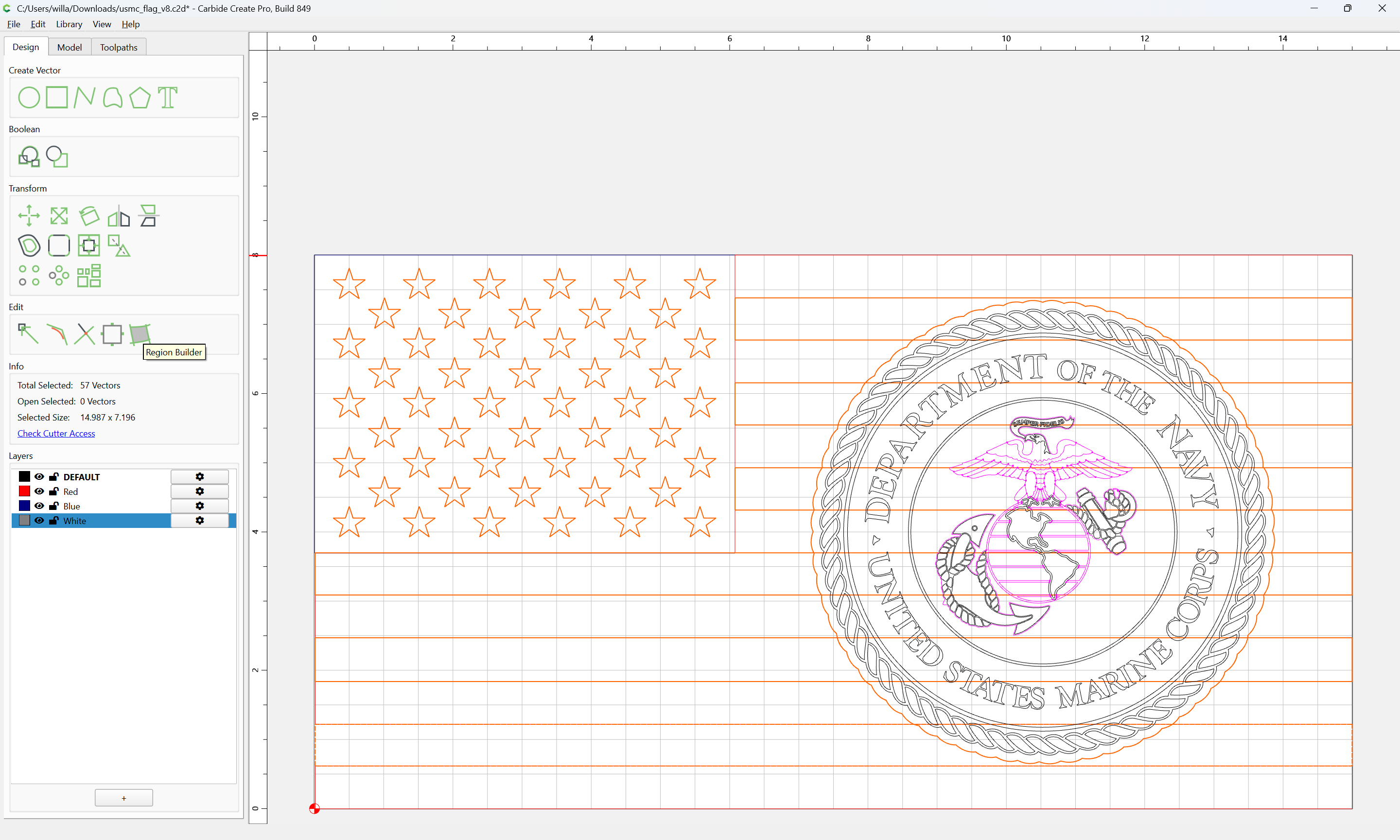
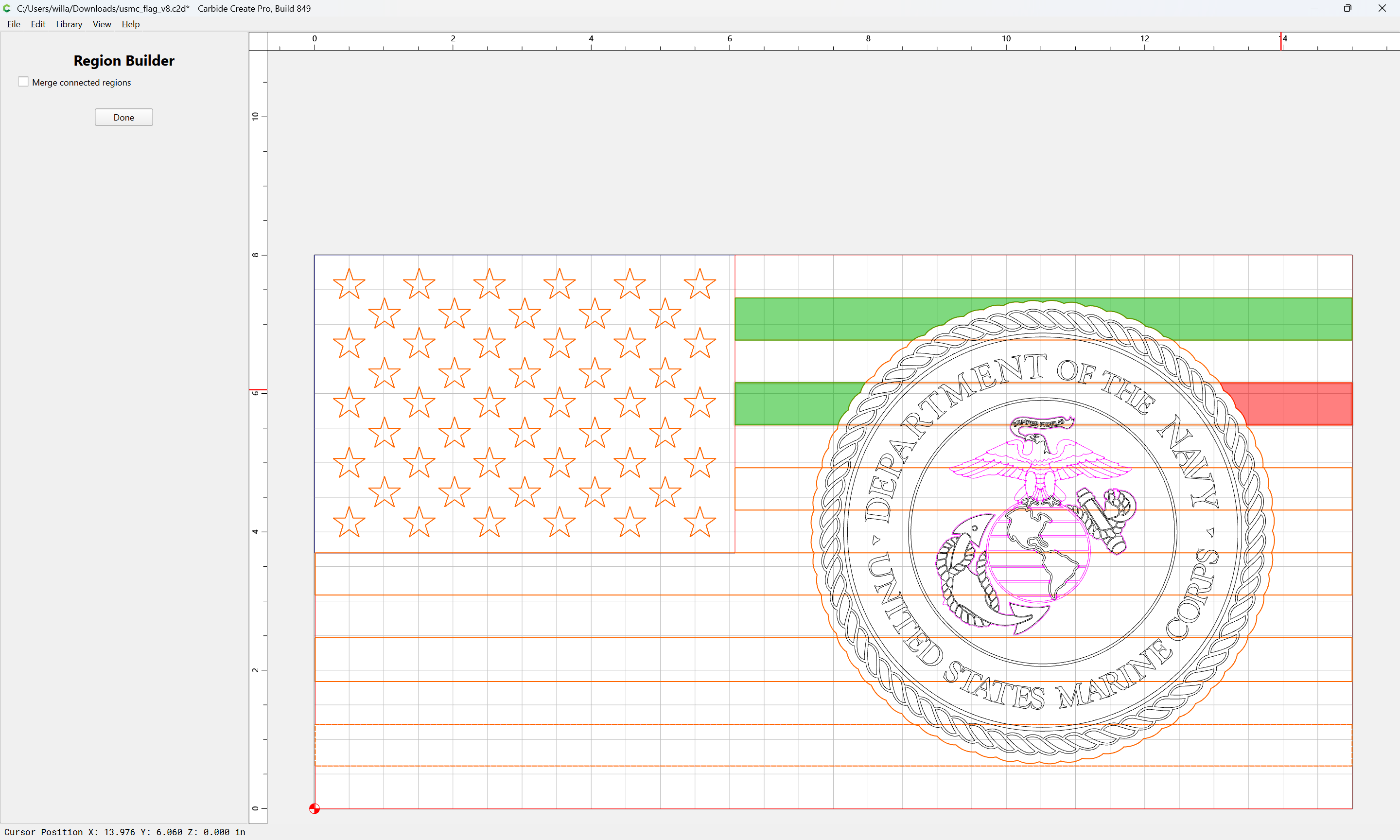
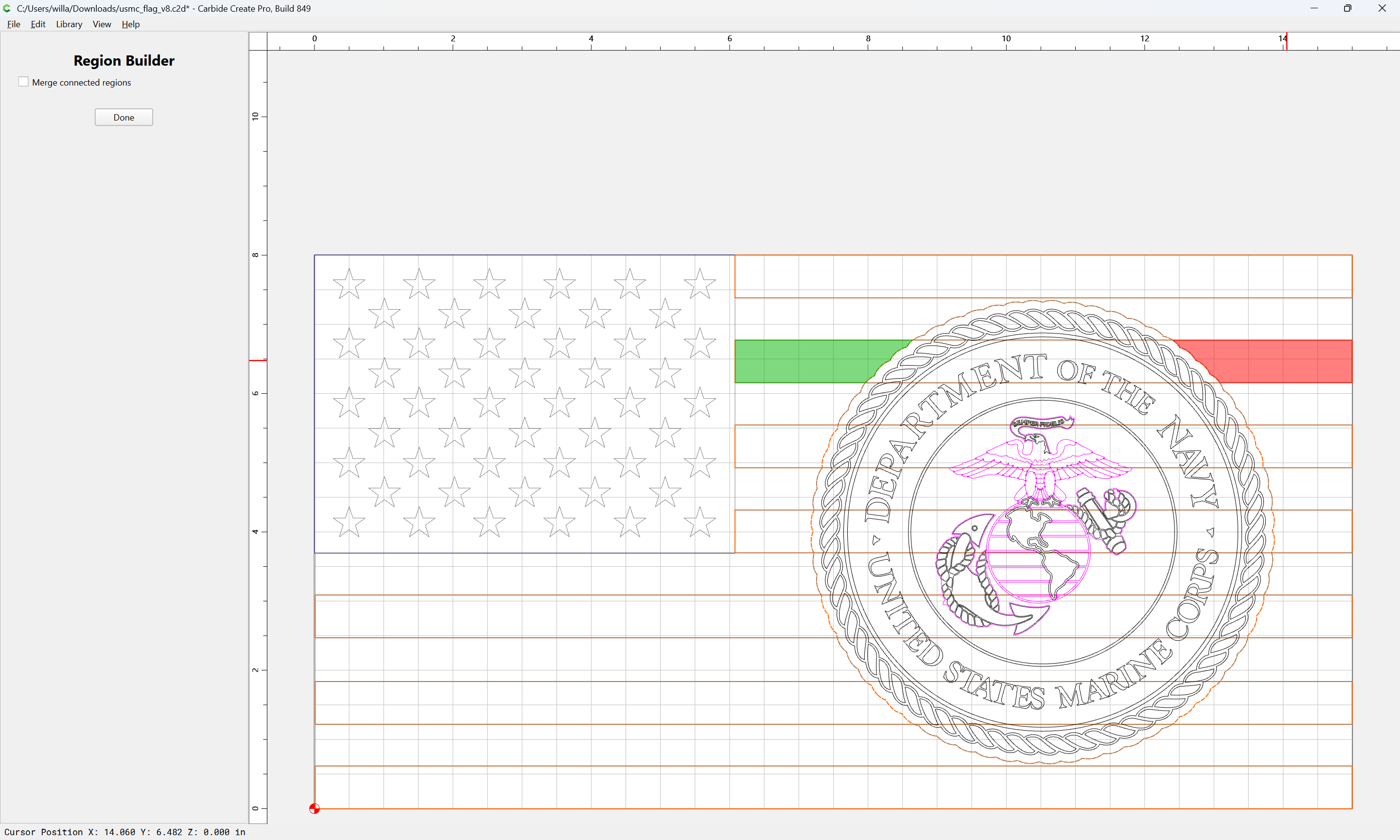
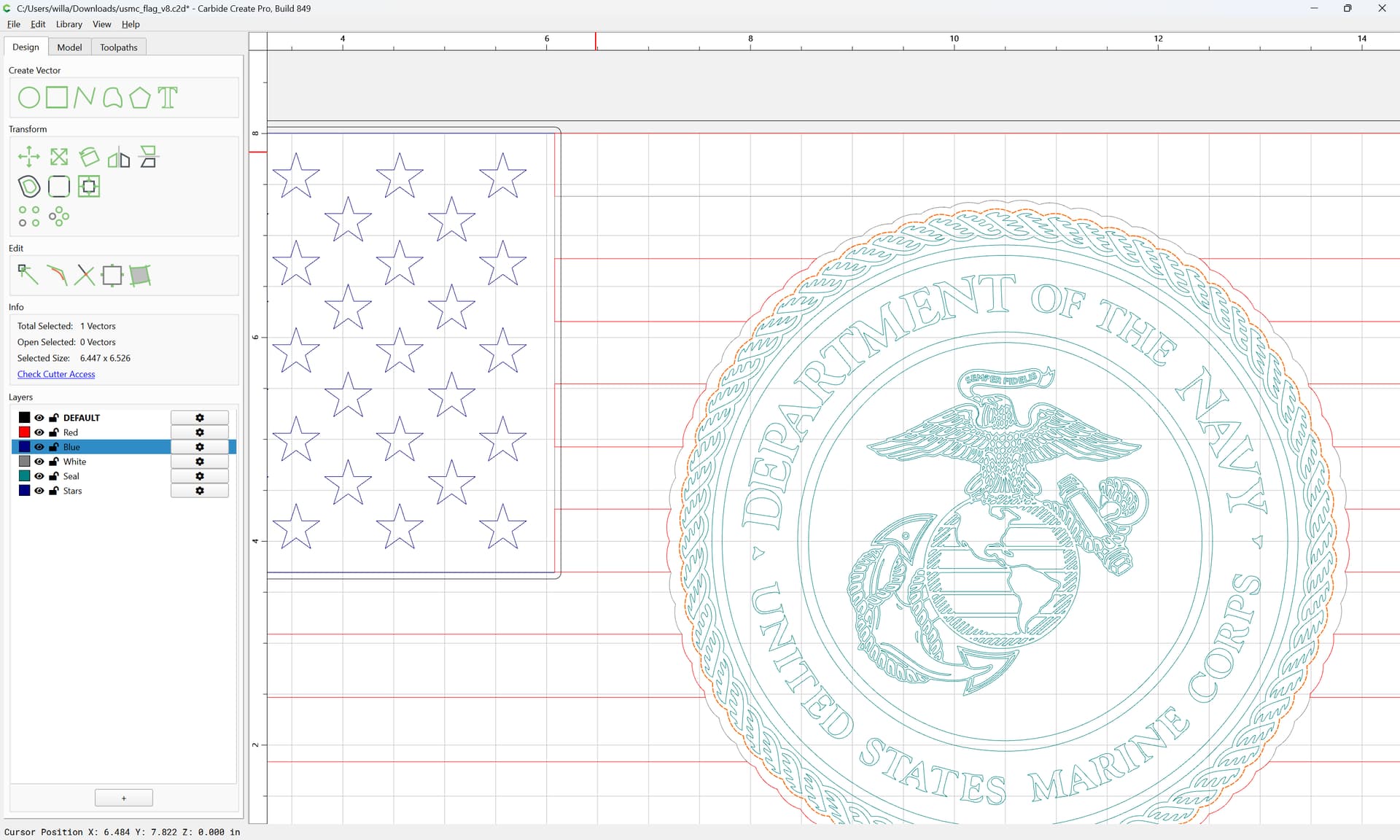
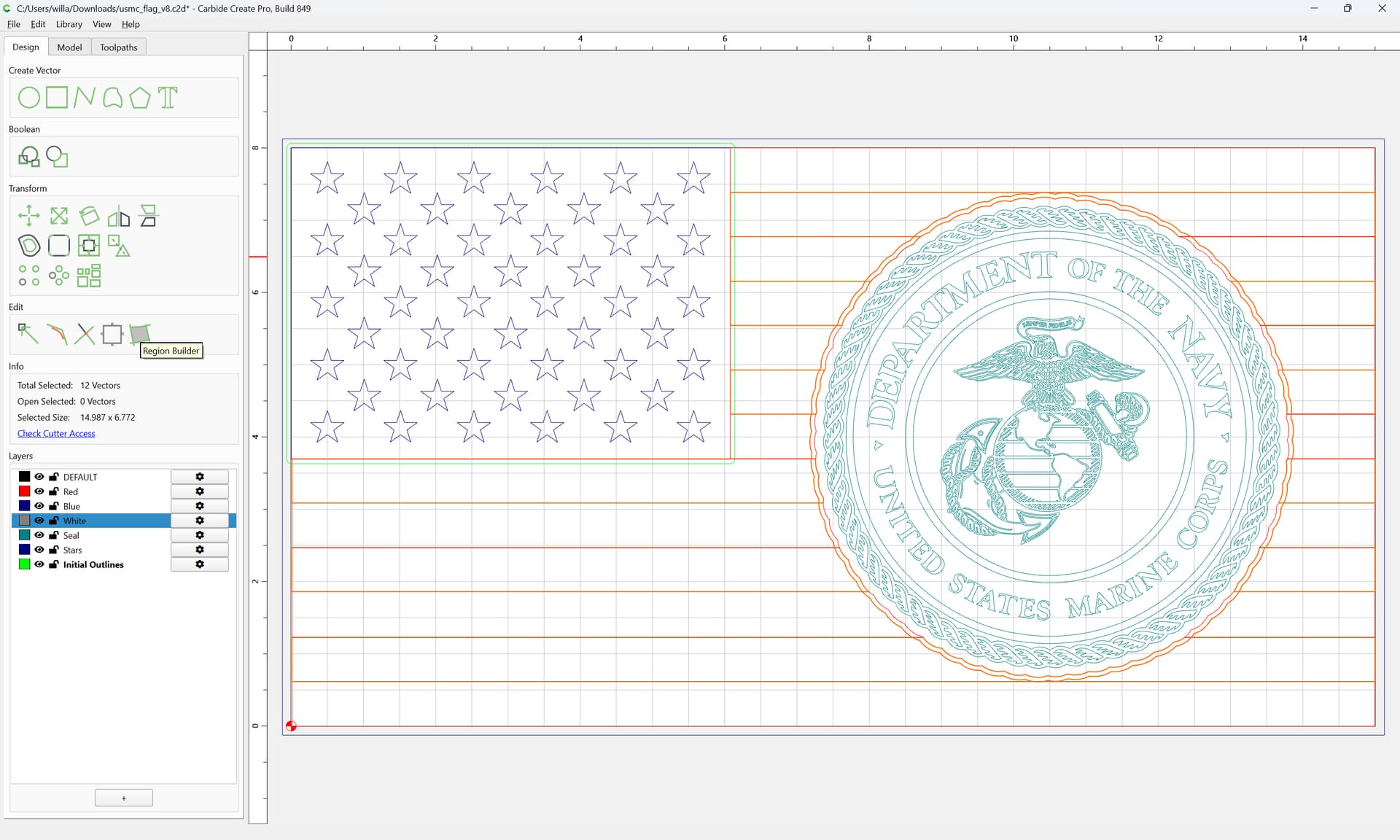
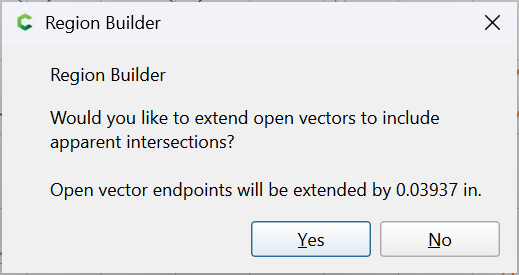
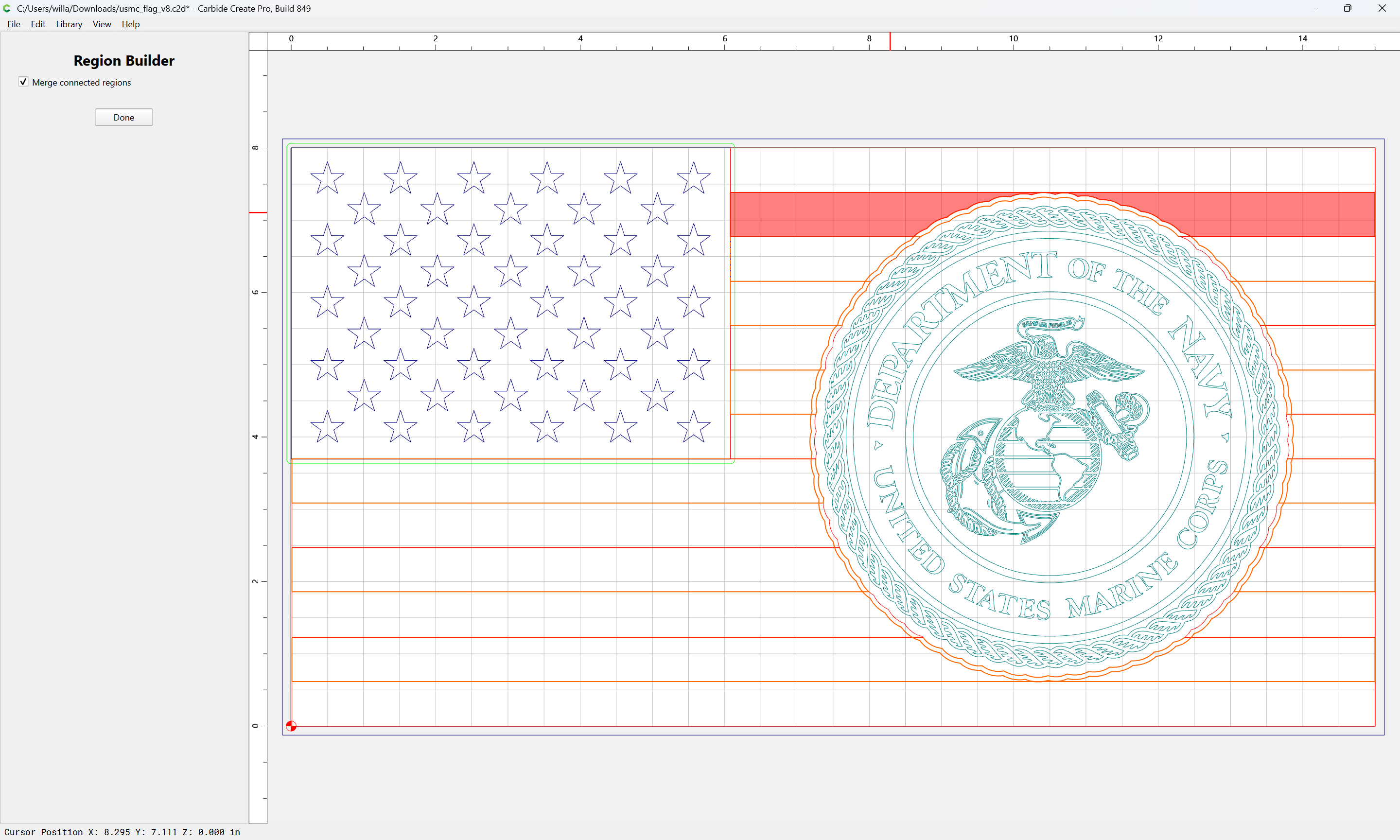
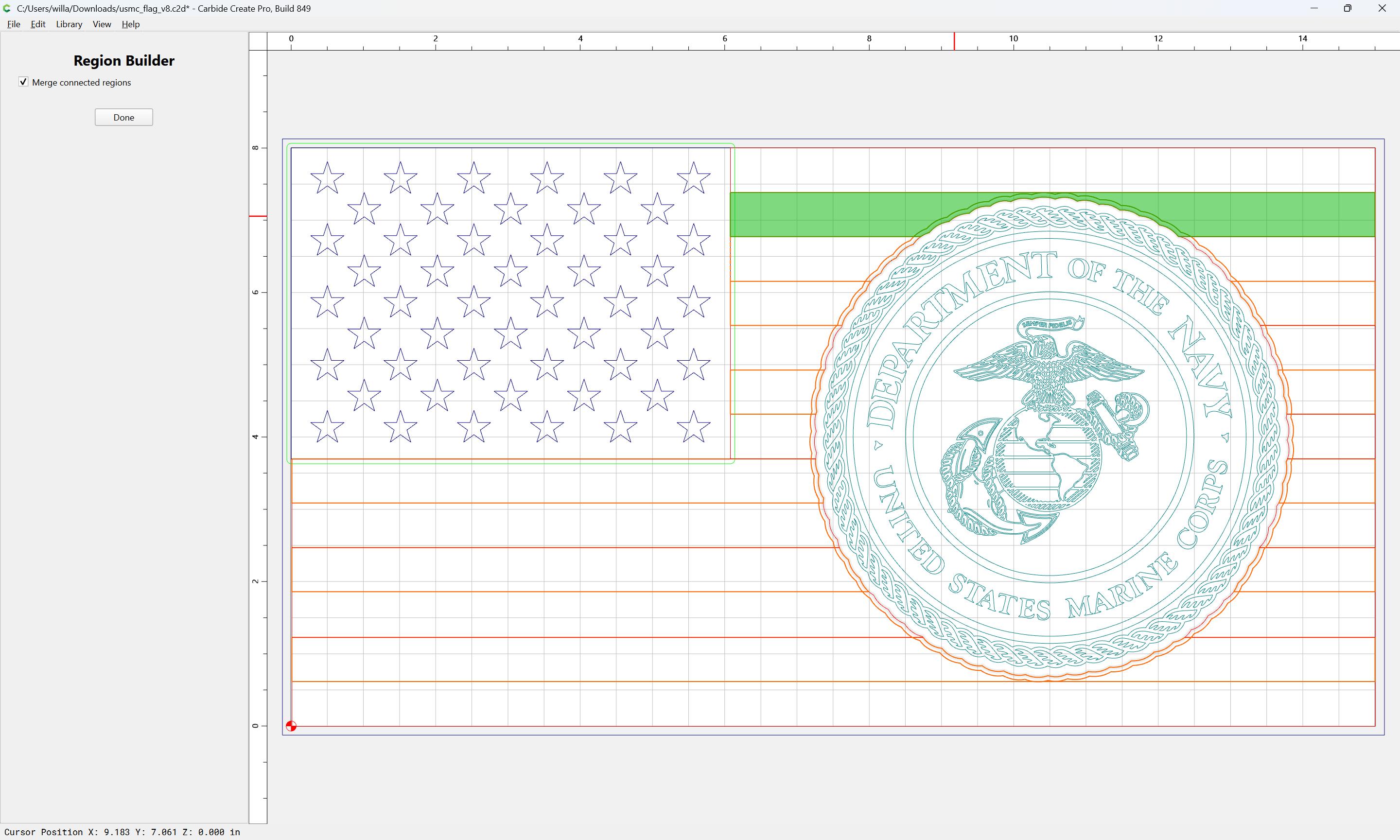
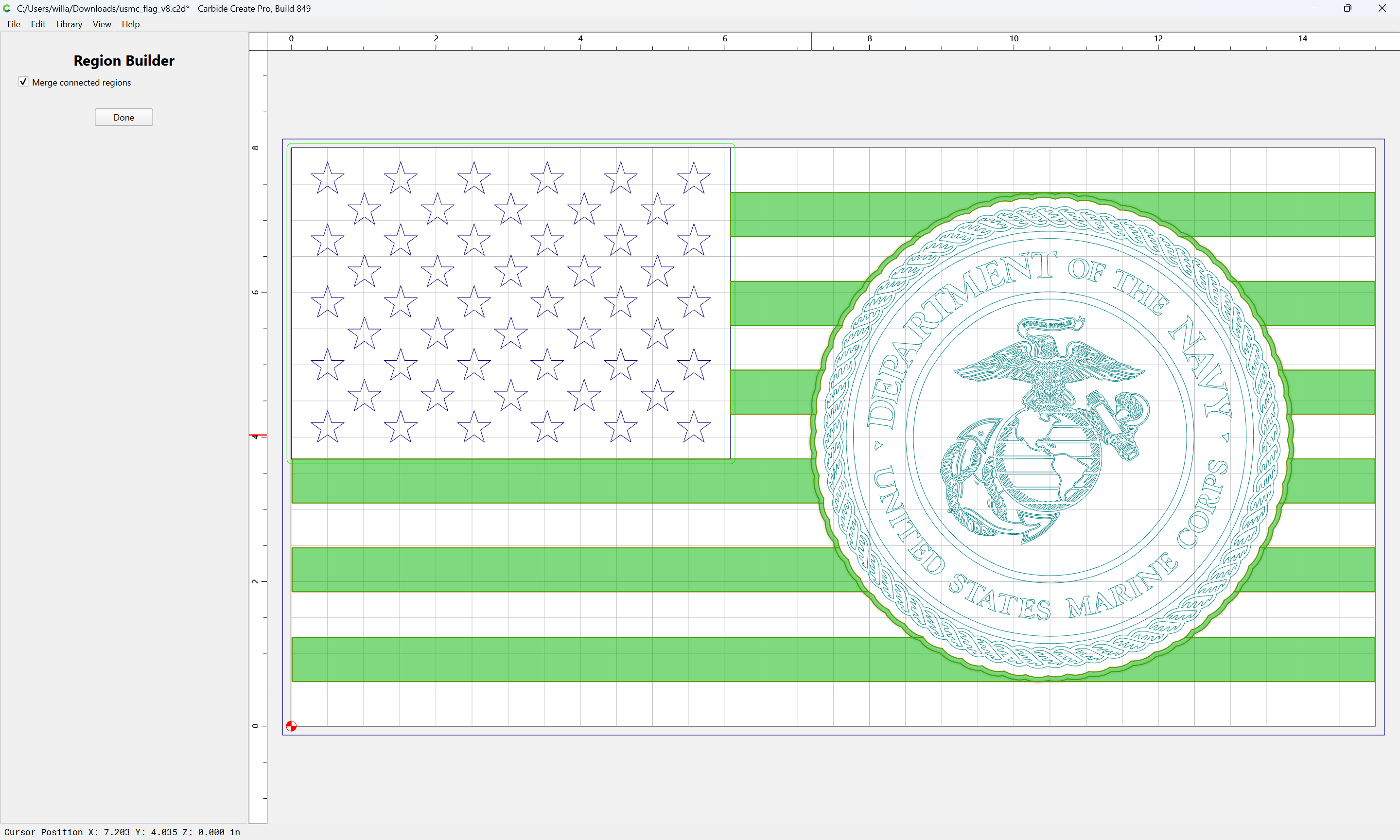
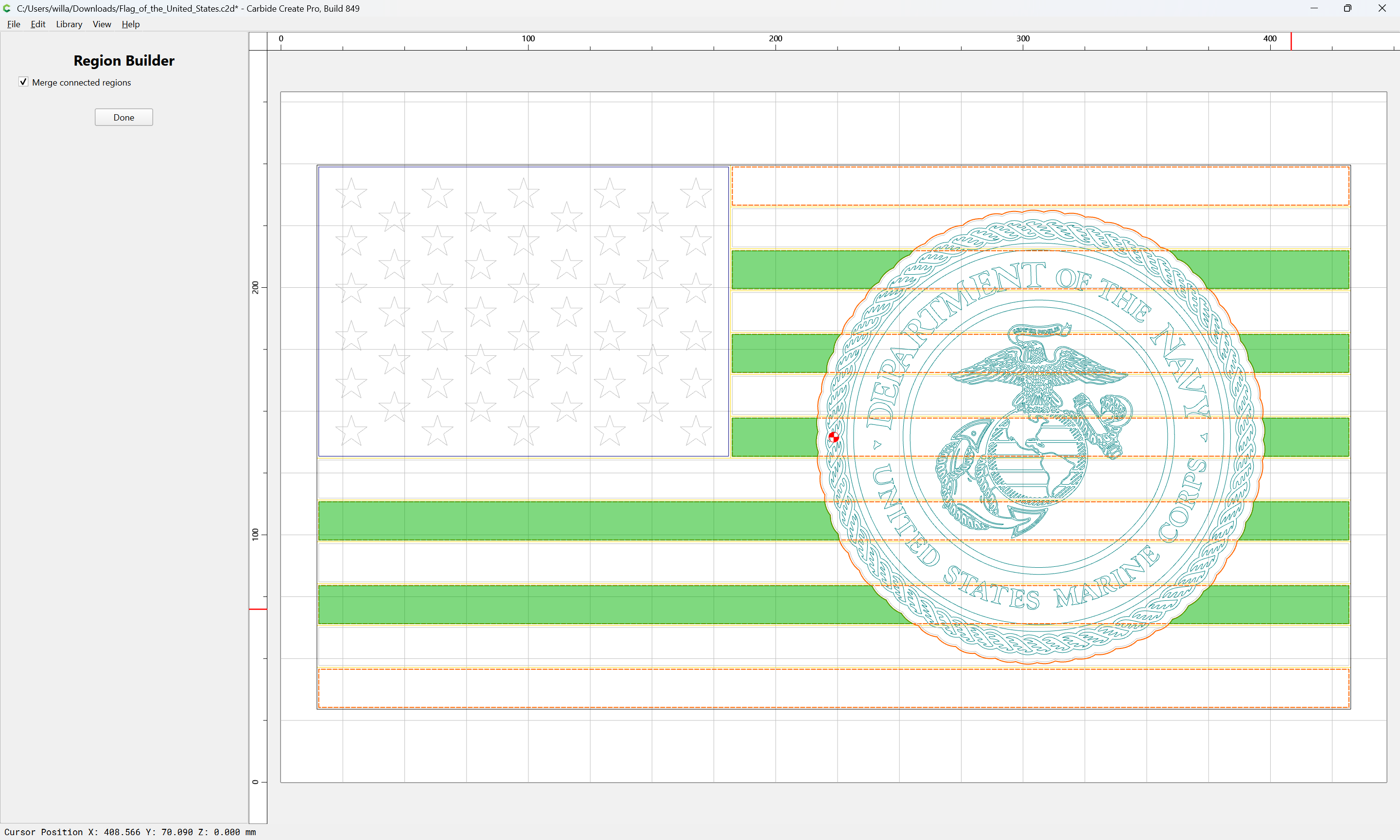
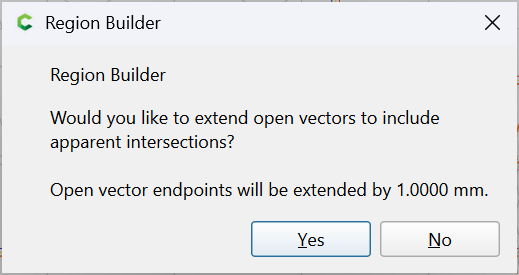
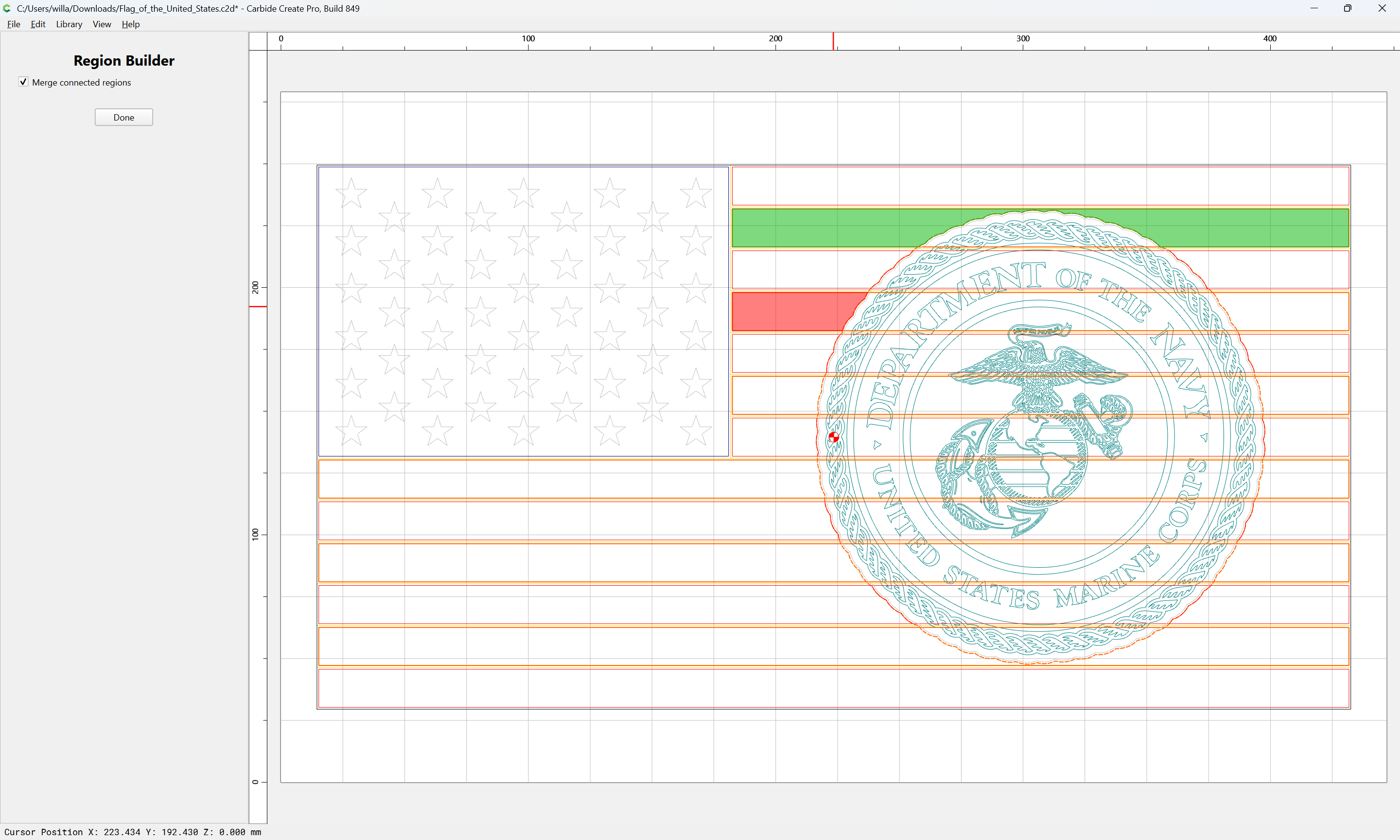
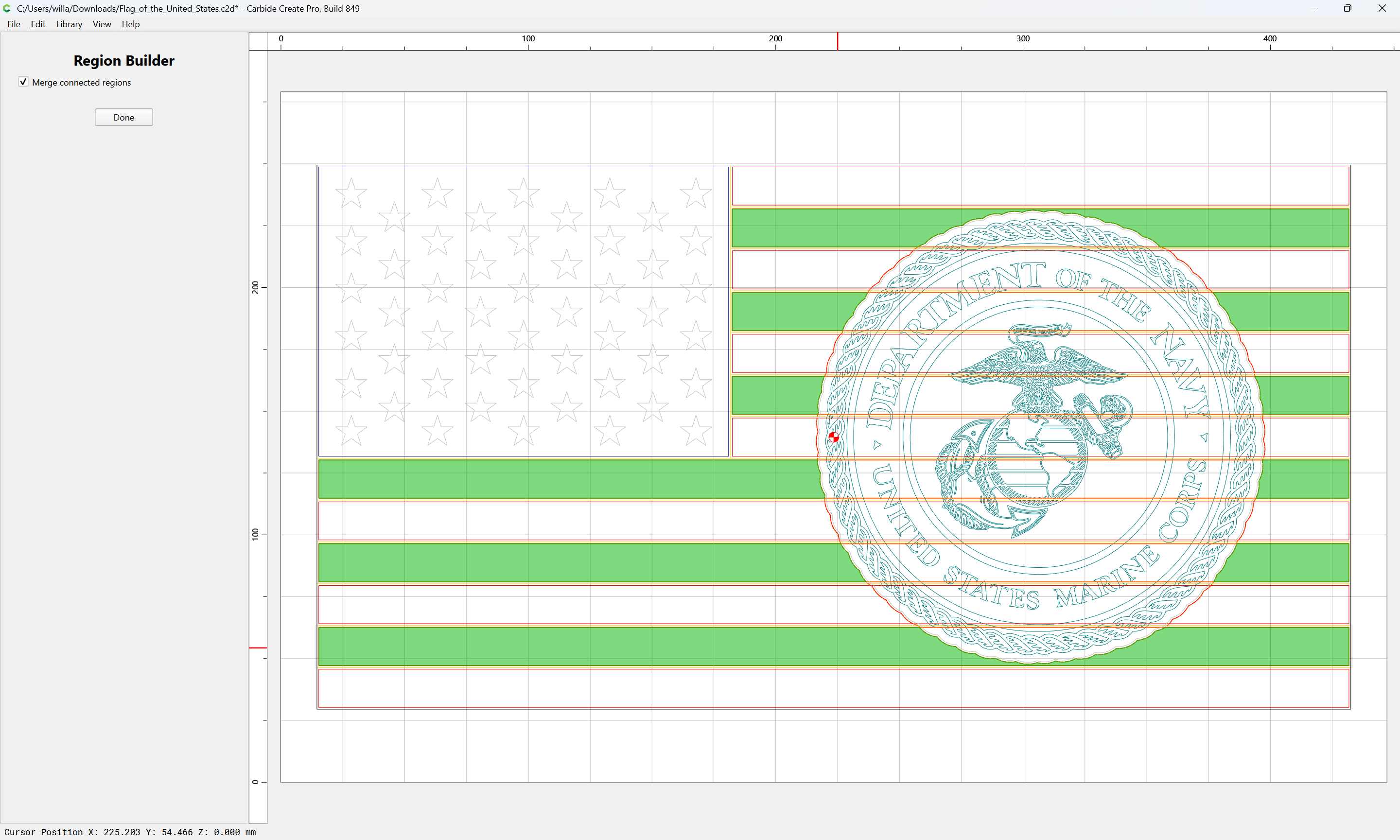
and then use the Region Builder to identify the geometry which one wants:
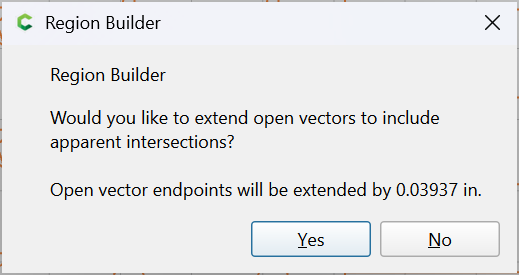
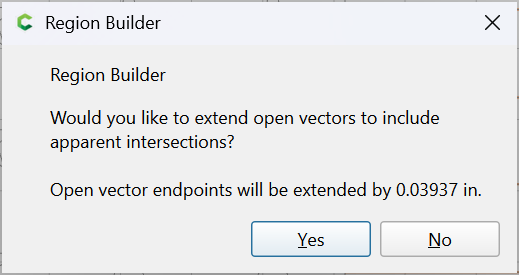
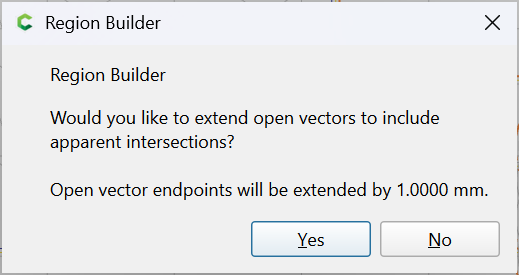
Yes
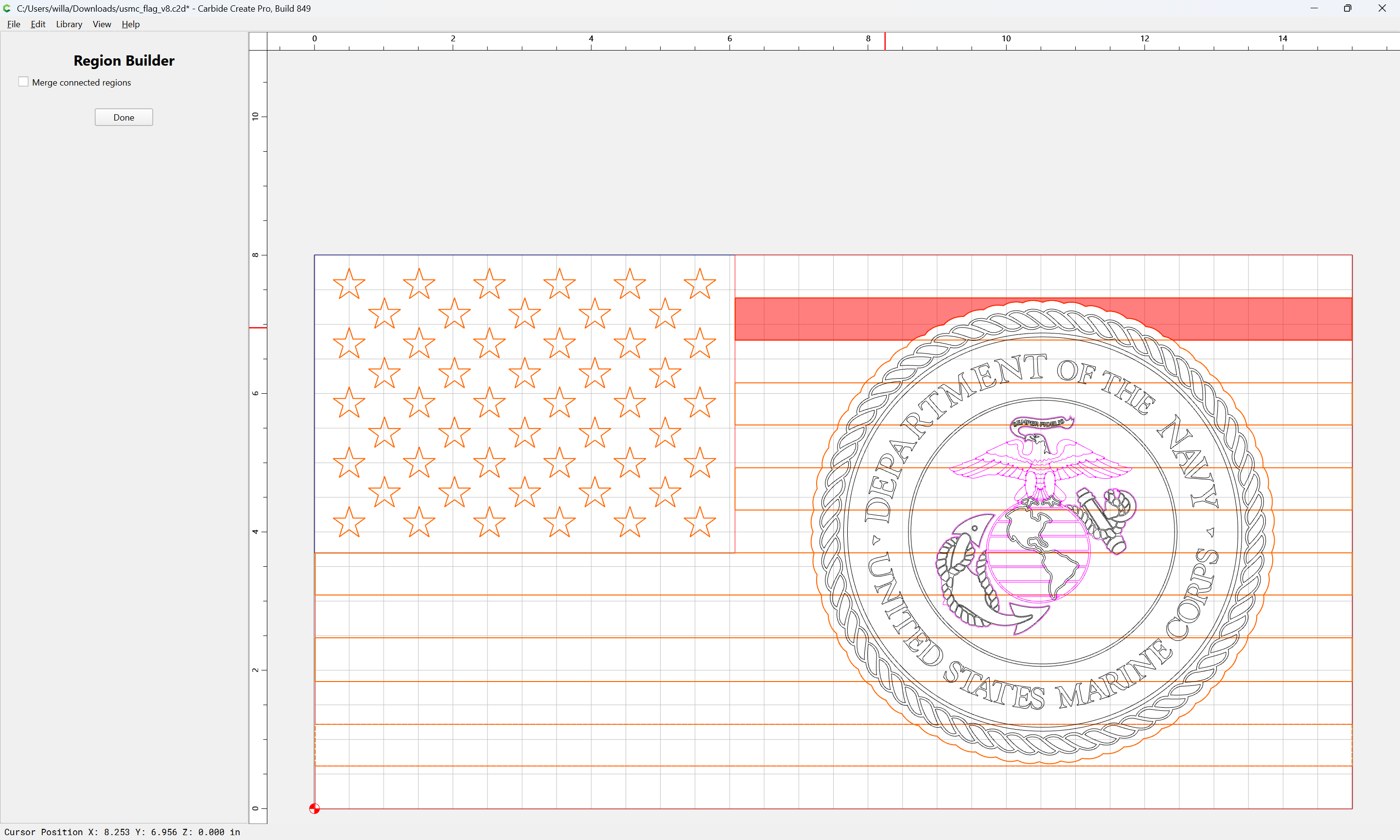
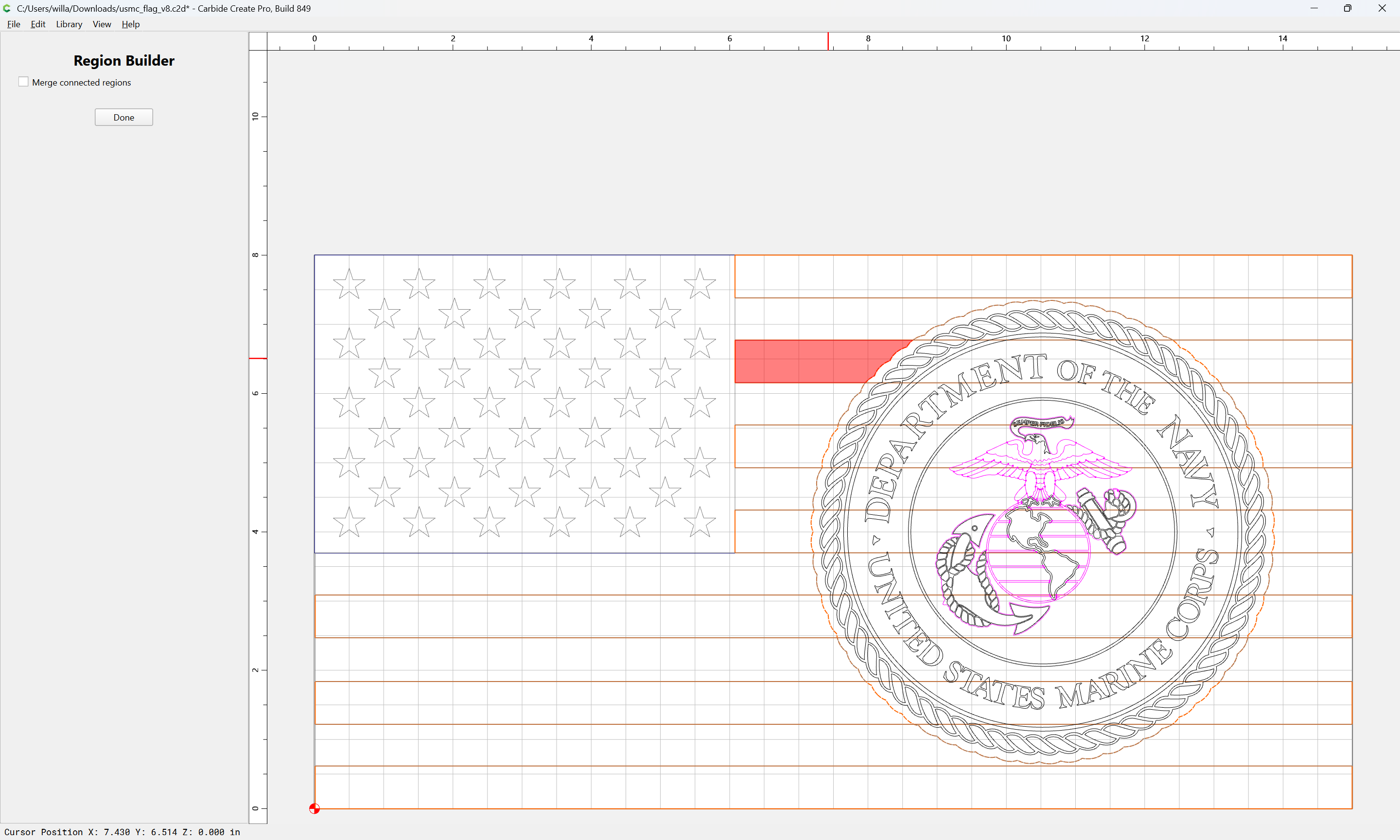
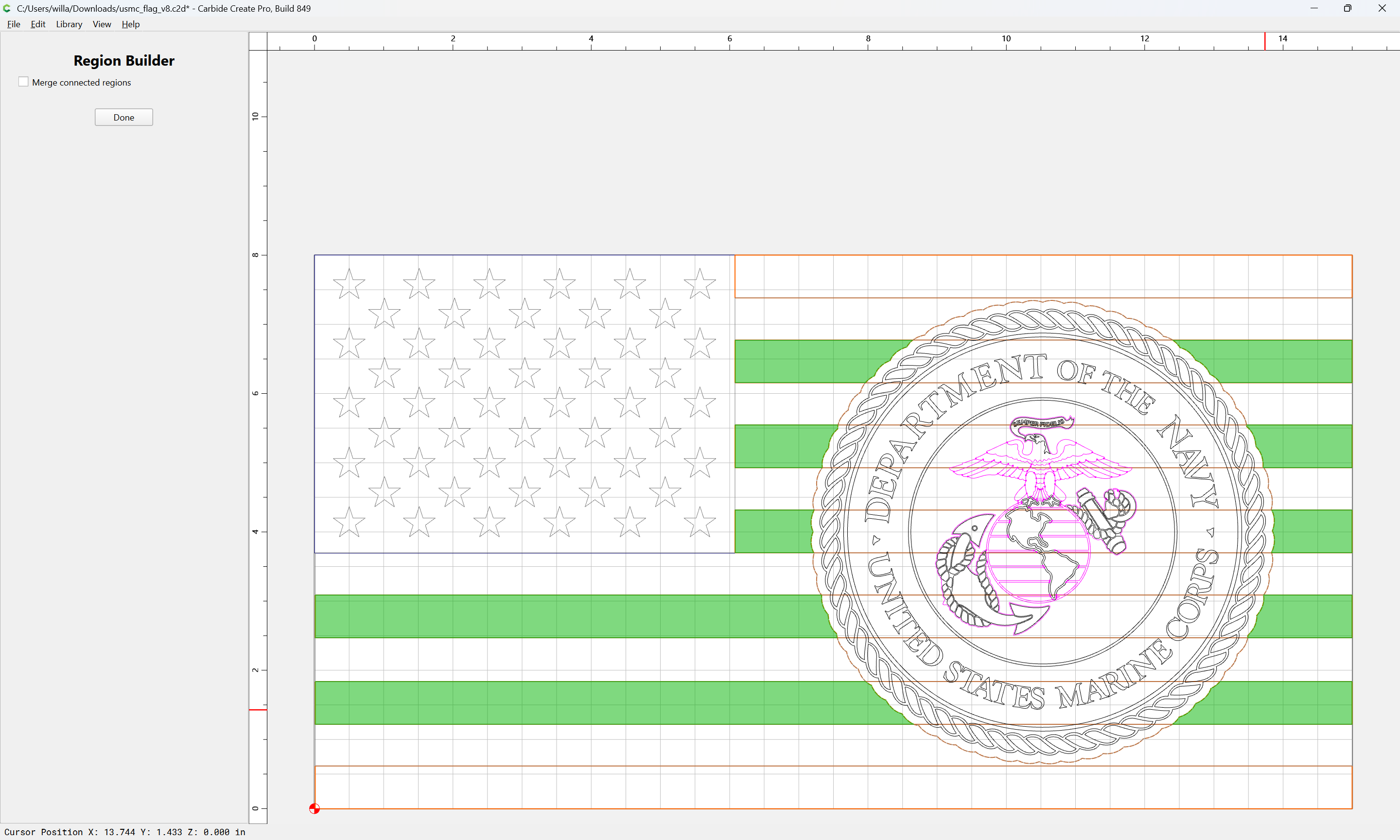
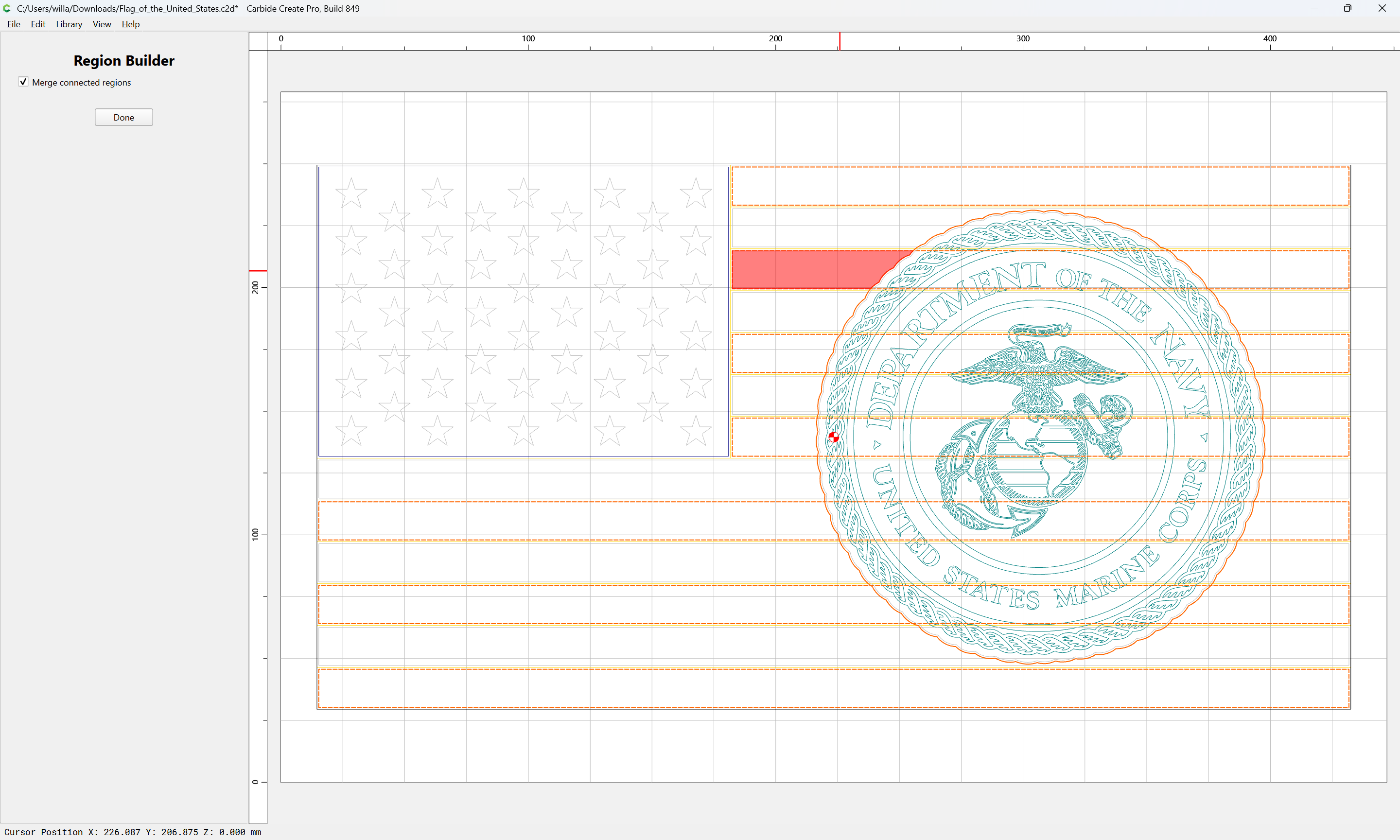
click on each region:
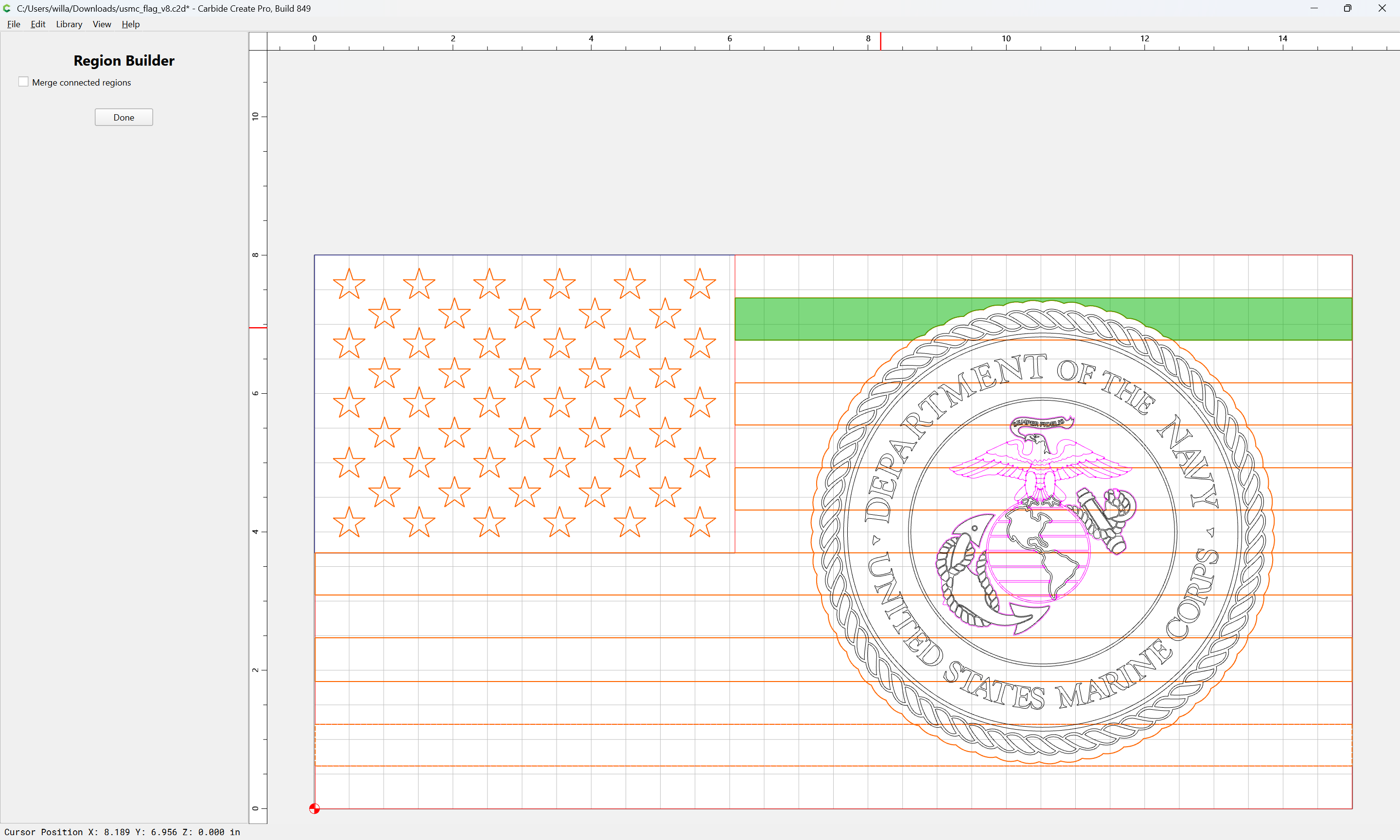
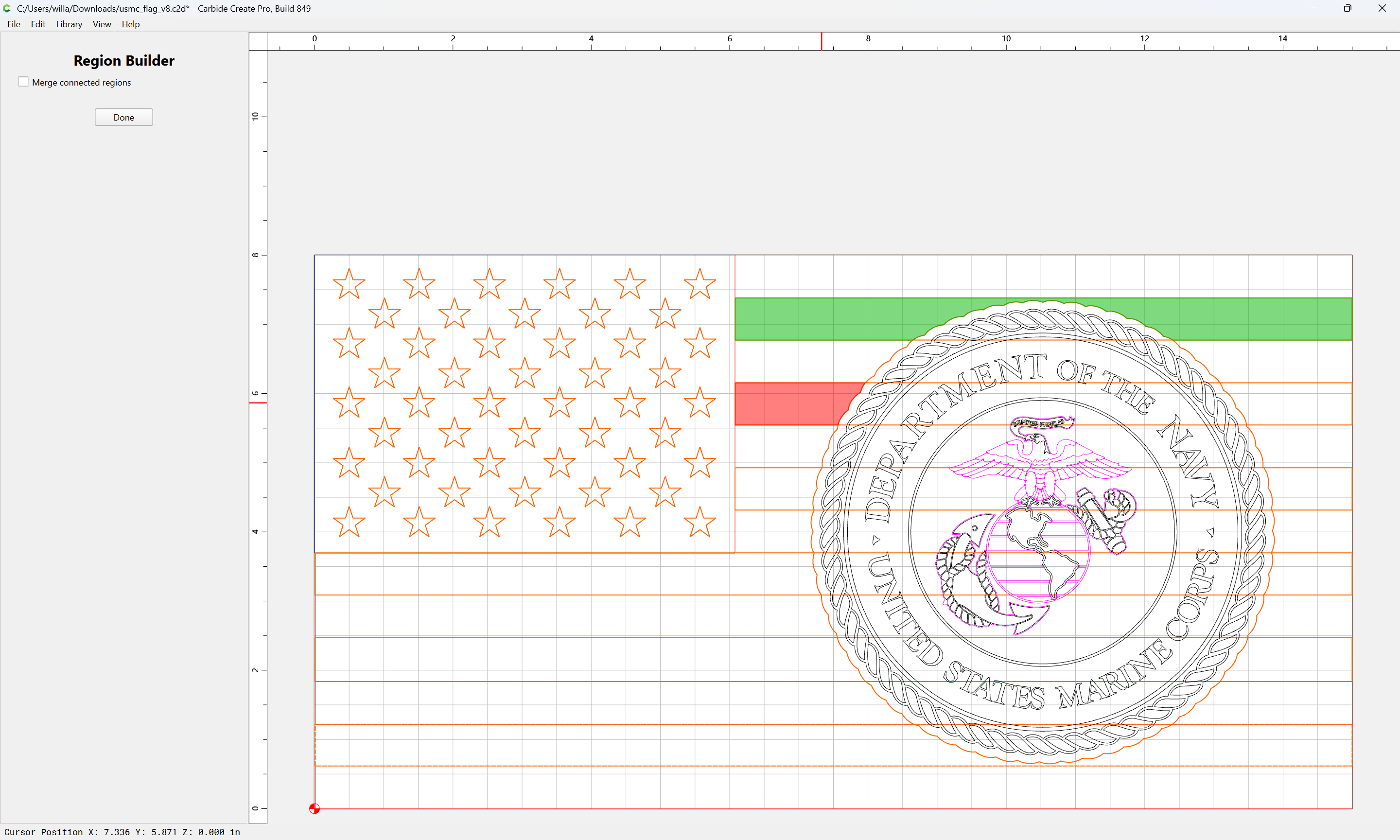
repeating until one arrives at:
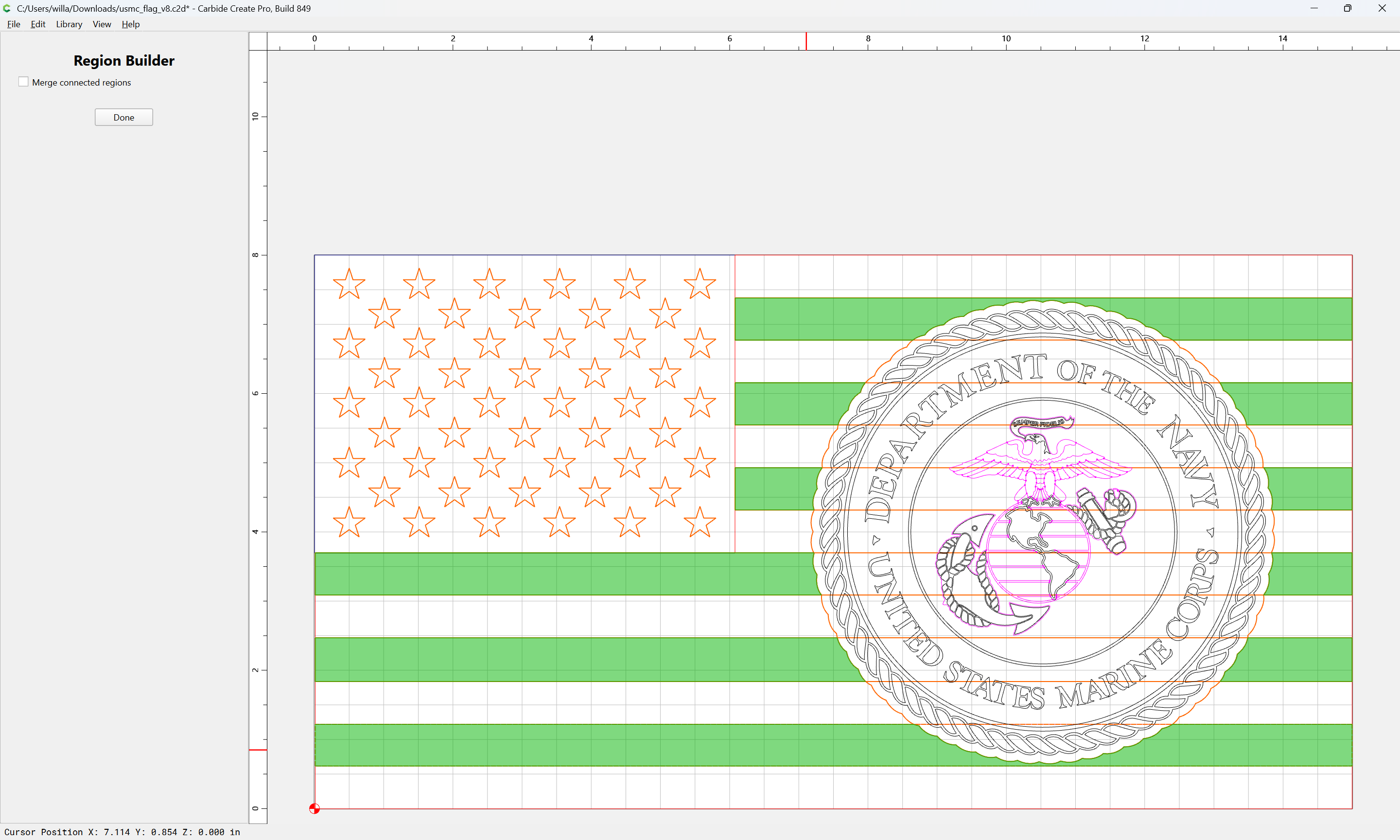
Done
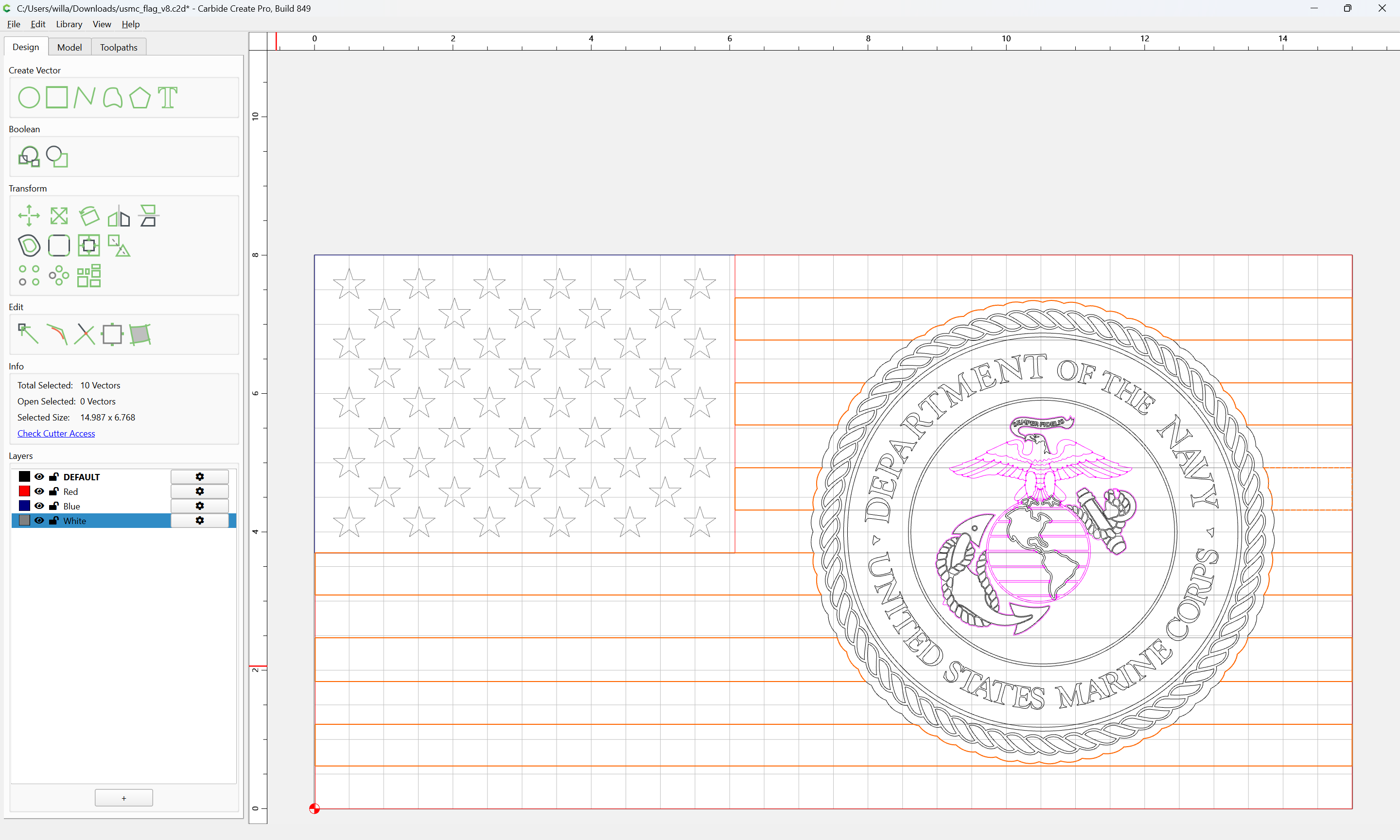
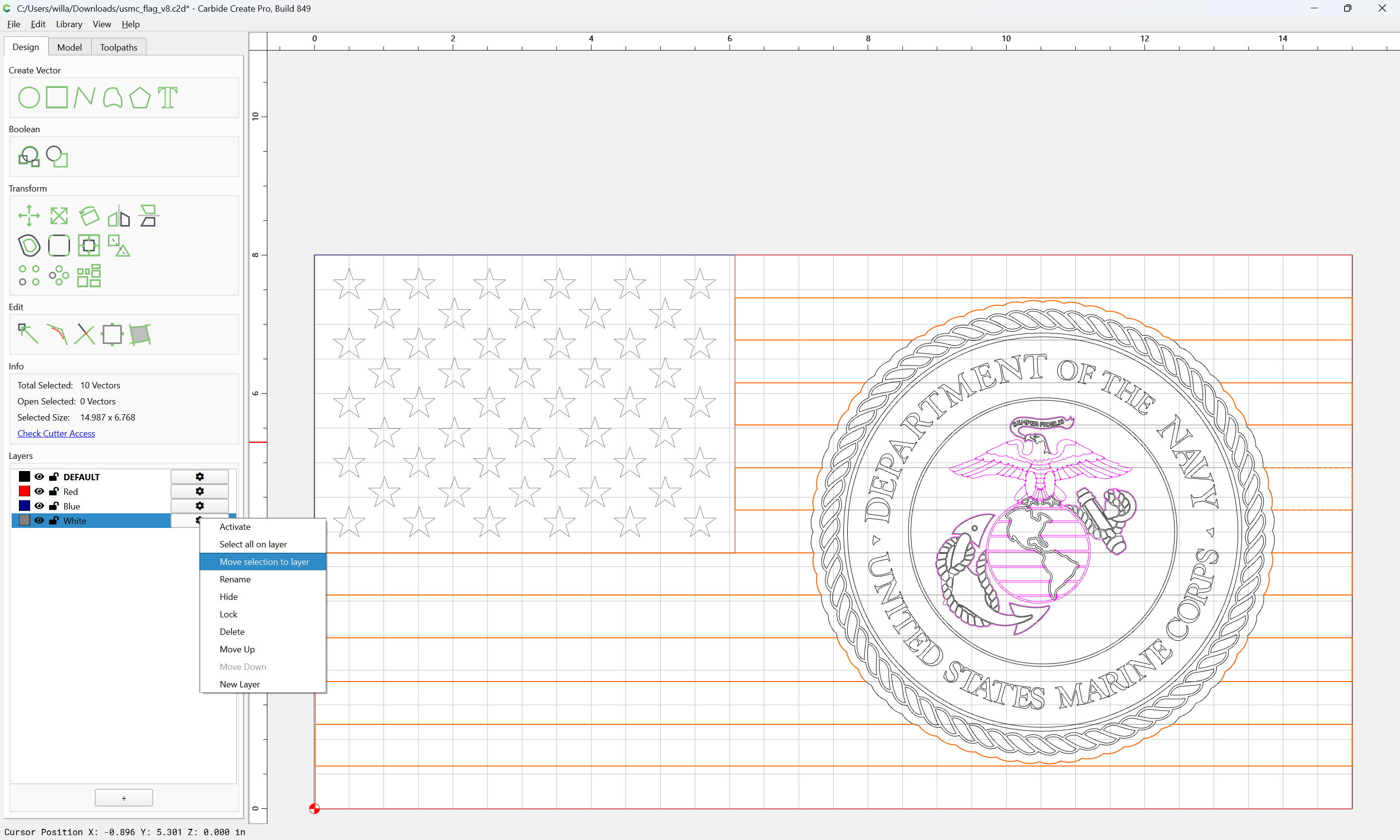
If one forgot to double-click on the matching layer to make it active, move the geometry to that layer:
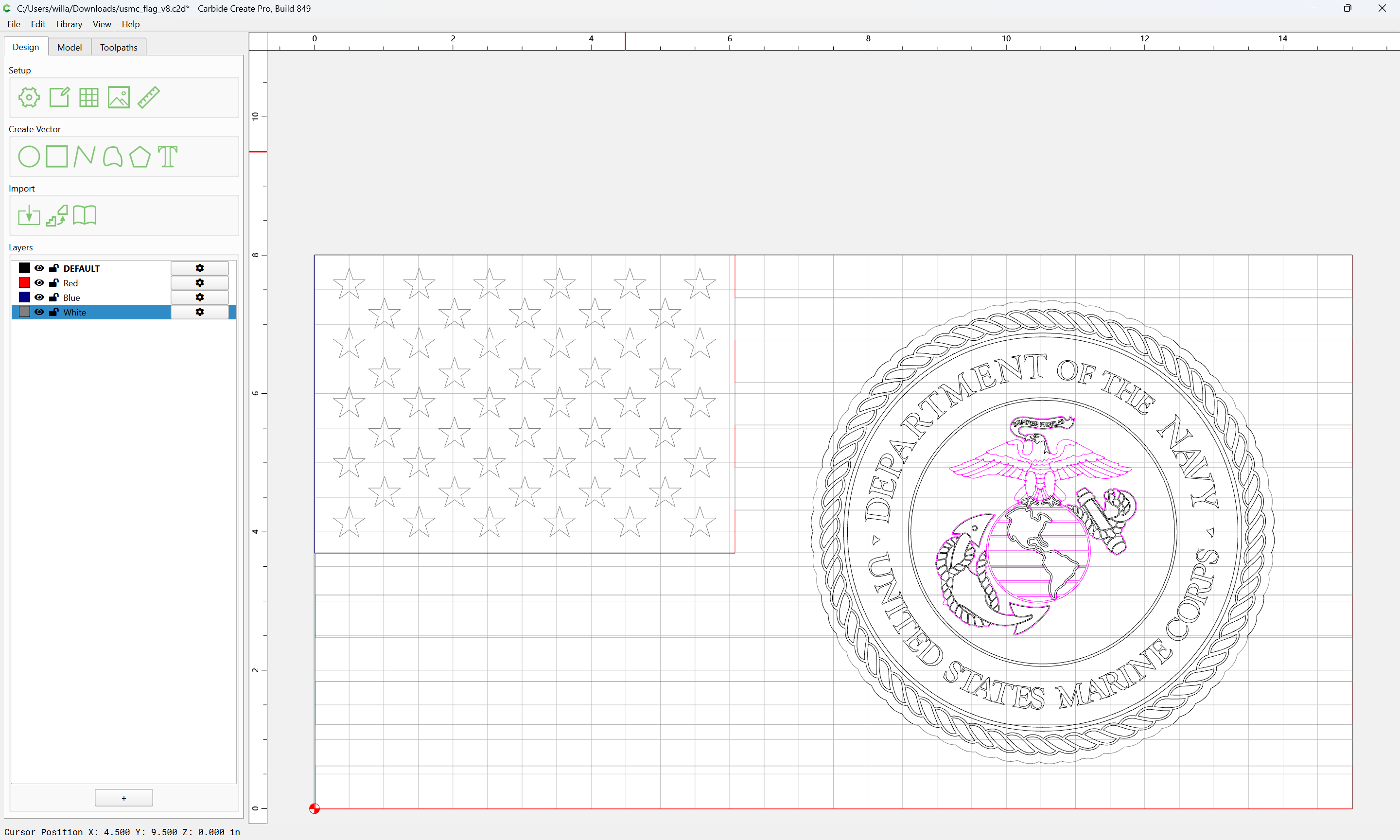
Repeat for the other set of stripes:

Done
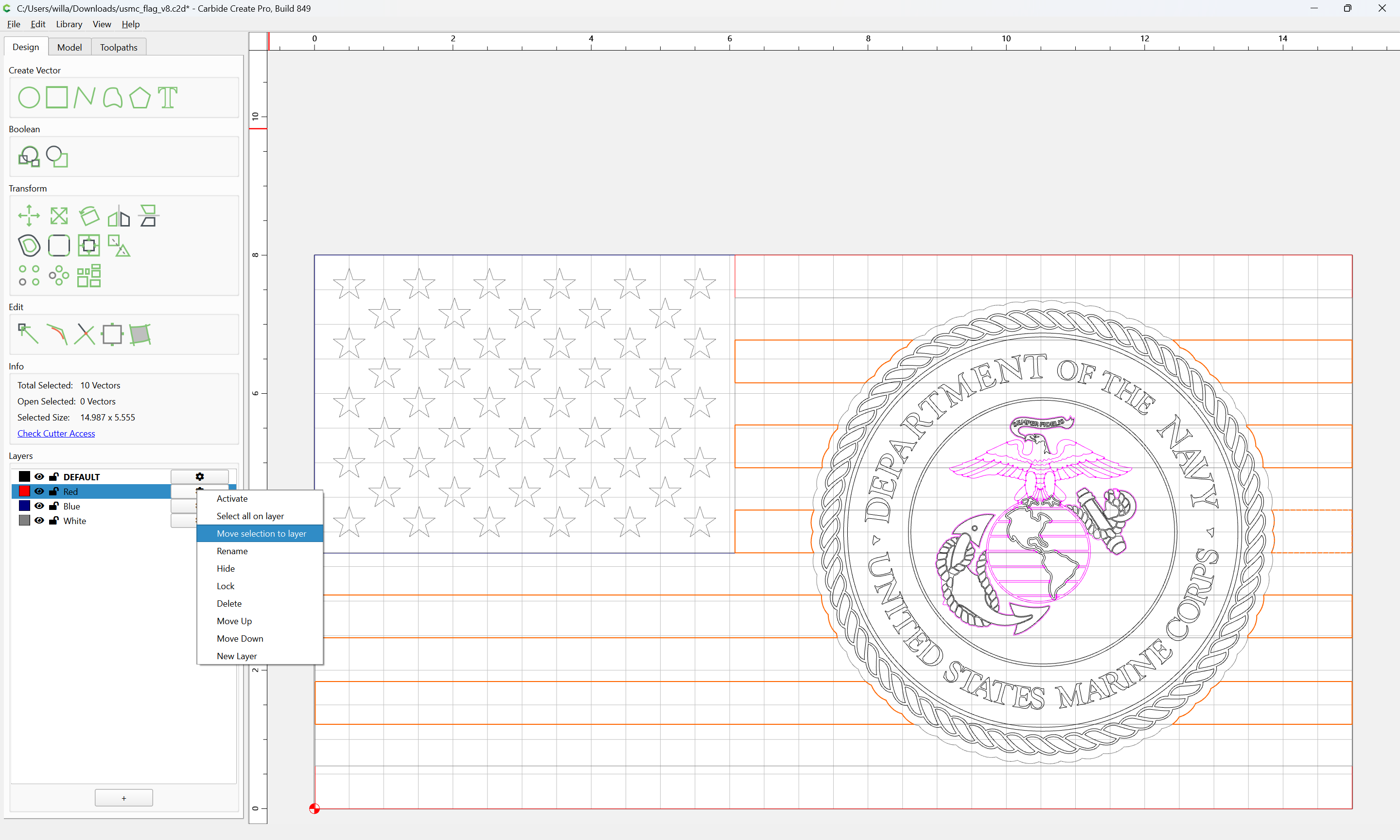
if necessary, Move Selection to Layer

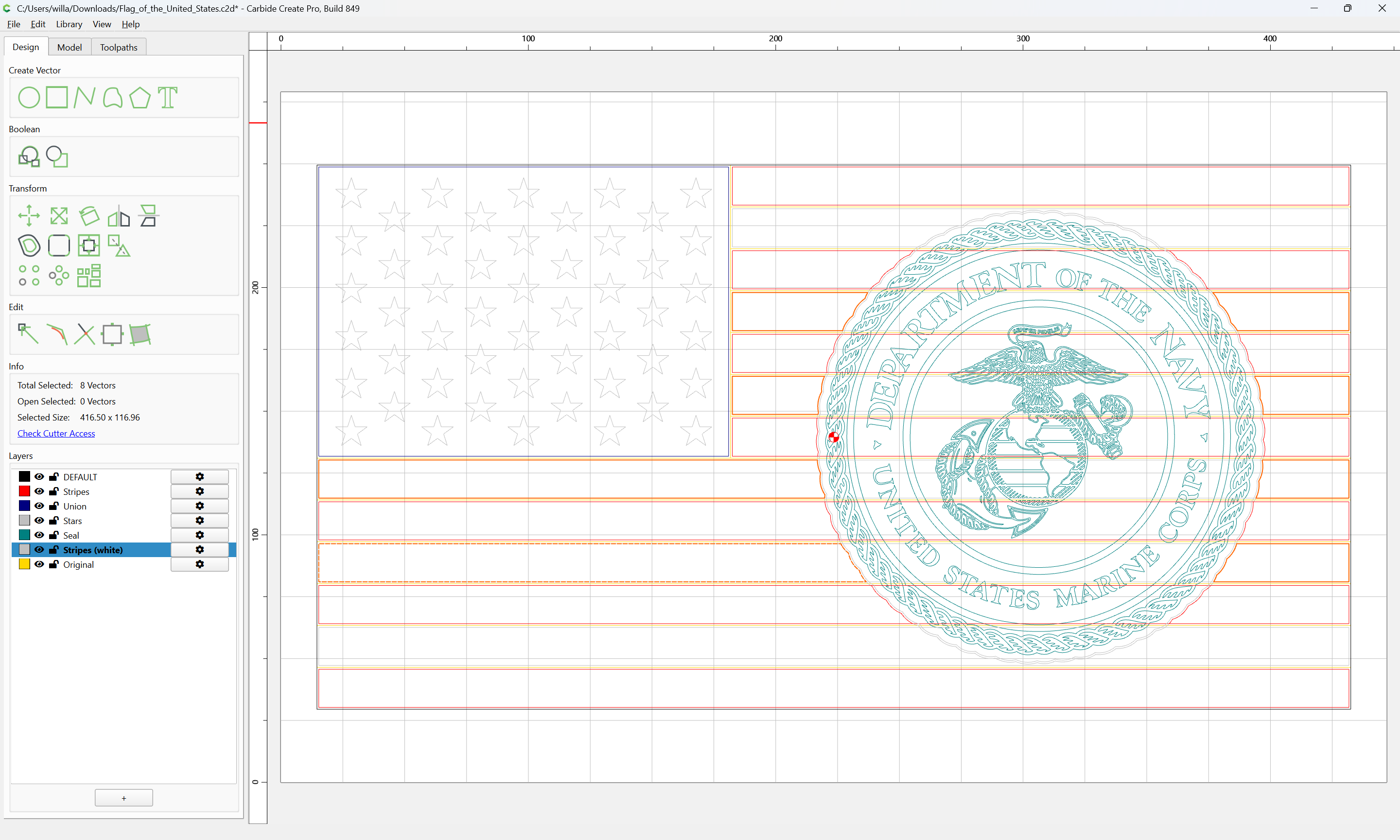
Hide all but a single layer:
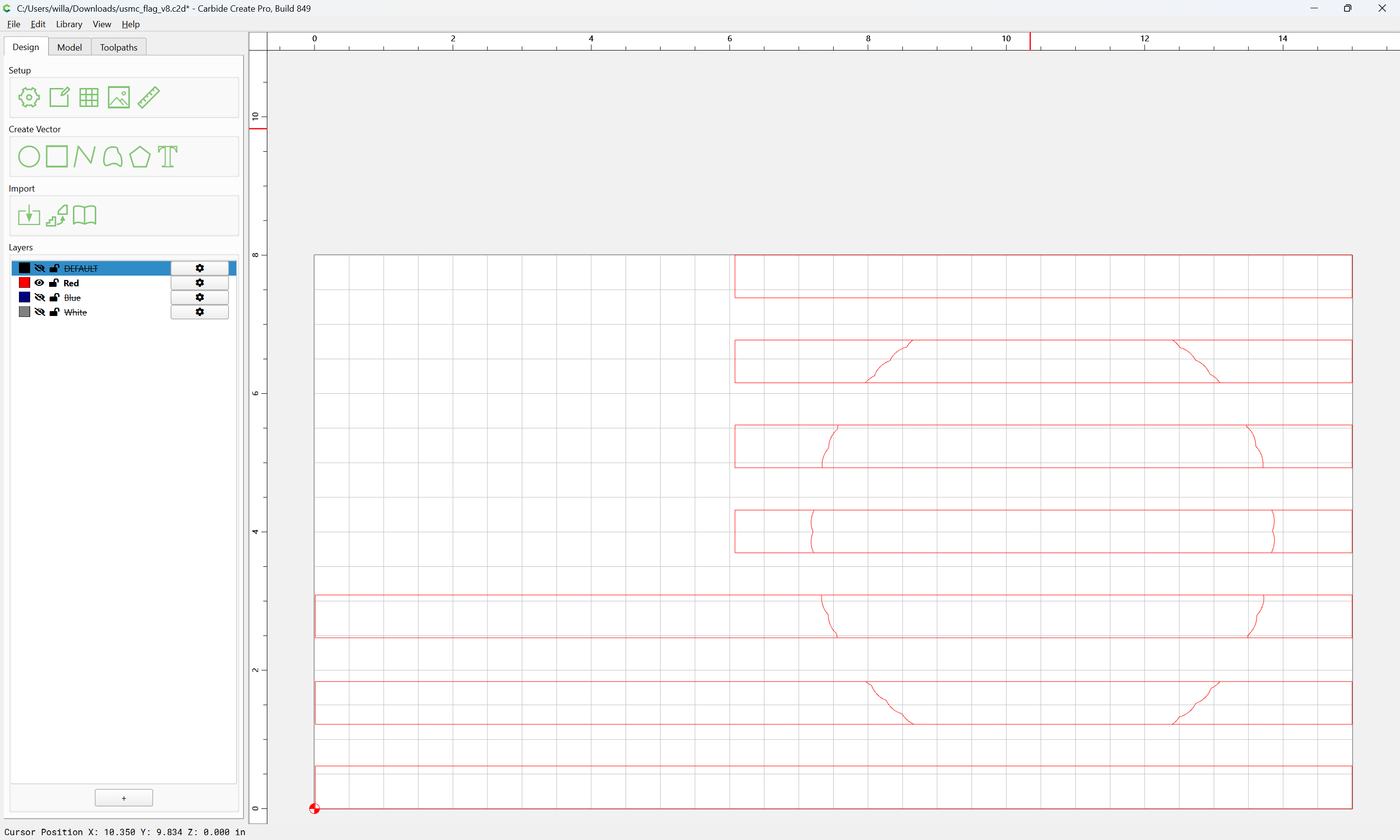
and remove the original stripes which were redundant
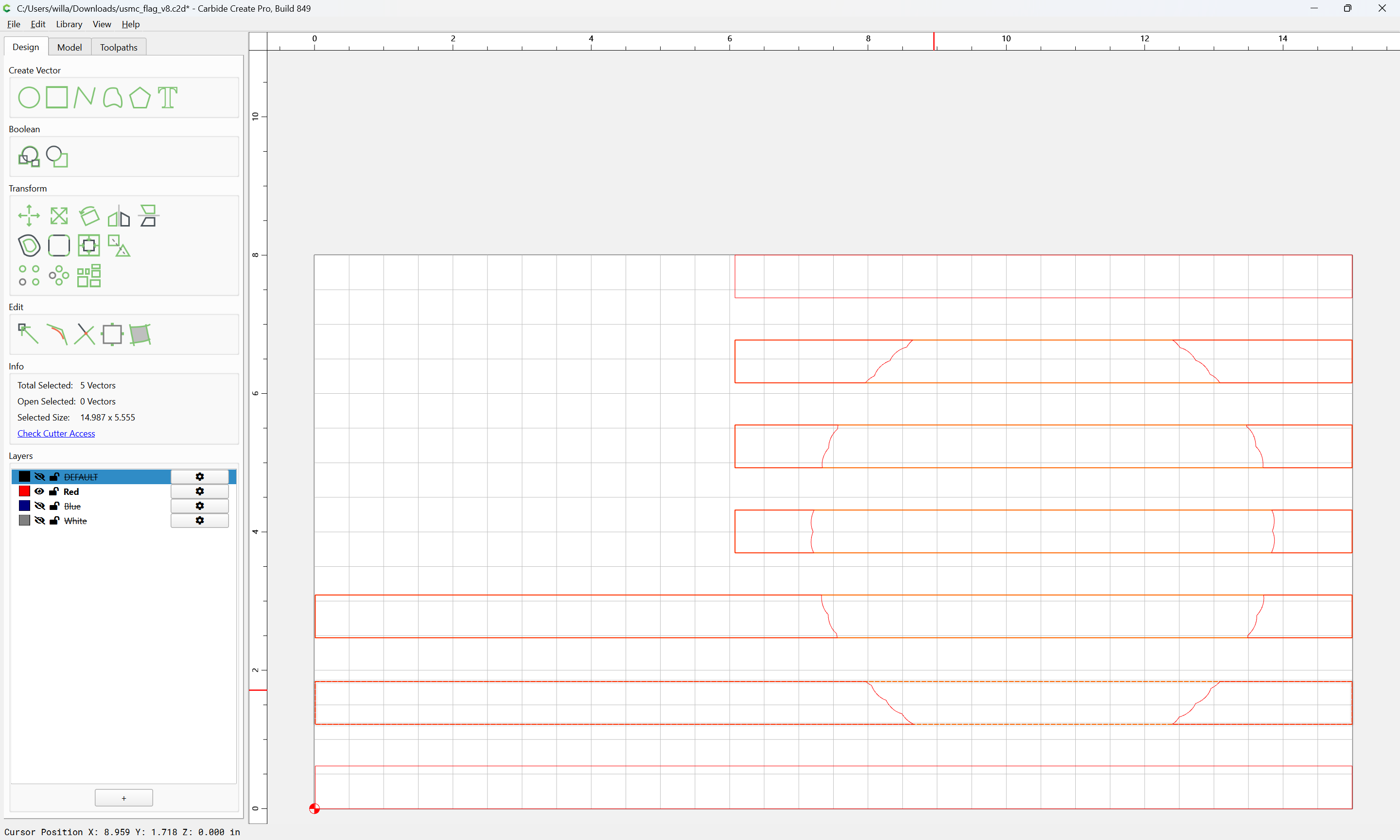
Repeat as needed:
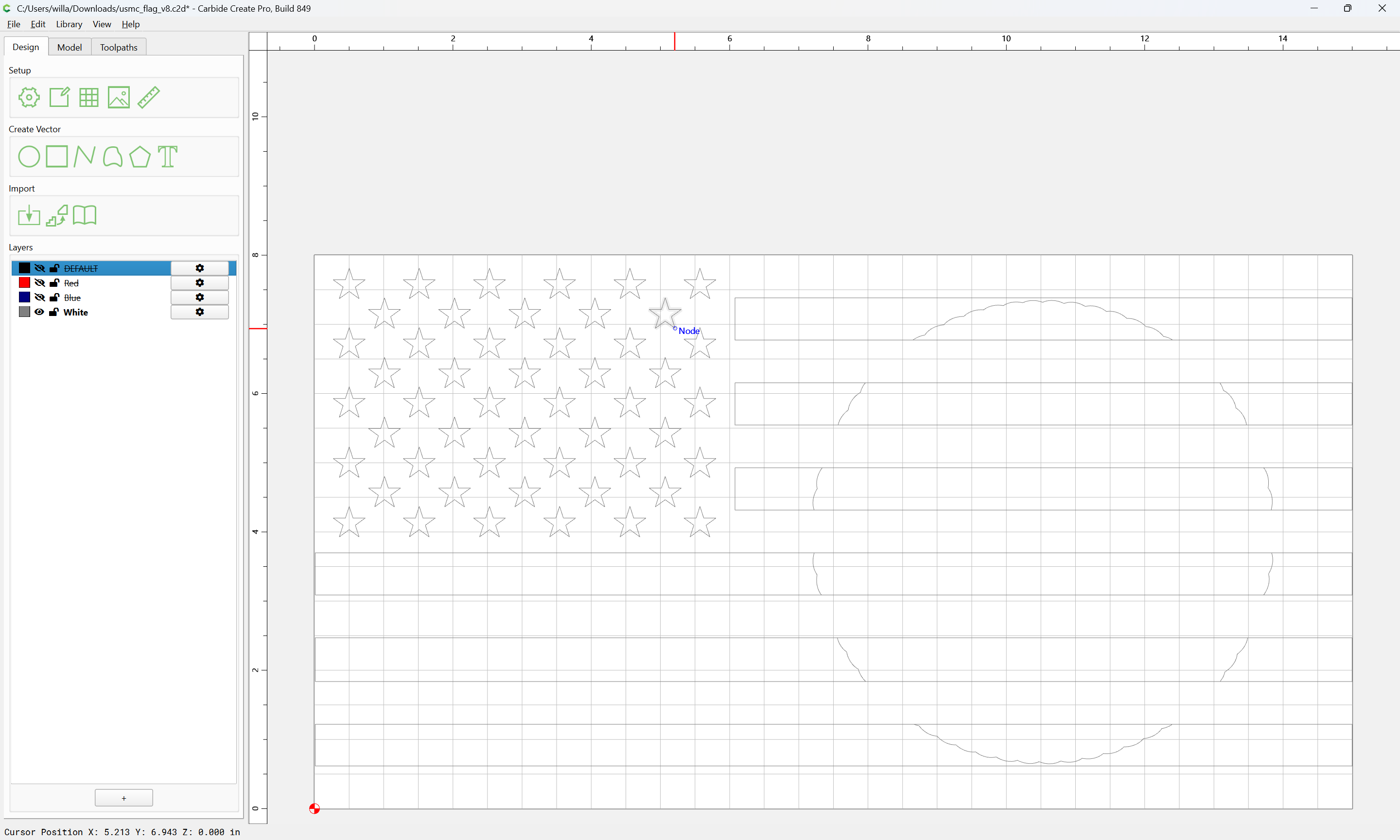
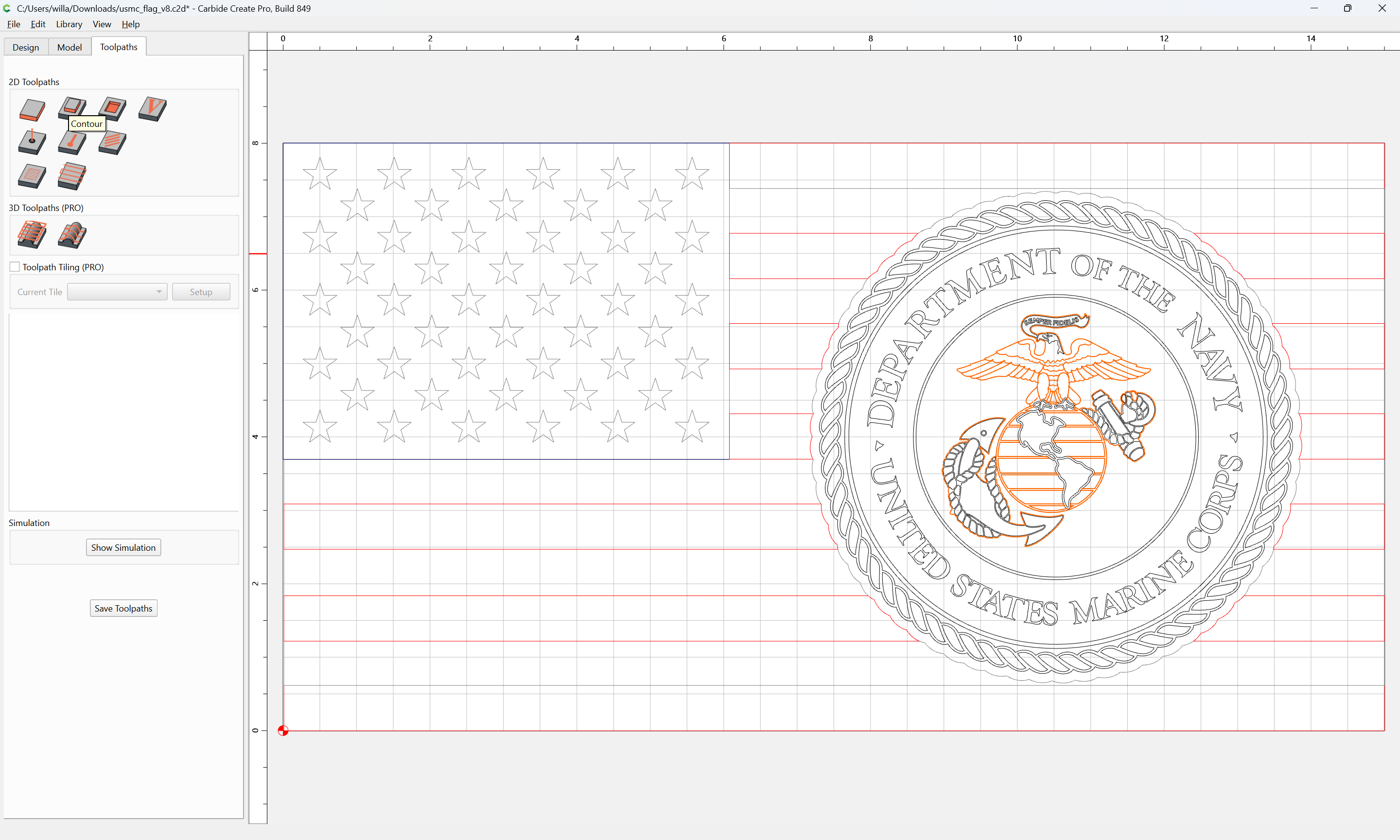
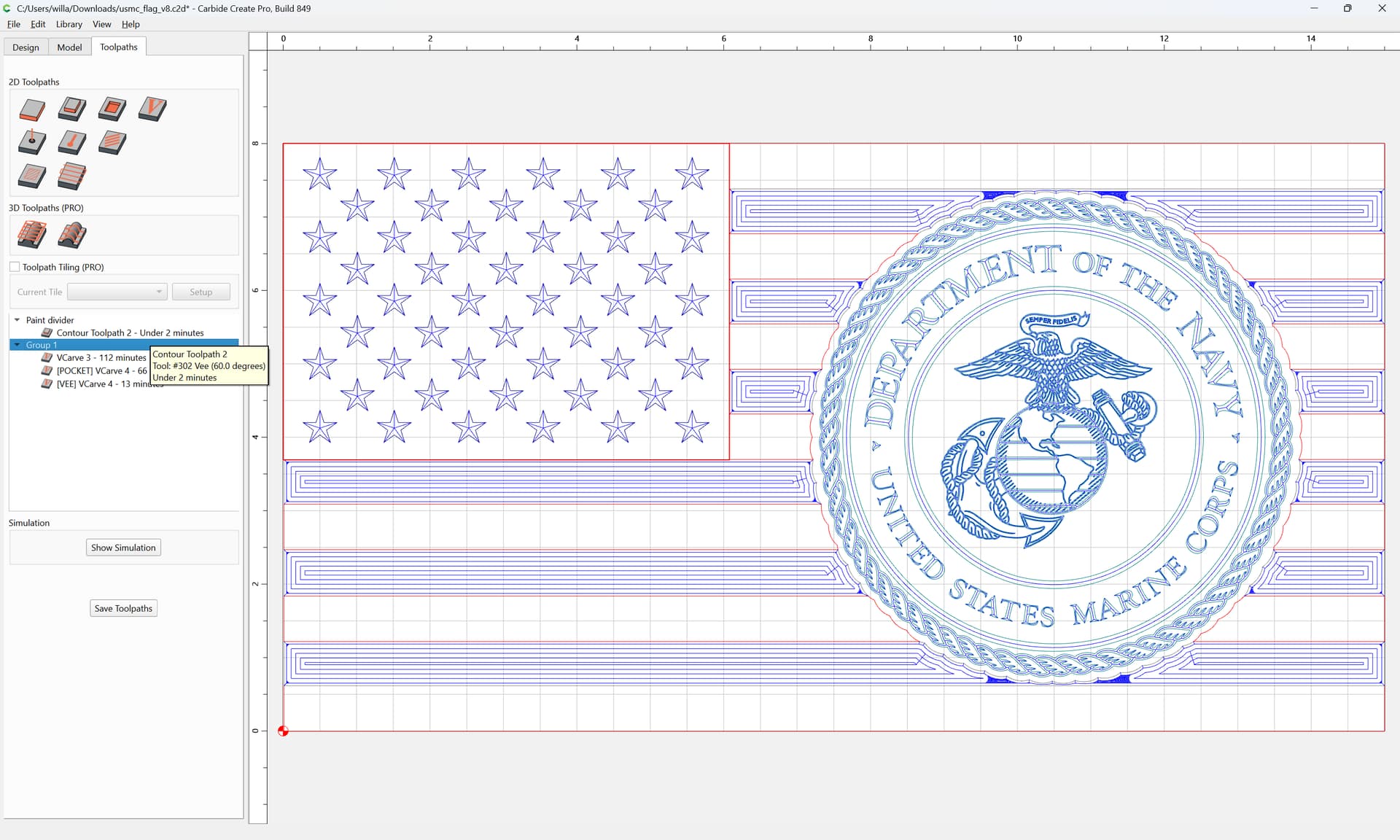
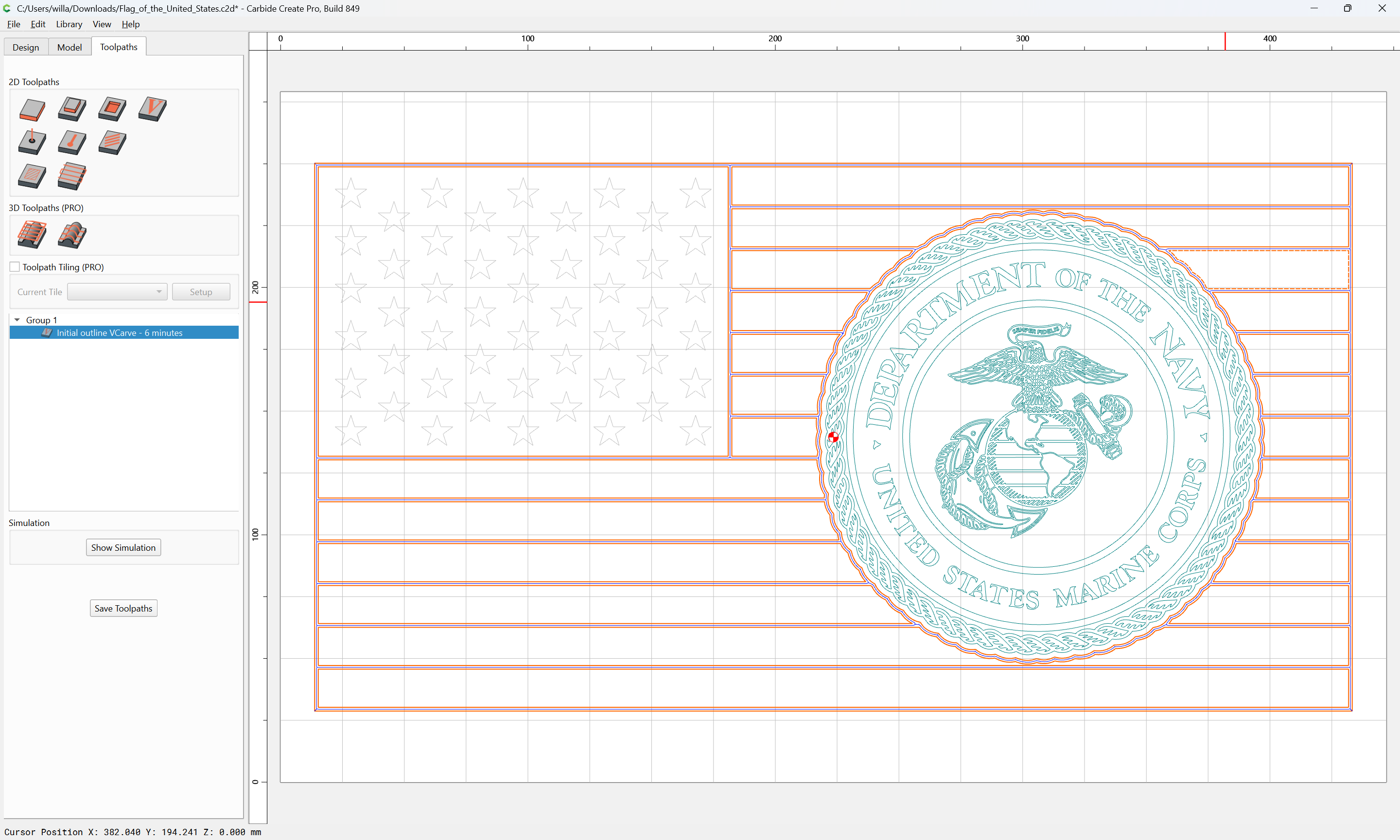
Lastly, assign toolpaths…
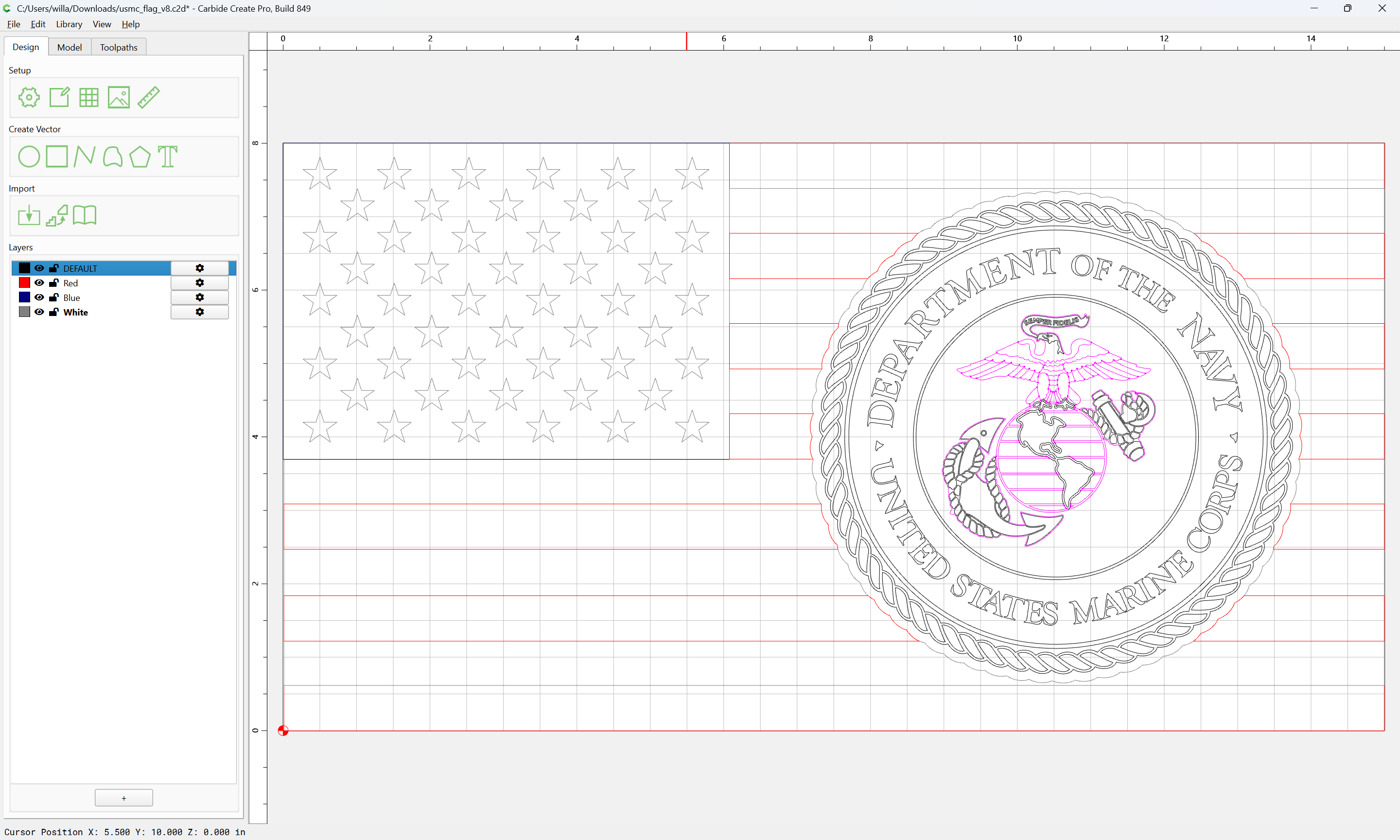
1 Like

For toolpaths, this will depend to an extent on how the design will be coloured and finished (some sort of colouration will be necessary since there are adjacent regions).

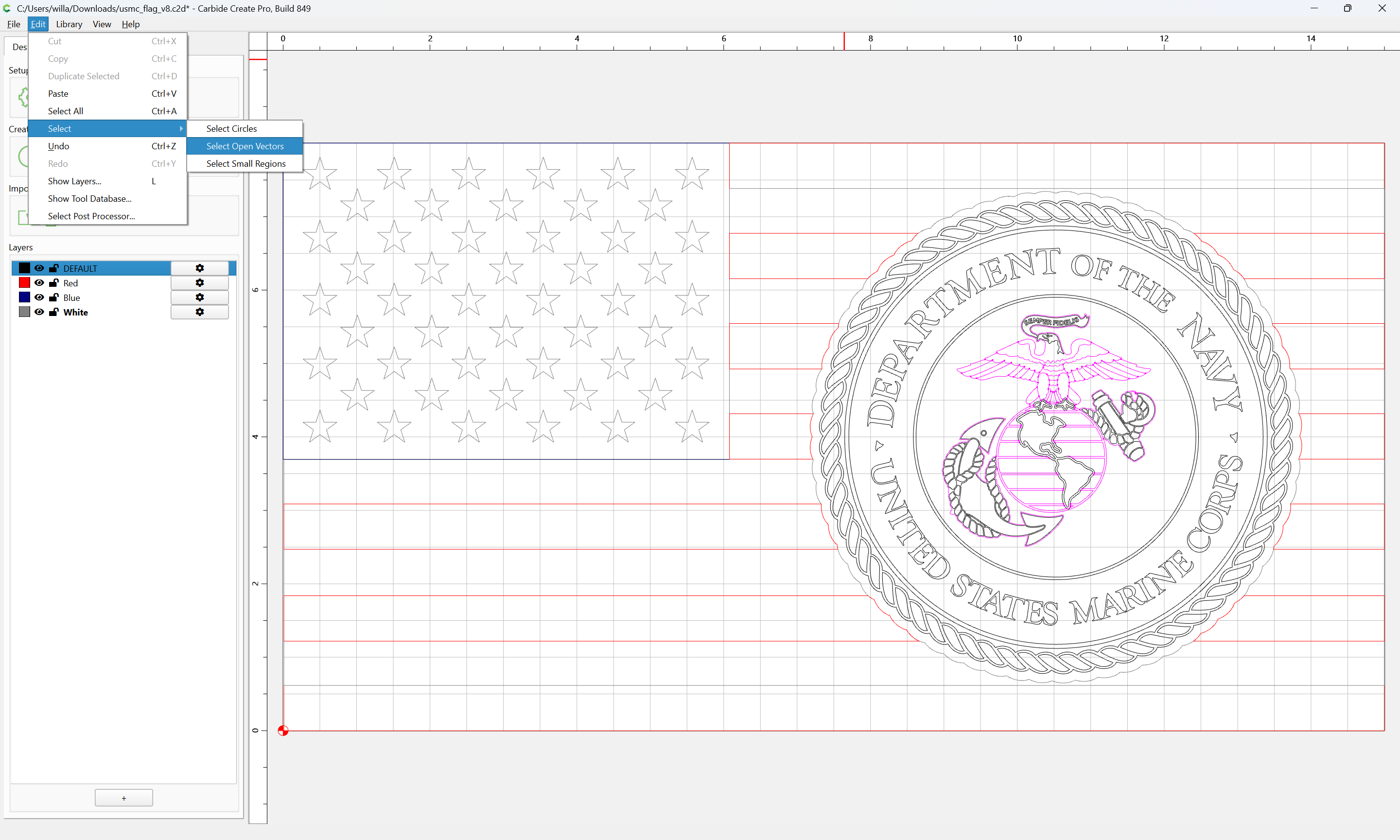
A further consideration is that the imported design may have open geometry (indicated by being magenta) which may only be cut using a Contour toolpath.

Start by selecting the open geometry:

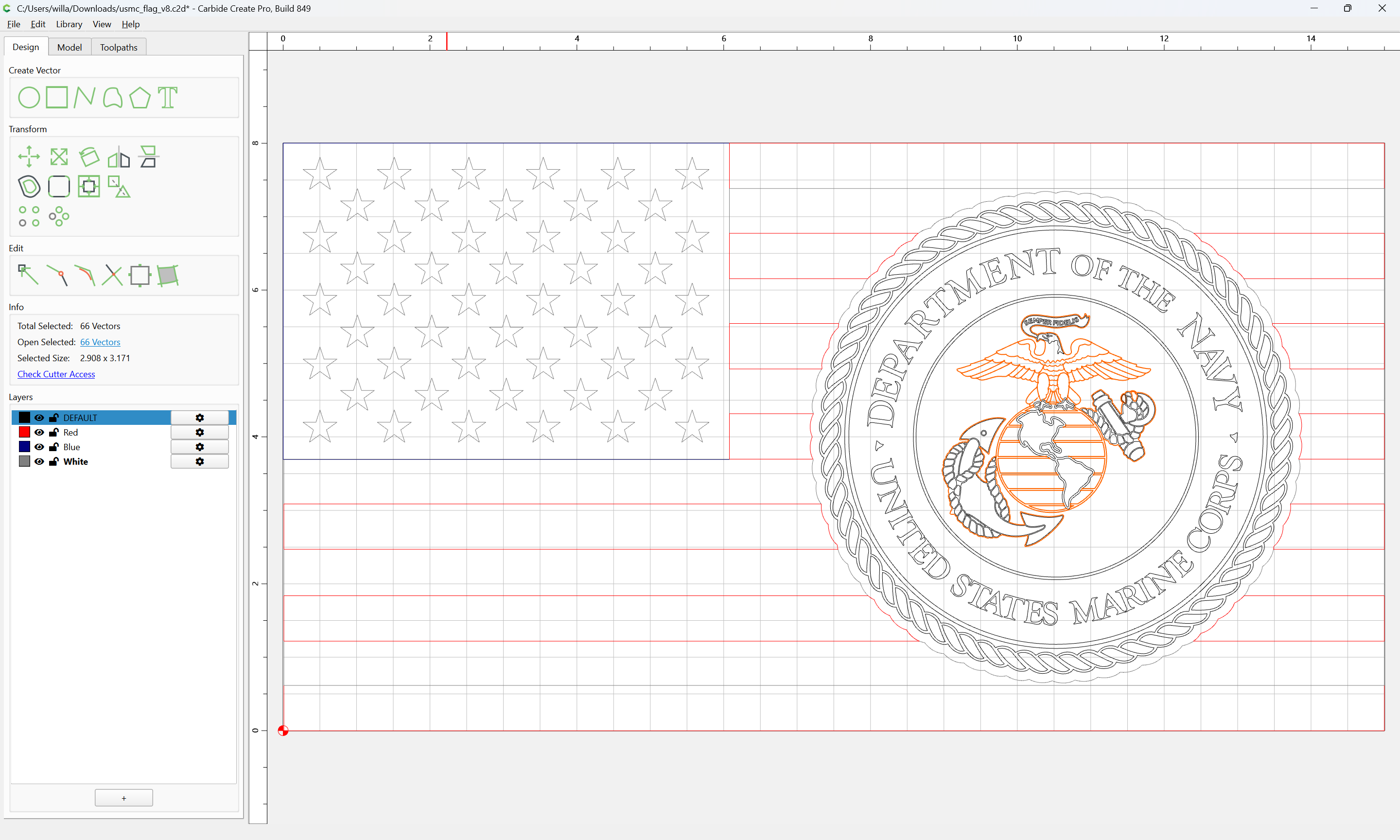
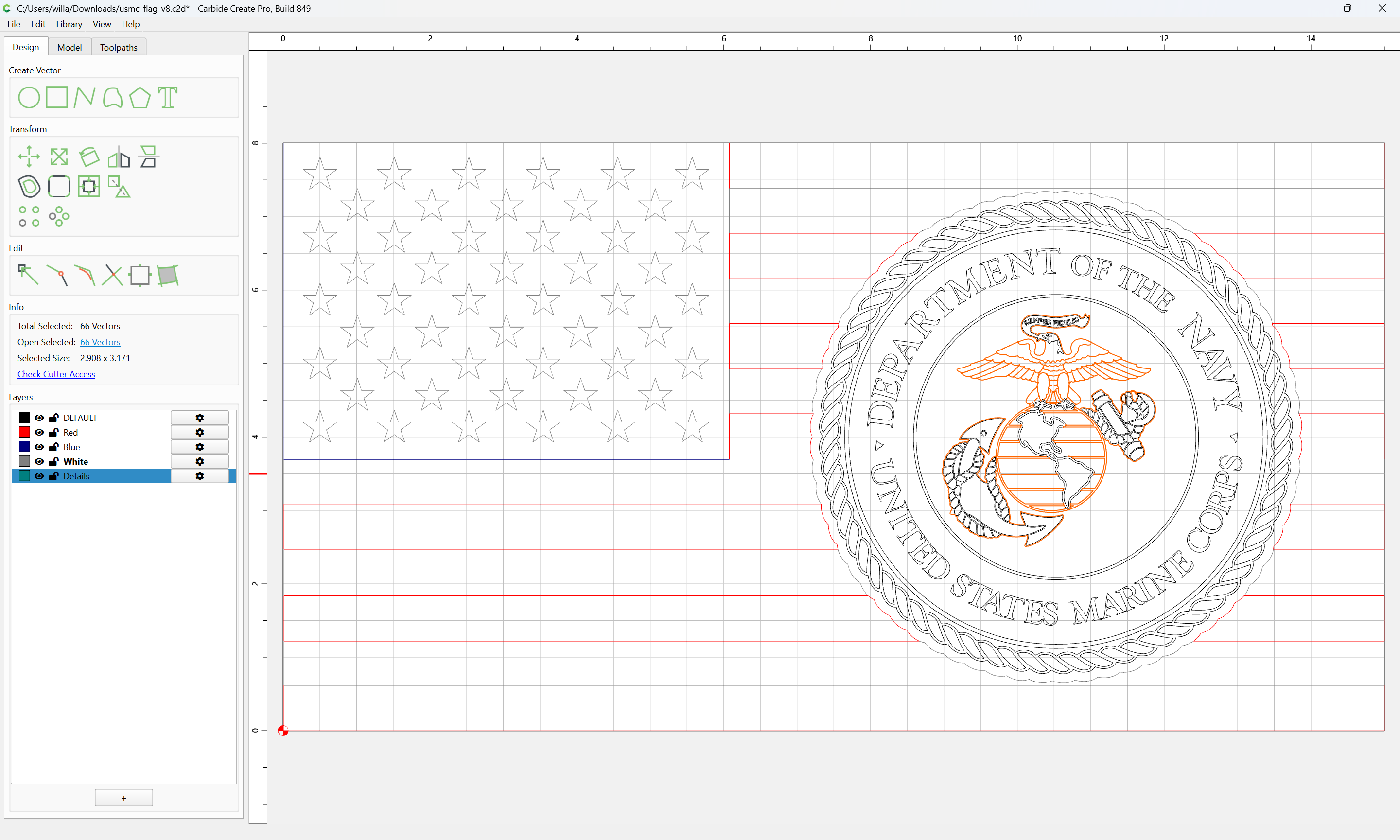
and group it and if desired move to a new layer:

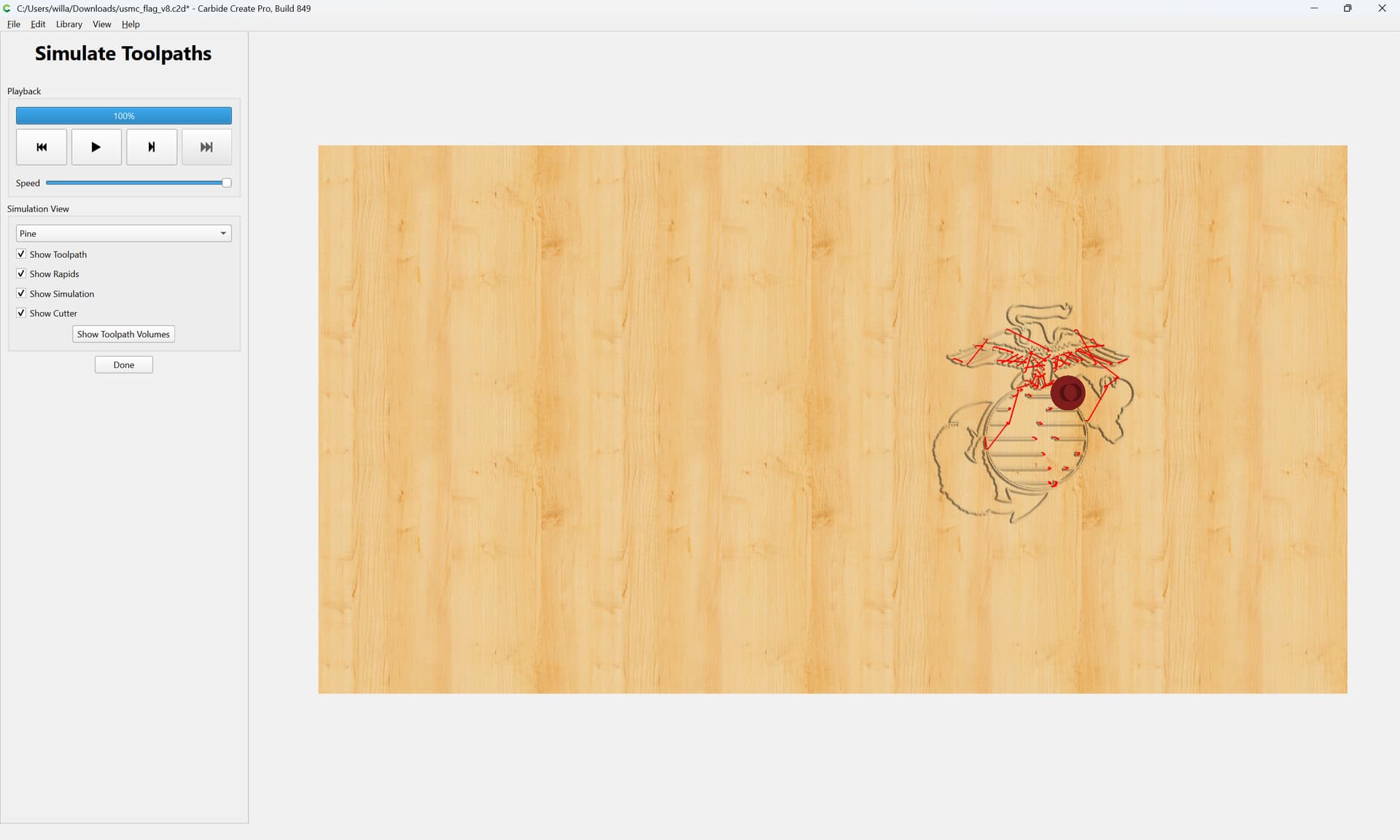
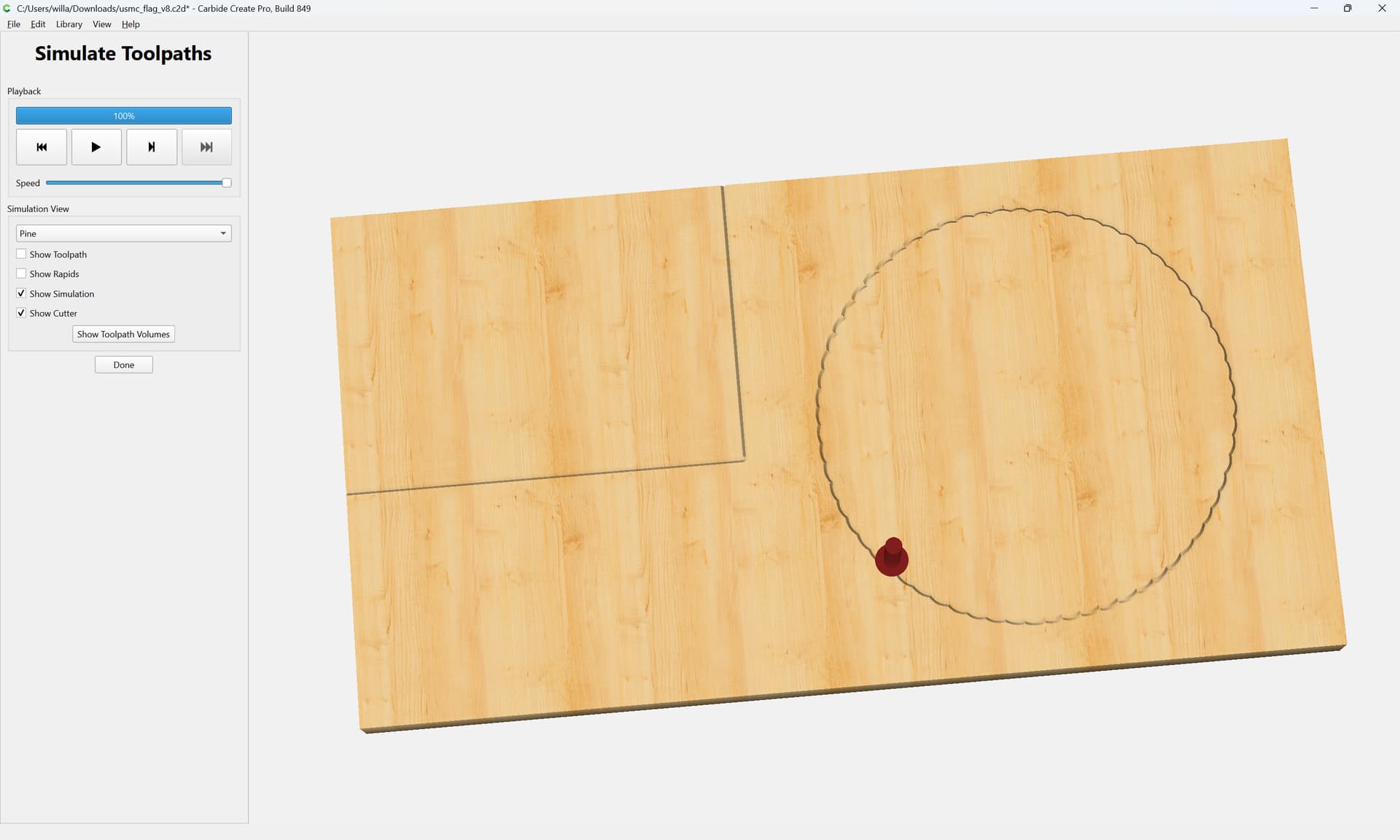
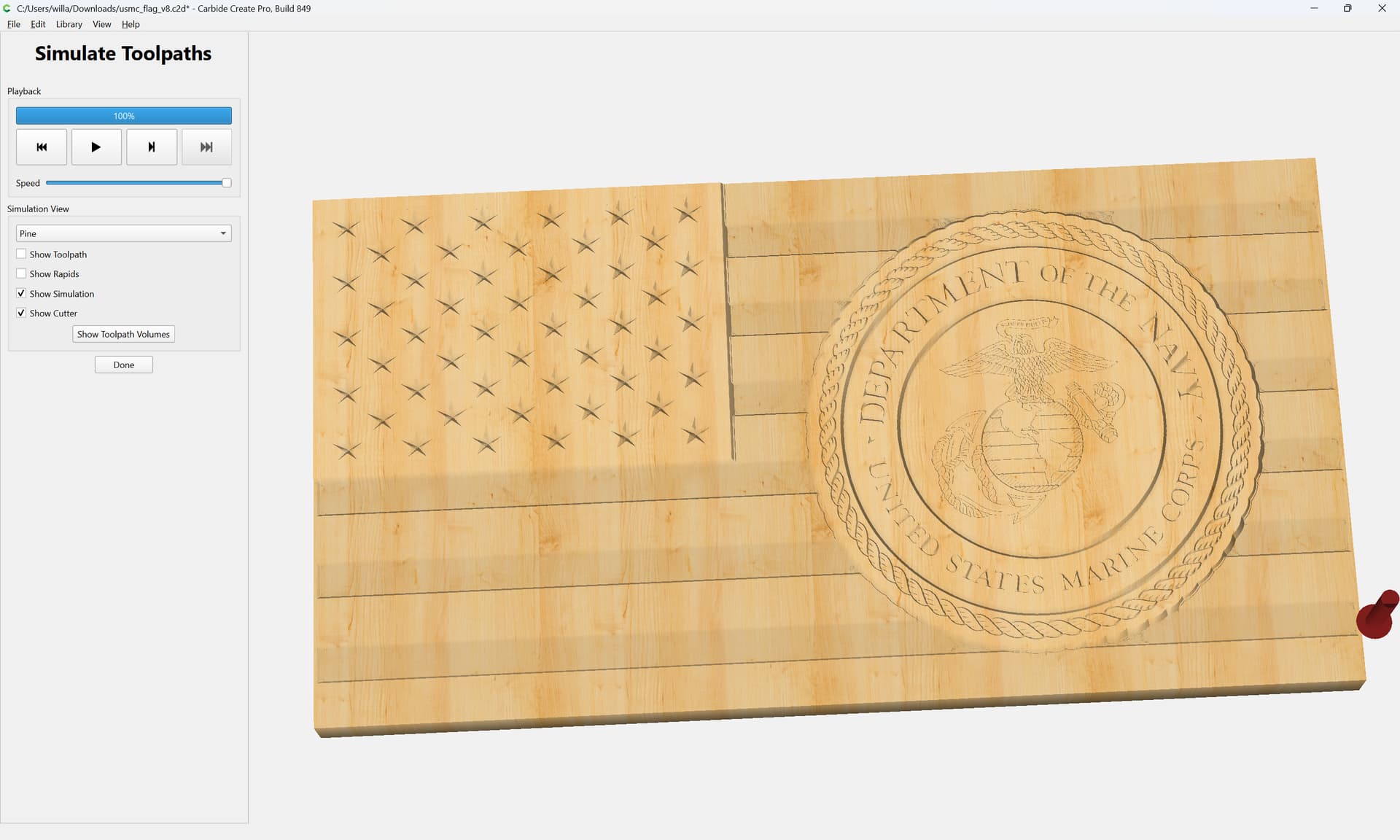
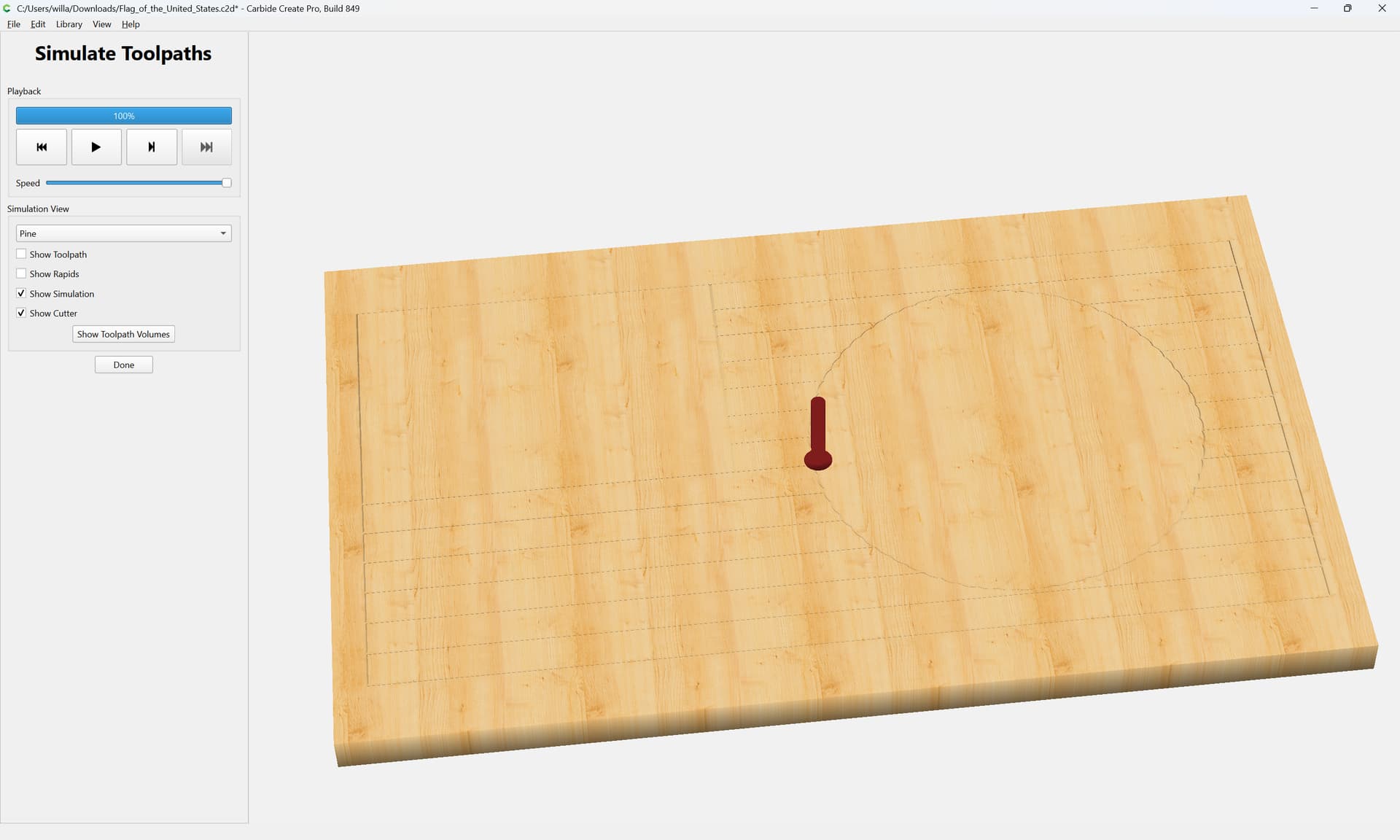
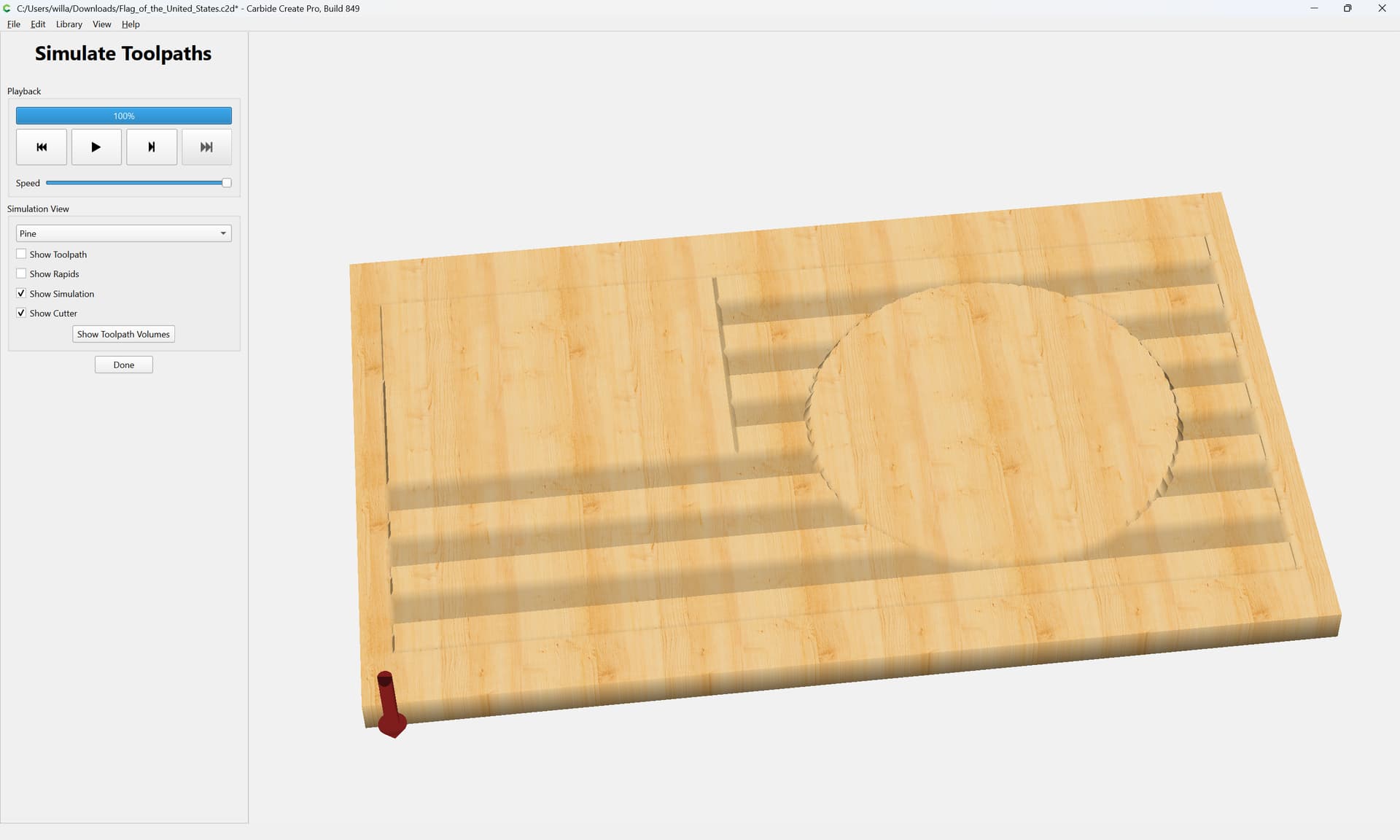
check the simulation

and adjust as desired

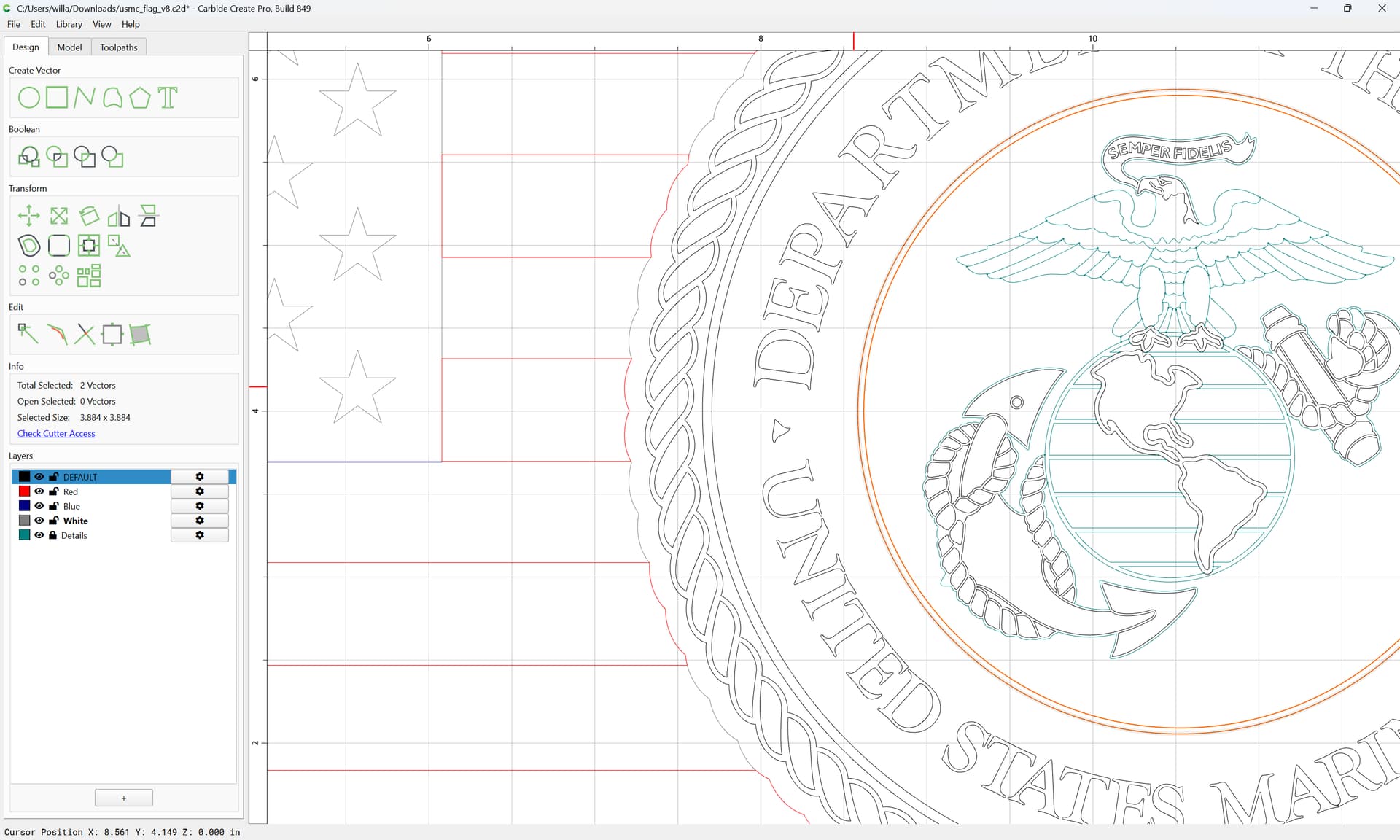
For the balance of the design, check for doubled-up geometry:

and delete it:

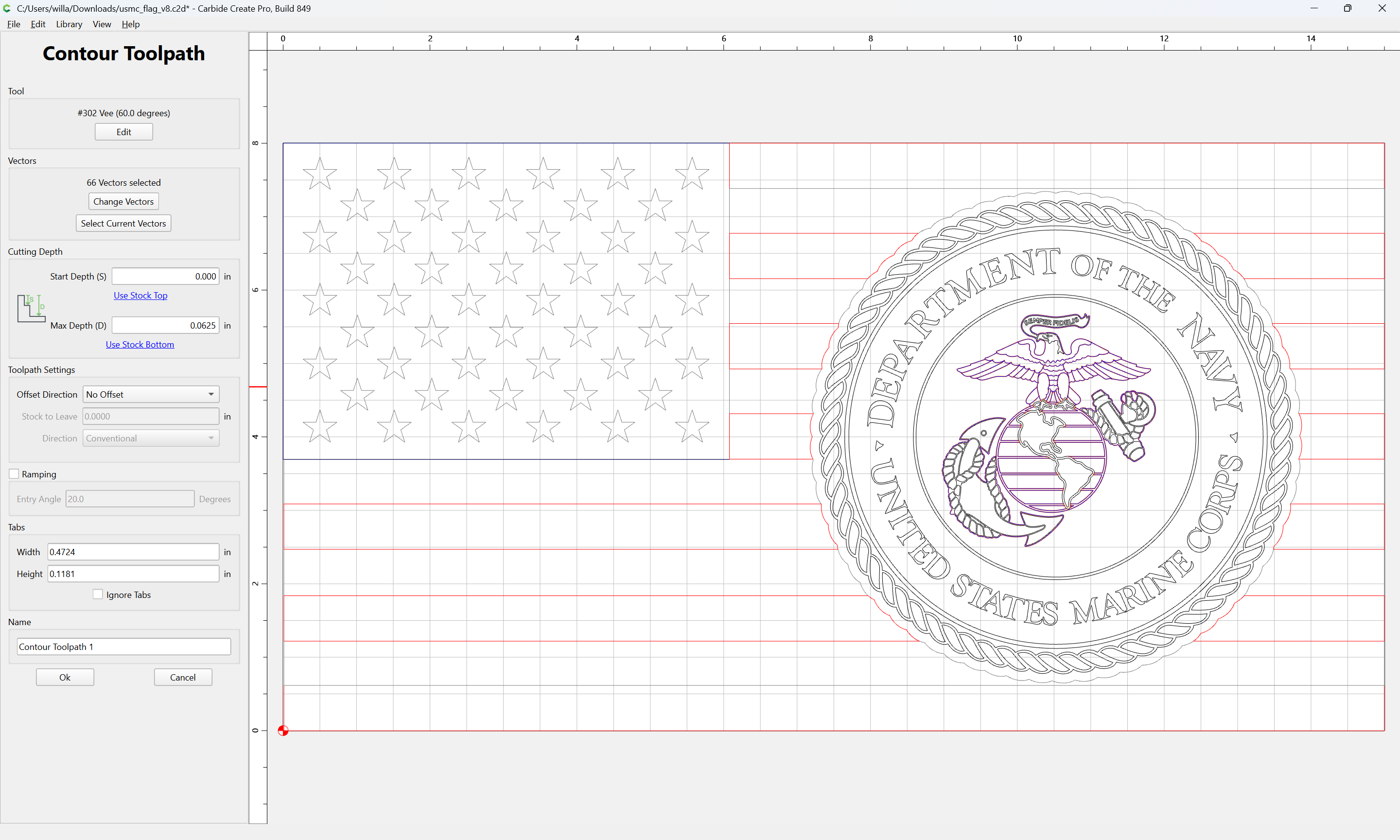
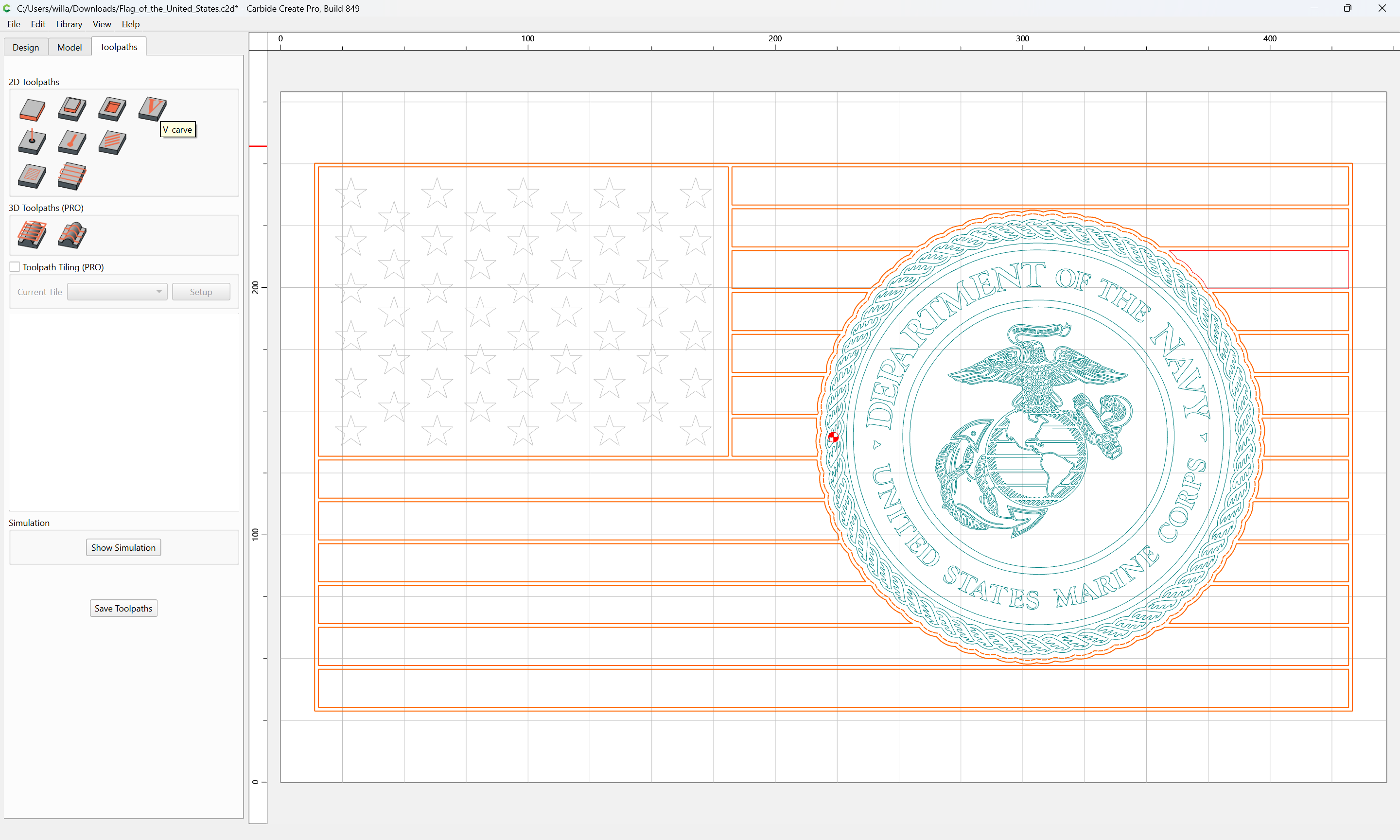
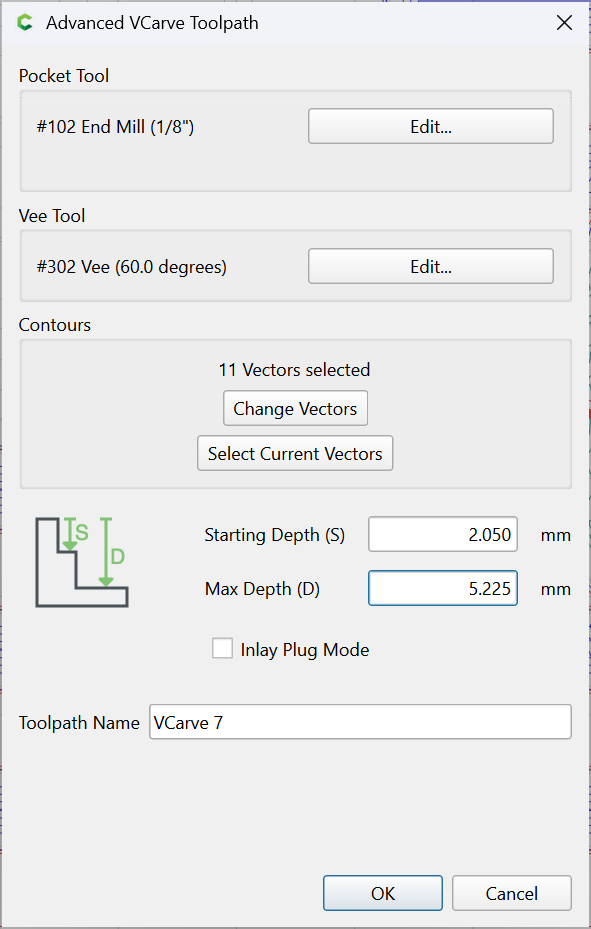
and then assign a V carving toolpath to suitable elements:

and adjust the selection and treatment of various elements until one arrives at a desired result.

Alternately, import a version of the design made up of closed geometry and only use a V carving toolpath.

1 Like

Switching to the closed version allows one to use a single V-carving toolpath:

Presumably, the white stars would also be cut away:

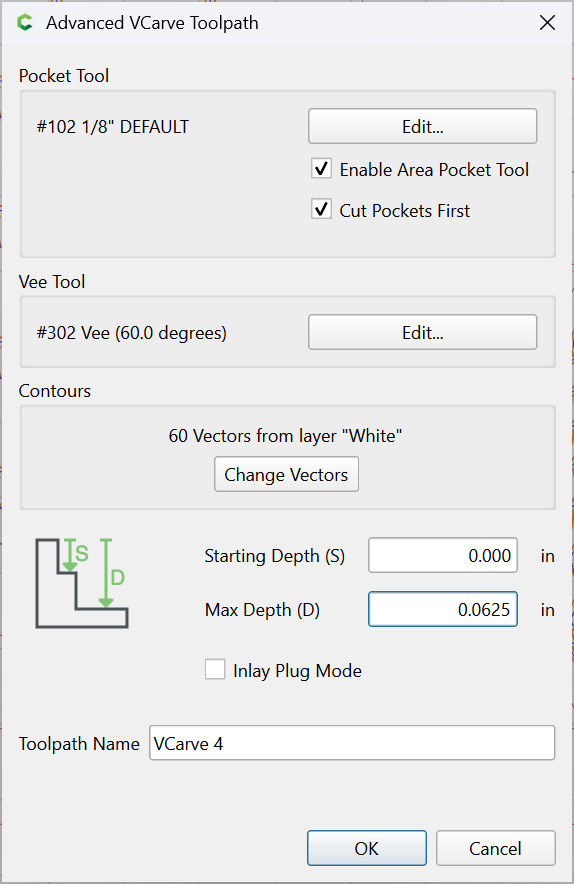
V-carve toolpath

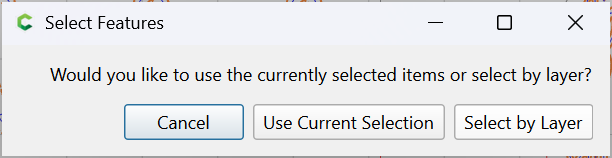
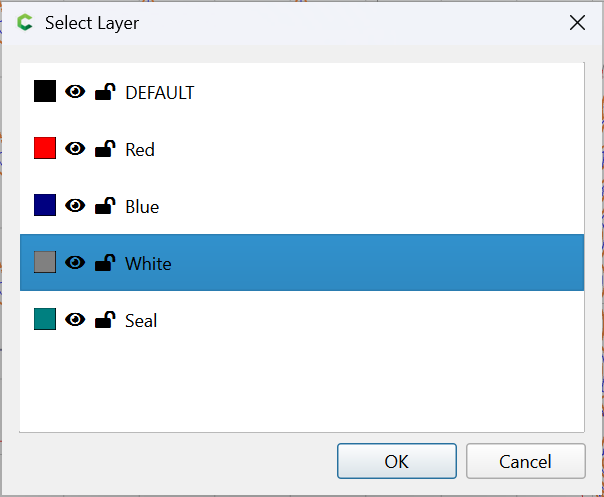
Select by layer

(the stars should be moved to the seal or their own layer)

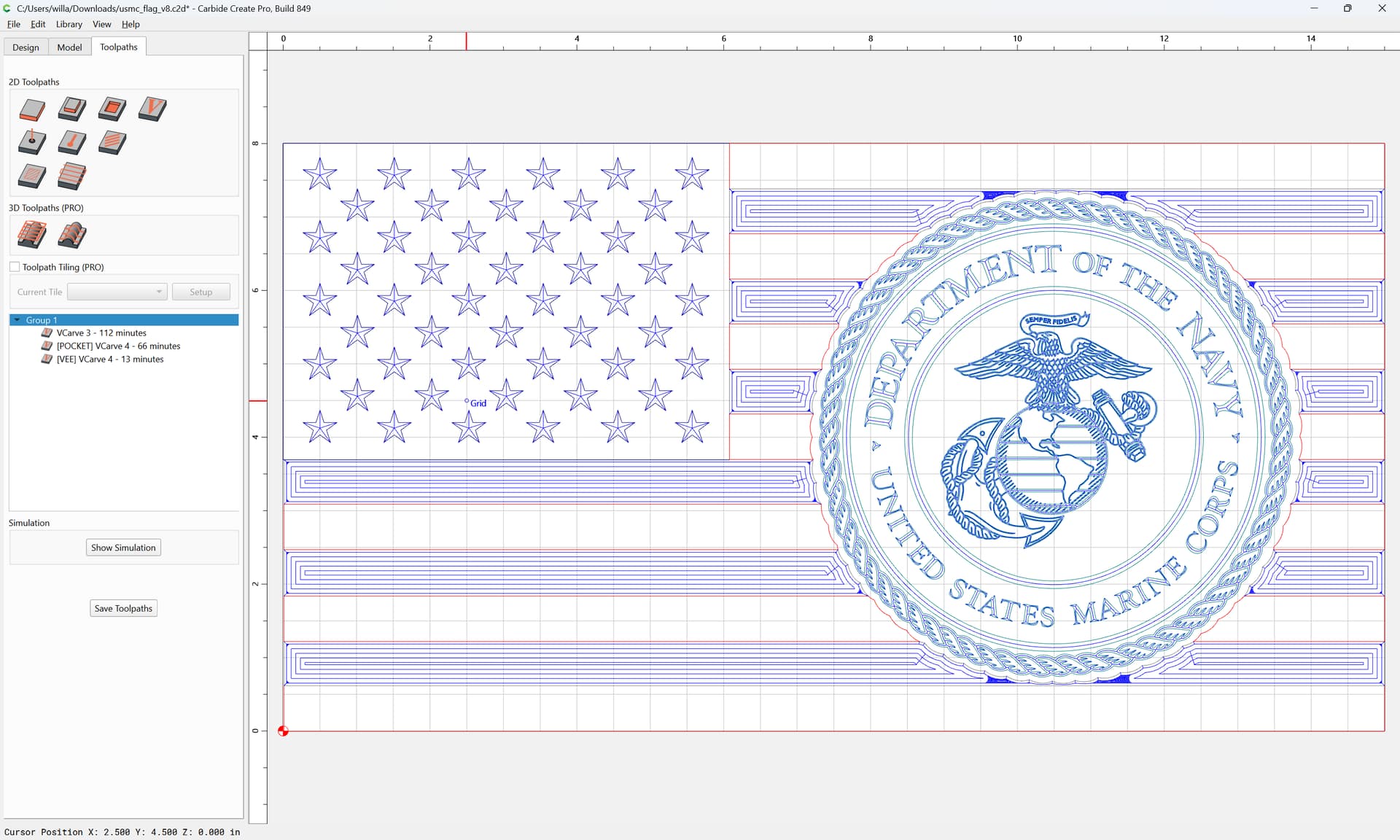
which simply leaves the matter of the differentiation betwixt the union and the red stripes — an expedient option here would be to have two toolpaths run in succession:

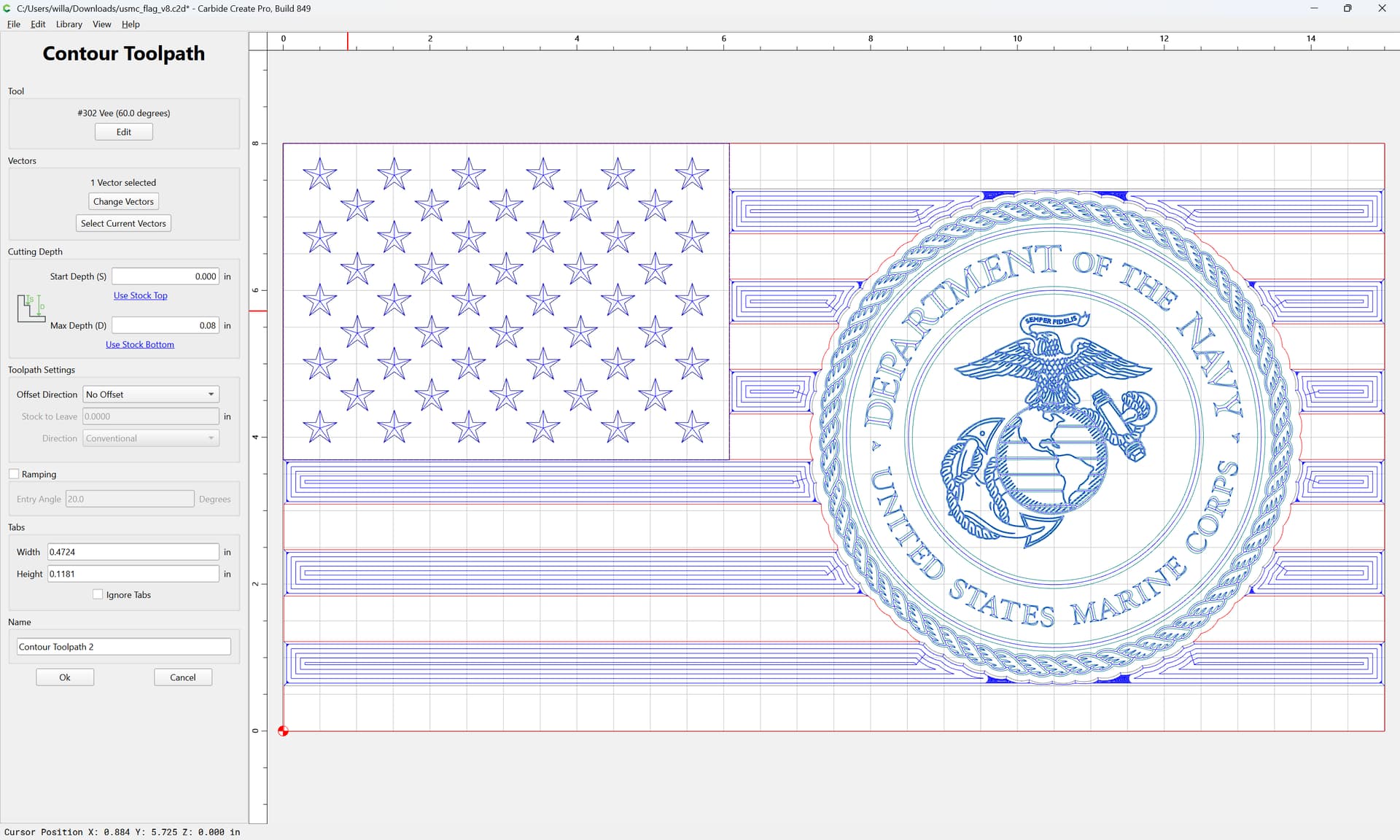
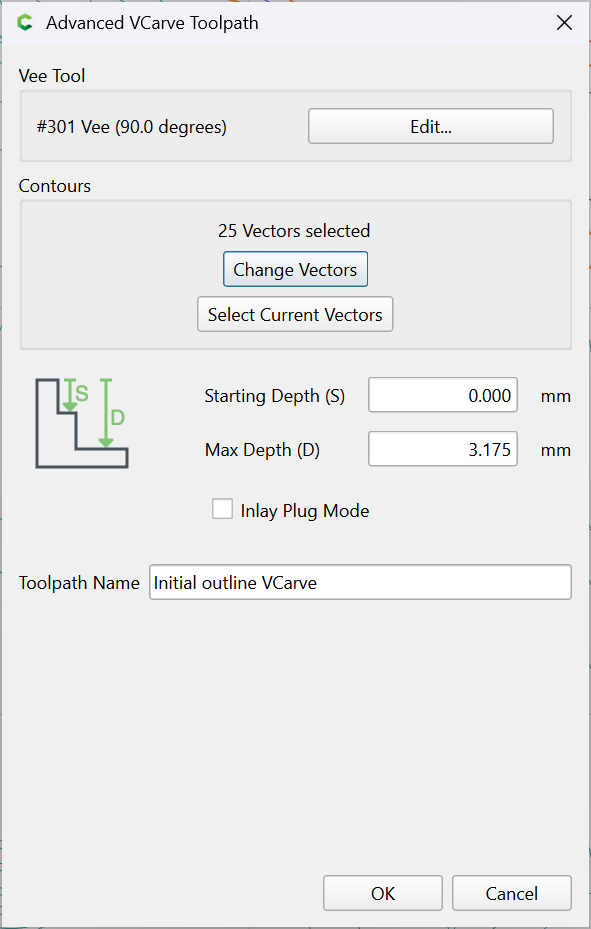
the first cuts to a very shallow depth:

and is run first

then blue and red paint could be applied to the appropriate regions — due to the use of a V-carving for the white region, this gets a bit complex, so alternately, add surrounding geometry:

and offset a bit:

and use that for the initial differentiation as well as a matching offset around the seal:

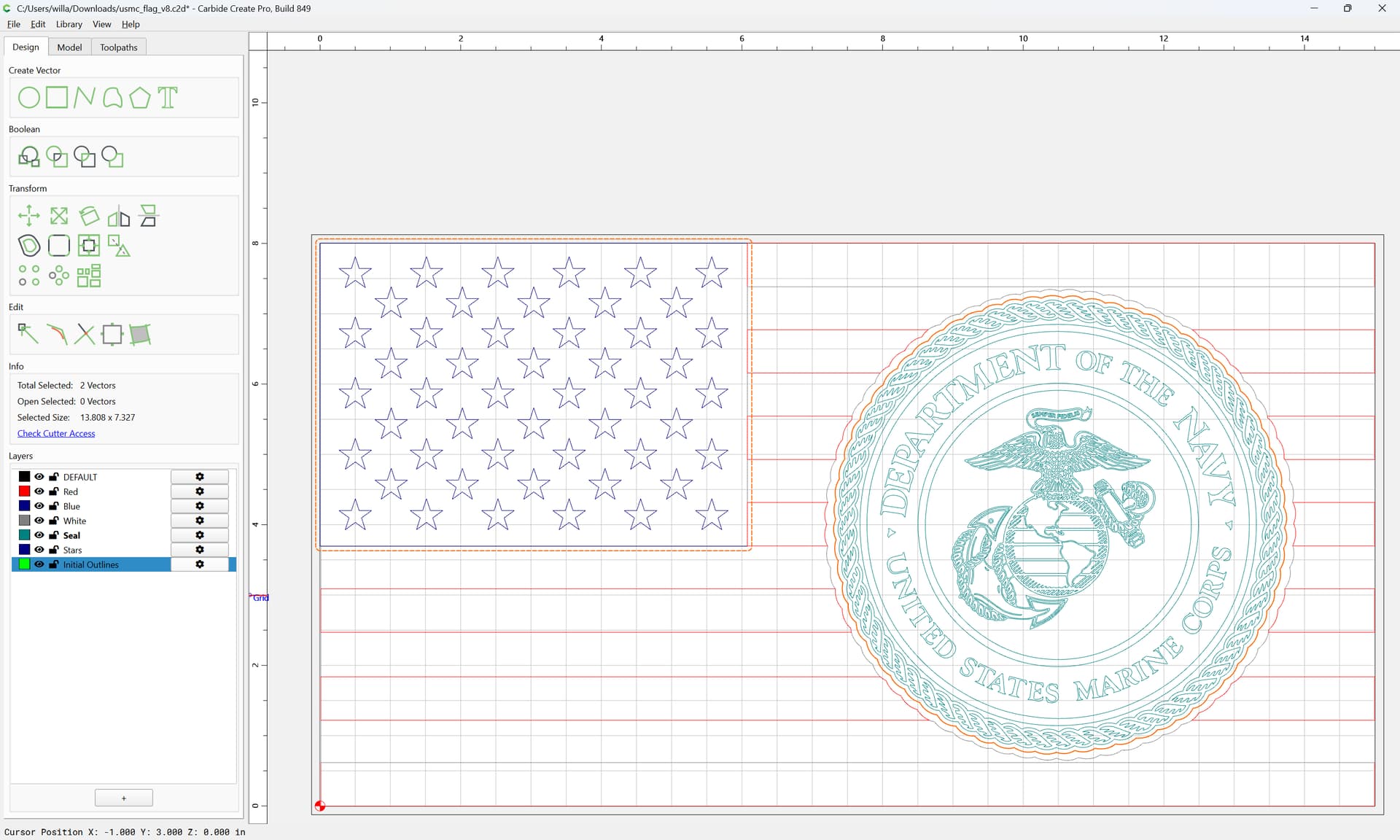
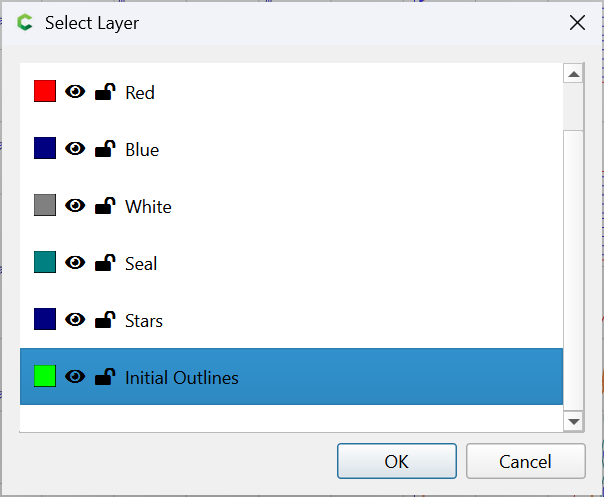
Move these geometries to a new layer called “Initial Outlines” and use that thus:

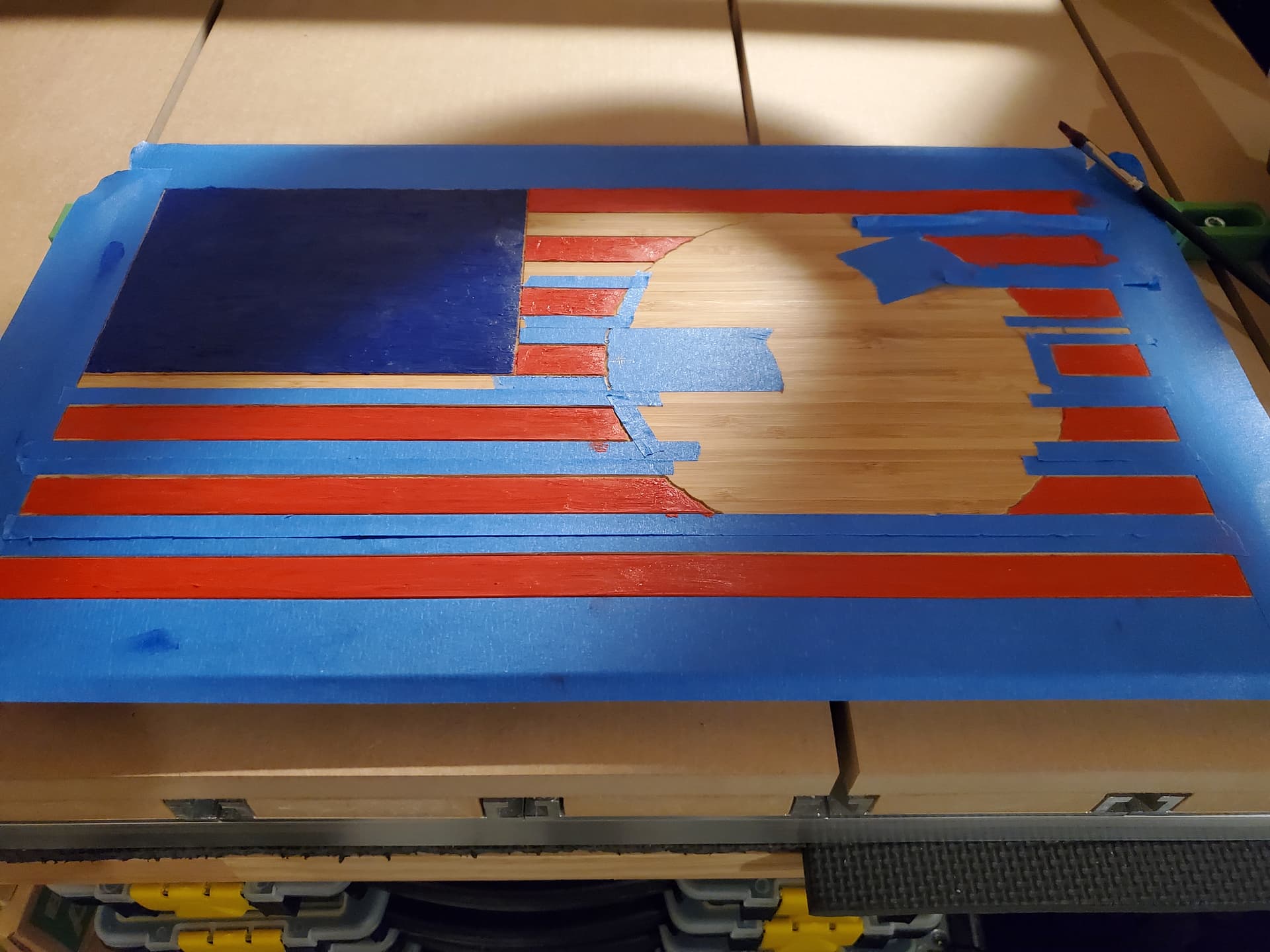
Paint the Union blue, and the field red, save for the outline where the seal will go.

Allow to dry.

Then cut the balance of the design:

Experiment with the offsets and toolpaths until one arrives at a usable result.

1 Like

One workable option would be to only paint the union blue, then run a V-carve which cuts the field down to a suitable depth which may then be painted red, then a final toolpath cut which cuts away the white to make the red stripes.

1 Like

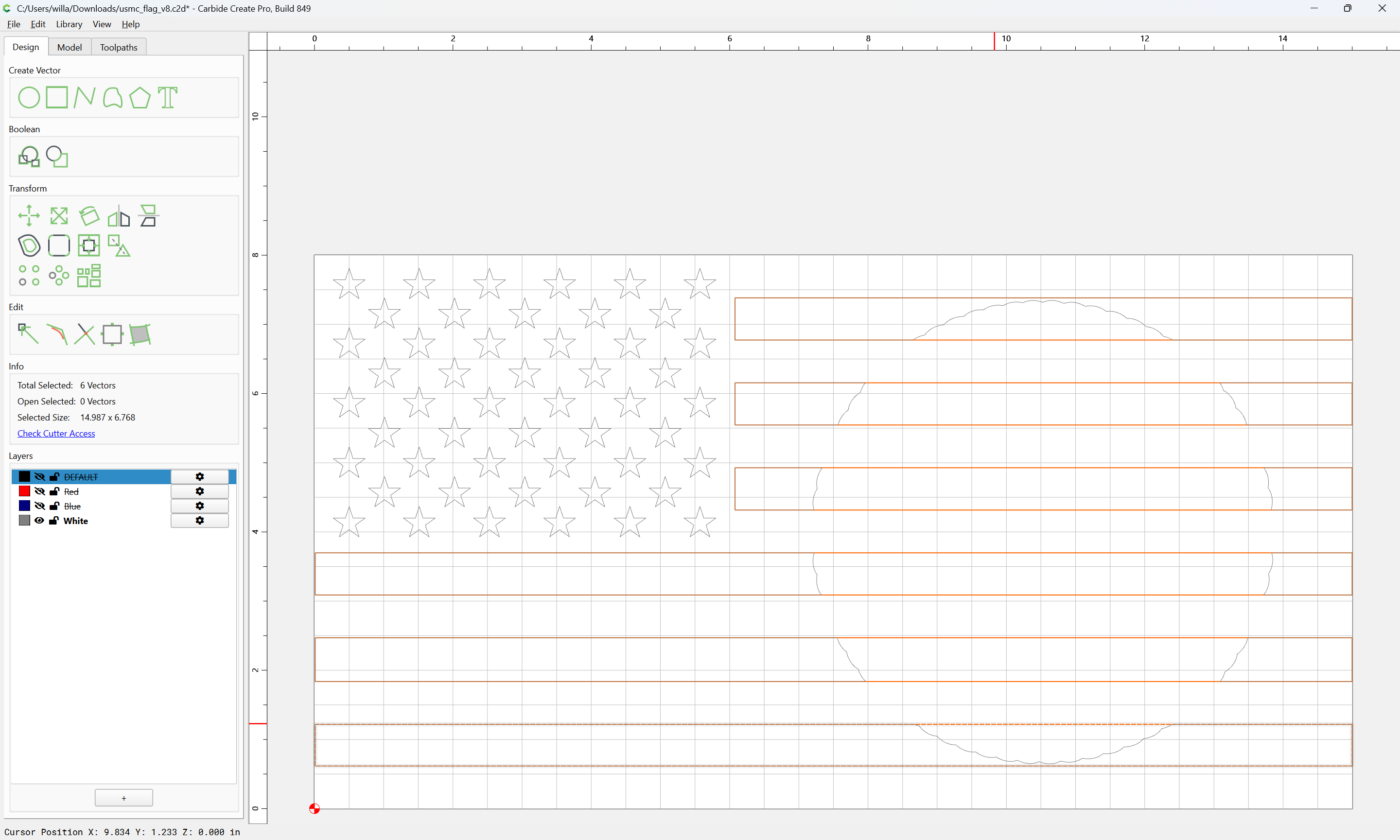
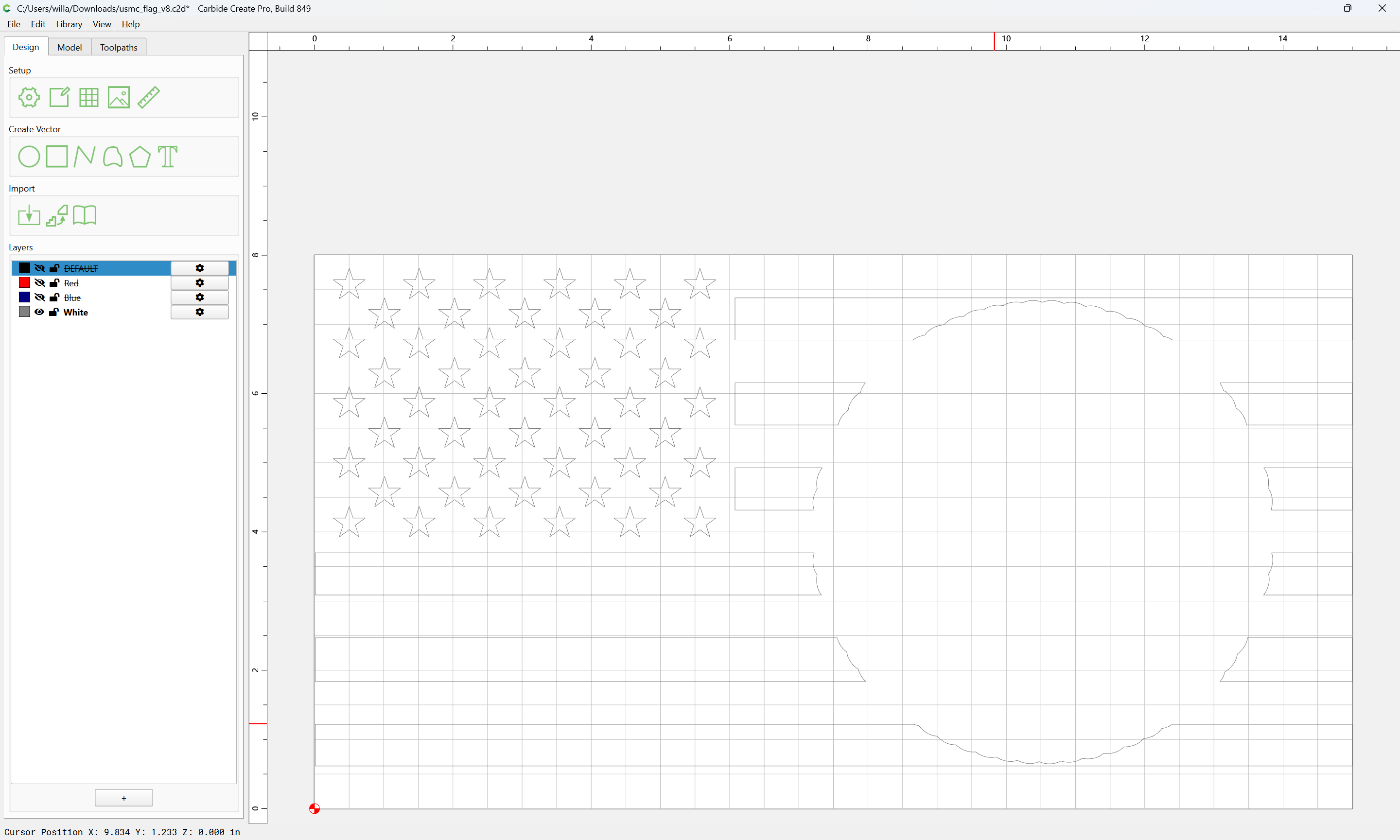
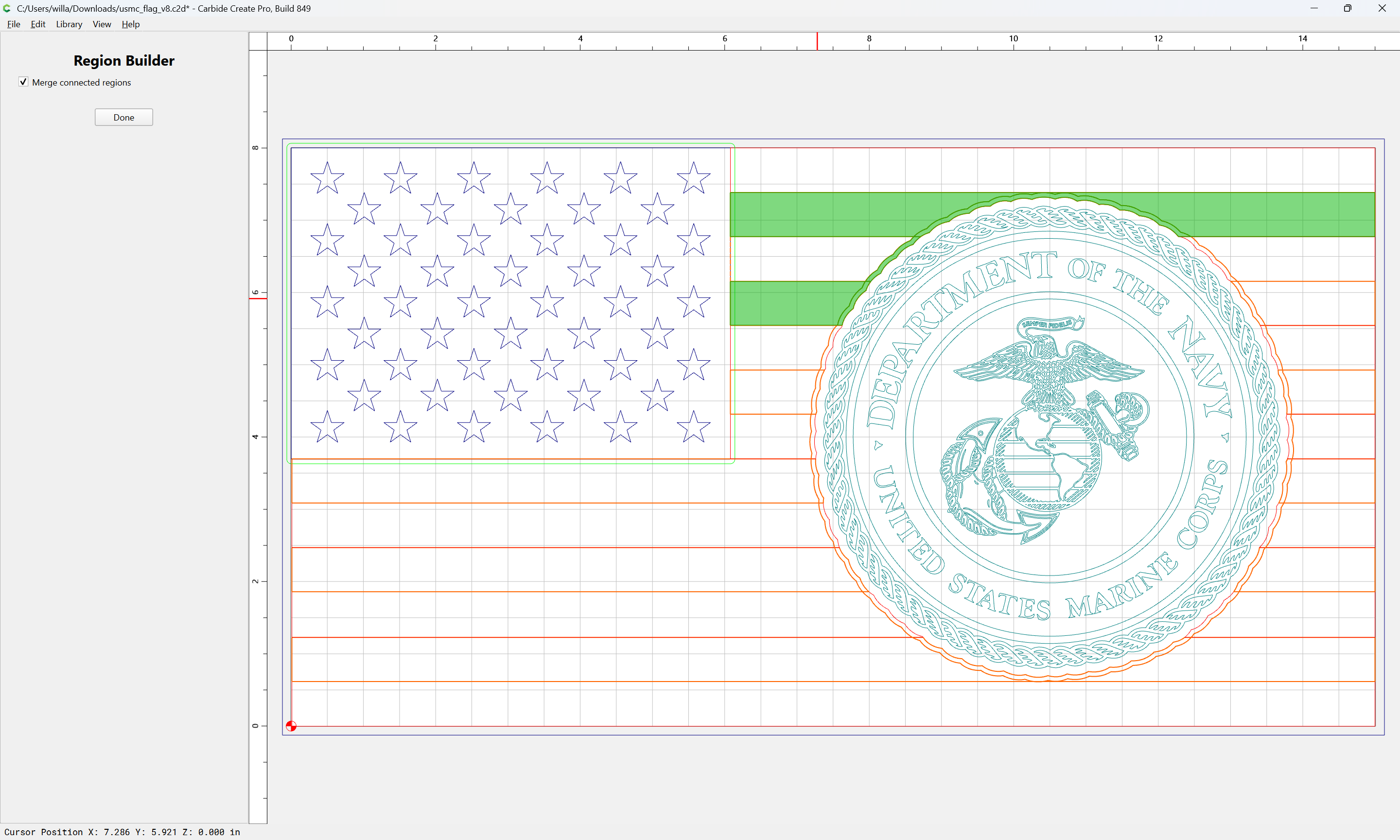
After sleeping on it, I believe that extending the white region to cut between the red stripes and the seal will improve the appearance/separation, and make painting easier — select the strips and the offset geometries:

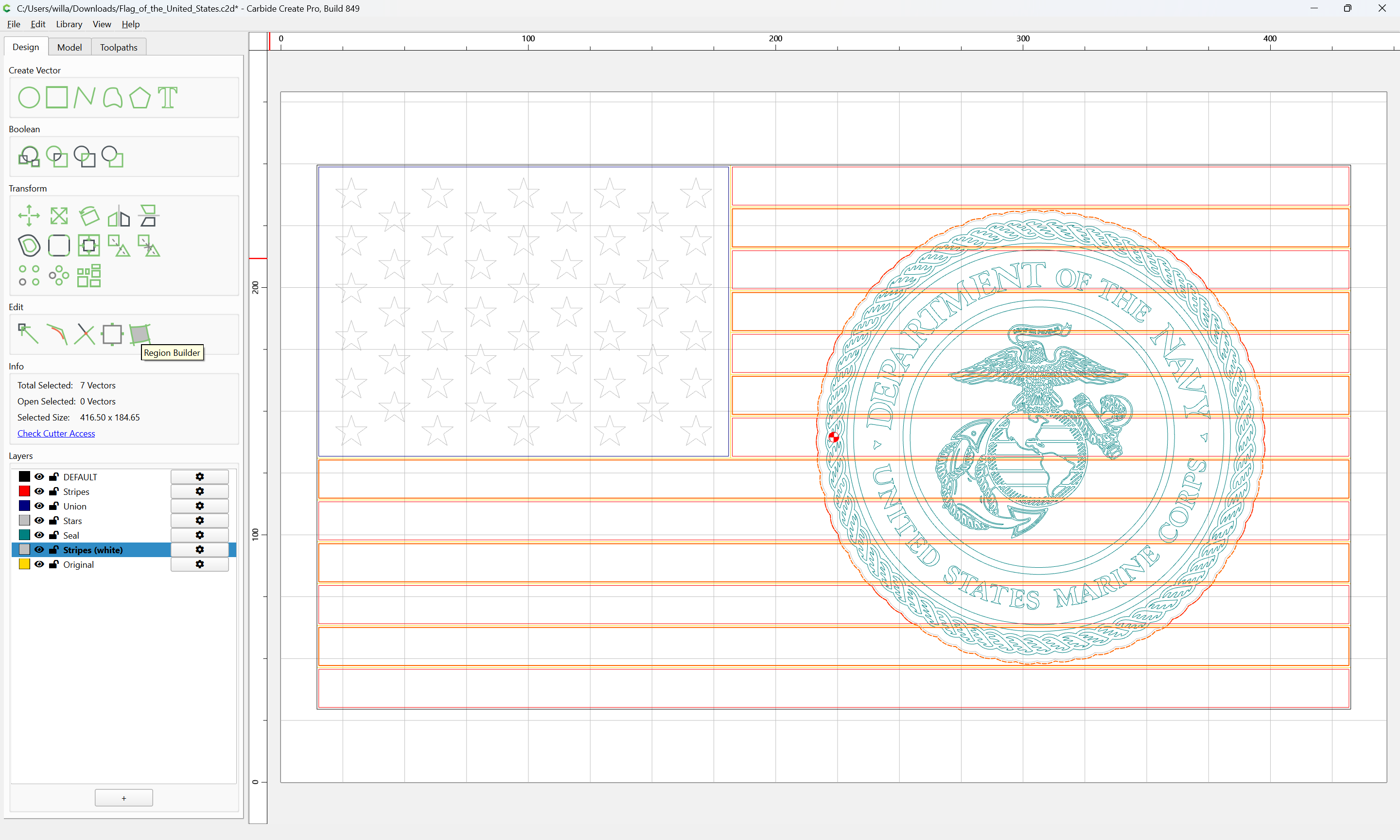
and use Region Builder

Yes

to construct a region of the white stripes and the offset area:

Looking at it again, I believe that it would probably be easier and look better if everything was a monochrome region with differentiation — then the original and partial offset geometries could be used to differentiate to allow painting, then the full-carving would create crisp differentiation between red, blue (painted) and cut wood and initial surface of wood (the seal and surrounding area and the stars).

c.f.,

2 Likes

And, after cogitating for a day, I believe this will be easiest if:

  • everything is at the same level/height
  • the geometry used for the seal/ornament/design is closed
  • the flag is a bit more consistent…
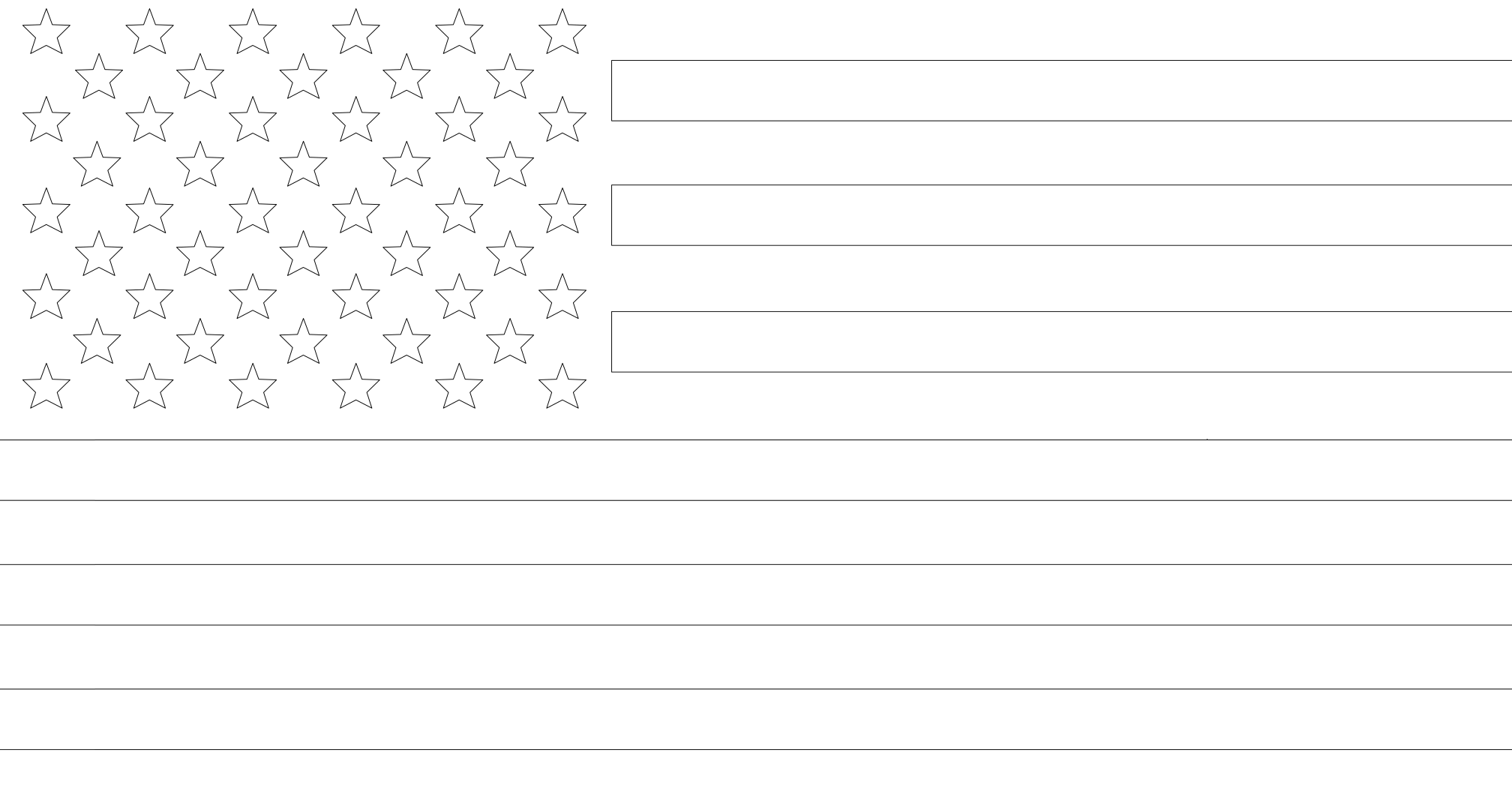
Starting with that latter, we begin with the flag file from:

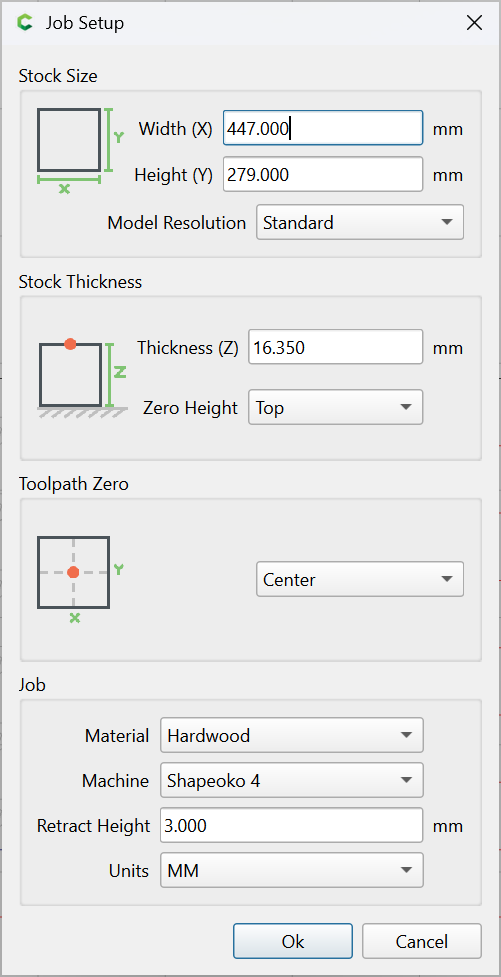
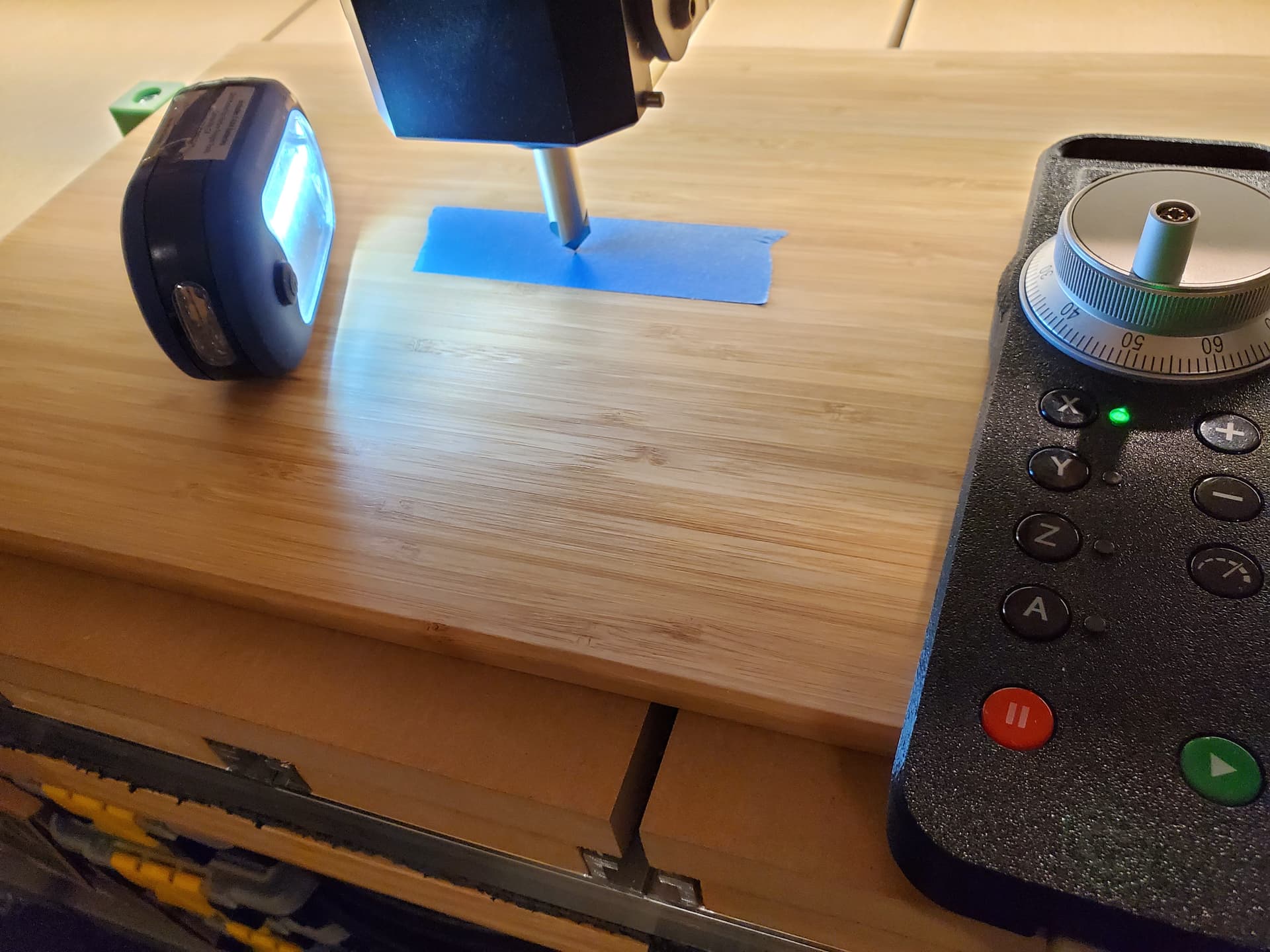
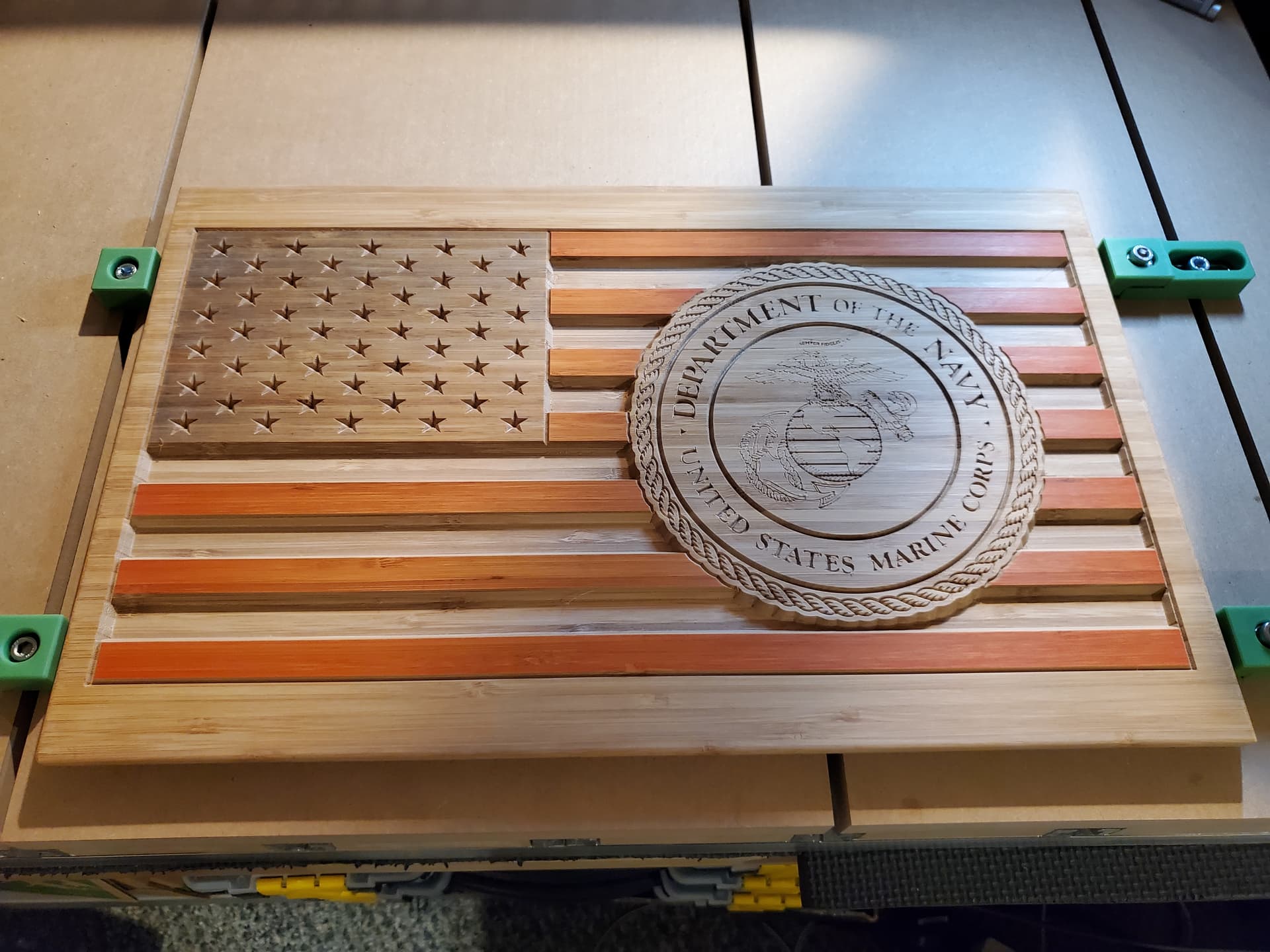
The next consideration is Job Setup — I will be using an Ikea APTITLIG
Cutting board, bamboo, 17 ¾x11 ":

https://www.ikea.com/us/en/p/aptitlig-cutting-board-bamboo-80233430

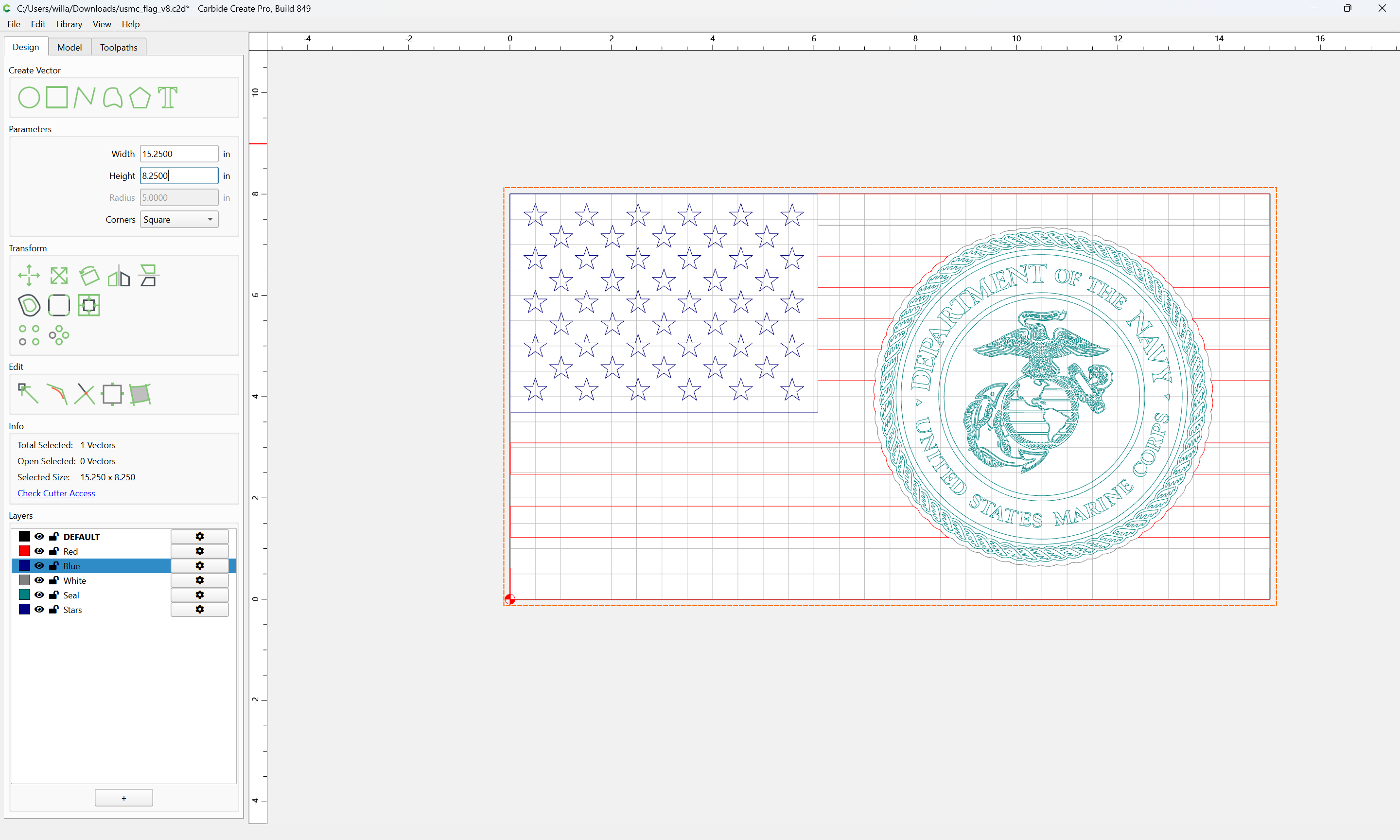
so we measure one in metric and adjust Job Setup to match — note that the top/bottom dimensions are different due to the angled sides — we will use the “bottom” dimensions which is the side where when landscape it is taller top–bottom and narrower left–right. Using center for Origin, so it will be necessary to non-destructively mark the measured center and set zero at that position relative to the board when clamped:

Ok

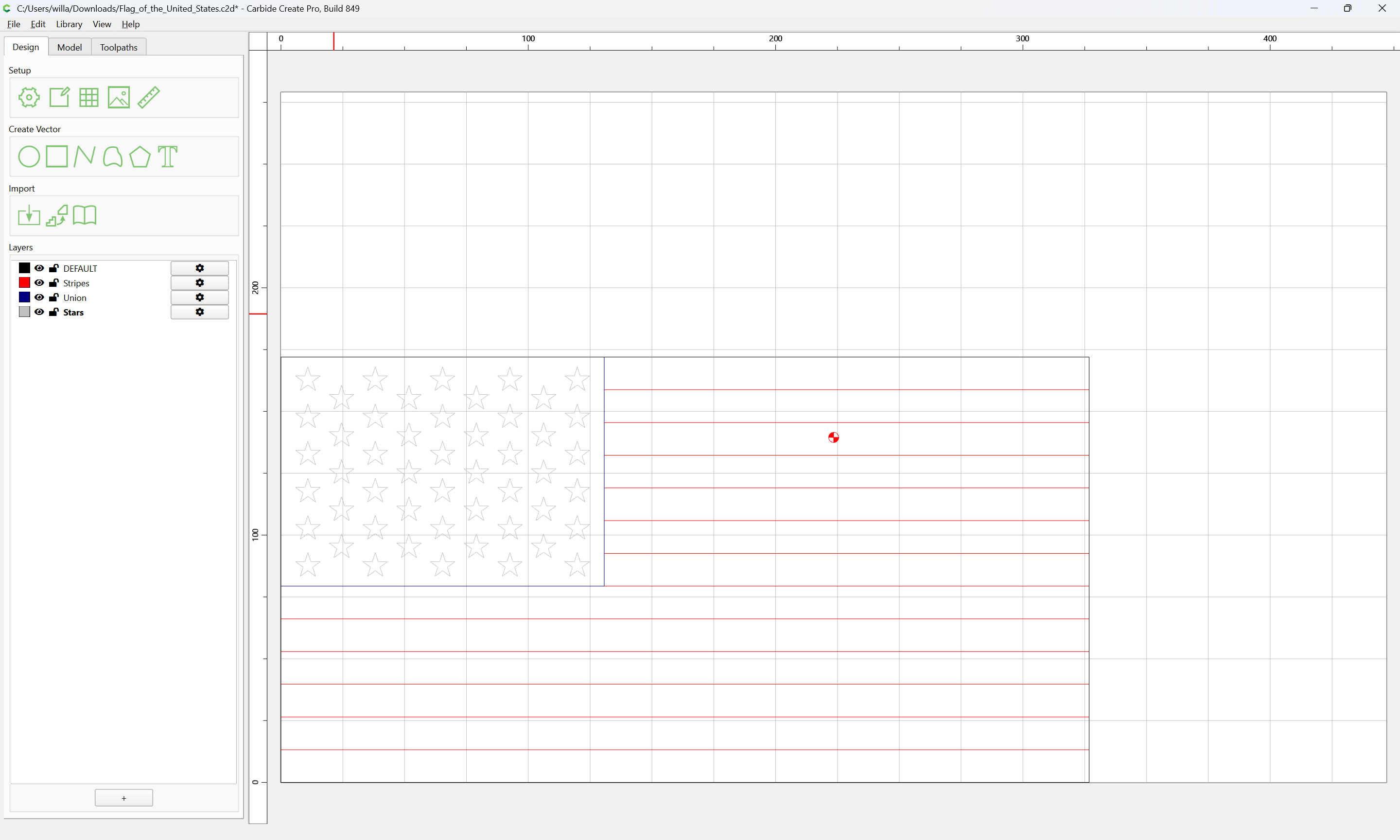
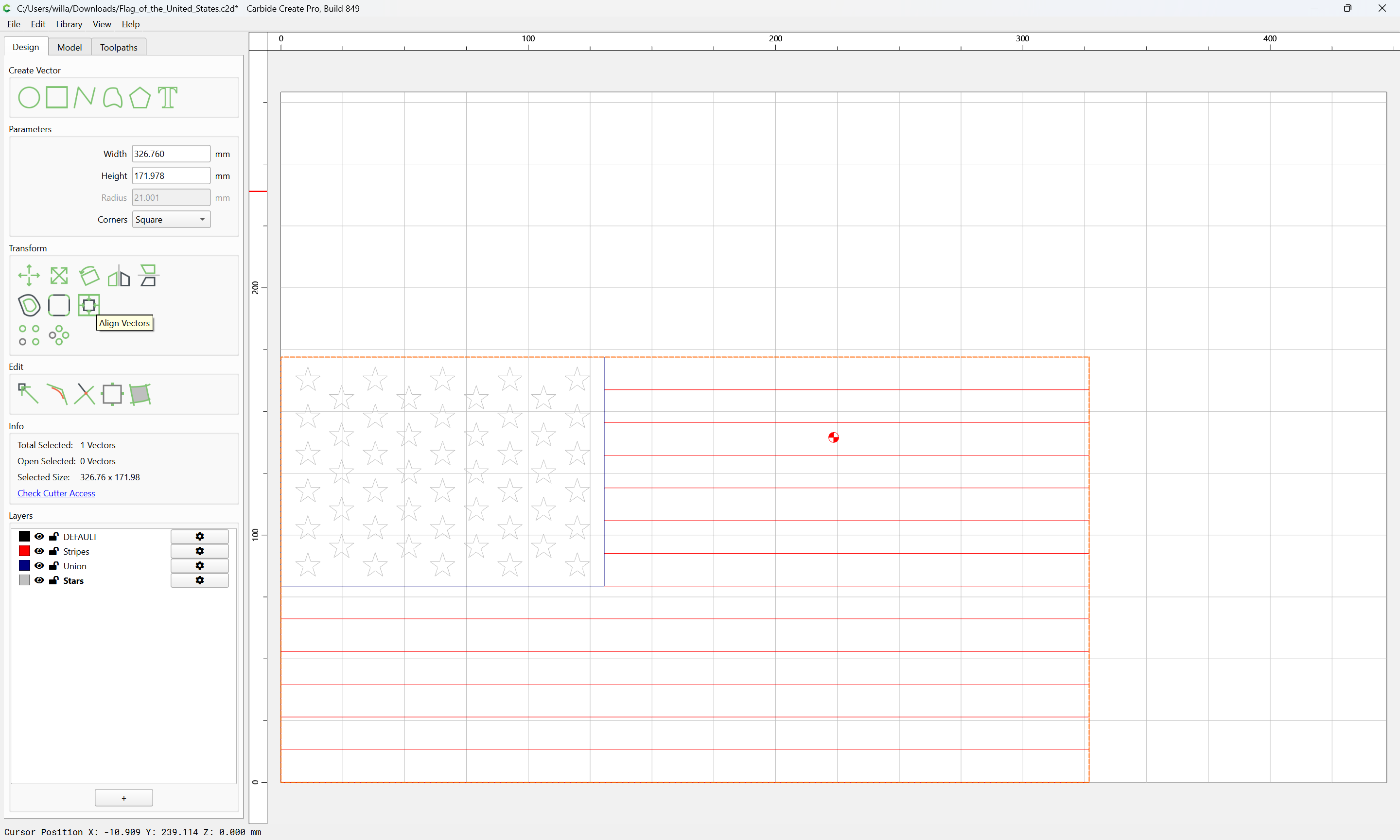
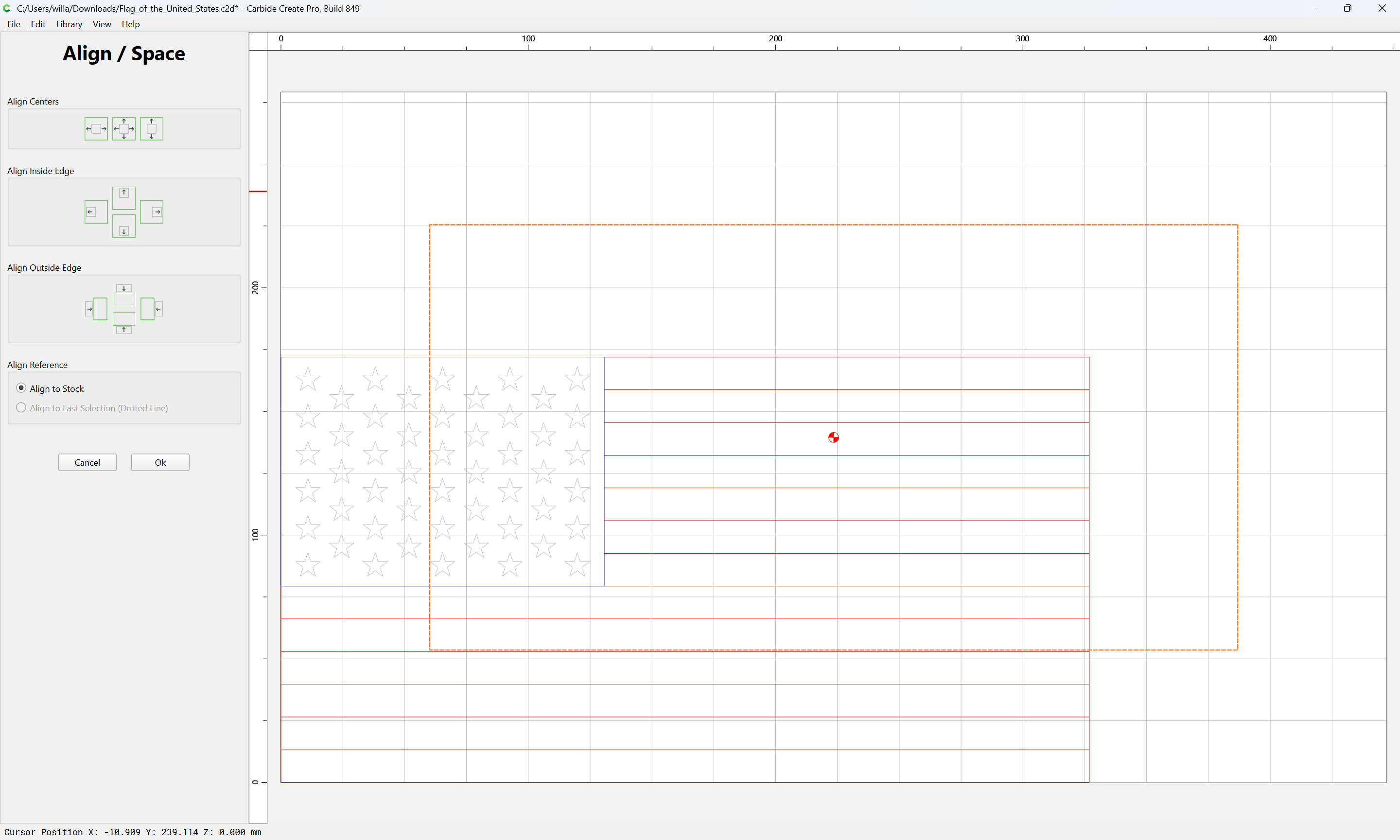
Select the outer geometry:

and align it to the center of the stock:

OK

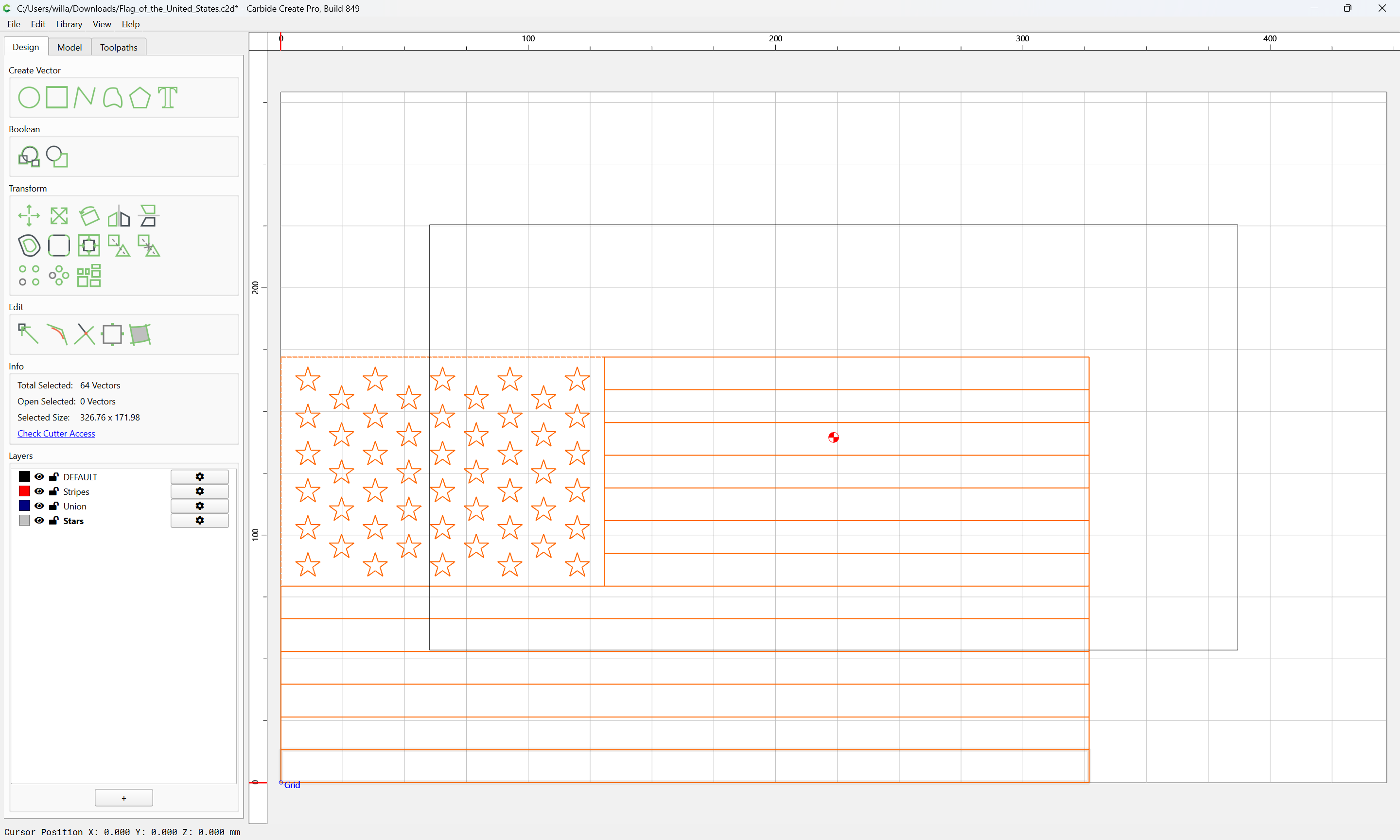
then select everything else:

and move it into register at the center:

(this avoids grouping and disturbing layer assignments)

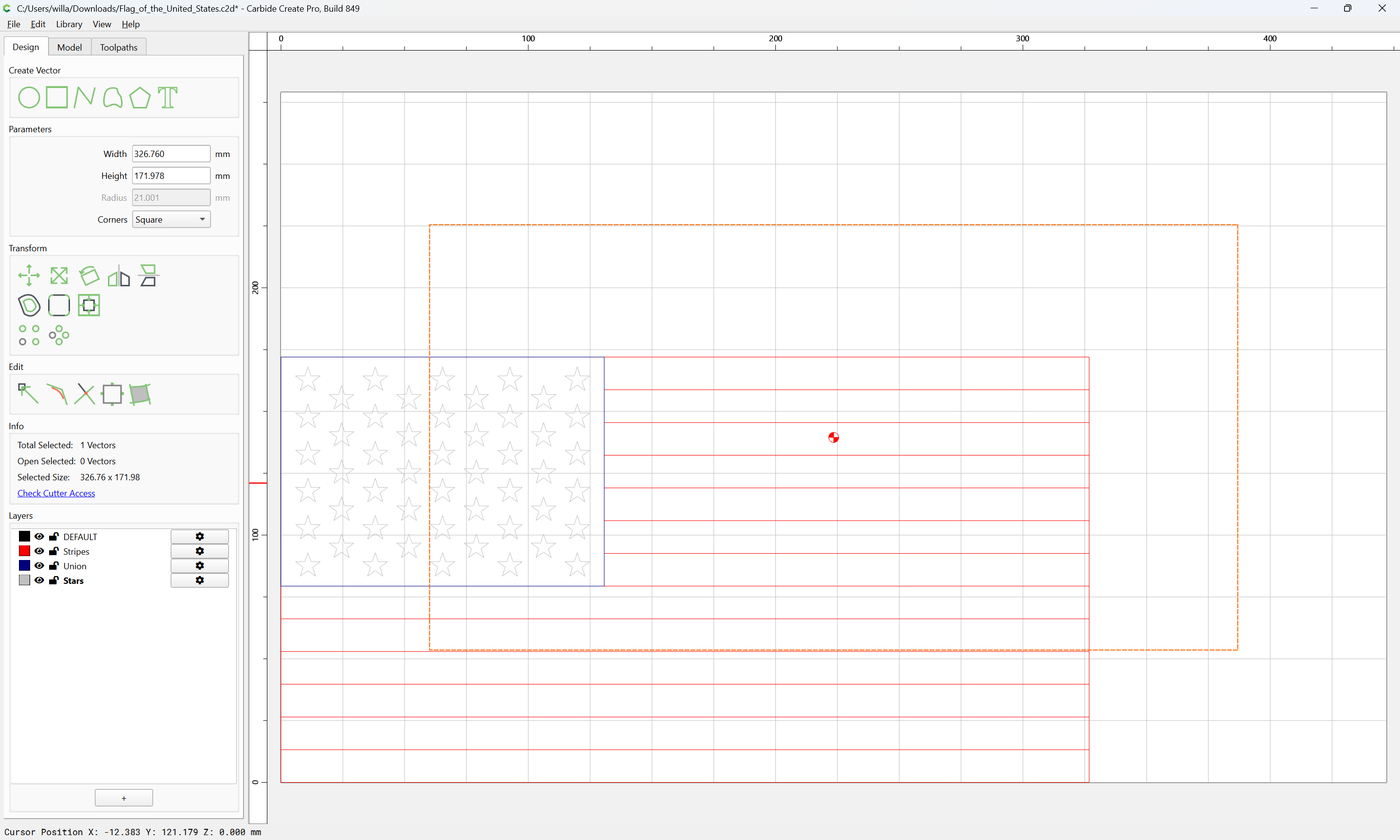
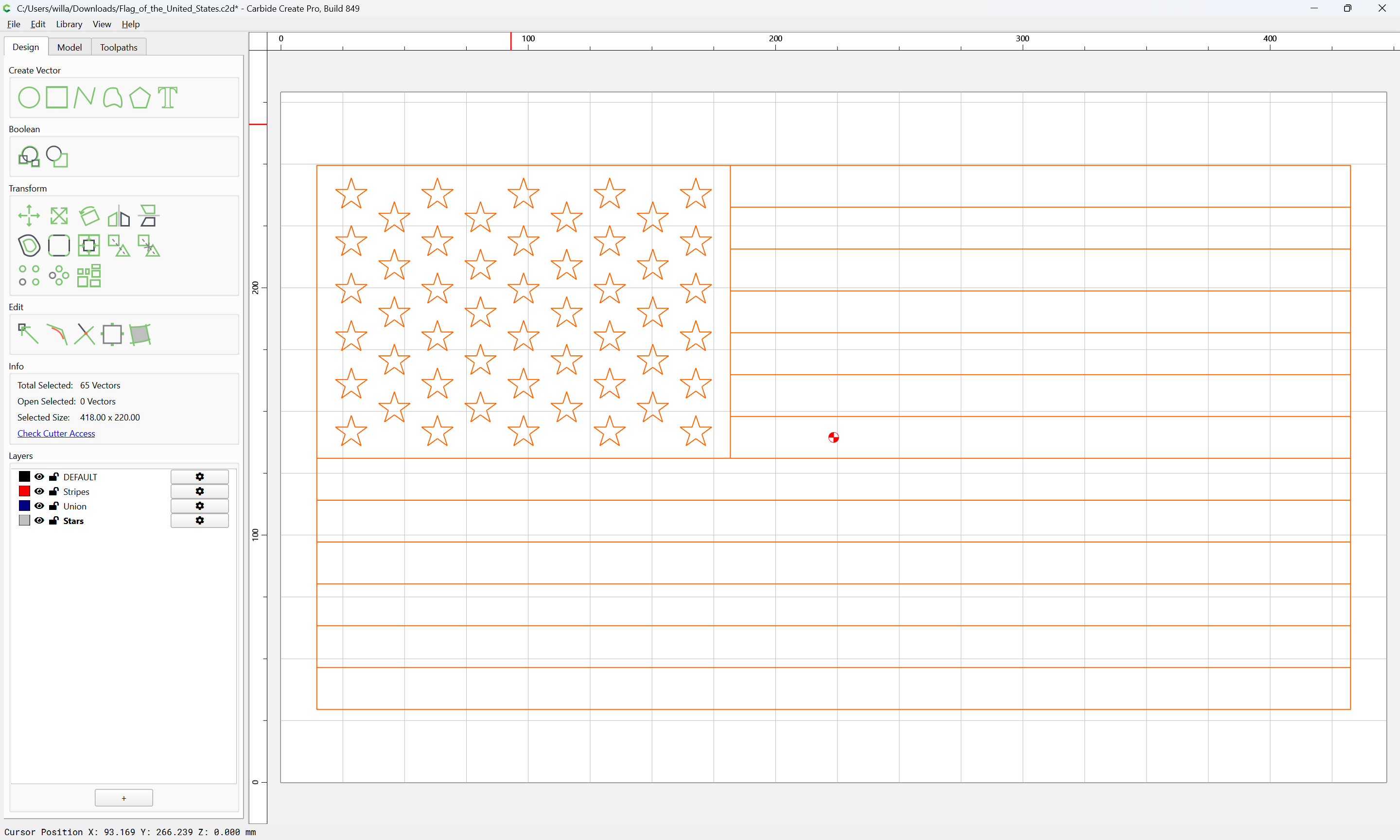
Select everything:

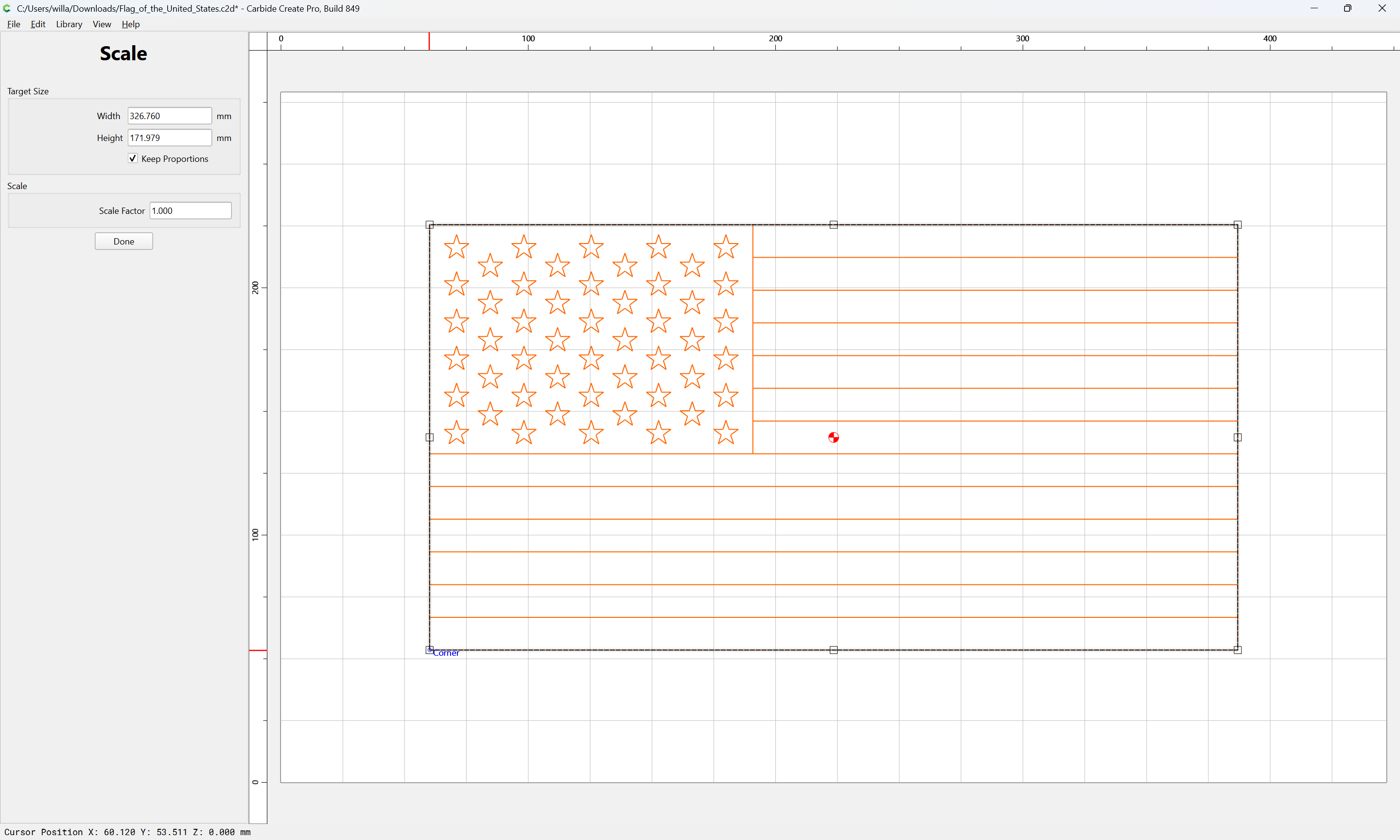
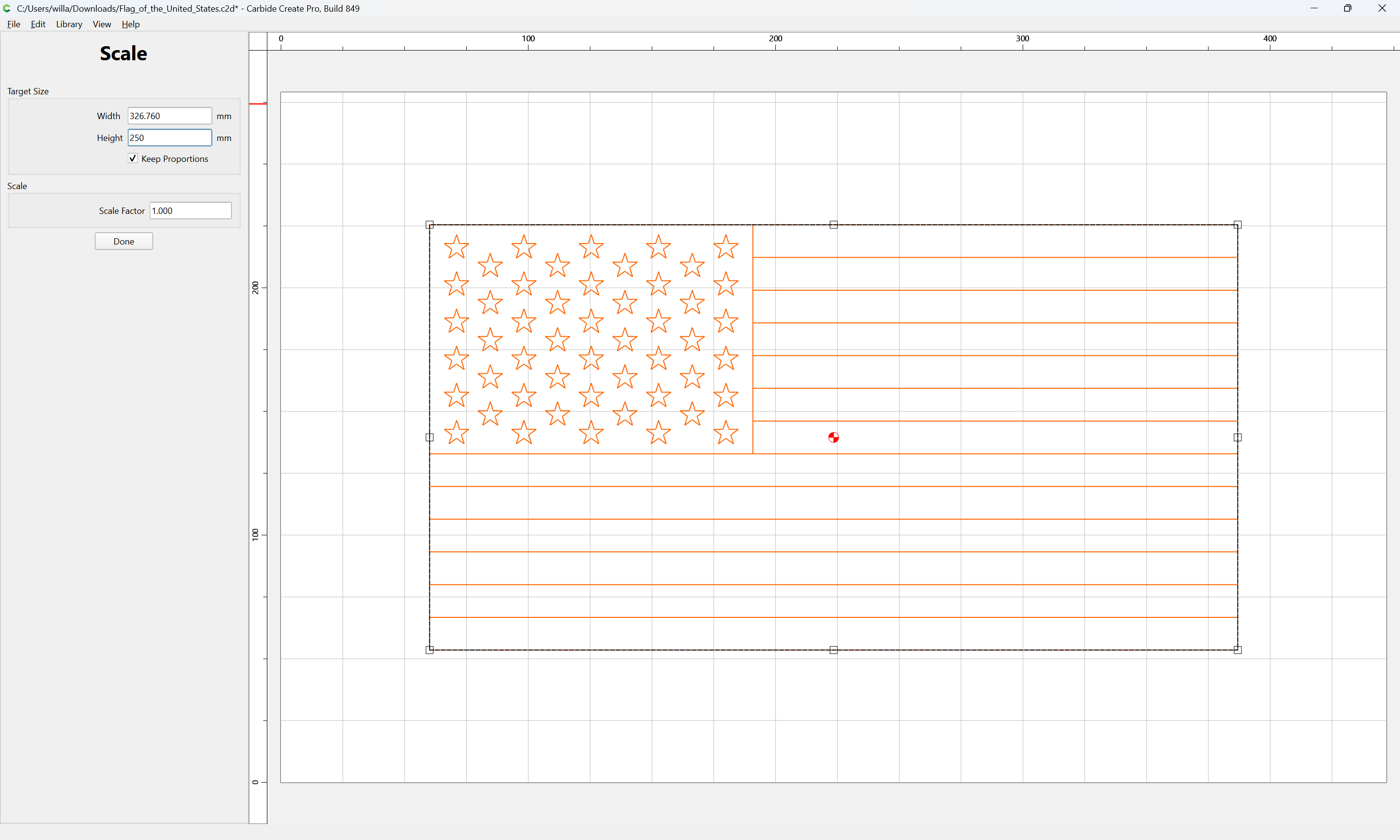
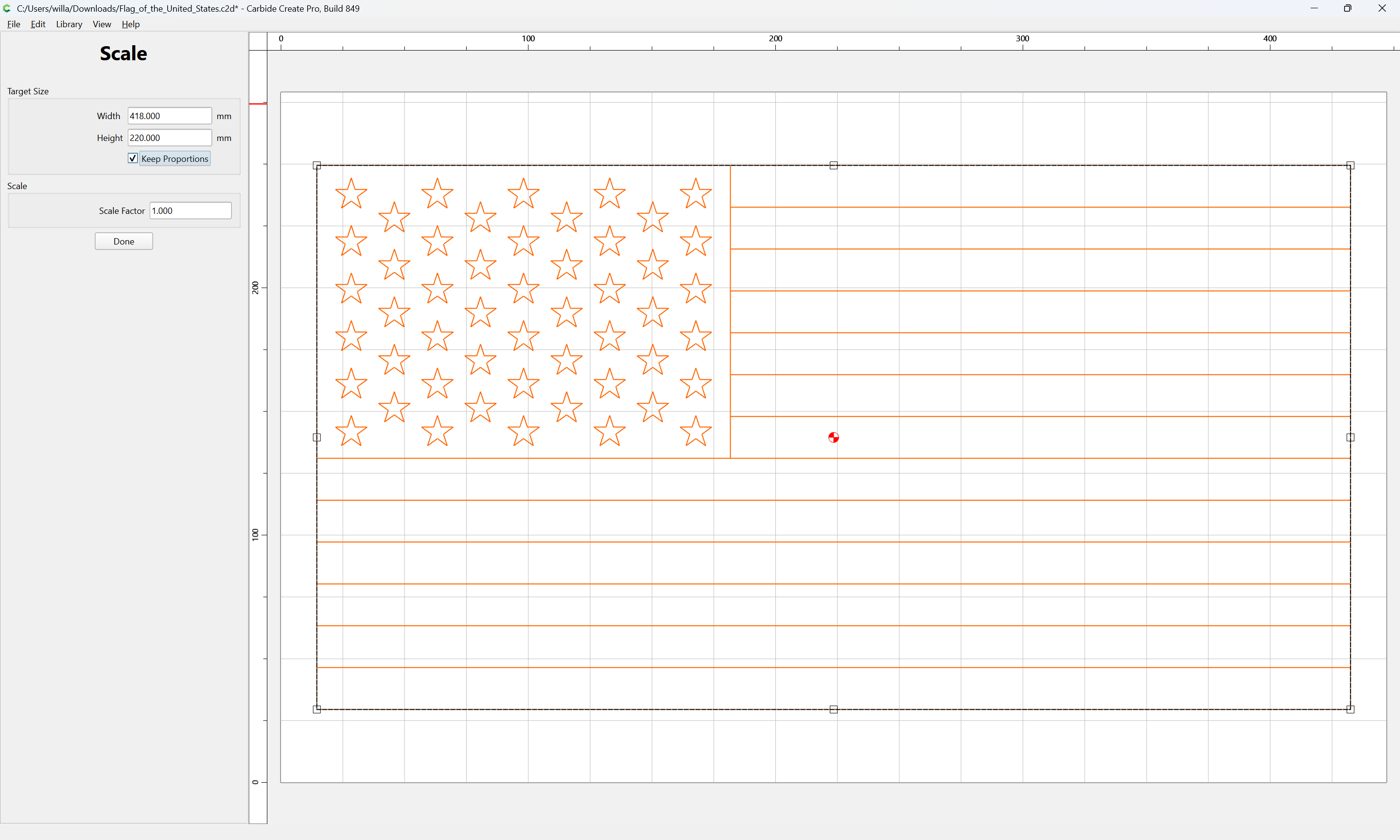
and Scale to suitable dimensions:

(perhaps the “top” would be better?)

Done

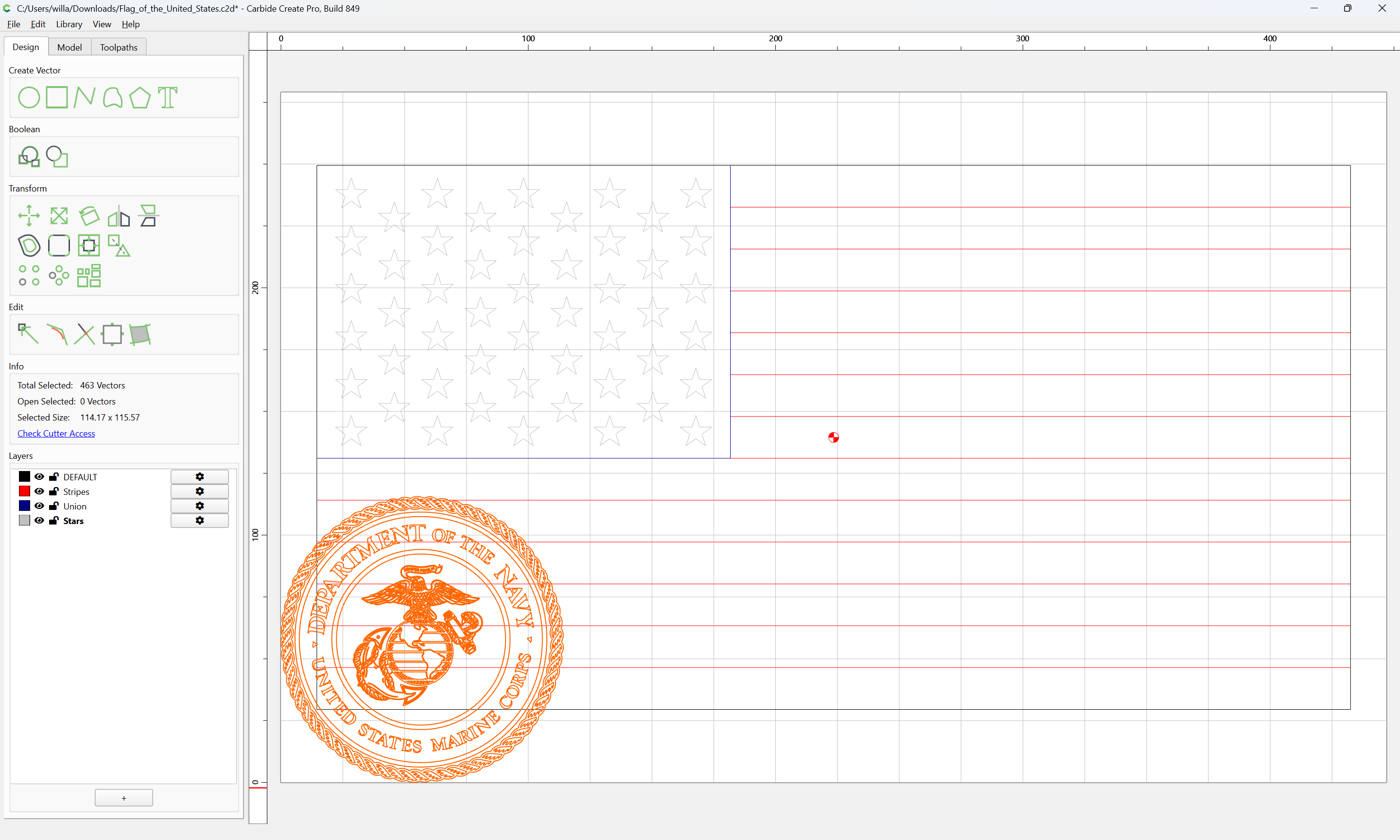
Download the USMC Seal from:

https://upload.wikimedia.org/wikipedia/commons/b/b3/Seal_of_the_United_States_Marine_Corps.svg

and import that as an external file:

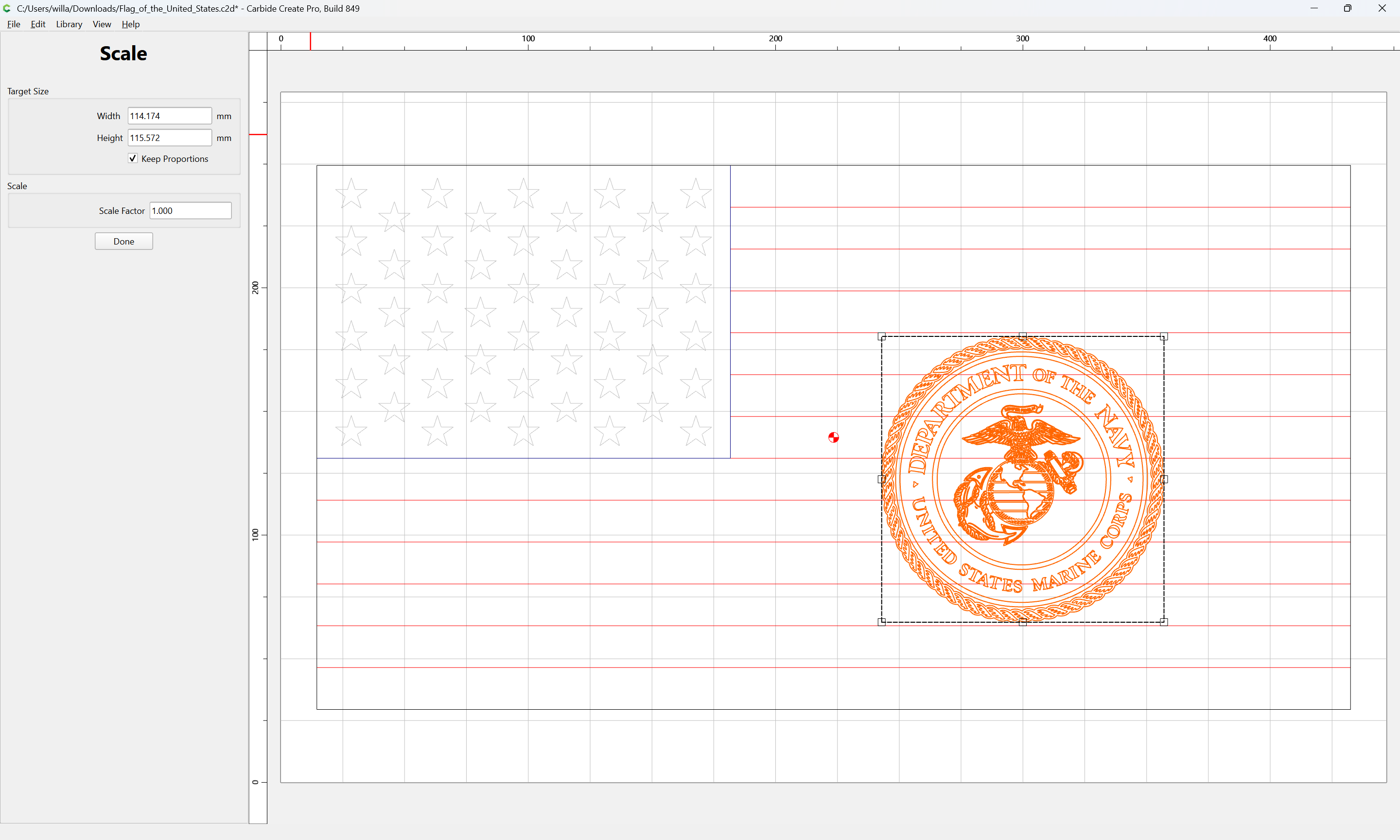
Adjust position and dimensions as desired:

Select the white stripes:

and move them to their own layer:

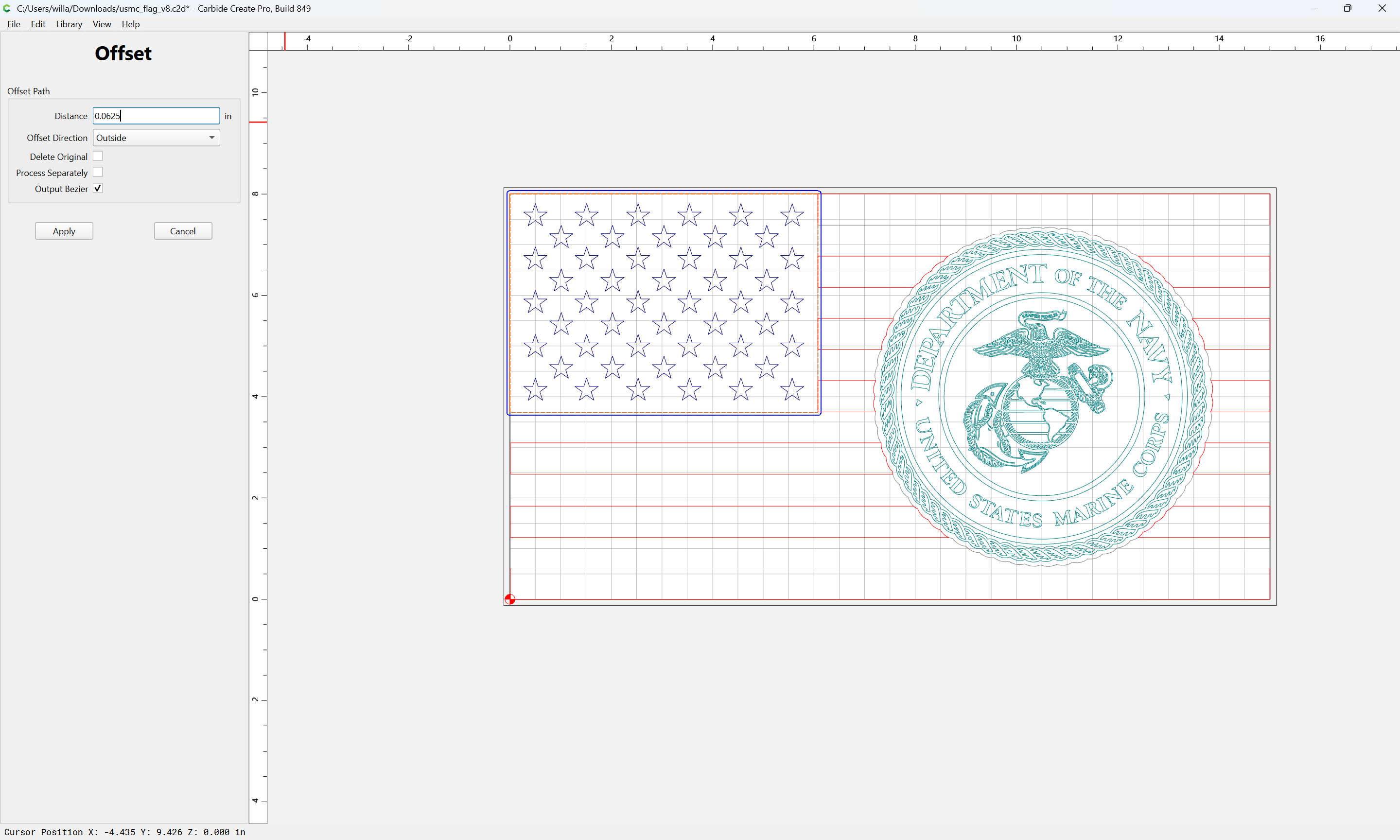
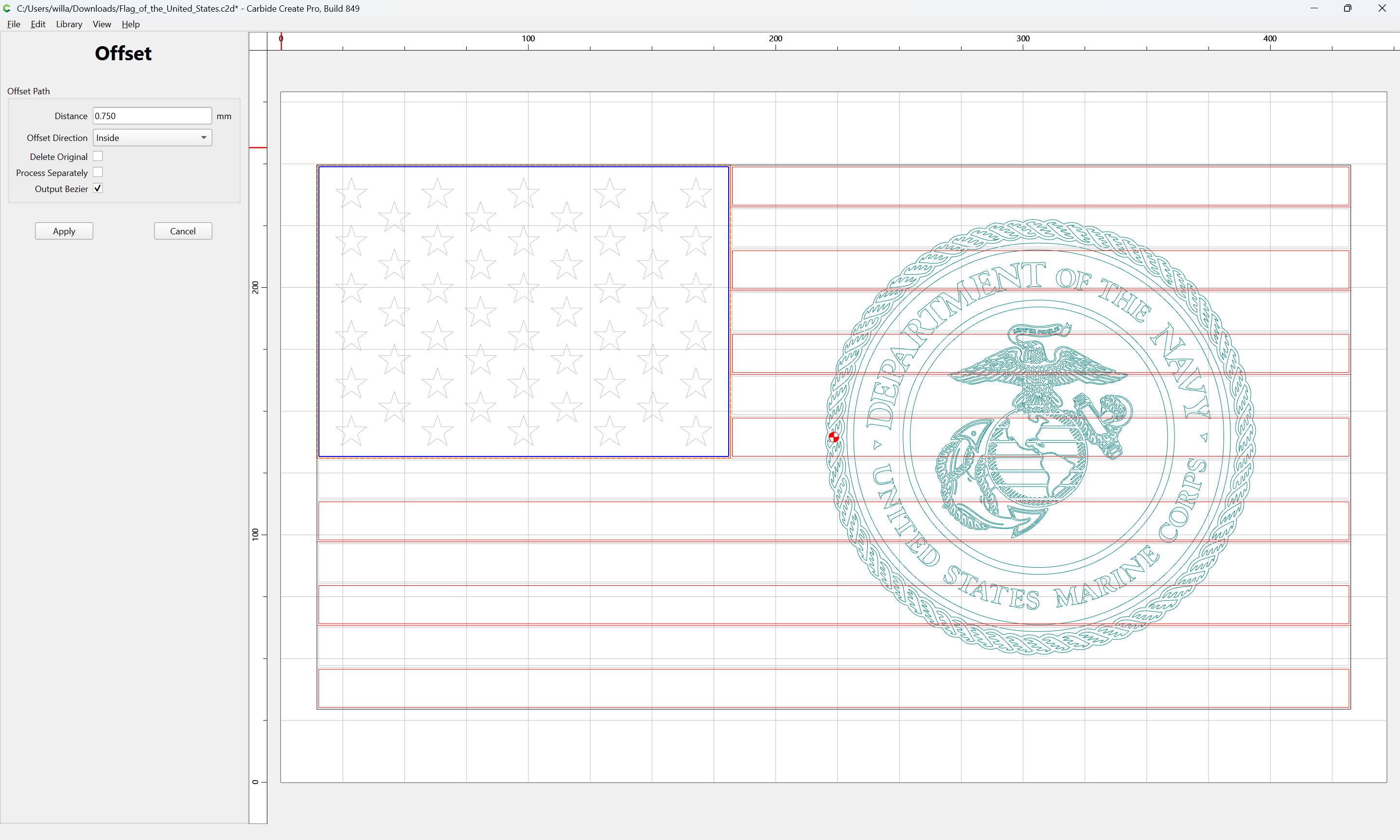
Inset each set of stripes by some suitably small distance:

Repeat this for the Union as well:

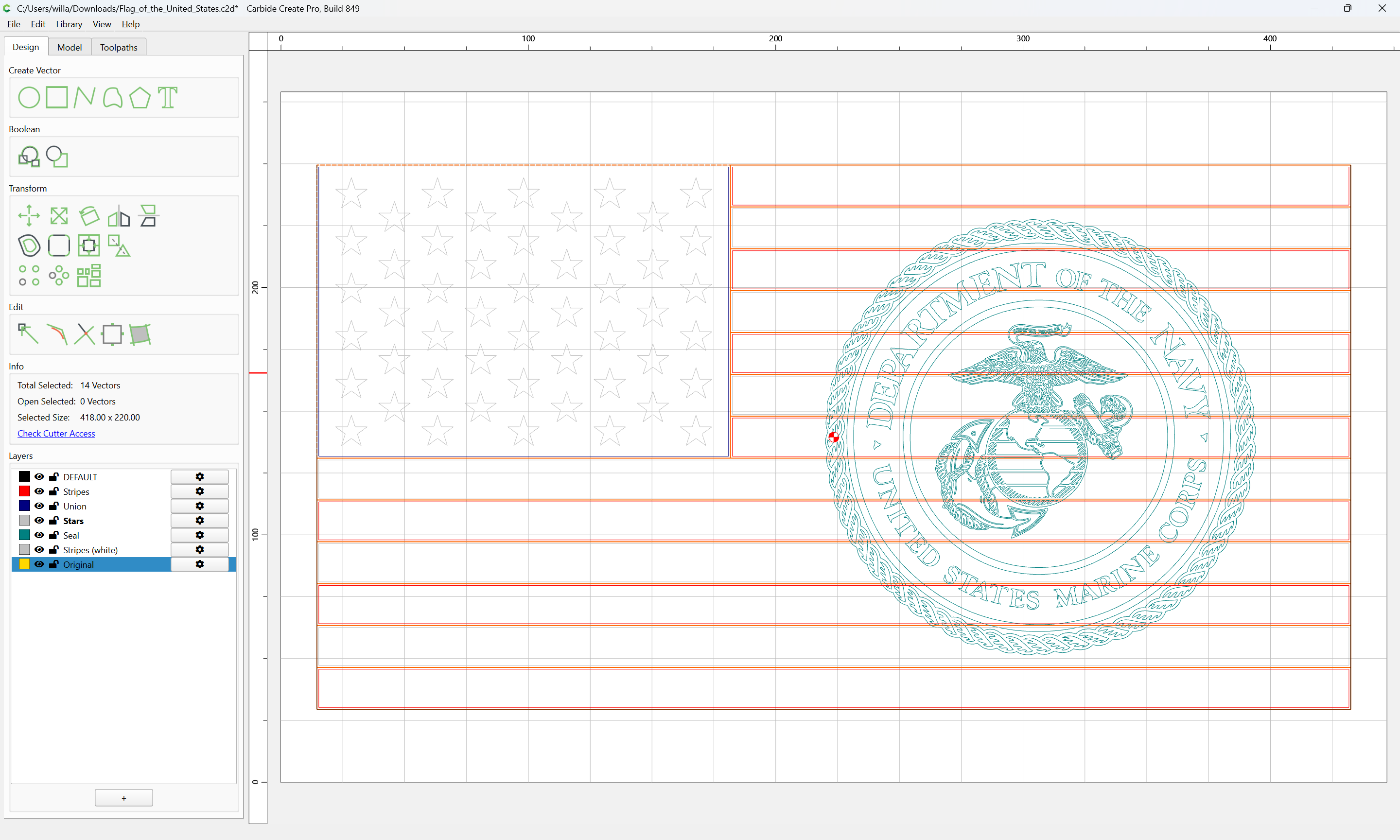
Moving all the inset geometries to the appropriate layers and selecting the original geometry and moving it to a separate layer:

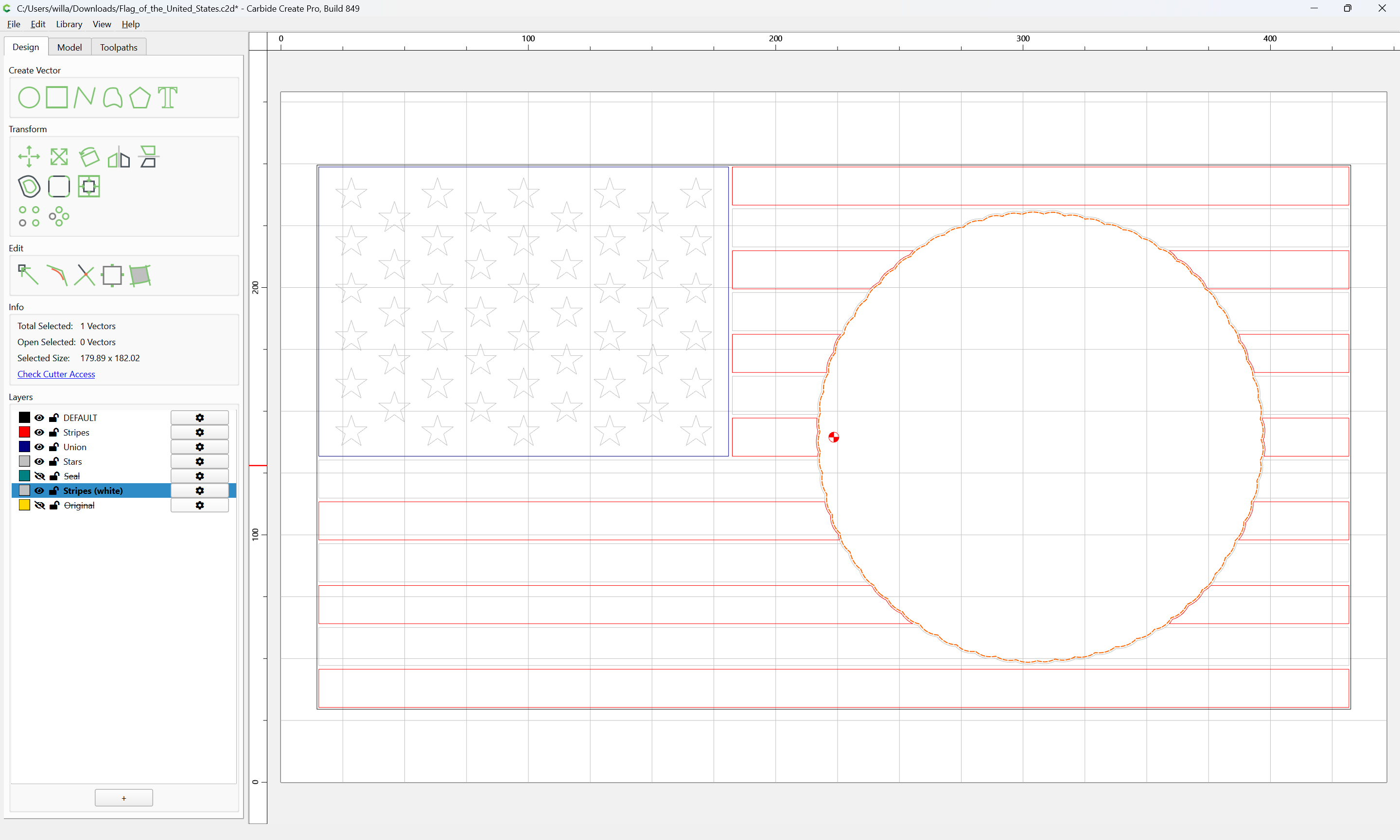
Then select the perimeter of the seal:

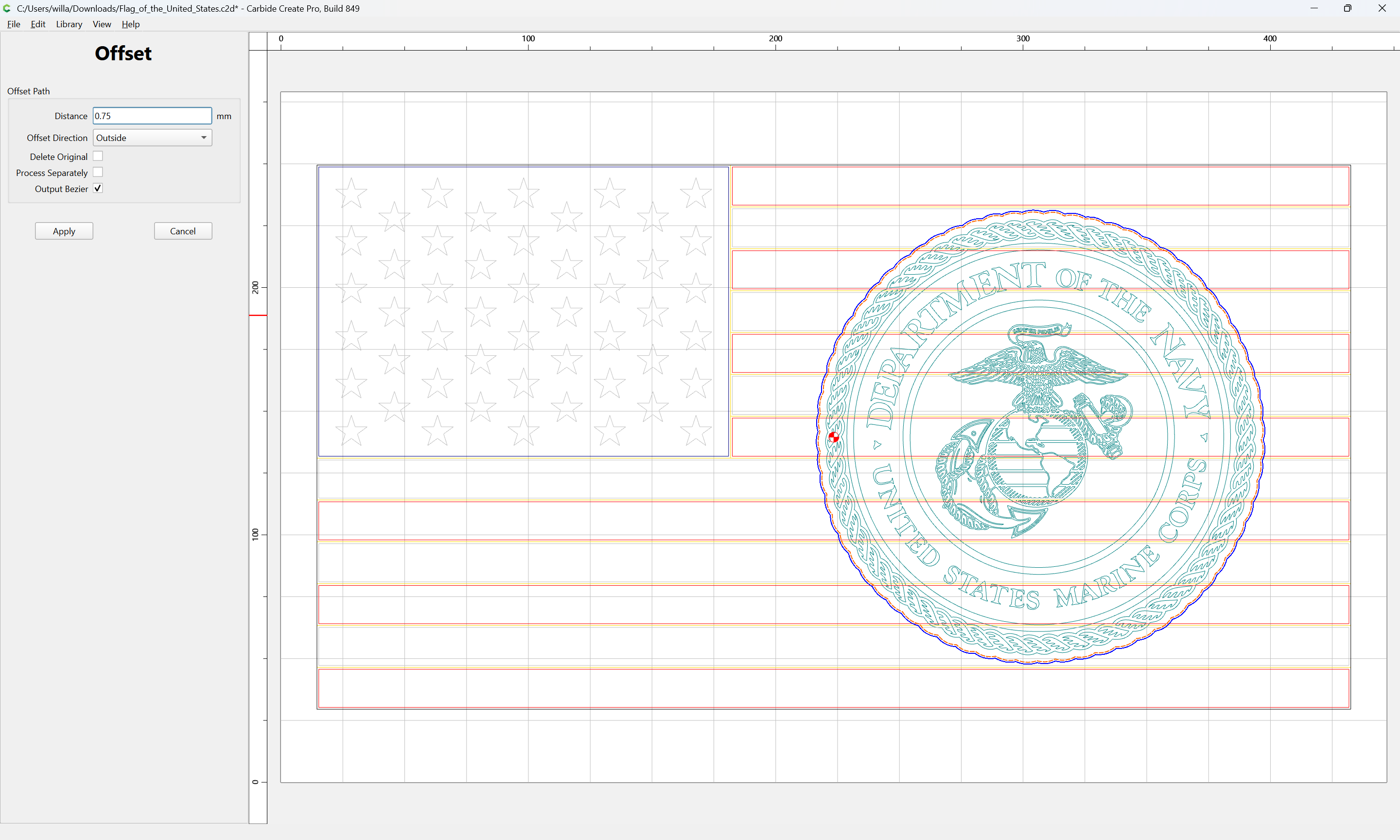
and offset twice:

Apply

Apply

Then use the outer offset to remove from the inset stripes:

Yes

Done

Repeat for the other set of stripes when that layer is active:

Yes

Done

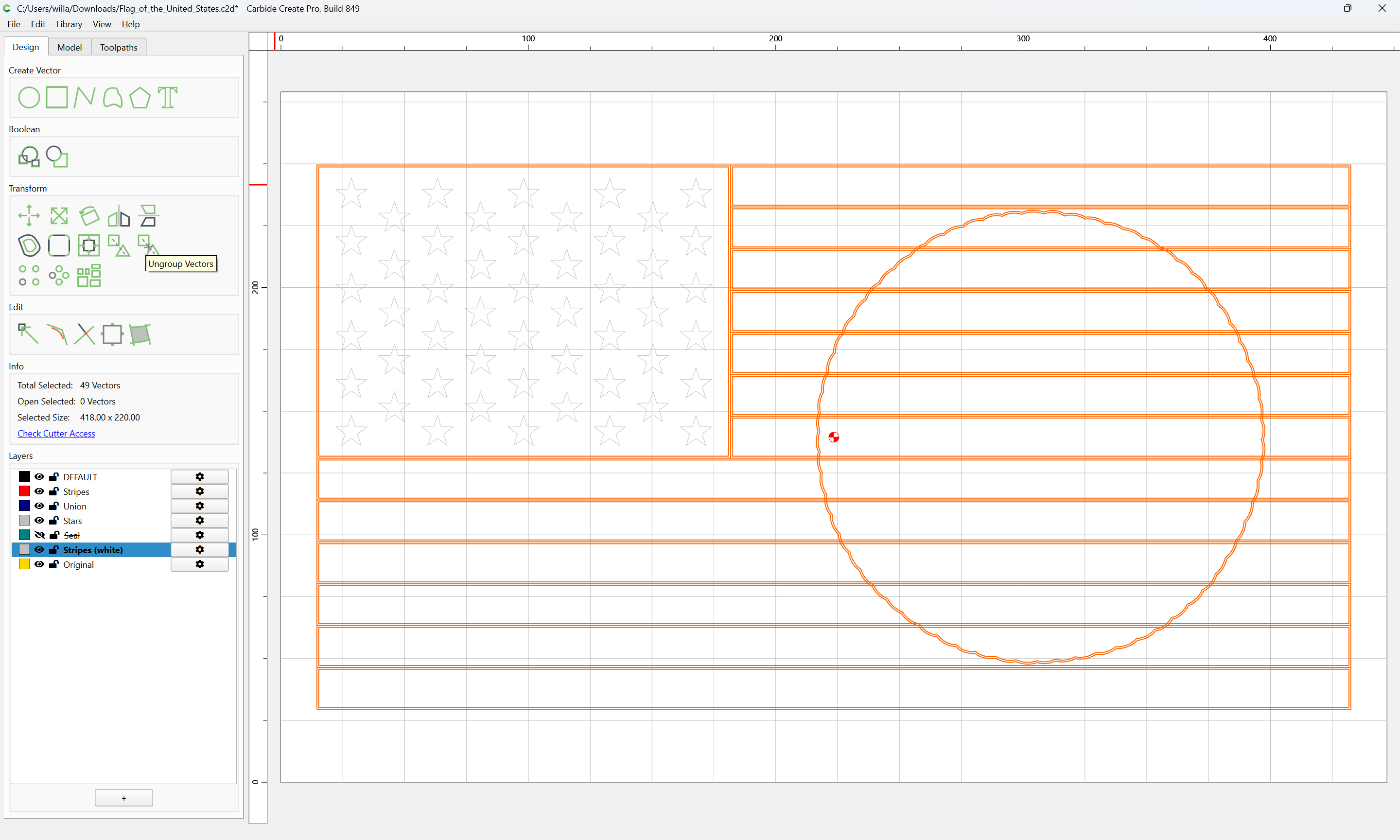
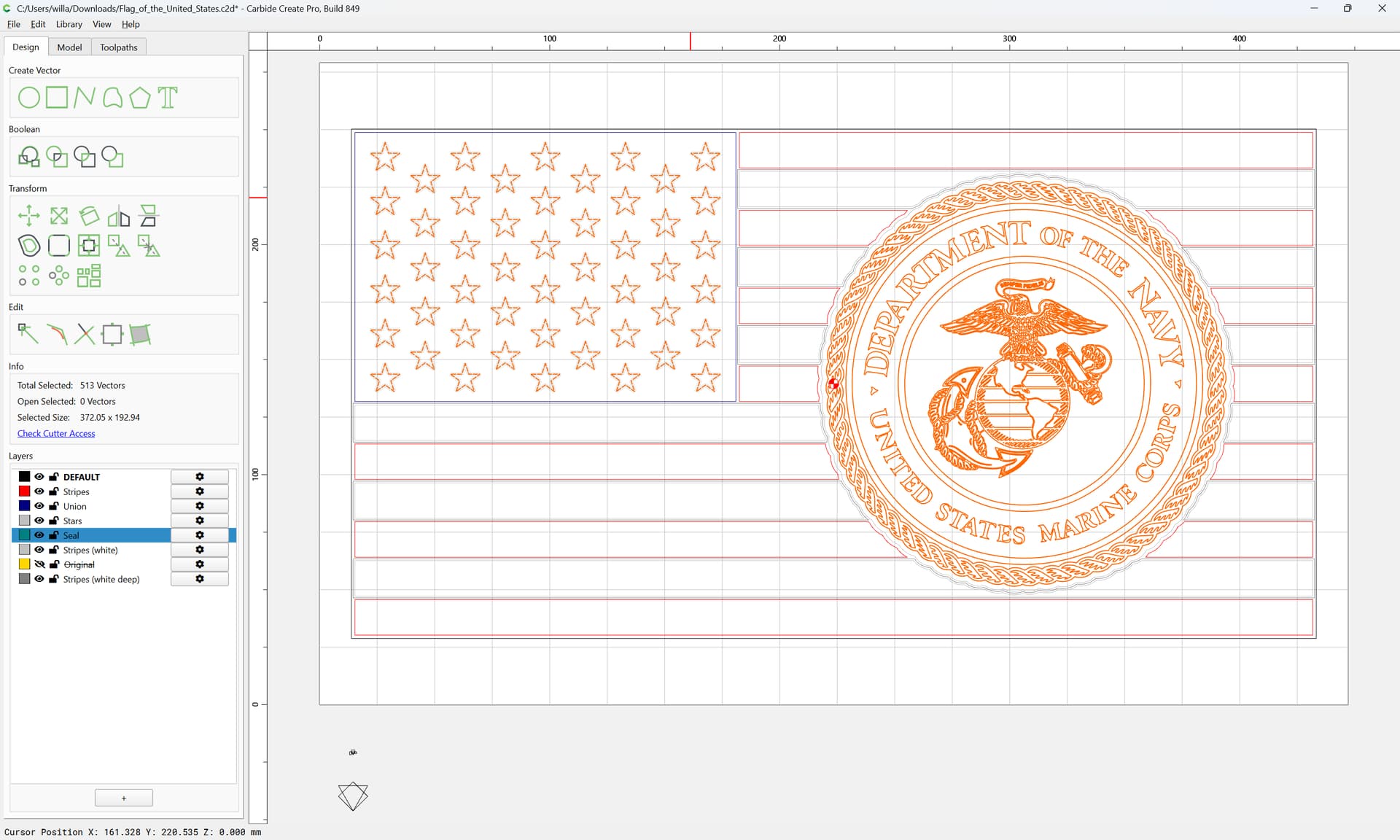
Hide the Seal layer, select everything except for the Stars:

and Ungroup Vectors:

and hide the Original layer:

Then select only the original stripes:

and delete them:

Then select the inner offset:

and move it to the Seal layer:

and delete the second offset:

Also offset the offset geometry to the inside:

and move the previous geometry to the Original layer.

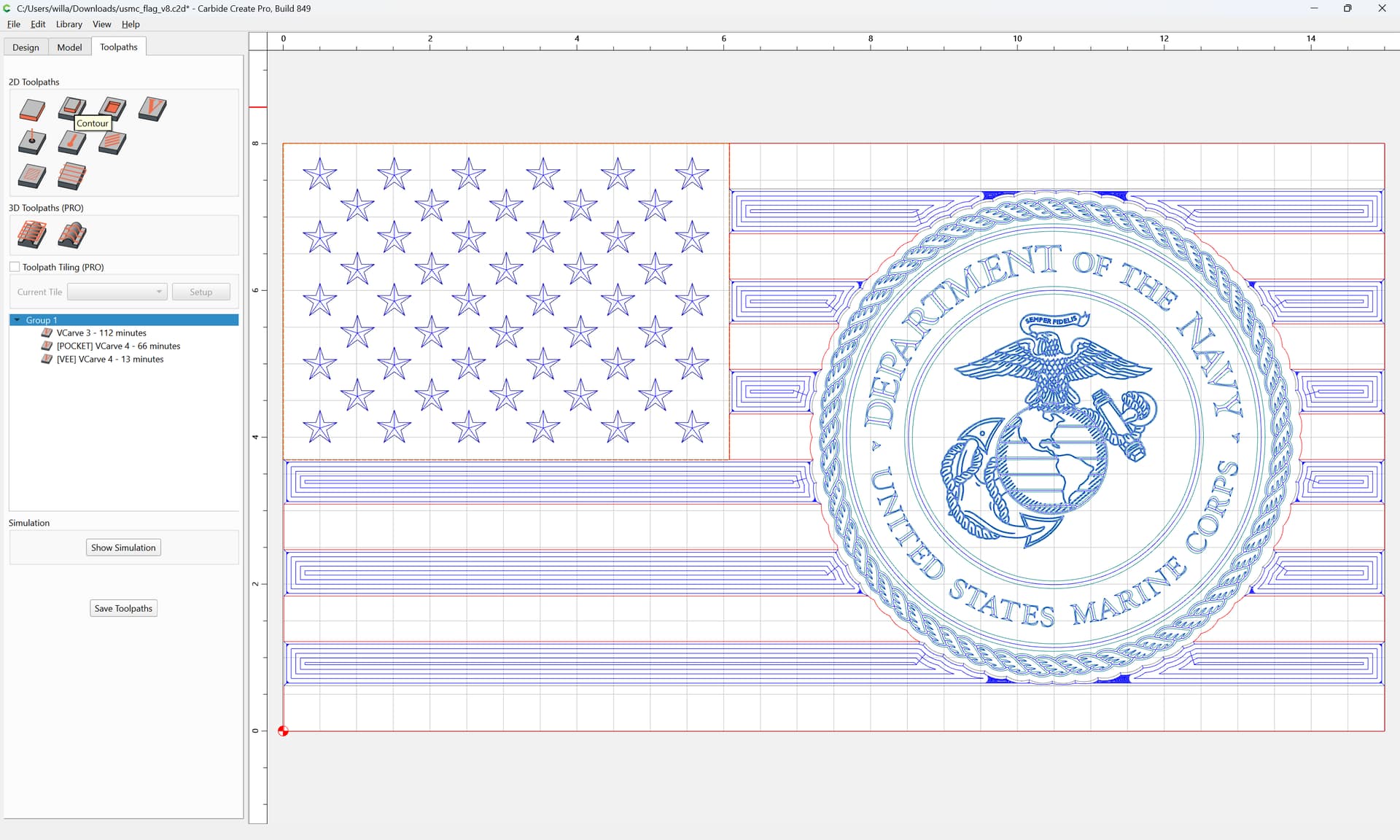
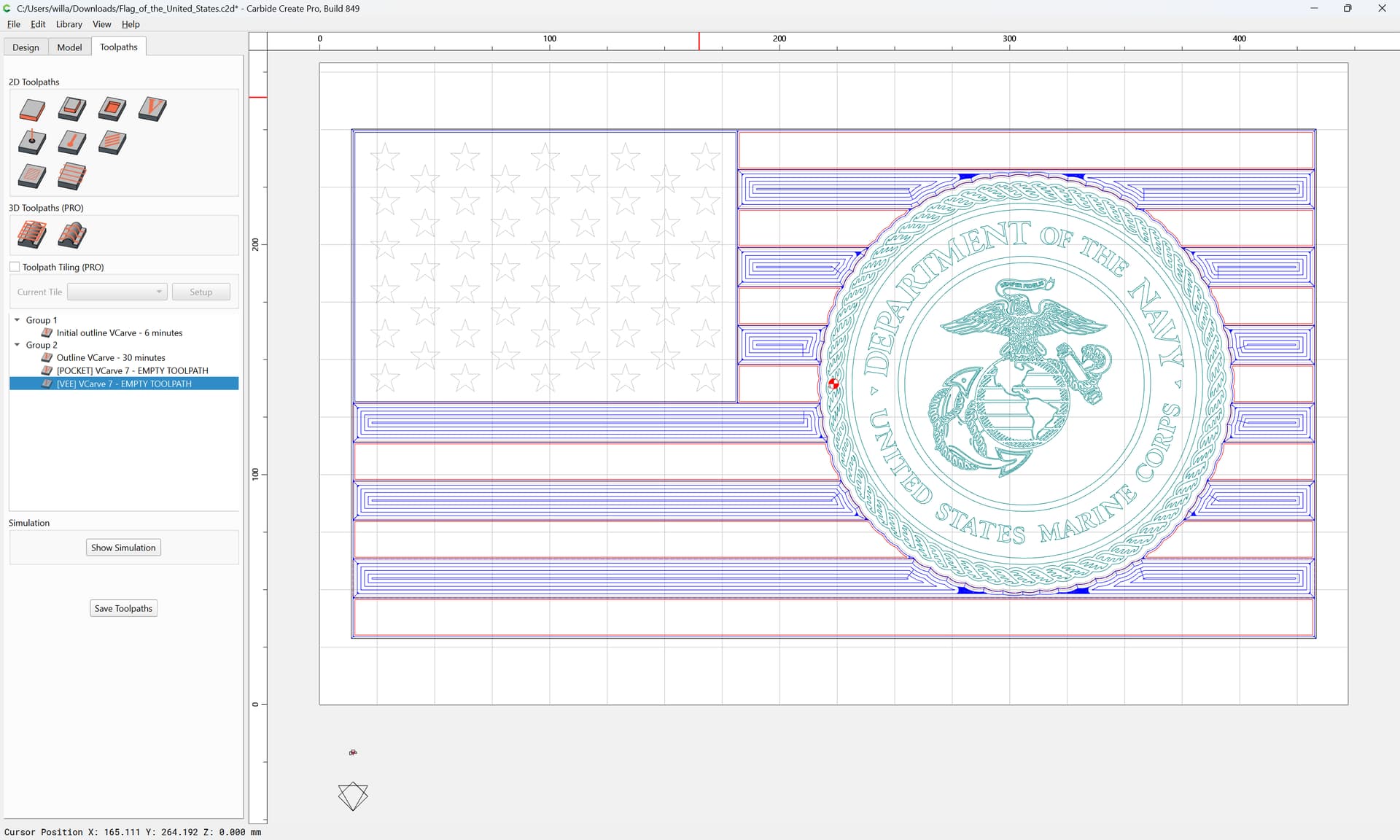
It should now be possible to assign suitable toolpaths.

1 Like

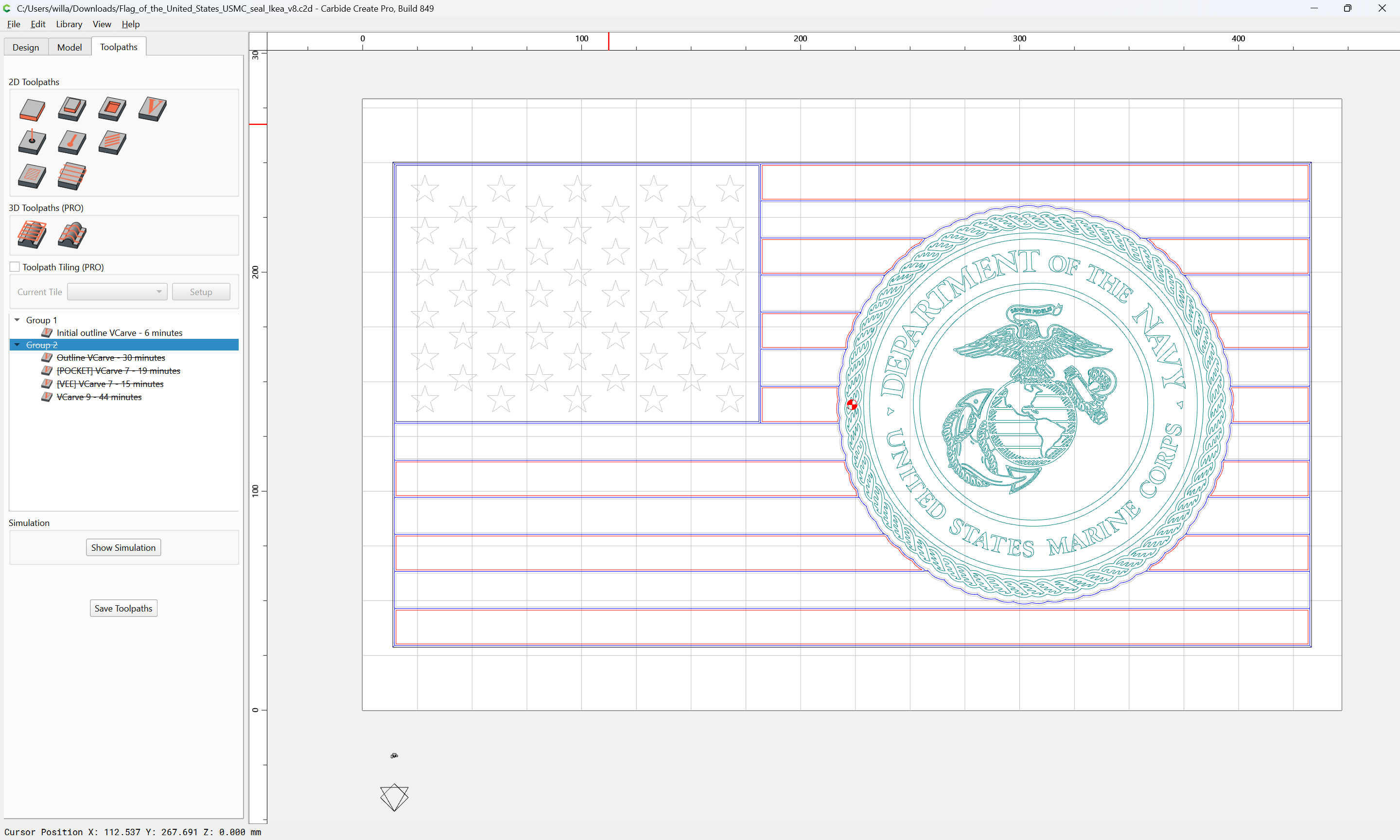
Select the stripes and the Union and the offset geometry:

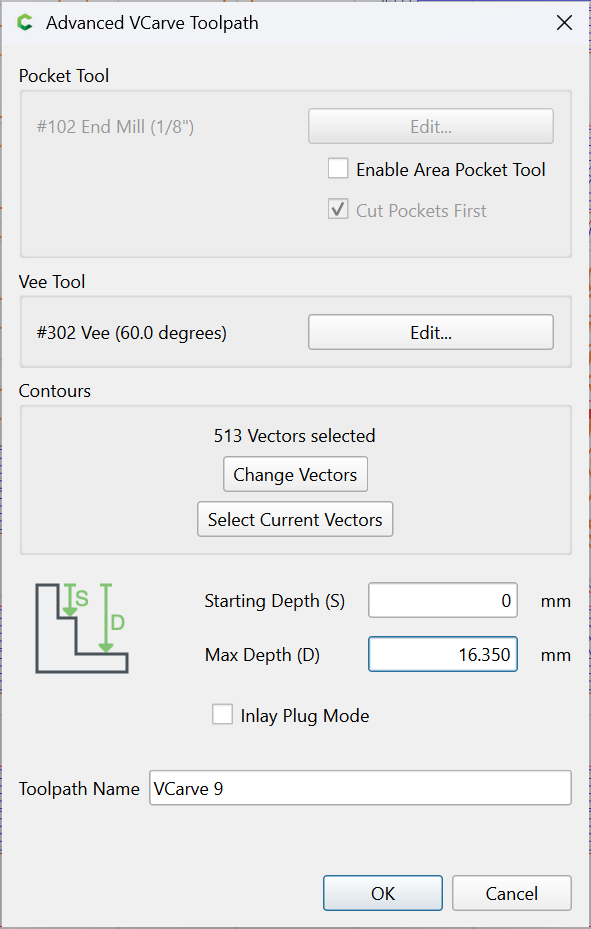
and assign a V-carve toolpath with a V tool which is less acute than the tool which will be used later:

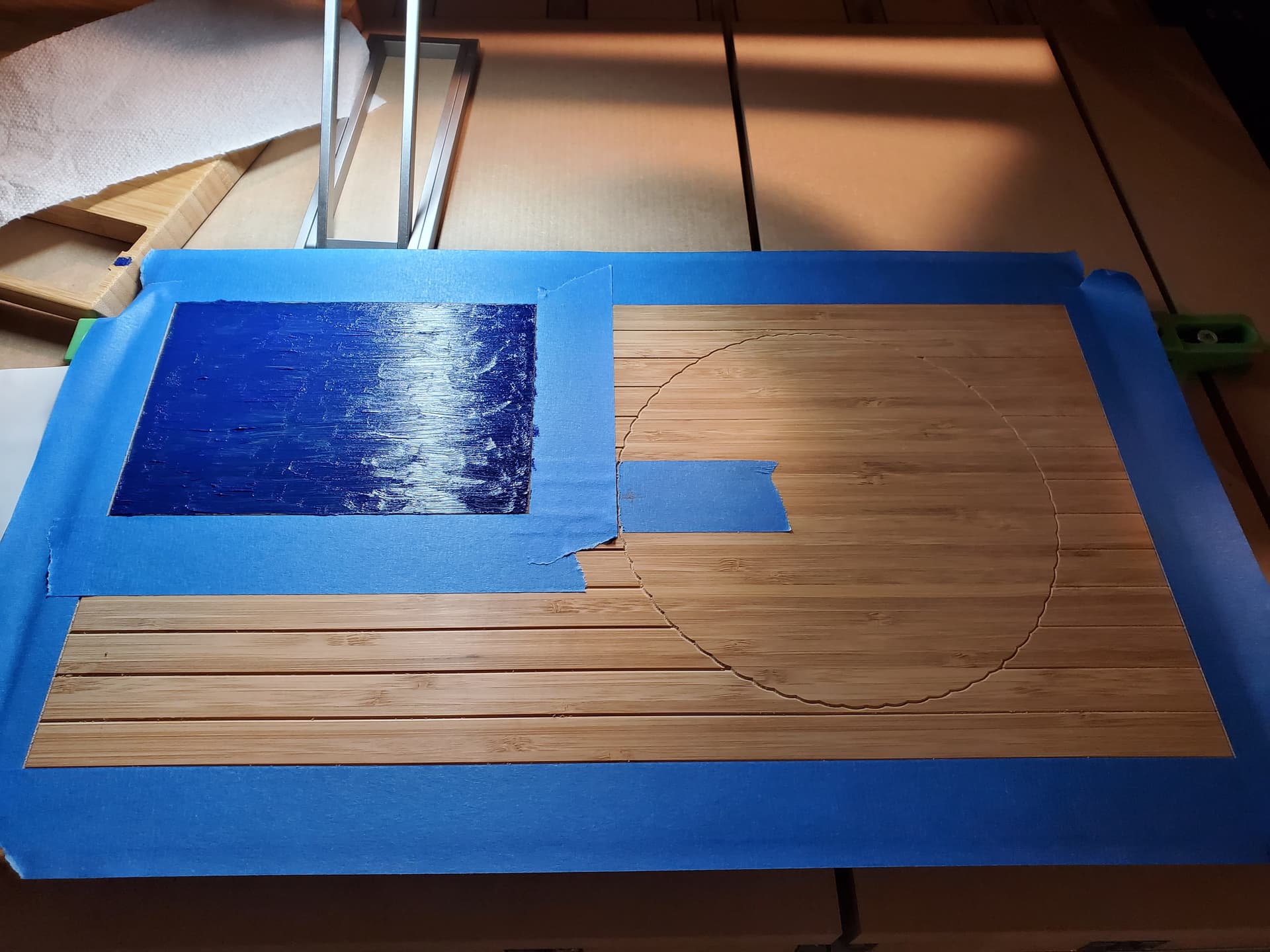
This should be cut first:

and it will then be possible to paint the regions.

Drawing the cut up in profile we see that the 90 degree tool will cut to a depth of 0.75mm:

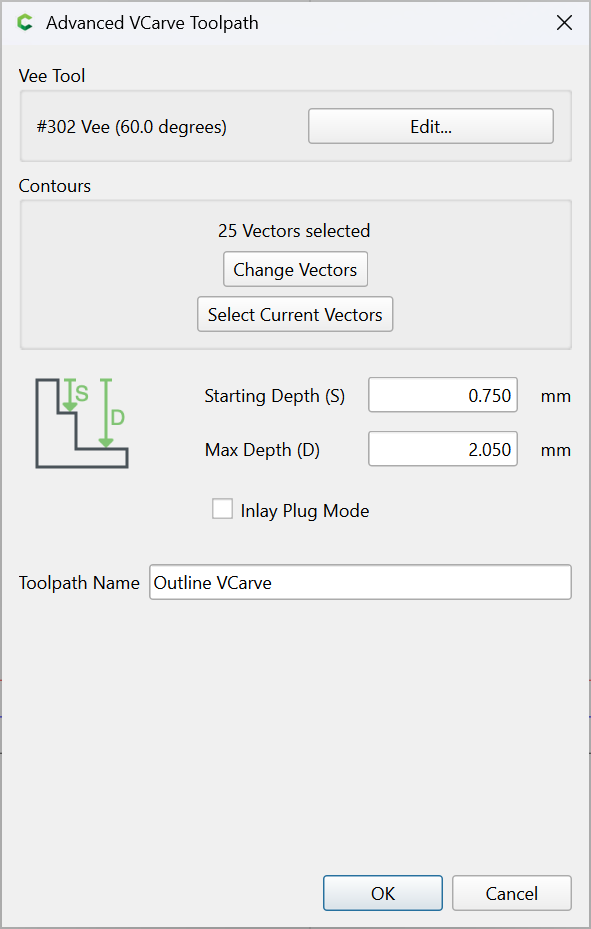
Then, a 60 degree V tool can be used to cut from the bottom of that V groove to the greater depth:

Then set up geometry which follows the center of the channel:

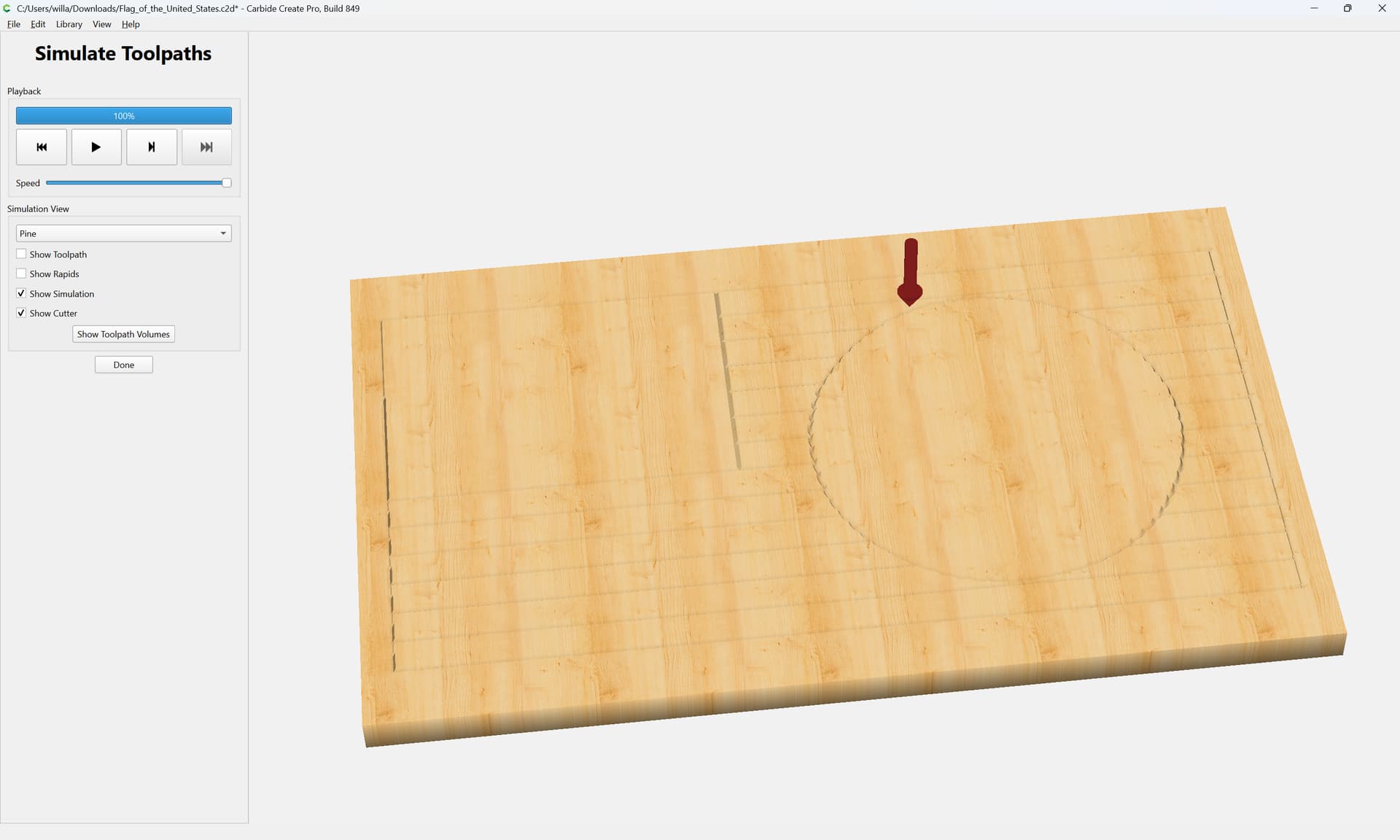
and use it for a toolpath which cuts from the bottom of that to the desired depth:

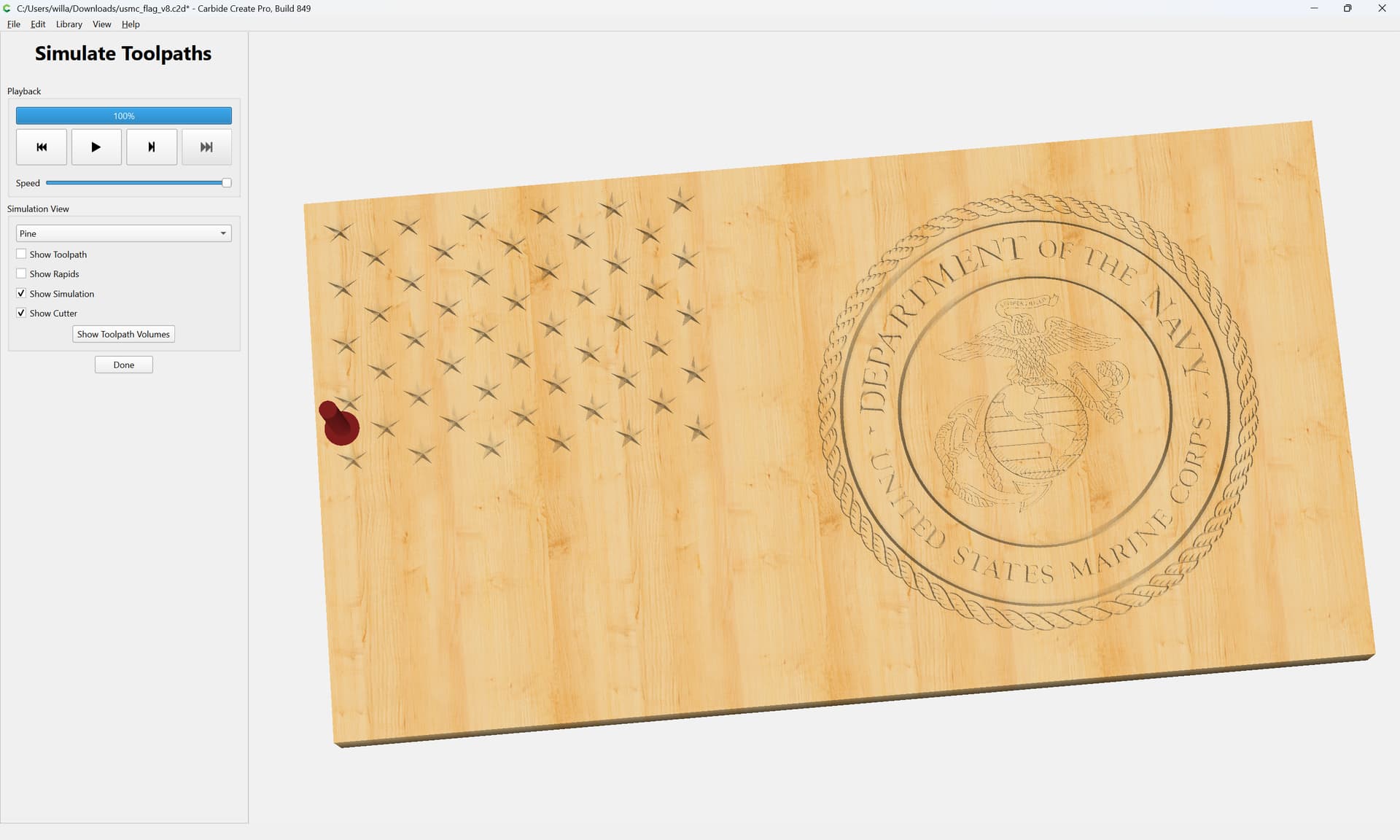
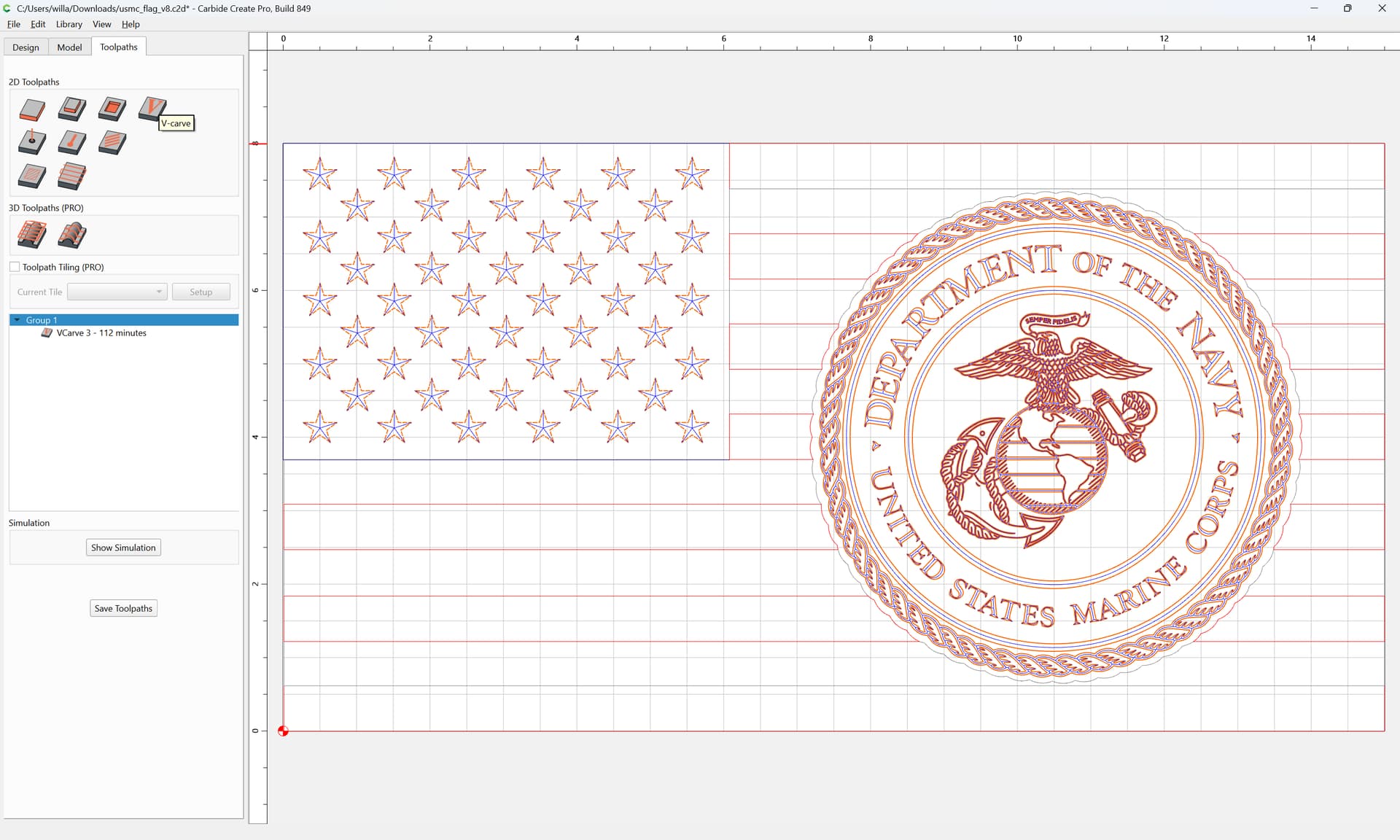
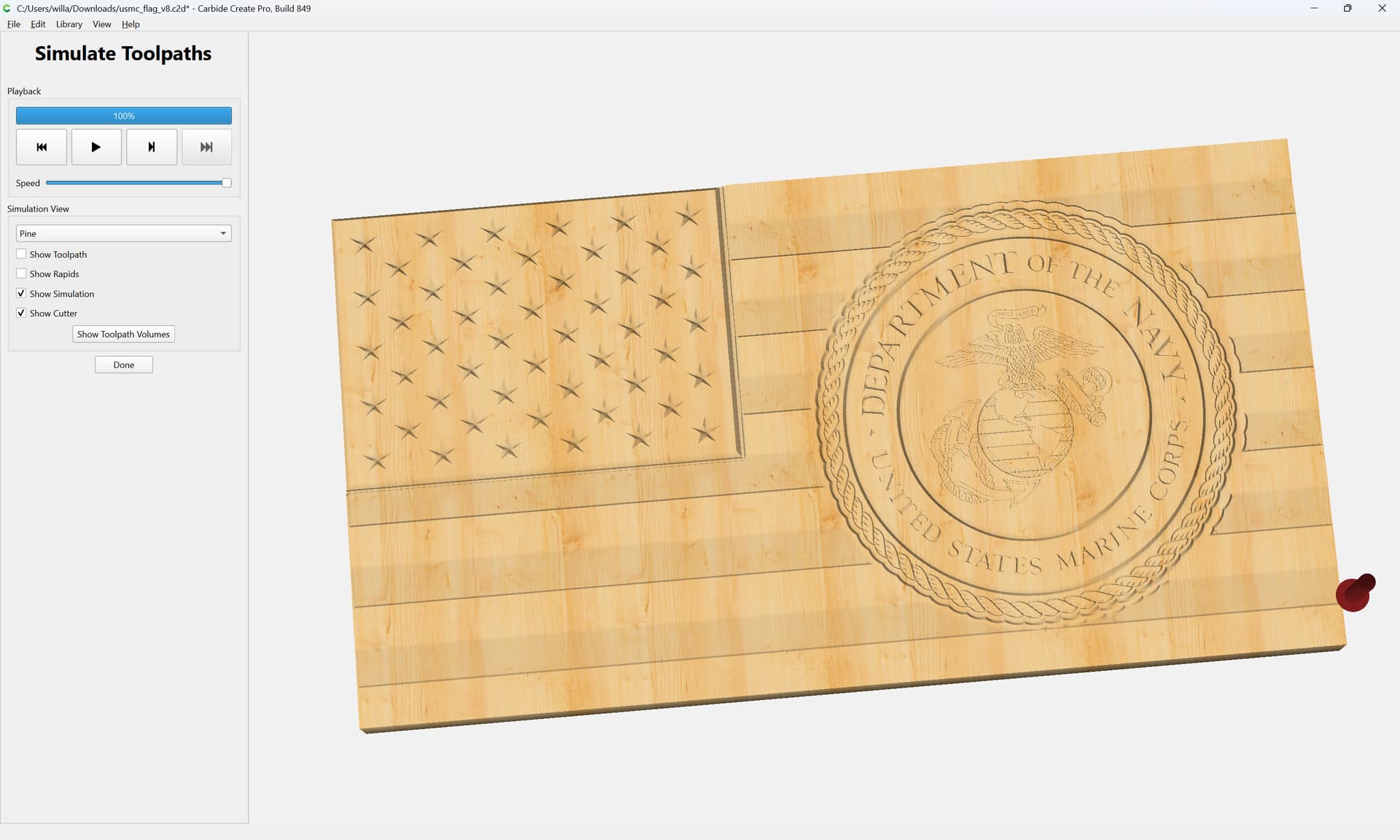
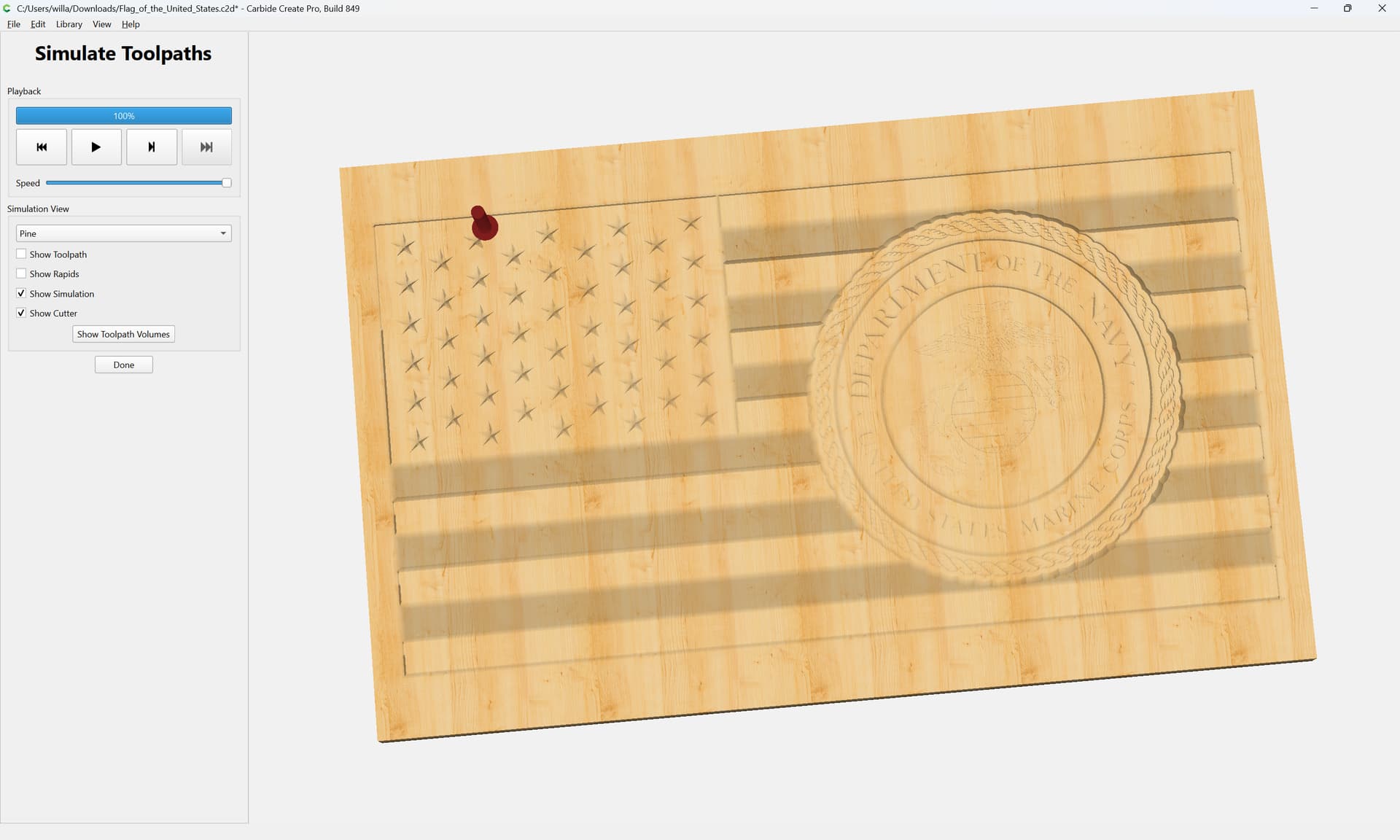
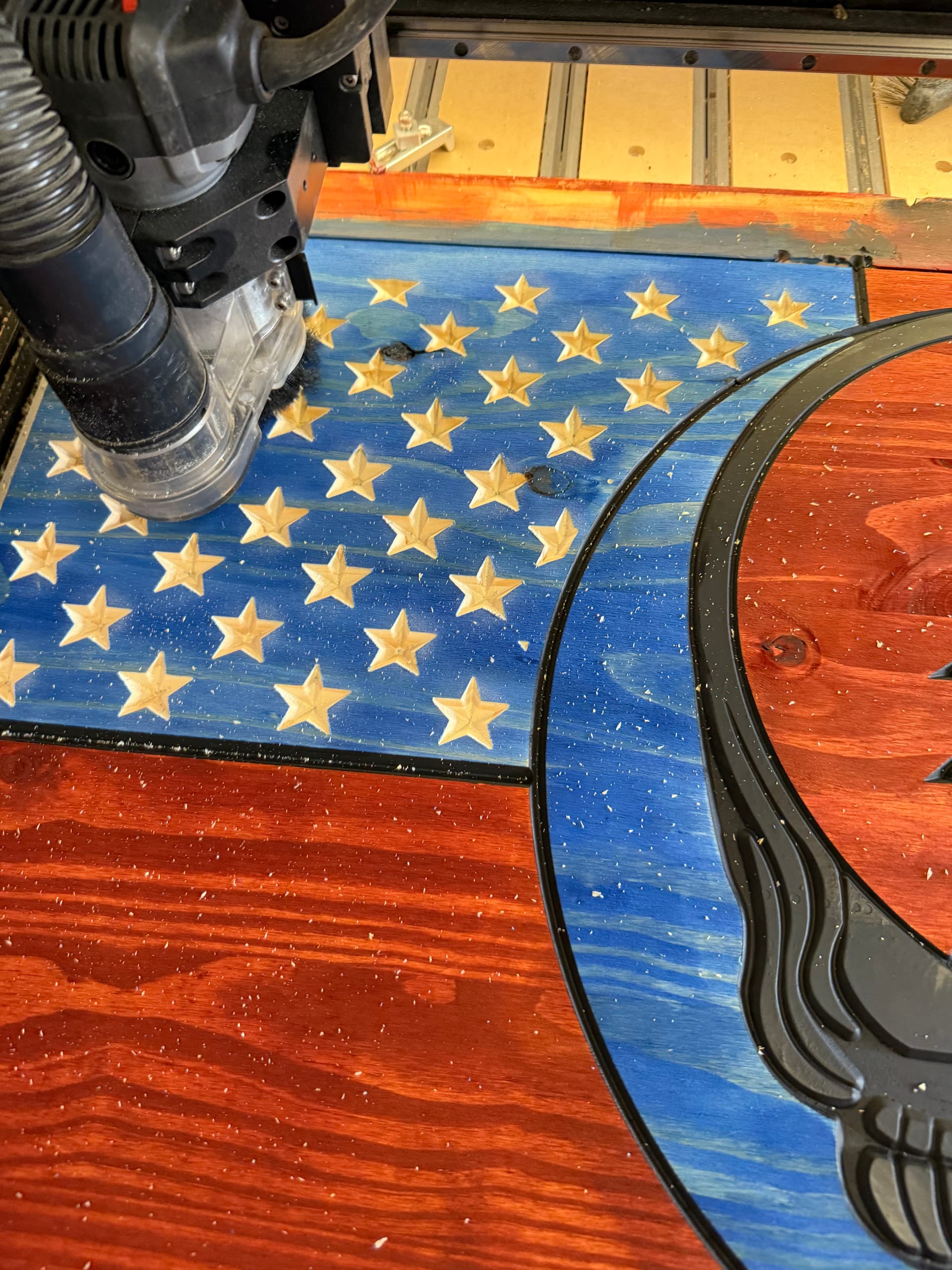
and a V-carving toolpath may be used for the stars and the Seal:

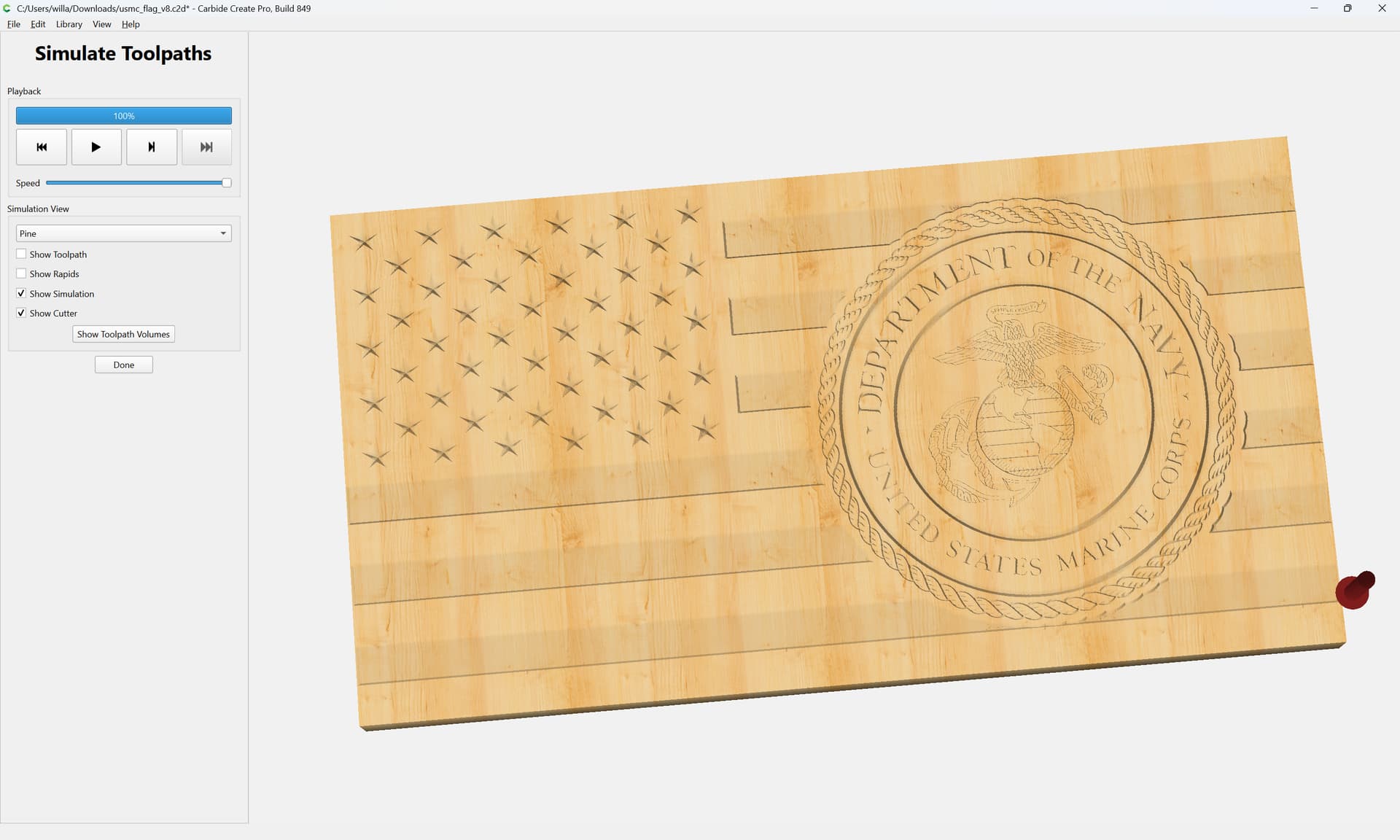
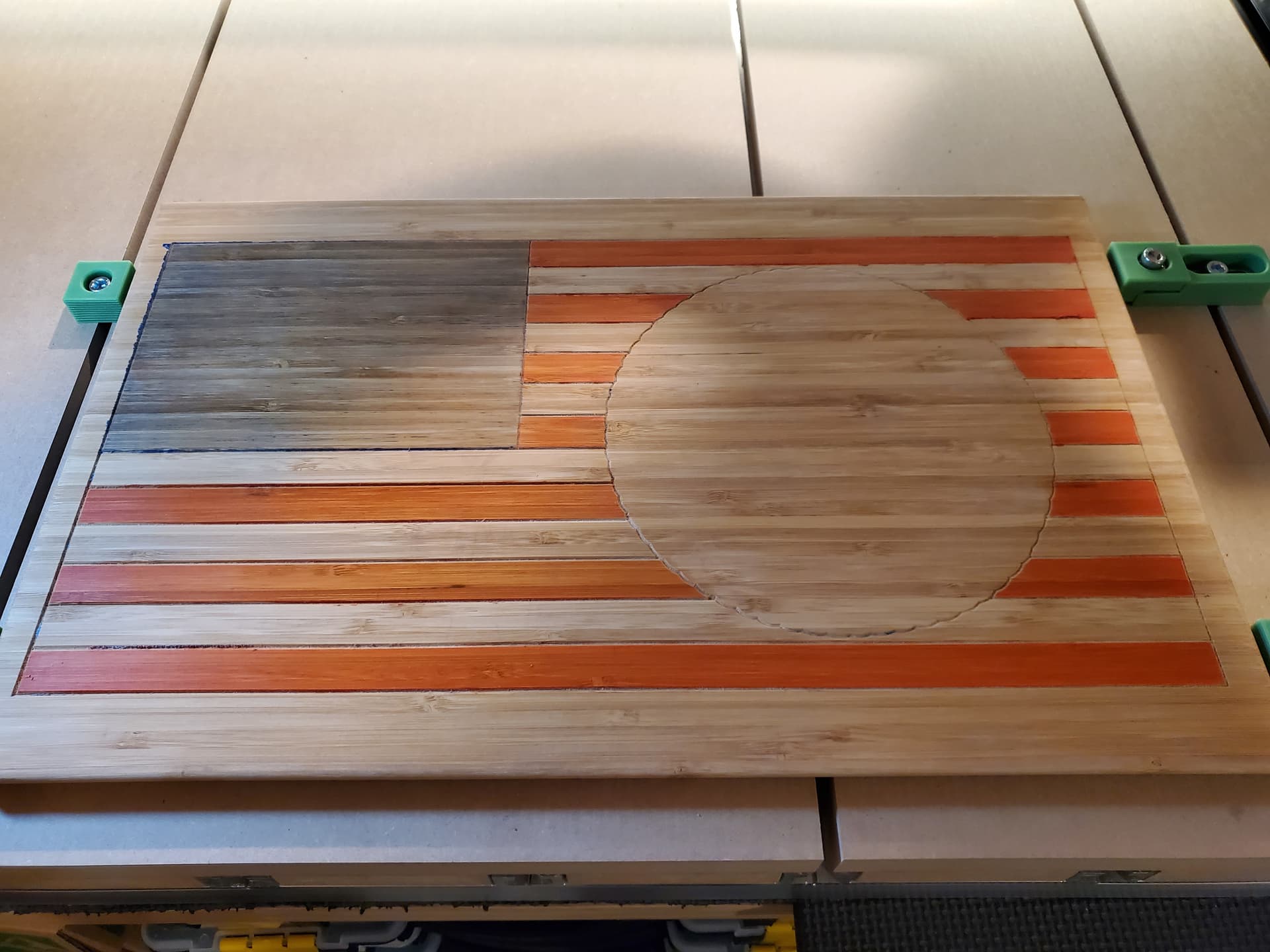
which will cut as:

Attached as a v8 file.

Flag_of_the_United_States_USMC_seal_Ikea_v8.c2d (1.2 MB)

2 Likes