as requested on support…
I was asked to make a sign with an outer circle and an inner circle with a rectangle running through the middle … The issue is I can’t seem to get the rectangle to continue as a whole. I have tried the booleens and editing the nodes without any success.

with the initial file state:
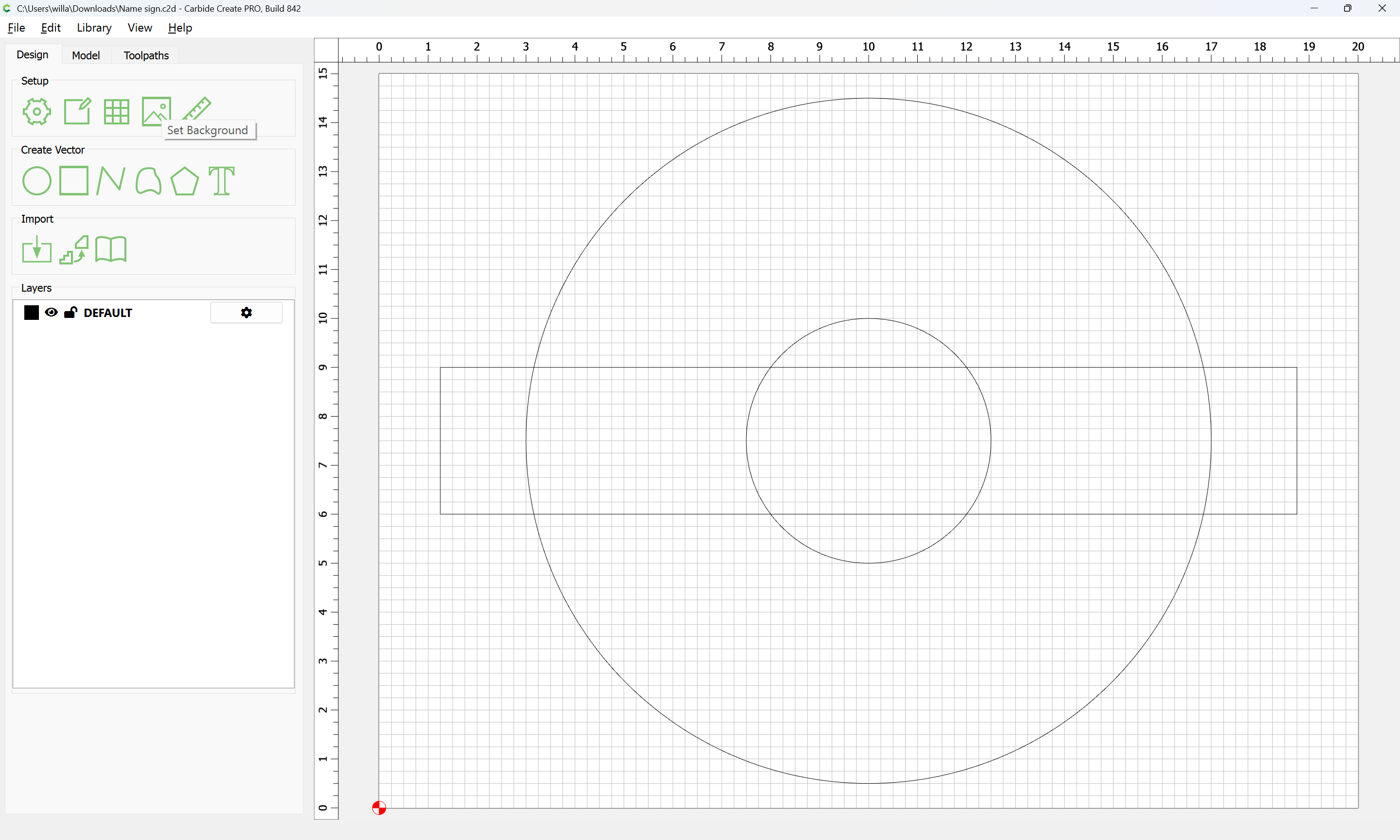
The issue of course is that there is not sufficient geometry to define both the outer and inner perimeters — this is easily addressed buy adding some inset geometry to each element, but for reference, we will bring in the image as a guide:
Set Background
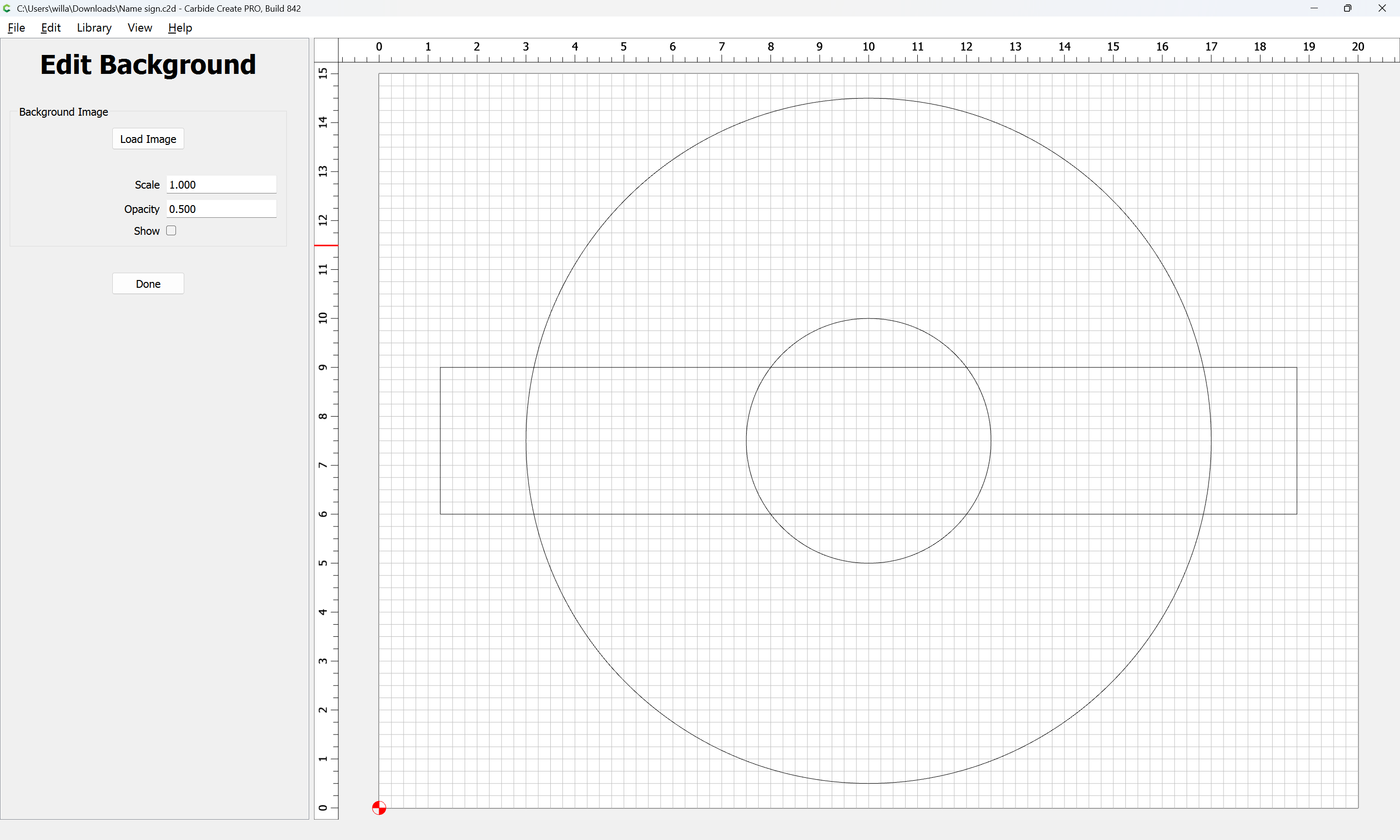
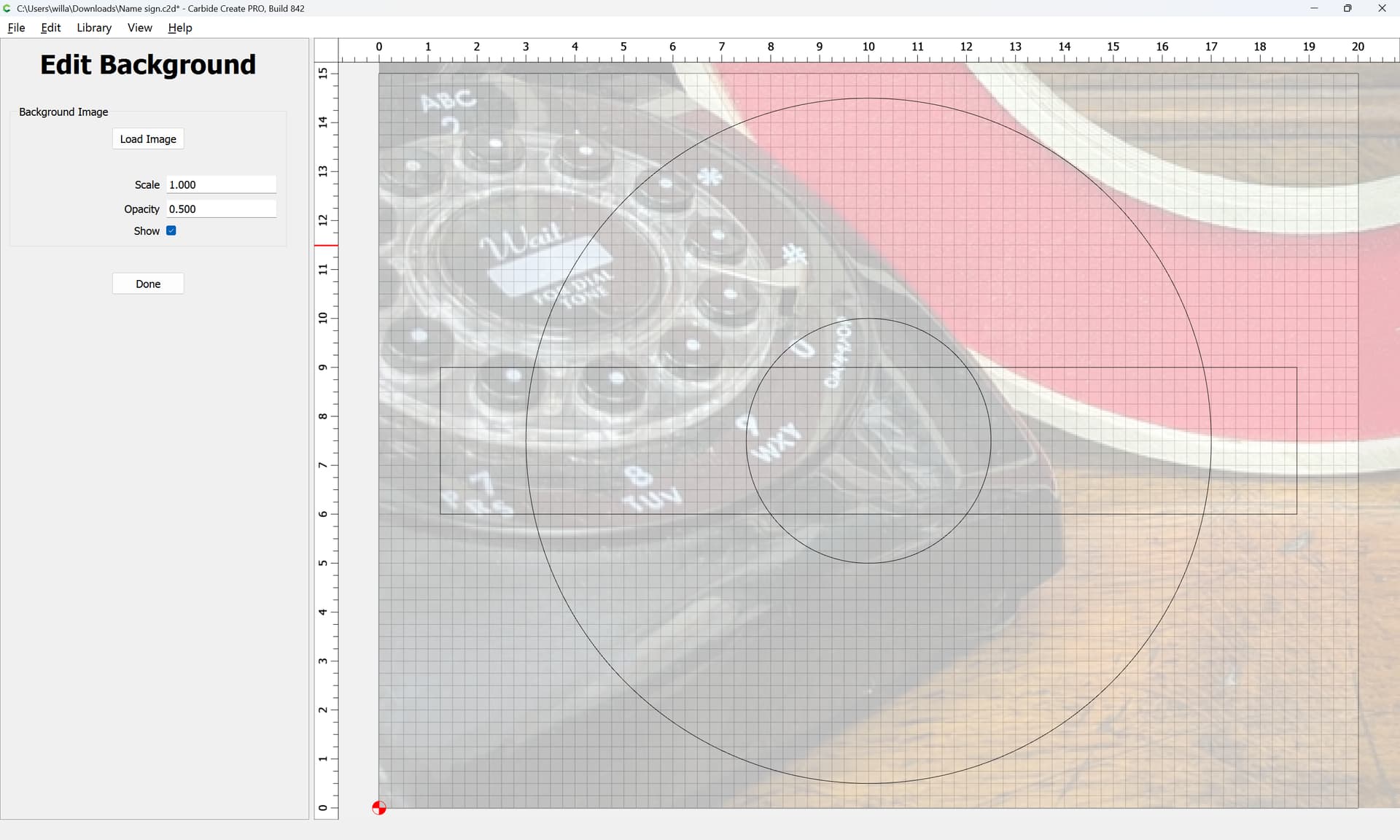
adjust the numbers/positioning as necessary until one arrives at:
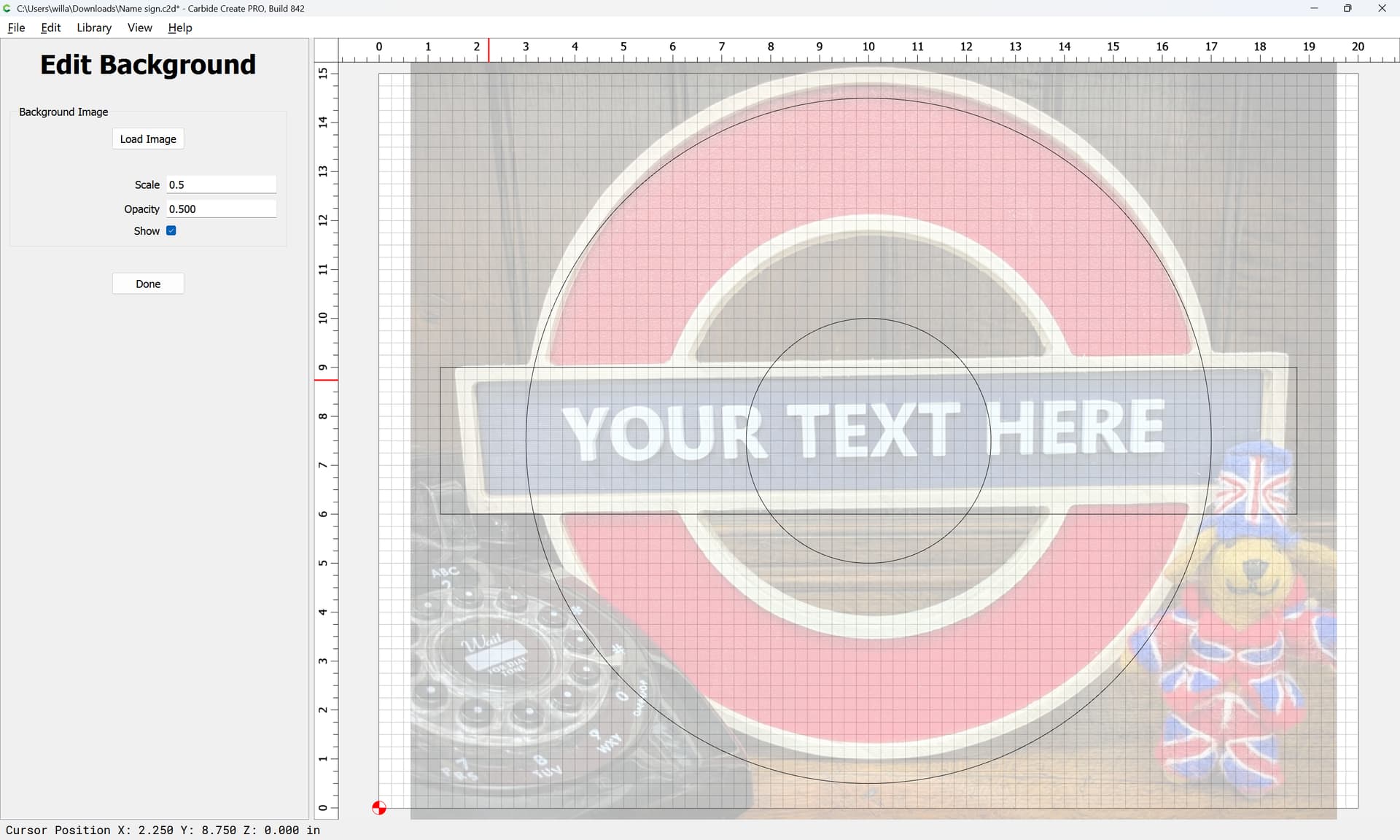
Done
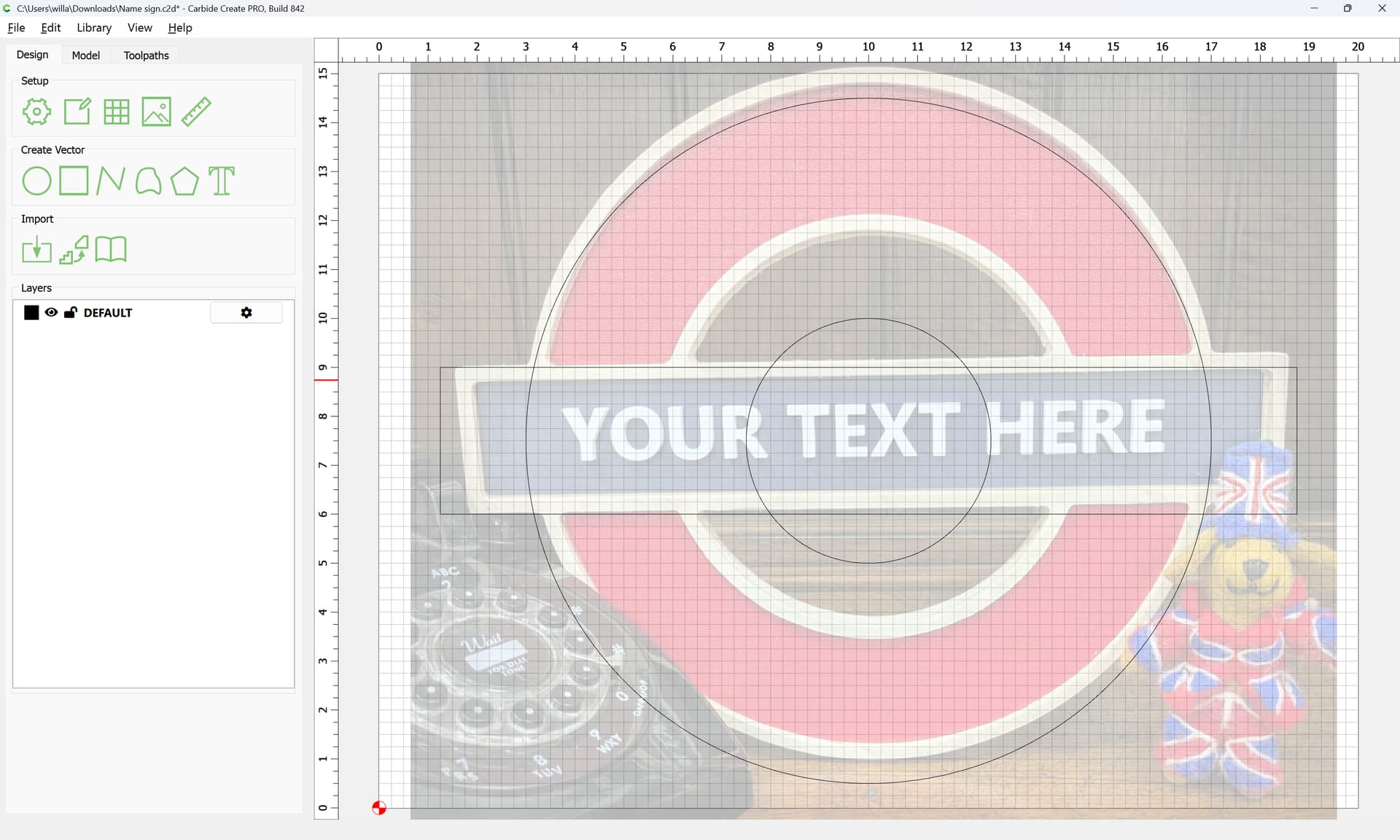
The current grid spacing is 0.25" which seems a reasonable dimension, so we make use of that when drawing the new elements (and re-drawing the central circle):
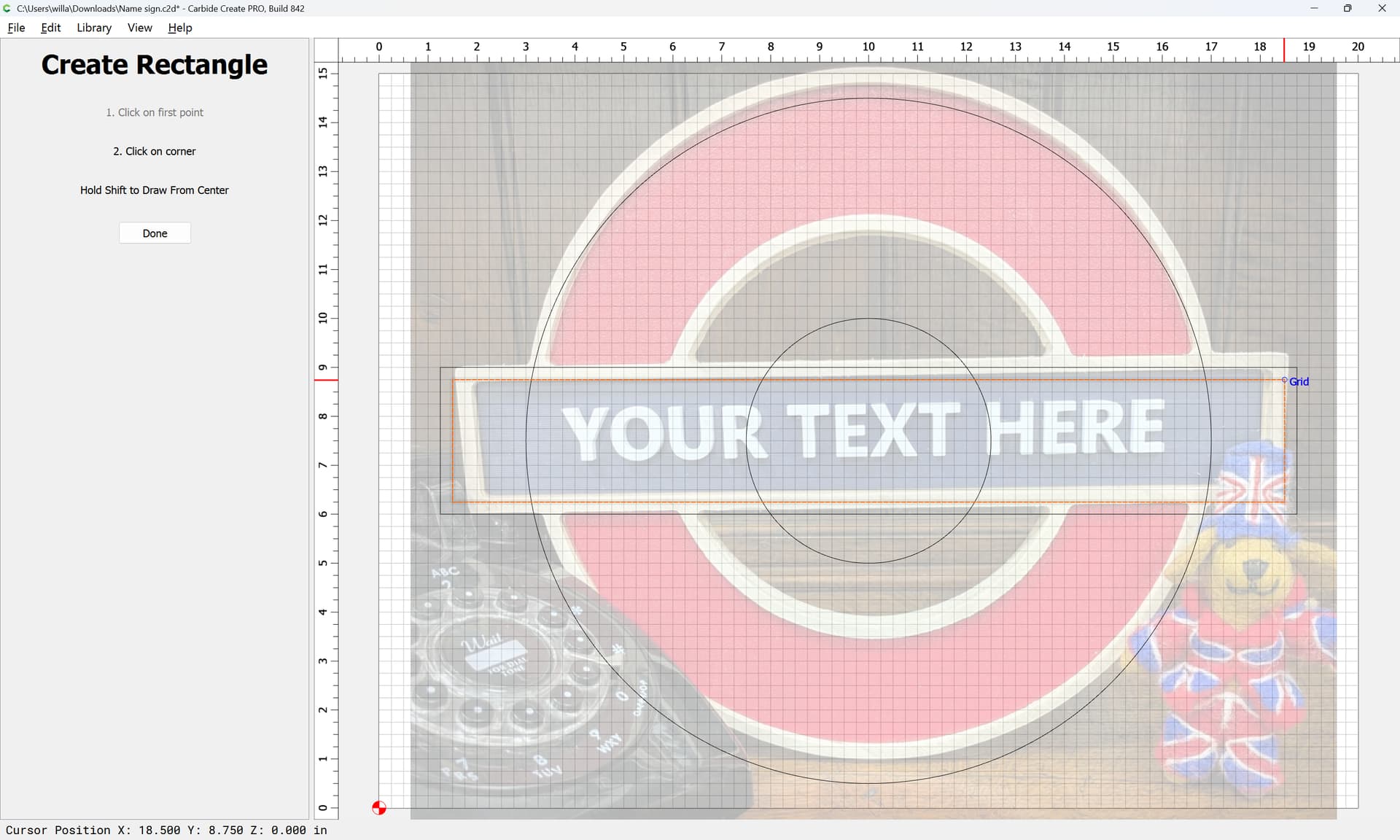
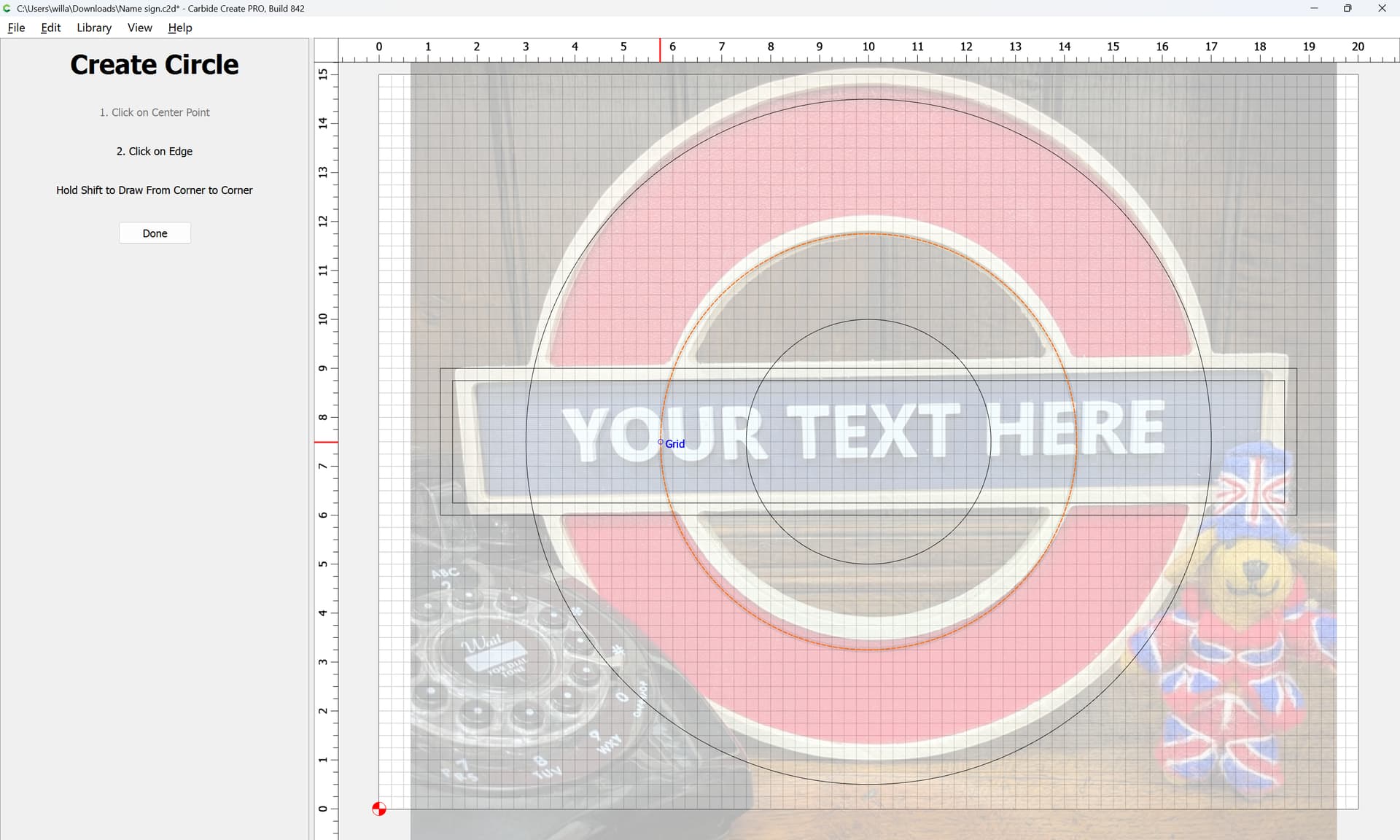

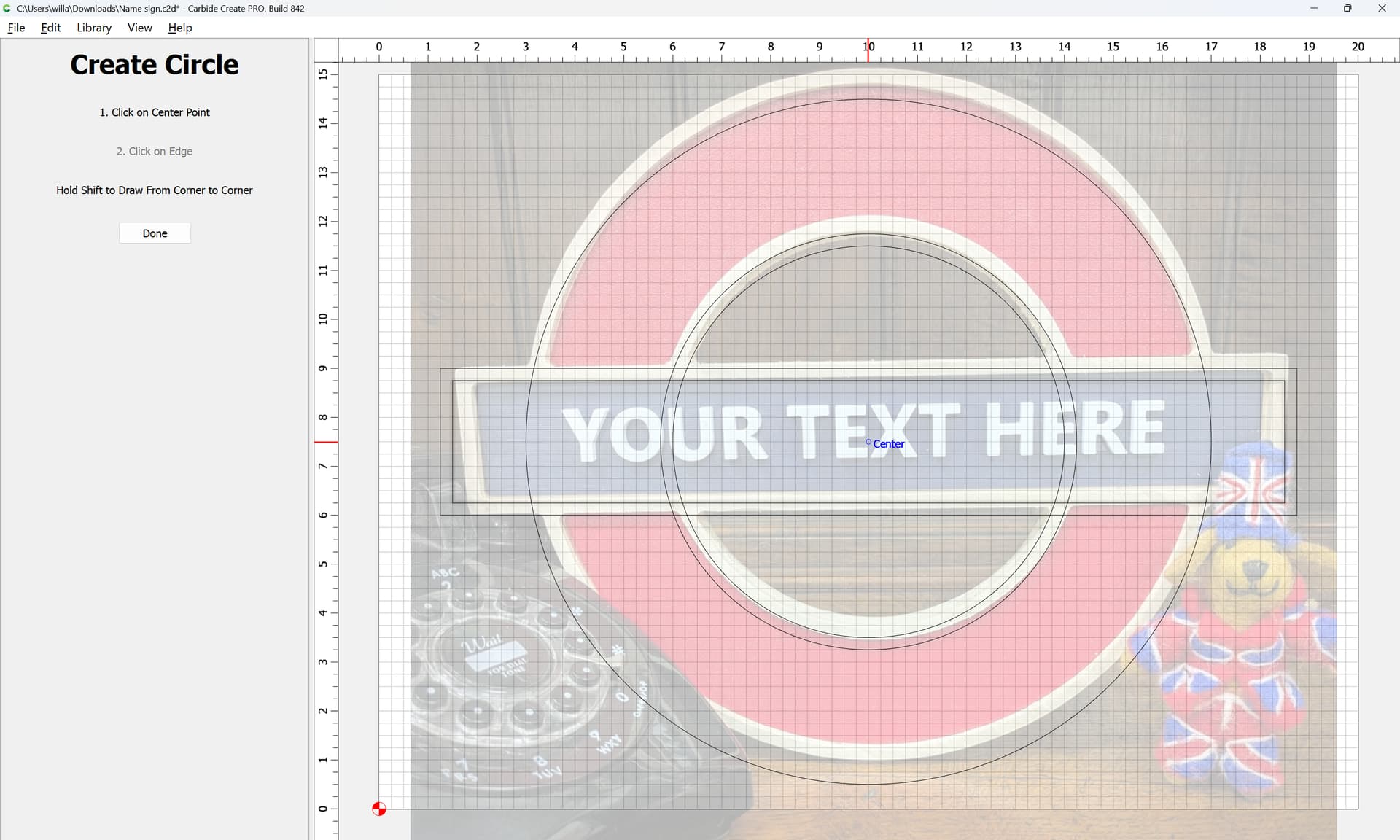
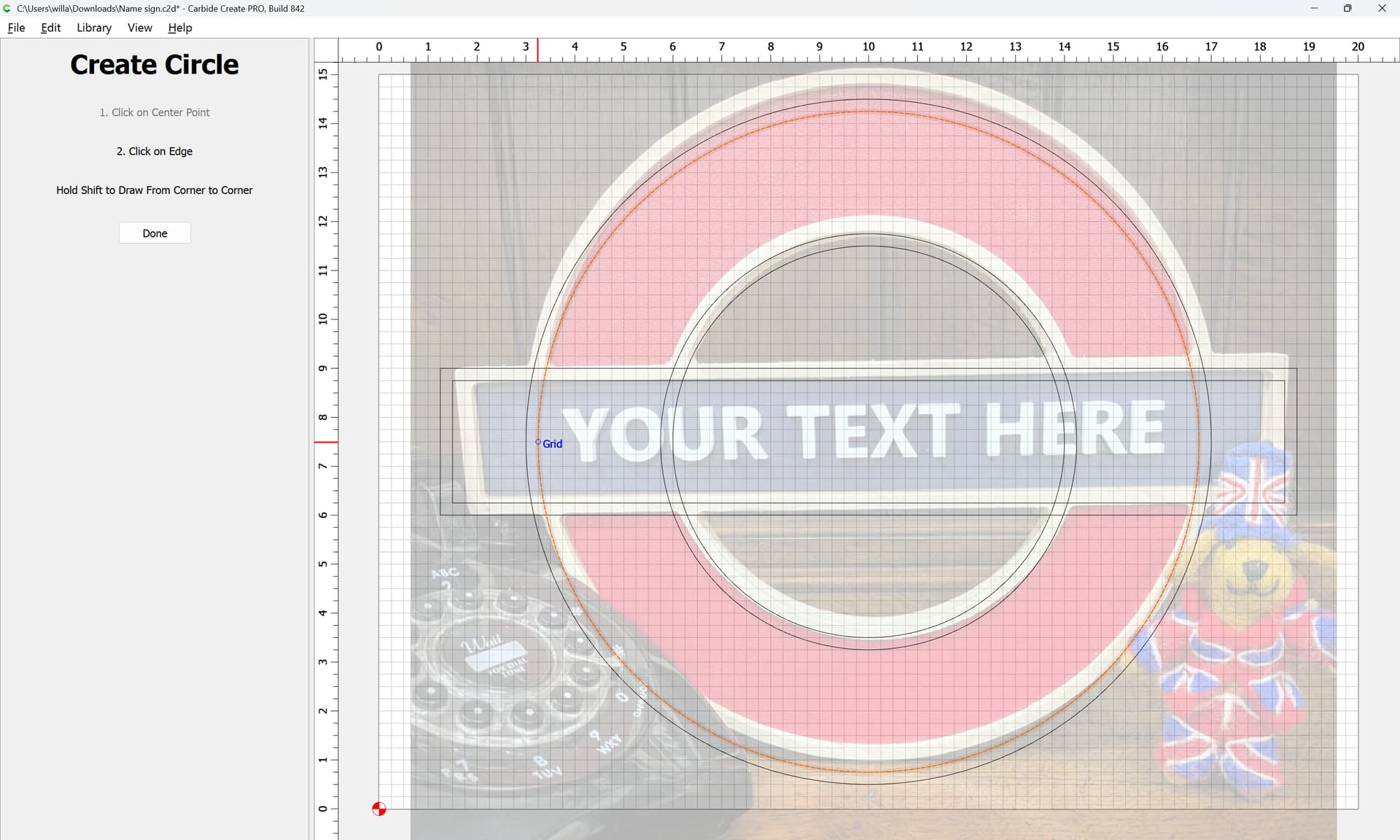
With all the geometry in place, it is then simply a matter of selecting everything:
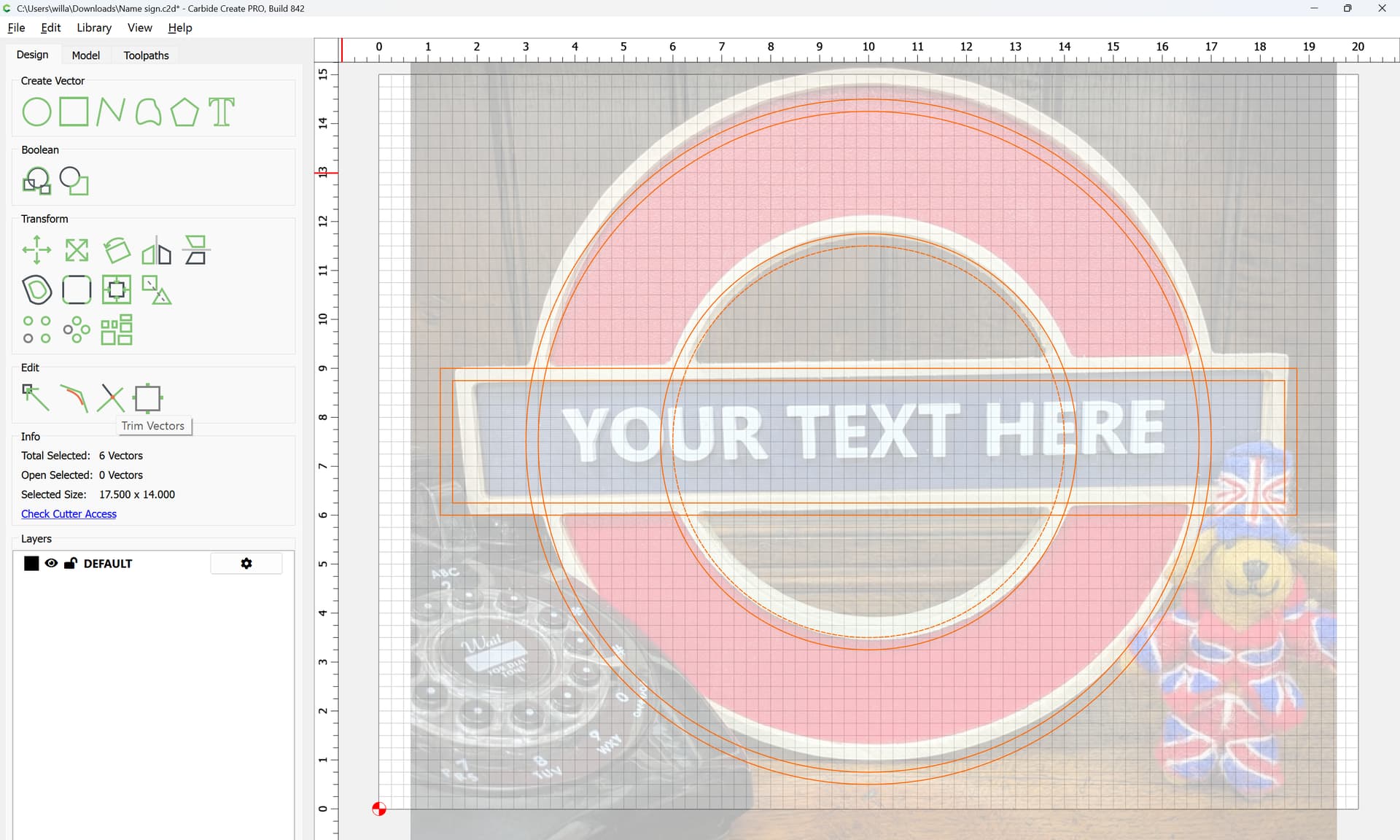
and using Trim Vectors to remove what is not wanted:
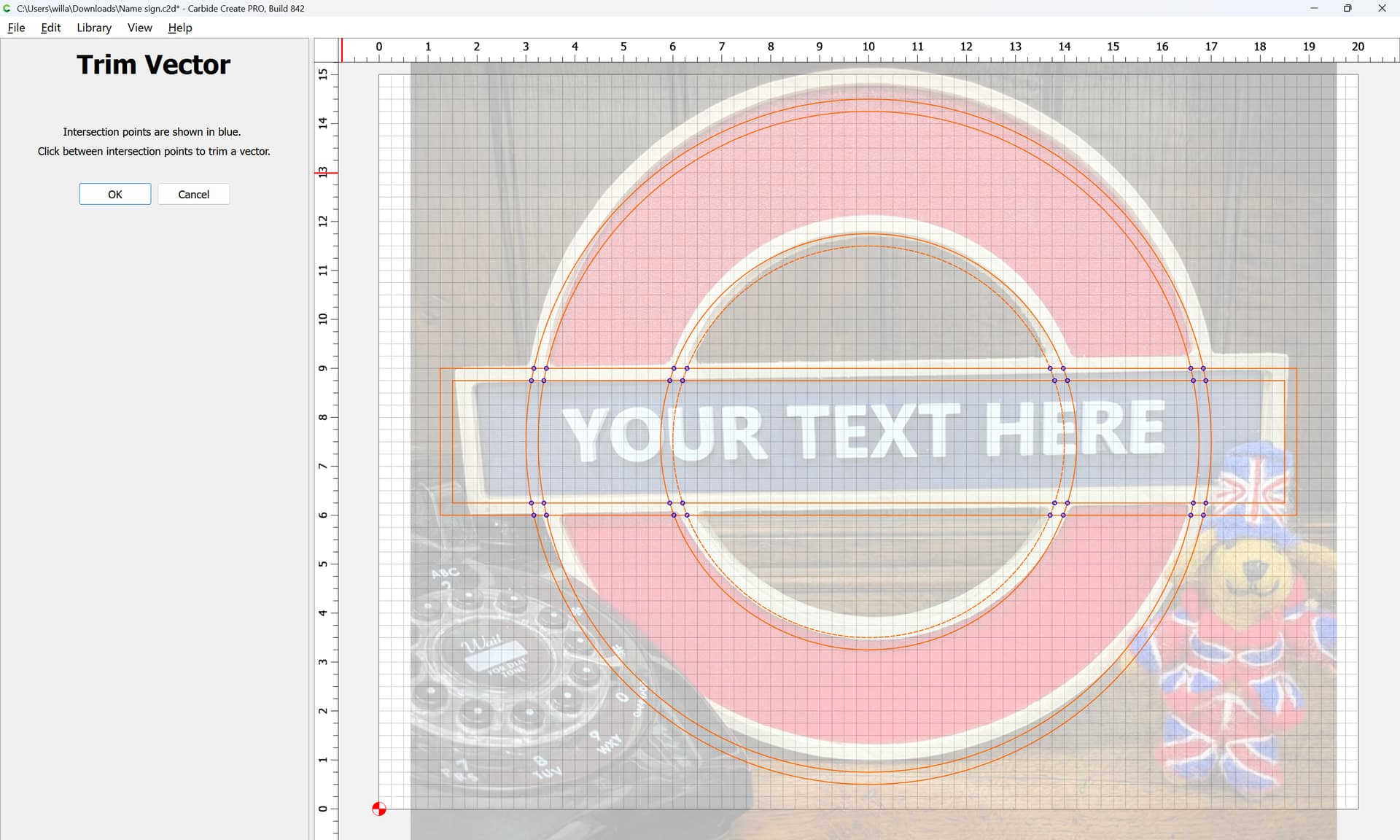
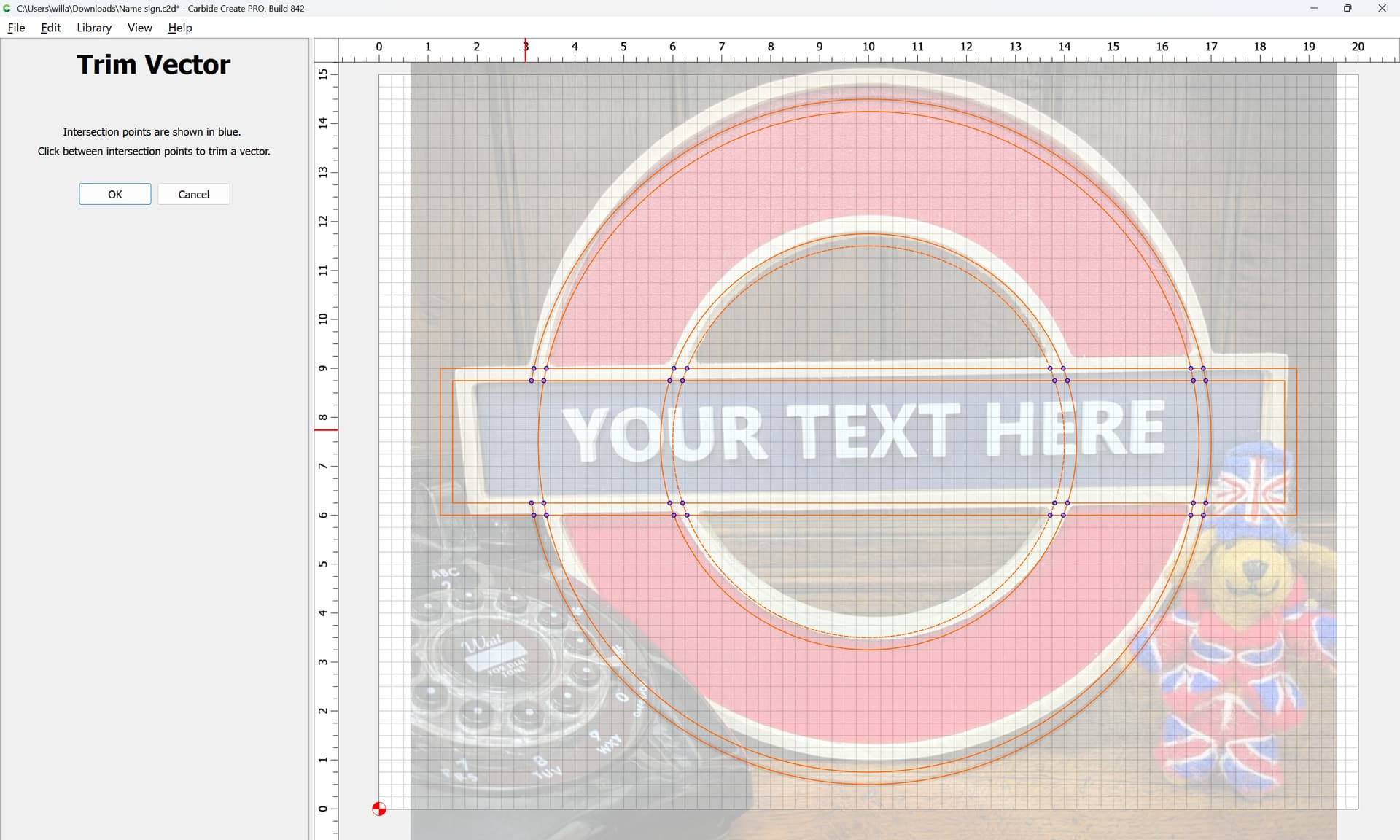

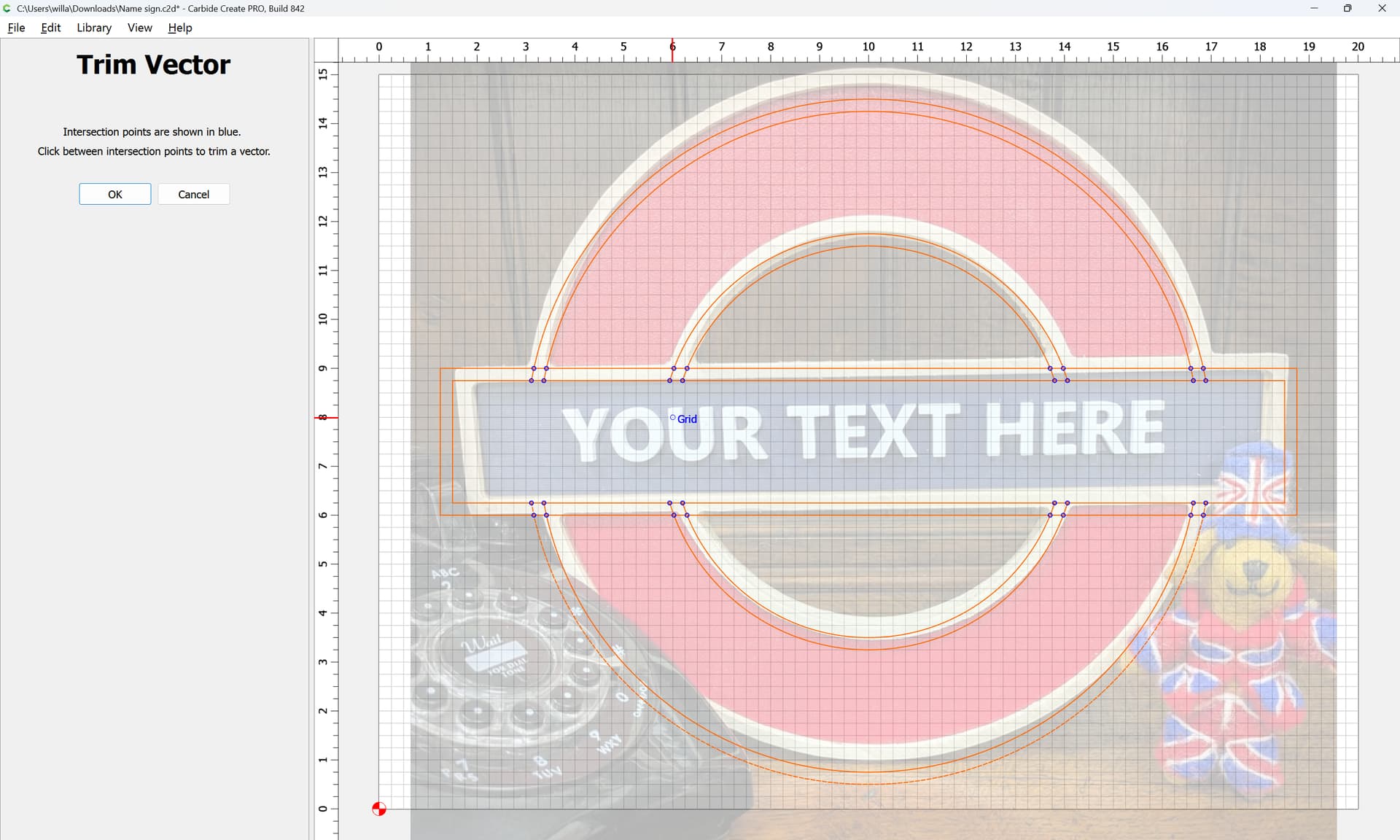
It will help to zoom in where necessary:
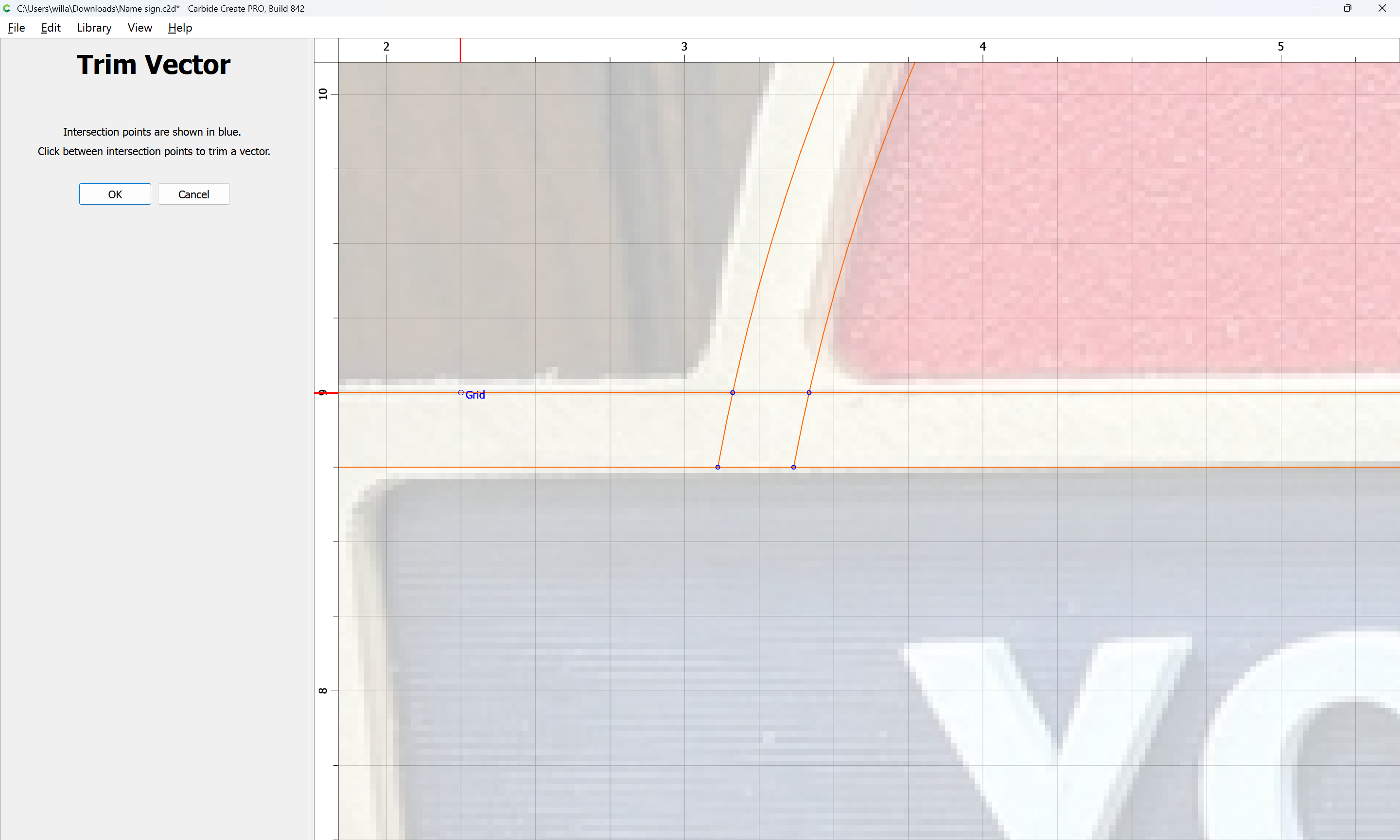

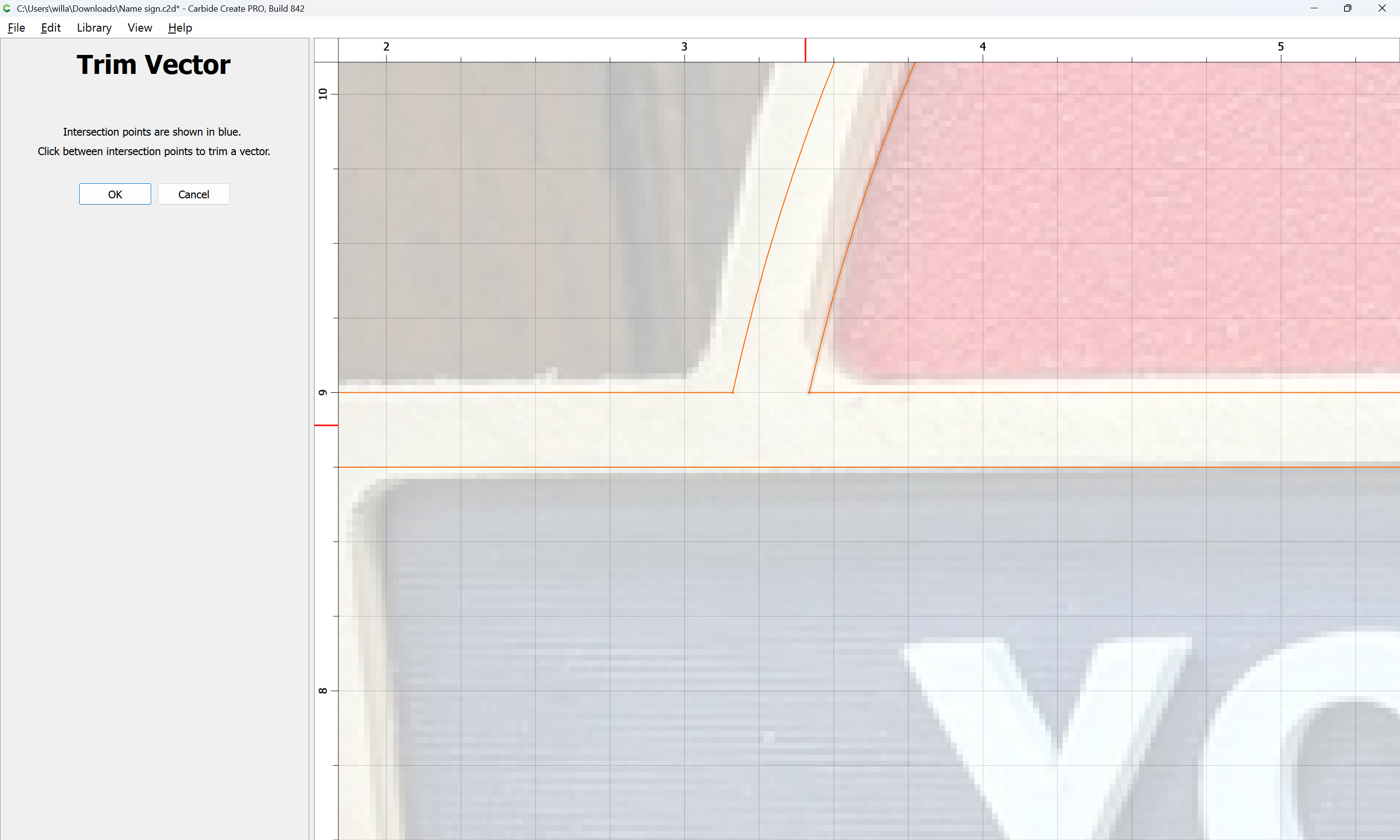
Repeating this until one arrives at:
OK
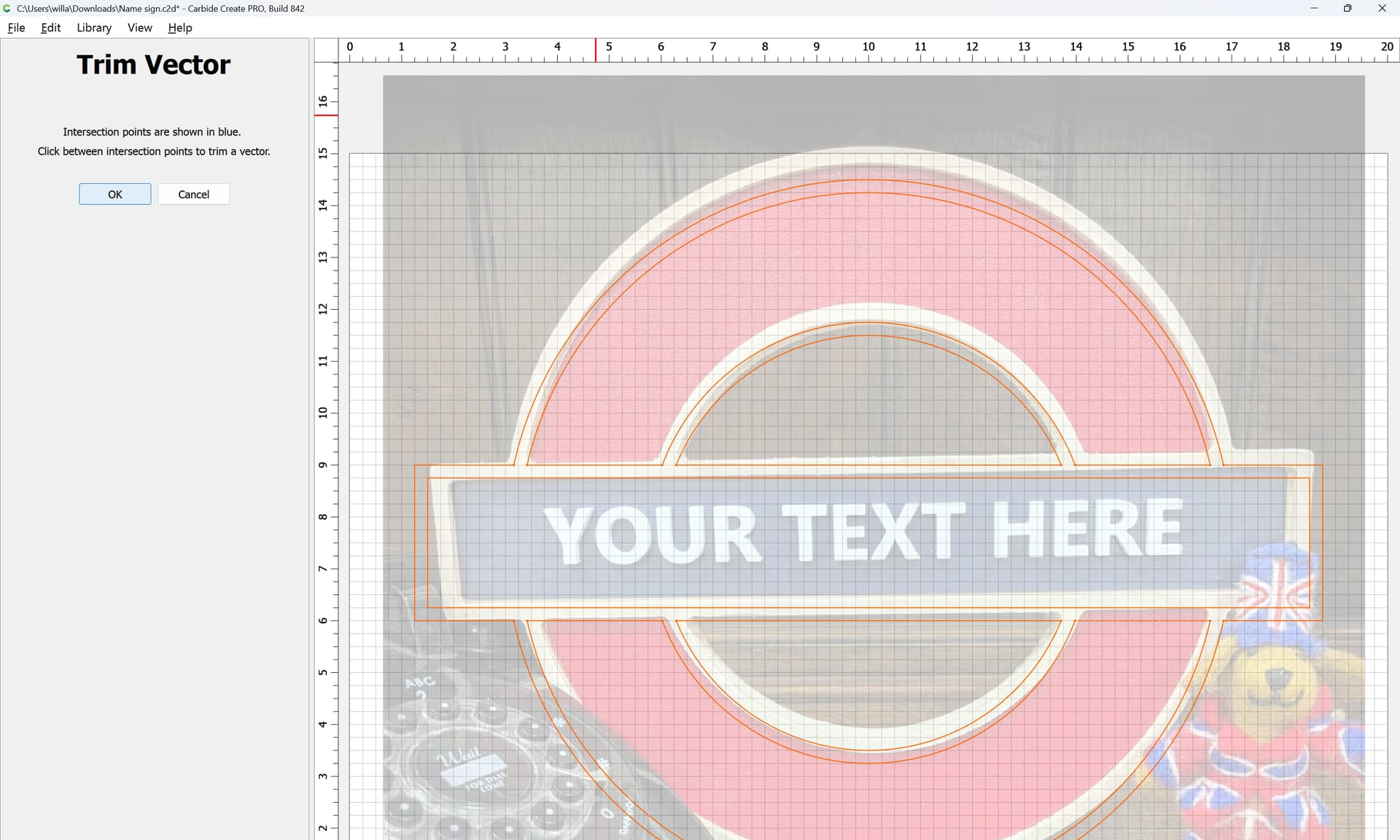
OK
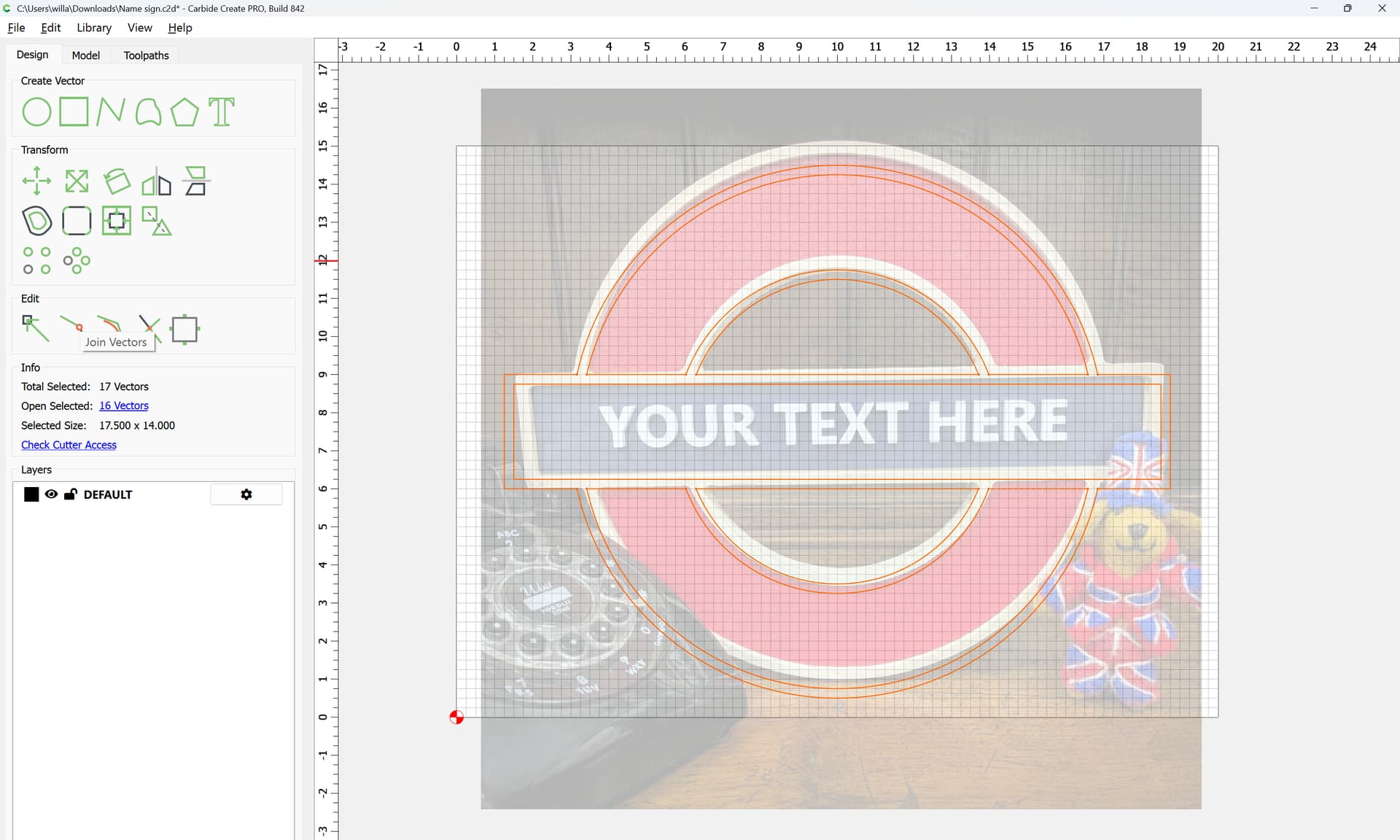
Then Join Vectors
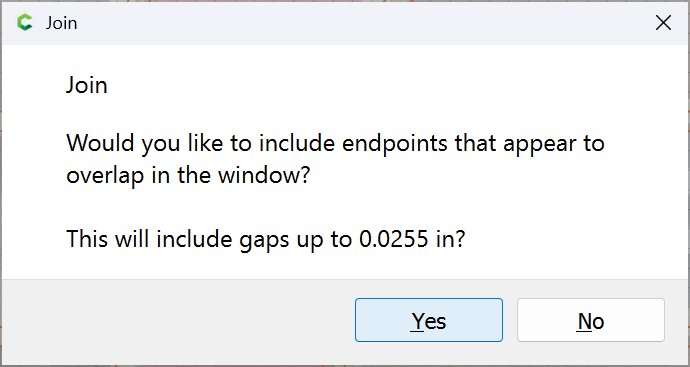
Yes
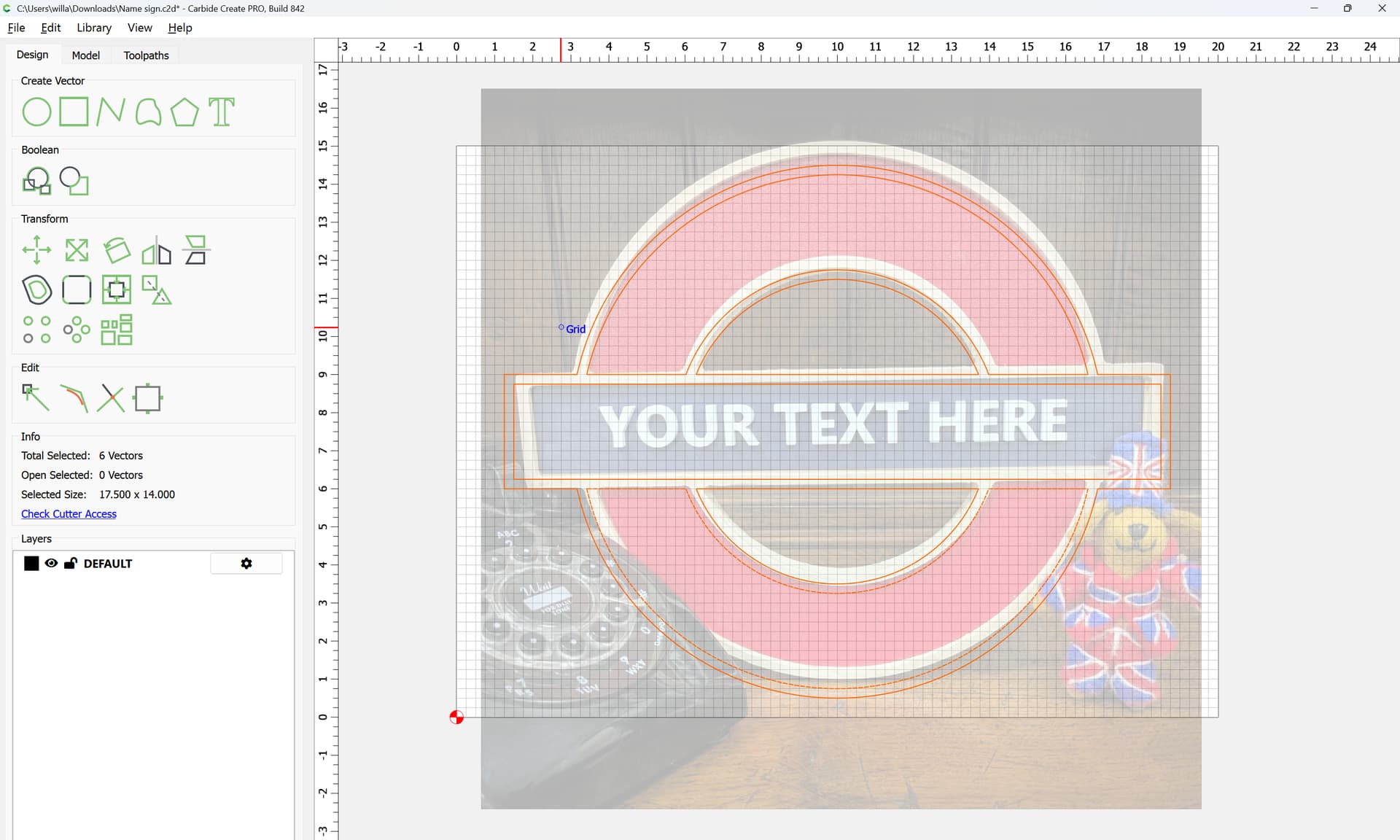
Deselecting we see that everything is black indicating closed geometry:
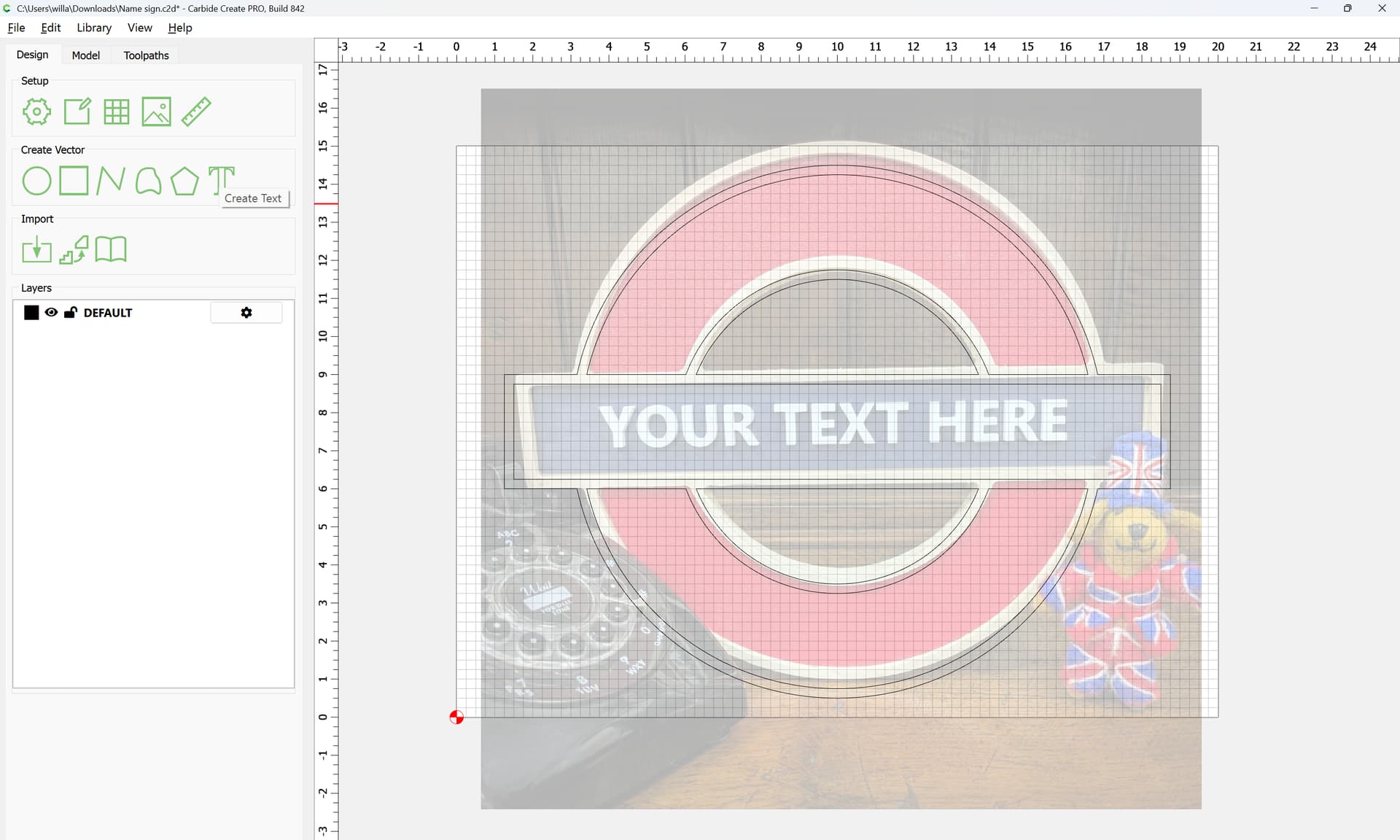
Ideally, the text would be set in Johnston, the typeface licensed by the London Underground of Eric Gill:
c.f.,
but before delving too deeply into researching note the multiple index entries under “sexuality” in his (infamous) biography.
Arguably, Gill Sans, or better still, Bliss Pro (Gill Sans all-dressed up and on its best behaviour) would be a workable alternative.

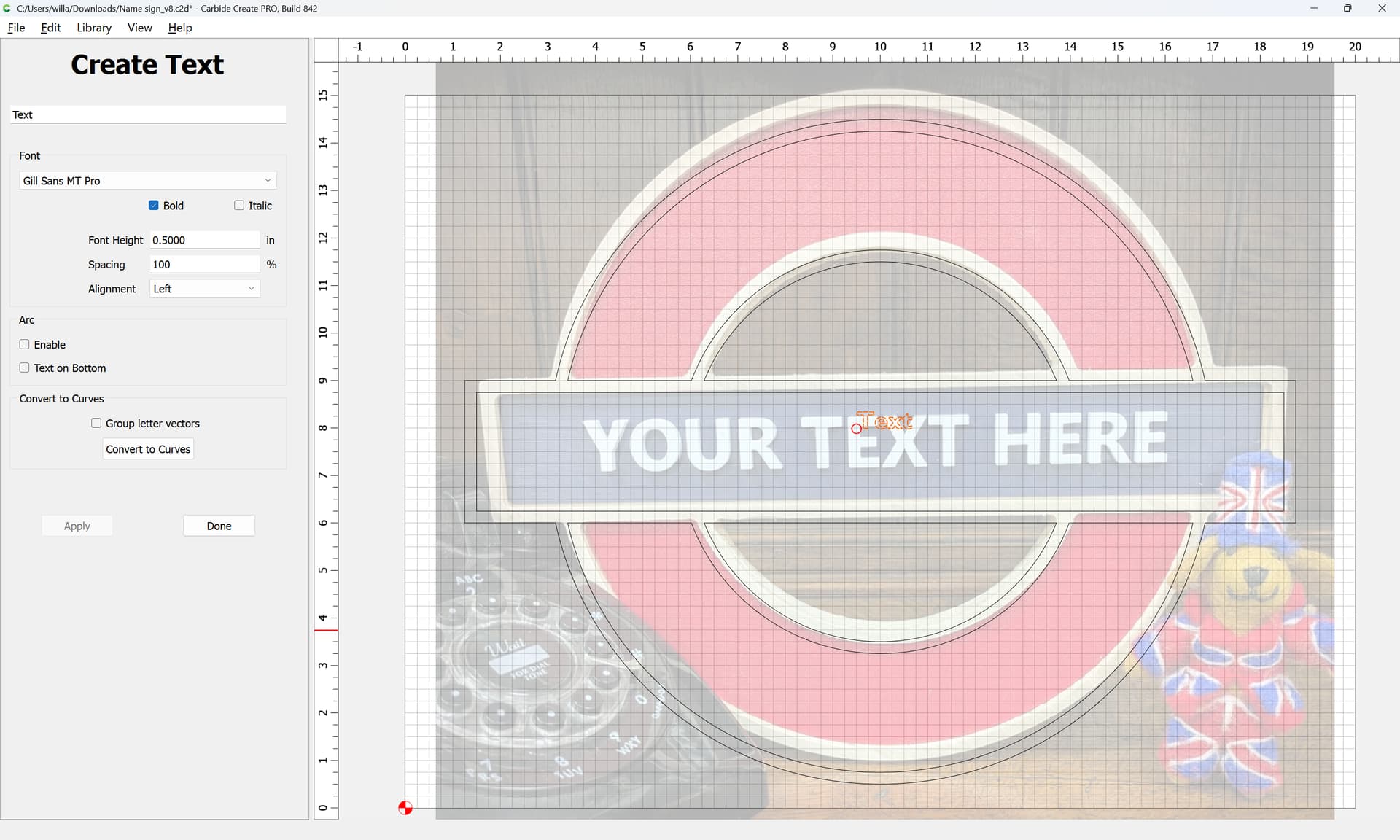
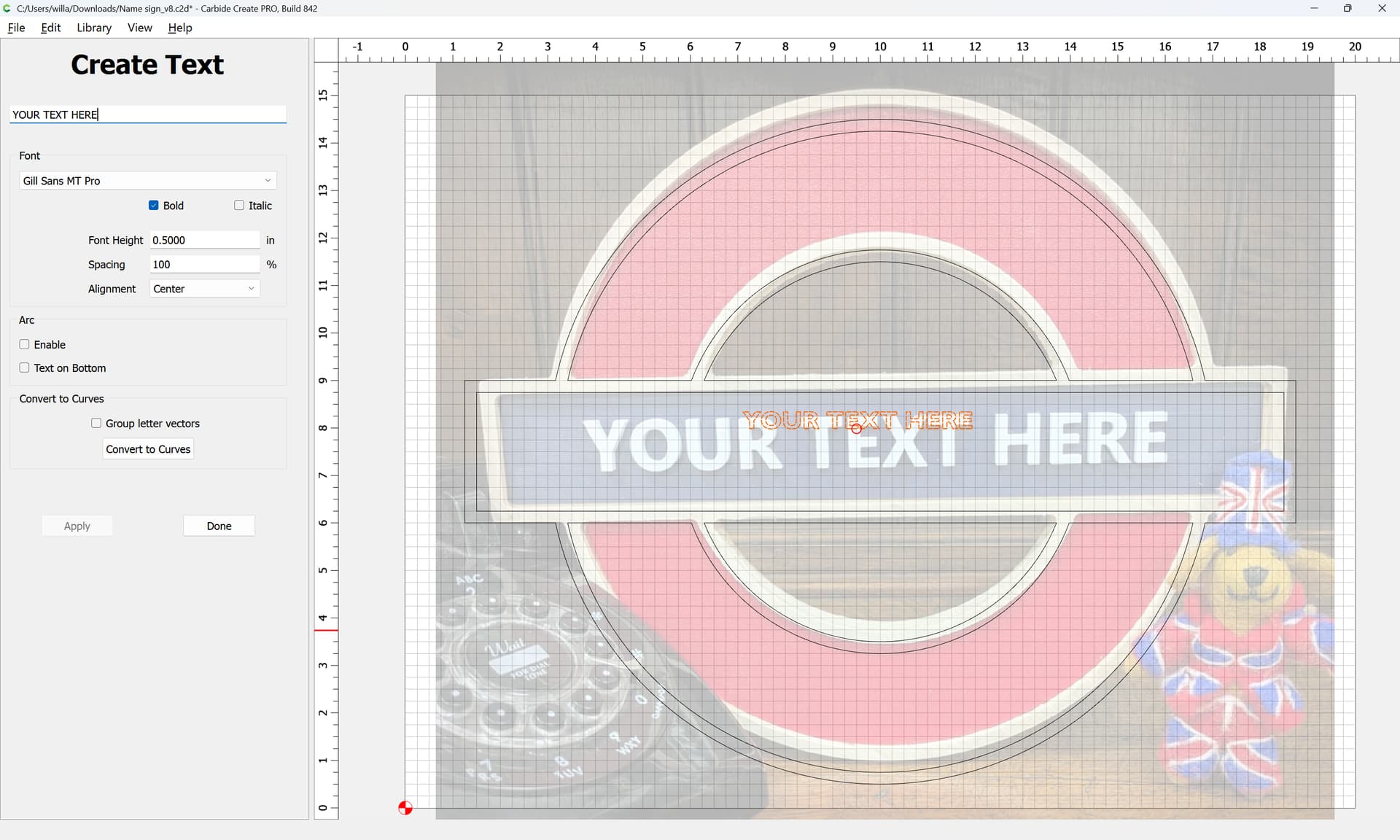
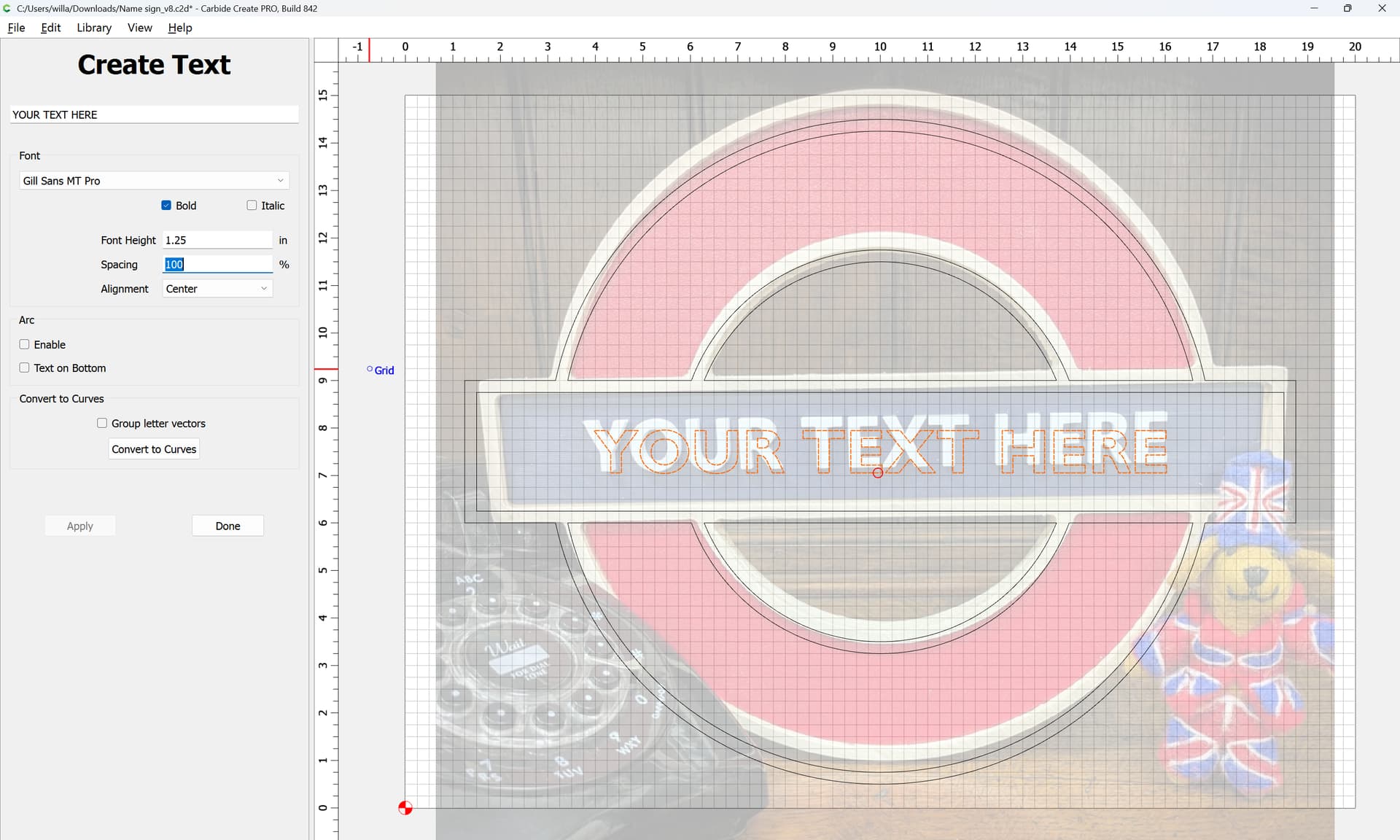
Adjust until one arrives at a reasonable size/position/proportion:
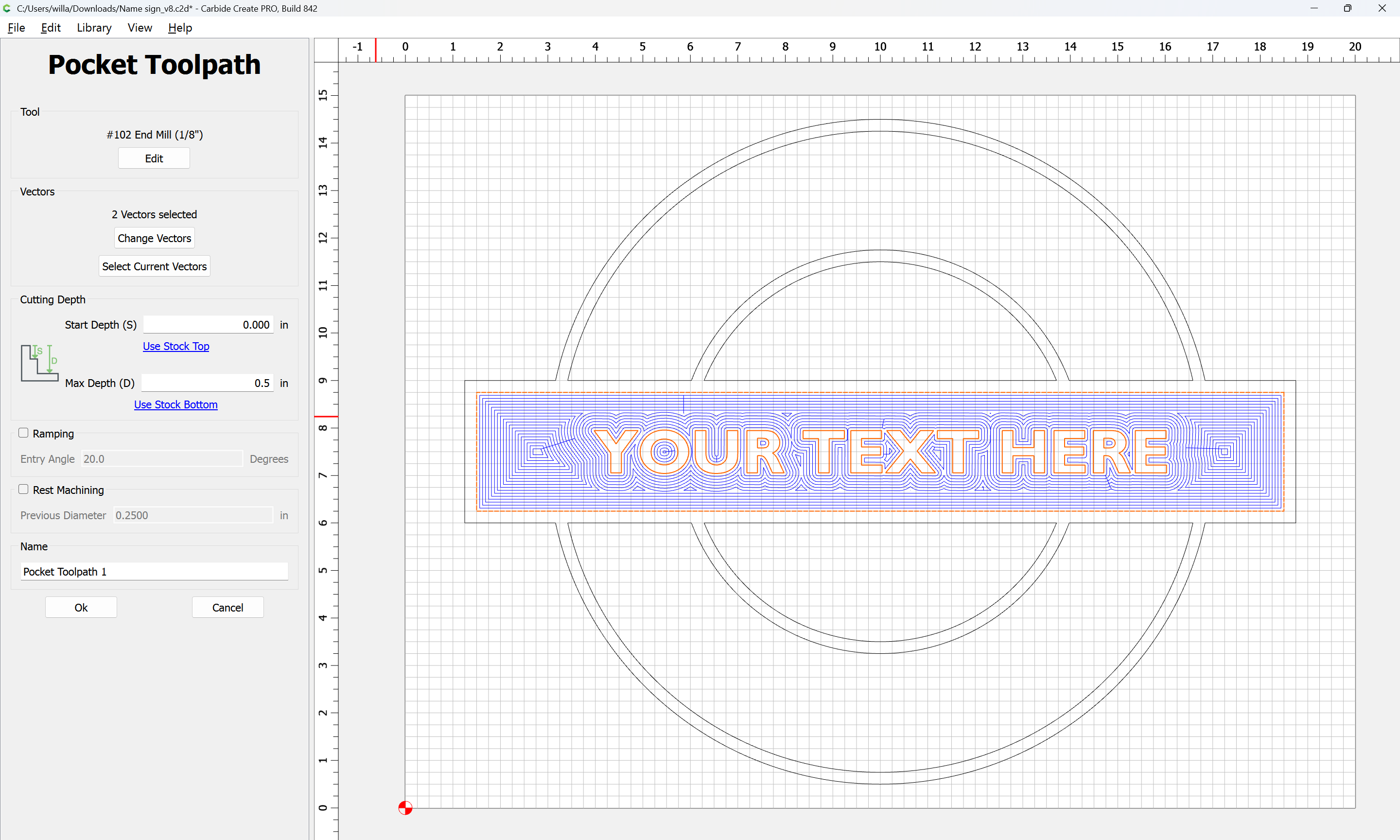
With a Stock Thickness of 1.5", probably a depth of 0.5" will be workable, and this should also allow a #102 to be used:
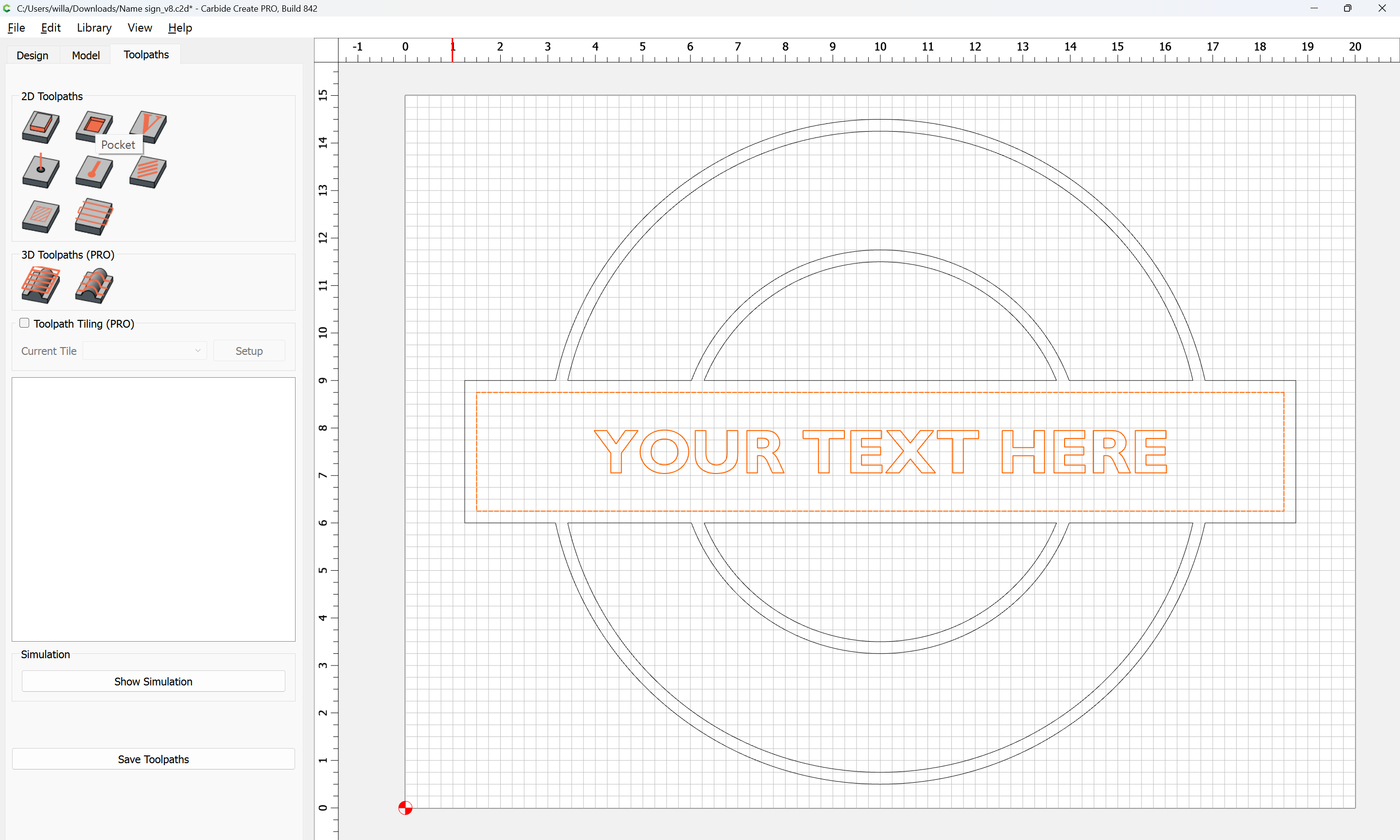
Assign a Pocket toopath to the desired depth:
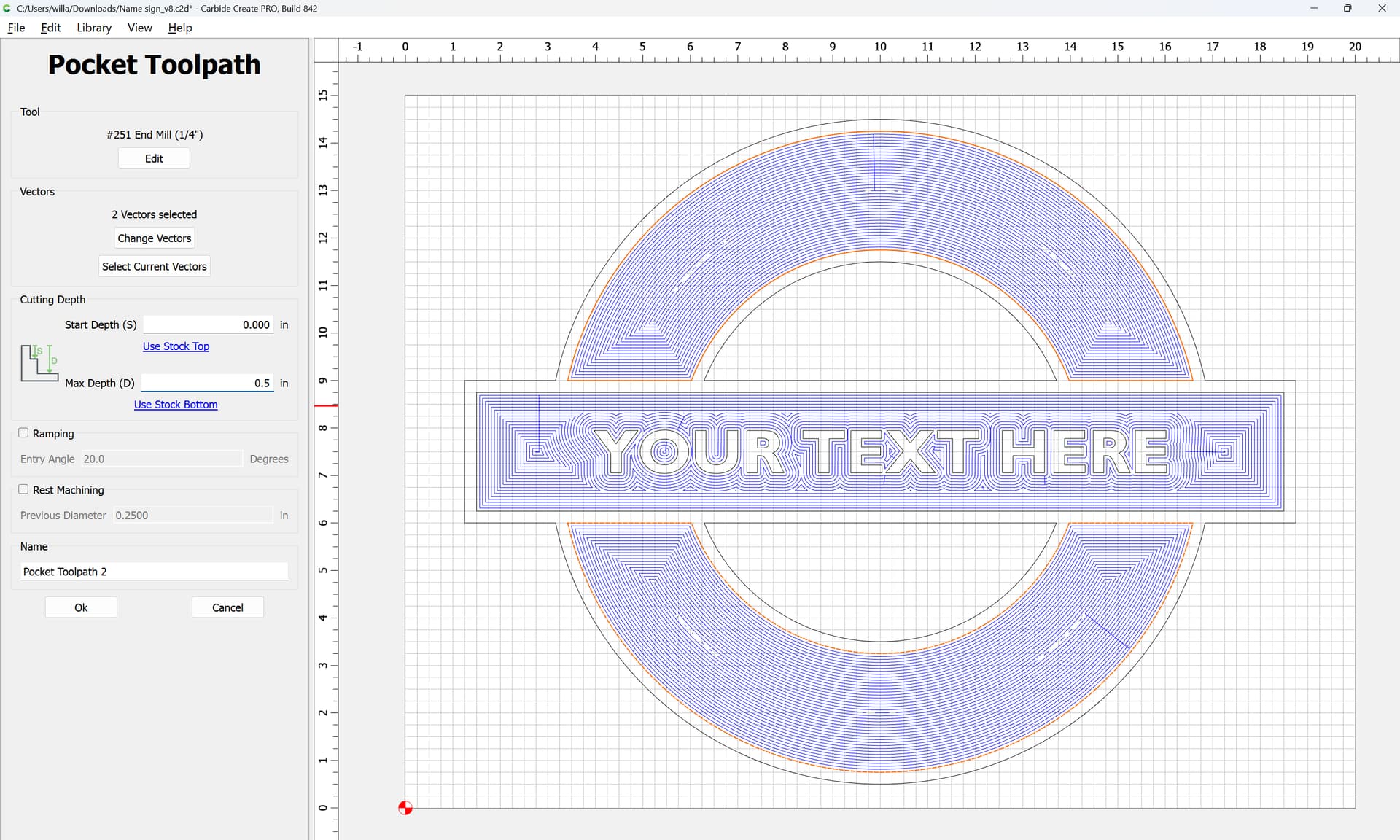
For the other regions, a larger tool may be used to reduce time:
For actually cutting things out, a “Long Reach” tool will be necessary, and best practice would be to offset to the outside by endmill diameter plus 10%:
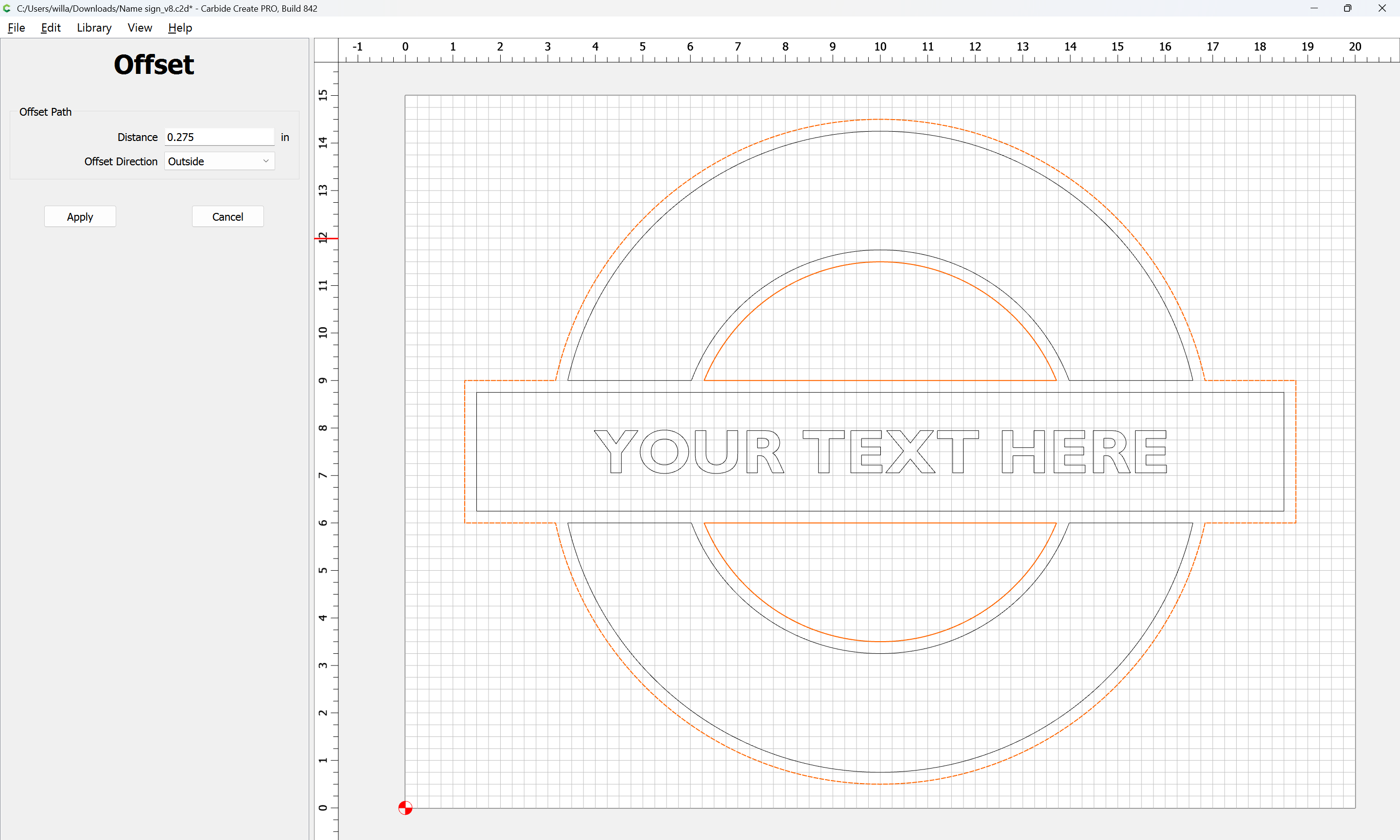
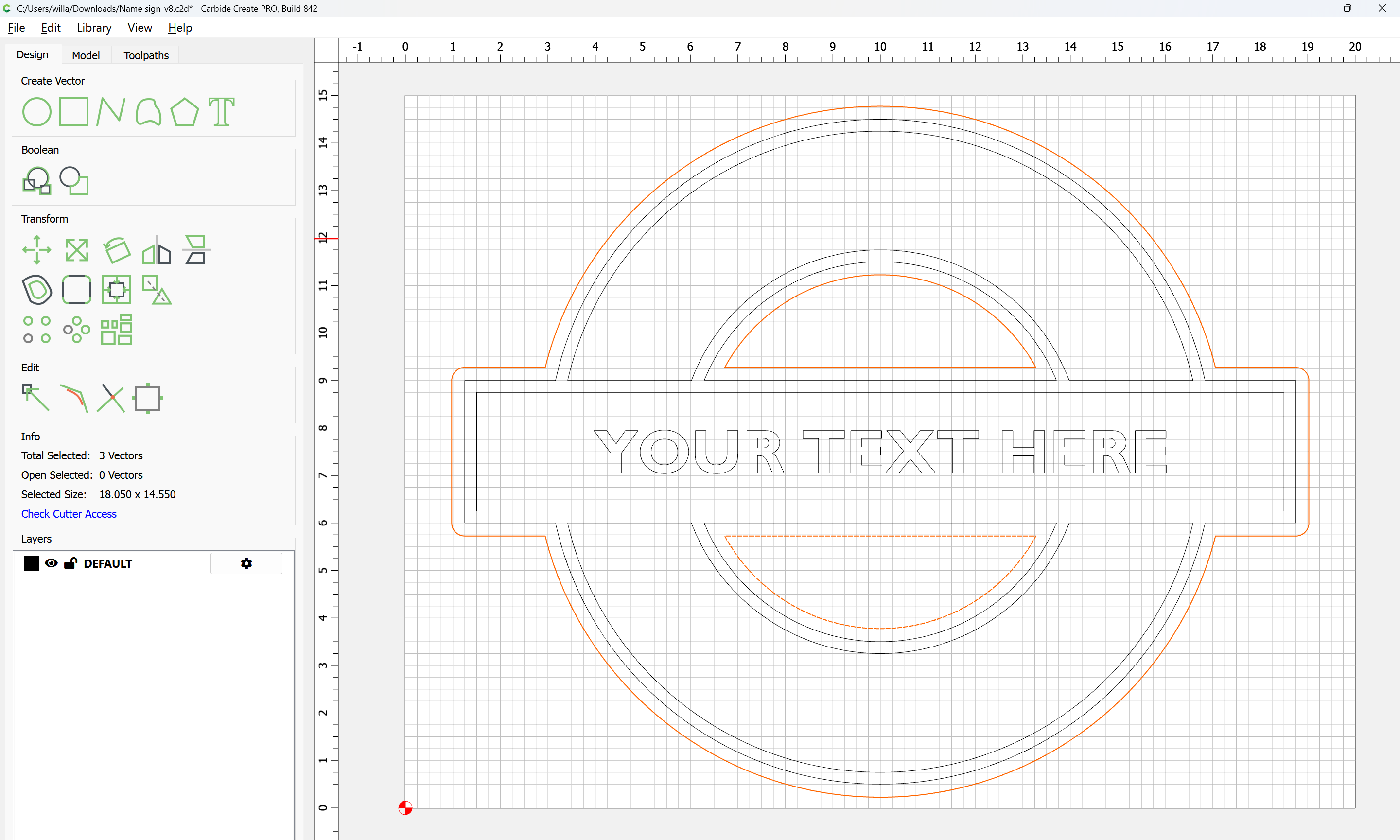
then cut as a pocket down to tab height:
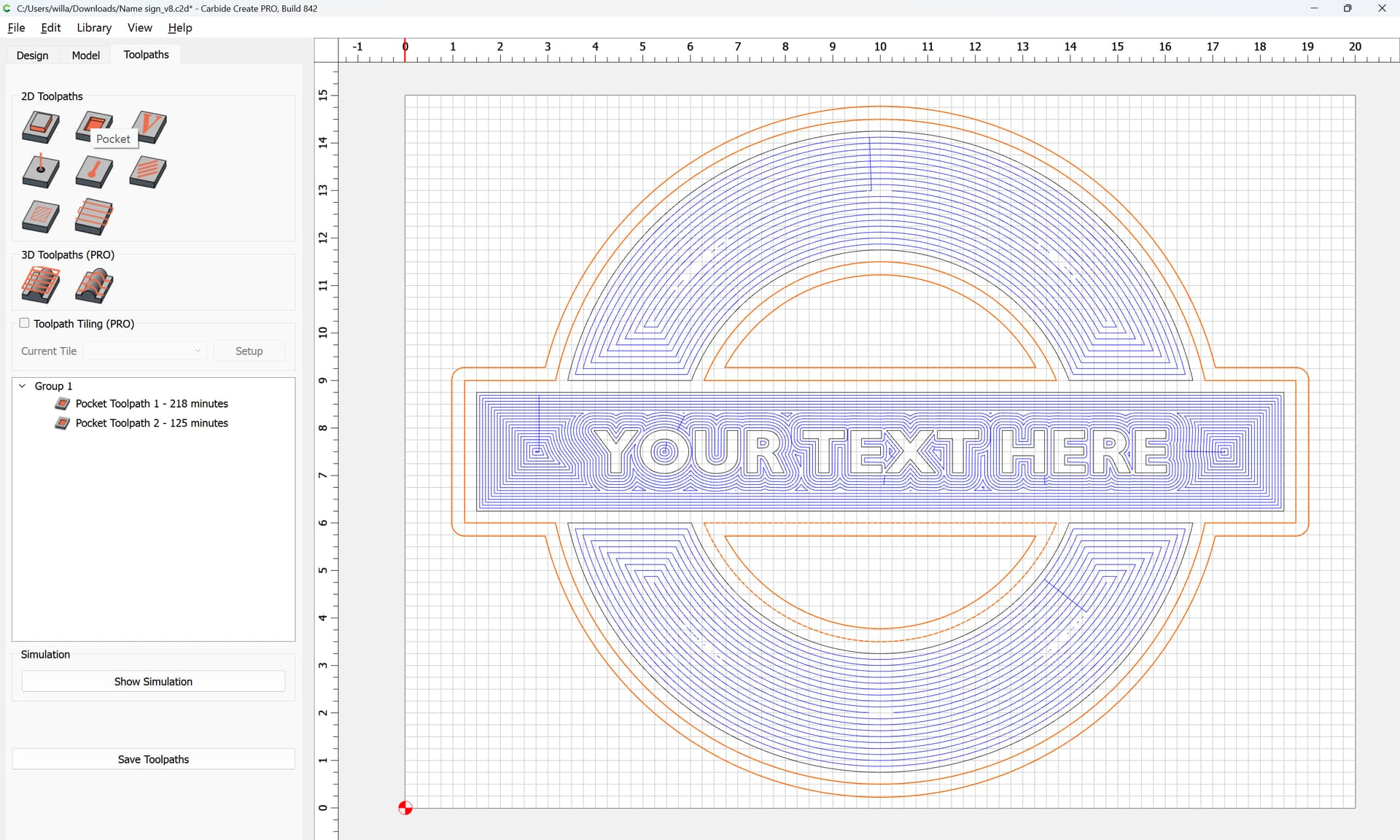
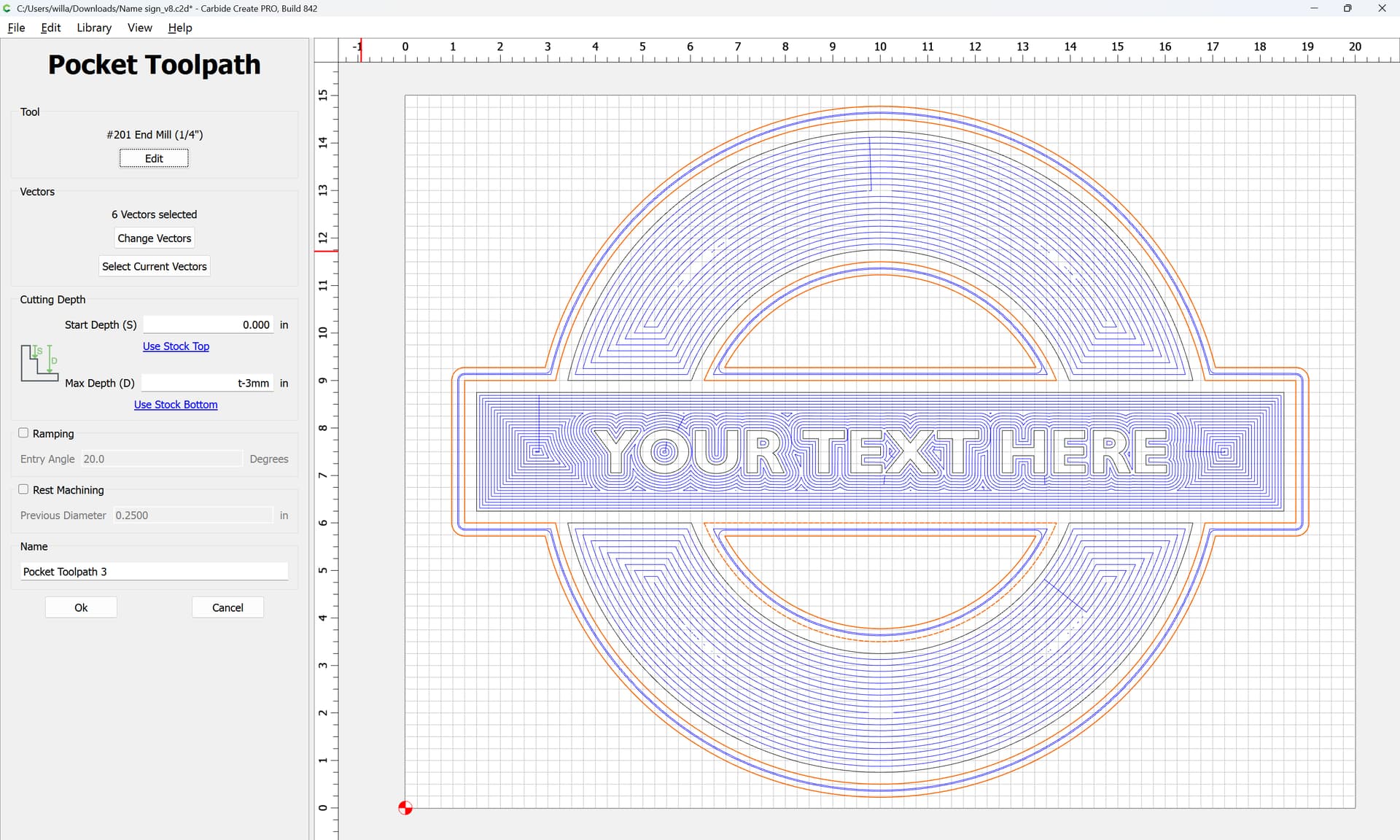
(Note that a #201 will not make this cut — it will be necessary to source a suitable 1/4" long reach tool w/ 1.5" of cutting flute length — also, feeds and speeds will need to be adjusted for the material/tooling used)
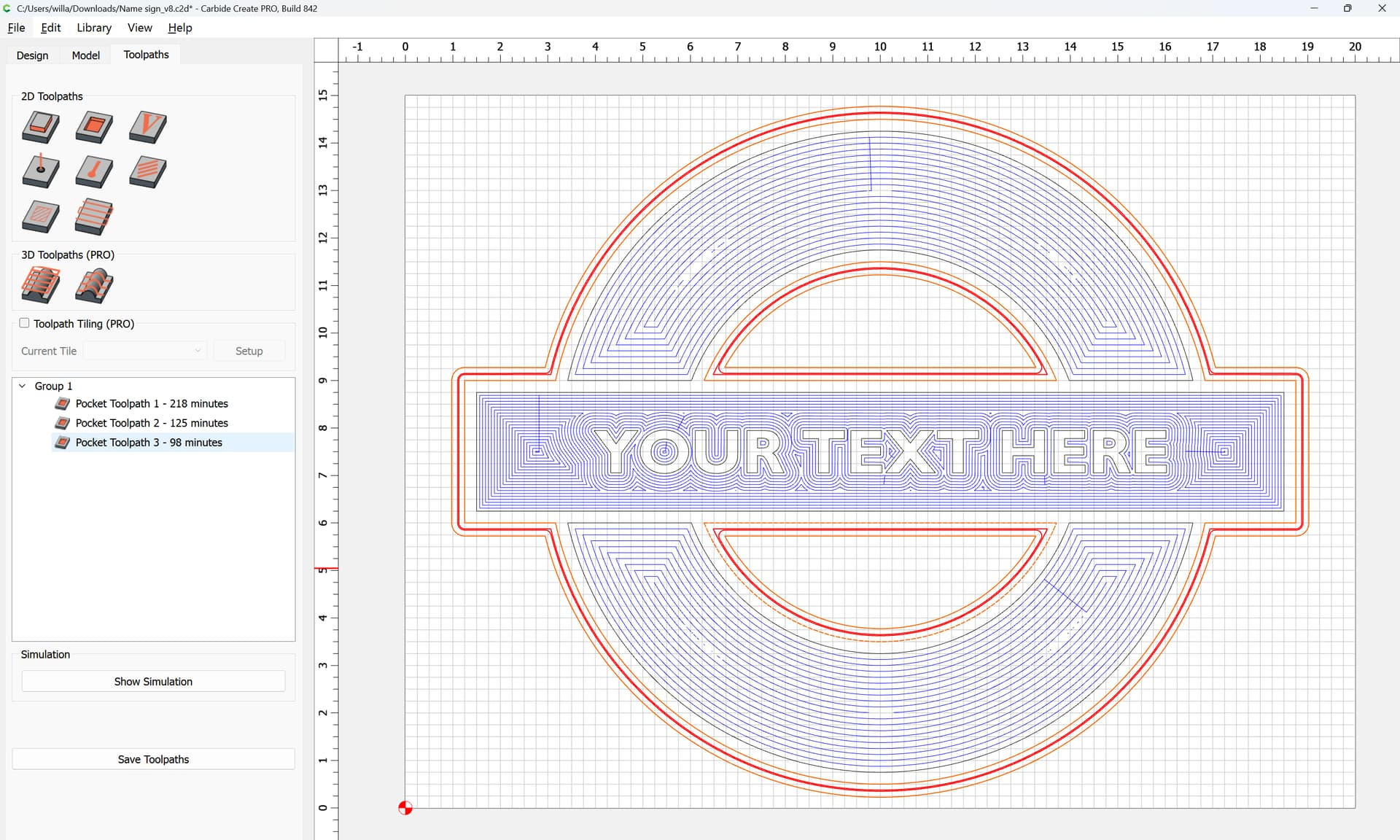
Then, select the original geometry and make a Finishing Outside Contour cut:
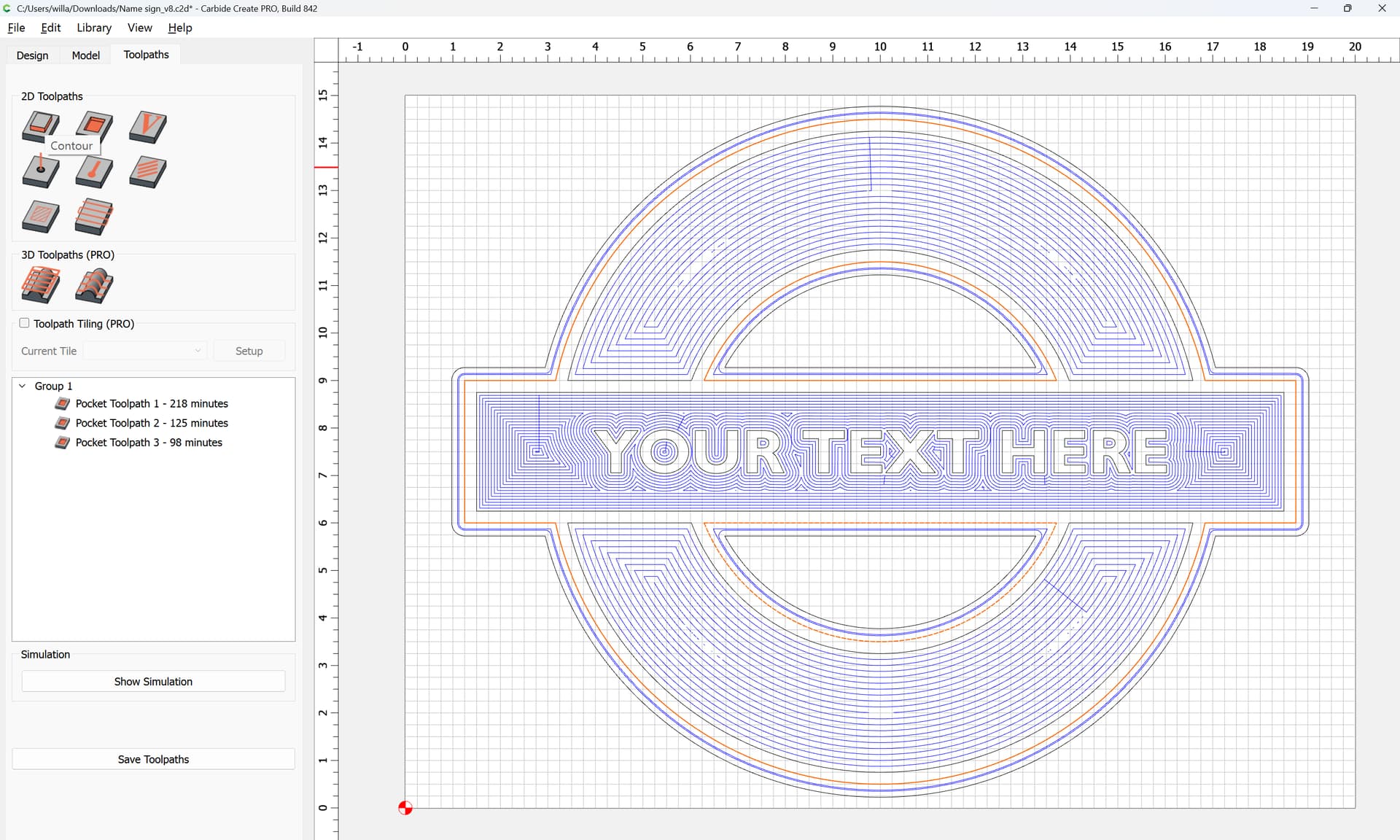
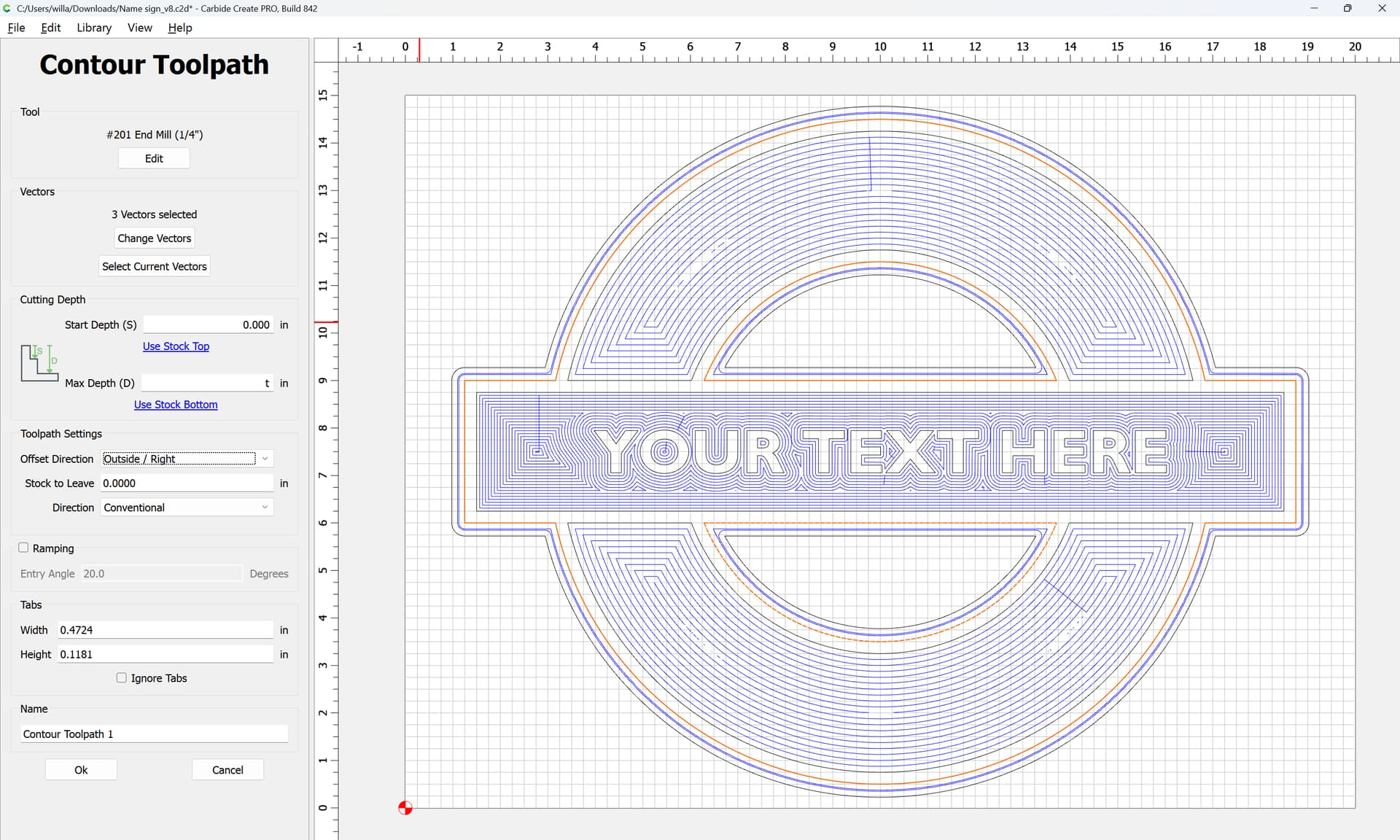
which previews as:
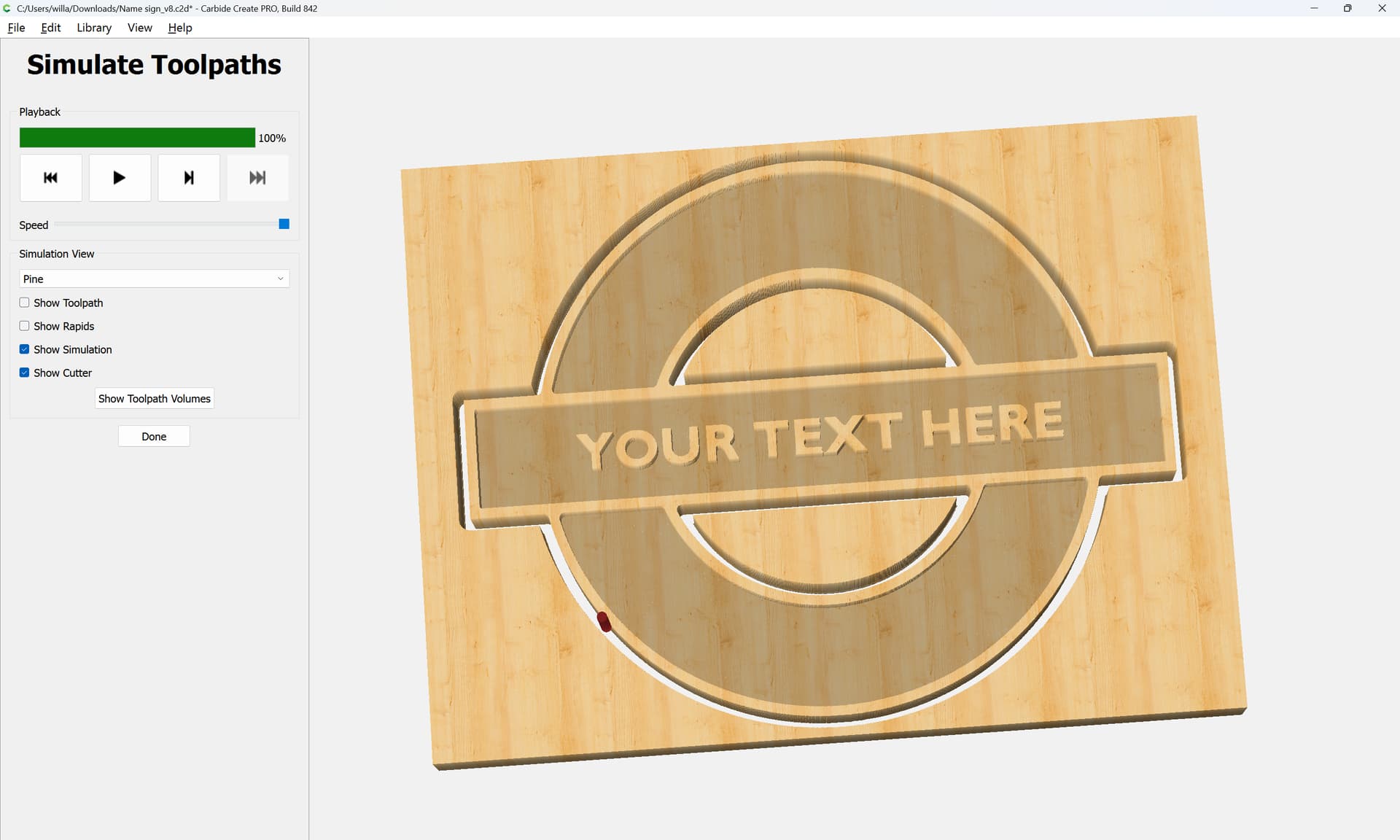
Adding tabs if necessary is left as an exercise for the reader, as is adjusting the feeds and speeds and tooling selections.
c.f.,